Microsoft Power Point AnimationVer 2010 NTU Toastmasters Index
- Slides: 63
Microsoft Power. Point Animation(Ver. 2010) NTU Toastmasters
Index Part#1: Fundamentals Part#2: Simple Animations
Fundamentals #1: Textboxes
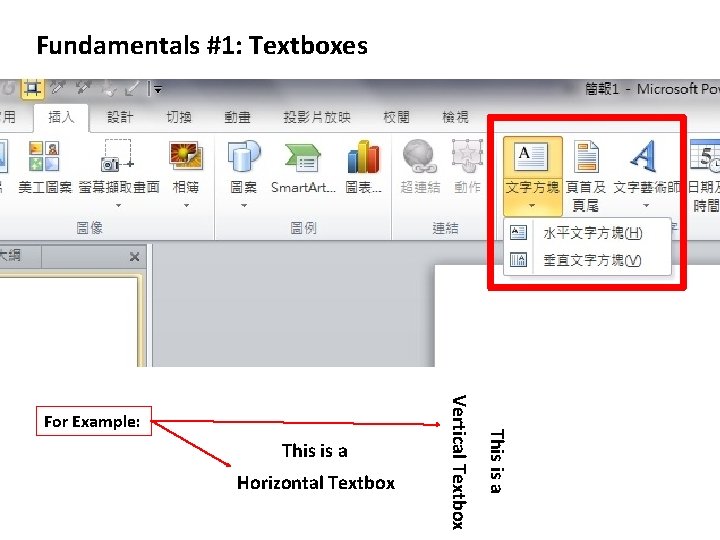
Fundamentals #1: Textboxes Horizontal Textbox This is a Vertical Textbox For Example:
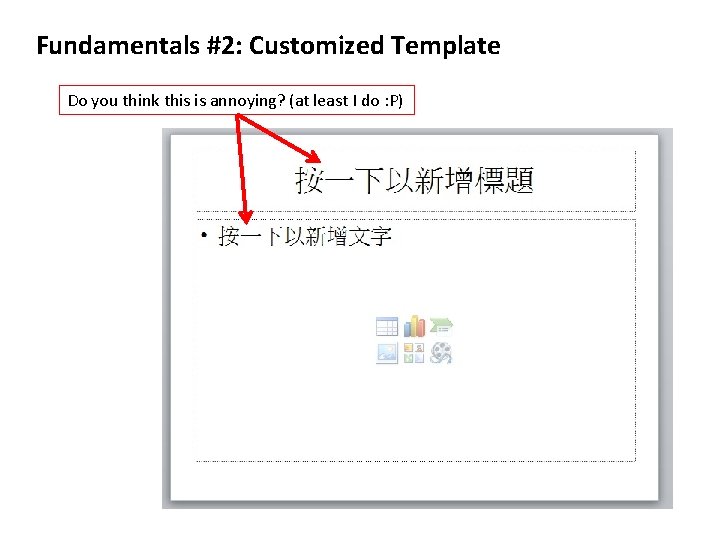
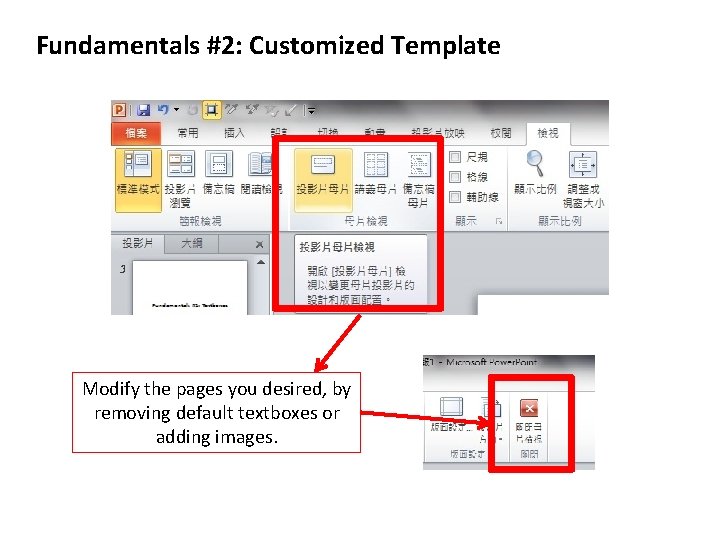
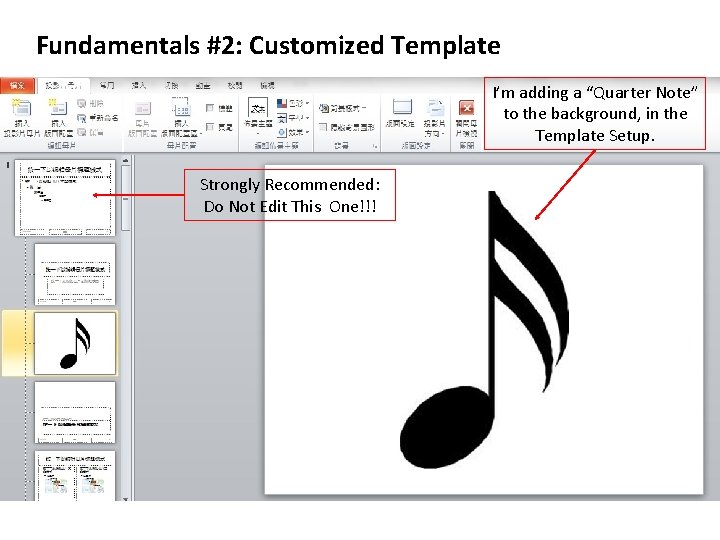
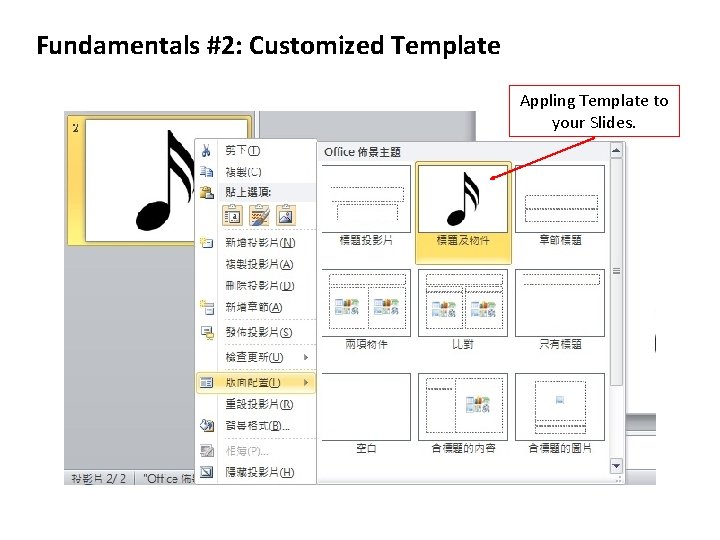
Fundamentals #2: Customized Template
Fundamentals #2: Customized Template Do you think this is annoying? (at least I do : P)
Fundamentals #2: Customized Template Modify the pages you desired, by removing default textboxes or adding images.
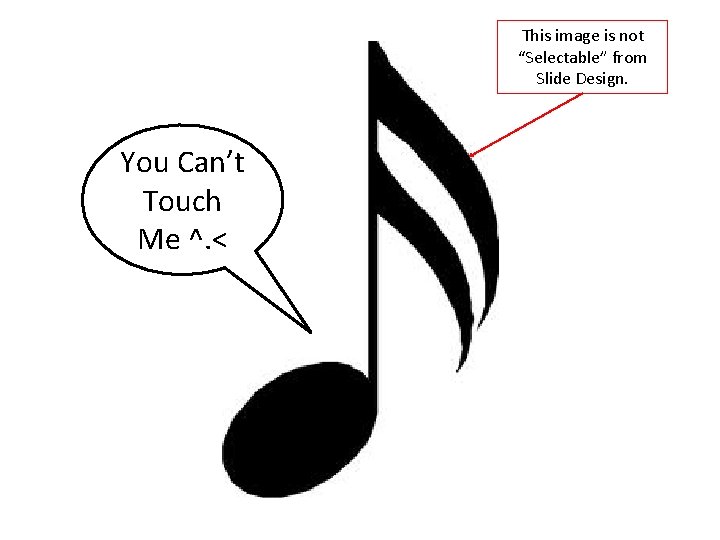
Fundamentals #2: Customized Template I’m adding a “Quarter Note” to the background, in the Template Setup. Strongly Recommended: Do Not Edit This One!!!
Fundamentals #2: Customized Template Appling Template to your Slides.
This image is not “Selectable” from Slide Design. You Can’t Touch Me ^. <
Fundamentals #3: Short-Cut Keys
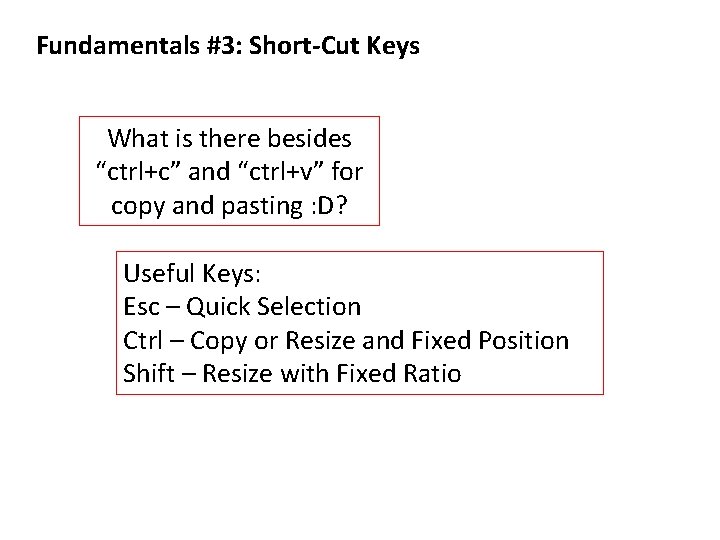
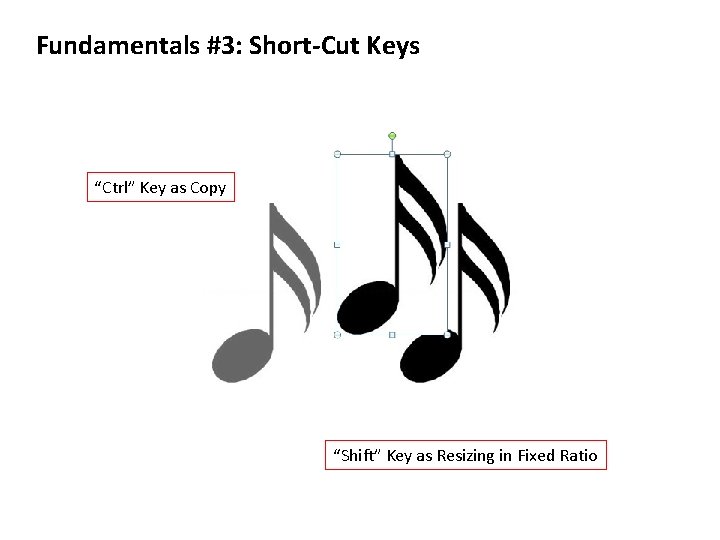
Fundamentals #3: Short-Cut Keys What is there besides “ctrl+c” and “ctrl+v” for copy and pasting : D? Useful Keys: Esc – Quick Selection Ctrl – Copy or Resize and Fixed Position Shift – Resize with Fixed Ratio
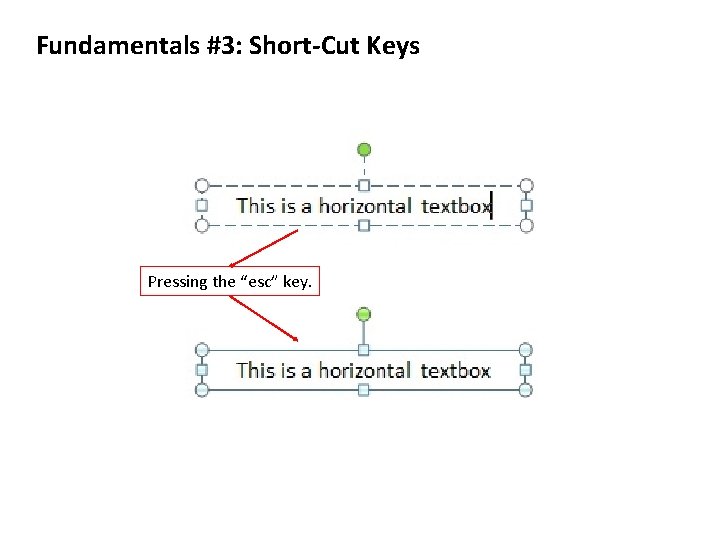
Fundamentals #3: Short-Cut Keys Pressing the “esc” key.
Fundamentals #3: Short-Cut Keys “Ctrl” Key as Copy “Shift” Key as Resizing in Fixed Ratio
Fundamentals #4: Image Tools
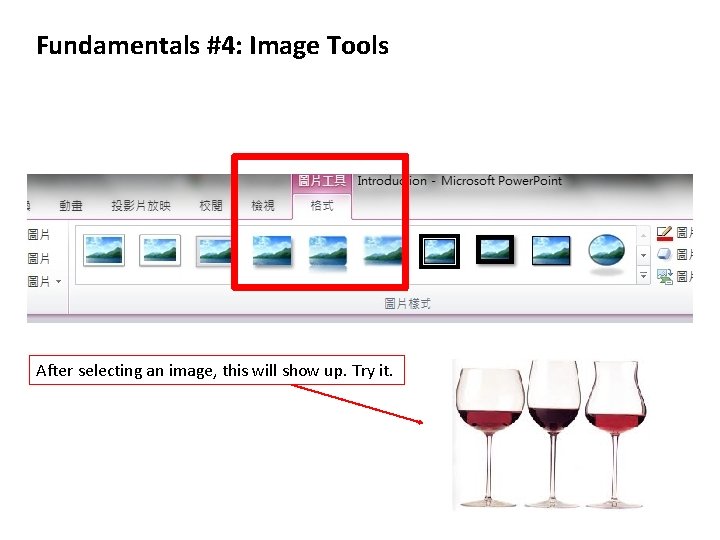
Fundamentals #4: Image Tools After selecting an image, this will show up. Try it.
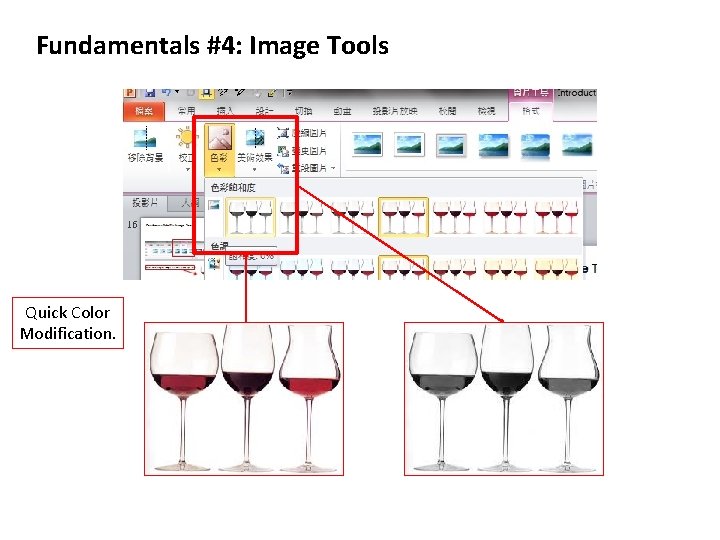
Fundamentals #4: Image Tools Quick Color Modification.
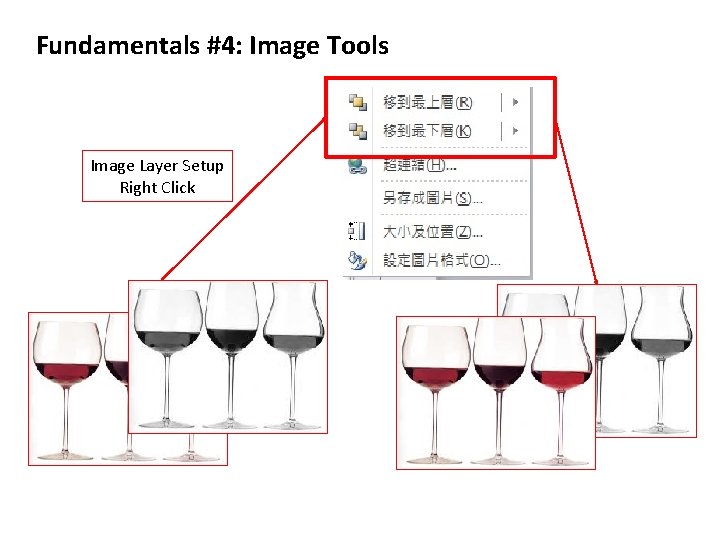
Fundamentals #4: Image Tools Image Layer Setup Right Click
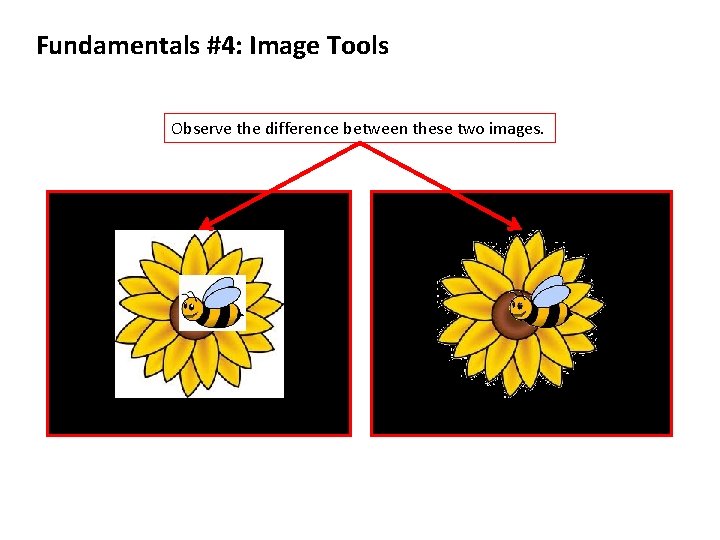
Fundamentals #4: Image Tools Observe the difference between these two images.
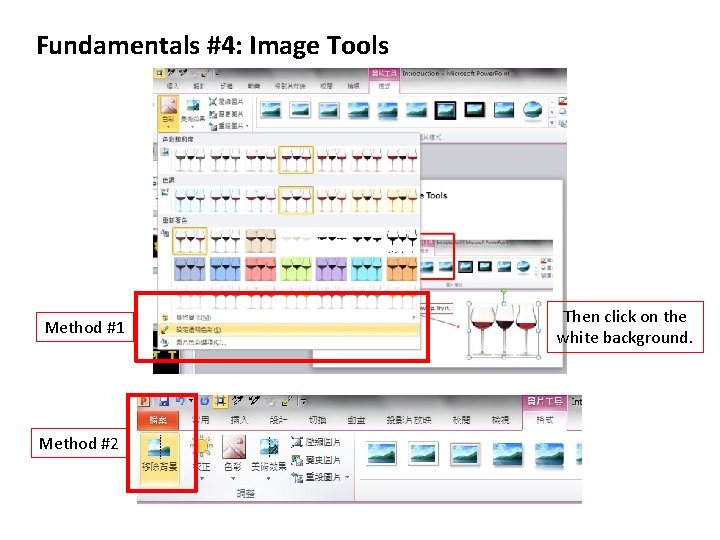
Fundamentals #4: Image Tools Method #1 Method #2 Then click on the white background.
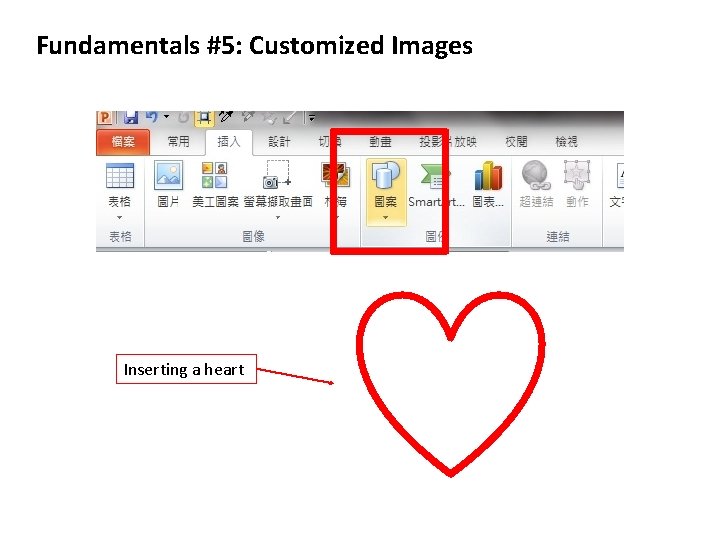
Fundamentals #5: Customized Images
Fundamentals #5: Customized Images Inserting a heart
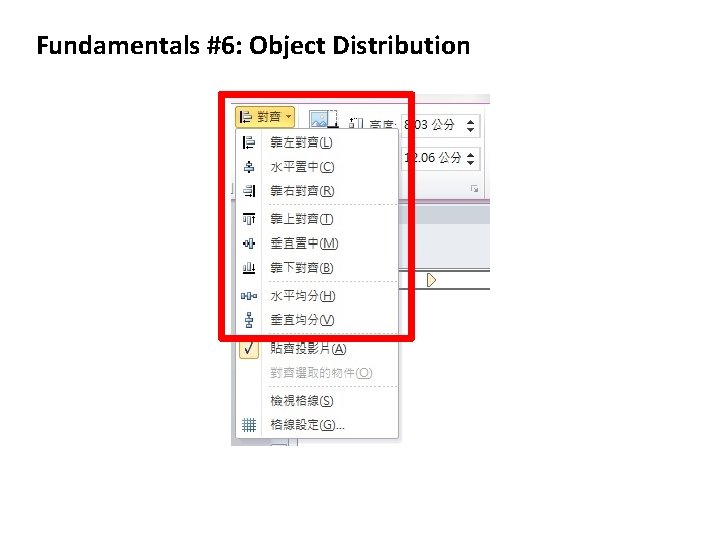
Fundamentals #6: Object Distribution
Fundamentals #6: Object Distribution
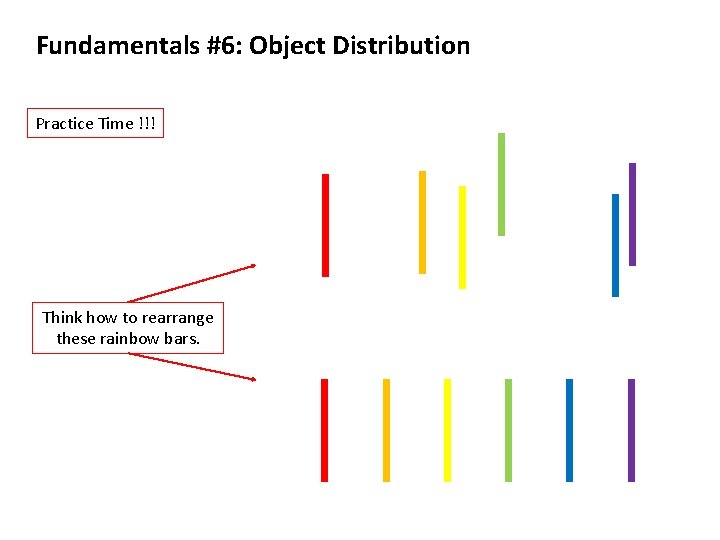
Fundamentals #6: Object Distribution Practice Time !!! Think how to rearrange these rainbow bars.
Fundamentals #7: Merging Objects
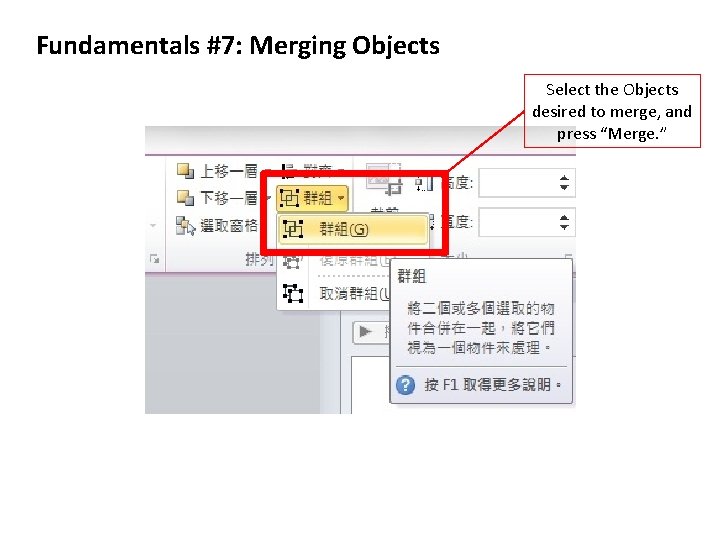
Fundamentals #7: Merging Objects Select the Objects desired to merge, and press “Merge. ”
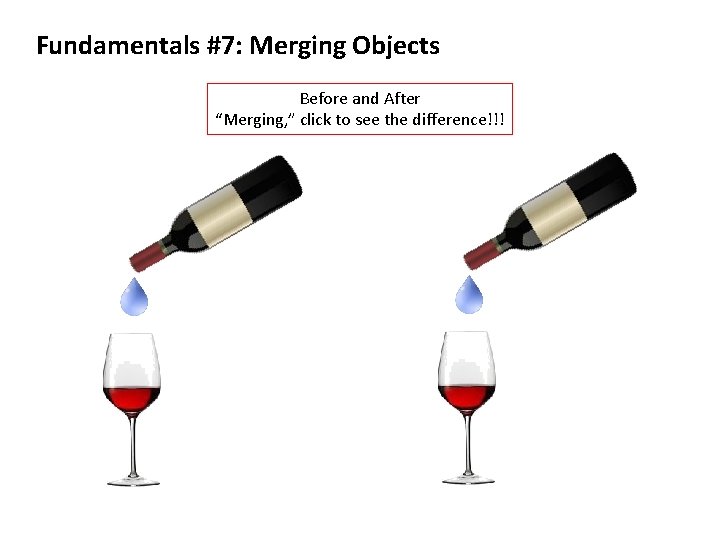
Fundamentals #7: Merging Objects Before and After “Merging, ” click to see the difference!!!
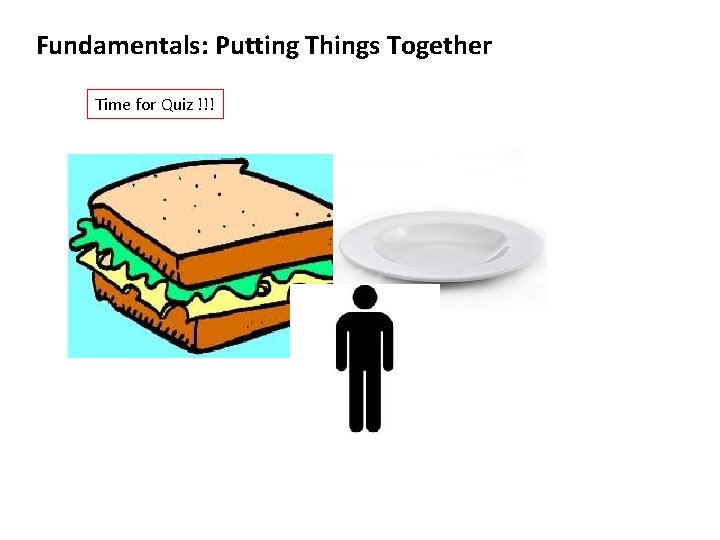
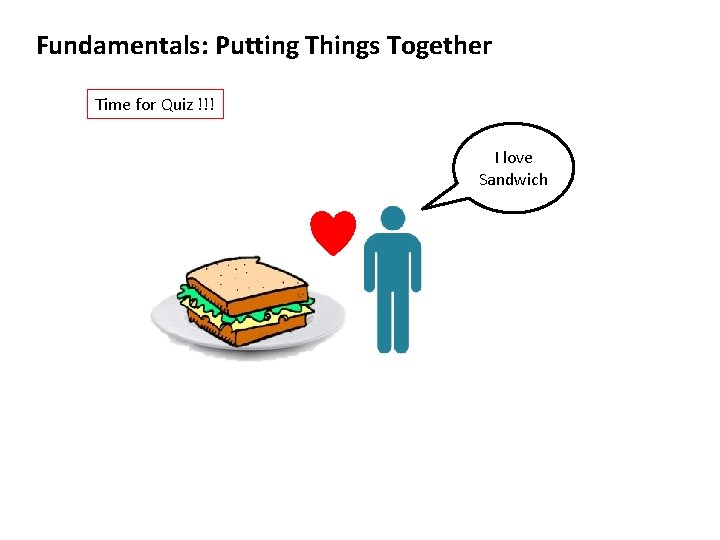
Fundamentals: Putting Things Together
Fundamentals: Putting Things Together Time for Quiz !!!
Fundamentals: Putting Things Together Time for Quiz !!! I love Sandwich
Index Part#1: Fundamentals Part#2: Simple Animations
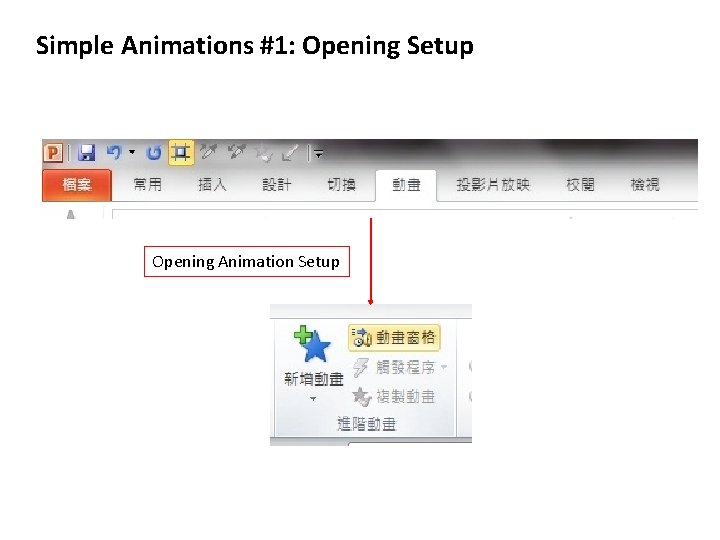
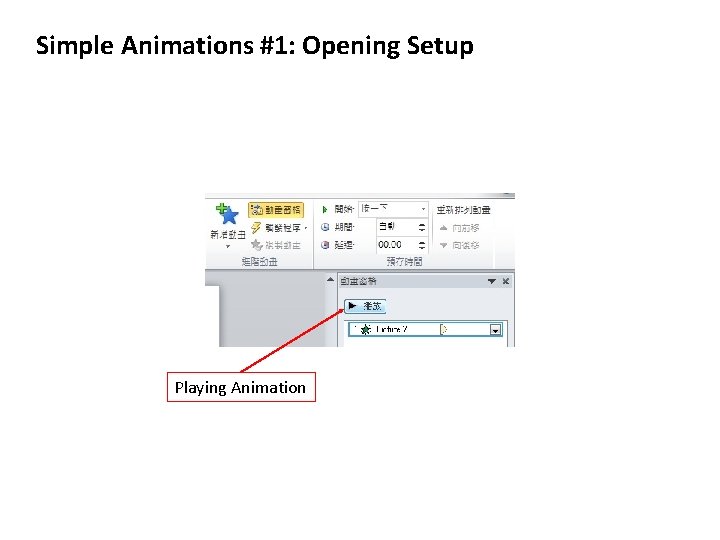
Simple Animations #1: Opening Setup
Simple Animations #1: Opening Setup Opening Animation Setup
Simple Animations #1: Opening Setup Playing Animation
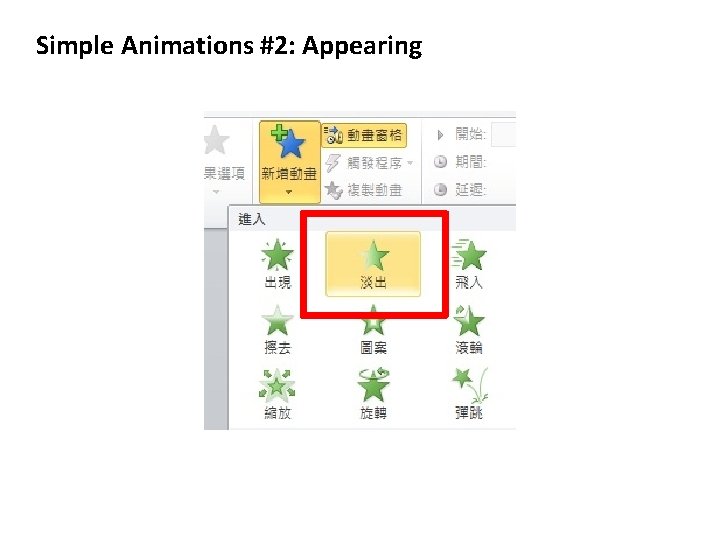
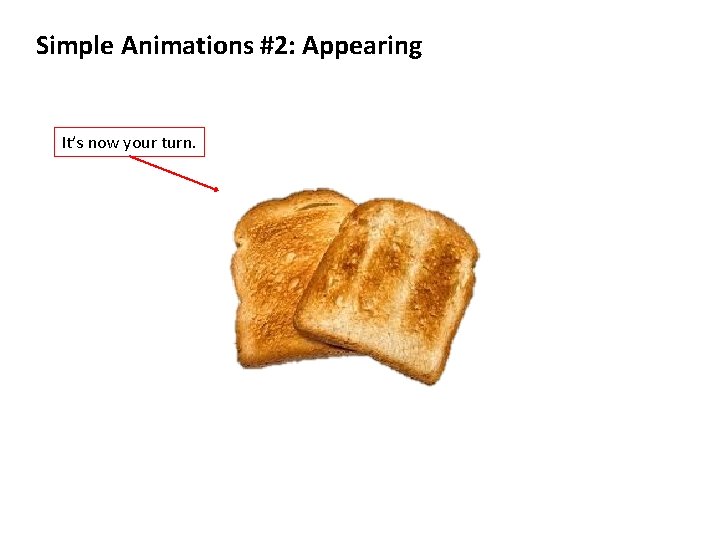
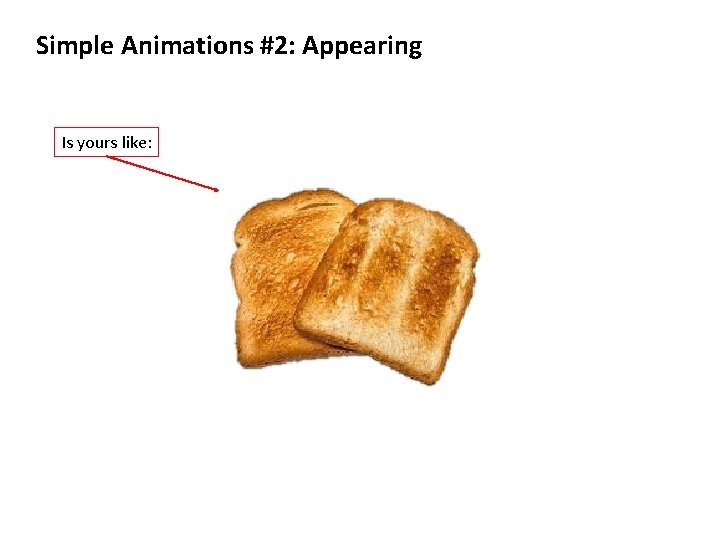
Simple Animations #2: Appearing
Simple Animations #2: Appearing
Simple Animations #2: Appearing It’s now your turn.
Simple Animations #2: Appearing Is yours like:
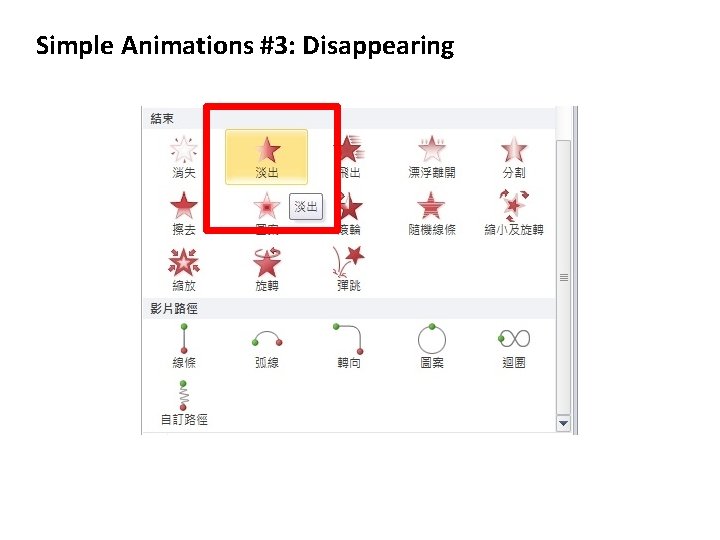
Simple Animations #3: Disappearing
Simple Animations #3: Disappearing
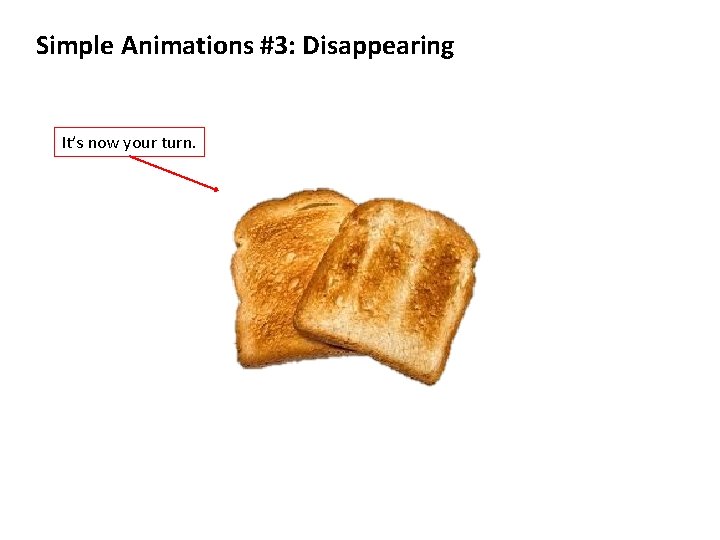
Simple Animations #3: Disappearing It’s now your turn.
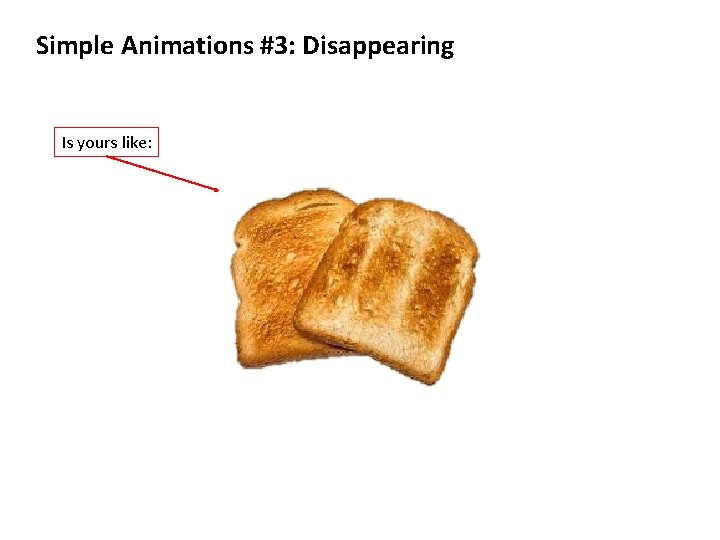
Simple Animations #3: Disappearing Is yours like:
Simple Animations #4: Movements
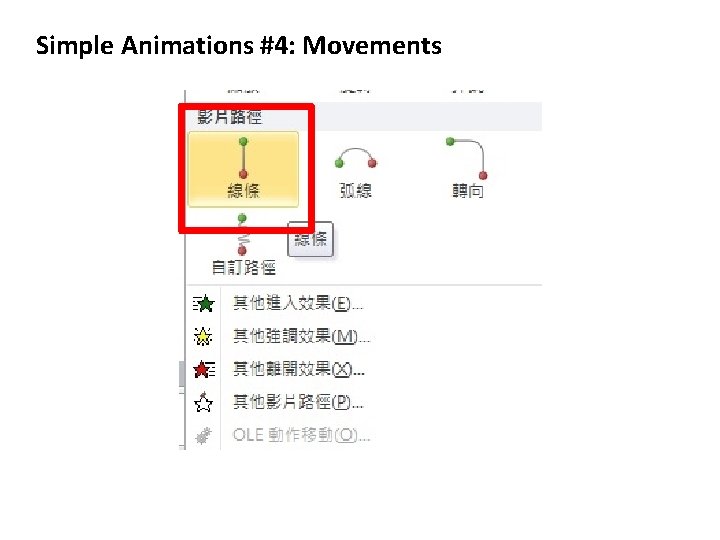
Simple Animations #4: Movements
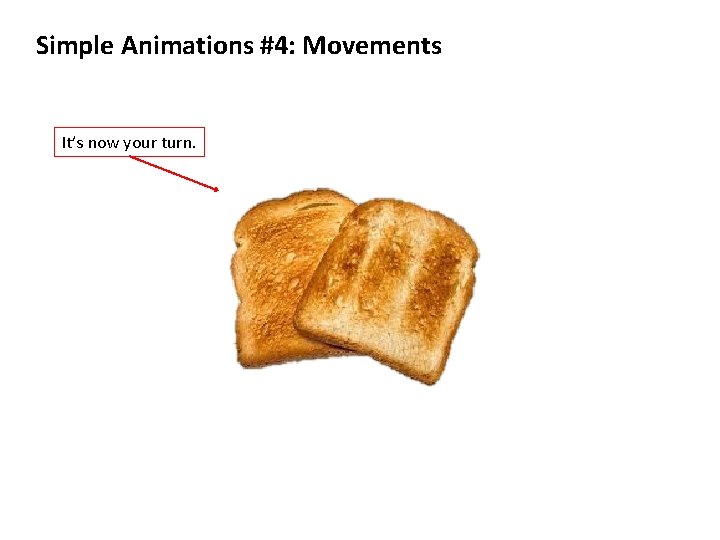
Simple Animations #4: Movements It’s now your turn.
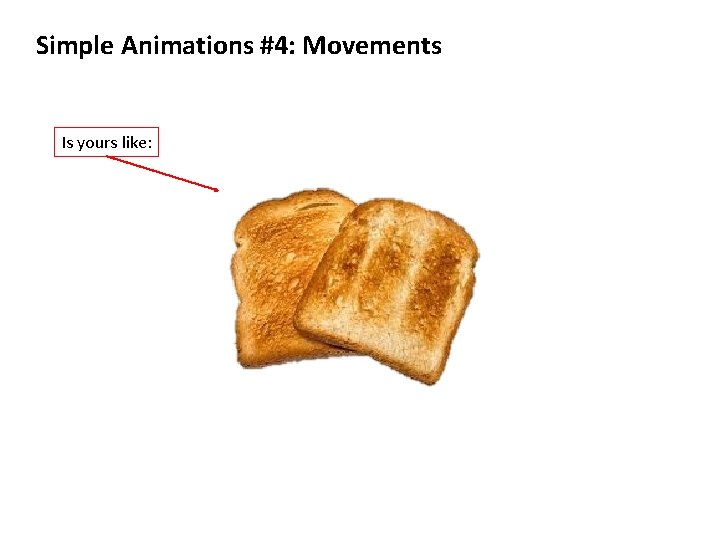
Simple Animations #4: Movements Is yours like:
Simple Animations #5: More Animations
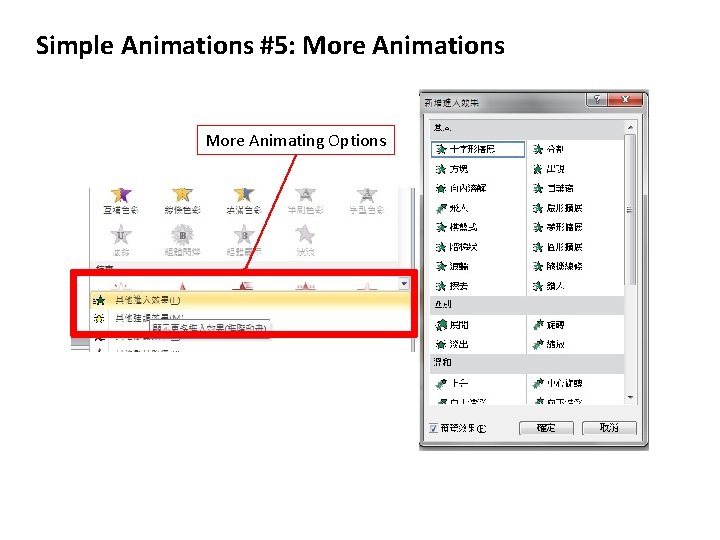
Simple Animations #5: More Animations More Animating Options
Simple Animations #6: Time Frames
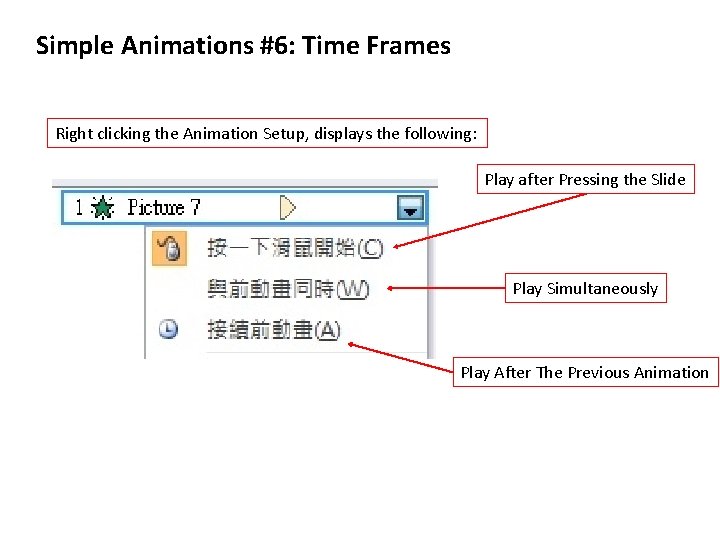
Simple Animations #6: Time Frames Right clicking the Animation Setup, displays the following: Play after Pressing the Slide Play Simultaneously Play After The Previous Animation
Simple Animations: Putting Things Together
S GD
SGD
More Designed Animation Samples
Sample #1: Animating with Timing Study Group and Discussion: 2012 Spring
The Principle of oin. T Power. PDesign
Sample #2: Animating with Customized Images Designed Meeting: 2011 Fall
Toast. Masters College Institution
Sample #3: Text Animation Table Topic: 2011 Fall
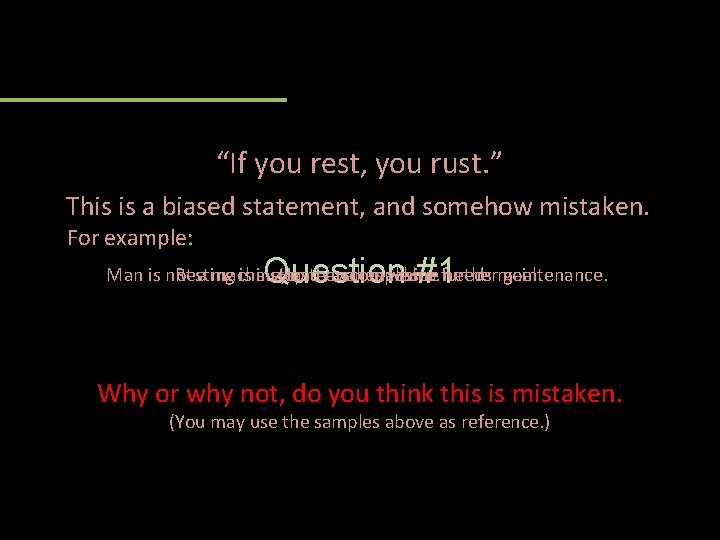
“If you rest, you rust. ” This is a biased statement, and somehow mistaken. For example: Question #1 Man is not Resting a machine, is a step Haste and toeven makes accomplish machine waste. a further needs maintenance. goal. Why or why not, do you think this is mistaken. (You may use the samples above as reference. )
Sample #4: Full Screen Animation MVP Introduction: 2012 Spring
NTU Toastmasters