Intro to Programming using Python Lecture 2 Yosef
- Slides: 52
Intro to Programming using Python Lecture #2 Yosef Mendelsohn With many thanks to Dolores Kalayta for the original version of these notes. 1
Strings 2
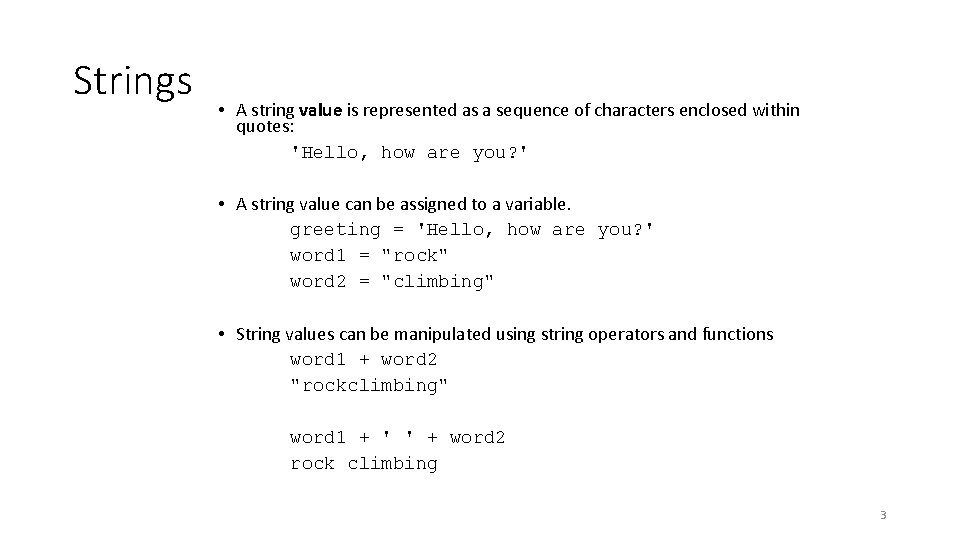
Strings • A string value is represented as a sequence of characters enclosed within quotes: 'Hello, how are you? ' • A string value can be assigned to a variable. greeting = 'Hello, how are you? ' word 1 = "rock" word 2 = "climbing" • String values can be manipulated using string operators and functions word 1 + word 2 "rockclimbing" word 1 + ' ' + word 2 rock climbing 3
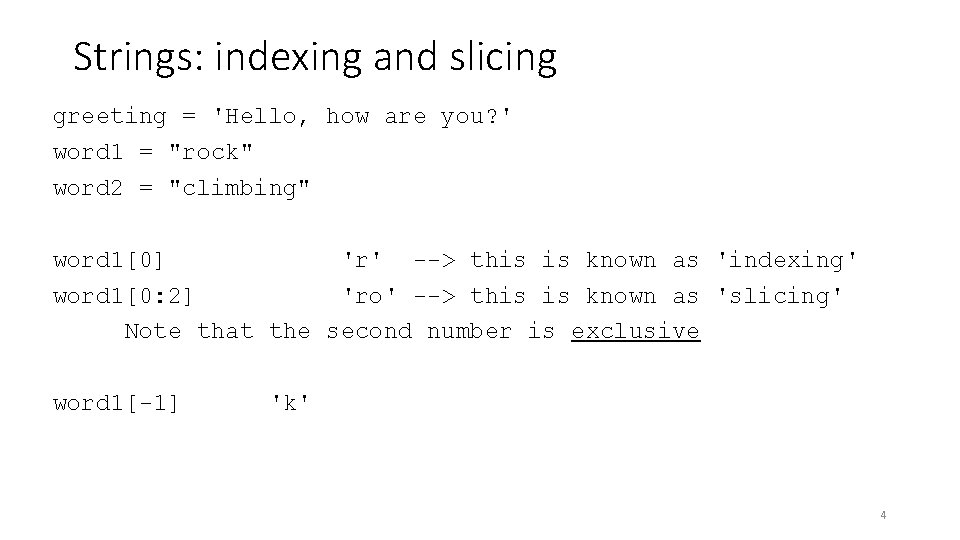
Strings: indexing and slicing greeting = 'Hello, how are you? ' word 1 = "rock" word 2 = "climbing" word 1[0] 'r' --> this is known as 'indexing' word 1[0: 2] 'ro' --> this is known as 'slicing' Note that the second number is exclusive word 1[-1] 'k' 4
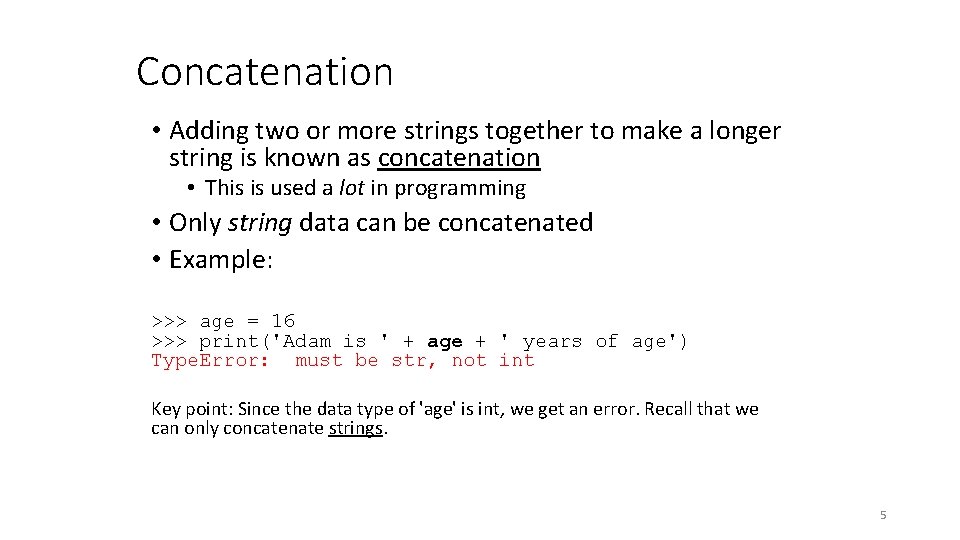
Concatenation • Adding two or more strings together to make a longer string is known as concatenation • This is used a lot in programming • Only string data can be concatenated • Example: >>> age = 16 >>> print('Adam is ' + age + ' years of age') Type. Error: must be str, not int Key point: Since the data type of 'age' is int, we get an error. Recall that we can only concatenate strings. 5
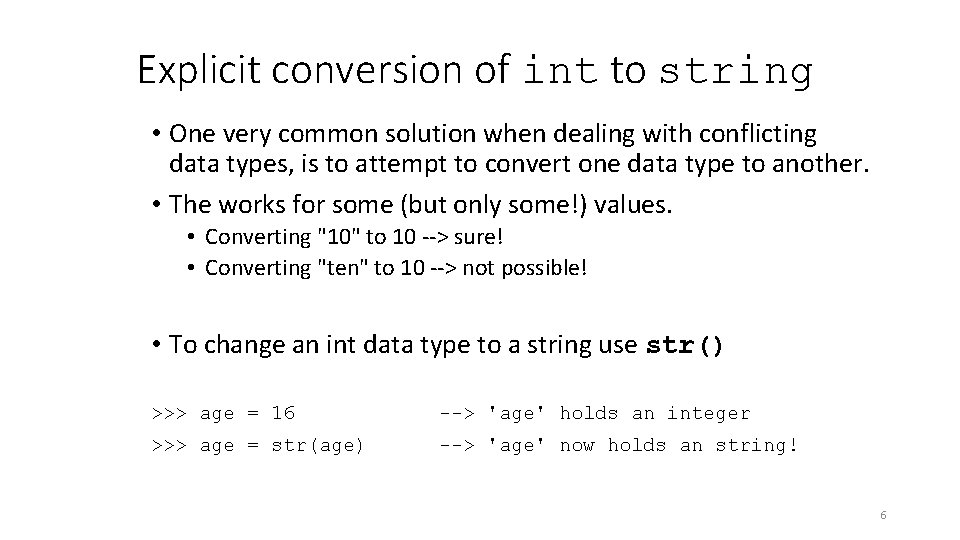
Explicit conversion of int to string • One very common solution when dealing with conflicting data types, is to attempt to convert one data type to another. • The works for some (but only some!) values. • Converting "10" to 10 --> sure! • Converting "ten" to 10 --> not possible! • To change an int data type to a string use str() >>> age = 16 --> 'age' holds an integer >>> age = str(age) --> 'age' now holds an string! 6
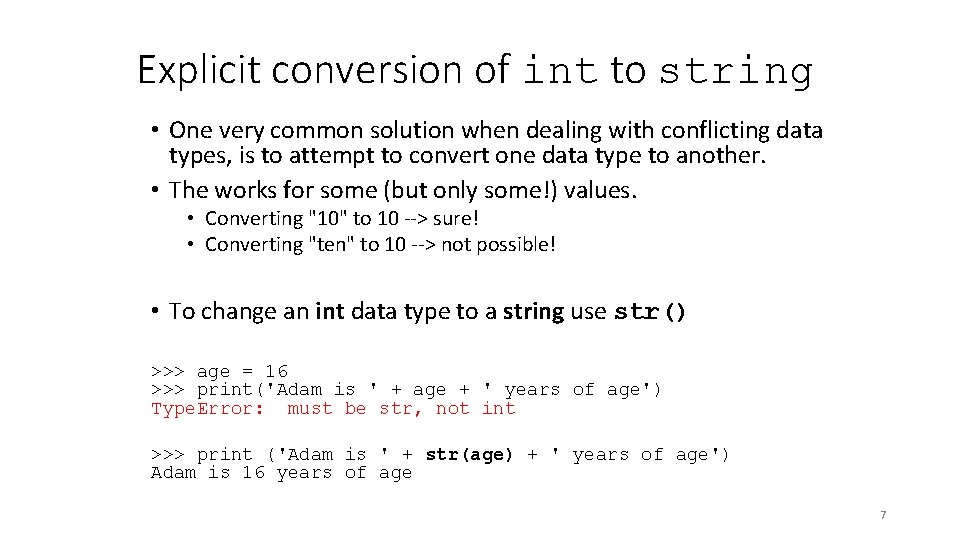
Explicit conversion of int to string • One very common solution when dealing with conflicting data types, is to attempt to convert one data type to another. • The works for some (but only some!) values. • Converting "10" to 10 --> sure! • Converting "ten" to 10 --> not possible! • To change an int data type to a string use str() >>> age = 16 >>> print('Adam is ' + age + ' years of age') Type. Error: must be str, not int >>> print ('Adam is ' + str(age) + ' years of age') Adam is 16 years of age 7
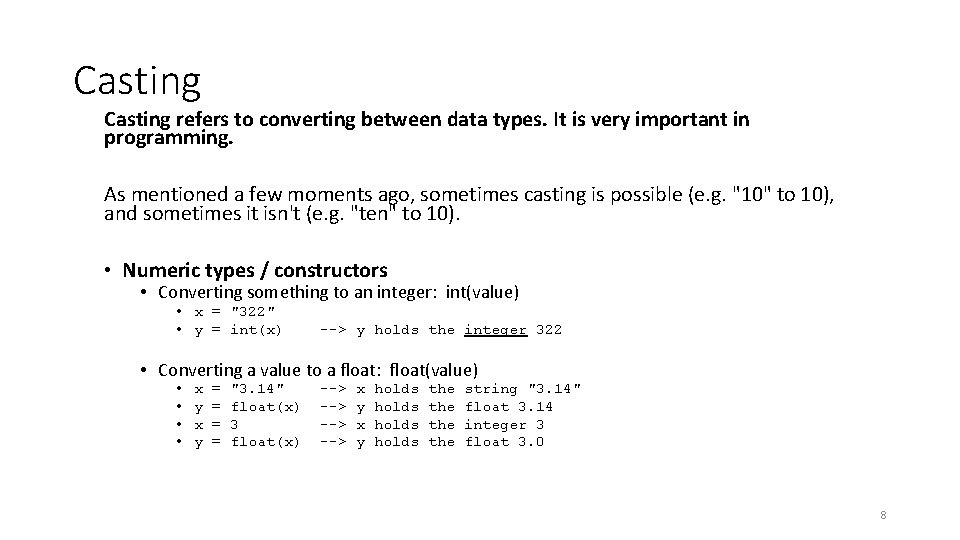
Casting refers to converting between data types. It is very important in programming. As mentioned a few moments ago, sometimes casting is possible (e. g. "10" to 10), and sometimes it isn't (e. g. "ten" to 10). • Numeric types / constructors • Converting something to an integer: int(value) • x = "322" • y = int(x) --> y holds the integer 322 • Converting a value to a float: float(value) • • x y = = "3. 14" float(x) 3 float(x) --> --> x y holds the the string "3. 14" float 3. 14 integer 3 float 3. 0 8
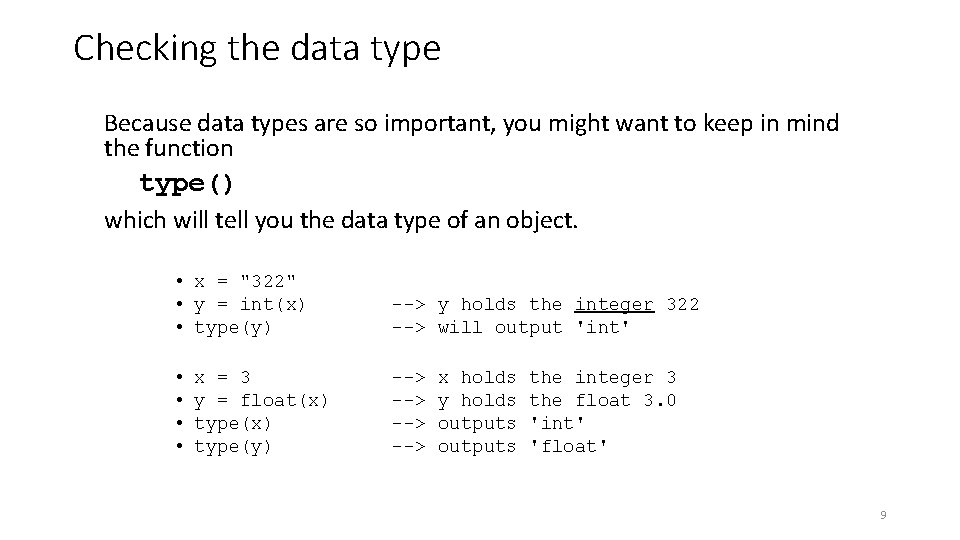
Checking the data type Because data types are so important, you might want to keep in mind the function type() which will tell you the data type of an object. • x = "322" • y = int(x) • type(y) --> y holds the integer 322 --> will output 'int' • • --> --> x = 3 y = float(x) type(y) x holds y holds outputs the integer 3 the float 3. 0 'int' 'float' 9
Boolean expressions and operators 10
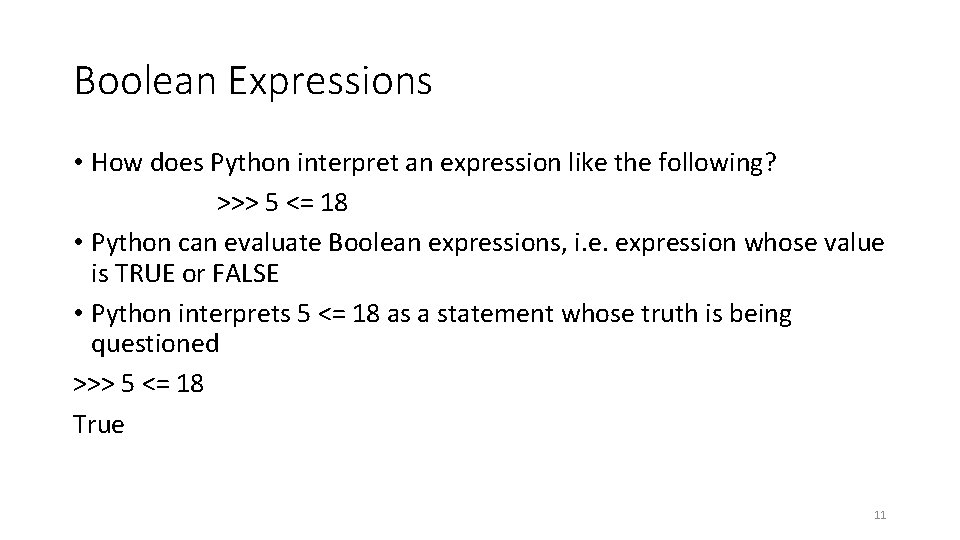
Boolean Expressions • How does Python interpret an expression like the following? >>> 5 <= 18 • Python can evaluate Boolean expressions, i. e. expression whose value is TRUE or FALSE • Python interprets 5 <= 18 as a statement whose truth is being questioned >>> 5 <= 18 True 11
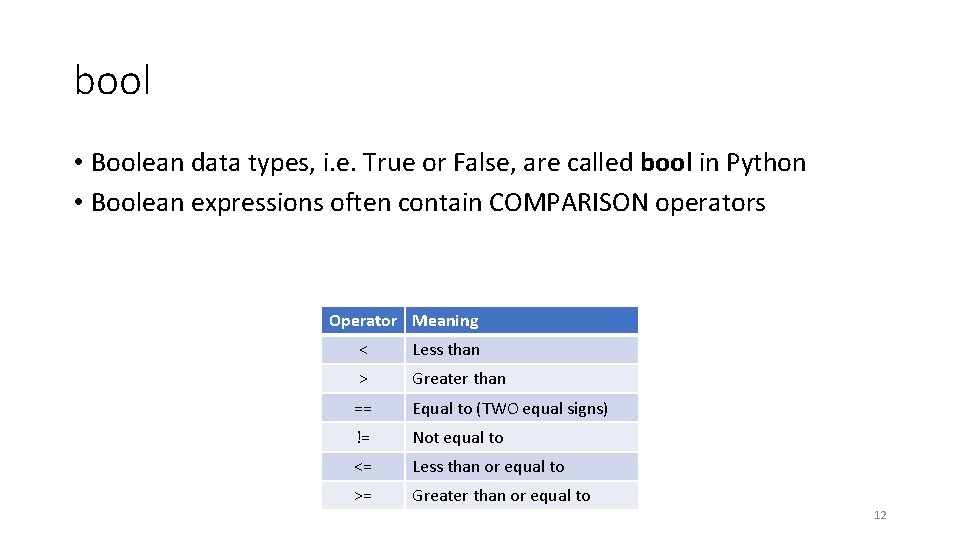
bool • Boolean data types, i. e. True or False, are called bool in Python • Boolean expressions often contain COMPARISON operators Operator Meaning < Less than > Greater than == Equal to (TWO equal signs) != Not equal to <= Less than or equal to >= Greater than or equal to 12
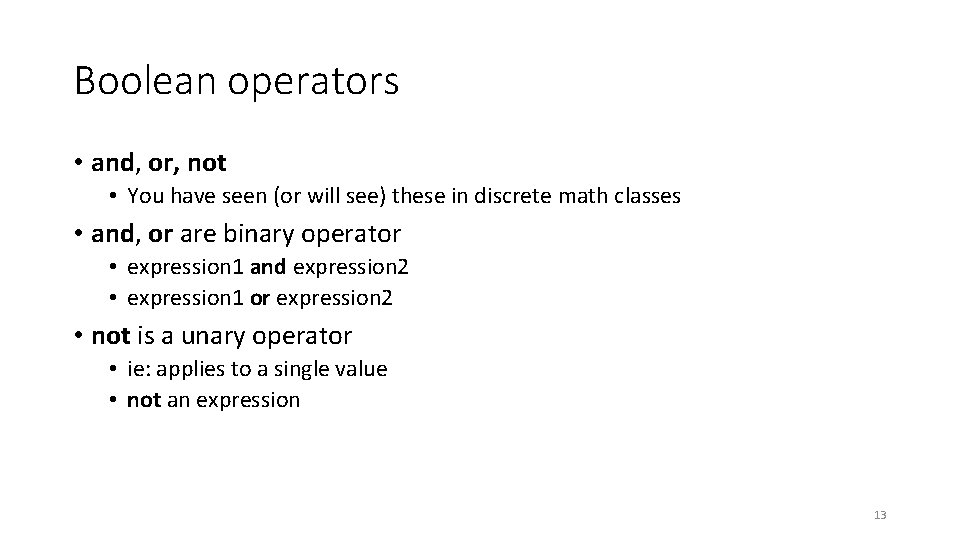
Boolean operators • and, or, not • You have seen (or will see) these in discrete math classes • and, or are binary operator • expression 1 and expression 2 • expression 1 or expression 2 • not is a unary operator • ie: applies to a single value • not an expression 13
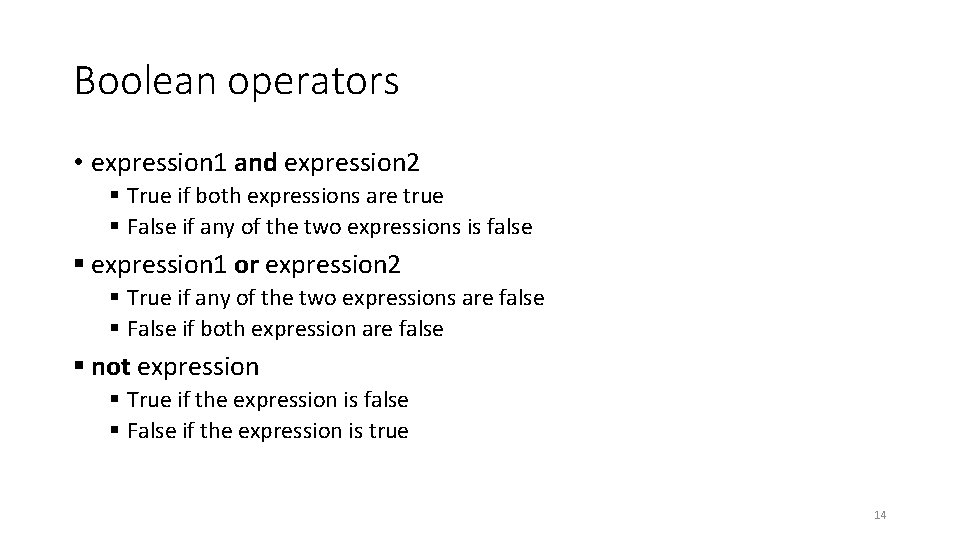
Boolean operators • expression 1 and expression 2 § True if both expressions are true § False if any of the two expressions is false § expression 1 or expression 2 § True if any of the two expressions are false § False if both expression are false § not expression § True if the expression is false § False if the expression is true 14
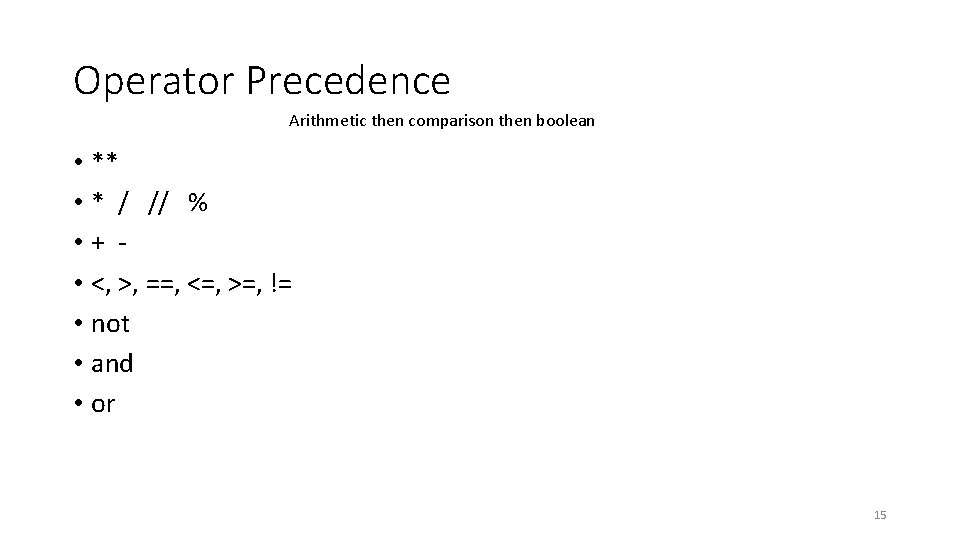
Operator Precedence Arithmetic then comparison then boolean • ** • * / // % • + • <, >, ==, <=, >=, != • not • and • or 15
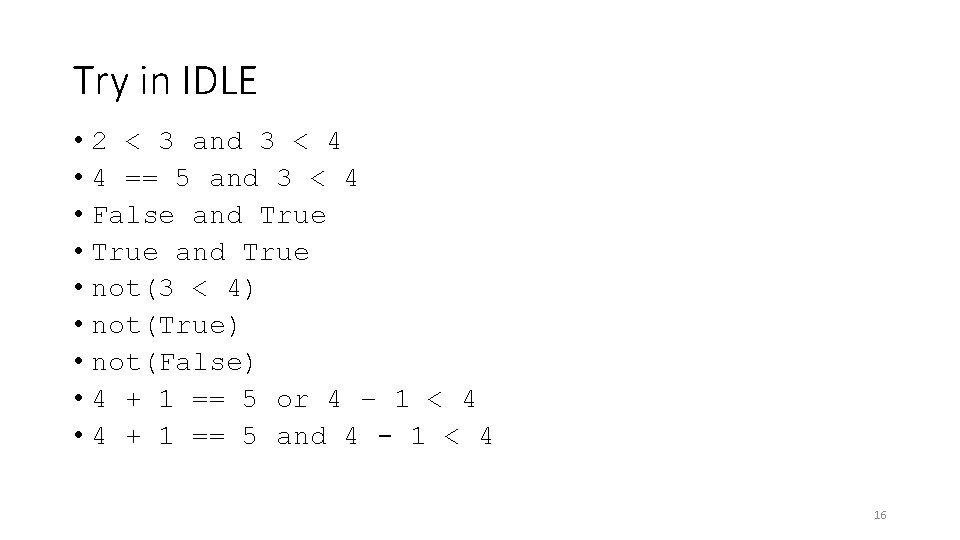
Try in IDLE • 2 < 3 and 3 < 4 • 4 == 5 and 3 < 4 • False and True • True and True • not(3 < 4) • not(True) • not(False) • 4 + 1 == 5 or 4 – 1 < 4 • 4 + 1 == 5 and 4 - 1 < 4 16
First interactive Python program Allowing the user to interact with our programs 17
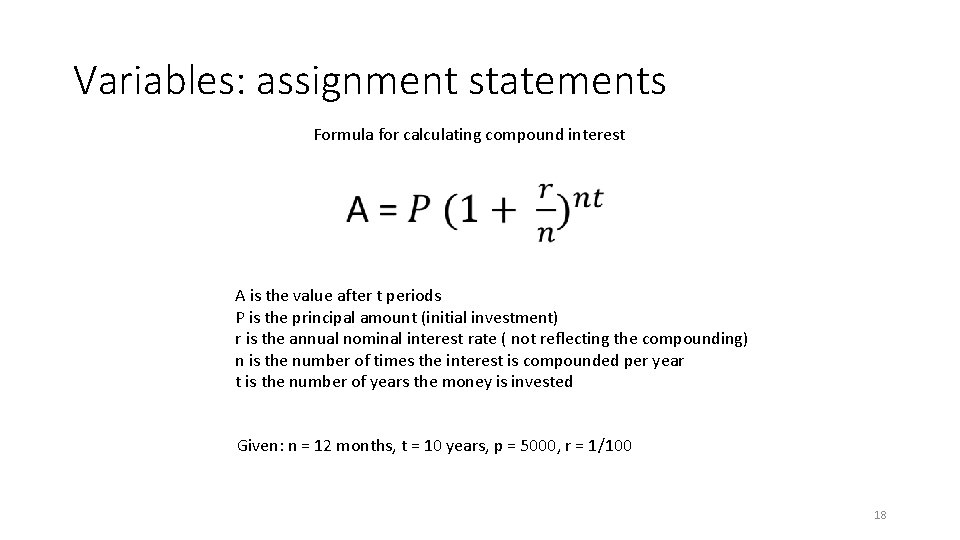
Variables: assignment statements Formula for calculating compound interest A is the value after t periods P is the principal amount (initial investment) r is the annual nominal interest rate ( not reflecting the compounding) n is the number of times the interest is compounded per year t is the number of years the money is invested Given: n = 12 months, t = 10 years, p = 5000, r = 1/100 18
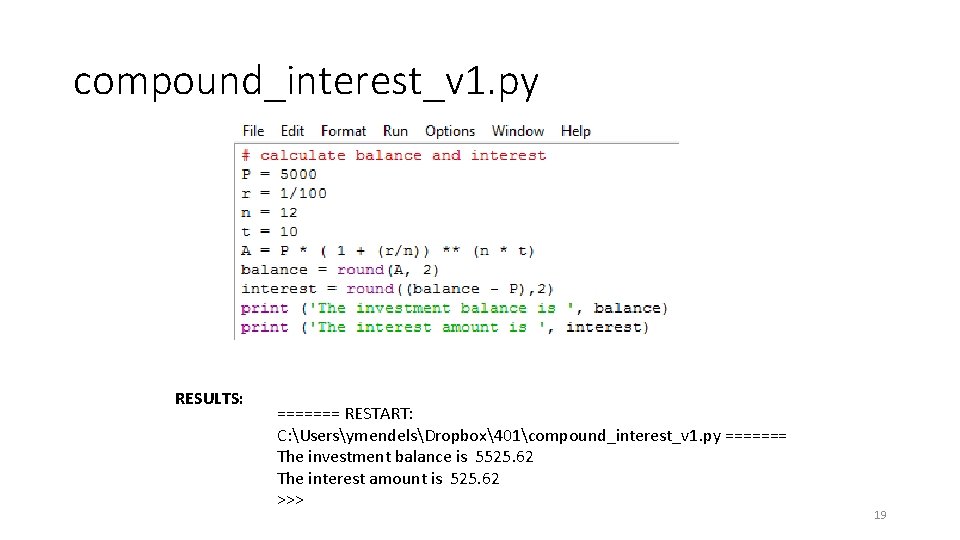
compound_interest_v 1. py RESULTS: ======= RESTART: C: UsersymendelsDropbox401compound_interest_v 1. py ======= The investment balance is 5525. 62 The interest amount is 525. 62 >>> 19
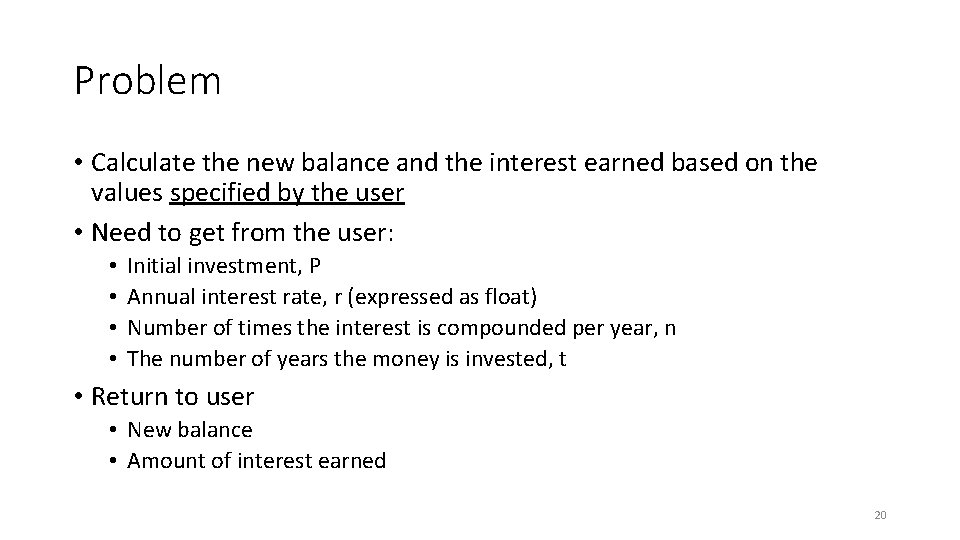
Problem • Calculate the new balance and the interest earned based on the values specified by the user • Need to get from the user: • • Initial investment, P Annual interest rate, r (expressed as float) Number of times the interest is compounded per year, n The number of years the money is invested, t • Return to user • New balance • Amount of interest earned 20
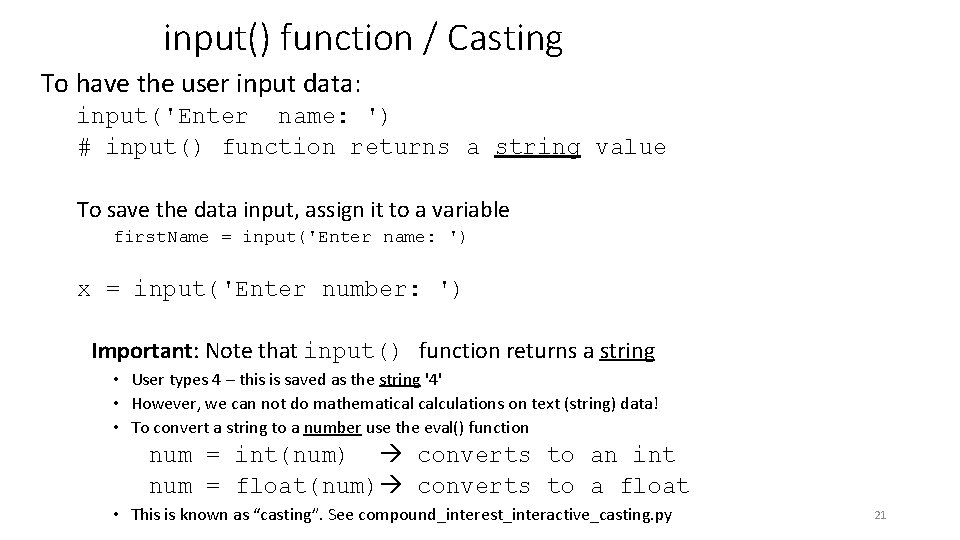
input() function / Casting To have the user input data: input('Enter name: ') # input() function returns a string value To save the data input, assign it to a variable first. Name = input('Enter name: ') x = input('Enter number: ') Important: Note that input() function returns a string • User types 4 – this is saved as the string '4' • However, we can not do mathematical calculations on text (string) data! • To convert a string to a number use the eval() function num = int(num) converts to an int num = float(num) converts to a float • This is known as “casting”. See compound_interest_interactive_casting. py 21
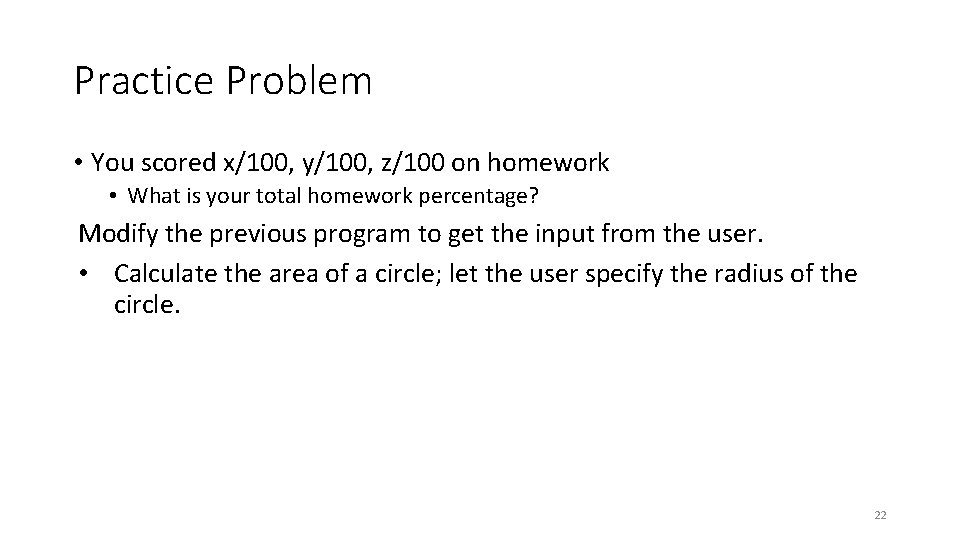
Practice Problem • You scored x/100, y/100, z/100 on homework • What is your total homework percentage? Modify the previous program to get the input from the user. • Calculate the area of a circle; let the user specify the radius of the circle. 22
Lists Another Python object 23
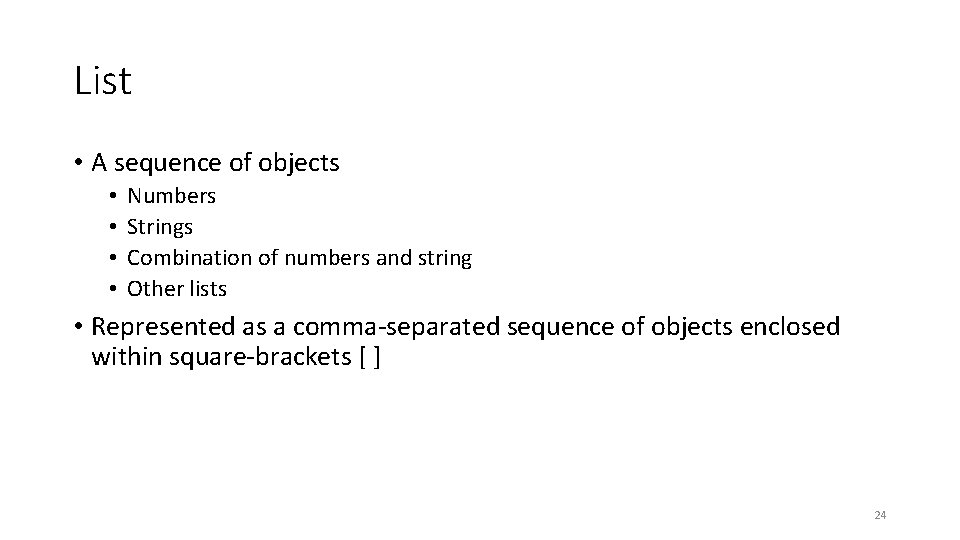
List • A sequence of objects • • Numbers Strings Combination of numbers and string Other lists • Represented as a comma-separated sequence of objects enclosed within square-brackets [ ] 24
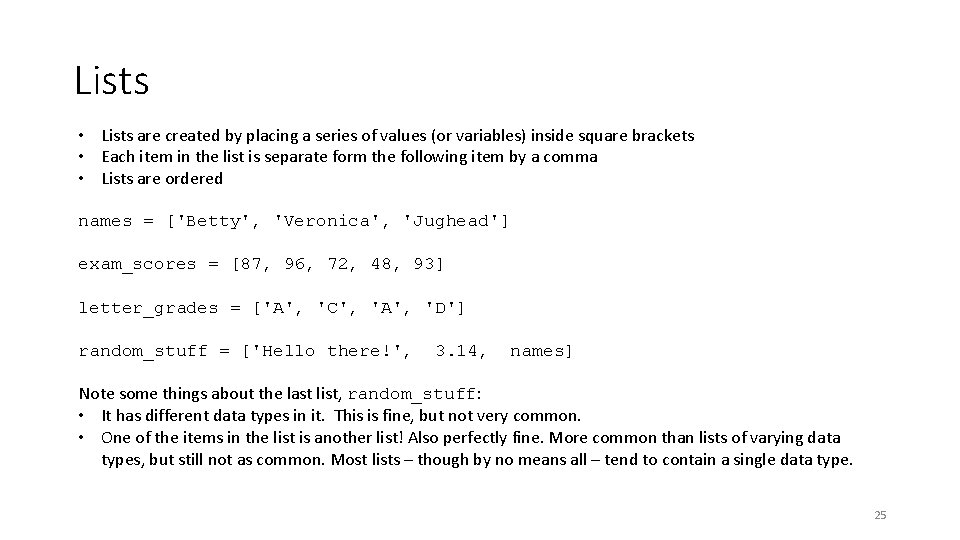
Lists • Lists are created by placing a series of values (or variables) inside square brackets • Each item in the list is separate form the following item by a comma • Lists are ordered names = ['Betty', 'Veronica', 'Jughead'] exam_scores = [87, 96, 72, 48, 93] letter_grades = ['A', 'C', 'A', 'D'] random_stuff = ['Hello there!', 3. 14, names] Note some things about the last list, random_stuff: • It has different data types in it. This is fine, but not very common. • One of the items in the list is another list! Also perfectly fine. More common than lists of varying data types, but still not as common. Most lists – though by no means all – tend to contain a single data type. 25
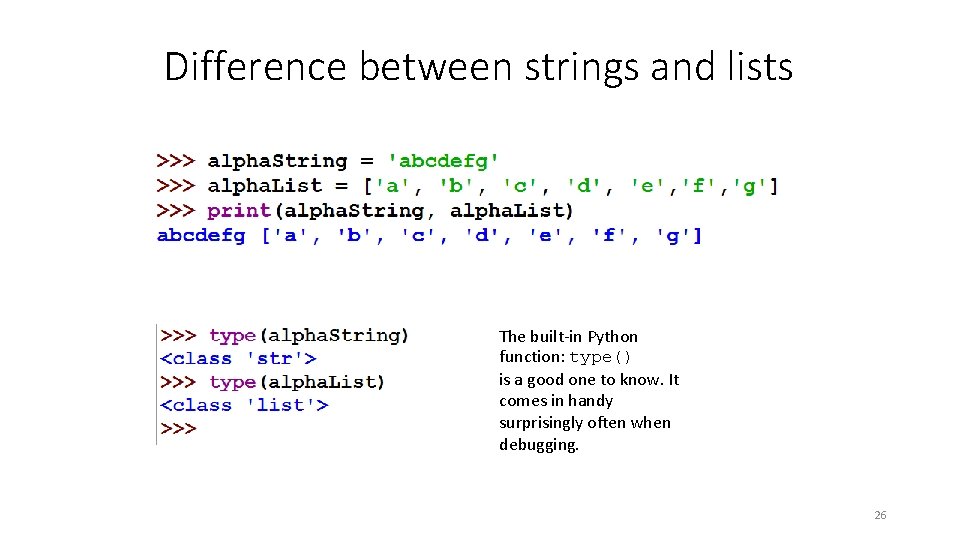
Difference between strings and lists The built-in Python function: type() is a good one to know. It comes in handy surprisingly often when debugging. 26
Operators Strings and Lists 27
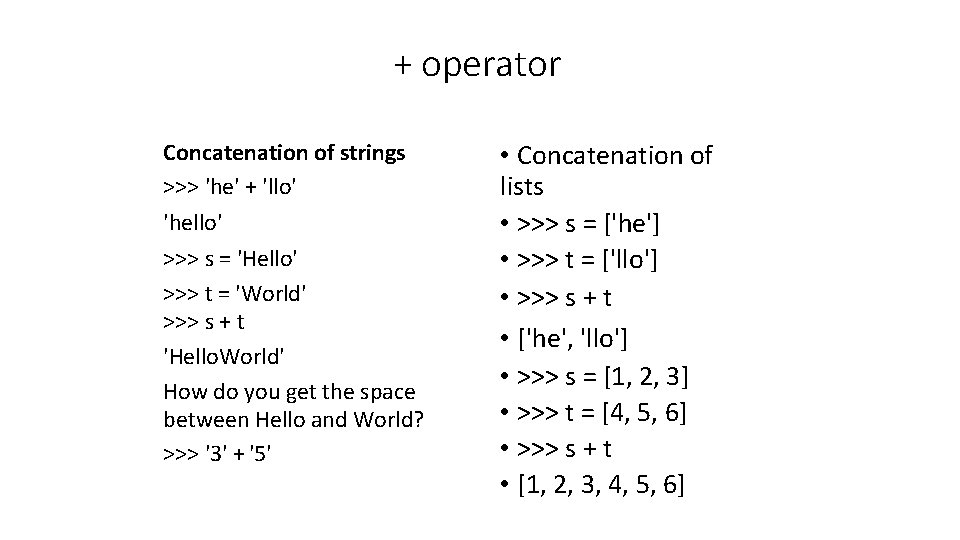
+ operator Concatenation of strings >>> 'he' + 'llo' 'hello' >>> s = 'Hello' >>> t = 'World' >>> s + t 'Hello. World' How do you get the space between Hello and World? >>> '3' + '5' • Concatenation of lists • >>> s = ['he'] • >>> t = ['llo'] • >>> s + t • ['he', 'llo'] • >>> s = [1, 2, 3] • >>> t = [4, 5, 6] • >>> s + t • [1, 2, 3, 4, 5, 6]
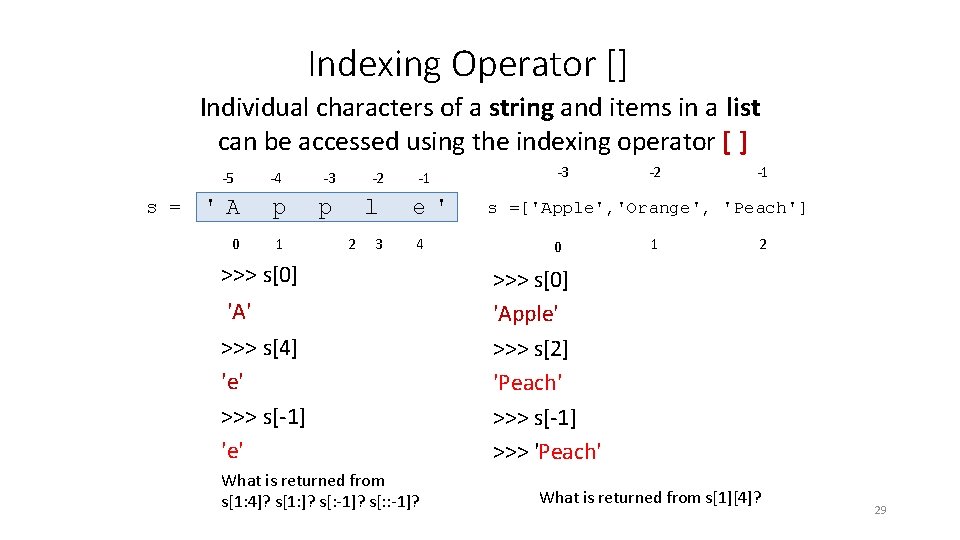
Indexing Operator [] Individual characters of a string and items in a list can be accessed using the indexing operator [ ] -5 s = -4 -3 -2 'A p p l 0 1 2 3 -1 e' 4 >>> s[0] 'A' >>> s[4] 'e' >>> s[-1] 'e' What is returned from s[1: 4]? s[1: ]? s[: -1]? s[: : -1]? -3 -2 -1 s =['Apple', 'Orange', 'Peach'] 0 1 2 >>> s[0] 'Apple' >>> s[2] 'Peach' >>> s[-1] >>> 'Peach' What is returned from s[1][4]? 29
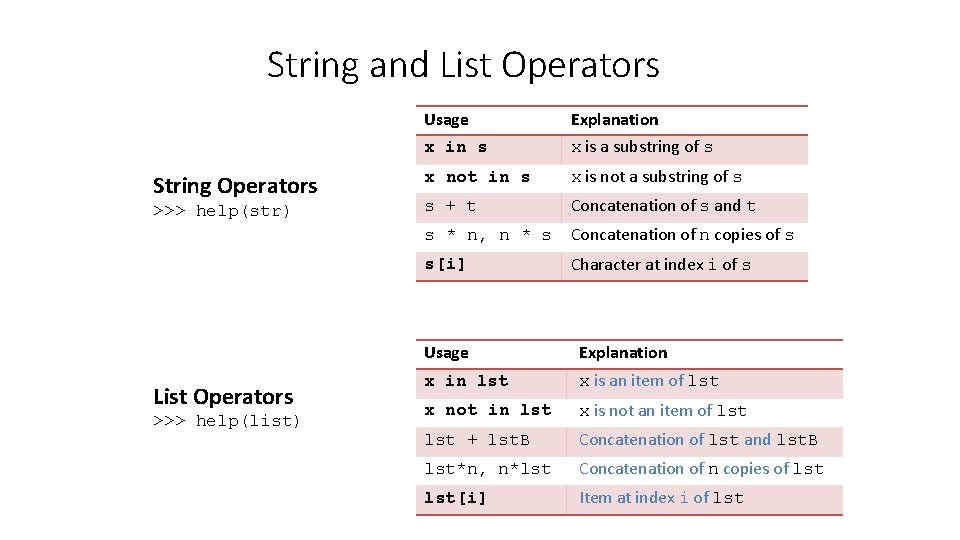
String and List Operators String Operators >>> help(str) List Operators >>> help(list) Usage Explanation x in s x is a substring of s x not in s x is not a substring of s s + t Concatenation of s and t s * n, n * s Concatenation of n copies of s s[i] Character at index i of s Usage Explanation x in lst x is an item of lst x not in lst x is not an item of lst + lst. B Concatenation of lst and lst. B lst*n, n*lst Concatenation of n copies of lst[i] Item at index i of lst
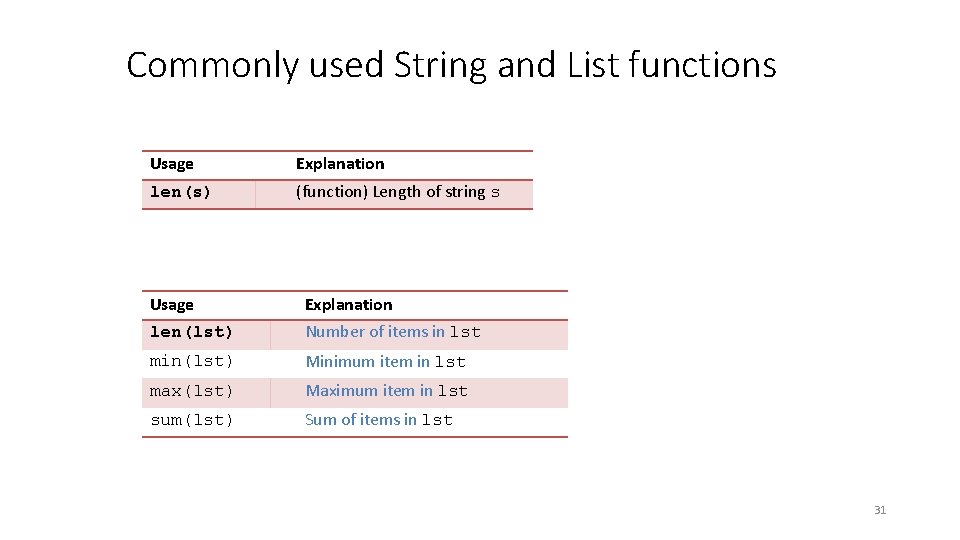
Commonly used String and List functions Usage Explanation len(s) (function) Length of string s Usage Explanation len(lst) Number of items in lst min(lst) Minimum item in lst max(lst) Maximum item in lst sum(lst) Sum of items in lst 31
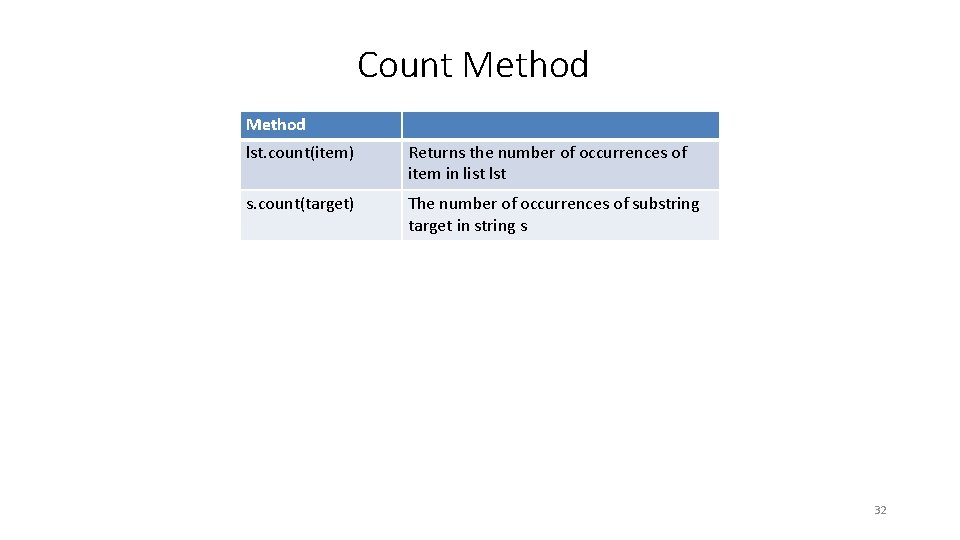
Count Method lst. count(item) Returns the number of occurrences of item in list lst s. count(target) The number of occurrences of substring target in string s 32
Variables and assignments Mutable and immutable types 33
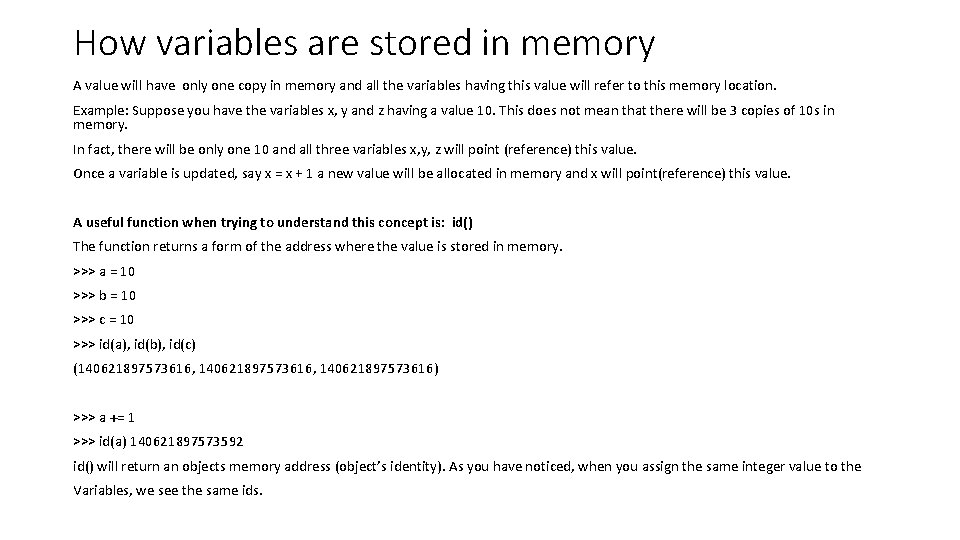
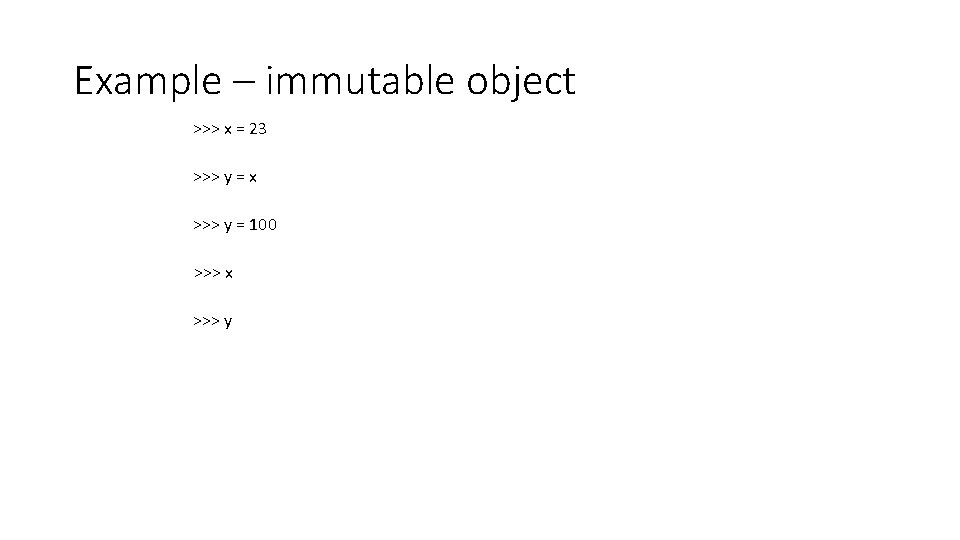
How variables are stored in memory A value will have only one copy in memory and all the variables having this value will refer to this memory location. Example: Suppose you have the variables x, y and z having a value 10. This does not mean that there will be 3 copies of 10 s in memory. In fact, there will be only one 10 and all three variables x, y, z will point (reference) this value. Once a variable is updated, say x = x + 1 a new value will be allocated in memory and x will point(reference) this value. A useful function when trying to understand this concept is: id() The function returns a form of the address where the value is stored in memory. >>> a = 10 >>> b = 10 >>> c = 10 >>> id(a), id(b), id(c) (140621897573616, 140621897573616) >>> a += 1 >>> id(a) 140621897573592 id() will return an objects memory address (object’s identity). As you have noticed, when you assign the same integer value to the Variables, we see the same ids.
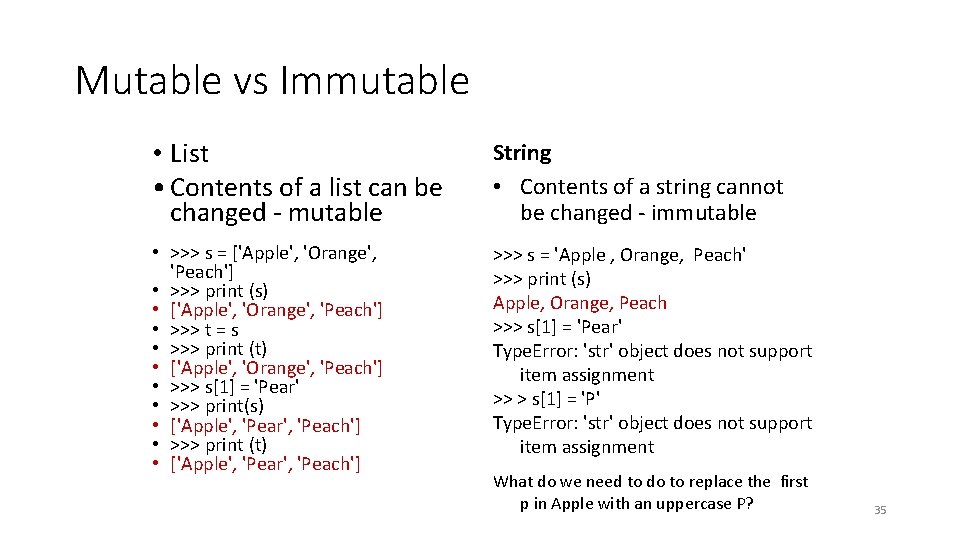
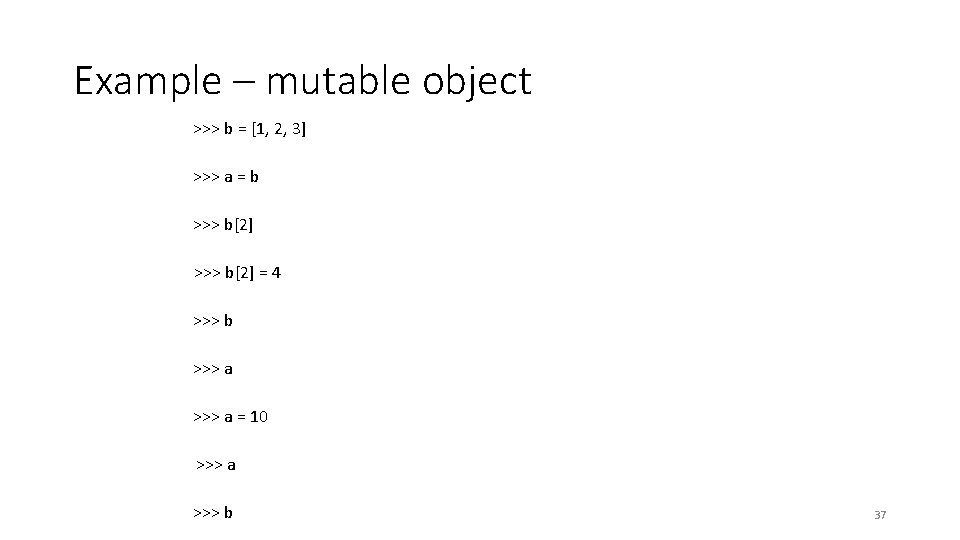
Mutable vs Immutable • List • Contents of a list can be changed - mutable String • Contents of a string cannot be changed - immutable • >>> s = ['Apple', 'Orange', 'Peach'] • >>> print (s) • ['Apple', 'Orange', 'Peach'] • >>> t = s • >>> print (t) • ['Apple', 'Orange', 'Peach'] • >>> s[1] = 'Pear' • >>> print(s) • ['Apple', 'Pear', 'Peach'] • >>> print (t) • ['Apple', 'Pear', 'Peach'] >>> s = 'Apple , Orange, Peach' >>> print (s) Apple, Orange, Peach >>> s[1] = 'Pear' Type. Error: 'str' object does not support item assignment >> > s[1] = 'P' Type. Error: 'str' object does not support item assignment What do we need to do to replace the first p in Apple with an uppercase P? 35
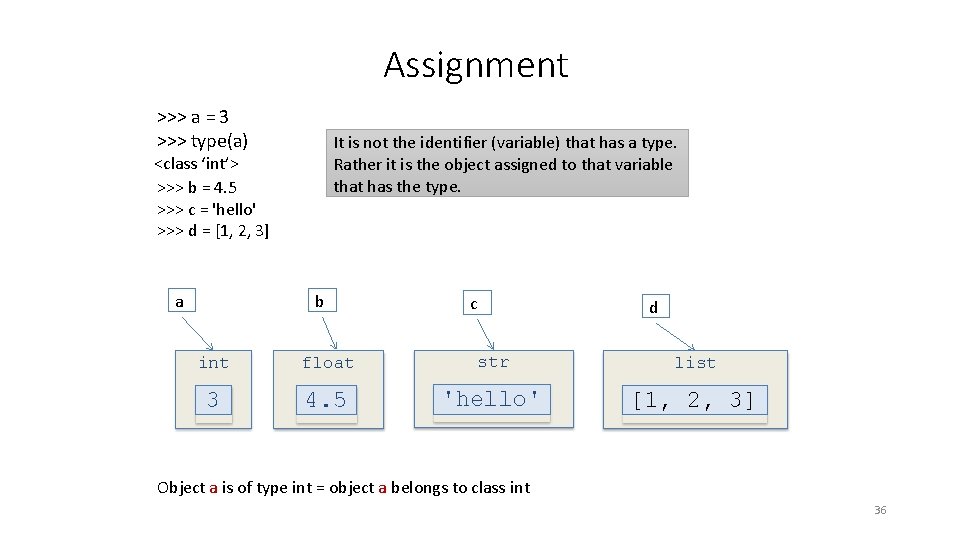
Assignment >>> a = 3 >>> type(a) It is not the identifier (variable) that has a type. Rather it is the object assigned to that variable that has the type. <class ‘int’> >>> b = 4. 5 >>> c = 'hello' >>> d = [1, 2, 3] a b c d int float str list 3 4. 5 'hello' [1, 2, 3] Object a is of type int = object a belongs to class int 36
Example – mutable object >>> b = [1, 2, 3] >>> a = b >>> b[2] = 4 >>> b >>> a = 10 >>> a >>> b 37
Example – immutable object >>> x = 23 >>> y = x >>> y = 100 >>> x >>> y
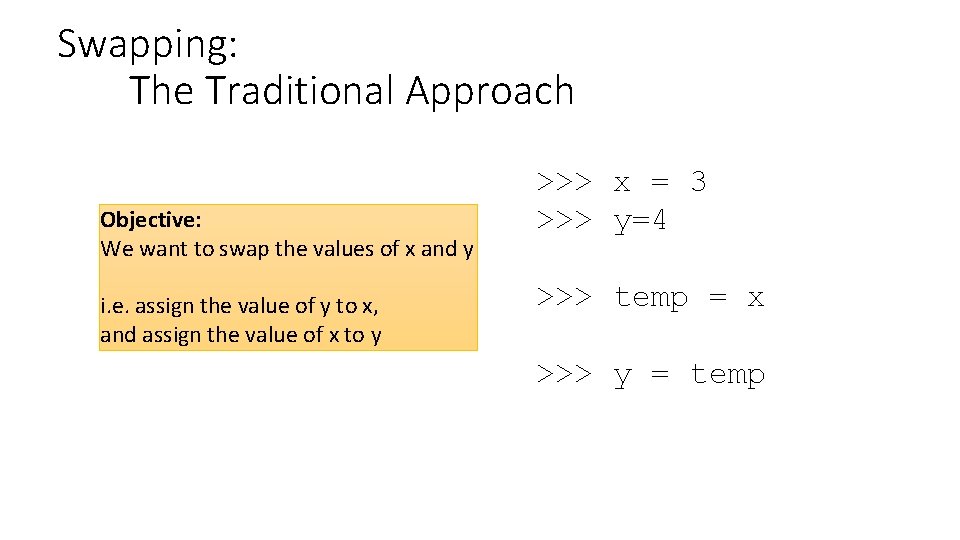
Swapping: The Traditional Approach Objective: We want to swap the values of x and y i. e. assign the value of y to x, and assign the value of x to y >>> x = 3 >>> y=4 >>> temp = x >>> y = temp
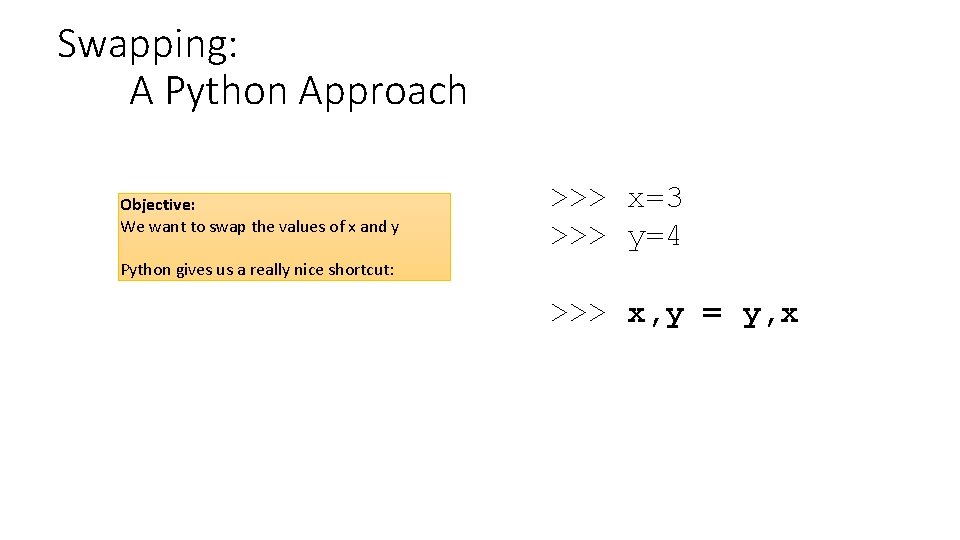
Swapping: A Python Approach Objective: We want to swap the values of x and y >>> x=3 >>> y=4 Python gives us a really nice shortcut: >>> x, y = y, x
Decision Structures Change the flow of control 41
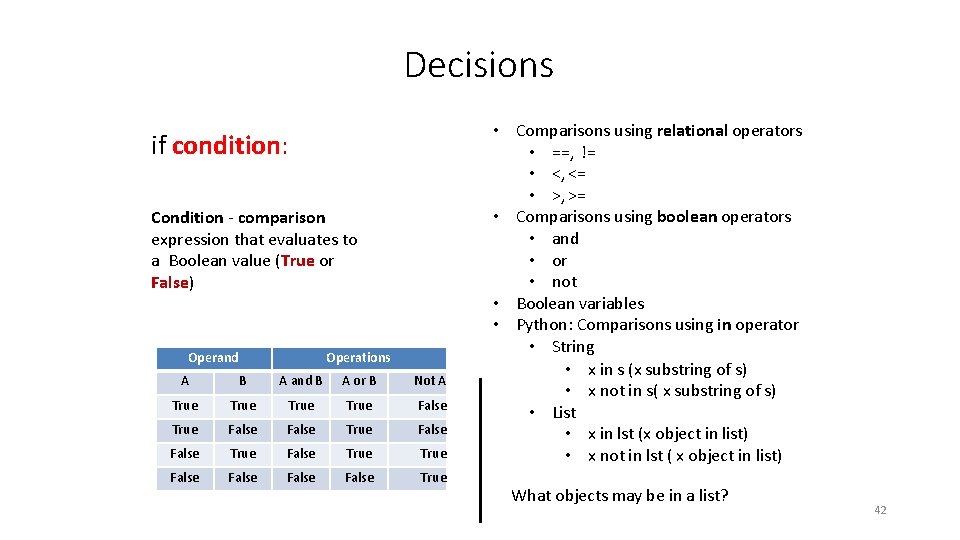
Decisions if condition: Condition - comparison expression that evaluates to a Boolean value (True or False) Operand Operations A B A and B A or B Not A True False True False False True • Comparisons using relational operators • ==, != • <, <= • >, >= • Comparisons using boolean operators • and • or • not • Boolean variables • Python: Comparisons using in operator • String • x in s (x substring of s) • x not in s( x substring of s) • List • x in lst (x object in list) • x not in lst ( x object in list) What objects may be in a list? 42
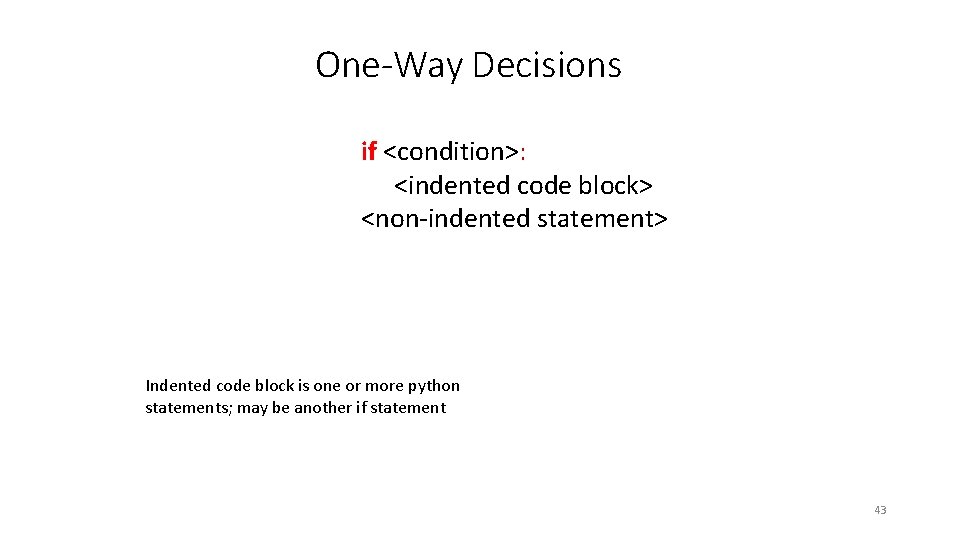
One-Way Decisions if <condition>: <indented code block> <non-indented statement> Indented code block is one or more python statements; may be another if statement 43
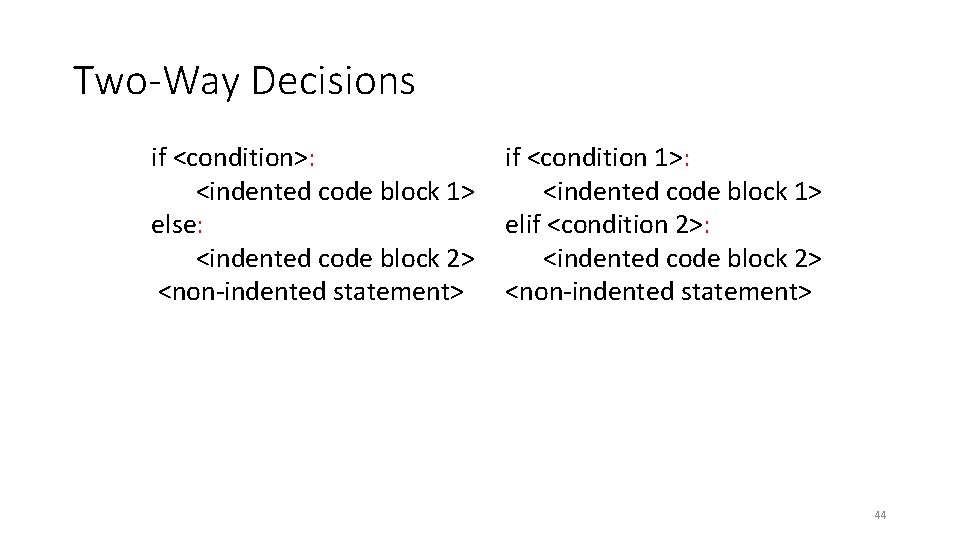
Two-Way Decisions if <condition>: <indented code block 1> else: <indented code block 2> <non-indented statement> if <condition 1>: <indented code block 1> elif <condition 2>: <indented code block 2> <non-indented statement> 44
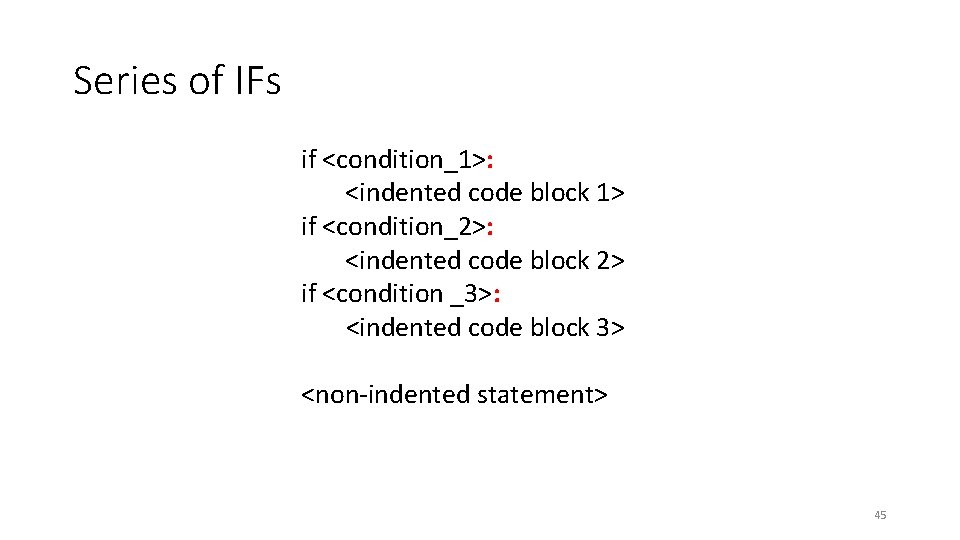
Series of IFs if <condition_1>: <indented code block 1> if <condition_2>: <indented code block 2> if <condition _3>: <indented code block 3> <non-indented statement> 45
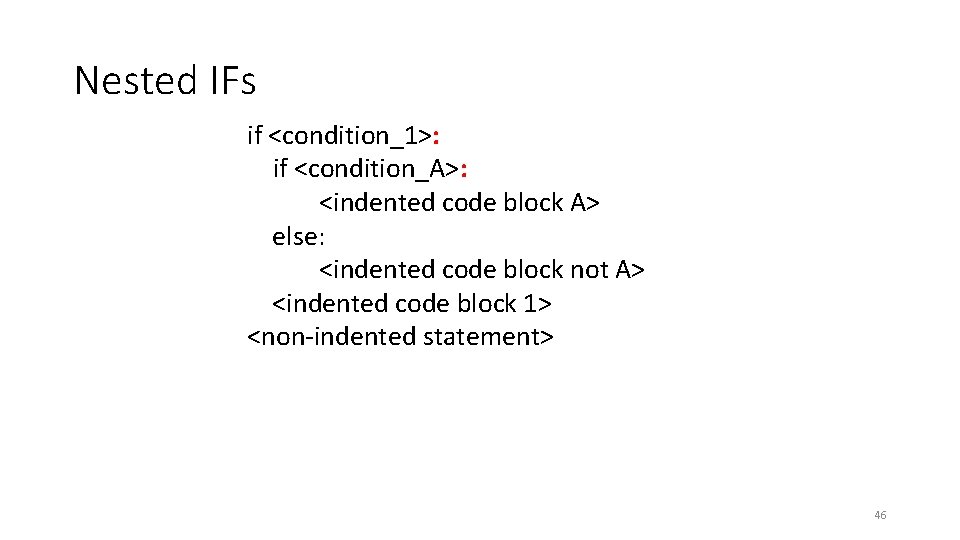
Nested IFs if <condition_1>: if <condition_A>: <indented code block A> else: <indented code block not A> <indented code block 1> <non-indented statement> 46
Practice Examples 1 - 4 47
Algorithms • IMPORTANT!!!!! • Watch out for the "yeahs"…
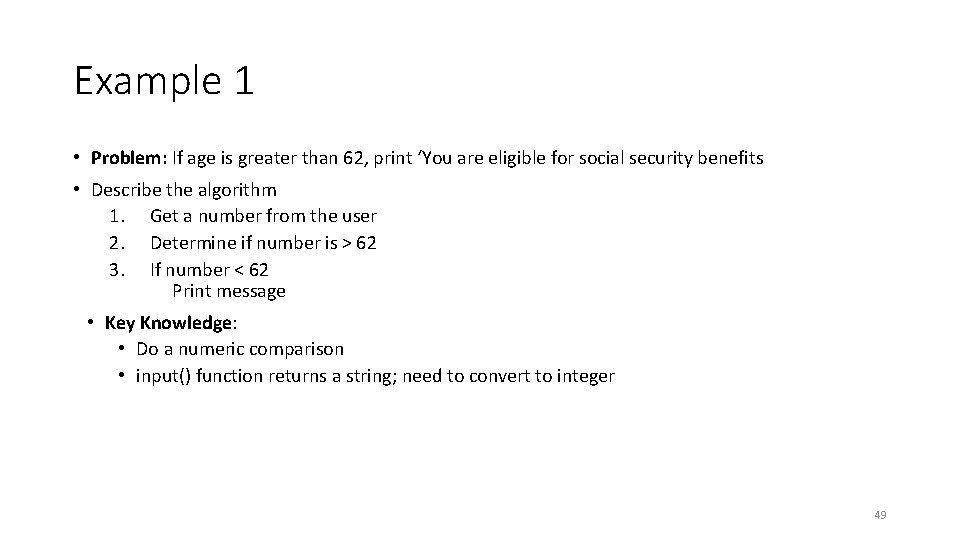
Example 1 • Problem: If age is greater than 62, print ‘You are eligible for social security benefits • Describe the algorithm 1. Get a number from the user 2. Determine if number is > 62 3. If number < 62 Print message • Key Knowledge: • Do a numeric comparison • input() function returns a string; need to convert to integer 49
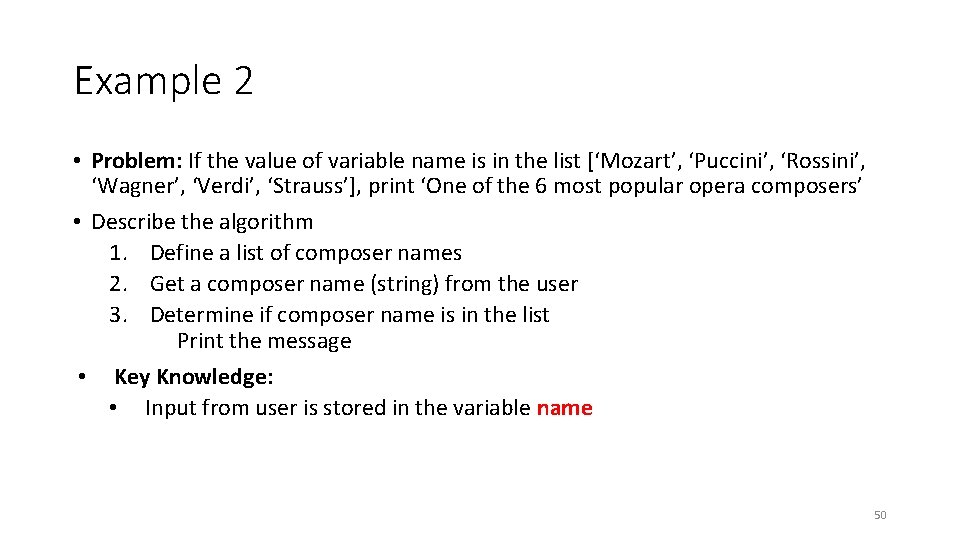
Example 2 • Problem: If the value of variable name is in the list [‘Mozart’, ‘Puccini’, ‘Rossini’, ‘Wagner’, ‘Verdi’, ‘Strauss’], print ‘One of the 6 most popular opera composers’ • Describe the algorithm 1. Define a list of composer names 2. Get a composer name (string) from the user 3. Determine if composer name is in the list Print the message • Key Knowledge: • Input from user is stored in the variable name 50
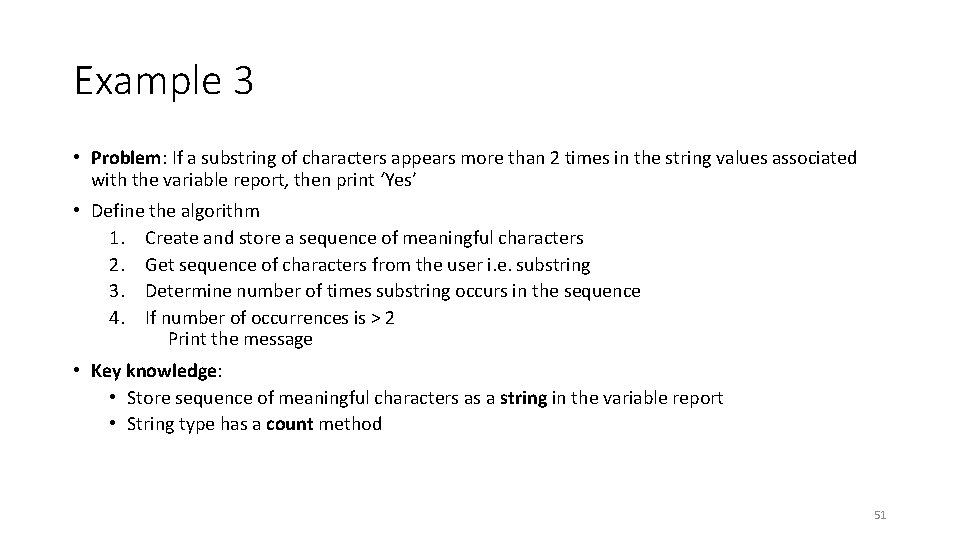
Example 3 • Problem: If a substring of characters appears more than 2 times in the string values associated with the variable report, then print ‘Yes’ • Define the algorithm 1. Create and store a sequence of meaningful characters 2. Get sequence of characters from the user i. e. substring 3. Determine number of times substring occurs in the sequence 4. If number of occurrences is > 2 Print the message • Key knowledge: • Store sequence of meaningful characters as a string in the variable report • String type has a count method 51
Example 4 • Problem: if at least one of the Boolean variables north, south, east, west is True, print ‘I can escape’ • Describe the algorithm 1. Initialize Boolean variables to True or False 2. Determine Boolean operator that returns True if at least one value in the Boolean variables is True 3. If True Print the message • Key knowledge: • Boolean operator that returns True if at least one of the Boolean variables is True in ‘or’. Review truth tables. • Test case 1: all variables are False • Test case 2: all variables are True • Test case 3: two variable are False • Test case 4: three variables are False 52