
Python CGI programming 1 Outline HTML forms Basic
Python CGI programming 1

Outline • HTML forms • Basic CGI usage • Setting up a debugging framework • Security • Handling persistent data • Locking • Sessions • Cookies • File upload • Generating HTML • Performance 2
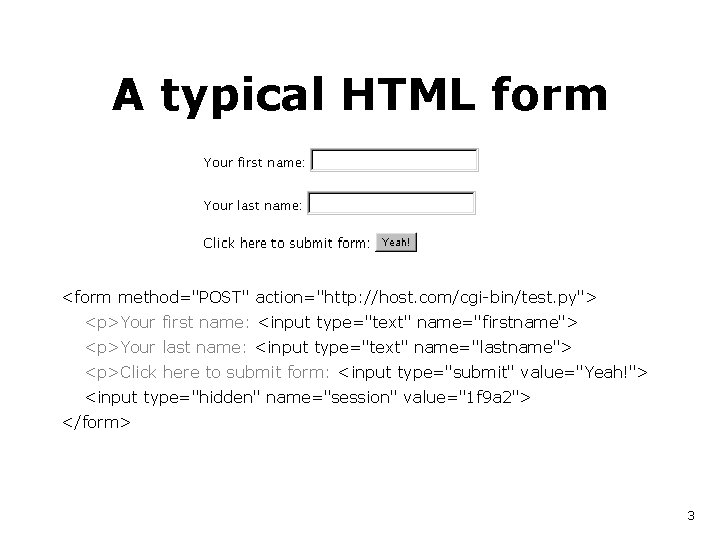
A typical HTML form <form method="POST" action="http: //host. com/cgi-bin/test. py"> <p>Your first name: <input type="text" name="firstname"> <p>Your last name: <input type="text" name="lastname"> <p>Click here to submit form: <input type="submit" value="Yeah!"> <input type="hidden" name="session" value="1 f 9 a 2"> </form> 3
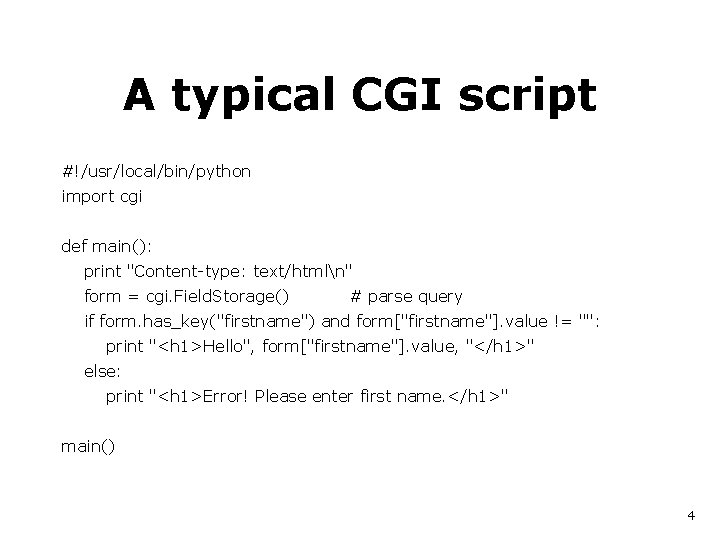
A typical CGI script #!/usr/local/bin/python import cgi def main(): print "Content-type: text/htmln" form = cgi. Field. Storage() # parse query if form. has_key("firstname") and form["firstname"]. value != "": print "<h 1>Hello", form["firstname"]. value, "</h 1>" else: print "<h 1>Error! Please enter first name. </h 1>" main() 4
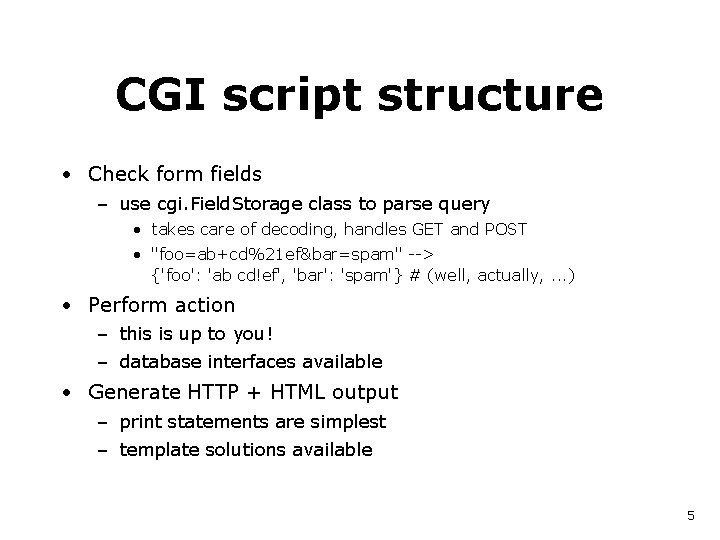
CGI script structure • Check form fields – use cgi. Field. Storage class to parse query • takes care of decoding, handles GET and POST • "foo=ab+cd%21 ef&bar=spam" --> {'foo': 'ab cd!ef', 'bar': 'spam'} # (well, actually, . . . ) • Perform action – this is up to you! – database interfaces available • Generate HTTP + HTML output – print statements are simplest – template solutions available 5
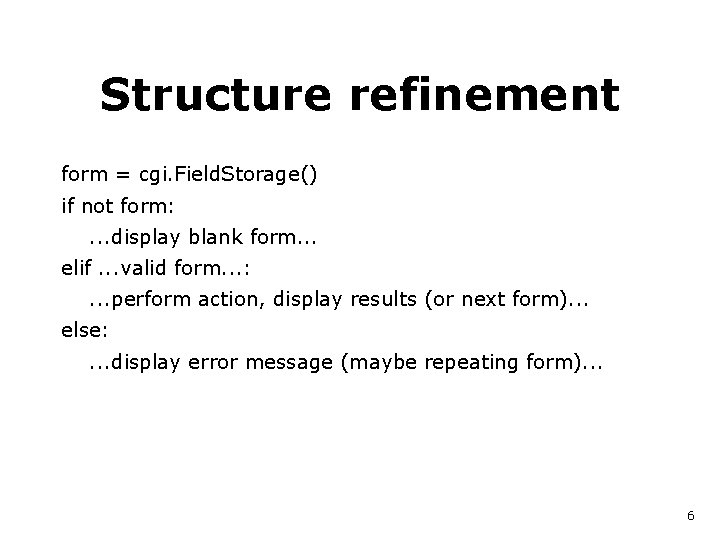
Structure refinement form = cgi. Field. Storage() if not form: . . . display blank form. . . elif. . . valid form. . . : . . . perform action, display results (or next form). . . else: . . . display error message (maybe repeating form). . . 6
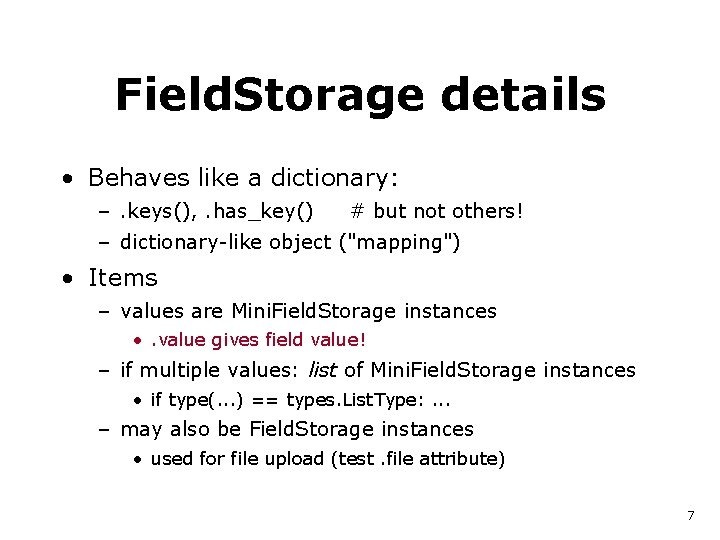
Field. Storage details • Behaves like a dictionary: –. keys(), . has_key() # but not others! – dictionary-like object ("mapping") • Items – values are Mini. Field. Storage instances • . value gives field value! – if multiple values: list of Mini. Field. Storage instances • if type(. . . ) == types. List. Type: . . . – may also be Field. Storage instances • used for file upload (test. file attribute) 7
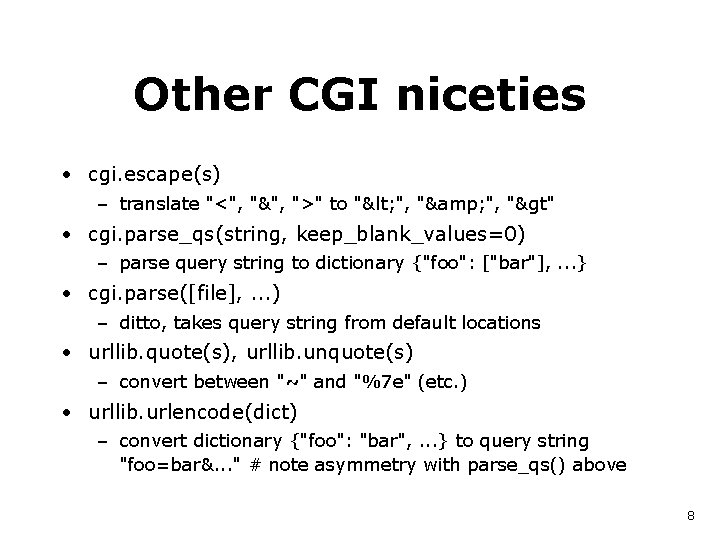
Other CGI niceties • cgi. escape(s) – translate "<", "&", ">" to "< ", "& ", ">" • cgi. parse_qs(string, keep_blank_values=0) – parse query string to dictionary {"foo": ["bar"], . . . } • cgi. parse([file], . . . ) – ditto, takes query string from default locations • urllib. quote(s), urllib. unquote(s) – convert between "~" and "%7 e" (etc. ) • urllib. urlencode(dict) – convert dictionary {"foo": "bar", . . . } to query string "foo=bar&. . . " # note asymmetry with parse_qs() above 8
Dealing with bugs • Things go wrong, you get a traceback. . . • By default, tracebacks usually go to the server's error_log file. . . • Printing a traceback to stdout is tricky – could happen before "Content-type" is printed – could happen in the middle of HTML markup – could contain markup itself • What's needed is a. . . 9
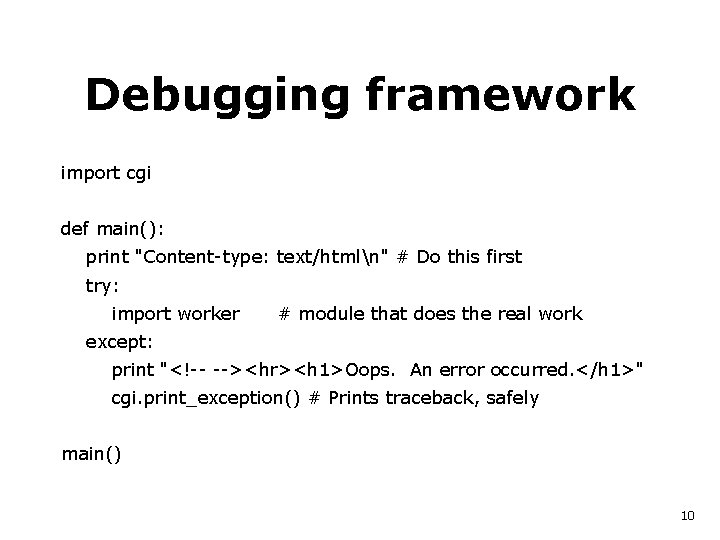
Debugging framework import cgi def main(): print "Content-type: text/htmln" # Do this first try: import worker # module that does the real work except: print "<!-- --><hr><h 1>Oops. An error occurred. </h 1>" cgi. print_exception() # Prints traceback, safely main() 10
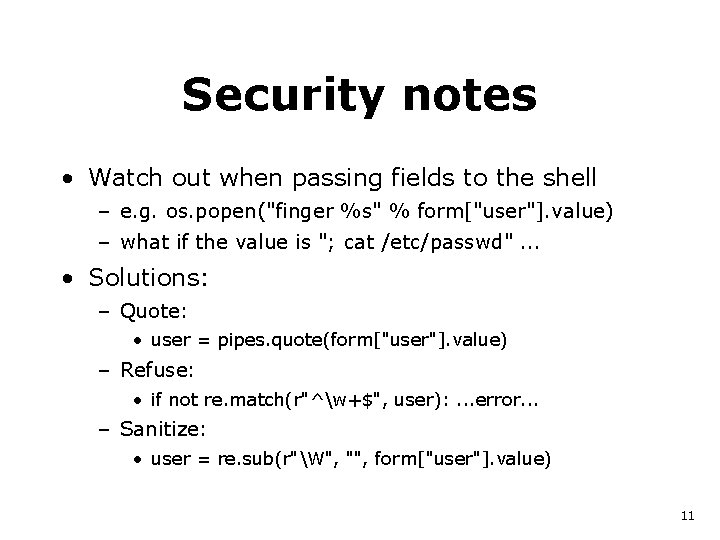
Security notes • Watch out when passing fields to the shell – e. g. os. popen("finger %s" % form["user"]. value) – what if the value is "; cat /etc/passwd". . . • Solutions: – Quote: • user = pipes. quote(form["user"]. value) – Refuse: • if not re. match(r"^w+$", user): . . . error. . . – Sanitize: • user = re. sub(r"W", "", form["user"]. value) 11
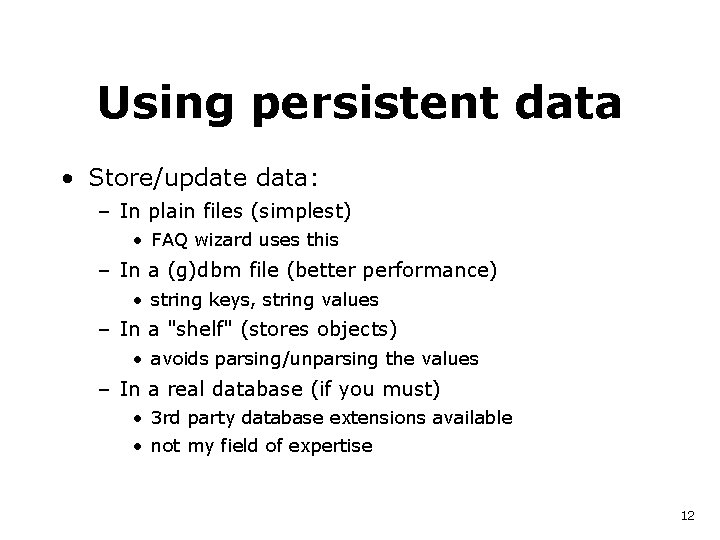
Using persistent data • Store/update data: – In plain files (simplest) • FAQ wizard uses this – In a (g)dbm file (better performance) • string keys, string values – In a "shelf" (stores objects) • avoids parsing/unparsing the values – In a real database (if you must) • 3 rd party database extensions available • not my field of expertise 12

Plain files key =. . . username, or session key, or whatever. . . try: f = open(key, "r") data = f. read() # read previous data f. close() except IOError: data = "" data = update(data, form) # no file yet: provide initial data # do whatever must be done f = open(key, "w") f. write(data) # write new data f. close() # (could delete the file instead if updated data is empty) 13

(G)DBM files # better performance if there are many records import gdbm key =. . . username, or session key, or whatever. . . db = gdbm. open("DATABASE", "w") # open for reading+writing if db. has_key(key): data = db[key] # read previous data else: data = "" # provide initial data = update(data, form) db[key] = data # write new data db. close() 14
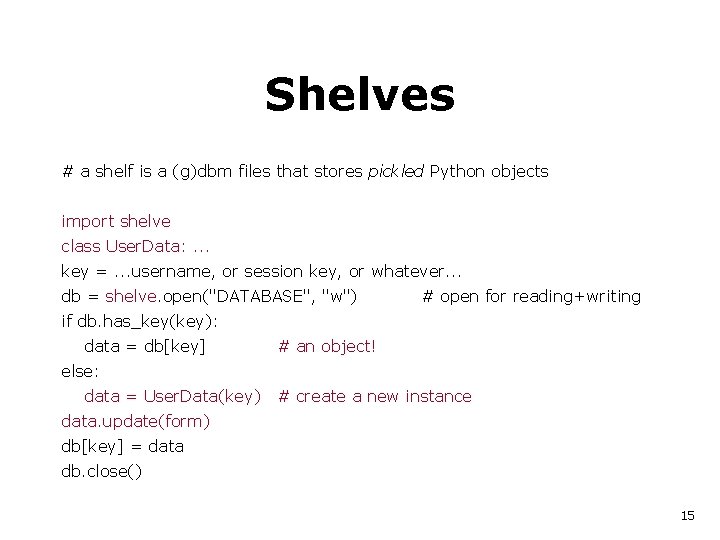
Shelves # a shelf is a (g)dbm files that stores pickled Python objects import shelve class User. Data: . . . key =. . . username, or session key, or whatever. . . db = shelve. open("DATABASE", "w") # open for reading+writing if db. has_key(key): data = db[key] # an object! else: data = User. Data(key) # create a new instance data. update(form) db[key] = data db. close() 15
Locking • (G)DBM files and shelves are not protected against concurrent updates! • Multiple readers, single writer usually OK – simplest approach: only lock when writing • Good filesystem-based locking is hard – no cross-platform solutions – unpleasant facts of life: • processes sometimes die without unlocking • processes sometimes take longer than expected • NFS semantics 16
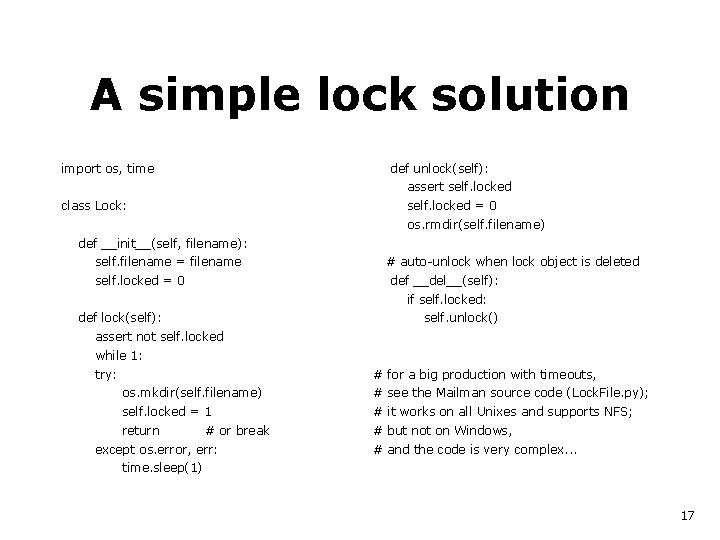
A simple lock solution import os, time def unlock(self): assert self. locked class Lock: self. locked = 0 os. rmdir(self. filename) def __init__(self, filename): self. filename = filename self. locked = 0 # auto-unlock when lock object is deleted def __del__(self): if self. locked: def lock(self): self. unlock() assert not self. locked while 1: try: # for a big production with timeouts, os. mkdir(self. filename) # see the Mailman source code (Lock. File. py); self. locked = 1 # it works on all Unixes and supports NFS; return # but not on Windows, # or break except os. error, err: # and the code is very complex. . . time. sleep(1) 17
Sessions • How to correlate requests from same user? – Assign session key on first contact – Incorporate session key in form or in URL – In form: use hidden input field: • <input type="hidden" name="session" value="1 f 9 a 2"> – In URL: • http: //myhost. com/cgi-bin/myprog. py/1 f 9 a 2 • passed in environment (os. environ[. . . ]): – PATH_INFO=/1 f 9 a 2 – PATH_TRANSLATED=<rootdir>/1 f 9 a 2 18
Cookies • How to correlate sessions from the same user? – Store "cookie" in browser • controversial, but useful – Module: Cookie. py (Tim O'Malley) • writes "Set-Cookie" headers • parses HTTP_COOKIE environment variable – Note: using cookies affects our debug framework • cookies must be printed as part of HTTP headers • cheapest solution: – move printing of blank line into worker module – (and into exception handler of debug framework) 19
![Cookie example import os, cgi, Cookie c["user"] = user c = Cookie() print c](http://slidetodoc.com/presentation_image_h2/58021fd9ac53ef784ea5eece3caf8730/image-20.jpg "Cookie example import os, cgi, Cookie c[\"user\"] = user c = Cookie() print c")
Cookie example import os, cgi, Cookie c["user"] = user c = Cookie() print c try: c. load(os. environ["HTTP_COOKIE"]) except Key. Error: pass form = cgi. Field. Storage() try: user = form["user"]. value except Key. Error: try: user = c["user"]. value except Key. Error: user = "nobody" print """ <form action="/cgi-bin/test. py" method="get"> <input type="text" name="user" value="%s"> </form> """ % cgi. escape(user) # debug: show the cookie header we wrote print "<pre>" print cgi. escape(str(c)) print "</pre>" 20
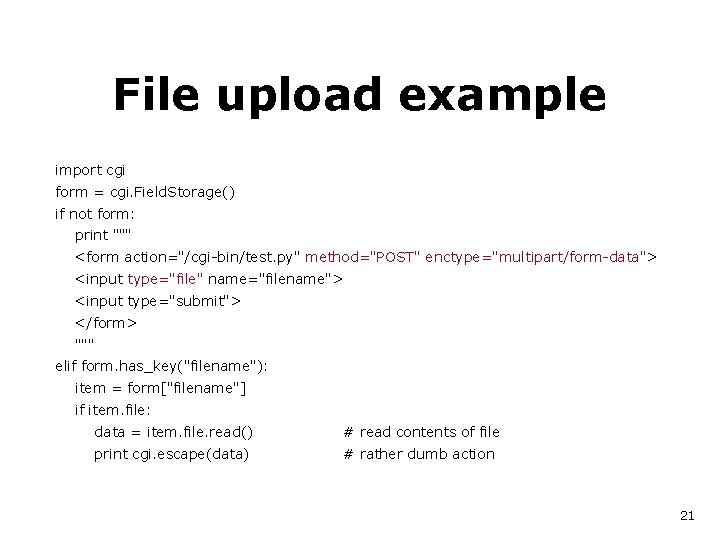
File upload example import cgi form = cgi. Field. Storage() if not form: print """ <form action="/cgi-bin/test. py" method="POST" enctype="multipart/form-data"> <input type="file" name="filename"> <input type="submit"> </form> """ elif form. has_key("filename"): item = form["filename"] if item. file: data = item. file. read() # read contents of file print cgi. escape(data) # rather dumb action 21
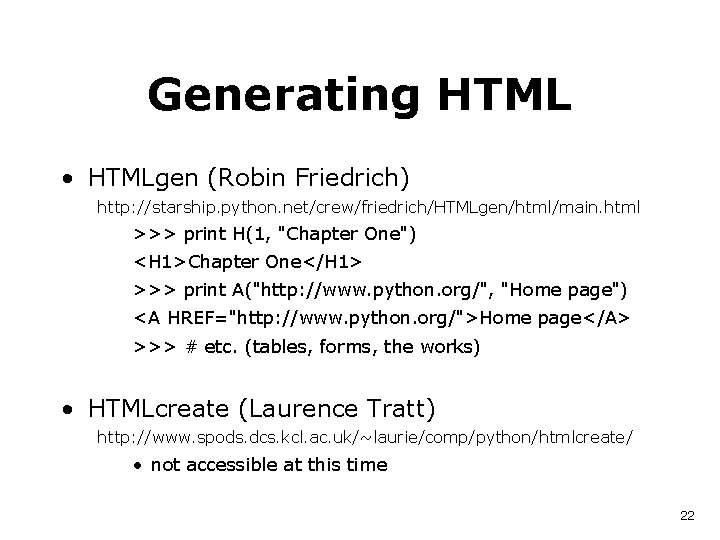
Generating HTML • HTMLgen (Robin Friedrich) http: //starship. python. net/crew/friedrich/HTMLgen/html/main. html >>> print H(1, "Chapter One") <H 1>Chapter One</H 1> >>> print A("http: //www. python. org/", "Home page") <A HREF="http: //www. python. org/">Home page</A> >>> # etc. (tables, forms, the works) • HTMLcreate (Laurence Tratt) http: //www. spods. dcs. kcl. ac. uk/~laurie/comp/python/htmlcreate/ • not accessible at this time 22
CGI performance • What causes slow response? – One process per CGI invocation • process creation (fork+exec) • Python interpreter startup time • importing library modules (somewhat fixable) – Connecting to a database! • this can be the killer if you use a real database – Your code? • probably not the bottleneck! 23
Avoiding fork() • Python in Apache (mod_pyapache) • problems: stability; internal design • advantage: CGI compatible • may work if CGI scripts are simple and trusted • doesn't avoid database connection delay • Use Python as webserver • slow for static content (use different port) • advantage: total control; session state is easy • Fast. CGI, HTTPDAPI etc. • ZOPE 24
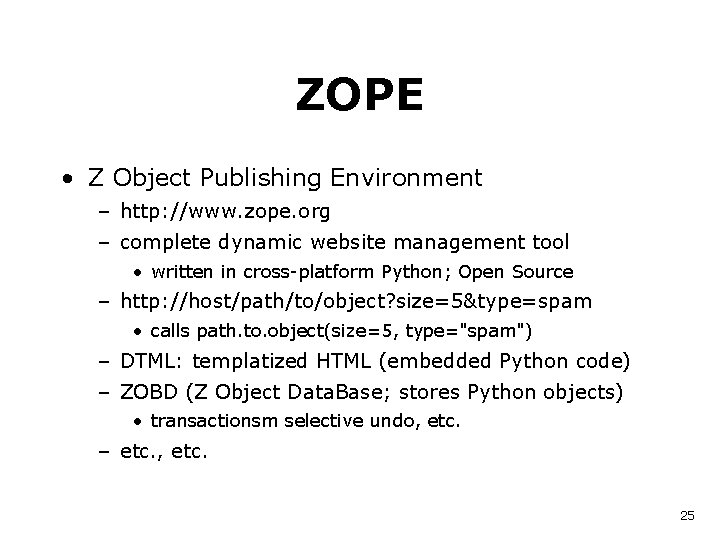
ZOPE • Z Object Publishing Environment – http: //www. zope. org – complete dynamic website management tool • written in cross-platform Python; Open Source – http: //host/path/to/object? size=5&type=spam • calls path. to. object(size=5, type="spam") – DTML: templatized HTML (embedded Python code) – ZOBD (Z Object Data. Base; stores Python objects) • transactionsm selective undo, etc. – etc. , etc. 25

Case study 26

FAQ wizard • Tools/faqwiz. py in Python distribution • http: //www. python. org /cgi-bin/faqw. py 27

faqw. py - bootstrap import os, sys try: FAQDIR = "/usr/people/guido/python/FAQ" SRCDIR = "/usr/people/guido/python/src/Tools/faqwiz" os. chdir(FAQDIR) sys. path. insert(0, SRCDIR) import faqwiz except System. Exit, n: sys. exit(n) except: t, v, tb = sys. exc_type, sys. exc_value, sys. exc_traceback print import cgi. print_exception(t, v, tb) 28
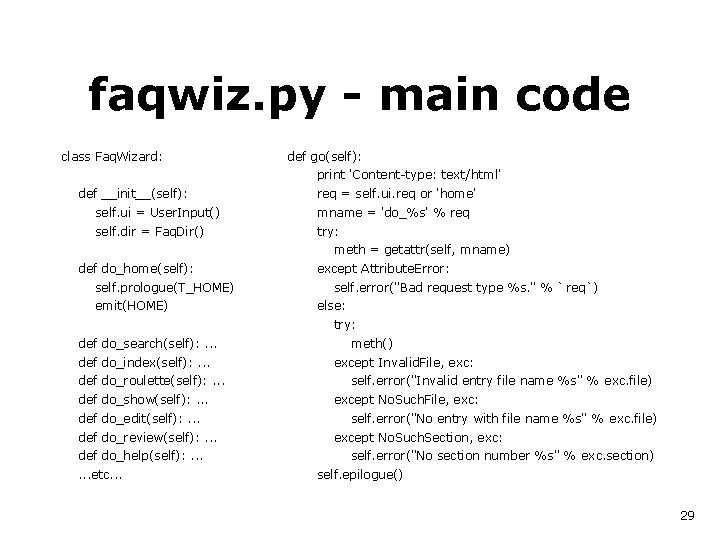
faqwiz. py - main code class Faq. Wizard: def go(self): print 'Content-type: text/html' def __init__(self): req = self. ui. req or 'home' self. ui = User. Input() mname = 'do_%s' % req self. dir = Faq. Dir() try: meth = getattr(self, mname) def do_home(self): self. prologue(T_HOME) emit(HOME) except Attribute. Error: self. error("Bad request type %s. " % `req`) else: try: def do_search(self): . . . def do_index(self): . . . def do_roulette(self): . . . def do_show(self): . . . def do_edit(self): . . . def do_review(self): . . . def do_help(self): . . . etc. . . meth() except Invalid. File, exc: self. error("Invalid entry file name %s" % exc. file) except No. Such. File, exc: self. error("No entry with file name %s" % exc. file) except No. Such. Section, exc: self. error("No section number %s" % exc. section) self. epilogue() 29
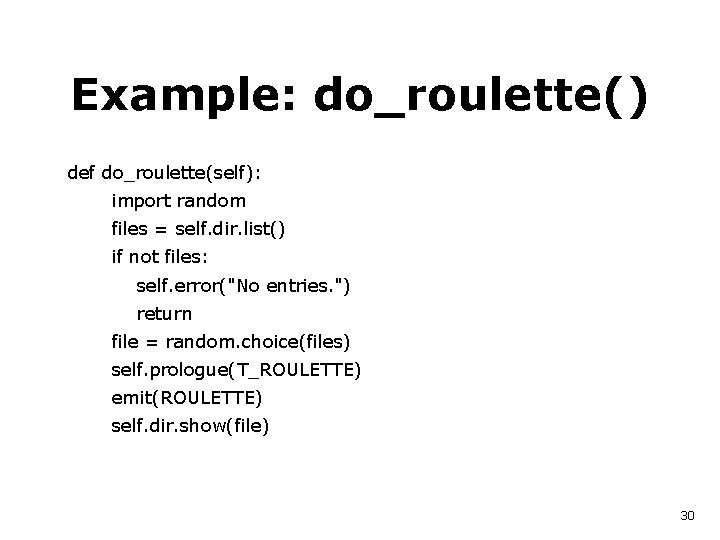
Example: do_roulette() def do_roulette(self): import random files = self. dir. list() if not files: self. error("No entries. ") return file = random. choice(files) self. prologue(T_ROULETTE) emit(ROULETTE) self. dir. show(file) 30
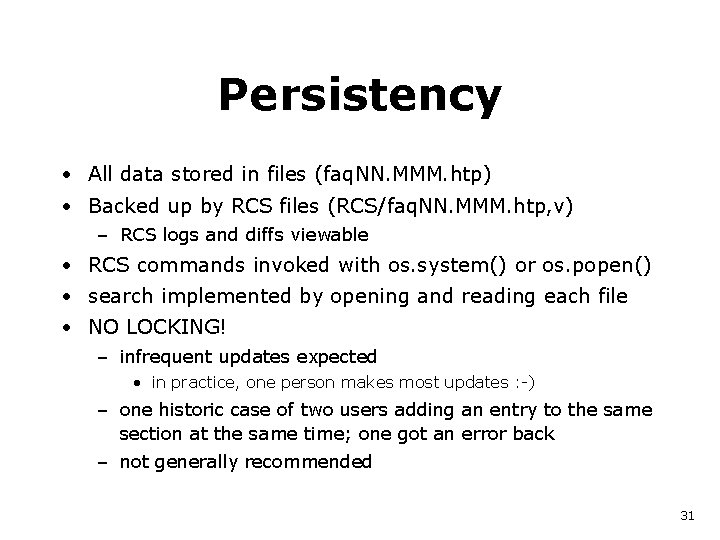
Persistency • All data stored in files (faq. NN. MMM. htp) • Backed up by RCS files (RCS/faq. NN. MMM. htp, v) – RCS logs and diffs viewable • RCS commands invoked with os. system() or os. popen() • search implemented by opening and reading each file • NO LOCKING! – infrequent updates expected • in practice, one person makes most updates : -) – one historic case of two users adding an entry to the same section at the same time; one got an error back – not generally recommended 31
faqconf. py, faqcust. py • faqconf. py defines named string constants for every bit of output generated by faqwiz. py – designed for customization (e. g. i 18 n) – so you can customize your own faq wizard – e. g. OWNEREMAIL = "guido@python. org" – this includes the list of sections in your faq : -( • faqcust. py defines overrides for faqconf. py – so you don't need to edit faqwiz. py • to make it easier to upgrade to newer faqwiz version 32

Webchecker • Tools/webchecker. py in Python distribution • Not a CGI application but a web client application – while still pages to do: • request page via http • parse html, collecting links – pages once requested won't be requested again – links outside original tree treated as leaves • existence checked but links not followed – reports on bad links • what the bad URL is • on which page(s) it is referenced – could extend for other reporting 33

Reference URLs • Python websites – http: //www. python. org (official site) – http: //starship. python. net (community) • Python web programming topic guide – http: //www. python. org/topics/web/ • These slides on the web (soon) – http: //www. python. org/doc/essays/ppt/sd 99 east. ppt 34
Reference books • http: //www. python. org/psa/bookstore/ • 1996 – Programming Python (Lutz) – [Internet Programming with Python (Watters e. a. )] • 1998 – Python Pocket Reference (Lutz) • 1999 – Learning Python (Lutz, Ascher) – Python: Essential Reference (Beazley) – Quick Python Book (Harms, Mc. Donald) • Expected 1999/2000 – Win 32, Tkinter, teach-yourself-in-24 -hrs, annotated archives, . . . 35
- Slides: 35