Figure 1 1 The Altera UP 3 FPGA
- Slides: 28
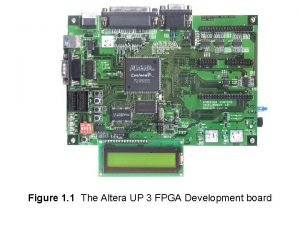
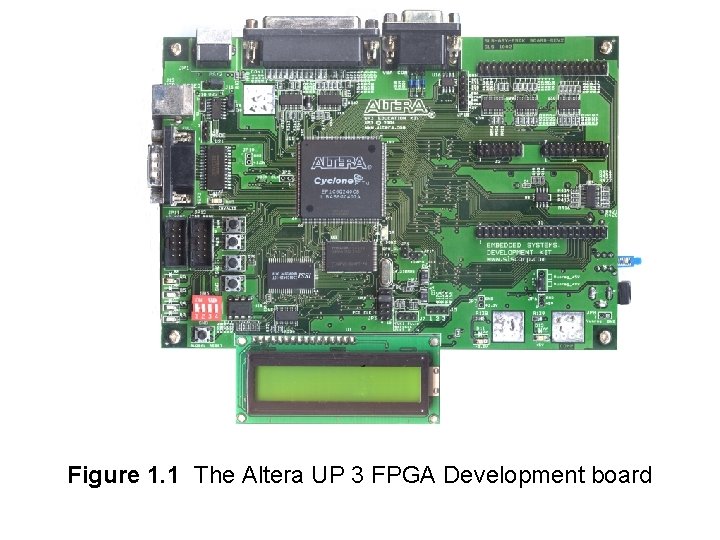
Figure 1. 1 The Altera UP 3 FPGA Development board
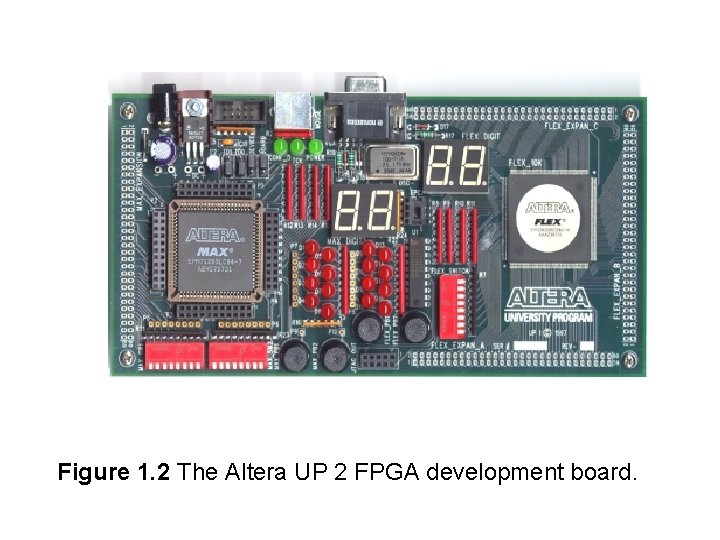
Figure 1. 2 The Altera UP 2 FPGA development board.
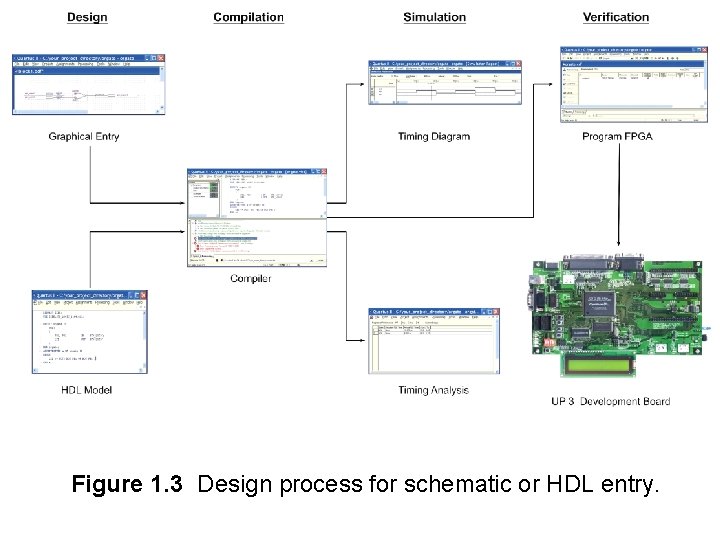
Figure 1. 3 Design process for schematic or HDL entry.
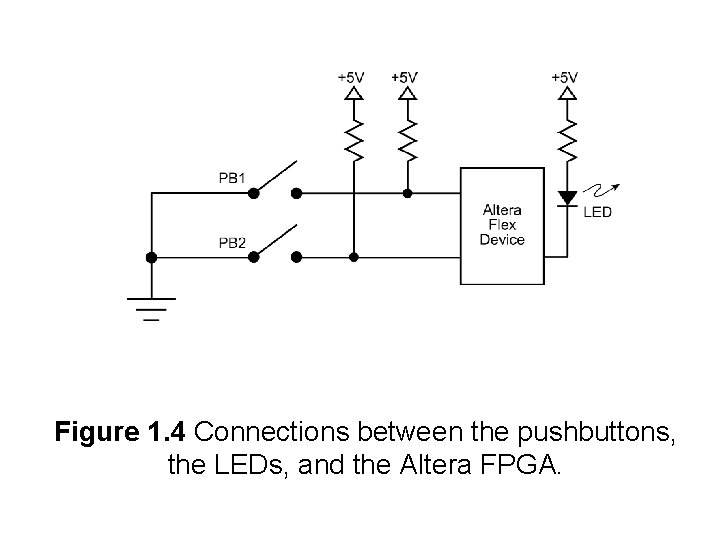
Figure 1. 4 Connections between the pushbuttons, the LEDs, and the Altera FPGA.
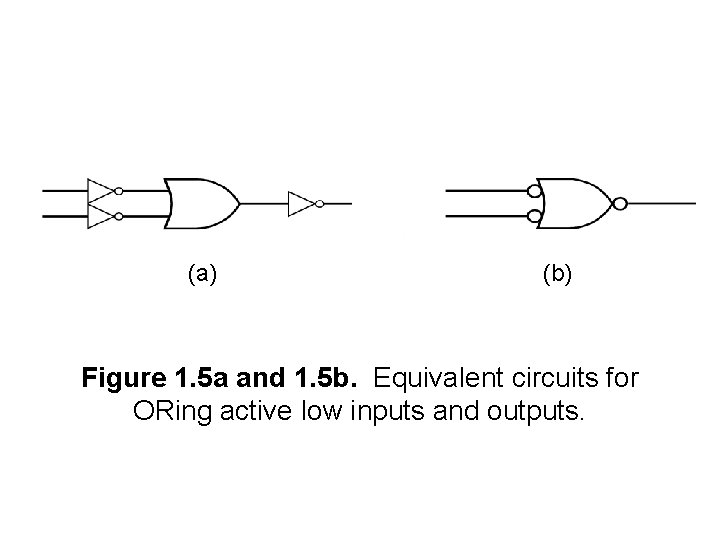
(a) (b) Figure 1. 5 a and 1. 5 b. Equivalent circuits for ORing active low inputs and outputs.
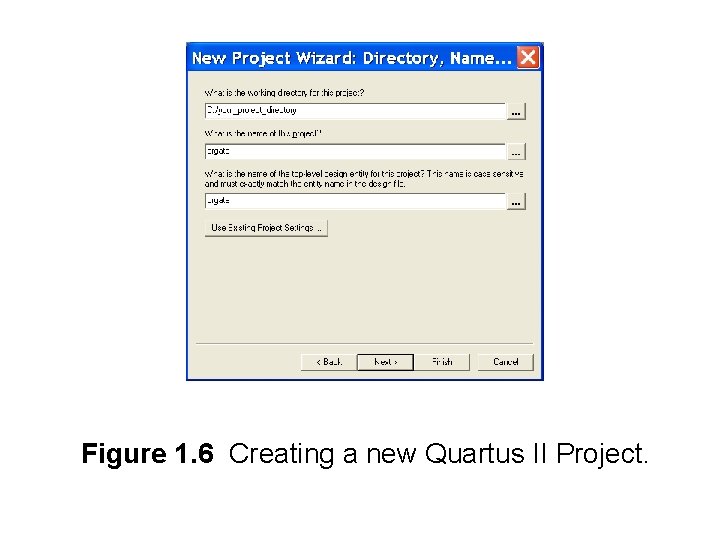
Figure 1. 6 Creating a new Quartus II Project.
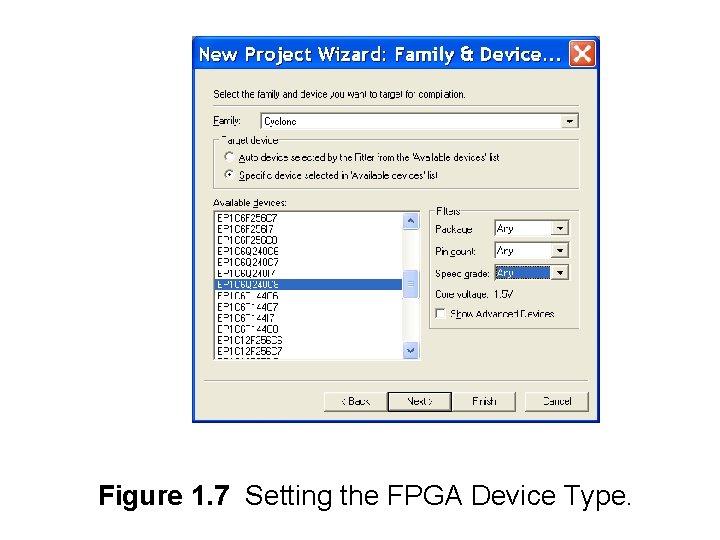
Figure 1. 7 Setting the FPGA Device Type.
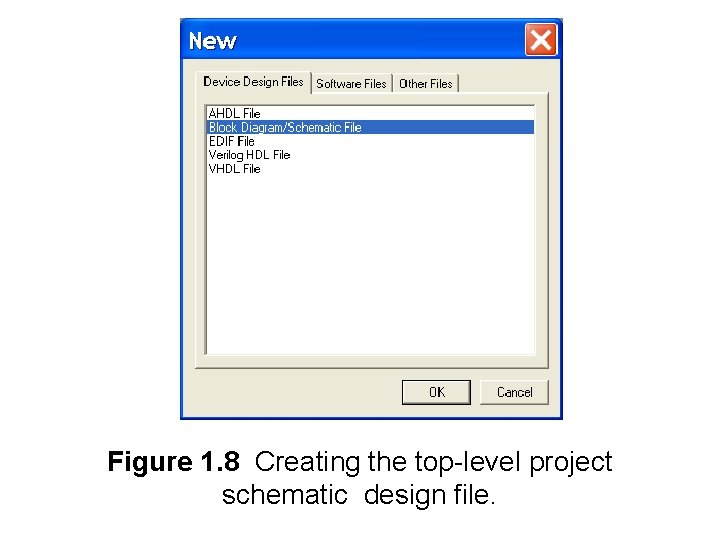
Figure 1. 8 Creating the top-level project schematic design file.
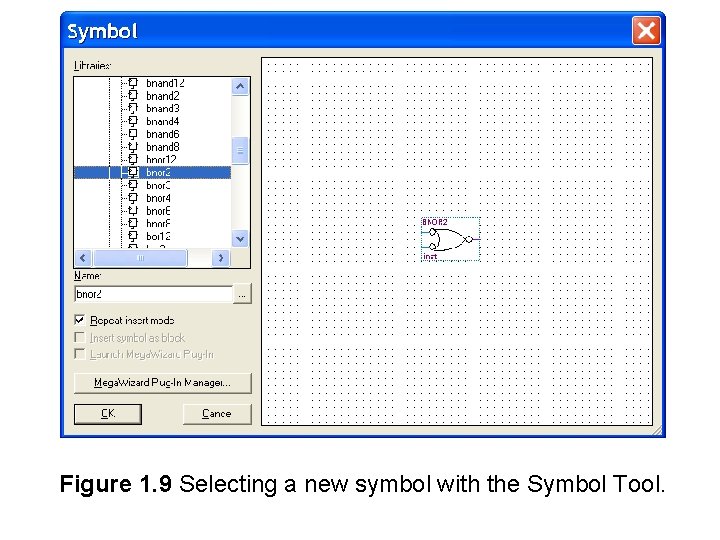
Figure 1. 9 Selecting a new symbol with the Symbol Tool.
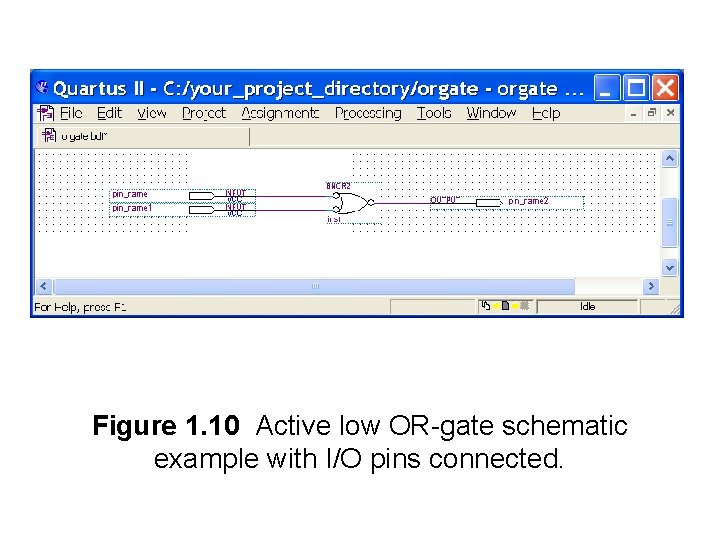
Figure 1. 10 Active low OR-gate schematic example with I/O pins connected.
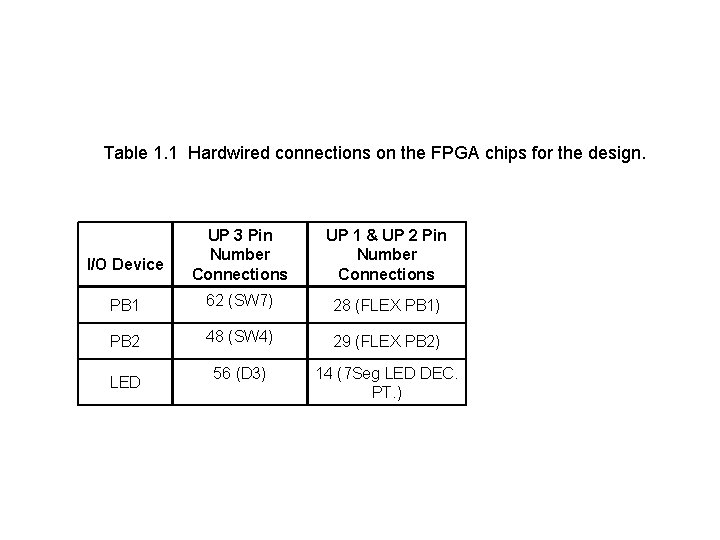
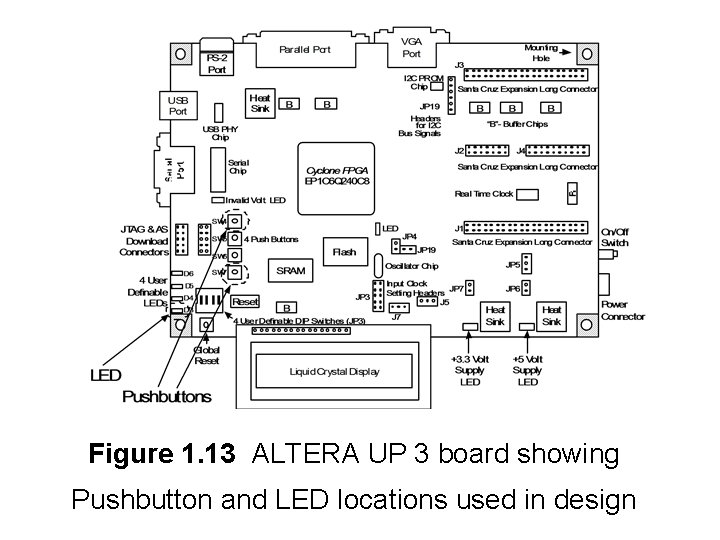
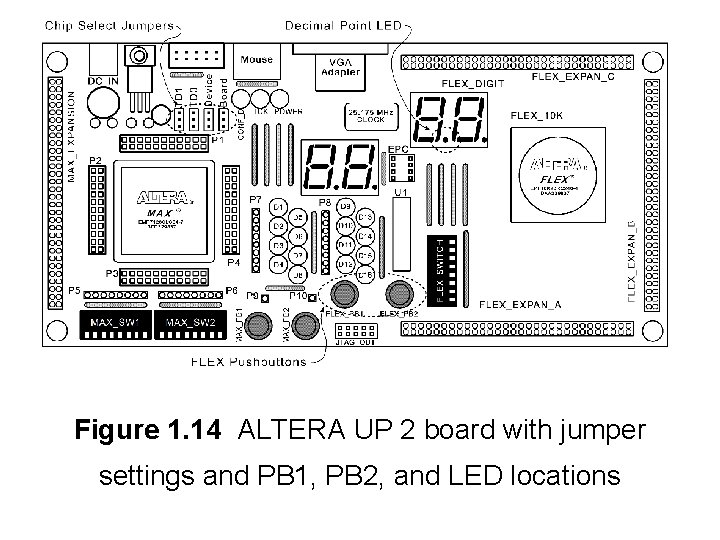
Table 1. 1 Hardwired connections on the FPGA chips for the design. UP 3 Pin Number Connections UP 1 & UP 2 Pin Number Connections PB 1 62 (SW 7) 28 (FLEX PB 1) PB 2 48 (SW 4) 29 (FLEX PB 2) 56 (D 3) 14 (7 Seg LED DEC. PT. ) I/O Device LED
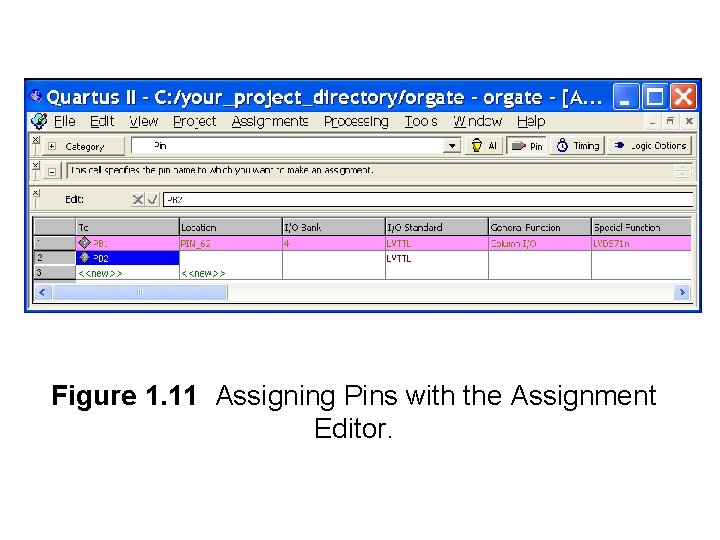
Figure 1. 11 Assigning Pins with the Assignment Editor.
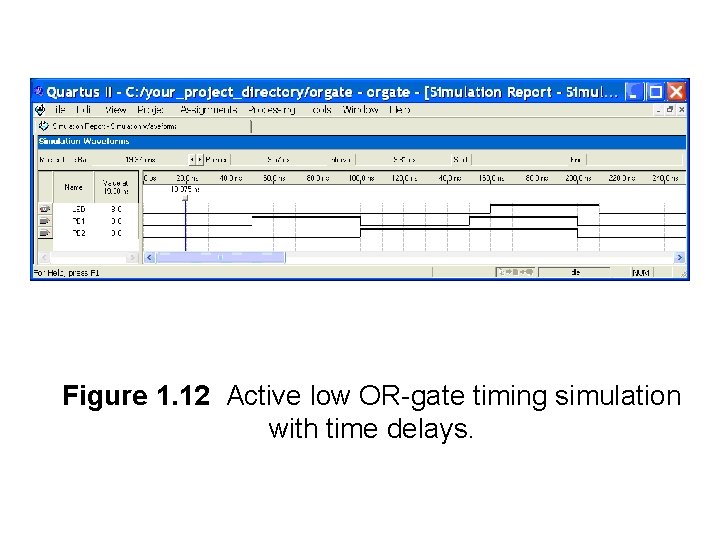
Figure 1. 12 Active low OR-gate timing simulation with time delays.
Figure 1. 13 ALTERA UP 3 board showing Pushbutton and LED locations used in design
Figure 1. 14 ALTERA UP 2 board with jumper settings and PB 1, PB 2, and LED locations
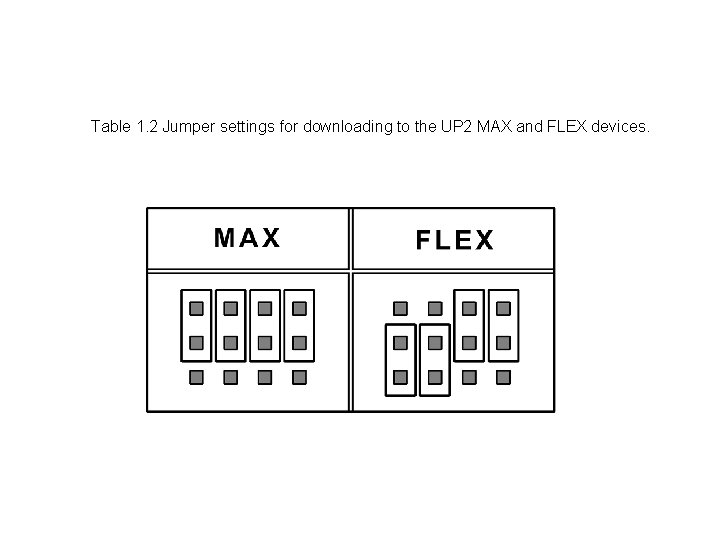
Table 1. 2 Jumper settings for downloading to the UP 2 MAX and FLEX devices.
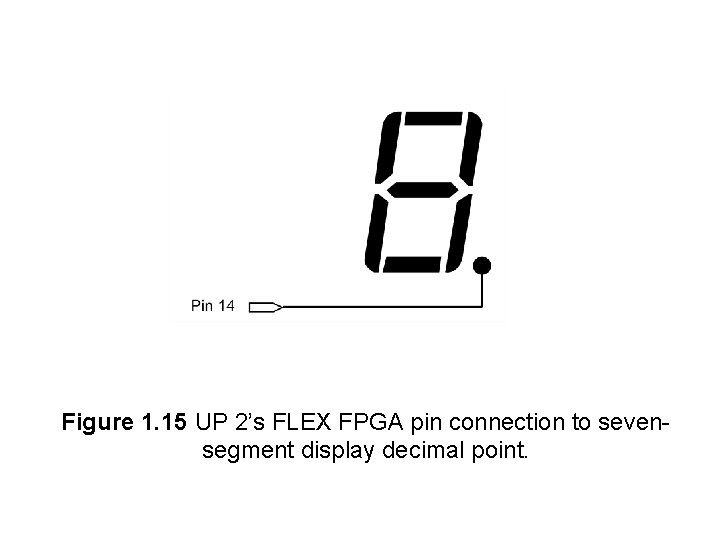
Figure 1. 15 UP 2’s FLEX FPGA pin connection to sevensegment display decimal point.
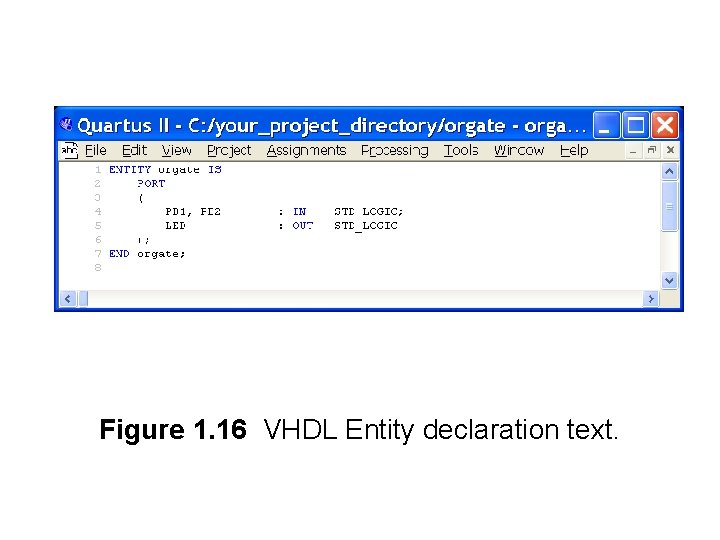
Figure 1. 16 VHDL Entity declaration text.
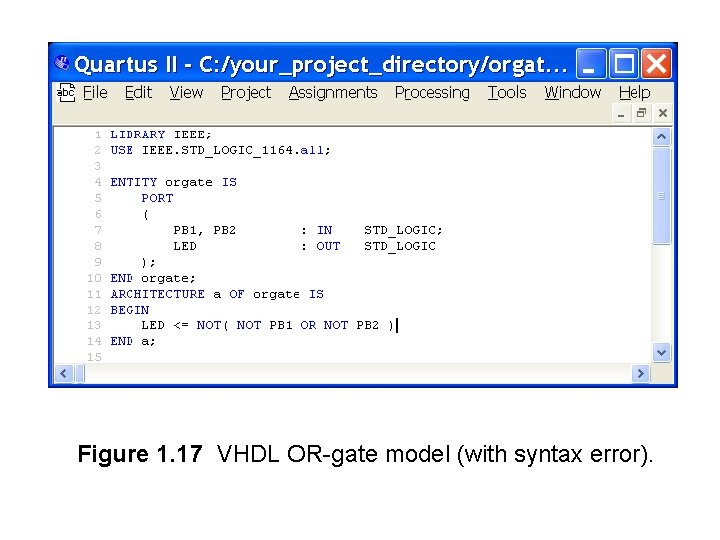
Figure 1. 17 VHDL OR-gate model (with syntax error).
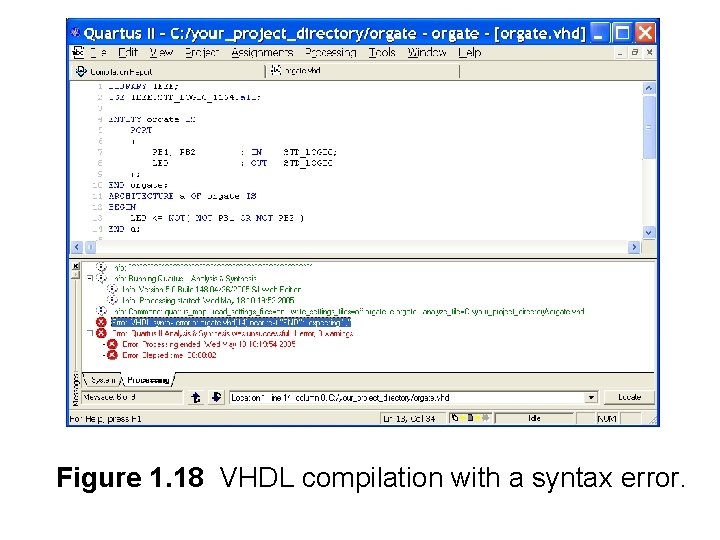
Figure 1. 18 VHDL compilation with a syntax error.
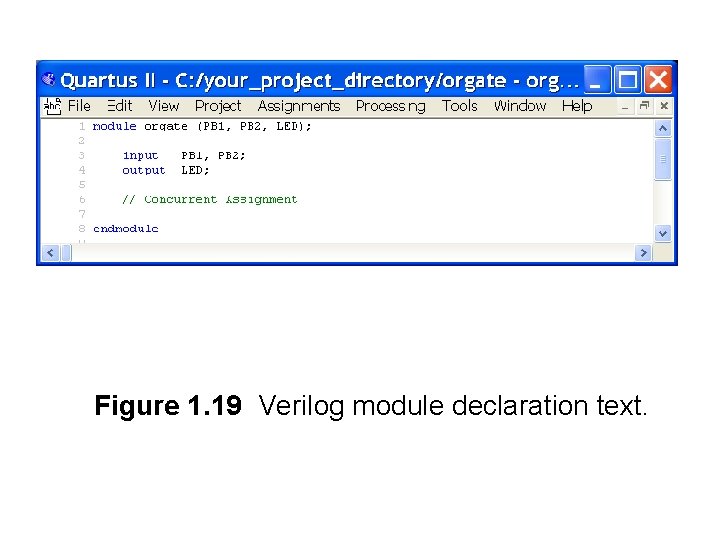
Figure 1. 19 Verilog module declaration text.
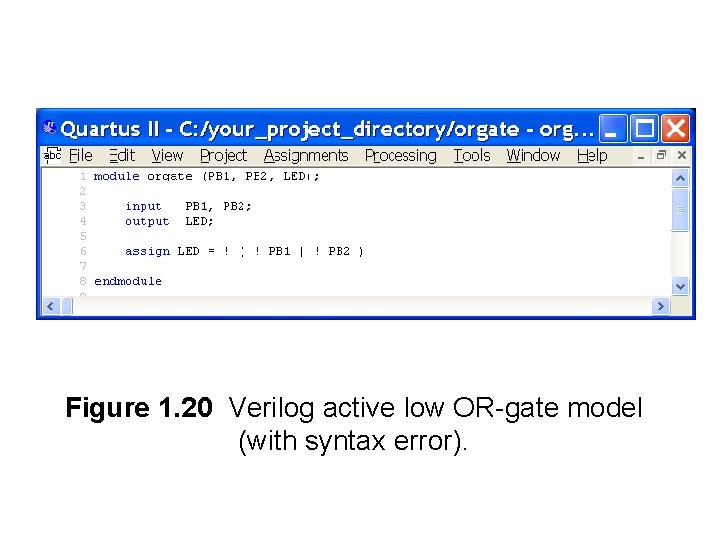
Figure 1. 20 Verilog active low OR-gate model (with syntax error).
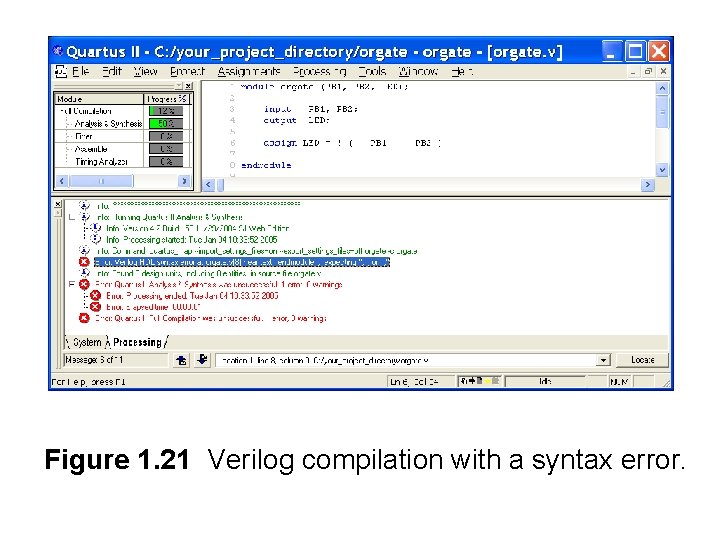
Figure 1. 21 Verilog compilation with a syntax error.
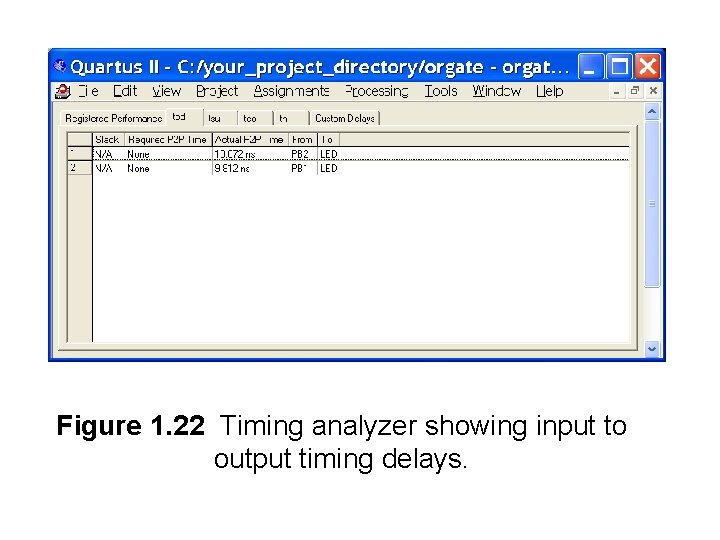
Figure 1. 22 Timing analyzer showing input to output timing delays.
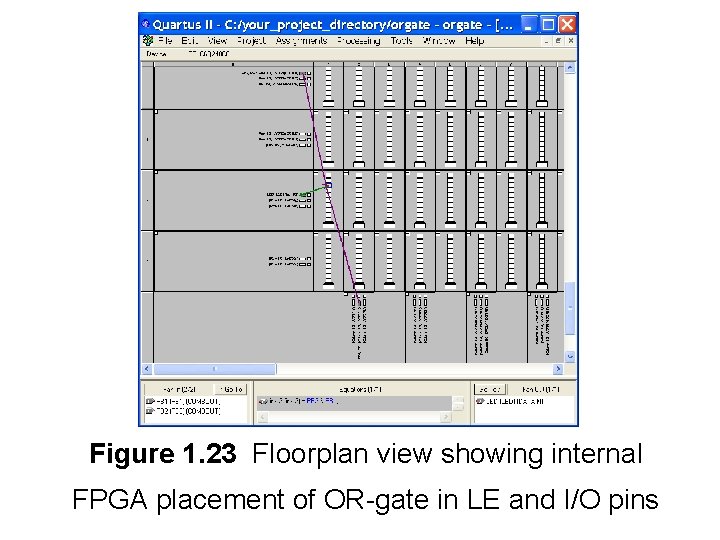
Figure 1. 23 Floorplan view showing internal FPGA placement of OR-gate in LE and I/O pins
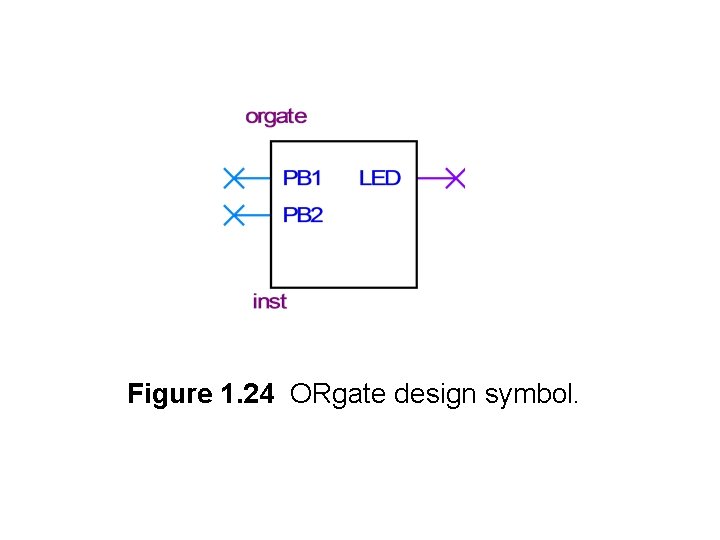
Figure 1. 24 ORgate design symbol.
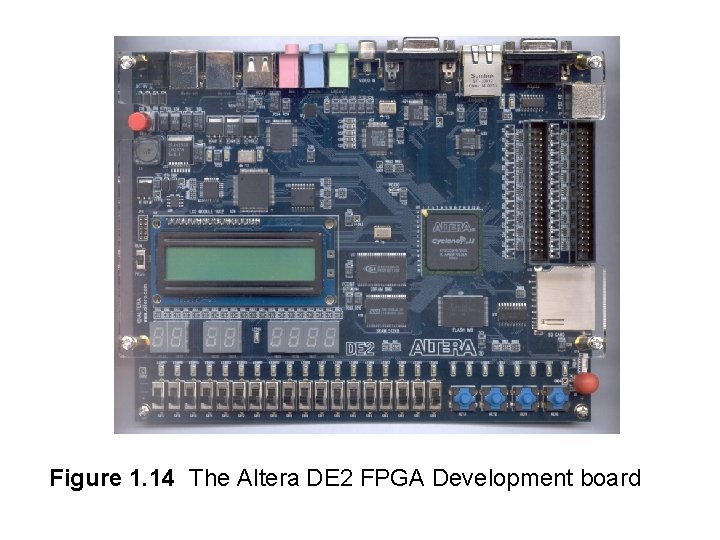
Figure 1. 14 The Altera DE 2 FPGA Development board
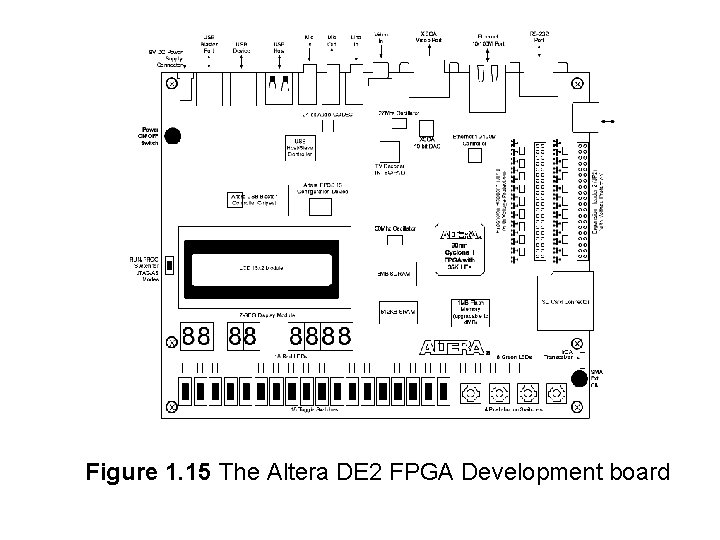
Figure 1. 15 The Altera DE 2 FPGA Development board