Contents Introduction n Computer Architecture n ARM Architecture
![ar - Some Options n ar [options] archive [member. . . ] l l](https://slidetodoc.com/presentation_image_h/dca546f74c33c7923b4fda8ed2a1c625/image-54.jpg "ar - Some Options n ar [options] archive [member. . . ] l l")
![ar - Example n Write a function print_str in “foo. c” void print_str(char str[])](https://slidetodoc.com/presentation_image_h/dca546f74c33c7923b4fda8ed2a1c625/image-55.jpg "ar - Example n Write a function print_str in “foo. c” void print_str(char str[])")
- Slides: 66
Contents Introduction n Computer Architecture n ARM Architecture n Development Tools : GNU Development Tools n ARM Instruction Set n ARM Assembly Language n ARM Assembly Programming : GNU ARM Tool. Chain n Interrupts and Monitor n 2
Lecture 5 GNU Development Tools
Outline n n Linux/Cygwin GNU Compiler Collection GNU Libraries and Linker GNU Binary Utilities 4
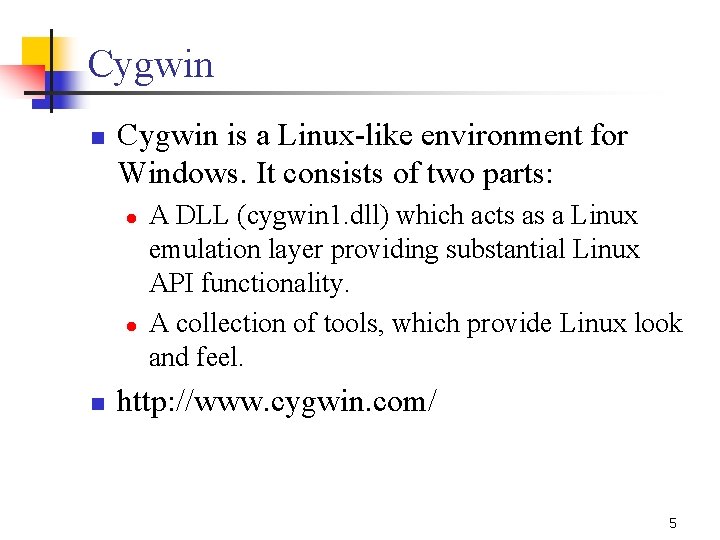
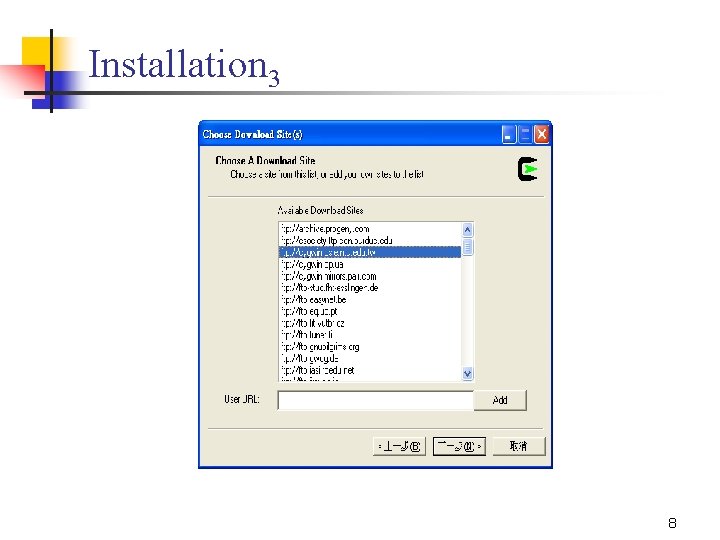
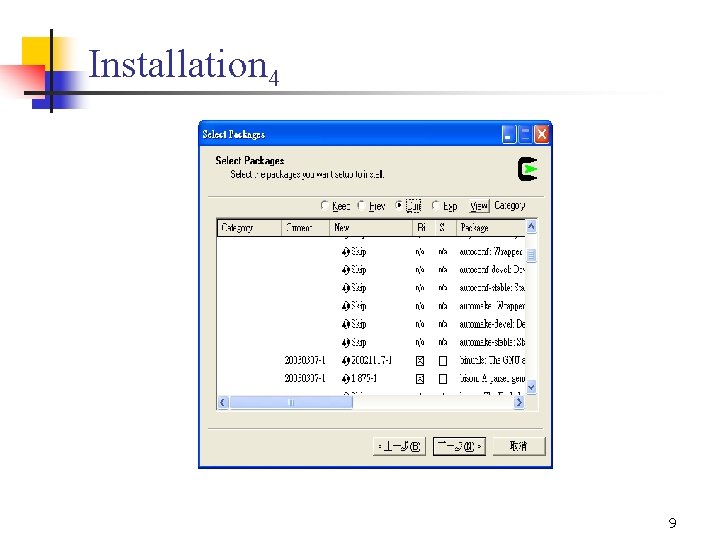
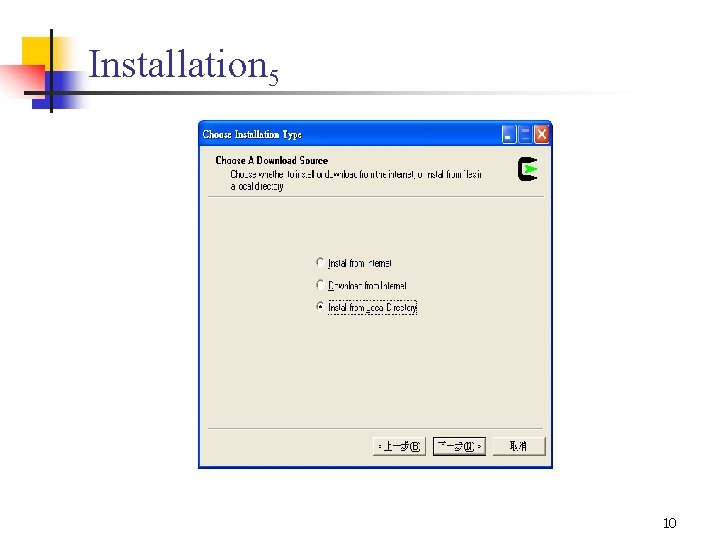
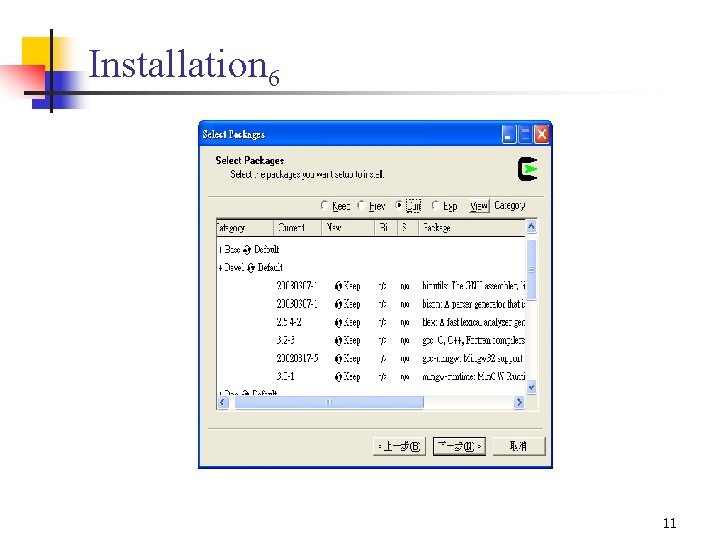
Cygwin n Cygwin is a Linux-like environment for Windows. It consists of two parts: l l n A DLL (cygwin 1. dll) which acts as a Linux emulation layer providing substantial Linux API functionality. A collection of tools, which provide Linux look and feel. http: //www. cygwin. com/ 5
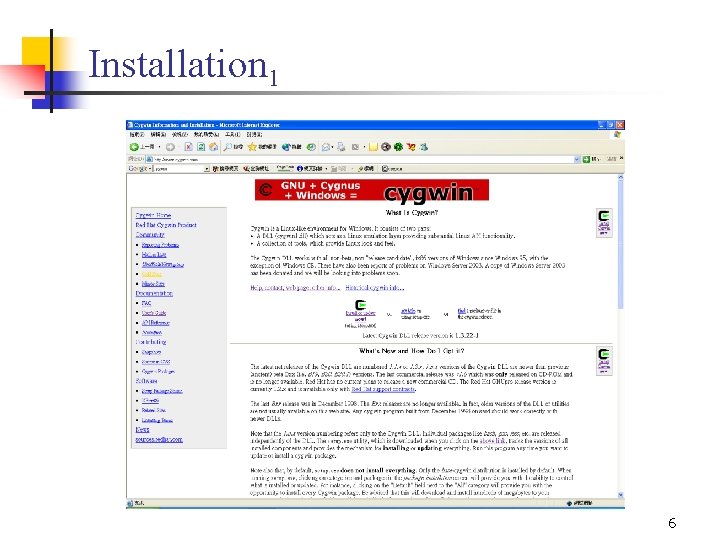
Installation 1 6
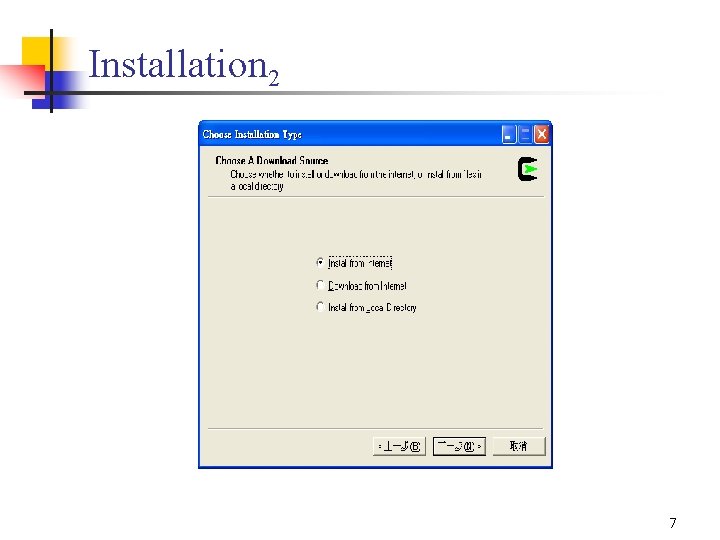
Installation 2 7
Installation 3 8
Installation 4 9
Installation 5 10
Installation 6 11
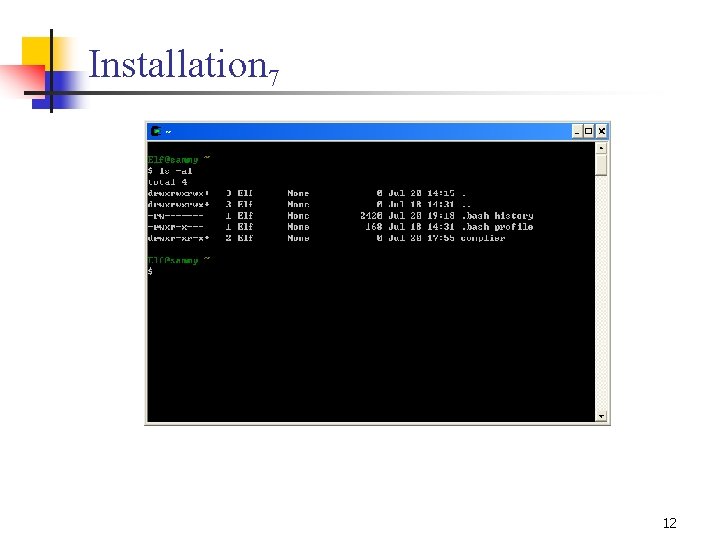
Installation 7 12
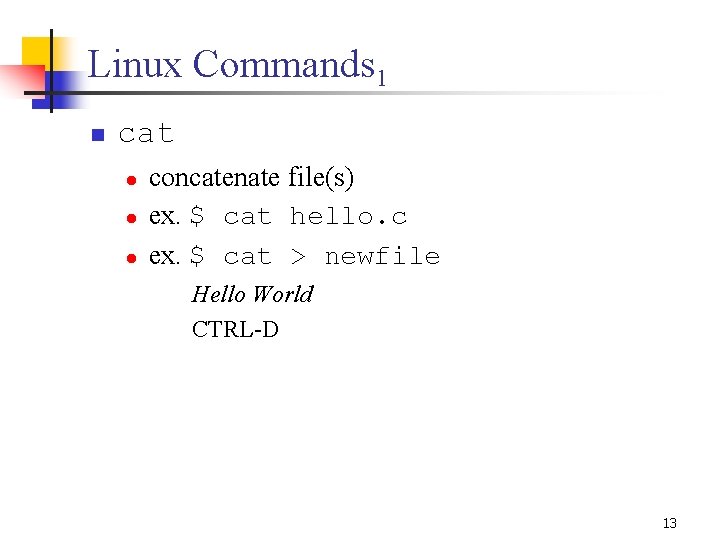
Linux Commands 1 n cat l l l concatenate file(s) ex. $ cat hello. c ex. $ cat > newfile Hello World CTRL-D 13
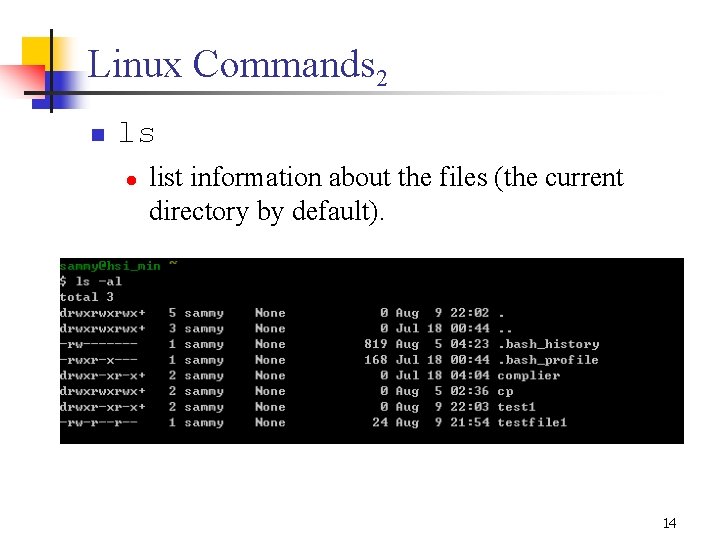
Linux Commands 2 n ls l list information about the files (the current directory by default). 14
Linux Commands 3 n cp l l n mv l l n copy source to destination ex. $ cp foo 1 other move/rename source to destination ex. $ mv foo 1 other rm l l delete file(s) ex. $ rm hello. c 15
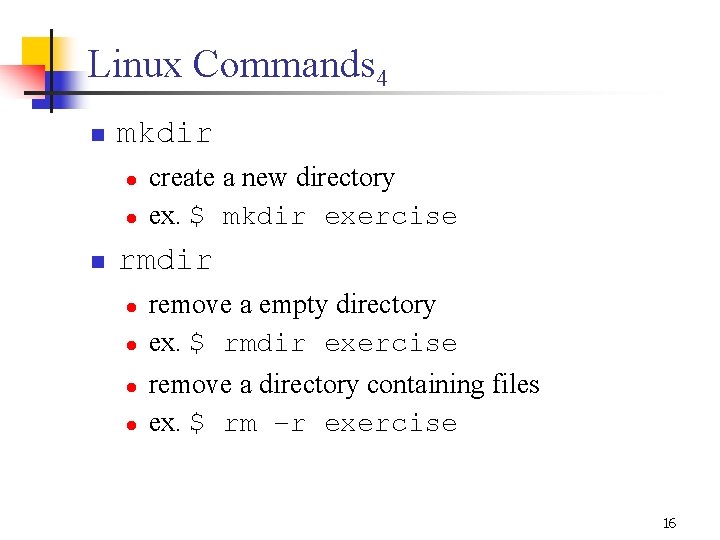
Linux Commands 4 n mkdir l l n create a new directory ex. $ mkdir exercise rmdir l l remove a empty directory ex. $ rmdir exercise remove a directory containing files ex. $ rm –r exercise 16
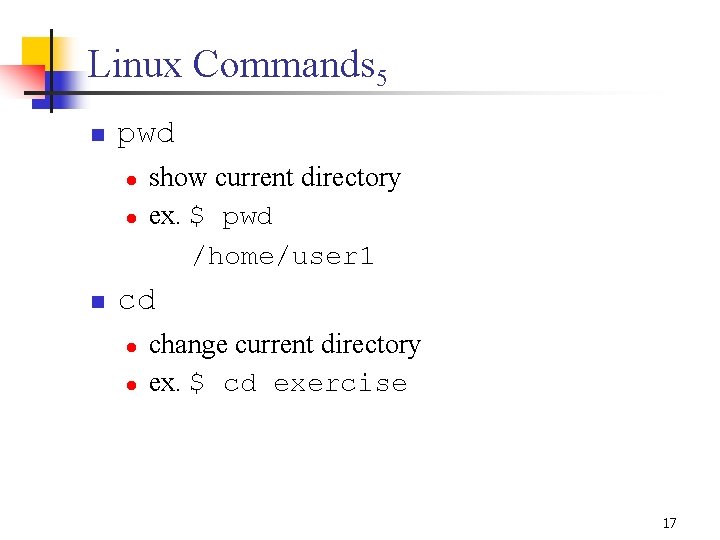
Linux Commands 5 n pwd l l n show current directory ex. $ pwd /home/user 1 cd l l change current directory ex. $ cd exercise 17
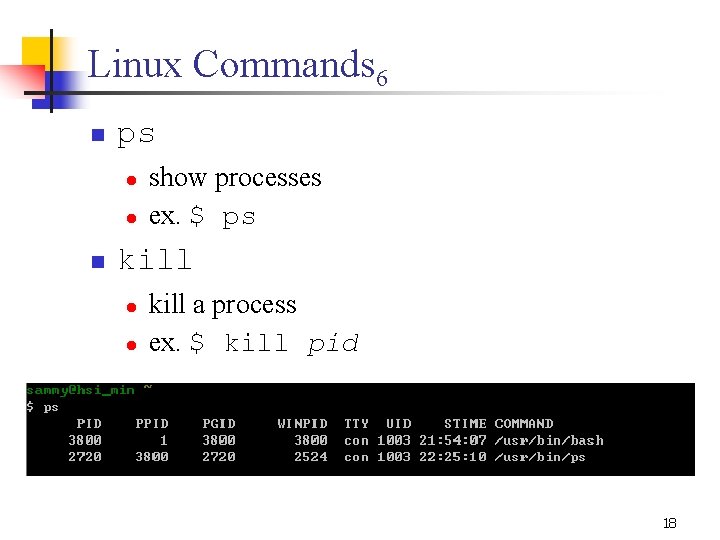
Linux Commands 6 n ps l l n show processes ex. $ ps kill l l kill a process ex. $ kill pid 18
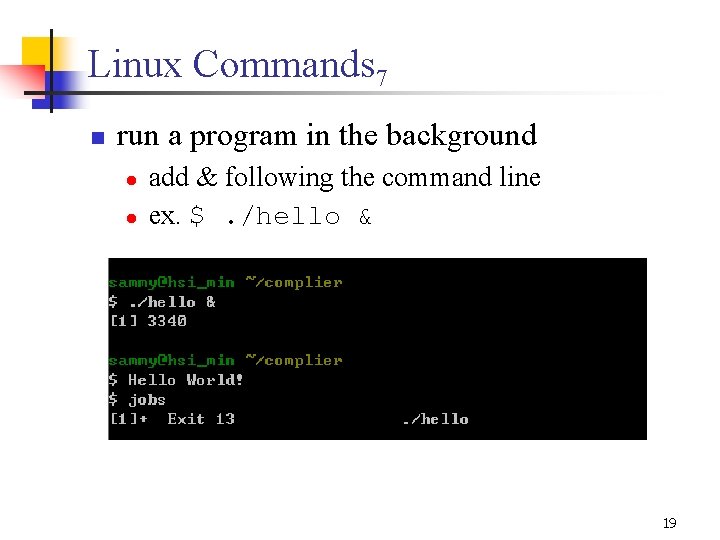
Linux Commands 7 n run a program in the background l l add & following the command line ex. $. /hello & 19
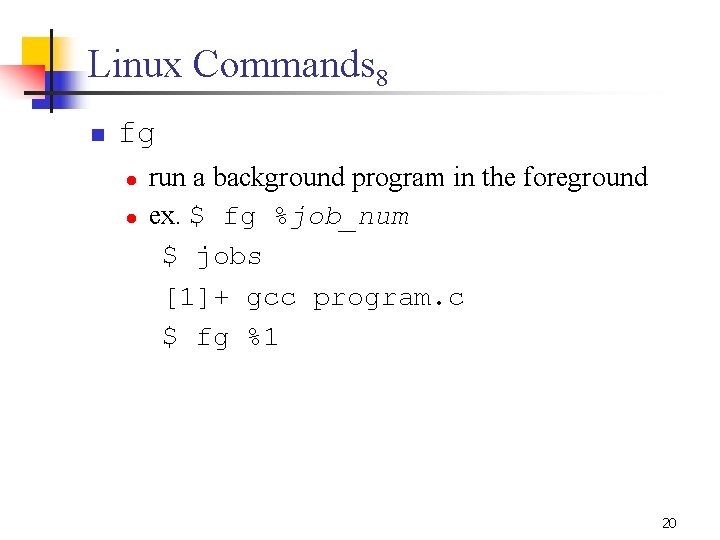
Linux Commands 8 n fg l l run a background program in the foreground ex. $ fg %job_num $ jobs [1]+ gcc program. c $ fg %1 20
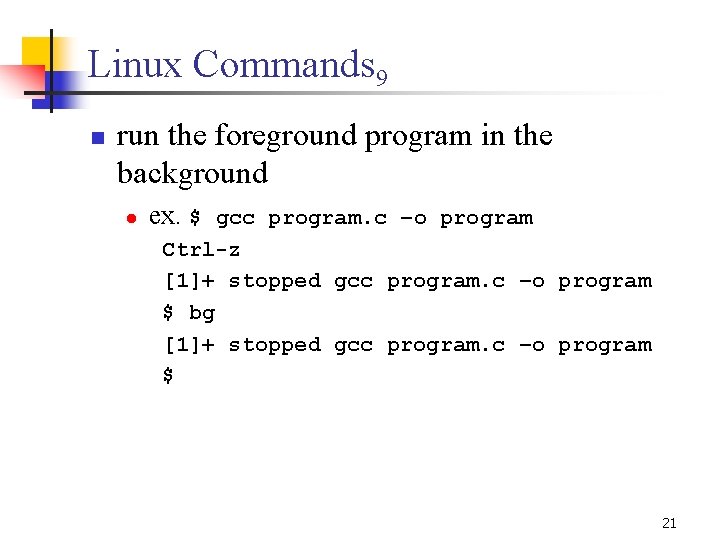
Linux Commands 9 n run the foreground program in the background l ex. $ gcc program. c –o program Ctrl-z [1]+ stopped gcc program. c –o program $ bg [1]+ stopped gcc program. c –o program $ 21
Outline n n Linux/Cygwin GNU Compiler Collection GNU Libraries and Linker GNU Binary Utilities 22
GNU Compiler Collection n GNU Compiler Collection (GCC) l l n An integrated distribution of compilers for several major programming languages C, C++, Objective-C, Fortran, Java, and Ada http: //gcc. gnu. org/ 23
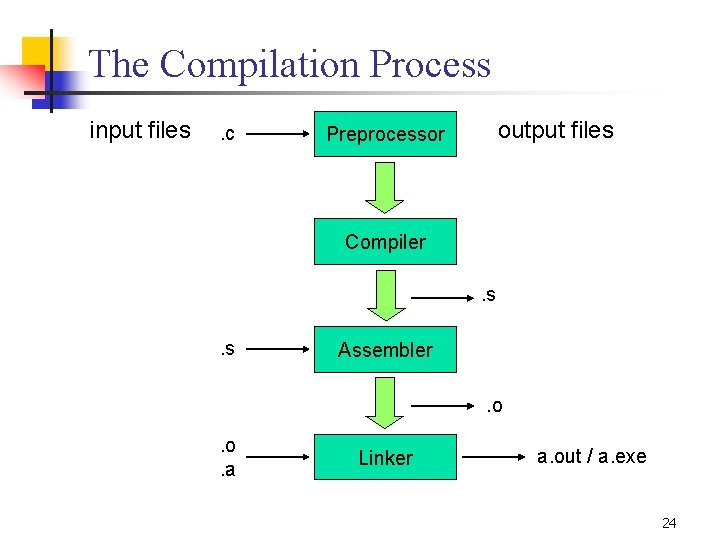
The Compilation Process input files . c output files Preprocessor Compiler. s. s Assembler. o . o. a Linker a. out / a. exe 24
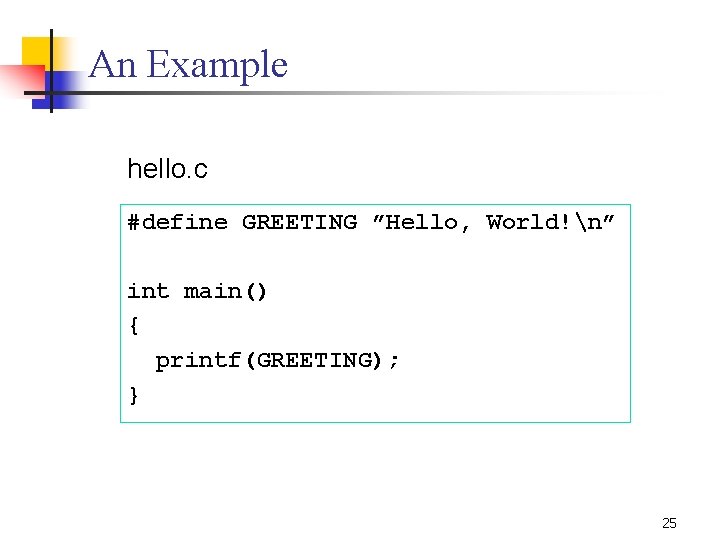
An Example hello. c #define GREETING ”Hello, World!n” int main() { printf(GREETING); } 25
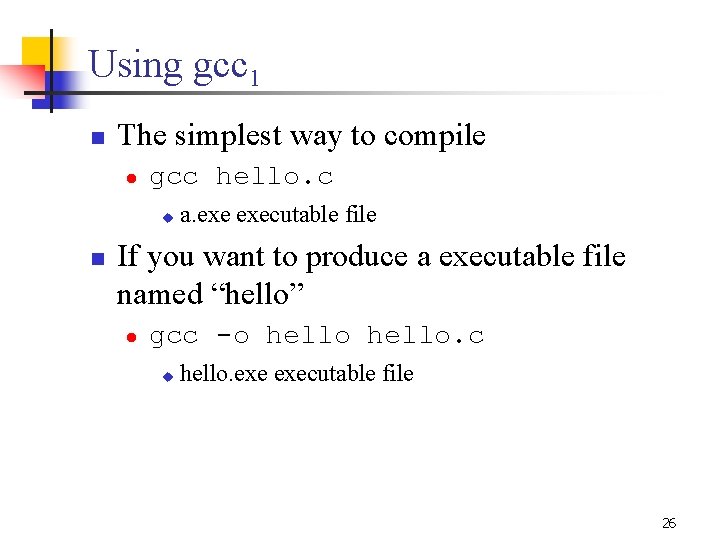
Using gcc 1 n The simplest way to compile l gcc hello. c u n a. executable file If you want to produce a executable file named “hello” l gcc -o hello. c u hello. executable file 26
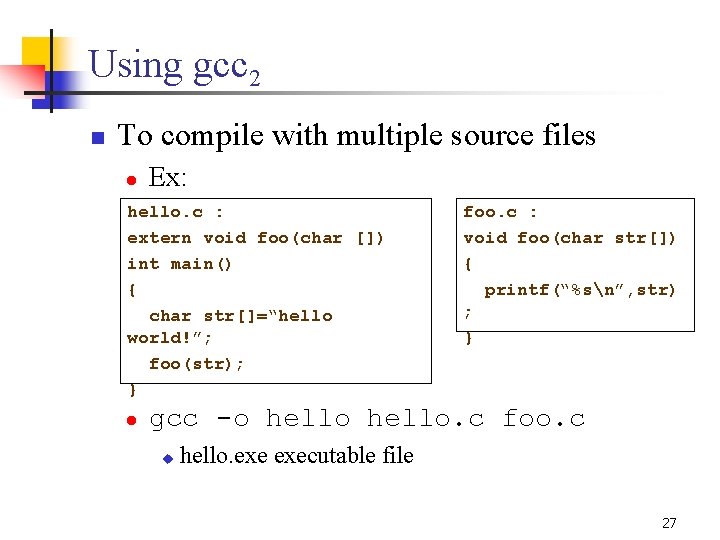
Using gcc 2 n To compile with multiple source files l Ex: hello. c : extern void foo(char []) int main() { char str[]=“hello world!”; foo(str); } l foo. c : void foo(char str[]) { printf(“%sn”, str) ; } gcc -o hello. c foo. c u hello. executable file 27
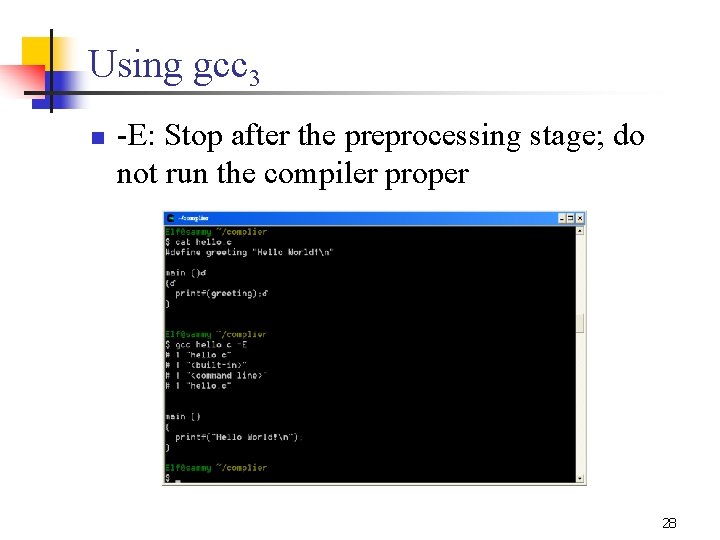
Using gcc 3 n -E: Stop after the preprocessing stage; do not run the compiler proper 28
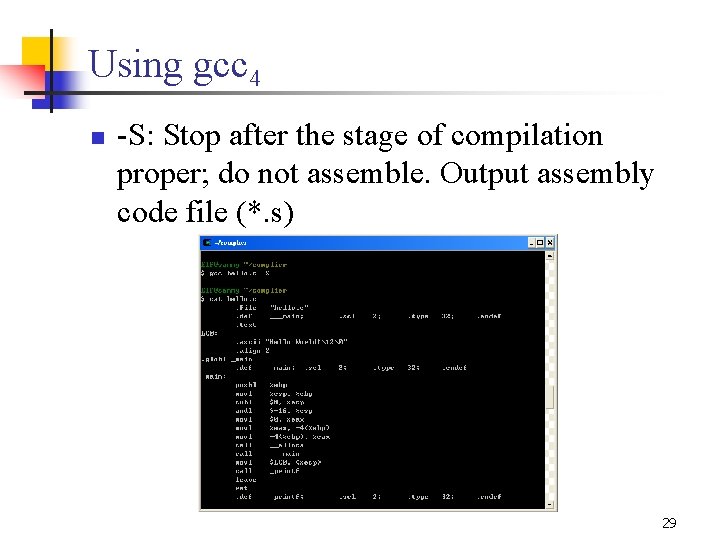
Using gcc 4 n -S: Stop after the stage of compilation proper; do not assemble. Output assembly code file (*. s) 29
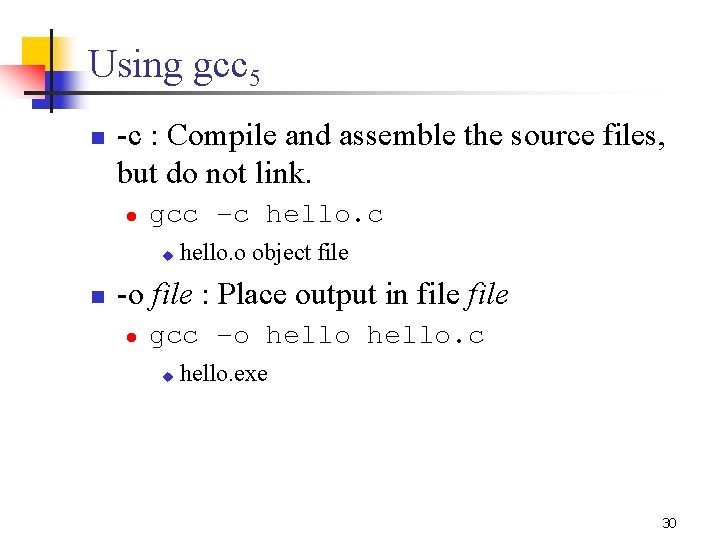
Using gcc 5 n -c : Compile and assemble the source files, but do not link. l gcc –c hello. c u n hello. o object file -o file : Place output in file l gcc –o hello. c u hello. exe 30
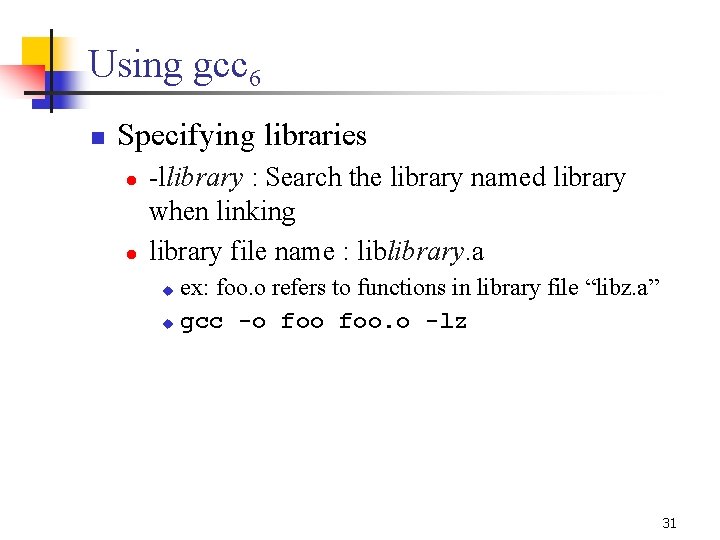
Using gcc 6 n Specifying libraries l l -llibrary : Search the library named library when linking library file name : liblibrary. a ex: foo. o refers to functions in library file “libz. a” u gcc -o foo. o -lz u 31
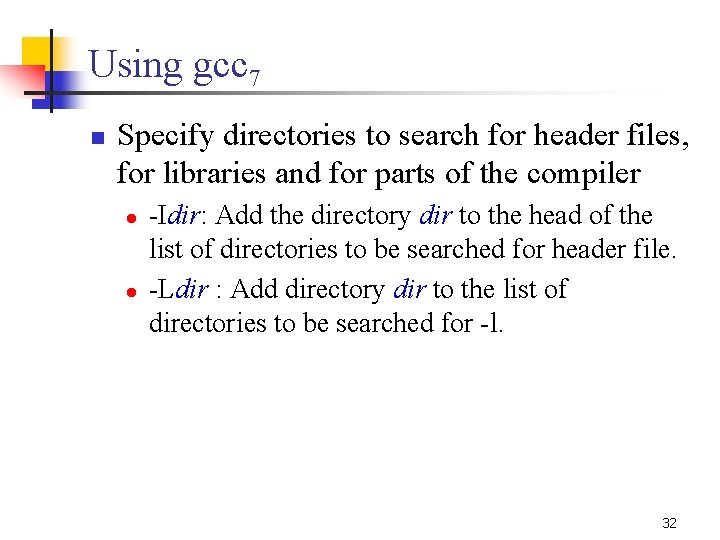
Using gcc 7 n Specify directories to search for header files, for libraries and for parts of the compiler l l -Idir: Add the directory dir to the head of the list of directories to be searched for header file. -Ldir : Add directory dir to the list of directories to be searched for -l. 32
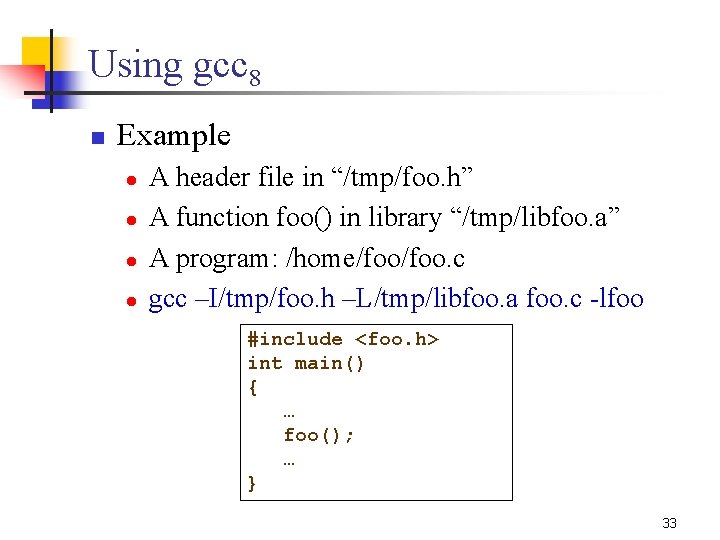
Using gcc 8 n Example l l A header file in “/tmp/foo. h” A function foo() in library “/tmp/libfoo. a” A program: /home/foo. c gcc –I/tmp/foo. h –L/tmp/libfoo. a foo. c -lfoo #include <foo. h> int main() { … foo(); … } 33
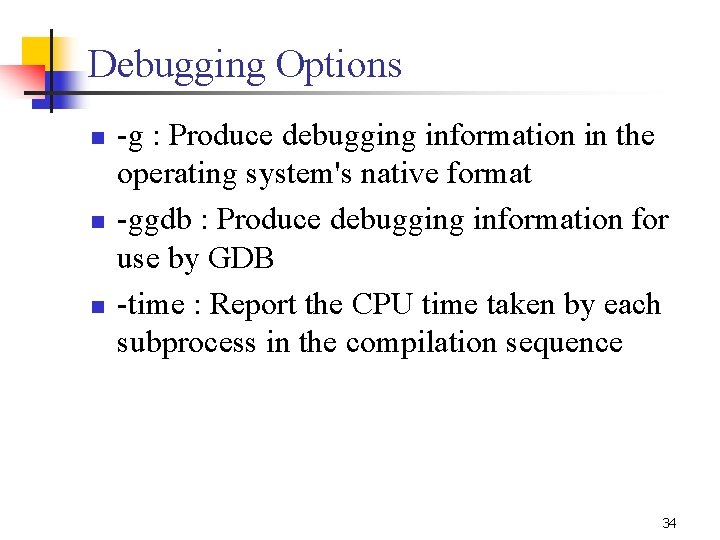
Debugging Options n n n -g : Produce debugging information in the operating system's native format -ggdb : Produce debugging information for use by GDB -time : Report the CPU time taken by each subprocess in the compilation sequence 34
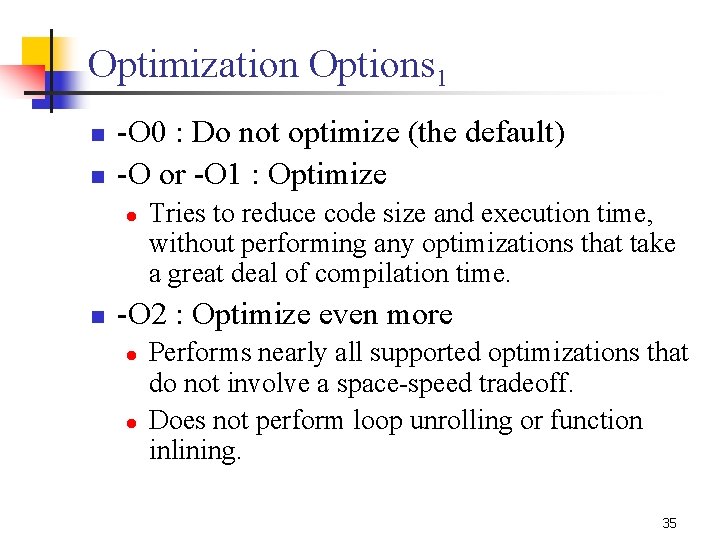
Optimization Options 1 n n -O 0 : Do not optimize (the default) -O or -O 1 : Optimize l n Tries to reduce code size and execution time, without performing any optimizations that take a great deal of compilation time. -O 2 : Optimize even more l l Performs nearly all supported optimizations that do not involve a space-speed tradeoff. Does not perform loop unrolling or function inlining. 35
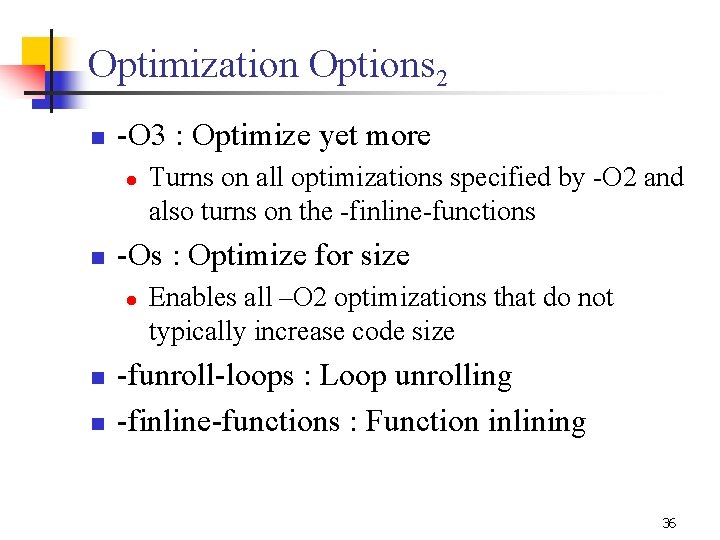
Optimization Options 2 n -O 3 : Optimize yet more l n -Os : Optimize for size l n n Turns on all optimizations specified by -O 2 and also turns on the -finline-functions Enables all –O 2 optimizations that do not typically increase code size -funroll-loops : Loop unrolling -finline-functions : Function inlining 36
Outline n n Linux/Cygwin GNU Compiler Collection GNU Libraries and Linker GNU Binary Utilities 37
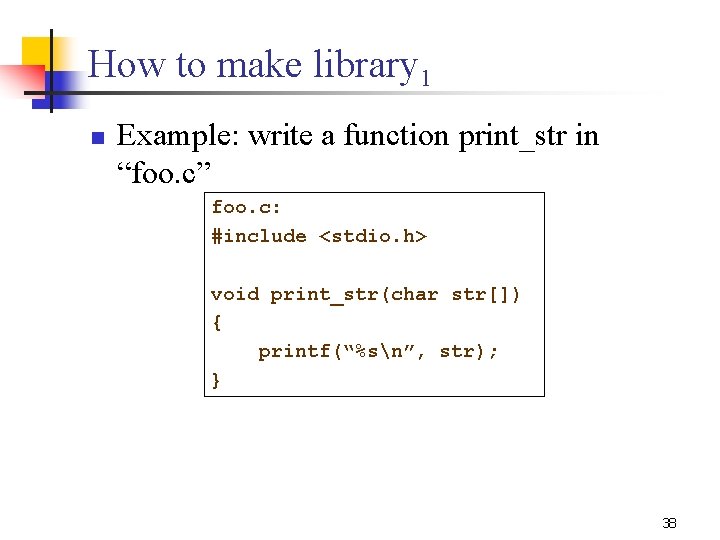
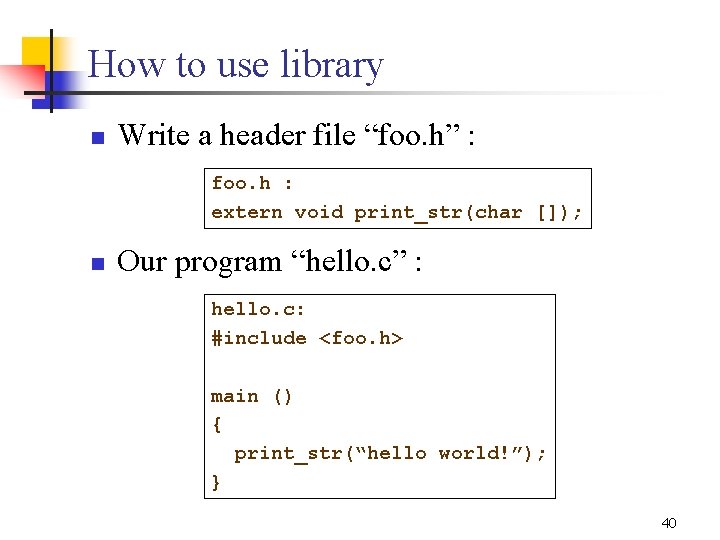
How to make library 1 n Example: write a function print_str in “foo. c” foo. c: #include <stdio. h> void print_str(char str[]) { printf(“%sn”, str); } 38
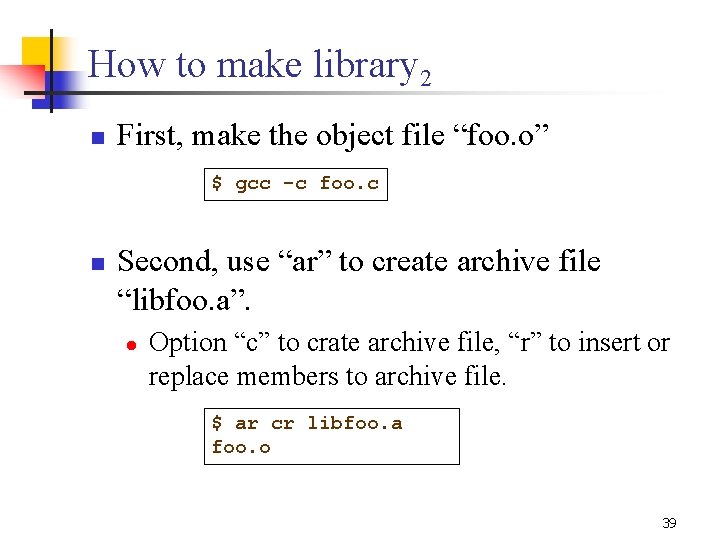
How to make library 2 n First, make the object file “foo. o” $ gcc -c foo. c n Second, use “ar” to create archive file “libfoo. a”. l Option “c” to crate archive file, “r” to insert or replace members to archive file. $ ar cr libfoo. a foo. o 39
How to use library n Write a header file “foo. h” : foo. h : extern void print_str(char []); n Our program “hello. c” : hello. c: #include <foo. h> main () { print_str(“hello world!”); } 40
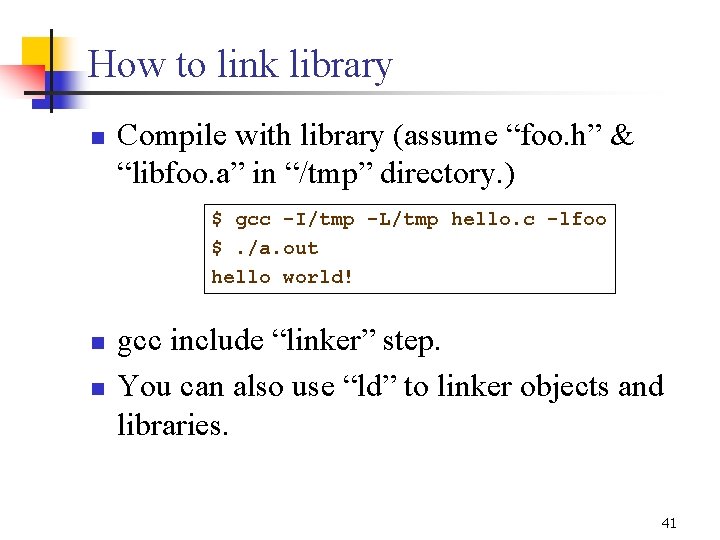
How to link library n Compile with library (assume “foo. h” & “libfoo. a” in “/tmp” directory. ) $ gcc -I/tmp -L/tmp hello. c -lfoo $. /a. out hello world! n n gcc include “linker” step. You can also use “ld” to linker objects and libraries. 41
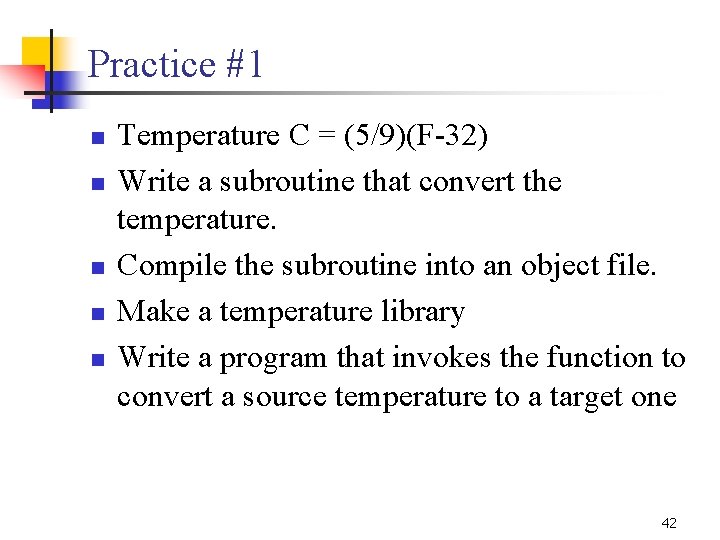
Practice #1 n n n Temperature C = (5/9)(F-32) Write a subroutine that convert the temperature. Compile the subroutine into an object file. Make a temperature library Write a program that invokes the function to convert a source temperature to a target one 42
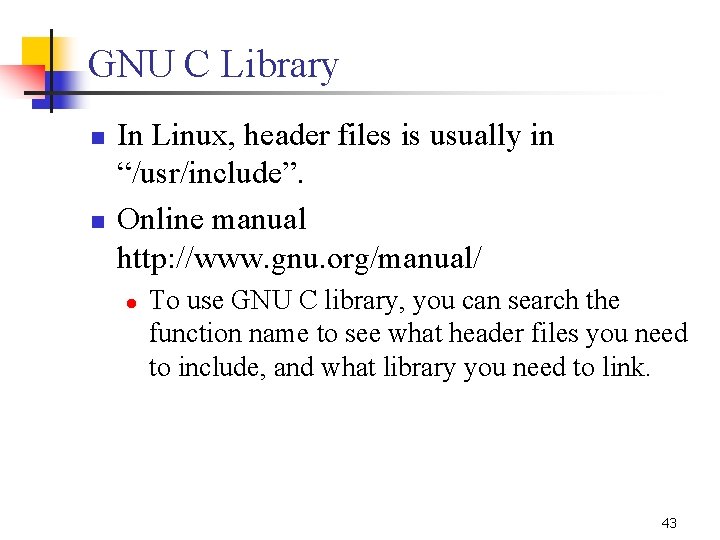
GNU C Library n n In Linux, header files is usually in “/usr/include”. Online manual http: //www. gnu. org/manual/ l To use GNU C library, you can search the function name to see what header files you need to include, and what library you need to link. 43
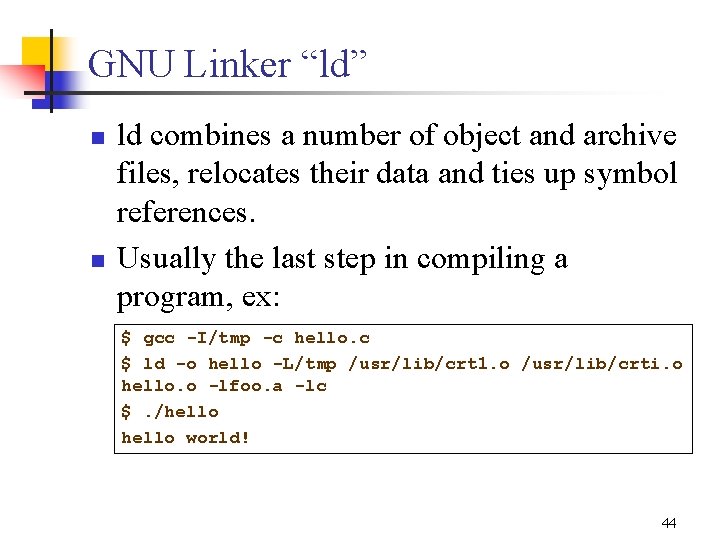
GNU Linker “ld” n n ld combines a number of object and archive files, relocates their data and ties up symbol references. Usually the last step in compiling a program, ex: $ gcc -I/tmp -c hello. c $ ld -o hello -L/tmp /usr/lib/crt 1. o /usr/lib/crti. o hello. o -lfoo. a -lc $. /hello world! 44
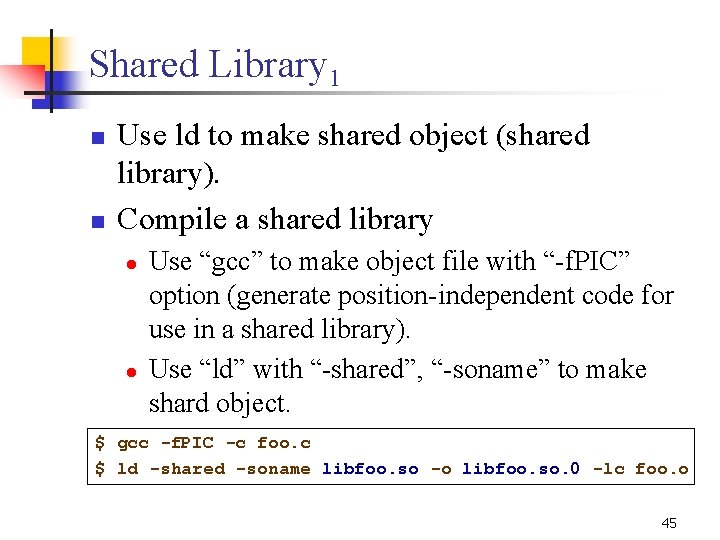
Shared Library 1 n n Use ld to make shared object (shared library). Compile a shared library l l Use “gcc” to make object file with “-f. PIC” option (generate position-independent code for use in a shared library). Use “ld” with “-shared”, “-soname” to make shard object. $ gcc -f. PIC -c foo. c $ ld -shared -soname libfoo. so -o libfoo. so. 0 -lc foo. o 45
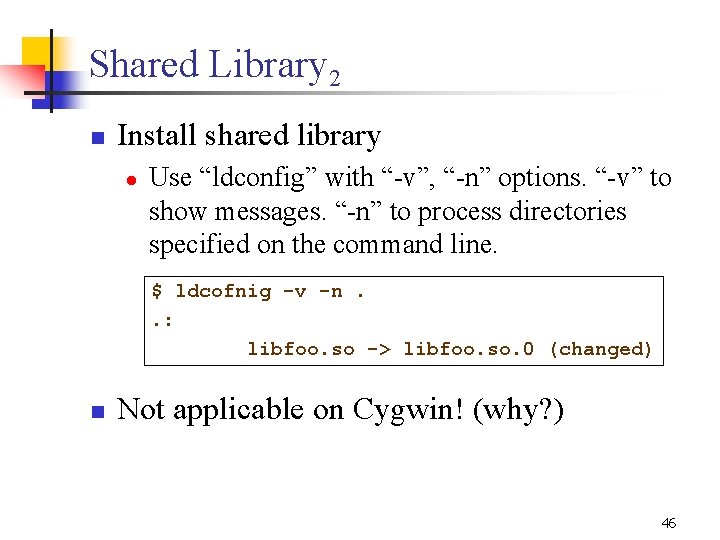
Shared Library 2 n Install shared library l Use “ldconfig” with “-v”, “-n” options. “-v” to show messages. “-n” to process directories specified on the command line. $ ldcofnig -v -n. . : libfoo. so -> libfoo. so. 0 (changed) n Not applicable on Cygwin! (why? ) 46
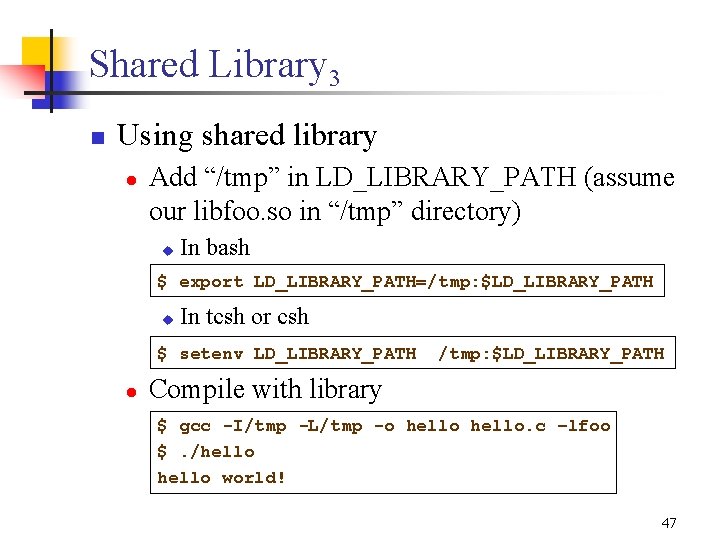
Shared Library 3 n Using shared library l Add “/tmp” in LD_LIBRARY_PATH (assume our libfoo. so in “/tmp” directory) u In bash $ export LD_LIBRARY_PATH=/tmp: $LD_LIBRARY_PATH u In tcsh or csh $ setenv LD_LIBRARY_PATH l /tmp: $LD_LIBRARY_PATH Compile with library $ gcc -I/tmp -L/tmp -o hello. c –lfoo $. /hello world! 47
Linker Options 1 n n n -o output : Use output as the name for the program produced by ld. -larchive : Add archive file archive to the list of files to link. -Lsearchdir : Add path searchdir to the list of paths that ld will search for archive libraries. 48
Linker Options 2 n n n -b input-format : to specify the binary format for input object files. ld may be configured to support more than one kind of object file. -r : generate an output file that can in turn serve as input to ld. This is often called partial linking. -E : When creating a dynamically linked executable, add all symbols to the dynamic symbol table. 49
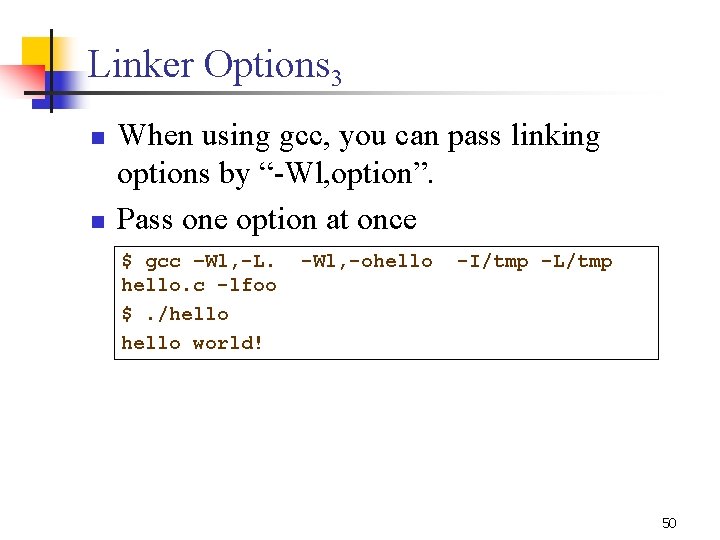
Linker Options 3 n n When using gcc, you can pass linking options by “-Wl, option”. Pass one option at once $ gcc –Wl, -L. hello. c -lfoo $. /hello world! -Wl, -ohello -I/tmp -L/tmp 50
Practice #2 n n n Temperature C = (5/9)(F-32) Make a temperature shared library Write a program that invokes the function to convert a source temperature to a target one 51
Outline n n Linux/Cygwin GNU Compiler Collection GNU Libraries and Linker GNU Binary Utilities 52
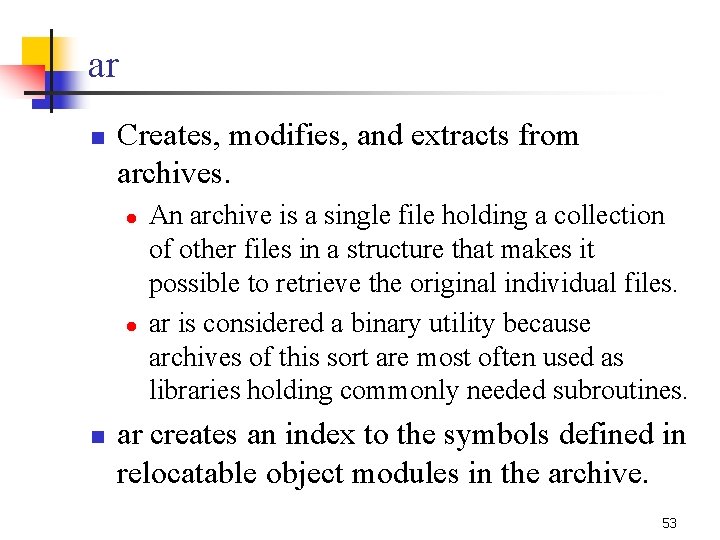
ar n Creates, modifies, and extracts from archives. l l n An archive is a single file holding a collection of other files in a structure that makes it possible to retrieve the original individual files. ar is considered a binary utility because archives of this sort are most often used as libraries holding commonly needed subroutines. ar creates an index to the symbols defined in relocatable object modules in the archive. 53
ar - Some Options n ar [options] archive [member. . . ] l l c - create the archive. r - insert the files member. . . into archive. a - add new files after an existing member of the archive. b - add new files before an existing member of the archive. 54
ar - Example n Write a function print_str in “foo. c” void print_str(char str[]) { printf(“%sn”, str); } n Make the object file “foo. o” $ gcc -c foo. c n Use “ar” to create archive file “libfoo. a”. l Option “c” to crate archive file, “r” to insert or replace members to archive file. $ ar cr libfoo. a foo. o 55
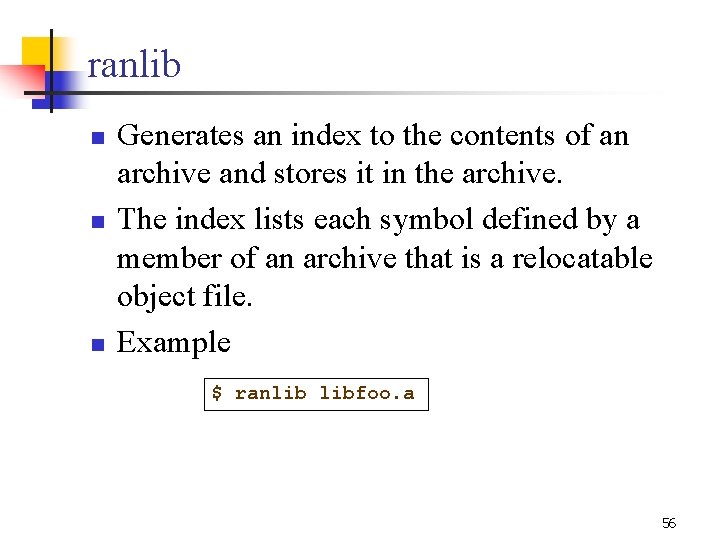
ranlib n n n Generates an index to the contents of an archive and stores it in the archive. The index lists each symbol defined by a member of an archive that is a relocatable object file. Example $ ranlib libfoo. a 56
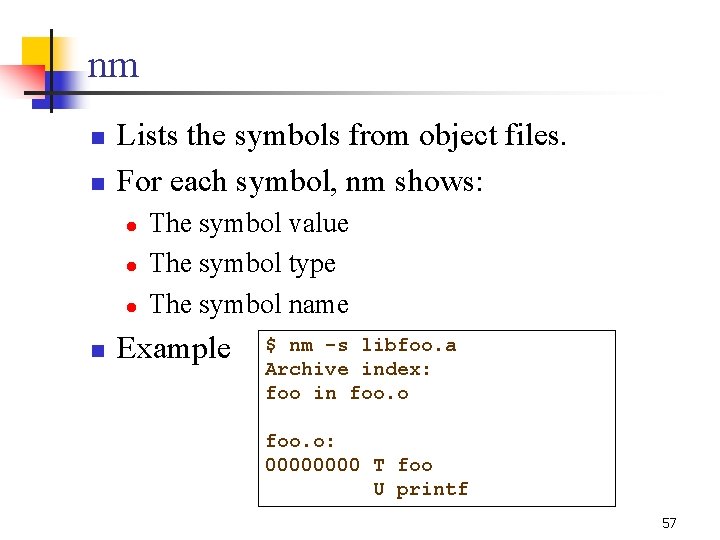
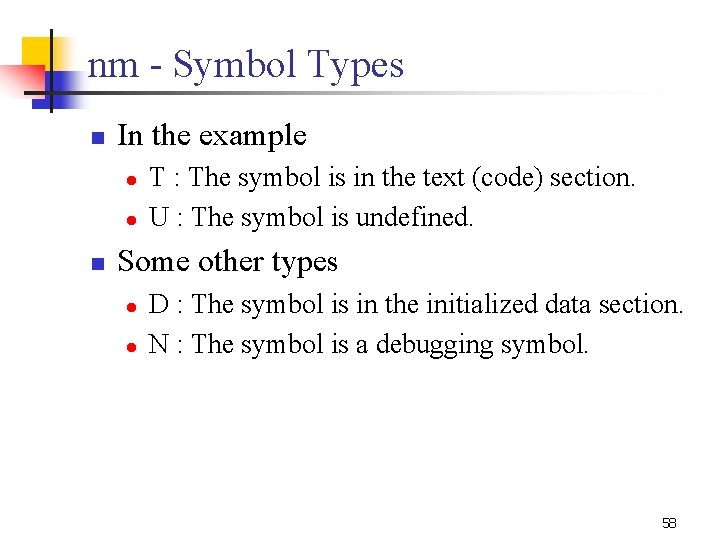
nm n n Lists the symbols from object files. For each symbol, nm shows: l l l n The symbol value The symbol type The symbol name Example $ nm -s libfoo. a Archive index: foo in foo. o: 0000 T foo U printf 57
nm - Symbol Types n In the example l l n T : The symbol is in the text (code) section. U : The symbol is undefined. Some other types l l D : The symbol is in the initialized data section. N : The symbol is a debugging symbol. 58
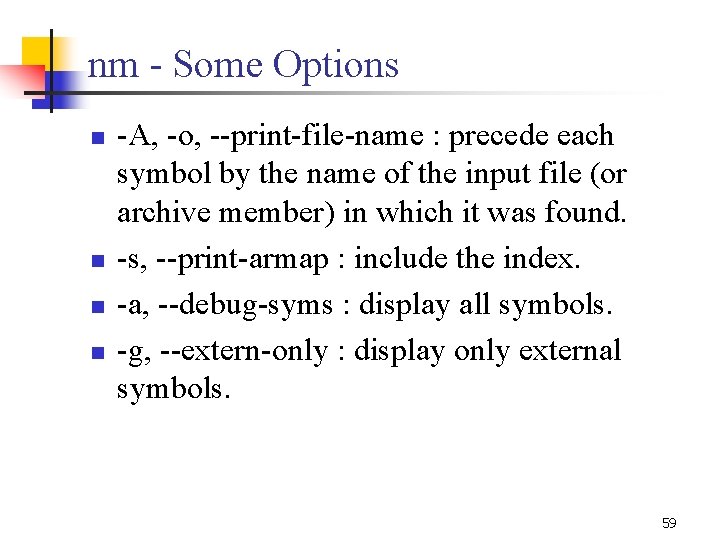
nm - Some Options n n -A, -o, --print-file-name : precede each symbol by the name of the input file (or archive member) in which it was found. -s, --print-armap : include the index. -a, --debug-syms : display all symbols. -g, --extern-only : display only external symbols. 59
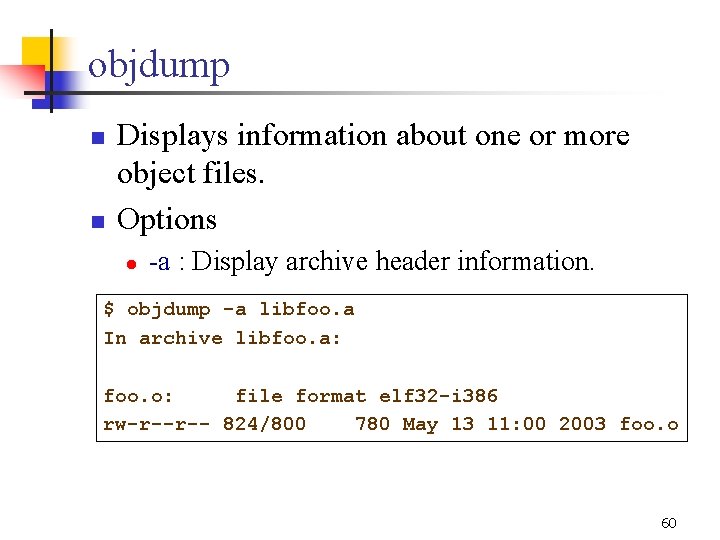
objdump n n Displays information about one or more object files. Options l -a : Display archive header information. $ objdump -a libfoo. a In archive libfoo. a: foo. o: file format elf 32 -i 386 rw-r--r-- 824/800 780 May 13 11: 00 2003 foo. o 60
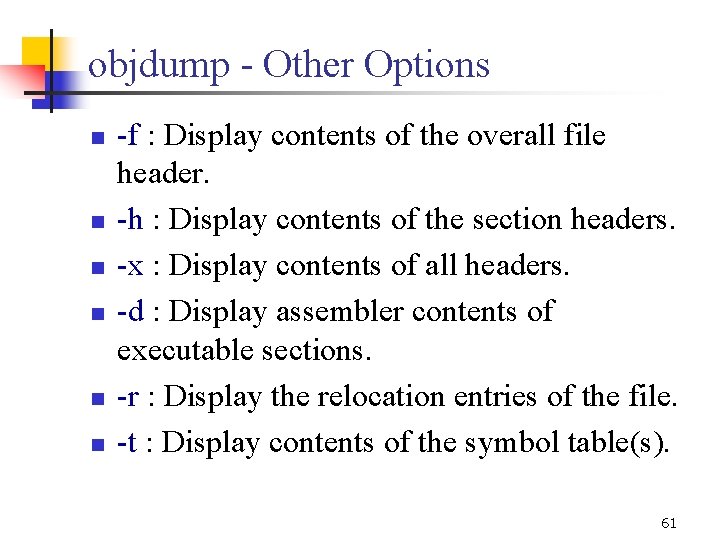
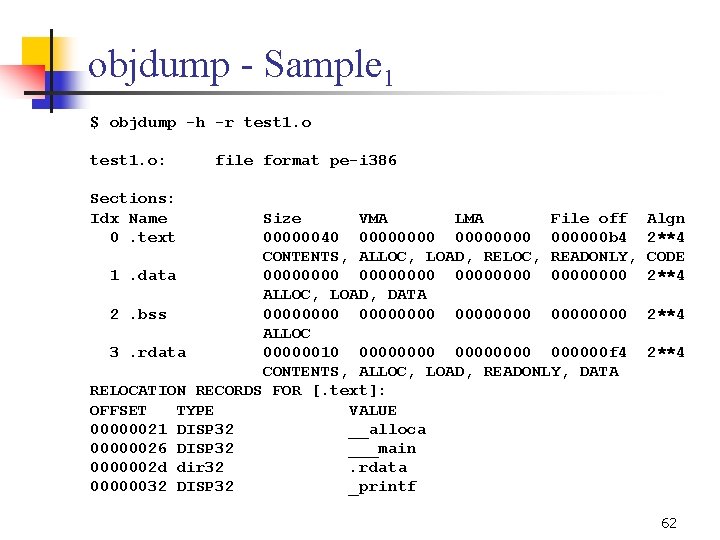
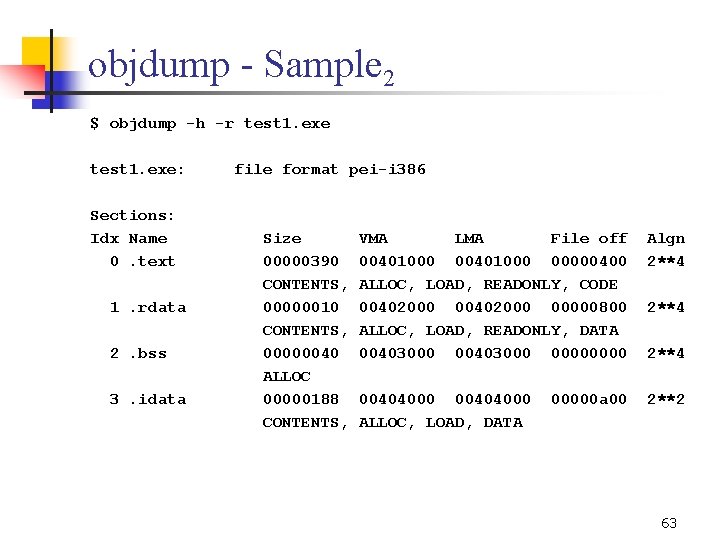
objdump - Other Options n n n -f : Display contents of the overall file header. -h : Display contents of the section headers. -x : Display contents of all headers. -d : Display assembler contents of executable sections. -r : Display the relocation entries of the file. -t : Display contents of the symbol table(s). 61
objdump - Sample 1 $ objdump -h -r test 1. o: Sections: Idx Name 0. text file format pe-i 386 Size VMA LMA File off 00000040 00000000 b 4 CONTENTS, ALLOC, LOAD, RELOC, READONLY, 1. data 00000000 ALLOC, LOAD, DATA 2. bss 00000000 ALLOC 3. rdata 00000010 00000000 f 4 CONTENTS, ALLOC, LOAD, READONLY, DATA RELOCATION RECORDS FOR [. text]: OFFSET TYPE VALUE 00000021 DISP 32 __alloca 00000026 DISP 32 ___main 0000002 d dir 32. rdata 00000032 DISP 32 _printf Algn 2**4 CODE 2**4 62
objdump - Sample 2 $ objdump -h -r test 1. exe: Sections: Idx Name 0. text 1. rdata 2. bss 3. idata file format pei-i 386 Size 00000390 CONTENTS, 00000010 CONTENTS, 00000040 ALLOC 00000188 CONTENTS, VMA LMA File off 00401000 00000400 ALLOC, LOAD, READONLY, CODE 00402000 00000800 ALLOC, LOAD, READONLY, DATA 00403000 0000 Algn 2**4 00404000 ALLOC, LOAD, DATA 2**2 00000 a 00 2**4 63
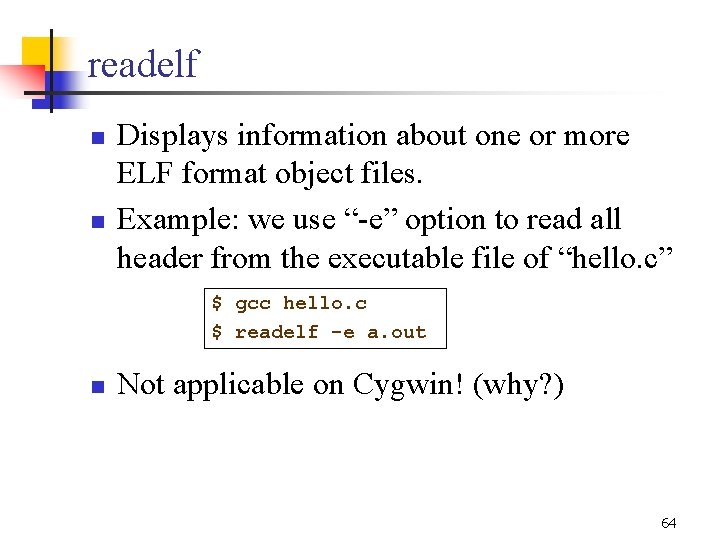
readelf n n Displays information about one or more ELF format object files. Example: we use “-e” option to read all header from the executable file of “hello. c” $ gcc hello. c $ readelf -e a. out n Not applicable on Cygwin! (why? ) 64
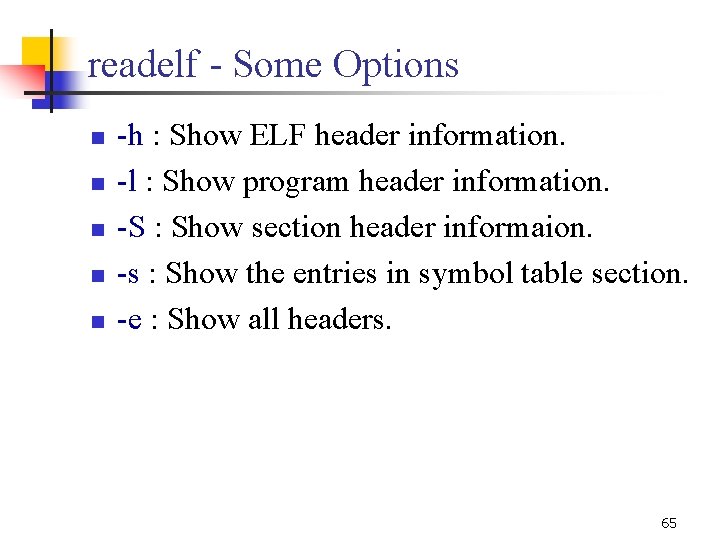
readelf - Some Options n n n -h : Show ELF header information. -l : Show program header information. -S : Show section header informaion. -s : Show the entries in symbol table section. -e : Show all headers. 65
Other Binary Utilities n n n objcopy - copy and translate object files size - list section sizes and total size strings - list printable strings from files strip - discard symbols addr 2 line - convert addresses to file and line 66