Author Sravan Lingam SESSION 1 What is Mulesoft


















- Slides: 68
Author : Sravan Lingam
SESSION 1 What is Mulesoft MULESOFT TRAINING FOR ABSOLUTE BEGINNERS
Pre-Requisites / FAQ’s ‣Why only for Absolute Beginners ‣Do we need to know languages like Java, . net etc? ‣ Am from QA, Linux , xyz background , Can I learn Mule. Soft ? ‣ What’s the best CTC that I can ask? ‣What should we learn and best to know before starting of session? ‣Practice - No Shortcuts ‣Official Training Details
WHAT IS MULESOFT • Is a Salesforce Company • An Integration Platform • An API Management Platform
WHAT IS MULESOFT • Mule, the runtime engine of Anypoint Platform, is a lightweight Java-based enterprise service bus (ESB) and integration platform that allows developers to connect applications together quickly and easily, enabling them to exchange data. • It enables easy integration of existing systems, regardless of the different technologies that the applications use, including JMS, Web Services, JDBC, HTTP, and more
What does API Management Platform Mean? -Design API’s -Develop API’s -Deploy API’s -Manage API’s -Secure API’s -Reuse API’s
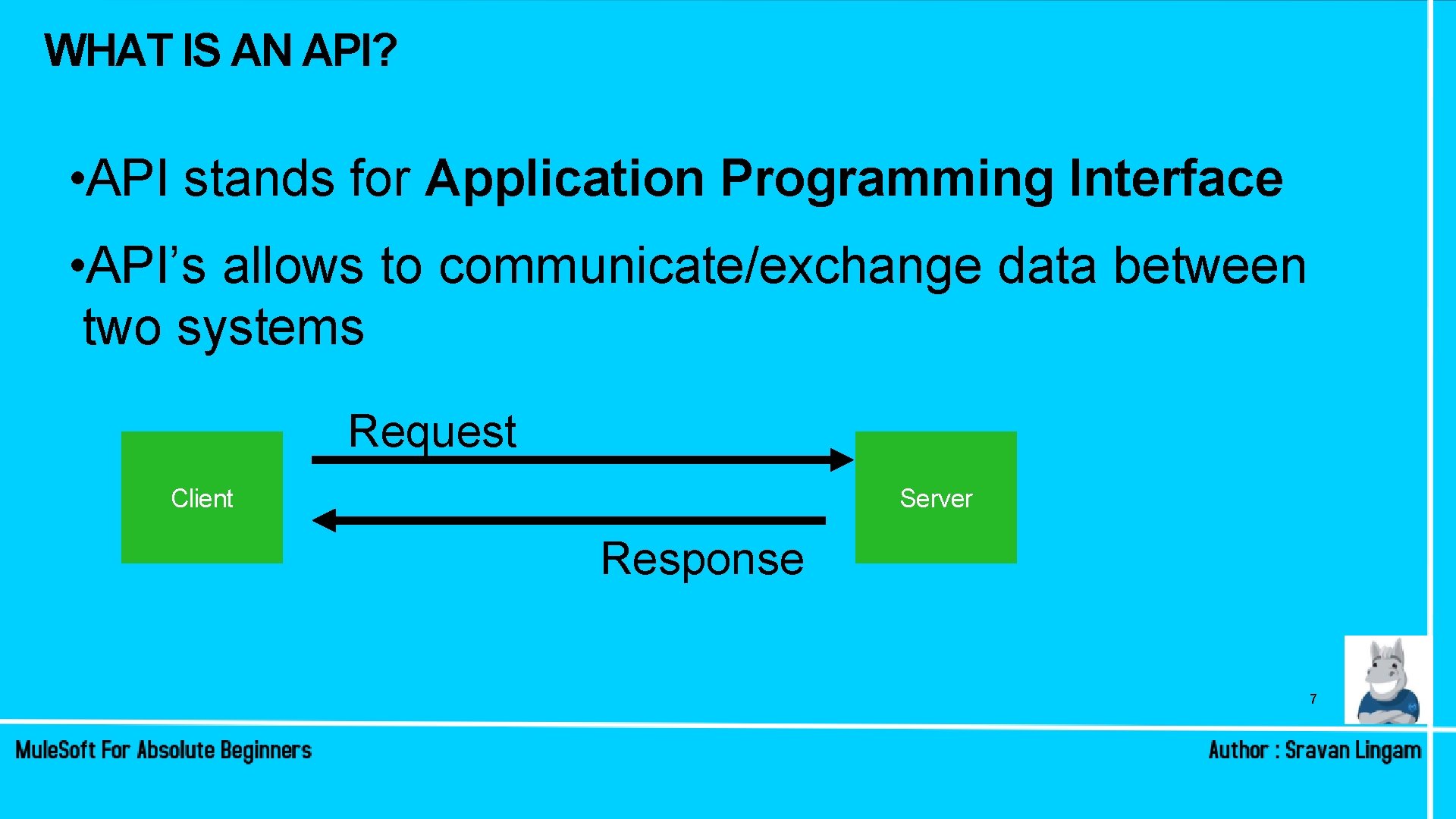
WHAT IS AN API? • API stands for Application Programming Interface • API’s allows to communicate/exchange data between two systems Request Client Server Response 7
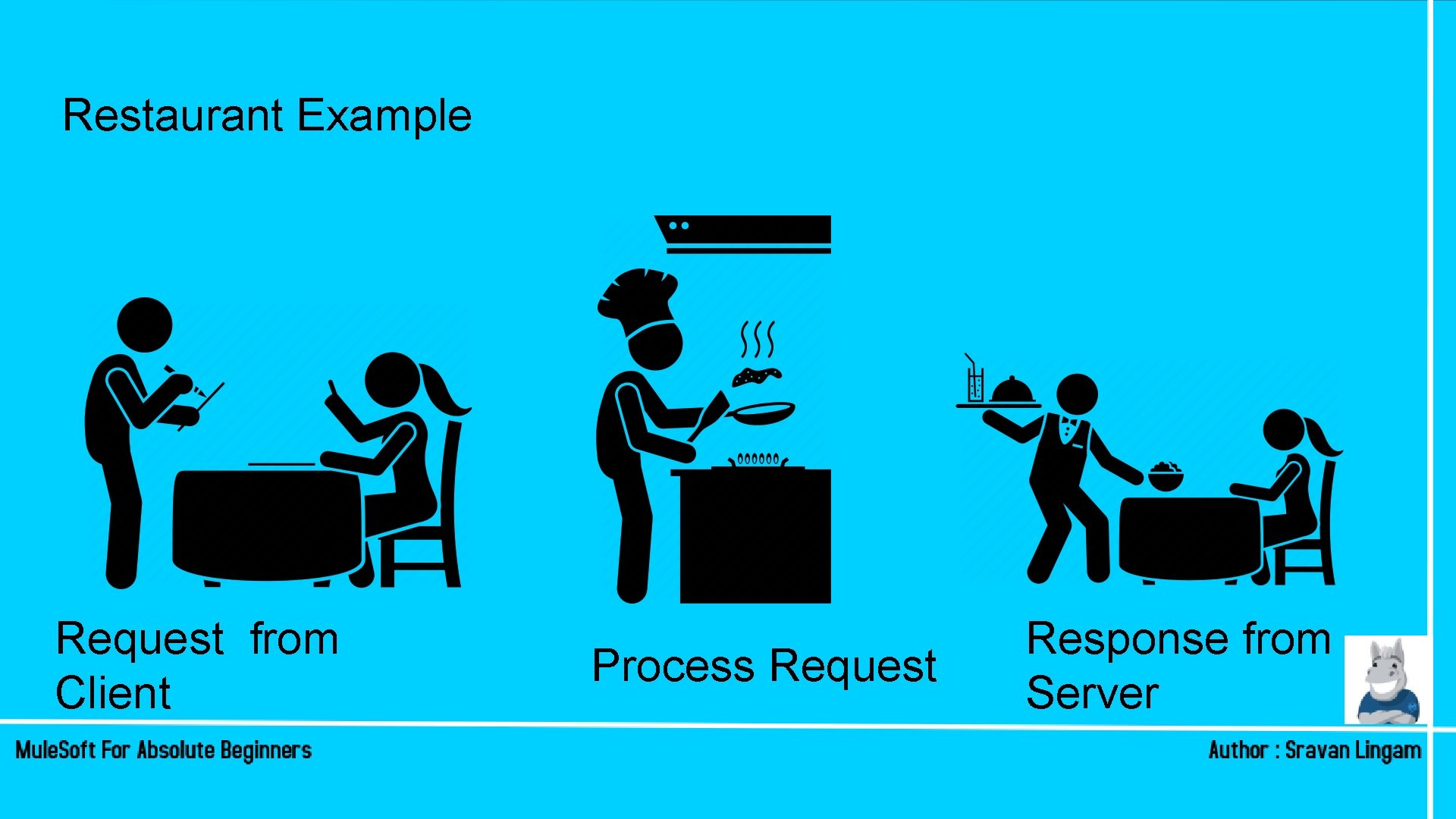
Restaurant Example Request from Client Process Request Response from Server
WHAT ARE WEB SERVICES? • A Web service is a way for two machines to communicate with each other over a network • A web server running on a computer listens for requests from other computers. When a request from another computer is received, over a network, the Web service returns the requested resources.
API’s vs Web. Services • APIs and web services are not mutually exclusive. • Every web service is an API — but not every API is a web service. • API’s are evolution of Web Services as both purpose is information transfer
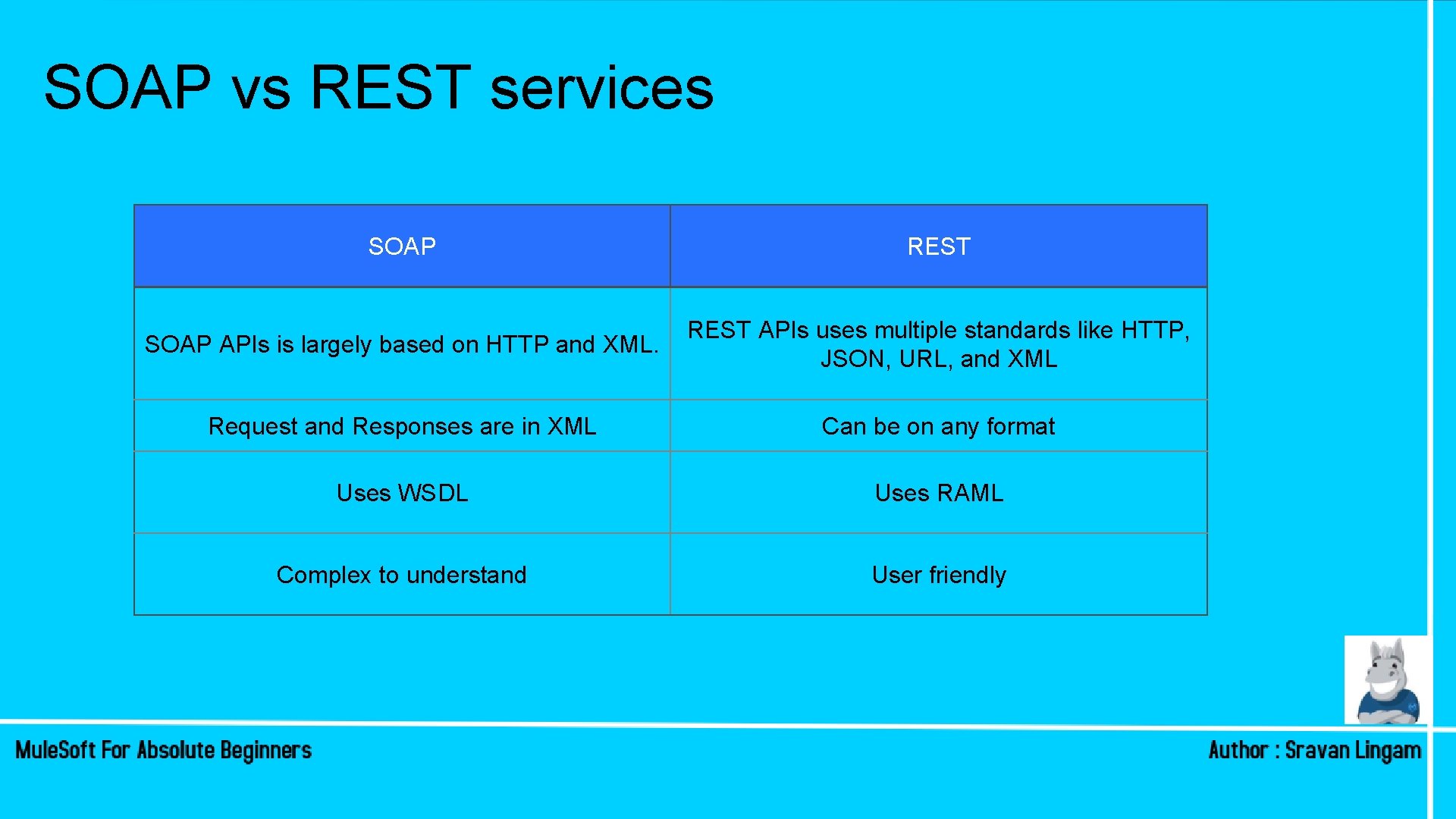
SOAP vs REST services SOAP REST SOAP APIs is largely based on HTTP and XML. REST APIs uses multiple standards like HTTP, JSON, URL, and XML Request and Responses are in XML Can be on any format Uses WSDL Uses RAML Complex to understand User friendly
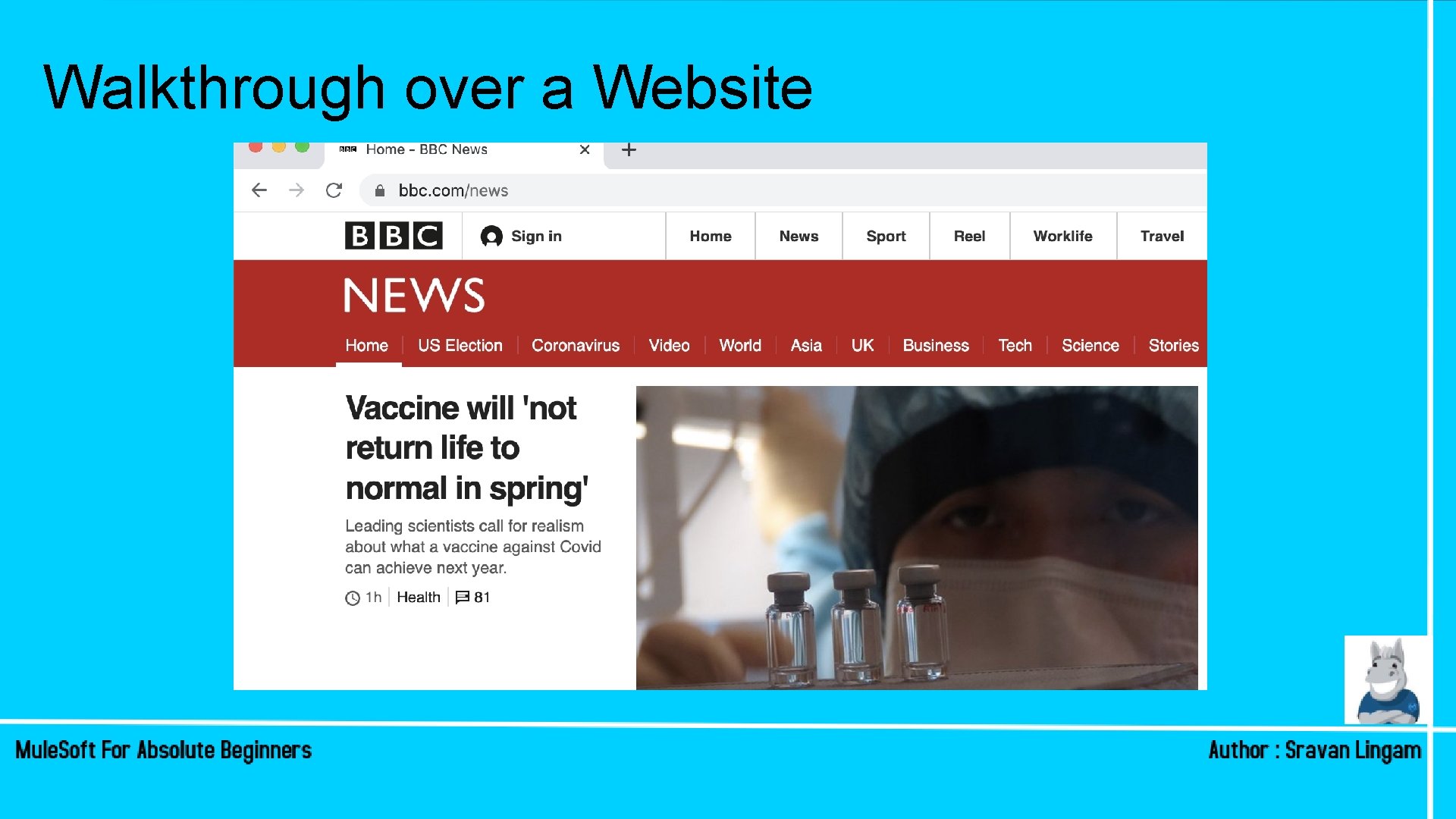
Walkthrough over a Website
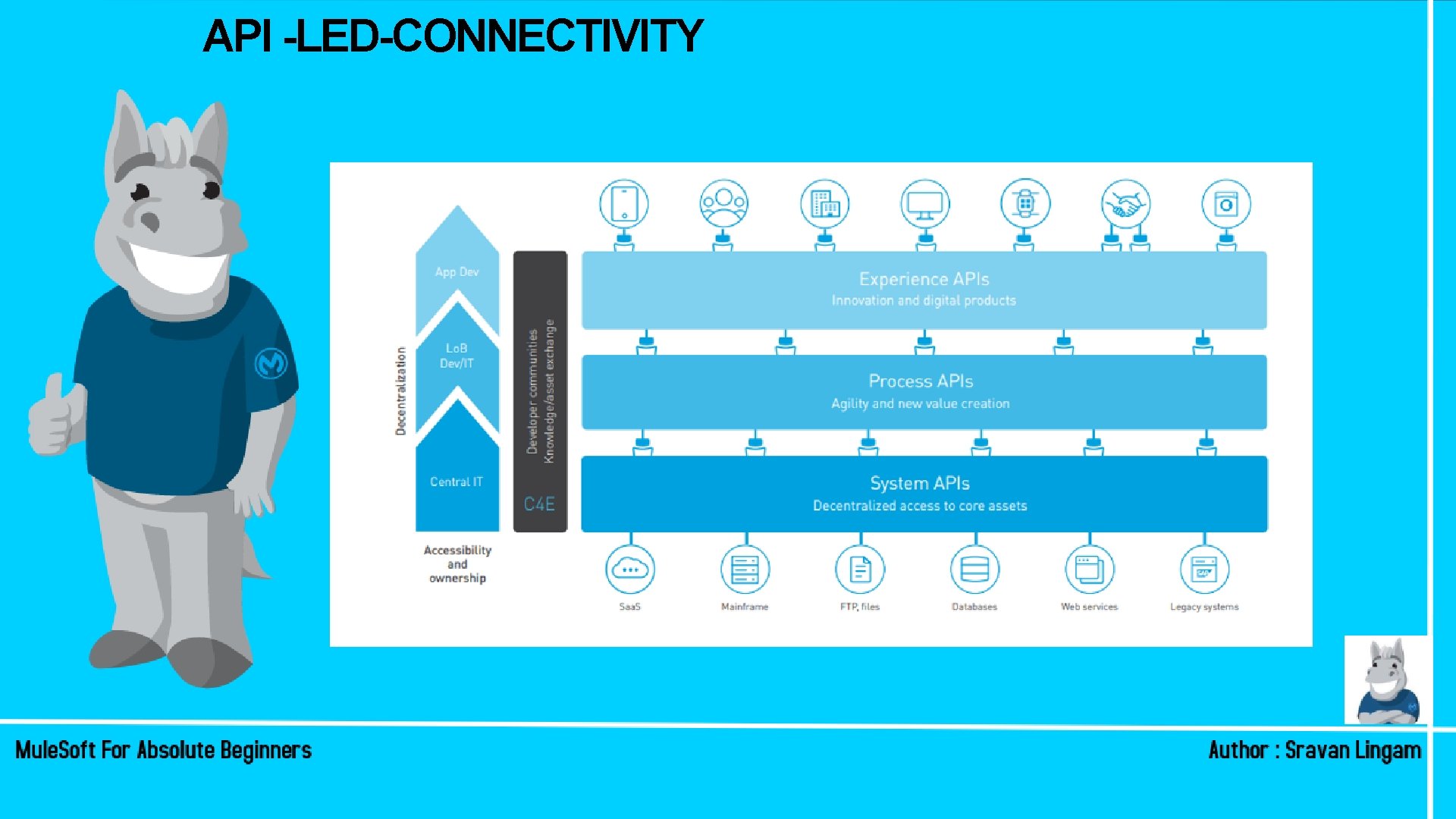
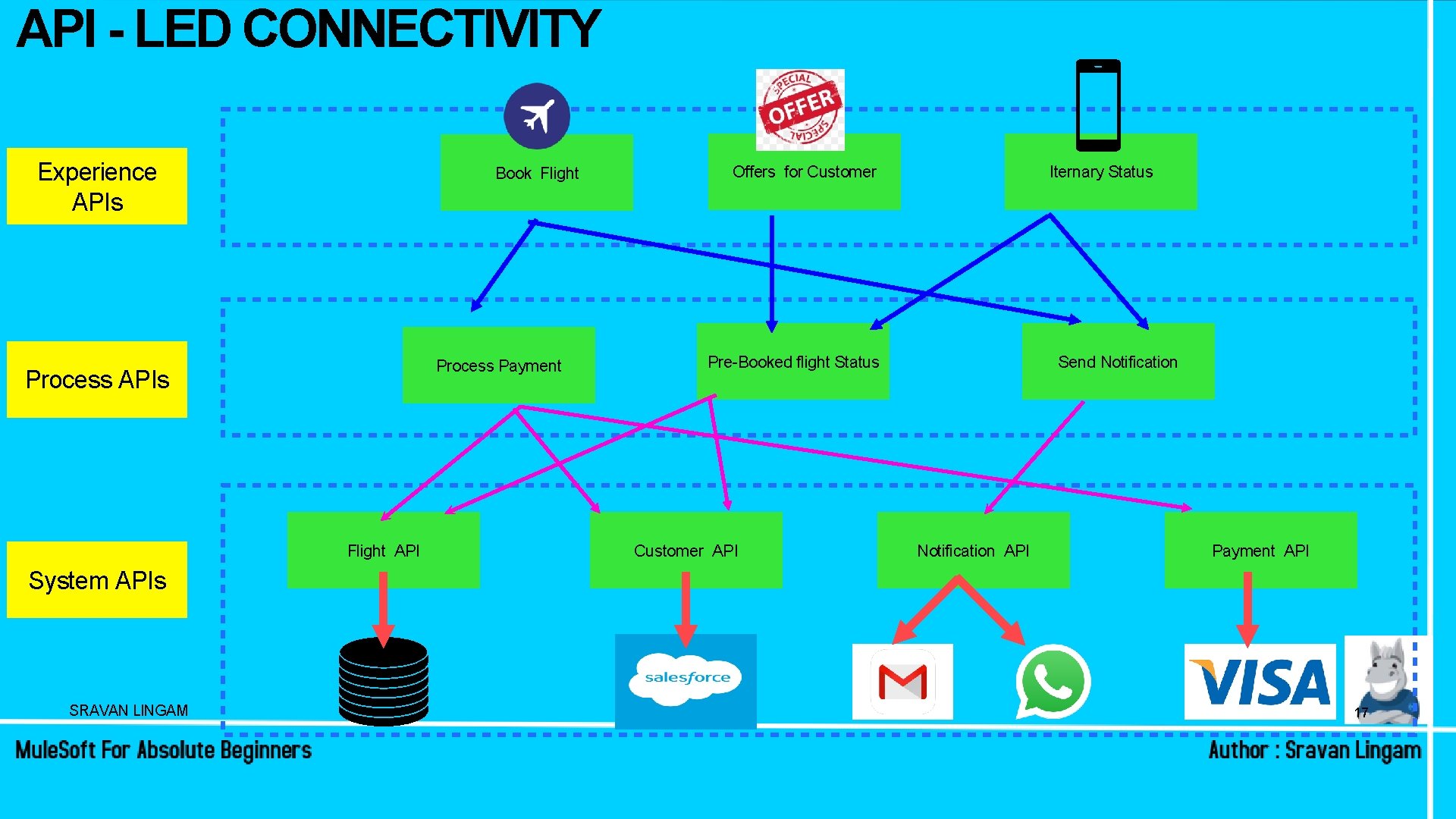
API -LED-CONNECTIVITY
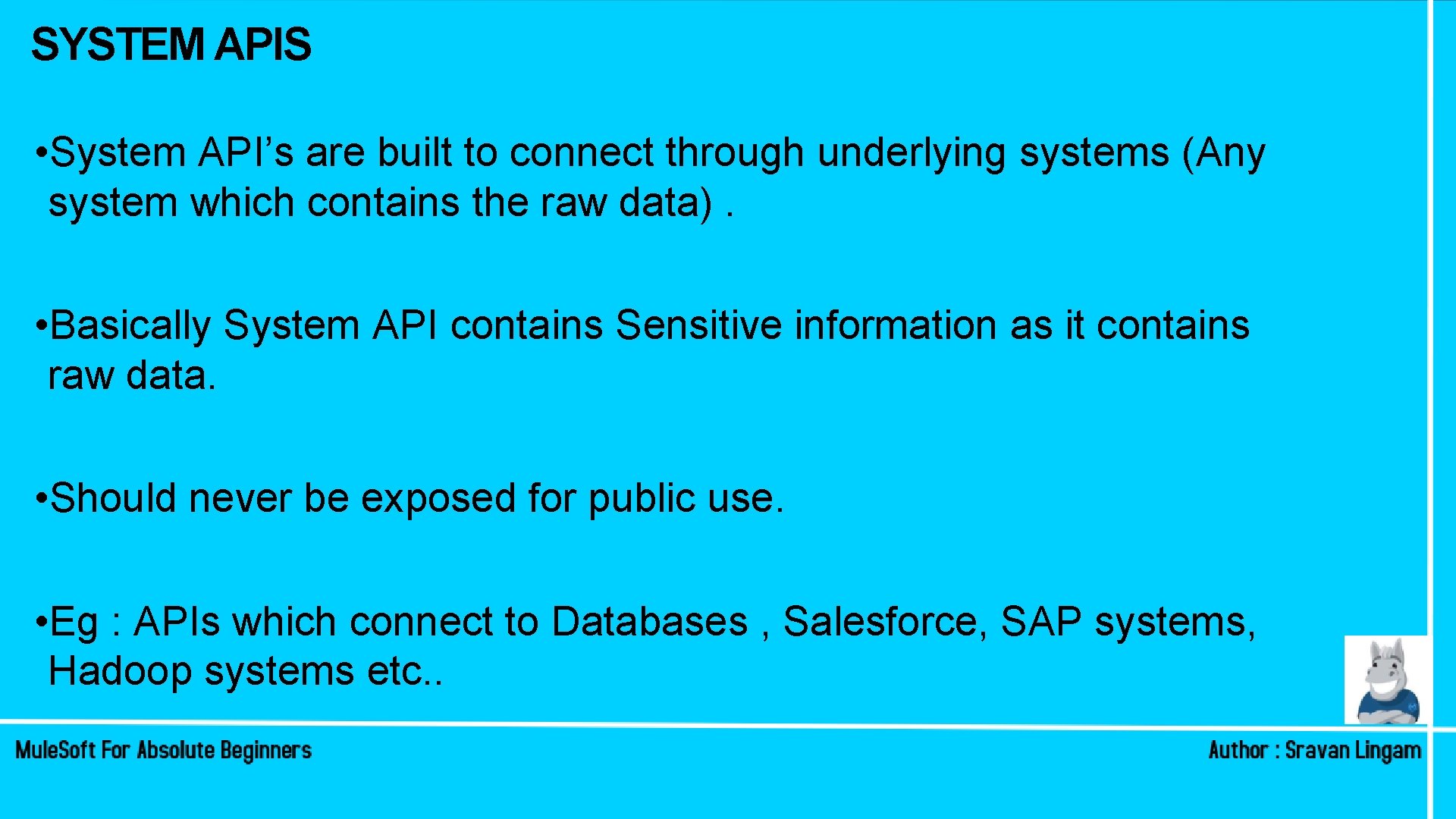
SYSTEM APIS • System API’s are built to connect through underlying systems (Any system which contains the raw data). • Basically System API contains Sensitive information as it contains raw data. • Should never be exposed for public use. • Eg : APIs which connect to Databases , Salesforce, SAP systems, Hadoop systems etc. .
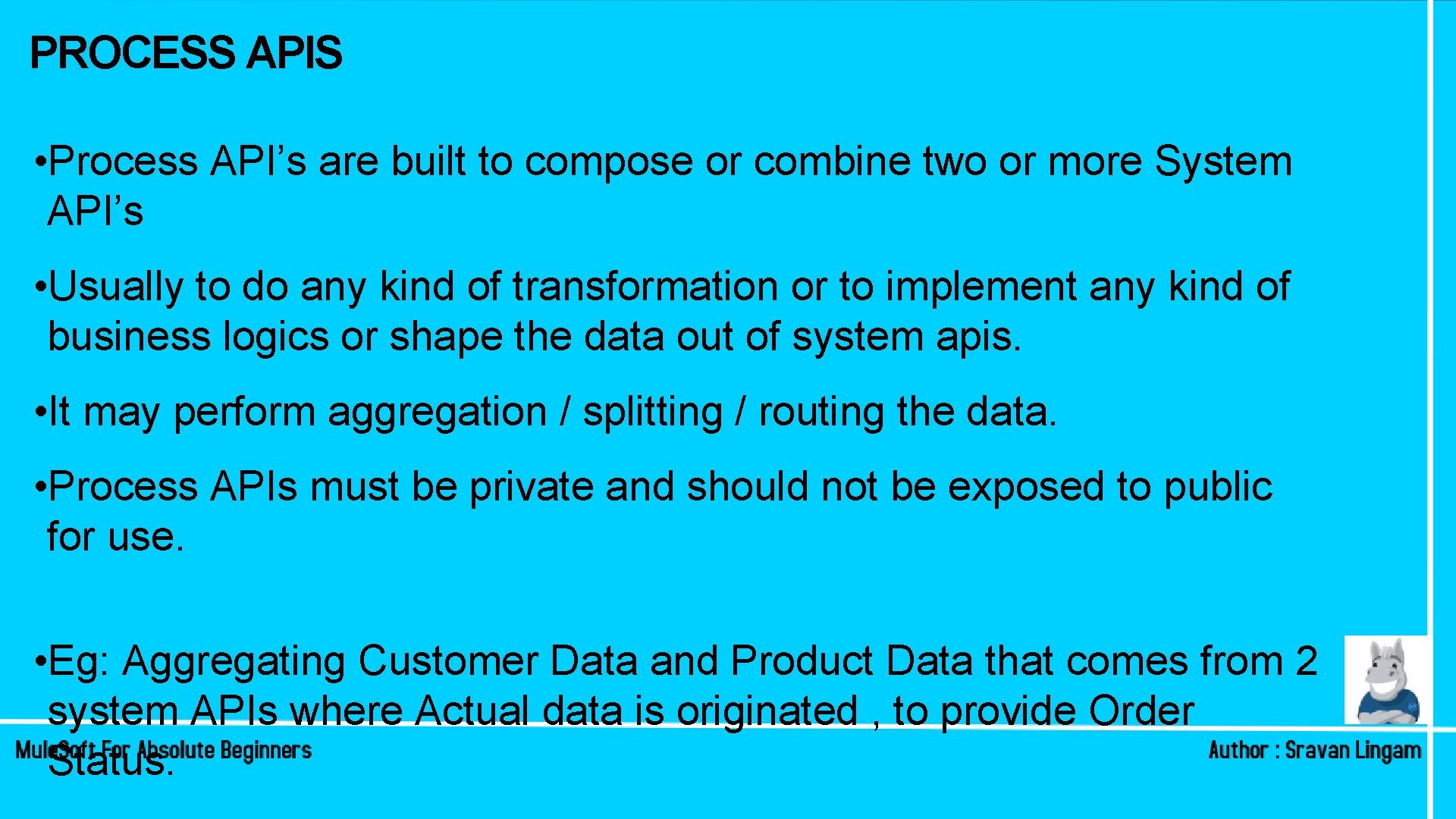
PROCESS APIS • Process API’s are built to compose or combine two or more System API’s • Usually to do any kind of transformation or to implement any kind of business logics or shape the data out of system apis. • It may perform aggregation / splitting / routing the data. • Process APIs must be private and should not be exposed to public for use. • Eg: Aggregating Customer Data and Product Data that comes from 2 system APIs where Actual data is originated , to provide Order Status.
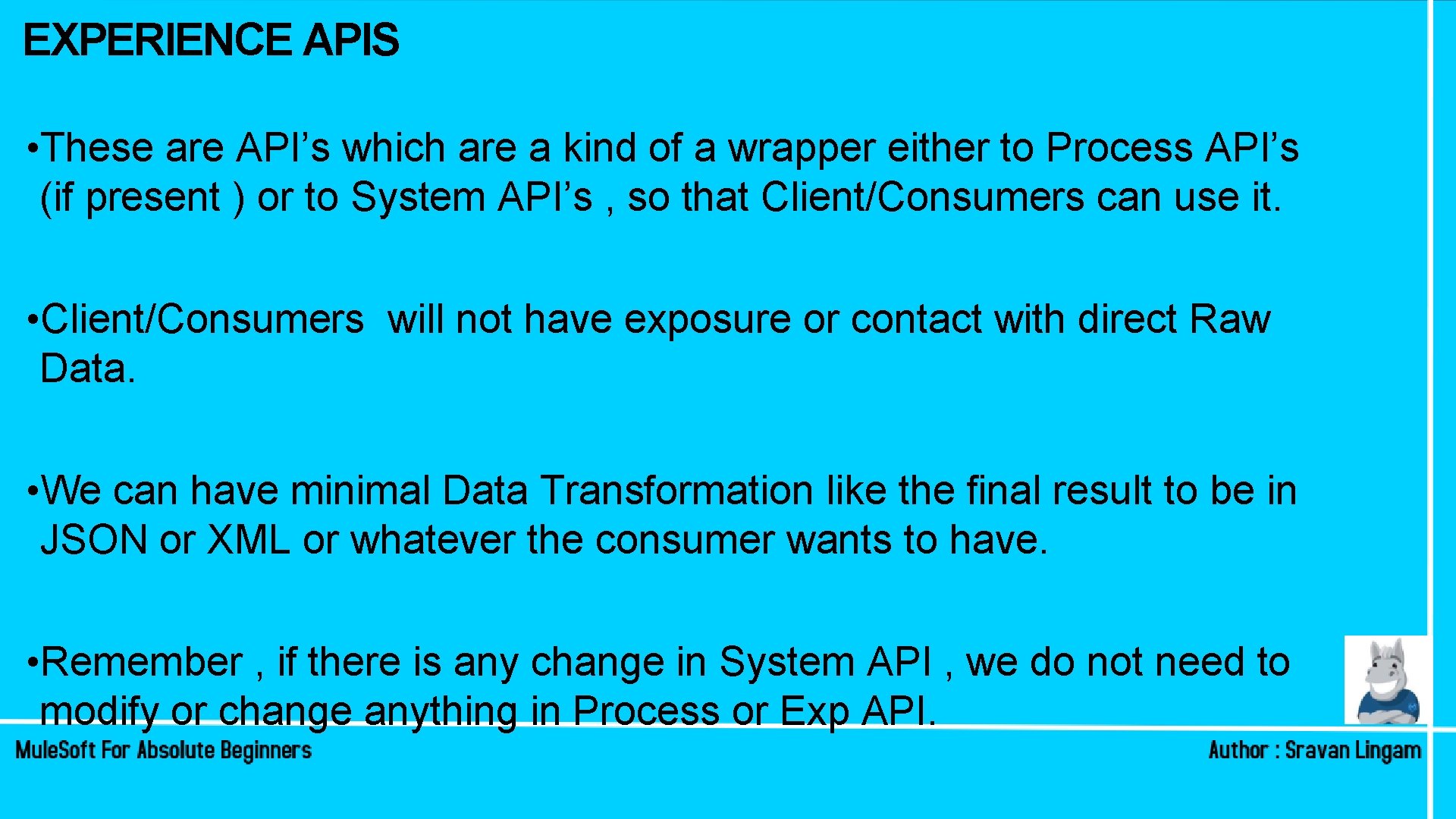
EXPERIENCE APIS • These are API’s which are a kind of a wrapper either to Process API’s (if present ) or to System API’s , so that Client/Consumers can use it. • Client/Consumers will not have exposure or contact with direct Raw Data. • We can have minimal Data Transformation like the final result to be in JSON or XML or whatever the consumer wants to have. • Remember , if there is any change in System API , we do not need to modify or change anything in Process or Exp API.
API - LED CONNECTIVITY Experience APIs Book Flight Process Payment Process APIs Flight API Offers for Customer Iternary Status Pre-Booked flight Status Customer API Send Notification API Payment API System APIs SRAVAN LINGAM 17
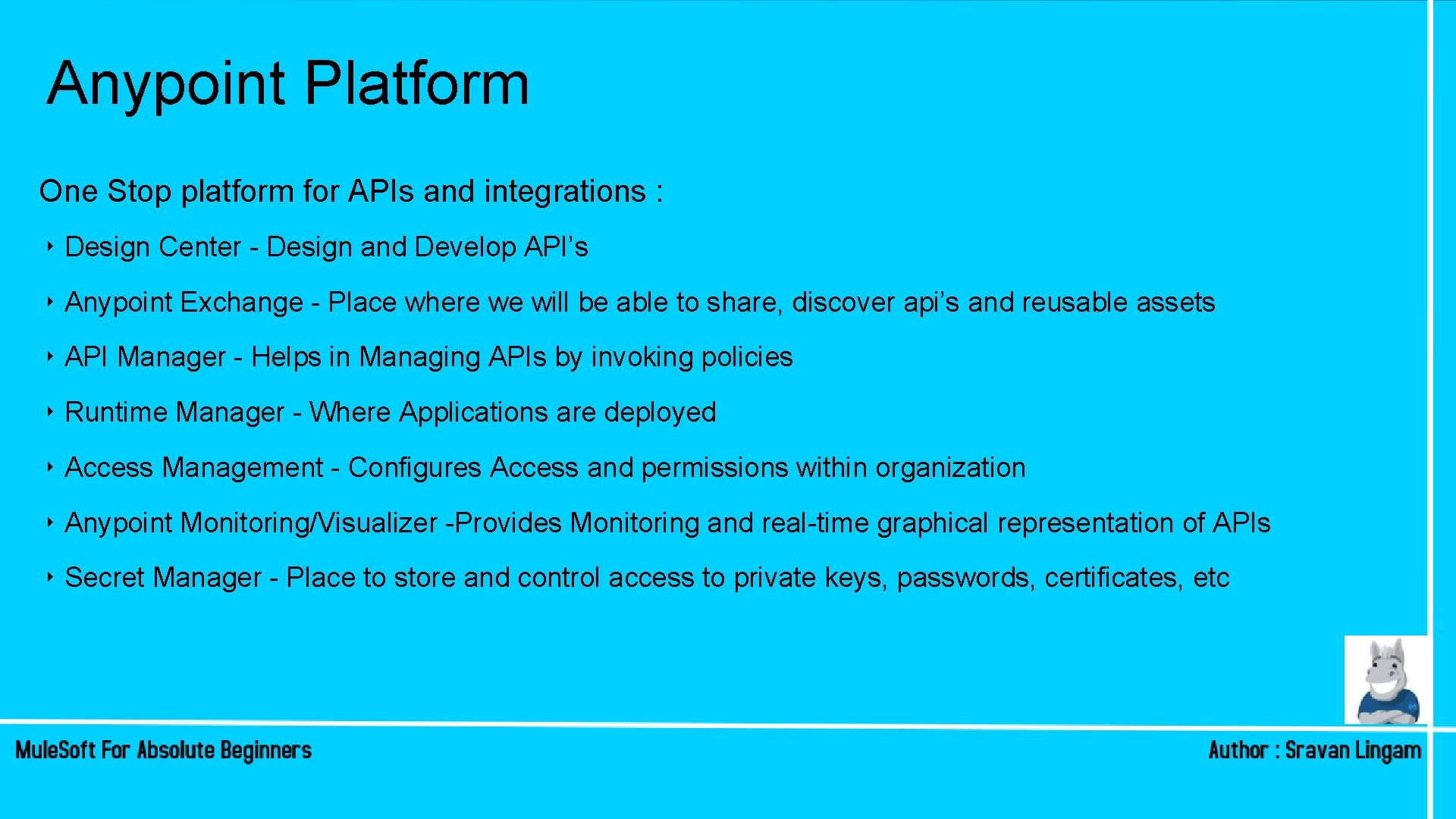
Anypoint Platform One Stop platform for APIs and integrations : ‣ Design Center - Design and Develop API’s ‣ Anypoint Exchange - Place where we will be able to share, discover api’s and reusable assets ‣ API Manager - Helps in Managing APIs by invoking policies ‣ Runtime Manager - Where Applications are deployed ‣ Access Management - Configures Access and permissions within organization ‣ Anypoint Monitoring/Visualizer -Provides Monitoring and real-time graphical representation of APIs ‣ Secret Manager - Place to store and control access to private keys, passwords, certificates, etc
Pre-Requisites / FAQ’s ‣ Training and certification Platform ‣Anypoint Platform Account ‣help. mulesoft. com ‣What is Mule. Soft 3 D
Mule. Soft Community • Mule. Soft Meetups - https: //meetups. mulesoft. com • Mule. Soft CONNECT NOW: https: //connect. mulesoft. com • Training & Certification • Mule. Soft Blogs and many more. • Tip : Learn from errors!
In case if you missed the session! Subscribe To our You. Tube Channels:
SESSION 2 Designing API’s MULESOFT TRAINING FOR ABSOLUTE BEGINNERS
Recap of Session 1 ➡What is Mule. Soft? ➡What is an API? ➡REST vs SOAP services ➡API led Connectivity ➡Anypoint Platform ➡Mule. Soft 3 D ➡Walkthrough to a website ➡At the end of session, you will be asked to submit assignment by next Saturday
What is API Specification? An API specification provides an understanding of how an API behaves. ➡What kind of Request it Accepts? ➡What kind of Response it returns? ➡What are Mandatory fields / Data Types etc…
Building Construction: SRAVAN LINGAM 25
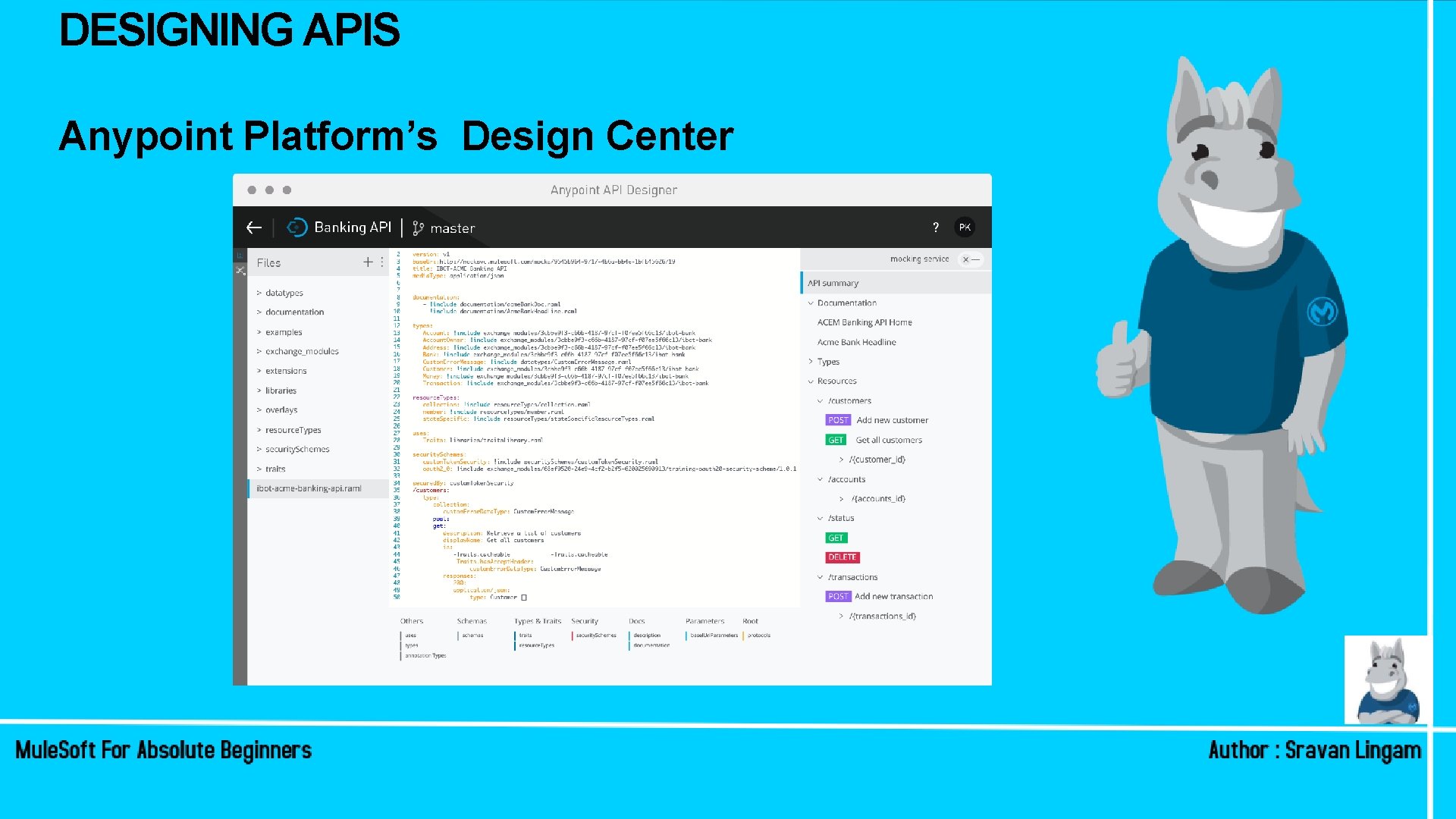
DESIGNING APIS Anypoint Platform’s Design Center
DESIGN CENTER • API Designer helps us to create API Specification in RESTful API Modeling Language (RAML) • It supports RAML 0. 8 and 1 versions • After creating Specification , it can be published to API Exchange so that it is available to your Mule. Soft organization
DESIGNING RAML • Resource: It is the unique name we give to identify a resource • Method: GET , POST , PUT , DELETE , PUT , PATCH etc • Request : like Body , queryparams, uriparams, headers. • Response: like response Body and response type Http Status: 200, 201, 400, 404, 500 etc. . No two resources can have same name & method!
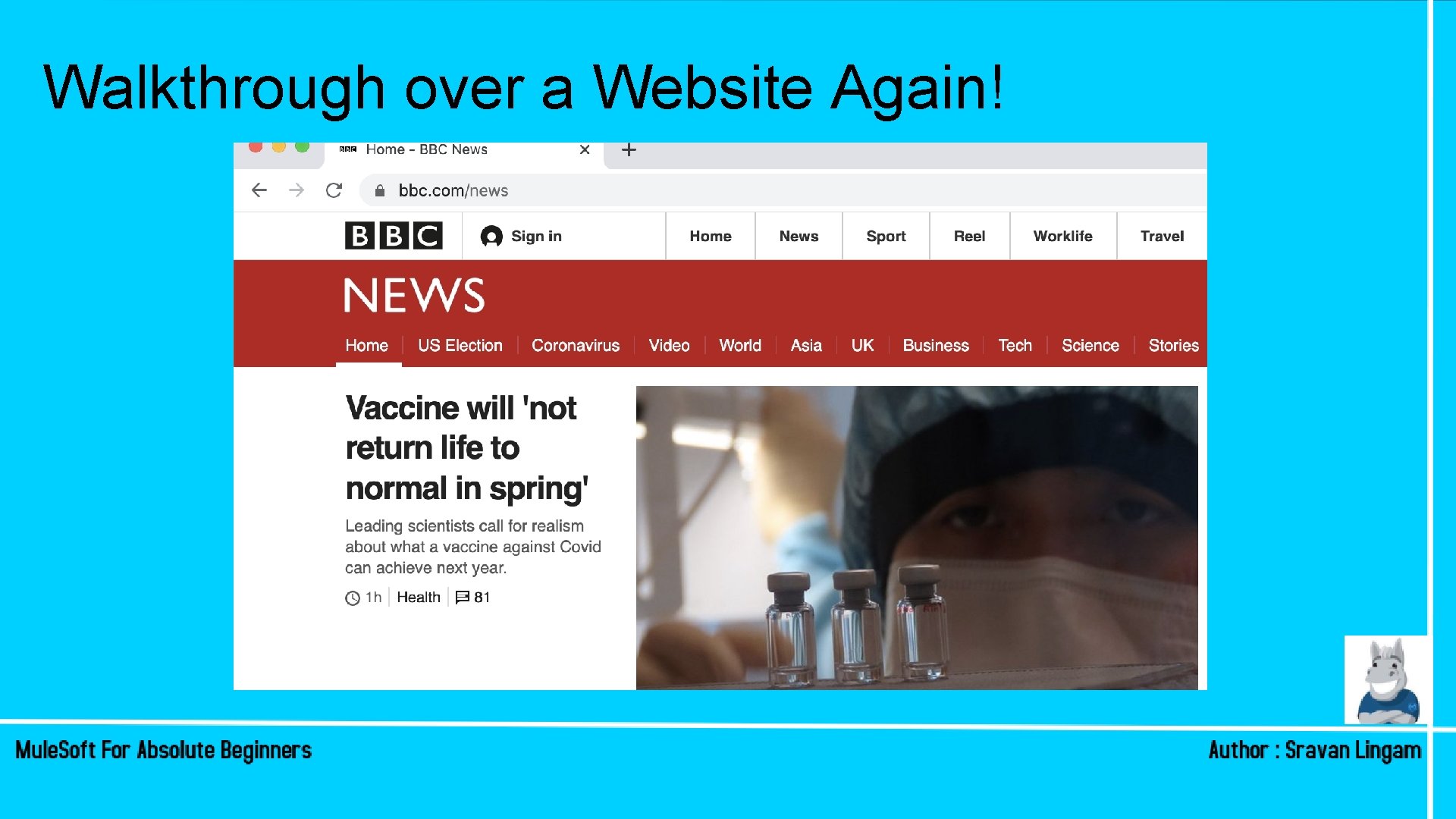
Walkthrough over a Website Again!
DESIGNING RAML Hands-on
WHAT HAVE WE COVERED SO FAR! • Designing RAML using Design Center • Creating Single / multiple resources • Defining the type of Method, Request and responses • How to include files , how to use “types”. • How to mock the url. • How to publish to exchange to make it available
DESIGNING RAML • To learn more , Visit : https: //raml. org • Submit your assignments without fail! • Tip : Practice.
In case if you missed the session! Subscribe To our You. Tube Channels:
SESSION 3 Developing MULESOFT TRAINING FOR ABSOLUTE BEGINNERS API’s Part- I
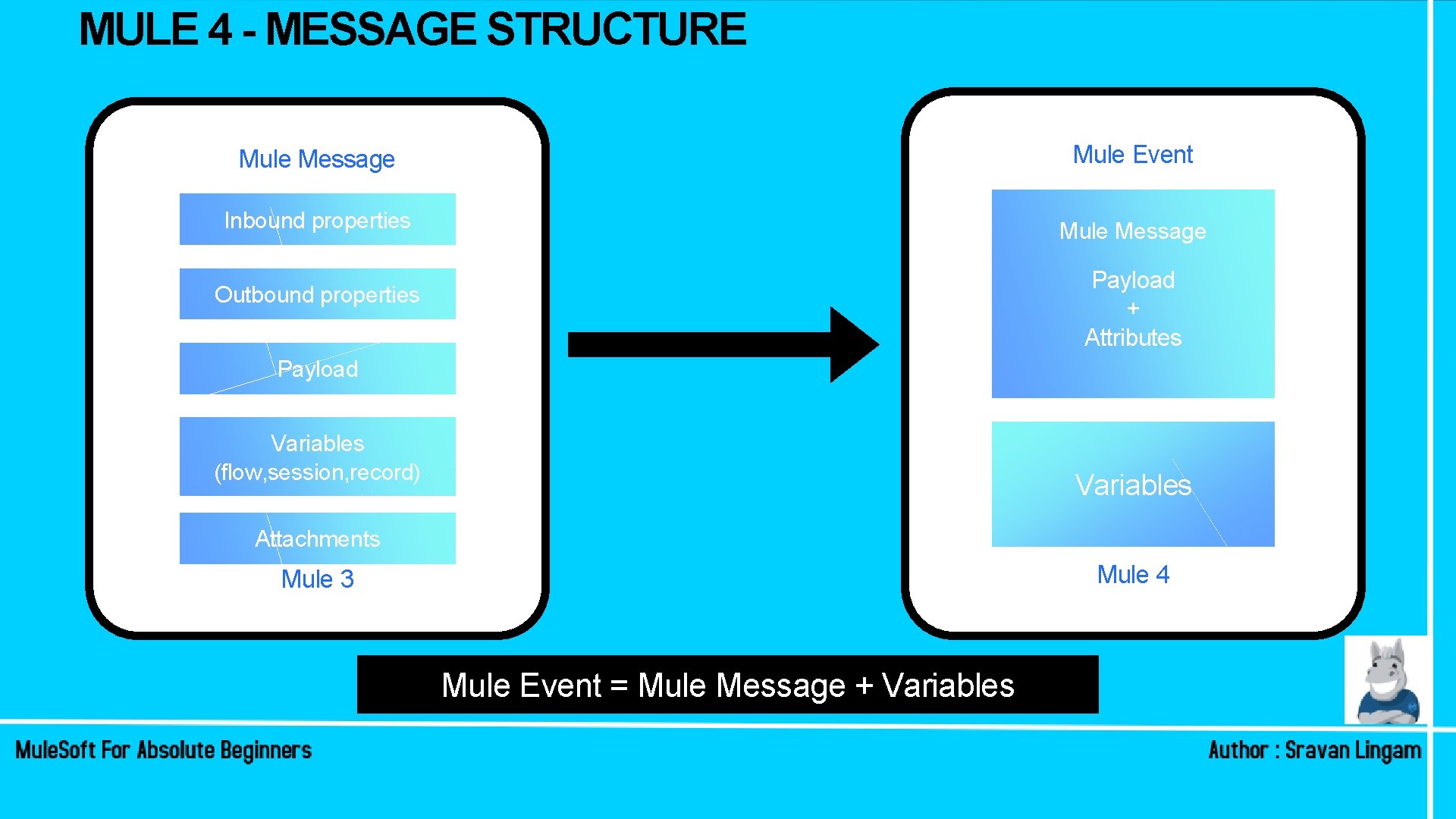
MULE 4 - MESSAGE STRUCTURE Mule Message Mule Event Inbound properties Mule Message Payload + Attributes Outbound properties Payload Variables (flow, session, record) Variables Attachments Mule 4 Mule 3 Mule Event = Mule Message + Variables
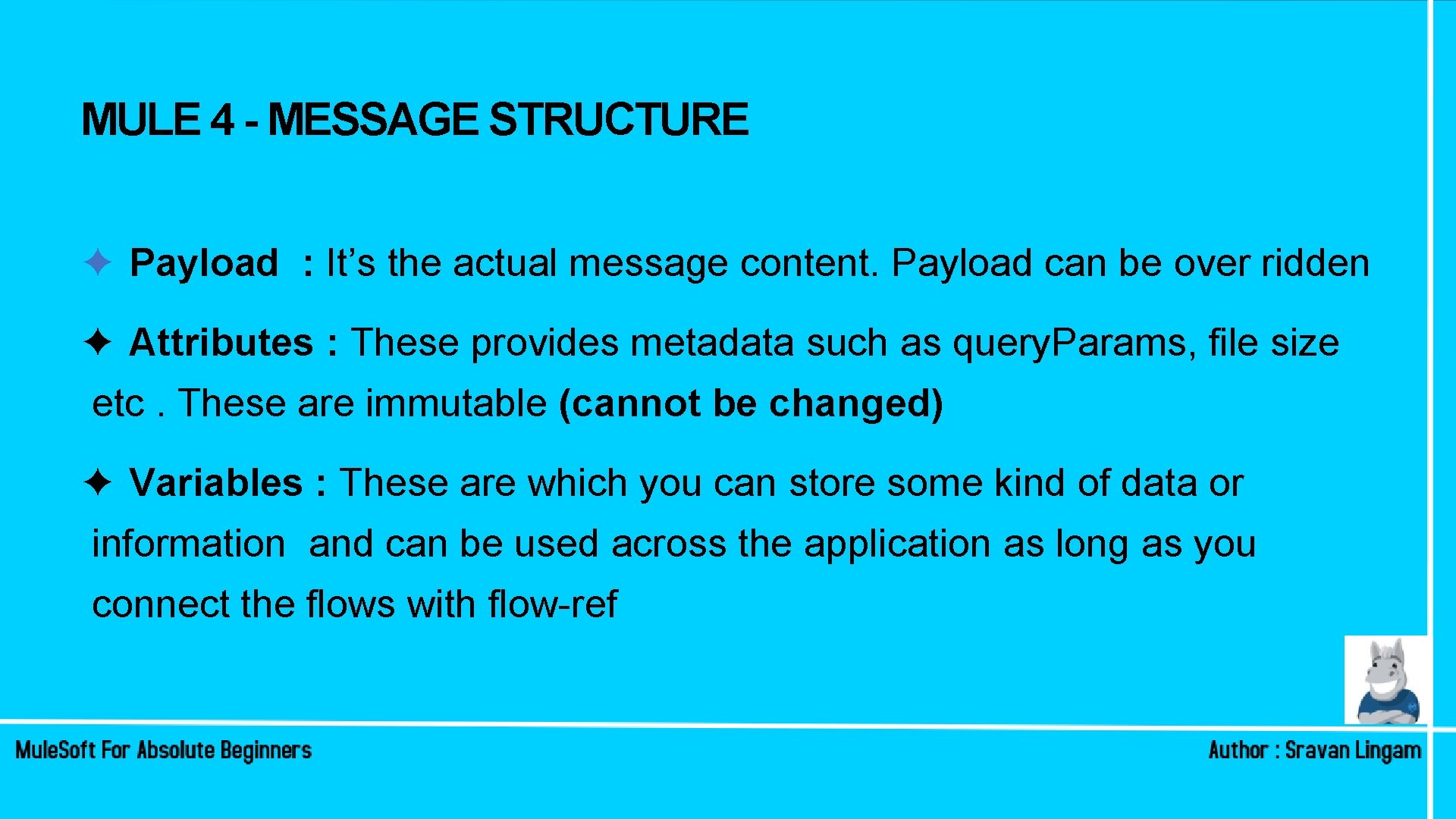
MULE 4 - MESSAGE STRUCTURE ✦ Payload : It’s the actual message content. Payload can be over ridden ✦ Attributes : These provides metadata such as query. Params, file size etc. These are immutable (cannot be changed) ✦ Variables : These are which you can store some kind of data or information and can be used across the application as long as you connect the flows with flow-ref
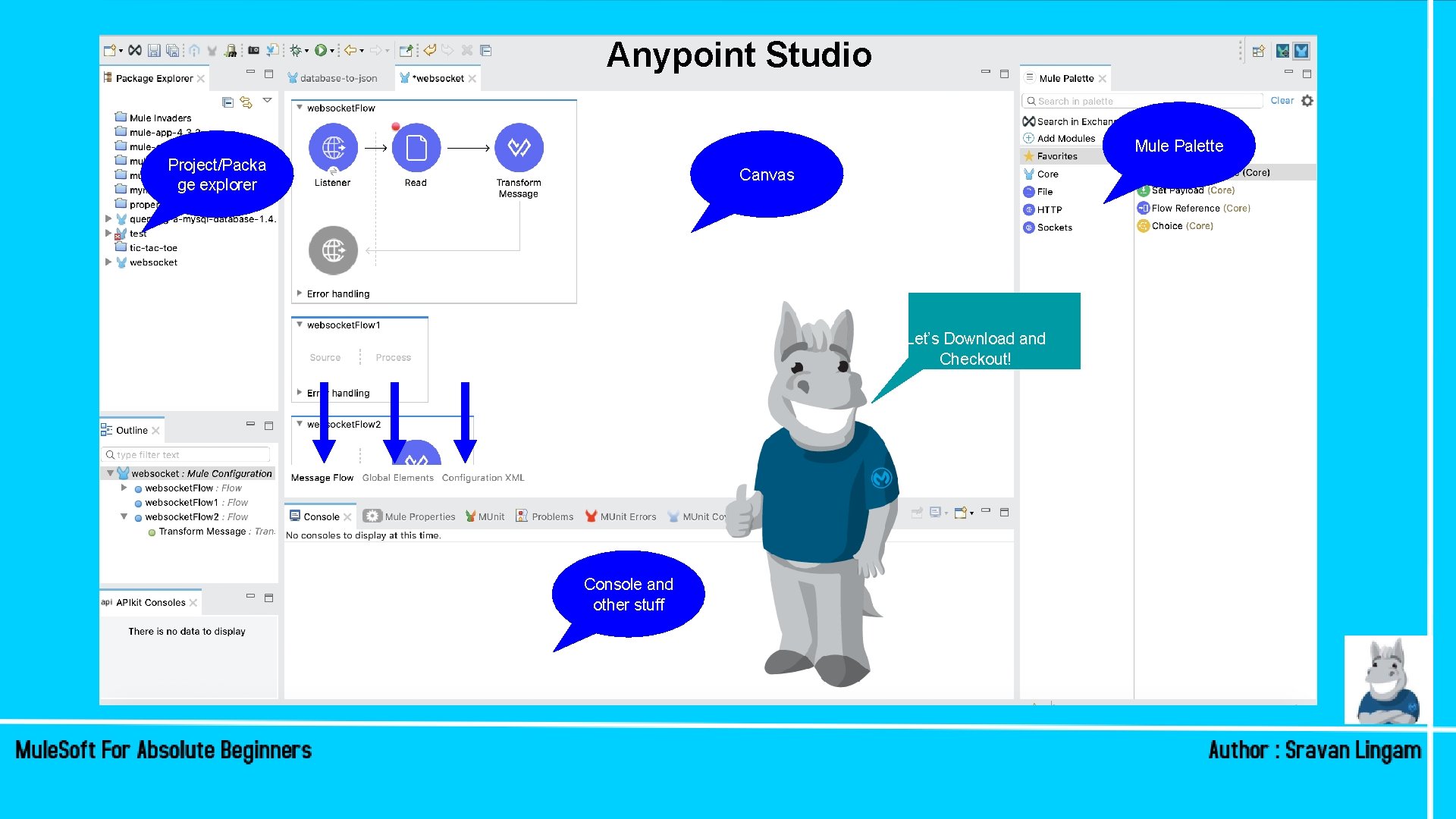
Anypoint Studio Mule Palette Project/Packa ge explorer Canvas Let’s Download and Checkout! Console and other stuff
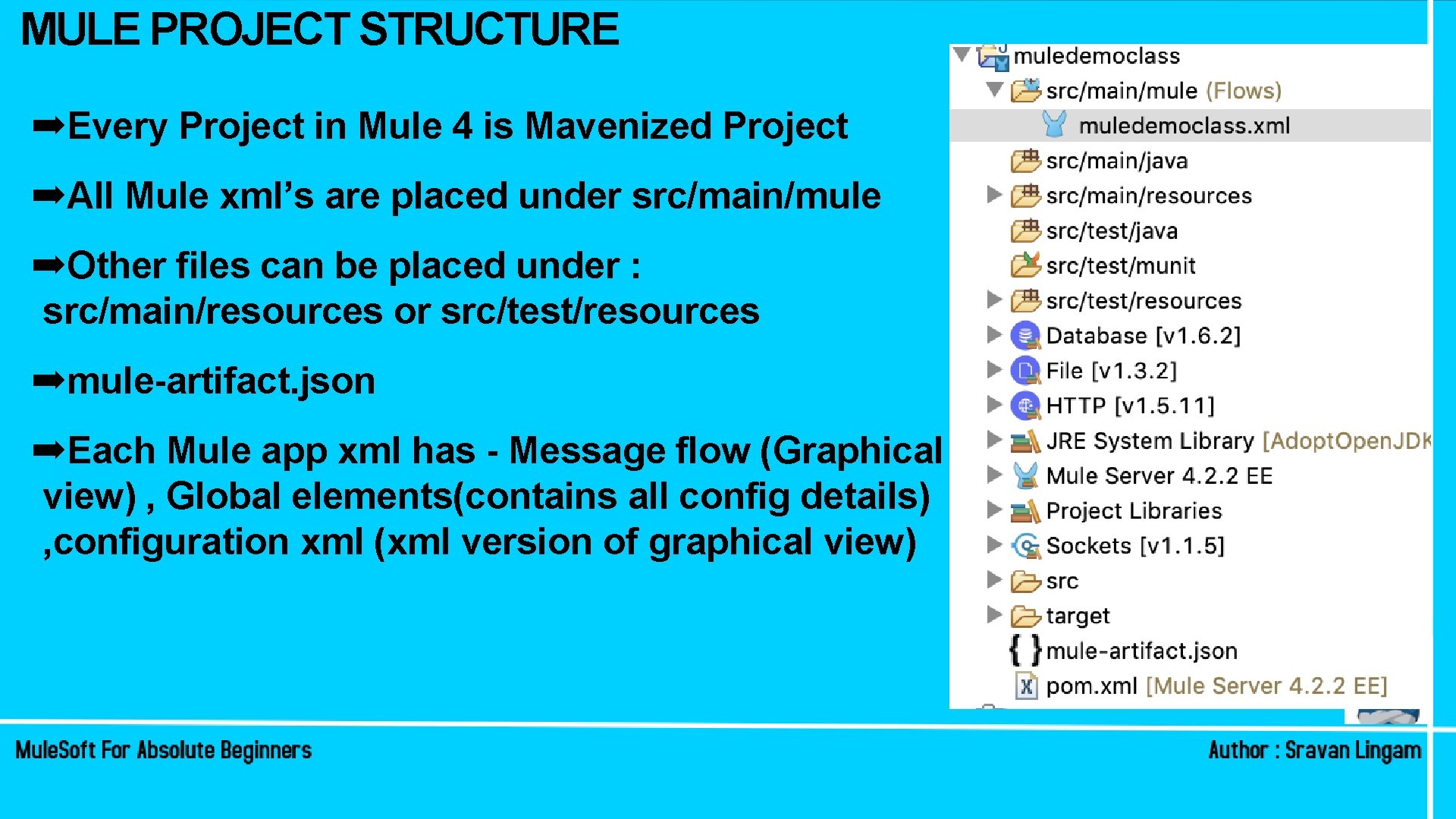
MULE PROJECT STRUCTURE ➡Every Project in Mule 4 is Mavenized Project ➡All Mule xml’s are placed under src/main/mule ➡Other files can be placed under : src/main/resources or src/test/resources ➡mule-artifact. json ➡Each Mule app xml has - Message flow (Graphical view) , Global elements(contains all config details) , configuration xml (xml version of graphical view)
FLOW , SUB-FLOW AND PRIVATE FLOW ➡An App can consists of a single flow ! ➡Or it can break up processing into discrete(private) flows and sub flows that you add to the app and connect together ➡Private and sub-flows can be triggered by Flow-reference or by Data. Weave lookup!
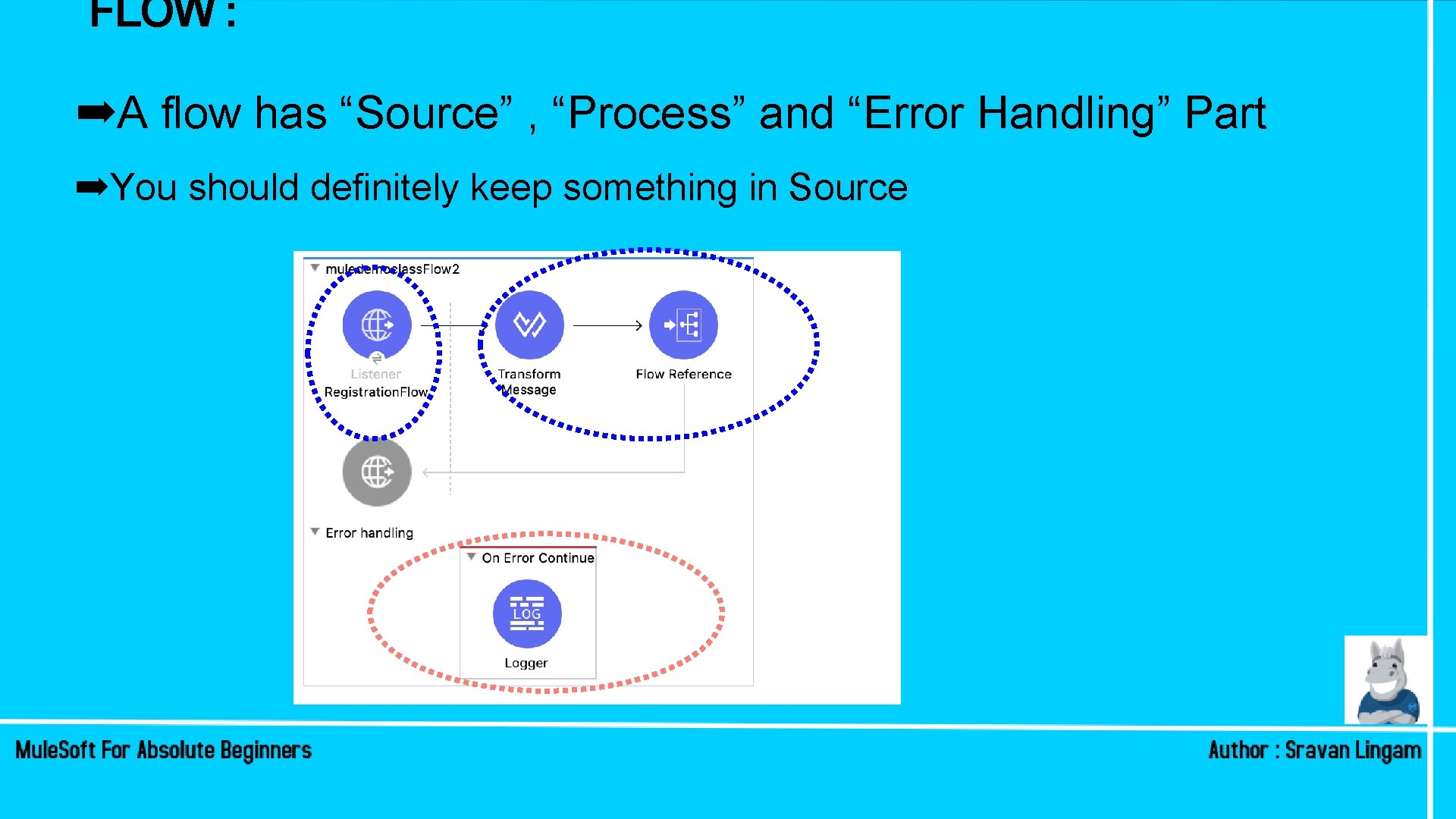
FLOW : ➡A flow has “Source” , “Process” and “Error Handling” Part ➡You should definitely keep something in Source
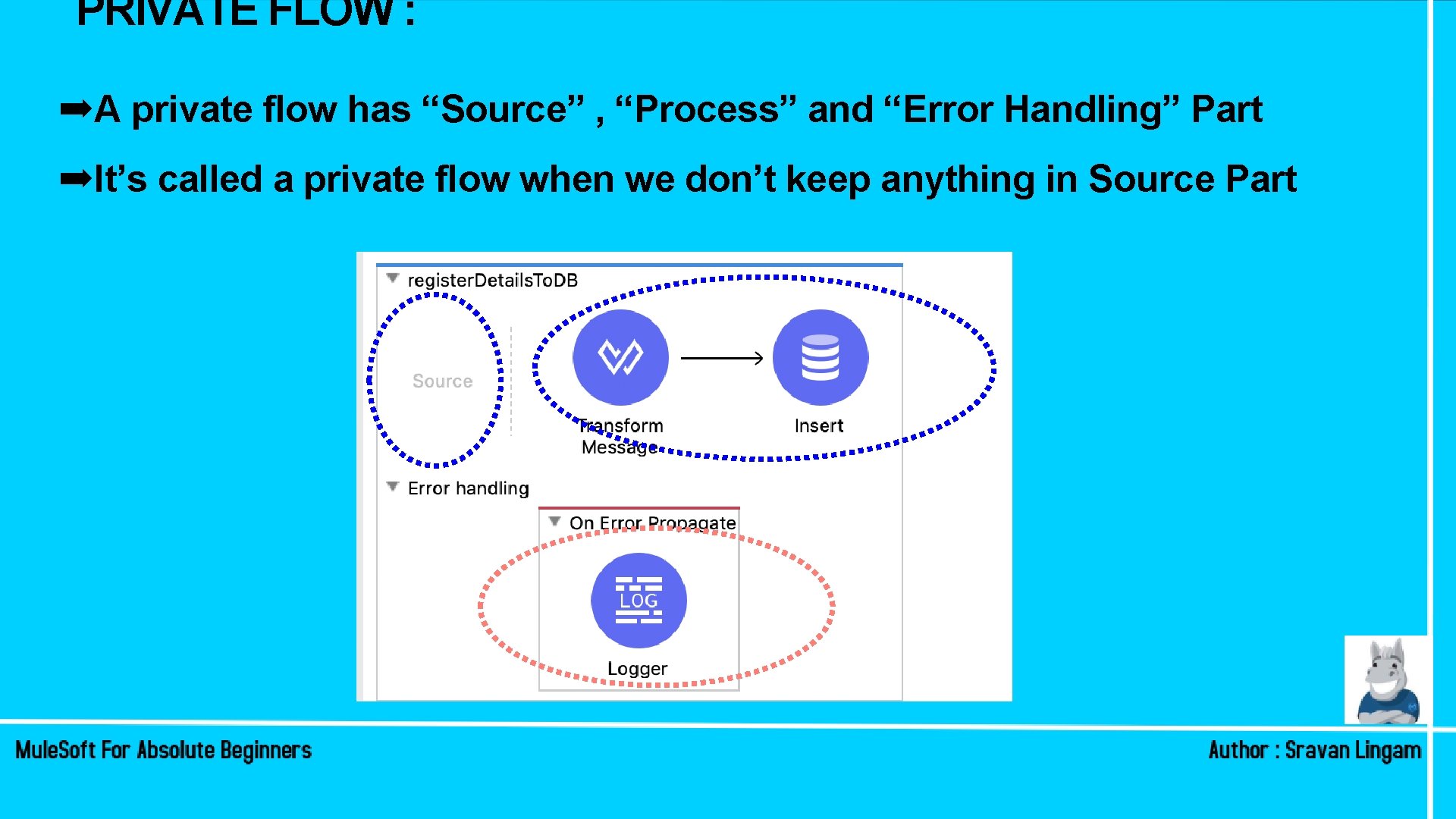
PRIVATE FLOW : ➡A private flow has “Source” , “Process” and “Error Handling” Part ➡It’s called a private flow when we don’t keep anything in Source Part
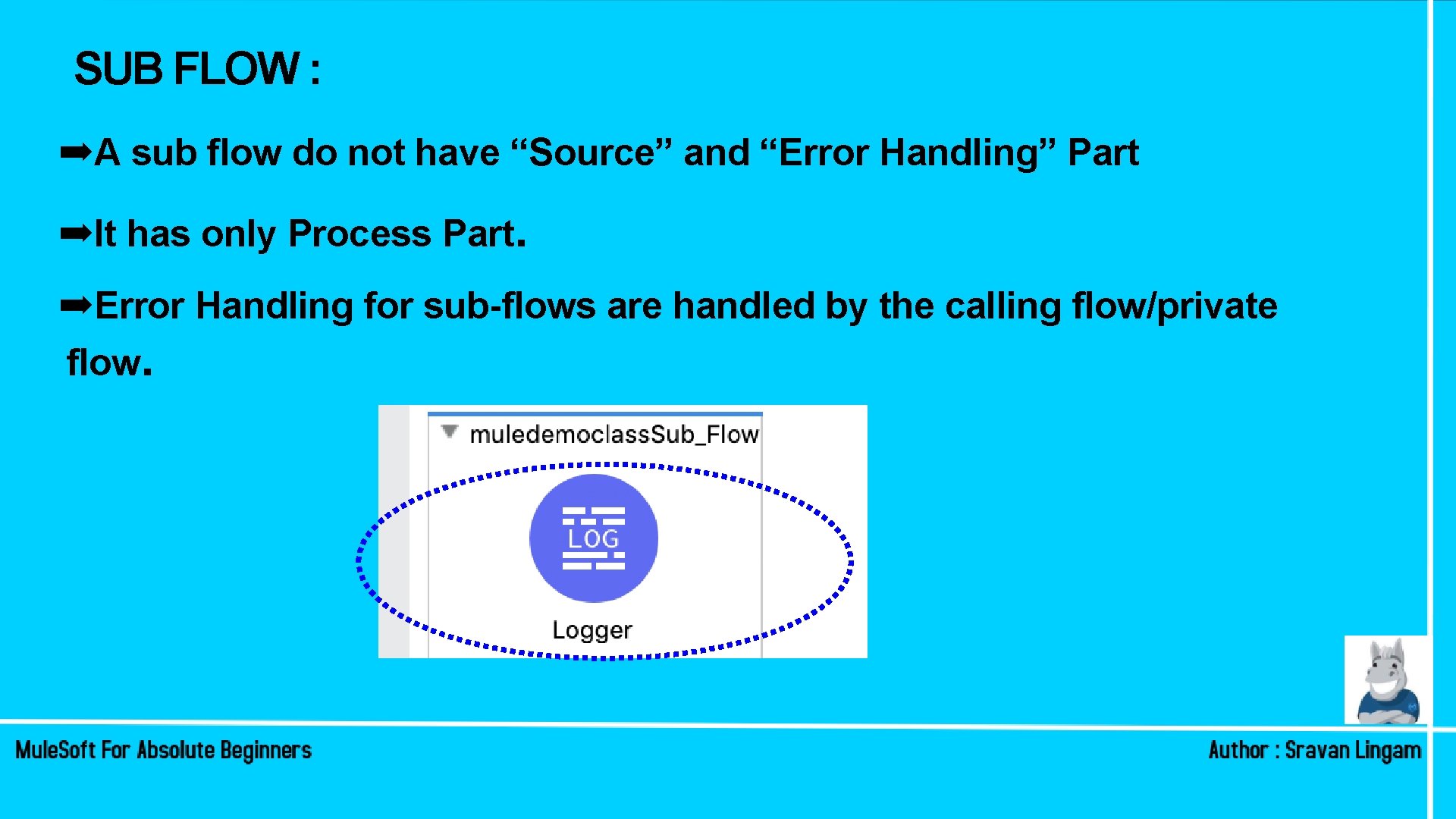
SUB FLOW : ➡A sub flow do not have “Source” and “Error Handling” Part ➡It has only Process Part. ➡Error Handling for sub-flows are handled by the calling flow/private flow.
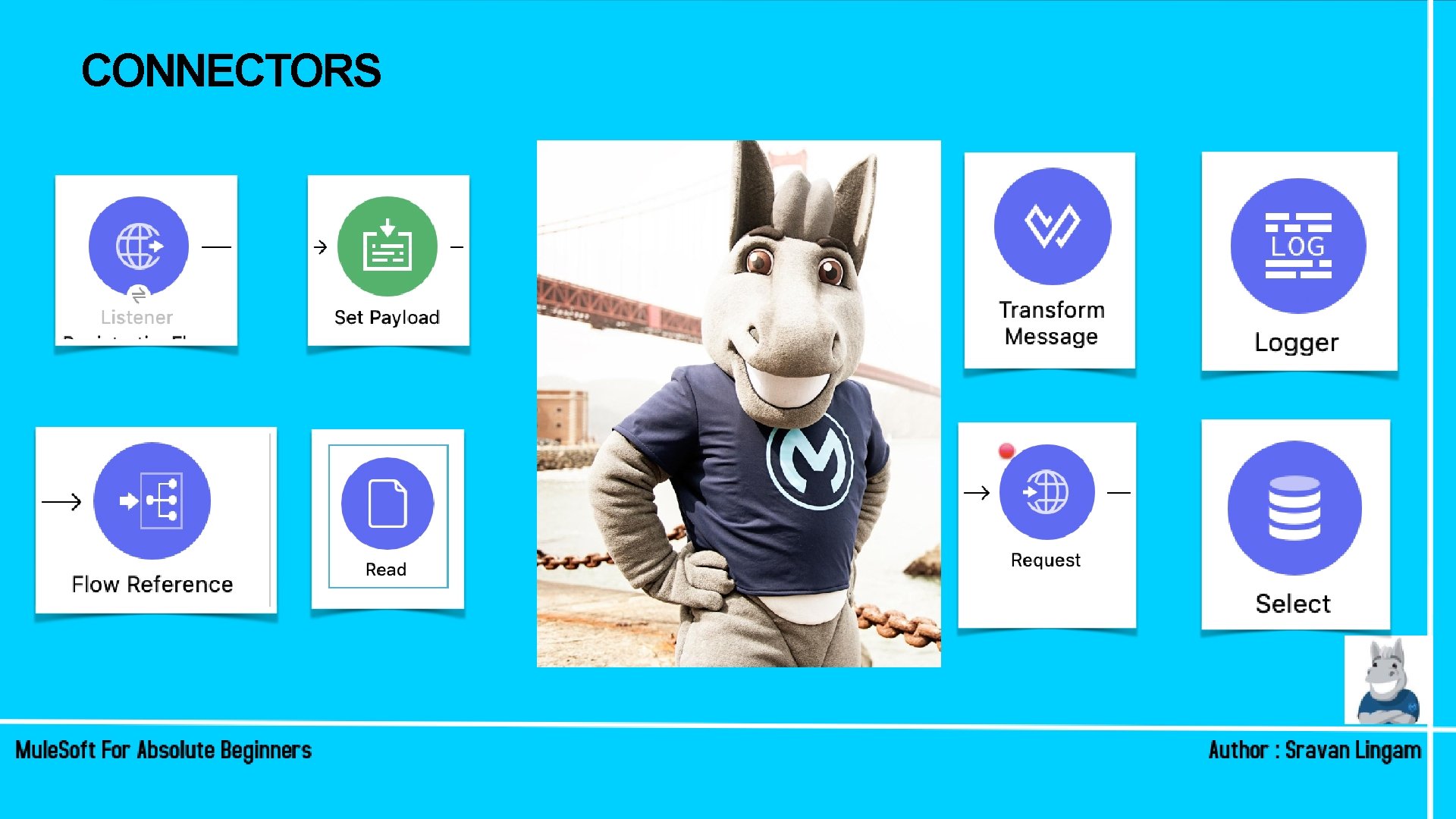
CONNECTORS
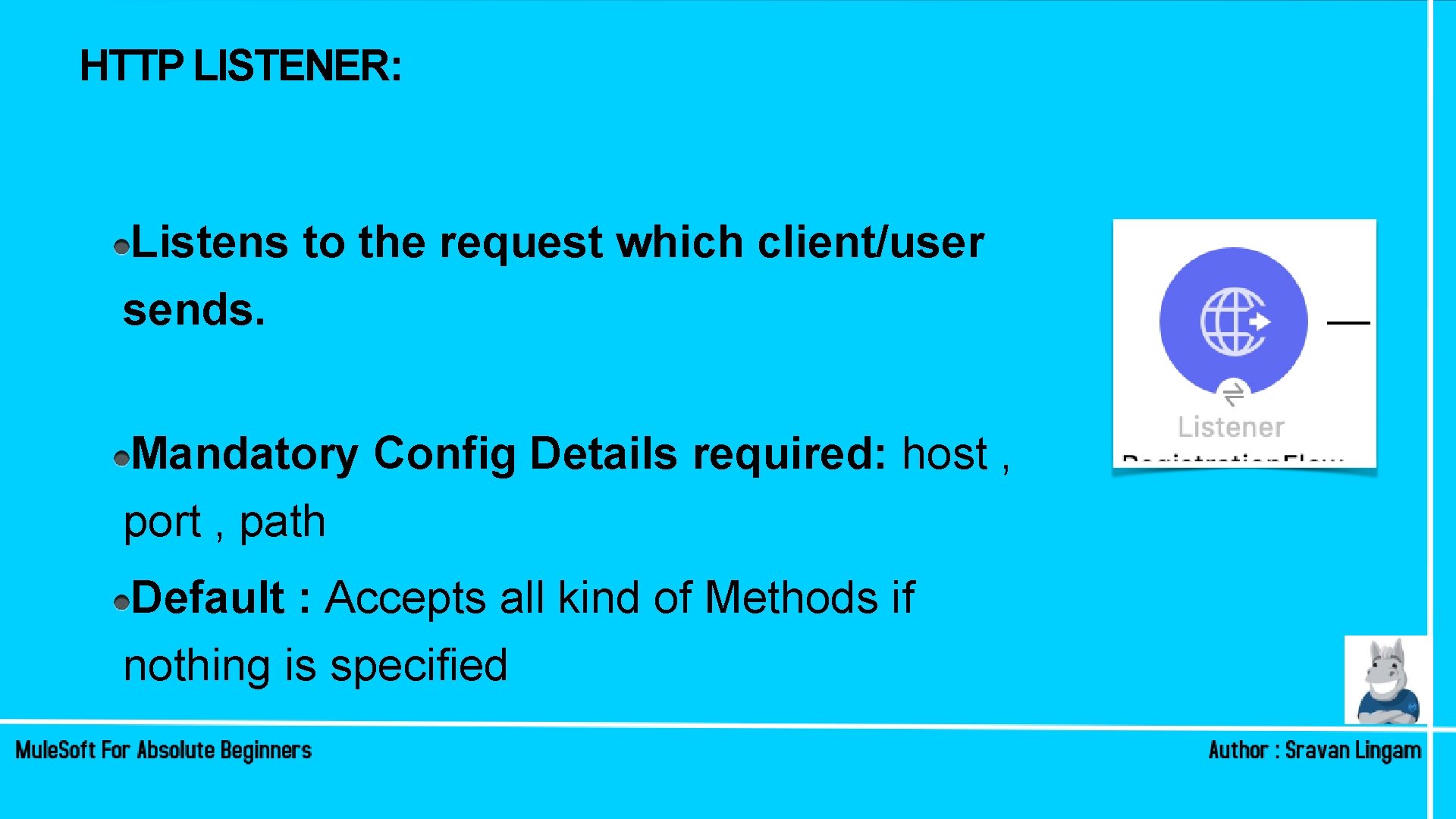
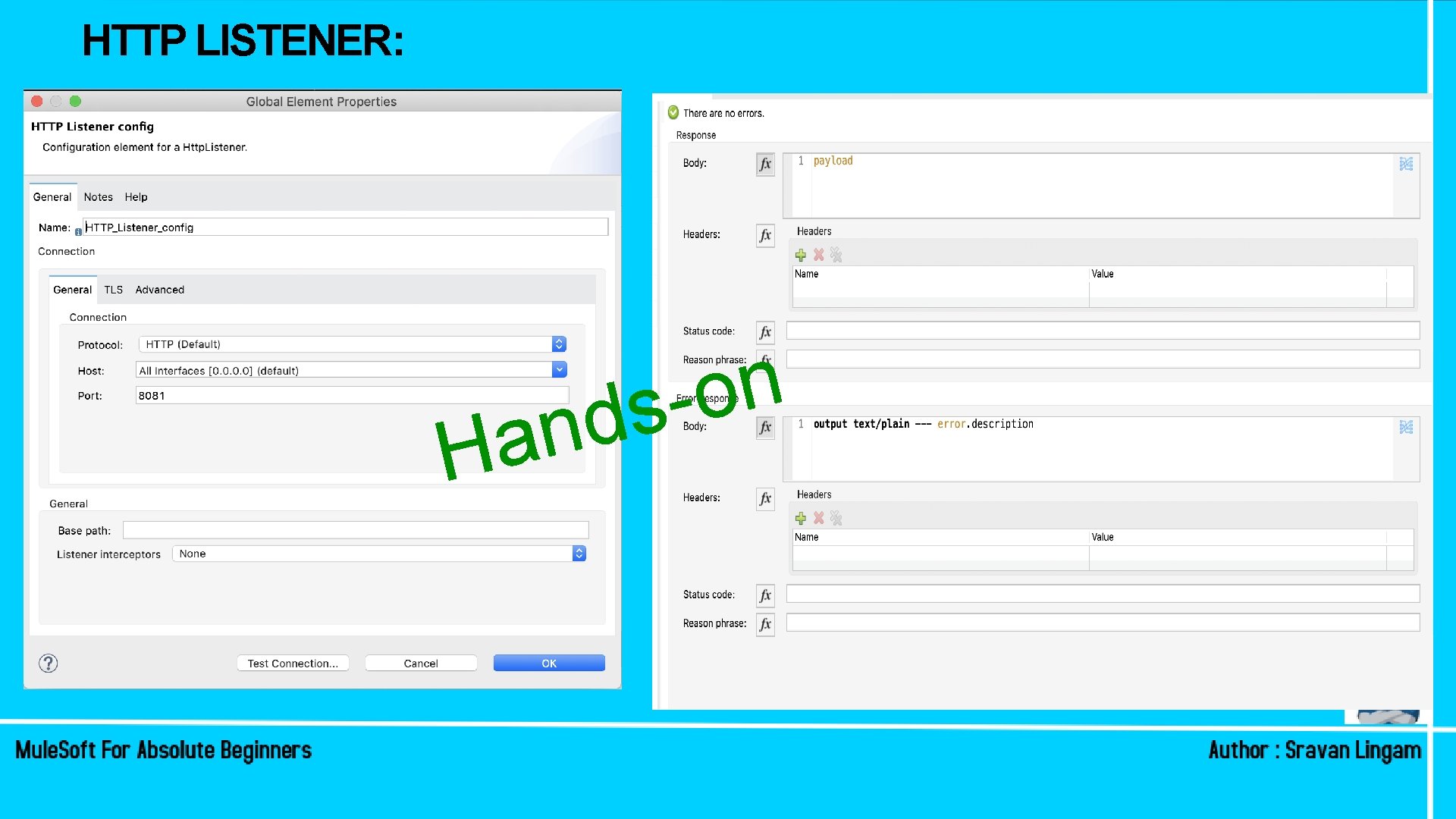
HTTP LISTENER: Listens to the request which client/user sends. Mandatory Config Details required: host , port , path Default : Accepts all kind of Methods if nothing is specified
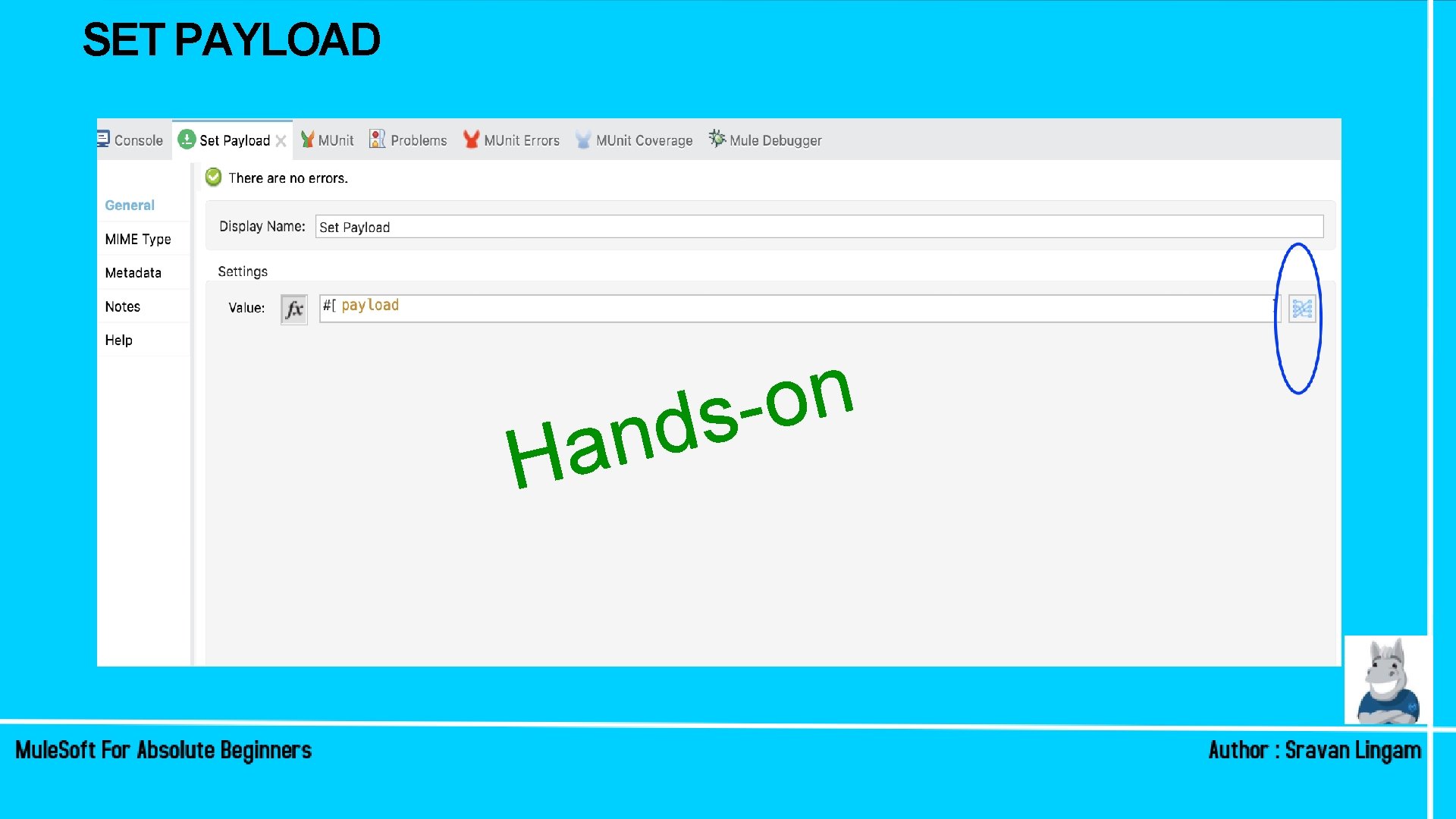
SET PAYLOAD The Set Payload component lets you update the payload of the message. The payload can be a literal string or a Data. Weave expression Mandatory Config Details required: value
HTTP LISTENER: n a H n o ds
SET PAYLOAD H n o s d n a
BUILDING A RESTFUL API Hands-on
DEBUGGING AN APPLICATION Hands-on
WHAT HAVE WE COVERED SO FAR! • MULE 4 – MESSAGE STRUCTURE • Introduction to Anypoint Studio • Mule 4 Project Structure • Introduction to Flow, Sub-flow, and a Private Flow • HTTP – Listener • Set Payload • Building a Simple RESTful API – Hands-on • Debugging an Application in Anypoint. Studio – Hands-on
IMPORTANT THINGS! • Download Anypoint Studio - https: //www. mulesoft. com/lp/dl/studio • Create Anypoint Platform Account : http: //anypoint. mulesoft. com/ • Download POSTMAN • Register for last Mule. Soft CONNECT for the year : https: //connect. mulesoft. com/events/connect/japac • Watch video and practice. Submit assignment without fail • Practice !
In case if you missed the session! Subscribe To our You. Tube Channels: