159 234 18 LECTURE 17 C Strings 1
- Slides: 34
159. 234 18 LECTURE 17 C++ Strings 1
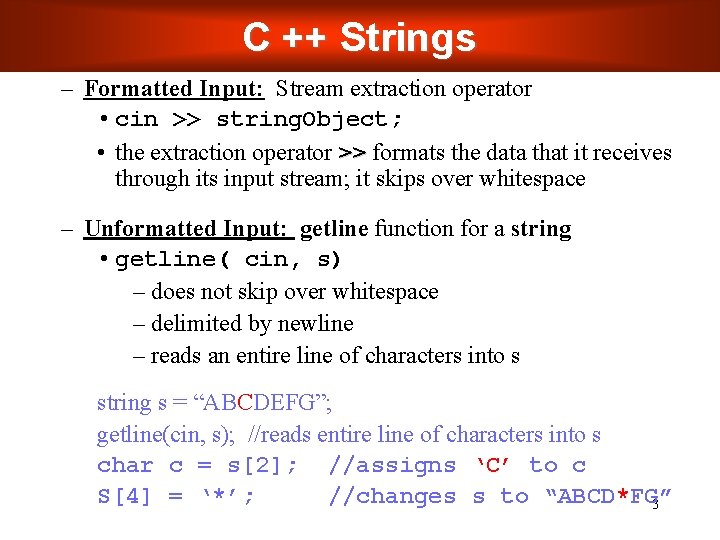
C ++ Strings – Formatted Input: Stream extraction operator • cin >> string. Object; • the extraction operator >> formats the data that it receives through its input stream; it skips over whitespace – Unformatted Input: getline function for a string • getline( cin, s) – does not skip over whitespace – delimited by newline – reads an entire line of characters into s string s = “ABCDEFG”; getline(cin, s); //reads entire line of characters into s char c = s[2]; //assigns ‘C’ to c S[4] = ‘*’; //changes s to “ABCD*FG” 3
C ++ Strings – Not necessarily null terminated – string is not a pointer, but a class – Many member functions take start position and length • If length argument too large, max chosen 4
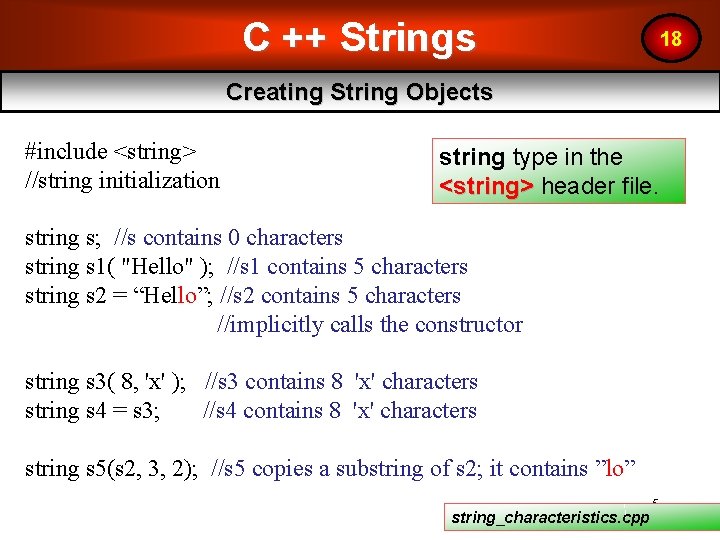
C ++ Strings 18 Creating String Objects #include <string> //string initialization string type in the <string> header file. string s; //s contains 0 characters string s 1( "Hello" ); //s 1 contains 5 characters string s 2 = “Hello”; //s 2 contains 5 characters //implicitly calls the constructor string s 3( 8, 'x' ); //s 3 contains 8 'x' characters string s 4 = s 3; //s 4 contains 8 'x' characters string s 5(s 2, 3, 2); //s 5 copies a substring of s 2; it contains ”lo” string_characteristics. cpp 5
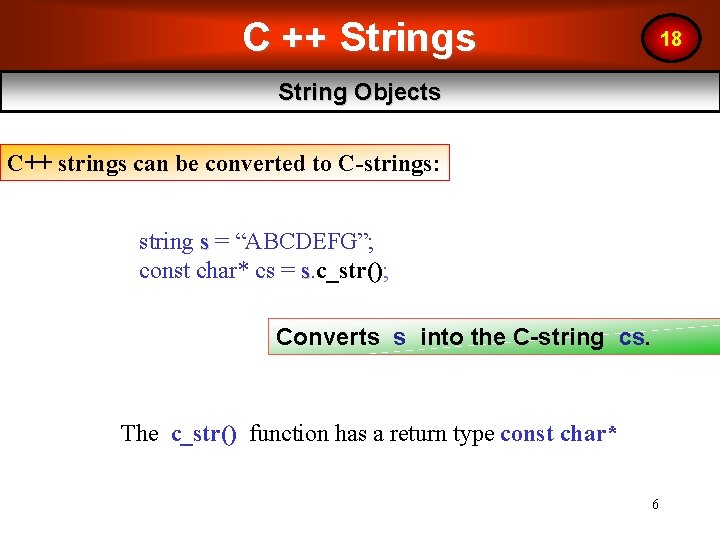
C ++ Strings 18 String Objects C++ strings can be converted to C-strings: string s = “ABCDEFG”; const char* cs = s. c_str(); Converts s into the C-string cs. The c_str() function has a return type const char* 6
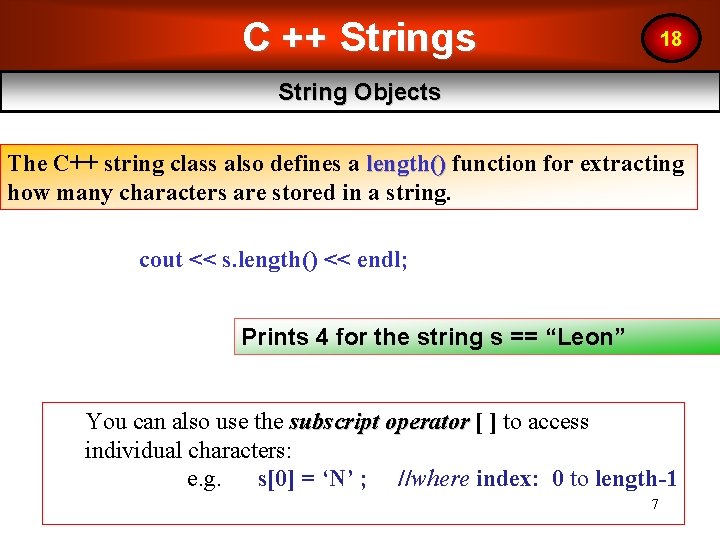
C ++ Strings 18 String Objects The C++ string class also defines a length() function for extracting how many characters are stored in a string. cout << s. length() << endl; Prints 4 for the string s == “Leon” You can also use the subscript operator [ ] to access individual characters: e. g. s[0] = ‘N’ ; //where index: 0 to length-1 7
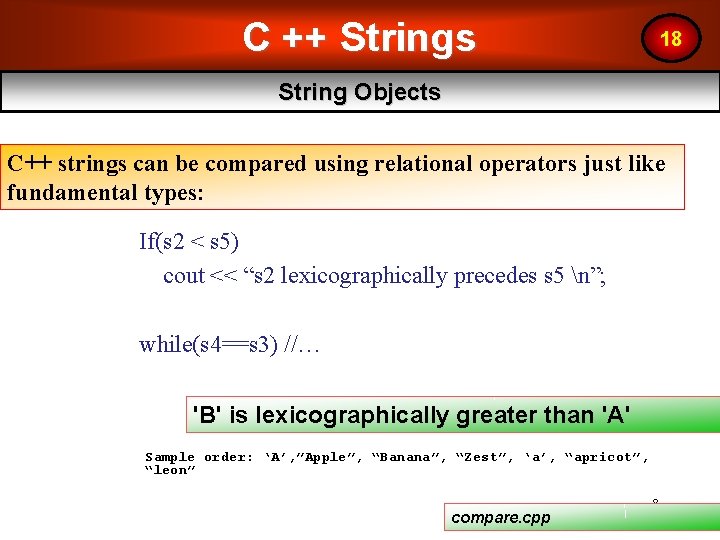
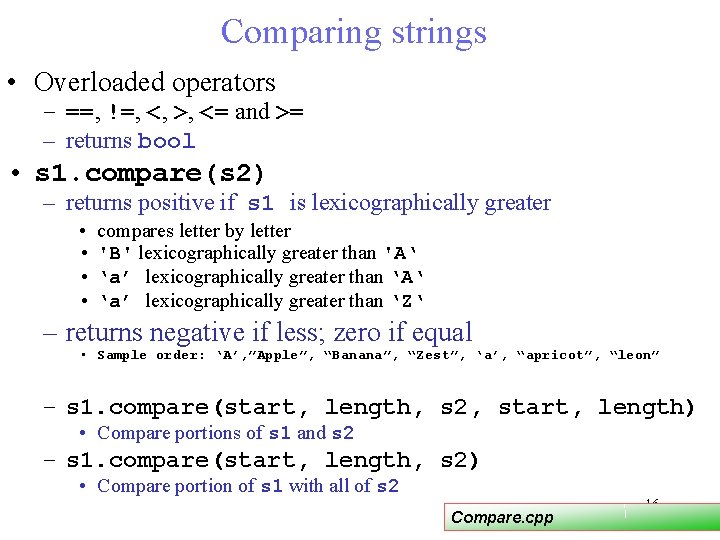
C ++ Strings 18 String Objects C++ strings can be compared using relational operators just like fundamental types: If(s 2 < s 5) cout << “s 2 lexicographically precedes s 5 n”; while(s 4==s 3) //… 'B' is lexicographically greater than 'A' Sample order: ‘A’, ”Apple”, “Banana”, “Zest”, ‘a’, “apricot”, “leon” compare. cpp 8
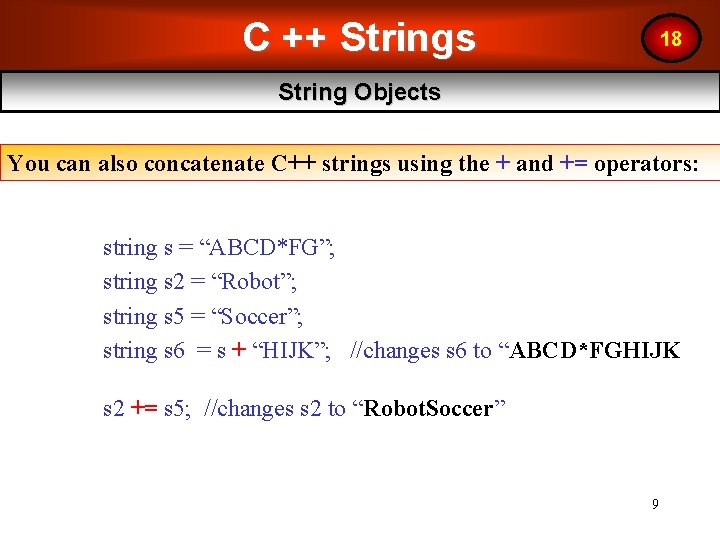
C ++ Strings 18 String Objects You can also concatenate C++ strings using the + and += operators: string s = “ABCD*FG”; string s 2 = “Robot”; string s 5 = “Soccer”; string s 6 = s + “HIJK”; //changes s 6 to “ABCD*FGHIJK s 2 += s 5; //changes s 2 to “Robot. Soccer” 9
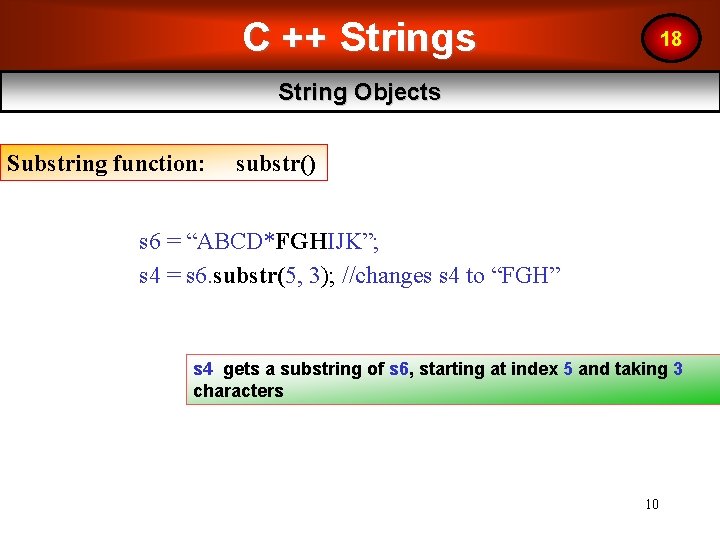
C ++ Strings 18 String Objects Substring function: substr() s 6 = “ABCD*FGHIJK”; s 4 = s 6. substr(5, 3); //changes s 4 to “FGH” s 4 gets a substring of s 6, starting at index 5 and taking 3 characters 10
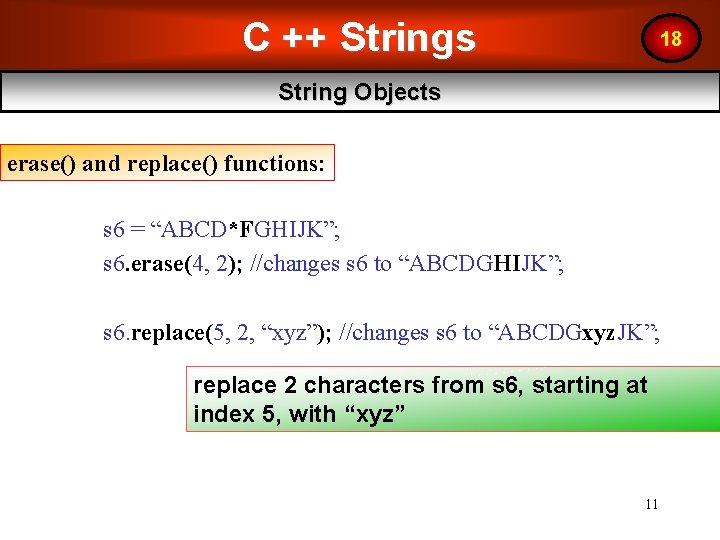
C ++ Strings 18 String Objects erase() and replace() functions: s 6 = “ABCD*FGHIJK”; s 6. erase(4, 2); //changes s 6 to “ABCDGHIJK”; s 6. replace(5, 2, “xyz”); //changes s 6 to “ABCDGxyz. JK”; replace 2 characters from s 6, starting at index 5, with “xyz” 11
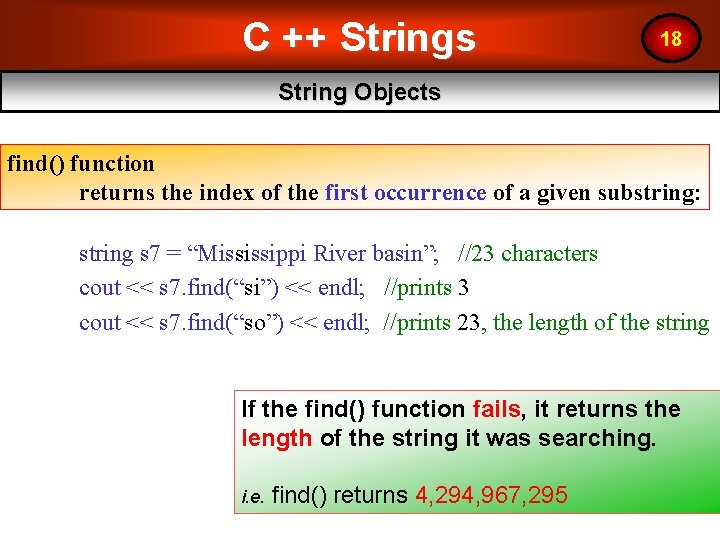
C ++ Strings 18 String Objects find() function returns the index of the first occurrence of a given substring: string s 7 = “Mississippi River basin”; //23 characters cout << s 7. find(“si”) << endl; //prints 3 cout << s 7. find(“so”) << endl; //prints 23, the length of the string If the find() function fails, it returns the length of the string it was searching. i. e. find() returns 4, 294, 967, 295 12
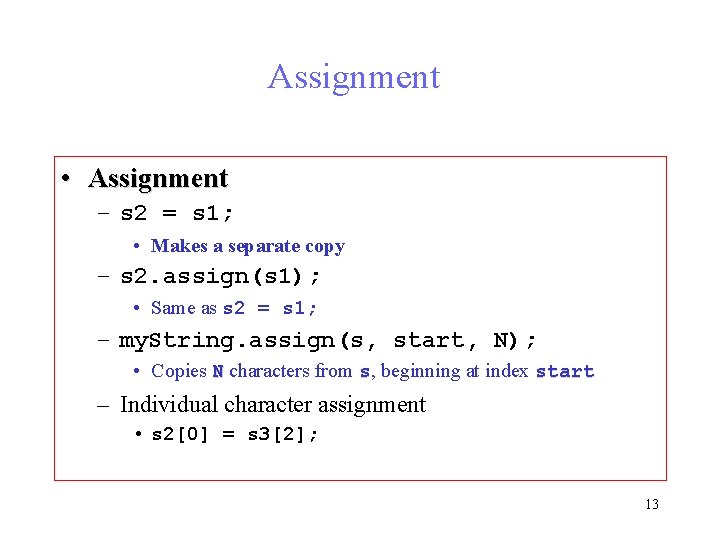
Assignment • Assignment – s 2 = s 1; • Makes a separate copy – s 2. assign(s 1); • Same as s 2 = s 1; – my. String. assign(s, start, N); • Copies N characters from s, beginning at index start – Individual character assignment • s 2[0] = s 3[2]; 13
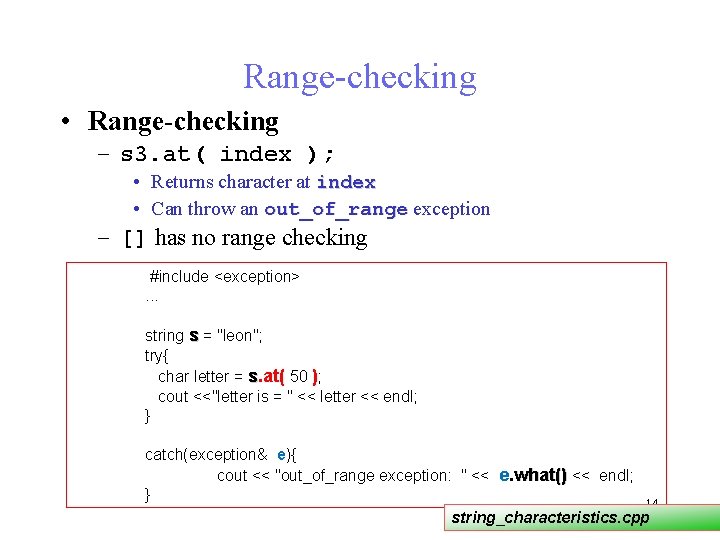
Range-checking • Range-checking – s 3. at( index ); • Returns character at index • Can throw an out_of_range exception – [] has no range checking #include <exception>. . . string s = "leon"; try{ char letter = s. at( 50 ); cout <<"letter is = " << letter << endl; } catch(exception& e){ cout << "out_of_range exception: " << e. what() << endl; } 14 string_characteristics. cpp
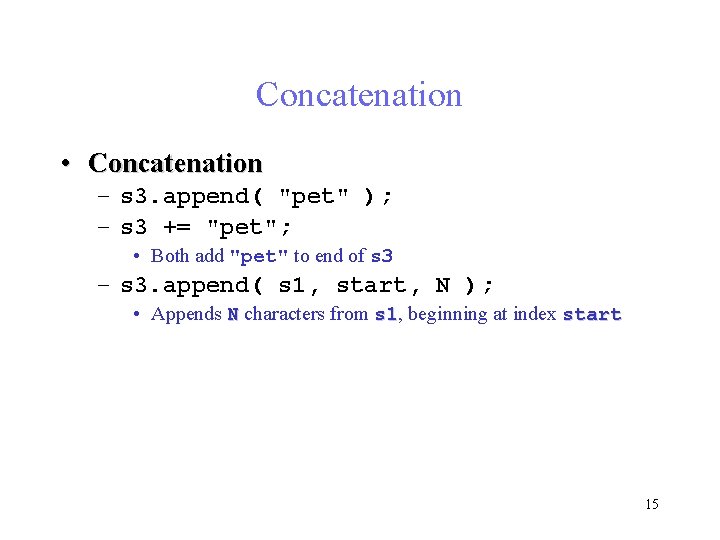
Concatenation • Concatenation – s 3. append( "pet" ); – s 3 += "pet"; • Both add "pet" to end of s 3 – s 3. append( s 1, start, N ); • Appends N characters from s 1, s 1 beginning at index start 15
Comparing strings • Overloaded operators – ==, !=, <, >, <= and >= – returns bool • s 1. compare(s 2) – returns positive if s 1 is lexicographically greater • compares letter by letter • 'B' lexicographically greater than 'A‘ • ‘a’ lexicographically greater than ‘Z‘ – returns negative if less; zero if equal • Sample order: ‘A’, ”Apple”, “Banana”, “Zest”, ‘a’, “apricot”, “leon” – s 1. compare(start, length, s 2, start, length) • Compare portions of s 1 and s 2 – s 1. compare(start, length, s 2) • Compare portion of s 1 with all of s 2 Compare. cpp 16
Substrings • Function substr gets a substring – s 1. substr( start, N ); – gets N characters, beginning with index start – returns substring 17
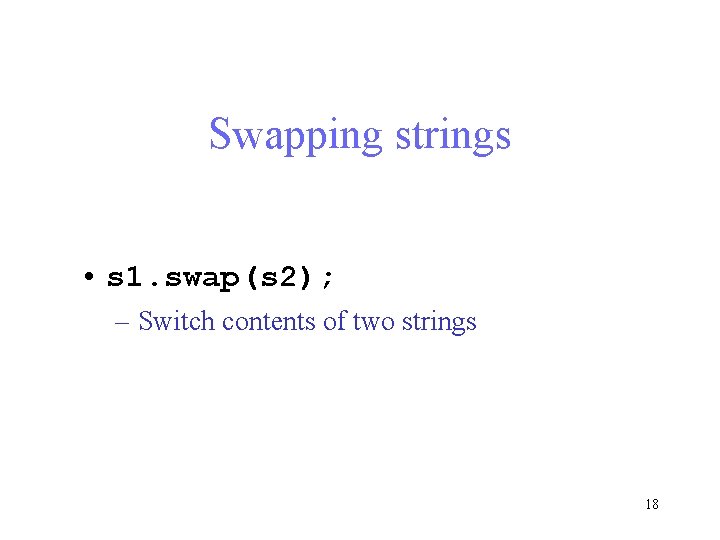
Swapping strings • s 1. swap(s 2); – Switch contents of two strings 18
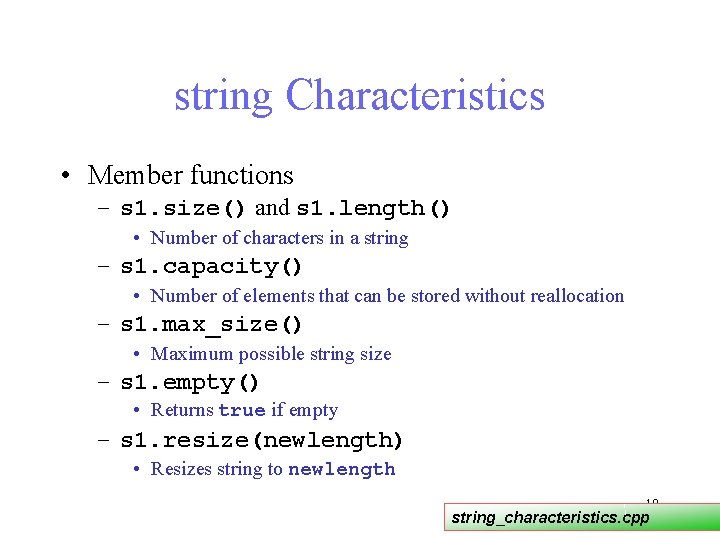
string Characteristics • Member functions – s 1. size() and s 1. length() • Number of characters in a string – s 1. capacity() • Number of elements that can be stored without reallocation – s 1. max_size() • Maximum possible string size – s 1. empty() • Returns true if empty – s 1. resize(newlength) • Resizes string to newlength 19 string_characteristics. cpp
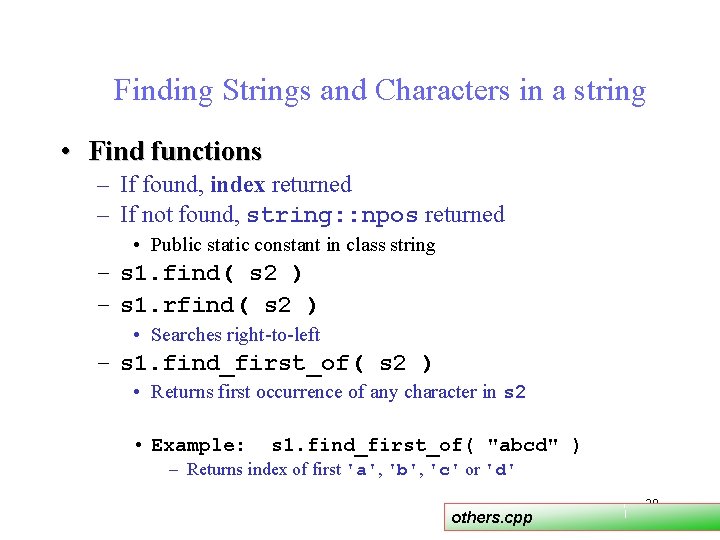
Finding Strings and Characters in a string • Find functions – If found, index returned – If not found, string: : npos returned • Public static constant in class string – s 1. find( s 2 ) – s 1. rfind( s 2 ) • Searches right-to-left – s 1. find_first_of( s 2 ) • Returns first occurrence of any character in s 2 • Example: s 1. find_first_of( "abcd" ) – Returns index of first 'a', 'b', 'c' or 'd' others. cpp 20
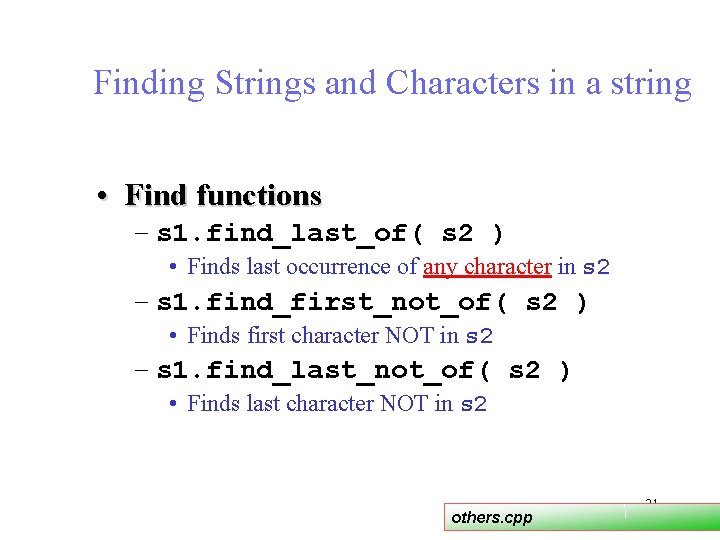
Finding Strings and Characters in a string • Find functions – s 1. find_last_of( s 2 ) • Finds last occurrence of any character in s 2 – s 1. find_first_not_of( s 2 ) • Finds first character NOT in s 2 – s 1. find_last_not_of( s 2 ) • Finds last character NOT in s 2 others. cpp 21
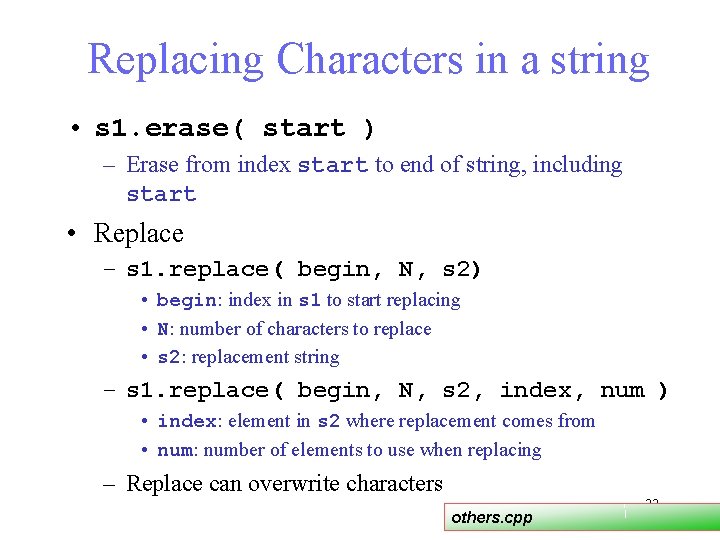
Replacing Characters in a string • s 1. erase( start ) – Erase from index start to end of string, including start • Replace – s 1. replace( begin, N, s 2) • begin: index in s 1 to start replacing • N: number of characters to replace • s 2: replacement string – s 1. replace( begin, N, s 2, index, num ) • index: element in s 2 where replacement comes from • num: number of elements to use when replacing – Replace can overwrite characters others. cpp 22
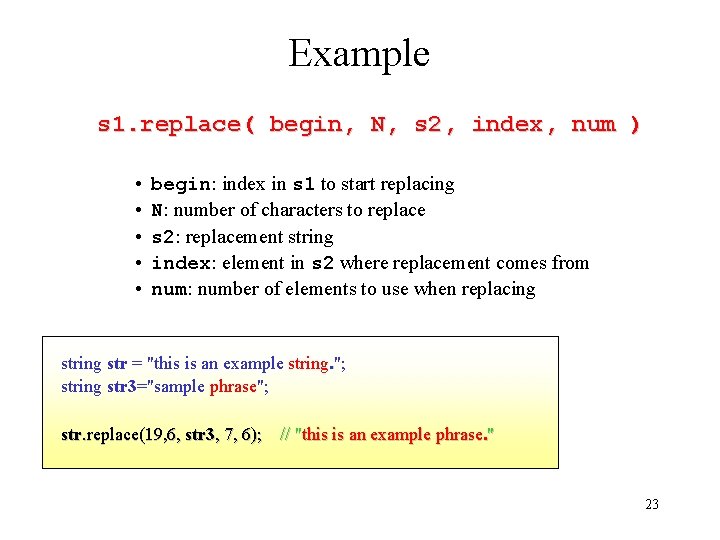
Example s 1. replace( begin, N, s 2, index, num ) • begin: index in s 1 to start replacing • N: number of characters to replace • s 2: replacement string • index: element in s 2 where replacement comes from • num: number of elements to use when replacing str = "this is an example string. "; string str 3="sample phrase"; str. replace(19, 6, str 3, 7, 6); // "this is an example phrase. " 23
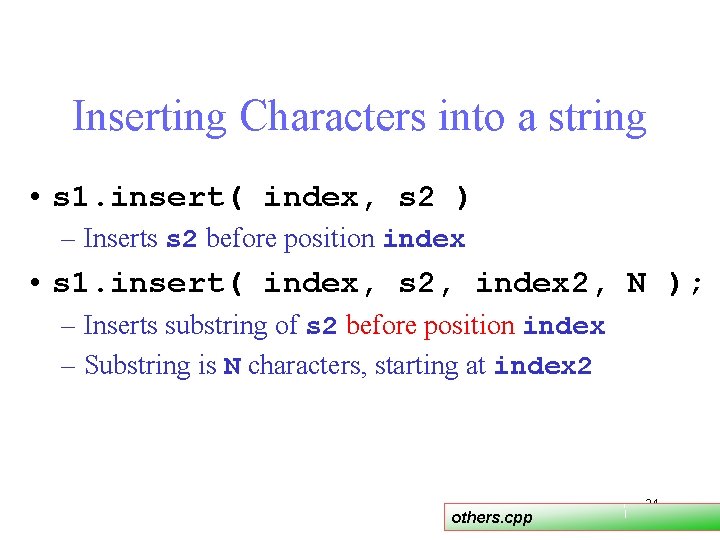
Inserting Characters into a string • s 1. insert( index, s 2 ) – Inserts s 2 before position index • s 1. insert( index, s 2, index 2, N ); – Inserts substring of s 2 before position index – Substring is N characters, starting at index 2 others. cpp 24
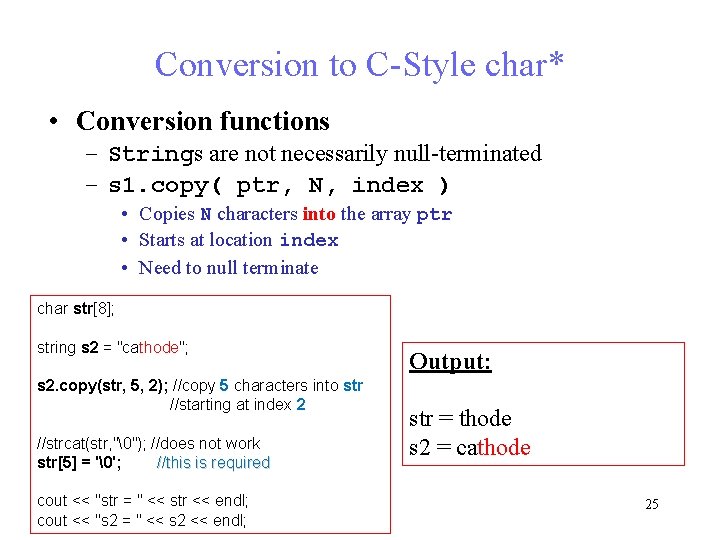
Conversion to C-Style char* • Conversion functions – Strings are not necessarily null-terminated – s 1. copy( ptr, N, index ) • Copies N characters into the array ptr • Starts at location index • Need to null terminate char str[8]; string s 2 = "cathode"; s 2. copy(str, 5, 2); //copy 5 characters into str //starting at index 2 //strcat(str, ""); //does not work str[5] = ''; //this is required cout << "str = " << str << endl; cout << "s 2 = " << s 2 << endl; Output: str = thode s 2 = cathode 25
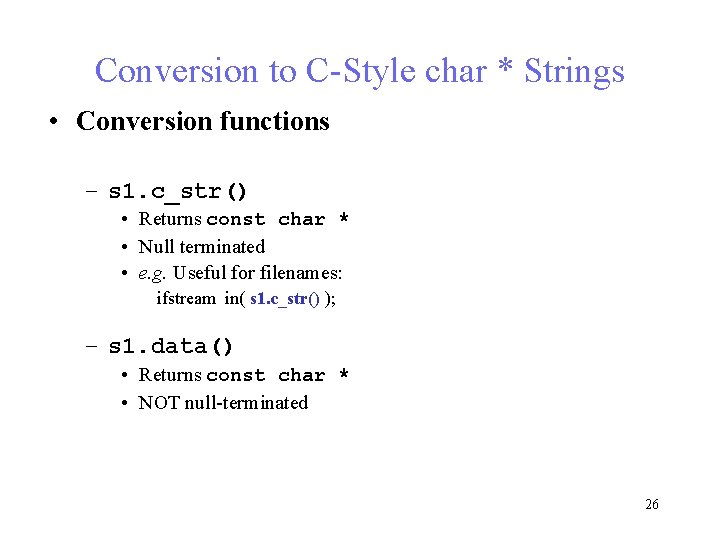
Conversion to C-Style char * Strings • Conversion functions – s 1. c_str() • Returns const char * • Null terminated • e. g. Useful for filenames: ifstream in( s 1. c_str() ); – s 1. data() • Returns const char * • NOT null-terminated 26
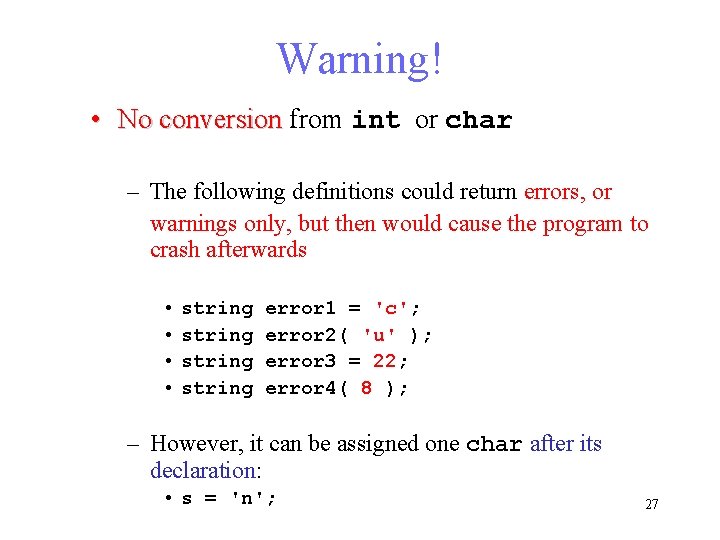
Warning! • No conversion from int or char – The following definitions could return errors, or warnings only, but then would cause the program to crash afterwards • string error 1 = 'c'; error 2( 'u' ); error 3 = 22; error 4( 8 ); – However, it can be assigned one char after its declaration: • s = 'n'; 27
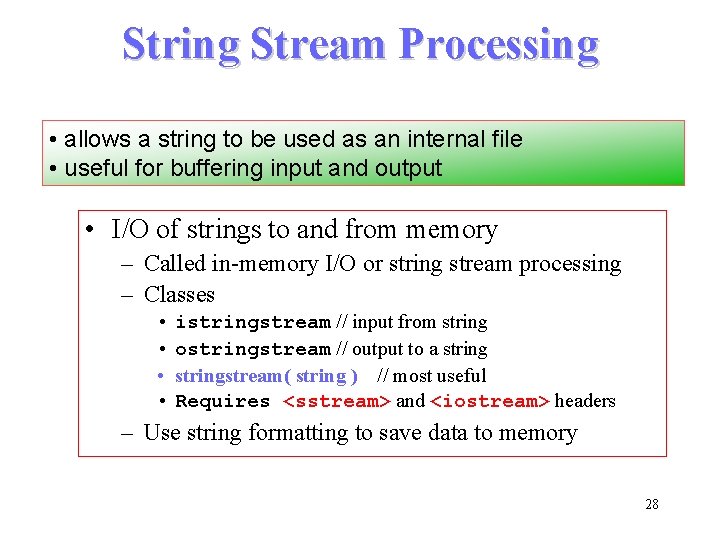
String Stream Processing • allows a string to be used as an internal file • useful for buffering input and output • I/O of strings to and from memory – Called in-memory I/O or string stream processing – Classes • istringstream // input from string • ostringstream // output to a string • stringstream( string ) // most useful • Requires <sstream> and <iostream> headers – Use string formatting to save data to memory 28
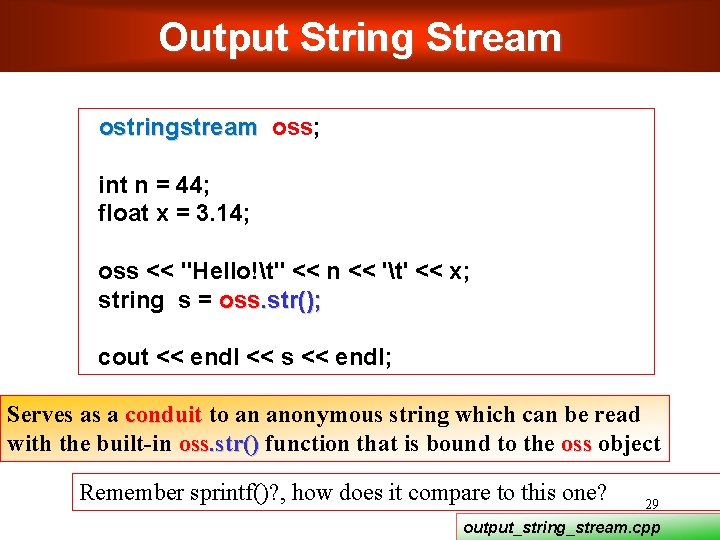
Output String Stream ostringstream oss; int n = 44; float x = 3. 14; oss << "Hello!t" << n << 't' << x; string s = oss. str(); cout << endl << s << endl; Serves as a conduit to an anonymous string which can be read with the built-in oss. str() function that is bound to the oss object Remember sprintf()? , how does it compare to this one? 29 output_string_stream. cpp
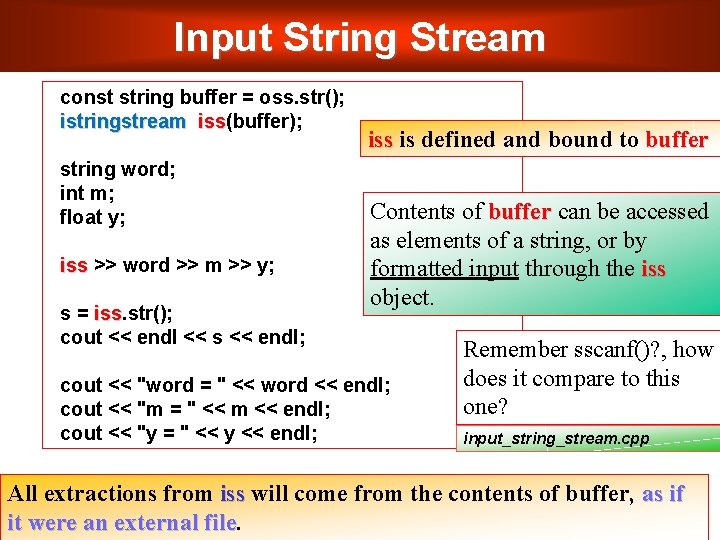
Input String Stream const string buffer = oss. str(); istringstream iss(buffer); iss string word; int m; float y; iss >> word >> m >> y; s = iss. str(); iss cout << endl << s << endl; iss is defined and bound to buffer Contents of buffer can be accessed as elements of a string, or by formatted input through the iss object. cout << "word = " << word << endl; cout << "m = " << m << endl; cout << "y = " << y << endl; Remember sscanf()? , how does it compare to this one? input_string_stream. cpp All extractions from iss will come from the contents of buffer, as if 30 it were an external file
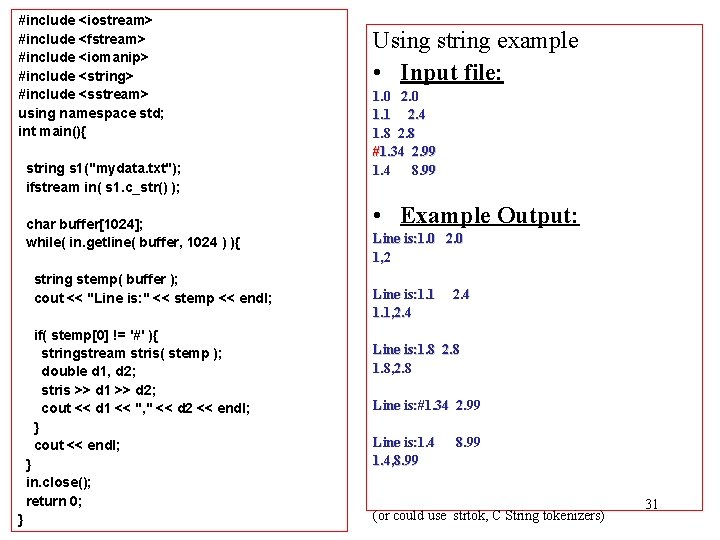
#include <iostream> #include <fstream> #include <iomanip> #include <string> #include <sstream> using namespace std; int main(){ string s 1("mydata. txt"); ifstream in( s 1. c_str() ); char buffer[1024]; while( in. getline( buffer, 1024 ) ){ string stemp( buffer ); cout << "Line is: " << stemp << endl; if( stemp[0] != '#' ){ stringstream stris( stemp ); double d 1, d 2; stris >> d 1 >> d 2; cout << d 1 << ", " << d 2 << endl; } cout << endl; } in. close(); return 0; } Using string example • Input file: 1. 0 2. 0 1. 1 2. 4 1. 8 2. 8 #1. 34 2. 99 1. 4 8. 99 • Example Output: Line is: 1. 0 2. 0 1, 2 Line is: 1. 1, 2. 4 Line is: 1. 8 2. 8 1. 8, 2. 8 Line is: #1. 34 2. 99 Line is: 1. 4, 8. 99 (or could use strtok, C String tokenizers) 31
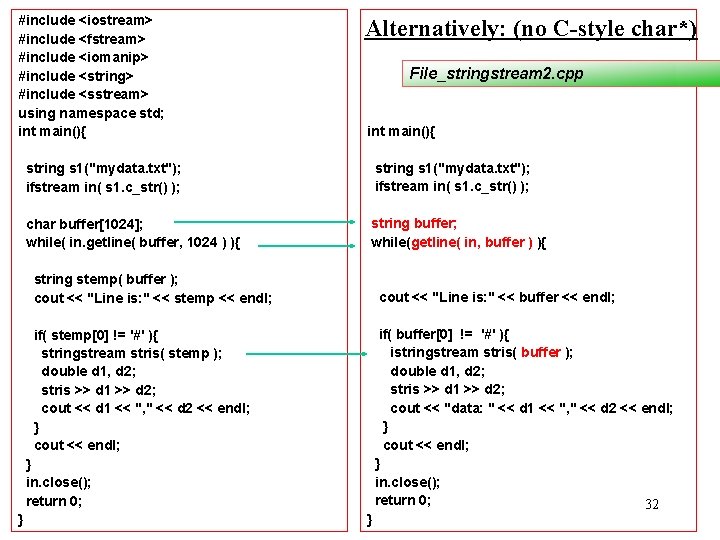
#include <iostream> #include <fstream> #include <iomanip> #include <string> #include <sstream> using namespace std; int main(){ Alternatively: (no C-style char*) File_stringstream 2. cpp int main(){ string s 1("mydata. txt"); ifstream in( s 1. c_str() ); char buffer[1024]; while( in. getline( buffer, 1024 ) ){ string buffer; while(getline( in, buffer ) ){ string stemp( buffer ); cout << "Line is: " << stemp << endl; cout << "Line is: " << buffer << endl; if( stemp[0] != '#' ){ stringstream stris( stemp ); double d 1, d 2; stris >> d 1 >> d 2; cout << d 1 << ", " << d 2 << endl; } cout << endl; } in. close(); return 0; } } if( buffer[0] != '#' ){ istringstream stris( buffer ); double d 1, d 2; stris >> d 1 >> d 2; cout << "data: " << d 1 << ", " << d 2 << endl; } cout << endl; } in. close(); return 0; 32
Summary C++ strings are safer and easier to use than C string. Next Templates 33
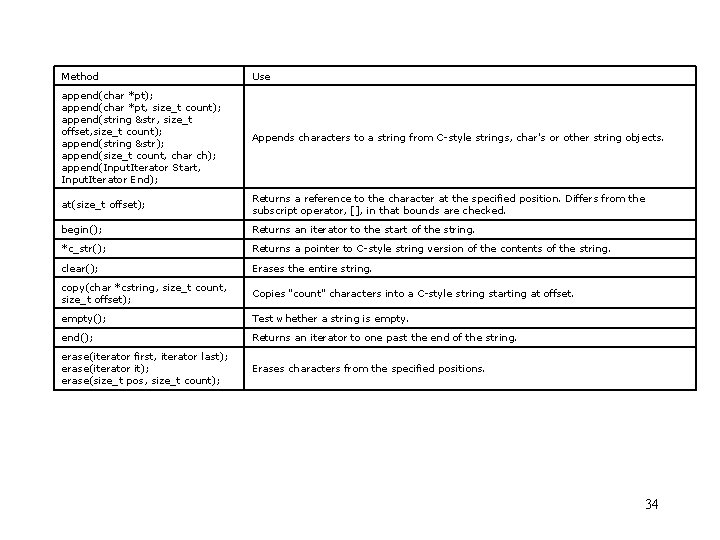
Method Use append(char *pt); append(char *pt, size_t count); append(string &str, size_t offset, size_t count); append(string &str); append(size_t count, char ch); append(Input. Iterator Start, Input. Iterator End); Appends characters to a string from C-style strings, char's or other string objects. at(size_t offset); Returns a reference to the character at the specified position. Differs from the subscript operator, [], in that bounds are checked. begin(); Returns an iterator to the start of the string. *c_str(); Returns a pointer to C-style string version of the contents of the string. clear(); Erases the entire string. copy(char *cstring, size_t count, size_t offset); Copies "count" characters into a C-style string starting at offset. empty(); Test whether a string is empty. end(); Returns an iterator to one past the end of the string. erase(iterator first, iterator last); erase(iterator it); erase(size_t pos, size_t count); Erases characters from the specified positions. 34
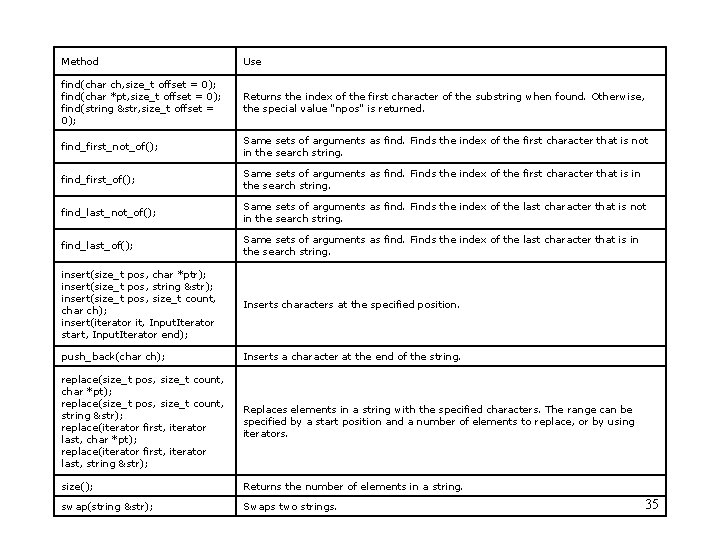
Method Use find(char ch, size_t offset = 0); find(char *pt, size_t offset = 0); find(string &str, size_t offset = 0); Returns the index of the first character of the substring when found. Otherwise, the special value "npos" is returned. find_first_not_of(); Same sets of arguments as find. Finds the index of the first character that is not in the search string. find_first_of(); Same sets of arguments as find. Finds the index of the first character that is in the search string. find_last_not_of(); Same sets of arguments as find. Finds the index of the last character that is not in the search string. find_last_of(); Same sets of arguments as find. Finds the index of the last character that is in the search string. insert(size_t pos, char *ptr); insert(size_t pos, string &str); insert(size_t pos, size_t count, char ch); insert(iterator it, Input. Iterator start, Input. Iterator end); Inserts characters at the specified position. push_back(char ch); Inserts a character at the end of the string. replace(size_t pos, size_t count, char *pt); replace(size_t pos, size_t count, string &str); replace(iterator first, iterator last, char *pt); replace(iterator first, iterator last, string &str); Replaces elements in a string with the specified characters. The range can be specified by a start position and a number of elements to replace, or by using iterators. size(); Returns the number of elements in a string. swap(string &str); Swaps two strings. 35