Slide 1 Chapter 4 Computer Software Well Sortof
- Slides: 50
Slide 1 Chapter 4 Computer Software Well, Sort-of
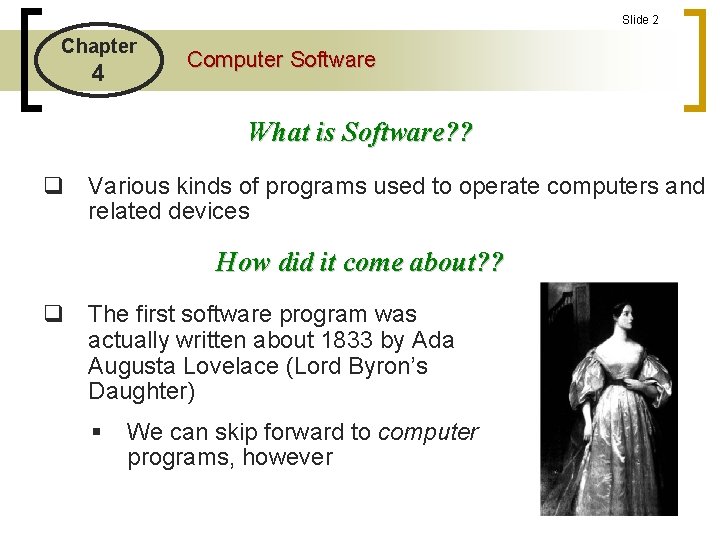
Slide 2 Chapter 4 Computer Software What is Software? ? q Various kinds of programs used to operate computers and related devices How did it come about? ? q The first software program was actually written about 1833 by Ada Augusta Lovelace (Lord Byron’s Daughter) § We can skip forward to computer programs, however
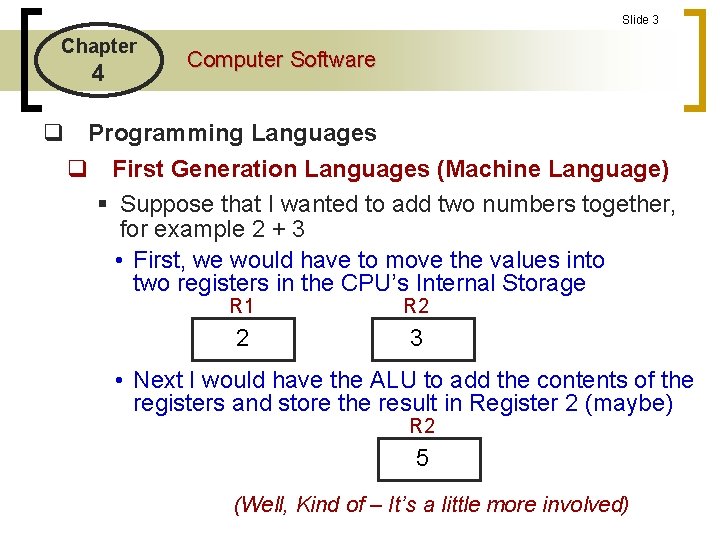
Slide 3 Chapter 4 Computer Software q Programming Languages q First Generation Languages (Machine Language) § Suppose that I wanted to add two numbers together, for example 2 + 3 • First, we would have to move the values into two registers in the CPU’s Internal Storage R 1 R 2 2 3 • Next I would have the ALU to add the contents of the registers and store the result in Register 2 (maybe) R 2 5 (Well, Kind of – It’s a little more involved)
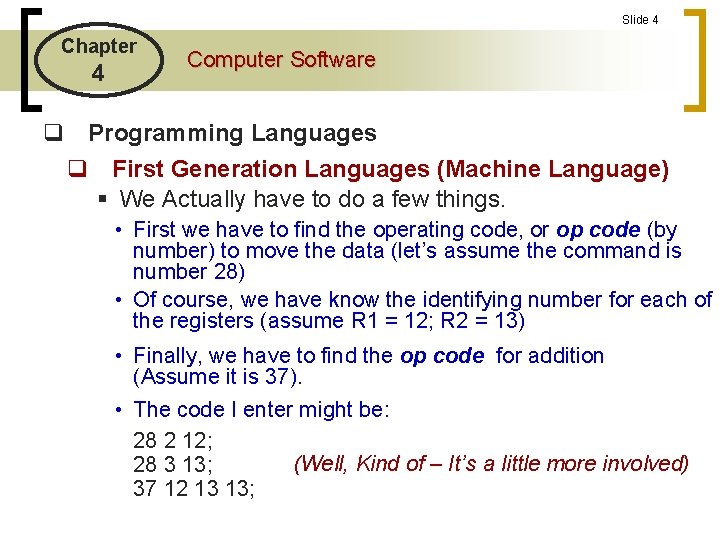
Slide 4 Chapter 4 Computer Software q Programming Languages q First Generation Languages (Machine Language) § We Actually have to do a few things. • First we have to find the operating code, or op code (by number) to move the data (let’s assume the command is number 28) • Of course, we have know the identifying number for each of the registers (assume R 1 = 12; R 2 = 13) • Finally, we have to find the op code for addition (Assume it is 37). • The code I enter might be: 28 2 12; (Well, Kind of – It’s a little more involved) 28 3 13; 37 12 13 13;
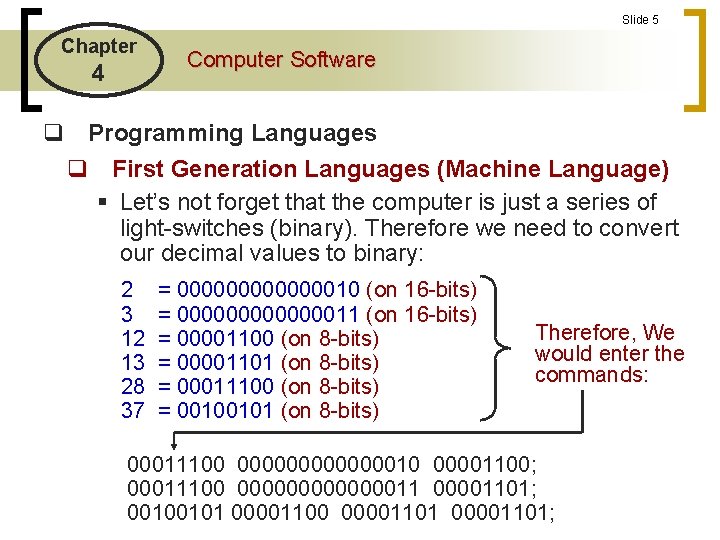
Slide 5 Chapter 4 Computer Software q Programming Languages q First Generation Languages (Machine Language) § Let’s not forget that the computer is just a series of light-switches (binary). Therefore we need to convert our decimal values to binary: 2 3 12 13 28 37 = 000000010 (on 16 -bits) = 000000011 (on 16 -bits) = 00001100 (on 8 -bits) = 00001101 (on 8 -bits) = 00011100 (on 8 -bits) = 00100101 (on 8 -bits) Therefore, We would enter the commands: 00011100 000000010 00001100; 00011100 00000001101; 00100101 00001100 00001101;
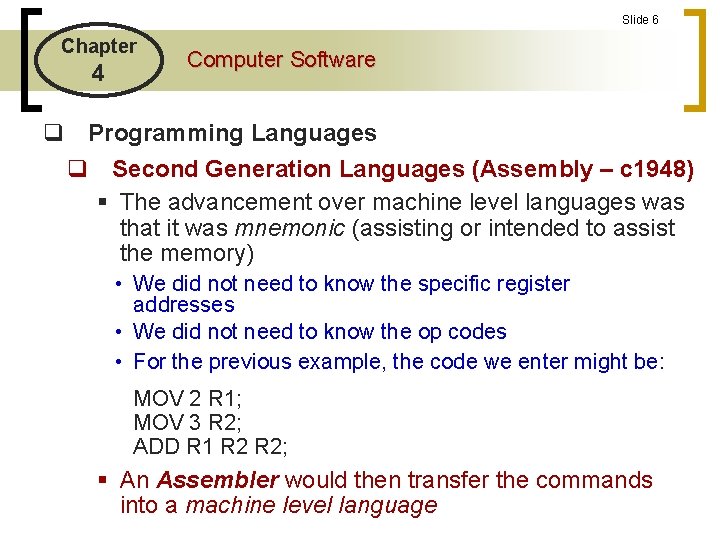
Slide 6 Chapter 4 Computer Software q Programming Languages q Second Generation Languages (Assembly – c 1948) § The advancement over machine level languages was that it was mnemonic (assisting or intended to assist the memory) • We did not need to know the specific register addresses • We did not need to know the op codes • For the previous example, the code we enter might be: MOV 2 R 1; MOV 3 R 2; ADD R 1 R 2; § An Assembler would then transfer the commands into a machine level language
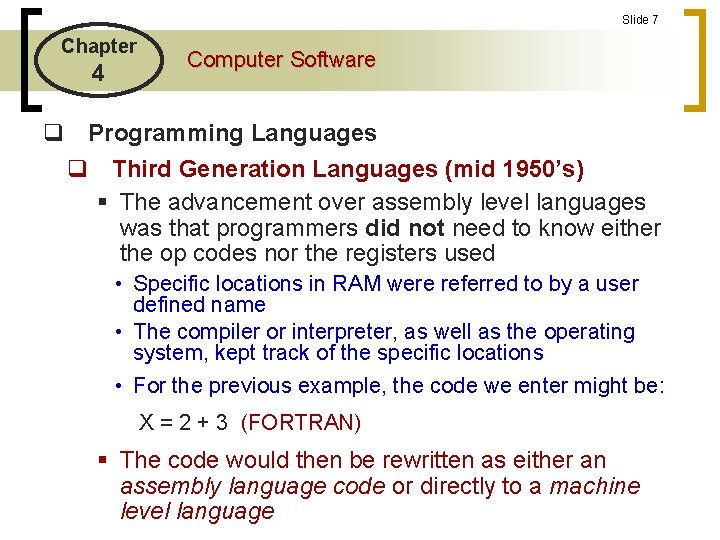
Slide 7 Chapter 4 Computer Software q Programming Languages q Third Generation Languages (mid 1950’s) § The advancement over assembly level languages was that programmers did not need to know either the op codes nor the registers used • Specific locations in RAM were referred to by a user defined name • The compiler or interpreter, as well as the operating system, kept track of the specific locations • For the previous example, the code we enter might be: X = 2 + 3 (FORTRAN) § The code would then be rewritten as either an assembly language code or directly to a machine level language
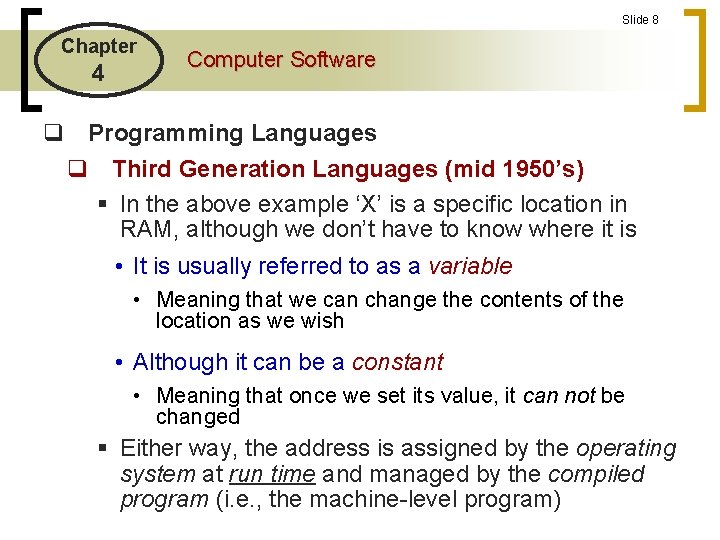
Slide 8 Chapter 4 Computer Software q Programming Languages q Third Generation Languages (mid 1950’s) § In the above example ‘X’ is a specific location in RAM, although we don’t have to know where it is • It is usually referred to as a variable • Meaning that we can change the contents of the location as we wish • Although it can be a constant • Meaning that once we set its value, it can not be changed § Either way, the address is assigned by the operating system at run time and managed by the compiled program (i. e. , the machine-level program)
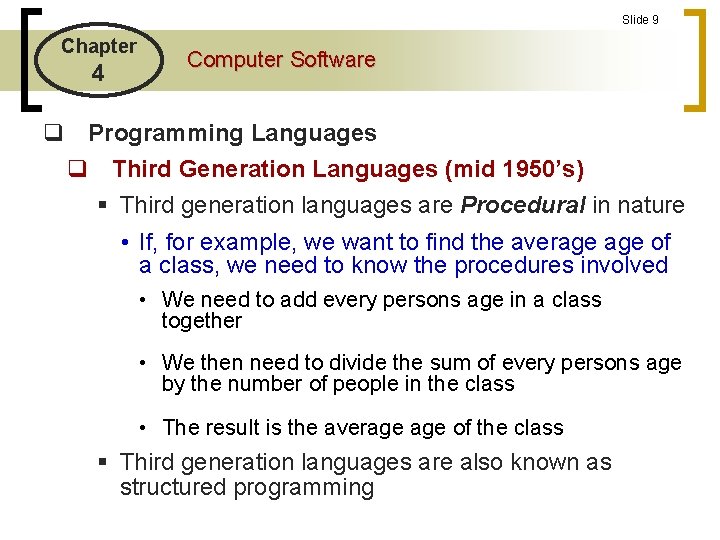
Slide 9 Chapter 4 Computer Software q Programming Languages q Third Generation Languages (mid 1950’s) § Third generation languages are Procedural in nature • If, for example, we want to find the average of a class, we need to know the procedures involved • We need to add every persons age in a class together • We then need to divide the sum of every persons age by the number of people in the class • The result is the average of the class § Third generation languages are also known as structured programming
Slide 10 Chapter 4 Computer Software q Programming Languages q Third Generation Languages (mid 1950’s) § Third generation languages are also referred to as ‘High-level Languages’ (so are 4 th generation languages) § Third generation languages (as well as 4 th generation languages) may be either interpreted or translated languages (although they are generally translated) What’s the difference? ?
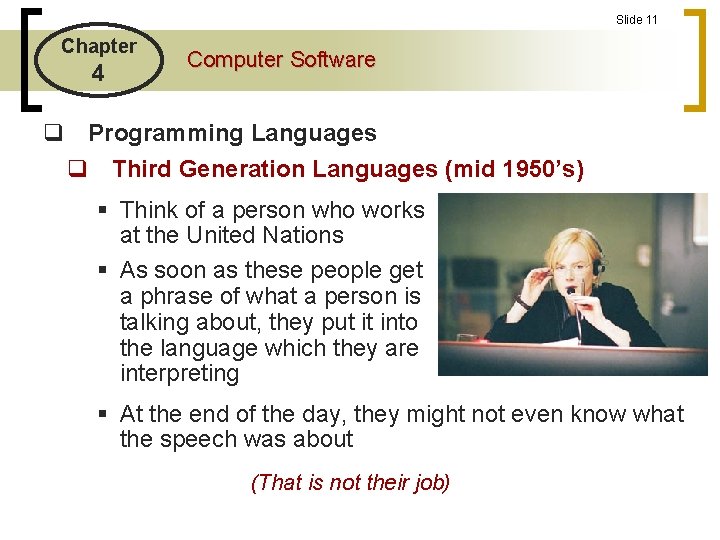
Slide 11 Chapter 4 Computer Software q Programming Languages q Third Generation Languages (mid 1950’s) § Think of a person who works at the United Nations § As soon as these people get a phrase of what a person is talking about, they put it into the language which they are interpreting § At the end of the day, they might not even know what the speech was about (That is not their job)
Slide 12 Chapter 4 Computer Software q Programming Languages q Third Generation Languages (mid 1950’s) § Now think of someone whose job is to translate a book from one language to another • S/he will read the book many times • S/he will try and find the best way to say what the author was trying to say (That IS their job) What does this have to do with computers? ?
Slide 13 Chapter 4 Computer Software q Programming Languages q Third Generation Languages (mid 1950’s) § There are two classes of program languages • Those that are interpreted • BASIC started as an interpreted language • Those that are translated or compiled • The compiler makes a few ‘passes’ through the code • It first checks syntax • It next checks simple logic • It sets-up variable tables • The compiler creates a separate executable (. exe) or command file (. com) • These file are machine language files
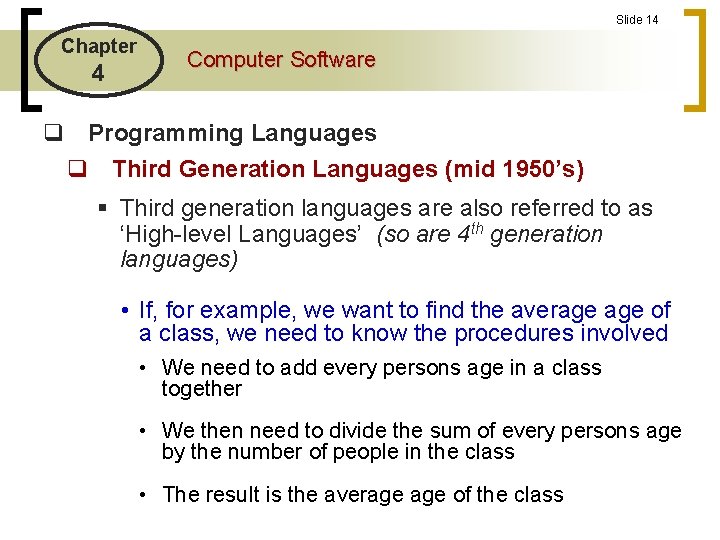
Slide 14 Chapter 4 Computer Software q Programming Languages q Third Generation Languages (mid 1950’s) § Third generation languages are also referred to as ‘High-level Languages’ (so are 4 th generation languages) • If, for example, we want to find the average of a class, we need to know the procedures involved • We need to add every persons age in a class together • We then need to divide the sum of every persons age by the number of people in the class • The result is the average of the class
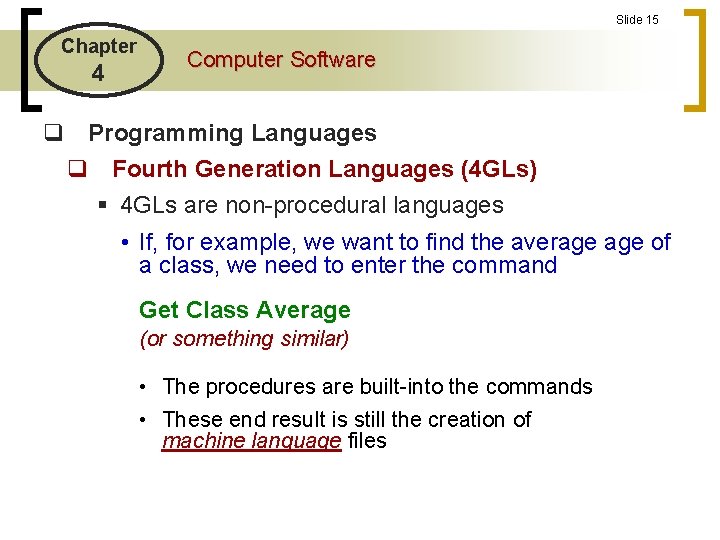
Slide 15 Chapter 4 Computer Software q Programming Languages q Fourth Generation Languages (4 GLs) § 4 GLs are non-procedural languages • If, for example, we want to find the average of a class, we need to enter the command Get Class Average (or something similar) • The procedures are built-into the commands • These end result is still the creation of machine language files
Slide 16 Chapter 4 Computer Software q Programming Languages q Fifth Generation Languages (5 GLs) § Maybe --- Someday § The intention is have speech recognition Artificial Intelligence (AI) programs that allow speech recognition • Sounds a little like a Star Trek episode “Computer – Save the world”
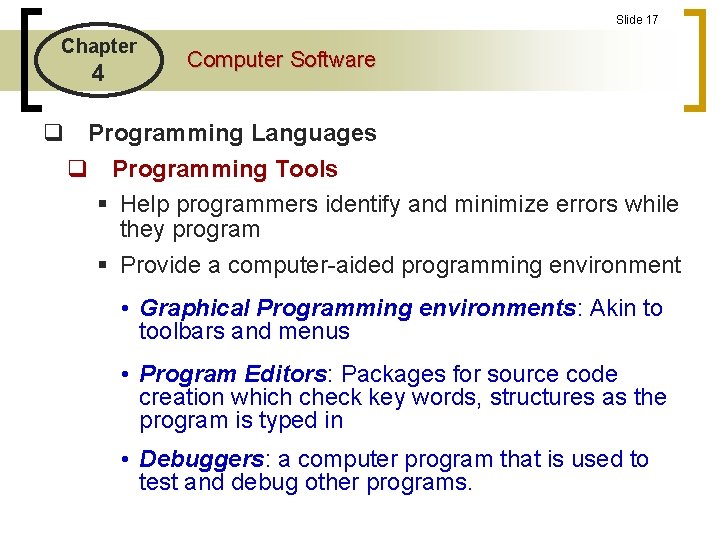
Slide 17 Chapter 4 Computer Software q Programming Languages q Programming Tools § Help programmers identify and minimize errors while they program § Provide a computer-aided programming environment • Graphical Programming environments: Akin to toolbars and menus • Program Editors: Packages for source code creation which check key words, structures as the program is typed in • Debuggers: a computer program that is used to test and debug other programs.
Slide 18 Chapter 4 Computer Software q Programming Languages q Computer-Aided Software Engineering (CASE) § Allow program development through the use of system development models • e. g. , Entity Relationship Diagrams • An ERD is a model for graphically showing the contents of a database table and its relationships to other tables § Once the model has been constructed, the CASE tool constructs the data dictionary and can create the DBMS code (in SQL or any other language)
Slide 19 Chapter 4 Computer Software q Programming Languages q Web Languages § Languages for building multi-media web applications § Hypertext Mark-up Languages (HTML) • Page description language that creates hypertext and hypertext linkages • Hyperlinks: allows control to be given to other parts of a document or to any document on the WWW • HTML can be created from various programs (Word, Frontpage) without formal training in HTML
Slide 20 Chapter 4 Computer Software q Programming Languages q Web Languages § e. Xtesible Markup Languages (XML) • Describes the contents of webpages by applying identifying tags (contextual labels) to the data in web documents • Its primary purpose is to facilitate the sharing of data across different information systems, particularly systems connected via the Internet • XML supports the automatic electronic exchange of business data between companies and their customers, vendors, suppliers and partners
Slide 21 Chapter 4 Computer Software q Programming Languages q Web Languages § Java • OOP language • Consists of small applets that can be connected and used on any operating system • Programmers are spared the burden of having to perform manual memory management. • Your On-line quizzes are Javascripts
Slide 22 Chapter 4 Computer Software q Programming Languages q Web Languages § Java • OOP language an object-oriented programming language that is simple, secure and platform independent • Consists of small applets that can be connected and used on any operating system • Programmers are spared the burden of having to perform manual memory management. • Your On-line quizzes are Javascripts
Slide 23 Chapter 4 Computer Software q Programming Languages q Object Oriented Programming (OOP) § Sometimes also referred to as 5 GLs (? ? ? ) § An object consists of data and procedures that can be performed on the data • C++ • Java • Visual Basic
Slide 24 Chapter 4 Computer Software q Programming Languages
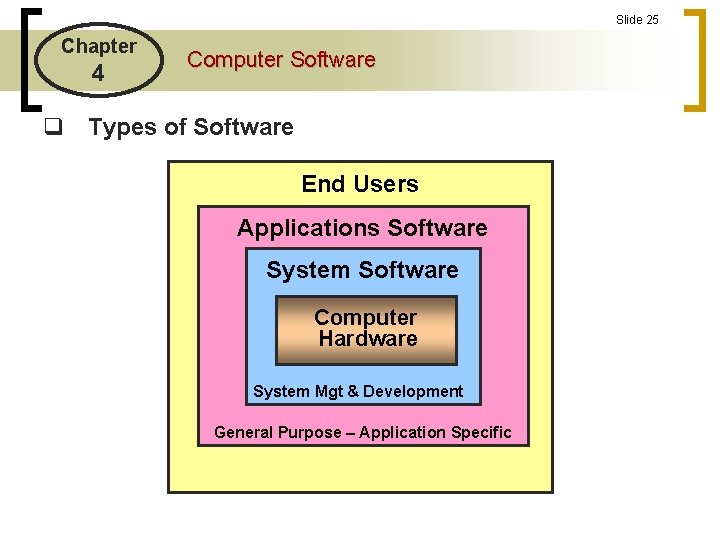
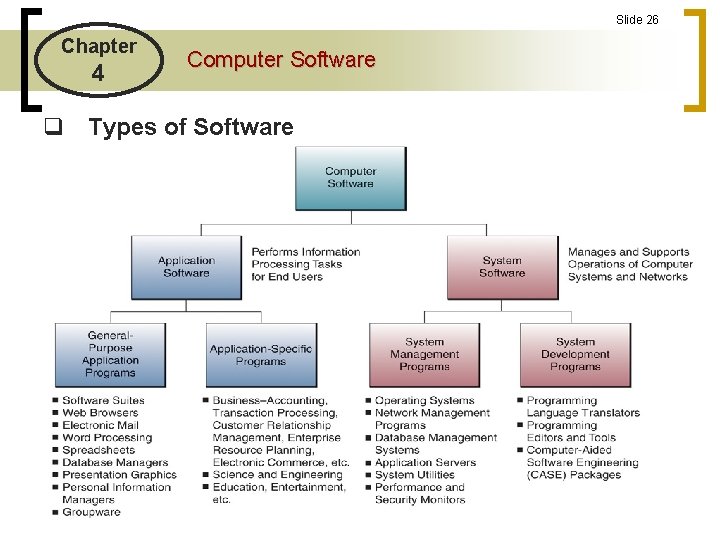
Slide 25 Chapter 4 Computer Software q Types of Software End Users Applications Software System Software Computer Hardware System Mgt & Development General Purpose – Application Specific
Slide 26 Chapter 4 Computer Software q Types of Software
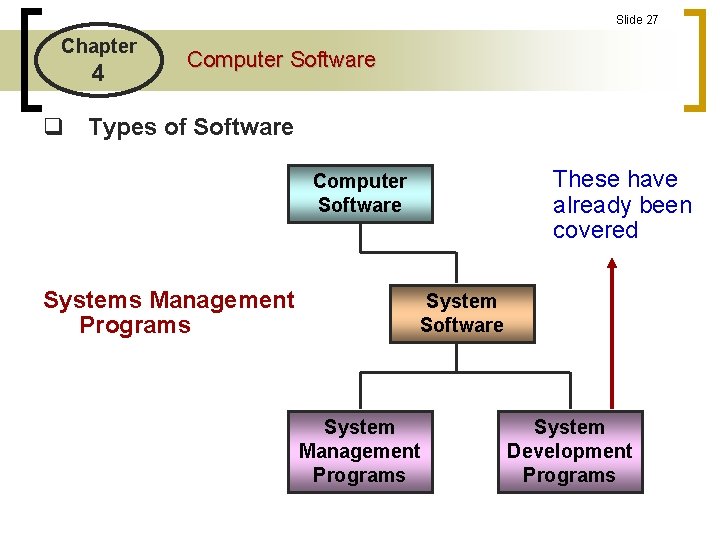
Slide 27 Chapter 4 Computer Software q Types of Software These have already been covered Computer Software Systems Management Programs System Software System Management Programs System Development Programs
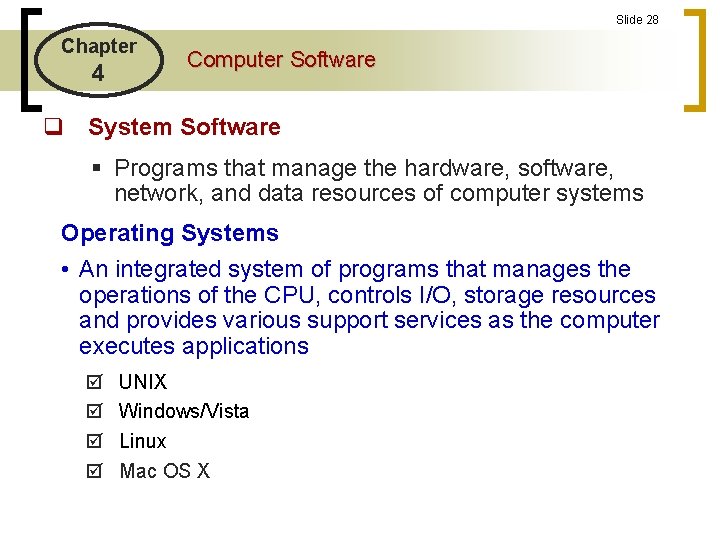
Slide 28 Chapter 4 Computer Software q System Software § Programs that manage the hardware, software, network, and data resources of computer systems Operating Systems • An integrated system of programs that manages the operations of the CPU, controls I/O, storage resources and provides various support services as the computer executes applications UNIX Windows/Vista Linux Mac OS X
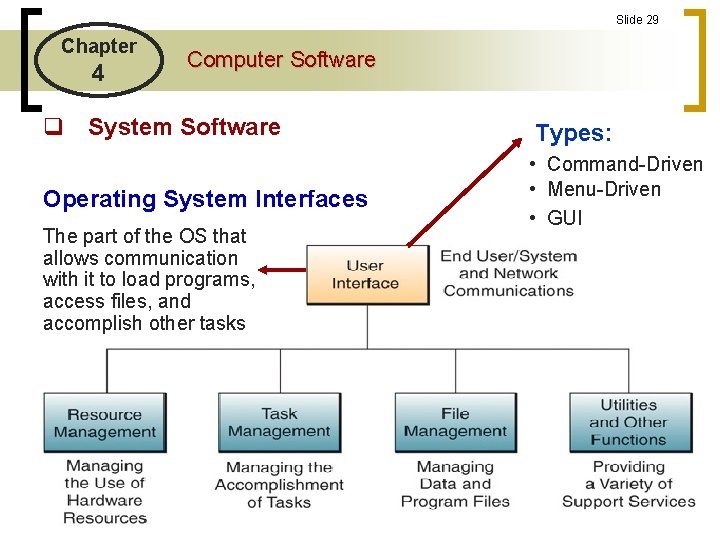
Slide 29 Chapter 4 Computer Software q System Software Types: Operating System Interfaces • Command-Driven • Menu-Driven • GUI The part of the OS that allows communication with it to load programs, access files, and accomplish other tasks
Slide 30 Chapter 4 Computer Software q System Software Operating System Functions § Resource Management • Programs to manage the hardware and networking resources of a computer system, including its CPU, memory, secondary storage devices, telecommunications processors, and input/output peripherals § Memory management programs keep track of where data and programs are stored § Swapping of programs between RAM and secondary storage § Swapping allows for virtual memory whereby programs can process more than RAM would normally allow
Slide 31 Chapter 4 Computer Software q System Software Operating System Functions § File Management • Programs to control the creation, deletion and access of data and programs § Keeping track of the physical location of files on secondary storage § Maintaining directories of information about the location and characteristics of files stored on secondary storage
Slide 32 Chapter 4 Computer Software q System Software Operating System Functions § Task Management • Managing the accomplishment of several programs § Your text applies that multitasking and multiprogramming are the same (NOT): § Multitasking: performing many applications at what appears to be the same time (not possible if you have only 1 CPU) § Multiprocessing: performing many applications at the same time (assumes that you have more than 1 CPU – but be careful: 2 processors does not imply you can do twice the work of 1)
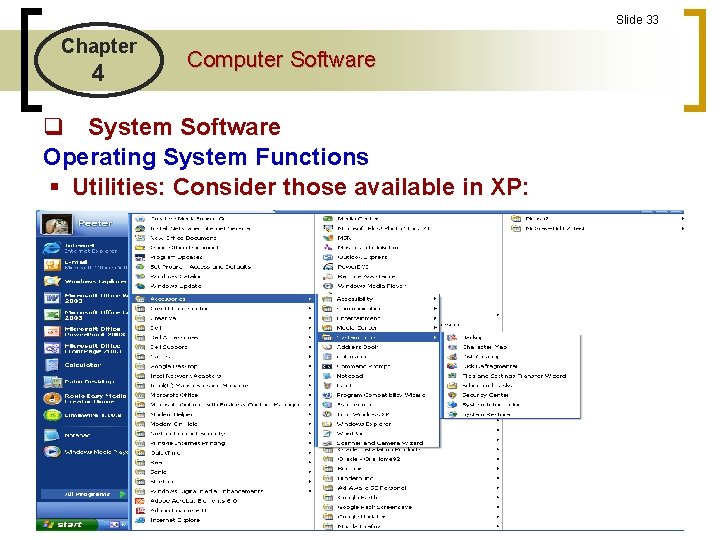
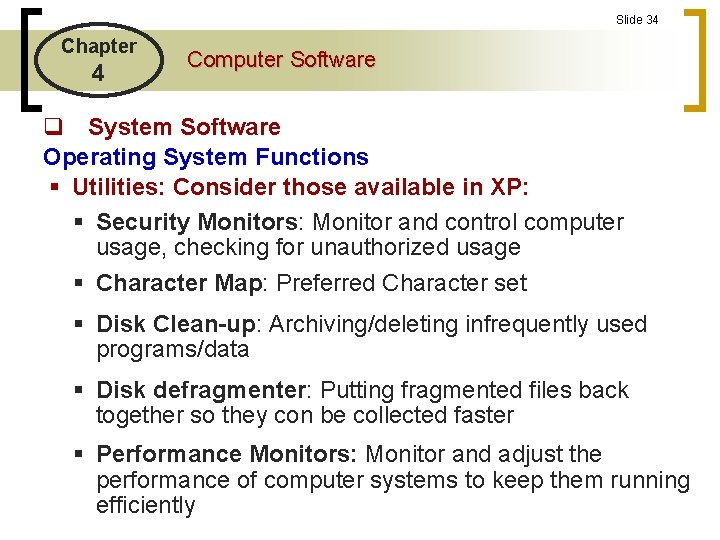
Slide 33 Chapter 4 Computer Software q System Software Operating System Functions § Utilities: Consider those available in XP:
Slide 34 Chapter 4 Computer Software q System Software Operating System Functions § Utilities: Consider those available in XP: § Security Monitors: Monitor and control computer usage, checking for unauthorized usage § Character Map: Preferred Character set § Disk Clean-up: Archiving/deleting infrequently used programs/data § Disk defragmenter: Putting fragmented files back together so they con be collected faster § Performance Monitors: Monitor and adjust the performance of computer systems to keep them running efficiently
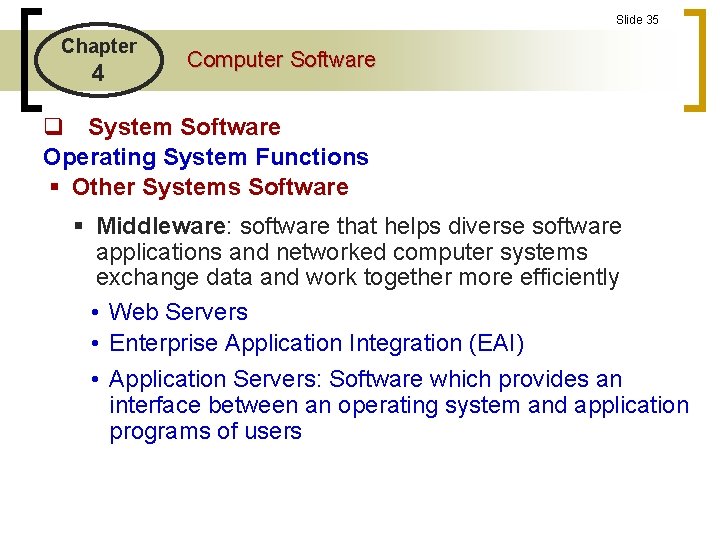
Slide 35 Chapter 4 Computer Software q System Software Operating System Functions § Other Systems Software § Middleware: software that helps diverse software applications and networked computer systems exchange data and work together more efficiently • Web Servers • Enterprise Application Integration (EAI) • Application Servers: Software which provides an interface between an operating system and application programs of users
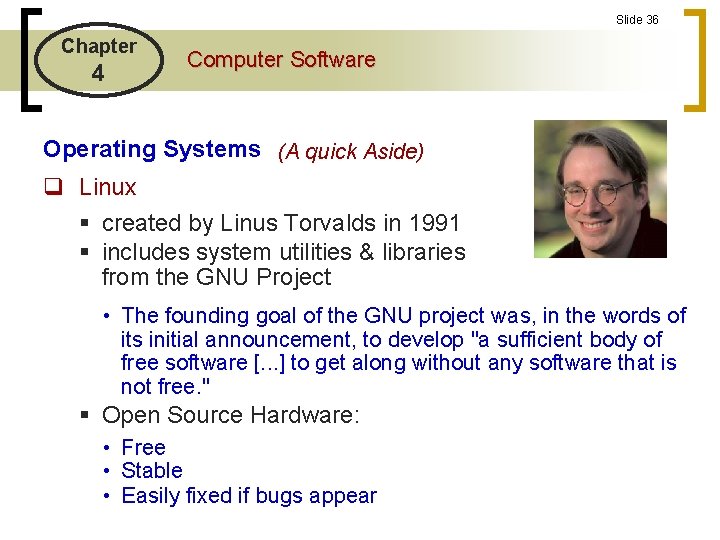
Slide 36 Chapter 4 Computer Software Operating Systems (A quick Aside) q Linux § created by Linus Torvalds in 1991 § includes system utilities & libraries from the GNU Project • The founding goal of the GNU project was, in the words of its initial announcement, to develop "a sufficient body of free software [. . . ] to get along without any software that is not free. " § Open Source Hardware: • Free • Stable • Easily fixed if bugs appear
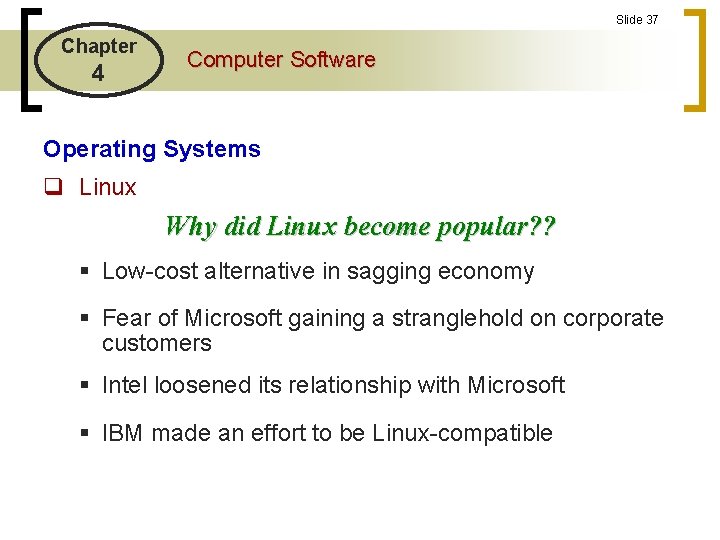
Slide 37 Chapter 4 Computer Software Operating Systems q Linux Why did Linux become popular? ? § Low-cost alternative in sagging economy § Fear of Microsoft gaining a stranglehold on corporate customers § Intel loosened its relationship with Microsoft § IBM made an effort to be Linux-compatible
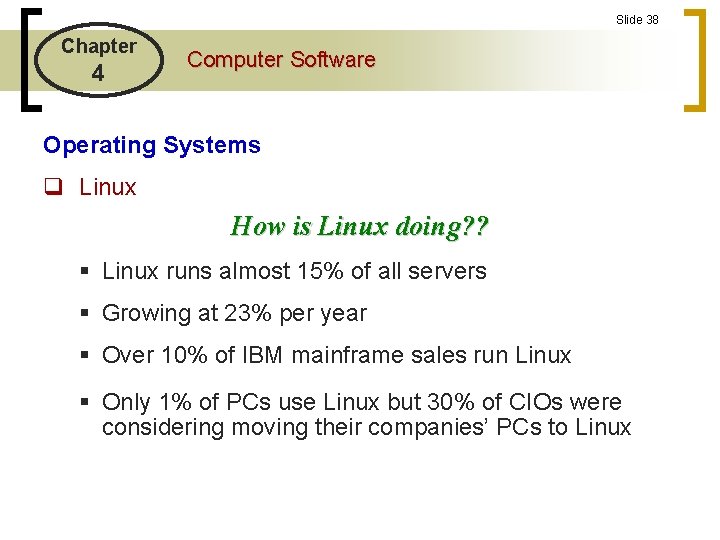
Slide 38 Chapter 4 Computer Software Operating Systems q Linux How is Linux doing? ? § Linux runs almost 15% of all servers § Growing at 23% per year § Over 10% of IBM mainframe sales run Linux § Only 1% of PCs use Linux but 30% of CIOs were considering moving their companies’ PCs to Linux
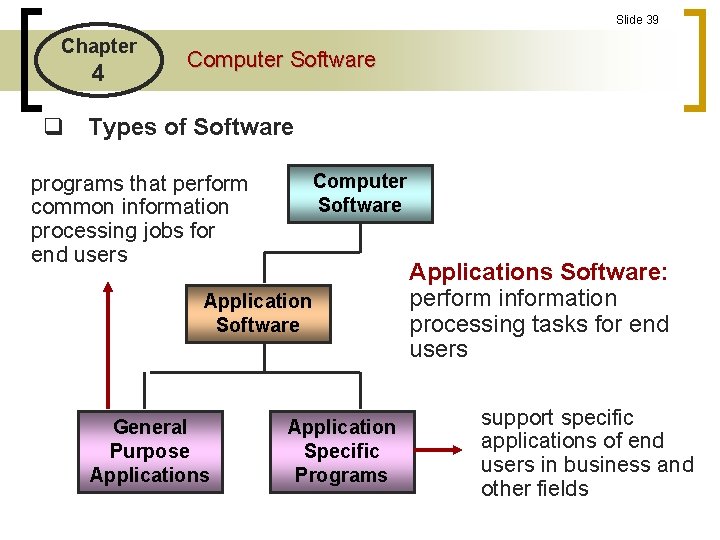
Slide 39 Chapter 4 Computer Software q Types of Software Computer Software programs that perform common information processing jobs for end users Application Software General Purpose Applications Application Specific Programs Applications Software: perform information processing tasks for end users support specific applications of end users in business and other fields
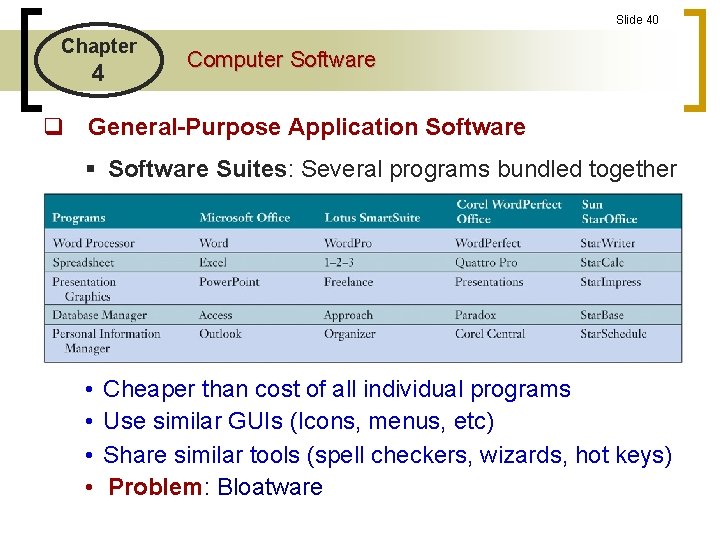
Slide 40 Chapter 4 Computer Software q General-Purpose Application Software § Software Suites: Several programs bundled together • • Cheaper than cost of all individual programs Use similar GUIs (Icons, menus, etc) Share similar tools (spell checkers, wizards, hot keys) Problem: Bloatware
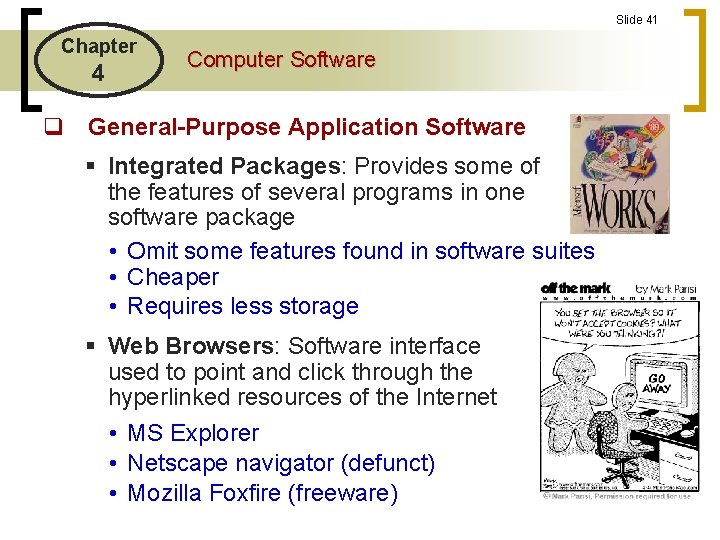
Slide 41 Chapter 4 Computer Software q General-Purpose Application Software § Integrated Packages: Provides some of the features of several programs in one software package • Omit some features found in software suites • Cheaper • Requires less storage § Web Browsers: Software interface used to point and click through the hyperlinked resources of the Internet • MS Explorer • Netscape navigator (defunct) • Mozilla Foxfire (freeware)
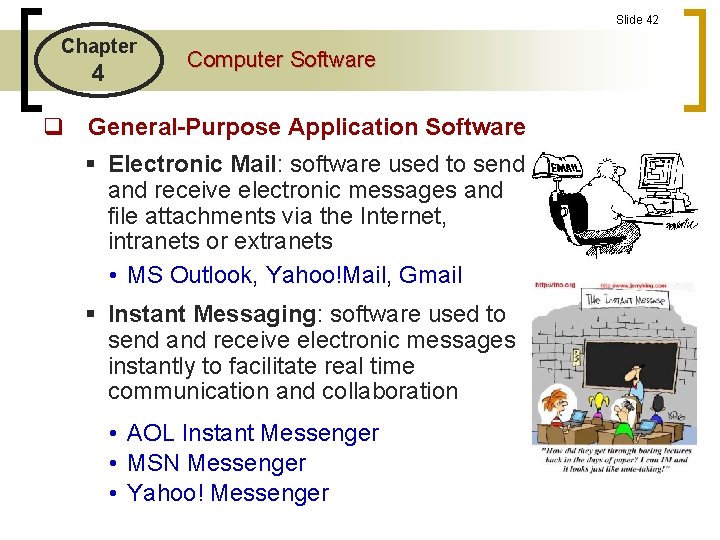
Slide 42 Chapter 4 Computer Software q General-Purpose Application Software § Electronic Mail: software used to send and receive electronic messages and file attachments via the Internet, intranets or extranets • MS Outlook, Yahoo!Mail, Gmail § Instant Messaging: software used to send and receive electronic messages instantly to facilitate real time communication and collaboration • AOL Instant Messenger • MSN Messenger • Yahoo! Messenger
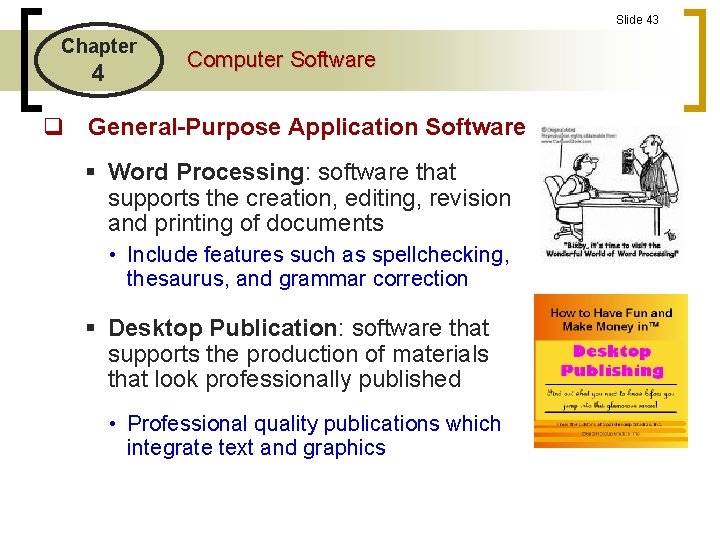
Slide 43 Chapter 4 Computer Software q General-Purpose Application Software § Word Processing: software that supports the creation, editing, revision and printing of documents • Include features such as spellchecking, thesaurus, and grammar correction § Desktop Publication: software that supports the production of materials that look professionally published • Professional quality publications which integrate text and graphics
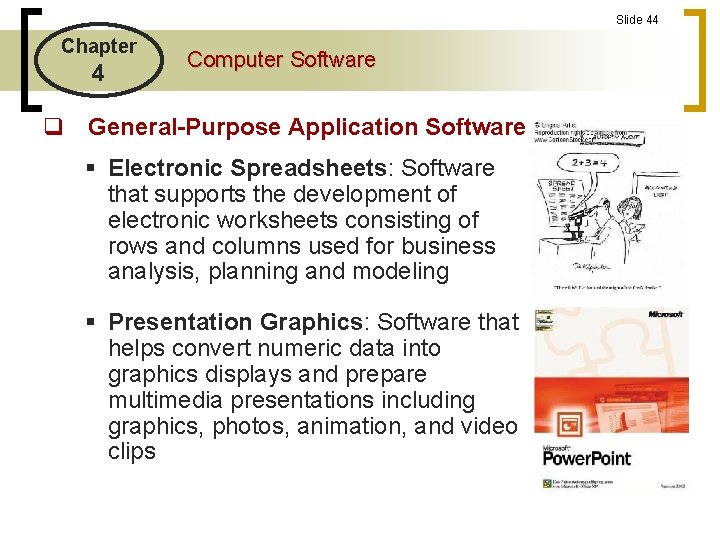
Slide 44 Chapter 4 Computer Software q General-Purpose Application Software § Electronic Spreadsheets: Software that supports the development of electronic worksheets consisting of rows and columns used for business analysis, planning and modeling § Presentation Graphics: Software that helps convert numeric data into graphics displays and prepare multimedia presentations including graphics, photos, animation, and video clips
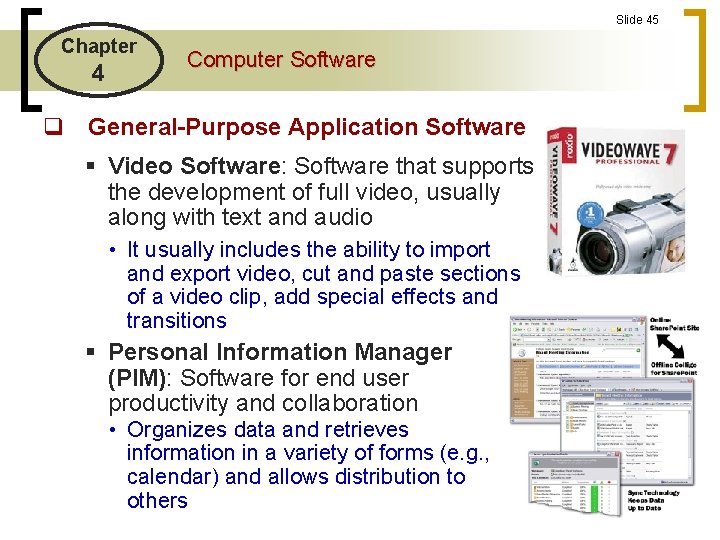
Slide 45 Chapter 4 Computer Software q General-Purpose Application Software § Video Software: Software that supports the development of full video, usually along with text and audio • It usually includes the ability to import and export video, cut and paste sections of a video clip, add special effects and transitions § Personal Information Manager (PIM): Software for end user productivity and collaboration • Organizes data and retrieves information in a variety of forms (e. g. , calendar) and allows distribution to others
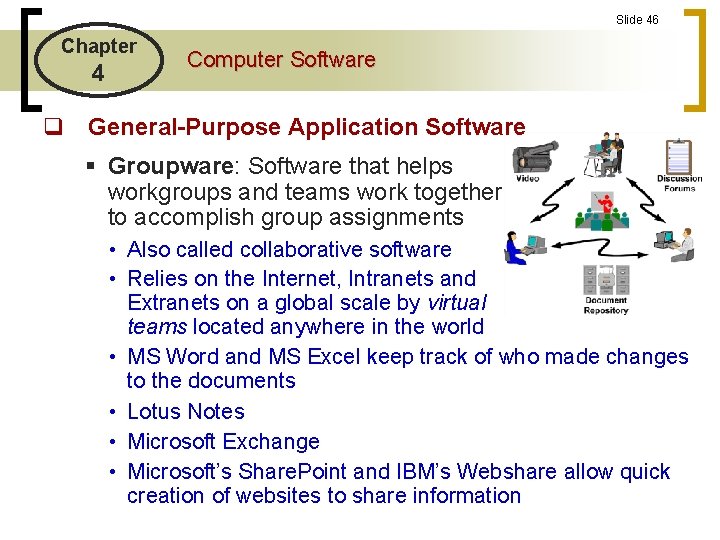
Slide 46 Chapter 4 Computer Software q General-Purpose Application Software § Groupware: Software that helps workgroups and teams work together to accomplish group assignments • Also called collaborative software • Relies on the Internet, Intranets and Extranets on a global scale by virtual teams located anywhere in the world • MS Word and MS Excel keep track of who made changes to the documents • Lotus Notes • Microsoft Exchange • Microsoft’s Share. Point and IBM’s Webshare allow quick creation of websites to share information
Slide 47 Chapter 4 Computer Software q Software Implementation § Custom Software: software applications that are developed within an organization for use by that organization § Commercial Off-the-shelf (COTS) Software: software that is developed by a software developer with the intention of selling the software in multiple copies
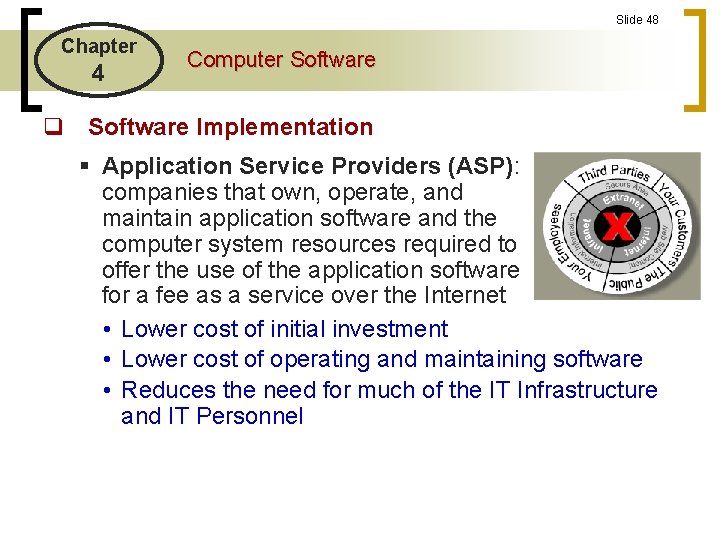
Slide 48 Chapter 4 Computer Software q Software Implementation § Application Service Providers (ASP): companies that own, operate, and maintain application software and the computer system resources required to offer the use of the application software for a fee as a service over the Internet • Lower cost of initial investment • Lower cost of operating and maintaining software • Reduces the need for much of the IT Infrastructure and IT Personnel
Slide 49 Chapter 4 Computer Software q Software Implementation § Software Licensing: Purchasing the right to use specific software under the terms of the software licensing agreement • Purchasing a piece of software does NOT mean ownership; it is a license to use the software • Intended to protects the vendor’s intellectual property right • The license prohibits duplication or resale of multiple copies of the software
Slide 50 Chapter 4 Computer Software