Toon Shading in Open GL Nathan Cournia Clemson



- Slides: 35
Toon Shading in Open. GL Nathan Cournia Clemson University
Overview n n n Goal Basic Algorithm Shadows Outlines Future Work
Goal n Given a mesh, make it look “cartoonish” in real time
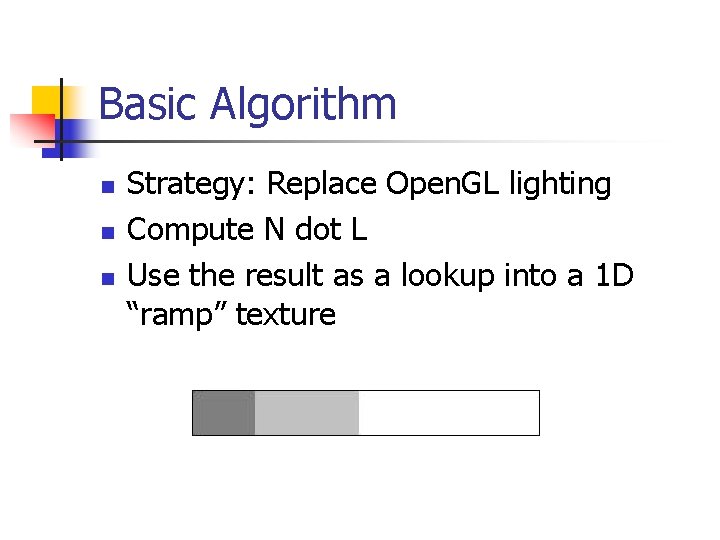
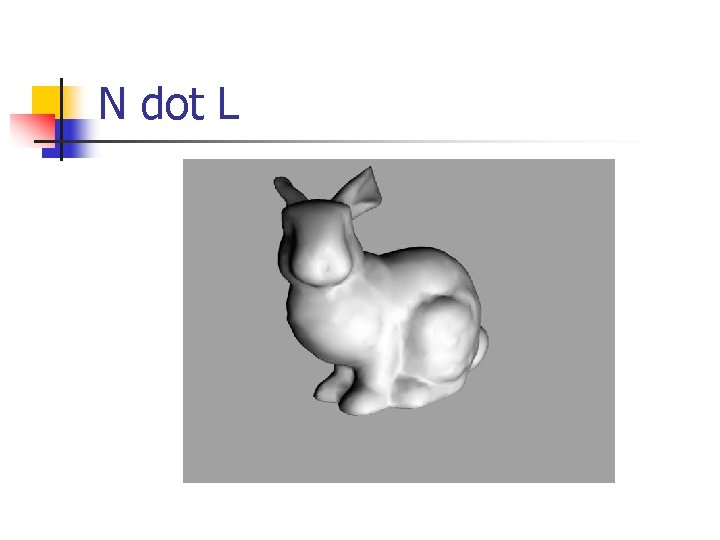
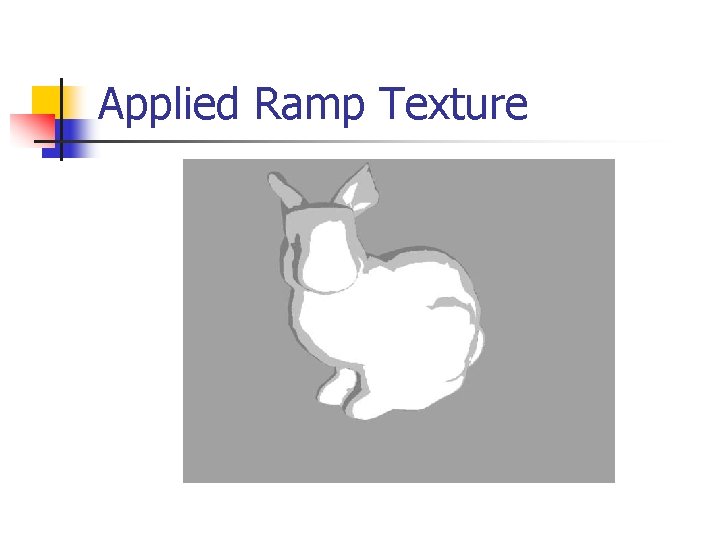
Basic Algorithm n n n Strategy: Replace Open. GL lighting Compute N dot L Use the result as a lookup into a 1 D “ramp” texture
N dot L
Applied Ramp Texture
Lazy GPU n n Computing N dot L on the CPU takes up cycles Since we’re not using GL lighting, GL’s T&L unit is only doing T Wouldn’t it be nice if we could customize GL’s lighting computations? We can: vertex programs …
Vertex Programs n Several options n n EXT_vertex_shader GL_NV_vertex_program 1_1 GL_NV_vertex_program 2
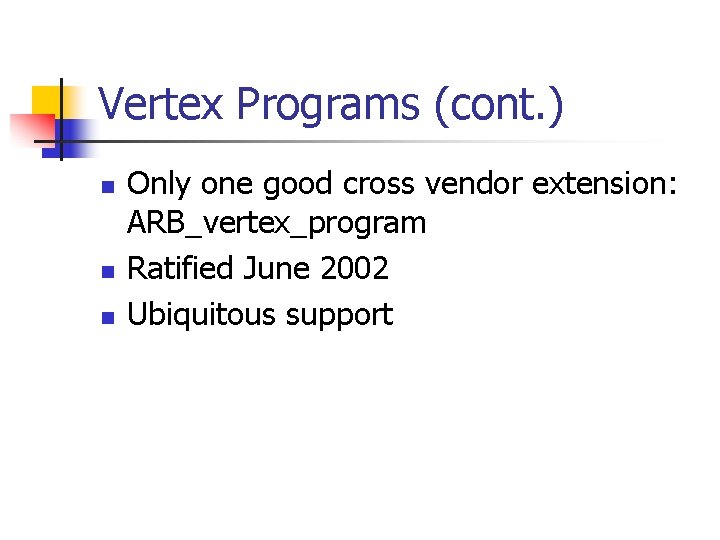
Vertex Programs (cont. ) n n n Only one good cross vendor extension: ARB_vertex_program Ratified June 2002 Ubiquitous support
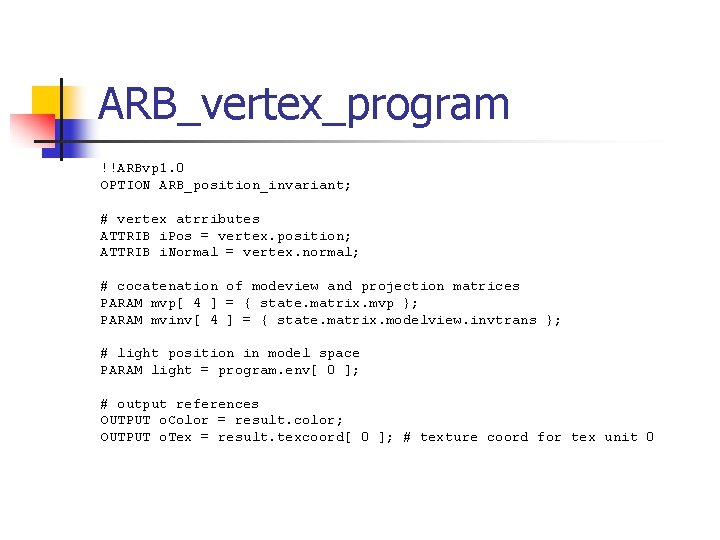
ARB_vertex_program !!ARBvp 1. 0 OPTION ARB_position_invariant; # vertex atrributes ATTRIB i. Pos = vertex. position; ATTRIB i. Normal = vertex. normal; # cocatenation of modeview and projection matrices PARAM mvp[ 4 ] = { state. matrix. mvp }; PARAM mvinv[ 4 ] = { state. matrix. modelview. invtrans }; # light position in model space PARAM light = program. env[ 0 ]; # output references OUTPUT o. Color = result. color; OUTPUT o. Tex = result. texcoord[ 0 ]; # texture coord for tex unit 0
ARB_vertex_program (cont. ) # temp vars TEMP N, L, tmp; # transform the DP 3 N. x, mvinv[ DP 3 N. y, mvinv[ DP 3 N. z, mvinv[ normal to eye coordinates 0 ], i. Normal; 1 ], i. Normal; 2 ], i. Normal; # calc vector to light SUB L, light, i. Pos; # normalize light vector DP 3 L. w, L, L; # L. w = nx^2+ny^2+nz^2 RSQ L. w, L. w; # L. w = 1/sqrt(nx^2+ny^2+nz^2) MUL L. xyz, L. w, L; # compute N dot L DP 3 tmp, N, L;
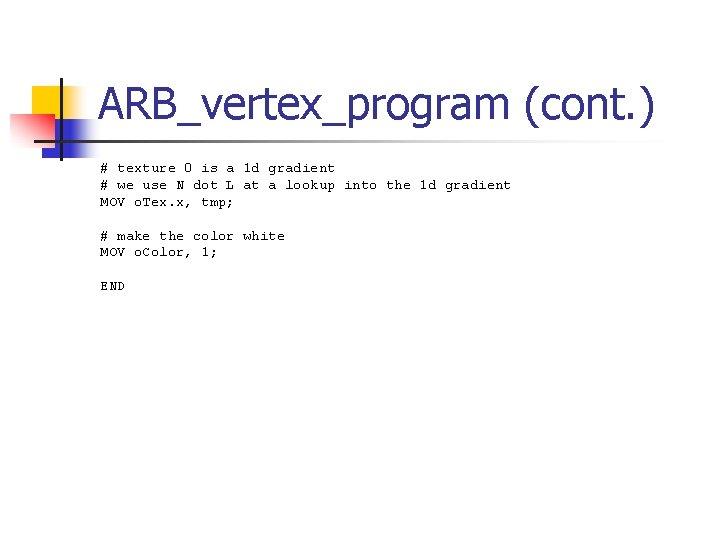
ARB_vertex_program (cont. ) # texture 0 is a 1 d gradient # we use N dot L at a lookup into the 1 d gradient MOV o. Tex. x, tmp; # make the color white MOV o. Color, 1; END
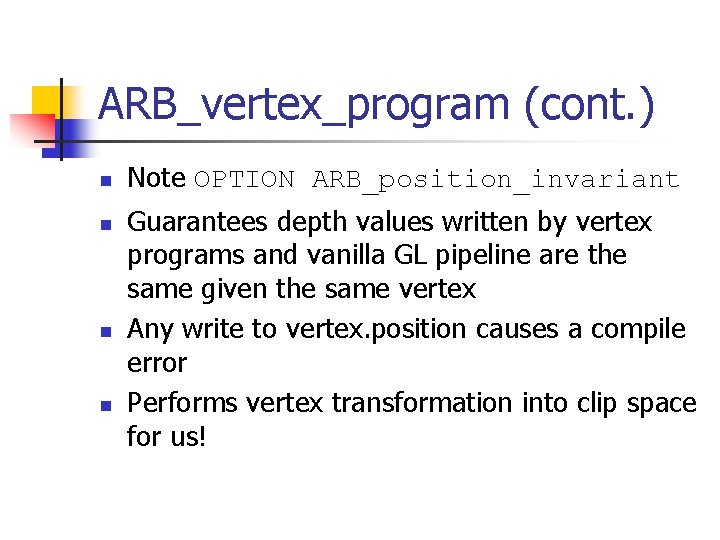
ARB_vertex_program (cont. ) n n Note OPTION ARB_position_invariant Guarantees depth values written by vertex programs and vanilla GL pipeline are the same given the same vertex Any write to vertex. position causes a compile error Performs vertex transformation into clip space for us!
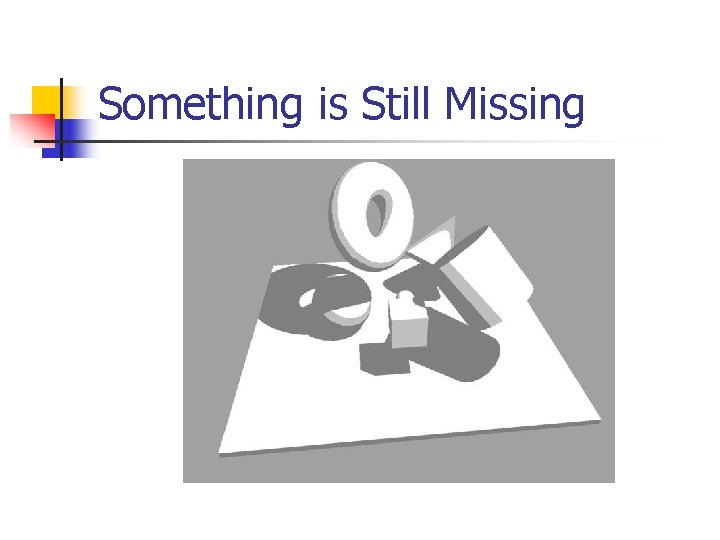
Something is Missing
Adding Shadows n n Lots of techniques to generate shadows in real time Two popular techniques (each with a unique set of pros/cons): n n Shadow Maps Stencil Shadows
Stencil Shadows n Multiple pass technique n n Draw ambient lighting Draw shadow volume (only to stencil) Add/Blend diffuse lighting 2 commonly used methods: n n z-pass z-fail
z-fail n n n Eye can enter shadow volume Must generate shadow volume caps Mesh must be “air tight” Mesh must have connectivity info Must compute silhouette Far clip plane causes problems: n Move far clip plane to infinity
Shadow Passes n Our shading model requires a slightly different pass sequence: n Draw scene with N dot L as 0 n n n Causes geometry to be rendered with darkest value from 1 D ramp texture Draw shadow volumes (only to stencil) Replace non-stenciled regions with normal N dot L 1 D ramp texture lookup
Something is Still Missing
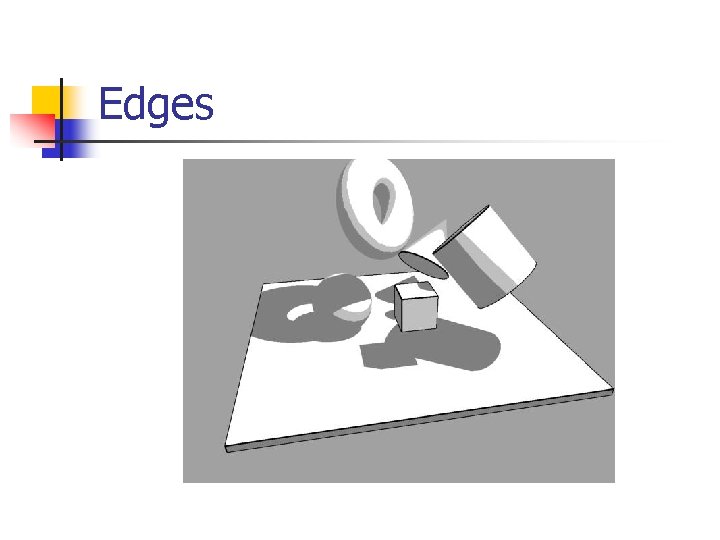
Sharp Edges n Find all edges whose adjacent triangles form a sharp edge n n n lf. N dot rf. N < 0 Render edge as a dark line Edge information only needs to be computed once
Edges
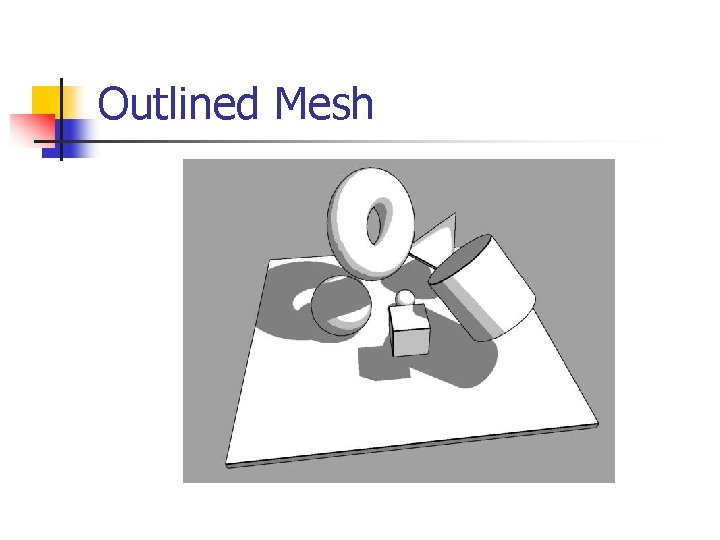
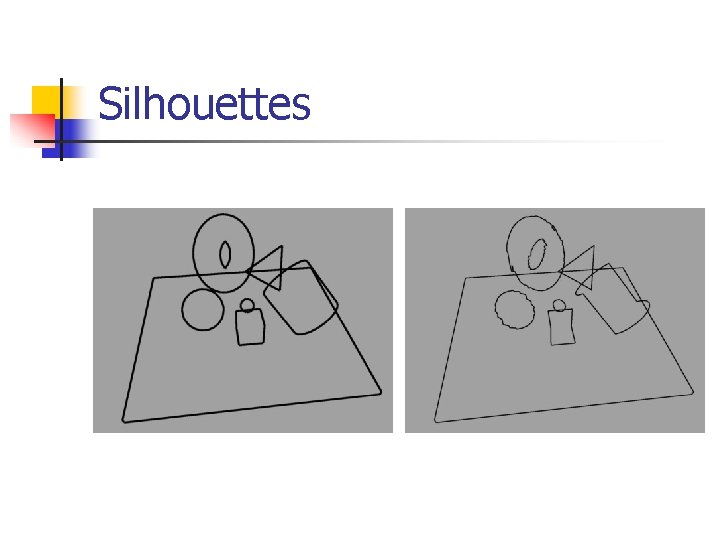
Silhouette n n Drawing sharp edges is not enough Shape needs to be outlined Use connectivity information for stencil shadows to outline the mesh’s silhouette w. r. t the camera Silhouette needs to be recomputed when either the camera or mesh moves
Outlined Mesh
Silhouettes
z-fighting n n n Edge/Silhouette lines’ depth values are same as mesh’s Causes unpleasant visual artifacts (called z-fighting or stitching) Several ideas on how to fix this
gl. Polygon. Offset n n One probable solution is to use gl. Polygon. Offset to slightly push the mesh’s depth values further into the scene Commonly used call (when rendering lines on top of a mesh) is gl. Polygon. Offset( 1. 0, 1. 0 )
gl. Polygon. Offset (cont. ) n n n Doesn’t work Stencil shadow volumes use gl. Polygon. Offset to avoid stitching with shadow volumes and the mesh gl. Polygon. Offset’s bias value is different for shadow volume offset and mesh offset
gl. Polygon. Offset (cont. ) n n n Different bias values cause visual artifacts Another probable solution is to use gl. Polygon. Offset to move the edge/silhouette lines closer to the camera Unfortunately gl. Polygon. Offset does not work for lines
gl. Depth. Range n Another probably solution is to use gl. Depth. Range n n Render mesh/shadow volumes with gl. Depth. Range( 0. 1, 1. 0 ) Render edge/silhouette lines with gl. Depth. Range( 0. 0, 0. 9 )
gl. Depth. Range (cont. ) n n Works sometimes Scene dependent Depth precision not uniform Infinite far clip plane does not help matters
Hack n n Increase the width of the lines Set the depth test to pass on less than or equal n n gl. Depth. Func( GL_LEQUAL ) Still some artifacts (but not nearly as bad as before)
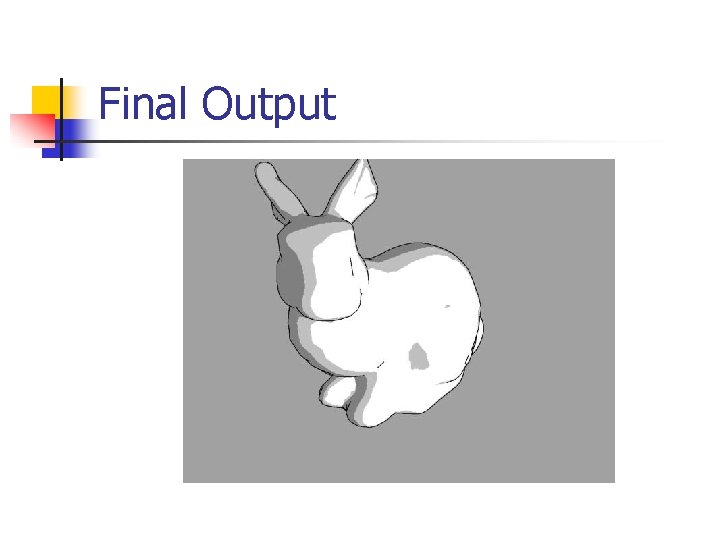
Final Output
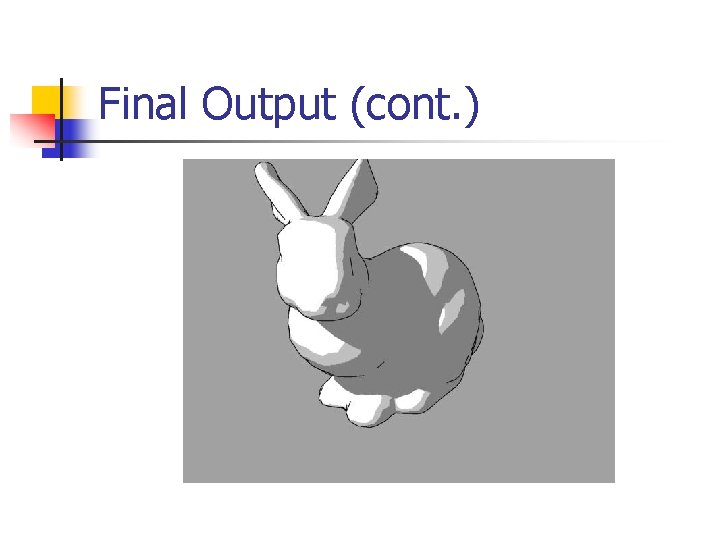
Final Output (cont. )
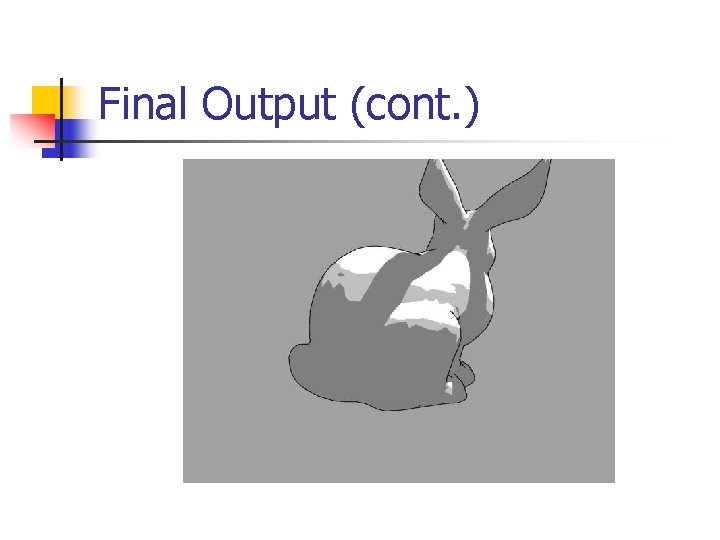
Final Output (cont. )
Future Work n n Specular highlights Outline shadow boundaries