
VRay Node VRay Toon Lesson Introduction Orientation This
- Slides: 17
V-Ray Node: VRay. Toon
Lesson Introduction - Orientation • This presentation will take you through using the V-Ray Toon shader in a Maya scene • This lesson topic is approximately 30 minutes in length • Presentation covers all 3 Learning Cycles for the Lesson Topic – Lecture, Demonstration, and Activity. • Learning Outcomes: You will be able to add, adjust, and manipulate toon shading in your scenes
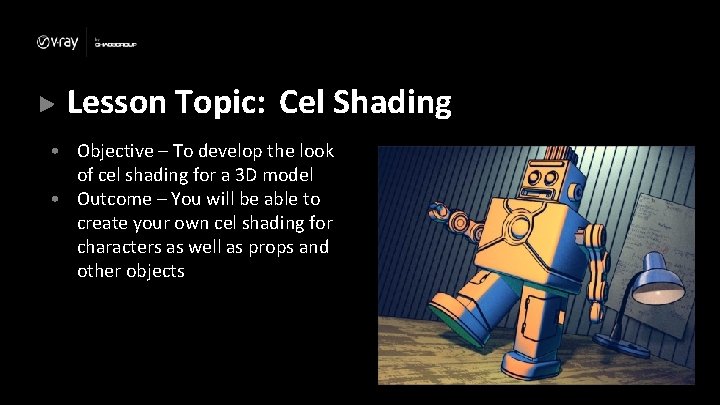
Lesson Topic: Cel Shading • Objective – To develop the look of cel shading for a 3 D model • Outcome – You will be able to create your own cel shading for characters as well as props and other objects
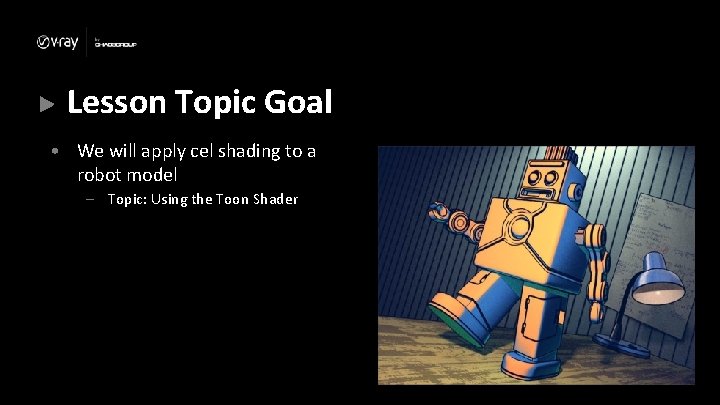
Lesson Topic Goal • We will apply cel shading to a robot model – Topic: Using the Toon Shader
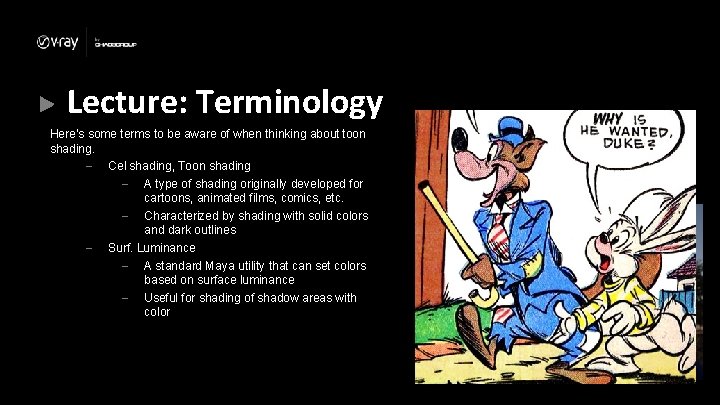
Lecture: Terminology Here’s some terms to be aware of when thinking about toon shading. – Cel shading, Toon shading – A type of shading originally developed for cartoons, animated films, comics, etc. – Characterized by shading with solid colors and dark outlines – Surf. Luminance – A standard Maya utility that can set colors based on surface luminance – Useful for shading of shadow areas with color
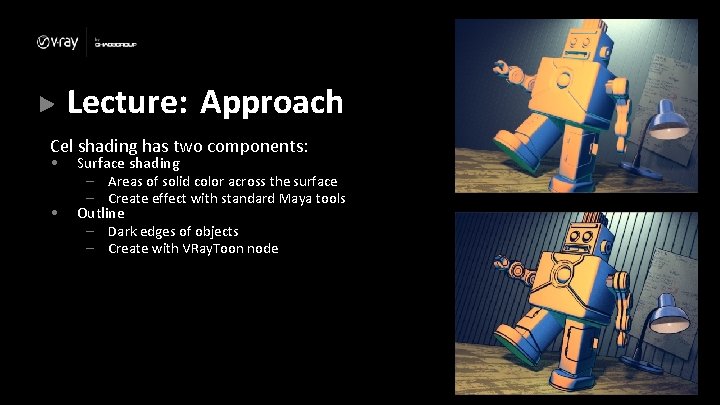
Lecture: Approach Cel shading has two components: • • Surface shading – Areas of solid color across the surface – Create effect with standard Maya tools Outline – Dark edges of objects – Create with VRay. Toon node
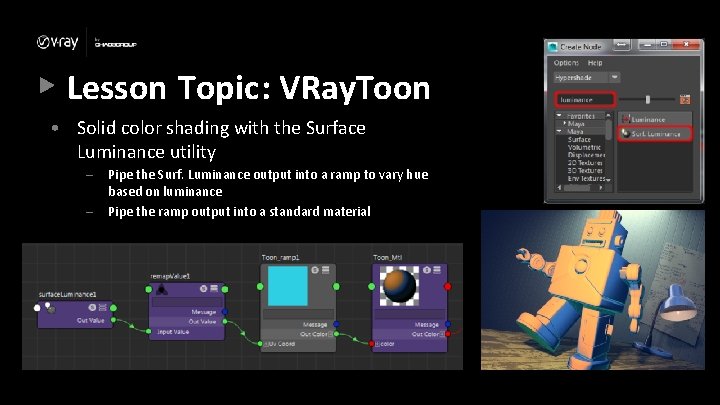
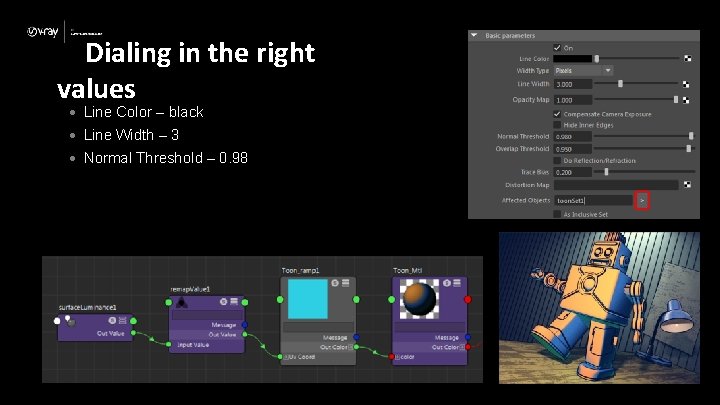
Lesson Topic: VRay. Toon • Solid color shading with the Surface Luminance utility – – Pipe the Surf. Luminance output into a ramp to vary hue based on luminance Pipe the ramp output into a standard material
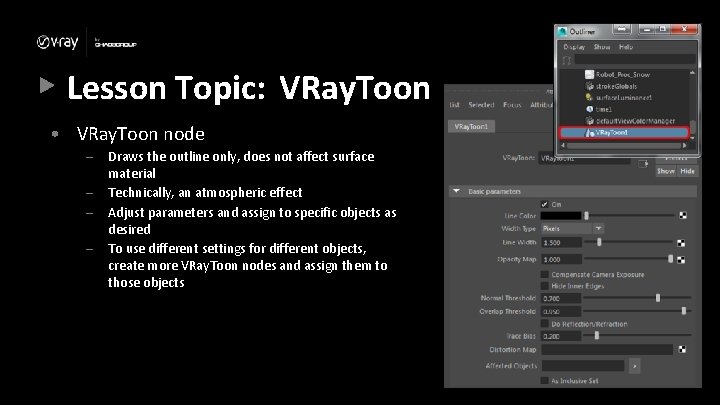
Lesson Topic: VRay. Toon • VRay. Toon node – – Draws the outline only, does not affect surface material Technically, an atmospheric effect Adjust parameters and assign to specific objects as desired To use different settings for different objects, create more VRay. Toon nodes and assign them to those objects
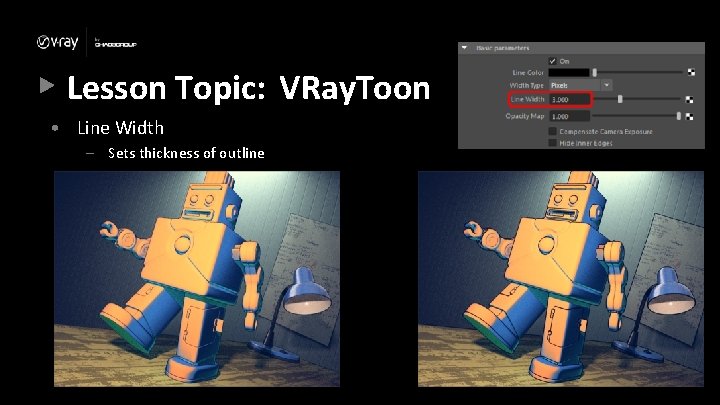
Lesson Topic: VRay. Toon • Line Width – Sets thickness of outline
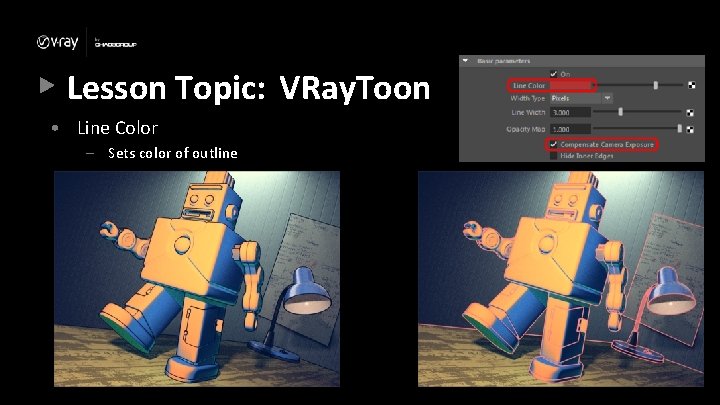
Lesson Topic: VRay. Toon • Line Color – Sets color of outline
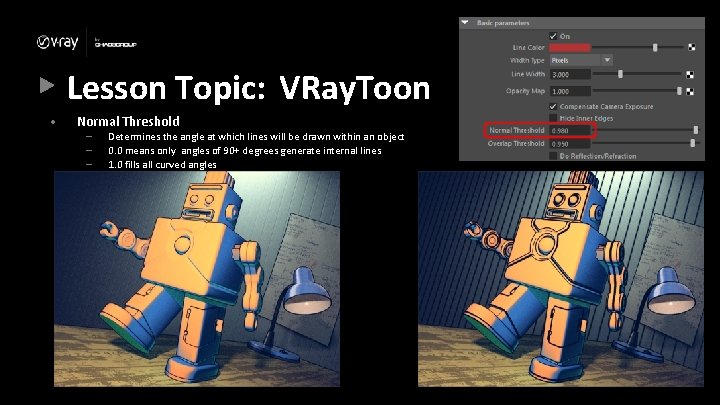
Lesson Topic: VRay. Toon • Normal Threshold – – – Determines the angle at which lines will be drawn within an object 0. 0 means only angles of 90+ degrees generate internal lines 1. 0 fills all curved angles
Lesson Topic: Lecture Conclusion • Cel shading is a combination of solid color shading and outlines • Surface Illumination utility helps make surface shade for cel shading • VRay. Toon node draws outlines on geometry
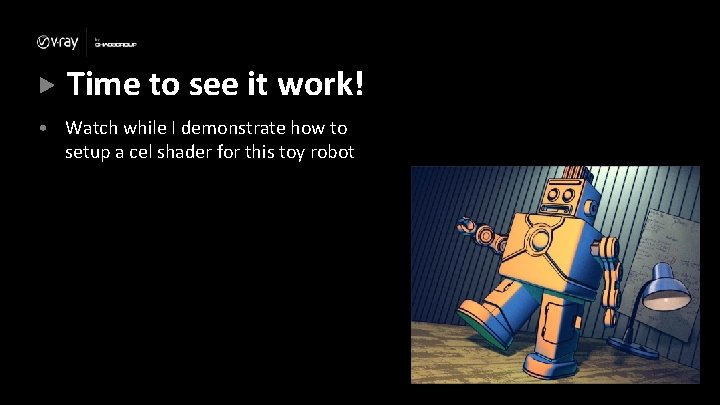
Time to see it work! • Watch while I demonstrate how to setup a cel shader for this toy robot
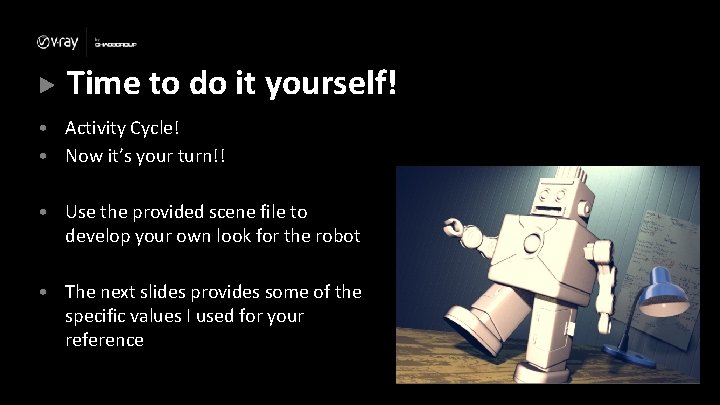
Time to do it yourself! • Activity Cycle! • Now it’s your turn!! • Use the provided scene file to develop your own look for the robot • The next slides provides some of the specific values I used for your reference
Dialing in the right values • Line Color – black • Line Width – 3 • Normal Threshold – 0. 98