Operating System 2202021 CheRung Lee 2021220 CS 135601
- Slides: 48
Operating System 2/20/2021 Che-Rung Lee 2021/2/20 CS 135601 Introduction to Information Engineering 1
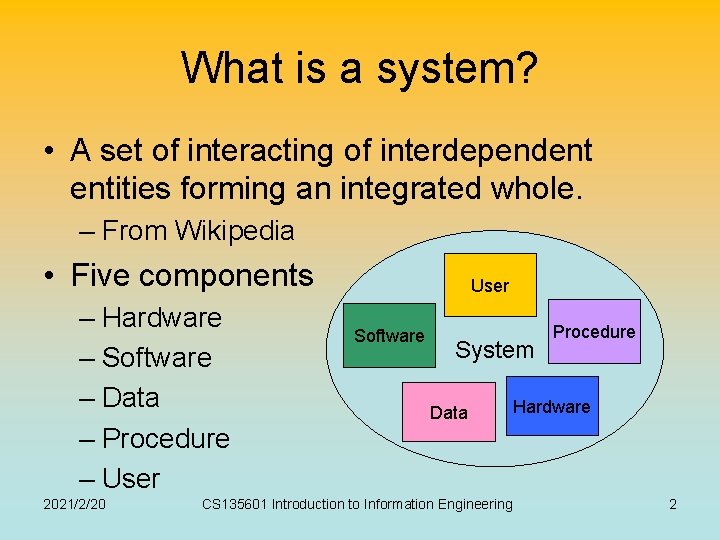
What is a system? • A set of interacting of interdependent entities forming an integrated whole. – From Wikipedia • Five components – Hardware – Software – Data – Procedure – User 2021/2/20 User Software System Data CS 135601 Introduction to Information Engineering Procedure Hardware 2
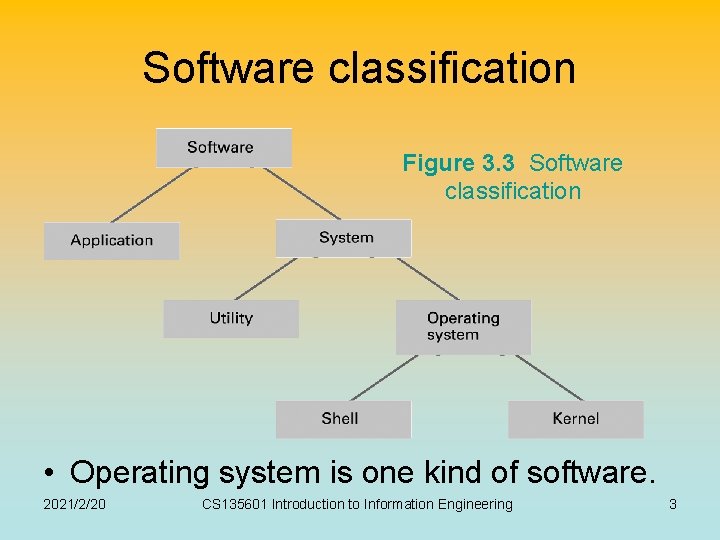
Software classification Figure 3. 3 Software classification • Operating system is one kind of software. 2021/2/20 CS 135601 Introduction to Information Engineering 3
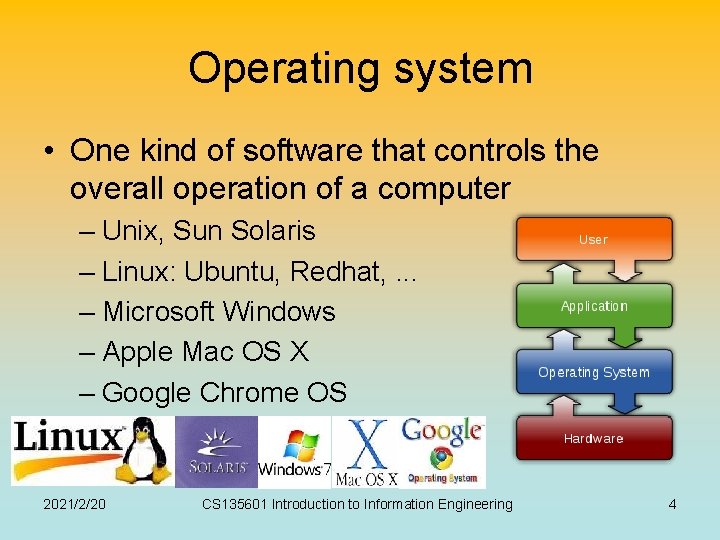
Operating system • One kind of software that controls the overall operation of a computer – Unix, Sun Solaris – Linux: Ubuntu, Redhat, . . . – Microsoft Windows – Apple Mac OS X – Google Chrome OS 2021/2/20 CS 135601 Introduction to Information Engineering 4
Outline • • Components and functions Process management Handling competition for resources Security 2021/2/20 CS 135601 Introduction to Information Engineering 5
Components and Functions Shell, kernel, file manager, device drivers, memory manager, bootstrapping, scheduler, dispatcher 2021/2/20 CS 135601 Introduction to Information Engineering 6
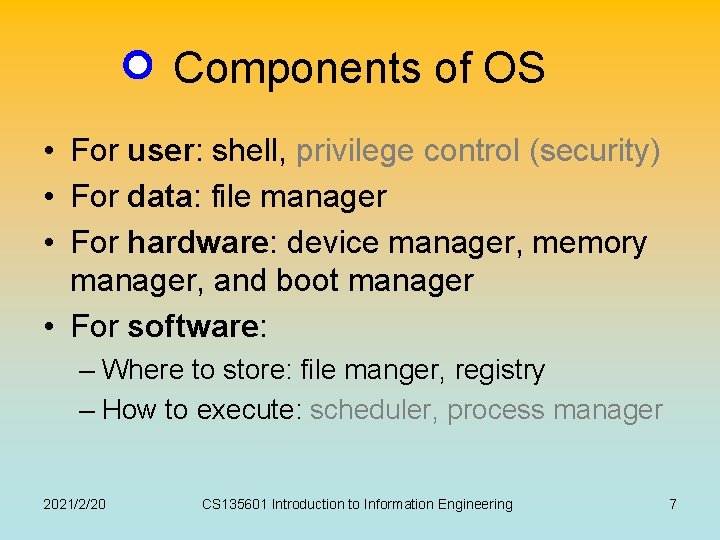
Components of OS • For user: shell, privilege control (security) • For data: file manager • For hardware: device manager, memory manager, and boot manager • For software: – Where to store: file manger, registry – How to execute: scheduler, process manager 2021/2/20 CS 135601 Introduction to Information Engineering 7
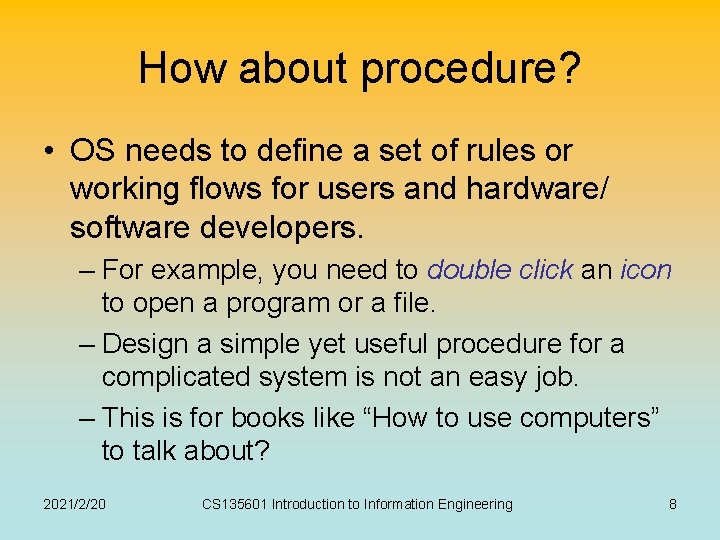
How about procedure? • OS needs to define a set of rules or working flows for users and hardware/ software developers. – For example, you need to double click an icon to open a program or a file. – Design a simple yet useful procedure for a complicated system is not an easy job. – This is for books like “How to use computers” to talk about? 2021/2/20 CS 135601 Introduction to Information Engineering 8
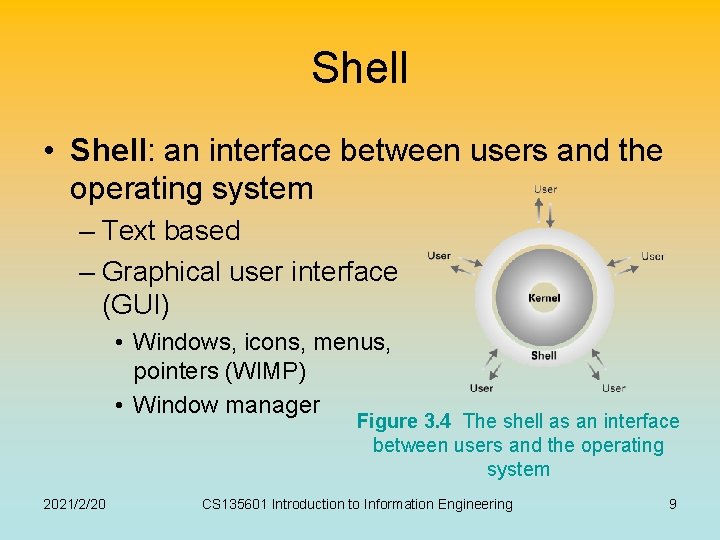
Shell • Shell: an interface between users and the operating system – Text based – Graphical user interface (GUI) • Windows, icons, menus, pointers (WIMP) • Window manager Figure 3. 4 The shell as an interface between users and the operating system 2021/2/20 CS 135601 Introduction to Information Engineering 9
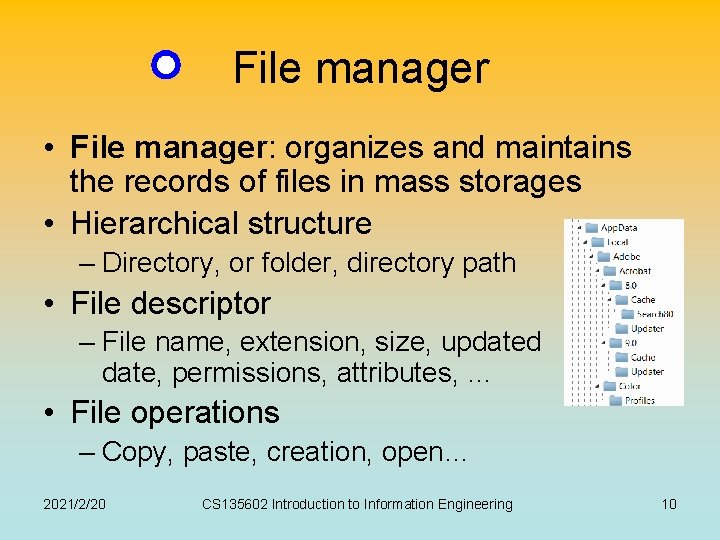
File manager • File manager: organizes and maintains the records of files in mass storages • Hierarchical structure – Directory, or folder, directory path • File descriptor – File name, extension, size, updated date, permissions, attributes, … • File operations – Copy, paste, creation, open… 2021/2/20 CS 135602 Introduction to Information Engineering 10
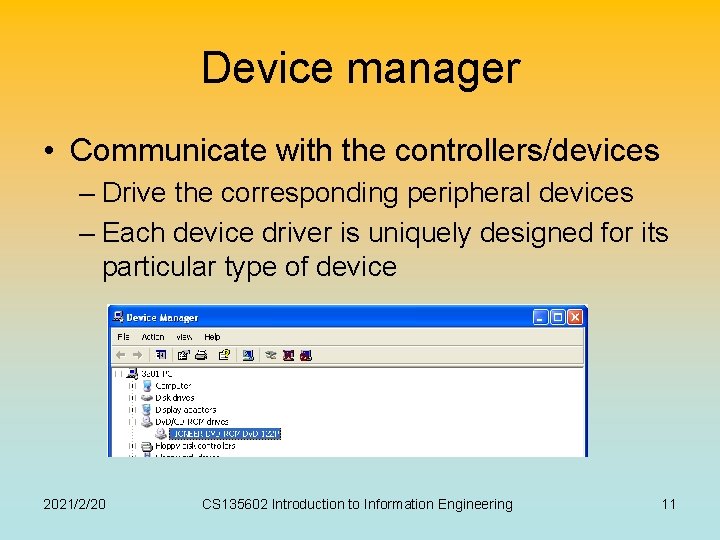
Device manager • Communicate with the controllers/devices – Drive the corresponding peripheral devices – Each device driver is uniquely designed for its particular type of device 2021/2/20 CS 135602 Introduction to Information Engineering 11
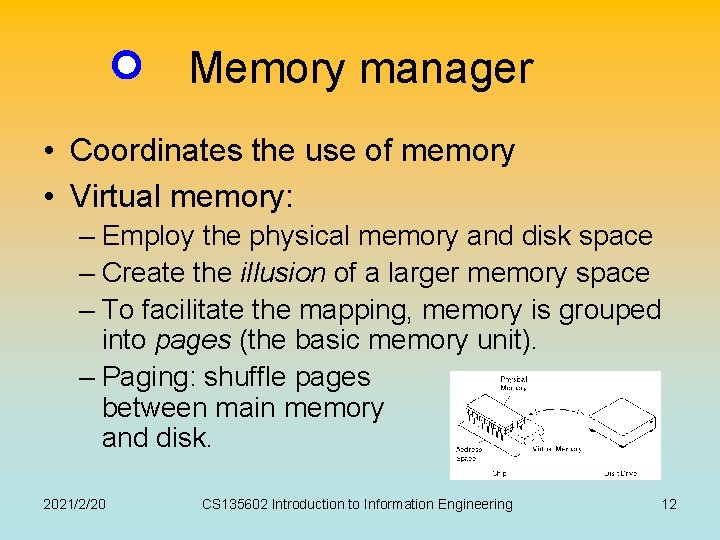
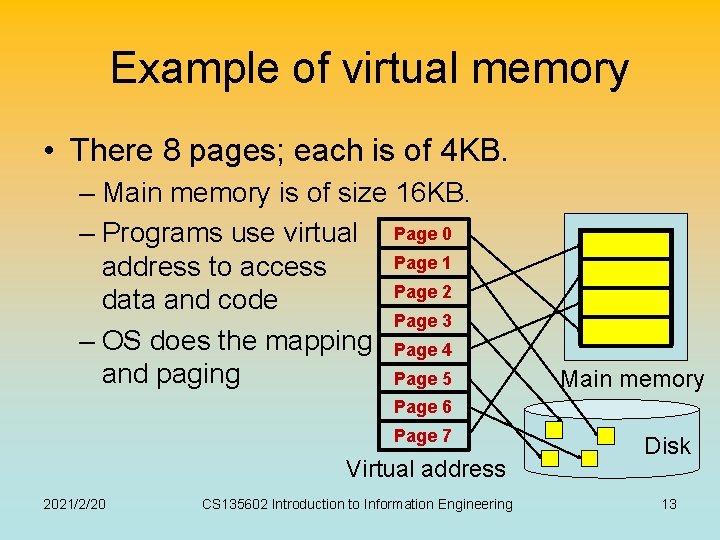
Memory manager • Coordinates the use of memory • Virtual memory: – Employ the physical memory and disk space – Create the illusion of a larger memory space – To facilitate the mapping, memory is grouped into pages (the basic memory unit). – Paging: shuffle pages between main memory and disk. 2021/2/20 CS 135602 Introduction to Information Engineering 12
Example of virtual memory • There 8 pages; each is of 4 KB. – Main memory is of size 16 KB. – Programs use virtual Page 0 Page 1 address to access Page 2 data and code Page 3 – OS does the mapping Page 4 and paging Page 5 Main memory Page 6 Page 7 Virtual address 2021/2/20 CS 135602 Introduction to Information Engineering Disk 13
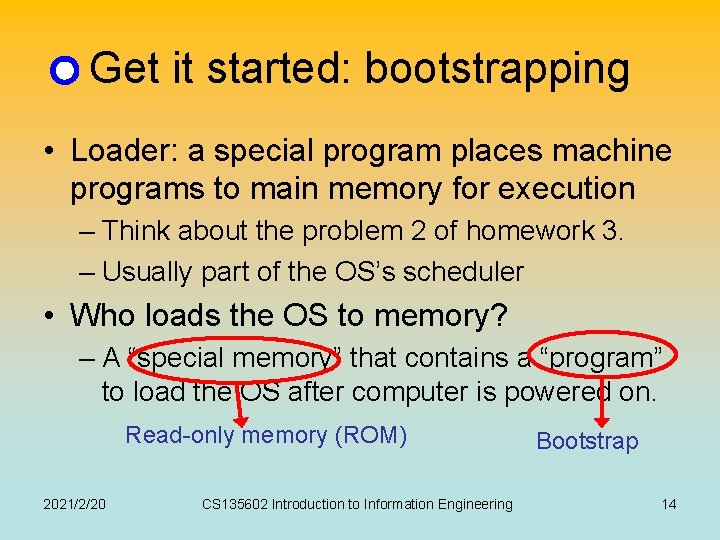
Get it started: bootstrapping • Loader: a special program places machine programs to main memory for execution – Think about the problem 2 of homework 3. – Usually part of the OS’s scheduler • Who loads the OS to memory? – A “special memory” that contains a “program” to load the OS after computer is powered on. Read-only memory (ROM) 2021/2/20 CS 135602 Introduction to Information Engineering Bootstrap 14
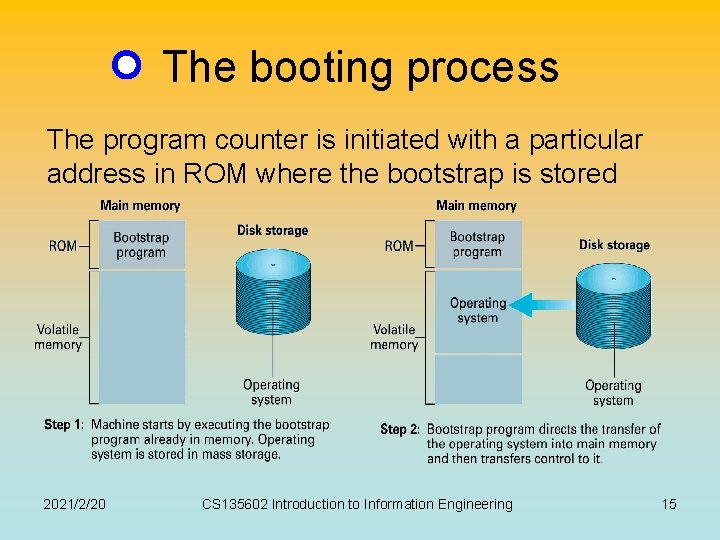
The booting process The program counter is initiated with a particular address in ROM where the bootstrap is stored 2021/2/20 CS 135602 Introduction to Information Engineering 15
BIOS and firmware • The bootstrap program and other basic input/output functions are contained in a special ROM, called BIOS (basic input/output system) • A program stored in ROM is called firmware. – Hardware or software? 2021/2/20 CS 135602 Introduction to Information Engineering 16
Process Management History, today, and future 2021/2/20 CS 135602 Introduction to Information Engineering 17
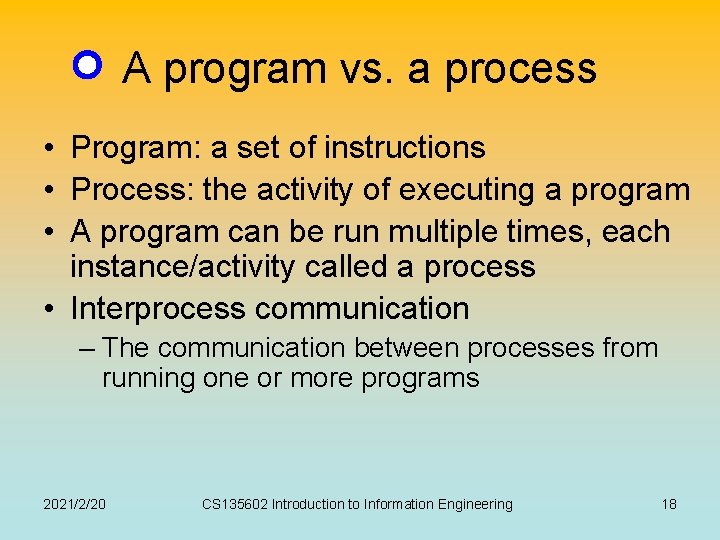
A program vs. a process • Program: a set of instructions • Process: the activity of executing a program • A program can be run multiple times, each instance/activity called a process • Interprocess communication – The communication between processes from running one or more programs 2021/2/20 CS 135602 Introduction to Information Engineering 18
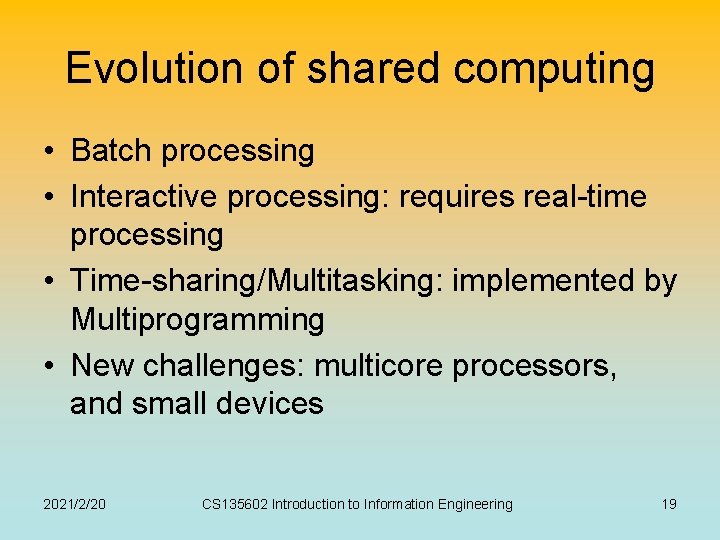
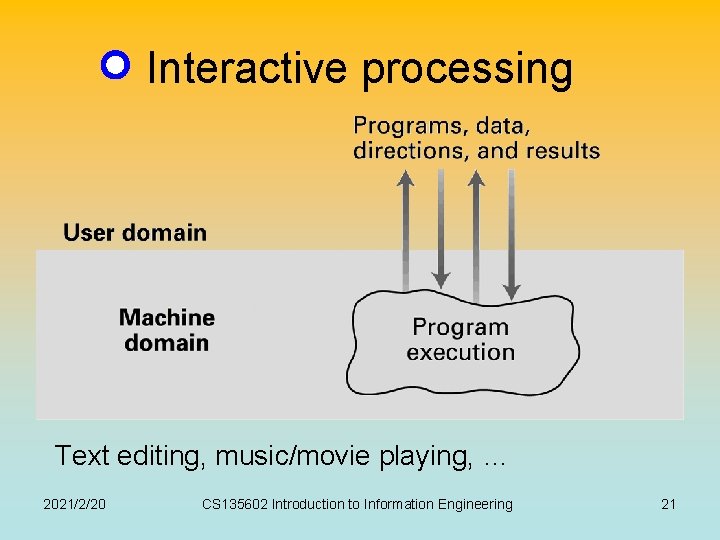
Evolution of shared computing • Batch processing • Interactive processing: requires real-time processing • Time-sharing/Multitasking: implemented by Multiprogramming • New challenges: multicore processors, and small devices 2021/2/20 CS 135602 Introduction to Information Engineering 19
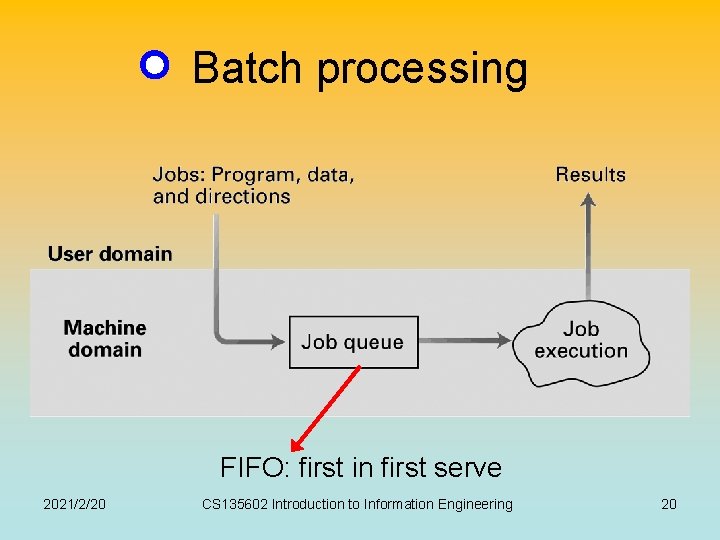
Batch processing FIFO: first in first serve 2021/2/20 CS 135602 Introduction to Information Engineering 20
Interactive processing Text editing, music/movie playing, … 2021/2/20 CS 135602 Introduction to Information Engineering 21
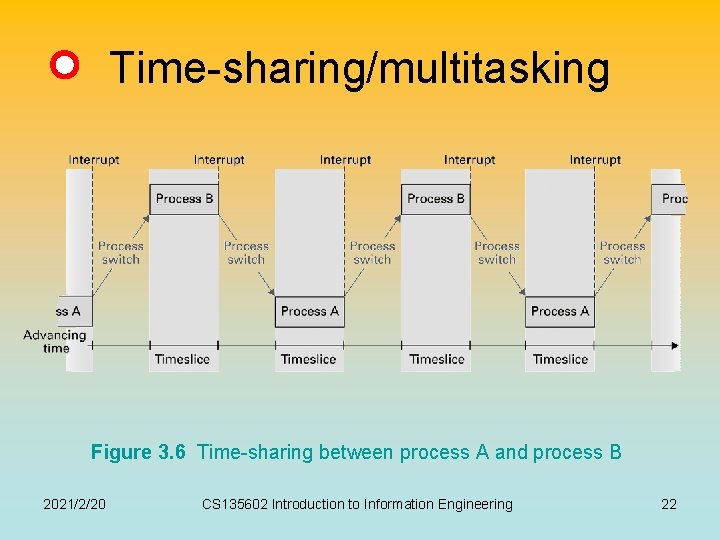
Time-sharing/multitasking Figure 3. 6 Time-sharing between process A and process B 2021/2/20 CS 135602 Introduction to Information Engineering 22
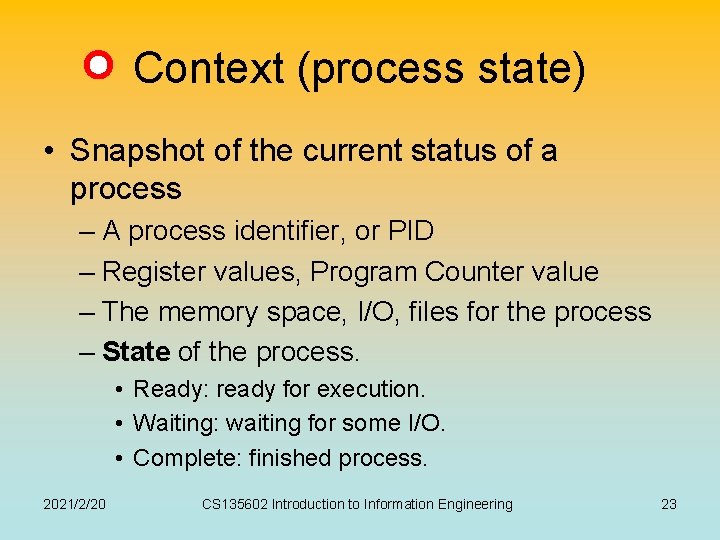
Context (process state) • Snapshot of the current status of a process – A process identifier, or PID – Register values, Program Counter value – The memory space, I/O, files for the process – State of the process. • Ready: ready for execution. • Waiting: waiting for some I/O. • Complete: finished process. 2021/2/20 CS 135602 Introduction to Information Engineering 23
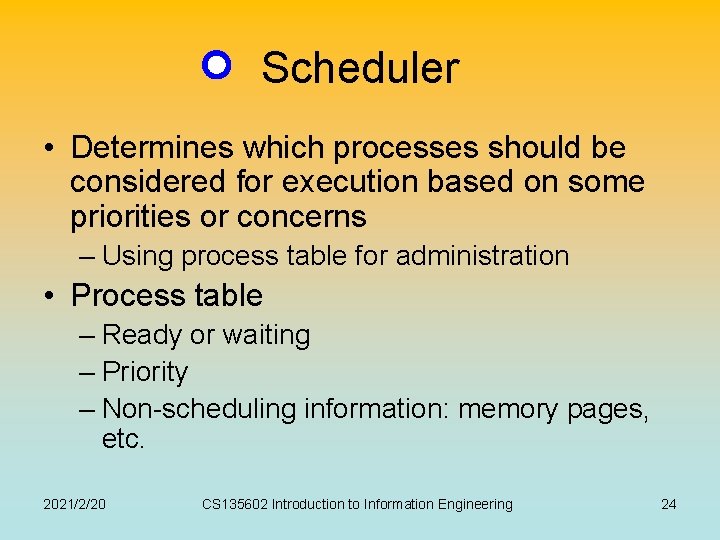
Scheduler • Determines which processes should be considered for execution based on some priorities or concerns – Using process table for administration • Process table – Ready or waiting – Priority – Non-scheduling information: memory pages, etc. 2021/2/20 CS 135602 Introduction to Information Engineering 24
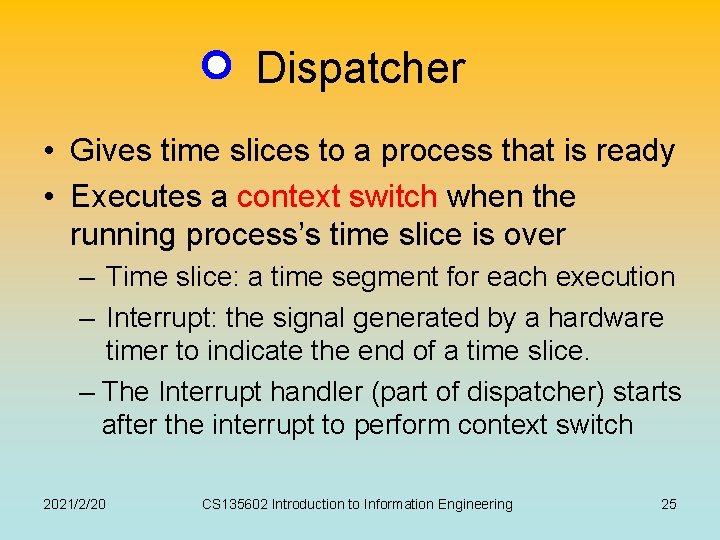
Dispatcher • Gives time slices to a process that is ready • Executes a context switch when the running process’s time slice is over – Time slice: a time segment for each execution – Interrupt: the signal generated by a hardware timer to indicate the end of a time slice. – The Interrupt handler (part of dispatcher) starts after the interrupt to perform context switch 2021/2/20 CS 135602 Introduction to Information Engineering 25
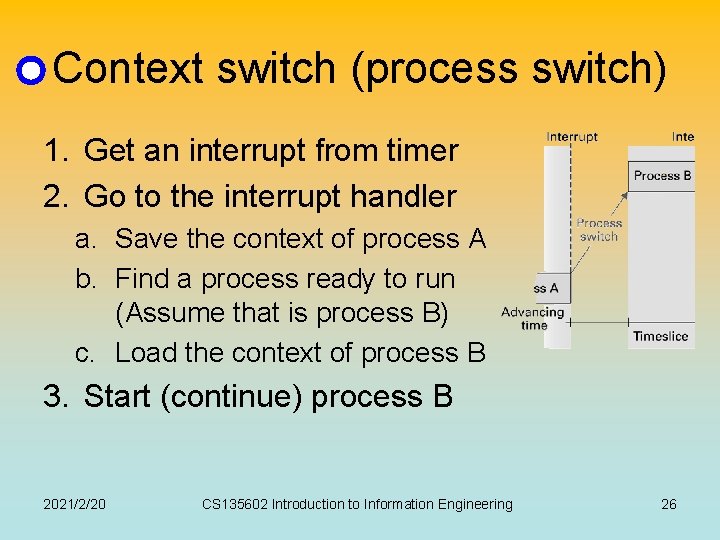
Context switch (process switch) 1. Get an interrupt from timer 2. Go to the interrupt handler a. Save the context of process A b. Find a process ready to run (Assume that is process B) c. Load the context of process B 3. Start (continue) process B 2021/2/20 CS 135602 Introduction to Information Engineering 26
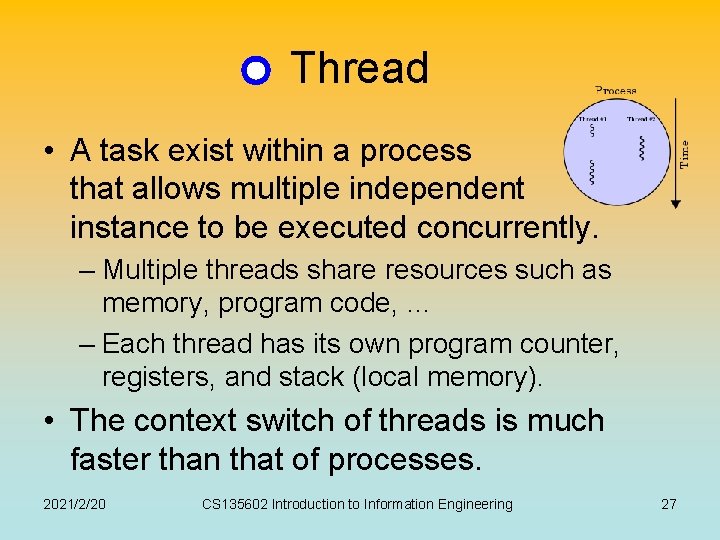
Thread • A task exist within a process that allows multiple independent instance to be executed concurrently. – Multiple threads share resources such as memory, program code, … – Each thread has its own program counter, registers, and stack (local memory). • The context switch of threads is much faster than that of processes. 2021/2/20 CS 135602 Introduction to Information Engineering 27
Exercises • Suppose an OS allocates time slices in 10 millisecond units and the time required for a context switch is negligible. How many processes can obtain a time slice is one second? • If it takes one microsecond to perform a context switch and processes use only half of their allotted 10 millisecond time slices, what percent of a CPUs time is spent performing context switches rather than executing processes? 2021/2/20 CS 135602 Introduction to Information Engineering 28
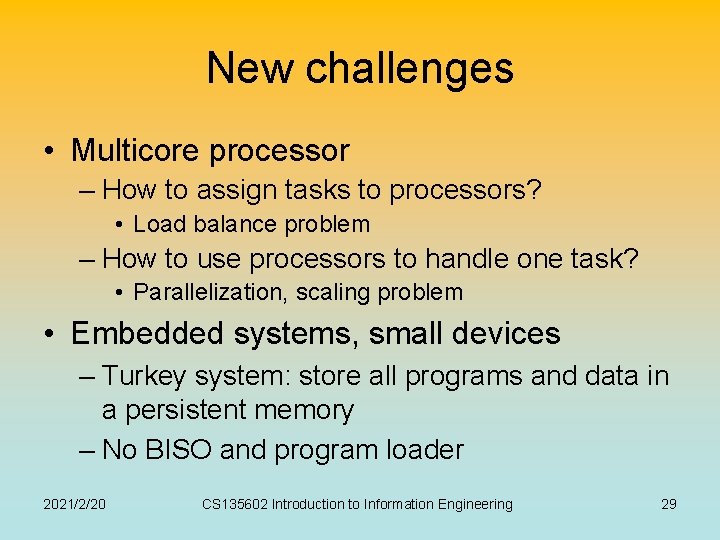
New challenges • Multicore processor – How to assign tasks to processors? • Load balance problem – How to use processors to handle one task? • Parallelization, scaling problem • Embedded systems, small devices – Turkey system: store all programs and data in a persistent memory – No BISO and program loader 2021/2/20 CS 135602 Introduction to Information Engineering 29
Handling Competition for Resources 2021/2/20 CS 135602 Introduction to Information Engineering 30
Competition for resources • What are resources? – CPU, memory, files, peripheral devices, … • In a multitasking system, resources are shared by processes • Some resources should not be employed by more than one process simultaneously – E. g. , Printer 2021/2/20 CS 135602 Introduction to Information Engineering 31
Handling competitions • Define critical regions – Critical Region: A group of instructions that should be executed by only one process at a time – Mutual exclusion: Requirement for proper implementation of a critical region 2021/2/20 CS 135602 Introduction to Information Engineering 32
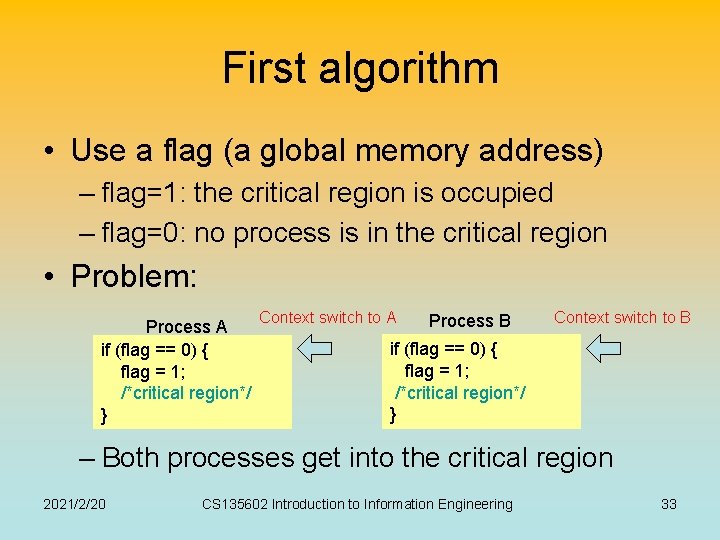
First algorithm • Use a flag (a global memory address) – flag=1: the critical region is occupied – flag=0: no process is in the critical region • Problem: Process A if (flag == 0) { flag = 1; /*critical region*/ } Context switch to A Process B Context switch to B if (flag == 0) { flag = 1; /*critical region*/ } – Both processes get into the critical region 2021/2/20 CS 135602 Introduction to Information Engineering 33
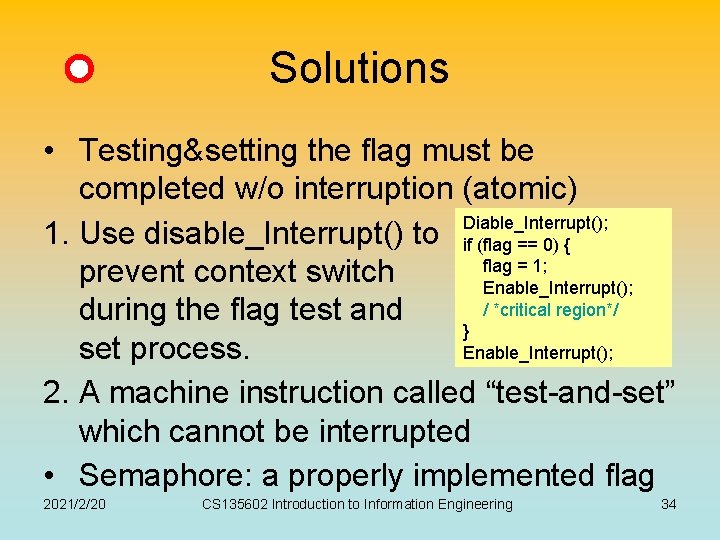
Solutions • Testing&setting the flag must be completed w/o interruption (atomic) 1. Use disable_Interrupt() to Diable_Interrupt(); if (flag == 0) { flag = 1; prevent context switch Enable_Interrupt(); / *critical region*/ during the flag test and } set process. Enable_Interrupt(); 2. A machine instruction called “test-and-set” which cannot be interrupted • Semaphore: a properly implemented flag 2021/2/20 CS 135602 Introduction to Information Engineering 34
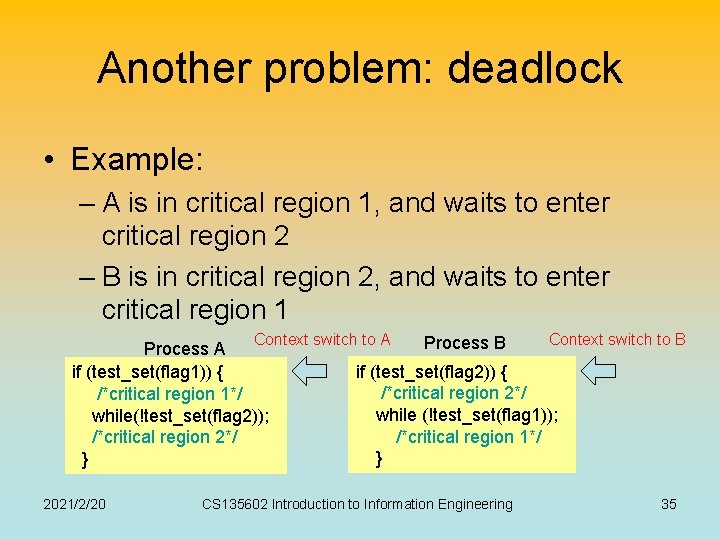
Another problem: deadlock • Example: – A is in critical region 1, and waits to enter critical region 2 – B is in critical region 2, and waits to enter critical region 1 Context switch to A Process A if (test_set(flag 1)) { /*critical region 1*/ while(!test_set(flag 2)); /*critical region 2*/ } 2021/2/20 Process B Context switch to B if (test_set(flag 2)) { /*critical region 2*/ while (!test_set(flag 1)); /*critical region 1*/ } CS 135602 Introduction to Information Engineering 35
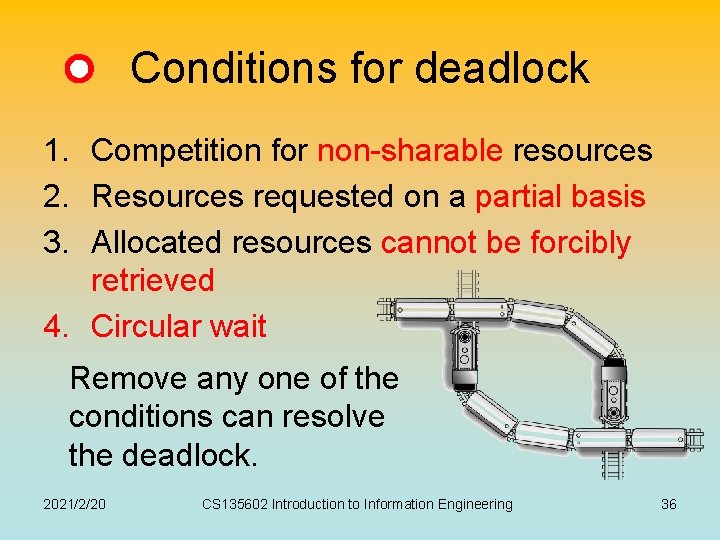
Conditions for deadlock 1. Competition for non-sharable resources 2. Resources requested on a partial basis 3. Allocated resources cannot be forcibly retrieved 4. Circular wait Remove any one of the conditions can resolve the deadlock. 2021/2/20 CS 135602 Introduction to Information Engineering 36
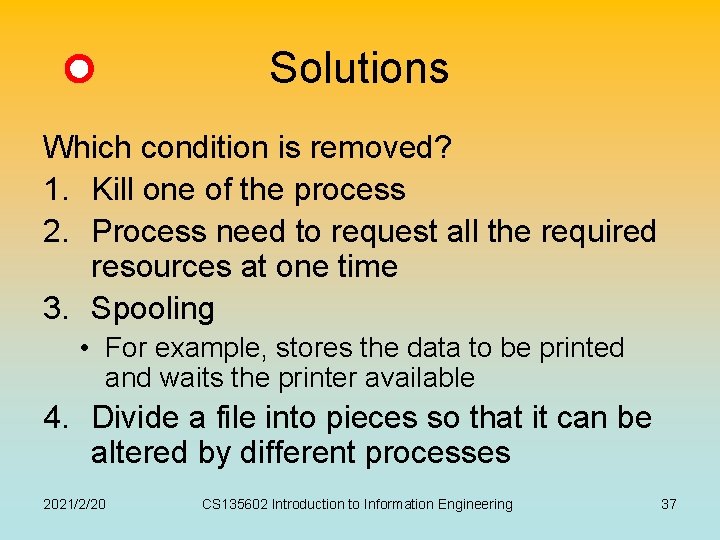
Solutions Which condition is removed? 1. Kill one of the process 2. Process need to request all the required resources at one time 3. Spooling • For example, stores the data to be printed and waits the printer available 4. Divide a file into pieces so that it can be altered by different processes 2021/2/20 CS 135602 Introduction to Information Engineering 37
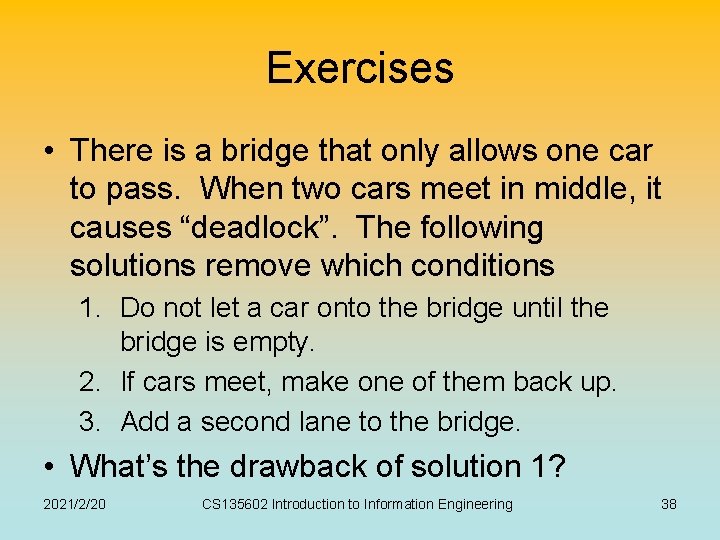
Exercises • There is a bridge that only allows one car to pass. When two cars meet in middle, it causes “deadlock”. The following solutions remove which conditions 1. Do not let a car onto the bridge until the bridge is empty. 2. If cars meet, make one of them back up. 3. Add a second lane to the bridge. • What’s the drawback of solution 1? 2021/2/20 CS 135602 Introduction to Information Engineering 38
Security 2021/2/20 CS 135602 Introduction to Information Engineering 39
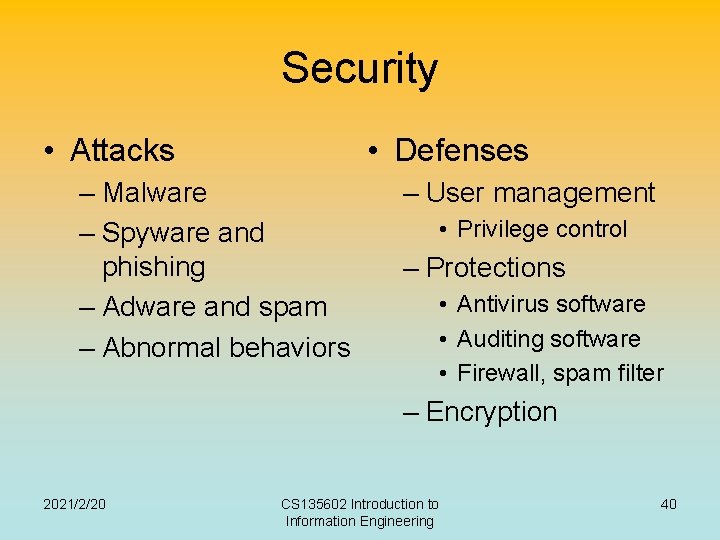
Security • Attacks • Defenses – Malware – Spyware and phishing – Adware and spam – Abnormal behaviors – User management • Privilege control – Protections • Antivirus software • Auditing software • Firewall, spam filter – Encryption 2021/2/20 CS 135602 Introduction to Information Engineering 40
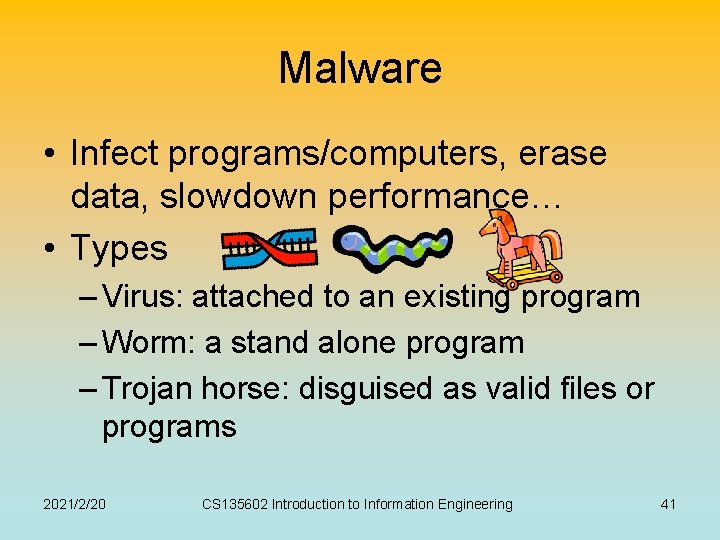
Malware • Infect programs/computers, erase data, slowdown performance… • Types – Virus: attached to an existing program – Worm: a stand alone program – Trojan horse: disguised as valid files or programs 2021/2/20 CS 135602 Introduction to Information Engineering 41
Spyware and phishing • Spyware: collects information about users without their knowledge. – Keylogger: log the keys struck on a keyboard – Login sniffing: simulates the login process to get valid user name and password. – Network sniffing: intercept network messages • Phishing: acquires information by masquerading as a trustworthy entity in an electronic communication. 2021/2/20 CS 135602 Introduction to Information Engineering 42
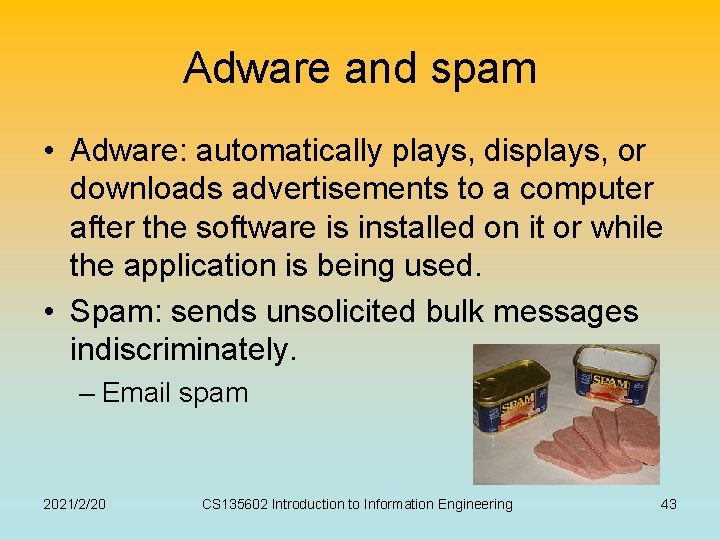
Adware and spam • Adware: automatically plays, displays, or downloads advertisements to a computer after the software is installed on it or while the application is being used. • Spam: sends unsolicited bulk messages indiscriminately. – Email spam 2021/2/20 CS 135602 Introduction to Information Engineering 43
Abnormal behaviors • Dictionary attack: trying passwords derived from a list of words in a dictionary. • Denial of service attack: overloading a computer (server) with messages to make a computer resource unavailable to its intended users. • Spoofing attack: masquerading as a party other than one’s self 2021/2/20 CS 135602 Introduction to Information Engineering 44
User management • To protect the computer’s resource from access by unauthorized personnel. • User authentication process: – Username, password, fingerprint, … • Super user / administrator / root – A kind of user having higher privilege to control machines and operating system. 2021/2/20 CS 135602 Introduction to Information Engineering 45
Privilege control • To prevent malicious programs to execute dangerous instructions. • Privilege levels: – Nonprivilege mode: only “safe” instructions • For example, to access some part of memory. – Privilege mode: all kinds of instructions • Those instructions that can be only executed in the privilege mode are called privilege instructions. 2021/2/20 CS 135602 Introduction to Information Engineering 46
Protections • Antivirus software: detecting and removing the presence of known viruses and other infections. • Auditing software: detecting and preventing abnormal situations • Firewall: filtering messages passing through computers. – Spam filter: firewall for email spam 2021/2/20 CS 135602 Introduction to Information Engineering 47
Related courses • Operation system – 作業系統,計算機系統管理,平行程式 • Security – 計算機系統管理,密碼與網路安全概論 References • http: //www. wikipedia. org/ • Textbook chap 3, sec 4. 5 (security) 2021/2/20 CS 135602 Introduction to Information Engineering 48