Netconf for Peering Automation APRICOT 2015 Tom Paseka






- Slides: 34
Netconf for Peering Automation APRICOT 2015 Tom Paseka
Old Ways
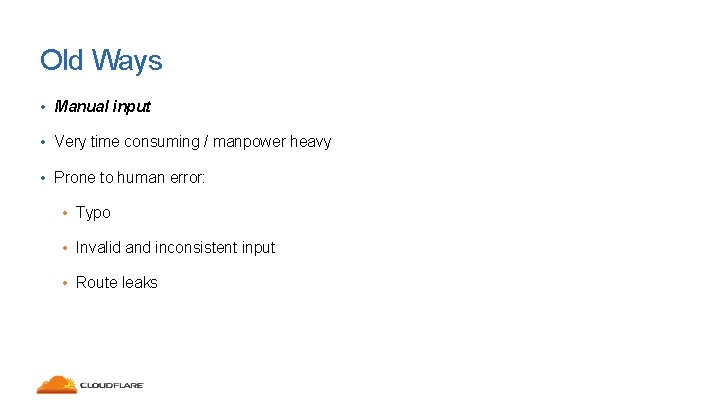
Old Ways • Manual input • Very time consuming / manpower heavy • Prone to human error: • Typo • Invalid and inconsistent input • Route leaks
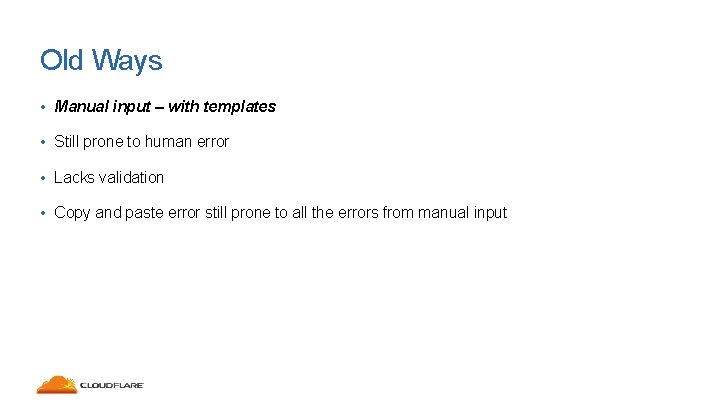
Old Ways • Manual input – with templates • Still prone to human error • Lacks validation • Copy and paste error still prone to all the errors from manual input
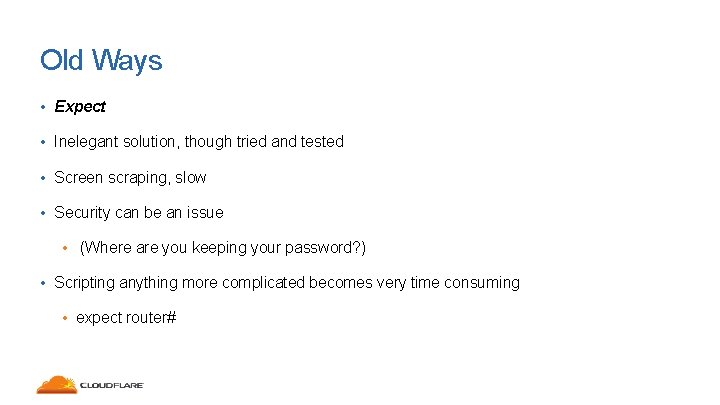
Old Ways • Expect • Inelegant solution, though tried and tested • Screen scraping, slow • Security can be an issue • (Where are you keeping your password? ) • Scripting anything more complicated becomes very time consuming • expect router#
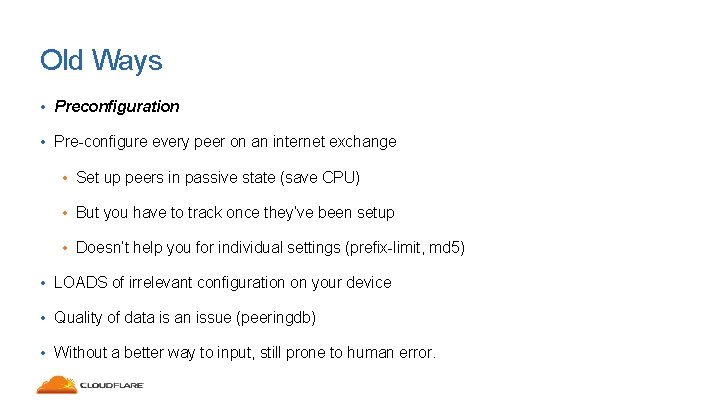
Old Ways • Preconfiguration • Pre-configure every peer on an internet exchange • Set up peers in passive state (save CPU) • But you have to track once they’ve been setup • Doesn’t help you for individual settings (prefix-limit, md 5) • LOADS of irrelevant configuration on your device • Quality of data is an issue (peeringdb) • Without a better way to input, still prone to human error.
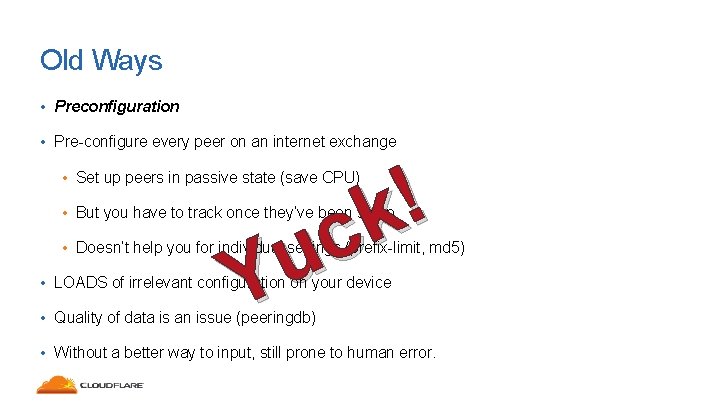
Old Ways • Preconfiguration • Pre-configure every peer on an internet exchange ! k c u Y • Set up peers in passive state (save CPU) • But you have to track once they’ve been setup • Doesn’t help you for individual settings (prefix-limit, md 5) • LOADS of irrelevant configuration on your device • Quality of data is an issue (peeringdb) • Without a better way to input, still prone to human error.
New Recipe
New Recipe • Net. Conf (RFC 4741, RFC 6241, et. al) • Programming language of choice • Jump/Bastion Host • Many different ways to cook it all up
Intro to Net. Conf
Intro to Net. Conf • SNMP was thought to be used for configuration • It failed and was never adopted • XML configuration base • Transactional changes (backup, restore, etc) • Configuration validation
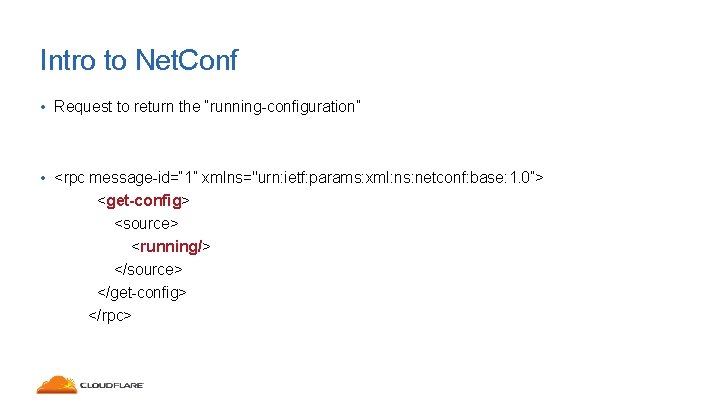
Intro to Net. Conf • Request to return the “running-configuration” • <rpc message-id=“ 1” xmlns="urn: ietf: params: xml: ns: netconf: base: 1. 0”> <get-config> <source> <running/> </source> </get-config> </rpc>
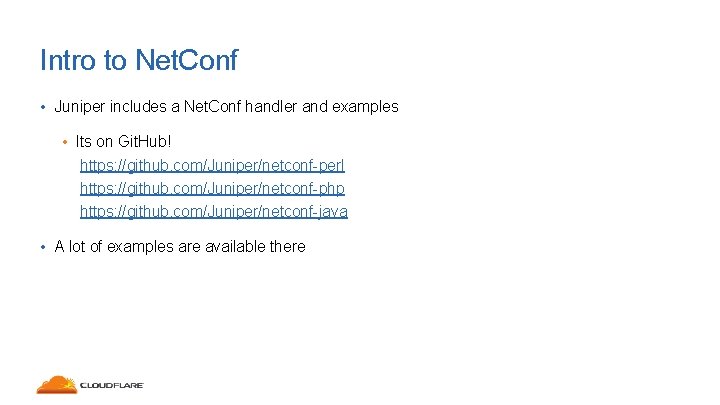
Intro to Net. Conf • Juniper includes a Net. Conf handler and examples • Its on Git. Hub! https: //github. com/Juniper/netconf-perl https: //github. com/Juniper/netconf-php https: //github. com/Juniper/netconf-java • A lot of examples are available there
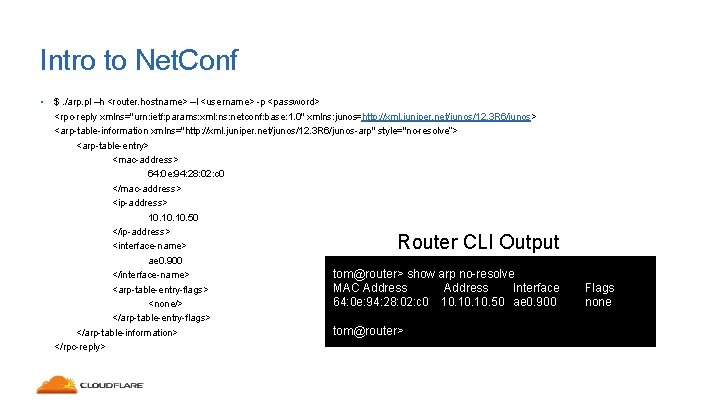
Intro to Net. Conf • $. /arp. pl –h <router. hostname> –l <username> -p <password> <rpc-reply xmlns="urn: ietf: params: xml: ns: netconf: base: 1. 0" xmlns: junos=http: //xml. juniper. net/junos/12. 3 R 6/junos> <arp-table-information xmlns="http: //xml. juniper. net/junos/12. 3 R 6/junos-arp" style="no-resolve”> <arp-table-entry> <mac-address> 64: 0 e: 94: 28: 02: c 0 </mac-address> <ip-address> 10. 10. 50 </ip-address> <interface-name> ae 0. 900 tom@router> show arp no-resolve </interface-name> MAC Address Interface <arp-table-entry-flags> 64: 0 e: 94: 28: 02: c 0 10. 10. 50 ae 0. 900 <none/> </arp-table-entry-flags> tom@router> </arp-table-information> </rpc-reply> Router CLI Output Flags none
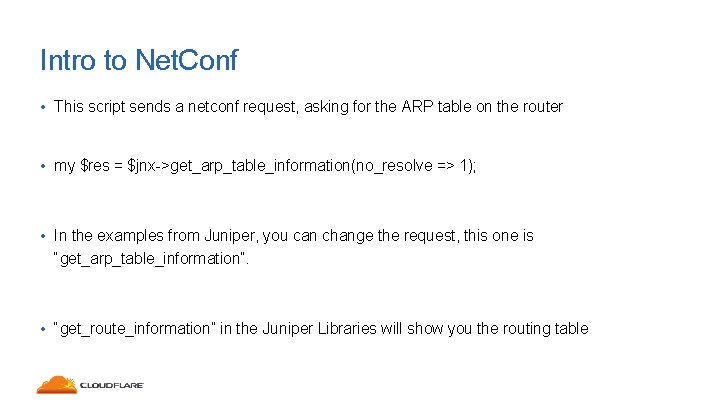
Intro to Net. Conf • This script sends a netconf request, asking for the ARP table on the router • my $res = $jnx->get_arp_table_information(no_resolve => 1); • In the examples from Juniper, you can change the request, this one is “get_arp_table_information”. • “get_route_information” in the Juniper Libraries will show you the routing table
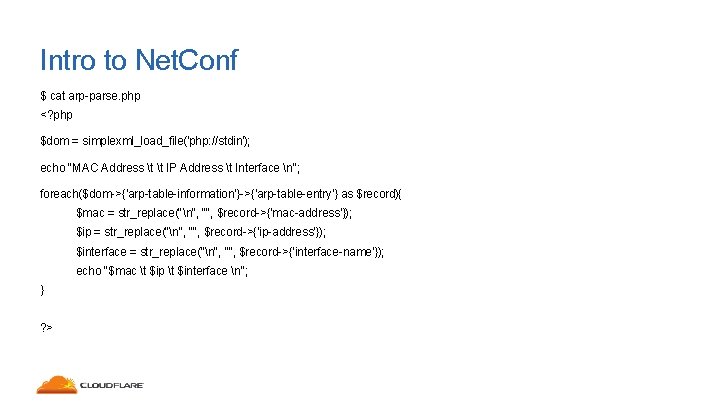
Intro to Net. Conf • But XML is ugly. • Your favorite scripting language saves the day! • A very basic script can convert from ugly XML, to pretty format • Going back to the ARP script…
Intro to Net. Conf $ cat arp-parse. php <? php $dom = simplexml_load_file('php: //stdin'); echo "MAC Address t t IP Address t Interface n"; foreach($dom->{'arp-table-information'}->{'arp-table-entry'} as $record){ $mac = str_replace("n", "", $record->{'mac-address'}); $ip = str_replace("n", "", $record->{'ip-address'}); $interface = str_replace("n", "", $record->{'interface-name'}); echo "$mac t $ip t $interface n"; } ? >
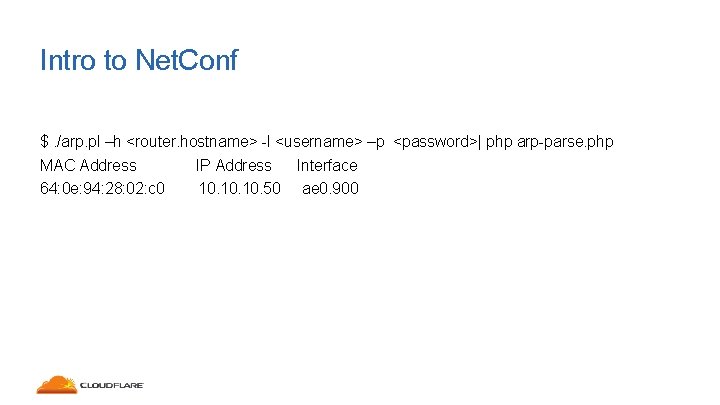
Intro to Net. Conf $. /arp. pl –h <router. hostname> -l <username> –p <password>| php arp-parse. php MAC Address IP Address Interface 64: 0 e: 94: 28: 02: c 0 10. 10. 50 ae 0. 900
Getting XML Configuration
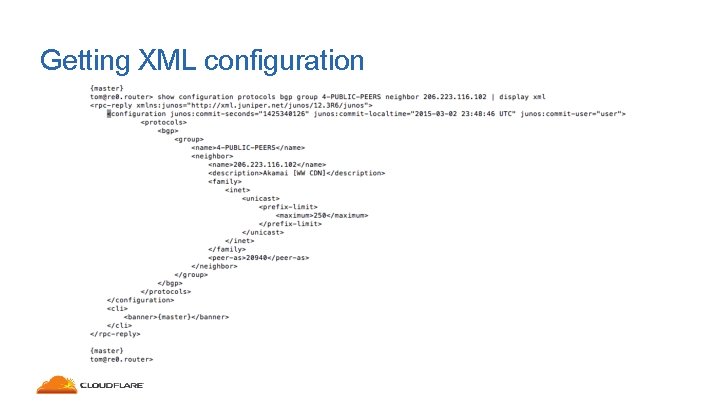
Getting XML configuration • Juniper has a useful command to see what the XML configuration looks like for beginner • “show configuration | display XML”
Getting XML configuration
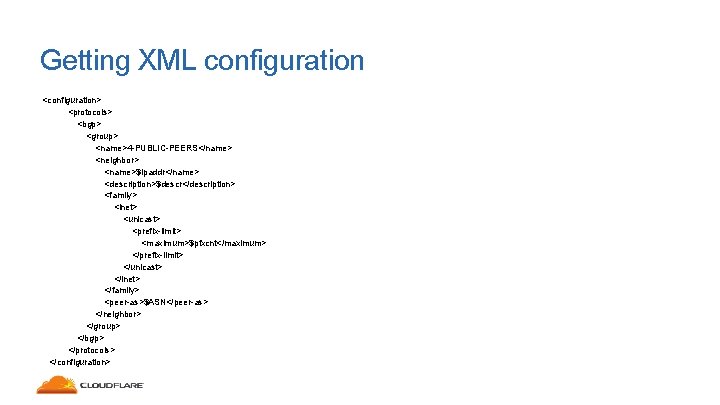
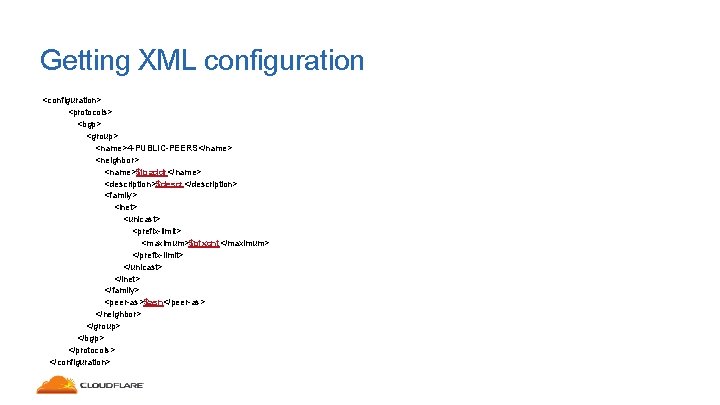
Getting XML configuration <configuration> <protocols> <bgp> <group> <name>4 -PUBLIC-PEERS</name> <neighbor> <name>$ipaddr</name> <description>$descr</description> <family> <inet> <unicast> <prefix-limit> <maximum>$pfxcnt</maximum> </prefix-limit> </unicast> </inet> </family> <peer-as>$ASN</peer-as> </neighbor> </group> </bgp> </protocols> </configuration>
Getting XML configuration <configuration> <protocols> <bgp> <group> <name>4 -PUBLIC-PEERS</name> <neighbor> <name>$ipaddr</name> <description>$descr</description> <family> <inet> <unicast> <prefix-limit> <maximum>$pfxcnt</maximum> </prefix-limit> </unicast> </inet> </family> <peer-as>$asn</peer-as> </neighbor> </group> </bgp> </protocols> </configuration>
Getting XML configuration • Template is very simple • Build out your group (be it Juniper “group”, Cisco “peer-group”, whatever) • Peer config drops inside that group. • There are really only 4 values you need to insert into the template
Pushing Peering Configuration
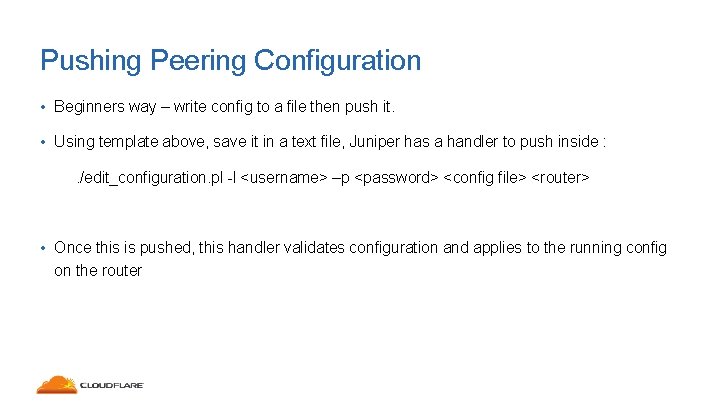
Pushing Peering Configuration • Beginners way – write config to a file then push it. • Using template above, save it in a text file, Juniper has a handler to push inside : . /edit_configuration. pl -l <username> –p <password> <config file> <router> • Once this is pushed, this handler validates configuration and applies to the running config on the router
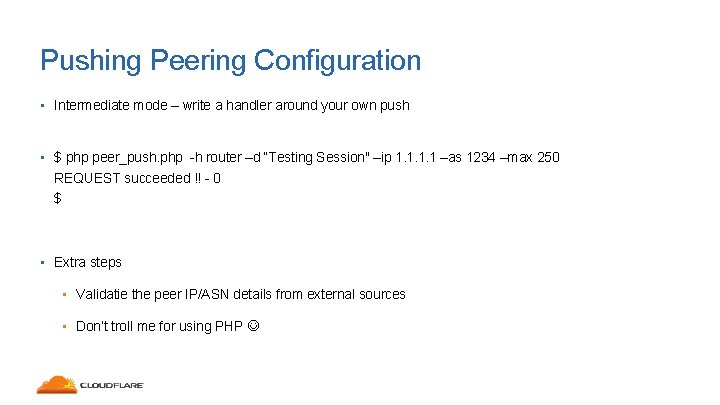
Pushing Peering Configuration • Intermediate mode – write a handler around your own push • $ php peer_push. php -h router –d “Testing Session" –ip 1. 1 –as 1234 –max 250 REQUEST succeeded !! - 0 $ • Extra steps • Validatie the peer IP/ASN details from external sources • Don’t troll me for using PHP
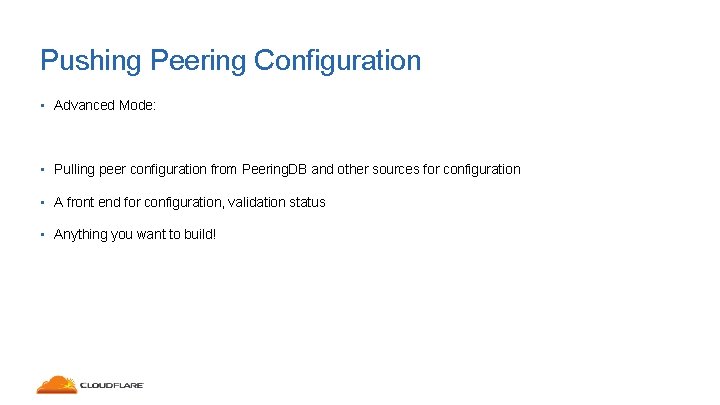
Pushing Peering Configuration • Advanced Mode: • Pulling peer configuration from Peering. DB and other sources for configuration • A front end for configuration, validation status • Anything you want to build!
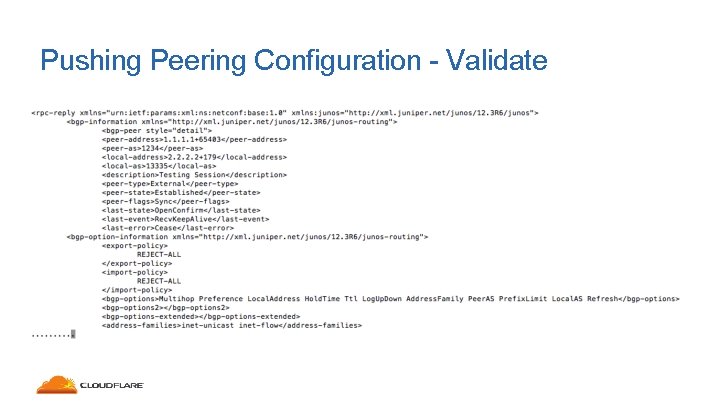
Pushing Peering Configuration - Validate
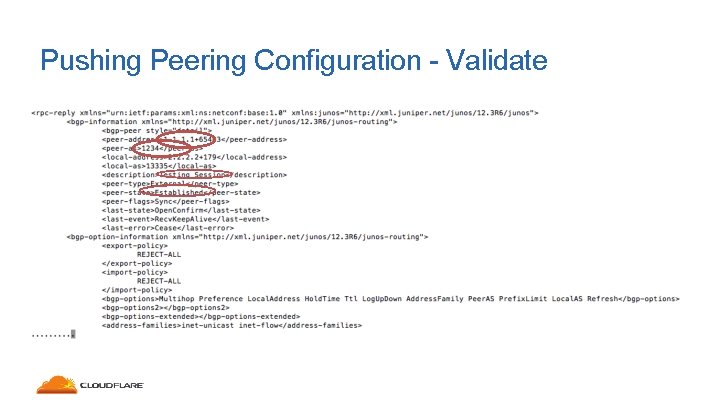
Pushing Peering Configuration - Validate
Summary
Summary • It’s easy to build the base for automation • Even for non-programmers like myself • Make the system well, validate and its easy to build on top of it. • Using the script, even at the intermediate mode can save minutes per peering session turn up, saving hours and days for large peering deployments
Questions?