Yuma 123 Overview Yuma 123 A set of
- Slides: 12
Yuma 123 Overview
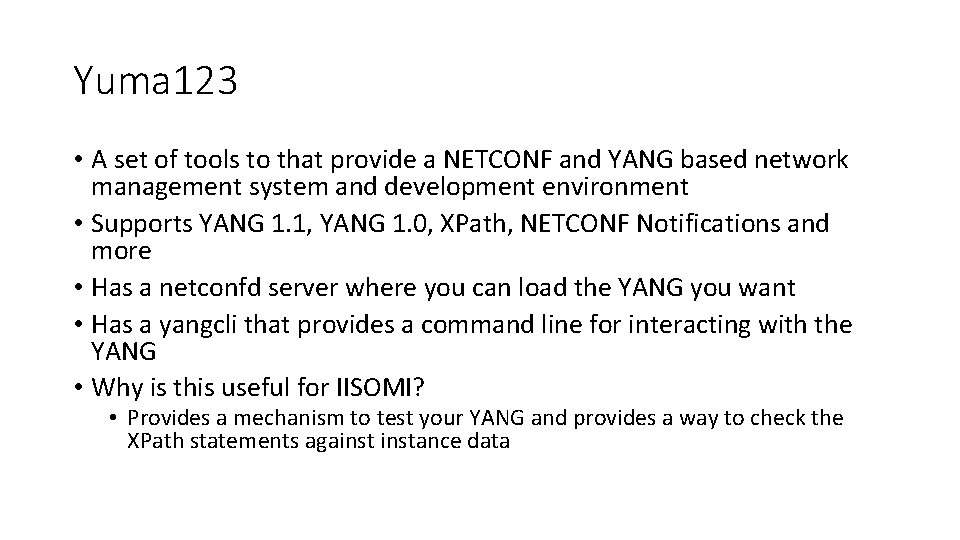
Yuma 123 • A set of tools to that provide a NETCONF and YANG based network management system and development environment • Supports YANG 1. 1, YANG 1. 0, XPath, NETCONF Notifications and more • Has a netconfd server where you can load the YANG you want • Has a yangcli that provides a command line for interacting with the YANG • Why is this useful for IISOMI? • Provides a mechanism to test your YANG and provides a way to check the XPath statements againstance data
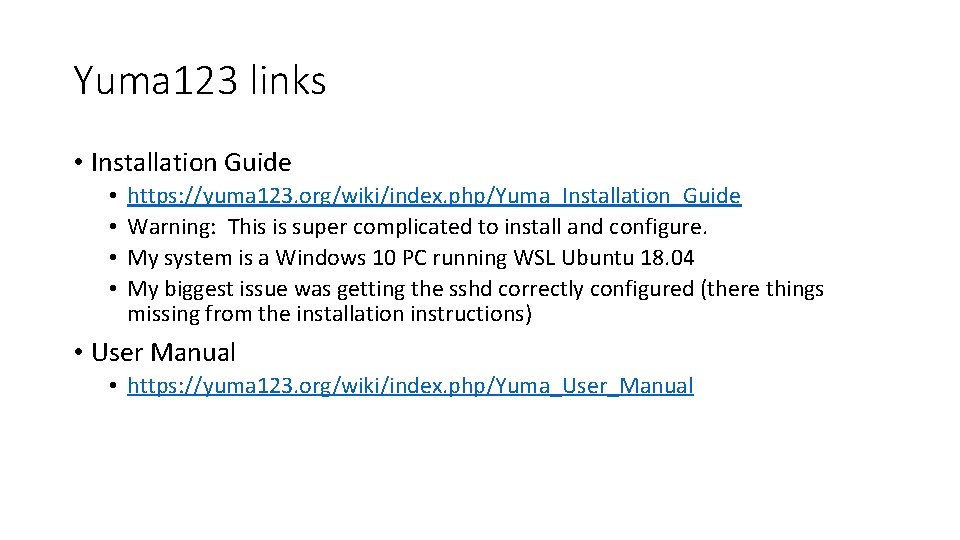
Yuma 123 links • Installation Guide • • https: //yuma 123. org/wiki/index. php/Yuma_Installation_Guide Warning: This is super complicated to install and configure. My system is a Windows 10 PC running WSL Ubuntu 18. 04 My biggest issue was getting the sshd correctly configured (there things missing from the installation instructions) • User Manual • https: //yuma 123. org/wiki/index. php/Yuma_User_Manual
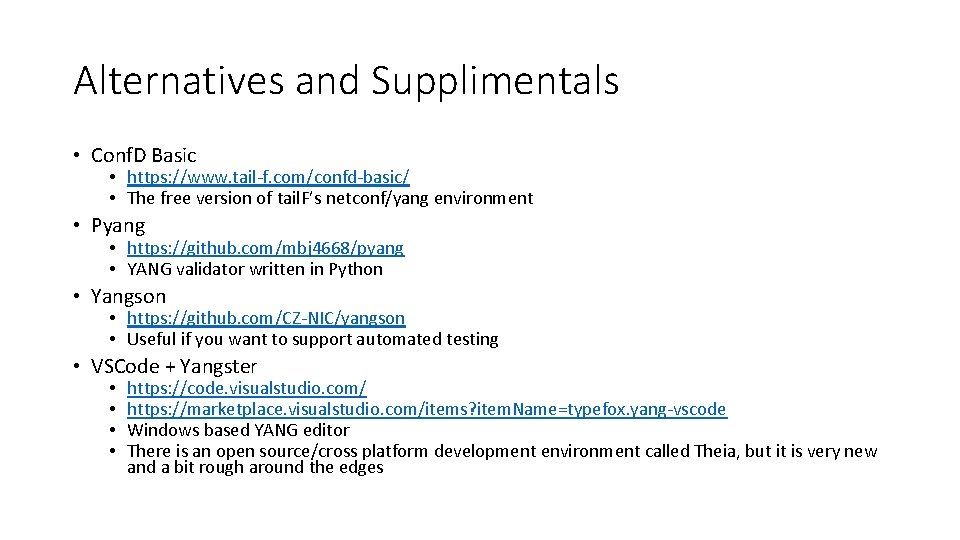
Alternatives and Supplimentals • Conf. D Basic • https: //www. tail-f. com/confd-basic/ • The free version of tail. F’s netconf/yang environment • Pyang • https: //github. com/mbj 4668/pyang • YANG validator written in Python • Yangson • https: //github. com/CZ-NIC/yangson • Useful if you want to support automated testing • VSCode + Yangster • • https: //code. visualstudio. com/ https: //marketplace. visualstudio. com/items? item. Name=typefox. yang-vscode Windows based YANG editor There is an open source/cross platform development environment called Theia, but it is very new and a bit rough around the edges
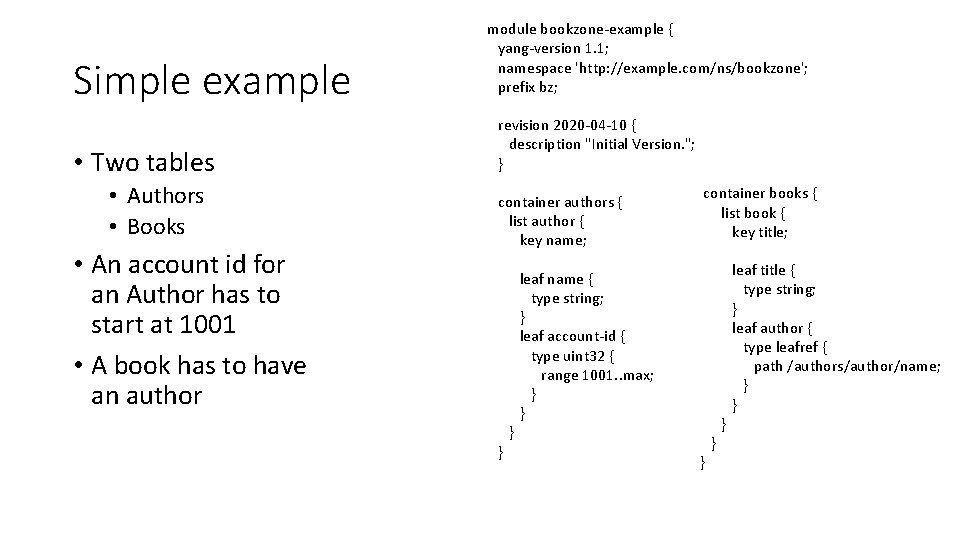
Simple example • Two tables • Authors • Books • An account id for an Author has to start at 1001 • A book has to have an author module bookzone-example { yang-version 1. 1; namespace 'http: //example. com/ns/bookzone'; prefix bz; revision 2020 -04 -10 { description "Initial Version. "; } container books { container authors { list book { list author { key title; key name; leaf title { leaf name { type string; } leaf author { leaf account-id { type leafref { type uint 32 { path /authors/author/name; range 1001. . max; } } } } }
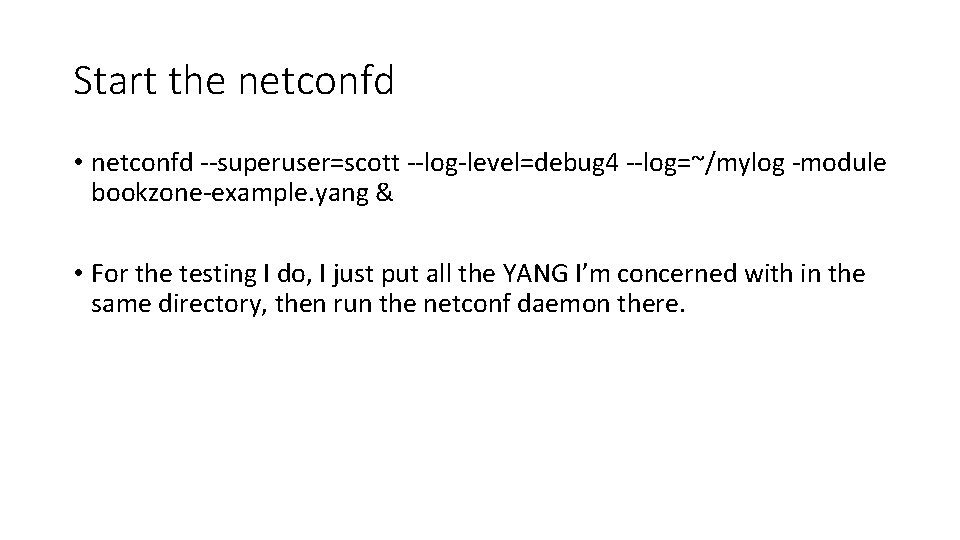
Start the netconfd • netconfd --superuser=scott --log-level=debug 4 --log=~/mylog -module bookzone-example. yang & • For the testing I do, I just put all the YANG I’m concerned with in the same directory, then run the netconf daemon there.
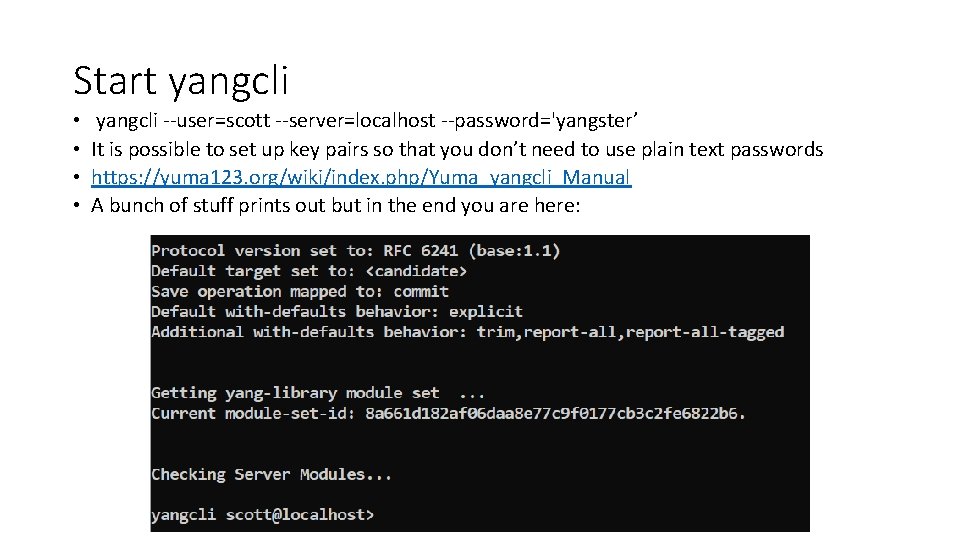
Start yangcli • • yangcli --user=scott --server=localhost --password='yangster’ It is possible to set up key pairs so that you don’t need to use plain text passwords https: //yuma 123. org/wiki/index. php/Yuma_yangcli_Manual A bunch of stuff prints out but in the end you are here:
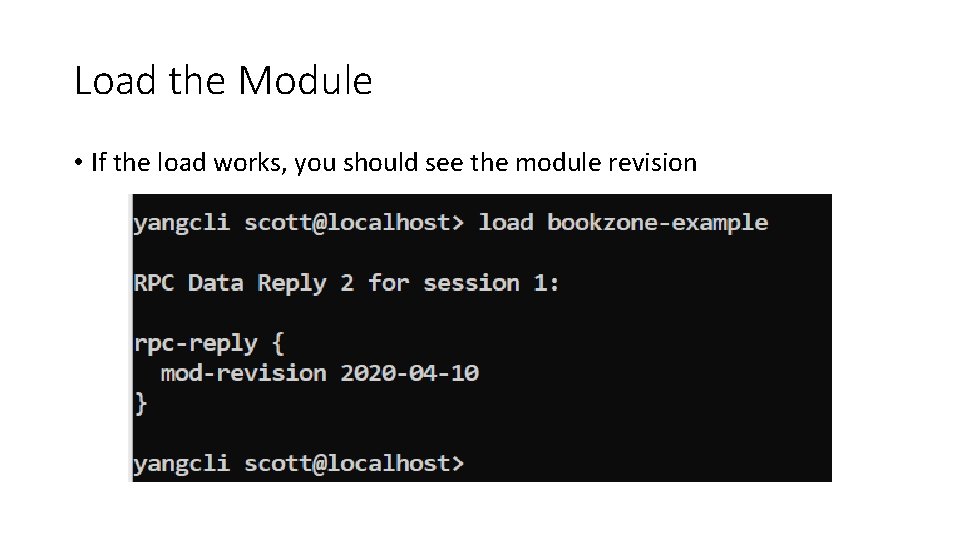
Load the Module • If the load works, you should see the module revision
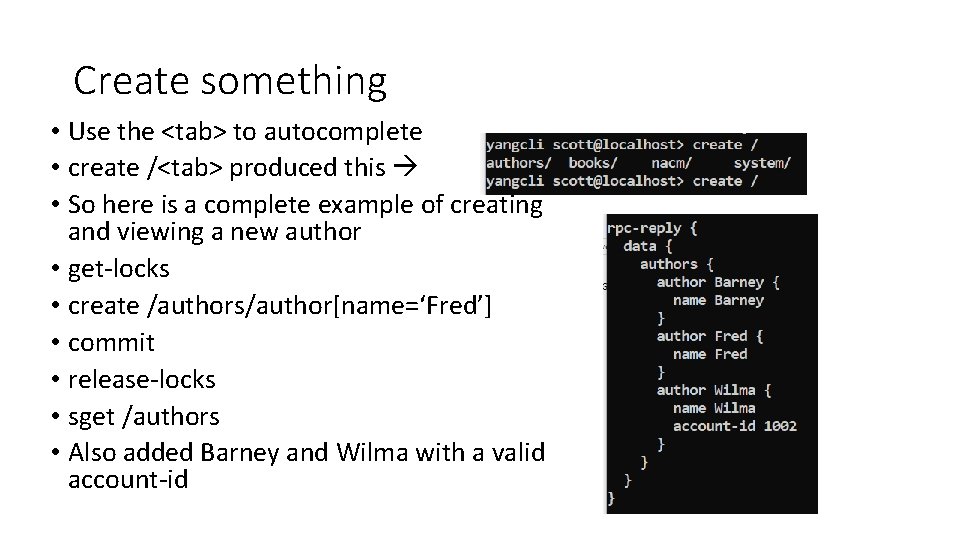
Create something • Use the <tab> to autocomplete • create /<tab> produced this • So here is a complete example of creating and viewing a new author • get-locks • create /authors/author[name=‘Fred’] • commit • release-locks • sget /authors • Also added Barney and Wilma with a valid account-id
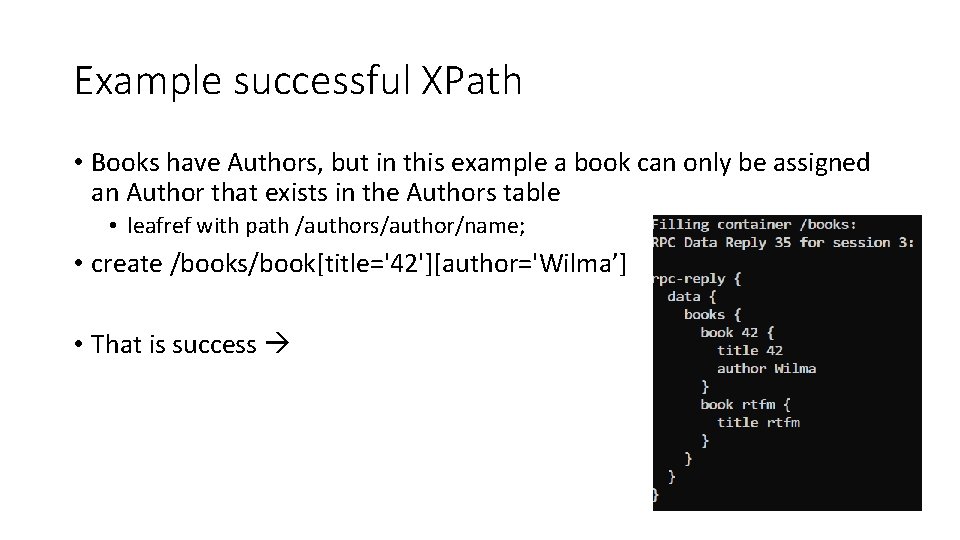
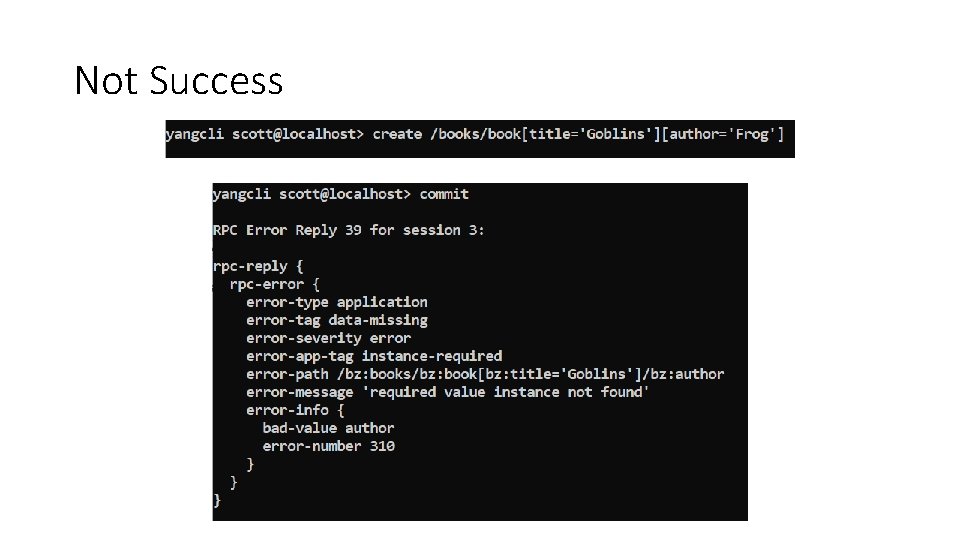
Example successful XPath • Books have Authors, but in this example a book can only be assigned an Author that exists in the Authors table • leafref with path /authors/author/name; • create /books/book[title='42'][author='Wilma’] • That is success
Not Success
Obviously a lot more • Benefits • Checks the semantics of the model because you are running the model and dealing with real instances • Type checking • XPath checking • Could be used to load the IEEE Yang and the ITU-T Yang and test out if a valid configuration could be made