Java Tutorial Write Once Run Anywhere Java General
![while loops while(response == 1) { System. out. print( “ID =” + user. ID[n]);](https://slidetodoc.com/presentation_image_h/8c562cc2f81470192ae1fe314dcf0185/image-27.jpg "while loops while(response == 1) { System. out. print( “ID =” + user. ID[n]);")
![Declaring Arrays int my. Array[]; declares my. Array to be an array of integers](https://slidetodoc.com/presentation_image_h/8c562cc2f81470192ae1fe314dcf0185/image-33.jpg "Declaring Arrays int my. Array[]; declares my. Array to be an array of integers")
![Declaring the Array 1. Declare the array private Student student. List[]; – this declares](https://slidetodoc.com/presentation_image_h/8c562cc2f81470192ae1fe314dcf0185/image-37.jpg "Declaring the Array 1. Declare the array private Student student. List[]; – this declares")
- Slides: 58
Java Tutorial Write Once, Run Anywhere
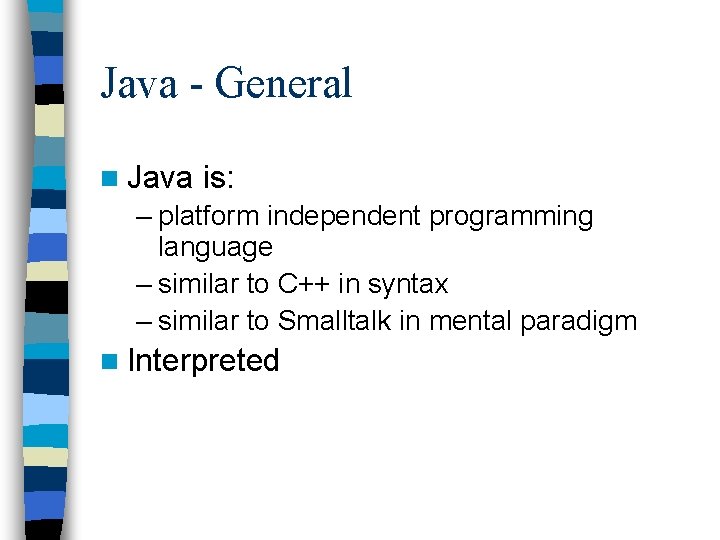
Java - General n Java is: – platform independent programming language – similar to C++ in syntax – similar to Smalltalk in mental paradigm n Interpreted
Java - General n Java has some interesting features: – automatic type checking, – automatic garbage collection, – simplifies pointers; no directly accessible pointer to memory, – simplified network access, – multi-threading!
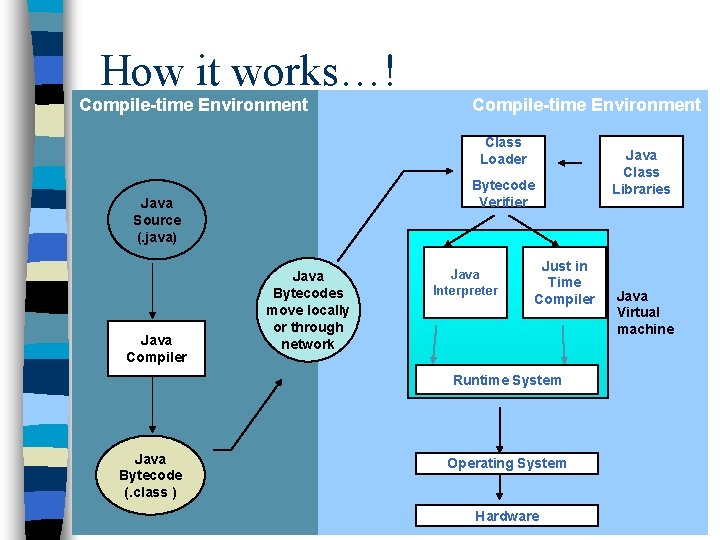
How it works…! Compile-time Environment Class Loader Bytecode Verifier Java Source (. java) Java Compiler Java Bytecodes move locally or through network Java Interpreter Just in Time Compiler Runtime System Java Bytecode (. class ) Operating System Hardware Java Class Libraries Java Virtual machine
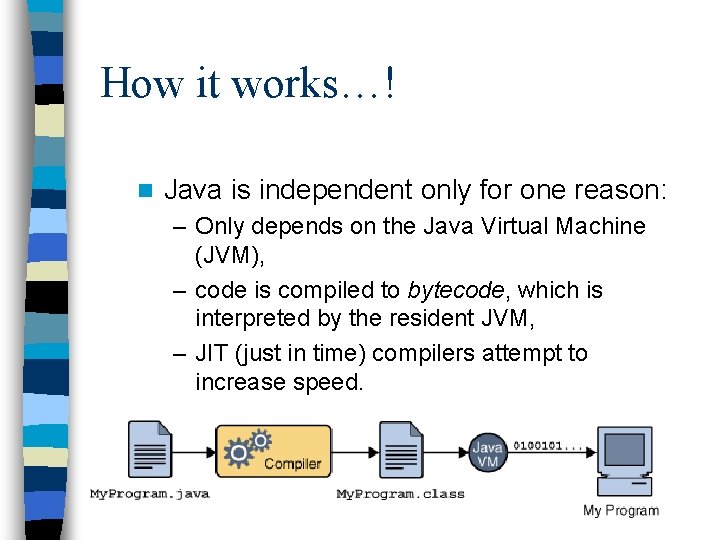
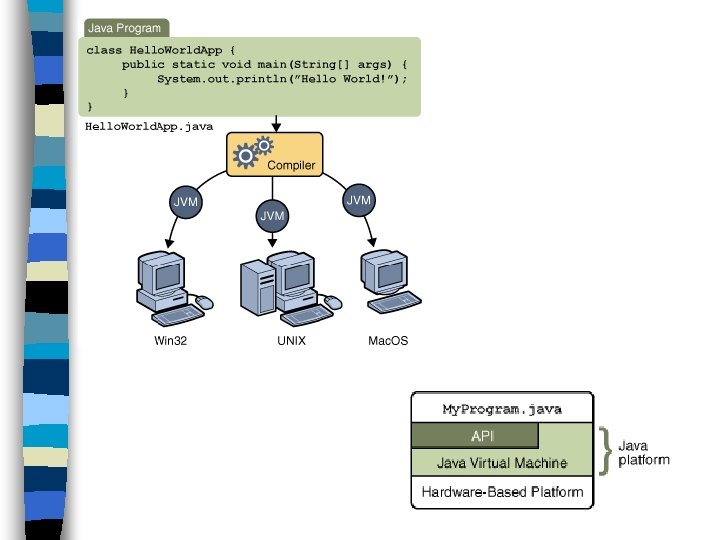
How it works…! n Java is independent only for one reason: – Only depends on the Java Virtual Machine (JVM), – code is compiled to bytecode, which is interpreted by the resident JVM, – JIT (just in time) compilers attempt to increase speed.
Java - Security n Pointer denial - reduces chances of virulent programs corrupting host, n Applets even more restricted - – May not • run local executables, • Read or write to local file system, • Communicate with any server other than the originating server.
Object-Oriented n Java supports OOD – Polymorphism – Inheritance – Encapsulation n Java programs contain nothing but definitions and instantiations of classes – Everything is encapsulated in a class!
Java Advantages n n n Portable - Write Once, Run Anywhere Security has been well thought through Robust memory management Designed for network programming Multi-threaded (multiple simultaneous tasks) Dynamic & extensible (loads of libraries) – Classes stored in separate files – Loaded only when needed
Java Development Kit n javac - The Java Compiler n java - The Java Interpreter n jdb - The Java Debugger n appletviewer -Tool to run the applets javap - to print the Java bytecodes n javaprof - Java profiler n javadoc - documentation generator n javah - creates C header files n
Basic Java Syntax
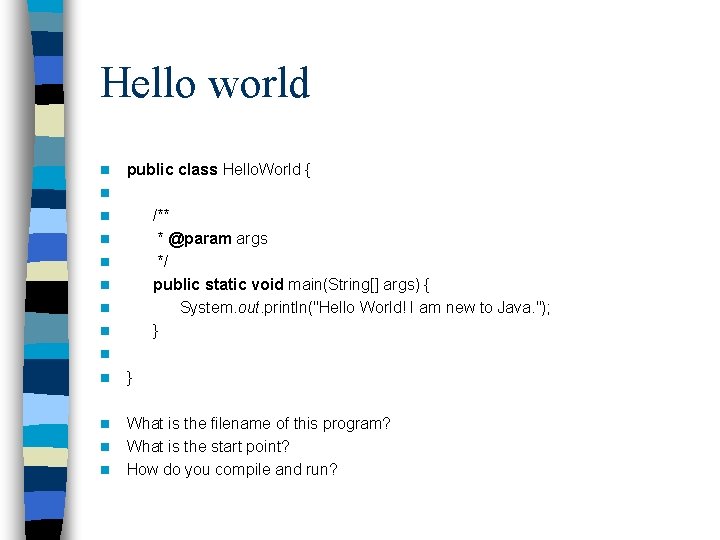
Hello world n n n n public class Hello. World { /** * @param args */ public static void main(String[] args) { System. out. println("Hello World! I am new to Java. "); } } What is the filename of this program? What is the start point? How do you compile and run?
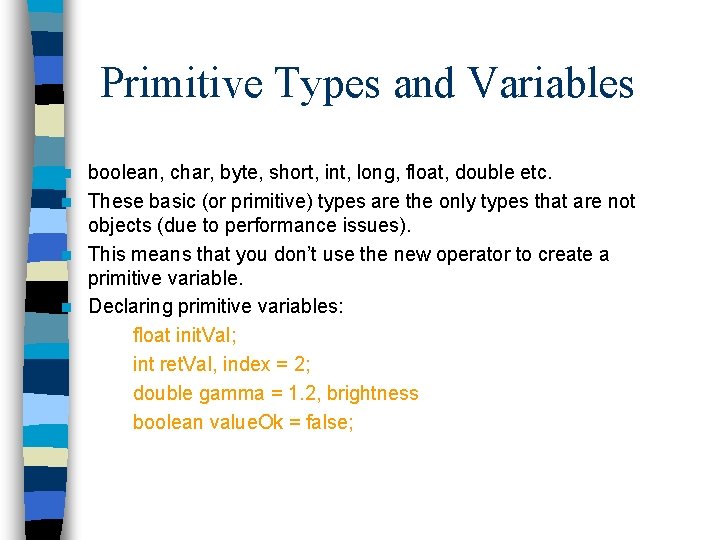
Primitive Types and Variables boolean, char, byte, short, int, long, float, double etc. n These basic (or primitive) types are the only types that are not objects (due to performance issues). n This means that you don’t use the new operator to create a primitive variable. n Declaring primitive variables: float init. Val; int ret. Val, index = 2; double gamma = 1. 2, brightness boolean value. Ok = false; n
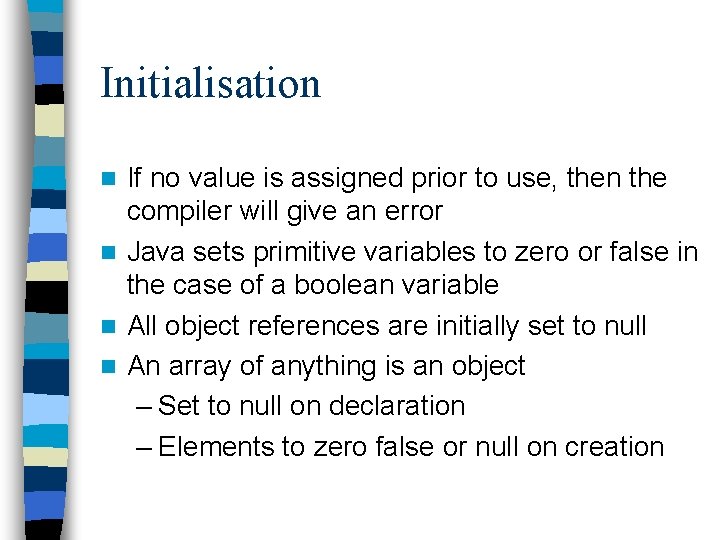
Initialisation If no value is assigned prior to use, then the compiler will give an error n Java sets primitive variables to zero or false in the case of a boolean variable n All object references are initially set to null n An array of anything is an object – Set to null on declaration – Elements to zero false or null on creation n
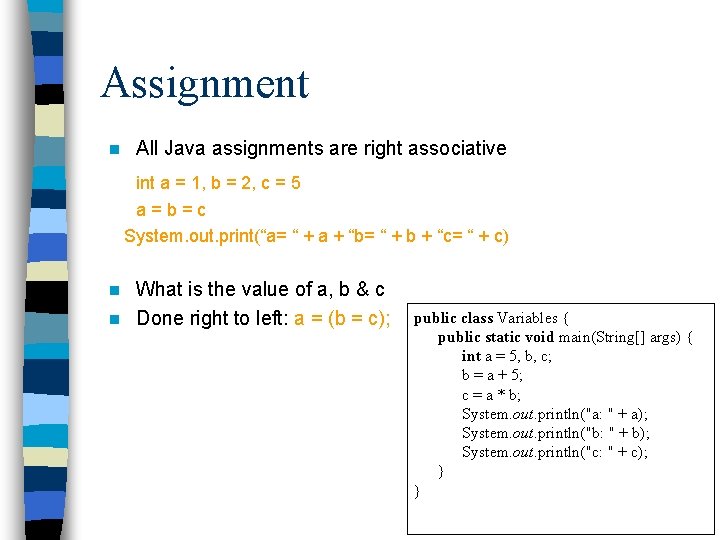
Assignment n All Java assignments are right associative int a = 1, b = 2, c = 5 a = b = c System. out. print(“a= “ + a + “b= “ + b + “c= “ + c) What is the value of a, b & c n Done right to left: a = (b = c); n public class Variables { public static void main(String[] args) { int a = 5, b, c; b = a + 5; c = a * b; System. out. println("a: " + a); System. out. println("b: " + b); System. out. println("c: " + c); } }
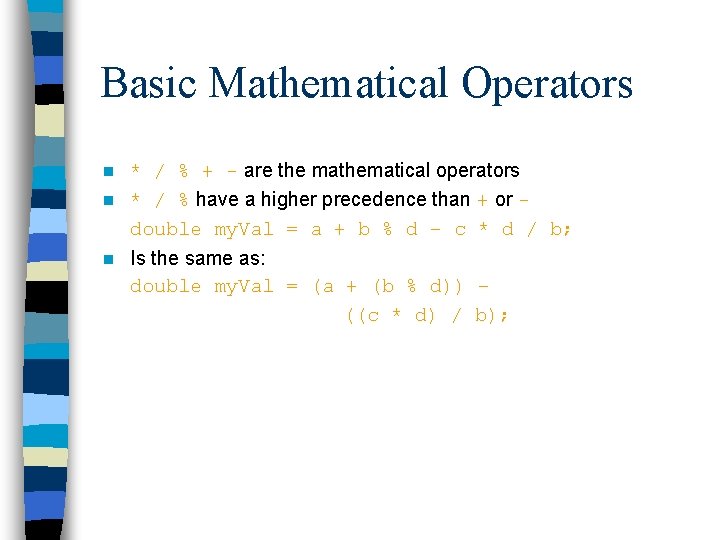
Basic Mathematical Operators * / % + - are the mathematical operators n * / % have a higher precedence than + or double my. Val = a + b % d – c * d / b; n n Is the same as: double my. Val = (a + (b % d)) – ((c * d) / b);
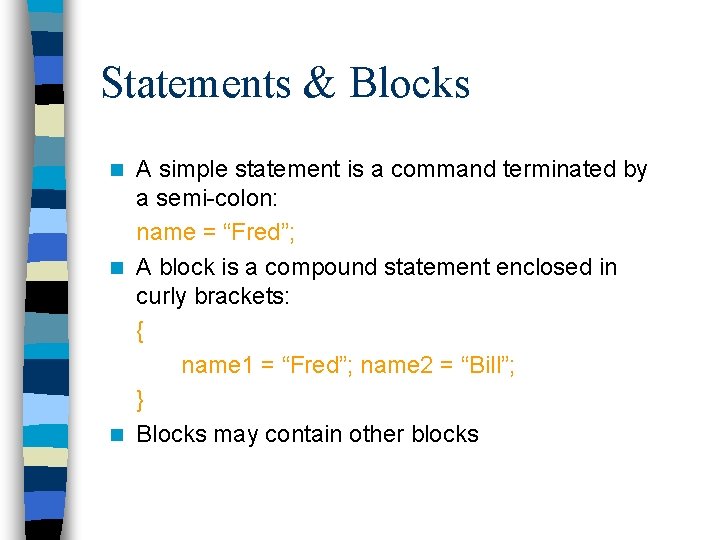
Statements & Blocks A simple statement is a command terminated by a semi-colon: name = “Fred”; n A block is a compound statement enclosed in curly brackets: { name 1 = “Fred”; name 2 = “Bill”; } n Blocks may contain other blocks n
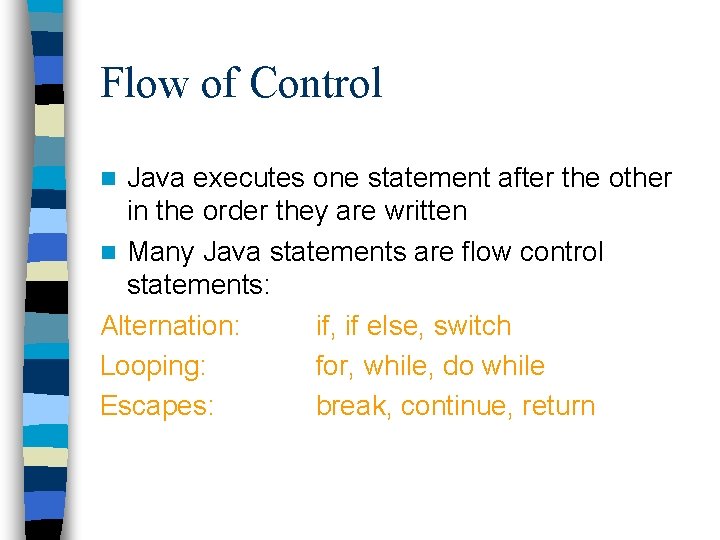
Flow of Control Java executes one statement after the other in the order they are written n Many Java statements are flow control statements: Alternation: if, if else, switch Looping: for, while, do while Escapes: break, continue, return n
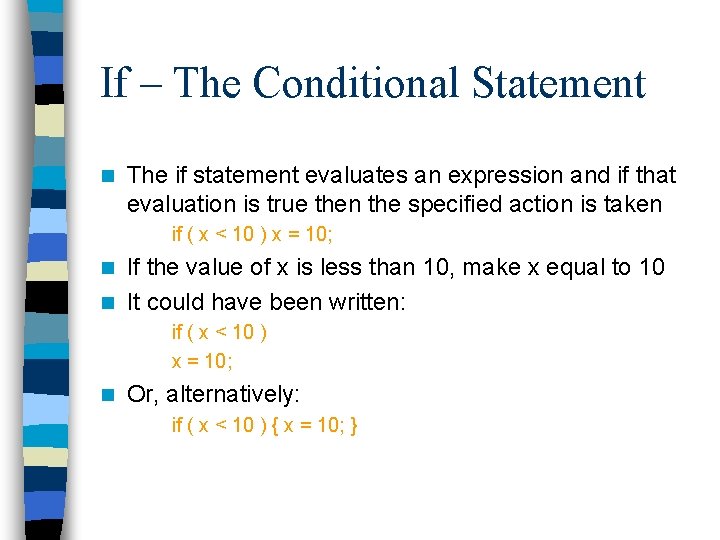
If – The Conditional Statement n The if statement evaluates an expression and if that evaluation is true then the specified action is taken if ( x < 10 ) x = 10; If the value of x is less than 10, make x equal to 10 n It could have been written: n if ( x < 10 ) x = 10; n Or, alternatively: if ( x < 10 ) { x = 10; }
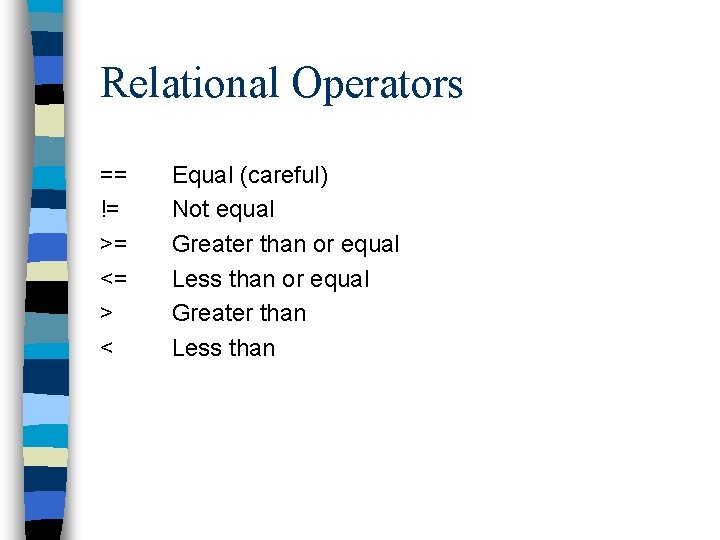
Relational Operators == != >= <= > < Equal (careful) Not equal Greater than or equal Less than or equal Greater than Less than
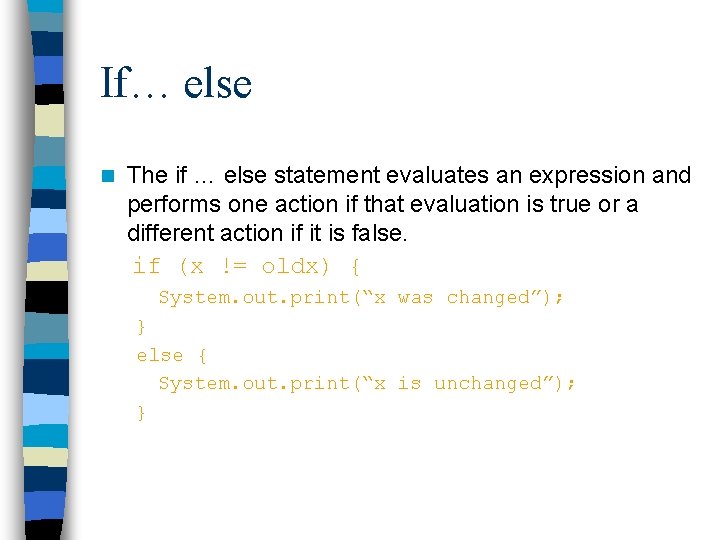
If… else n The if … else statement evaluates an expression and performs one action if that evaluation is true or a different action if it is false. if (x != oldx) { System. out. print(“x was changed”); } else { System. out. print(“x is unchanged”); }
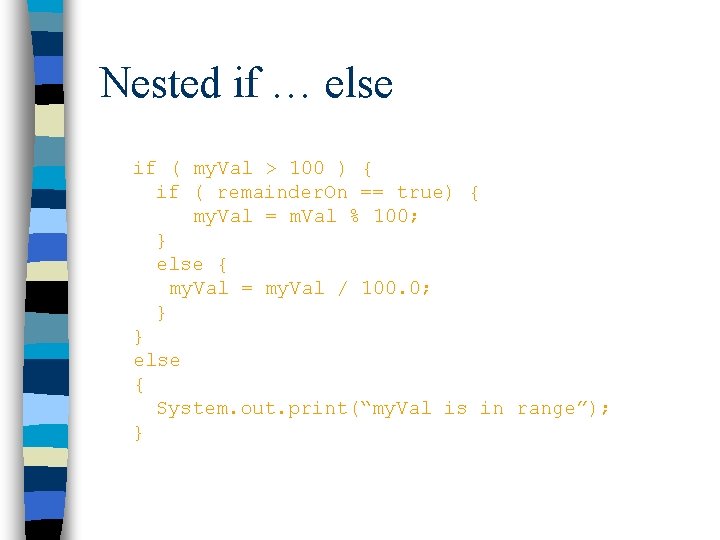
Nested if … else if ( my. Val > 100 ) { if ( remainder. On == true) { my. Val = m. Val % 100; } else { my. Val = my. Val / 100. 0; } } else { System. out. print(“my. Val is in range”); }
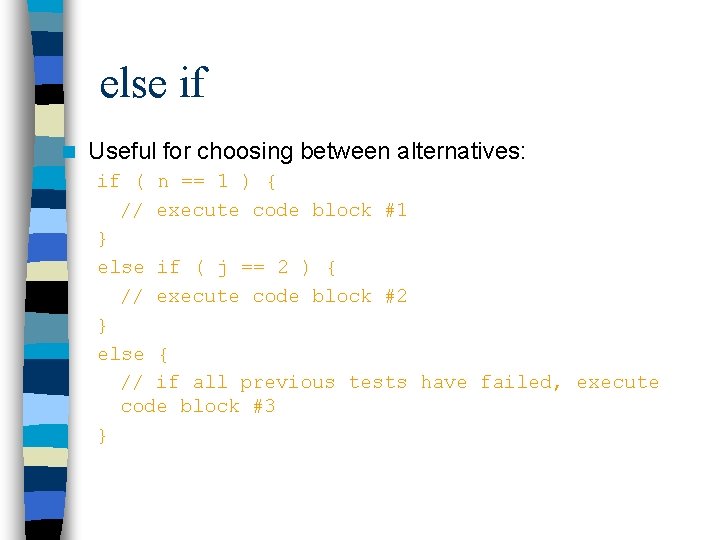
else if n Useful for choosing between alternatives: if ( n == 1 ) { // execute code block #1 } else if ( j == 2 ) { // execute code block #2 } else { // if all previous tests have failed, execute code block #3 }
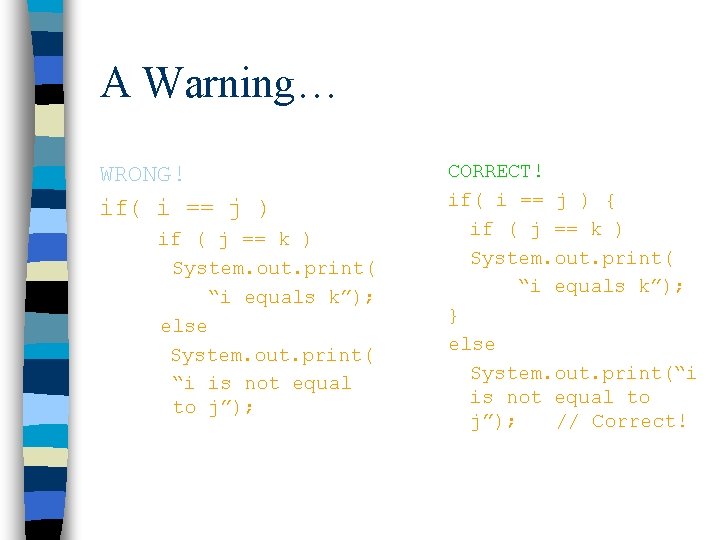
A Warning… WRONG! if( i == j ) if ( j == k ) System. out. print( “i equals k”); else System. out. print( “i is not equal to j”); CORRECT! if( i == j ) { if ( j == k ) System. out. print( “i equals k”); } else System. out. print(“i is not equal to j”); // Correct!
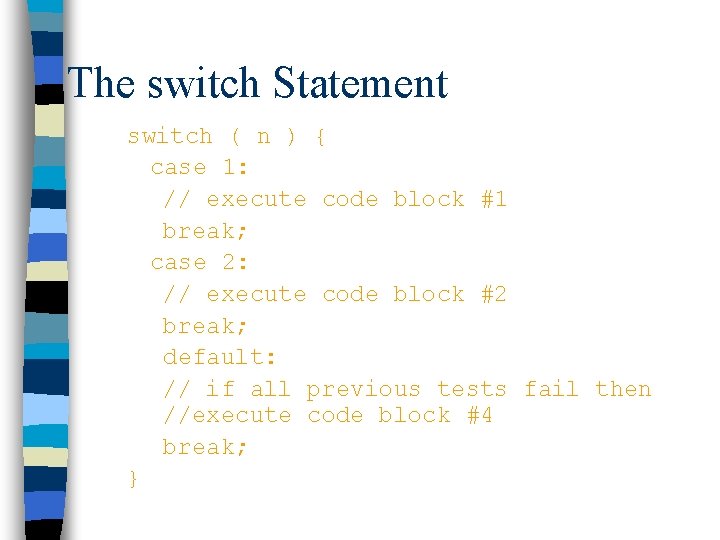
The switch Statement switch ( n ) { case 1: // execute code block #1 break; case 2: // execute code block #2 break; default: // if all previous tests fail then //execute code block #4 break; }
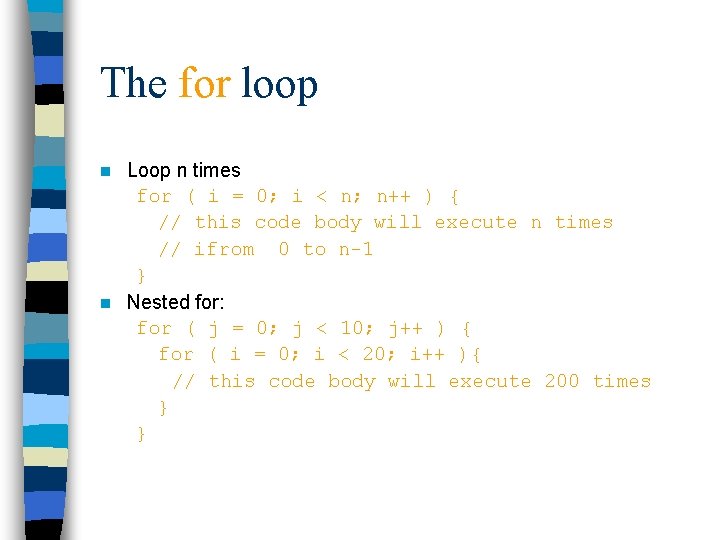
The for loop Loop n times for ( i = 0; i < n; n++ ) { // this code body will execute n times // ifrom 0 to n-1 } n Nested for: for ( j = 0; j < 10; j++ ) { for ( i = 0; i < 20; i++ ){ // this code body will execute 200 times } } n
while loops while(response == 1) { System. out. print( “ID =” + user. ID[n]); n++; response = read. Int( “Enter “); } What is the minimum number of times the loop is executed? What is the maximum number of times?
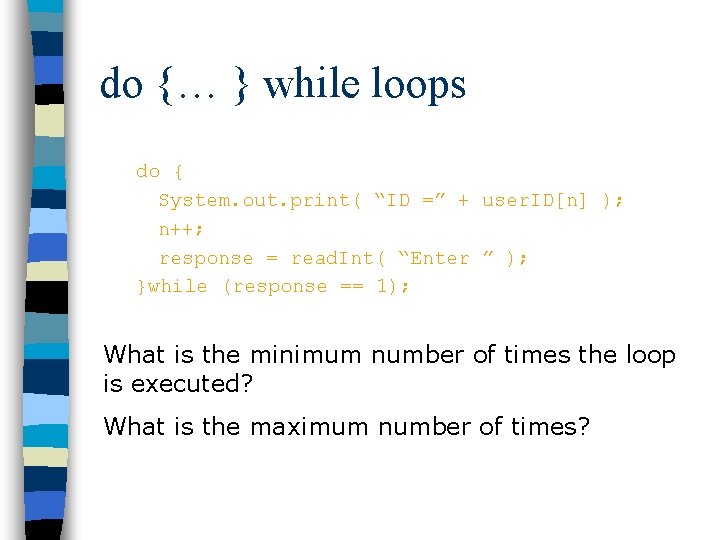
do {… } while loops do { System. out. print( “ID =” + user. ID[n] ); n++; response = read. Int( “Enter ” ); }while (response == 1); What is the minimum number of times the loop is executed? What is the maximum number of times?
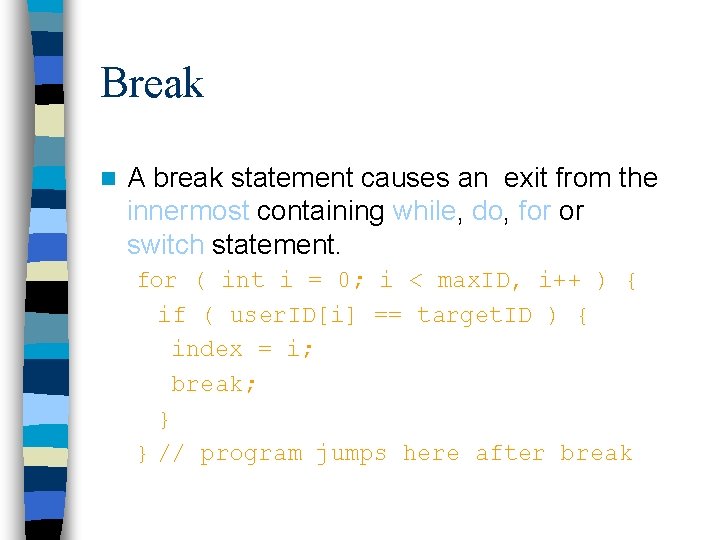
Break n A break statement causes an exit from the innermost containing while, do, for or switch statement. for ( int i = 0; i < max. ID, i++ ) { if ( user. ID[i] == target. ID ) { index = i; break; } } // program jumps here after break
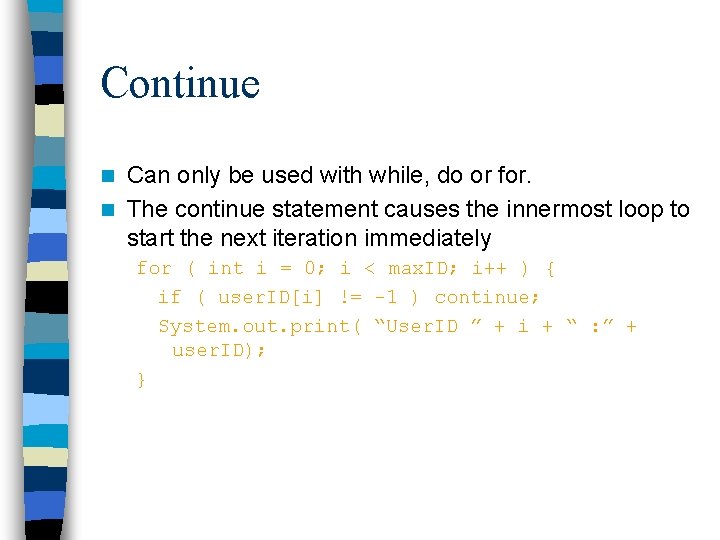
Continue Can only be used with while, do or for. n The continue statement causes the innermost loop to start the next iteration immediately n for ( int i = 0; i < max. ID; i++ ) { if ( user. ID[i] != -1 ) continue; System. out. print( “User. ID ” + i + “ : ” + user. ID); }
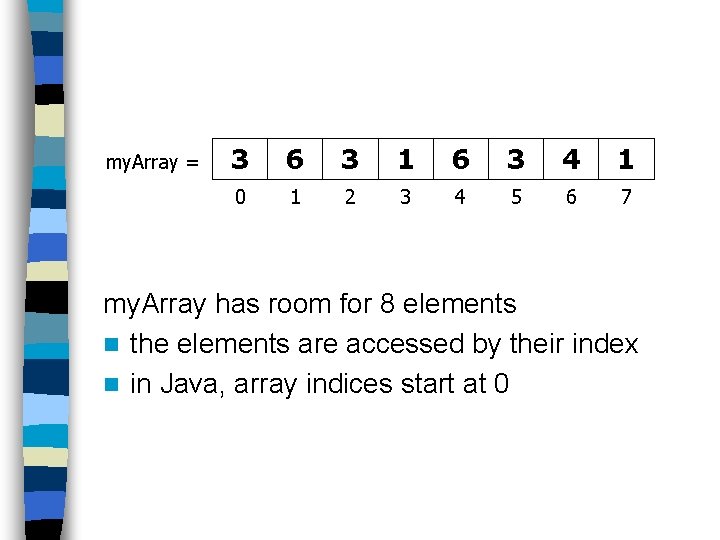
Arrays Am array is a list of similar things n An array has a fixed: – name – type – length n These must be declared when the array is created. n Arrays sizes cannot be changed during the execution of the code n
my. Array = 3 6 3 1 6 3 4 1 0 1 2 3 4 5 6 7 my. Array has room for 8 elements n the elements are accessed by their index n in Java, array indices start at 0
Declaring Arrays int my. Array[]; declares my. Array to be an array of integers my. Array = new int[8]; sets up 8 integer-sized spaces in memory, labelled my. Array[0] to my. Array[7] int my. Array[] = new int[8]; combines the two statements in one line
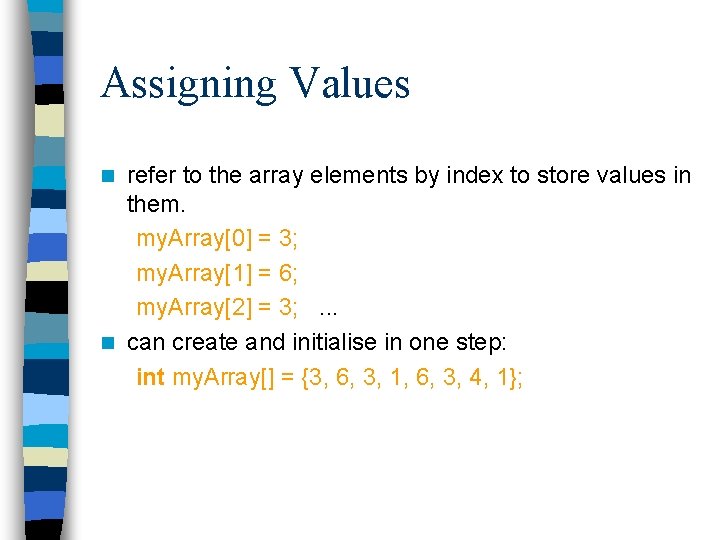
Assigning Values refer to the array elements by index to store values in them. my. Array[0] = 3; my. Array[1] = 6; my. Array[2] = 3; . . . n can create and initialise in one step: int my. Array[] = {3, 6, 3, 1, 6, 3, 4, 1}; n
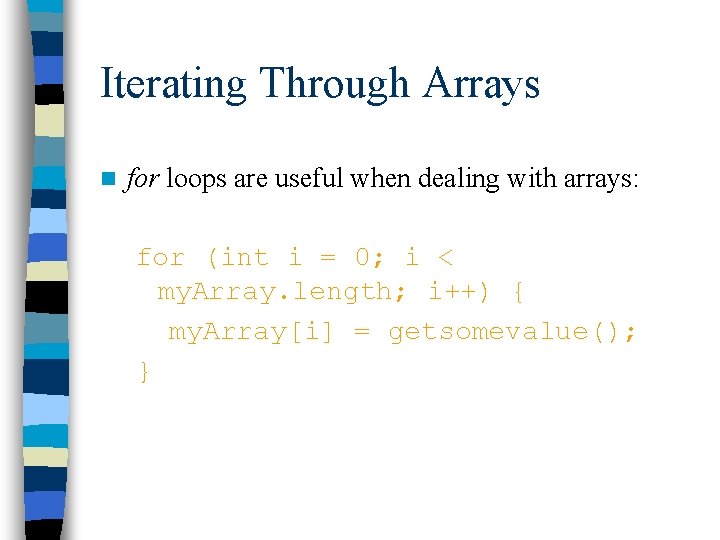
Iterating Through Arrays n for loops are useful when dealing with arrays: for (int i = 0; i < my. Array. length; i++) { my. Array[i] = getsomevalue(); }
Arrays of Objects So far we have looked at an array of primitive types. – integers – could also use doubles, floats, characters… n Often want to have an array of objects – Students, Books, Loans …… n Need to follow 3 steps. n
Declaring the Array 1. Declare the array private Student student. List[]; – this declares student. List 2. Create the array student. List = new Student[10]; – this sets up 10 spaces in memory that can hold references to Student objects 3. Create Student objects and add them to the array: student. List[0] = new Student("Cathy", "Computing"); int [] array. Of. Ints; int array. Of. Ints []; equivalent Chess. Piece [][] chess. Board; chess. Board = new Chess. Piece [8][8]; chess. Board[0][0] = new Chess. Piece( "Rook" ); chess. Board[1][0] = new Chess. Piece( "Pawn" ); boolean [][] checker. Board;
Java Methods & Classes
Classes ARE Object Definitions n OOP - object oriented programming n code built from objects n Java these are called classes n Each class definition is coded in a separate. java file n Name of the object must match the class/object name
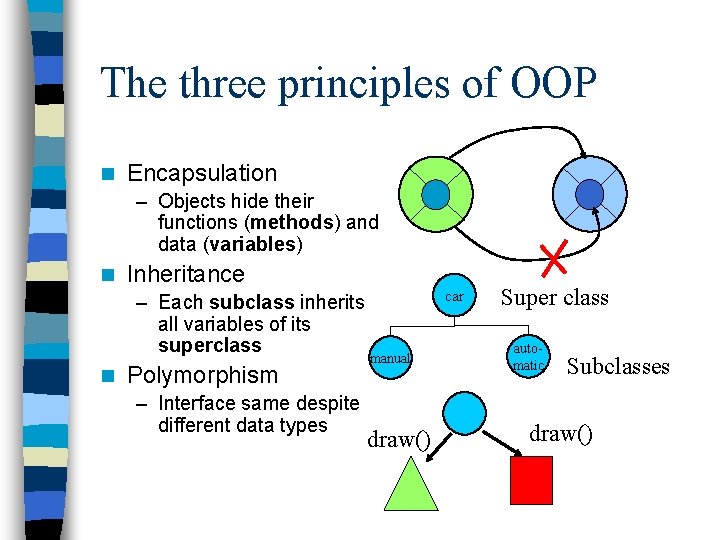
The three principles of OOP n Encapsulation – Objects hide their functions (methods) and data (variables) n Inheritance – Each subclass inherits all variables of its superclass n Polymorphism – Interface same despite different data types manual draw() car Super class automatic Subclasses draw()
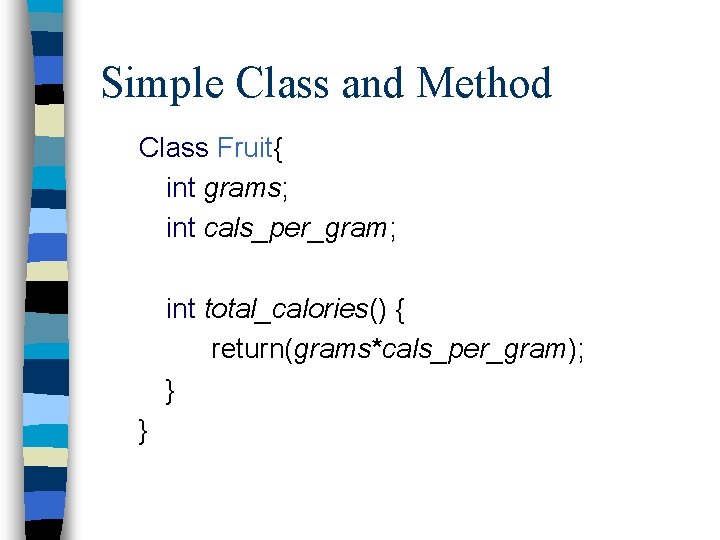
Simple Class and Method Class Fruit{ int grams; int cals_per_gram; int total_calories() { return(grams*cals_per_gram); } }
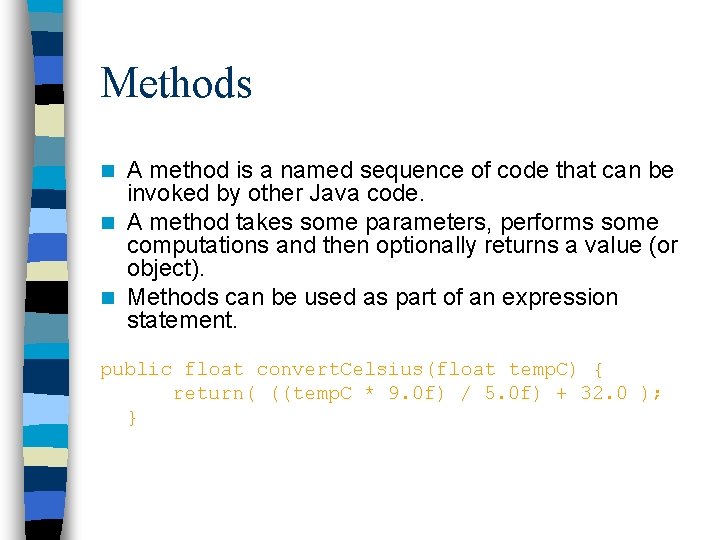
Methods A method is a named sequence of code that can be invoked by other Java code. n A method takes some parameters, performs some computations and then optionally returns a value (or object). n Methods can be used as part of an expression statement. n public float convert. Celsius(float temp. C) { return( ((temp. C * 9. 0 f) / 5. 0 f) + 32. 0 ); }
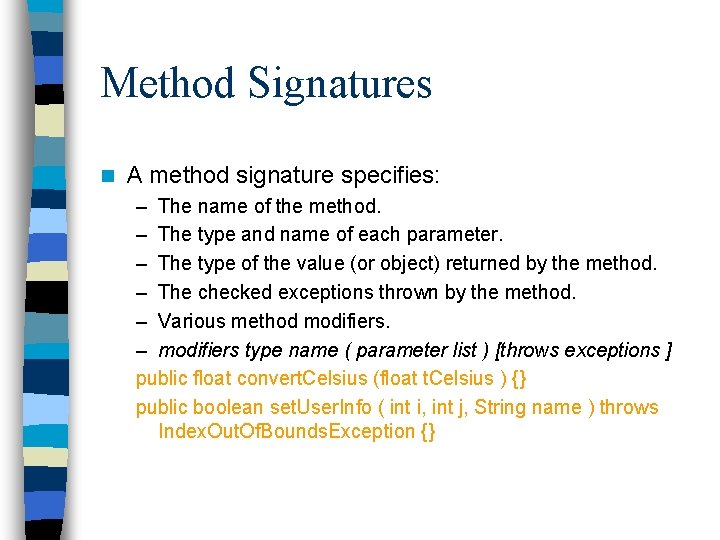
Method Signatures n A method signature specifies: – The name of the method. – The type and name of each parameter. – The type of the value (or object) returned by the method. – The checked exceptions thrown by the method. – Various method modifiers. – modifiers type name ( parameter list ) [throws exceptions ] public float convert. Celsius (float t. Celsius ) {} public boolean set. User. Info ( int i, int j, String name ) throws Index. Out. Of. Bounds. Exception {}
Public/private Methods/data may be declared public or private meaning they may or may not be accessed by code in other classes … n Good practice: n – keep data private – keep most methods private n well-defined interface between classes - helps to eliminate errors
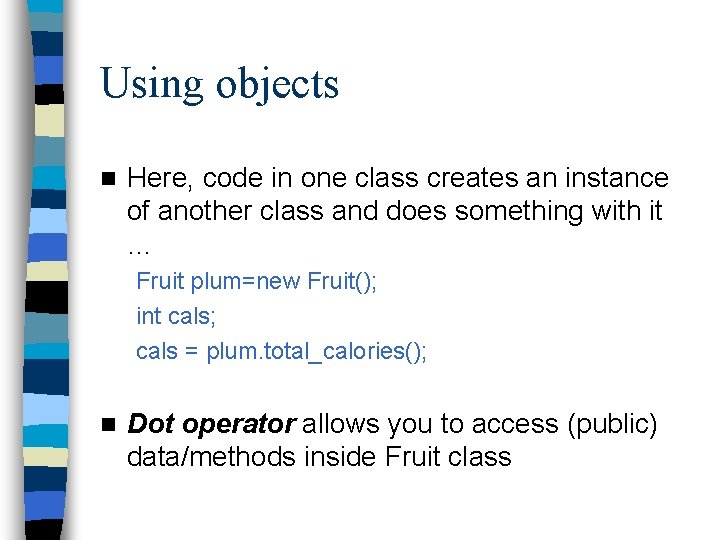
Using objects n Here, code in one class creates an instance of another class and does something with it … Fruit plum=new Fruit(); int cals; cals = plum. total_calories(); n Dot operator allows you to access (public) data/methods inside Fruit class
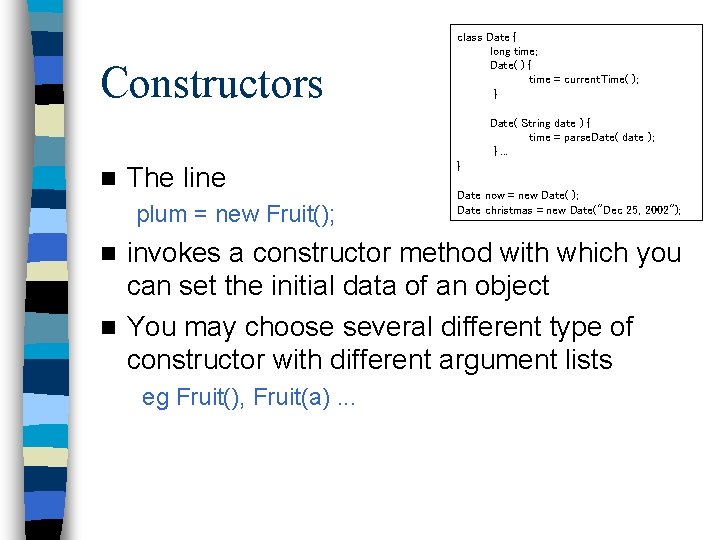
Constructors class Date { long time; Date( ) { time = current. Time( ); } Date( String date ) { time = parse. Date( date ); }. . . n The line plum = new Fruit(); } Date now = new Date( ); Date christmas = new Date("Dec 25, 2002"); invokes a constructor method with which you can set the initial data of an object n You may choose several different type of constructor with different argument lists n eg Fruit(), Fruit(a). . .
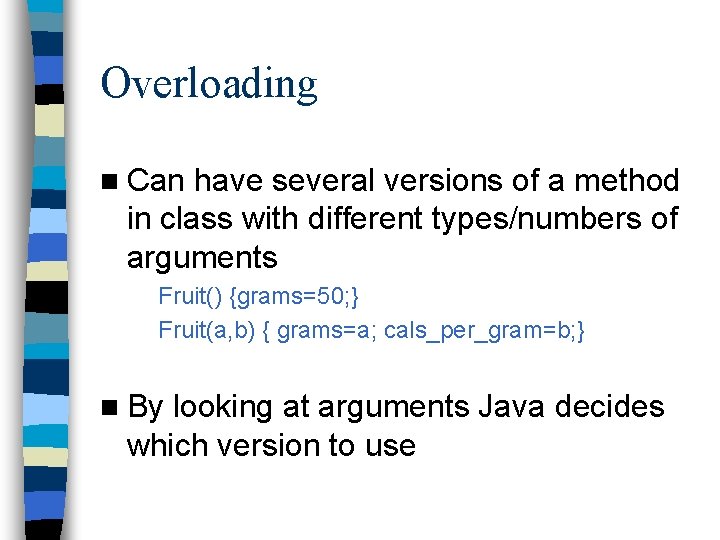
Overloading n Can have several versions of a method in class with different types/numbers of arguments Fruit() {grams=50; } Fruit(a, b) { grams=a; cals_per_gram=b; } n By looking at arguments Java decides which version to use
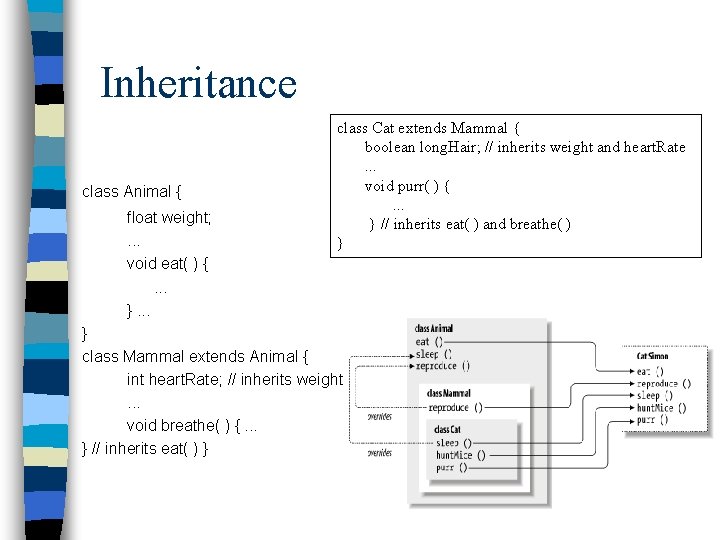
Inheritance class Animal { float weight; . . . void eat( ) { . . . }. . . class Cat extends Mammal { boolean long. Hair; // inherits weight and heart. Rate . . . void purr( ) { . . . } // inherits eat( ) and breathe( ) } } class Mammal extends Animal { int heart. Rate; // inherits weight . . . void breathe( ) {. . . } // inherits eat( ) }
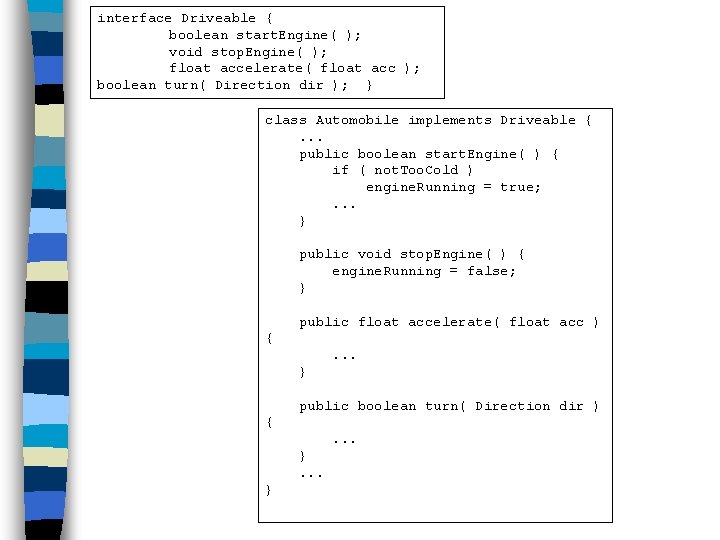
interface Driveable { boolean start. Engine( ); void stop. Engine( ); float accelerate( float acc ); boolean turn( Direction dir ); } class Automobile implements Driveable {. . . public boolean start. Engine( ) { if ( not. Too. Cold ) engine. Running = true; . . . } public void stop. Engine( ) { engine. Running = false; } public float accelerate( float acc ) {. . . } public boolean turn( Direction dir ) {. . . }
Stream Manipulation
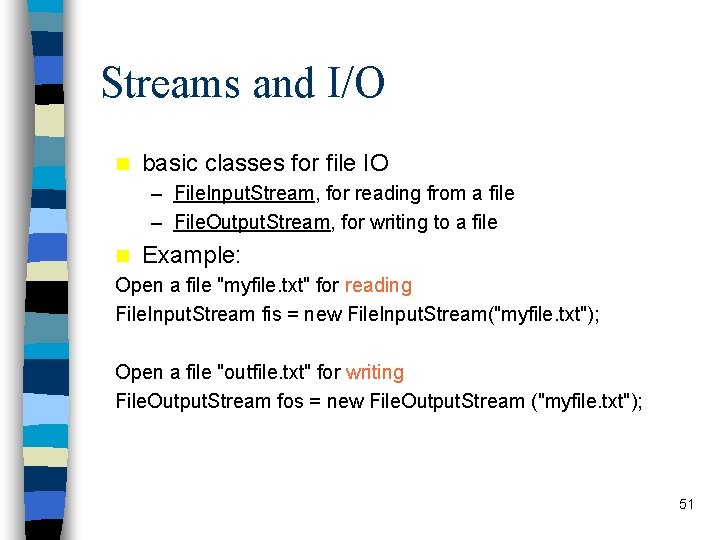
Streams and I/O n basic classes for file IO – File. Input. Stream, for reading from a file – File. Output. Stream, for writing to a file n Example: Open a file "myfile. txt" for reading File. Input. Stream fis = new File. Input. Stream("myfile. txt"); Open a file "outfile. txt" for writing File. Output. Stream fos = new File. Output. Stream ("myfile. txt"); 51
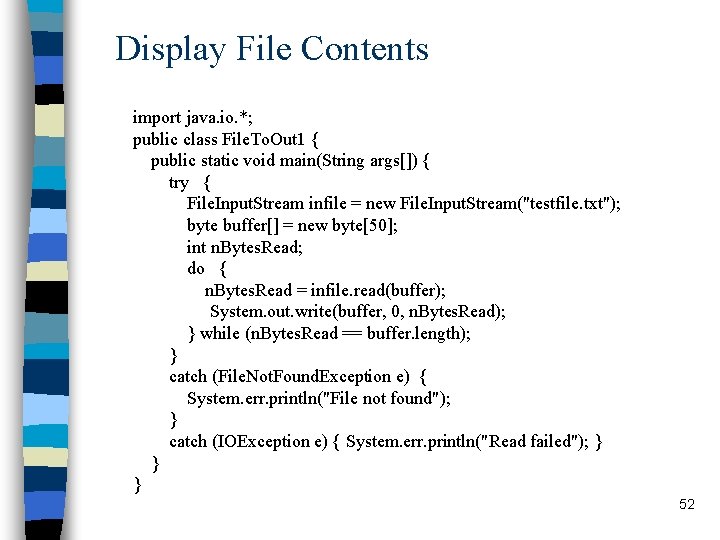
Display File Contents import java. io. *; public class File. To. Out 1 { public static void main(String args[]) { try { File. Input. Stream infile = new File. Input. Stream("testfile. txt"); byte buffer[] = new byte[50]; int n. Bytes. Read; do { n. Bytes. Read = infile. read(buffer); System. out. write(buffer, 0, n. Bytes. Read); } while (n. Bytes. Read == buffer. length); } catch (File. Not. Found. Exception e) { System. err. println("File not found"); } catch (IOException e) { System. err. println("Read failed"); } } } 52
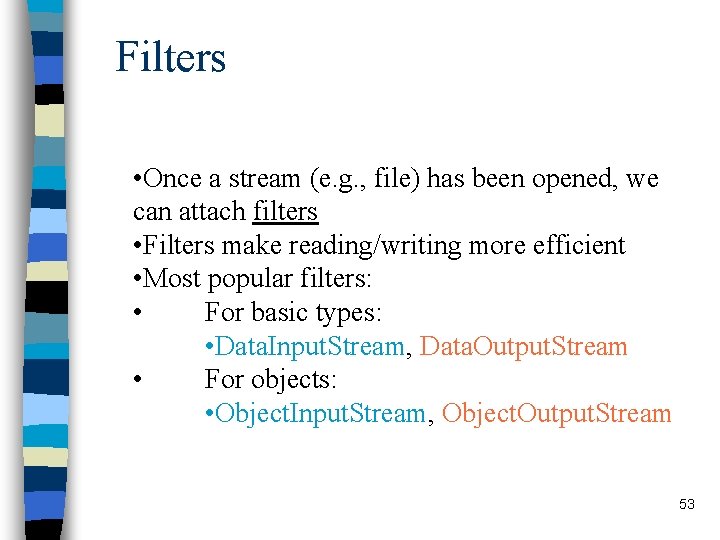
Filters • Once a stream (e. g. , file) has been opened, we can attach filters • Filters make reading/writing more efficient • Most popular filters: • For basic types: • Data. Input. Stream, Data. Output. Stream • For objects: • Object. Input. Stream, Object. Output. Stream 53
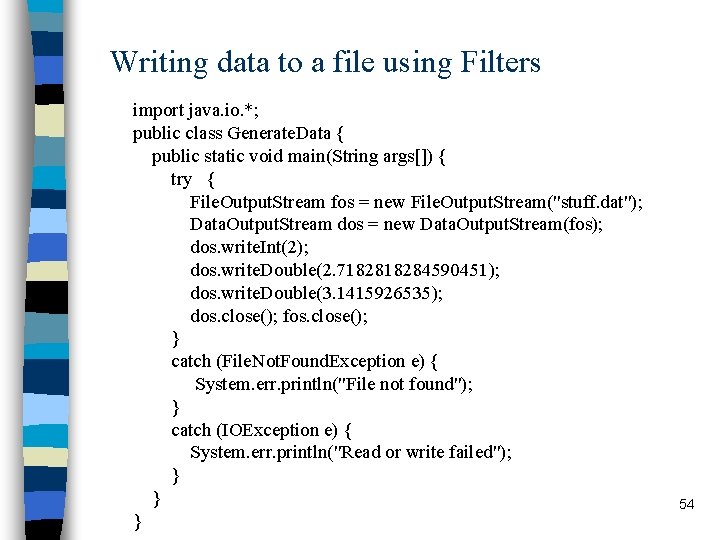
Writing data to a file using Filters import java. io. *; public class Generate. Data { public static void main(String args[]) { try { File. Output. Stream fos = new File. Output. Stream("stuff. dat"); Data. Output. Stream dos = new Data. Output. Stream(fos); dos. write. Int(2); dos. write. Double(2. 718284590451); dos. write. Double(3. 1415926535); dos. close(); fos. close(); } catch (File. Not. Found. Exception e) { System. err. println("File not found"); } catch (IOException e) { System. err. println("Read or write failed"); } } } 54
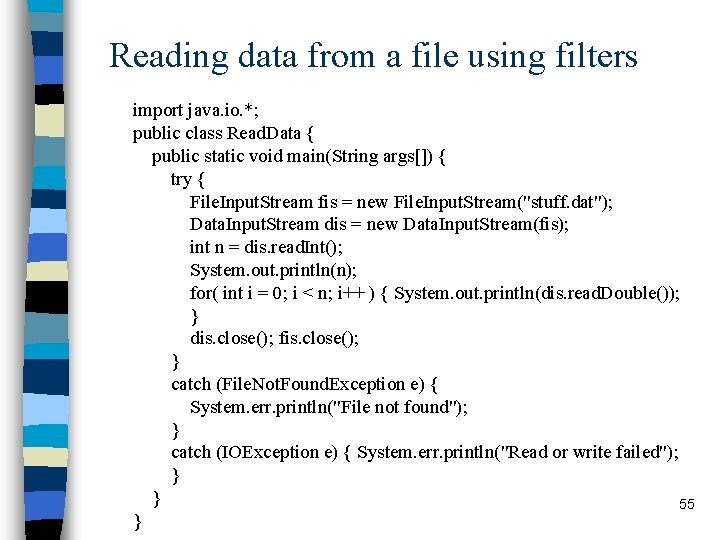
Reading data from a file using filters import java. io. *; public class Read. Data { public static void main(String args[]) { try { File. Input. Stream fis = new File. Input. Stream("stuff. dat"); Data. Input. Stream dis = new Data. Input. Stream(fis); int n = dis. read. Int(); System. out. println(n); for( int i = 0; i < n; i++ ) { System. out. println(dis. read. Double()); } dis. close(); fis. close(); } catch (File. Not. Found. Exception e) { System. err. println("File not found"); } catch (IOException e) { System. err. println("Read or write failed"); } } 55 }
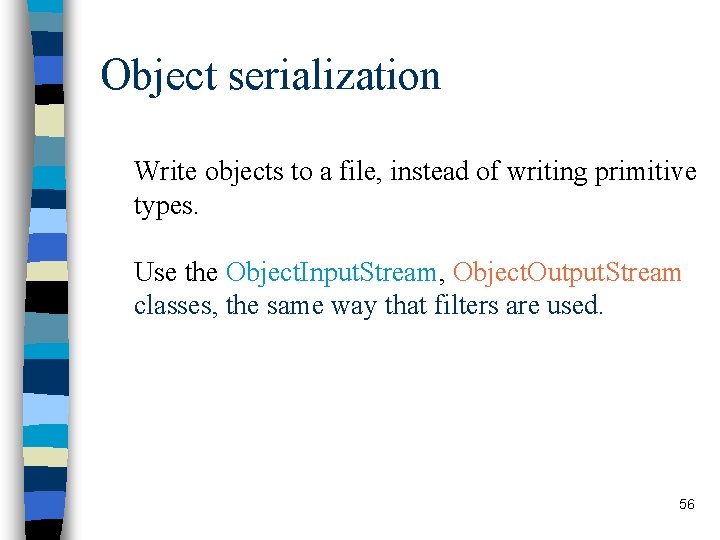
Object serialization Write objects to a file, instead of writing primitive types. Use the Object. Input. Stream, Object. Output. Stream classes, the same way that filters are used. 56
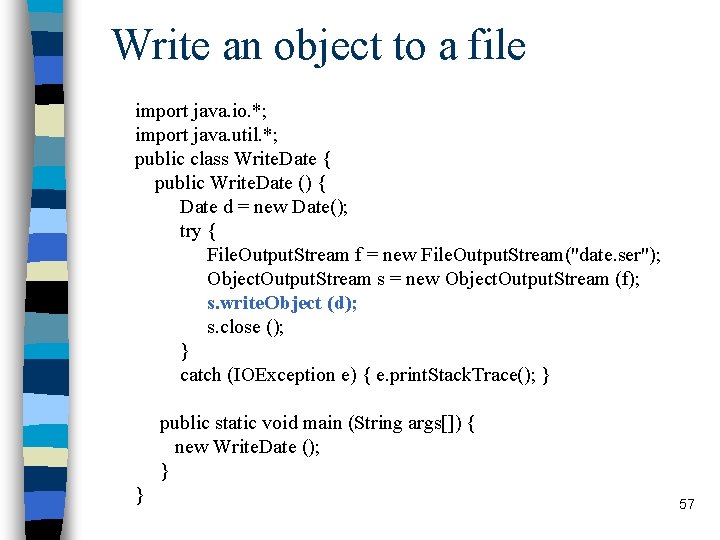
Write an object to a file import java. io. *; import java. util. *; public class Write. Date { public Write. Date () { Date d = new Date(); try { File. Output. Stream f = new File. Output. Stream("date. ser"); Object. Output. Stream s = new Object. Output. Stream (f); s. write. Object (d); s. close (); } catch (IOException e) { e. print. Stack. Trace(); } public static void main (String args[]) { new Write. Date (); } } 57
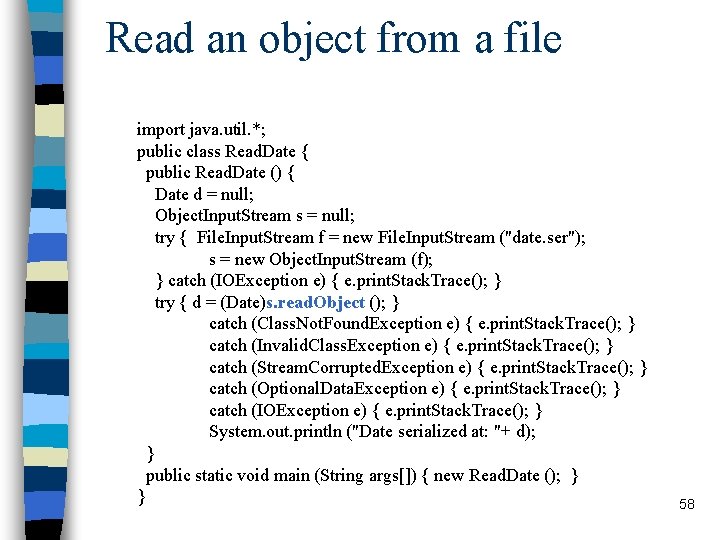
Read an object from a file import java. util. *; public class Read. Date { public Read. Date () { Date d = null; Object. Input. Stream s = null; try { File. Input. Stream f = new File. Input. Stream ("date. ser"); s = new Object. Input. Stream (f); } catch (IOException e) { e. print. Stack. Trace(); } try { d = (Date)s. read. Object (); } catch (Class. Not. Found. Exception e) { e. print. Stack. Trace(); } catch (Invalid. Class. Exception e) { e. print. Stack. Trace(); } catch (Stream. Corrupted. Exception e) { e. print. Stack. Trace(); } catch (Optional. Data. Exception e) { e. print. Stack. Trace(); } catch (IOException e) { e. print. Stack. Trace(); } System. out. println ("Date serialized at: "+ d); } public static void main (String args[]) { new Read. Date (); } } 58