Google Sites Spreadsheets and Importing Google Confidential and






- Slides: 46
Google Sites, Spreadsheets and Importing Google Confidential and Proprietary
What is it? Link to new google docs video Link to Google Docs in Plain English video
What are Google tools? The implementation of Google tools in meaningful ways in your classrooms will increase efficiency, collaboration and engagement •
Google Apps For Education
(GAFE) GAFE
Advantages of Using GAFE � Documents accessible anywhere, anytime (live in the cloud, but be secure) � Promotes collaboration (sharing) � Supports data gathering (forms) � Safe and secure for student information Link to video
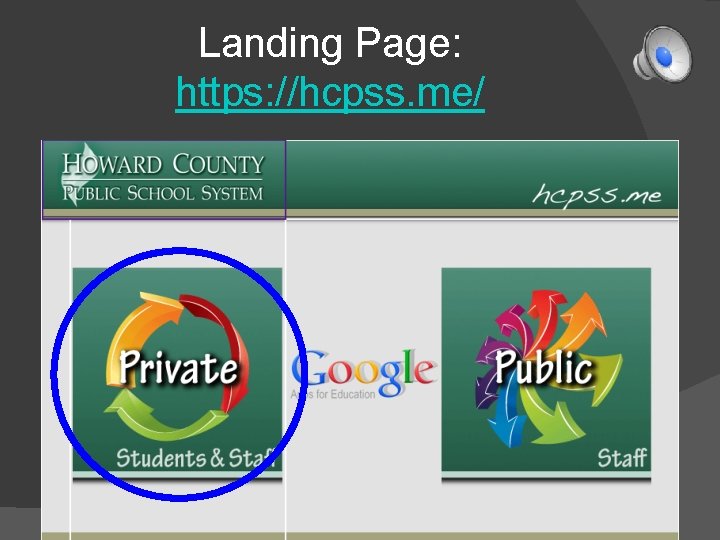
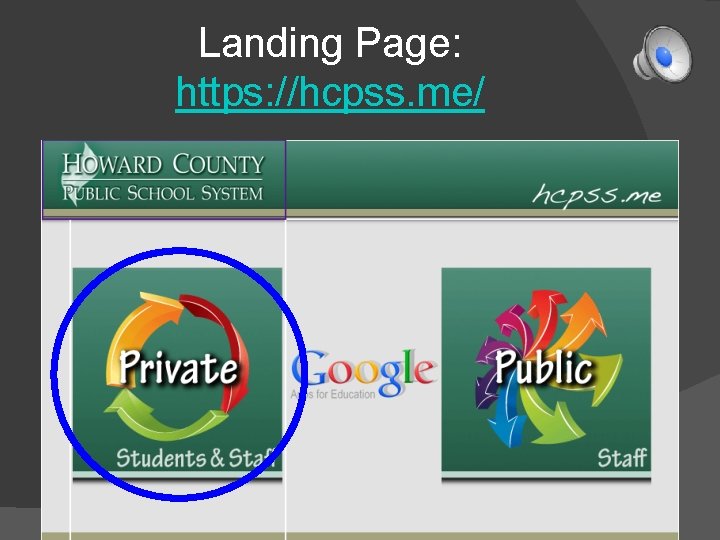
Landing Page: https: //hcpss. me/
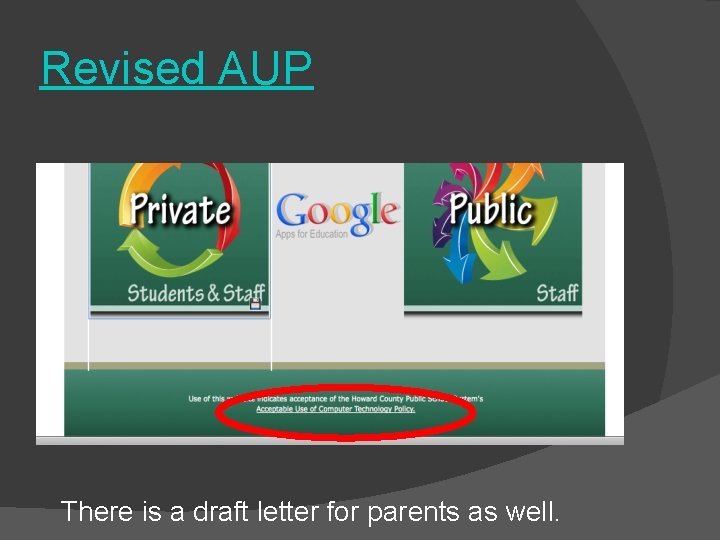
Revised AUP There is a draft letter for parents as well.
Vs.
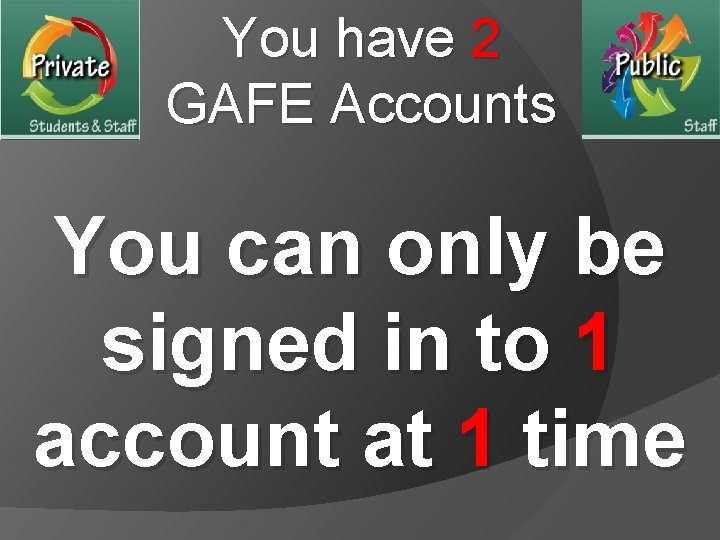
You have 2 GAFE Accounts Private Public
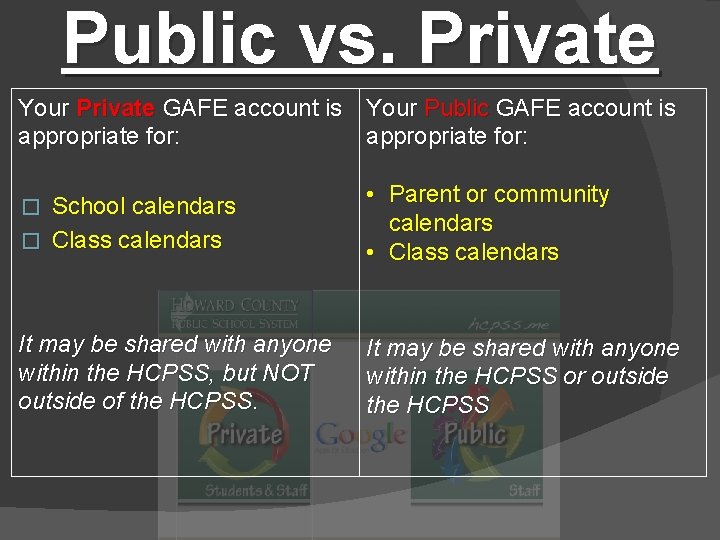
Public vs. Private Your Private GAFE account is Your Public GAFE account is appropriate for: School calendars � Class calendars • Parent or community calendars • Class calendars It may be shared with anyone within the HCPSS, but NOT outside of the HCPSS. It may be shared with anyone within the HCPSS or outside the HCPSS �
Private or Public? Private: Anything shared with students or staff is on Private side. Students do not have access to Public side. Indicated by. org url (https: //drive. google. com/a/hcpss. org) Public: Websites to be viewed by public or documents to be shared by people not in HCPSS either as a student or staff member should be created in Public side. Indicated by. me url (https: //drive. google. com/a/hcpss. me)
• Can only share items with other HCPSS staff and students • ONLY Forms can be shared outside
Appropriate For… • Administrative documents • Teacher planning • Student work
• Can be shared outside HCPSS • If created in Public side, CANNOT be shared to Private side
Appropriate For… • Community calendars • Team or school websites
Benefits for Teachers • Share files with staff and students. • Access files from any Internet based • • • computer. Track student work. Create public websites for community. Create private websites for students only. Create online surveys. Create contact lists. Work anytime, anyplace with Internet access.
Benefits for Students • Create documents, spreadsheets, and • • • presentations. Create websites. Keep student work Private. Share files with teachers and other students. Work anytime, anyplace with Internet access. Eliminate the excuse, "The dog ate my homework!"
You have 2 GAFE Accounts You can only be signed in to 1 account at 1 time
Best Practices
If you ever use your personal account at school, use 2 web browsers (1 for each account)
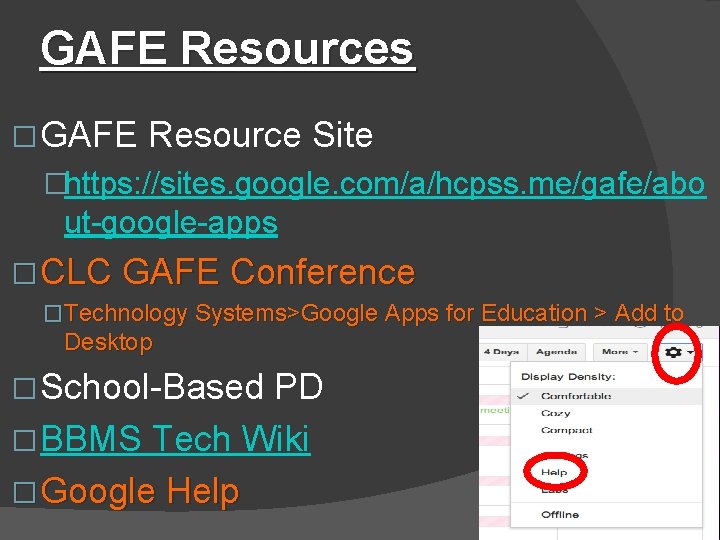
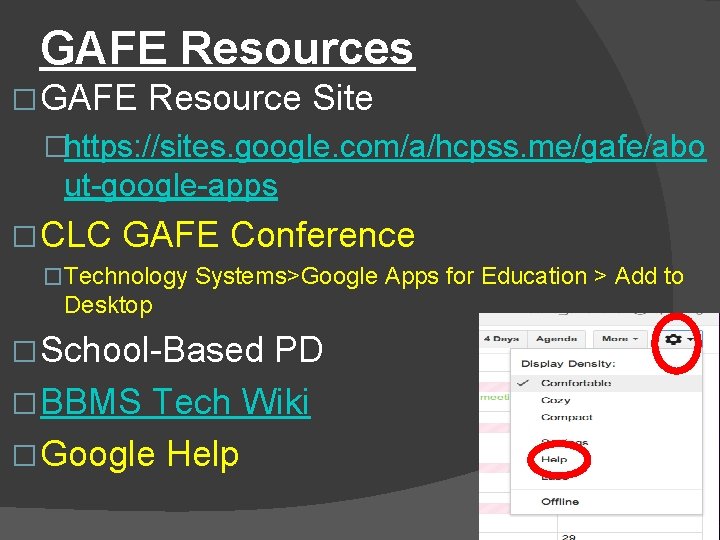
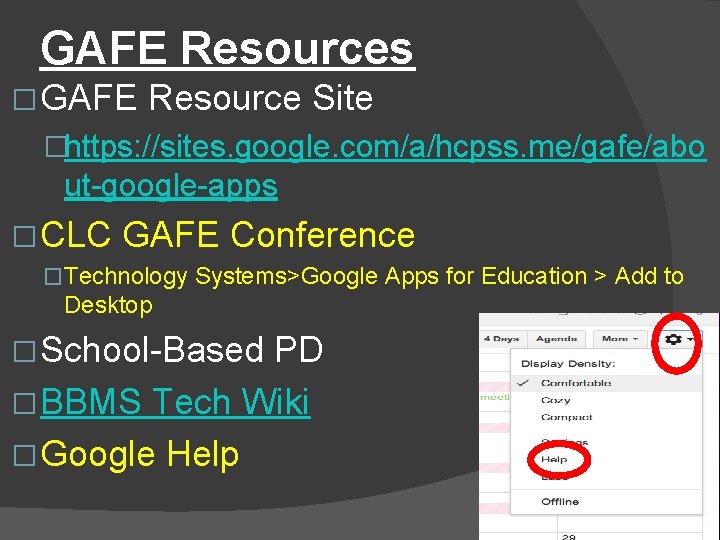
GAFE Resources � GAFE Resource Site �https: //sites. google. com/a/hcpss. me/gafe/abo ut-google-apps � CLC GAFE Conference �Technology Systems>Google Apps for Education > Add to Desktop � School-Based PD � BBMS Tech Wiki � Google Help
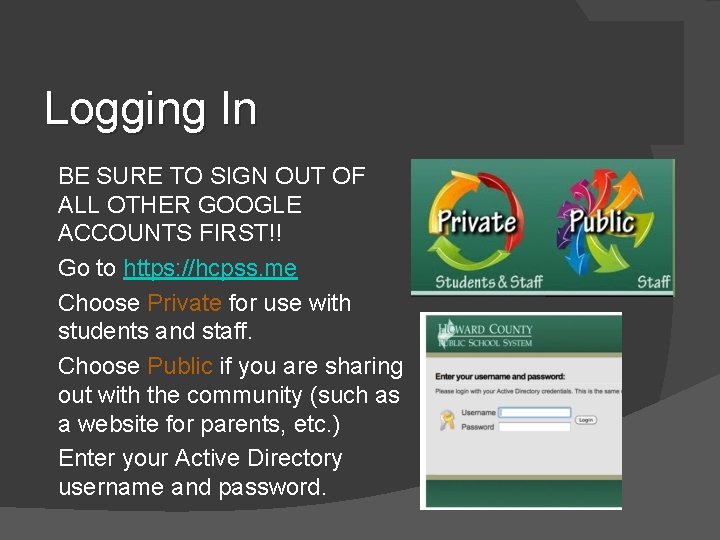
Logging In • • • BE SURE TO SIGN OUT OF ALL OTHER GOOGLE ACCOUNTS FIRST!! Go to https: //hcpss. me Choose Private for use with students and staff. Choose Public if you are sharing out with the community (such as a website for parents, etc. ) Enter your Active Directory username and password.
https: //hcpss. me
Landing Page: https: //hcpss. me/
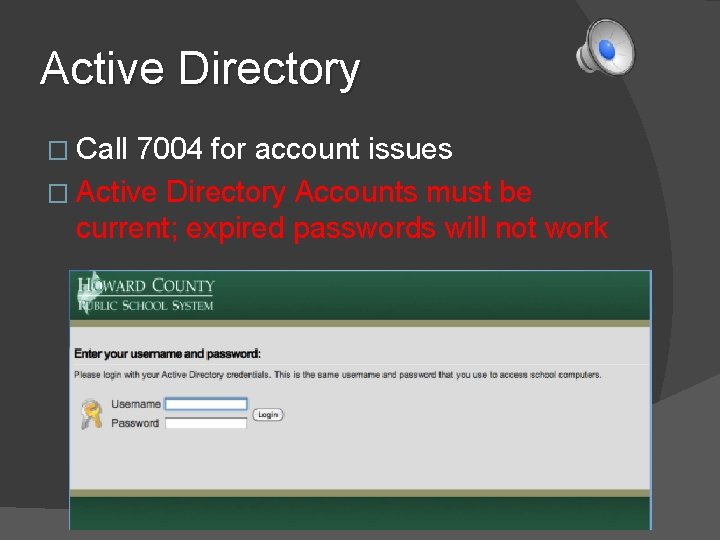
Active Directory � Call 7004 for account issues � Active Directory Accounts must be current; expired passwords will not work
GAFE Resources � GAFE Resource Site �https: //sites. google. com/a/hcpss. me/gafe/abo ut-google-apps � CLC GAFE Conference �Technology Systems>Google Apps for Education > Add to Desktop � School-Based PD � BBMS Tech Wiki � Google Help
Sites
Google Sites �link �Overview
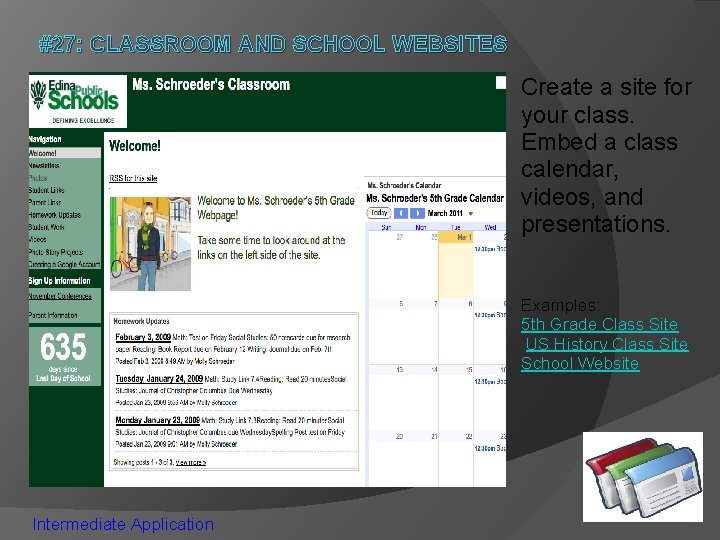
#27: CLASSROOM AND SCHOOL WEBSITES Create a site for your class. Embed a class calendar, videos, and presentations. Examples: 5 th Grade Class Site US History Class Site School Website Intermediate Application
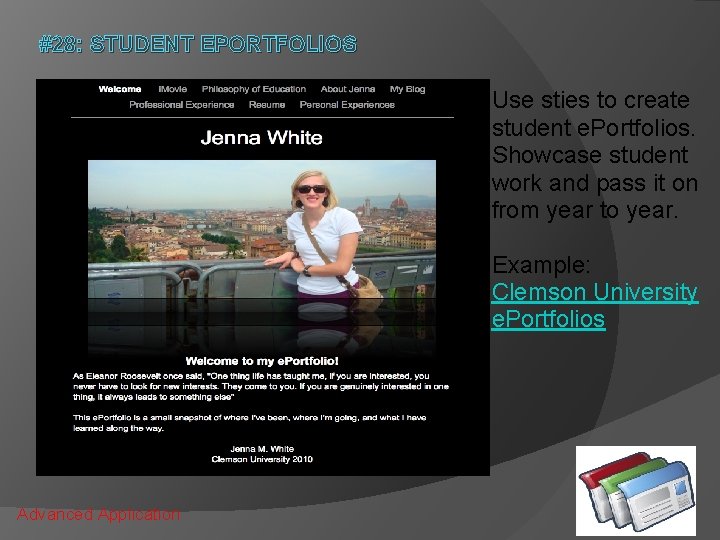
#28: STUDENT EPORTFOLIOS Use sties to create student e. Portfolios. Showcase student work and pass it on from year to year. Example: Clemson University e. Portfolios Advanced Application
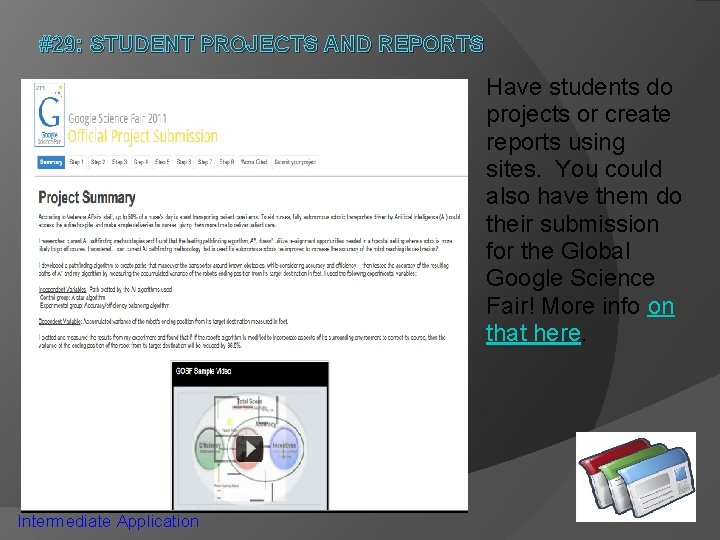
#29: STUDENT PROJECTS AND REPORTS Have students do projects or create reports using sites. You could also have them do their submission for the Global Google Science Fair! More info on that here. Intermediate Application
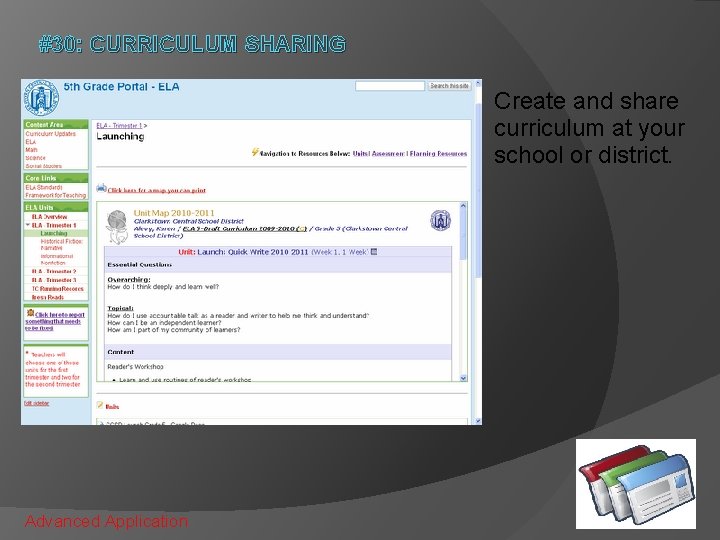
#30: CURRICULUM SHARING Create and share curriculum at your school or district. Advanced Application
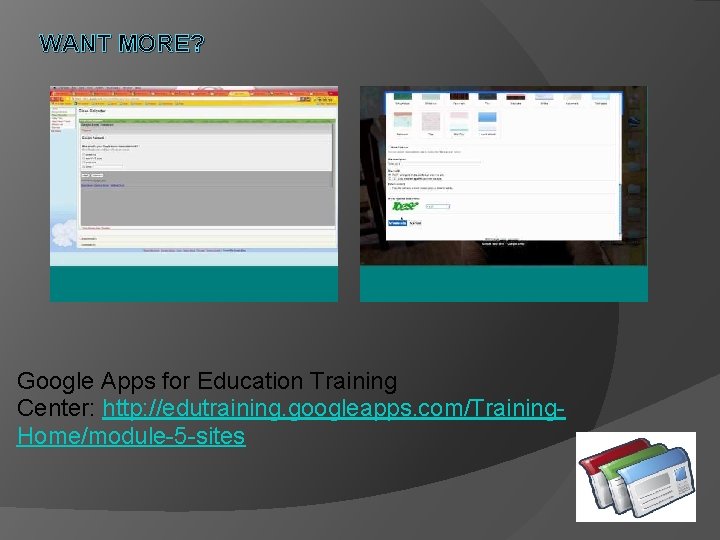
WANT MORE? Google Apps for Education Training Center: http: //edutraining. googleapps. com/Training. Home/module-5 -sites
GAFE Resources � GAFE Resource Site �https: //sites. google. com/a/hcpss. me/gafe/abo ut-google-apps � CLC GAFE Conference �Technology Systems>Google Apps for Education > Add to Desktop � School-Based PD � BBMS Tech Wiki � Google Help
Spreadsheets
� Make comments 9/5 � Lock down cells/protect ranges 8/7 � Create, format and customize a site
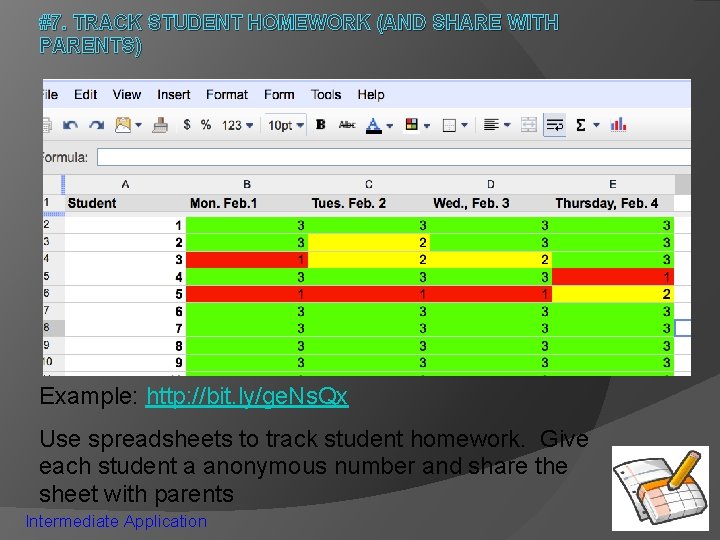
#7. TRACK STUDENT HOMEWORK (AND SHARE WITH PARENTS) Example: http: //bit. ly/ge. Ns. Qx Use spreadsheets to track student homework. Give each student a anonymous number and share the sheet with parents Intermediate Application
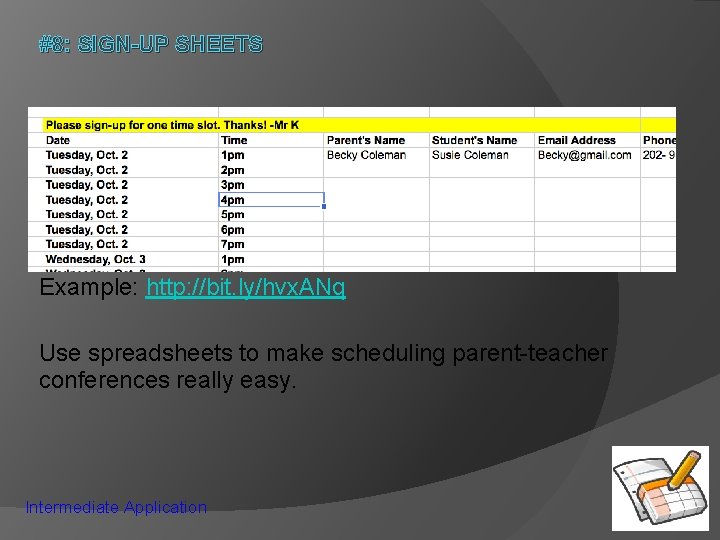
#8: SIGN-UP SHEETS Example: http: //bit. ly/hvx. ANq Use spreadsheets to make scheduling parent-teacher conferences really easy. Intermediate Application
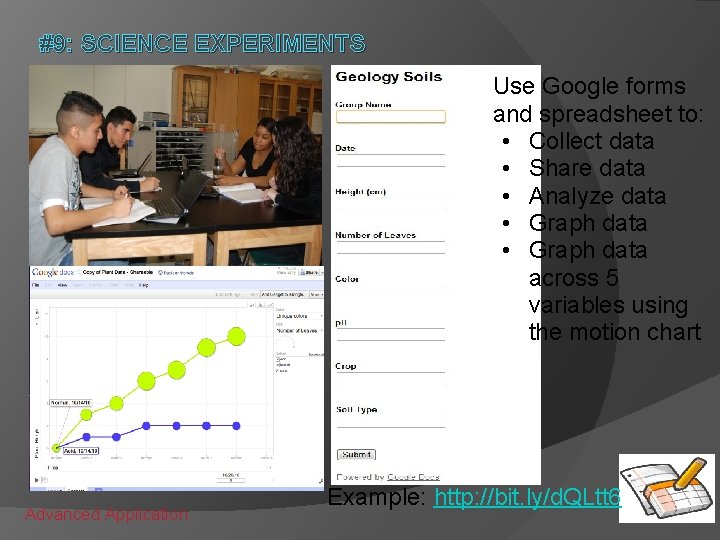
#9: SCIENCE EXPERIMENTS Use Google forms and spreadsheet to: • Collect data • Share data • Analyze data • Graph data across 5 variables using the motion chart Advanced Application Example: http: //bit. ly/d. QLtt 6
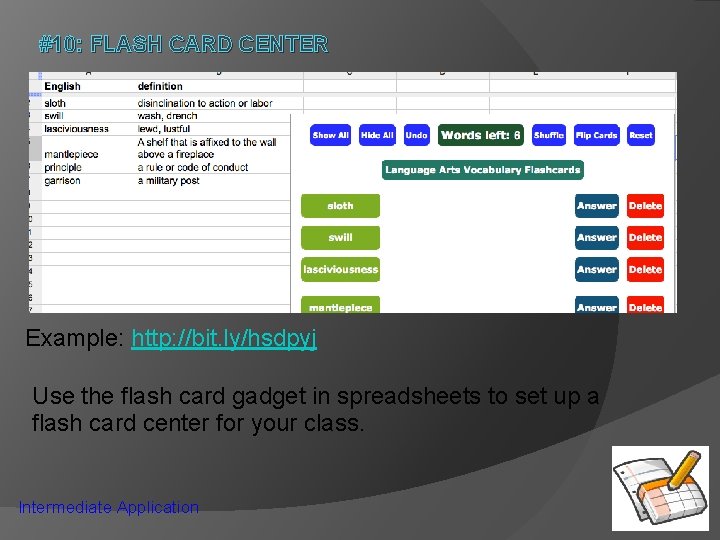
#10: FLASH CARD CENTER Example: http: //bit. ly/hsdpyj Use the flash card gadget in spreadsheets to set up a flash card center for your class. Intermediate Application
TRY IT! Beginner: Share a document with a colleague Intermediate: Analyze the revision history of a document Advanced: Create a motion chart Demo Account Information: URL: www. google. com/a/g 1 usd. org/ Name: demo 1@g 1 usd. org Password: googleapps
WANT TO LEARN MORE? Google Apps for Education Online Training Center, Module 4: Docs: http: //edutraining. googleapps. com/Training. Home/module-4 -docs