
Google Apps for Creative Collaboration Dylan Ryder Educational

Google Apps for Creative Collaboration Dylan Ryder Educational Technologist The School at Columbia University http: //bit. ly/T 21 Google
This Presentation http: //bit. ly/T 21 Google
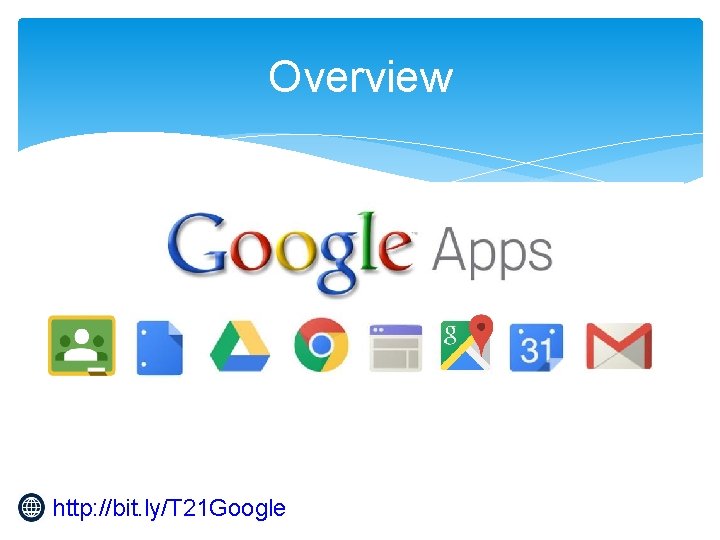
Overview Processes We’ll Cover: Google Apps We’ll Cover: ∗ Digital Workflow ∗ Classroom Management ∗ Student Digital Portfolios ∗ ∗ ∗ ∗ http: //bit. ly/T 21 Google Docs Drive Slides Sites Classroom Maps Calendar Forms
Overview http: //bit. ly/T 21 Google
Why Google Apps? Local-Only Systems Cloud Data Storage ∗ ∗ ∗ Completely free for schools 99. 9% uptime 24/7 Support Never any advertisements You own your data Use on any device http: //bit. ly/T 21 Google ∗ ∗ Costly Can require support staff Multiple vendors App integration challenges
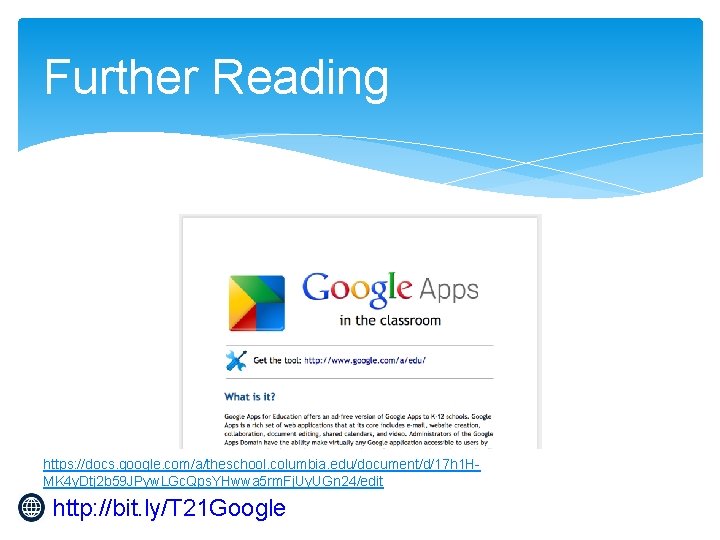
Further Reading https: //docs. google. com/a/theschool. columbia. edu/document/d/17 h 1 HMK 4 y. Dtj 2 b 59 JPyw. LGc. Qps. YHwwa 5 rm. Fj. Uy. UGn 24/edit http: //bit. ly/T 21 Google
http: //bit. ly/T 21 Google Docs
Why Google Docs? Stand-Alone Docs Cloud Docs ∗ ∗ Shared Collaborative See work in real time Accessible from any device http: //bit. ly/T 21 Google ∗ ∗ Private Singular No Progress Reports Married to 1 Device
Video http: //bit. ly/T 21 Google
Let’s Try It https: //docs. google. com/document/d/1 DAl. YZVeg. M 7 FGn. M 5 g. URJk. Zwvi. Rt-jzh. V_v. Yh 3 l. A 2 a. X 8 Y/edit? usp=sharing http: //bit. ly/T 21 Google
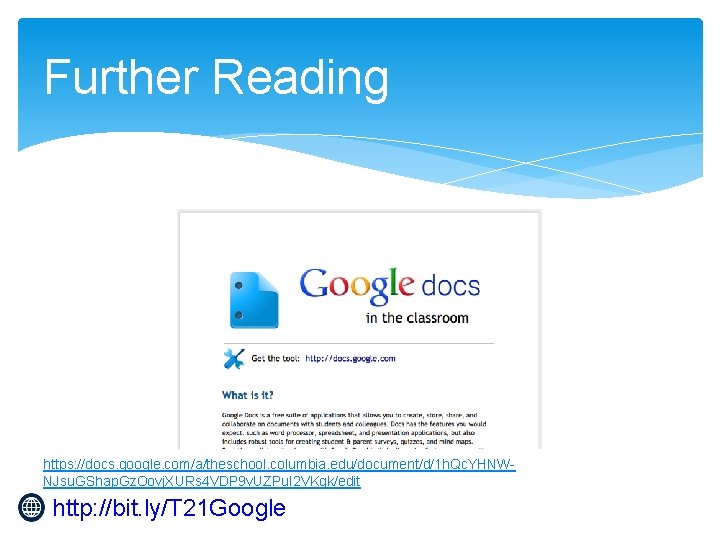
Further Reading https: //docs. google. com/a/theschool. columbia. edu/document/d/1 h. Qc. YHNWNJsu. GShap. Gz. Oovj. XURs 4 VDP 9 v. UZPu. I 2 VKgk/edit http: //bit. ly/T 21 Google
http: //bit. ly/T 21 Google Drive
What is Google Drive? In-House Server Cloud Storage Backed up 99. 9% Uptime Store any file type Integrate with other Google Apps ∗ Useful for Students and Staff ∗ ∗ http: //bit. ly/T 21 Google ∗ ∗ Require maintenance Manual backups Updates Costly
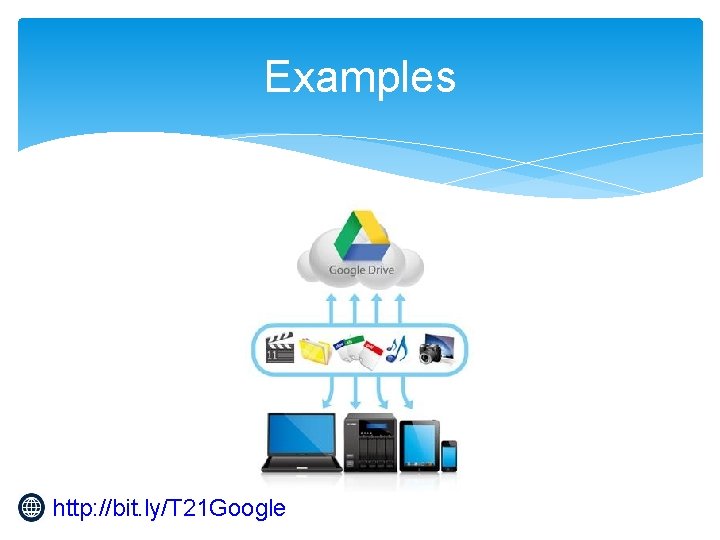
Examples http: //bit. ly/T 21 Google
http: //bit. ly/T 21 Google Slides
Let’s Try It http: //bit. ly/T 21 Google

http: //bit. ly/T 21 Google Sites
Google Sites for Student Portfolios "Who is the portfolio for? " http: //bit. ly/T 21 Google
Google Sites for Student Portfolios The educational system? (Parents, teachers, administrators. ) OR The student? (Student created, curated and published. ) http: //bit. ly/T 21 Google
Google Sites for Student Portfolios Both. http: //bit. ly/T 21 Google
Who builds the portfolio website? Ideally, the student does most of the work building their own portfolio while providing the educational system the information it needs. http: //bit. ly/T 21 Google
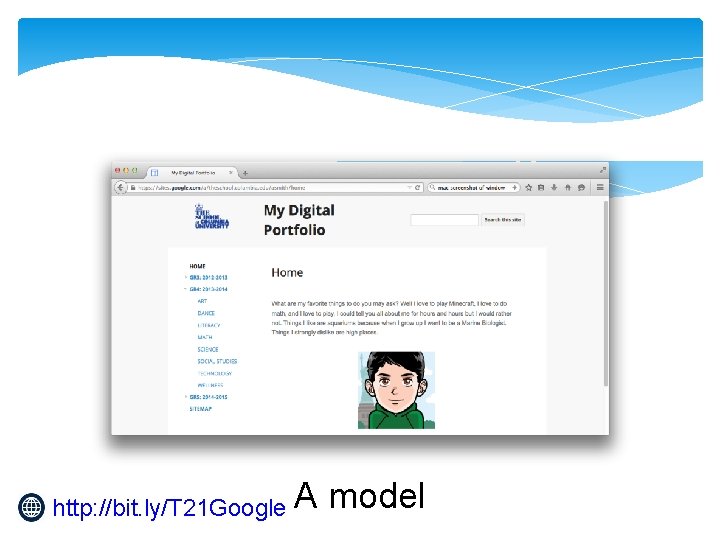
http: //bit. ly/T 21 Google A model
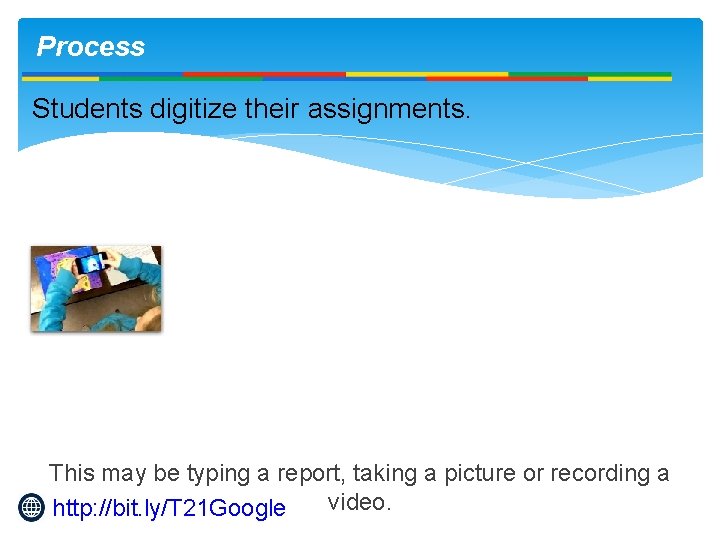
Process Students digitize their assignments. This may be typing a report, taking a picture or recording a video. http: //bit. ly/T 21 Google
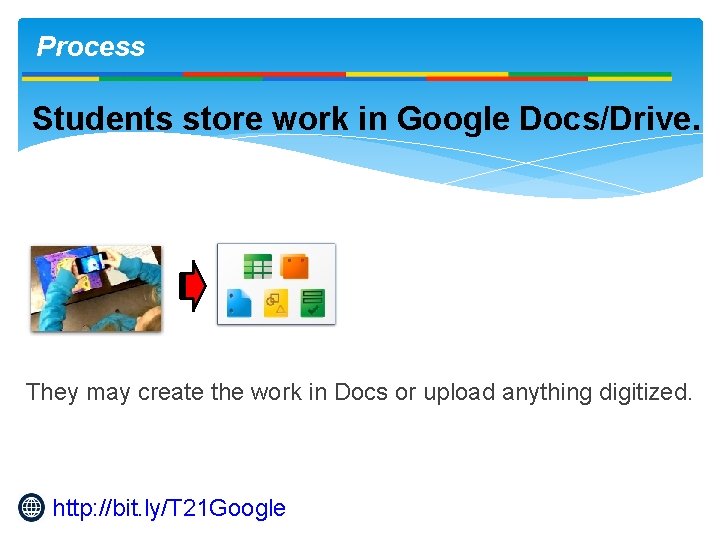
Process Students store work in Google Docs/Drive. They may create the work in Docs or upload anything digitized. http: //bit. ly/T 21 Google
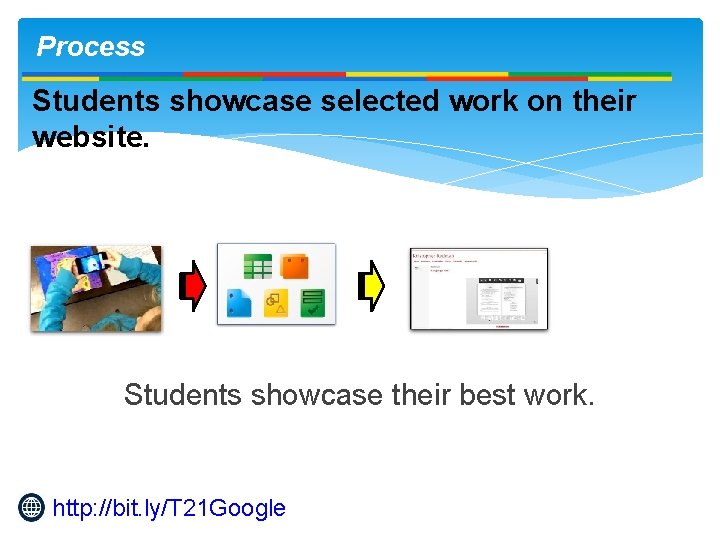
Process Students showcase selected work on their website. Students showcase their best work. http: //bit. ly/T 21 Google
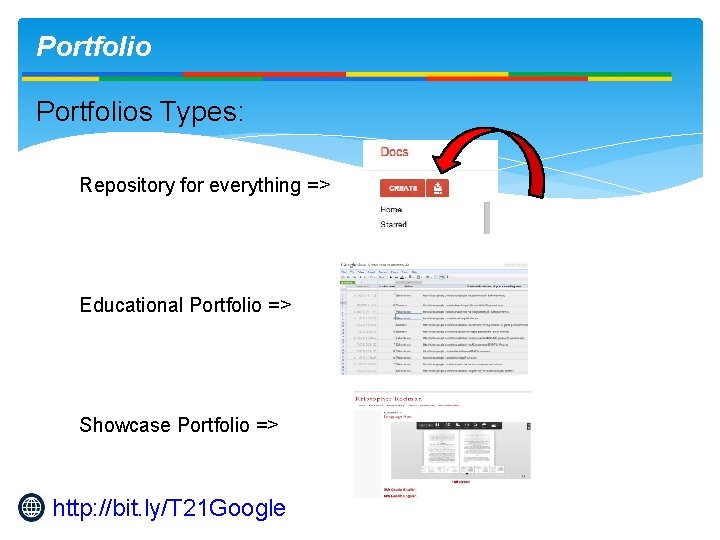
Portfolios Types: Repository for everything => Educational Portfolio => Showcase Portfolio => http: //bit. ly/T 21 Google
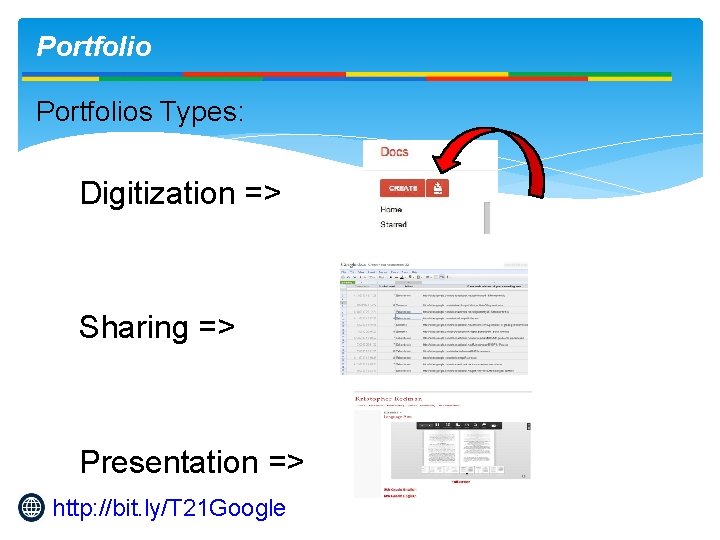
Portfolios Types: Digitization => Sharing => Presentation => http: //bit. ly/T 21 Google
Portfolio Digitize => ● Google Drive is the repository of the work. ● Word processing, presentations and spreadsheets are easy, but that doesn't mean that all work must be done in Docs. http: //bit. ly/T 21 Google
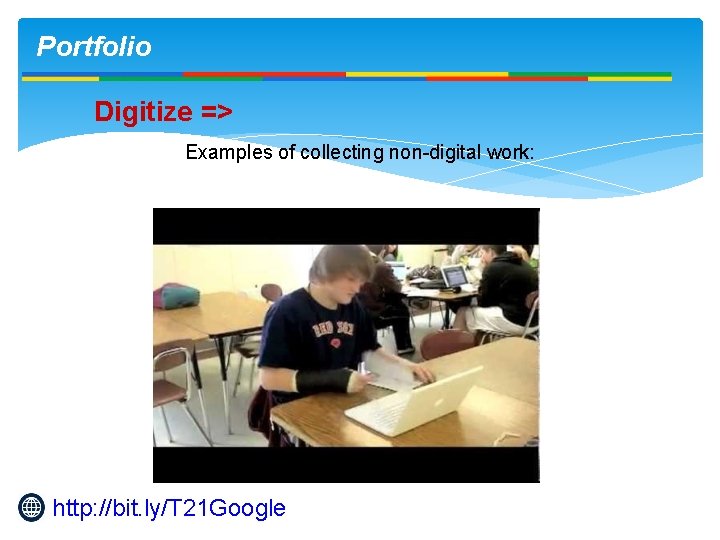
Portfolio Digitize => Examples of collecting non-digital work: http: //bit. ly/T 21 Google
Portfolio Digitize => Examples of collecting non-digital work: ● ● Pre-K Video with Student Help: http: //youtu. be/Tl. T 1 XPt. MG 44 8 th Grade Physical Education: http: //youtu. be/hdpi. BFQEnp. E High School Math: http: //youtu. be/ap 5 Gzl. QHdgs Using Google Voice to Collect Audio: http: //youtu. be/k. NRPGdx 4 rkk ● 5 th Grade Art Work Photos: http: //youtu. be/4 bc_Nf 90 Xt. M http: //bit. ly/T 21 Google
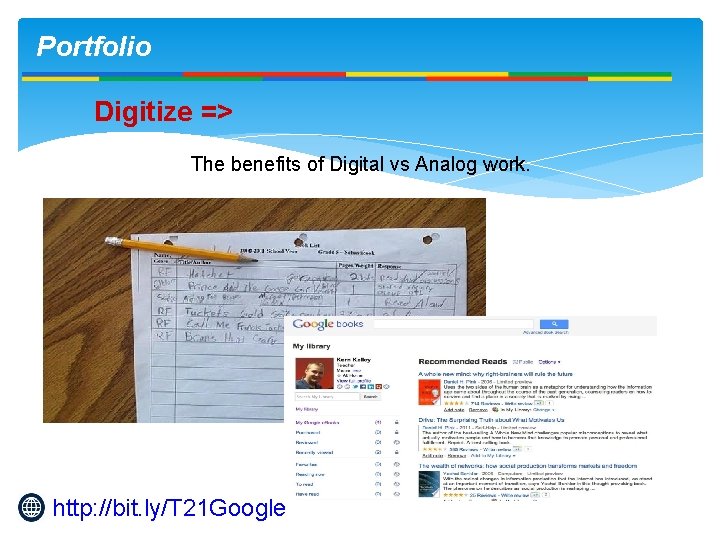
Portfolio Digitize => The benefits of Digital vs Analog work. http: //bit. ly/T 21 Google
Portfolio Digitize => Typically, how much digitization the student is responsible for is dictated by two factors, ▪ Age ▪ Access to hardware http: //bit. ly/T 21 Google
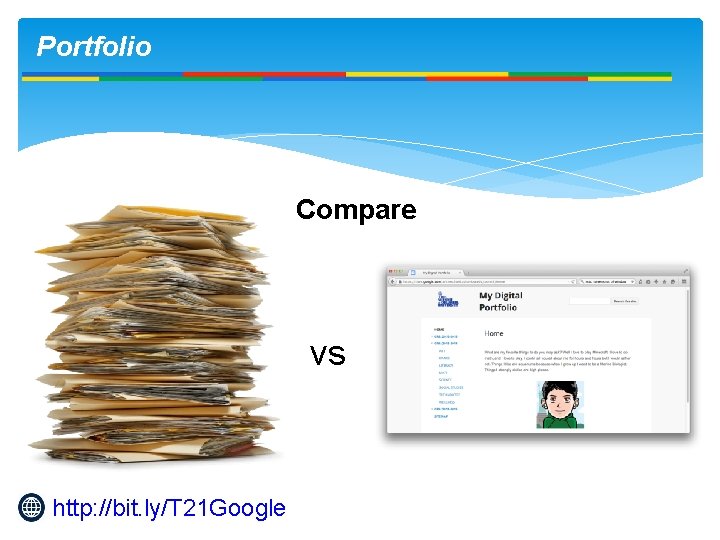
Portfolio Compare vs http: //bit. ly/T 21 Google
Portfolio Beware the Data Silo www. dataliberation. org http: //bit. ly/T 21 Google
Portfolio Transfer data for exiting students For example: www. kristopherredman. com http: //bit. ly/T 21 Google

Further Reading https: //docs. google. com/document/d/1 Us. JLBn. Nqrn. DRb 5 A 4 Nm. So. QDIHZ 6 i. Uwn 2_p 72 j. Q 3 fu. CDE/edit? usp=sharing http: //bit. ly/T 21 Google

http: //bit. ly/T 21 Google Classroom
What is Google Classroom? Classroom Management System ∗ 1 point of contact to students ∗ Accessible from any device ∗ Automatically distributes & stores student work ∗ Integrates with other Google Apps http: //bit. ly/T 21 Google Ad-Hoc System ∗ Requires multiple tools ∗ email, print-outs, temporary disk storage ∗ Messy (inelegant) ∗ Lost or misplace files ∗ Lost in email?
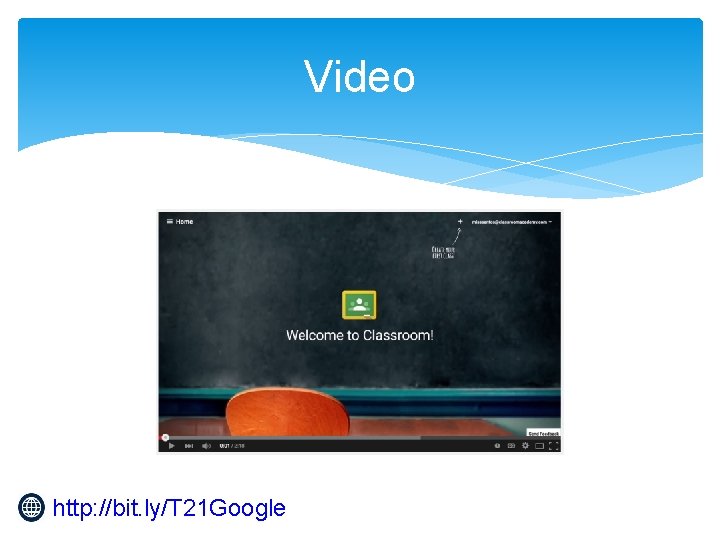
Video http: //bit. ly/T 21 Google
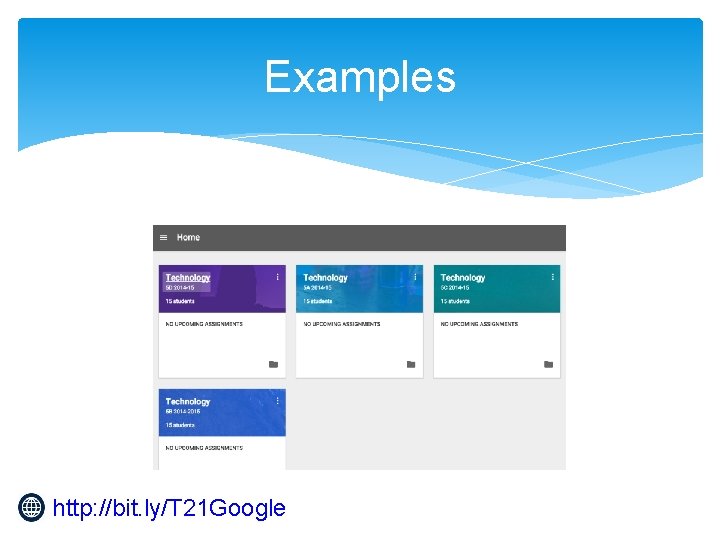
Examples http: //bit. ly/T 21 Google
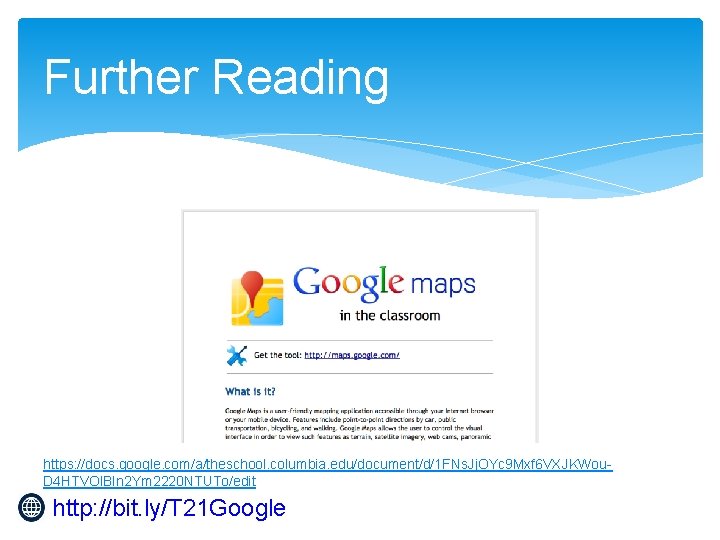
Further Reading https: //docs. google. com/a/theschool. columbia. edu/document/d/1 FNs. Jj. OYc 9 Mxf 6 VXJKWou. D 4 HTVOl. BIn 2 Ym 2220 NTUTo/edit http: //bit. ly/T 21 Google
Further Resources ∗ 3 rd Party Apps ∗ Chrome plugins ∗ Image editing ∗ Video Processing ∗ Chromebooks ∗ Inexpensive laptop computers for schools ∗ Video: Where to learn more ∗ Transitioning to Google Apps ∗ IT Guide: IT Admin Questions ∗ Video: Protecting Student Data http: //bit. ly/T 21 Google
- Slides: 42