
Spreadsheets and Business Graphics Chapter 12 Facts and
Spreadsheets and Business Graphics Chapter 12 Facts and Figures Copyright © Prentice Hall 2000 1
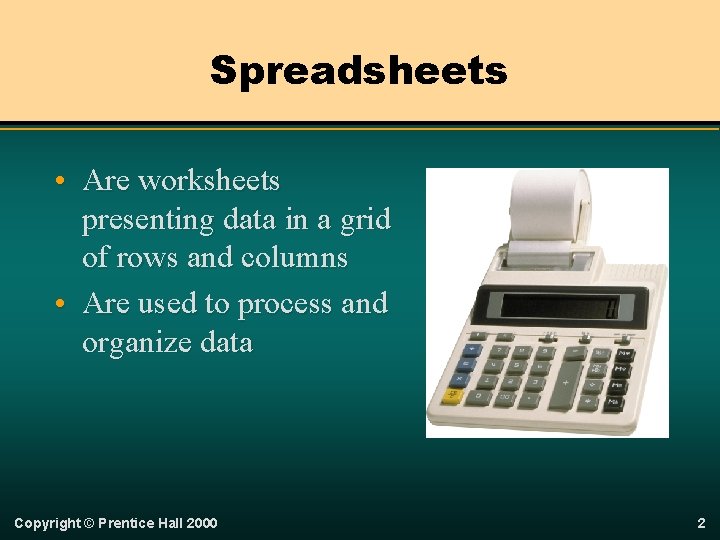
Spreadsheets • Are worksheets presenting data in a grid of rows and columns • Are used to process and organize data Copyright © Prentice Hall 2000 2
Uses of Spreadsheets can be used to: Copyright © Prentice Hall 2000 • calculate budgets • analyze scientific data • calculate grades • forecast loan payments • analyze statistical data • calculate salaries 3
Advantages of Spreadsheets • • • Save time. Are less tedious than traditional ledgers. Have fewer errors. Automatically recalculate values. Allow “what if” analysis. Copyright © Prentice Hall 2000 4
Automatic Recalculation This feature saves time and reduces the chance of errors. When a value or calculation is changed, all dependent values on the spreadsheet are automatically recalculated to reflect the change. Copyright © Prentice Hall 2000 5
“What-if” Analysis Spreadsheets allow users to see different results— forecasting— by changing one or more spreadsheet values and observing the resulting calculated effect. Copyright © Prentice Hall 2000 6
Spreadsheet Fundamentals The following are basic spreadsheet characteristics: • Cell and cell addresses • Ranges • Cell contents Copyright © Prentice Hall 2000 7
Cell Address A cell address is identified by the column letter and the row number. 1 2 A C B B 2 3 Copyright © Prentice Hall 2000 8
Cell Contents A cell can contain one of these three types of information: • A label • A value • A formula Copyright © Prentice Hall 2000 9
Labels A label is descriptive text information about entries in the spreadsheet. 1 A C B 2 3 4 Copyright © Prentice Hall 2000 10
Values A value is a number that has been entered from the keyboard. 1 A C B 2 3 4 Copyright © Prentice Hall 2000 11
Formulas A formula is an instruction to the spreadsheet program to calculate a number. Copyright © Prentice Hall 2000 1 A C B 2 3 4 12
Functions A function is a pre-programmed formula. Common functions include: • SUM to calculate the sum of a range • AVG to calculate the average of a range Functions are typed into the formula bar, never showing in a cell. Copyright © Prentice Hall 2000 13
Ranges A range is a group of one or more adjacent cells. 1 A C B 2 3 Copyright © Prentice Hall 2000 14
Printing The appearance of the worksheet can be adjusted to improve the look of the printed document by changing: • margins • orientation • grid lines Copyright © Prentice Hall 2000 15
Decoration Adding borders, color, clipart, etc. can also enhance the look of the printed document. Copyright © Prentice Hall 2000 16
Using Spreadsheets In the following six slides basic features of a simple spreadsheet will be demonstrated. Spreadsheets begin by planning. Copyright © Prentice Hall 2000 17
Begin With a Sketch Put your first draft on paper. Plan what will go into the rows and columns. Decide what labels you will need. Think about how you want the final document to look. Copyright © Prentice Hall 2000 18
Enter Labels Copyright © Prentice Hall 2000 19
Enter Values Copyright © Prentice Hall 2000 20
Enter Formulas Copyright © Prentice Hall 2000 21
Copy/Paste Copyright © Prentice Hall 2000 22
Automatic Recalculation Copyright © Prentice Hall 2000 23
Changing Appearances The appearance of the worksheet can be adjusted to fit user needs and to communicate important information. Can you identify the changes to the worksheet in the next slide? Copyright © Prentice Hall 2000 24
What Changes Have Been Made? Copyright © Prentice Hall 2000 25
Visualizing Data The numerical information contained in a worksheet can be expressed visually in the form of a chart. Copyright © Prentice Hall 2000 26
Selecting a Range to Chart First, the cells to be charted are selected. Copyright © Prentice Hall 2000 27
Data in Visual Form Copyright © Prentice Hall 2000 28
Business Graphics An advantage of using graphics in business is that they allow the user to show numbers and data in ways that are meaningful and quickly understood. Copyright © Prentice Hall 2000 29
Using Business Graphics Most people use business graphics to view and analyze data and to make a positive impression during a presentation. Copyright © Prentice Hall 2000 30
Business Graphics Programs Two types of business graphics programs are designed to fit user needs: • Analytical graphics • Presentation graphics Copyright © Prentice Hall 2000 31
Analytical Graphics This type of program is designed to produce simple graphs from already-entered spreadsheets or databases. However, they are too limited and inflexible for a user who needs to prepare elaborate presentations. Copyright © Prentice Hall 2000 32
Presentation Graphics This type of program lets the user produce charts, graphs, and other visual aids that look like they were prepared by a professional. In addition to spreadsheet features covered thus far, presentation graphics include animation and sound capabilities. Copyright © Prentice Hall 2000 33
You’re Looking at It! The slides you have been reading and watching, were produced with a presentation program. Thank you for the applause! Copyright © Prentice Hall 2000 34
Graphics Terminology Thus far, only one type of chart has been shown. However, there are three basic types of charting available: • Pie • Line • Bar Copyright © Prentice Hall 2000 35
Line Charts This type of charting is the best way to visualize trends or cycles over a period of time. Line graphs are best when there are many values or complex data. Copyright © Prentice Hall 2000 36
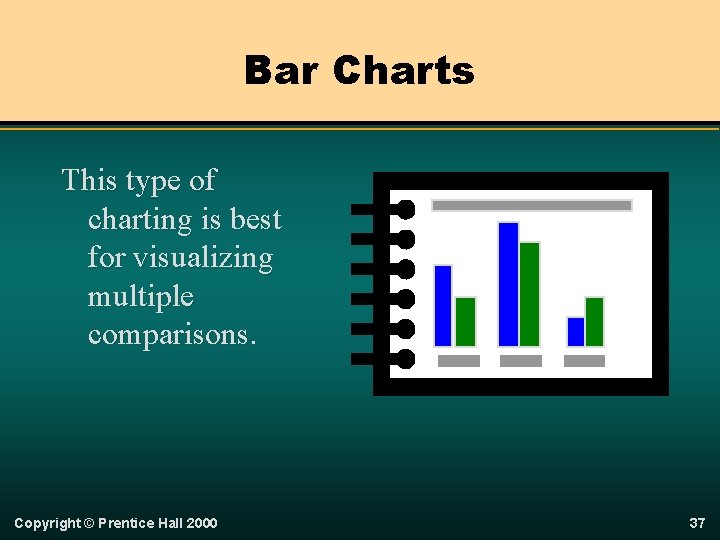
Bar Charts This type of charting is best for visualizing multiple comparisons. Copyright © Prentice Hall 2000 37
Pie Charts This type of charting represents just a single value for each variable and shows how various values make up a whole. Copyright © Prentice Hall 2000 38
Conclusion Beginning with a sketch on paper, the user can move to a spreadsheet program to enter labels, values, and formulas. Formatting can improve the look and contribute to interpreting the data. Charting allows complex data to be better understood. Copyright © Prentice Hall 2000 39
- Slides: 39