East Carolina University Information Technology Computing Services Planning
- Slides: 61
East Carolina University Information Technology & Computing Services Planning for “What if” Events Carol Davis, IT DRP Coordinator Jonathan Rose, Systems Programmer
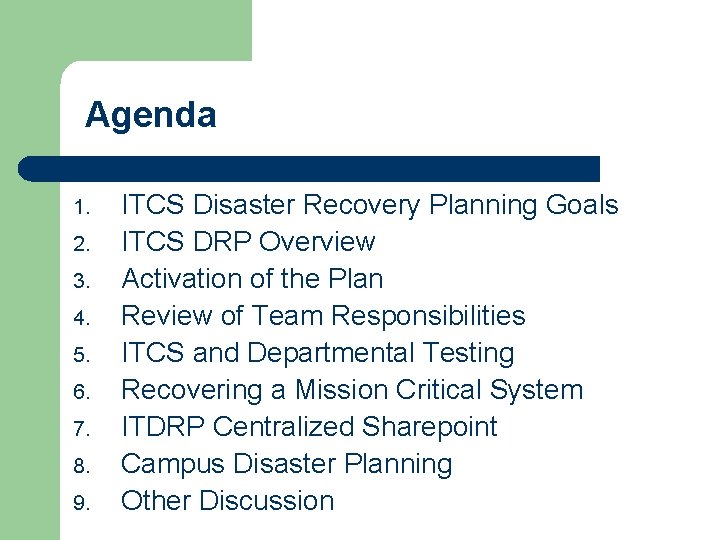
Agenda 1. 2. 3. 4. 5. 6. 7. 8. 9. ITCS Disaster Recovery Planning Goals ITCS DRP Overview Activation of the Plan Review of Team Responsibilities ITCS and Departmental Testing Recovering a Mission Critical System ITDRP Centralized Sharepoint Campus Disaster Planning Other Discussion
Interesting Facts… l l l Nearly 60 percent of organizations don’t train employees about their roles and responsibilities in the event of a disaster. More than 80 percent of organizations have locally-managed life safety plans in place, but only 20 percent of those respondents have evacuation and relocation plans Although 65 percent of respondents said business recovery plans are important, only 37 percent of organizations test their business recovery plans each year. Another 29 percent merely recognize the need for such plans. More than 60 percent of organizations have plans for recovering key IT Assets such as mainframes and networks. Yet, more than 20 percent of respondents said these plans are focused solely on getting machines working again after a disaster. Only one-third of respondents said their organizations test telecommunications recovery plans annually. Mc. Collum, 2005 - ITAUDIT
Primary Goals of DRP l l Details the correct course of action to follow in the event of a disaster Planning helps to minimize confusion, errors, and expense Quick and complete recovery of critically outlined services Involves departments in business continuity
Secondary Goals of DRP l l l Reduce risks of loss of services Provide ongoing protection of university assets Learn departmental critical needs for recovery efforts Ensure the continued viability of this Plan Provide DR training in an annual disaster recovery retreat for staff to understand their recovery roles
Policy Statement l l Identifying & protecting assets within their control Ensuring employees understand their obligation to protect identified assets Implementing security practices and procedures consistent with generally accepted practices Assigning responsibilities for establishing, maintaining, and testing a Disaster Recovery Plan
What is COBIT? l l l COBIT stands for Control Objectives for Information and Related Technology Issued by the IT Governance Institute and accepted internationally as good practice for control over information and IT related risks. COBIT is a way to bridge the communication gap between IT functions, the business and auditors, by providing a common approach, understandable by all.
COBIT Framework l l l There are 34 high-level control objectives & 318 detailed control objectives The four groups are planning & organization, acquisition & implementation, delivery & support, and monitoring Addressing the high-level control objectives can ensure that an adequate control system is provided for the IT environment.
ITCS Disaster Recovery Plan Overview
The Plan Components Readiness Team - Responsible for constructing and maintaining the Disaster Recovery Plan, for managing the DR activities, and for the continued viability of the Plan Major Services and Key Considerations - Descriptions of the critical applications, identification of users, and key considerations such as equipment configurations, user work schedules, and processing priorities
DRP Components (continued) General Procedures for Potential Interruptions – Likely causes of service interruptions, instructions for handling the interruptions (e. g. , fire, power outage, and telecommunications failure) Policies for Reducing Risks – Policies for: – Disasters that may occur – Excessive damage when they do occur – Failing to recover from a disaster
DRP Components (continued) Contingency Site Description – The facilities provided and all requirements associated with the use of the site Recovery Procedures for a Major Disaster - Instructions and procedures to be followed in the event of a major disaster (e. g. , activating the emergency procedures, establishing operations at the contingency site, and restoring the university to normal operations)
DRP Components (continued) Testing and Maintenance of the Plan Policies and procedures for ensuring the Plan remains viable as the business environment evolves Disaster Recovery Scenarios - Examples that illustrate differences in recovery steps and elapsed times for emergencies of minor, moderate, and major severity
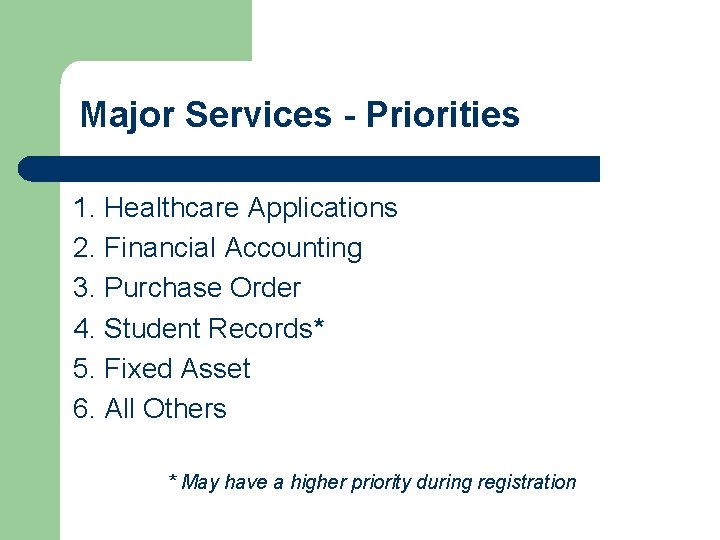
Major Services - Critical Applications l l l l l Electronic Mail Healthcare Applications Financial Applications Student Records/Registration Academic Applications Public Web Services Phone Services Banner transition items Infrastructure systems
Major Services - Priorities 1. Healthcare Applications 2. Financial Accounting 3. Purchase Order 4. Student Records* 5. Fixed Asset 6. All Others * May have a higher priority during registration
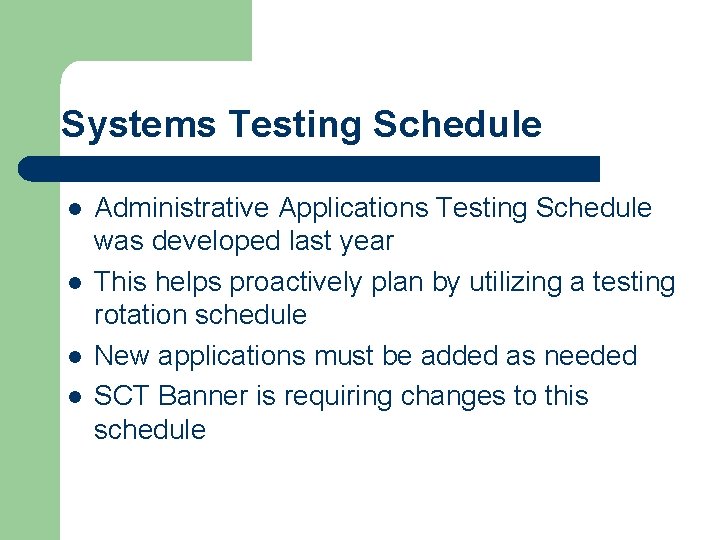
Systems Testing Schedule l l Administrative Applications Testing Schedule was developed last year This helps proactively plan by utilizing a testing rotation schedule New applications must be added as needed SCT Banner is requiring changes to this schedule
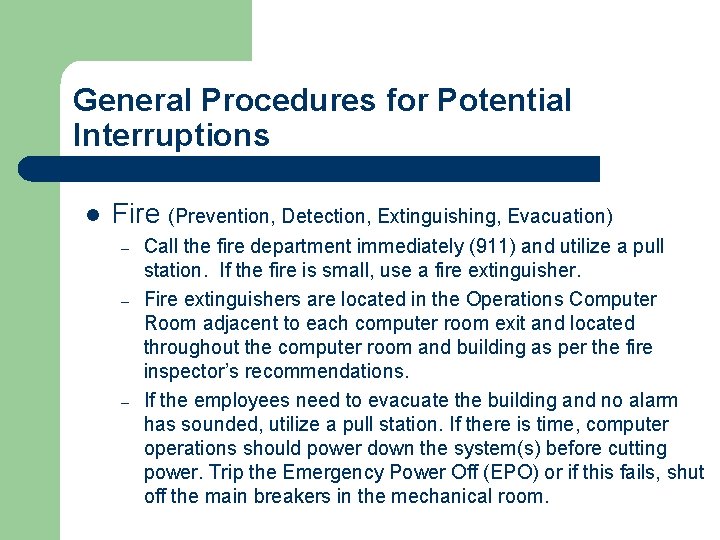
General Procedures for Potential Interruptions l Fire (Prevention, Detection, Extinguishing, Evacuation) – – – Call the fire department immediately (911) and utilize a pull station. If the fire is small, use a fire extinguisher. Fire extinguishers are located in the Operations Computer Room adjacent to each computer room exit and located throughout the computer room and building as per the fire inspector’s recommendations. If the employees need to evacuate the building and no alarm has sounded, utilize a pull station. If there is time, computer operations should power down the system(s) before cutting power. Trip the Emergency Power Off (EPO) or if this fails, shut off the main breakers in the mechanical room.
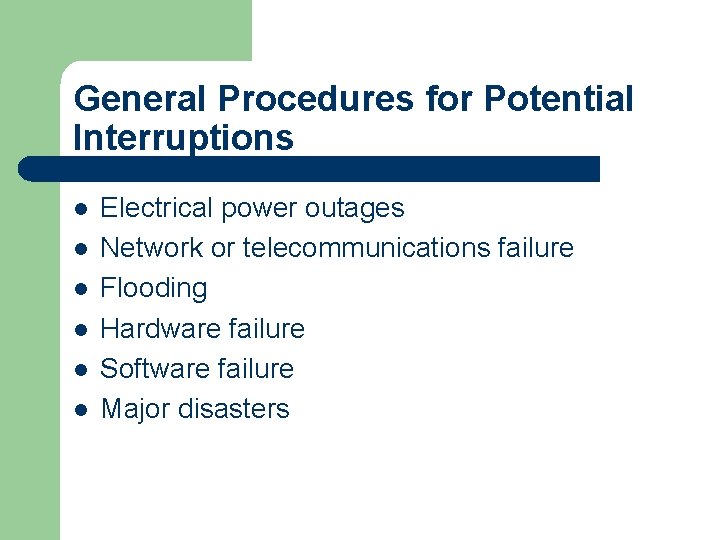
General Procedures for Potential Interruptions l l l Electrical power outages Network or telecommunications failure Flooding Hardware failure Software failure Major disasters
Emergency Procedure Goals l l l Protect the lives and health of employees Protect essential documents, records, and data Minimize damage to data processing equipment and other property
Policies for Reducing Risk l l l Protection of computer data Backup of data, hardware, supplies, and documentation Security of Data Center Operation Offsite storage of tapes and materials Insurance on equipment Be prepared as much as possible!
Contingency Site Description l l Sun. Gard primary and secondary hotsite location with account manager information Service arrangement with machine configuration and facilities is located on the (Sun. Gard Schedule A) Travel/Hotel accommodations for staff are made by the Administrative Staff Sun. Gard emergency numbers
ITCS Disaster Recovery Readiness Team Responsibilities
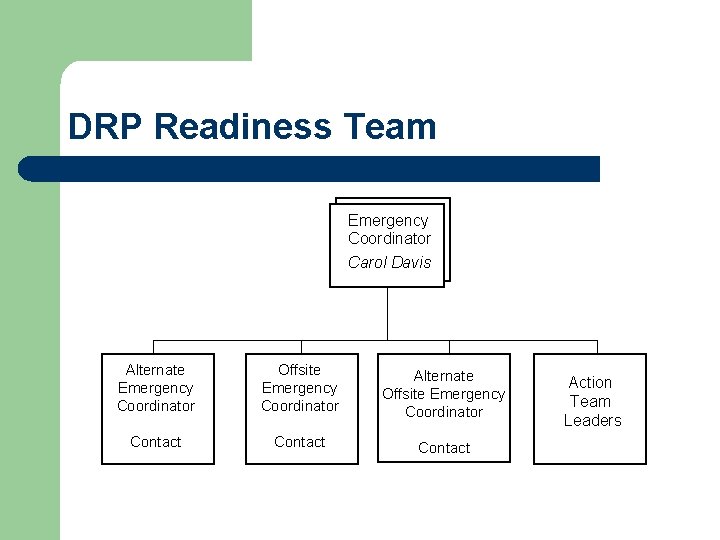
DRP Readiness Team Emergency Coordinator Carol Davis Alternate Emergency Coordinator Offsite Emergency Coordinator Alternate Offsite Emergency Coordinator Contact Action Team Leaders
Readiness Team Roles l l l l The “Disaster Management Team” Purpose is to establish and direct plans of action Maintain readiness for emergencies Manage DR activities following a disaster Administration of the Plan Emergency Control Center Offsite operations
Emergency Coordinators l l l l Develop and coordinate the Readiness Team Activate and direct all activities during disaster Review and update DRP annually Evaluating readiness of action teams Maintain the Emergency Control Center Liaison with local fire and polices agencies and other involved parties Assists with campus disaster recovery needs
Offsite Coordinators l l Review the Plan and ensure adequacy of testing and contingency site procedures Conduct periodic tests of contingency site Communicate status of contingency operations via Emergency Control Center Backup Emergency Coordinators as needed
Action Team Leaders l l l Review the DR Plan with respect to recovery procedures, team responsibilities, changes in personnel, availability of resources Recommend changes or improvements to the Plan Assist in annual training and training others on the team on disaster recovery efforts.
ITCS Disaster Recovery Action Team Responsibilities
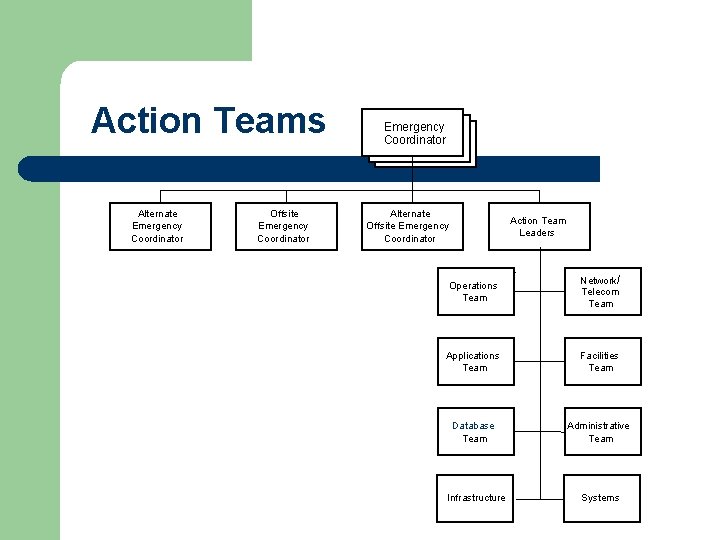
Action Teams Alternate Emergency Coordinator Offsite Emergency Coordinator Alternate Offsite Emergency Coordinator Action Team Leaders Operations Team Network/ Telecom Team Applications Team Facilities Team Database Team Administrative Team Infrastructure Systems
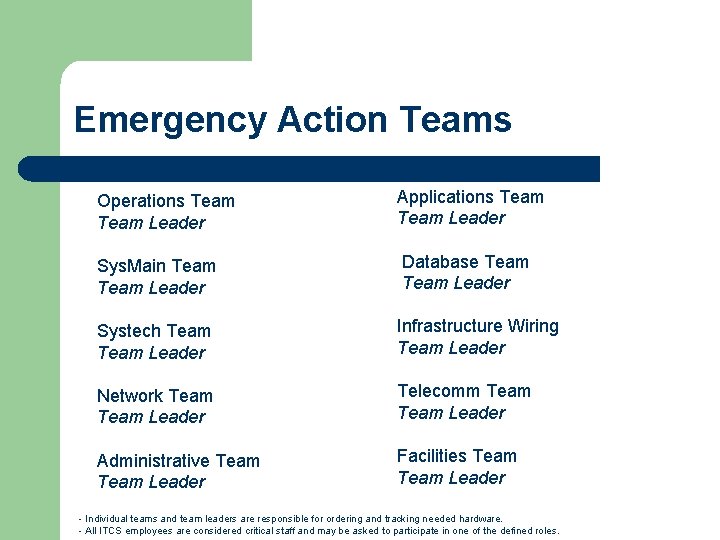
Emergency Action Teams Operations Team Leader Applications Team Leader Sys. Main Team Leader Database Team Leader Systech Team Leader Infrastructure Wiring Team Leader Network Team Leader Telecomm Team Leader Administrative Team Leader Facilities Team Leader - Individual teams and team leaders are responsible for ordering and tracking needed hardware. - All ITCS employees are considered critical staff and may be asked to participate in one of the defined roles.
Action Team Responsibilities l l Operations Team ensures the resumption of computer services following a disaster by restoring and continuing scheduled processing at the contingency site until such time that operations can resume at the original or replacement data center. Sys. Main/Sys. Tech is to restore or replace needed systems in the event of a disaster.
Action Team Responsibilities l l l Network/Telecom Team is to restore or replace the data or telecommunication systems. Administrative Team is responsible for arranging transportation, housing, expense advances, shipping, etc. , and performing clerical and other functions. Applications Team ensures proper functioning of the applications at the contingency site and to coordinate with users about how their applications should be operated during the contingency period.
Action Team Responsibilities l l l Database team is responsible for recovery of any and all database activities and works with the other teams as needed on recovery efforts. Infrastructure Wiring is to restore or replace needed wiring in the event of a disaster. Facilities Team is to restore or replace the Data Center and other data processing facilities following a disaster.
ITCS Disaster Recovery Activation of the DRP
Readiness Team Notifications l l Public Safety may contact the Emergency Coordinator Readiness Team Leaders will assist in notifications to assemble the team at the Data Center or Emergency Control Center Quick reaction of the readiness team is crucial The situation will be assessed to determine the needed course of action
Readiness Team Notifications l l Ensure the Emergency Coordinator or Alternate Emergency Coordinator is contacted if this hasn’t been completed. If the situation is judged to be a major disaster: – – – Activate Emergency Control Center Notify Top management Notify Readiness and Action Teams Notify the Offsite storage site Notify the Offsite contingency site
Emergency Control Center l l l Provide centralized and coordinated control of communications during emergencies Primary site: should be designated Secondary site: should be designated Activated by Emergency Coordinator or Alternate Emergency Coordinators and Team Leaders to coordinate their actions with the Emergency Control Center
Sun. Gard Alert Notification l l l Call Sun. Gard NUMBER Inform the operator whether you are calling in an alert notification or a disaster declaration. Please provide the following information: – – – – l Your company’s full name Your name and password (if applicable) The address of the site affected Primary and secondary phone numbers where you can be reached The nature of the alert or disaster The type of systems/servers that you are declaring or placing on alert The Sun. Gard facility your company utilizes for testing A Crisis Management team member will access your Disaster Declaration Authorization (DDA) form to ensure you are authorized to provide an alert notification
ITCS Disaster Recovery Annual Testing
DRP Testing & Maintenance • • ITCS DR Plan is to be tested annually The Plan is to be revised at least once every two years or as needed with technology updates A hard copy and electronic copies are distributed to the readiness teams MS Sharepoint is used to maintain the IT DR Plan under the Master, Planning, Testing sites for updates and is accessible depending on access privileges
2005 Hotsite Testing • • Recover the system & applications from backups to vendor supplied hardware at the “hot site” in Chicago Allow system and departmental testers in Greenville to remotely test the applications running in Chicago Complete testing recovery templates Review the IT Disaster Recovery Plan for updates and suggestions
ITCS Disaster Recovery Recovering a “Mission Critical System”
What is a “Mission Critical System” l A system so critical to the functioning of an organization that its destruction or loss would cause an extreme interruption to the business, have significant financial implications and or threaten the health or safety of a person
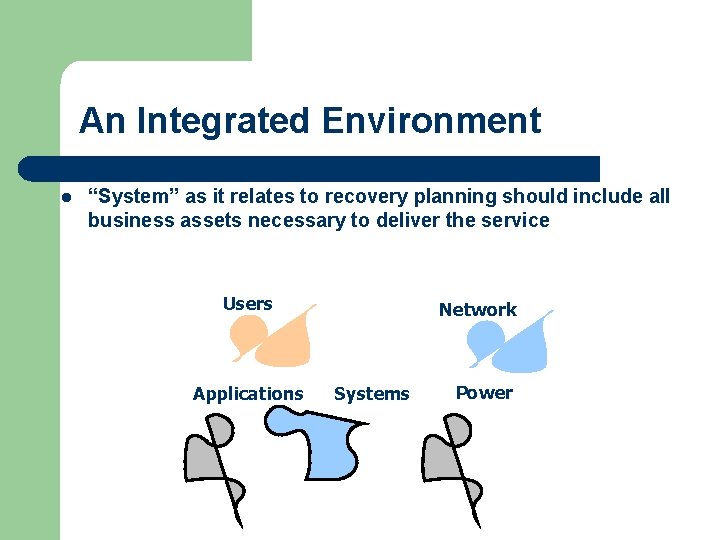
An Integrated Environment l “System” as it relates to recovery planning should include all business assets necessary to deliver the service Users Applications Network Systems Power
“What If” Planning Data Center Destruction Scenario l It’s the weekend and you are at home enjoying a pizza and watching the NCAA tournament. Your boss calls and leaves voice mail on your answering machine indicating that a tornado has struck your data center. The facility has suffered significant damage and your sites critical systems have been damaged. He needs you to prepare for travel to the “hot site” and recover the systems.
Quiz: What Do You Do? Multiple Choice: (Select all that apply) A. Pretend that you didn’t get the message. Finish your pizza and enjoy the game B. Fall out, dream you’re on the Apprentice, in the board room with “Donald”. You’re Fired C. Confidently contact your boss to begin executing your thoroughly tested disaster recovery plans
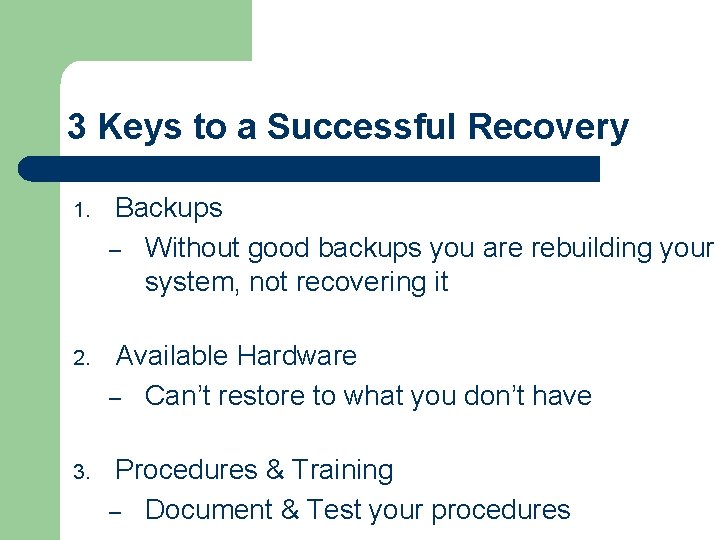
3 Keys to a Successful Recovery 1. Backups – Without good backups you are rebuilding your system, not recovering it 2. Available Hardware – Can’t restore to what you don’t have 3. Procedures & Training – Document & Test your procedures
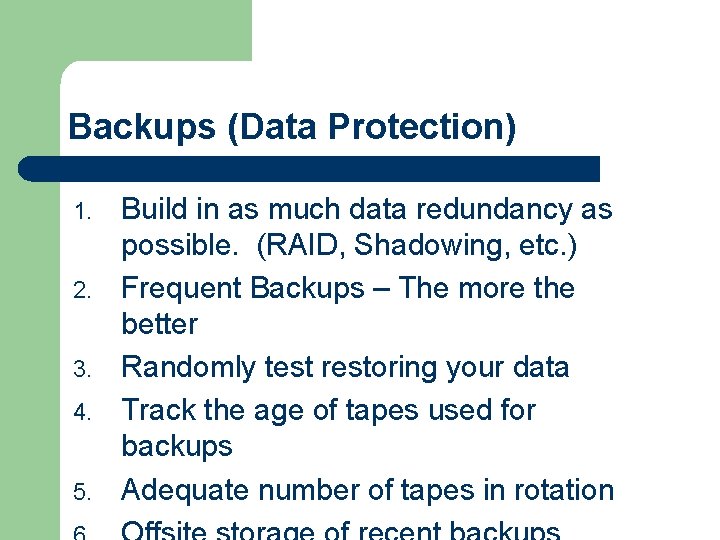
Backups (Data Protection) 1. 2. 3. 4. 5. Build in as much data redundancy as possible. (RAID, Shadowing, etc. ) Frequent Backups – The more the better Randomly test restoring your data Track the age of tapes used for backups Adequate number of tapes in rotation
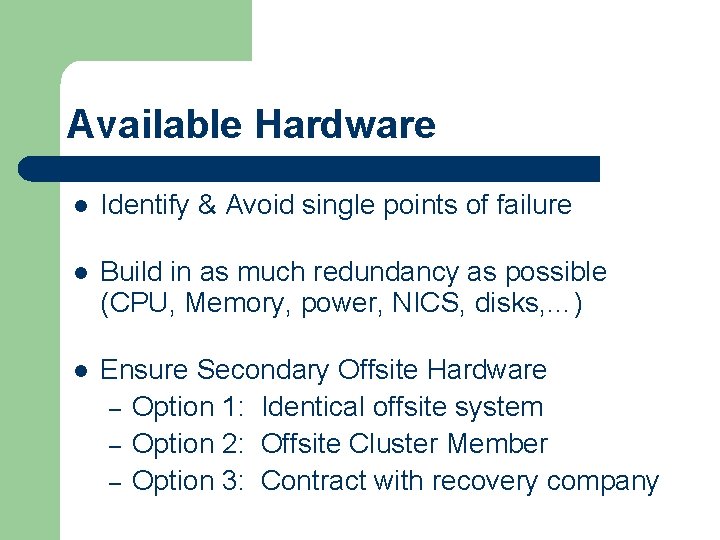
Available Hardware l Identify & Avoid single points of failure l Build in as much redundancy as possible (CPU, Memory, power, NICS, disks, …) l Ensure Secondary Offsite Hardware – Option 1: Identical offsite system – Option 2: Offsite Cluster Member – Option 3: Contract with recovery company
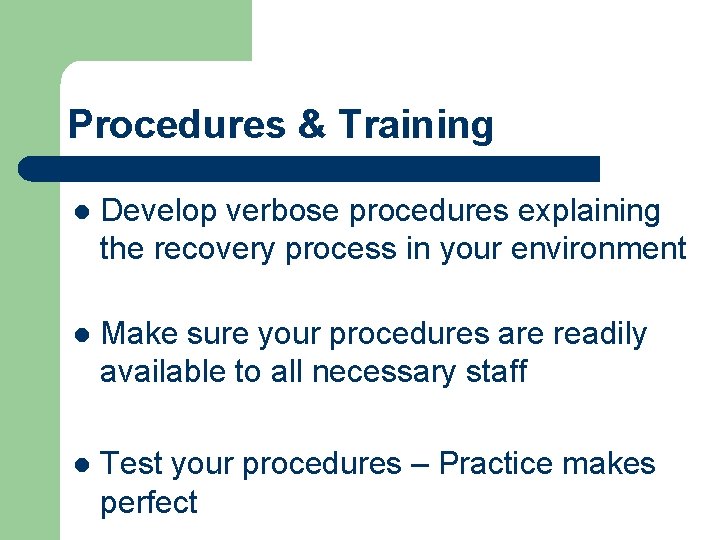
Procedures & Training l Develop verbose procedures explaining the recovery process in your environment l Make sure your procedures are readily available to all necessary staff l Test your procedures – Practice makes perfect
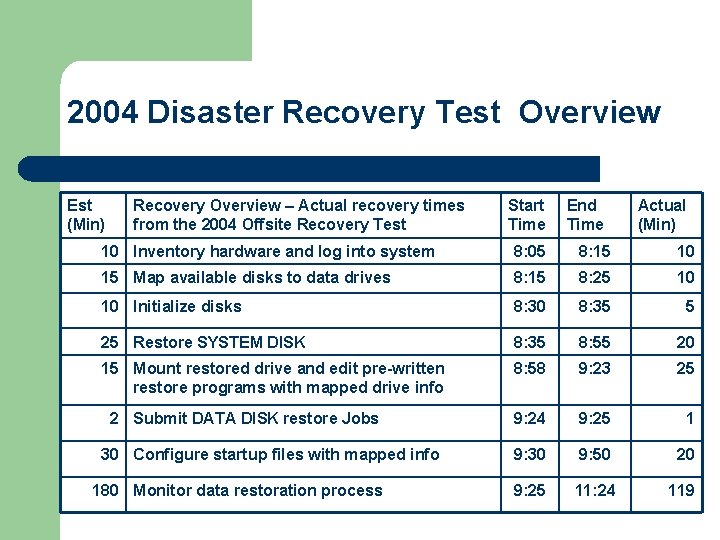
2004 Disaster Recovery Test Overview Est (Min) Recovery Overview – Actual recovery times from the 2004 Offsite Recovery Test Start Time End Time Actual (Min) 10 Inventory hardware and log into system 8: 05 8: 15 10 15 Map available disks to data drives 8: 15 8: 25 10 10 Initialize disks 8: 30 8: 35 5 25 Restore SYSTEM DISK 8: 35 8: 55 20 15 Mount restored drive and edit pre-written restore programs with mapped drive info 8: 58 9: 23 25 9: 24 9: 25 1 9: 30 9: 50 20 9: 25 11: 24 119 2 Submit DATA DISK restore Jobs 30 Configure startup files with mapped info 180 Monitor data restoration process
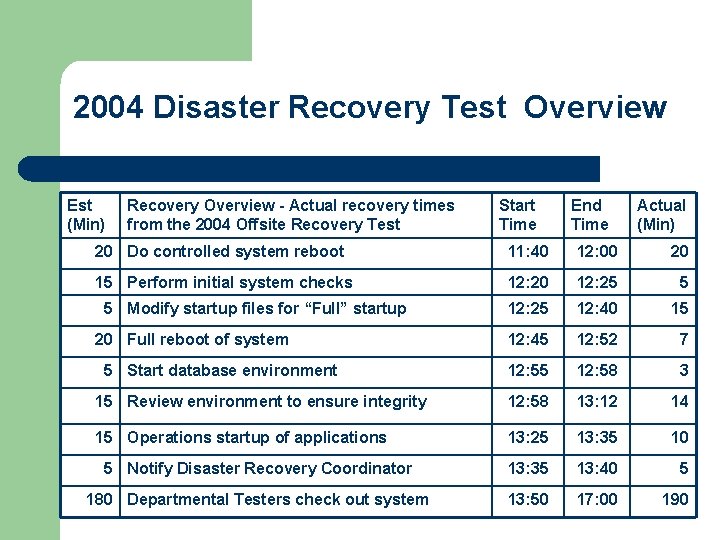
2004 Disaster Recovery Test Overview Est (Min) Recovery Overview - Actual recovery times from the 2004 Offsite Recovery Test Start Time End Time Actual (Min) 20 Do controlled system reboot 11: 40 12: 00 20 15 Perform initial system checks 12: 20 12: 25 5 12: 25 12: 40 15 12: 45 12: 52 7 12: 55 12: 58 3 15 Review environment to ensure integrity 12: 58 13: 12 14 15 Operations startup of applications 13: 25 13: 35 10 5 Notify Disaster Recovery Coordinator 13: 35 13: 40 5 180 Departmental Testers check out system 13: 50 17: 00 190 5 Modify startup files for “Full” startup 20 Full reboot of system 5 Start database environment
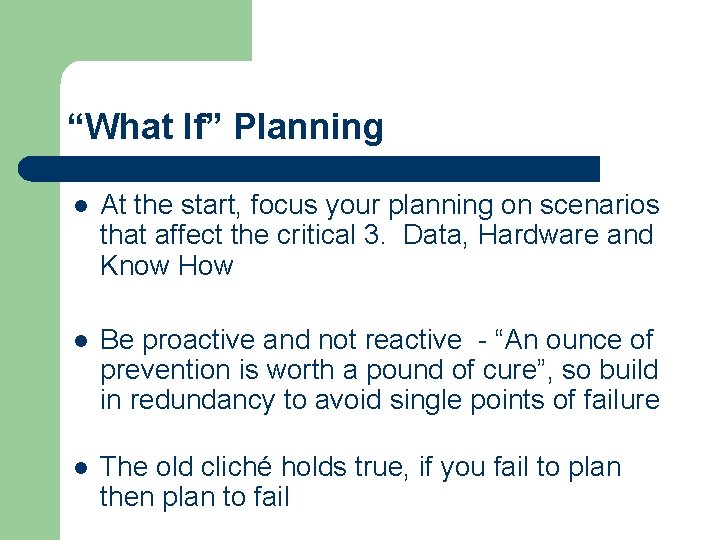
“What If” Planning l At the start, focus your planning on scenarios that affect the critical 3. Data, Hardware and Know How l Be proactive and not reactive - “An ounce of prevention is worth a pound of cure”, so build in redundancy to avoid single points of failure l The old cliché holds true, if you fail to plan then plan to fail
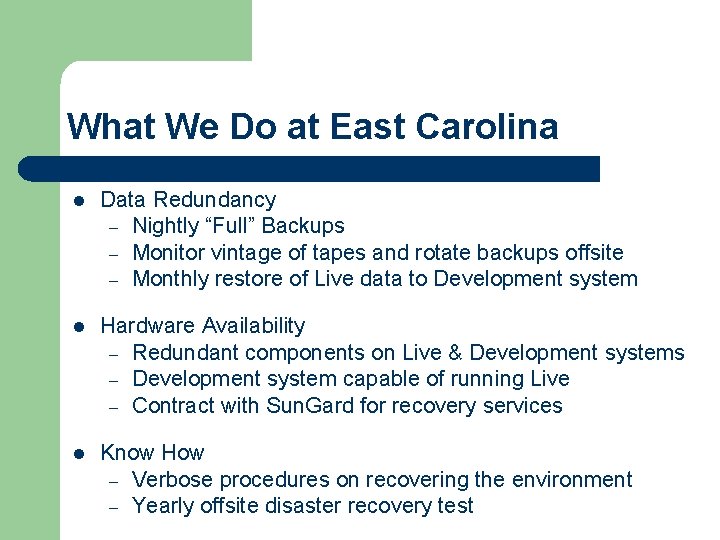
What We Do at East Carolina l Data Redundancy – Nightly “Full” Backups – Monitor vintage of tapes and rotate backups offsite – Monthly restore of Live data to Development system l Hardware Availability – Redundant components on Live & Development systems – Development system capable of running Live – Contract with Sun. Gard for recovery services l Know How – Verbose procedures on recovering the environment – Yearly offsite disaster recovery test
ITCS Disaster Recovery ITCSDRP Sharepoint Site
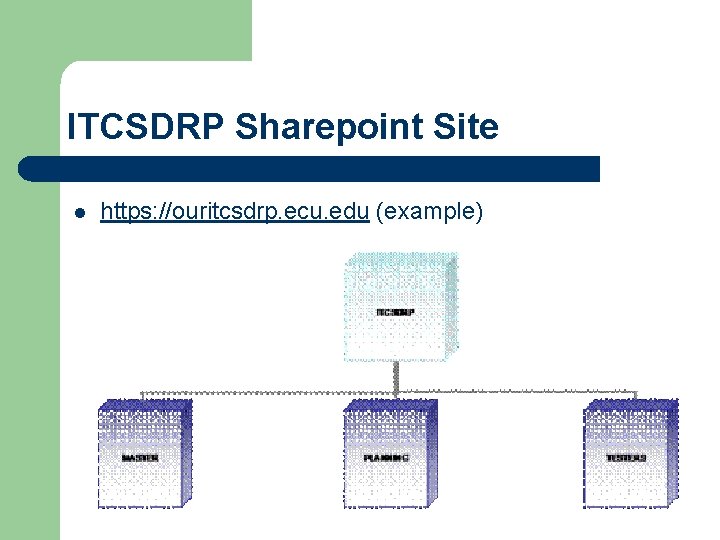
ITCSDRP Sharepoint Site l https: //ouritcsdrp. ecu. edu (example)
ITDRP Sharepoint Site l ITCSDRP – l MASTER – l This site contains the MASTER IT Disaster Recover Plan (DRP) manual in electronic format. PLANNING – l The ITCSDRP top-level site is the central starting point for ITCS Disaster Recovery. Those needing modify access in ITCS will have contributor rights to the PLANNING site. TESTING – The TESTING site is for those in ITCS and at the department level involved in annual testing.
ITCS Disaster Recovery Campus Disaster Planning
Campus Disaster Planning l l The Crisis Decision Team addresses University wide issues such as class canceling or other mission oriented issues. Campus Operations organizes and prioritizes the physical response and recovery efforts EH&S organizes the actual Emergency Operations Center to provide overall coordination of recovery efforts ITCS and other critical departments operate their own EOC's which coordinate their recovery efforts with the central EOC
Campus - Emergency Operations Center (EOC) l l l University Emergency Coordinator oversees campus emergencies Key administrators form the Emergency Management Team Todd Dining in the Sweatheart Banquet Room is the primary EOC location
ITCS Disaster Recovery Questions & Answers