Domain Expert Hao Zhong Shanghai Jiao Tong University

- Slides: 53
Domain Expert Hao Zhong Shanghai Jiao Tong University
Last class • Introduction • Science and research • Open source Software engineering data • Code analysis Compiler Partial program analysis WALA, SOOT
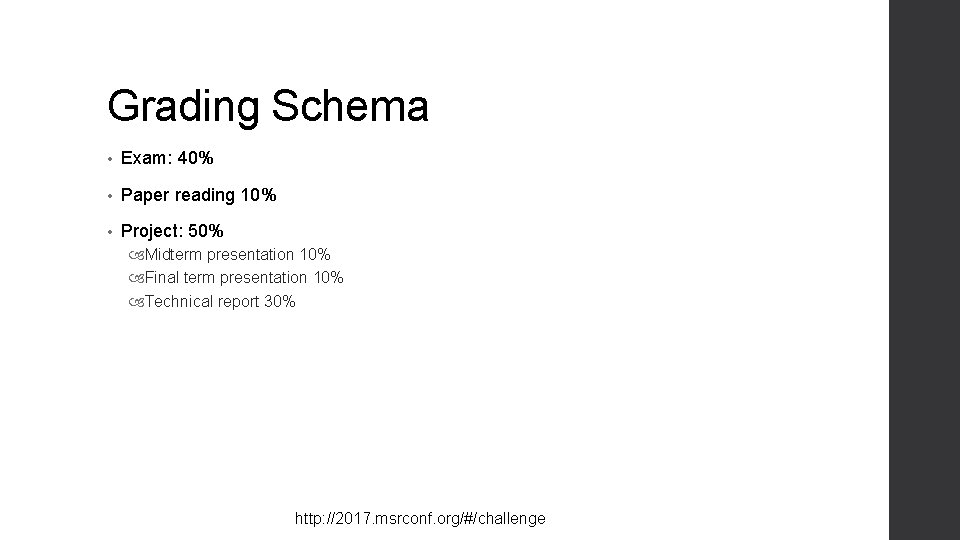
Grading Schema • Exam: 40% • Paper reading 10% • Project: 50% Midterm presentation 10% Final term presentation 10% Technical report 30% http: //2017. msrconf. org/#/challenge
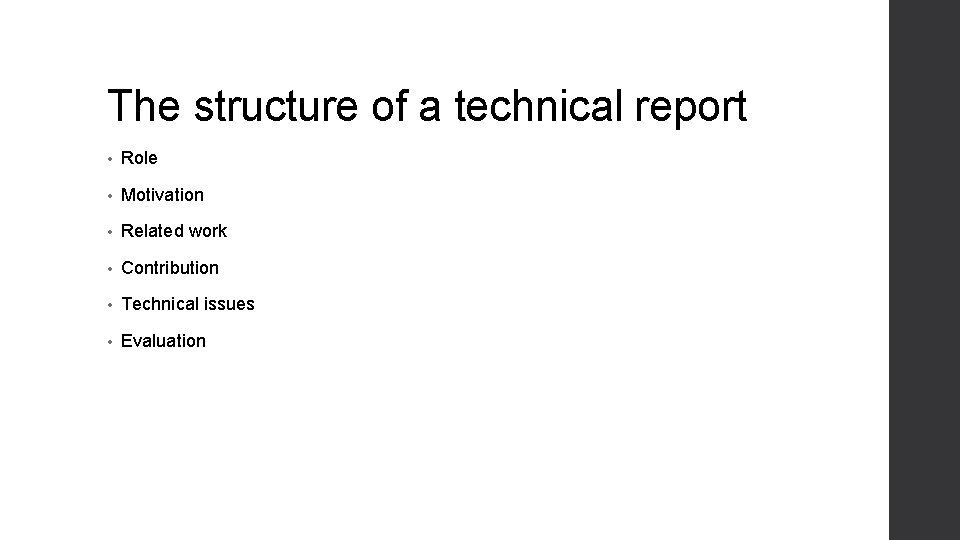
The structure of a technical report • Role • Motivation • Related work • Contribution • Technical issues • Evaluation
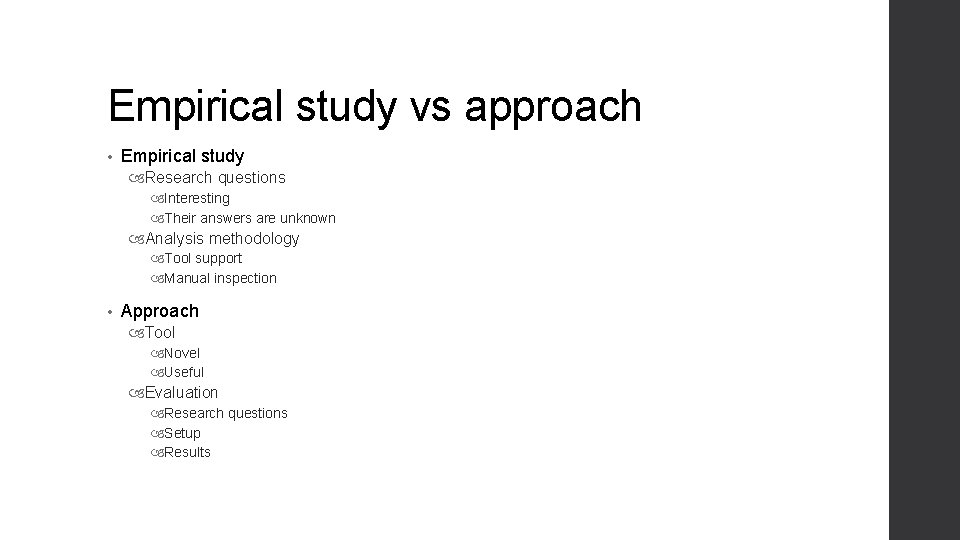
Empirical study vs approach • Empirical study Research questions Interesting Their answers are unknown Analysis methodology Tool support Manual inspection • Approach Tool Novel Useful Evaluation Research questions Setup Results
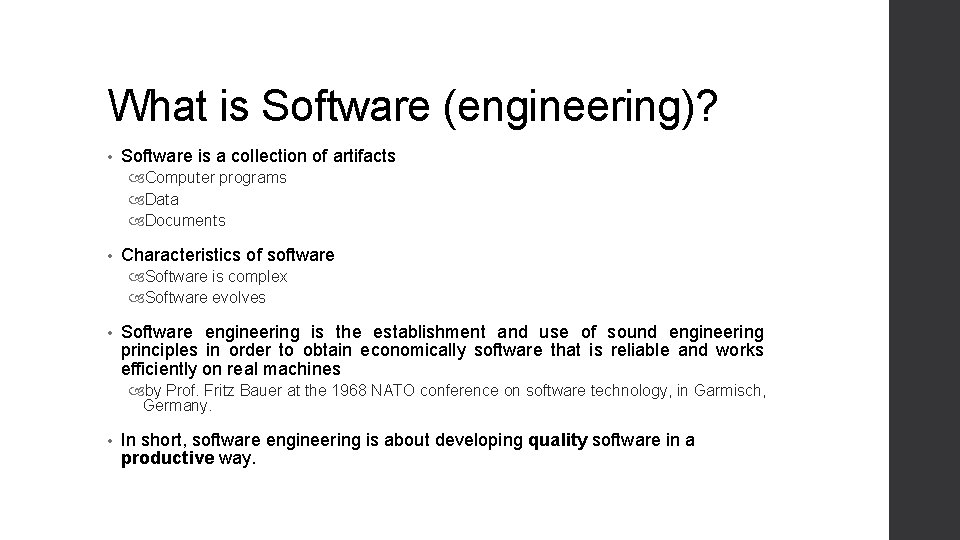
What is Software (engineering)? • Software is a collection of artifacts Computer programs Data Documents • Characteristics of software Software is complex Software evolves • Software engineering is the establishment and use of sound engineering principles in order to obtain economically software that is reliable and works efficiently on real machines by Prof. Fritz Bauer at the 1968 NATO conference on software technology, in Garmisch, Germany. • In short, software engineering is about developing quality software in a productive way.
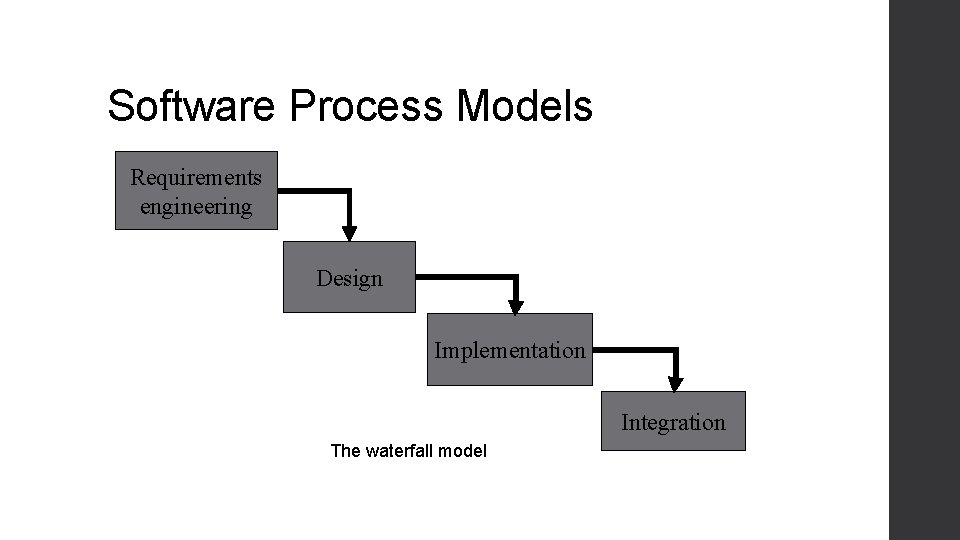
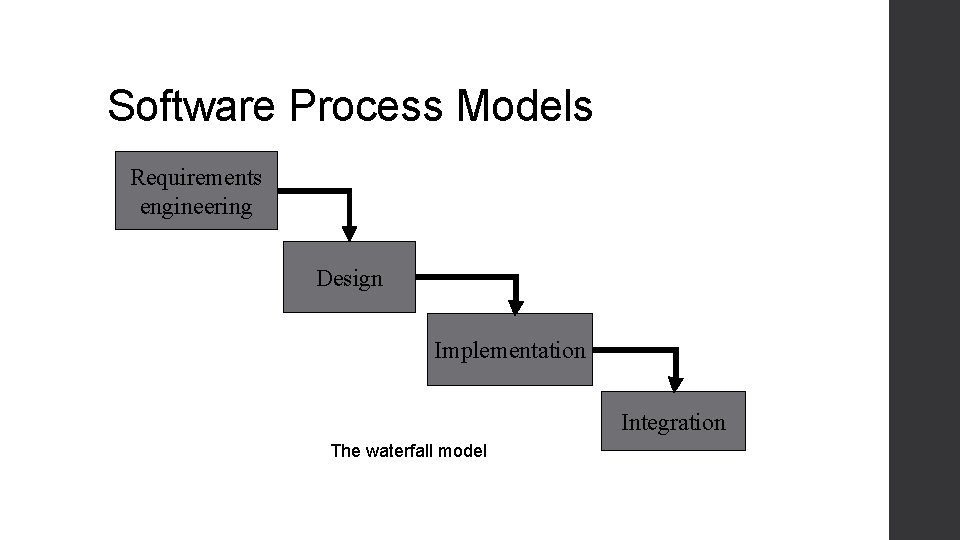
Software Process Models Requirements engineering Design Implementation Integration The waterfall model
Roles • Domain expert • Architecture • Designer • Programmer • Quality engineer • Team manager
Role • The term domain expert is frequently used in expert systems software development, and there the term always refers to the domain other than the software domain. A domain expert is a person with special knowledge or skills in a particular area of endeavor. (An accountant is an expert in the domain of accountancy, for example. )
Software Process Models Requirements engineering Design Implementation Integration The waterfall model
Requirements engineering • First stage of software life cycle • Produces a document, software requirements specification (SRS) • Customers provide a high level ideas • Software developers need a more detailed specification • Requirements are bridging the gap between the minds of customers and developers Customers “know” what the system shall do Developers “know” what they are going to build • • “Requirements are means of communication with customer and many other stakeholders” -- by Helene Wong, Ph. D thesis, 1994
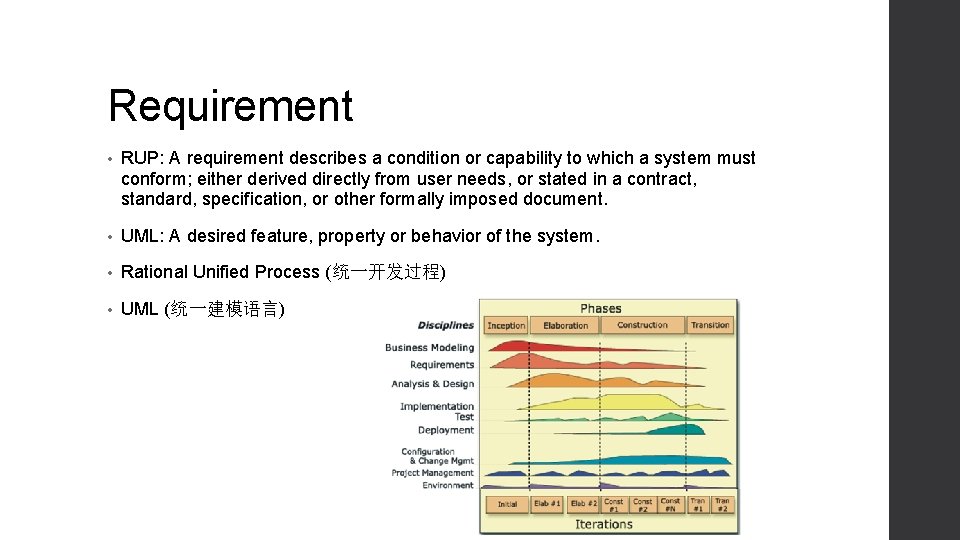
Requirement • RUP: A requirement describes a condition or capability to which a system must conform; either derived directly from user needs, or stated in a contract, standard, specification, or other formally imposed document. • UML: A desired feature, property or behavior of the system. • Rational Unified Process (统一开发过程) • UML (统一建模语言)
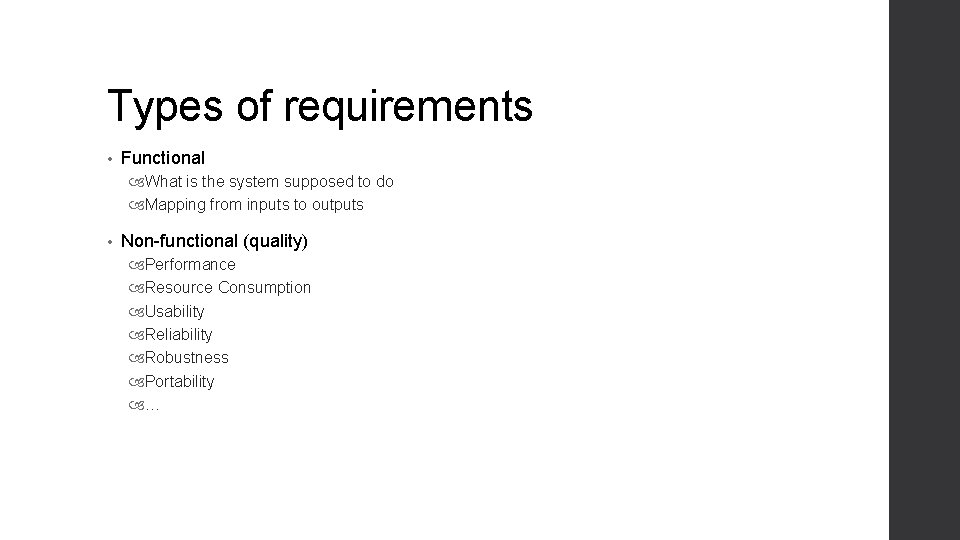
Types of requirements • Functional What is the system supposed to do Mapping from inputs to outputs • Non-functional (quality) Performance Resource Consumption Usability Reliability Robustness Portability …
Stakeholders • People who support, benefit from, or affected by a software project • Stakeholders may include Customers Users Final beneficiaries System administrators Supervisors
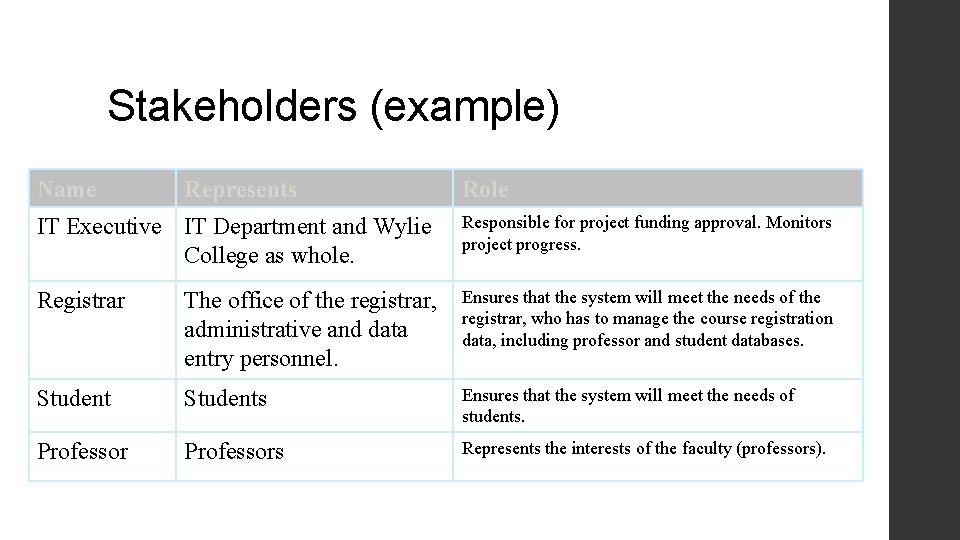
Stakeholders (example) Name Represents Role IT Executive IT Department and Wylie College as whole. Responsible for project funding approval. Monitors project progress. Registrar The office of the registrar, administrative and data entry personnel. Ensures that the system will meet the needs of the registrar, who has to manage the course registration data, including professor and student databases. Students Ensures that the system will meet the needs of students. Professors Represents the interests of the faculty (professors).
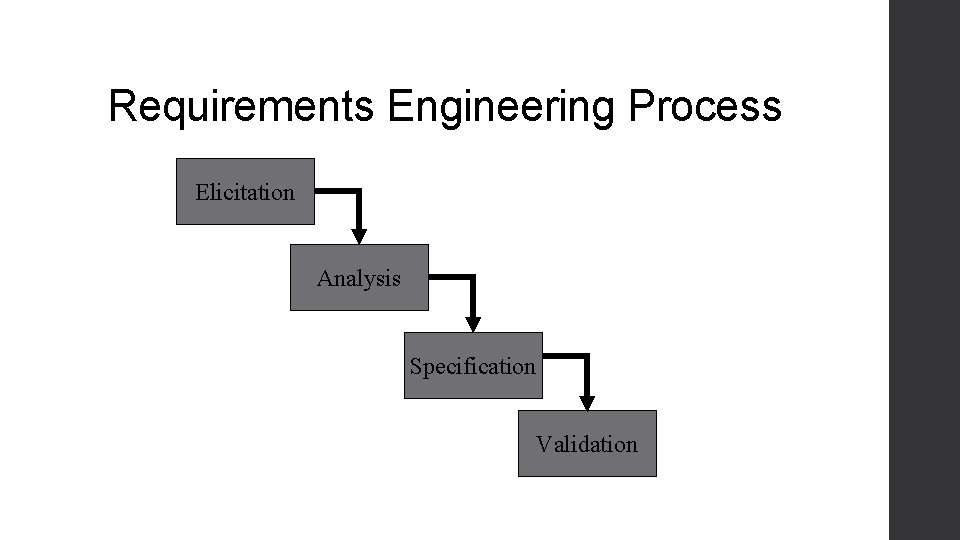
Requirements Engineering Process Elicitation Analysis Specification Validation
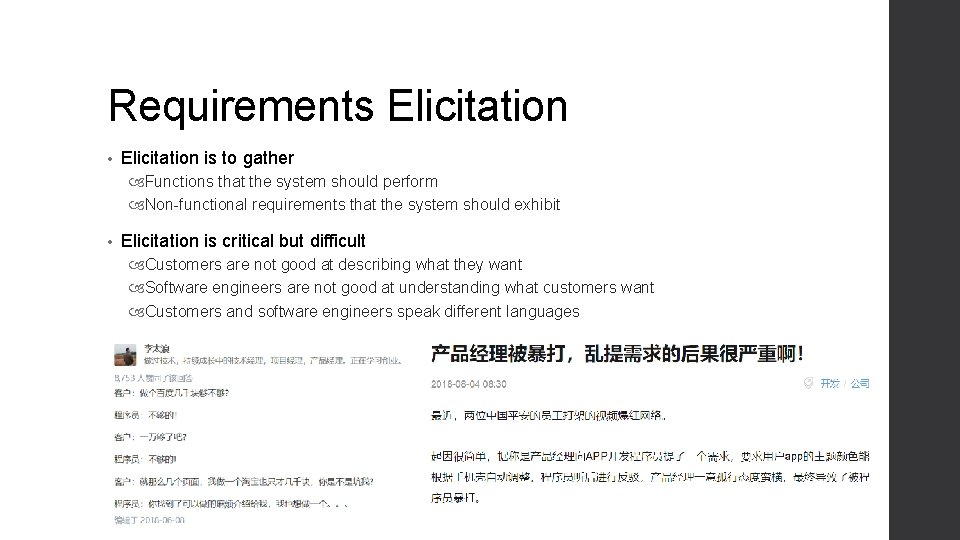
Requirements Elicitation • Elicitation is to gather Functions that the system should perform Non-functional requirements that the system should exhibit • Elicitation is critical but difficult Customers are not good at describing what they want Software engineers are not good at understanding what customers want Customers and software engineers speak different languages
Elicitation approaches • Brainstorming Gather stakeholders, collect ideas and prune • Interviewing Formal or informal interviews with stakeholders • Prototype GUI, flow charts of UIs • Testable User Story • …
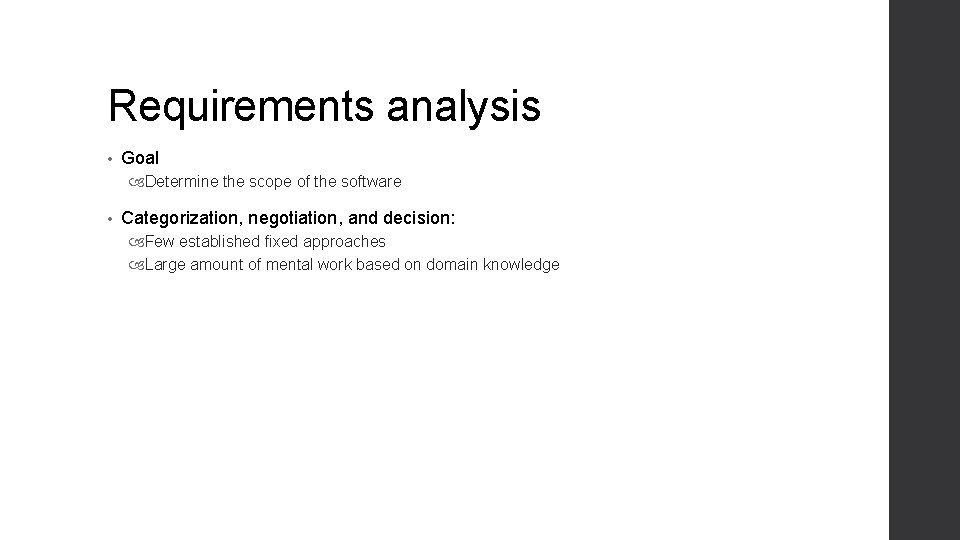
Requirements analysis, Why? • Requirements analysts have to understand the system from each stakeholder's point of view Stakeholders have different views of the system • Requirements analysts resolve conflicting views • Requirements analysts prioritize requirements Essential requirements Desirable requirements Optional requirements
Requirements analysis • Goal Determine the scope of the software • Categorization, negotiation, and decision: Few established fixed approaches Large amount of mental work based on domain knowledge
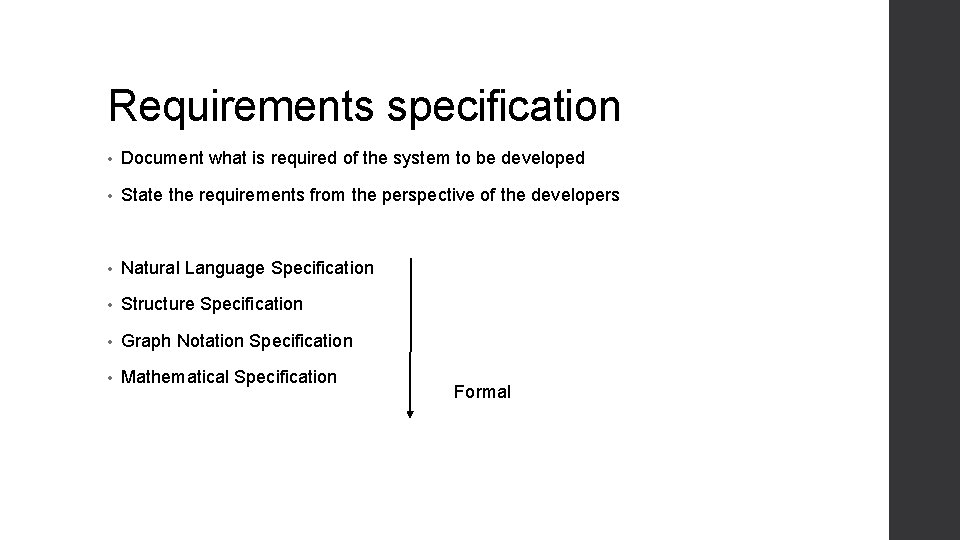
Requirements specification • Document what is required of the system to be developed • State the requirements from the perspective of the developers • Natural Language Specification • Structure Specification • Graph Notation Specification • Mathematical Specification Formal
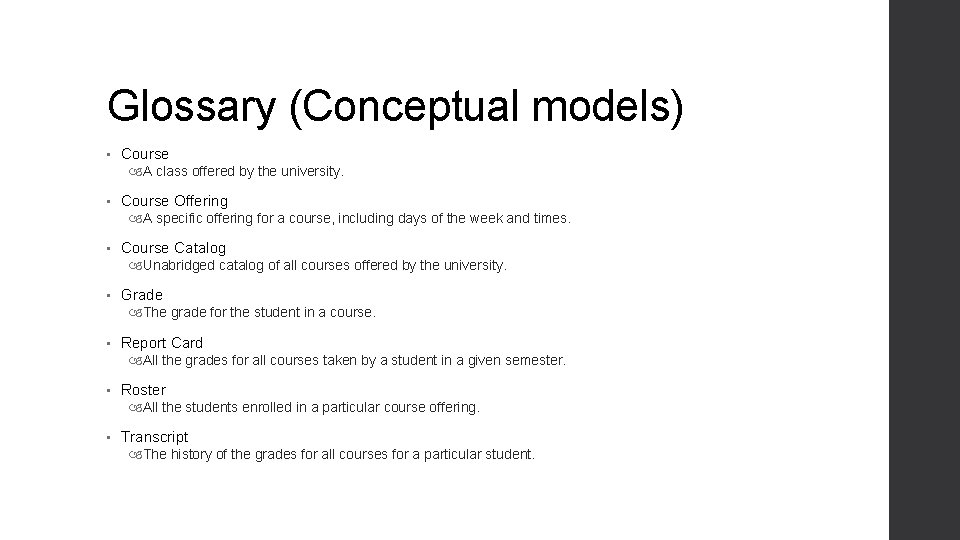
Glossary (Conceptual models) • Course A class offered by the university. • Course Offering A specific offering for a course, including days of the week and times. • Course Catalog Unabridged catalog of all courses offered by the university. • Grade The grade for the student in a course. • Report Card All the grades for all courses taken by a student in a given semester. • Roster All the students enrolled in a particular course offering. • Transcript The history of the grades for all courses for a particular student.
Natural language specification • The requirements are written using numbered sentences in natural language. • Each sentence should express one requirement. • Diagrams and tables can be used for better understanding of the specification
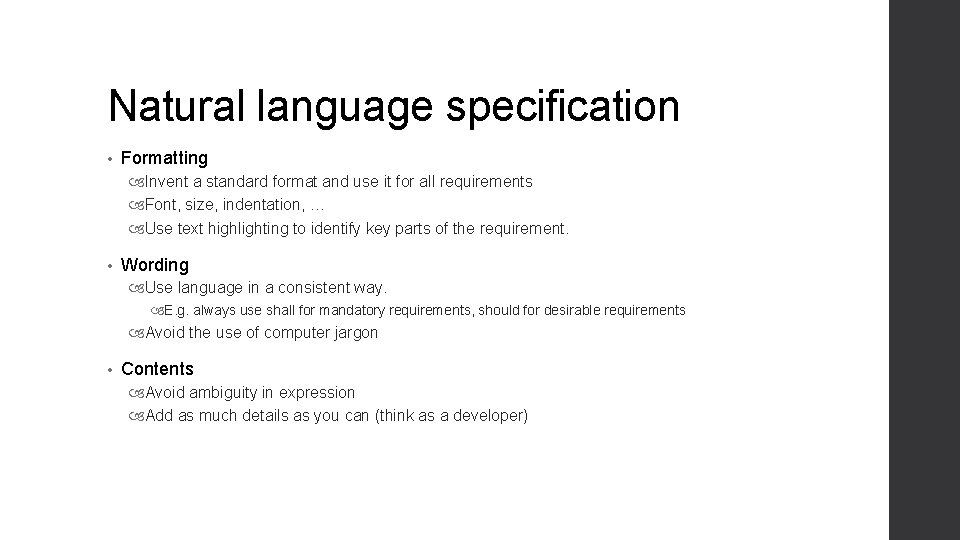
Natural language specification • Formatting Invent a standard format and use it for all requirements Font, size, indentation, … Use text highlighting to identify key parts of the requirement. • Wording Use language in a consistent way. E. g. always use shall for mandatory requirements, should for desirable requirements Avoid the use of computer jargon • Contents Avoid ambiguity in expression Add as much details as you can (think as a developer)
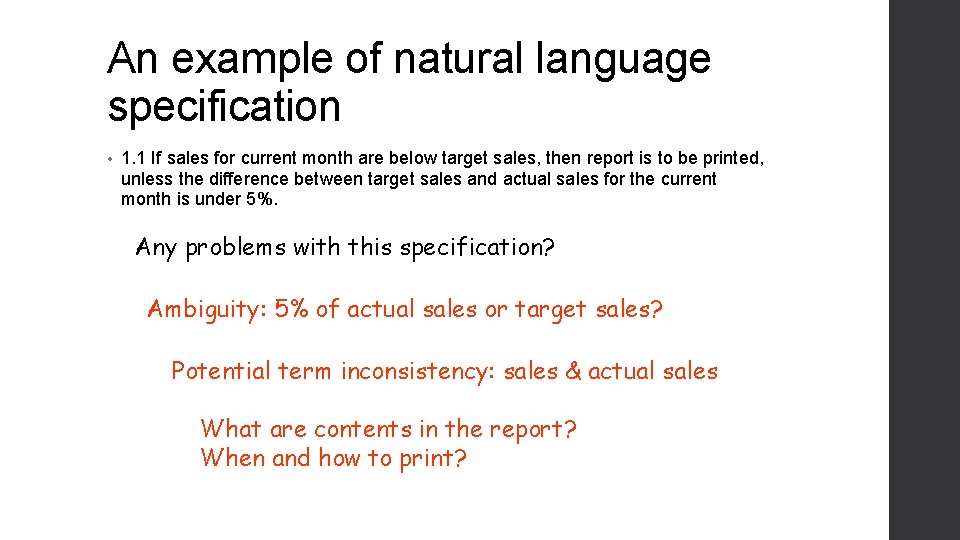
An example of natural language specification • 1. 1 If sales for current month are below target sales, then report is to be printed, unless the difference between target sales and actual sales for the current month is under 5%. Any problems with this specification? Ambiguity: 5% of actual sales or target sales? Potential term inconsistency: sales & actual sales What are contents in the report? When and how to print?
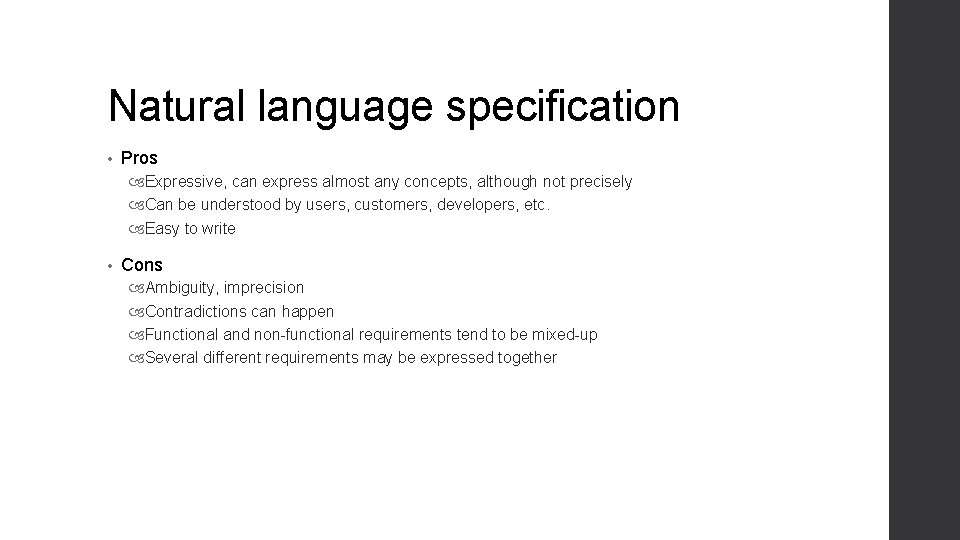
Natural language specification • Pros Expressive, can express almost any concepts, although not precisely Can be understood by users, customers, developers, etc. Easy to write • Cons Ambiguity, imprecision Contradictions can happen Functional and non-functional requirements tend to be mixed-up Several different requirements may be expressed together
Structured specifications • The structure of a requirement is predefined • The freedom of the requirements writer is limited • Some common structures: Forms Tables
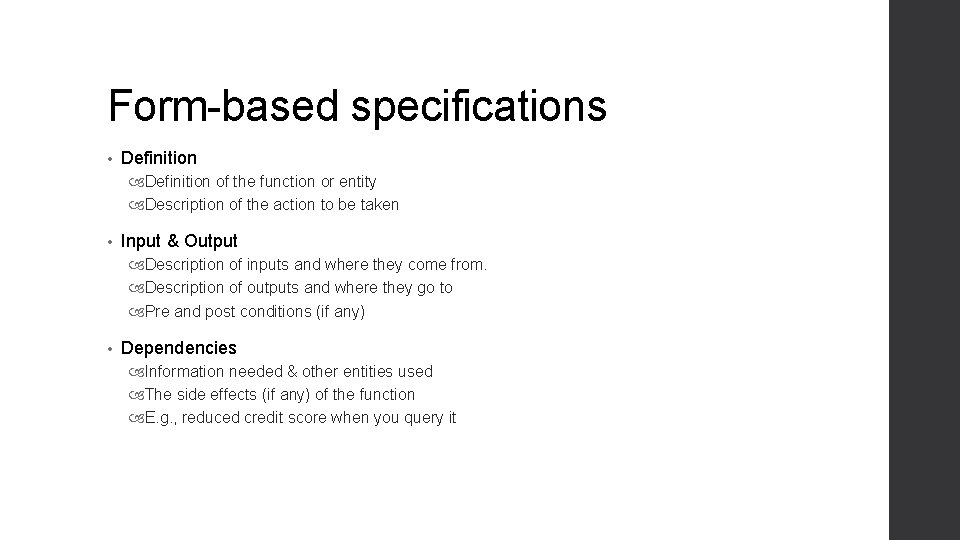
Form-based specifications • Definition of the function or entity Description of the action to be taken • Input & Output Description of inputs and where they come from. Description of outputs and where they go to Pre and post conditions (if any) • Dependencies Information needed & other entities used The side effects (if any) of the function E. g. , reduced credit score when you query it
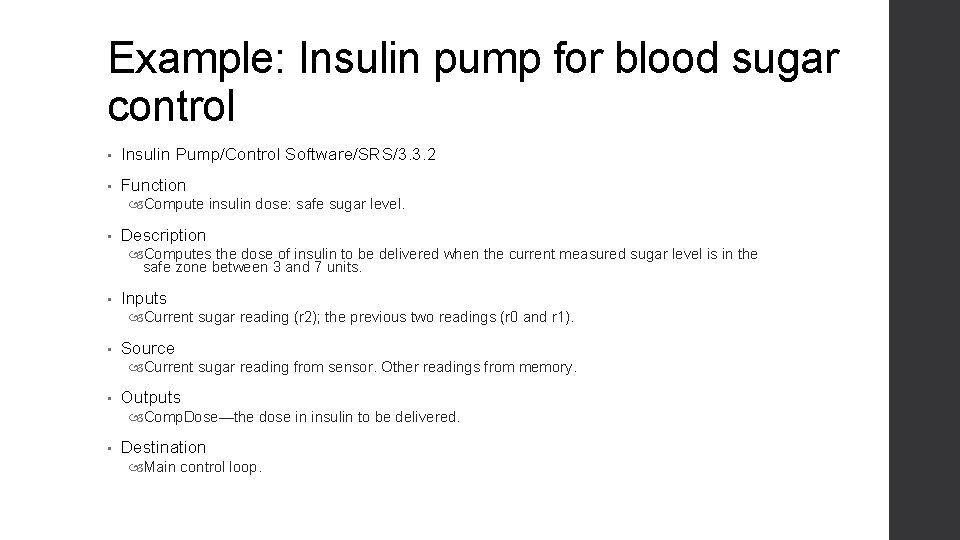
Example: Insulin pump for blood sugar control • Insulin Pump/Control Software/SRS/3. 3. 2 • Function Compute insulin dose: safe sugar level. • Description Computes the dose of insulin to be delivered when the current measured sugar level is in the safe zone between 3 and 7 units. • Inputs Current sugar reading (r 2); the previous two readings (r 0 and r 1). • Source Current sugar reading from sensor. Other readings from memory. • Outputs Comp. Dose—the dose in insulin to be delivered. • Destination Main control loop.
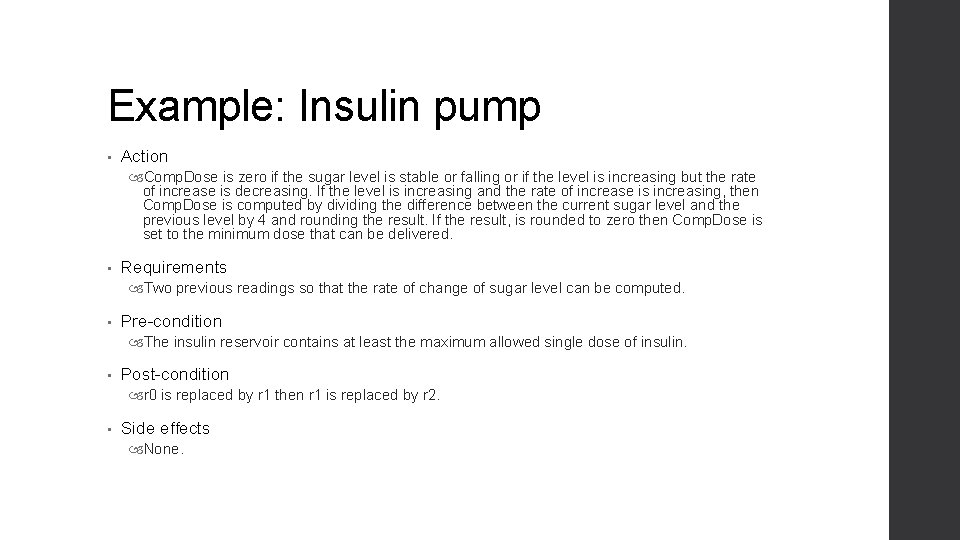
Example: Insulin pump • Action Comp. Dose is zero if the sugar level is stable or falling or if the level is increasing but the rate of increase is decreasing. If the level is increasing and the rate of increase is increasing, then Comp. Dose is computed by dividing the difference between the current sugar level and the previous level by 4 and rounding the result. If the result, is rounded to zero then Comp. Dose is set to the minimum dose that can be delivered. • Requirements Two previous readings so that the rate of change of sugar level can be computed. • Pre-condition The insulin reservoir contains at least the maximum allowed single dose of insulin. • Post-condition r 0 is replaced by r 1 then r 1 is replaced by r 2. • Side effects None.
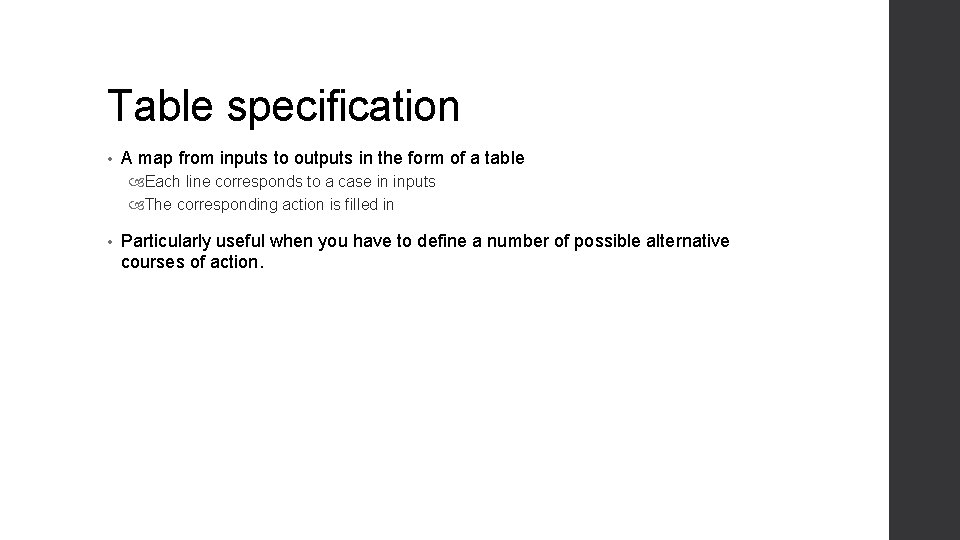
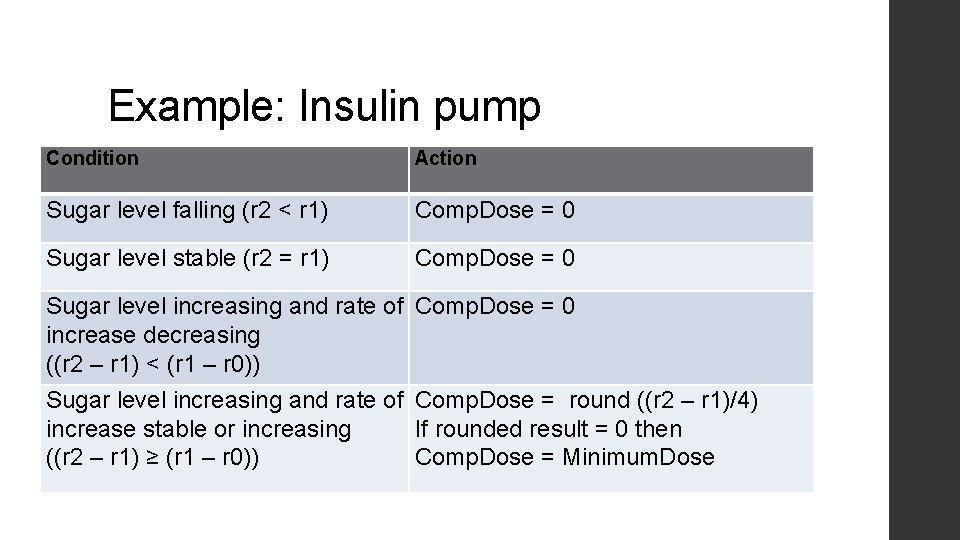
Table specification • A map from inputs to outputs in the form of a table Each line corresponds to a case in inputs The corresponding action is filled in • Particularly useful when you have to define a number of possible alternative courses of action.
Example: Insulin pump Condition Action Sugar level falling (r 2 < r 1) Comp. Dose = 0 Sugar level stable (r 2 = r 1) Comp. Dose = 0 Sugar level increasing and rate of Comp. Dose = 0 increase decreasing ((r 2 – r 1) < (r 1 – r 0)) Sugar level increasing and rate of Comp. Dose = round ((r 2 – r 1)/4) increase stable or increasing If rounded result = 0 then ((r 2 – r 1) ≥ (r 1 – r 0)) Comp. Dose = Minimum. Dose
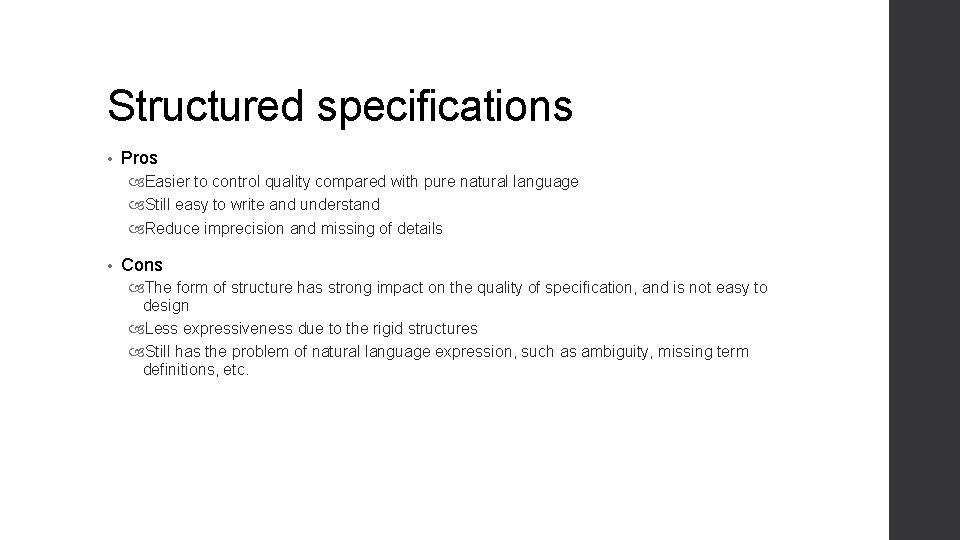
Structured specifications • Pros Easier to control quality compared with pure natural language Still easy to write and understand Reduce imprecision and missing of details • Cons The form of structure has strong impact on the quality of specification, and is not easy to design Less expressiveness due to the rigid structures Still has the problem of natural language expression, such as ambiguity, missing term definitions, etc.
Graph notation specification • Predefined graphical models • Supplemented by text annotations • Existing techniques: UML: Use case diagram
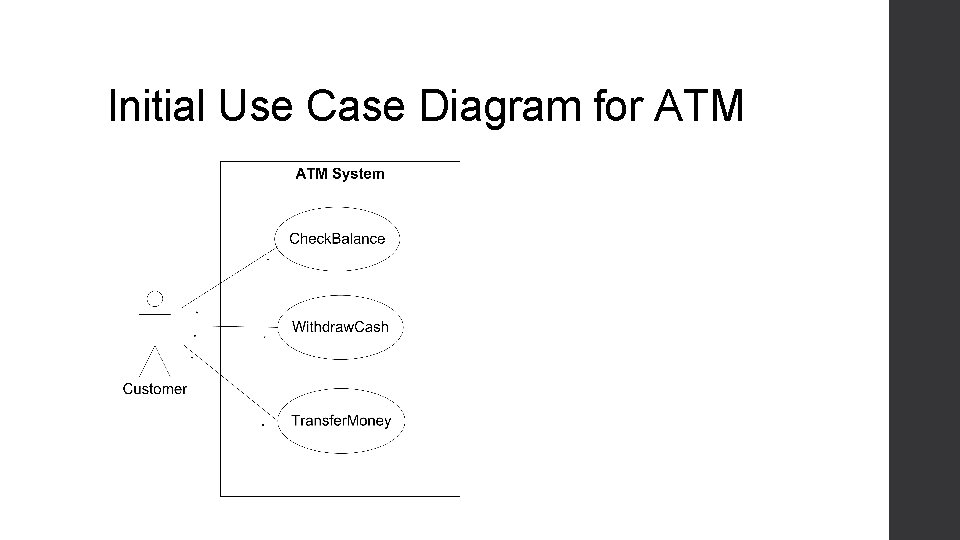
Use case diagram • Used as a graphics notation for requirement engineering • System: drawn as a box • Actors: outside the system • Use cases: inside the system • Relations among use cases
Actors • Actors are external to the system • An actor specifies a role Users that operate the system directly Other software systems or hardware pieces that interact with the system • One person or thing may play many roles in relation to the system simultaneously or over time
Use case • Use cases are usages of the system • Use cases capture the functional requirements Use cases provide the high-level descriptions of the system’s functionality in terms of interactions Use cases show inputs and outputs between the system and the environment Use cases are from the user’s point of view
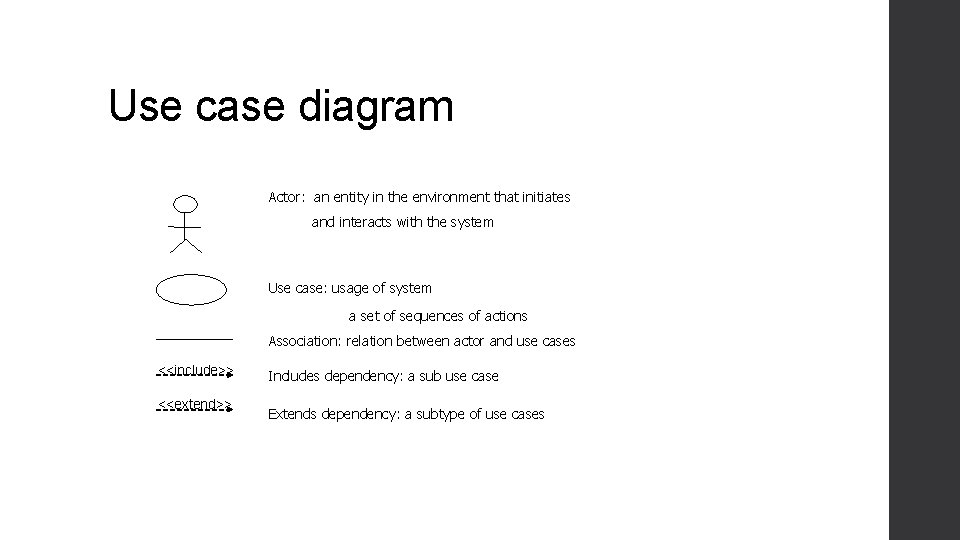
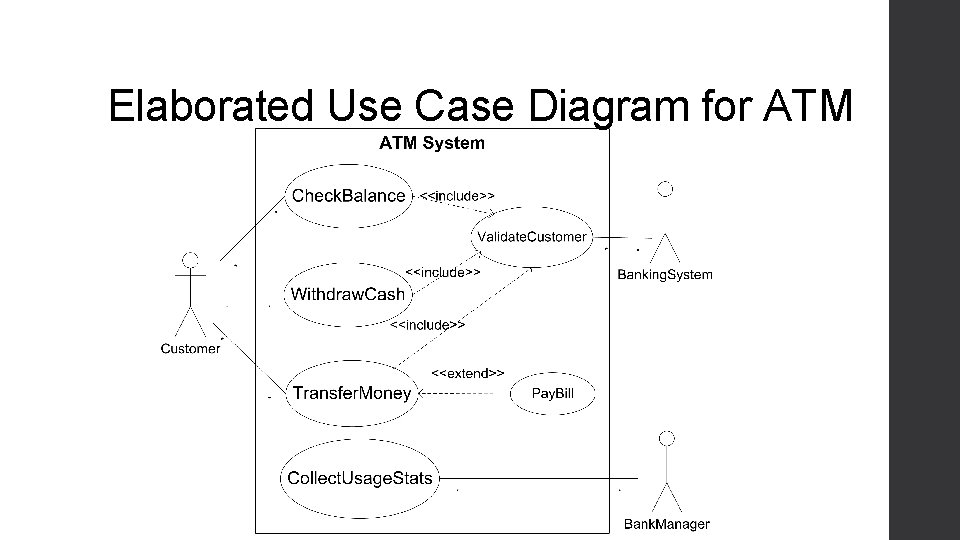
Use case diagram Actor: an entity in the environment that initiates and interacts with the system Use case: usage of system a set of sequences of actions Association: relation between actor and use cases <<include>> <<extend>> Includes dependency: a sub use case Extends dependency: a subtype of use cases
Use case – an example • ATM system Withdraw cash Check account balance Maintain usage statistics …
Initial Use Case Diagram for ATM
Elaborated Use Case Diagram for ATM
Mathematic specification • Write specification using predefined formal languages • Define all concepts, inputs, and corresponding outputs /actions formally • Some popular specification languages: Z language Alloy …
Example: word split with Z language • Textual Description Purpose: Breaking a text into words A text is a sequence of characters. Certain characters are blanks: spaces, line breaks, and tabs A word is a sequence of non-blank characters A separator is a sequence of blank characters. • Concept Definition: char == [CHAR] (CHAR is defined as all characters) blank == [space, line break, tab] TEXT == seq char (seq is a predefined function, meaning a sequence of elements from its set-type argument) SEPARATOR == seq 1 blank WORD == seq 1 (char blank) Note: TEXT includes the empty sequence, but SPACE and WORD must have at least one character, so we declare them to be seq 1 (non-empty sequences).
Mathematic specification • Pros Precise, little ambiguity (almost pseudo code) Computer readable, so correctness can be checked with automatic tools (e. g. model checker) Easy to write test case based on the specification (providing oracles) • Cons Hard to understand Hard to write, costly to find people writing it and using it Expressiveness depending on the specification language (often not expressive enough)
In practice • Natural language Widely used, especially for small projects • Structure Often used as a supplement to natural language • Graph Notation Widely used in industry, outsourcing • Mathematics Compilers (programming language) Model checker
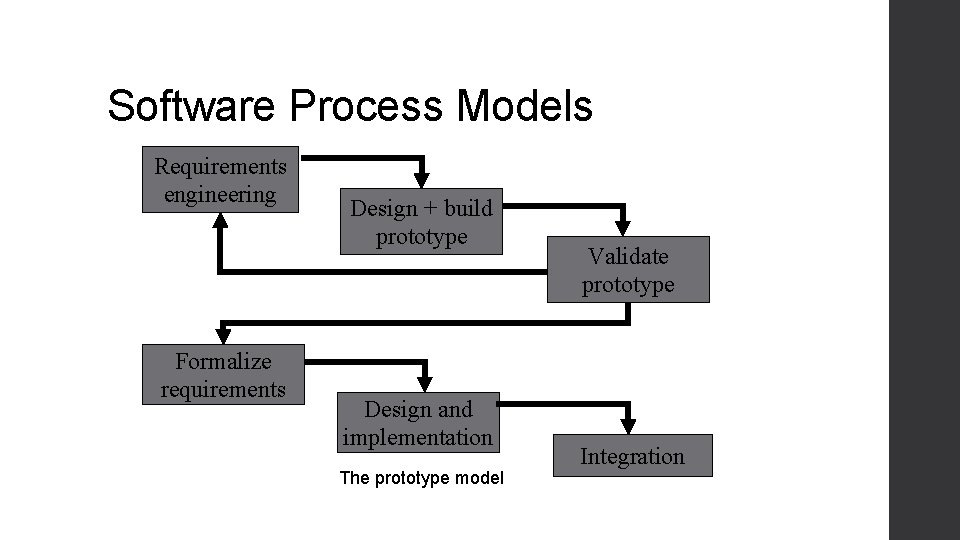
Requirements validation • Review Systematic manual analysis of the requirements Regular reviews should be held while the requirements definition is being formulated Both client and contractor staff should be involved in reviews Reviews may be formal (with completed documents) or informal • Prototyping Using an executable model of the system to check requirements. Covered in previous lectures • Test-case generation Developing tests for requirements to check testability Used in extreme programming, also used as a validation technique
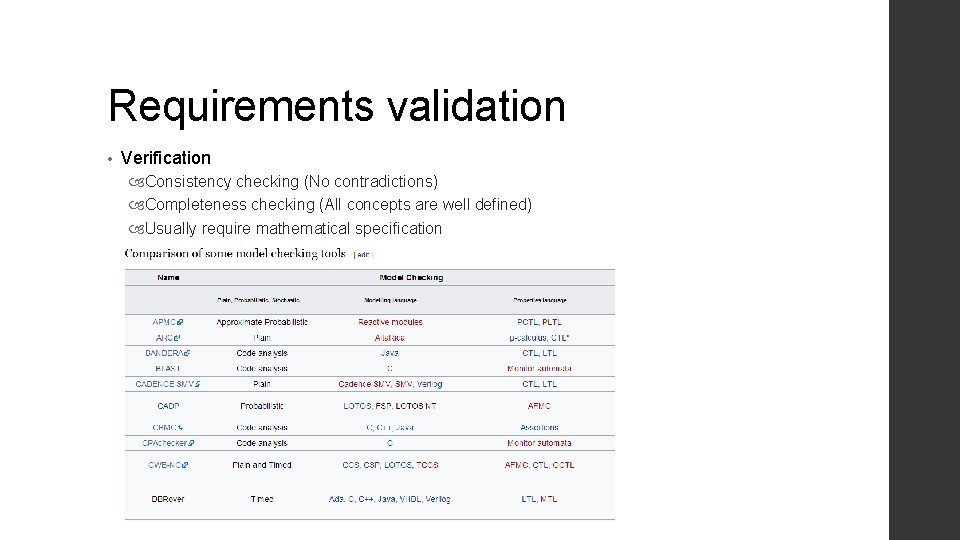
Requirements validation • Verification Consistency checking (No contradictions) Completeness checking (All concepts are well defined) Usually require mathematical specification
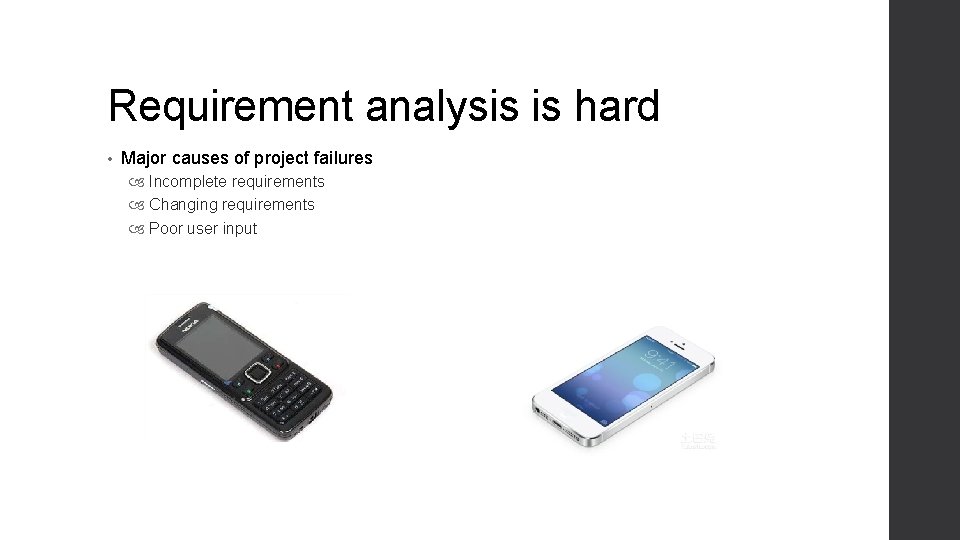
Requirement analysis is hard • Major causes of project failures Incomplete requirements Changing requirements Poor user input
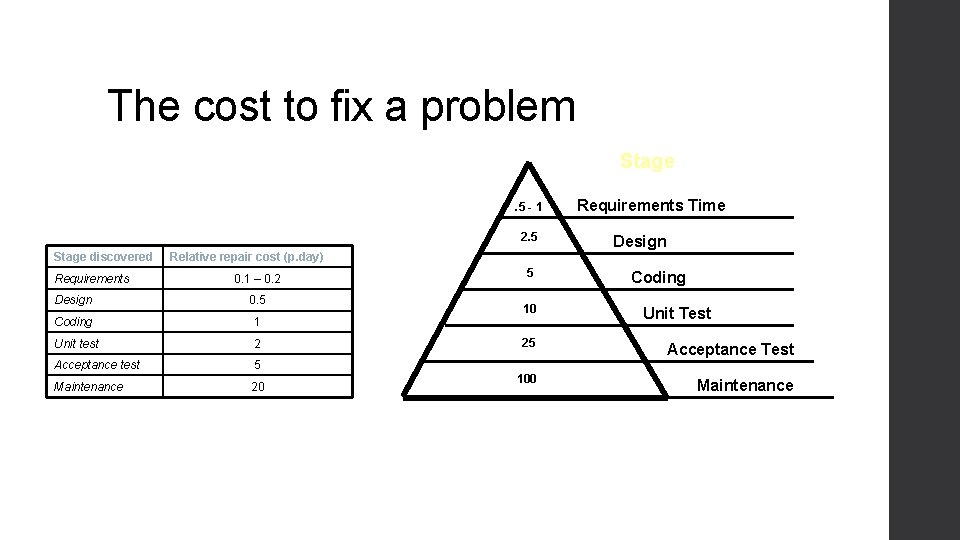
The cost to fix a problem Stage. 5 - 1 2. 5 Stage discovered Requirements Relative repair cost (p. day) 0. 1 – 0. 2 Design 0. 5 Coding 1 Unit test 2 Acceptance test 5 Maintenance 20 5 10 Requirements Time Design Coding Unit Test 25 Acceptance Test 100 Maintenance
Software Process Models Requirements engineering Formalize requirements Design + build prototype Design and implementation The prototype model Validate prototype Integration UTSA CS 5103
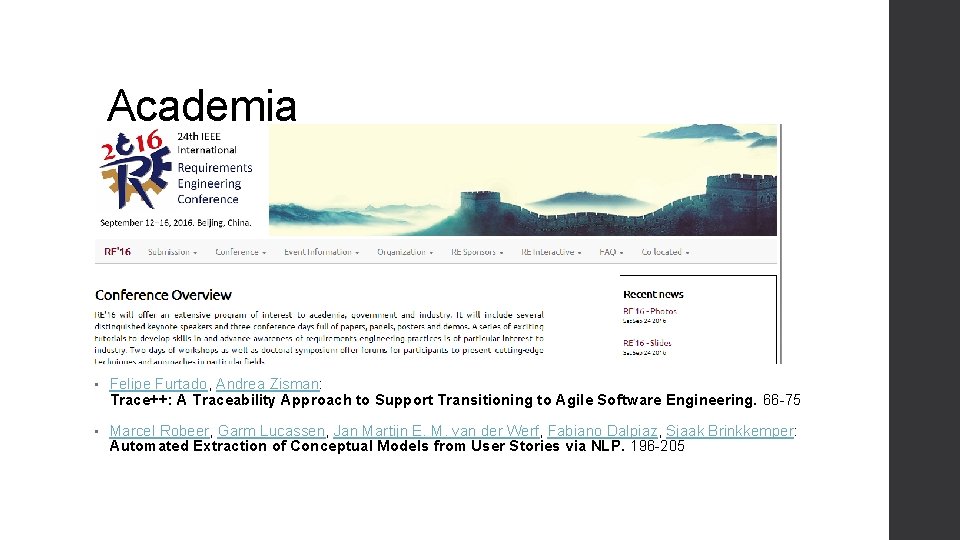
Academia • Felipe Furtado, Andrea Zisman: Trace++: A Traceability Approach to Support Transitioning to Agile Software Engineering. 66 -75 • Marcel Robeer, Garm Lucassen, Jan Martijn E. M. van der Werf, Fabiano Dalpiaz, Sjaak Brinkkemper: Automated Extraction of Conceptual Models from User Stories via NLP. 196 -205
This class • Requirement Engineering Concepts Definition Stakeholders Types of requirements Process Elicitation Analysis Specification Validation
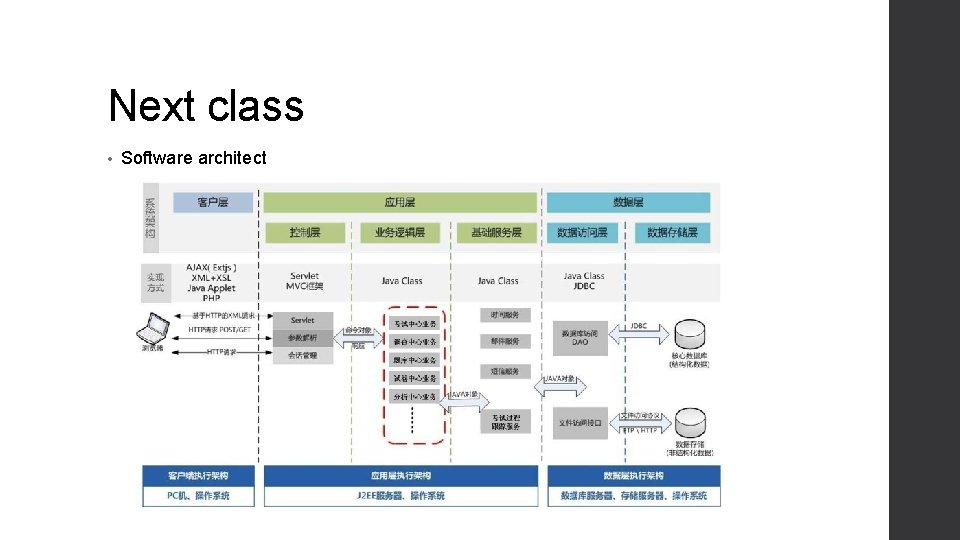
Next class • Software architect