CSCI235 MicroComputer in Science Privacy Security Privacy in
- Slides: 39
CSCI-235 Micro-Computer in Science Privacy & Security
Privacy in Cyberspace Ø Privacy refers to an individual’s ability to restrict the collection, use, and sale of confidential personal information Ø The Internet is eroding privacy through the selling of information collected through Web sites Ø Few laws regulate selling personal information © Prentice-Hall, Inc
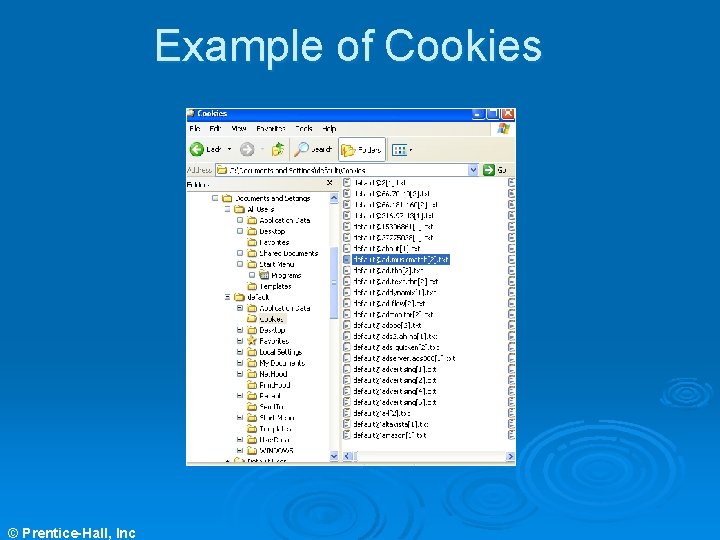
Cookies Ø Cookies are small files that are written to an individual’s hard drive whenever a Web site is visited Ø Legitimate purposes of cookies include recording information for future use. Example: retail sites using “shopping carts” Ø Questionable practices include banner ad companies tracking a user’s browsing actions and placing banner ads on Web sites based on those actions © Prentice-Hall, Inc
Cookies Ø A small text file stored on your hard drive Ø File is sent back to the server each time you visit that site l l l Stores preferences, allowing Web site to be customized Stores passwords, allowing you to visit multiple pages within the site without logging in to each one Tracks surfing habits, targeting you for specific types of advertisements © Prentice-Hall, Inc
Example of Cookies © Prentice-Hall, Inc
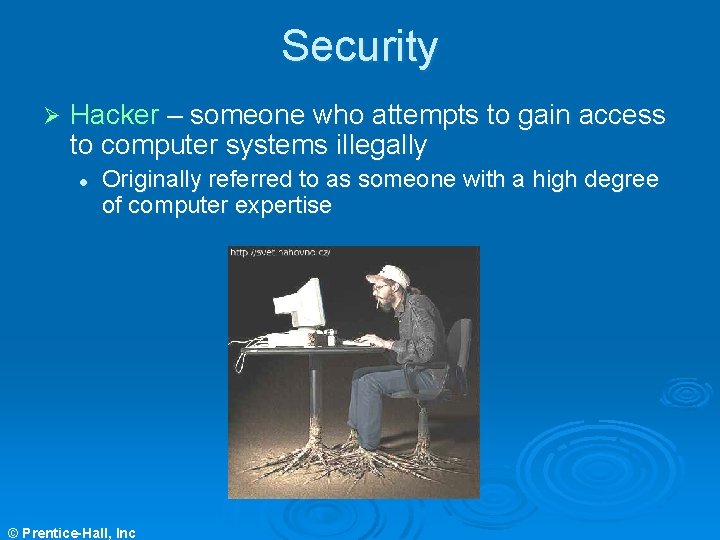
Security Ø Hacker – someone who attempts to gain access to computer systems illegally l Originally referred to as someone with a high degree of computer expertise © Prentice-Hall, Inc
Definition of a Hacker Ø Hacker noun (see Raymond, 1991) l l A person who enjoys learning the details of computer systems and how to stretch their capabilities – as opposed to the most users of computers, who prefer to learn only the minimum amount necessary One who programs enthusiastically or who enjoys programming rather than just theorizing about programming © Prentice-Hall, Inc
Definition of a Hacker Ø Person who l l is an expert or enthusiastic of any kind enjoys the intellectual challenge of creatively overcoming or circumventing limitations Ø Used as a compliment © Prentice-Hall, Inc
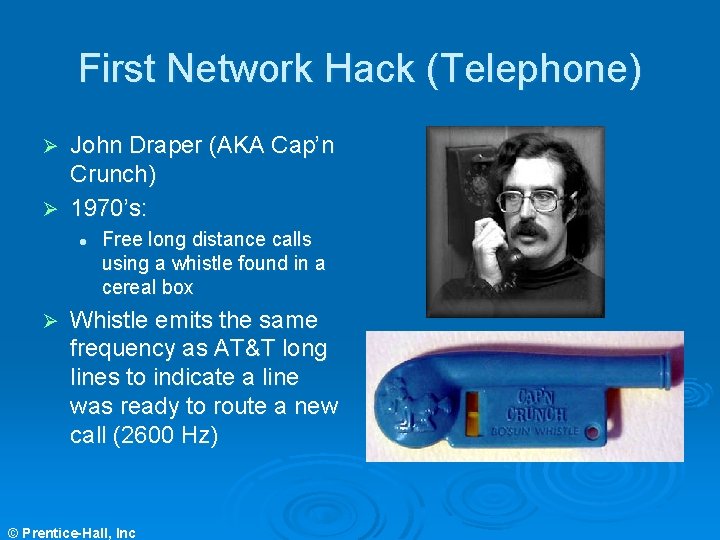
First Network Hack (Telephone) John Draper (AKA Cap’n Crunch) Ø 1970’s: Ø l Ø Free long distance calls using a whistle found in a cereal box Whistle emits the same frequency as AT&T long lines to indicate a line was ready to route a new call (2600 Hz) © Prentice-Hall, Inc
First Network Hack (Telephone) Ø Flaw: l l l AT&T took cost cutting measures The signaling and voice used the same circuit This flaw made the system vulnerable to anybody that can generate 2600 Hz Ø Solution: l Now signaling takes place on a separate path from the one you talk on © Prentice-Hall, Inc
Computer Viruses Ø Computer viruses are malicious programs that infect a computer system causing various problems with its use Ø Viruses replicate and attach themselves to programs in the system Ø There are more than 20, 000 different computer viruses with the number growing daily © Prentice-Hall, Inc
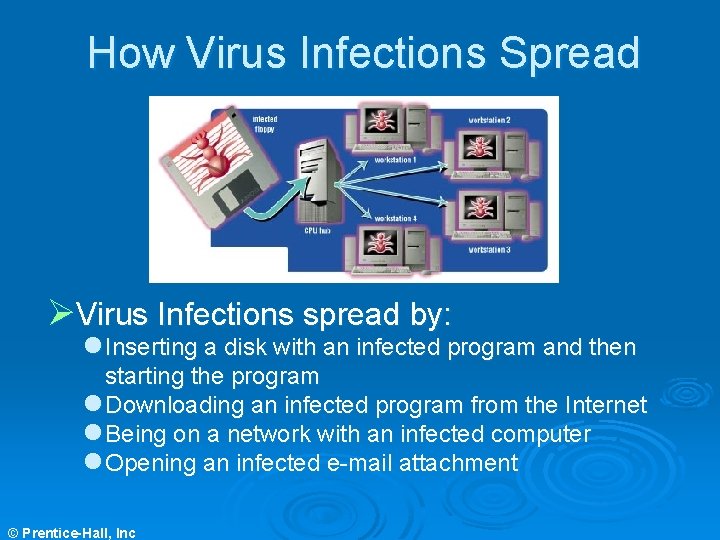
How Virus Infections Spread ØVirus Infections spread by: l Inserting a disk with an infected program and then starting the program l Downloading an infected program from the Internet l Being on a network with an infected computer l Opening an infected e-mail attachment © Prentice-Hall, Inc
Virus Myths Ø You cannot get infected by simply being online l If you download and execute an infected file, you can get infected Ø Although most e-mail viruses (e. g. , the Melissa virus) are in attachments that must be opened, it is possible to get infected by viewing an e-mail © Prentice-Hall, Inc
Types of Viruses Ø File Infectors l l l Ø Attach themselves to program files Spread to other programs on the hard drive Are the most common type of virus Boot Sector Viruses l l l Attach themselves to the boot sector of a hard drive Execute each time the computer is started May lead to the destruction of all data © Prentice-Hall, Inc
More Rogue Programs Ø Time Bombs l l Also called logic bombs Harmless until a certain event or circumstance activates the program Ø Ø Worms l l Resemble a virus Spread from one computer to another Control infected computers Attack other networked computers Trojan Horses l l l © Prentice-Hall, Inc Disguise themselves as useful programs Contain hidden instructions May erase data or cause other damage
Identity Theft Ø Identity theft is one of the fastest growing crimes in the United States and Canada Ø Identity theft occurs when enough information about an individual is obtained to open a credit card account in their name and charge items to that account Ø Examples of information needed are name, address, social security number, and other personal information Ø Laws limit liability to $50 for each fraudulent charge Ø An individual’s credit report is affected by identity theft © Prentice-Hall, Inc
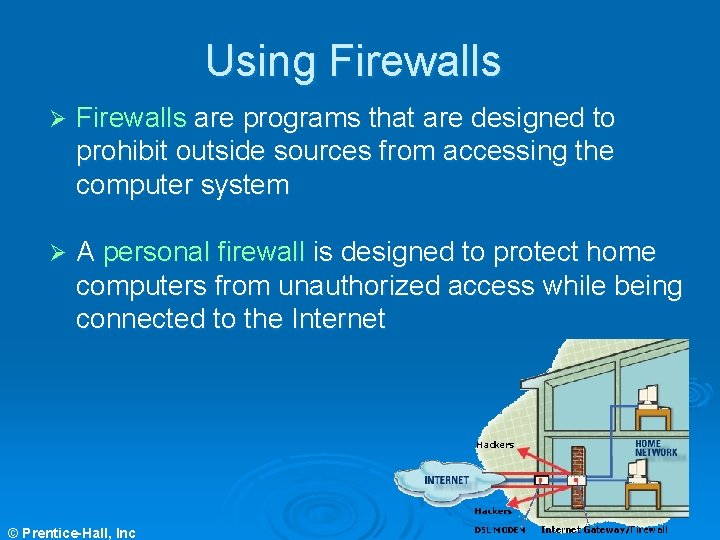
Using Firewalls Ø Firewalls are programs that are designed to prohibit outside sources from accessing the computer system Ø A personal firewall is designed to protect home computers from unauthorized access while being connected to the Internet © Prentice-Hall, Inc
Using Antivirus Programs They use pattern-matching techniques to examine program files for patterns of virus code Ø Two drawbacks: l They cannot find viruses not in their database l They cannot find new viruses that alter themselves to evade detection Ø Use antivirus programs that offer frequent updates and monitor system functions Ø Check disks that were used on another system for viruses Ø © Prentice-Hall, Inc
Backing Up Data Ø Back up programs and data regularly Ø Store backups away from the computer system Ø Types of backups: l l Full backups – Back up everything stored on the computer once a month Incremental backups – Daily or weekly back up of only those files that have changed since the last back up © Prentice-Hall, Inc
The Encryption Debate Ø Encryption is the coding and scrambling process by which a message is made unreadable except by the intended recipient Ø Encryption is needed for electronic commerce © Prentice-Hall, Inc
The Encryption Debate Ø Encryption is the coding and scrambling process by which a message is made unreadable except by the intended recipient Ø Encryption is needed for electronic commerce
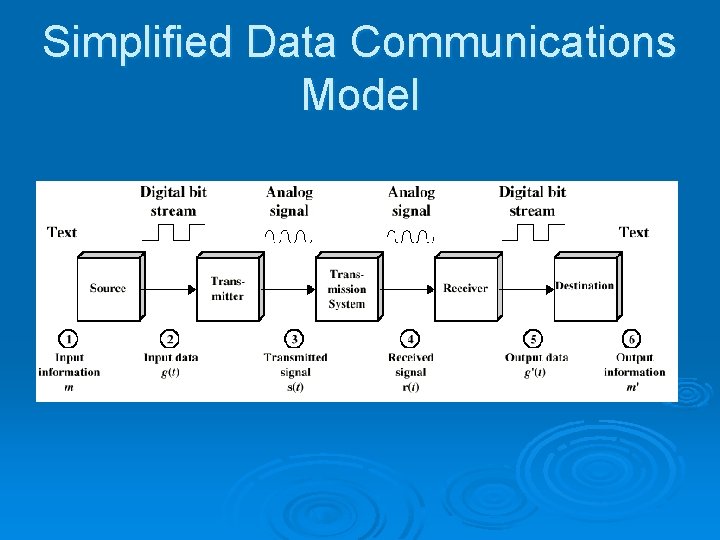
Simplified Data Communications Model
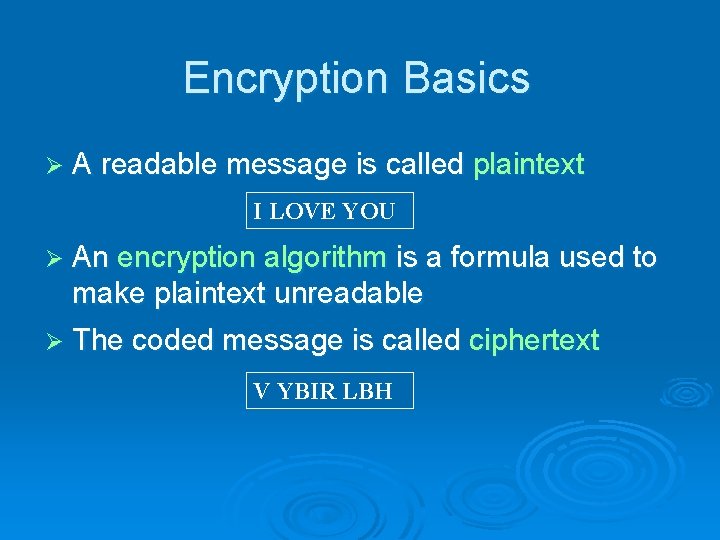
Encryption Basics Ø A readable message is called plaintext I LOVE YOU Ø An encryption algorithm is a formula used to make plaintext unreadable Ø The coded message is called ciphertext V YBIR LBH
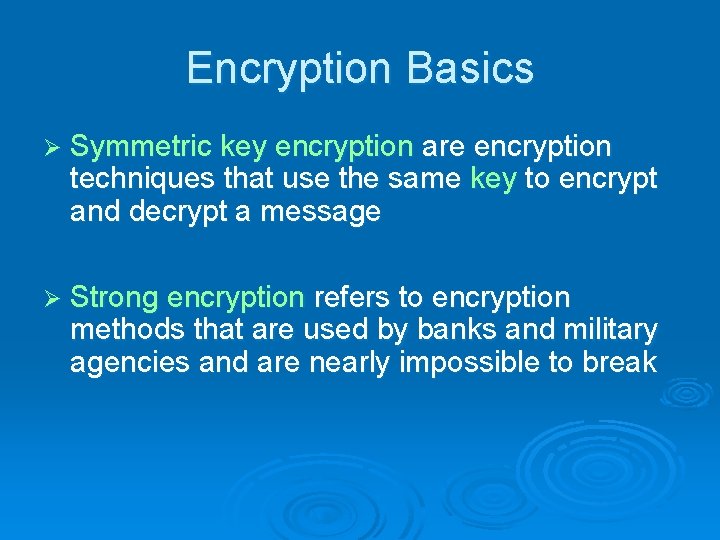
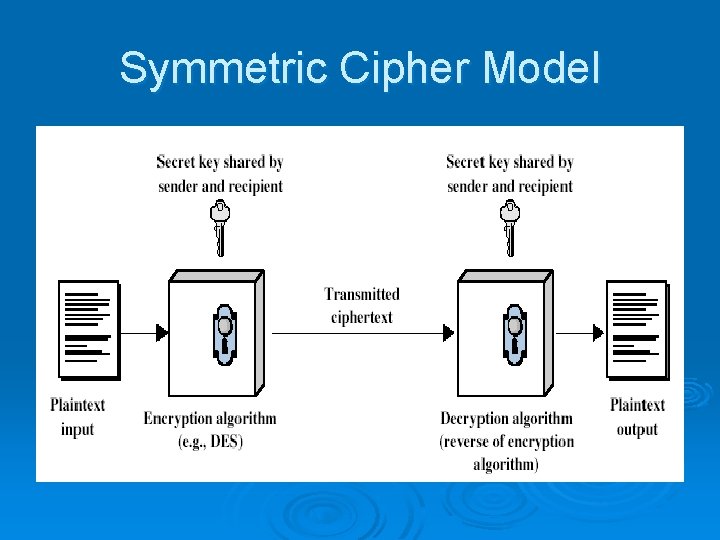
Encryption Basics Ø Symmetric key encryption are encryption techniques that use the same key to encrypt and decrypt a message Ø Strong encryption refers to encryption methods that are used by banks and military agencies and are nearly impossible to break
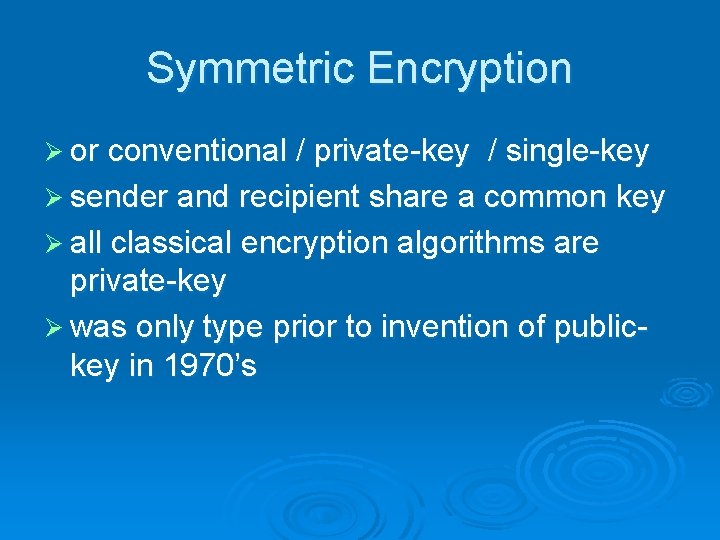
Symmetric Encryption Ø or conventional / private-key / single-key Ø sender and recipient share a common key Ø all classical encryption algorithms are private-key Ø was only type prior to invention of publickey in 1970’s
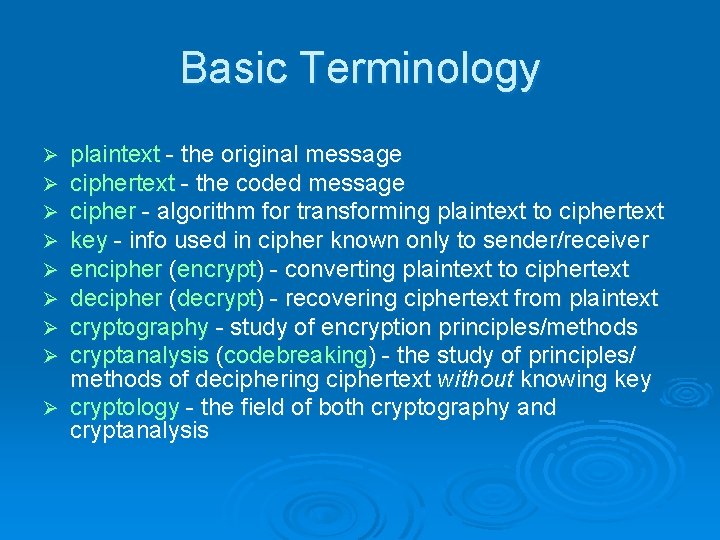
Basic Terminology plaintext - the original message ciphertext - the coded message cipher - algorithm for transforming plaintext to ciphertext key - info used in cipher known only to sender/receiver encipher (encrypt) - converting plaintext to ciphertext decipher (decrypt) - recovering ciphertext from plaintext cryptography - study of encryption principles/methods cryptanalysis (codebreaking) - the study of principles/ methods of deciphering ciphertext without knowing key Ø cryptology - the field of both cryptography and cryptanalysis Ø Ø Ø Ø
Symmetric Cipher Model
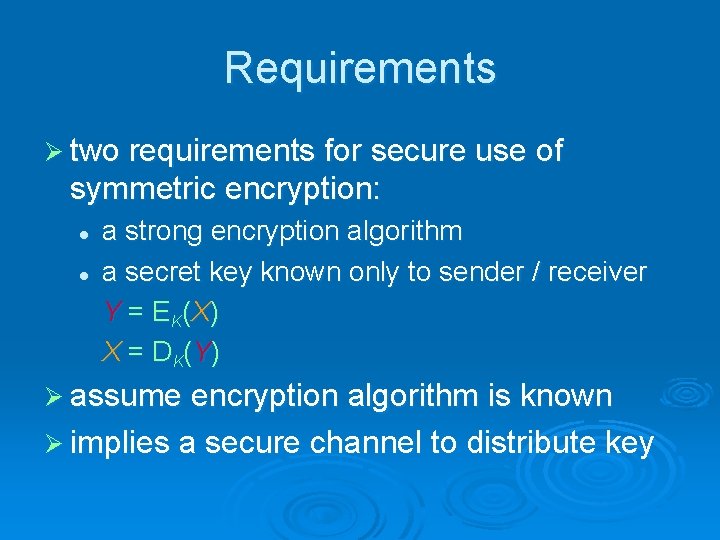
Requirements Ø two requirements for secure use of symmetric encryption: l l a strong encryption algorithm a secret key known only to sender / receiver Y = E K (X ) X = D K (Y ) Ø assume encryption algorithm is known Ø implies a secure channel to distribute key
Classical Substitution Ciphers Ø where letters of plaintext are replaced by other letters or by numbers or symbols
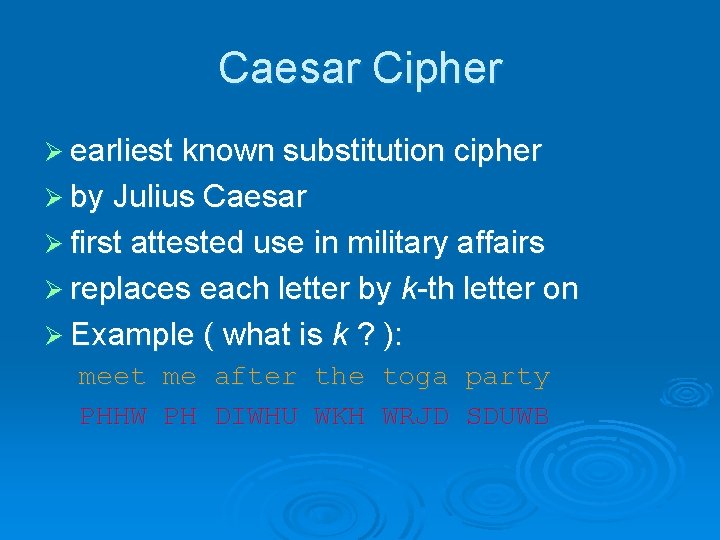
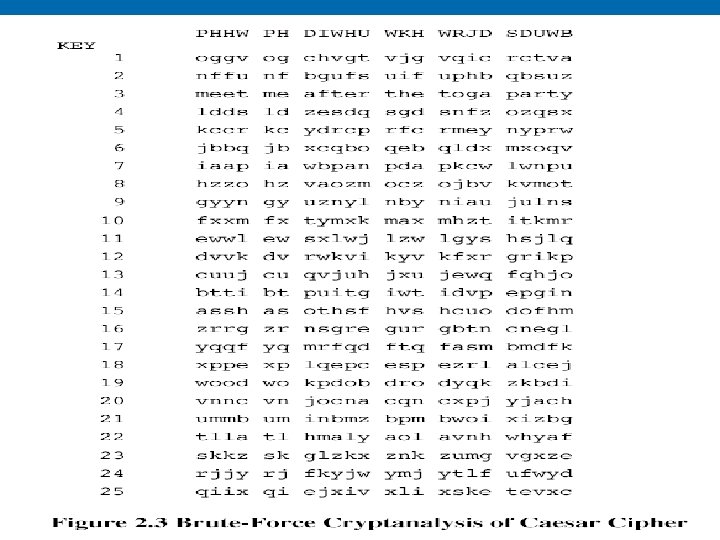
Caesar Cipher Ø earliest known substitution cipher Ø by Julius Caesar Ø first attested use in military affairs Ø replaces each letter by k-th letter on Ø Example ( what is k ? ): meet me after the toga party PHHW PH DIWHU WKH WRJD SDUWB
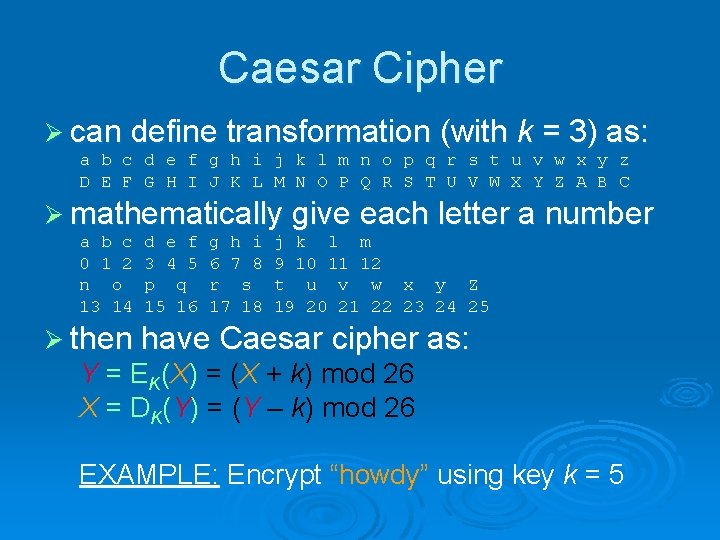
Caesar Cipher Ø can define transformation (with k = 3) as: a b c d e f g h i j k l m n o p q r s t u v w x y z D E F G H I J K L M N O P Q R S T U V W X Y Z A B C Ø mathematically give each letter a number a b c 0 1 2 n o 13 14 d e f 3 4 5 p q 15 16 g h i 6 7 8 r s 17 18 j k l m 9 10 11 12 t u v w x y Z 19 20 21 22 23 24 25 Ø then have Caesar cipher as: Y = EK(X) = (X + k) mod 26 X = DK(Y) = (Y – k) mod 26 EXAMPLE: Encrypt “howdy” using key k = 5
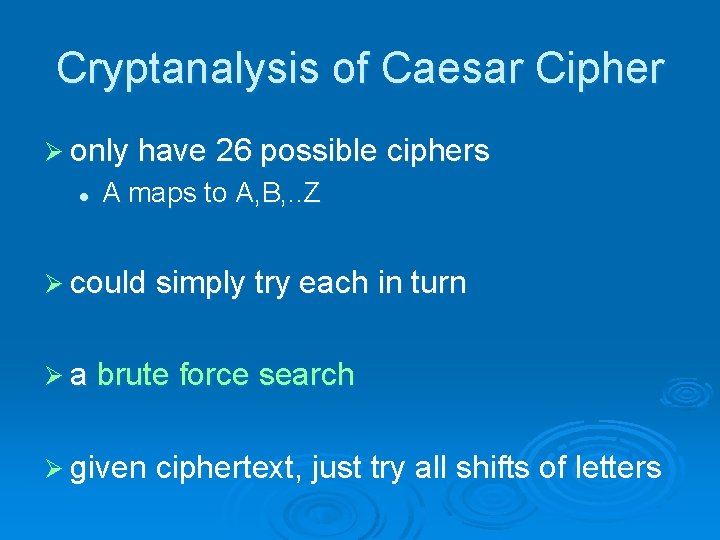
Cryptanalysis of Caesar Cipher Ø only have 26 possible ciphers l A maps to A, B, . . Z Ø could simply try each in turn Ø a brute force search Ø given ciphertext, just try all shifts of letters
© Prentice-Hall, Inc
Private-Key Cryptography Ø traditional private/secret/single key cryptography uses one key Ø shared by both sender and receiver Ø if this key is disclosed communications are compromised Ø also is symmetric, parties are equal
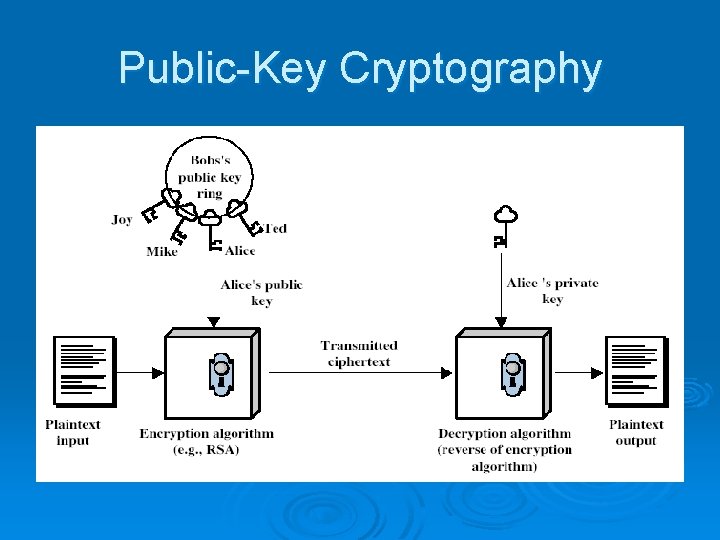
Public-Key Cryptography Ø probably most significant advance in the 3000 year history of cryptography Ø uses two keys – a public & a private key Ø asymmetric since parties are not equal Ø uses clever application of number theoretic concepts to function Ø complements rather than replaces private key cryptography
Public-Key Cryptography Ø public-key/two-key/asymmetric cryptography involves the use of two keys: l a public-key, which may be known by anybody, and can be used to encrypt messages, and verify signatures l a private-key, known only to the recipient, used to decrypt messages, and sign (create) signatures Ø is asymmetric because l those who encrypt messages or verify signatures cannot decrypt messages or create signatures
Public-Key Cryptography
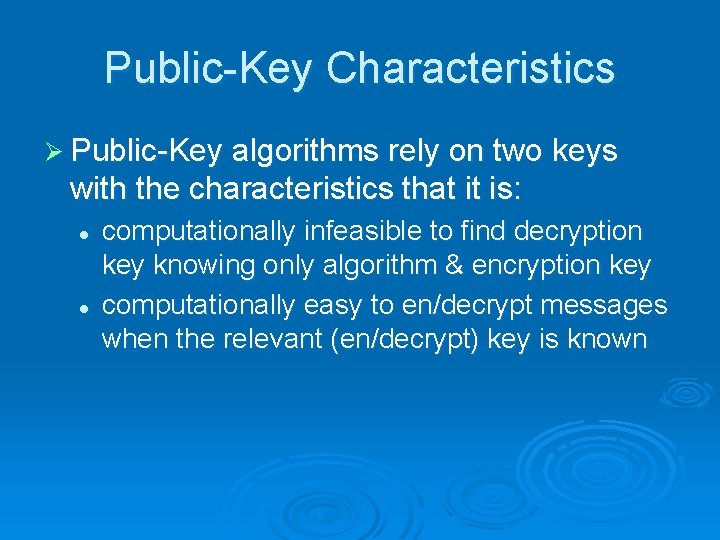
Public-Key Characteristics Ø Public-Key algorithms rely on two keys with the characteristics that it is: l l computationally infeasible to find decryption key knowing only algorithm & encryption key computationally easy to en/decrypt messages when the relevant (en/decrypt) key is known
Digital Signatures and Certificates Ø Digital signatures are a technique used to guarantee that a message has not been tampered with Ø Digital certificates are a technique used to validate one’s identity