CIT 500 IT Fundamentals Who am I http
![Structure of a UNIX command #command [[ - ] option(s)] [option argument(s)] [command argument(s)]](https://slidetodoc.com/presentation_image/b389f2ce00adefe15493de5b5a14977e/image-25.jpg "Structure of a UNIX command #command [[ - ] option(s)] [option argument(s)] [command argument(s)]")
![Obtaining Help with man [options][-s section] command-list # man ls User Commands ls(1) NAME](https://slidetodoc.com/presentation_image/b389f2ce00adefe15493de5b5a14977e/image-32.jpg "Obtaining Help with man [options][-s section] command-list # man ls User Commands ls(1) NAME")
- Slides: 43
CIT 500: IT Fundamentals
Who am I? http: //faculty. cs. nku. edu/~waldenj James Walden – Assistant Professor of Computer Science – waldenj@nku. edu – Interests: • Secure Software Engineering • Security Metrics
Course Administration Web Site http: //faculty. cs. nku. edu/~waldenj/classes/2009/fall/cit 500 Notes, readings, and assignments on web site. Assignment submission Use submit program to submit assignments. Contact Information Email: waldenj@nku. edu Phone: (859) 572 -5571 Office Hours: M 9: 30 -10: 30, T 9: 00 -10: 00
Class Goals 1. Administer a computer using a CLI. 2. Explain filesystem organization, including inodes and links. 3. Explain package management, including how it solves the dependency problem. 4. Explain system processes and their relationships, including booting and scheduling. 5. Automate common system administration tasks using shell scripts.
Topics 1. 2. 3. 4. 5. Operating Systems UNIX Logging In The Shell File Commands
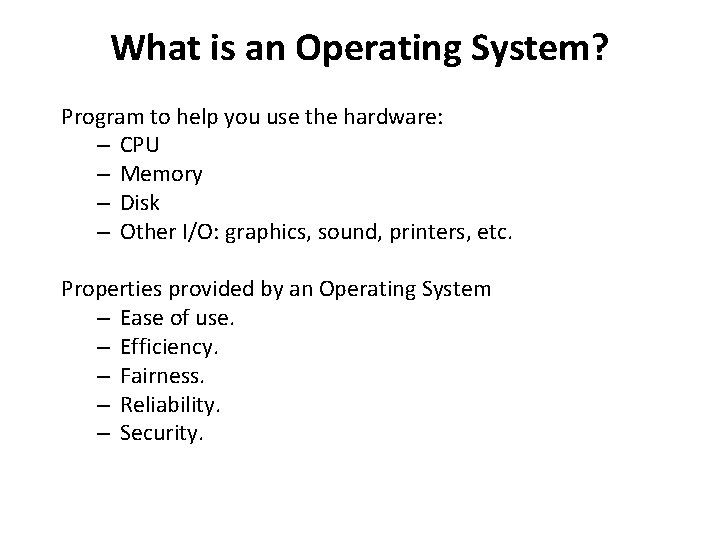
What is an Operating System? Program to help you use the hardware: – CPU – Memory – Disk – Other I/O: graphics, sound, printers, etc. Properties provided by an Operating System – Ease of use. – Efficiency. – Fairness. – Reliability. – Security.
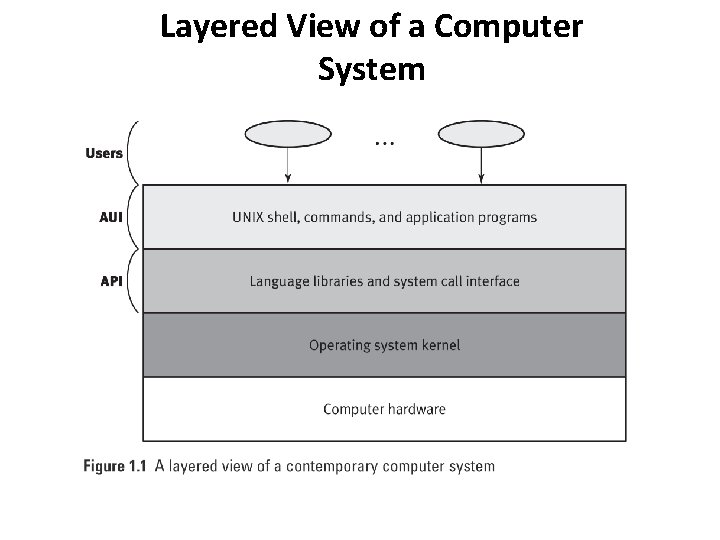
Layered View of a Computer System
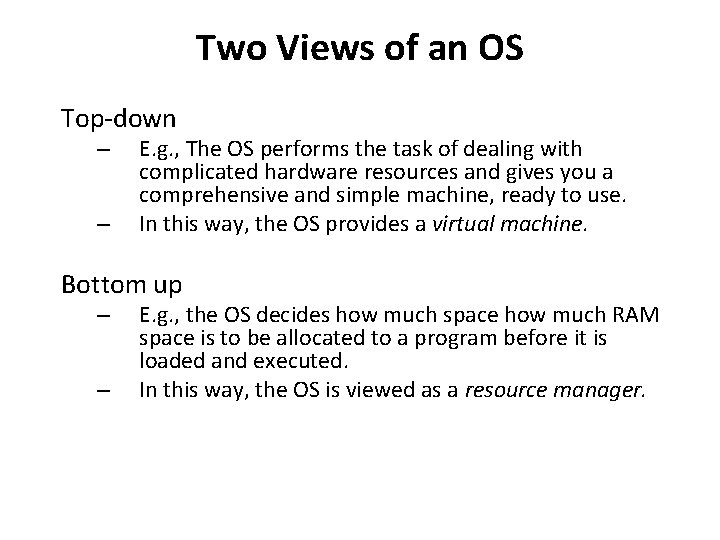
Two Views of an OS Top-down – – E. g. , The OS performs the task of dealing with complicated hardware resources and gives you a comprehensive and simple machine, ready to use. In this way, the OS provides a virtual machine. Bottom up – – E. g. , the OS decides how much space how much RAM space is to be allocated to a program before it is loaded and executed. In this way, the OS is viewed as a resource manager.
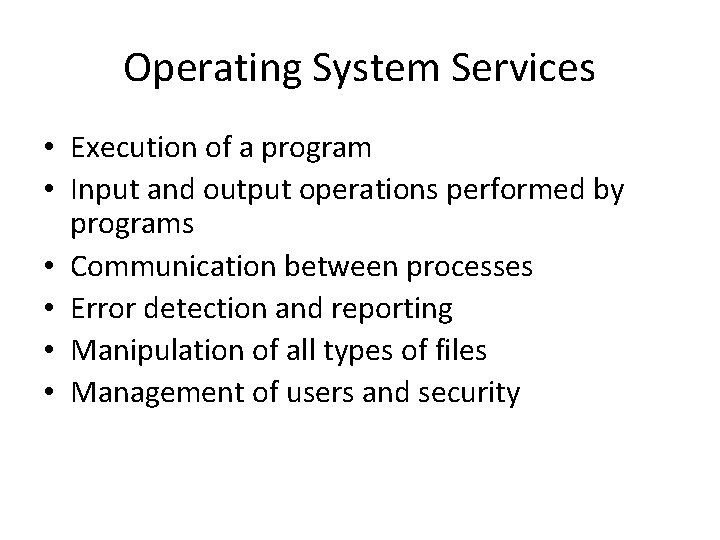
Operating System Services • Execution of a program • Input and output operations performed by programs • Communication between processes • Error detection and reporting • Manipulation of all types of files • Management of users and security
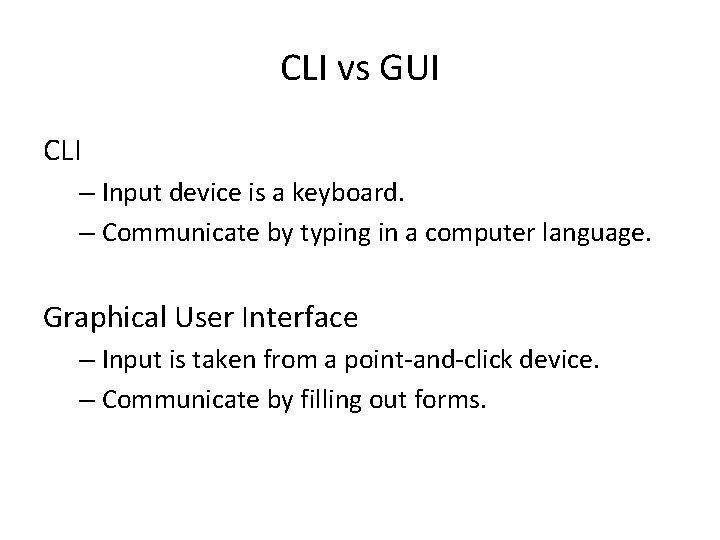
CLI vs GUI CLI – Input device is a keyboard. – Communicate by typing in a computer language. Graphical User Interface – Input is taken from a point-and-click device. – Communicate by filling out forms.
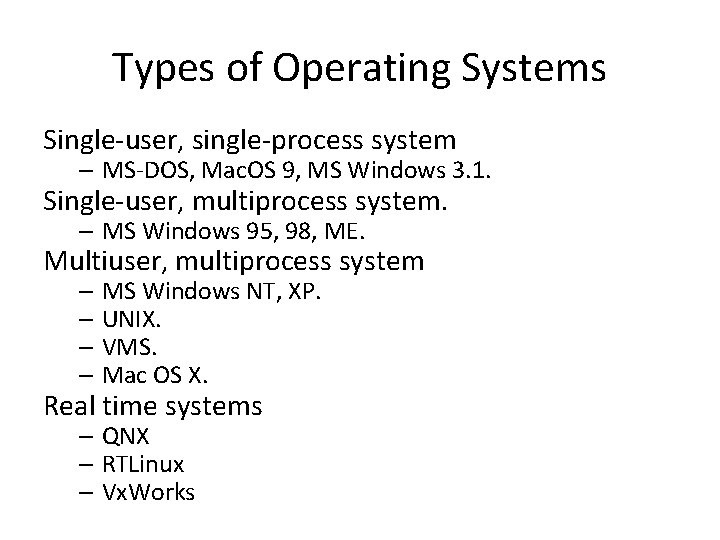
Types of Operating Systems Single-user, single-process system – MS-DOS, Mac. OS 9, MS Windows 3. 1. Single-user, multiprocess system. – MS Windows 95, 98, ME. Multiuser, multiprocess system – MS Windows NT, XP. – UNIX. – VMS. – Mac OS X. Real time systems – QNX – RTLinux – Vx. Works
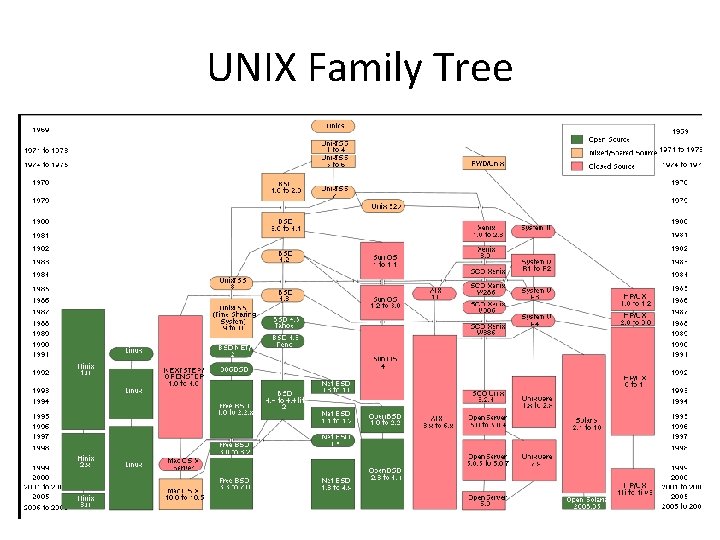
UNIX Family Tree
What is Linux? The Linux Kernel – OS kernel started by Linus Torvalds. – Developed by thousands across the world. – Coordinated via the Linux Kernel Mailing List. Linux Distributions – OS kernel + libraries + tools. – Over 600 Linux distributions exist. – File /etc/lsb_release identifies distribution. – Family tree at http: //en. wikipedia. org/wiki/File: Gldt. svg
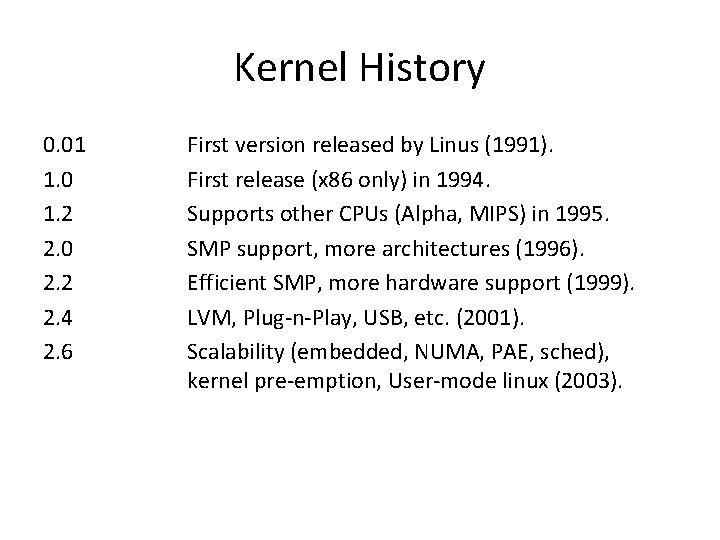
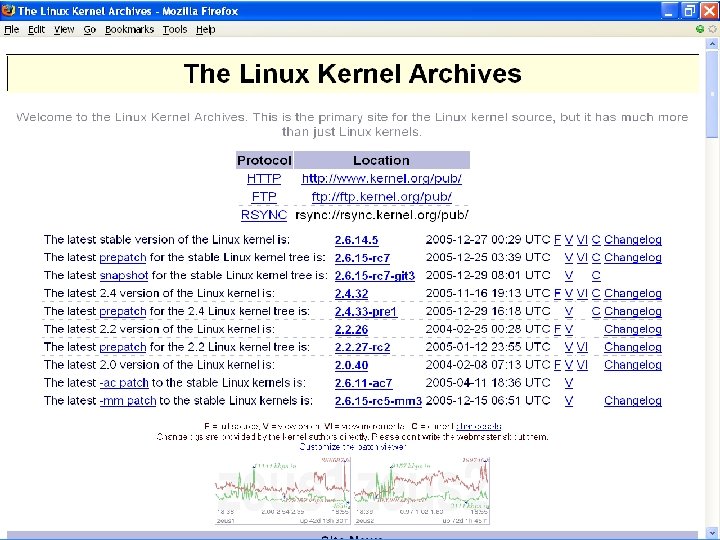
Kernel History 0. 01 1. 0 1. 2 2. 0 2. 2 2. 4 2. 6 First version released by Linus (1991). First release (x 86 only) in 1994. Supports other CPUs (Alpha, MIPS) in 1995. SMP support, more architectures (1996). Efficient SMP, more hardware support (1999). LVM, Plug-n-Play, USB, etc. (2001). Scalability (embedded, NUMA, PAE, sched), kernel pre-emption, User-mode linux (2003).
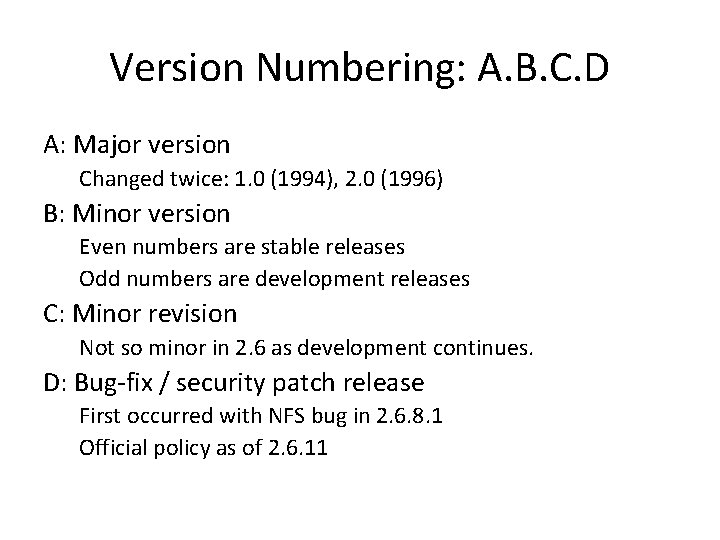
Version Numbering: A. B. C. D A: Major version Changed twice: 1. 0 (1994), 2. 0 (1996) B: Minor version Even numbers are stable releases Odd numbers are development releases C: Minor revision Not so minor in 2. 6 as development continues. D: Bug-fix / security patch release First occurred with NFS bug in 2. 6. 8. 1 Official policy as of 2. 6. 11
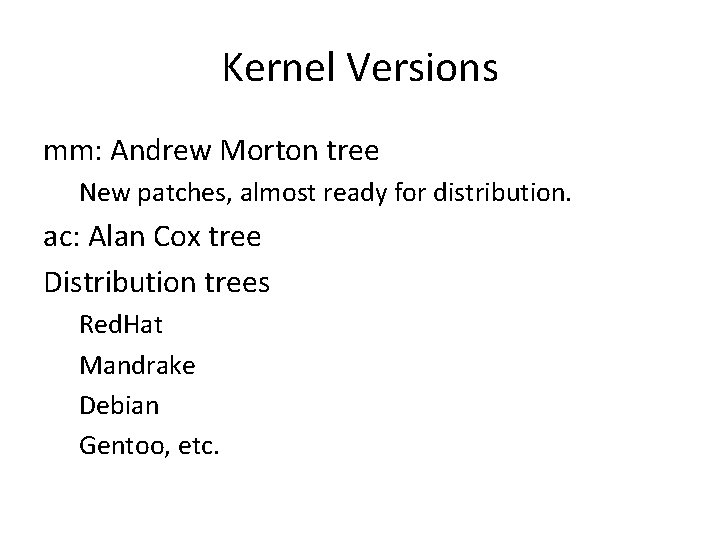
Kernel Versions mm: Andrew Morton tree New patches, almost ready for distribution. ac: Alan Cox tree Distribution trees Red. Hat Mandrake Debian Gentoo, etc.
Obtaining the Kernel CSC 660: Advanced Operating Systems Slide #17
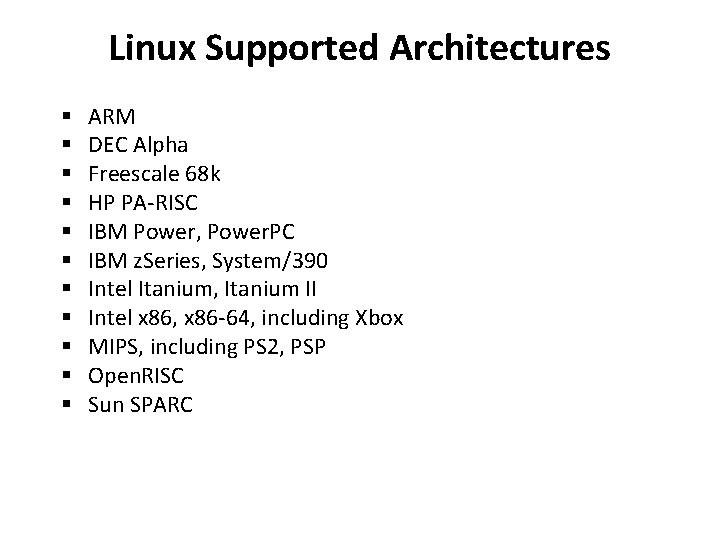
Linux Supported Architectures § § § ARM DEC Alpha Freescale 68 k HP PA-RISC IBM Power, Power. PC IBM z. Series, System/390 Intel Itanium, Itanium II Intel x 86, x 86 -64, including Xbox MIPS, including PS 2, PSP Open. RISC Sun SPARC
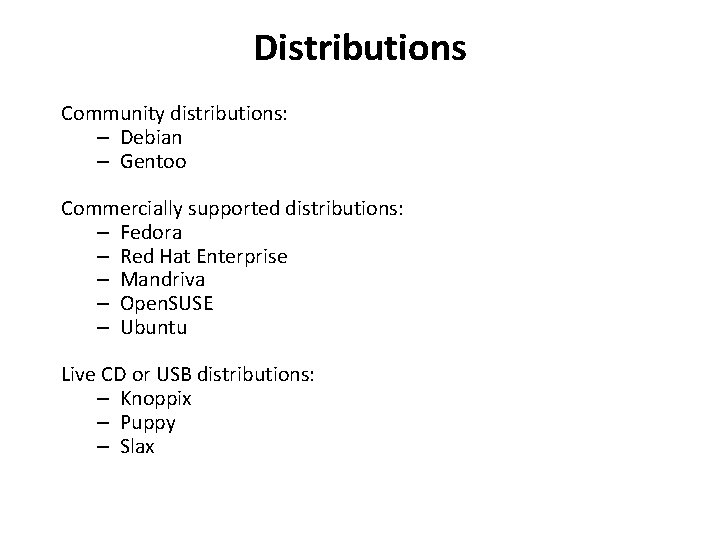
Distributions Community distributions: – Debian – Gentoo Commercially supported distributions: – Fedora – Red Hat Enterprise – Mandriva – Open. SUSE – Ubuntu Live CD or USB distributions: – Knoppix – Puppy – Slax
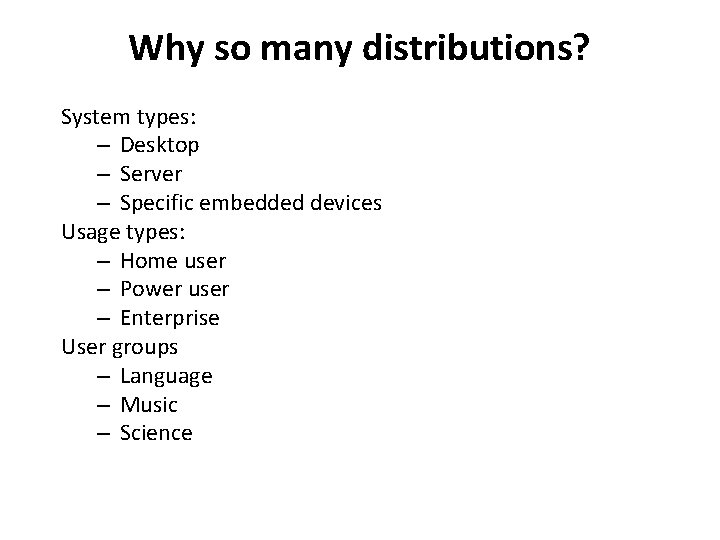
Why so many distributions? System types: – Desktop – Server – Specific embedded devices Usage types: – Home user – Power user – Enterprise User groups – Language – Music – Science
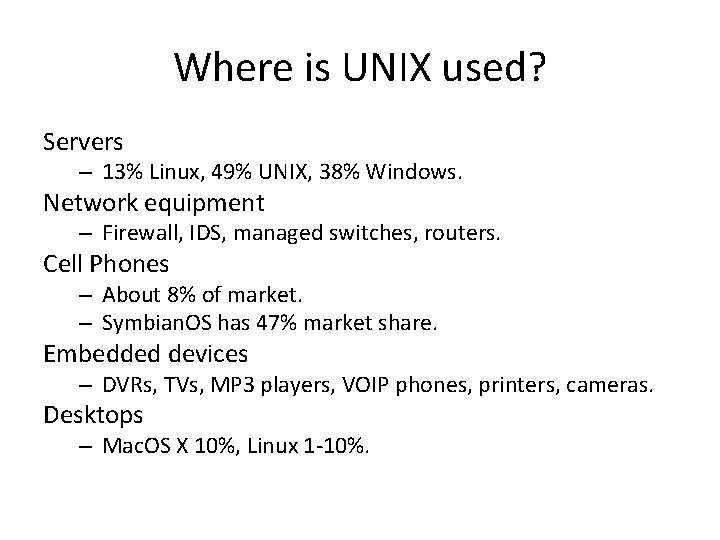
Where is UNIX used? Servers – 13% Linux, 49% UNIX, 38% Windows. Network equipment – Firewall, IDS, managed switches, routers. Cell Phones – About 8% of market. – Symbian. OS has 47% market share. Embedded devices – DVRs, TVs, MP 3 players, VOIP phones, printers, cameras. Desktops – Mac. OS X 10%, Linux 1 -10%.
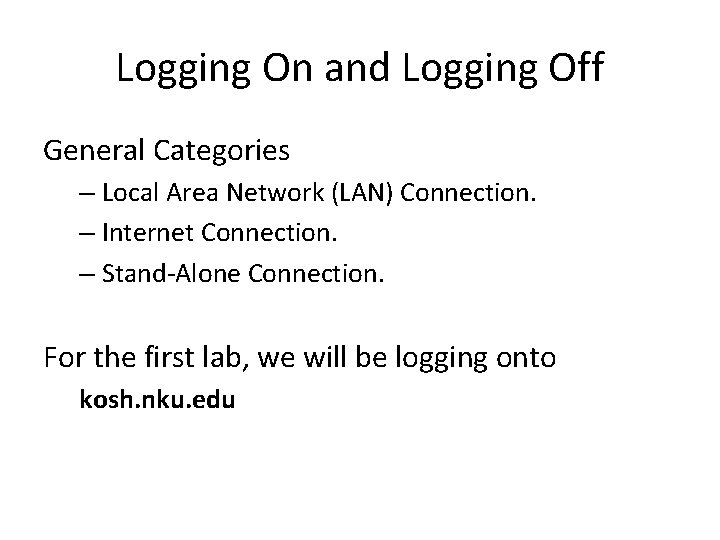
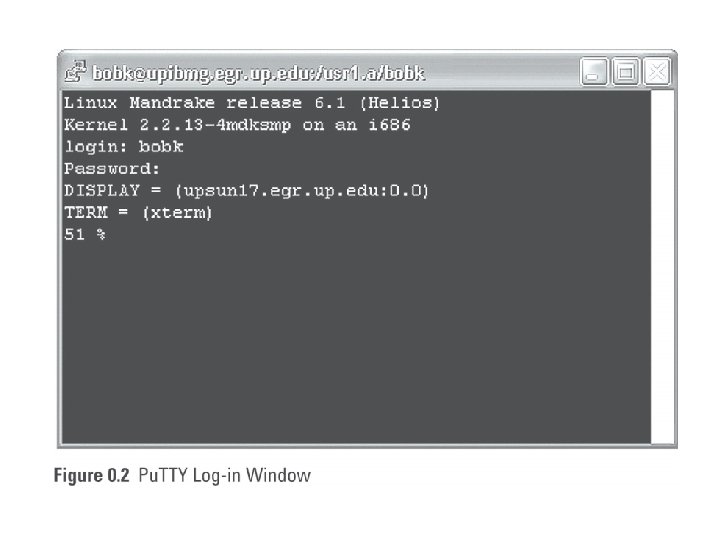
Logging On and Logging Off General Categories – Local Area Network (LAN) Connection. – Internet Connection. – Stand-Alone Connection. For the first lab, we will be logging onto kosh. nku. edu
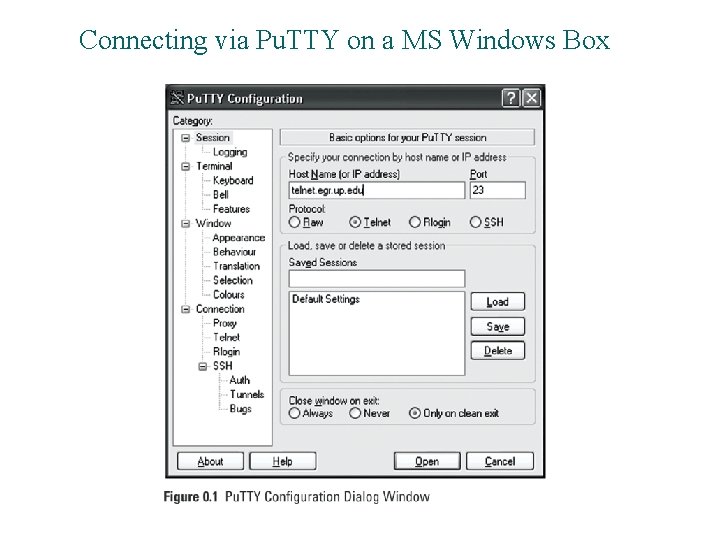
Connecting via Pu. TTY on a MS Windows Box
Structure of a UNIX command #command [[ - ] option(s)] [option argument(s)] [command argument(s)] Examples: • • $ $ ls ls ls lpr -la m* -Pspr -n 3 proposal. ps
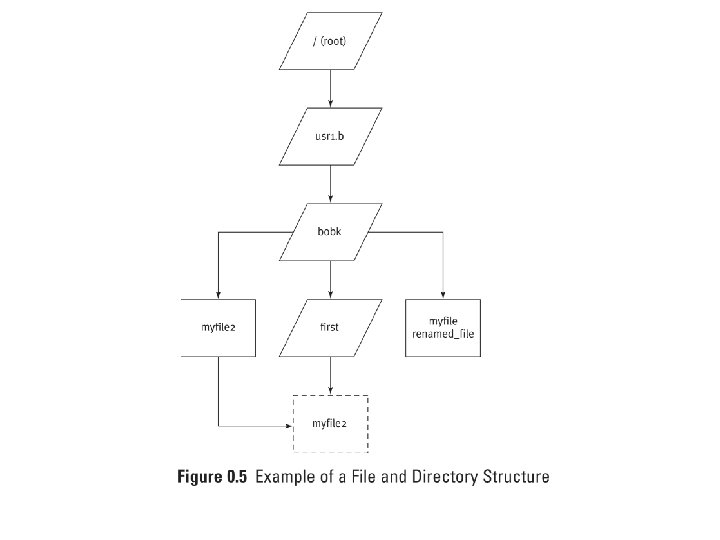
File Maintenance Commands • What is File Maintenance? • File and Directory Structure – Home Directory – Current Working Directory
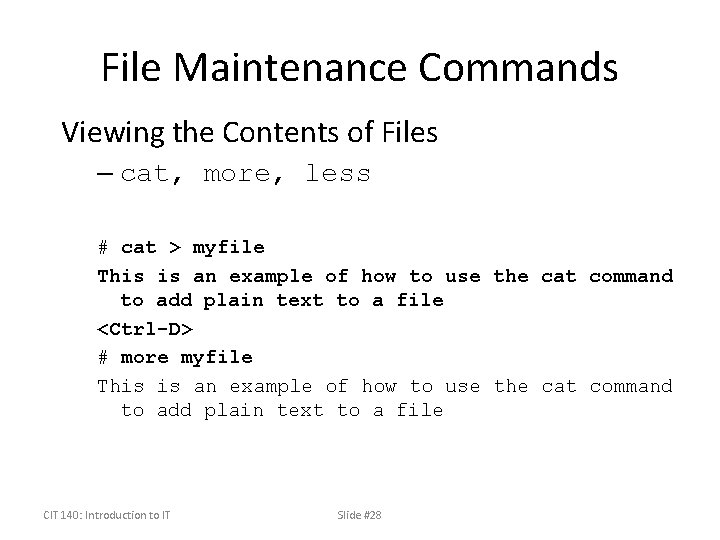
File Maintenance Commands Viewing the Contents of Files – cat, more, less # cat > myfile This is an example of how to use the cat command to add plain text to a file <Ctrl-D> # more myfile This is an example of how to use the cat command to add plain text to a file CIT 140: Introduction to IT Slide #28
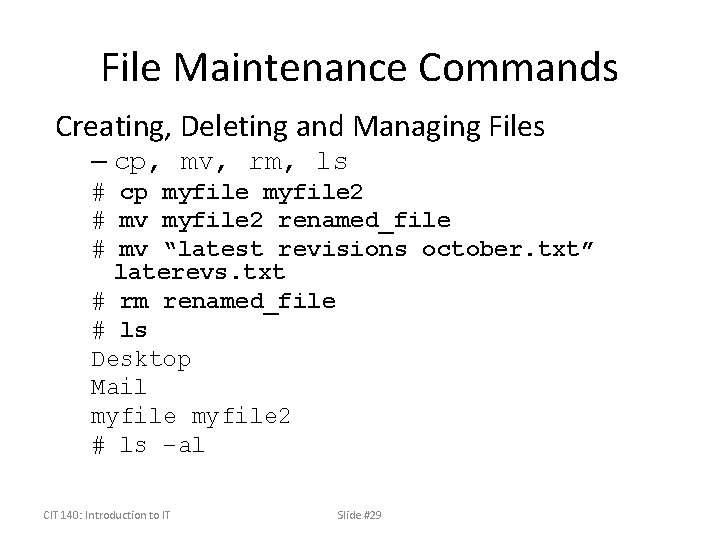
File Maintenance Commands Creating, Deleting and Managing Files – cp, mv, rm, ls # cp myfile 2 # mv myfile 2 renamed_file # mv “latest revisions october. txt” laterevs. txt # rm renamed_file # ls Desktop Mail myfile 2 # ls –al CIT 140: Introduction to IT Slide #29
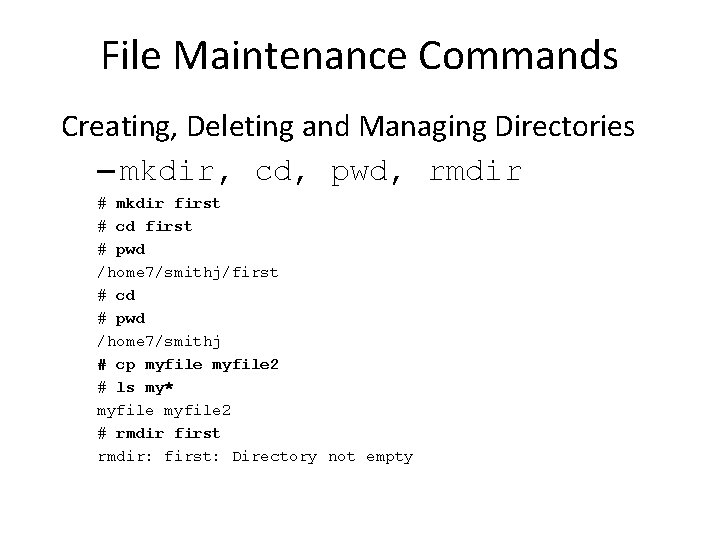
File Maintenance Commands Creating, Deleting and Managing Directories – mkdir, cd, pwd, rmdir # mkdir first # cd first # pwd /home 7/smithj/first # cd # pwd /home 7/smithj # cp myfile 2 # ls my* myfile 2 # rmdir first rmdir: first: Directory not empty
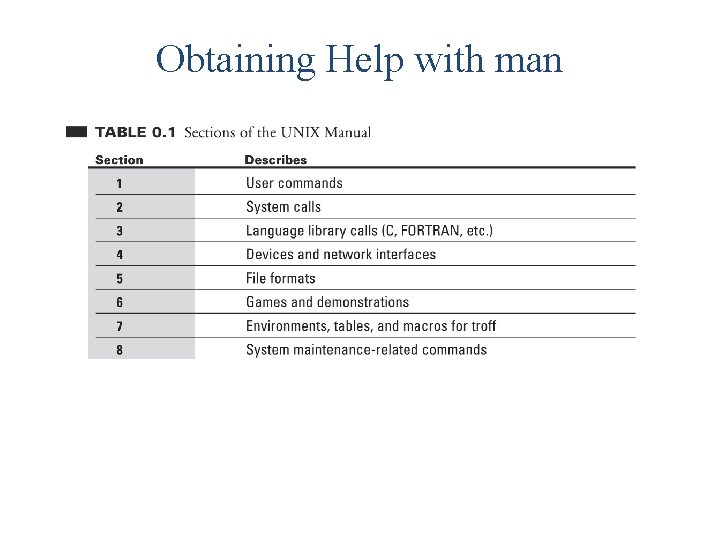
Obtaining Help with man
Obtaining Help with man [options][-s section] command-list # man ls User Commands ls(1) NAME ls - list contents of directory SYNOPSIS /usr/bin/ls [-a. Abc. Cdf. Fghil. Lmnopqr. Rstux 1@] [file. . . ] /usr/xpg 4/bin/ls [-a. Abc. Cdf. Fghil. Lmnopqr. Rstux 1@] [file. . . ] DESCRIPTION For each file that is a directory, ls lists the contents of the directory. For each file that is an ordinary file, ls repeats its name and any other information requested. The output is sorted alphabetically by default. When no argument is given, the current directory is listed. …
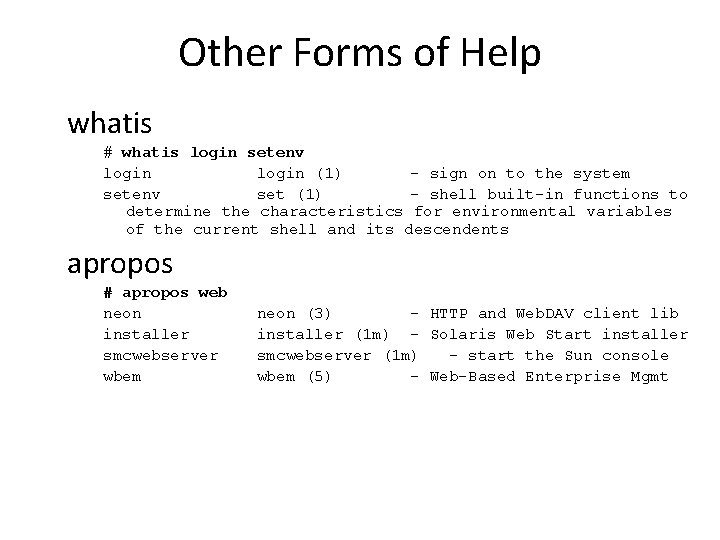
Other Forms of Help whatis # whatis login setenv login (1) - sign on to the system setenv set (1) - shell built-in functions to determine the characteristics for environmental variables of the current shell and its descendents apropos # apropos web neon installer smcwebserver wbem neon (3) - HTTP and Web. DAV client lib installer (1 m) - Solaris Web Start installer smcwebserver (1 m) - start the Sun console wbem (5) - Web-Based Enterprise Mgmt
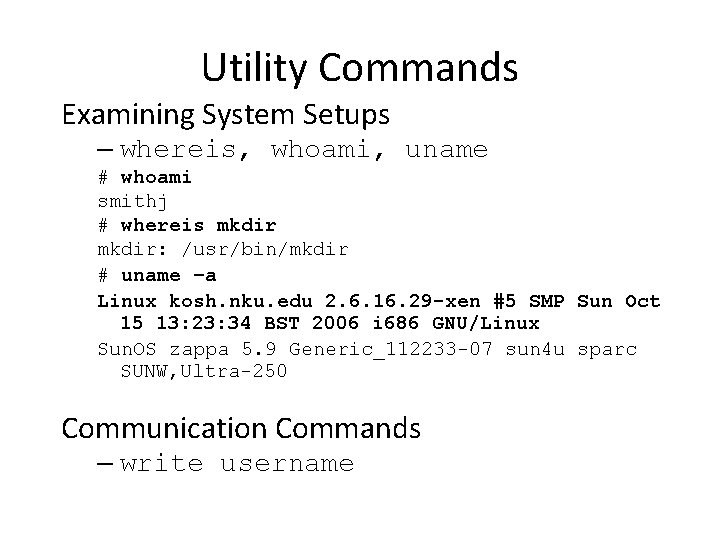
Utility Commands Examining System Setups – whereis, whoami, uname # whoami smithj # whereis mkdir: /usr/bin/mkdir # uname –a Linux kosh. nku. edu 2. 6. 16. 29 -xen #5 SMP Sun Oct 15 13: 23: 34 BST 2006 i 686 GNU/Linux Sun. OS zappa 5. 9 Generic_112233 -07 sun 4 u sparc SUNW, Ultra-250 Communication Commands – write username
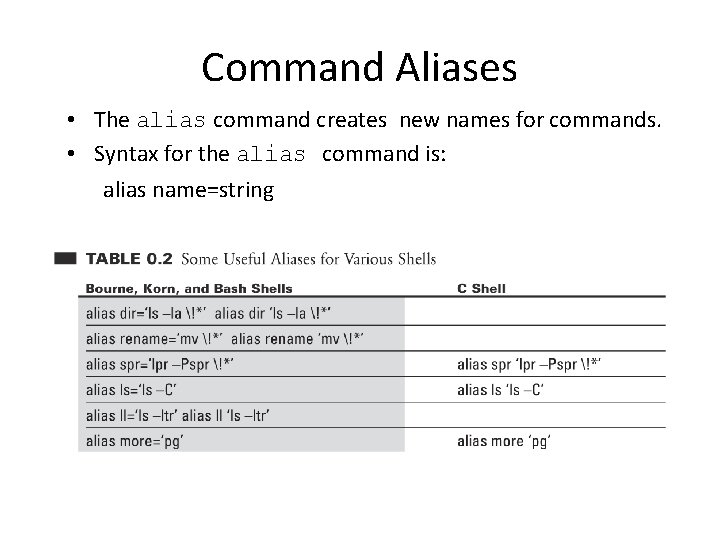
Command Aliases • The alias command creates new names for commands. • Syntax for the alias command is: alias name=string
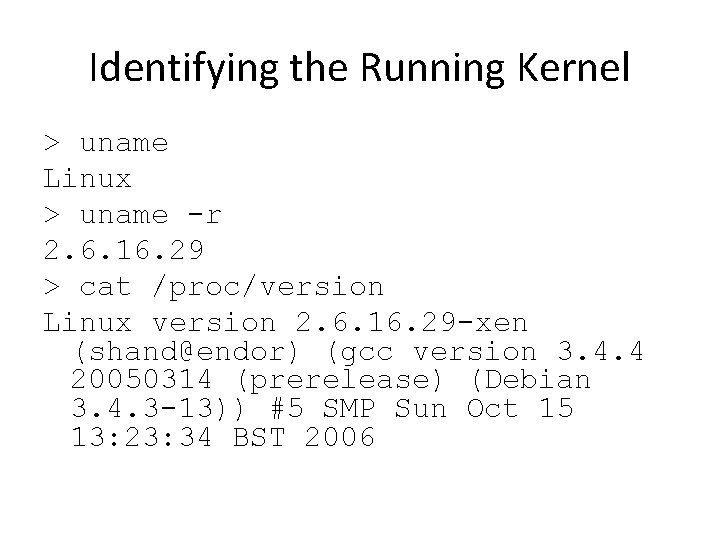
Identifying the Running Kernel > uname Linux > uname -r 2. 6. 16. 29 > cat /proc/version Linux version 2. 6. 16. 29 -xen (shand@endor) (gcc version 3. 4. 4 20050314 (prerelease) (Debian 3. 4. 3 -13)) #5 SMP Sun Oct 15 13: 23: 34 BST 2006
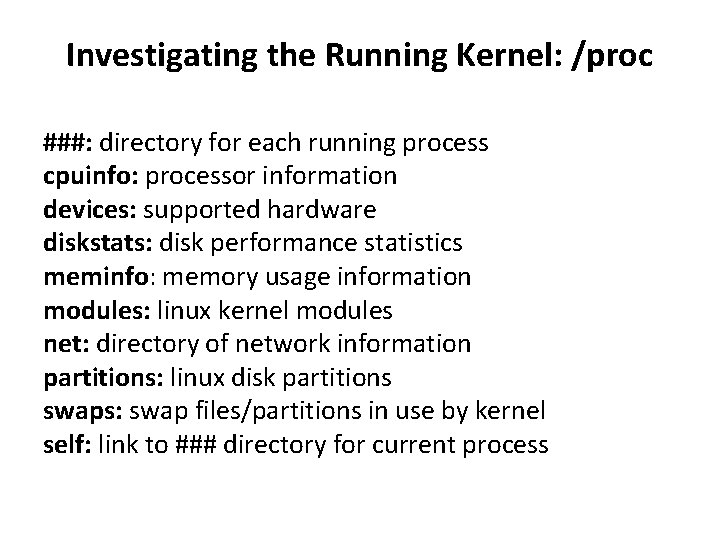
Investigating the Running Kernel: /proc ###: directory for each running process cpuinfo: processor information devices: supported hardware diskstats: disk performance statistics meminfo: memory usage information modules: linux kernel modules net: directory of network information partitions: linux disk partitions swaps: swap files/partitions in use by kernel self: link to ### directory for current process
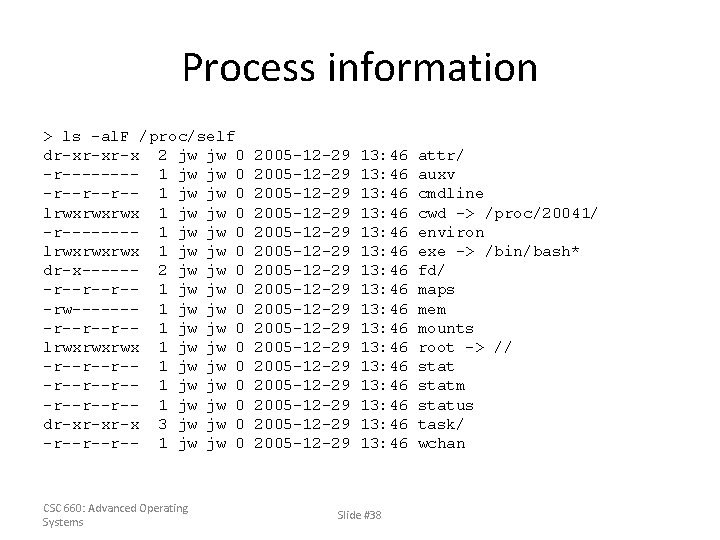
Process information > ls -al. F /proc/self dr-xr-xr-x 2 jw jw 0 -r---- 1 jw jw 0 -r--r--r-- 1 jw jw 0 lrwxrwxrwx 1 jw jw 0 -r---- 1 jw jw 0 lrwxrwxrwx 1 jw jw 0 dr-x------ 2 jw jw 0 -r--r--r-- 1 jw jw 0 -rw------- 1 jw jw 0 -r--r--r-- 1 jw jw 0 lrwxrwxrwx 1 jw jw 0 -r--r--r-- 1 jw jw 0 dr-xr-xr-x 3 jw jw 0 -r--r--r-- 1 jw jw 0 CSC 660: Advanced Operating Systems 2005 -12 -29 2005 -12 -29 2005 -12 -29 2005 -12 -29 13: 46 13: 46 13: 46 13: 46 Slide #38 attr/ auxv cmdline cwd -> /proc/20041/ environ exe -> /bin/bash* fd/ maps mem mounts root -> // statm status task/ wchan
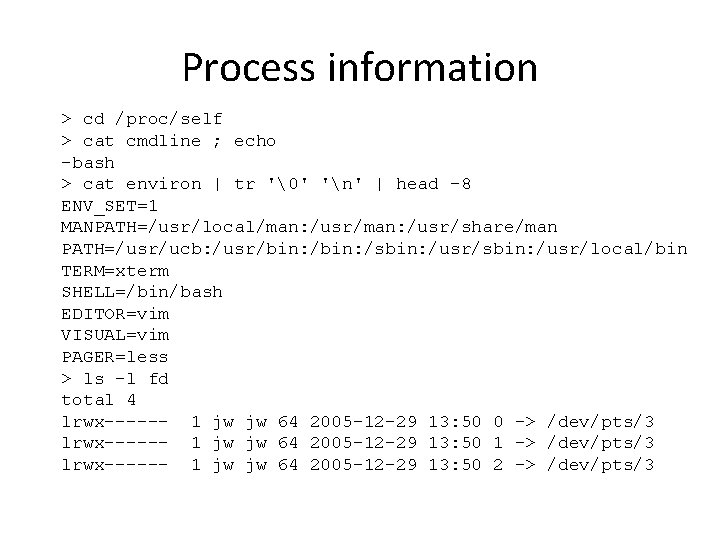
Process information > cd /proc/self > cat cmdline ; echo -bash > cat environ | tr '' 'n' | head -8 ENV_SET=1 MANPATH=/usr/local/man: /usr/share/man PATH=/usr/ucb: /usr/bin: /sbin: /usr/local/bin TERM=xterm SHELL=/bin/bash EDITOR=vim VISUAL=vim PAGER=less > ls -l fd total 4 lrwx------ 1 jw jw 64 2005 -12 -29 13: 50 0 -> /dev/pts/3 lrwx------ 1 jw jw 64 2005 -12 -29 13: 50 1 -> /dev/pts/3 lrwx------ 1 jw jw 64 2005 -12 -29 13: 50 2 -> /dev/pts/3
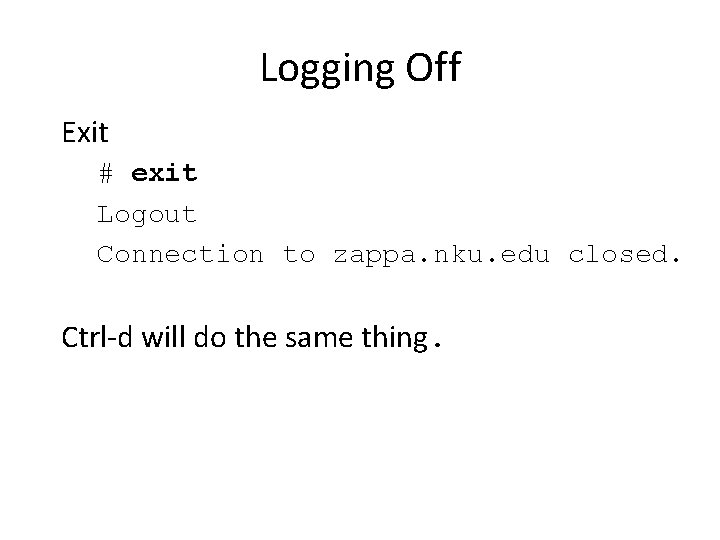
Logging Off Exit # exit Logout Connection to zappa. nku. edu closed. Ctrl-d will do the same thing.
References 1. Syed Mansoor Sarwar, Robert Koretsky, Syed Ageel Sarwar, UNIX: The Textbook, 2 nd edition, Addison-Wesley, 2004. 2. Nicholas Wells, The Complete Guide to Linux System Administration, Thomson Course Technology, 2005.