CIT 500 IT Fundamentals Users and Filesystems 1
![Access Control Commands Changing File Access Privileges chmod [options] octal-mode file chmod [options] symbolic](https://slidetodoc.com/presentation_image/2b77460d0e542ab6445a520e5729acfc/image-32.jpg "Access Control Commands Changing File Access Privileges chmod [options] octal-mode file chmod [options] symbolic")
- Slides: 43
CIT 500: IT Fundamentals Users and Filesystems 1
Topics 1. User accounts 2. Groups 3. Passwords 2. Filesystems 1. Partitions 2. Filesystems and files 3. File permissions 2
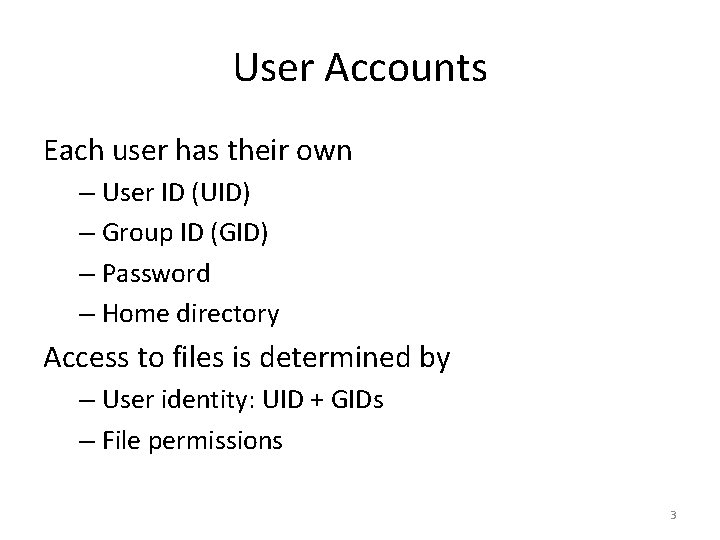
User Accounts Each user has their own – User ID (UID) – Group ID (GID) – Password – Home directory Access to files is determined by – User identity: UID + GIDs – File permissions 3
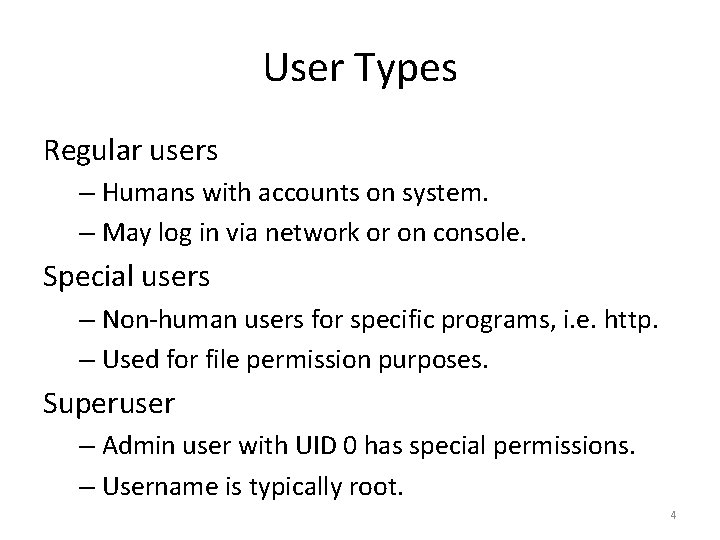
User Types Regular users – Humans with accounts on system. – May log in via network or on console. Special users – Non-human users for specific programs, i. e. http. – Used for file permission purposes. Superuser – Admin user with UID 0 has special permissions. – Username is typically root. 4
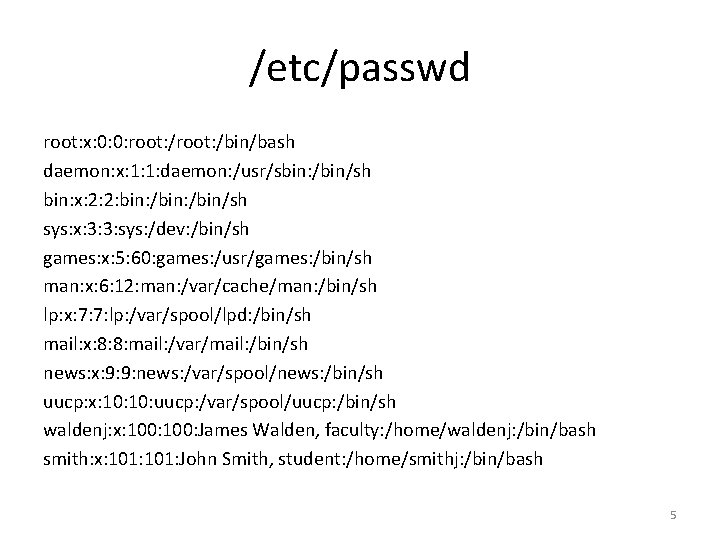
/etc/passwd root: x: 0: 0: root: /bin/bash daemon: x: 1: 1: daemon: /usr/sbin: /bin/sh bin: x: 2: 2: bin: /bin/sh sys: x: 3: 3: sys: /dev: /bin/sh games: x: 5: 60: games: /usr/games: /bin/sh man: x: 6: 12: man: /var/cache/man: /bin/sh lp: x: 7: 7: lp: /var/spool/lpd: /bin/sh mail: x: 8: 8: mail: /var/mail: /bin/sh news: x: 9: 9: news: /var/spool/news: /bin/sh uucp: x: 10: uucp: /var/spool/uucp: /bin/sh waldenj: x: 100: James Walden, faculty: /home/waldenj: /bin/bash smith: x: 101: John Smith, student: /home/smithj: /bin/bash 5
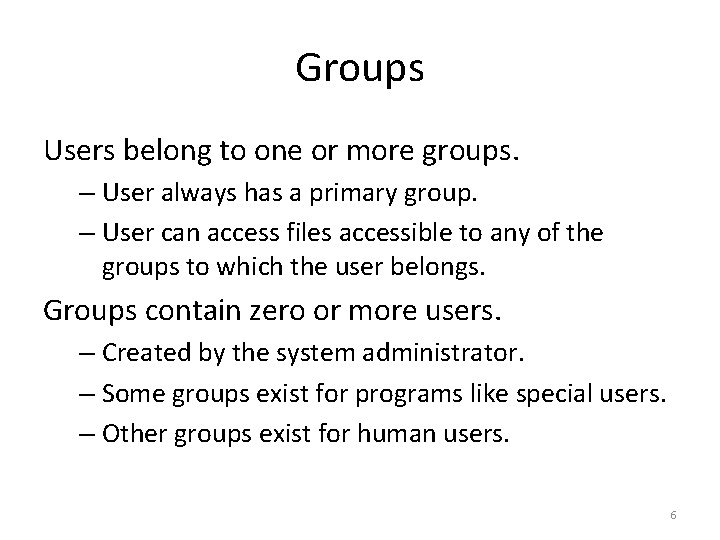
Groups Users belong to one or more groups. – User always has a primary group. – User can access files accessible to any of the groups to which the user belongs. Groups contain zero or more users. – Created by the system administrator. – Some groups exist for programs like special users. – Other groups exist for human users. 6
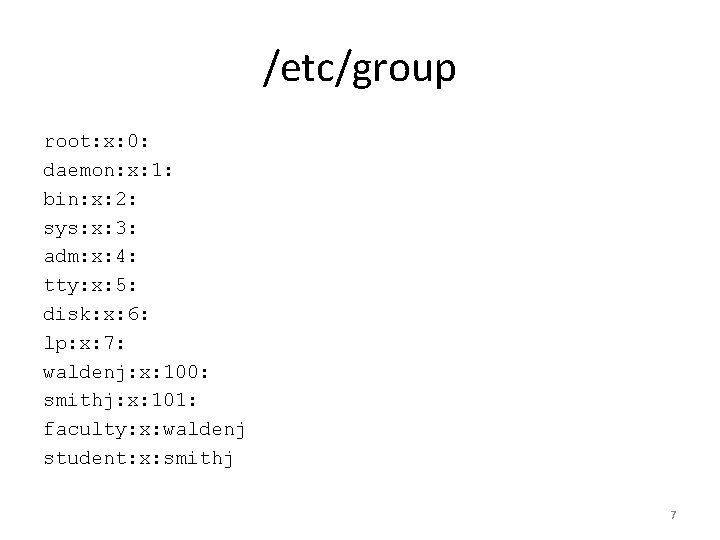
/etc/group root: x: 0: daemon: x: 1: bin: x: 2: sys: x: 3: adm: x: 4: tty: x: 5: disk: x: 6: lp: x: 7: waldenj: x: 100: smithj: x: 101: faculty: x: waldenj student: x: smithj 7
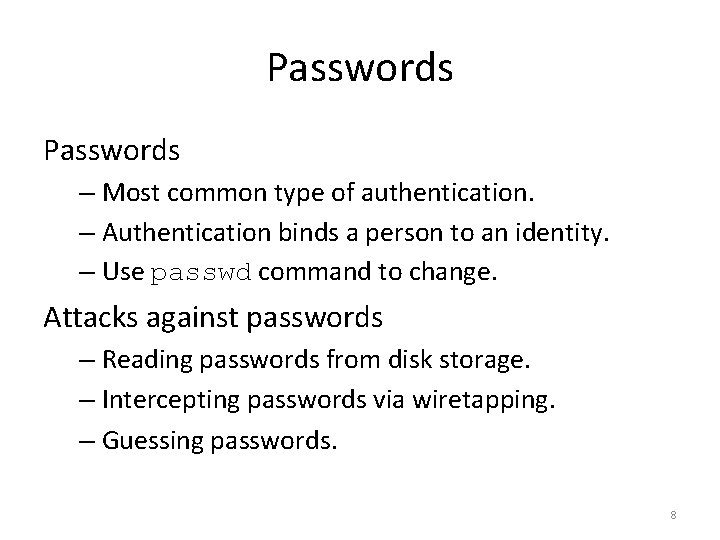
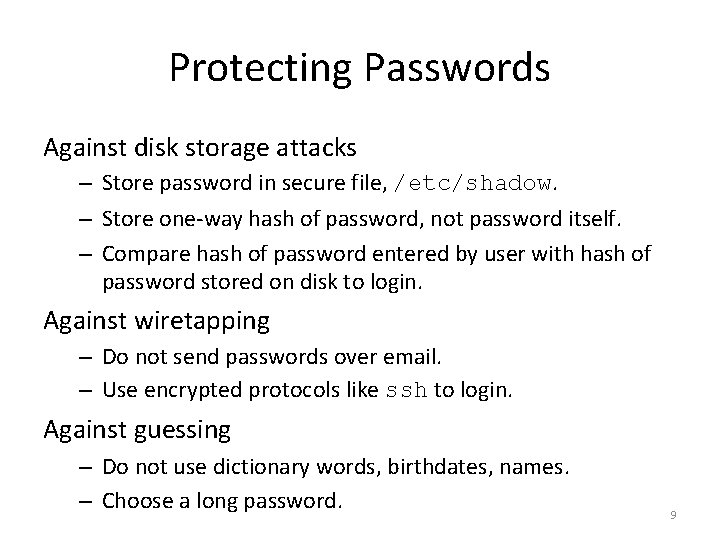
Passwords – Most common type of authentication. – Authentication binds a person to an identity. – Use passwd command to change. Attacks against passwords – Reading passwords from disk storage. – Intercepting passwords via wiretapping. – Guessing passwords. 8
Protecting Passwords Against disk storage attacks – Store password in secure file, /etc/shadow. – Store one-way hash of password, not password itself. – Compare hash of password entered by user with hash of password stored on disk to login. Against wiretapping – Do not send passwords over email. – Use encrypted protocols like ssh to login. Against guessing – Do not use dictionary words, birthdates, names. – Choose a long password. 9
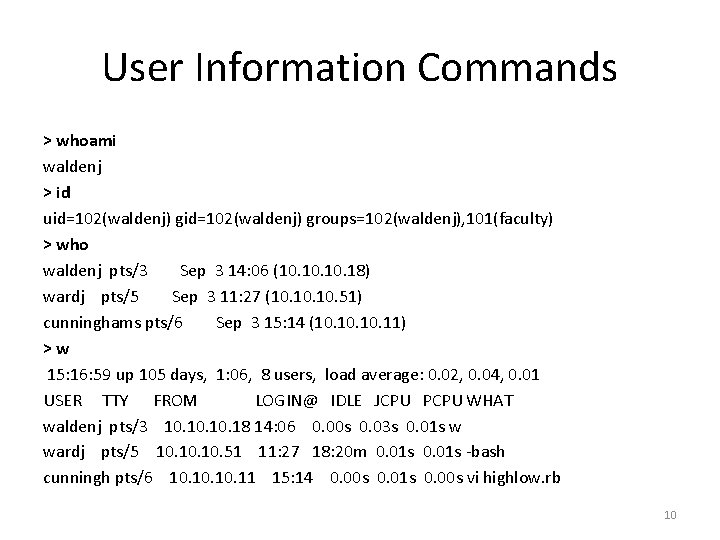
User Information Commands > whoami waldenj > id uid=102(waldenj) groups=102(waldenj), 101(faculty) > who waldenj pts/3 Sep 3 14: 06 (10. 10. 18) wardj pts/5 Sep 3 11: 27 (10. 10. 51) cunninghams pts/6 Sep 3 15: 14 (10. 10. 11) >w 15: 16: 59 up 105 days, 1: 06, 8 users, load average: 0. 02, 0. 04, 0. 01 USER TTY FROM LOGIN@ IDLE JCPU PCPU WHAT waldenj pts/3 10. 10. 18 14: 06 0. 00 s 0. 03 s 0. 01 s w wardj pts/5 10. 10. 51 11: 27 18: 20 m 0. 01 s -bash cunningh pts/6 10. 10. 11 15: 14 0. 00 s 0. 01 s 0. 00 s vi highlow. rb 10
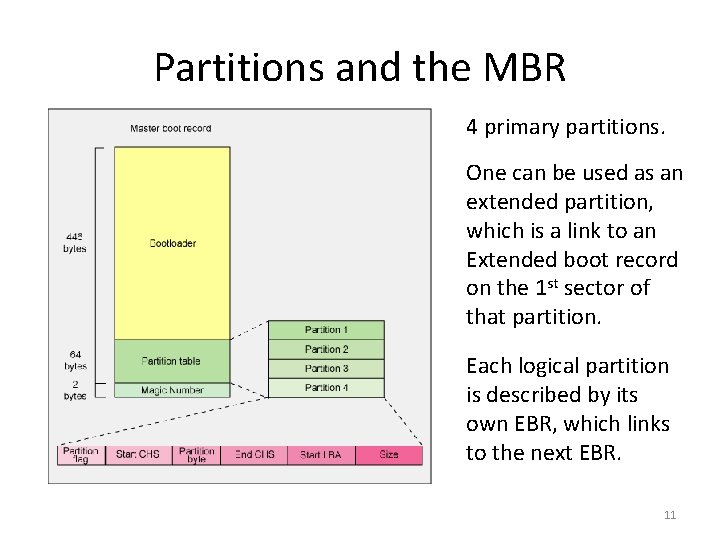
Partitions and the MBR 4 primary partitions. One can be used as an extended partition, which is a link to an Extended boot record on the 1 st sector of that partition. Each logical partition is described by its own EBR, which links to the next EBR. 11
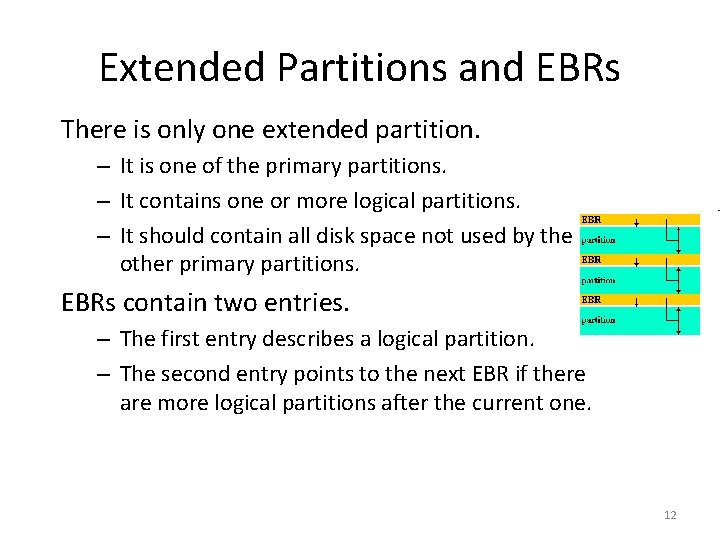
Extended Partitions and EBRs There is only one extended partition. – It is one of the primary partitions. – It contains one or more logical partitions. – It should contain all disk space not used by the other primary partitions. EBRs contain two entries. – The first entry describes a logical partition. – The second entry points to the next EBR if there are more logical partitions after the current one. 12
Why Partition? 1. Separate OS from user files, to allow user backups + OS upgrades w/o problems. 2. Have a faster swap area for virtual memory. 3. Improve performance by keeping filesystem tables small and keeping frequently used together files close together on the disk. 4. Limit the effect of disk full issues, often caused by log or cache files. 5. Multi-boot systems with multiple OSes. 13
Filesystems • Filesystems are a method for organizing and storing data. Filesystems typically – Divide storage into blocks. – Provide tree-structured organization. • Filesystems – ext 3 fs: used on most Linux systems. – FAT: used on MS-DOS systems + flash memory. – ISO 9660: used by CD-ROM and DVD-ROMs. – NTFS: used by MS Windows NT, XP, Vista. 14
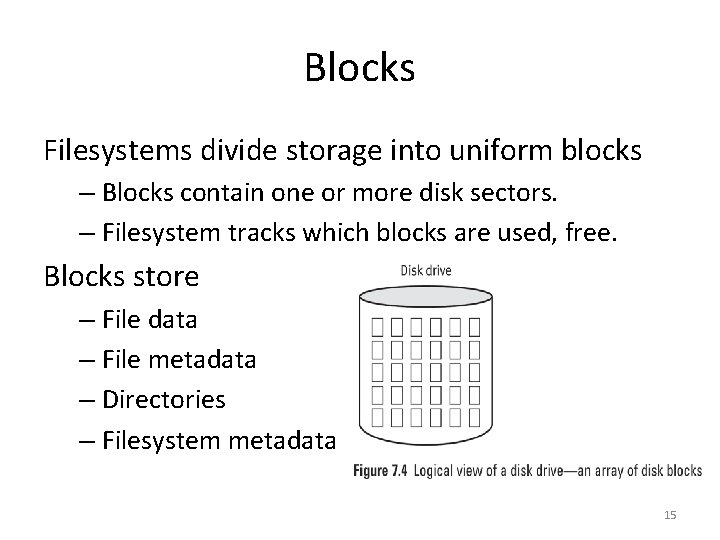
Blocks Filesystems divide storage into uniform blocks – Blocks contain one or more disk sectors. – Filesystem tracks which blocks are used, free. Blocks store – File data – File metadata – Directories – Filesystem metadata 15
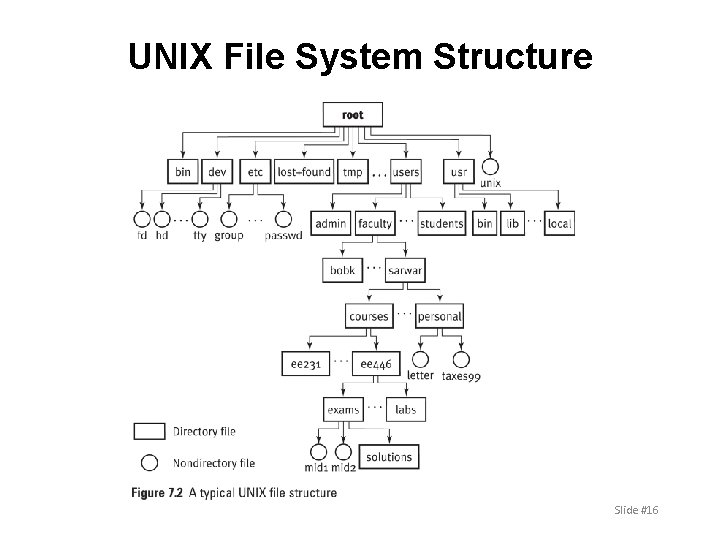
UNIX File System Structure Slide #16
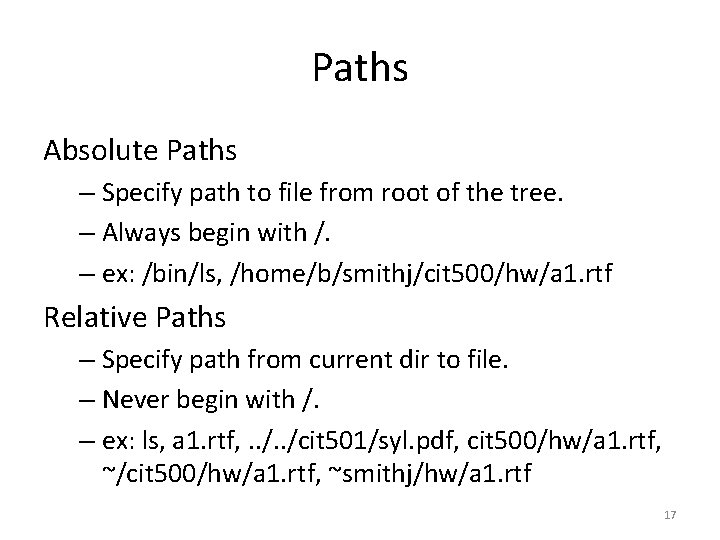
Paths Absolute Paths – Specify path to file from root of the tree. – Always begin with /. – ex: /bin/ls, /home/b/smithj/cit 500/hw/a 1. rtf Relative Paths – Specify path from current dir to file. – Never begin with /. – ex: ls, a 1. rtf, . . /cit 501/syl. pdf, cit 500/hw/a 1. rtf, ~/cit 500/hw/a 1. rtf, ~smithj/hw/a 1. rtf 17
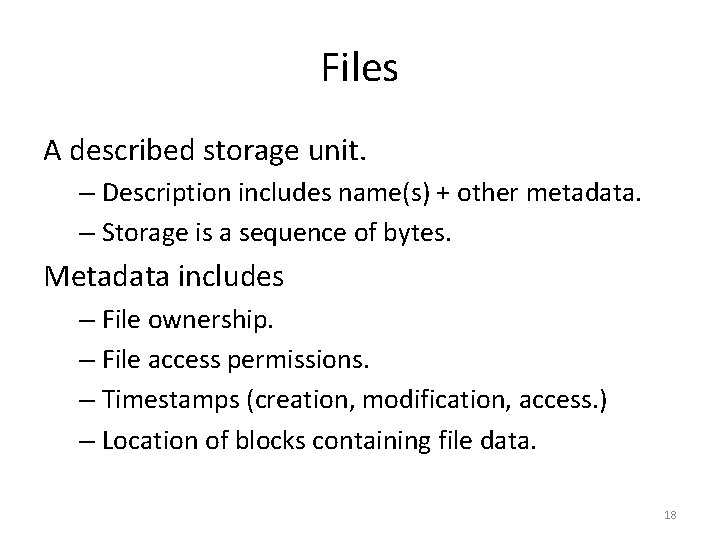
Files A described storage unit. – Description includes name(s) + other metadata. – Storage is a sequence of bytes. Metadata includes – File ownership. – File access permissions. – Timestamps (creation, modification, access. ) – Location of blocks containing file data. 18
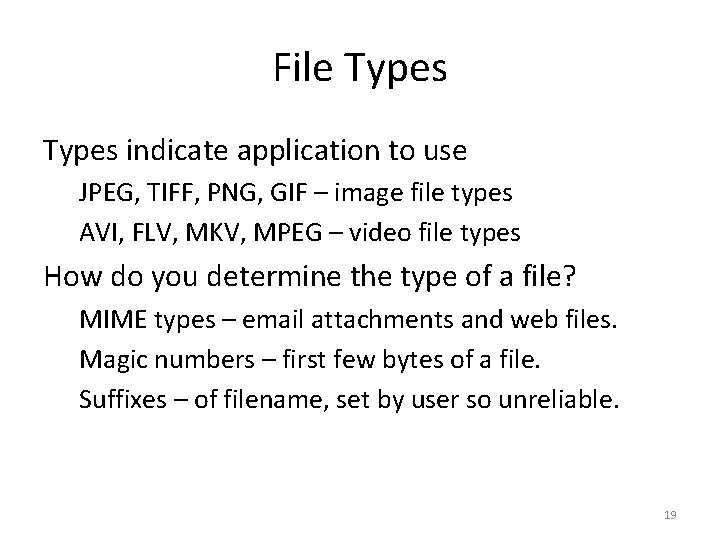
File Types indicate application to use JPEG, TIFF, PNG, GIF – image file types AVI, FLV, MKV, MPEG – video file types How do you determine the type of a file? MIME types – email attachments and web files. Magic numbers – first few bytes of a file. Suffixes – of filename, set by user so unreliable. 19
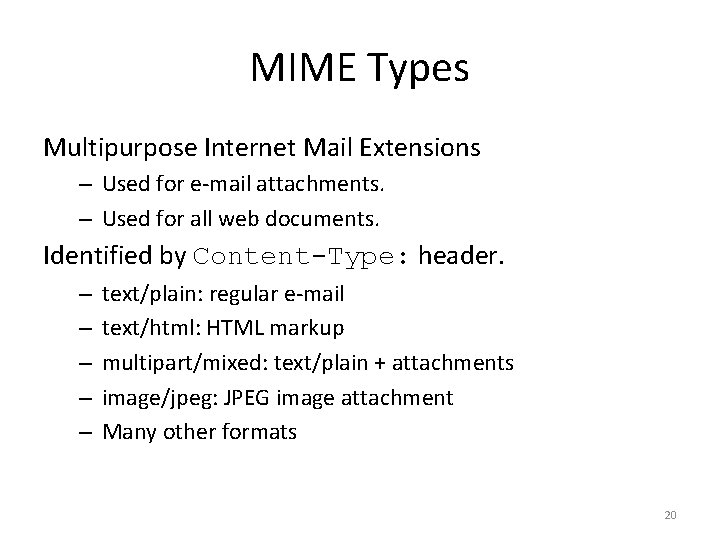
MIME Types Multipurpose Internet Mail Extensions – Used for e-mail attachments. – Used for all web documents. Identified by Content-Type: header. – – – text/plain: regular e-mail text/html: HTML markup multipart/mixed: text/plain + attachments image/jpeg: JPEG image attachment Many other formats 20
File Command Identifies some file types by file metadata Directories, device files, socket files, etc. Identifies most file types by magic number 1. Examine first few bytes of file. 2. Lookup in dictionary of magic numbers to types. 3. Returns type of file. Magic numbers are human-specified numerical constants in programs. 21
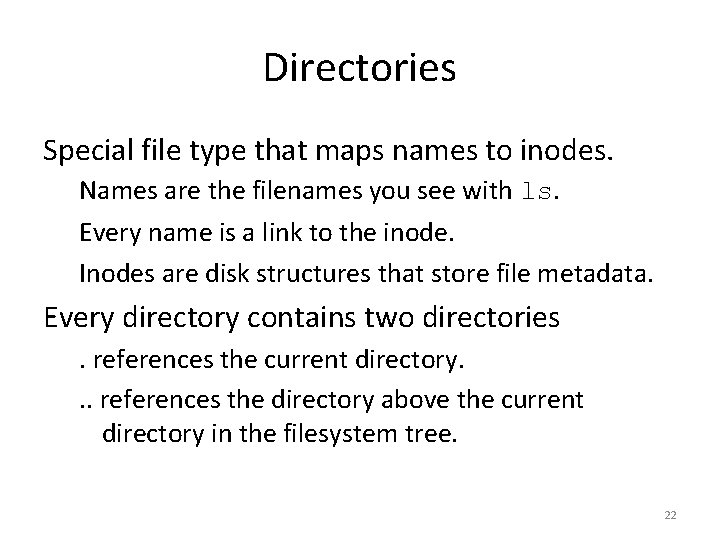
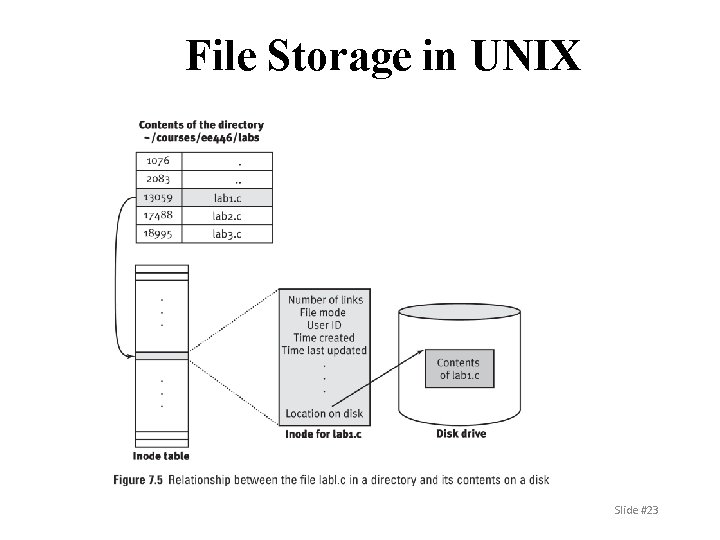
Directories Special file type that maps names to inodes. Names are the filenames you see with ls. Every name is a link to the inode. Inodes are disk structures that store file metadata. Every directory contains two directories. references the current directory. . . references the directory above the current directory in the filesystem tree. 22
File Storage in UNIX Slide #23
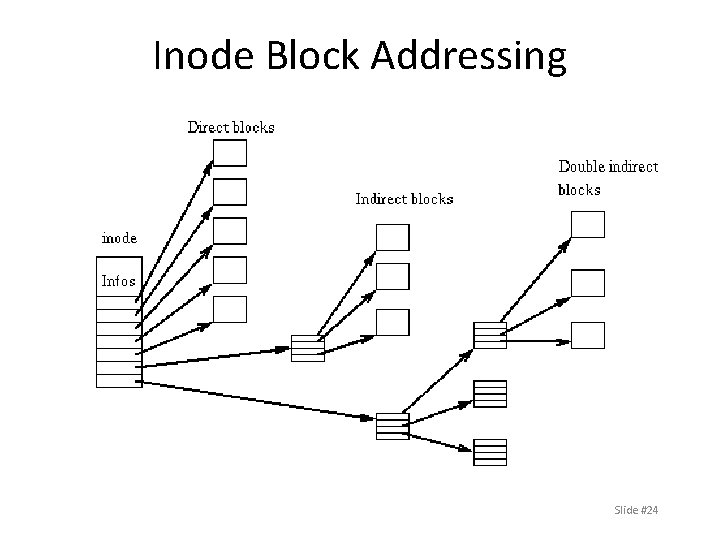
Inode Block Addressing Slide #24
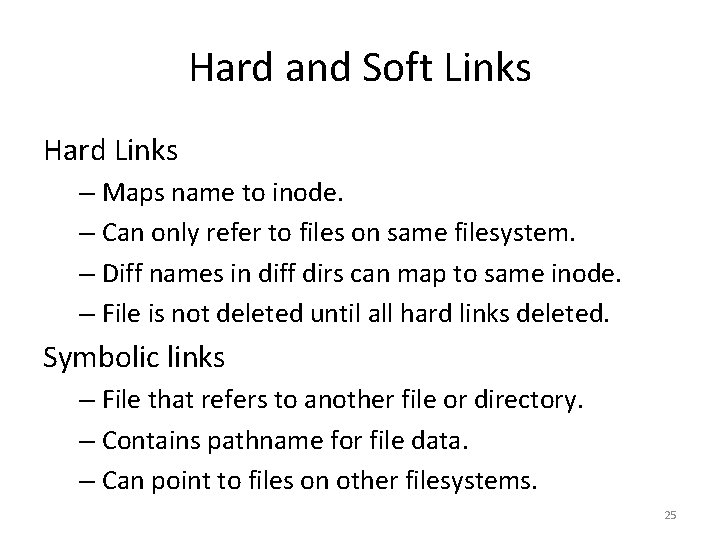
Hard and Soft Links Hard Links – Maps name to inode. – Can only refer to files on same filesystem. – Diff names in diff dirs can map to same inode. – File is not deleted until all hard links deleted. Symbolic links – File that refers to another file or directory. – Contains pathname for file data. – Can point to files on other filesystems. 25
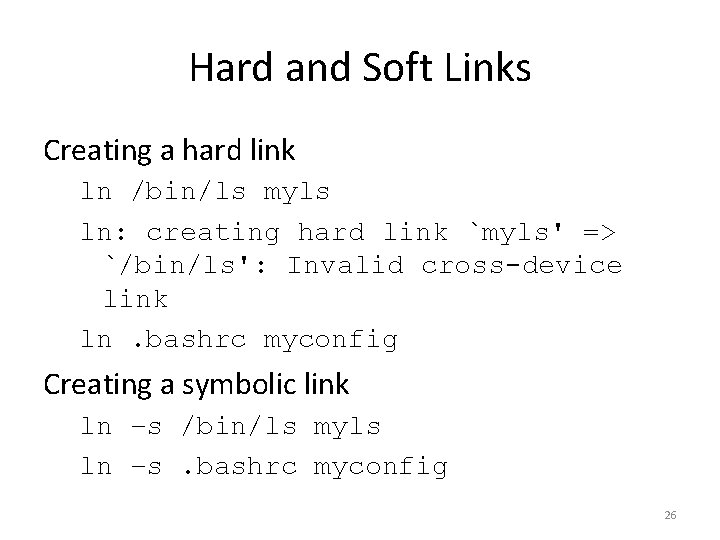
Hard and Soft Links Creating a hard link ln /bin/ls myls ln: creating hard link `myls' => `/bin/ls': Invalid cross-device link ln. bashrc myconfig Creating a symbolic link ln –s /bin/ls myls ln –s. bashrc myconfig 26
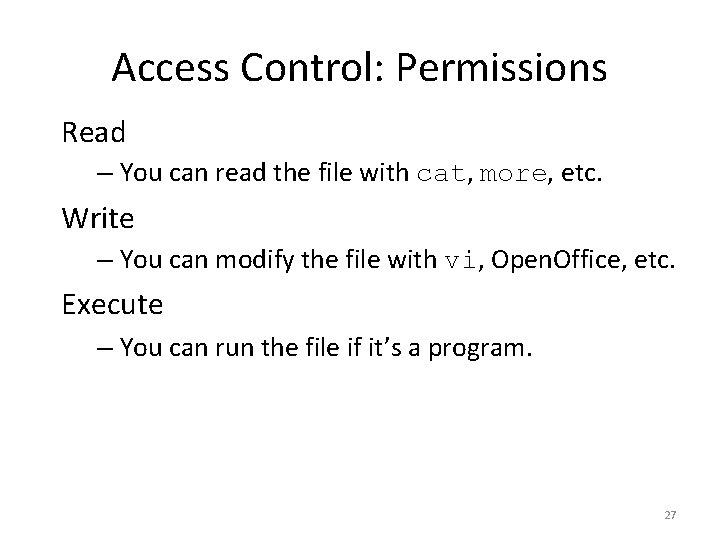
Access Control: Permissions Read – You can read the file with cat, more, etc. Write – You can modify the file with vi, Open. Office, etc. Execute – You can run the file if it’s a program. 27
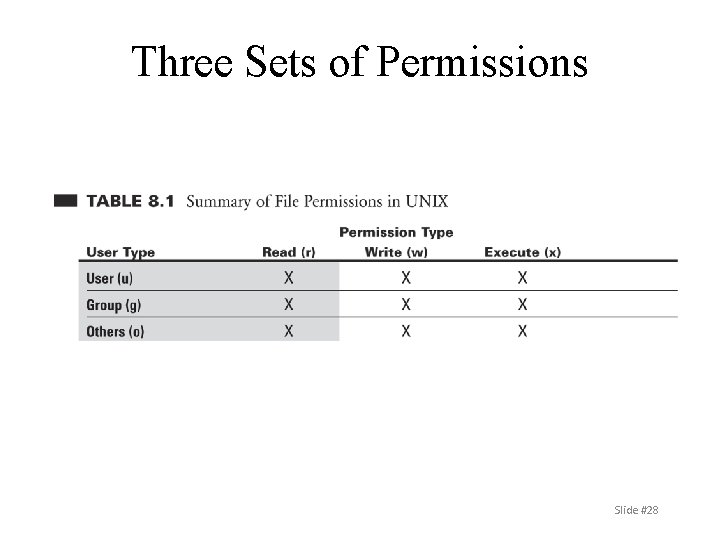
Three Sets of Permissions Slide #28
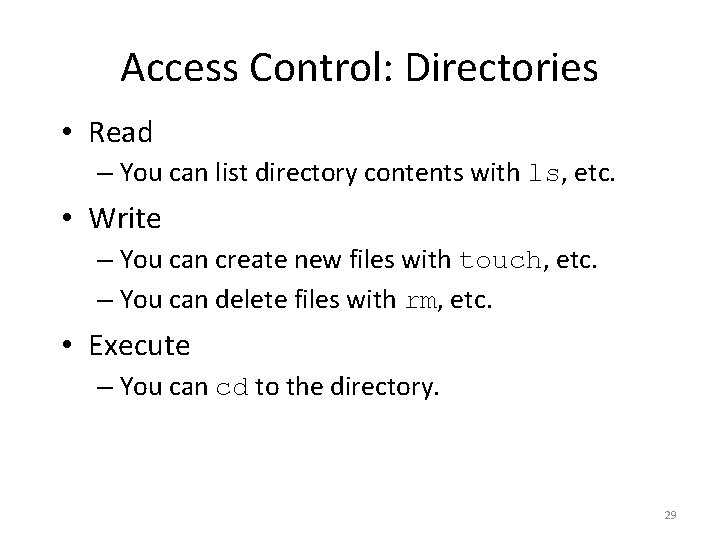
Access Control: Directories • Read – You can list directory contents with ls, etc. • Write – You can create new files with touch, etc. – You can delete files with rm, etc. • Execute – You can cd to the directory. 29
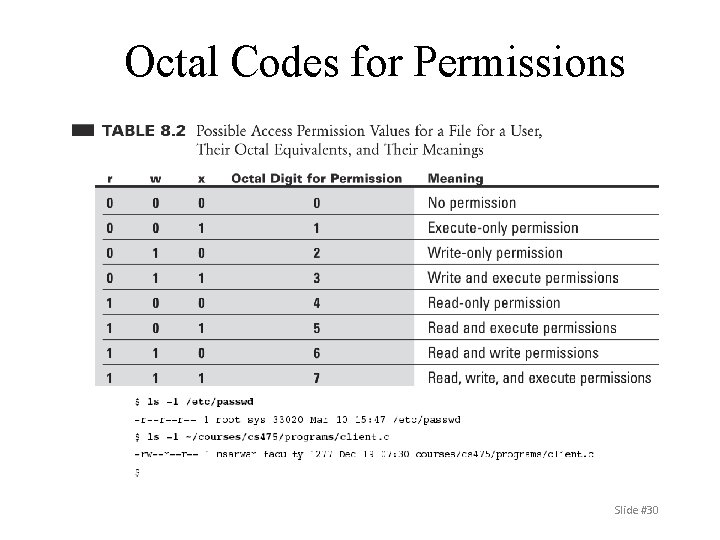
Octal Codes for Permissions Slide #30
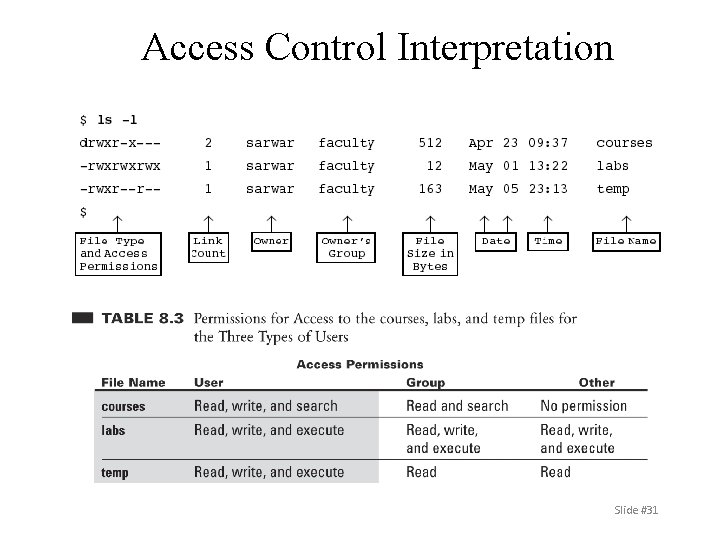
Access Control Interpretation Slide #31
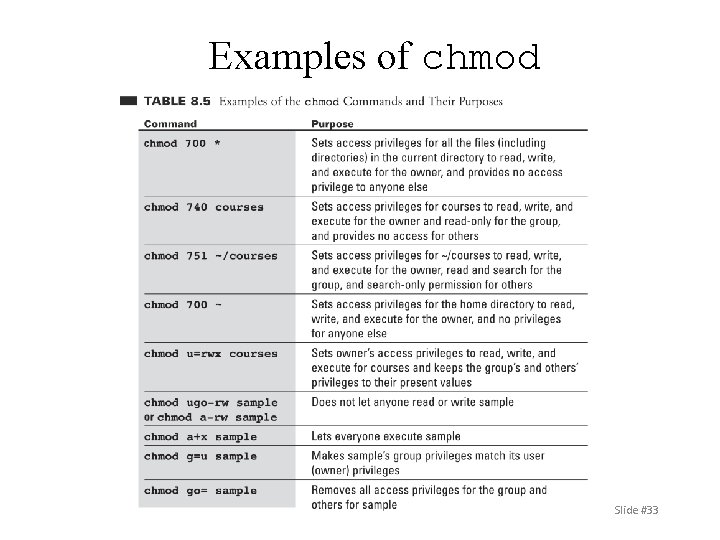
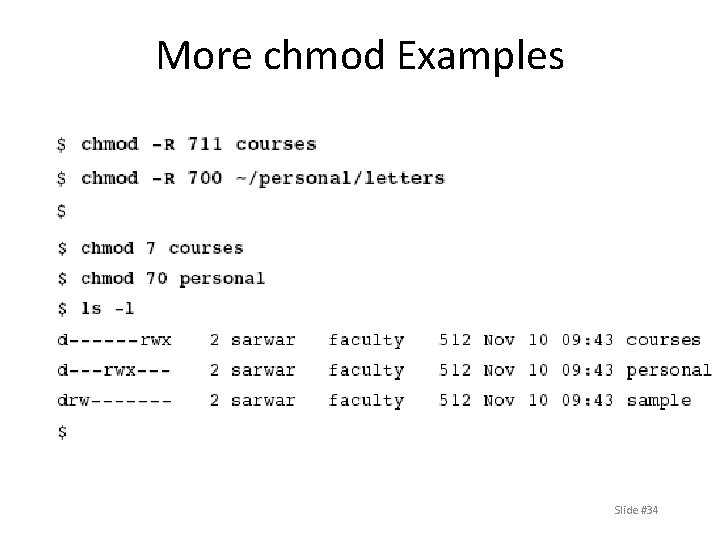
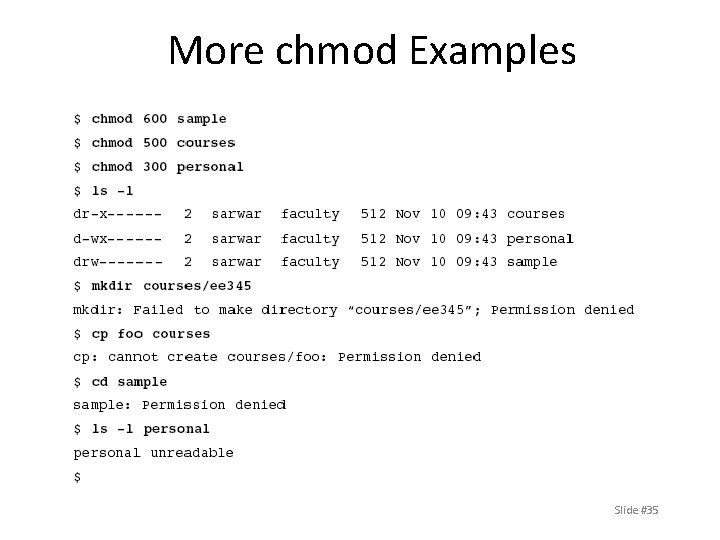
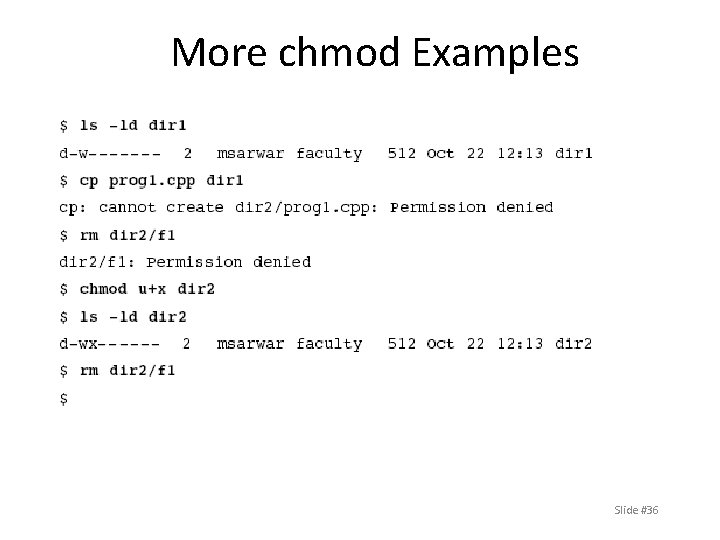
Access Control Commands Changing File Access Privileges chmod [options] octal-mode file chmod [options] symbolic file Slide #32
Examples of chmod Slide #33
More chmod Examples Slide #34
More chmod Examples Slide #35
More chmod Examples Slide #36
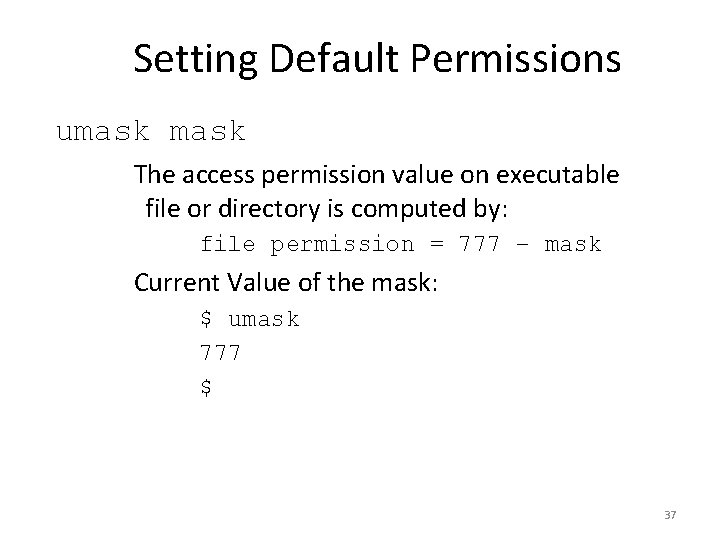
Setting Default Permissions umask The access permission value on executable file or directory is computed by: file permission = 777 – mask Current Value of the mask: $ umask 777 $ 37
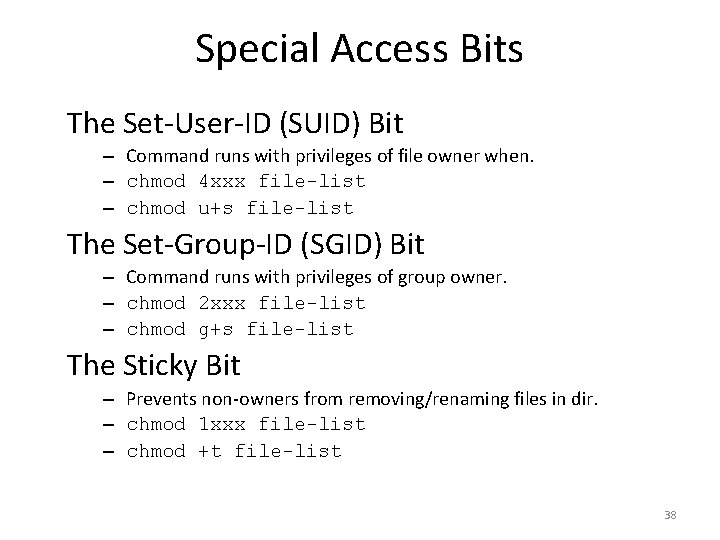
Special Access Bits The Set-User-ID (SUID) Bit – Command runs with privileges of file owner when. – chmod 4 xxx file-list – chmod u+s file-list The Set-Group-ID (SGID) Bit – Command runs with privileges of group owner. – chmod 2 xxx file-list – chmod g+s file-list The Sticky Bit – Prevents non-owners from removing/renaming files in dir. – chmod 1 xxx file-list – chmod +t file-list 38
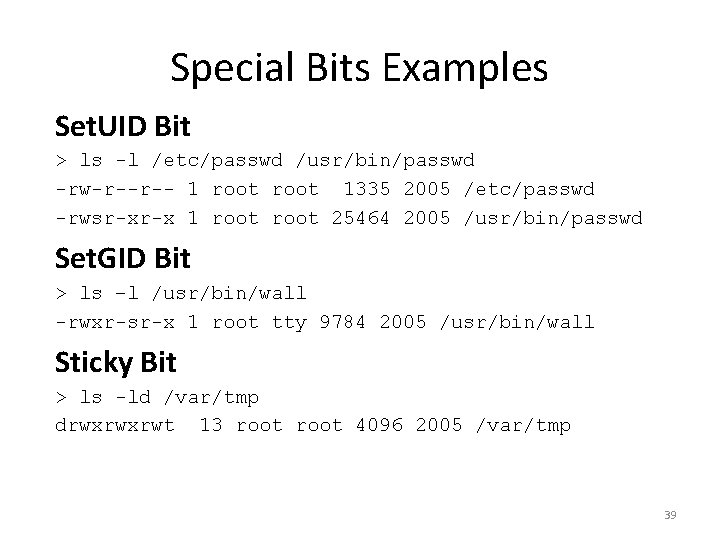
Special Bits Examples Set. UID Bit > ls -l /etc/passwd /usr/bin/passwd -rw-r--r-- 1 root 1335 2005 /etc/passwd -rwsr-xr-x 1 root 25464 2005 /usr/bin/passwd Set. GID Bit > ls –l /usr/bin/wall -rwxr-sr-x 1 root tty 9784 2005 /usr/bin/wall Sticky Bit > ls -ld /var/tmp drwxrwxrwt 13 root 4096 2005 /var/tmp 39
Archiving Files Archiving files stores multiple files in a single file. – Useful for transferring files across the network. – Useful for storing rarely needed files for future use. Most archives are compressed to save space/time. – Compression encodes the same information using fewer bits to save space. – Run Length Encoding (RLE) is a simple compression algorithm where repeated sequences are encoded as the sequence followed by a repetition count. 40
Tar (Tape ARchive) is std UNIX archive format. – Originally and still used to save data to tape. – Also used to create archive files on disk. Stores directories, file data, and metadata. – Includes ownership + permissions. – Does not include extended attributes and ACLs that are supported by advanced filesystems. 41
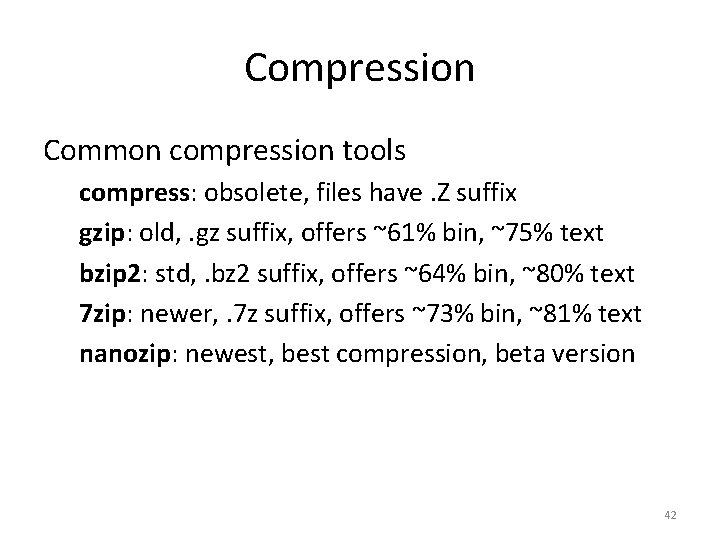
Compression Common compression tools compress: obsolete, files have. Z suffix gzip: old, . gz suffix, offers ~61% bin, ~75% text bzip 2: std, . bz 2 suffix, offers ~64% bin, ~80% text 7 zip: newer, . 7 z suffix, offers ~73% bin, ~81% text nanozip: newest, best compression, beta version 42
References 1. Syed Mansoor Sarwar, Robert Koretsky, Syed Ageel Sarwar, UNIX: The Textbook, 2 nd edition, Addison-Wesley, 2004. 2. Nicholas Wells, The Complete Guide to Linux System Administration, Thomson Course Technology, 2005. 43