AWK The Duct Tape of Computer Science Research

![“Arrays” All arrays in awk are associative • A[1] = “foo”; • B[“awk talk”]](https://slidetodoc.com/presentation_image_h/1e31b361c02887f68d8062e677a2d89a/image-16.jpg "“Arrays” All arrays in awk are associative • A[1] = “foo”; • B[“awk talk”]")
- Slides: 24
AWK: The Duct Tape of Computer Science Research Tim Sherwood UC San Diego
Duct Tape Research Environment • Lots of simulators, data, and analysis tools • Since it is research, nothing works together Unix pipes are the ducts Awk is the duct tape • It’s not the “best” way to connect everything • Maintaining anything complicated problematic • It is a good way of getting it to work quickly • In research, most stuff doesn’t work anyways • Really good at a some common problems AWK - Sherwood 2
Goals My Goals for this talk • • Introduce the Awk language Demonstrate how it has been useful Discuss the limits / pitfalls Eat some pizza What this talk is not • A promotion of all-awk all-the-time (tools) • A perl vs. awk AWK - Sherwood 3
Outline Background Applications Programming in awk • Examples Other tools that play nice Summary and Pointers AWK - Sherwood 4
Background Developed by • Aho, Weinberger, and Kernighan • Further extended by Bell • Further extended in Gawk Developed to handle simple data-reformatting jobs easily with just a few lines of code. C-like syntax • The K in Awk is the K in K&R • Easy learning curve AWK - Sherwood 5
Applications Smart grep • All the functionality of grep with added logical and numerical abilities File conversion • Quickly write format converters for text files Spreadsheet • Easy use of columns and rows Graphing/tables/tex Gluing pipes AWK - Sherwood 6
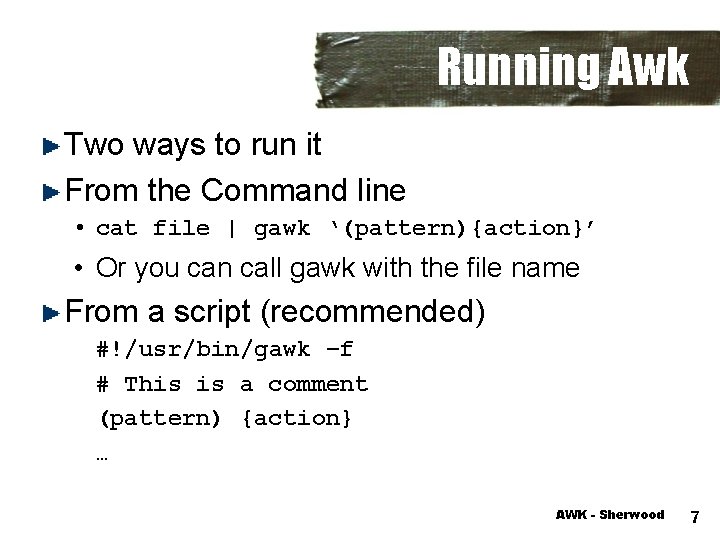
Running Awk Two ways to run it From the Command line • cat file | gawk ‘(pattern){action}’ • Or you can call gawk with the file name From a script (recommended) #!/usr/bin/gawk –f # This is a comment (pattern) {action} … AWK - Sherwood 7
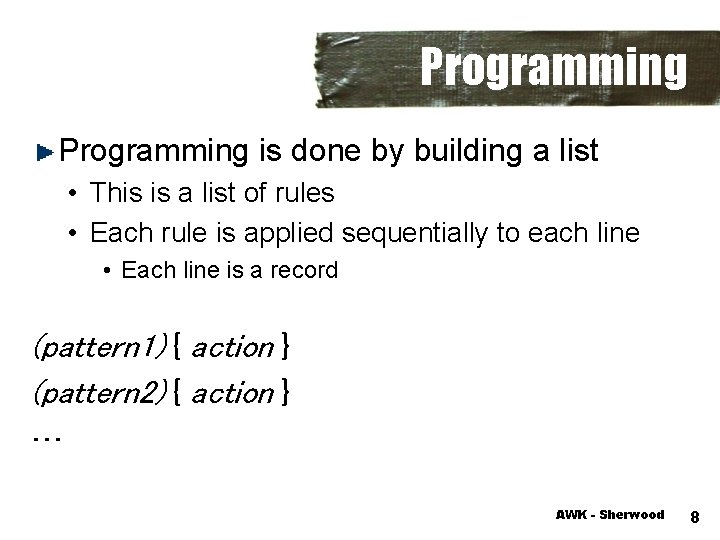
Programming is done by building a list • This is a list of rules • Each rule is applied sequentially to each line • Each line is a record (pattern 1) { action } (pattern 2) { action } … AWK - Sherwood 8
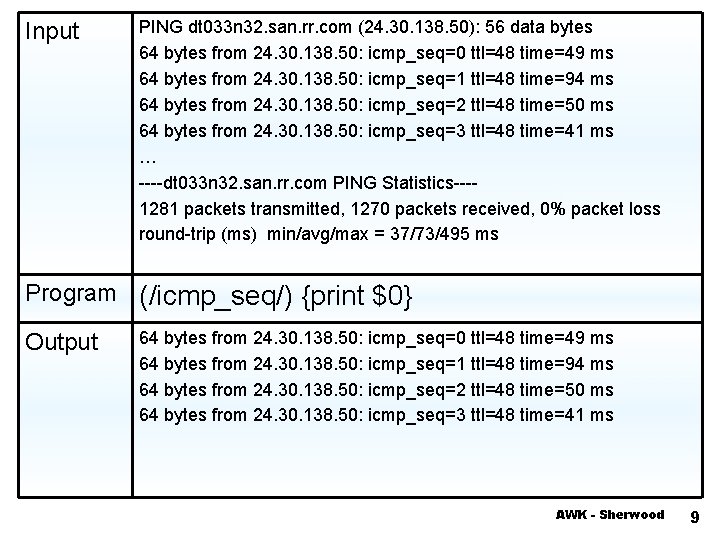
Input PING dt 033 n 32. san. rr. com (24. 30. 138. 50): 56 data bytes 64 bytes from 24. 30. 138. 50: icmp_seq=0 ttl=48 time=49 ms 64 bytes from 24. 30. 138. 50: icmp_seq=1 ttl=48 time=94 ms 64 bytes from 24. 30. 138. 50: icmp_seq=2 ttl=48 time=50 ms 64 bytes from 24. 30. 138. 50: icmp_seq=3 ttl=48 time=41 ms … ----dt 033 n 32. san. rr. com PING Statistics---1281 packets transmitted, 1270 packets received, 0% packet loss round-trip (ms) min/avg/max = 37/73/495 ms Example 1 Program (/icmp_seq/) {print $0} Output 64 bytes from 24. 30. 138. 50: icmp_seq=0 ttl=48 time=49 ms 64 bytes from 24. 30. 138. 50: icmp_seq=1 ttl=48 time=94 ms 64 bytes from 24. 30. 138. 50: icmp_seq=2 ttl=48 time=50 ms 64 bytes from 24. 30. 138. 50: icmp_seq=3 ttl=48 time=41 ms AWK - Sherwood 9
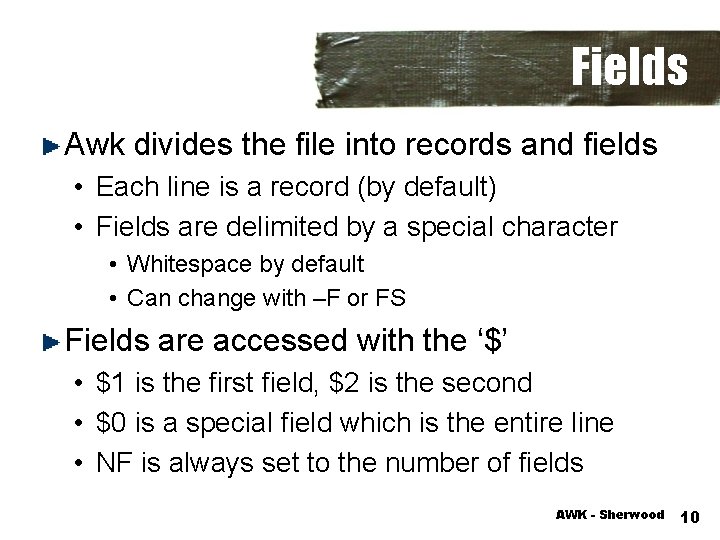
Fields Awk divides the file into records and fields • Each line is a record (by default) • Fields are delimited by a special character • Whitespace by default • Can change with –F or FS Fields are accessed with the ‘$’ • $1 is the first field, $2 is the second • $0 is a special field which is the entire line • NF is always set to the number of fields AWK - Sherwood 10
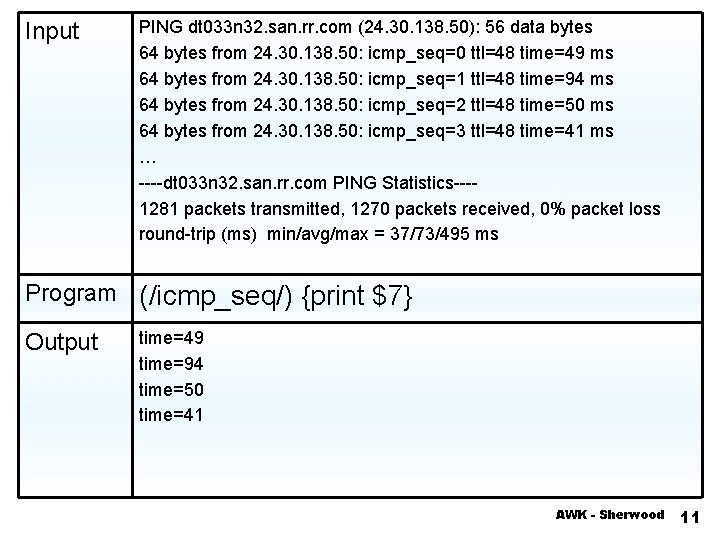
Input PING dt 033 n 32. san. rr. com (24. 30. 138. 50): 56 data bytes 64 bytes from 24. 30. 138. 50: icmp_seq=0 ttl=48 time=49 ms 64 bytes from 24. 30. 138. 50: icmp_seq=1 ttl=48 time=94 ms 64 bytes from 24. 30. 138. 50: icmp_seq=2 ttl=48 time=50 ms 64 bytes from 24. 30. 138. 50: icmp_seq=3 ttl=48 time=41 ms … ----dt 033 n 32. san. rr. com PING Statistics---1281 packets transmitted, 1270 packets received, 0% packet loss round-trip (ms) min/avg/max = 37/73/495 ms Example 2 Program (/icmp_seq/) {print $7} Output time=49 time=94 time=50 time=41 AWK - Sherwood 11
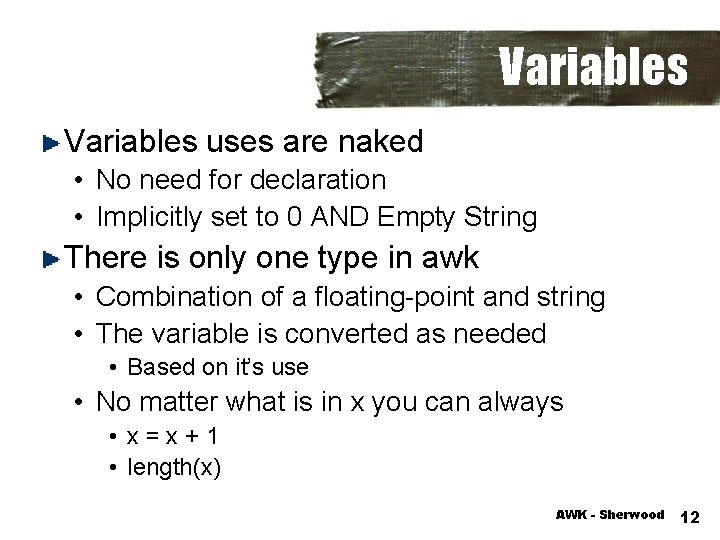
Variables uses are naked • No need for declaration • Implicitly set to 0 AND Empty String There is only one type in awk • Combination of a floating-point and string • The variable is converted as needed • Based on it’s use • No matter what is in x you can always • x=x+1 • length(x) AWK - Sherwood 12
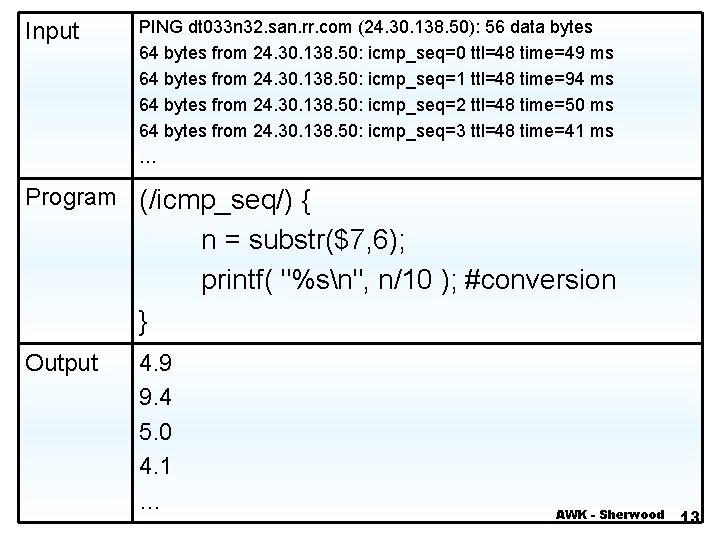
Input PING dt 033 n 32. san. rr. com (24. 30. 138. 50): 56 data bytes 64 bytes from 24. 30. 138. 50: icmp_seq=0 ttl=48 time=49 ms 64 bytes from 24. 30. 138. 50: icmp_seq=1 ttl=48 time=94 ms 64 bytes from 24. 30. 138. 50: icmp_seq=2 ttl=48 time=50 ms 64 bytes from 24. 30. 138. 50: icmp_seq=3 ttl=48 time=41 ms … Example 2 Program (/icmp_seq/) { n = substr($7, 6); printf( "%sn", n/10 ); #conversion } Output 4. 9 9. 4 5. 0 4. 1 … AWK - Sherwood 13
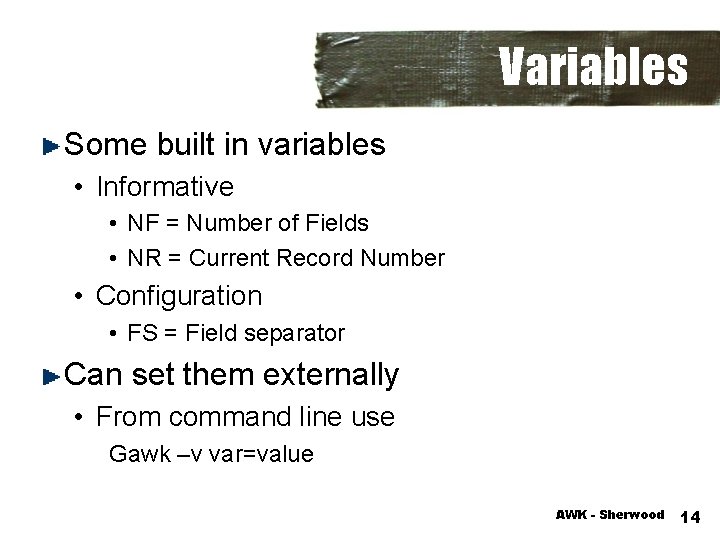
Variables Some built in variables • Informative • NF = Number of Fields • NR = Current Record Number • Configuration • FS = Field separator Can set them externally • From command line use Gawk –v var=value AWK - Sherwood 14
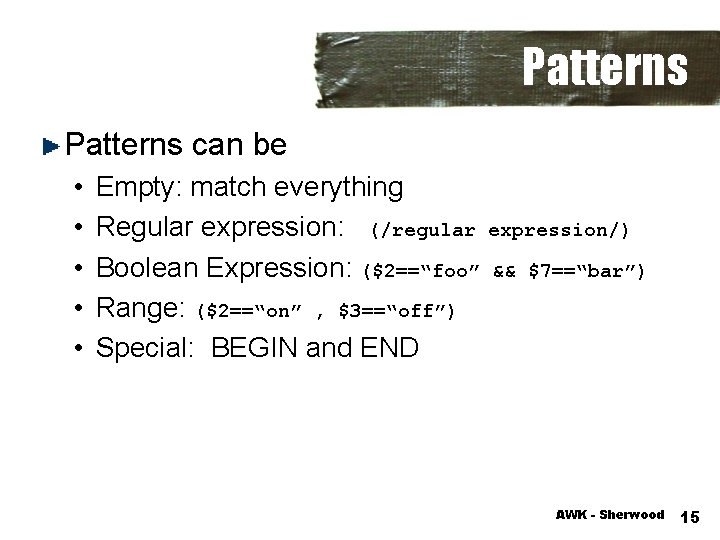
Patterns can be • • • Empty: match everything Regular expression: (/regular expression/) Boolean Expression: ($2==“foo” && $7==“bar”) Range: ($2==“on” , $3==“off”) Special: BEGIN and END AWK - Sherwood 15
“Arrays” All arrays in awk are associative • A[1] = “foo”; • B[“awk talk”] = “pizza”; To check if there is an element in the array • Use “in” • If ( “awk talk” in B ) … Arrays can be sparse, they automatically resize, auto-initialize, and are fast (unless they get huge) Multi-dimensional (sort of) AWK - Sherwood 16
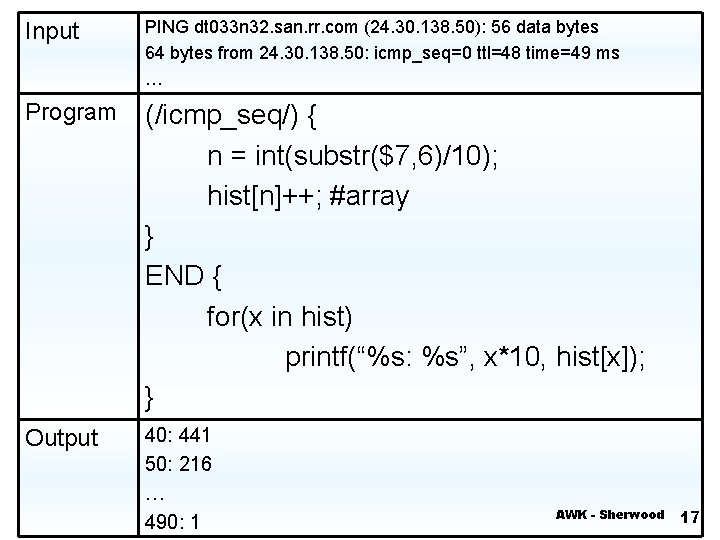
Input PING dt 033 n 32. san. rr. com (24. 30. 138. 50): 56 data bytes 64 bytes from 24. 30. 138. 50: icmp_seq=0 ttl=48 time=49 ms … Example 4 Program (/icmp_seq/) { n = int(substr($7, 6)/10); hist[n]++; #array } END { for(x in hist) printf(“%s: %s”, x*10, hist[x]); } Output 40: 441 50: 216 … 490: 1 AWK - Sherwood 17
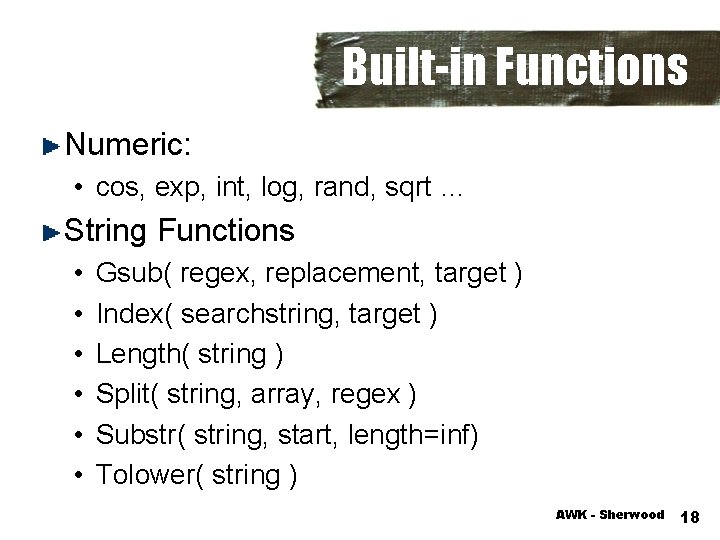
Built-in Functions Numeric: • cos, exp, int, log, rand, sqrt … String Functions • • • Gsub( regex, replacement, target ) Index( searchstring, target ) Length( string ) Split( string, array, regex ) Substr( string, start, length=inf) Tolower( string ) AWK - Sherwood 18
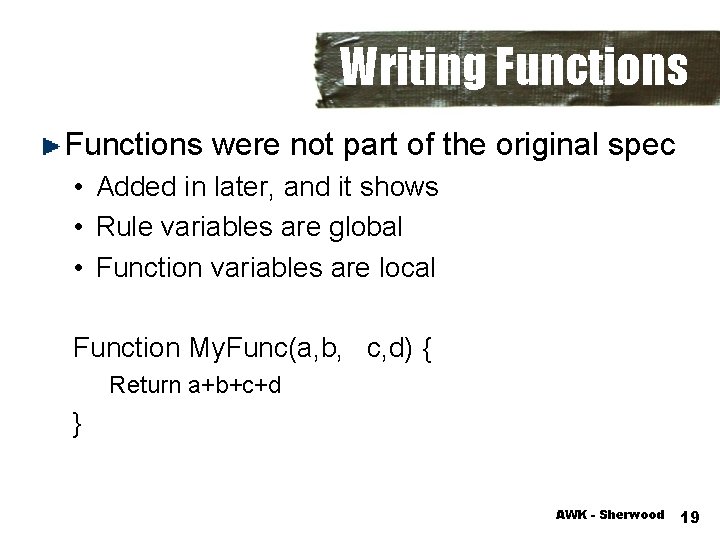
Writing Functions were not part of the original spec • Added in later, and it shows • Rule variables are global • Function variables are local Function My. Func(a, b, c, d) { Return a+b+c+d } AWK - Sherwood 19
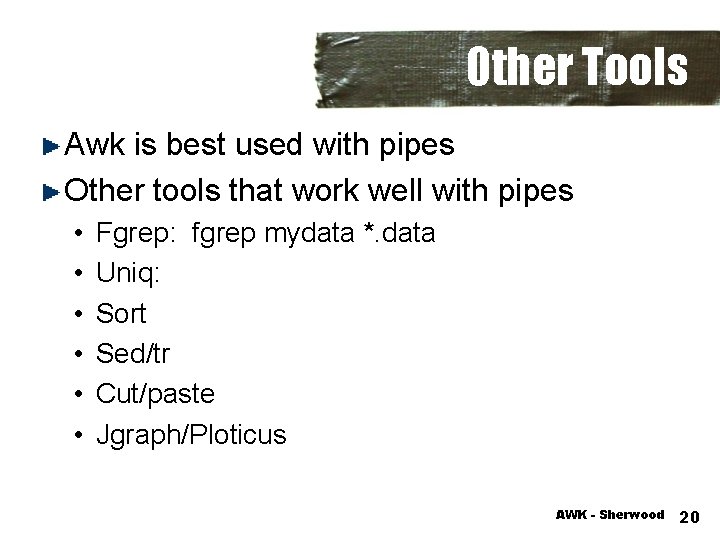
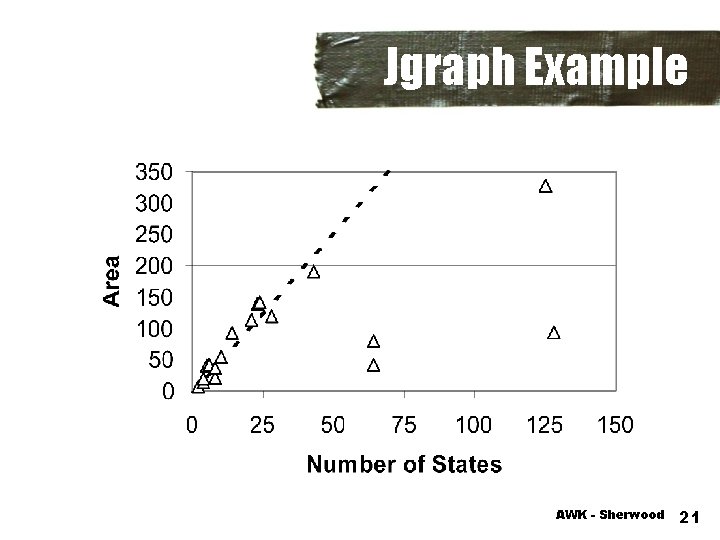
Other Tools Awk is best used with pipes Other tools that work well with pipes • • • Fgrep: fgrep mydata *. data Uniq: Sort Sed/tr Cut/paste Jgraph/Ploticus AWK - Sherwood 20
Jgraph Example AWK - Sherwood 21
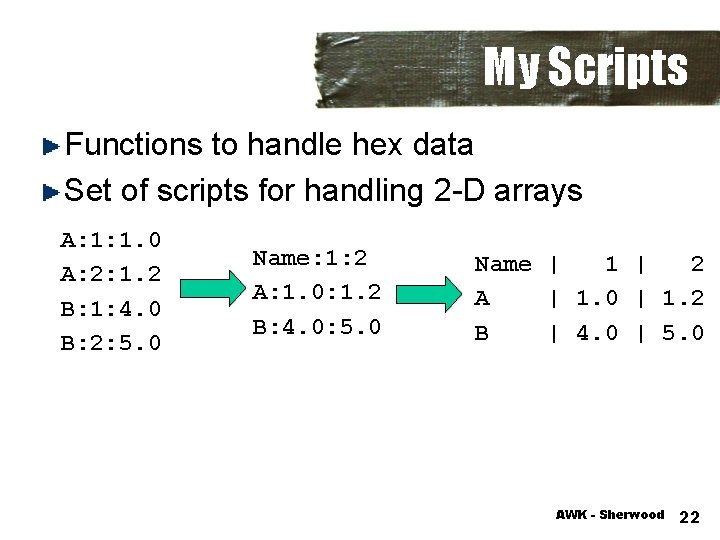
My Scripts Functions to handle hex data Set of scripts for handling 2 -D arrays A: 1: 1. 0 A: 2: 1. 2 B: 1: 4. 0 B: 2: 5. 0 Name: 1: 2 A: 1. 0: 1. 2 B: 4. 0: 5. 0 Name | 1 | 2 A | 1. 0 | 1. 2 B | 4. 0 | 5. 0 AWK - Sherwood 22
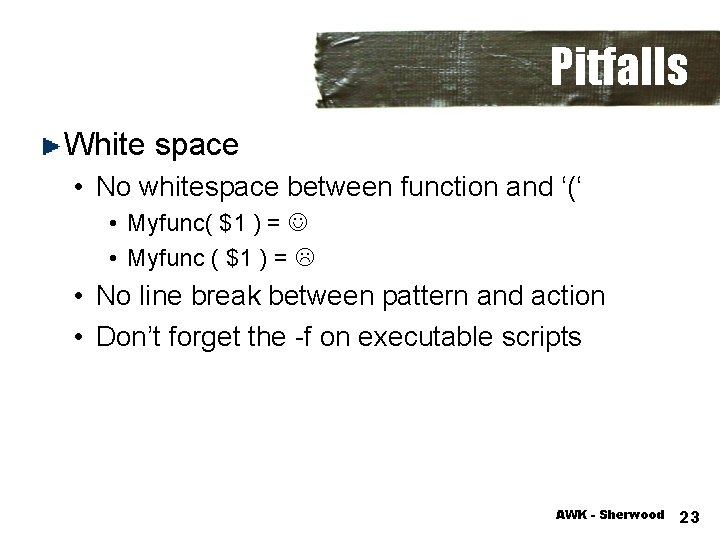
Pitfalls White space • No whitespace between function and ‘(‘ • Myfunc( $1 ) = • Myfunc ( $1 ) = • No line break between pattern and action • Don’t forget the -f on executable scripts AWK - Sherwood 23
Summary Awk is a very powerful tool • If properly applied • It is not for everything (I know) Very handy for pre-processing Data conversion AWK - Sherwood 24