VRAY FOR 3 DS MAX VRay Sun and
- Slides: 19
V-RAY FOR 3 DS MAX V-Ray Sun and Sky
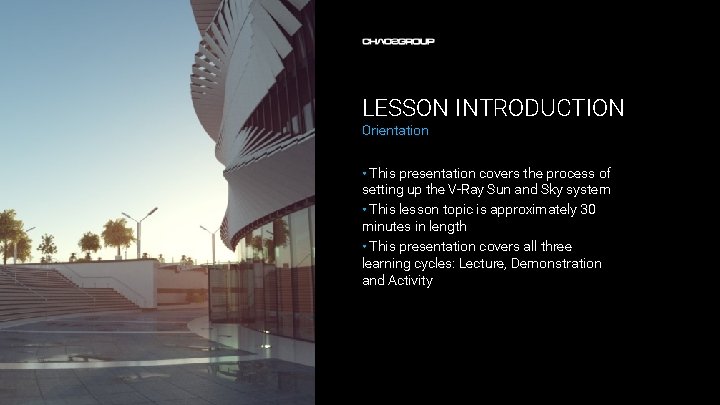
LESSON INTRODUCTION Orientation • This presentation covers the process of setting up the V-Ray Sun and Sky system • This lesson topic is approximately 30 minutes in length • This presentation covers all three learning cycles: Lecture, Demonstration and Activity
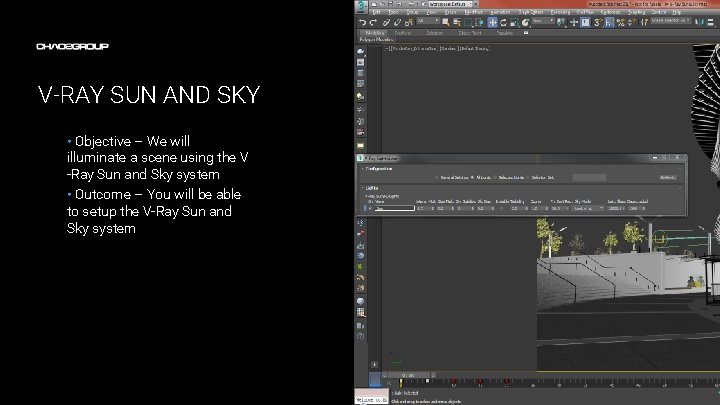
V-RAY SUN AND SKY • Objective – We will illuminate a scene using the V -Ray Sun and Sky system • Outcome – You will be able to setup the V-Ray Sun and Sky system Artwork by Name
TERMINOLOGY • These are some of the terms to be aware of when thinking about the V-Ray Sun and Sky system – – Procedural texture – these are textures in which the color and brightness of a pixel are calculated based on certain parameters and a mathematical model Exposure correction – allows us to adjust the brightness of an image without changing the intensity of the light sources in the scene Global Illumination – a method for gathering light that comes indirectly to the scene. This may be bounced light or light coming from the environment Render elements – render elements allow us to split renders into their component parts such as diffuse color, direct light, global illumination, reflections, refractions etc. This can be useful when trying to determine the effect a certain option has on the final render.
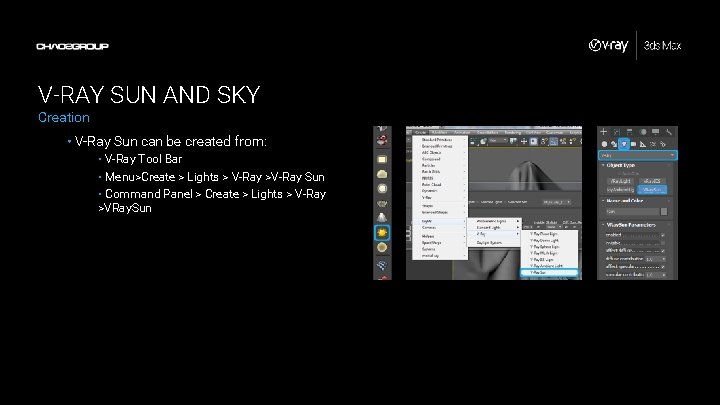
V-RAY SUN AND SKY Creation • V-Ray Sun can be created from: • V-Ray Tool Bar • Menu>Create > Lights > V-Ray >V-Ray Sun • Command Panel > Create > Lights > V-Ray >VRay. Sun
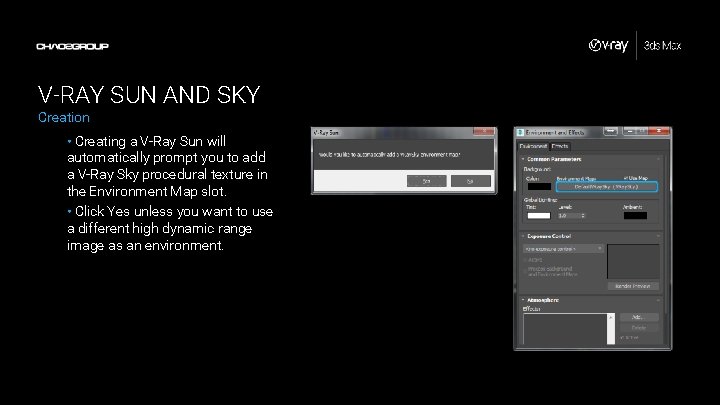
V-RAY SUN AND SKY Creation • Creating a V-Ray Sun will automatically prompt you to add a V-Ray Sky procedural texture in the Environment Map slot. • Click Yes unless you want to use a different high dynamic range image as an environment.
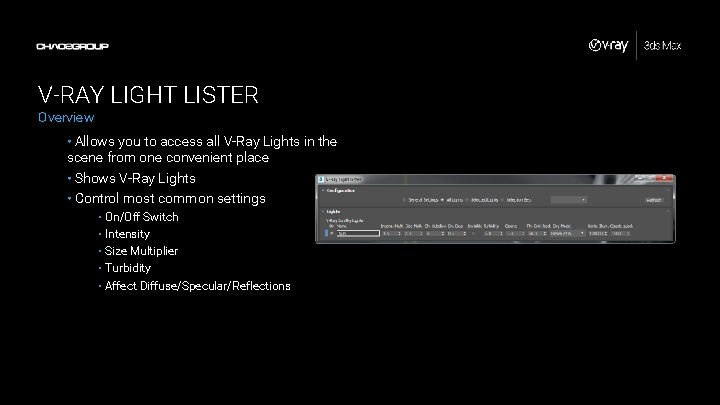
V-RAY LIGHT LISTER Overview • Allows you to access all V-Ray Lights in the scene from one convenient place • Shows V-Ray Lights • Control most common settings • On/Off Switch • Intensity • Size Multiplier • Turbidity • Affect Diffuse/Specular/Reflections
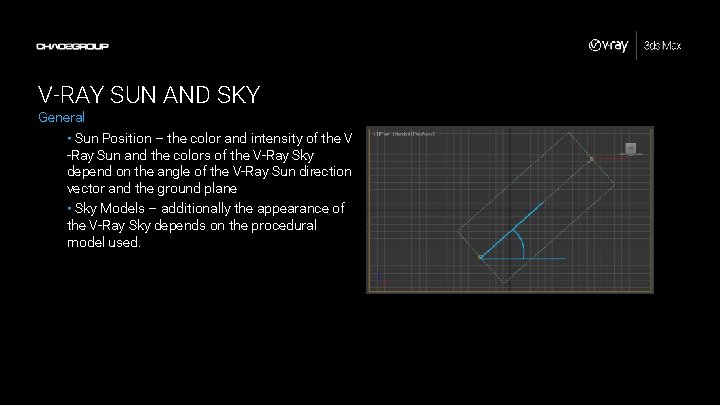
V-RAY SUN AND SKY General • Sun Position – the color and intensity of the V -Ray Sun and the colors of the V-Ray Sky depend on the angle of the V-Ray Sun direction vector and the ground plane • Sky Models – additionally the appearance of the V-Ray Sky depends on the procedural model used.
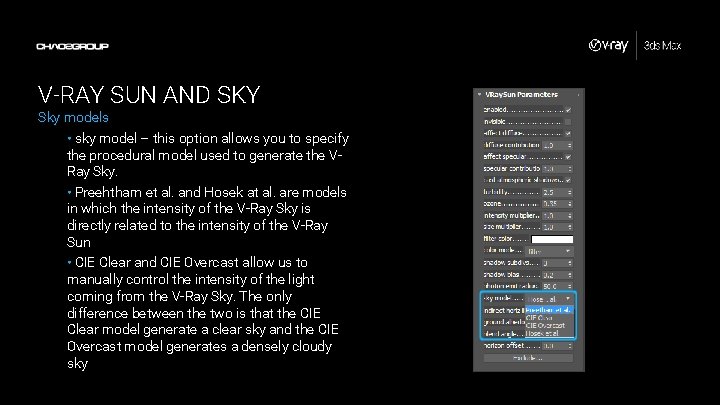
V-RAY SUN AND SKY Sky models • sky model – this option allows you to specify the procedural model used to generate the VRay Sky. • Preehtham et al. and Hosek at al. are models in which the intensity of the V-Ray Sky is directly related to the intensity of the V-Ray Sun • CIE Clear and CIE Overcast allow us to manually control the intensity of the light coming from the V-Ray Sky. The only difference between the two is that the CIE Clear model generate a clear sky and the CIE Overcast model generates a densely cloudy sky
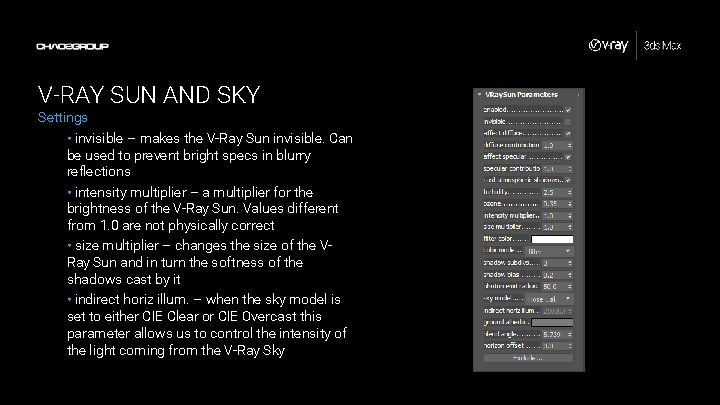
V-RAY SUN AND SKY Settings • invisible – makes the V-Ray Sun invisible. Can be used to prevent bright specs in blurry reflections • intensity multiplier – a multiplier for the brightness of the V-Ray Sun. Values different from 1. 0 are not physically correct • size multiplier – changes the size of the VRay Sun and in turn the softness of the shadows cast by it • indirect horiz illum. – when the sky model is set to either CIE Clear or CIE Overcast this parameter allows us to control the intensity of the light coming from the V-Ray Sky
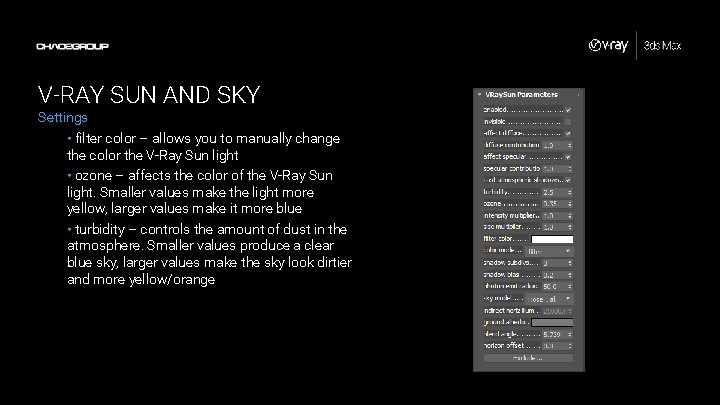
V-RAY SUN AND SKY Settings • filter color – allows you to manually change the color the V-Ray Sun light • ozone – affects the color of the V-Ray Sun light. Smaller values make the light more yellow, larger values make it more blue • turbidity – controls the amount of dust in the atmosphere. Smaller values produce a clear blue sky, larger values make the sky look dirtier and more yellow/orange
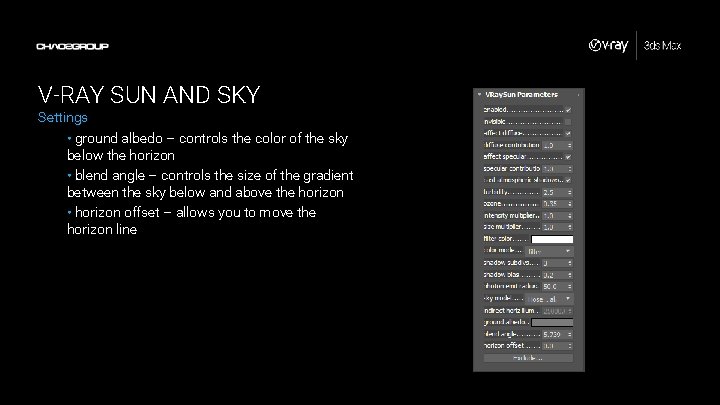
V-RAY SUN AND SKY Settings • ground albedo – controls the color of the sky below the horizon • blend angle – controls the size of the gradient between the sky below and above the horizon • horizon offset – allows you to move the horizon line
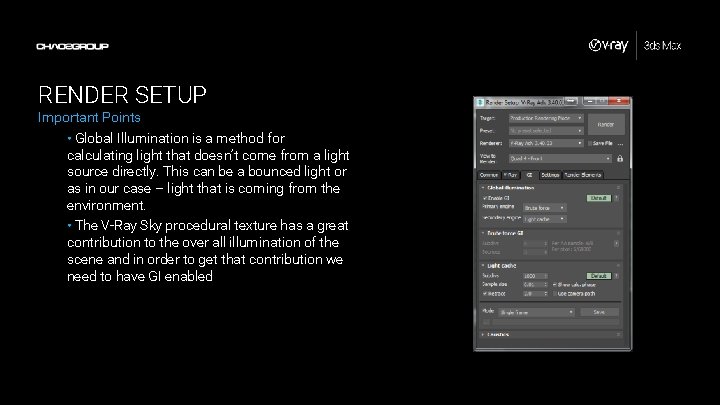
RENDER SETUP Important Points • Global Illumination is a method for calculating light that doesn’t come from a light source directly. This can be a bounced light or as in our case – light that is coming from the environment. • The V-Ray Sky procedural texture has a great contribution to the over all illumination of the scene and in order to get that contribution we need to have GI enabled
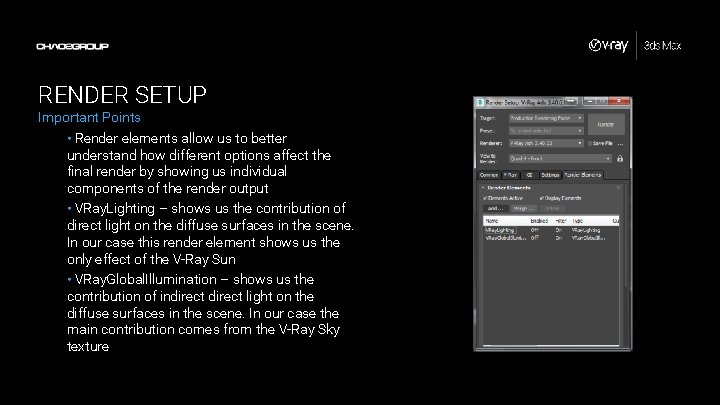
RENDER SETUP Important Points • Render elements allow us to better understand how different options affect the final render by showing us individual components of the render output • VRay. Lighting – shows us the contribution of direct light on the diffuse surfaces in the scene. In our case this render element shows us the only effect of the V-Ray Sun • VRay. Global. Illumination – shows us the contribution of indirect light on the diffuse surfaces in the scene. In our case the main contribution comes from the V-Ray Sky texture
DEMONSTRATION V-Ray Sun and Sky Sit back and watch as I demonstrate how to use the V-Ray Sun and Sky System in our scene…
ACTIVITY V-Ray Sun and Sky Now it’s your turn. Use the provided scene and handout to experiment with the V-Ray Sun and Sky…