VRAY FOR 3 DS MAX VRay Instancer LESSON


- Slides: 13
V-RAY FOR 3 DS MAX V-Ray Instancer
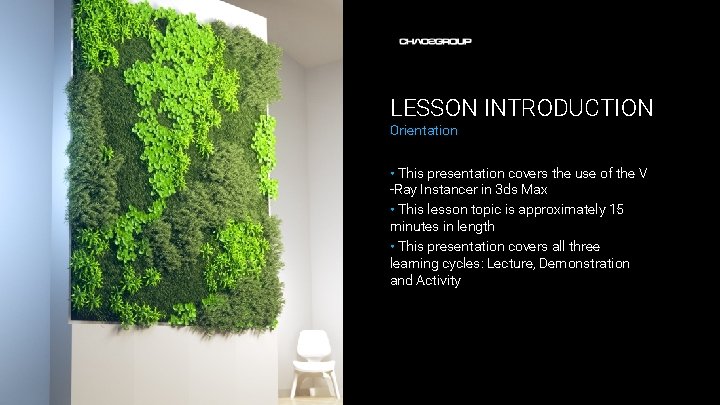
LESSON INTRODUCTION Orientation • This presentation covers the use of the V -Ray Instancer in 3 ds Max • This lesson topic is approximately 15 minutes in length • This presentation covers all three learning cycles: Lecture, Demonstration and Activity
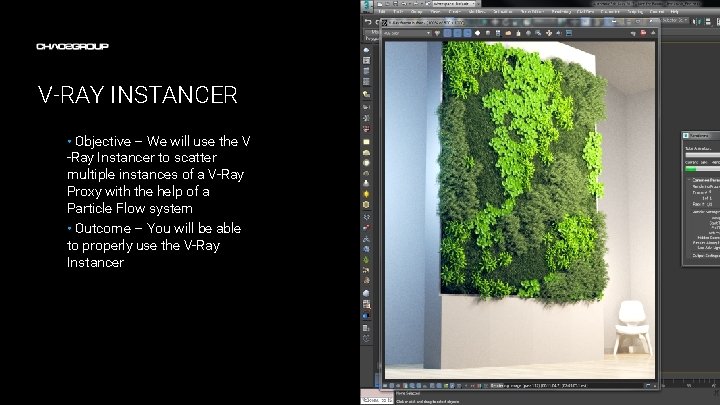
V-RAY INSTANCER • Objective – We will use the V -Ray Instancer to scatter multiple instances of a V-Ray Proxy with the help of a Particle Flow system • Outcome – You will be able to properly use the V-Ray Instancer Artwork by Name
TERMINOLOGY • These are some of the terms to be aware of when thinking about V-Ray Instancer – – – . vrmesh – a V-Ray specific file format which holds information about one or more meshes along with everything necessary to render them Proxy – a V-Ray specific plug-in that allows the user to load. vrmesh and alembic files and render them with V-Ray Instance – in CG instancing is used to efficiently render a piece of geometry that occurs many times in the scene. It is loaded only once in the memory and that copy is accessed every time we need to render one of its copies. Bucket – a small portion of the image that is being rendered by one CPU core. Dynamic geometry – a special way of handling heavy geometry where only pieces that are currently being rendered are kept in the RAM
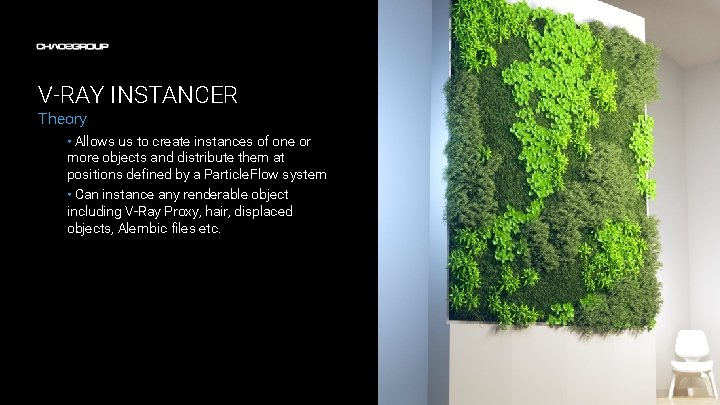
V-RAY INSTANCER Theory • Allows us to create instances of one or more objects and distribute them at positions defined by a Particle. Flow system • Can instance any renderable object including V-Ray Proxy, hair, displaced objects, Alembic files etc.
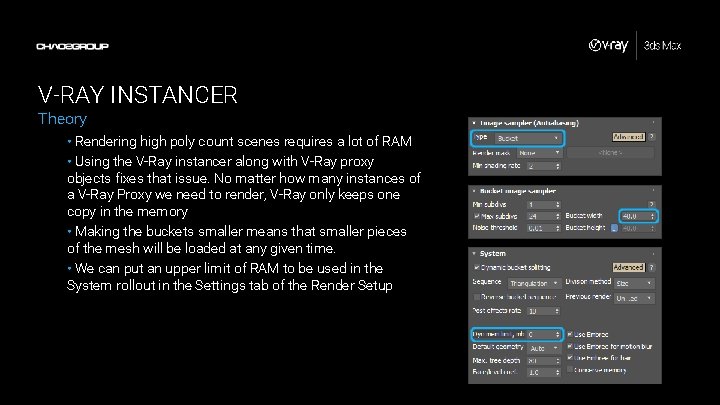
V-RAY INSTANCER Theory • Rendering high poly count scenes requires a lot of RAM • Using the V-Ray instancer along with V-Ray proxy objects fixes that issue. No matter how many instances of a V-Ray Proxy we need to render, V-Ray only keeps one copy in the memory • Making the buckets smaller means that smaller pieces of the mesh will be loaded at any given time. • We can put an upper limit of RAM to be used in the System rollout in the Settings tab of the Render Setup
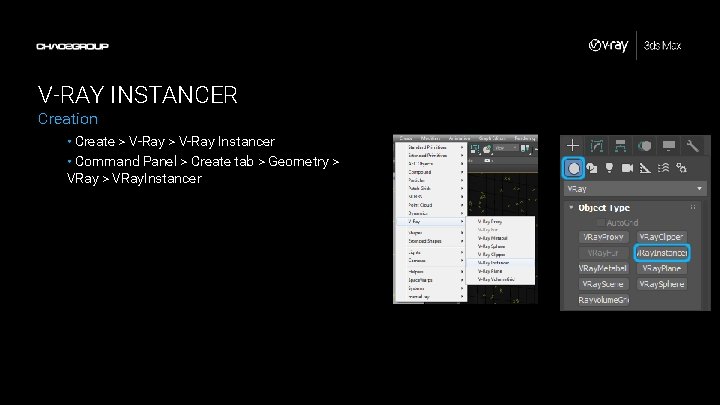
V-RAY INSTANCER Creation • Create > V-Ray Instancer • Command Panel > Create tab > Geometry > VRay. Instancer
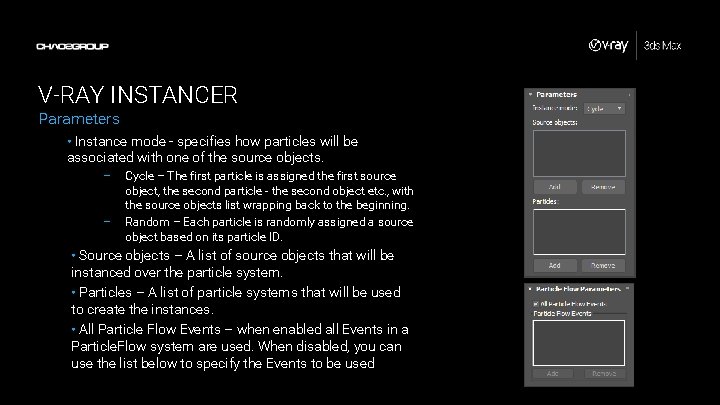
V-RAY INSTANCER Parameters • Instance mode - specifies how particles will be associated with one of the source objects. – – Cycle – The first particle is assigned the first source object, the second particle - the second object etc. , with the source objects list wrapping back to the beginning. Random – Each particle is randomly assigned a source object based on its particle ID. • Source objects – A list of source objects that will be instanced over the particle system. • Particles – A list of particle systems that will be used to create the instances. • All Particle Flow Events – when enabled all Events in a Particle. Flow system are used. When disabled, you can use the list below to specify the Events to be used
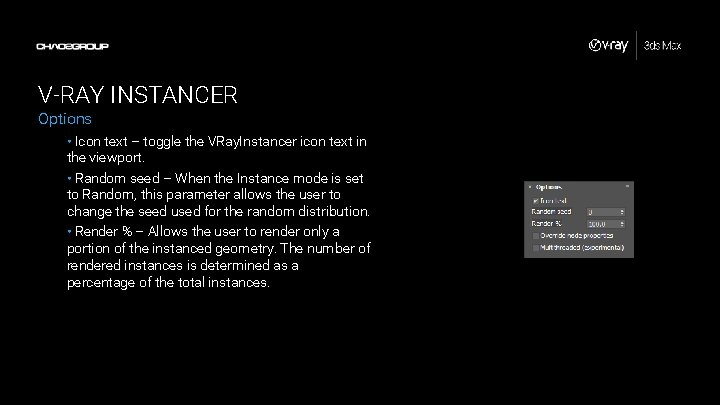
V-RAY INSTANCER Options • Icon text – toggle the VRay. Instancer icon text in the viewport. • Random seed – When the Instance mode is set to Random, this parameter allows the user to change the seed used for the random distribution. • Render % – Allows the user to render only a portion of the instanced geometry. The number of rendered instances is determined as a percentage of the total instances.
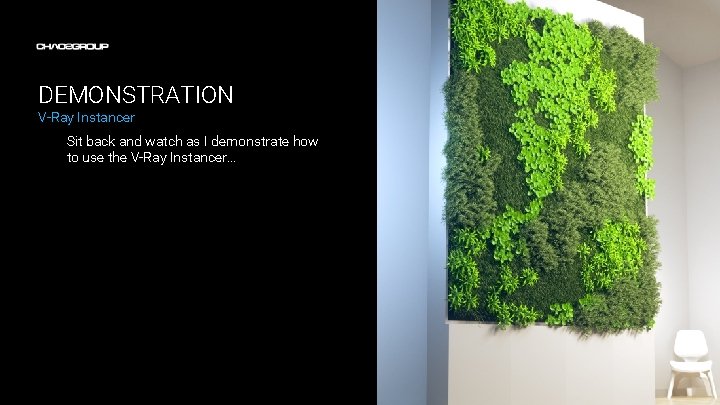
DEMONSTRATION V-Ray Instancer Sit back and watch as I demonstrate how to use the V-Ray Instancer…
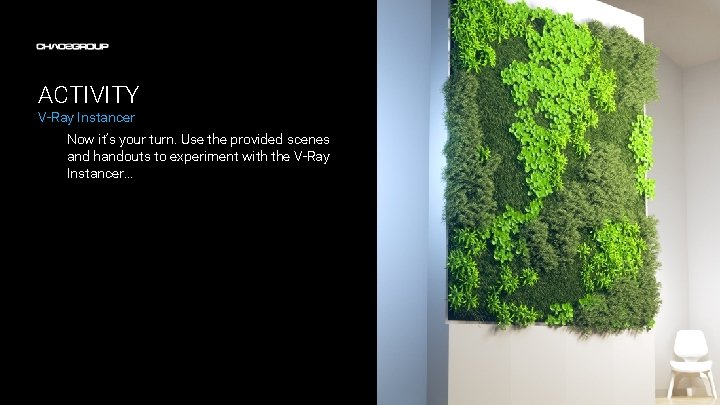
ACTIVITY V-Ray Instancer Now it’s your turn. Use the provided scenes and handouts to experiment with the V-Ray Instancer…