Simulation and Emulation with NCTUns Professor Nelson Fonseca

- Slides: 43
Simulation and Emulation with NCTUns Professor Nelson Fonseca nfonseca@ic. unicamp. br
Outline Introduction Simulation X Emulation Details Features Installation Utilization Examples Conclusions References NCTUns - Professor Nelson Fonseca 2
Introduction NCTUns - Professor Nelson Fonseca 3
Main features Simulates and emulates network protocols Open source Modified Linux kernel GUI and shell commands Client-server model to allow communication between simulation/emulation engine and interface Since 2002 (version 1. 0) Version 5. 0 released in 2008 NCTUns - Professor Nelson Fonseca 4
Comparing with traditional simulators Uses native Linux TCP/IP stack Interacts with real devices in virtual networks Allows experiments with real applications There is no need to change the real applications Allows remote simulations and concurrent simulations Easy to create simulation servers Can take advantage of multiple cores/processors NCTUns - Professor Nelson Fonseca 5
Simulation X Emulation NCTUns - Professor Nelson Fonseca 6
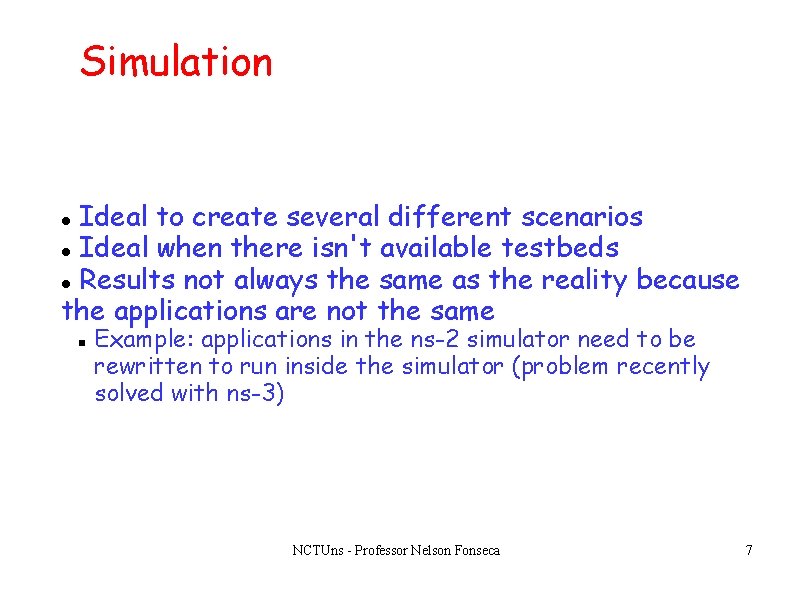
Simulation Ideal to create several different scenarios Ideal when there isn't available testbeds Results not always the same as the reality because the applications are not the same Example: applications in the ns-2 simulator need to be rewritten to run inside the simulator (problem recently solved with ns-3) NCTUns - Professor Nelson Fonseca 7
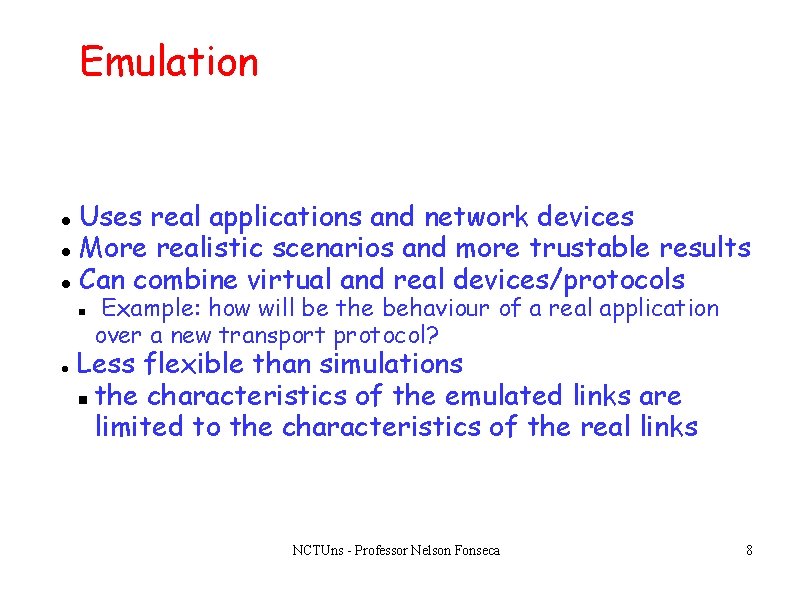
Emulation Uses real applications and network devices More realistic scenarios and more trustable results Can combine virtual and real devices/protocols Example: how will be the behaviour of a real application over a new transport protocol? Less flexible than simulations the characteristics of the emulated links are limited to the characteristics of the real links NCTUns - Professor Nelson Fonseca 8
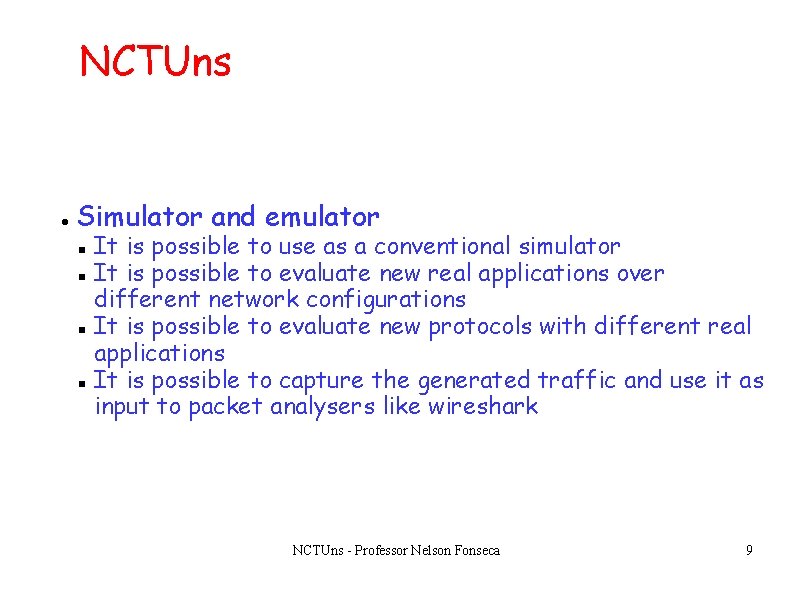
NCTUns Simulator and emulator It is possible to use as a conventional simulator It is possible to evaluate new real applications over different network configurations It is possible to evaluate new protocols with different real applications It is possible to capture the generated traffic and use it as input to packet analysers like wireshark NCTUns - Professor Nelson Fonseca 9
Details NCTUns - Professor Nelson Fonseca 10
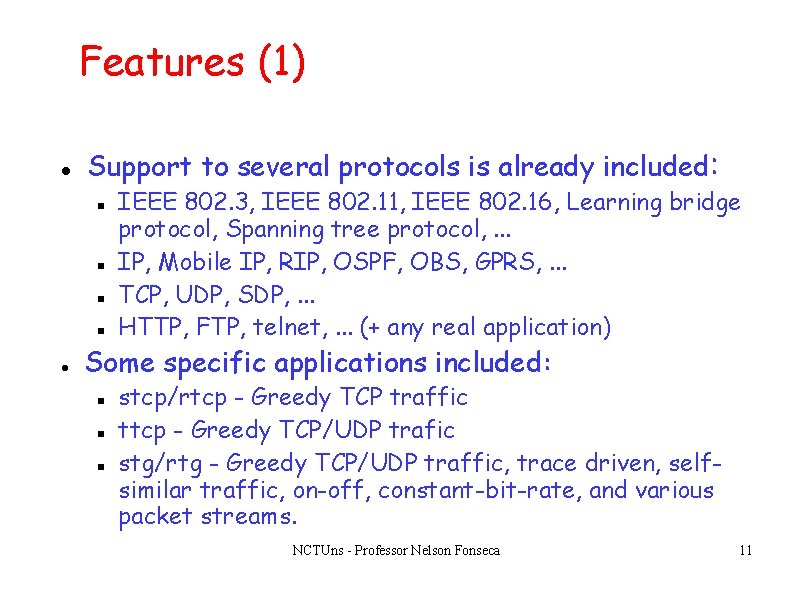
Features (1) Support to several protocols is already included: IEEE 802. 3, IEEE 802. 11, IEEE 802. 16, Learning bridge protocol, Spanning tree protocol, . . . IP, Mobile IP, RIP, OSPF, OBS, GPRS, . . . TCP, UDP, SDP, . . . HTTP, FTP, telnet, . . . (+ any real application) Some specific applications included: stcp/rtcp - Greedy TCP traffic ttcp - Greedy TCP/UDP trafic stg/rtg - Greedy TCP/UDP traffic, trace driven, selfsimilar traffic, on-off, constant-bit-rate, and various packet streams. NCTUns - Professor Nelson Fonseca 11
Features (2) Support to several links and devices is already included PPP link, ethernet link, . . . Host, hub, switch, router, . . . Qo. S Diffserv boundary/interior routers Optical burst/circuit switch External host, external router (emulation) NCTUns - Professor Nelson Fonseca 12
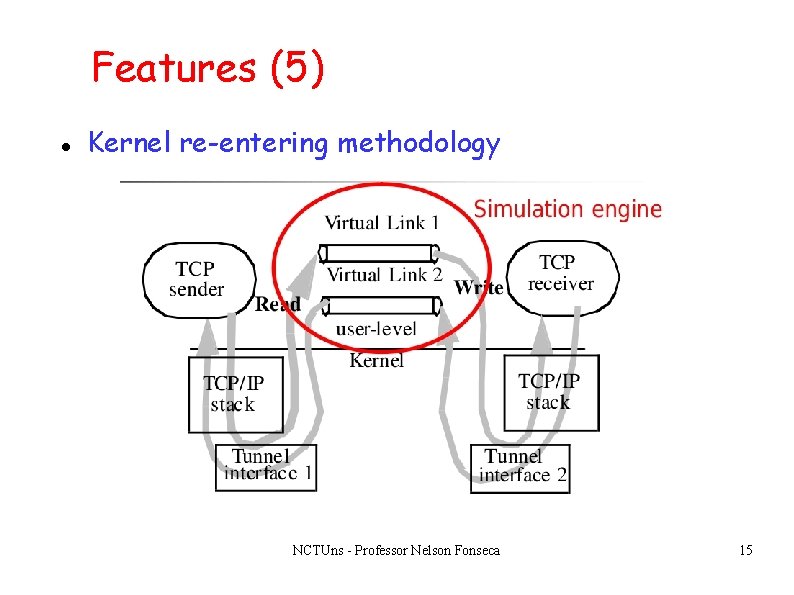
Features (3) Creates virtual interfaces to simulate the devices of the scenario Inspiration from loopback interface Utilizes IP address 1. 0. 0. 0 During the simulation it is possible to “see” the interfaces with the commands /sbin/ifconfig or /sbin/route Interfaces named tun 0, tun 1, tun 2, . . . NCTUns - Professor Nelson Fonseca 13
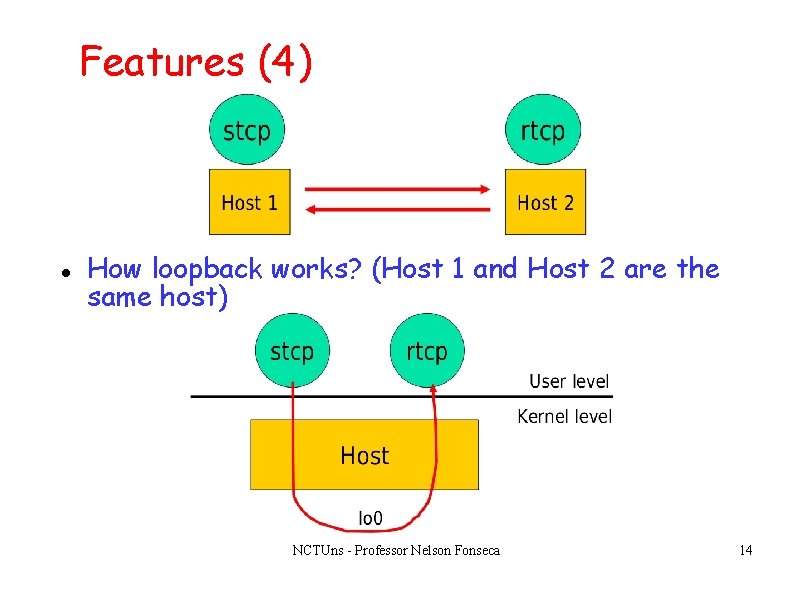
Features (4) How loopback works? (Host 1 and Host 2 are the same host) NCTUns - Professor Nelson Fonseca 14
Features (5) Kernel re-entering methodology NCTUns - Professor Nelson Fonseca 15
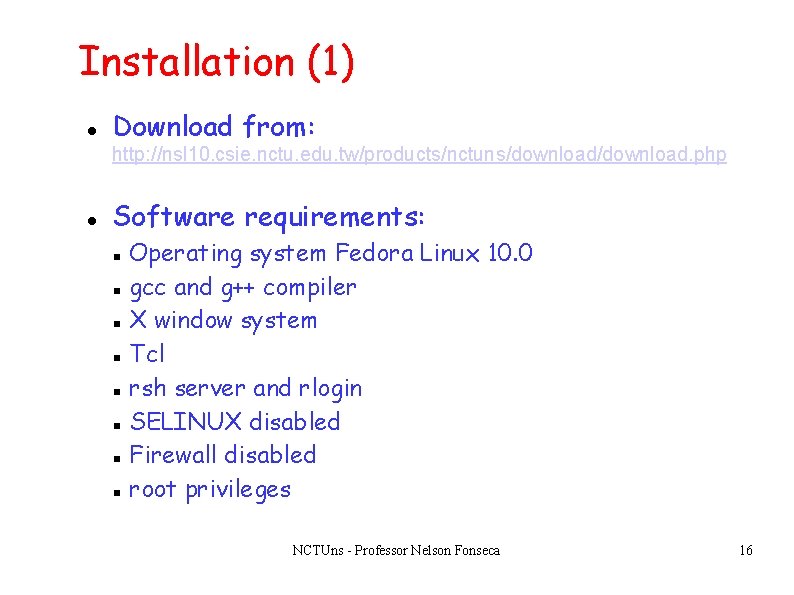
Installation (1) Download from: http: //nsl 10. csie. nctu. edu. tw/products/nctuns/download. php Software requirements: Operating system Fedora Linux 10. 0 gcc and g++ compiler X window system Tcl rsh server and rlogin SELINUX disabled Firewall disabled root privileges NCTUns - Professor Nelson Fonseca 16
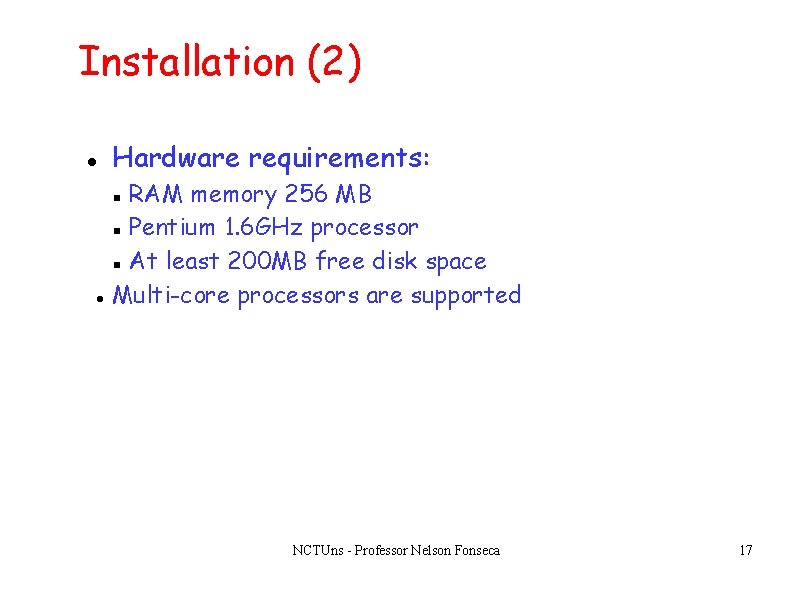
Installation (2) Hardware requirements: RAM memory 256 MB Pentium 1. 6 GHz processor At least 200 MB free disk space Multi-core processors are supported NCTUns - Professor Nelson Fonseca 17
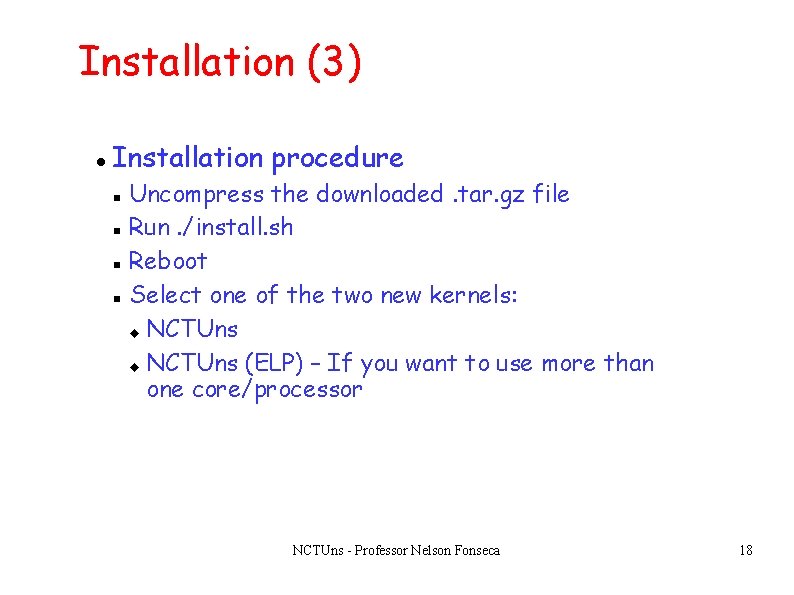
Installation (3) Installation procedure Uncompress the downloaded. tar. gz file Run. /install. sh Reboot Select one of the two new kernels: NCTUns (ELP) – If you want to use more than one core/processor NCTUns - Professor Nelson Fonseca 18
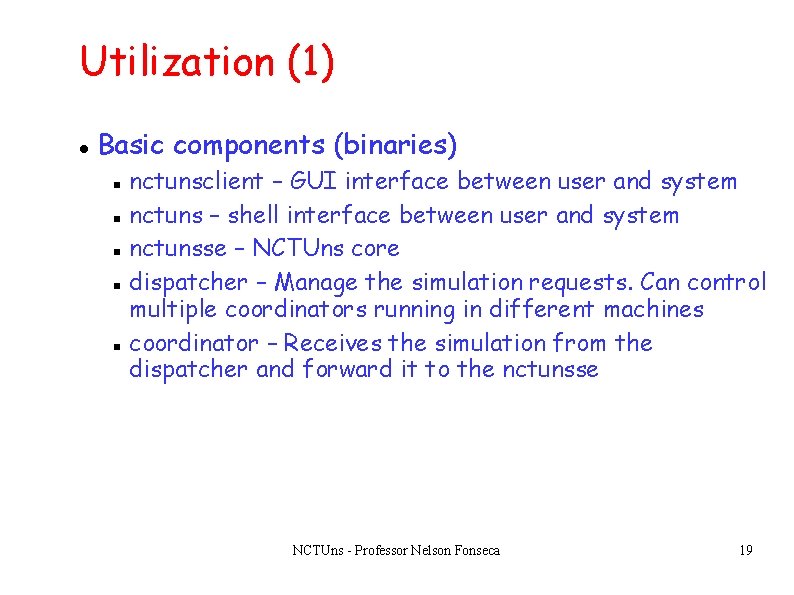
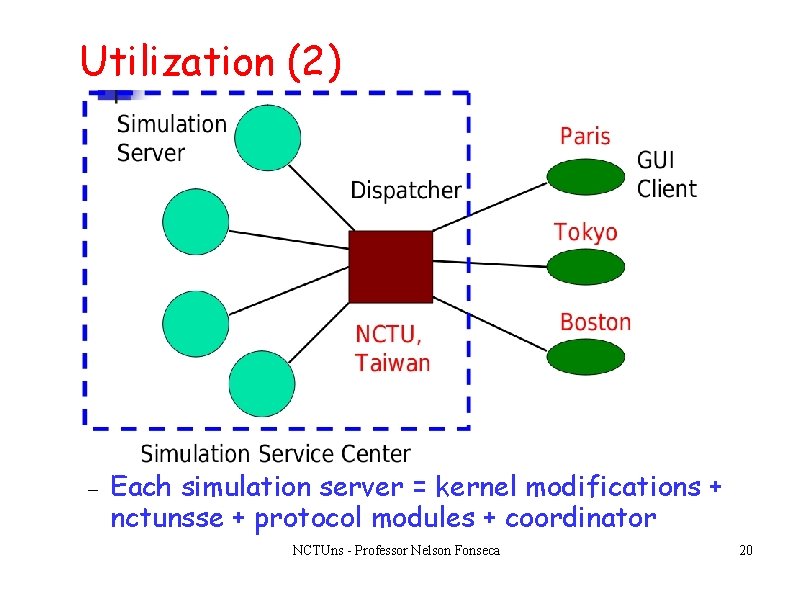
Utilization (1) Basic components (binaries) nctunsclient – GUI interface between user and system nctuns – shell interface between user and system nctunsse – NCTUns core dispatcher – Manage the simulation requests. Can control multiple coordinators running in different machines coordinator – Receives the simulation from the dispatcher and forward it to the nctunsse NCTUns - Professor Nelson Fonseca 19
Utilization (2) Each simulation server = kernel modifications + nctunsse + protocol modules + coordinator NCTUns - Professor Nelson Fonseca 20
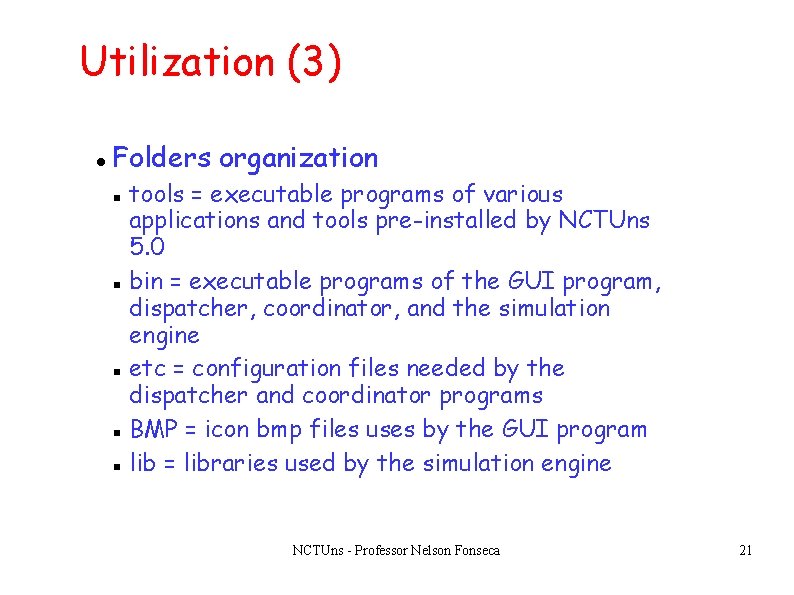
Utilization (3) Folders organization tools = executable programs of various applications and tools pre-installed by NCTUns 5. 0 bin = executable programs of the GUI program, dispatcher, coordinator, and the simulation engine etc = configuration files needed by the dispatcher and coordinator programs BMP = icon bmp files uses by the GUI program lib = libraries used by the simulation engine NCTUns - Professor Nelson Fonseca 21
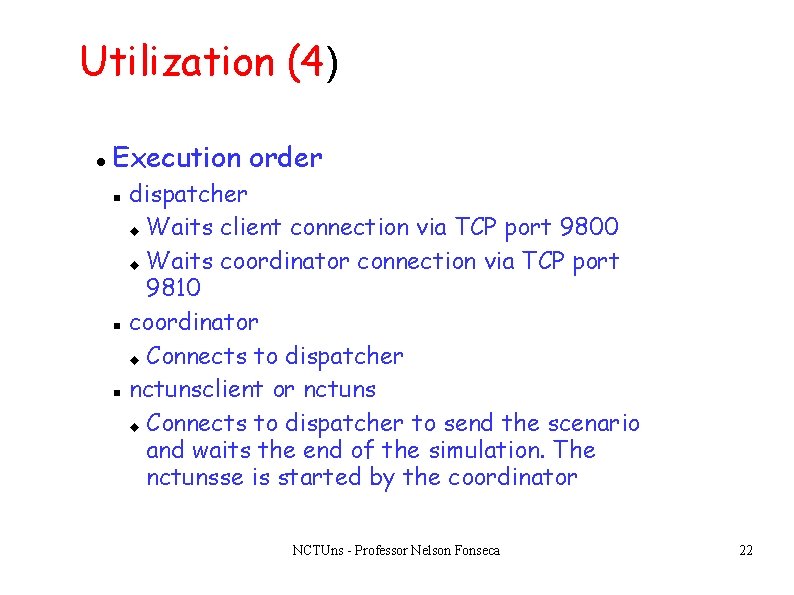
Utilization (4) Execution order dispatcher Waits client connection via TCP port 9800 Waits coordinator connection via TCP port 9810 coordinator Connects to dispatcher nctunsclient or nctuns Connects to dispatcher to send the scenario and waits the end of the simulation. The nctunsse is started by the coordinator NCTUns - Professor Nelson Fonseca 22
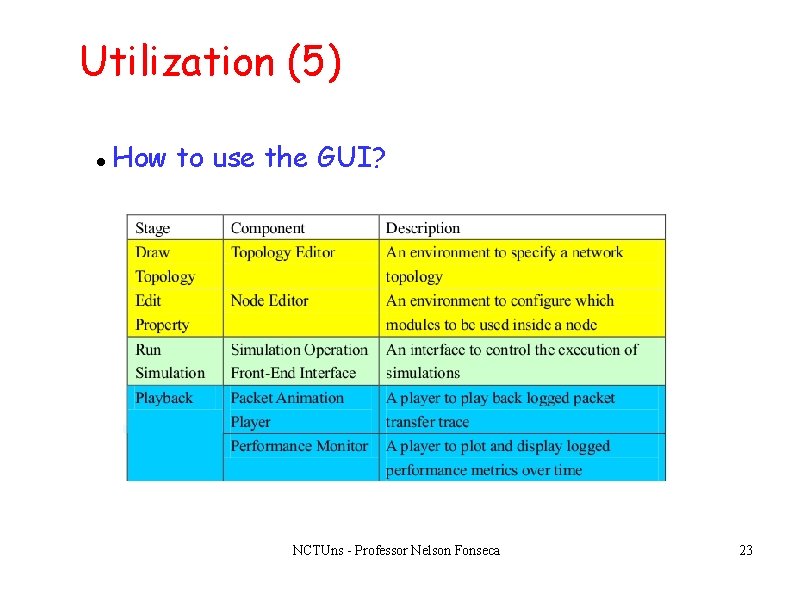
Utilization (5) How to use the GUI? NCTUns - Professor Nelson Fonseca 23
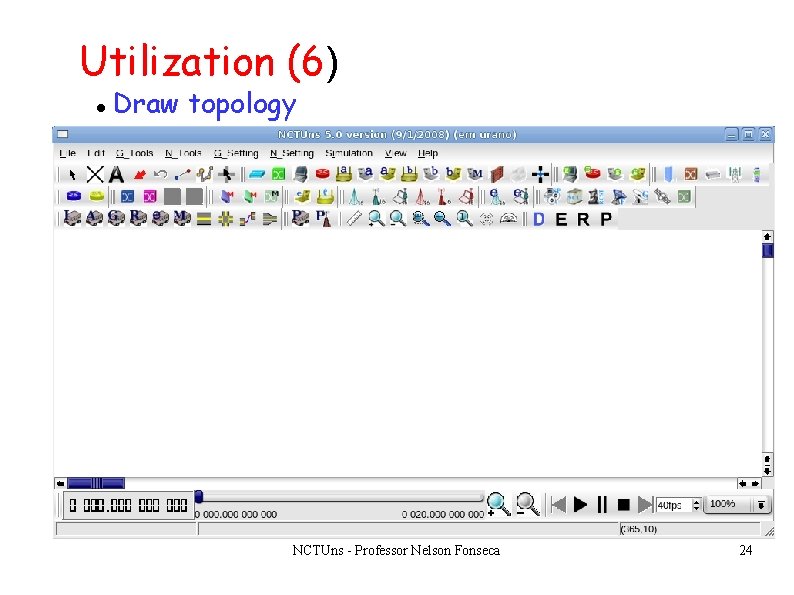
Utilization (6) Draw topology NCTUns - Professor Nelson Fonseca 24
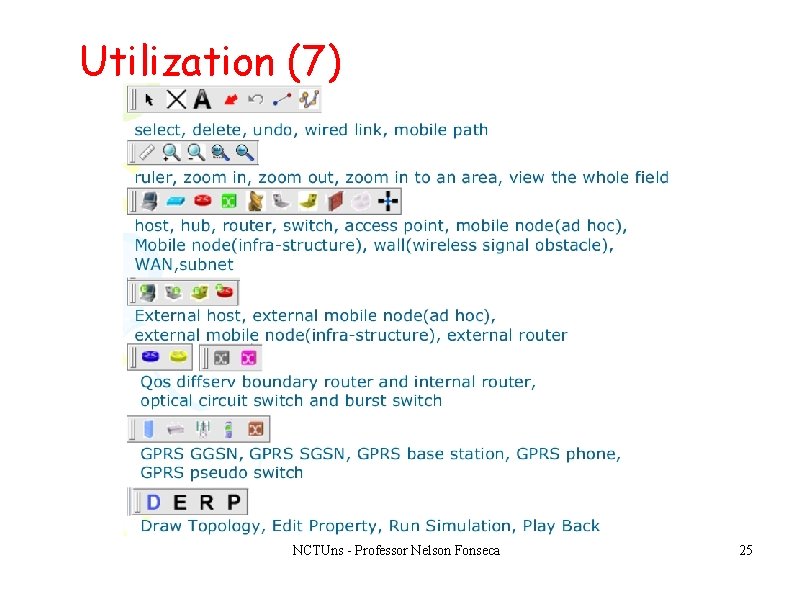
Utilization (7) NCTUns - Professor Nelson Fonseca 25
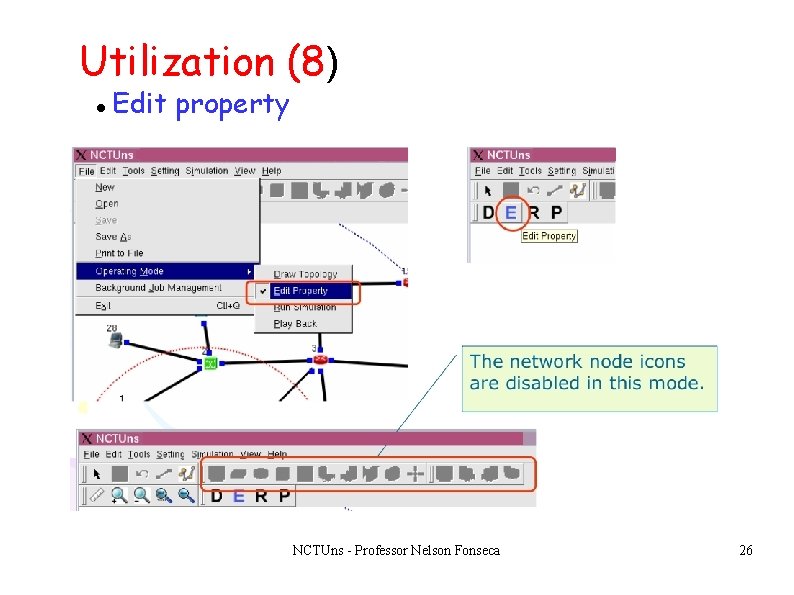
Utilization (8) Edit property NCTUns - Professor Nelson Fonseca 26
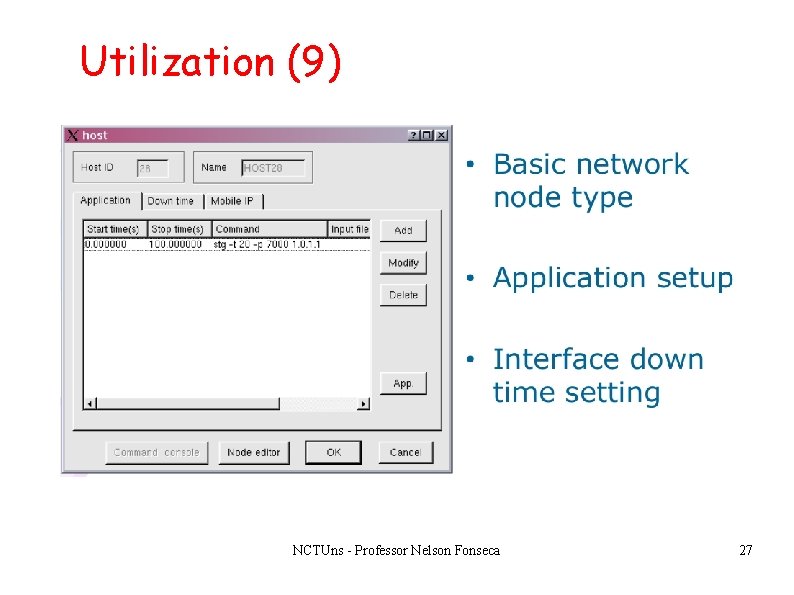
Utilization (9) NCTUns - Professor Nelson Fonseca 27
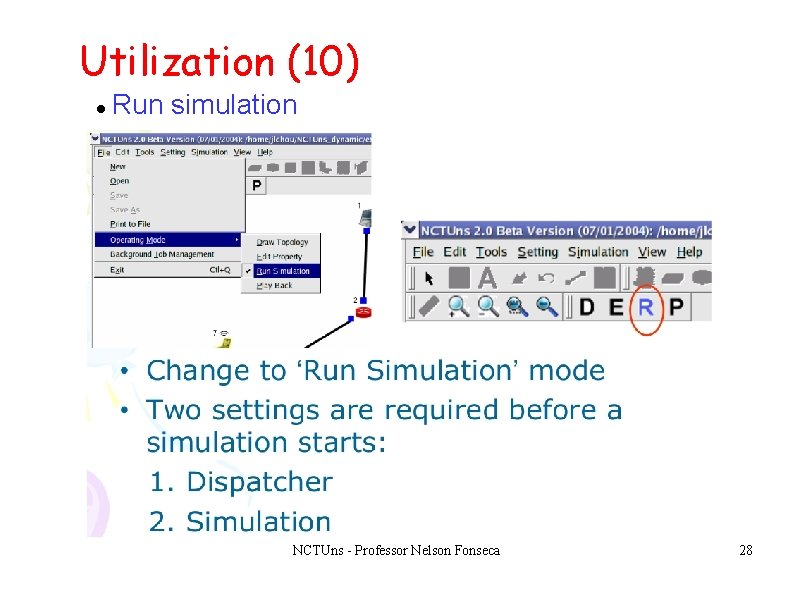
Utilization (10) Run simulation NCTUns - Professor Nelson Fonseca 28
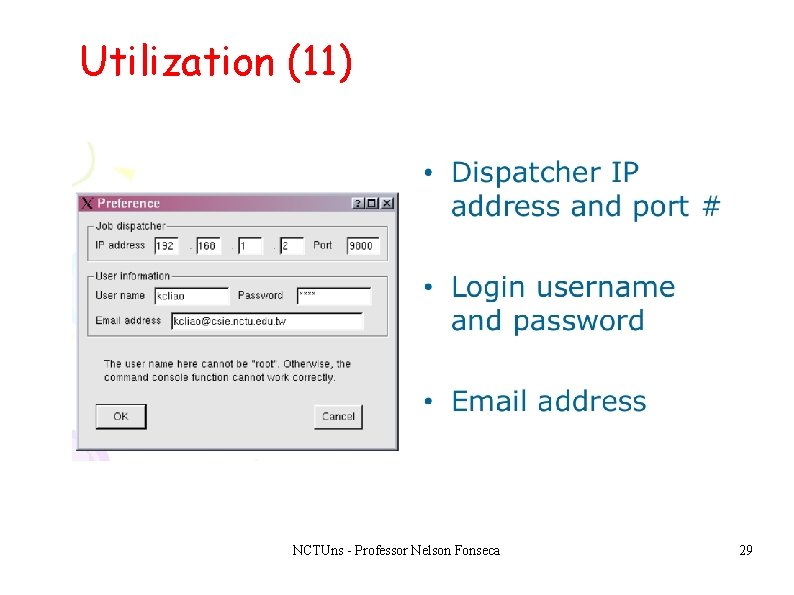
Utilization (11) NCTUns - Professor Nelson Fonseca 29
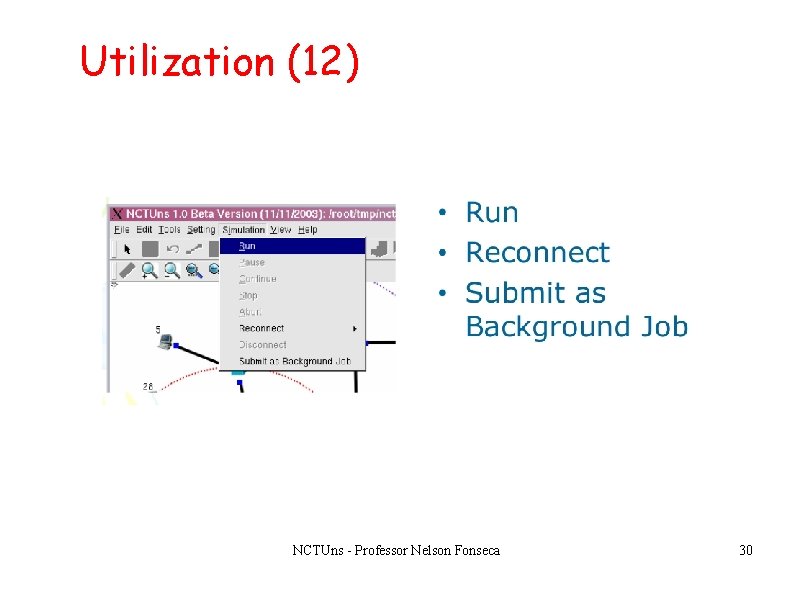
Utilization (12) NCTUns - Professor Nelson Fonseca 30
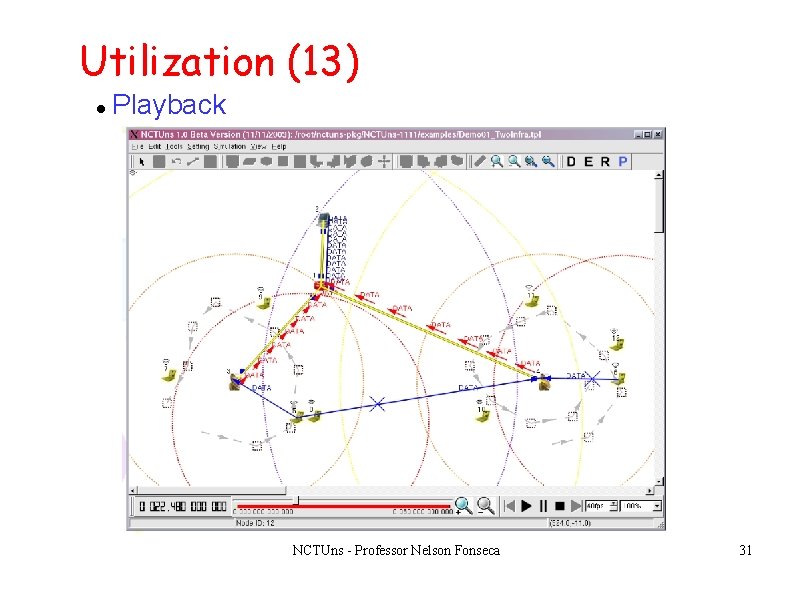
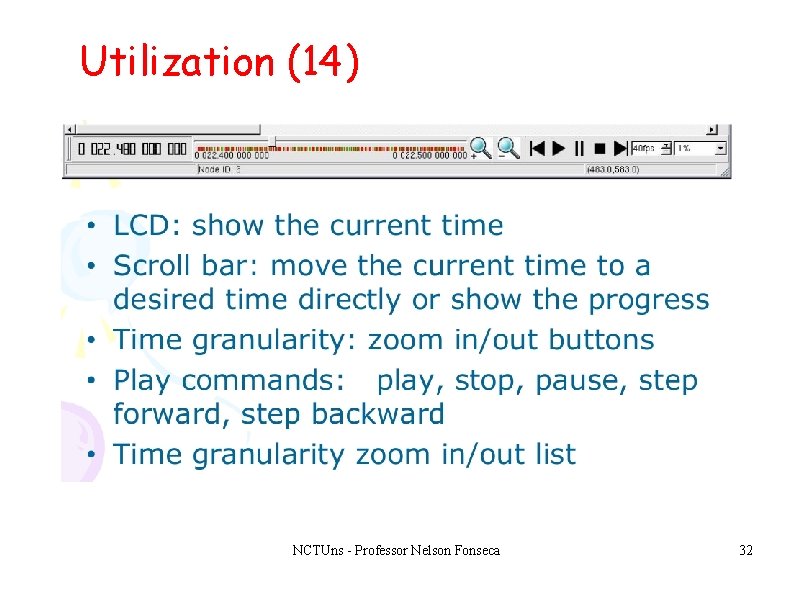
Utilization (13) Playback NCTUns - Professor Nelson Fonseca 31
Utilization (14) NCTUns - Professor Nelson Fonseca 32
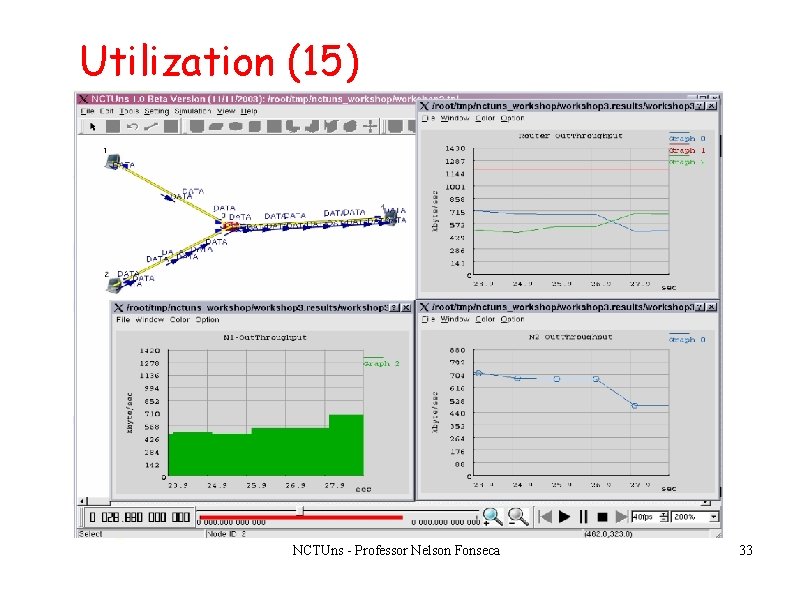
Utilization (15) NCTUns - Professor Nelson Fonseca 33
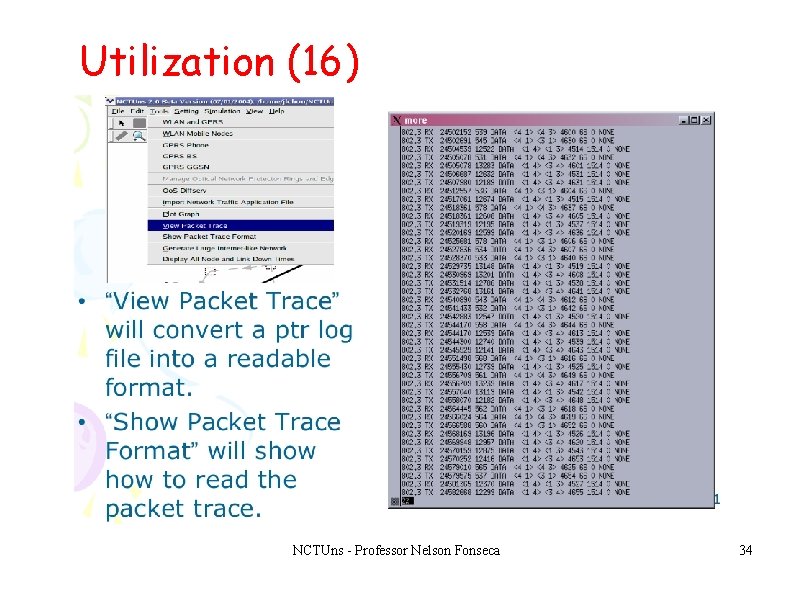
Utilization (16) NCTUns - Professor Nelson Fonseca 34
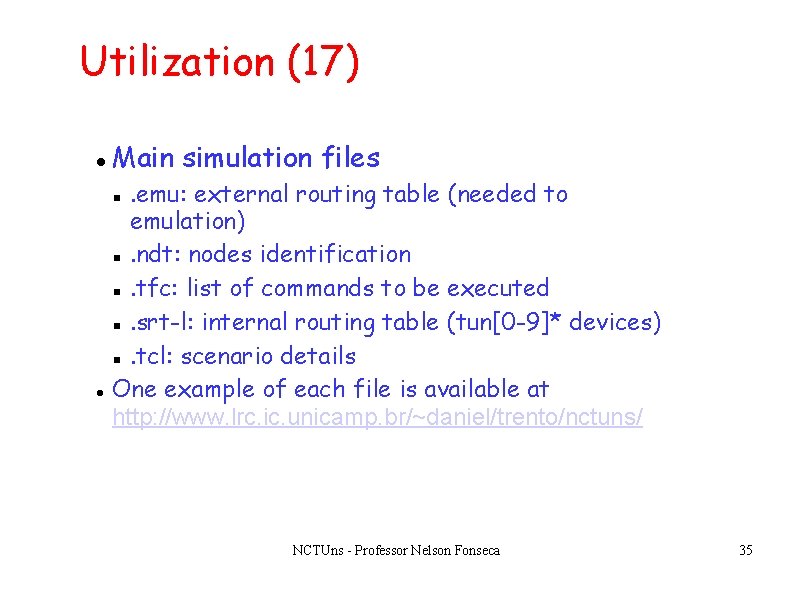
Utilization (17) Main simulation files. emu: external routing table (needed to emulation) . ndt: nodes identification . tfc: list of commands to be executed . srt-l: internal routing table (tun[0 -9]* devices) . tcl: scenario details One example of each file is available at http: //www. lrc. ic. unicamp. br/~daniel/trento/nctuns/ NCTUns - Professor Nelson Fonseca 35
Utilization (18) To run without the GUI Create the basic scenario from the GUI (It is easier) Make the necessary changes in the files Run nctuns <file. tcl> is generated by the GUI Wait for the results NCTUns - Professor Nelson Fonseca 36
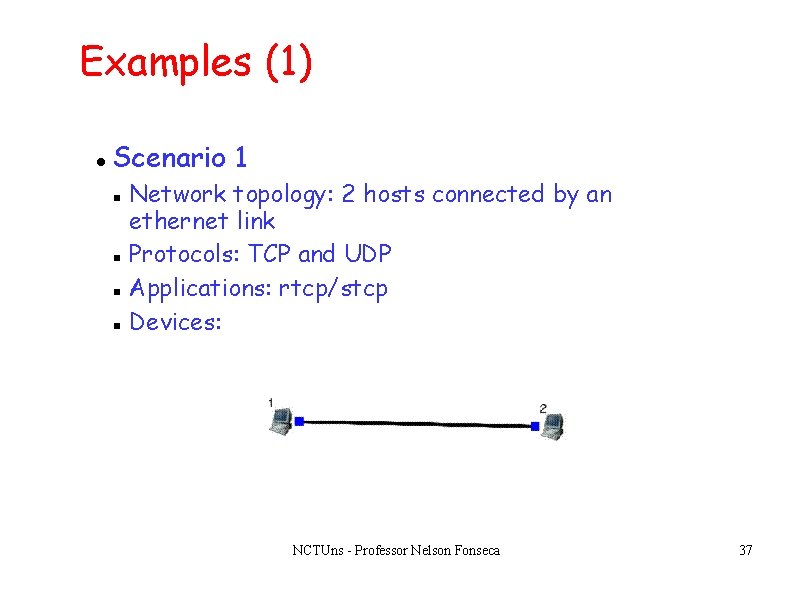
Examples (1) Scenario 1 Network topology: 2 hosts connected by an ethernet link Protocols: TCP and UDP Applications: rtcp/stcp Devices: NCTUns - Professor Nelson Fonseca 37
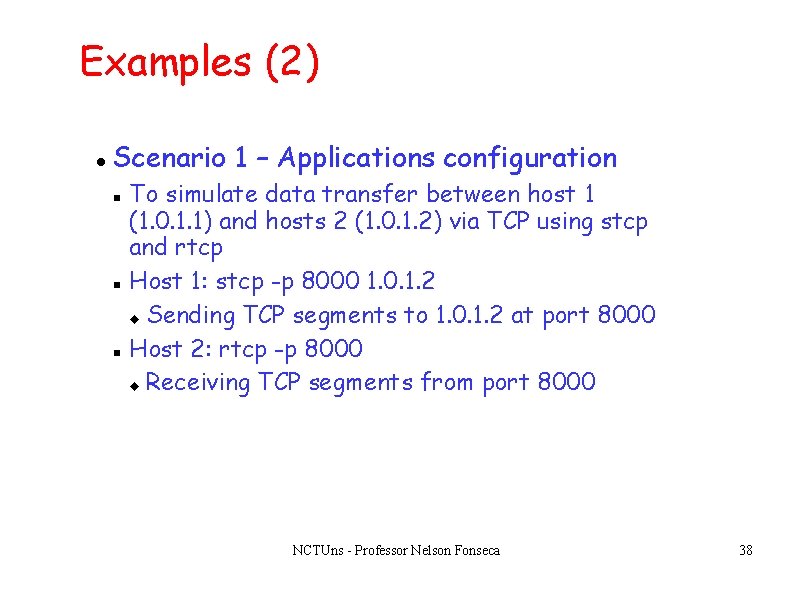
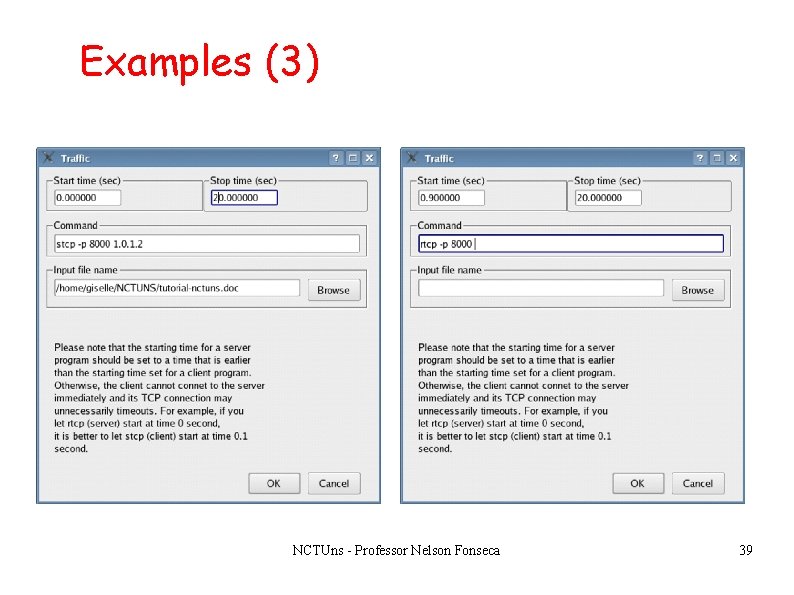
Examples (2) Scenario 1 – Applications configuration To simulate data transfer between host 1 (1. 0. 1. 1) and hosts 2 (1. 0. 1. 2) via TCP using stcp and rtcp Host 1: stcp -p 8000 1. 0. 1. 2 Sending TCP segments to 1. 0. 1. 2 at port 8000 Host 2: rtcp -p 8000 Receiving TCP segments from port 8000 NCTUns - Professor Nelson Fonseca 38
Examples (3) NCTUns - Professor Nelson Fonseca 39
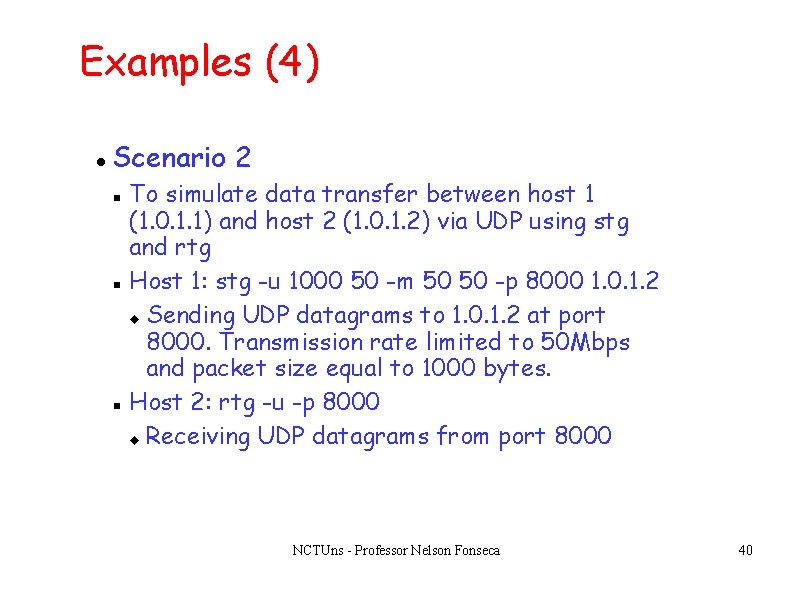
Examples (4) Scenario 2 To simulate data transfer between host 1 (1. 0. 1. 1) and host 2 (1. 0. 1. 2) via UDP using stg and rtg Host 1: stg -u 1000 50 -m 50 50 -p 8000 1. 0. 1. 2 Sending UDP datagrams to 1. 0. 1. 2 at port 8000. Transmission rate limited to 50 Mbps and packet size equal to 1000 bytes. Host 2: rtg -u -p 8000 Receiving UDP datagrams from port 8000 NCTUns - Professor Nelson Fonseca 40
Conclusions NCTUns - Professor Nelson Fonseca 41
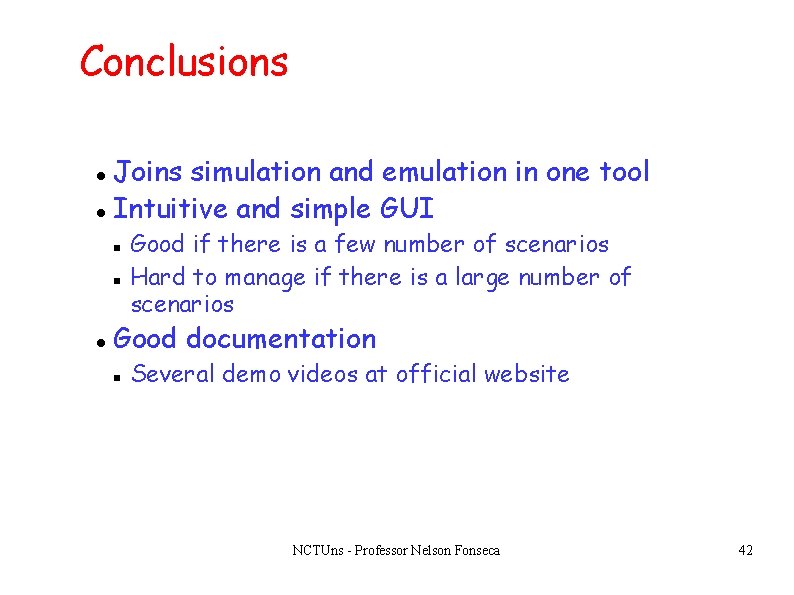
Conclusions Joins simulation and emulation in one tool Intuitive and simple GUI Good if there is a few number of scenarios Hard to manage if there is a large number of scenarios Good documentation Several demo videos at official website NCTUns - Professor Nelson Fonseca 42
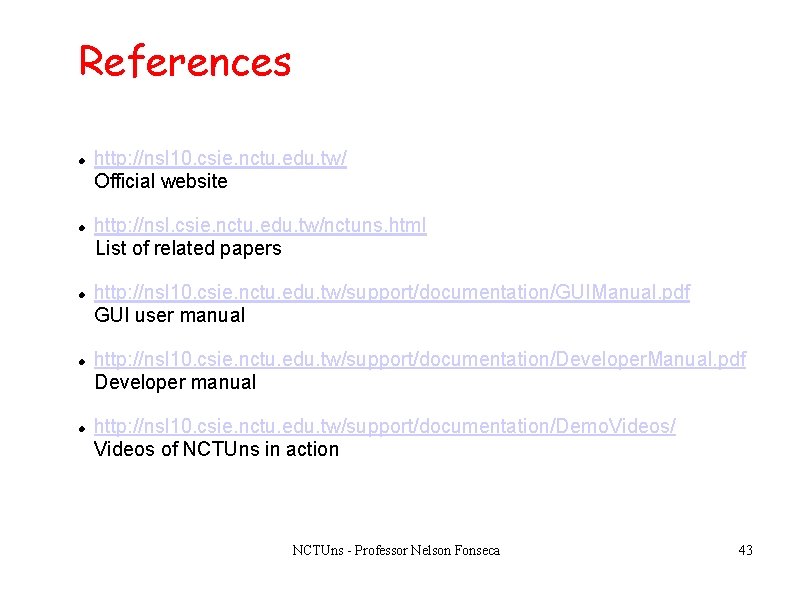
References http: //nsl 10. csie. nctu. edu. tw/ Official website http: //nsl. csie. nctu. edu. tw/nctuns. html List of related papers http: //nsl 10. csie. nctu. edu. tw/support/documentation/GUIManual. pdf GUI user manual http: //nsl 10. csie. nctu. edu. tw/support/documentation/Developer. Manual. pdf Developer manual http: //nsl 10. csie. nctu. edu. tw/support/documentation/Demo. Videos/ Videos of NCTUns in action NCTUns - Professor Nelson Fonseca 43