NUR Prototyping n Low Fidelity User interface design

![Resources n [Buxton 2007] B. Buxton: Sketching User Experiences, Morgan Kaufman, 2007 NUR -](https://slidetodoc.com/presentation_image/f8a04e6cdf0364e6595787747ce3f086/image-73.jpg "Resources n [Buxton 2007] B. Buxton: Sketching User Experiences, Morgan Kaufman, 2007 NUR -")
- Slides: 73
NUR - Prototyping n Low Fidelity
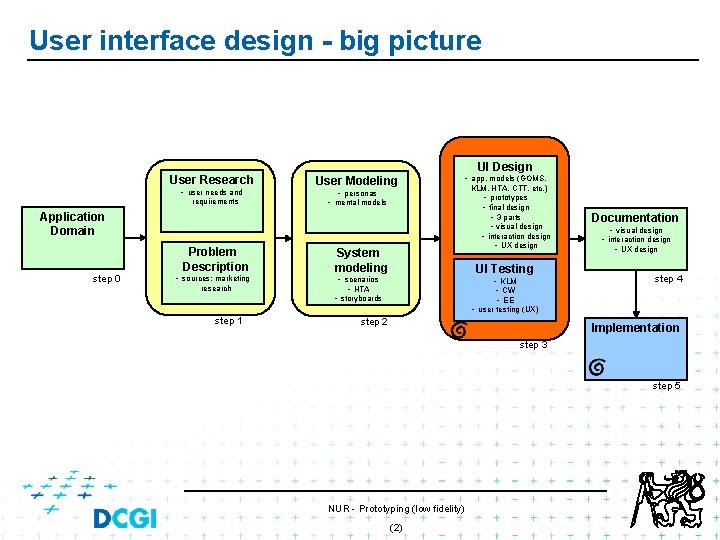
User interface design - big picture User Research • user needs and requirements UI Design User Modeling • app. models (GOMS, • personas • mental models Application Domain step 0 Problem Description • sources: marketing research System modeling KLM, HTA, CTT, etc. ) • prototypes • final design • 3 parts • visual design • interaction design • UX design UI Testing • scenarios • HTA • KLM • CW • EE • storyboards Documentation • visual design • interaction design • UX design step 4 • user testing (UX) step 1 step 2 Implementation step 3 step 5 NUR - Prototyping (low fidelity) (2)
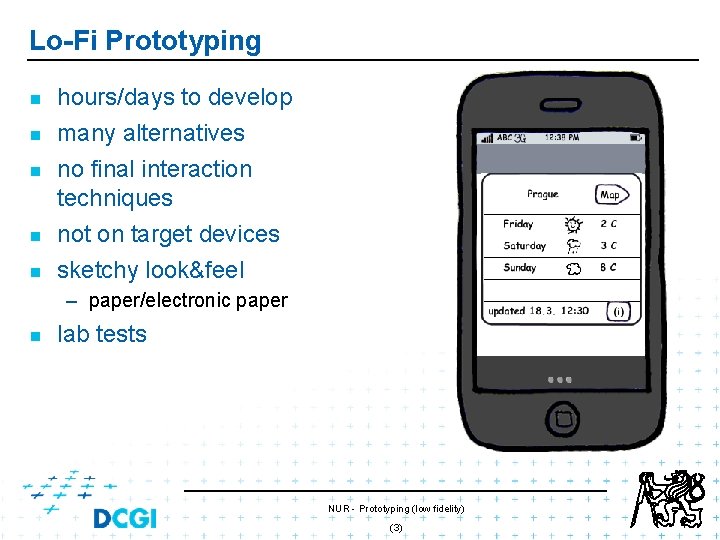
Lo-Fi Prototyping n n n hours/days to develop many alternatives no final interaction techniques not on target devices sketchy look&feel – paper/electronic paper n lab tests NUR - Prototyping (low fidelity) (3)
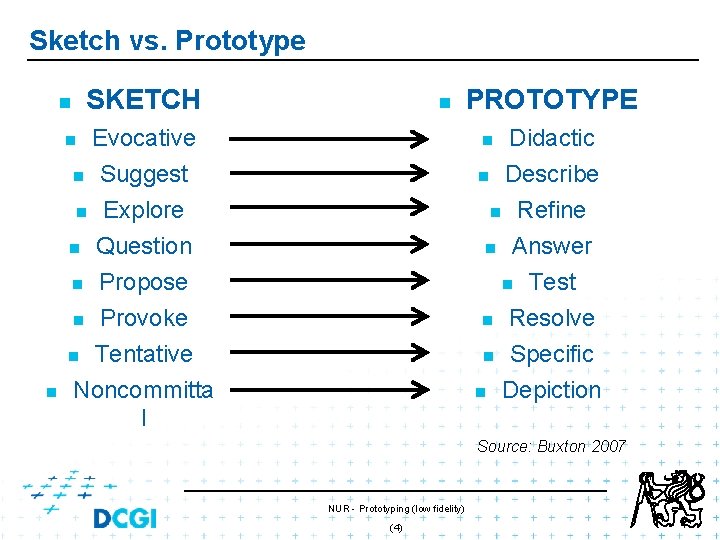
Sketch vs. Prototype SKETCH n n Evocative n Suggest n Explore n Question n Propose n Provoke n Tentative Didactic n Describe n Refine n Answer n Test n Resolve n Specific n n PROTOTYPE n Noncommitta l n Depiction Source: Buxton 2007 NUR - Prototyping (low fidelity) (4)
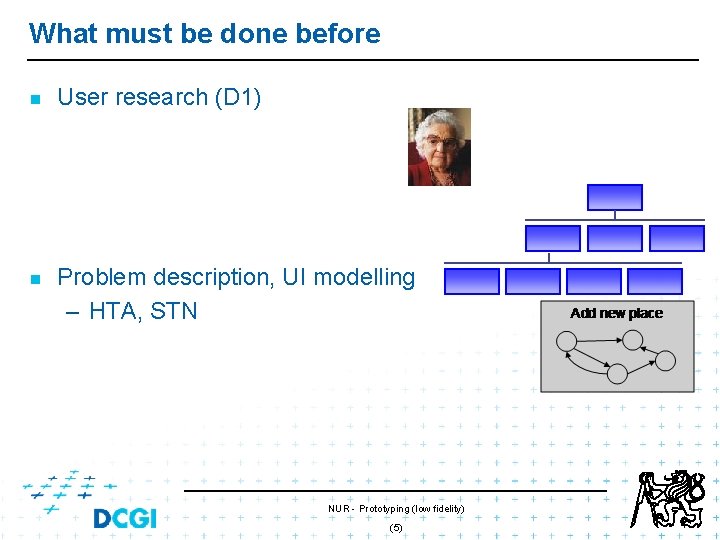
What must be done before n n User research (D 1) Problem description, UI modelling – HTA, STN NUR - Prototyping (low fidelity) (5)
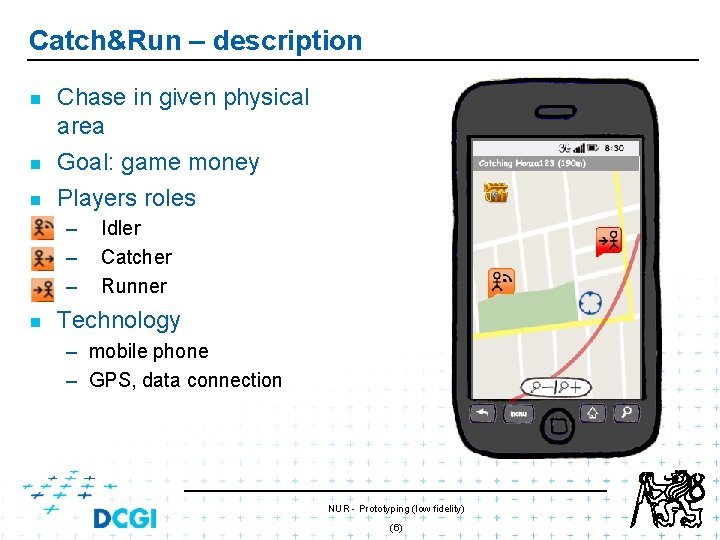
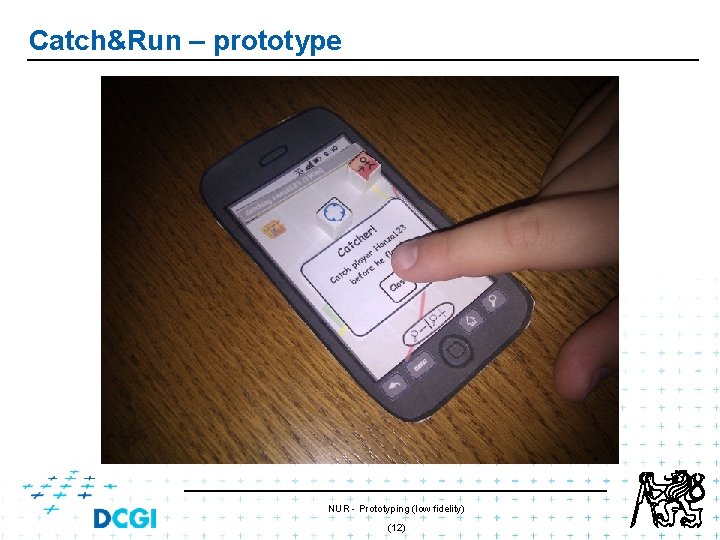
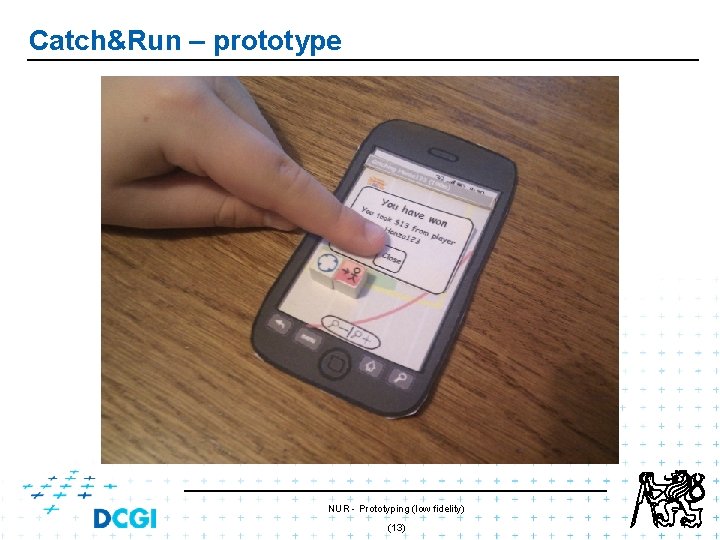
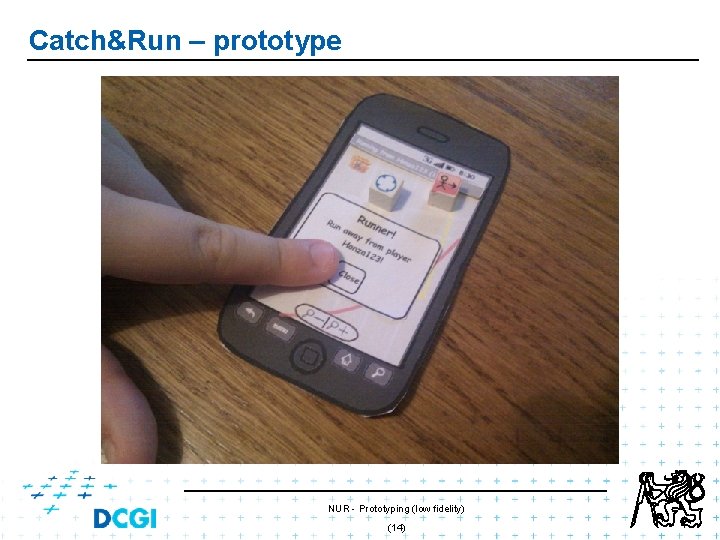
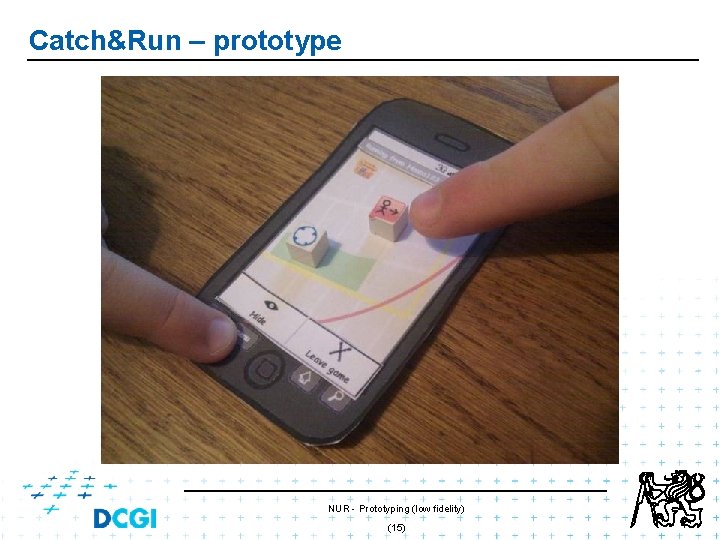
Catch&Run – description n Chase in given physical area Goal: game money Players roles – – – n Idler Catcher Runner Technology – mobile phone – GPS, data connection NUR - Prototyping (low fidelity) (6)
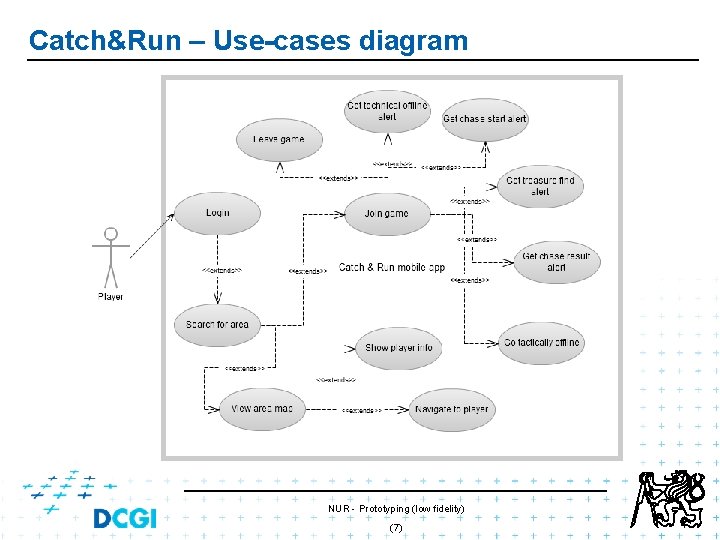
Catch&Run – Use-cases diagram NUR - Prototyping (low fidelity) (7)
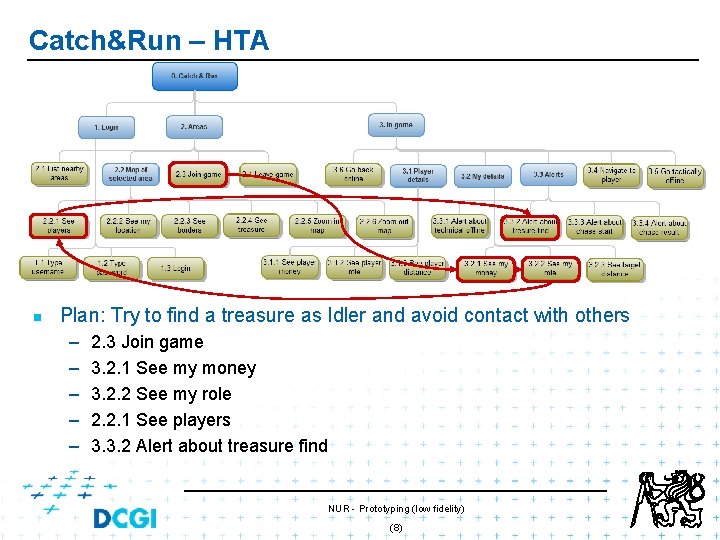
Catch&Run – HTA n Plan: Try to find a treasure as Idler and avoid contact with others – – – 2. 3 Join game 3. 2. 1 See my money 3. 2. 2 See my role 2. 2. 1 See players 3. 3. 2 Alert about treasure find NUR - Prototyping (low fidelity) (8)
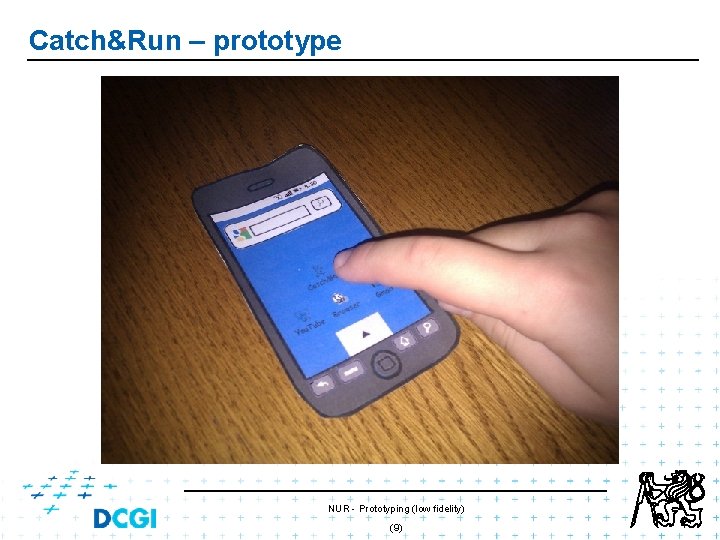
Catch&Run – prototype NUR - Prototyping (low fidelity) (9)
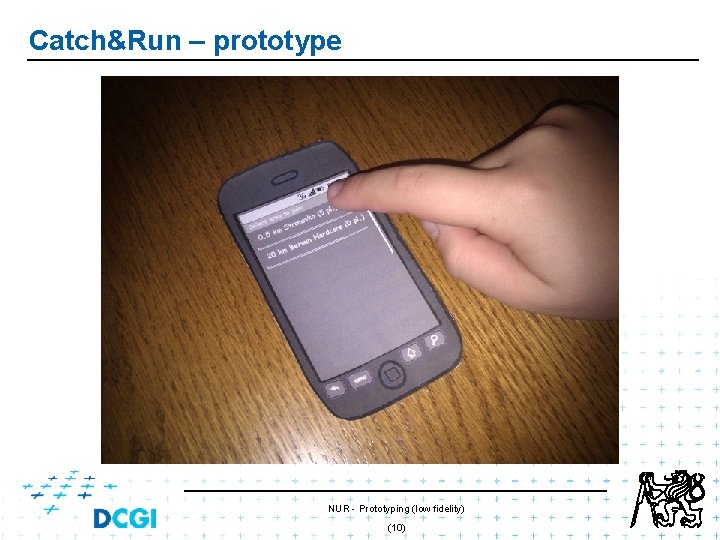
Catch&Run – prototype NUR - Prototyping (low fidelity) (10)
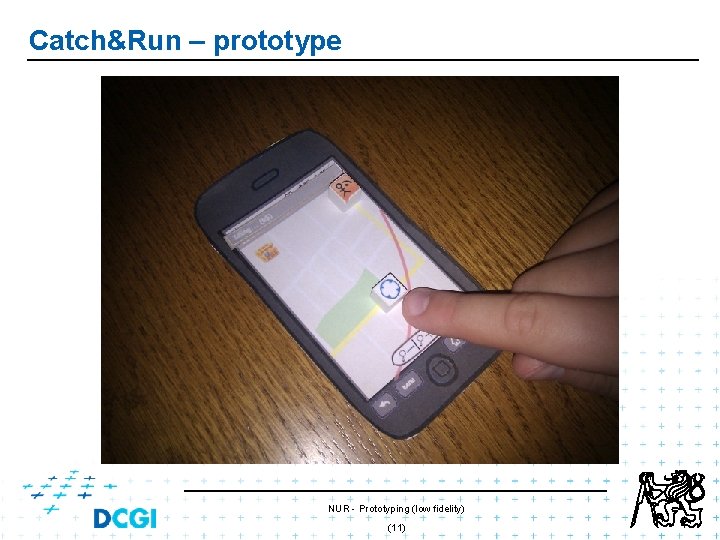
Catch&Run – prototype NUR - Prototyping (low fidelity) (11)
Catch&Run – prototype NUR - Prototyping (low fidelity) (12)
Catch&Run – prototype NUR - Prototyping (low fidelity) (13)
Catch&Run – prototype NUR - Prototyping (low fidelity) (14)
Catch&Run – prototype NUR - Prototyping (low fidelity) (15)
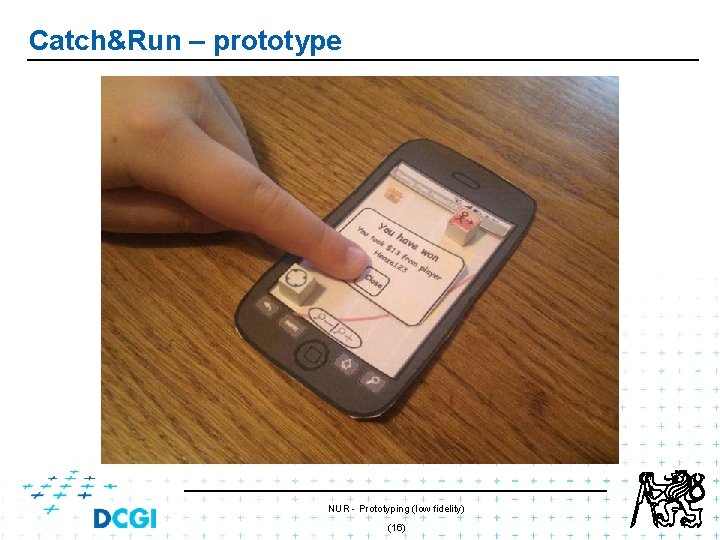
Catch&Run – prototype NUR - Prototyping (low fidelity) (16)
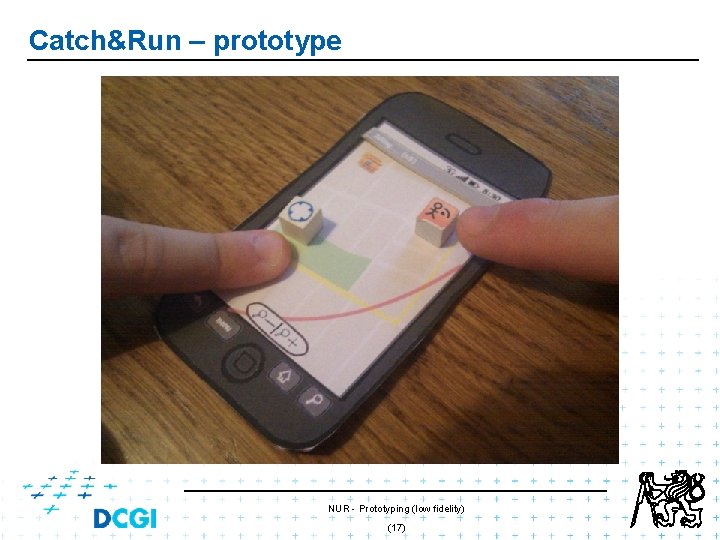
Catch&Run – prototype NUR - Prototyping (low fidelity) (17)
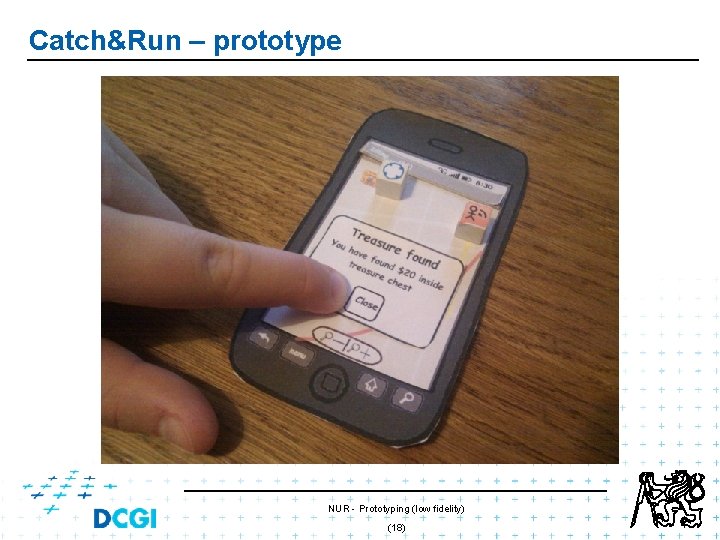
Catch&Run – prototype NUR - Prototyping (low fidelity) (18)
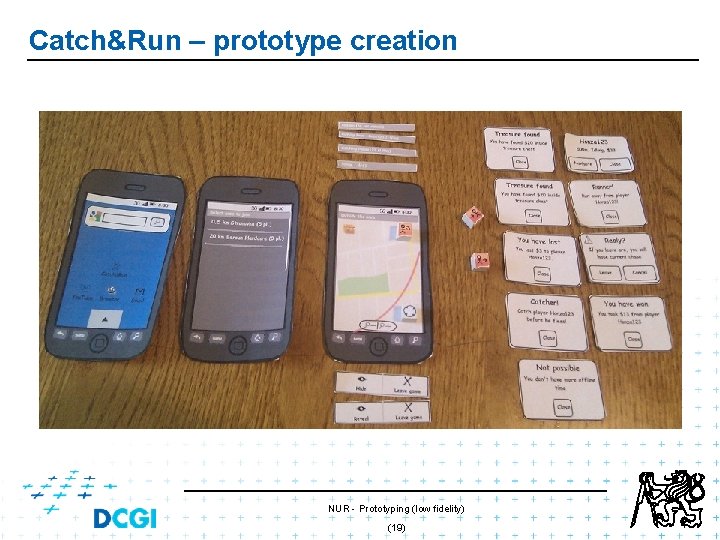
Catch&Run – prototype creation NUR - Prototyping (low fidelity) (19)
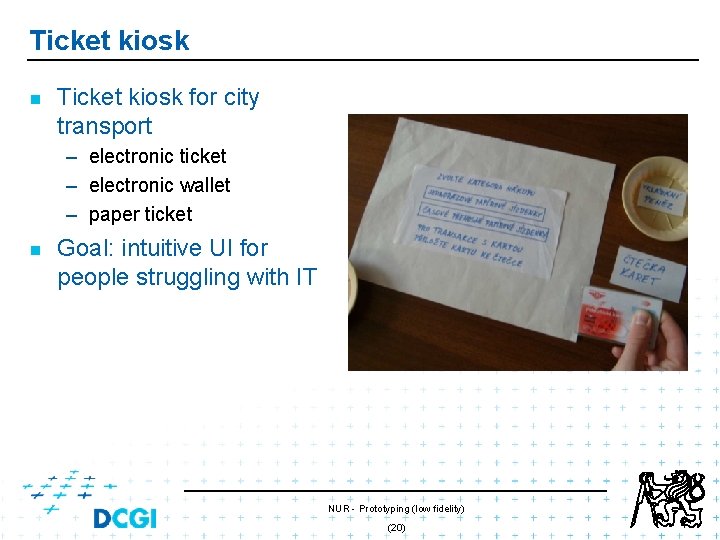
Ticket kiosk n Ticket kiosk for city transport – electronic ticket – electronic wallet – paper ticket n Goal: intuitive UI for people struggling with IT NUR - Prototyping (low fidelity) (20)
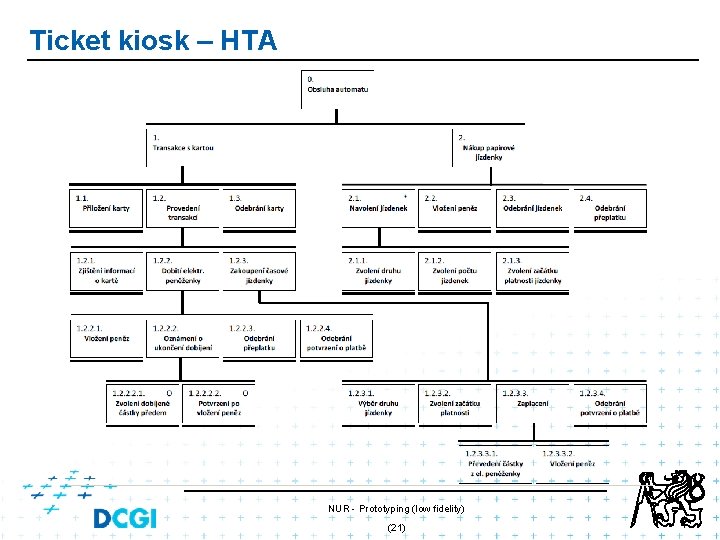
Ticket kiosk – HTA NUR - Prototyping (low fidelity) (21)
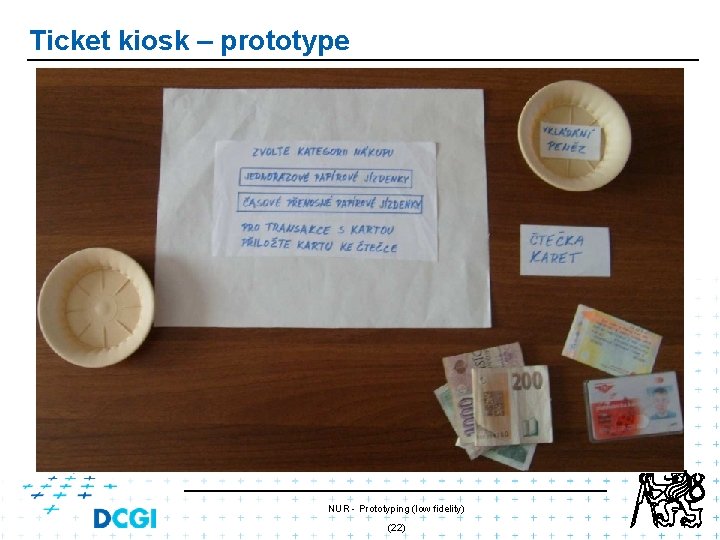
Ticket kiosk – prototype NUR - Prototyping (low fidelity) (22)
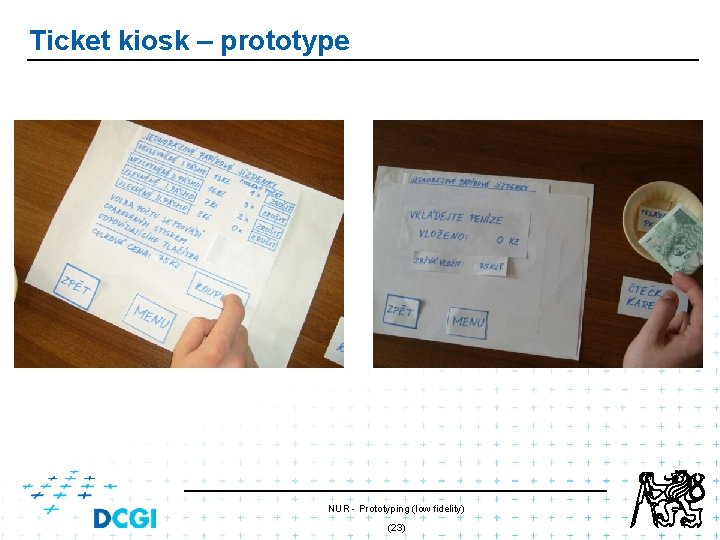
Ticket kiosk – prototype NUR - Prototyping (low fidelity) (23)
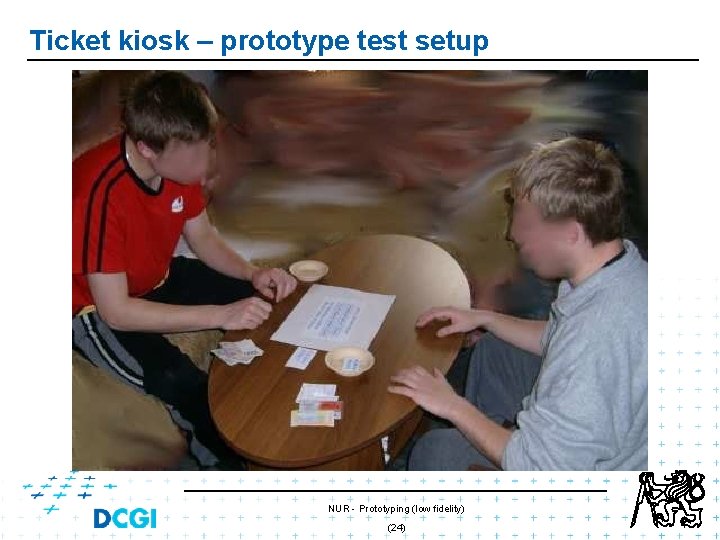
Ticket kiosk – prototype test setup NUR - Prototyping (low fidelity) (24)
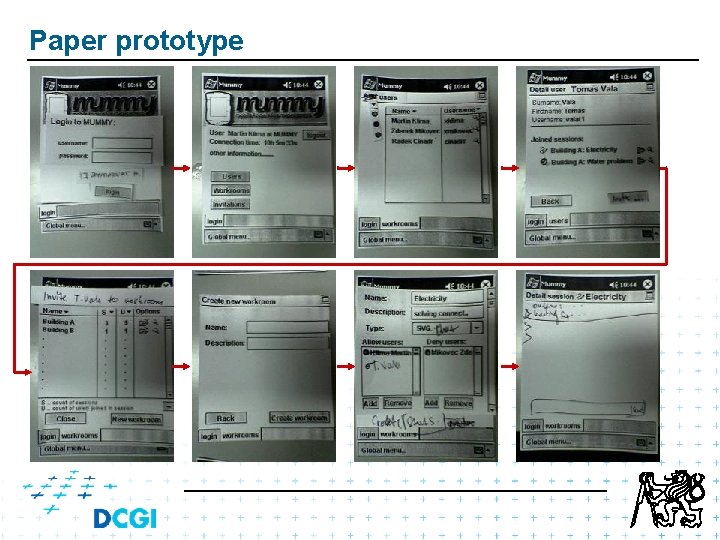
Mummy - construction site inspection Paper prototype Electronic prototype (HTML, PPT) NUR - Prototyping (low fidelity) 25
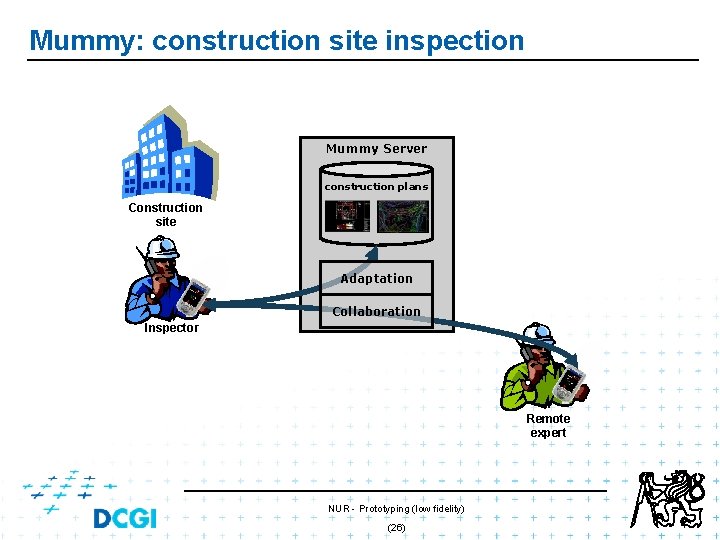
Mummy: construction site inspection Mummy Server construction plans Construction site Adaptation Collaboration Inspector Remote expert NUR - Prototyping (low fidelity) (26)
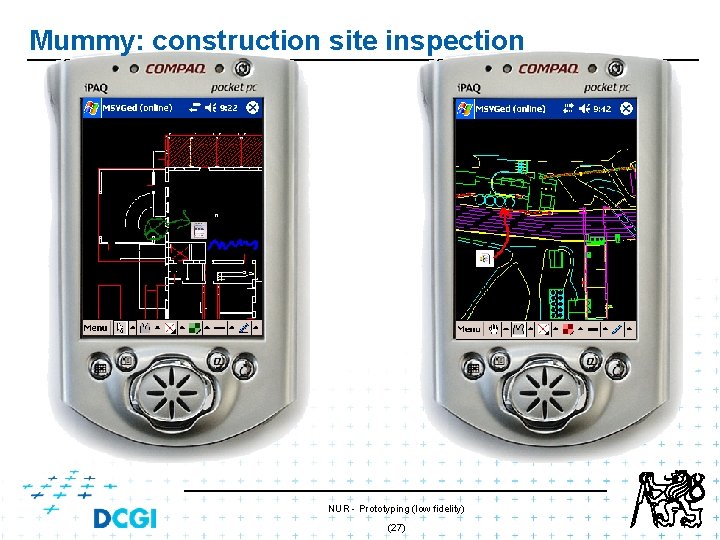
Mummy: construction site inspection NUR - Prototyping (low fidelity) (27)
Paper prototype
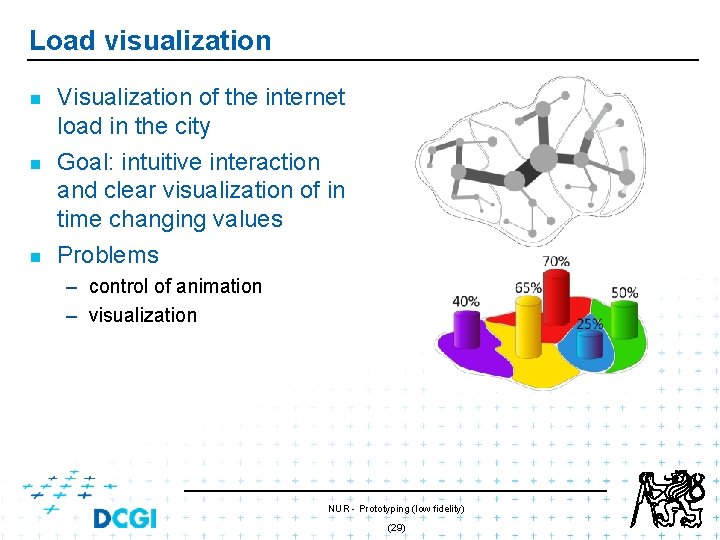
Load visualization n Visualization of the internet load in the city Goal: intuitive interaction and clear visualization of in time changing values Problems – control of animation – visualization NUR - Prototyping (low fidelity) (29)
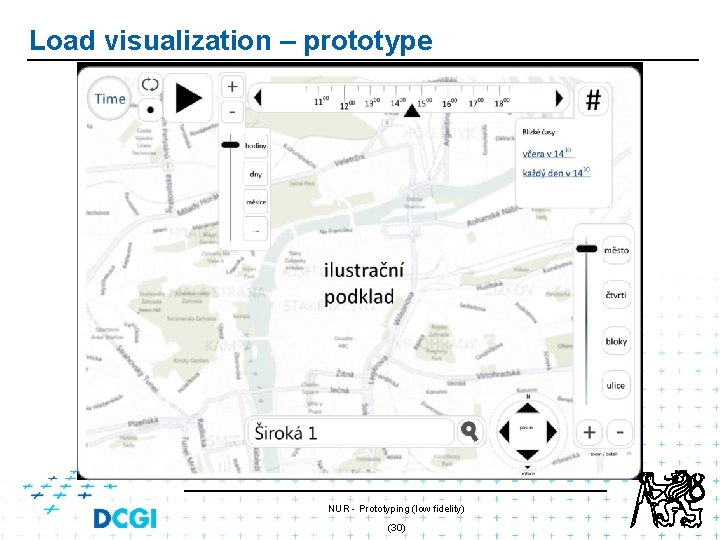
Load visualization – prototype NUR - Prototyping (low fidelity) (30)
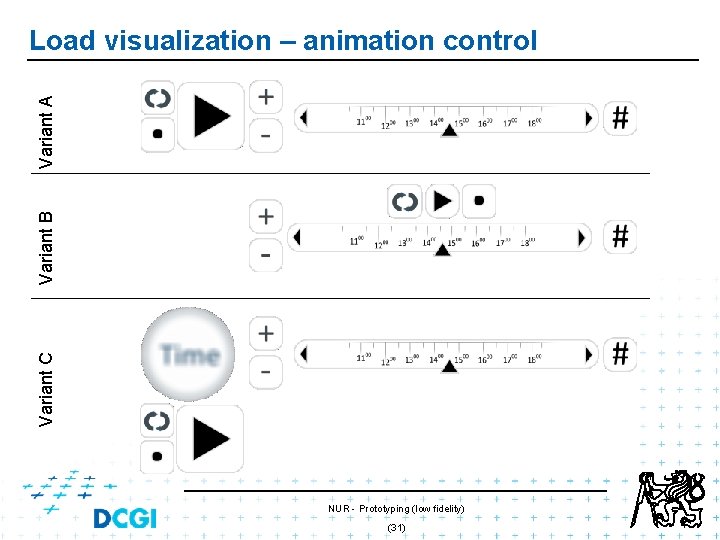
Variant C Variant B Variant A Load visualization – animation control NUR - Prototyping (low fidelity) (31)
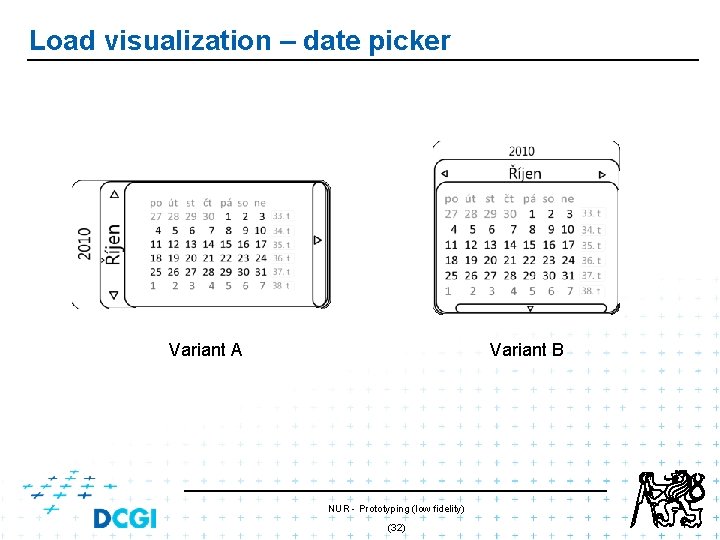
Load visualization – date picker Variant A Variant B NUR - Prototyping (low fidelity) (32)
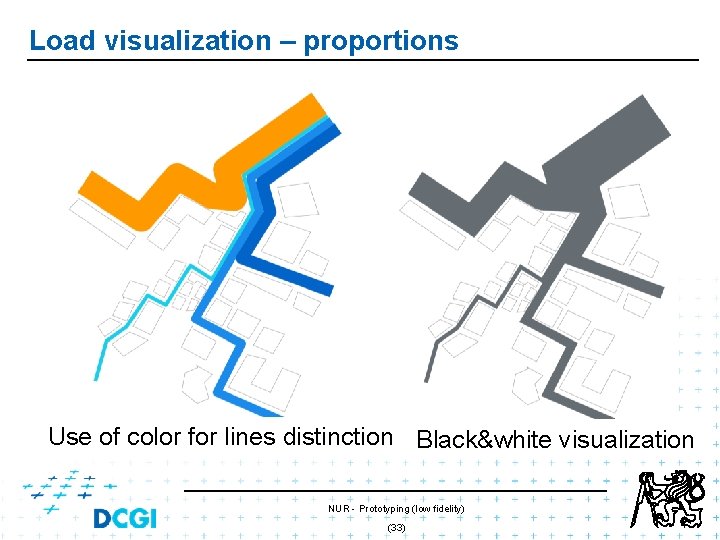
Load visualization – proportions Use of color for lines distinction Black&white visualization NUR - Prototyping (low fidelity) (33)
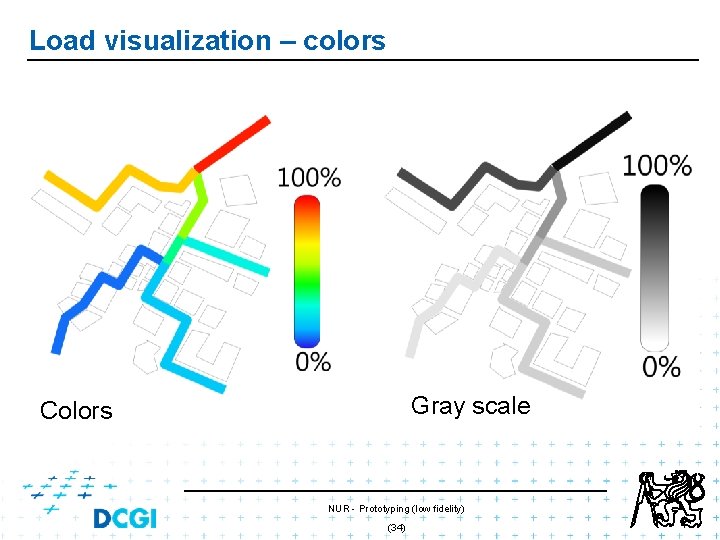
Load visualization – colors Gray scale Colors NUR - Prototyping (low fidelity) (34)
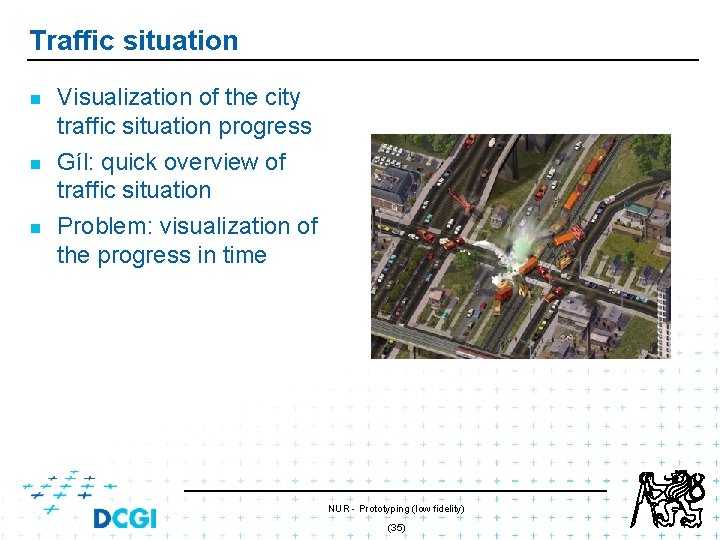
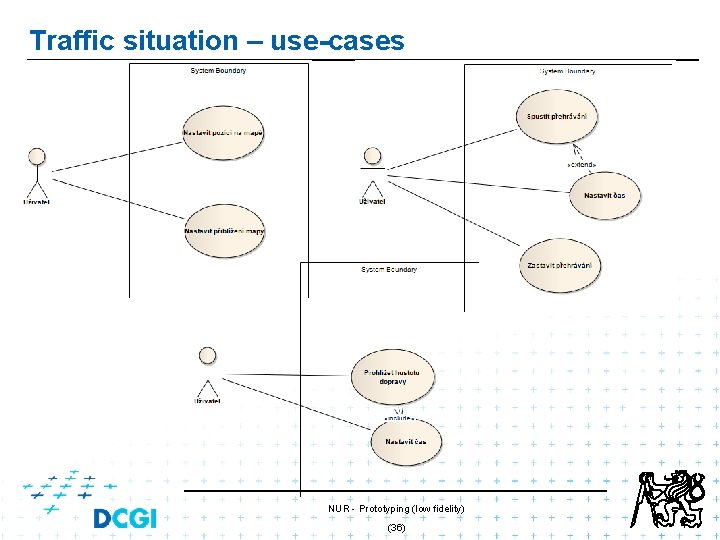
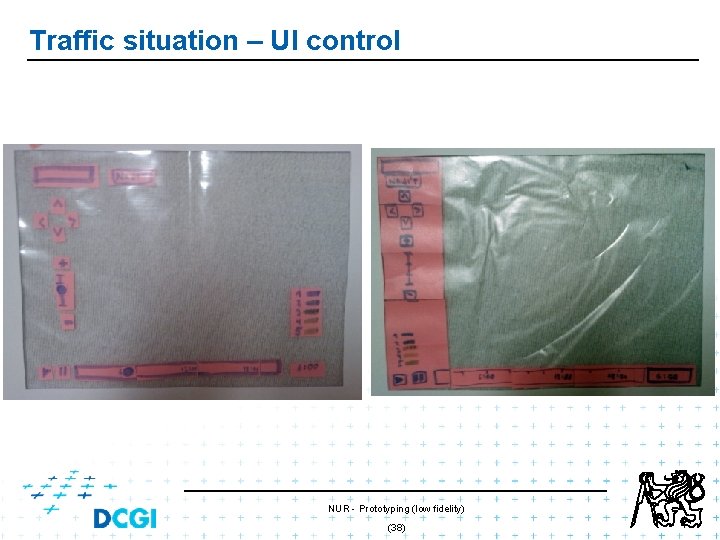
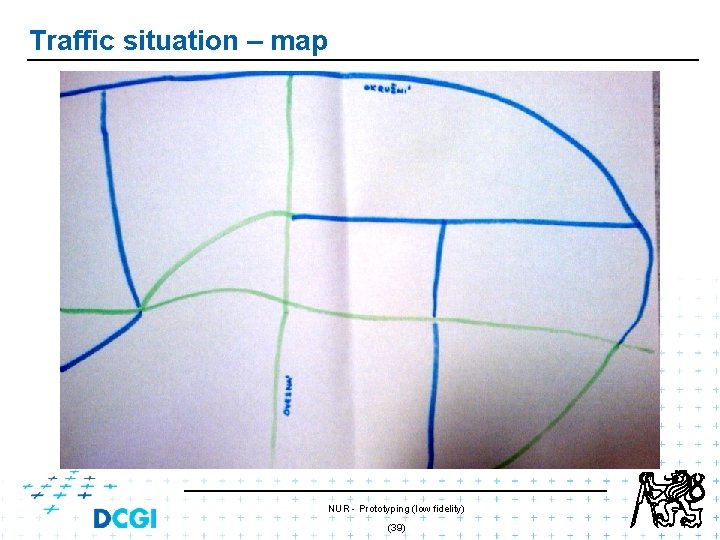
Traffic situation n Visualization of the city traffic situation progress Gíl: quick overview of traffic situation Problem: visualization of the progress in time NUR - Prototyping (low fidelity) (35)
Traffic situation – use-cases NUR - Prototyping (low fidelity) (36)
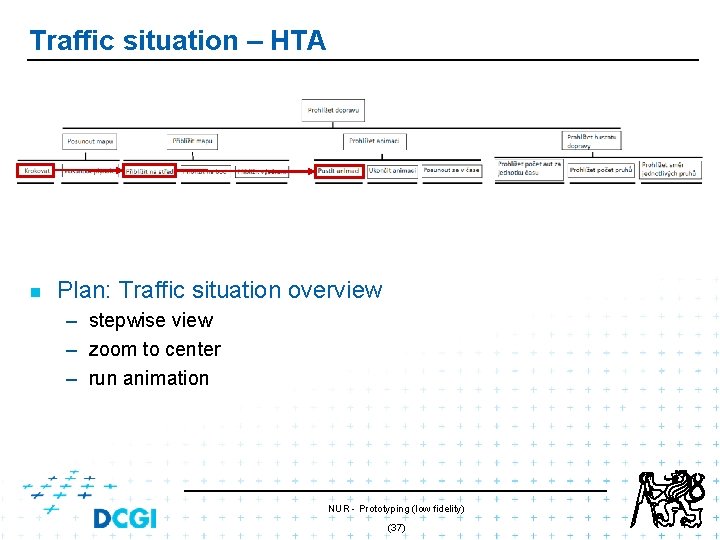
Traffic situation – HTA n Plan: Traffic situation overview – stepwise view – zoom to center – run animation NUR - Prototyping (low fidelity) (37)
Traffic situation – UI control NUR - Prototyping (low fidelity) (38)
Traffic situation – map NUR - Prototyping (low fidelity) (39)
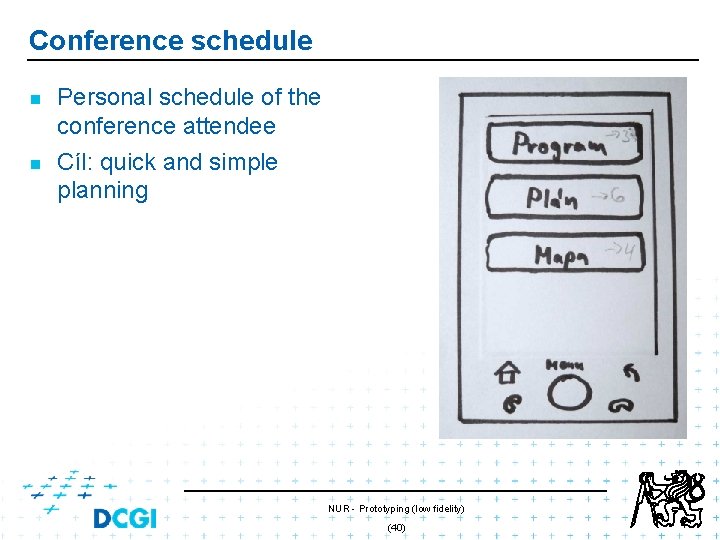
Conference schedule n n Personal schedule of the conference attendee Cíl: quick and simple planning NUR - Prototyping (low fidelity) (40)
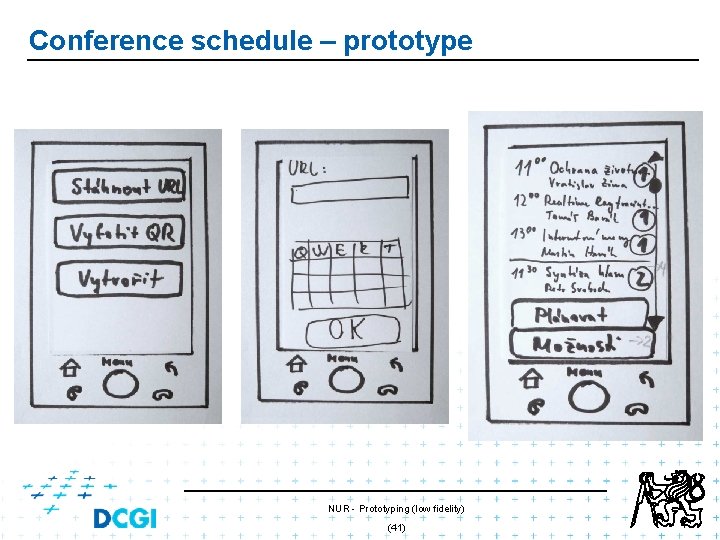
Conference schedule – prototype NUR - Prototyping (low fidelity) (41)
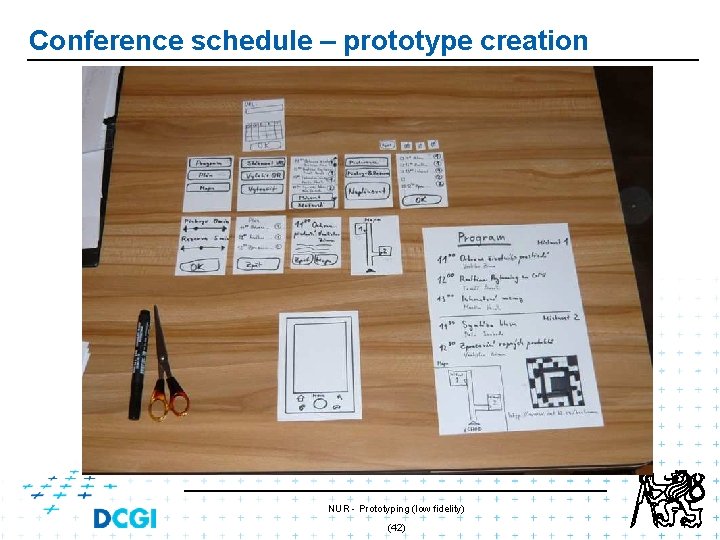
Conference schedule – prototype creation NUR - Prototyping (low fidelity) (42)
Electronic prototype n n HTML prototype PPT prototype NUR - Prototyping (low fidelity) (43)
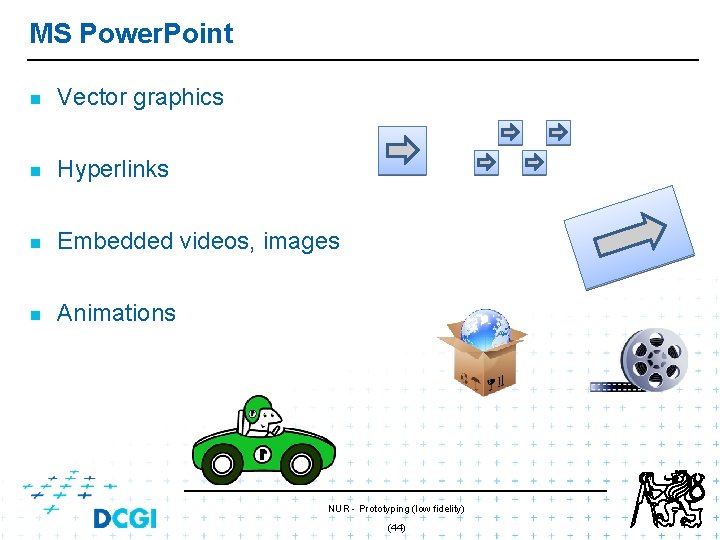
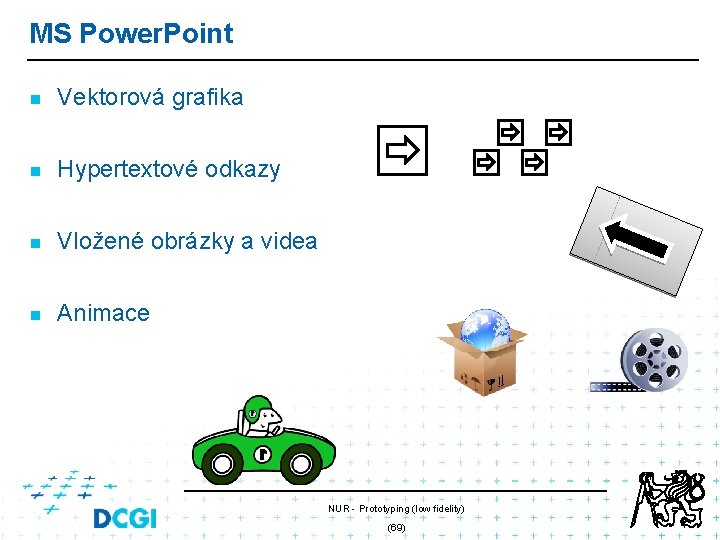
MS Power. Point n Vector graphics n Hyperlinks n Embedded videos, images n Animations NUR - Prototyping (low fidelity) (44)
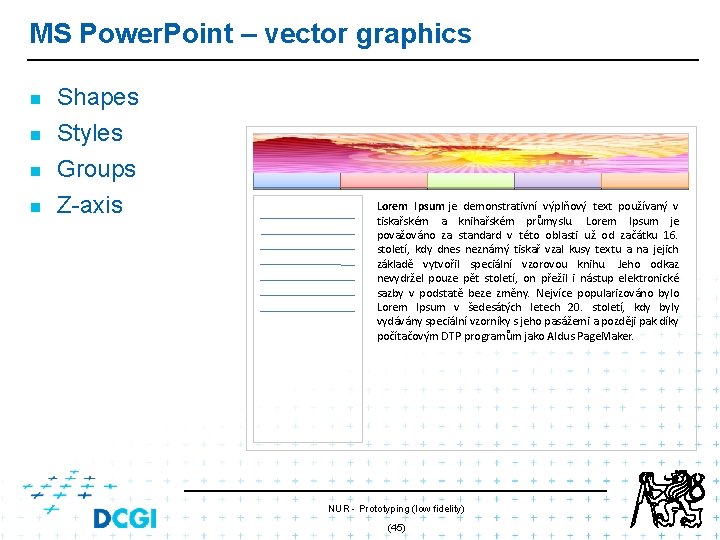
MS Power. Point – vector graphics n Shapes Styles n Groups n Z-axis n Lorem Ipsum je demonstrativní výplňový text používaný v tiskařském a knihařském průmyslu. Lorem Ipsum je považováno za standard v této oblasti už od začátku 16. století, kdy dnes neznámý tiskař vzal kusy textu a na jejich základě vytvořil speciální vzorovou knihu. Jeho odkaz nevydržel pouze pět století, on přežil i nástup elektronické sazby v podstatě beze změny. Nejvíce popularizováno bylo Lorem Ipsum v šedesátých letech 20. století, kdy byly vydávány speciální vzorníky s jeho pasážemi a později pak díky počítačovým DTP programům jako Aldus Page. Maker. NUR - Prototyping (low fidelity) (45)
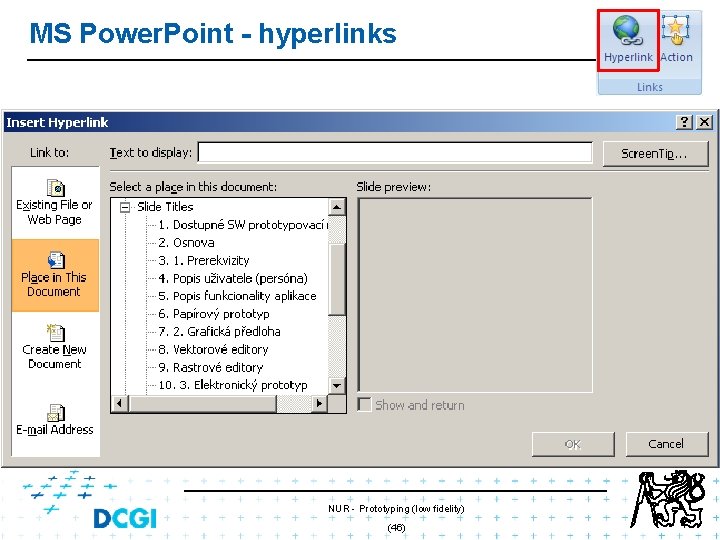
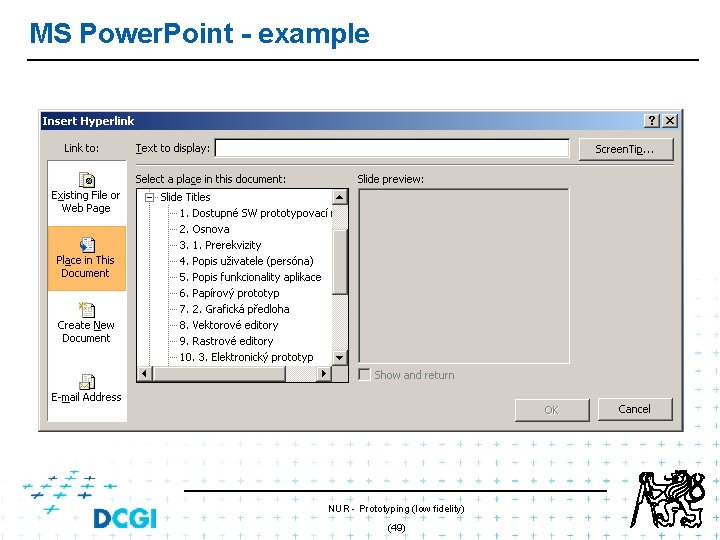
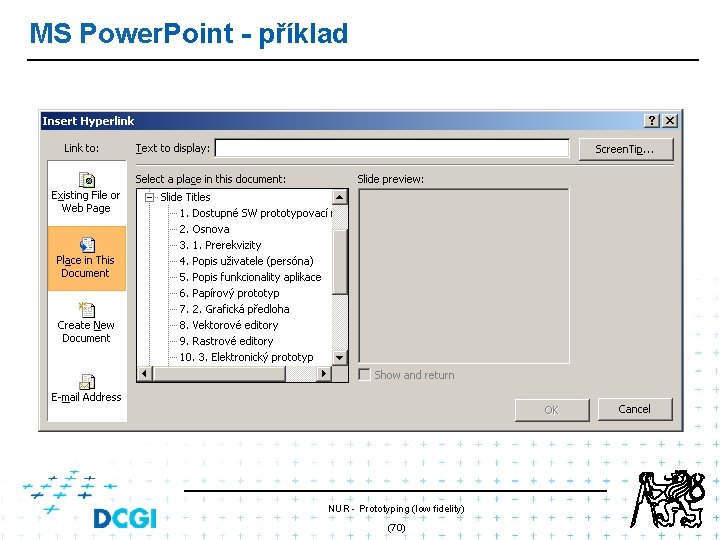
MS Power. Point - hyperlinks NUR - Prototyping (low fidelity) (46)
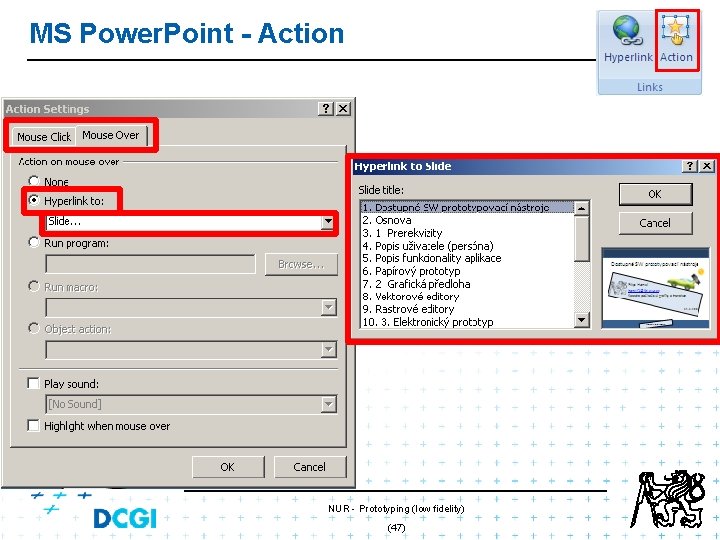
MS Power. Point - Action NUR - Prototyping (low fidelity) (47)
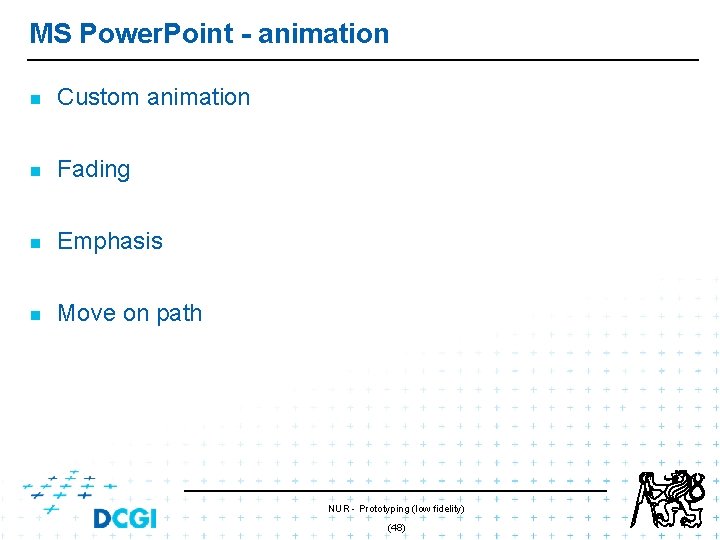
MS Power. Point - animation n Custom animation n Fading n Emphasis n Move on path NUR - Prototyping (low fidelity) (48)
MS Power. Point - example NUR - Prototyping (low fidelity) (49)
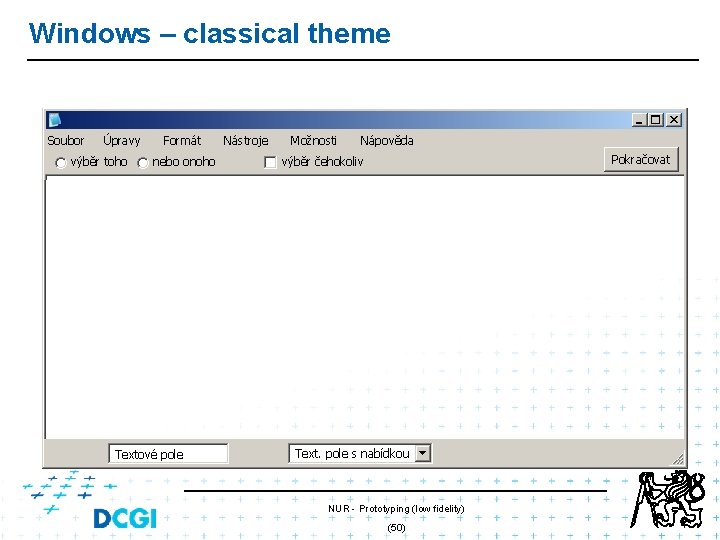
Windows – classical theme Soubor Úpravy výběr toho Formát nebo onoho Textové pole Nástroje Možnosti Nápověda Pokračovat výběr čehokoliv Text. pole s nabídkou NUR - Prototyping (low fidelity) (50)
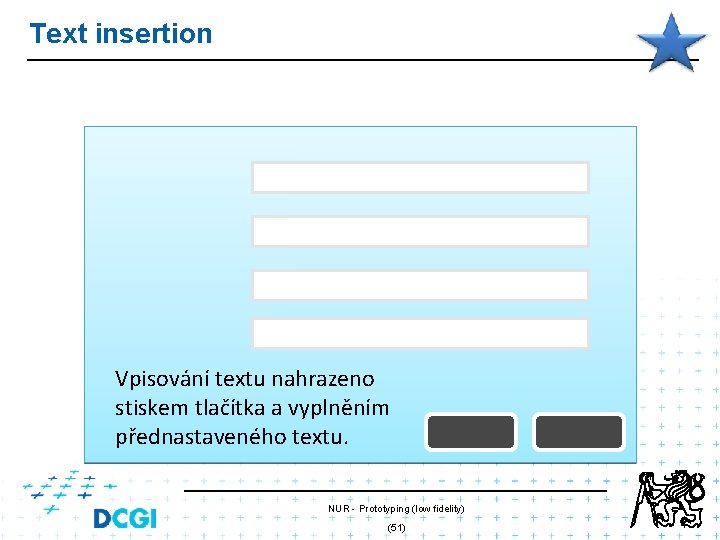
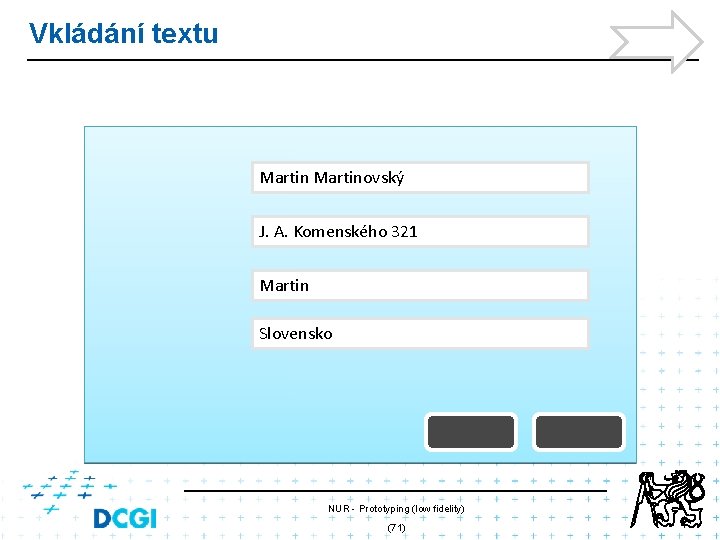
Text insertion Vpisování textu nahrazeno stiskem tlačítka a vyplněním přednastaveného textu. NUR - Prototyping (low fidelity) (51)
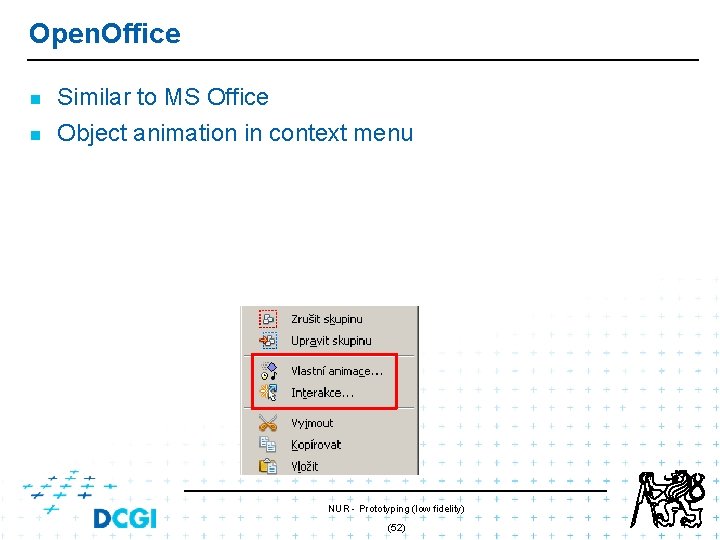
Open. Office n n Similar to MS Office Object animation in context menu NUR - Prototyping (low fidelity) (52)
Web - Simple web page n n n Screenshots Active parts – hyperliks o click map o table o div Shortcut keys NUR - Prototyping (low fidelity) (53)
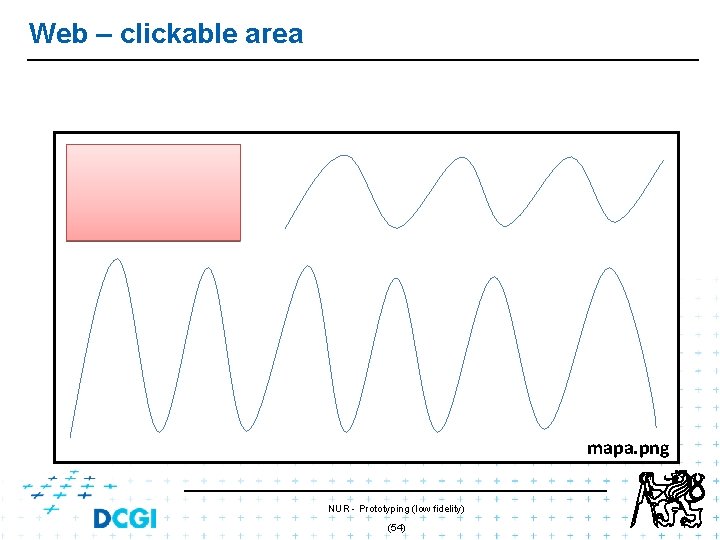
Web – clickable area mapa. png NUR - Prototyping (low fidelity) (54)
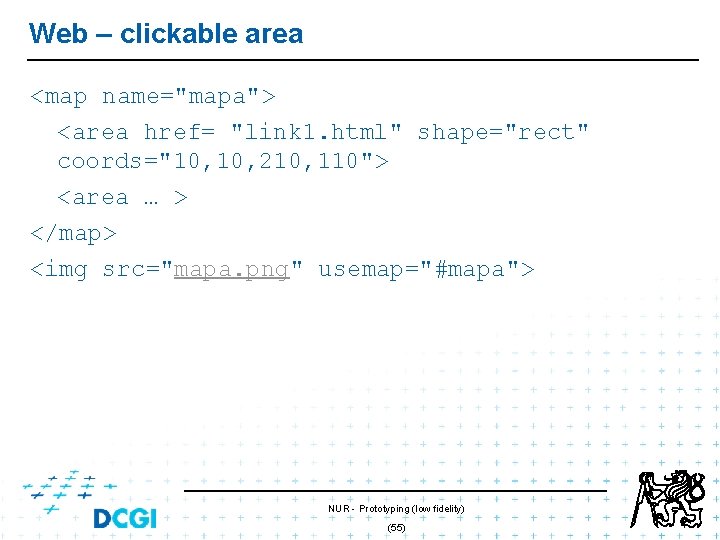
Web – clickable area <map name="mapa"> <area href= "link 1. html" shape="rect" coords="10, 210, 110"> <area … > </map> <img src="mapa. png" usemap="#mapa"> NUR - Prototyping (low fidelity) (55)
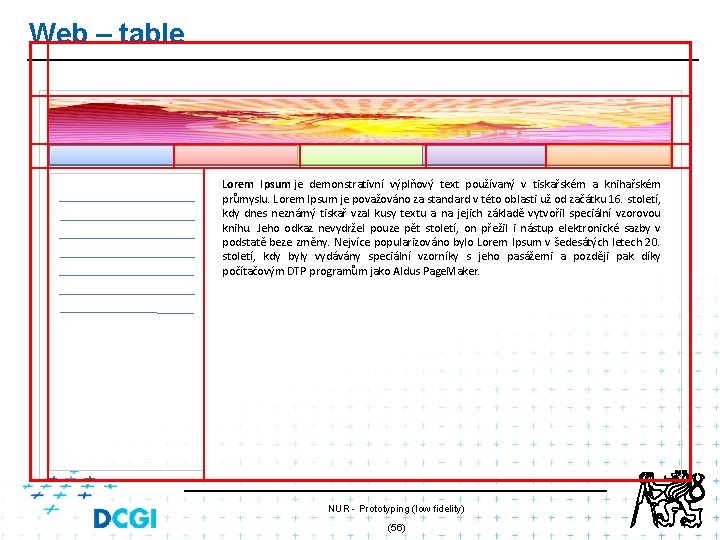
Web – table Lorem Ipsum je demonstrativní výplňový text používaný v tiskařském a knihařském průmyslu. Lorem Ipsum je považováno za standard v této oblasti už od začátku 16. století, kdy dnes neznámý tiskař vzal kusy textu a na jejich základě vytvořil speciální vzorovou knihu. Jeho odkaz nevydržel pouze pět století, on přežil i nástup elektronické sazby v podstatě beze změny. Nejvíce popularizováno bylo Lorem Ipsum v šedesátých letech 20. století, kdy byly vydávány speciální vzorníky s jeho pasážemi a později pak díky počítačovým DTP programům jako Aldus Page. Maker. NUR - Prototyping (low fidelity) (56)
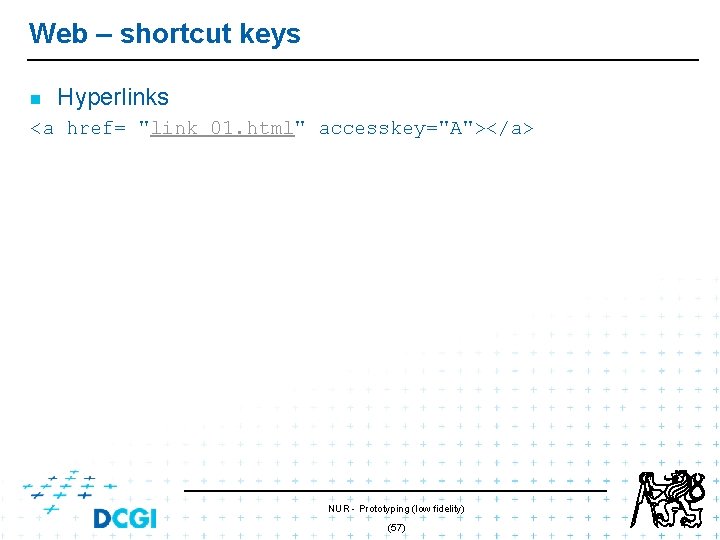
Web – shortcut keys n Hyperlinks <a href= "link 01. html" accesskey="A"></a> NUR - Prototyping (low fidelity) (57)
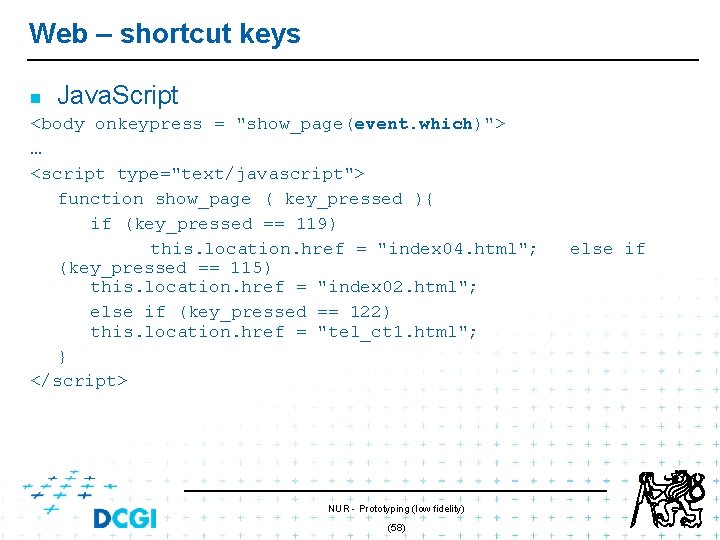
Web – shortcut keys n Java. Script <body onkeypress = "show_page(event. which)"> … <script type="text/javascript"> function show_page ( key_pressed ){ if (key_pressed == 119) this. location. href = "index 04. html"; (key_pressed == 115) this. location. href = "index 02. html"; else if (key_pressed == 122) this. location. href = "tel_ct 1. html"; } </script> NUR - Prototyping (low fidelity) (58) else if
Web vs. presentation? n n n Type of application Design speed o Experience, reuse, … Interaction o mouse, keyboard, … … NUR - Prototyping (low fidelity) (59)
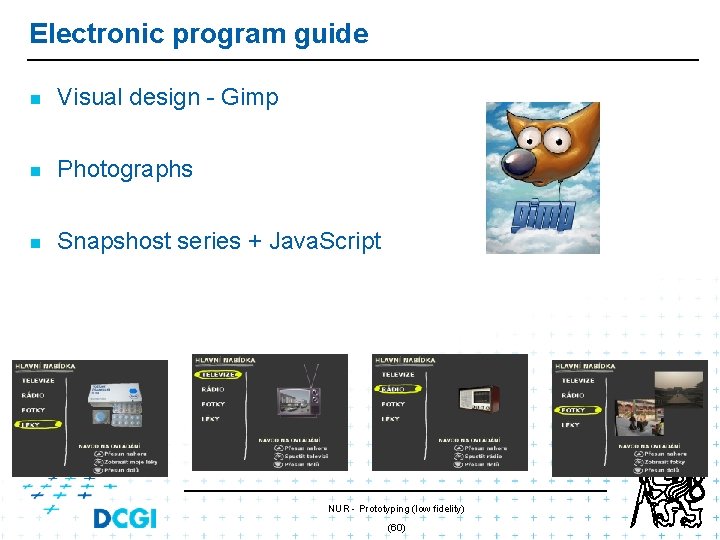
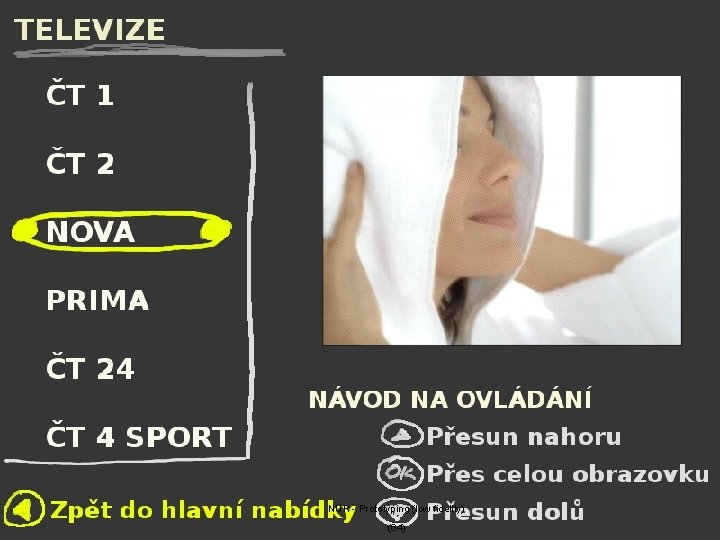
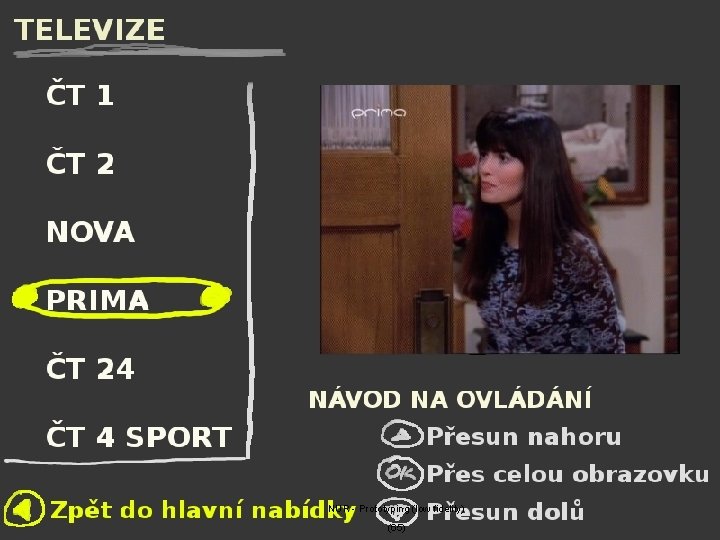
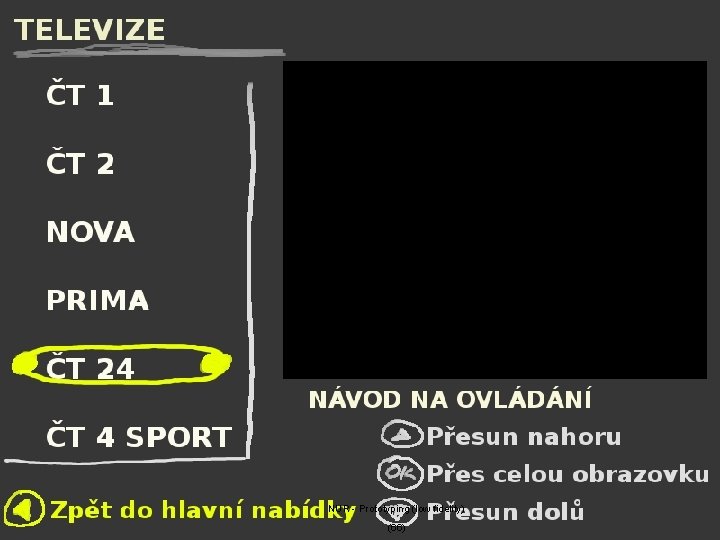
Electronic program guide n Visual design - Gimp n Photographs n Snapshost series + Java. Script NUR - Prototyping (low fidelity) (60)
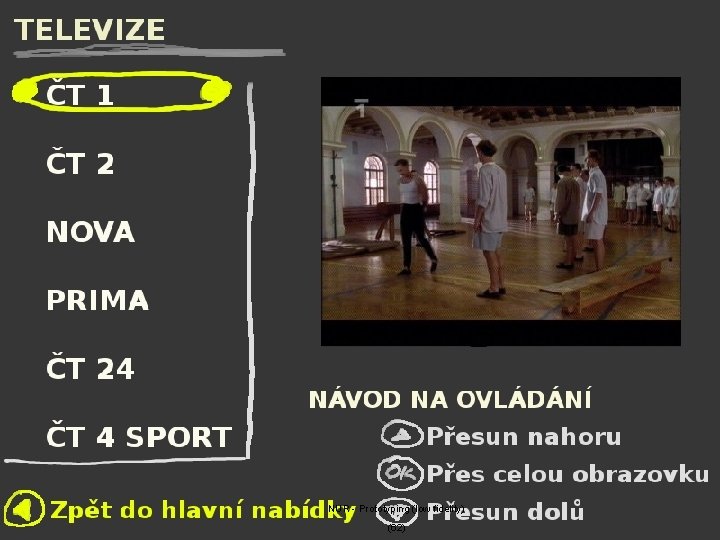
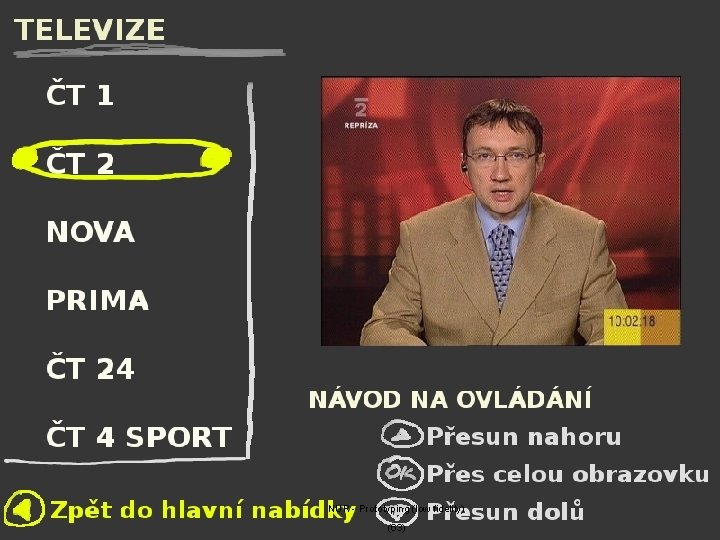
EPG - prototype showcase n . . . simple approach NUR - Prototyping (low fidelity) (61)
NUR - Prototyping (low fidelity) (62)
NUR - Prototyping (low fidelity) (63)
NUR - Prototyping (low fidelity) (64)
NUR - Prototyping (low fidelity) (65)
NUR - Prototyping (low fidelity) (66)
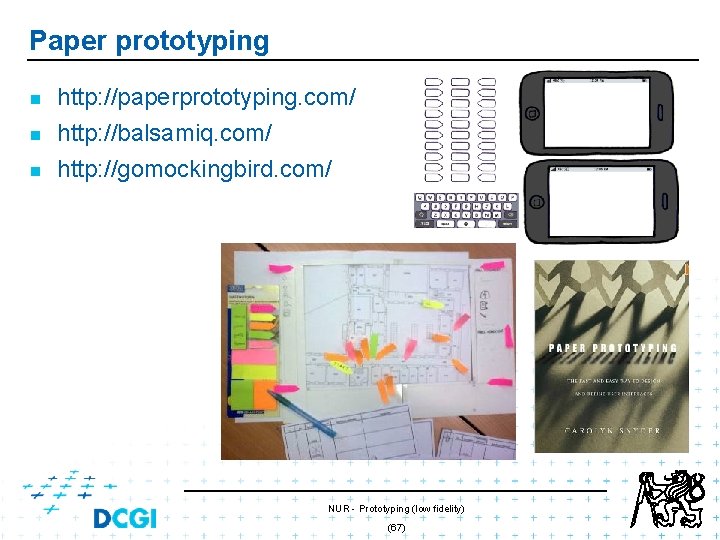
Paper prototyping n http: //paperprototyping. com/ http: //balsamiq. com/ n http: //gomockingbird. com/ n NUR - Prototyping (low fidelity) (67)
Thank for your attention NUR - Prototyping (low fidelity) 68
MS Power. Point n Vektorová grafika n Hypertextové odkazy n Vložené obrázky a videa n Animace NUR - Prototyping (low fidelity) (69)
MS Power. Point - příklad NUR - Prototyping (low fidelity) (70)
Vkládání textu Martinovský J. A. Komenského 321 Martin Slovensko NUR - Prototyping (low fidelity) (71)
Thank for your attention NUR - Prototyping (low fidelity) 72
Resources n [Buxton 2007] B. Buxton: Sketching User Experiences, Morgan Kaufman, 2007 NUR - Prototyping (low fidelity) (73)












![[web user interface]](https://slidetodoc.com/wp-content/uploads/2020/12/3515569_e80293ca9d02734a3126f3e8d1d1c3b7-300x225.jpg "[web user interface]")