Graphical User Interfaces CSC 1051 Data Structures and
- Slides: 11
Graphical User Interfaces CSC 1051 – Data Structures and Algorithms I Dr. Mary-Angela Papalaskari Department of Computing Sciences Villanova University Course website: www. csc. villanova. edu/~map/1051/f 13/ CSC 1051 M. A. Papalaskari, Villanova University
Graphical User Interface (GUI) • A GUI component – an object that represents a screen element – examples: buttons, text fields, labels, panels, frames containers • GUI-related classes from packages: – java. awt Abstract Windowing Toolkit (AWT): the original Java GUI package – javax. swing Swing provides additional and more versatile components CSC 1051 M. A. Papalaskari, Villanova University
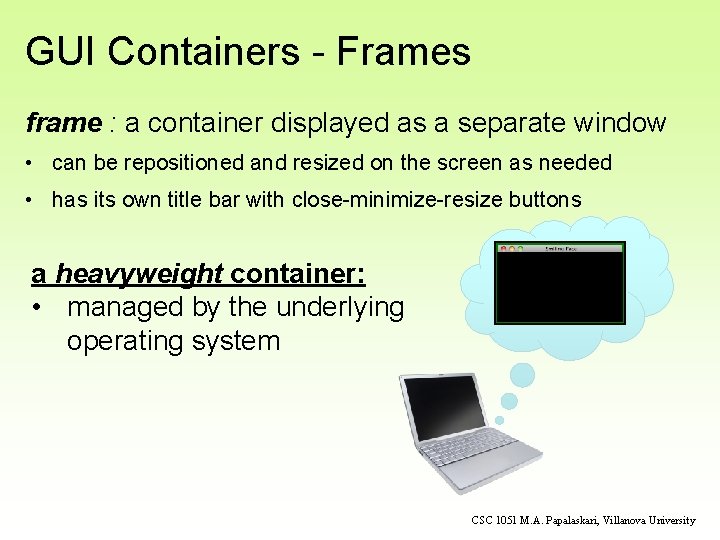
GUI Containers - Frames frame : a container displayed as a separate window • can be repositioned and resized on the screen as needed • has its own title bar with close-minimize-resize buttons a heavyweight container: • managed by the underlying operating system CSC 1051 M. A. Papalaskari, Villanova University
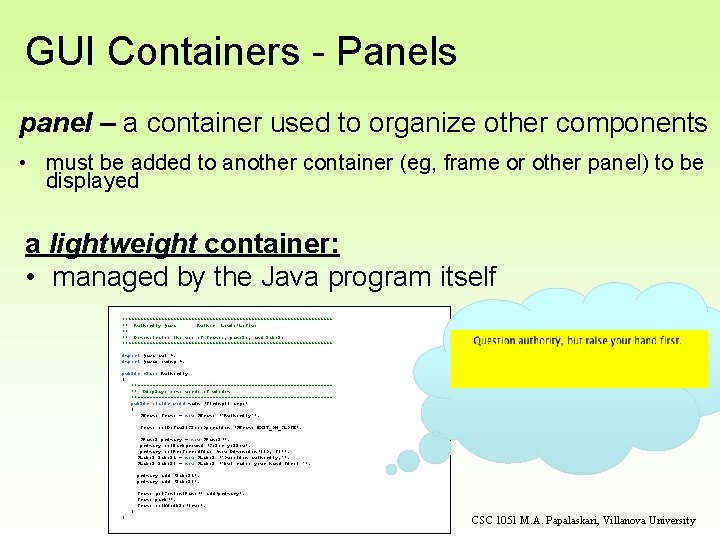
GUI Containers - Panels panel – a container used to organize other components • must be added to another container (eg, frame or other panel) to be displayed a lightweight container: • managed by the Java program itself //********************************** // Authority. java Author: Lewis/Loftus // // Demonstrates the use of frames, panels, and labels. //********************************** import java. awt. *; import javax. swing. *; public class Authority { //--------------------------------// Displays some words of wisdom. //--------------------------------public static void main (String[] args) { JFrame frame = new JFrame ("Authority"); frame. set. Default. Close. Operation (JFrame. EXIT_ON_CLOSE); JPanel primary = new JPanel(); primary. set. Background (Color. yellow); primary. set. Preferred. Size (new Dimension(250, 75)); JLabel label 1 = new JLabel ("Question authority, "); JLabel label 2 = new JLabel ("but raise your hand first. "); primary. add (label 1); primary. add (label 2); frame. get. Content. Pane(). add(primary); frame. pack(); frame. set. Visible(true); } } CSC 1051 M. A. Papalaskari, Villanova University
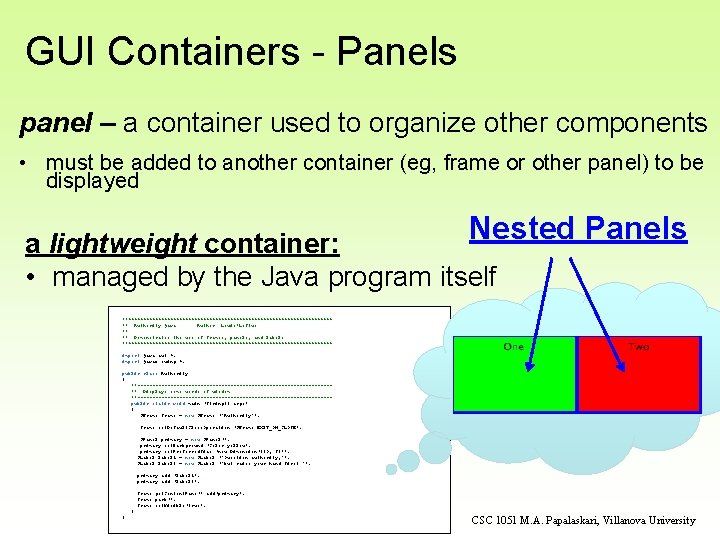
GUI Containers - Panels panel – a container used to organize other components • must be added to another container (eg, frame or other panel) to be displayed Nested Panels a lightweight container: • managed by the Java program itself //********************************** // Authority. java Author: Lewis/Loftus // // Demonstrates the use of frames, panels, and labels. //********************************** import java. awt. *; import javax. swing. *; public class Authority { //--------------------------------// Displays some words of wisdom. //--------------------------------public static void main (String[] args) { JFrame frame = new JFrame ("Authority"); frame. set. Default. Close. Operation (JFrame. EXIT_ON_CLOSE); JPanel primary = new JPanel(); primary. set. Background (Color. yellow); primary. set. Preferred. Size (new Dimension(250, 75)); JLabel label 1 = new JLabel ("Question authority, "); JLabel label 2 = new JLabel ("but raise your hand first. "); primary. add (label 1); primary. add (label 2); frame. get. Content. Pane(). add(primary); frame. pack(); frame. set. Visible(true); } } CSC 1051 M. A. Papalaskari, Villanova University
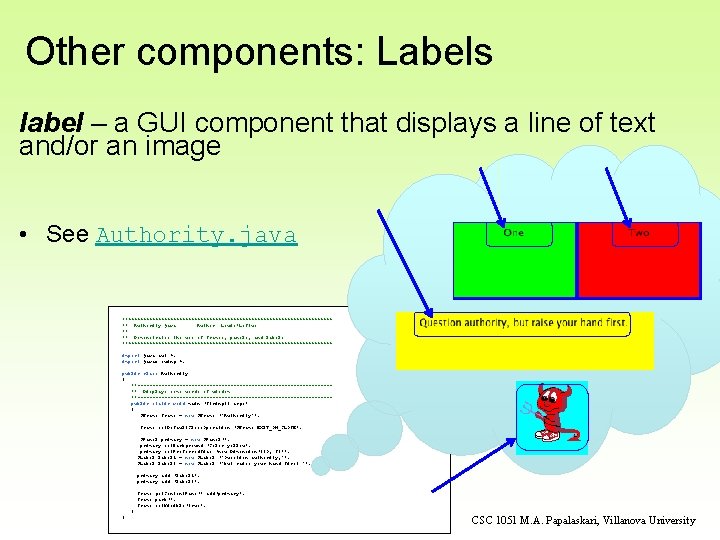
Other components: Labels label – a GUI component that displays a line of text and/or an image • See Authority. java //********************************** // Authority. java Author: Lewis/Loftus // // Demonstrates the use of frames, panels, and labels. //********************************** import java. awt. *; import javax. swing. *; public class Authority { //--------------------------------// Displays some words of wisdom. //--------------------------------public static void main (String[] args) { JFrame frame = new JFrame ("Authority"); frame. set. Default. Close. Operation (JFrame. EXIT_ON_CLOSE); JPanel primary = new JPanel(); primary. set. Background (Color. yellow); primary. set. Preferred. Size (new Dimension(250, 75)); JLabel label 1 = new JLabel ("Question authority, "); JLabel label 2 = new JLabel ("but raise your hand first. "); primary. add (label 1); primary. add (label 2); frame. get. Content. Pane(). add(primary); frame. pack(); frame. set. Visible(true); } } CSC 1051 M. A. Papalaskari, Villanova University
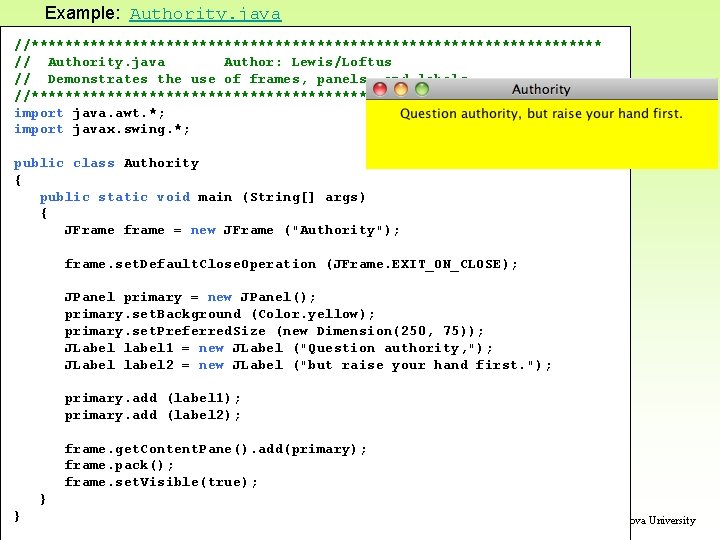
Example: Authority. java //********************************** // Authority. java Author: Lewis/Loftus // Demonstrates the use of frames, panels, and labels. //********************************** import java. awt. *; import javax. swing. *; public class Authority { public static void main (String[] args) { JFrame frame = new JFrame ("Authority"); frame. set. Default. Close. Operation (JFrame. EXIT_ON_CLOSE); JPanel primary = new JPanel(); primary. set. Background (Color. yellow); primary. set. Preferred. Size (new Dimension(250, 75)); JLabel label 1 = new JLabel ("Question authority, "); JLabel label 2 = new JLabel ("but raise your hand first. "); primary. add (label 1); primary. add (label 2); frame. get. Content. Pane(). add(primary); frame. pack(); frame. set. Visible(true); } } CSC 1051 M. A. Papalaskari, Villanova University
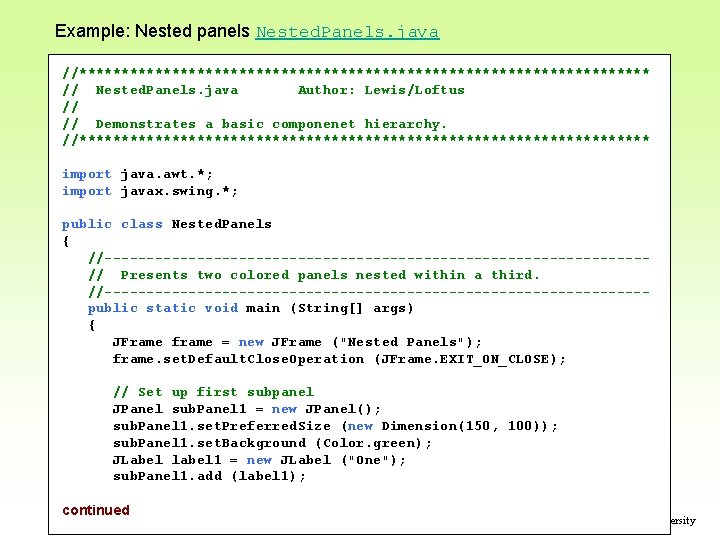
Example: Nested panels Nested. Panels. java //********************************** // Nested. Panels. java Author: Lewis/Loftus // // Demonstrates a basic componenet hierarchy. //********************************** import java. awt. *; import javax. swing. *; public class Nested. Panels { //--------------------------------// Presents two colored panels nested within a third. //--------------------------------public static void main (String[] args) { JFrame frame = new JFrame ("Nested Panels"); frame. set. Default. Close. Operation (JFrame. EXIT_ON_CLOSE); // Set up first subpanel JPanel sub. Panel 1 = new JPanel(); sub. Panel 1. set. Preferred. Size (new Dimension(150, 100)); sub. Panel 1. set. Background (Color. green); JLabel label 1 = new JLabel ("One"); sub. Panel 1. add (label 1); continued CSC 1051 M. A. Papalaskari, Villanova University
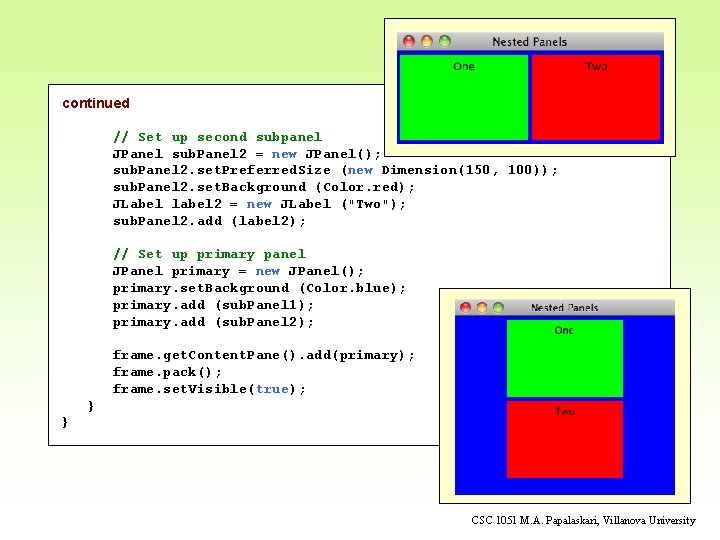
continued // Set up second subpanel JPanel sub. Panel 2 = new JPanel(); sub. Panel 2. set. Preferred. Size (new Dimension(150, 100)); sub. Panel 2. set. Background (Color. red); JLabel label 2 = new JLabel ("Two"); sub. Panel 2. add (label 2); // Set up primary panel JPanel primary = new JPanel(); primary. set. Background (Color. blue); primary. add (sub. Panel 1); primary. add (sub. Panel 2); frame. get. Content. Pane(). add(primary); frame. pack(); frame. set. Visible(true); } } CSC 1051 M. A. Papalaskari, Villanova University
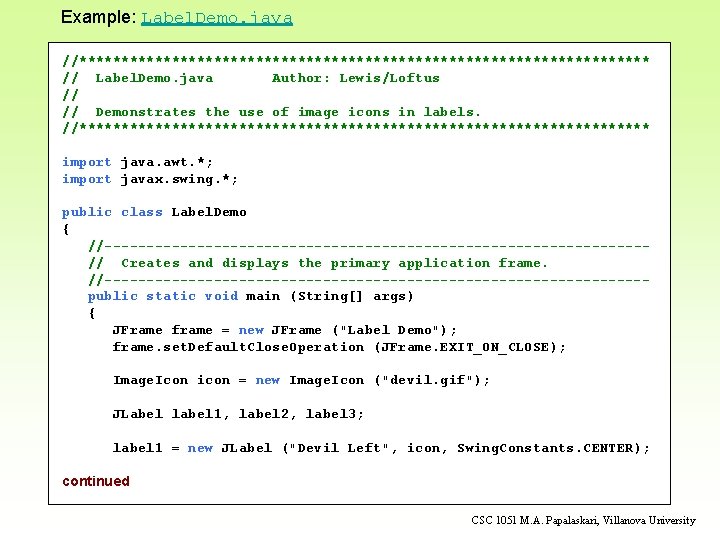
Example: Label. Demo. java //********************************** // Label. Demo. java Author: Lewis/Loftus // // Demonstrates the use of image icons in labels. //********************************** import java. awt. *; import javax. swing. *; public class Label. Demo { //--------------------------------// Creates and displays the primary application frame. //--------------------------------public static void main (String[] args) { JFrame frame = new JFrame ("Label Demo"); frame. set. Default. Close. Operation (JFrame. EXIT_ON_CLOSE); Image. Icon icon = new Image. Icon ("devil. gif"); JLabel label 1, label 2, label 3; label 1 = new JLabel ("Devil Left", icon, Swing. Constants. CENTER); continued CSC 1051 M. A. Papalaskari, Villanova University
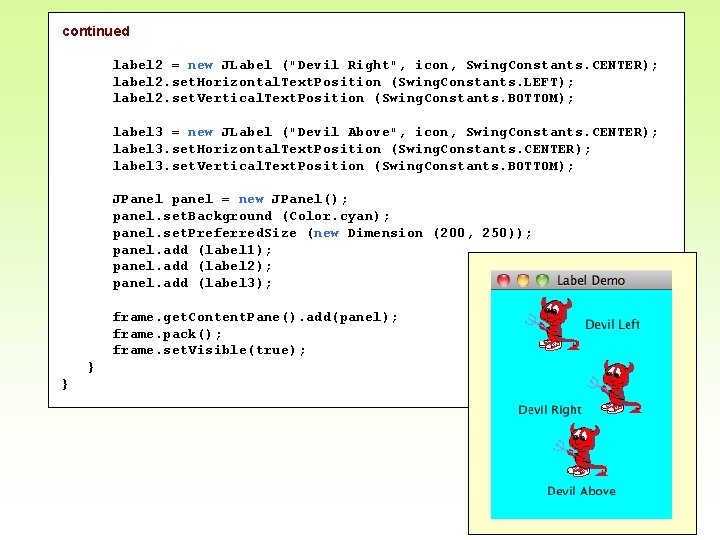
continued label 2 = new JLabel ("Devil Right", icon, Swing. Constants. CENTER); label 2. set. Horizontal. Text. Position (Swing. Constants. LEFT); label 2. set. Vertical. Text. Position (Swing. Constants. BOTTOM); label 3 = new JLabel ("Devil Above", icon, Swing. Constants. CENTER); label 3. set. Horizontal. Text. Position (Swing. Constants. CENTER); label 3. set. Vertical. Text. Position (Swing. Constants. BOTTOM); JPanel panel = new JPanel(); panel. set. Background (Color. cyan); panel. set. Preferred. Size (new Dimension (200, 250)); panel. add (label 1); panel. add (label 2); panel. add (label 3); frame. get. Content. Pane(). add(panel); frame. pack(); frame. set. Visible(true); } } CSC 1051 M. A. Papalaskari, Villanova University