
INTRODUCTION TO JAVASCRIPT JAVASCRIPT Java Script is used
- Slides: 51
INTRODUCTION TO JAVASCRIPT
JAVASCRIPT ► Java. Script is used in millions of Web pages to improve the design, validate forms, detect browsers, create cookies, and much more. ► Java. Script is the most popular scripting language on the internet, and works in all major browsers, such as Internet Explorer, Mozilla, Firefox, Netscape, Opera.
WHAT IS JAVASCRIPT? ► Java. Script was designed to add interactivity to HTML pages ► Java. Script is a scripting language (a scripting language is a lightweight programming language) ► A Java. Script consists of lines of executable computer code ► A Java. Script is usually embedded directly into HTML pages ► Java. Script is an interpreted language (means that scripts execute without preliminary compilation) ► Everyone can use Java. Script without purchasing a license
What is Java. Script? (cont) ► Object based (not object oriented) programming language § very limited object creation § a set of pre-defined objects associated with ►HTML document structure § many HTML tags constitute JS Objects ►Browser functionality § provides a limited API to Browser functionality
Where did it come from ► Originally called Live. Script at Netscape § started out to be a server side scripting language for providing database connectivity and dynamic HTML generation on Netscape Web Servers § Netscape decided it would be a good thing for their browsers and servers to speak the same language so it got included in Navigator § Netscape in alliance w/Sun jointly announced the language and its new name Java Script § Because of rapid acceptance by the web community Microsoft forced to include in IE Browser
Browser compatibility ► For the most part Java Script runs the same way in all popular browsers ► There are many areas where there are slight differences in how Java Script will run ► there will be a separate set of slides addressing these differences.
Java. Script…Java ? ► There is no relationship other than the fact that Java and Java. Script resemble each other (and C++) syntactically ► Java. Script is pretty much the de-facto standard for client-side scripting (Internet Explorer also provides VBScript & JScript) ► In Netscape browsers there is an API that allows Java. Script and Java applets embedded in the same page to converse
What can it be used for ► Some pretty amazing things…. § Text animation § graphic animation § simple browser based application § HTML forms submission § client-side forms data validation (relieving the server of this task) § web site navigation
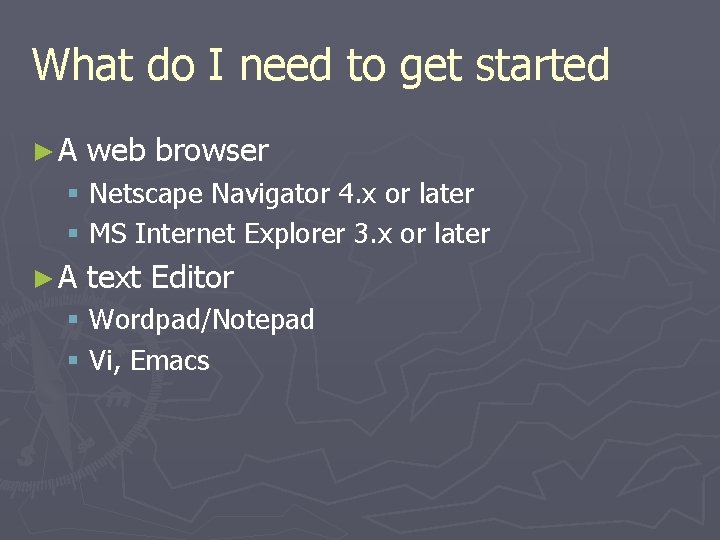
What do I need to get started ►A web browser § Netscape Navigator 4. x or later § MS Internet Explorer 3. x or later ►A text Editor § Wordpad/Notepad § Vi, Emacs
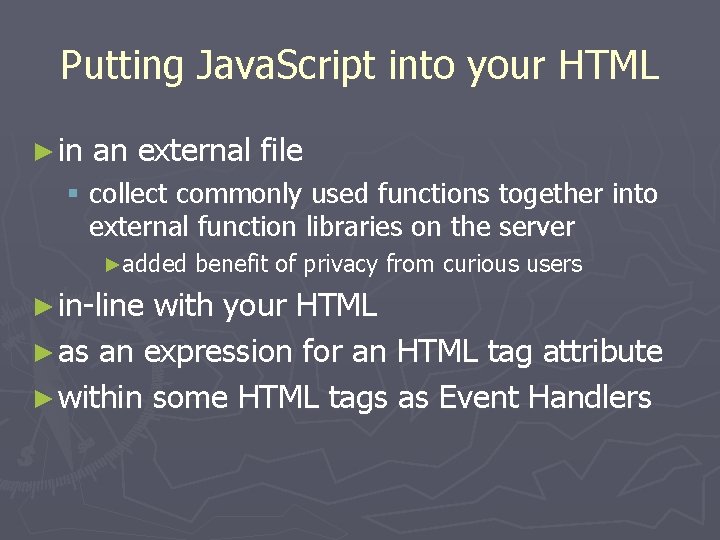
Putting Java. Script into your HTML ► in an external file § collect commonly used functions together into external function libraries on the server ►added ► in-line benefit of privacy from curious users with your HTML ► as an expression for an HTML tag attribute ► within some HTML tags as Event Handlers
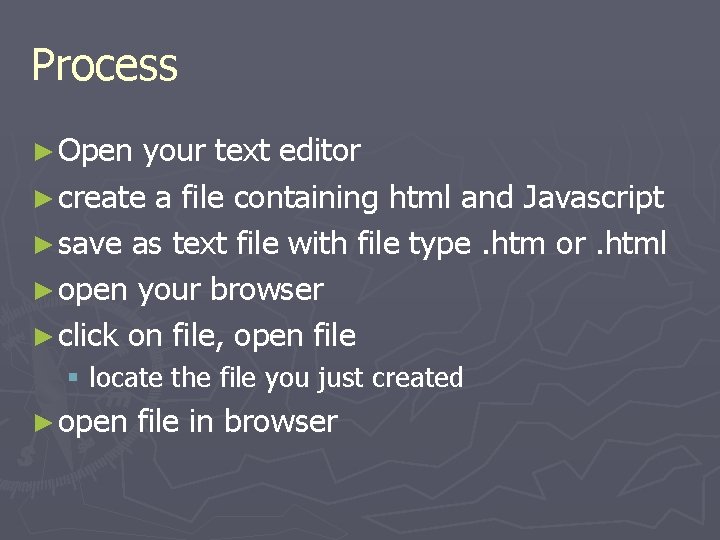
Process ► Open your text editor ► create a file containing html and Javascript ► save as text file with file type. htm or. html ► open your browser ► click on file, open file § locate the file you just created ► open file in browser
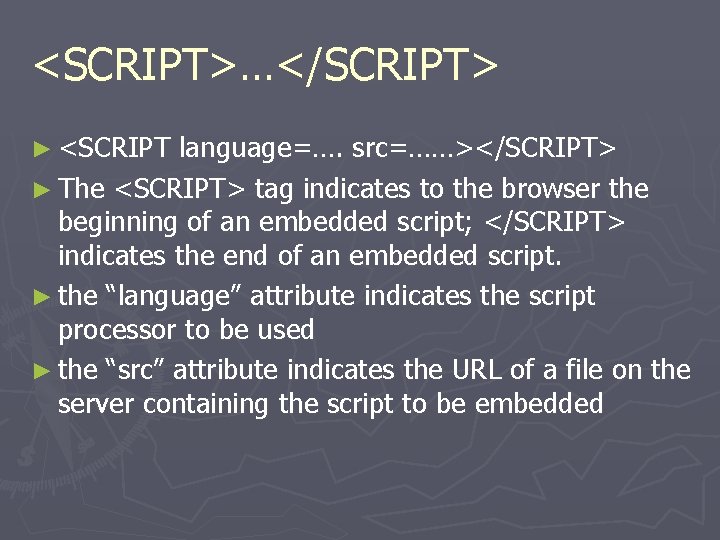
<SCRIPT>…</SCRIPT> ► <SCRIPT language=…. src=……></SCRIPT> ► The <SCRIPT> tag indicates to the browser the beginning of an embedded script; </SCRIPT> indicates the end of an embedded script. ► the “language” attribute indicates the script processor to be used ► the “src” attribute indicates the URL of a file on the server containing the script to be embedded
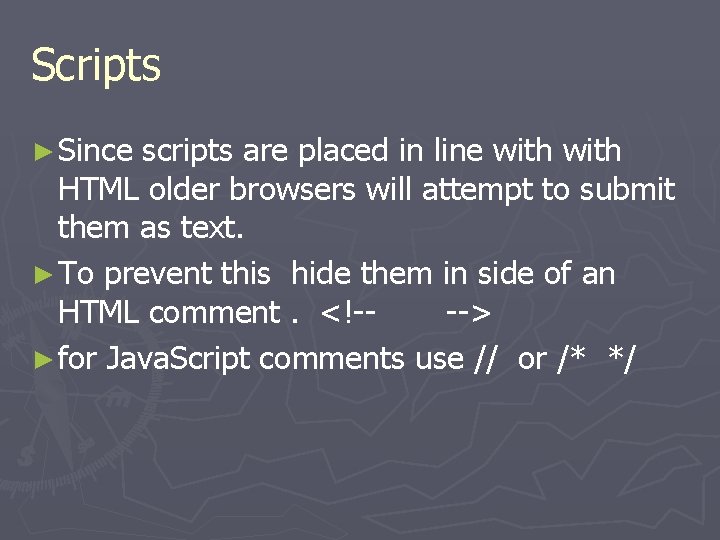
Scripts ► Since scripts are placed in line with HTML older browsers will attempt to submit them as text. ► To prevent this hide them in side of an HTML comment. <!---> ► for Java. Script comments use // or /* */
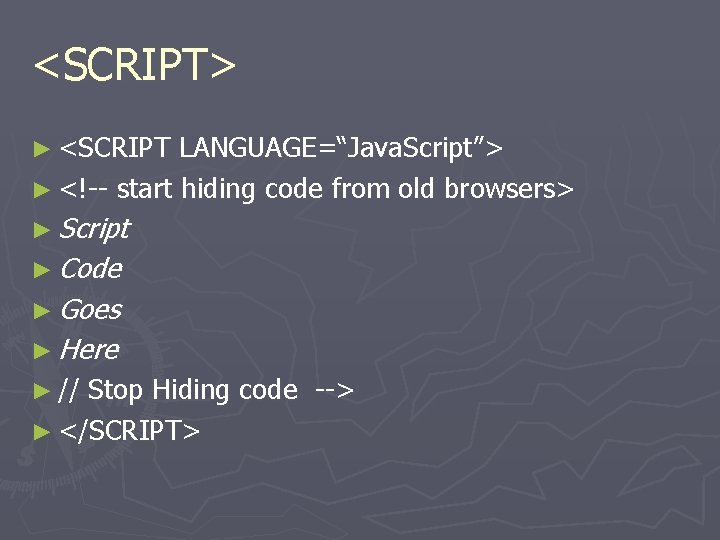
<SCRIPT> ► <SCRIPT LANGUAGE=“Java. Script”> ► <!-- start hiding code from old browsers> ► Script ► Code ► Goes ► Here ► // Stop Hiding code --> ► </SCRIPT>
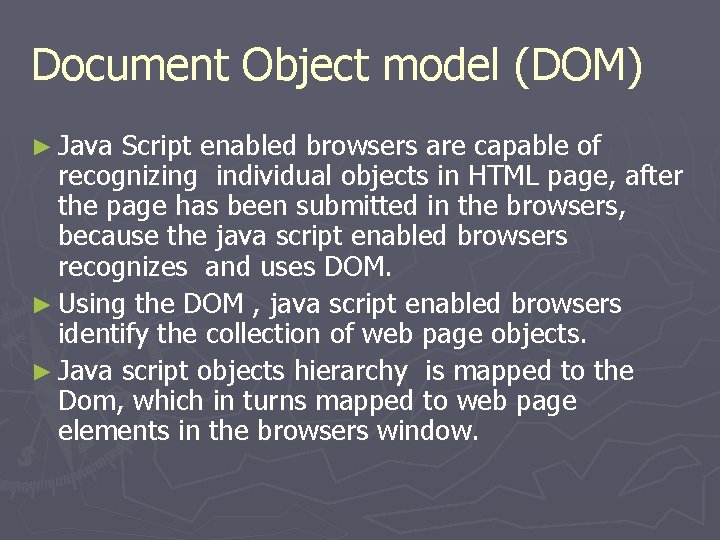
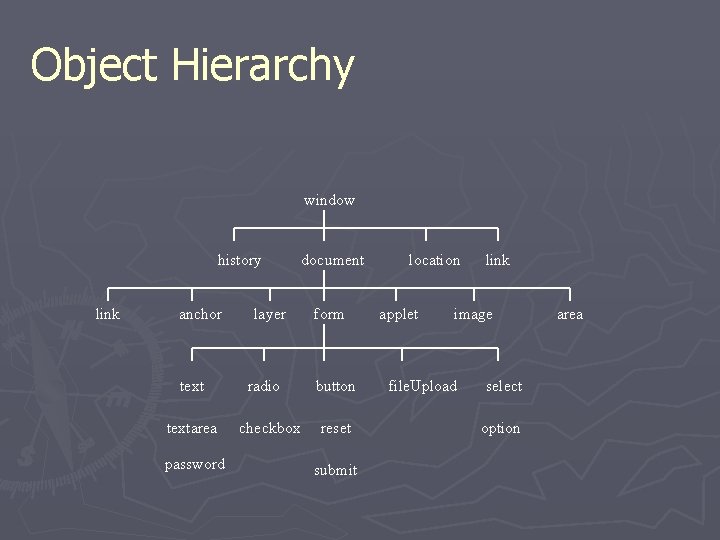
Document Object model (DOM) ► Java Script enabled browsers are capable of recognizing individual objects in HTML page, after the page has been submitted in the browsers, because the java script enabled browsers recognizes and uses DOM. ► Using the DOM , java script enabled browsers identify the collection of web page objects. ► Java script objects hierarchy is mapped to the Dom, which in turns mapped to web page elements in the browsers window.
Object Hierarchy window history link anchor textarea password layer radio checkbox document form button reset submit location applet link image file. Upload select option area
The Object Model ► It is very important to understand the object model ► each object has its own properties, some of which are read only some of which you can set directly by assignment (as location) ► each object also has a set of behaviors called methods
Are Java and Java. Script the Same? ► NO! ► Java and Java. Script are two completely different languages in both concept and design! ► Java (developed by Sun Microsystems) is a powerful and much more complex programming language - in the same category as C and C++.
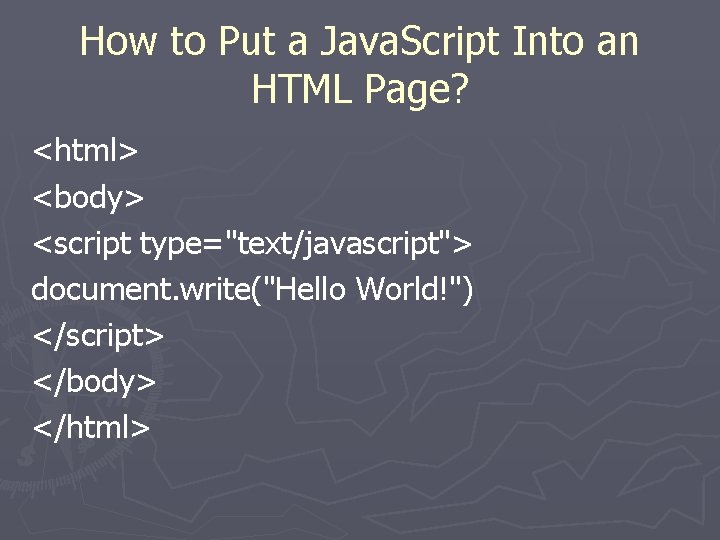
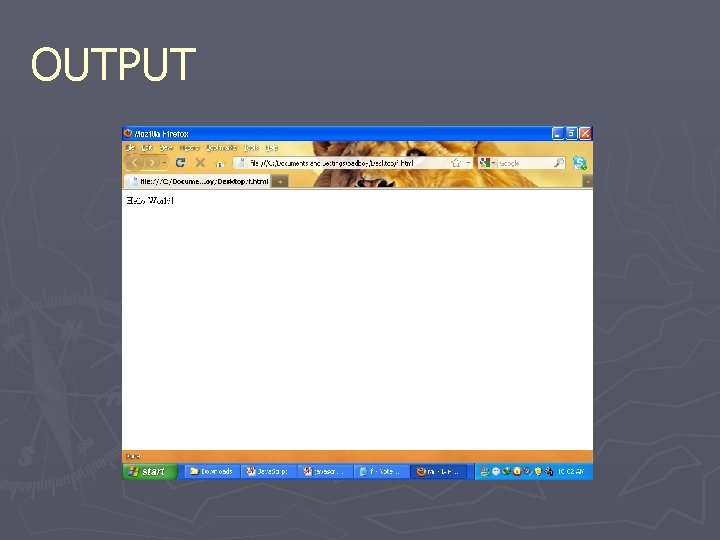
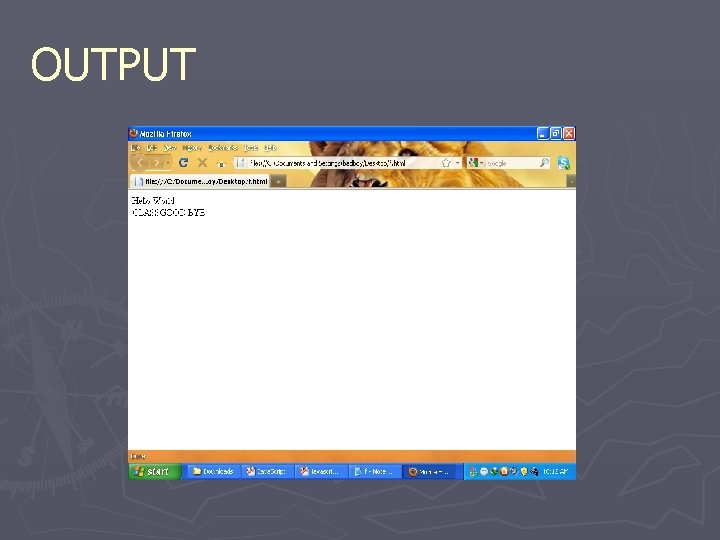
How to Put a Java. Script Into an HTML Page? <html> <body> <script type="text/javascript"> document. write("Hello World!") </script> </body> </html>
OUTPUT
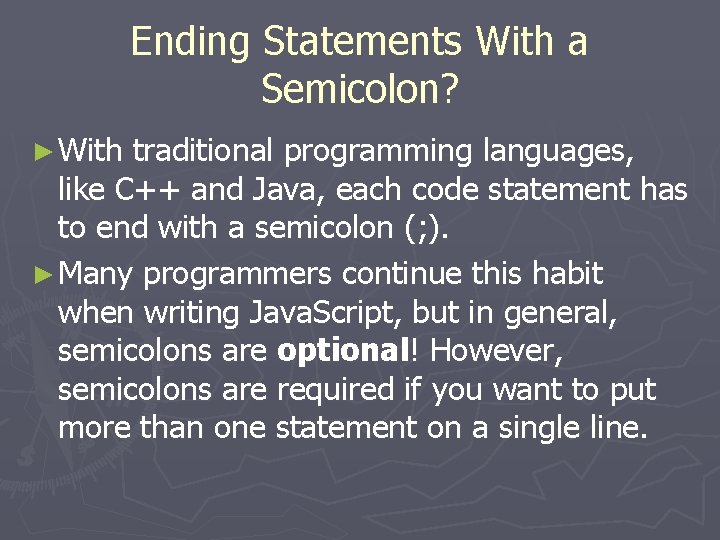
Ending Statements With a Semicolon? ► With traditional programming languages, like C++ and Java, each code statement has to end with a semicolon (; ). ► Many programmers continue this habit when writing Java. Script, but in general, semicolons are optional! However, semicolons are required if you want to put more than one statement on a single line.
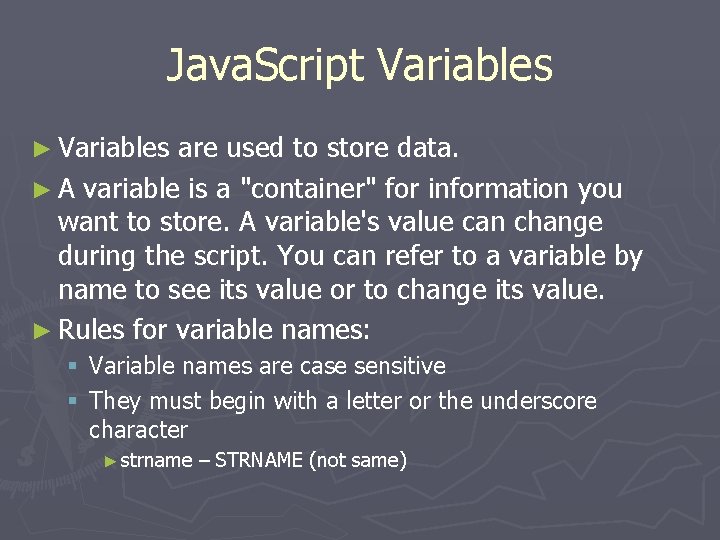
Java. Script Variables ► Variables are used to store data. ► A variable is a "container" for information you want to store. A variable's value can change during the script. You can refer to a variable by name to see its value or to change its value. ► Rules for variable names: § Variable names are case sensitive § They must begin with a letter or the underscore character ► strname – STRNAME (not same)
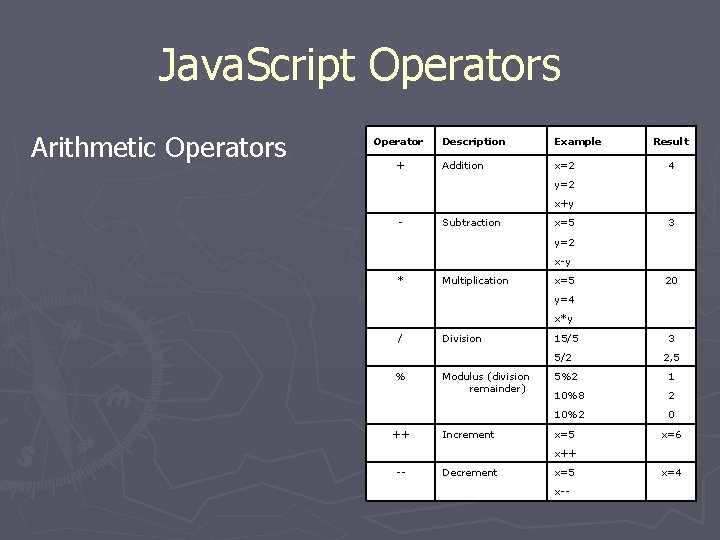
Java. Script Operators Arithmetic Operators Operator + Description Example Addition x=2 Result 4 y=2 x+y - Subtraction x=5 3 y=2 x-y * Multiplication x=5 20 y=4 x*y / Division 15/5 5/2 % ++ Modulus (division remainder) Increment 3 2, 5 5%2 1 10%8 2 10%2 0 x=5 x=6 x++ -- Decrement x=5 x-- x=4
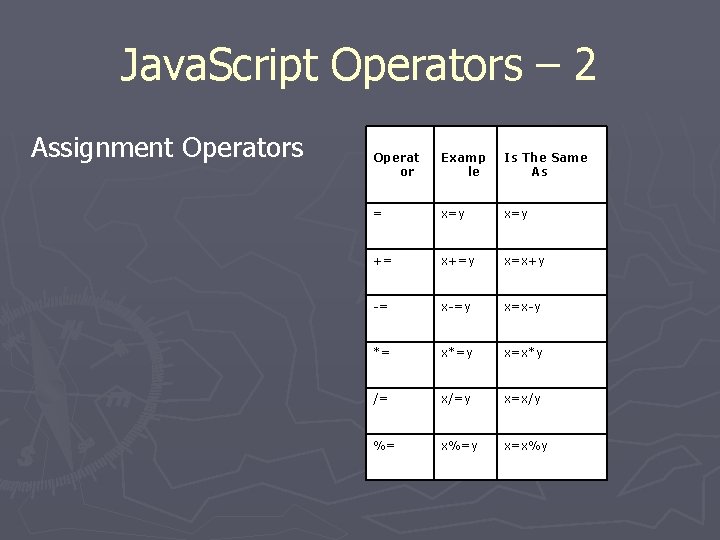
Java. Script Operators – 2 Assignment Operators Operat or Examp le Is The Same As = x=y += x+=y x=x+y -= x-=y x=x-y *= x*=y x=x*y /= x/=y x=x/y %= x%=y x=x%y
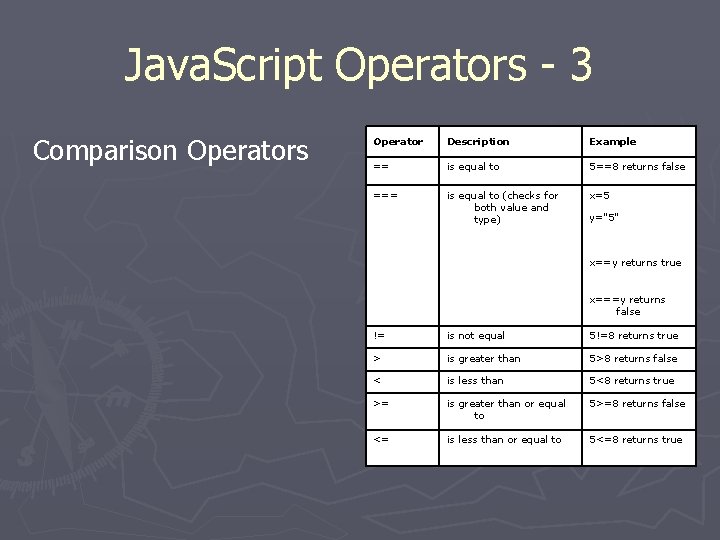
Java. Script Operators - 3 Comparison Operators Operator Description Example == is equal to 5==8 returns false === is equal to (checks for both value and type) x=5 y="5" x==y returns true x===y returns false != is not equal 5!=8 returns true > is greater than 5>8 returns false < is less than 5<8 returns true >= is greater than or equal to 5>=8 returns false <= is less than or equal to 5<=8 returns true
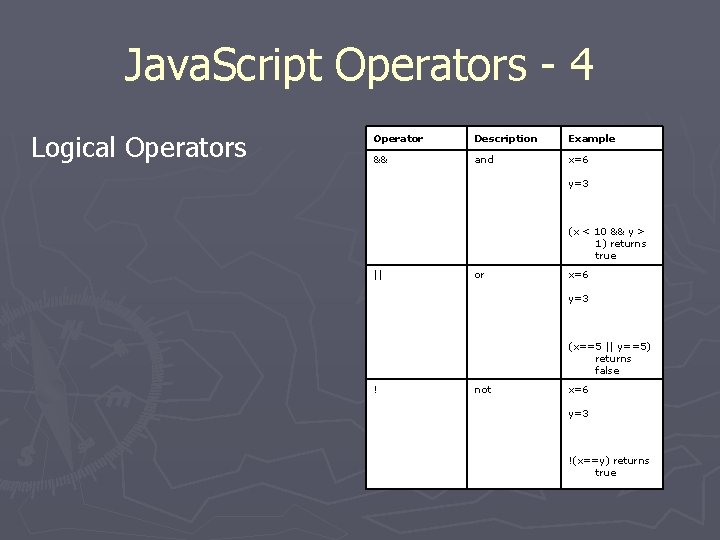
Java. Script Operators - 4 Logical Operators Operator Description Example && and x=6 y=3 (x < 10 && y > 1) returns true || or x=6 y=3 (x==5 || y==5) returns false ! not x=6 y=3 !(x==y) returns true
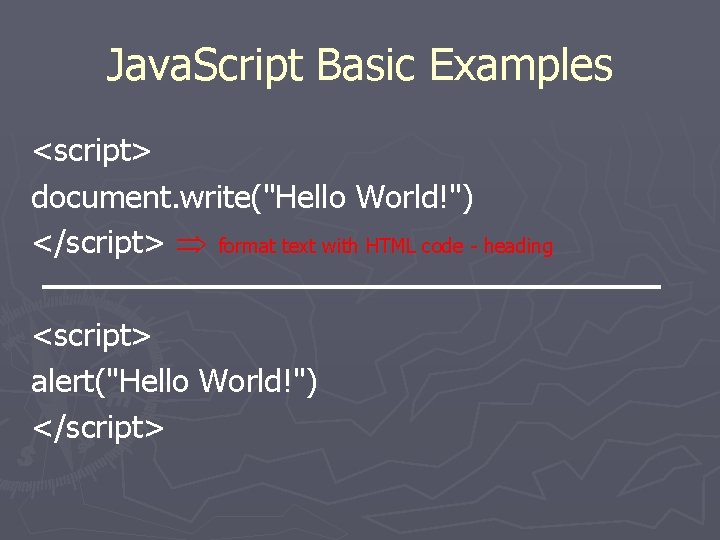
Java. Script Basic Examples <script> document. write("Hello World!") </script> format text with HTML code - heading <script> alert("Hello World!") </script>
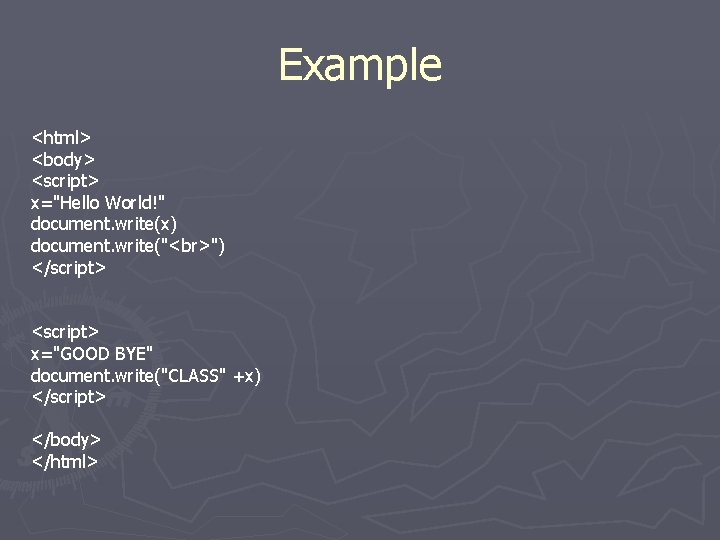
Example <html> <body> <script> x="Hello World!" document. write(x) document. write(" ") </script> <script> x="GOOD BYE" document. write("CLASS" +x) </script> </body> </html>
OUTPUT
Java. Script Popup Boxes ► Alert Box § An alert box is often used if you want to make sure information comes through to the user. § When an alert box pops up, the user will have to click "OK" to proceed. <script> alert("Hello World!") </script>
Java. Script Popup Boxes - 2 ► Confirm Box § A confirm box is often used if you want the user to verify or accept something. § When a confirm box pops up, the user will have to click either "OK" or "Cancel" to proceed. § If the user clicks "OK", the box returns true. If the user clicks "Cancel", the box returns false.
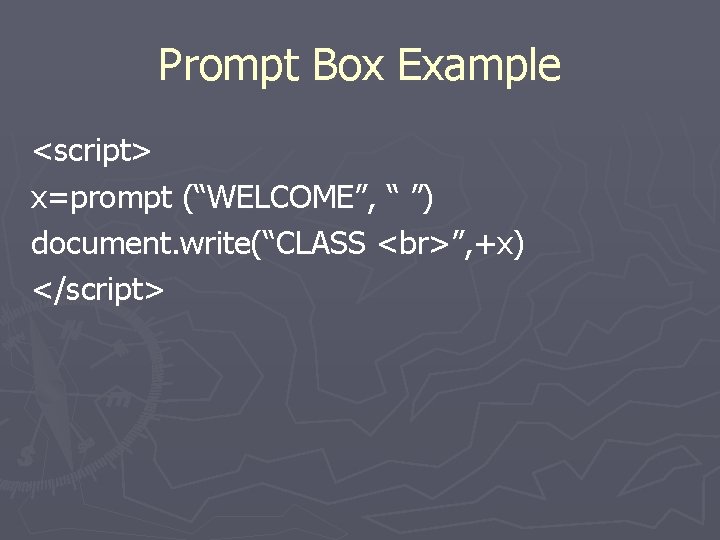
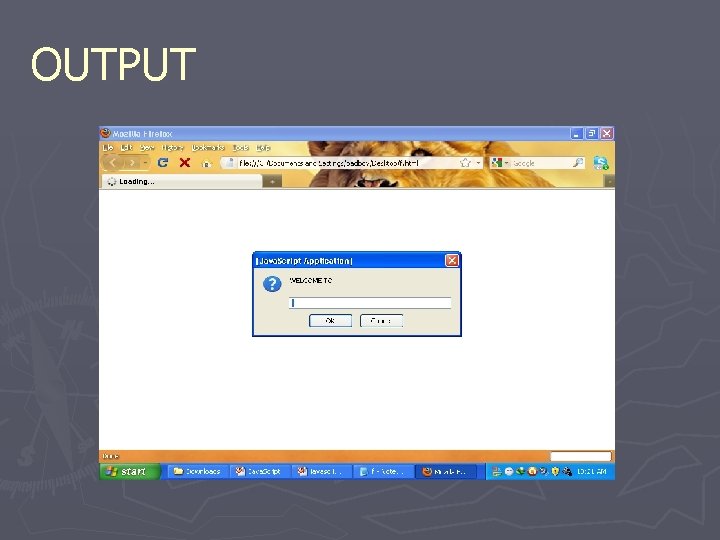
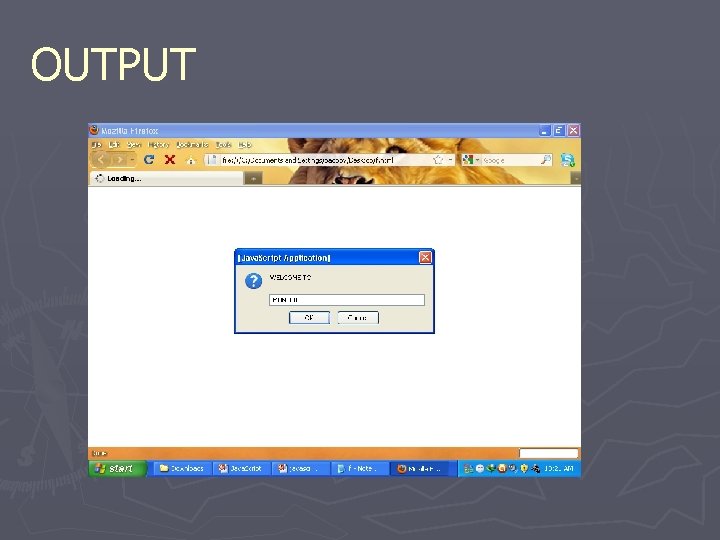
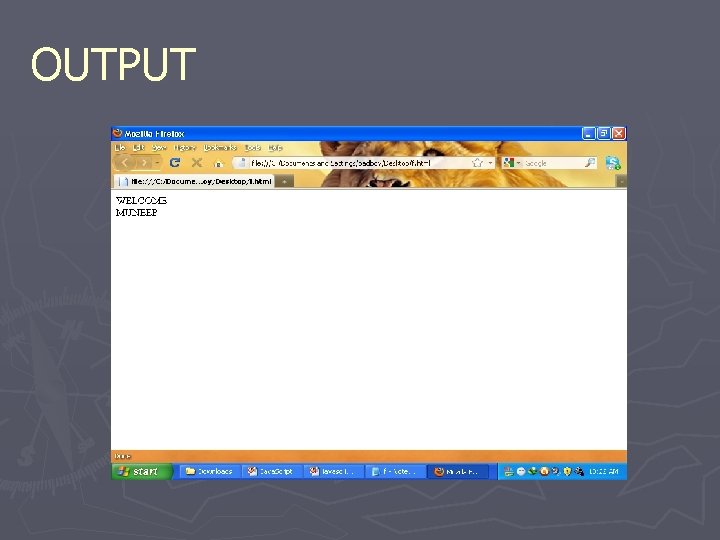
Java. Script Popup Boxes - 3 ► Prompt Box § A prompt box is often used if you want the user to input a value before entering a page. § When a prompt box pops up, the user will have to click either "OK" or "Cancel" to proceed after entering an input value. § If the user clicks "OK“, the box returns the input value. If the user clicks "Cancel“, the box returns null.
Prompt Box Example <script> x=prompt (“WELCOME”, “ ”) document. write(“CLASS ”, +x) </script>
OUTPUT
OUTPUT
OUTPUT
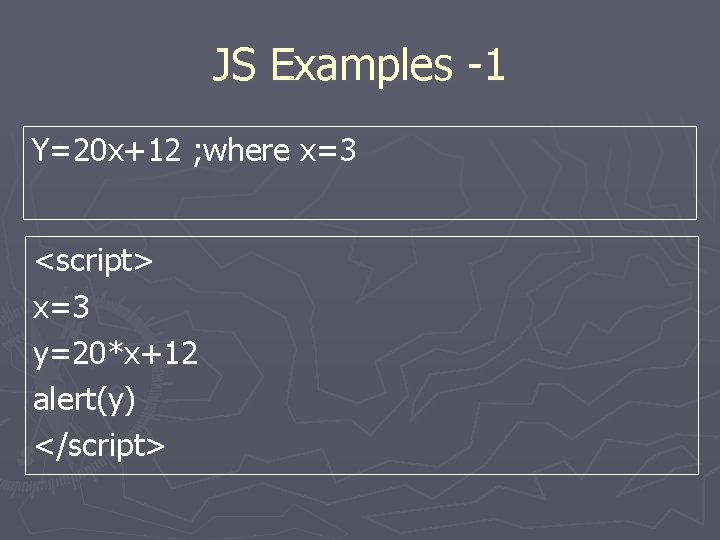
JS Examples -1 Y=20 x+12 ; where x=3 <script> x=3 y=20*x+12 alert(y) </script>
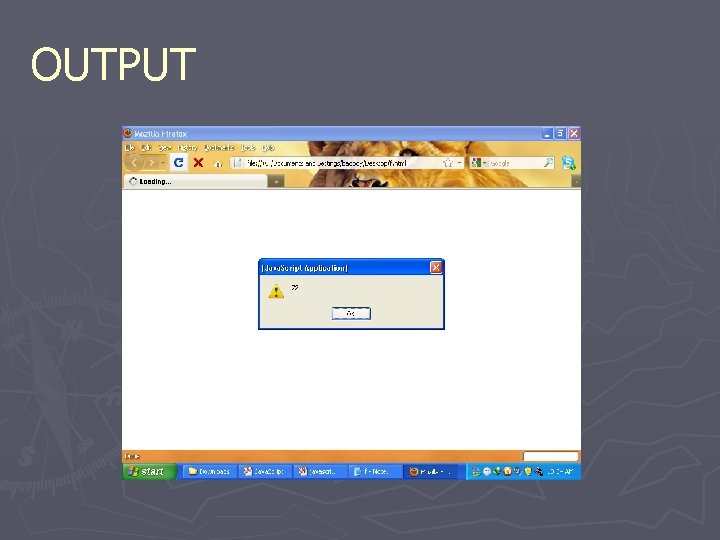
OUTPUT
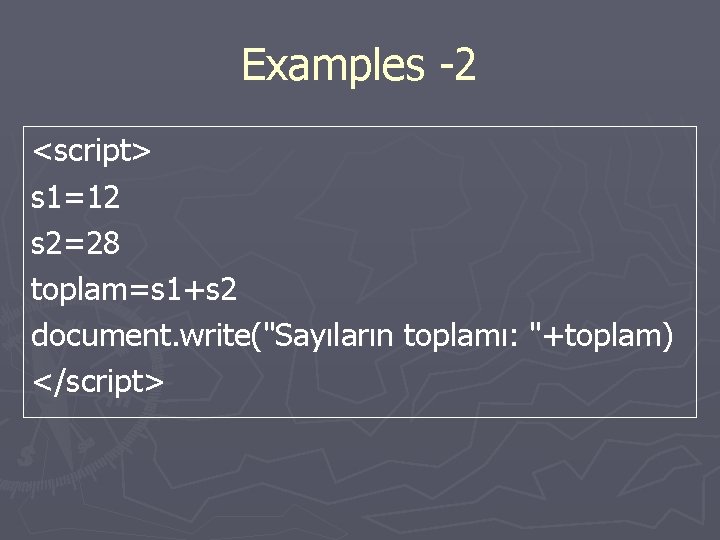
Examples -2 <script> s 1=12 s 2=28 toplam=s 1+s 2 document. write("Sayıların toplamı: "+toplam) </script>
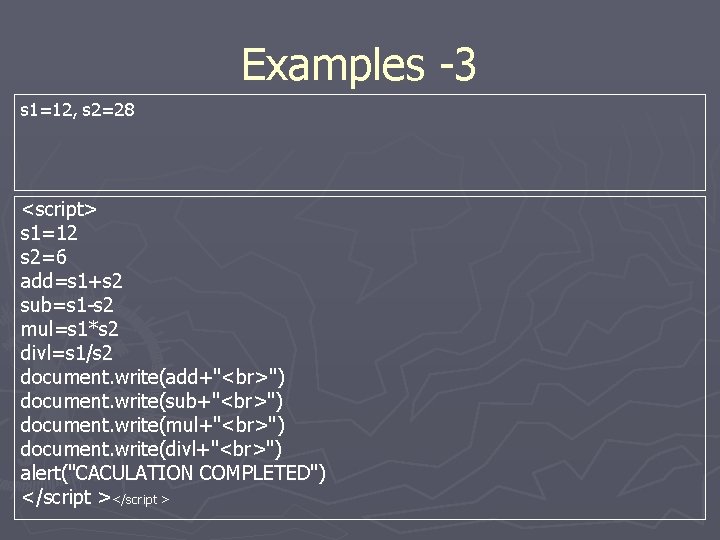
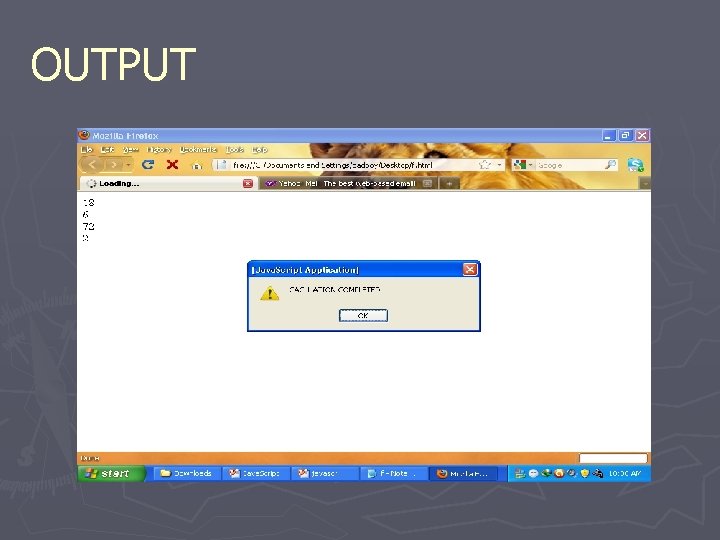
Examples -3 s 1=12, s 2=28 <script> s 1=12 s 2=6 add=s 1+s 2 sub=s 1 -s 2 mul=s 1*s 2 divl=s 1/s 2 document. write(add+" ") document. write(sub+" ") document. write(mul+" ") document. write(divl+" ") alert("CACULATION COMPLETED") </script >
OUTPUT
Conditional Statements ► Very often when you write code, you want to perform different actions for different decisions. You can use conditional statements in your code to do this. In Java. Script we have the following conditional statements: ► if statement - use this statement if you want to execute some code only if a specified condition is true ► if. . . else statement - use this statement if you want to execute some code if the condition is true and another code if the condition is false ► if. . . else if. . else statement - use this statement if you want to select one of many blocks of code to be executed ► switch statement - use this statement if you want to select one of many blocks of code to be executed
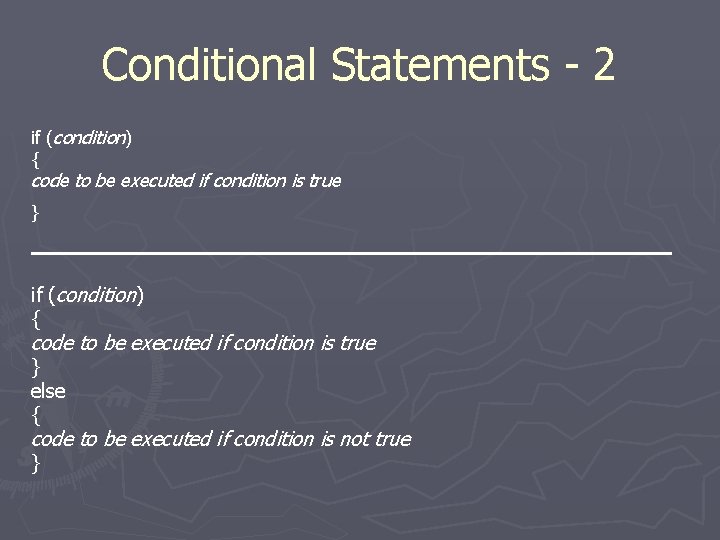
Conditional Statements - 2 if (condition) { code to be executed if condition is true } else { code to be executed if condition is not true }
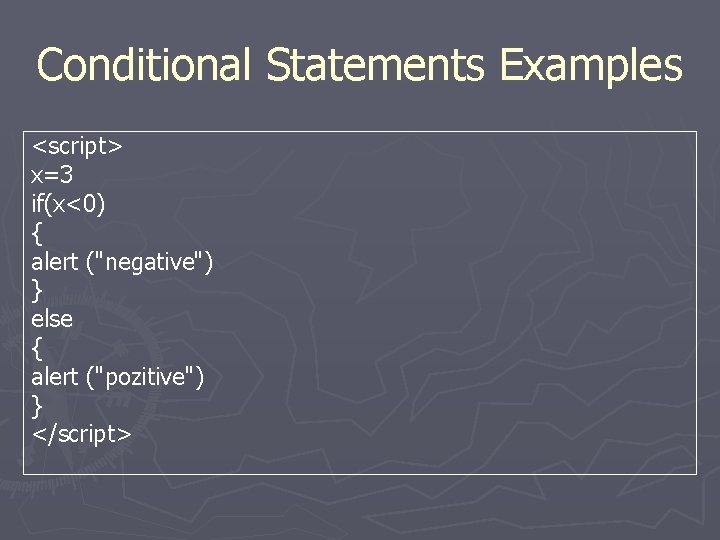
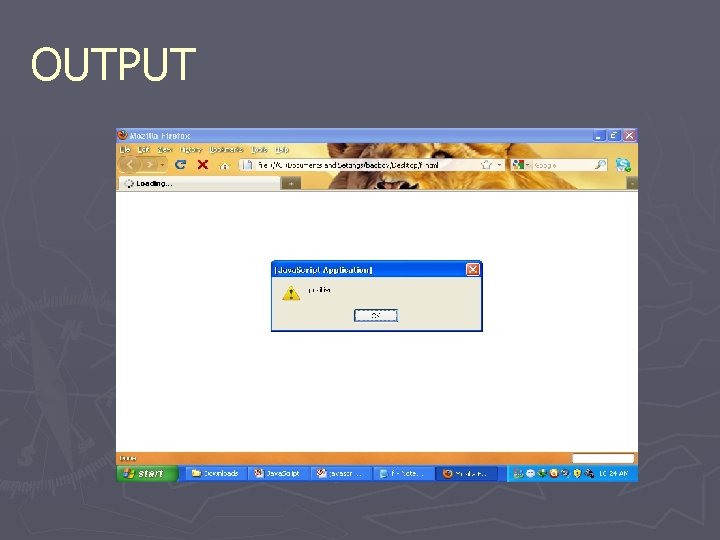
Conditional Statements Examples <script> x=3 if(x<0) { alert ("negative") } else { alert ("pozitive") } </script>
OUTPUT
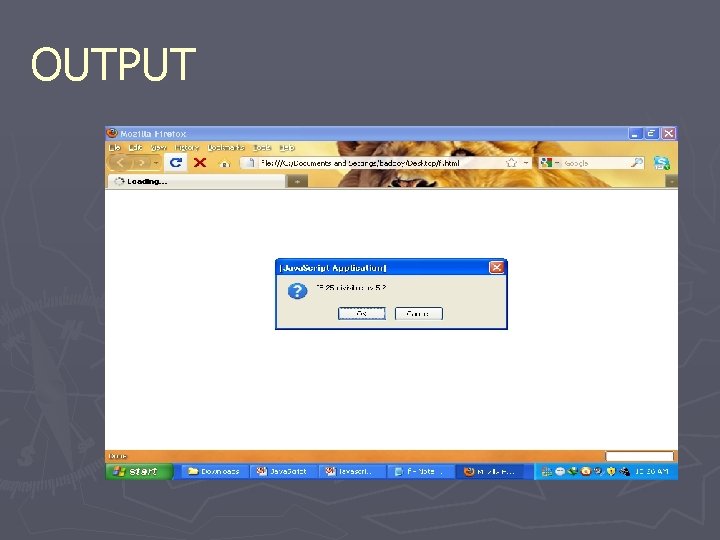
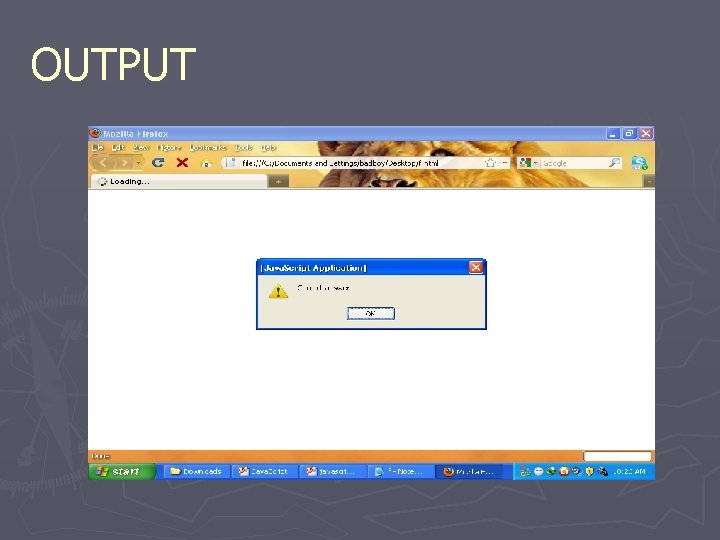
Conditional Statements Examples - 2 <script> c=confirm(“IS 25 divisible by 5 ? ”) if(c) { alert (“Correct answer”) } else { alert (“wrong answer”) } </script>
OUTPUT
OUTPUT
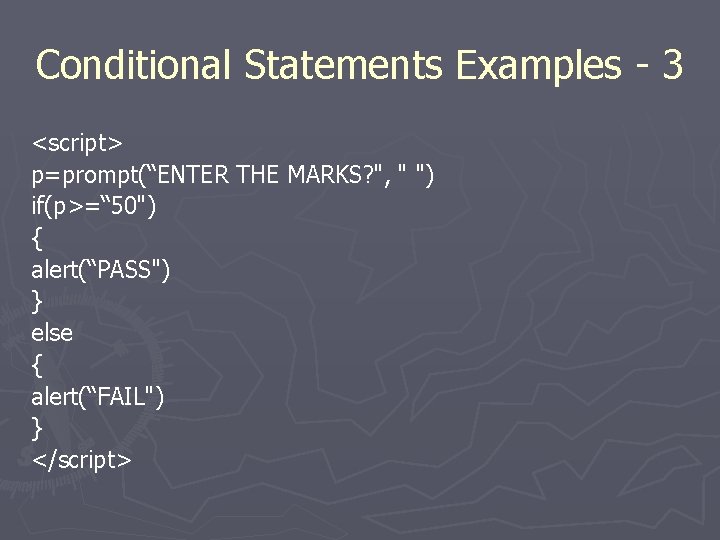
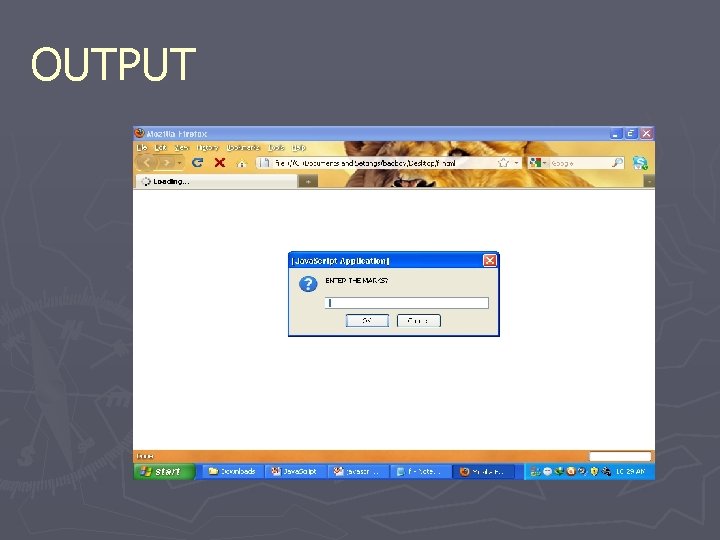
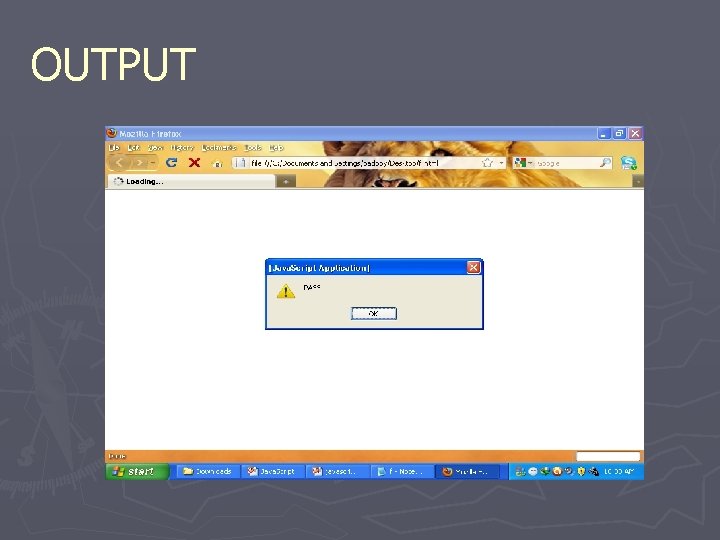
Conditional Statements Examples - 3 <script> p=prompt(“ENTER THE MARKS? ", " ") if(p>=“ 50") { alert(“PASS") } else { alert(“FAIL") } </script>
OUTPUT
OUTPUT