Introduction CS 101 Instructors Jim Cohoon Office Olsson






- Slides: 46
Introduction
CS 101 • Instructors – Jim Cohoon • Office – Olsson 221 – Hours: Monday 3: 30 – 5: 00, Tuesday 10: 00 – 11: 00 – Email id: – Aaron Bloomfield • Office – Olsson 228 D – Hours: Monday 1: 00 – 2: 00, Wednesday 10: 00 = 11: 00, Friday 10: 00 – 11: 00 – Email: • Both instructors also accept appointment
Objectives • Provide opportunities for the demonstration of student comprehension through lab demonstrations, tests, and homework projects • Provide a variety of learning experiences to instill familiarity with the fundamentals of computing systems and software development
Objectives • Provide opportunities for the demonstration of student comprehension through lab demonstrations, tests, and homework projects • Provide a variety of learning experiences to instill familiarity with the fundamentals of computing systems and software development – Understand common fundamentals of programming – Understand fundamentals of object-oriented programming in Java – Appreciate importance of software engineering and Computer Science – Develop programs to solve specified problems. – Use the Java SDK environment to create, debug and run simple Java programs
Prerequsites • Genuine interest in learning the material • Agree to abide by the course honor policy
Honor policy • When there is doubt regarding what is allowable or honorable, you will ask before doing it • When possible with honor, you will help your classmates learn and improve • You will seek honorable help before succumbing to frustration • You will pledge your work that you have neither given nor received unauthorized help • You will not describe or show problems to anyone who has not yet completed a quiz or exam • You will not receive information on problems before completing a quiz or exam • By default, collaboration is limited to the discussion of ideas – Code is not distributed either electronically or on paper – Any exceptions will be specifically noted on an assignment
Honor policy • Academic irregularities may result in failure of the course and be brought to the honor committee • Beware of MOSS
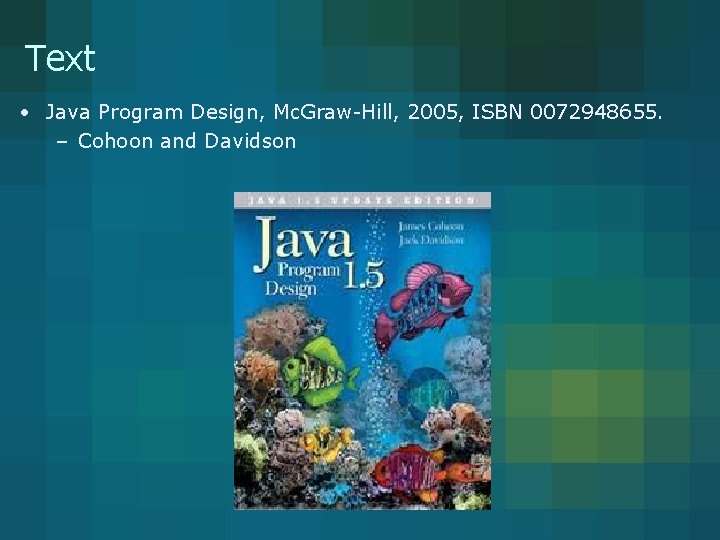
Text • Java Program Design, Mc. Graw-Hill, 2005, ISBN 0072948655. – Cohoon and Davidson
Grading criteria • 5% – Laboratory participation • If you miss more than 2 labs, you are subject to course failure for the course • If for a valid reason you are unable to do your lab, there will be a make-up lab on Sunday night, provided that you get permission prior to your scheduled lab • 10% – Laboratory programming quizzes • 35% – Homework assignments • 25% – Midterms • September 29, October 27, November 22 – Your worst midterm will be weighted ½ of your other midterms • 25% – Final exam • Scheduled time is Monday December 13 at 7: 00 PM • See other instructors for make-ups; i. e. , APMA 310 and ECON 201 • Average grade will be at least a B-
Grading criteria • Average grade will be at least a B-
Home directory service • All assignments and lab files must be kept on your home directory – www. virginia. edu/homedir
Sections • CS 101 – Students have little or no programming experience – Mandatory scheduled closed labs • CS 101 E – Students with programming experience – Open labs that are to be completed by a scheduled time • All students take same quizzes and tests, and do the same assignments • Course curve is based on the section with the lower average
Let’s begin • Goal – Teach you how to program effectively • Skills and information to be acquired – Mental model of computer and network behavior – Problem solving – Object-oriented design – Java
Let’s begin • Goal – Teach you how to program effectively • Skills and information to be acquired – Mental model of computer and network behavior – Problem solving – Object-oriented design – Java
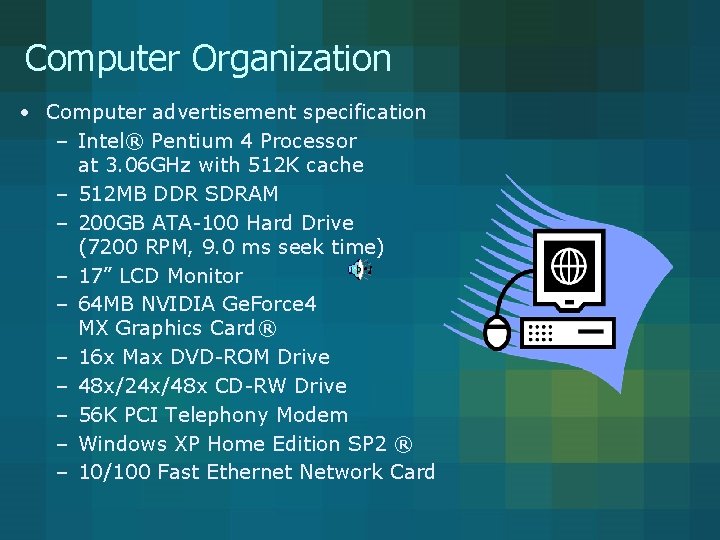
Computer Organization • Computer advertisement specification – Intel® Pentium 4 Processor at 3. 06 GHz with 512 K cache – 512 MB DDR SDRAM – 200 GB ATA-100 Hard Drive (7200 RPM, 9. 0 ms seek time) – 17” LCD Monitor – 64 MB NVIDIA Ge. Force 4 MX Graphics Card® – 16 x Max DVD-ROM Drive – 48 x/24 x/48 x CD-RW Drive – 56 K PCI Telephony Modem – Windows XP Home Edition SP 2 ® – 10/100 Fast Ethernet Network Card
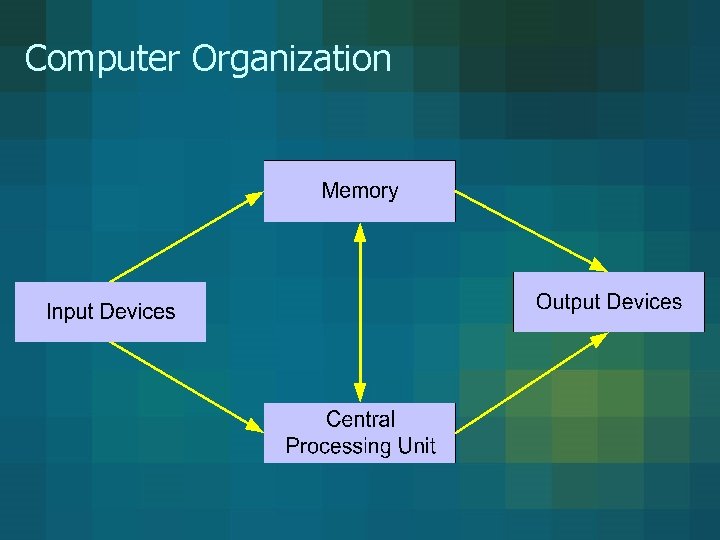
Computer Organization
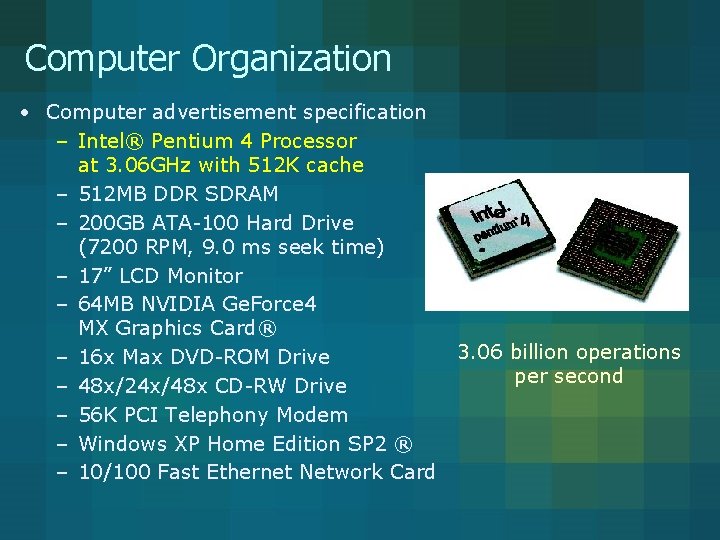
Computer Organization • Computer advertisement specification – Intel® Pentium 4 Processor at 3. 06 GHz with 512 K cache – 512 MB DDR SDRAM – 200 GB ATA-100 Hard Drive (7200 RPM, 9. 0 ms seek time) – 17” LCD Monitor – 64 MB NVIDIA Ge. Force 4 MX Graphics Card® – 16 x Max DVD-ROM Drive – 48 x/24 x/48 x CD-RW Drive – 56 K PCI Telephony Modem – Windows XP Home Edition SP 2 ® – 10/100 Fast Ethernet Network Card 3. 06 billion operations per second
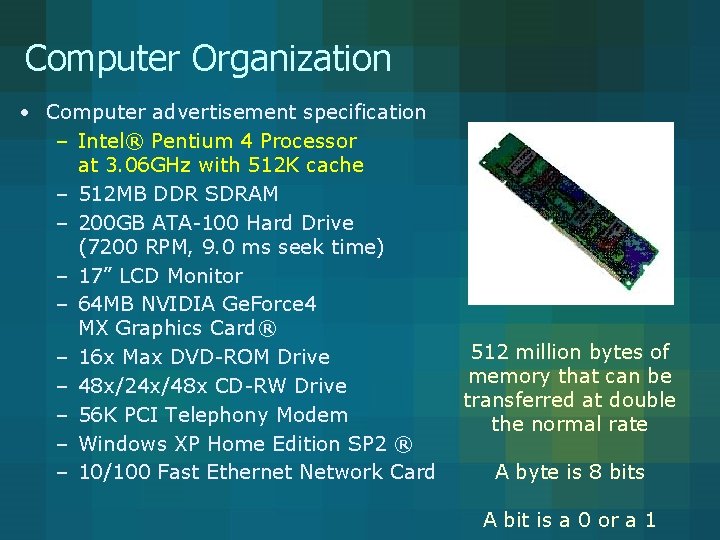
Computer Organization • Computer advertisement specification – Intel® Pentium 4 Processor at 3. 06 GHz with 512 K cache – 512 MB DDR SDRAM – 200 GB ATA-100 Hard Drive (7200 RPM, 9. 0 ms seek time) – 17” LCD Monitor – 64 MB NVIDIA Ge. Force 4 MX Graphics Card® – 16 x Max DVD-ROM Drive – 48 x/24 x/48 x CD-RW Drive – 56 K PCI Telephony Modem – Windows XP Home Edition SP 2 ® – 10/100 Fast Ethernet Network Card 512 million bytes of memory that can be transferred at double the normal rate A byte is 8 bits A bit is a 0 or a 1
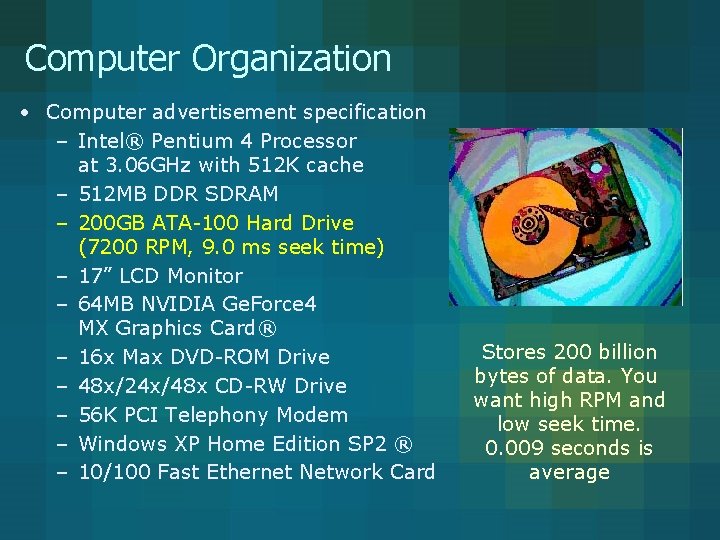
Computer Organization • Computer advertisement specification – Intel® Pentium 4 Processor at 3. 06 GHz with 512 K cache – 512 MB DDR SDRAM – 200 GB ATA-100 Hard Drive (7200 RPM, 9. 0 ms seek time) – 17” LCD Monitor – 64 MB NVIDIA Ge. Force 4 MX Graphics Card® – 16 x Max DVD-ROM Drive – 48 x/24 x/48 x CD-RW Drive – 56 K PCI Telephony Modem – Windows XP Home Edition SP 2 ® – 10/100 Fast Ethernet Network Card Stores 200 billion bytes of data. You want high RPM and low seek time. 0. 009 seconds is average
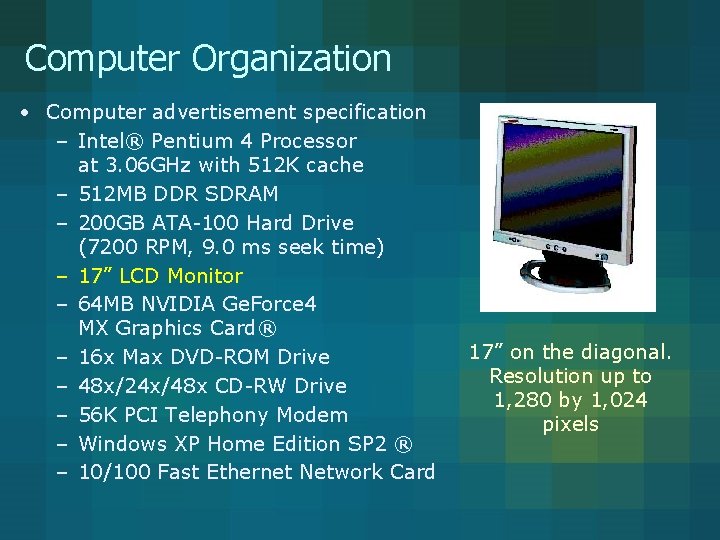
Computer Organization • Computer advertisement specification – Intel® Pentium 4 Processor at 3. 06 GHz with 512 K cache – 512 MB DDR SDRAM – 200 GB ATA-100 Hard Drive (7200 RPM, 9. 0 ms seek time) – 17” LCD Monitor – 64 MB NVIDIA Ge. Force 4 MX Graphics Card® – 16 x Max DVD-ROM Drive – 48 x/24 x/48 x CD-RW Drive – 56 K PCI Telephony Modem – Windows XP Home Edition SP 2 ® – 10/100 Fast Ethernet Network Card 17” on the diagonal. Resolution up to 1, 280 by 1, 024 pixels
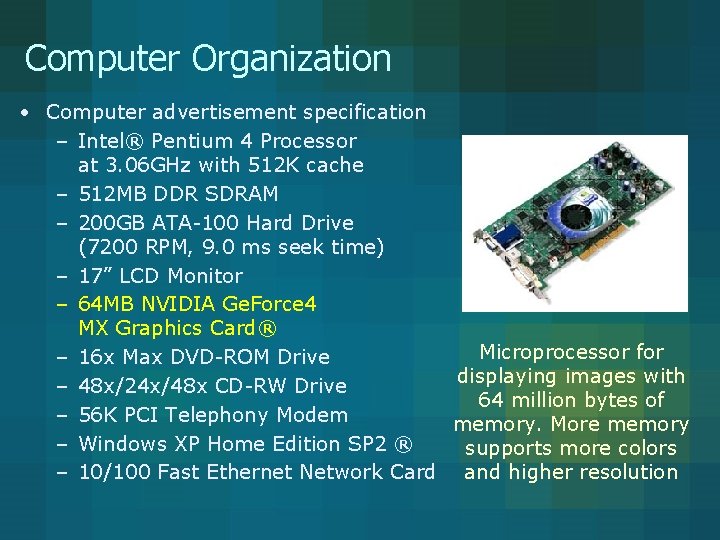
Computer Organization • Computer advertisement specification – Intel® Pentium 4 Processor at 3. 06 GHz with 512 K cache – 512 MB DDR SDRAM – 200 GB ATA-100 Hard Drive (7200 RPM, 9. 0 ms seek time) – 17” LCD Monitor – 64 MB NVIDIA Ge. Force 4 MX Graphics Card® Microprocessor for – 16 x Max DVD-ROM Drive displaying images with – 48 x/24 x/48 x CD-RW Drive 64 million bytes of – 56 K PCI Telephony Modem memory. More memory – Windows XP Home Edition SP 2 ® supports more colors – 10/100 Fast Ethernet Network Card and higher resolution
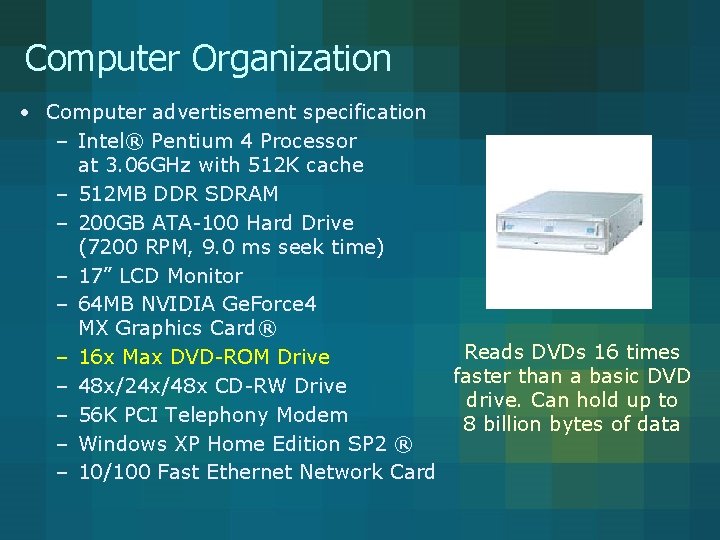
Computer Organization • Computer advertisement specification – Intel® Pentium 4 Processor at 3. 06 GHz with 512 K cache – 512 MB DDR SDRAM – 200 GB ATA-100 Hard Drive (7200 RPM, 9. 0 ms seek time) – 17” LCD Monitor – 64 MB NVIDIA Ge. Force 4 MX Graphics Card® Reads DVDs 16 times – 16 x Max DVD-ROM Drive faster than a basic DVD – 48 x/24 x/48 x CD-RW Drive drive. Can hold up to – 56 K PCI Telephony Modem 8 billion bytes of data – Windows XP Home Edition SP 2 ® – 10/100 Fast Ethernet Network Card
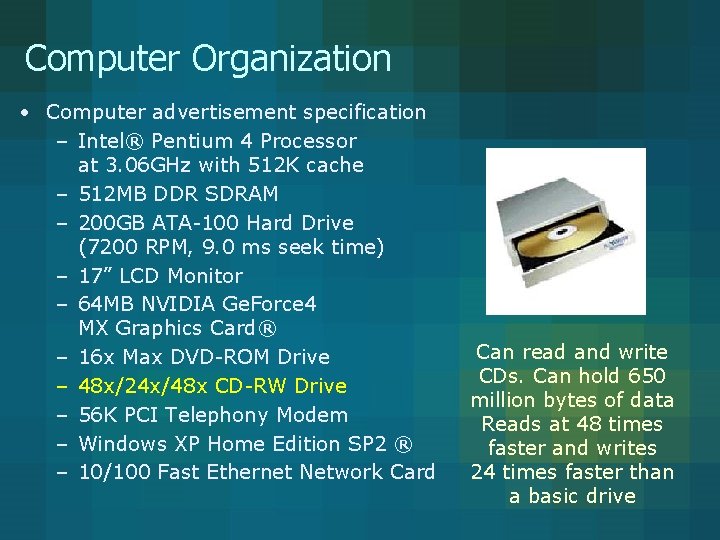
Computer Organization • Computer advertisement specification – Intel® Pentium 4 Processor at 3. 06 GHz with 512 K cache – 512 MB DDR SDRAM – 200 GB ATA-100 Hard Drive (7200 RPM, 9. 0 ms seek time) – 17” LCD Monitor – 64 MB NVIDIA Ge. Force 4 MX Graphics Card® – 16 x Max DVD-ROM Drive – 48 x/24 x/48 x CD-RW Drive – 56 K PCI Telephony Modem – Windows XP Home Edition SP 2 ® – 10/100 Fast Ethernet Network Card Can read and write CDs. Can hold 650 million bytes of data Reads at 48 times faster and writes 24 times faster than a basic drive
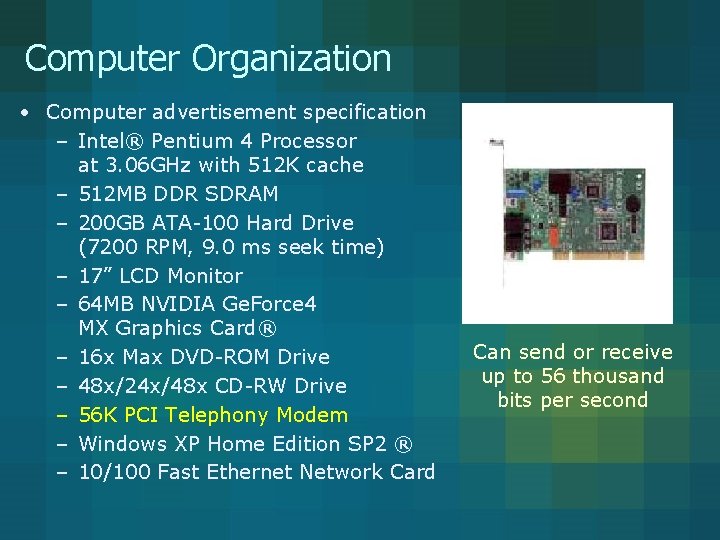
Computer Organization • Computer advertisement specification – Intel® Pentium 4 Processor at 3. 06 GHz with 512 K cache – 512 MB DDR SDRAM – 200 GB ATA-100 Hard Drive (7200 RPM, 9. 0 ms seek time) – 17” LCD Monitor – 64 MB NVIDIA Ge. Force 4 MX Graphics Card® – 16 x Max DVD-ROM Drive – 48 x/24 x/48 x CD-RW Drive – 56 K PCI Telephony Modem – Windows XP Home Edition SP 2 ® – 10/100 Fast Ethernet Network Card Can send or receive up to 56 thousand bits per second
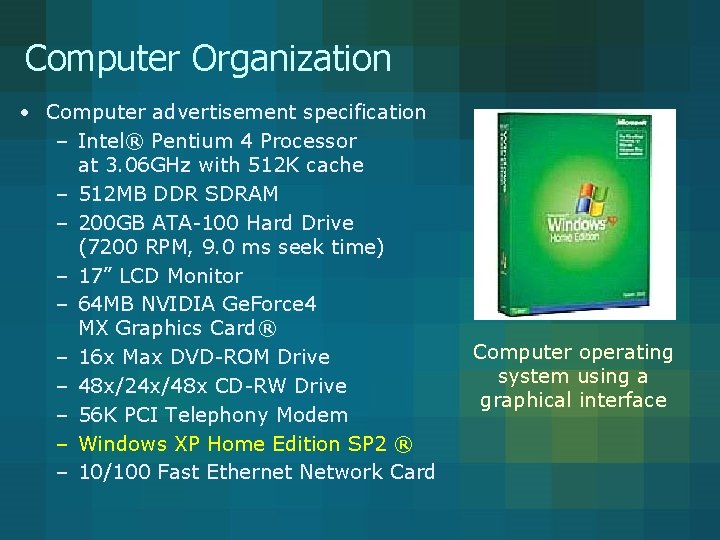
Computer Organization • Computer advertisement specification – Intel® Pentium 4 Processor at 3. 06 GHz with 512 K cache – 512 MB DDR SDRAM – 200 GB ATA-100 Hard Drive (7200 RPM, 9. 0 ms seek time) – 17” LCD Monitor – 64 MB NVIDIA Ge. Force 4 MX Graphics Card® – 16 x Max DVD-ROM Drive – 48 x/24 x/48 x CD-RW Drive – 56 K PCI Telephony Modem – Windows XP Home Edition SP 2 ® – 10/100 Fast Ethernet Network Card Computer operating system using a graphical interface
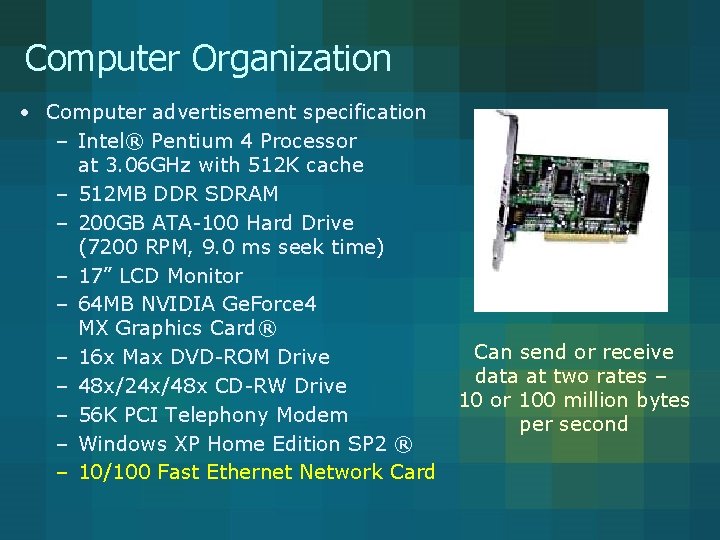
Computer Organization • Computer advertisement specification – Intel® Pentium 4 Processor at 3. 06 GHz with 512 K cache – 512 MB DDR SDRAM – 200 GB ATA-100 Hard Drive (7200 RPM, 9. 0 ms seek time) – 17” LCD Monitor – 64 MB NVIDIA Ge. Force 4 MX Graphics Card® – 16 x Max DVD-ROM Drive – 48 x/24 x/48 x CD-RW Drive – 56 K PCI Telephony Modem – Windows XP Home Edition SP 2 ® – 10/100 Fast Ethernet Network Card Can send or receive data at two rates – 10 or 100 million bytes per second
Problem Solving • Remember – The goal is not a clever solution but a correct solution
Problem Solving • Accept – The process is iterative • In solving the problem increased understanding might require restarting
Problem Solving • Solutions – Often require both concrete and abstract thinking • Teamwork
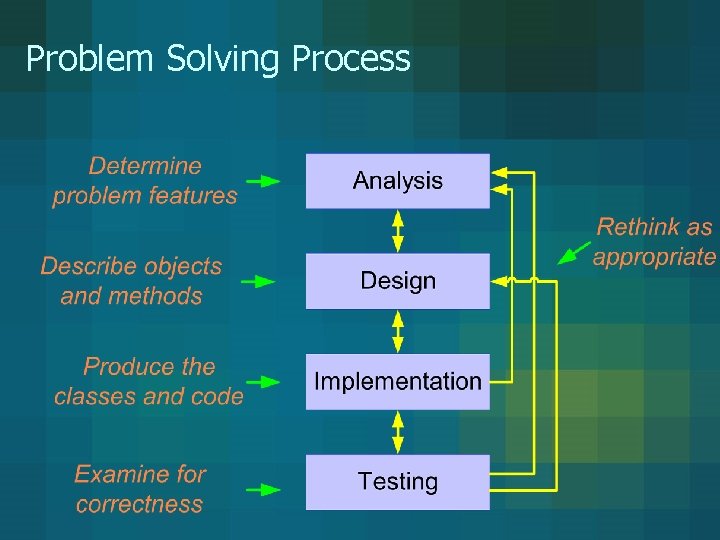
Problem Solving Process • What is it? – Analysis – Design – Implementation – Testing
Problem Solving Process • What is it? – Analysis – Design – Implementation – Testing Determine the inputs, outputs, and other components of the problem Description should be sufficiently specific to allow you to solve the problem
Problem Solving Process • What is it? – Analysis – Design – Implementation – Testing Describe the components and associated processes for solving the problem Straightforward and flexible Method – process Object – component and associated methods
Problem Solving Process • What is it? – Analysis – Design – Implementation – Testing Develop solutions for the components and use those components to produce an overall solution Straightforward and flexible
Problem Solving Process • What is it? – Analysis – Design – Implementation – Testing Test the components individually and collectively
Problem Solving Process
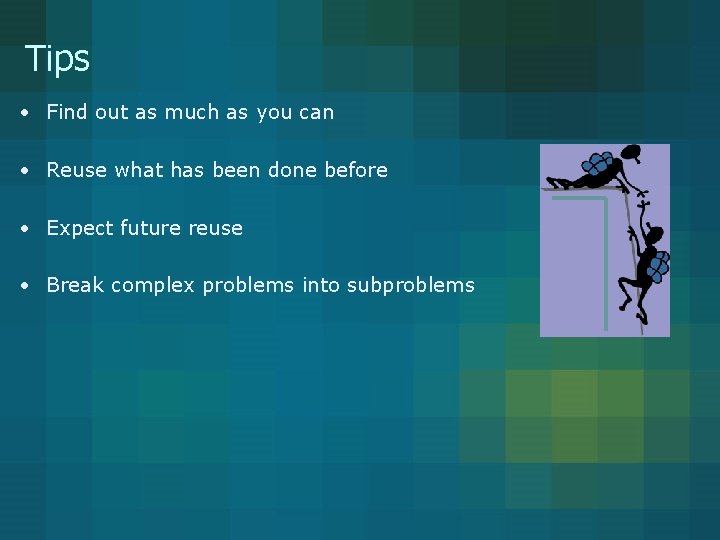
Tips • Find out as much as you can • Reuse what has been done before • Expect future reuse • Break complex problems into subproblems
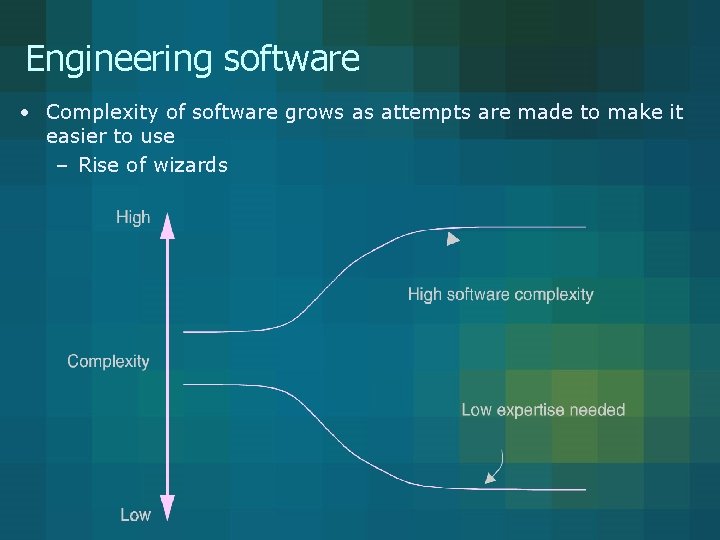
Engineering software • Complexity of software grows as attempts are made to make it easier to use – Rise of wizards
Software engineering • Goal – Production of software that is effective and reliable, understandable, cost effective, adaptable, and reusable
Software engineering • Goal – Production of software that is effective and reliable, understandable, cost effective, adaptable, and reusable • Work correctly and not fail
Software engineering • Goal – Production of software that is effective and reliable, understandable, cost effective, adaptable, and reusable • Because of the long lifetime many people will be involved – Creation – Debugging – Maintenance – Enhancement • Two-thirds of the cost is typically beyond creation
Software engineering • Goal – Production of software that is effective and reliable, understandable, cost effective, adaptable, and reusable • Cost to develop and maintain should not exceed expected benefit
Software engineering • Goal – Production of software that is effective and reliable, understandable, cost effective, adaptable, and reusable • Design software so that new features and capabilities can be added
Software engineering • Goal – Production of software that is effective and reliable, understandable, cost effective, adaptable, and reusable • Makes sense due to the great costs involved to have flexible components that can be used in other software
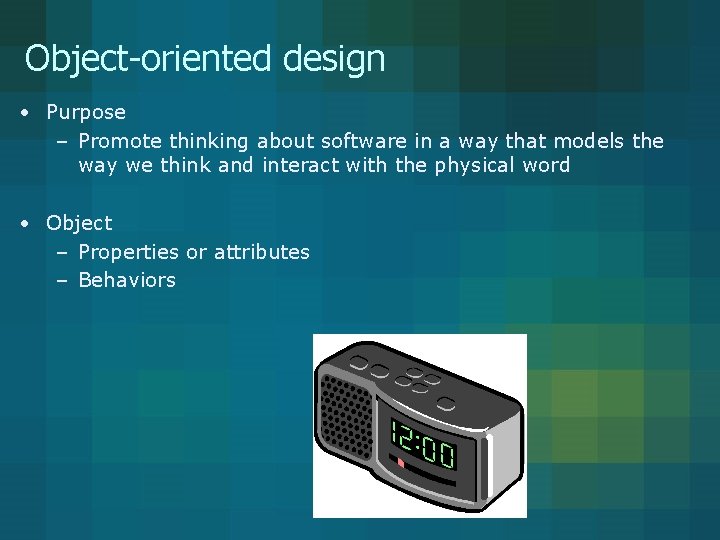
Object-oriented design • Purpose – Promote thinking about software in a way that models the way we think and interact with the physical word • Object – Properties or attributes – Behaviors
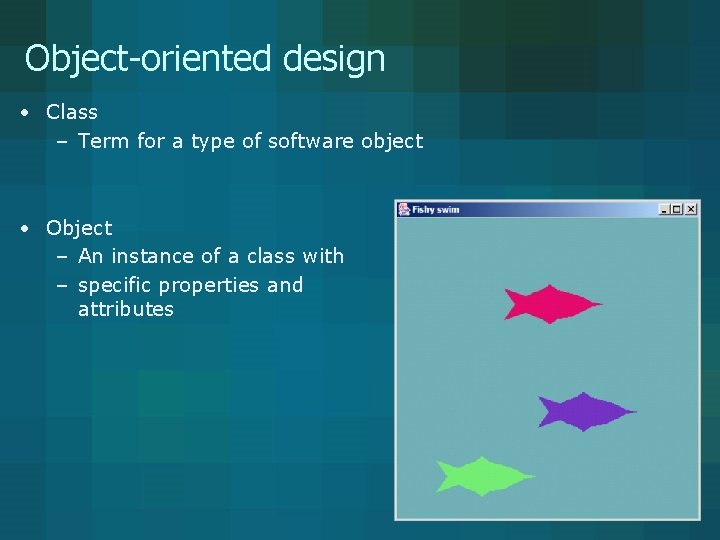
Object-oriented design • Class – Term for a type of software object • Object – An instance of a class with – specific properties and attributes
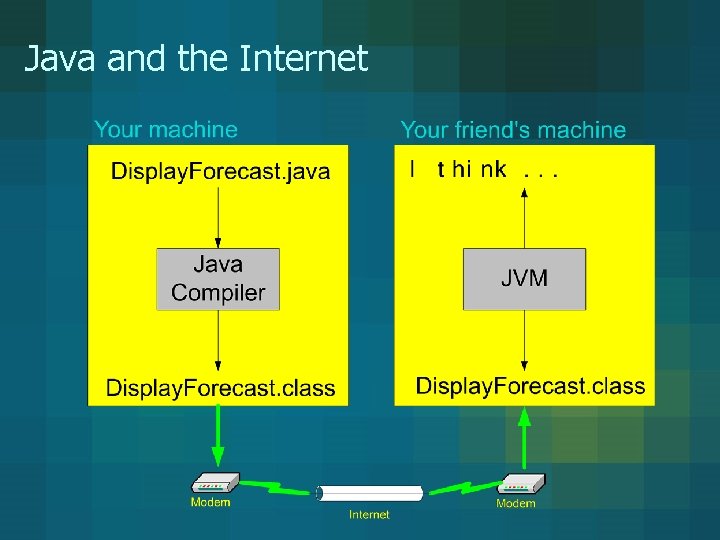
Java and the Internet