i RODS Tutorial I Getting Started i RODS
- Slides: 44
i. RODS Tutorial I. Getting Started
i. RODS Tutorial Preview I. i. RODS Getting Started – unix client – usage II. i. RODS Data (Grid) Administration – installing server and i. CAT – setting up users – adding new resources to a data grid/zone – federating with other grids/zones, remote users – microservices and rules for policy implementation and enforcement
I. i. RODS Getting Started
E-i. RODS Info • Main page: http: //www. eirods. org • E-i. RODS Manual: http: //eirods. org/dev/wp-content/uploads/2013/06/eirods-manual-3. 0. pdf • Download E-i. RODS: http: //www. eirods. org/download • BSD License
i. RODS Info • Main page: http: //www. irods. org • Chat list: irods-chat@irods. org • i. RODS Documentation: https: //www. irods. org/index. php/Documentation • Download i. RODS: https: //www. irods. org/download. html
i. RODS Books Available from Amazon • i. RODS Primer: integrated Rule-Oriented Data System (Synthesis Lectures on Information Concepts, Retrieval, and Services) http: //www. amazon. com/dp/1608453332 • The integrated Rule-Oriented Data System (i. RODS) Micro-service Workbook http: //www. amazon. com/dp/1466469129
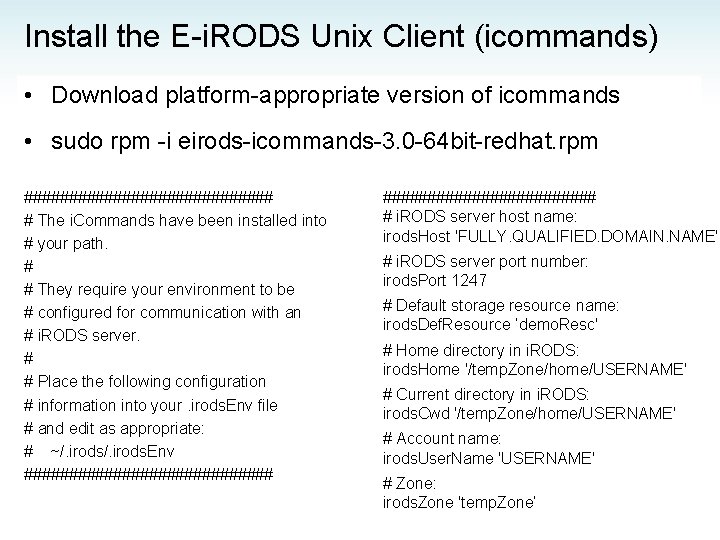
Install the E-i. RODS Unix Client (icommands) • Download platform-appropriate version of icommands • sudo rpm -i eirods-icommands-3. 0 -64 bit-redhat. rpm ############## # The i. Commands have been installed into # your path. # # They require your environment to be # configured for communication with an # i. RODS server. # # Place the following configuration # information into your. irods. Env file # and edit as appropriate: # ~/. irods. Env ############## # i. RODS server host name: irods. Host 'FULLY. QUALIFIED. DOMAIN. NAME' # i. RODS server port number: irods. Port 1247 # Default storage resource name: irods. Def. Resource ’demo. Resc' # Home directory in i. RODS: irods. Home '/temp. Zone/home/USERNAME' # Current directory in i. RODS: irods. Cwd '/temp. Zone/home/USERNAME' # Account name: irods. User. Name 'USERNAME' # Zone: irods. Zone 'temp. Zone’
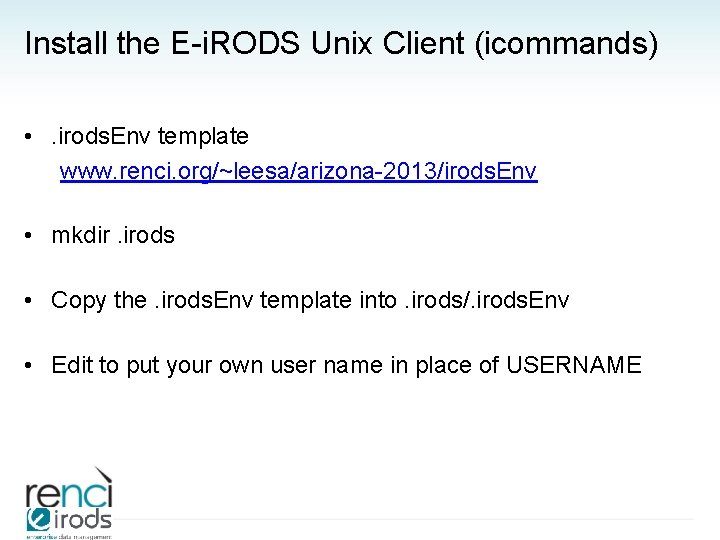
Install the E-i. RODS Unix Client (icommands) • . irods. Env template www. renci. org/~leesa/arizona-2013/irods. Env • mkdir. irods • Copy the. irods. Env template into. irods/. irods. Env • Edit to put your own user name in place of USERNAME
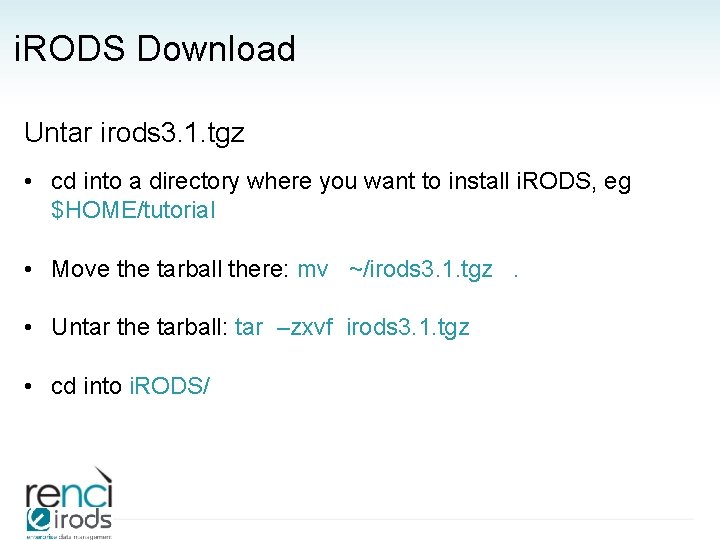
i. RODS Download Untar irods 3. 1. tgz • cd into a directory where you want to install i. RODS, eg $HOME/tutorial • Move the tarball there: mv ~/irods 3. 1. tgz. • Untar the tarball: tar –zxvf irods 3. 1. tgz • cd into i. RODS/
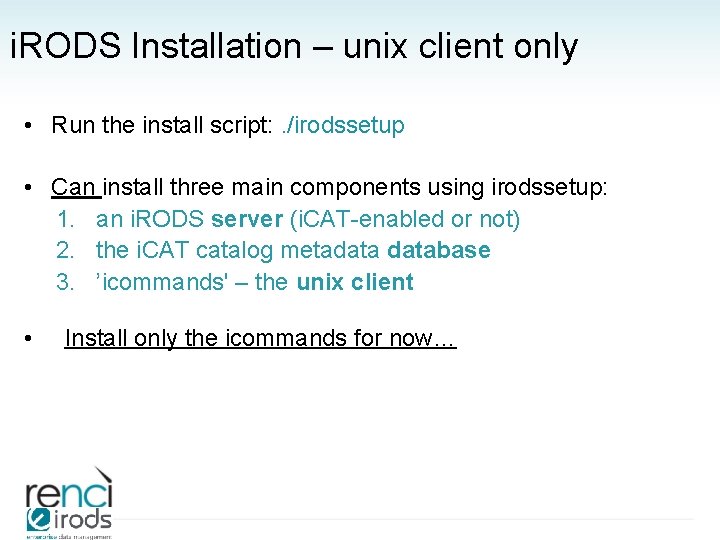
i. RODS Installation – unix client only • Run the install script: . /irodssetup • Can install three main components using irodssetup: 1. an i. RODS server (i. CAT-enabled or not) 2. the i. CAT catalog metadatabase 3. ’icommands' – the unix client • Install only the icommands for now…
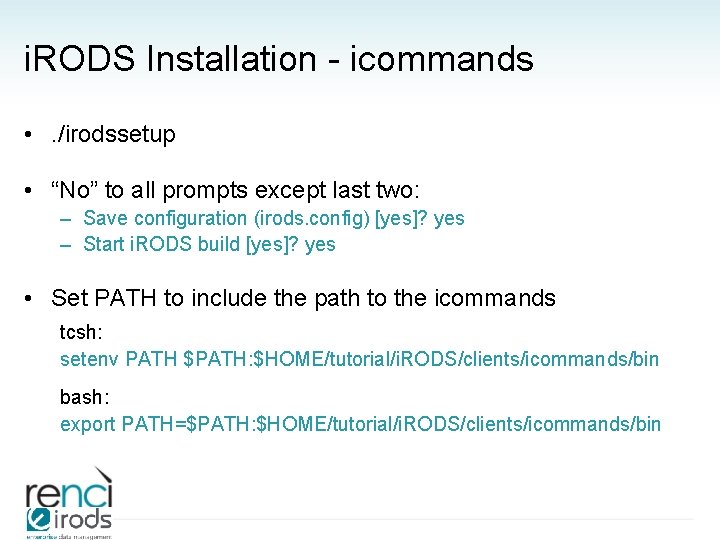
i. RODS Installation - icommands • . /irodssetup • “No” to all prompts except last two: – Save configuration (irods. config) [yes]? yes – Start i. RODS build [yes]? yes • Set PATH to include the path to the icommands tcsh: setenv PATH $PATH: $HOME/tutorial/i. RODS/clients/icommands/bin bash: export PATH=$PATH: $HOME/tutorial/i. RODS/clients/icommands/bin
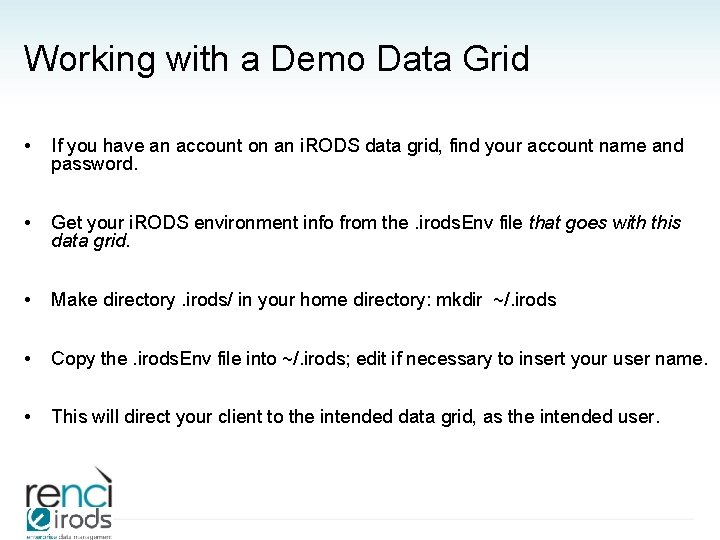
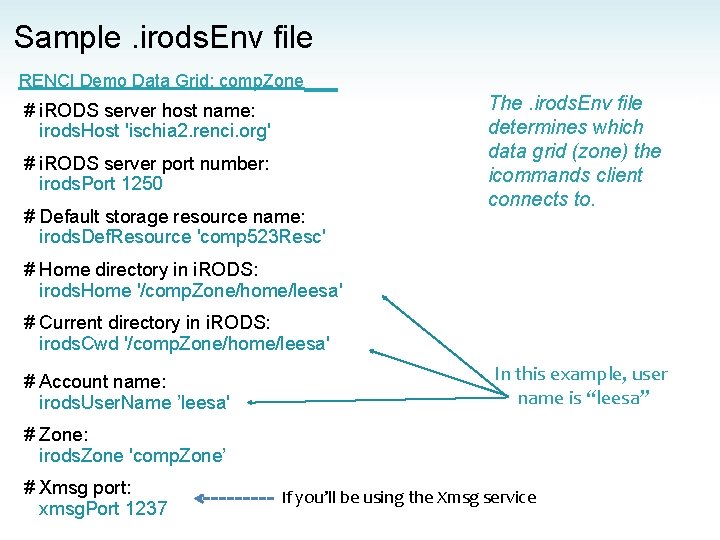
Working with a Demo Data Grid • If you have an account on an i. RODS data grid, find your account name and password. • Get your i. RODS environment info from the. irods. Env file that goes with this data grid. • Make directory. irods/ in your home directory: mkdir ~/. irods • Copy the. irods. Env file into ~/. irods; edit if necessary to insert your user name. • This will direct your client to the intended data grid, as the intended user.
Sample. irods. Env file RENCI Demo Data Grid: comp. Zone # i. RODS server host name: irods. Host 'ischia 2. renci. org' # i. RODS server port number: irods. Port 1250 # Default storage resource name: irods. Def. Resource 'comp 523 Resc' The. irods. Env file determines which data grid (zone) the icommands client connects to. # Home directory in i. RODS: irods. Home '/comp. Zone/home/leesa' # Current directory in i. RODS: irods. Cwd '/comp. Zone/home/leesa' # Account name: irods. User. Name ’leesa' In this example, user name is “leesa” # Zone: irods. Zone 'comp. Zone’ # Xmsg port: xmsg. Port 1237 If you’ll be using the Xmsg service
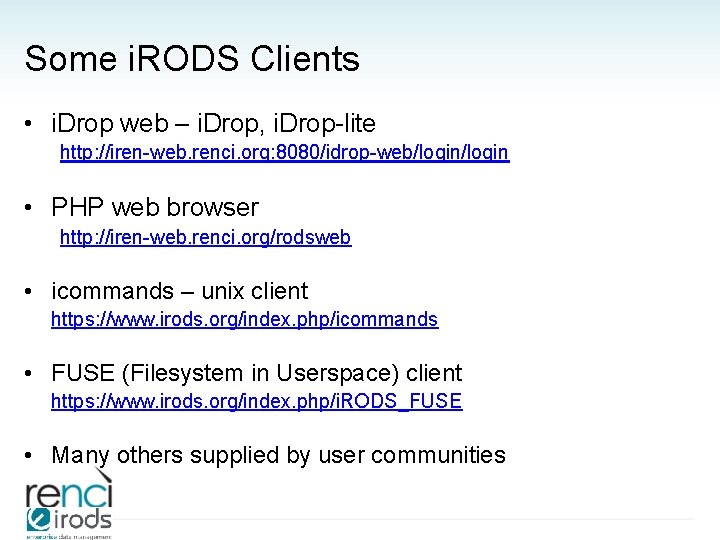
Some i. RODS Clients • i. Drop web – i. Drop, i. Drop-lite http: //iren-web. renci. org: 8080/idrop-web/login • PHP web browser http: //iren-web. renci. org/rodsweb • icommands – unix client https: //www. irods. org/index. php/icommands • FUSE (Filesystem in Userspace) client https: //www. irods. org/index. php/i. RODS_FUSE • Many others supplied by user communities
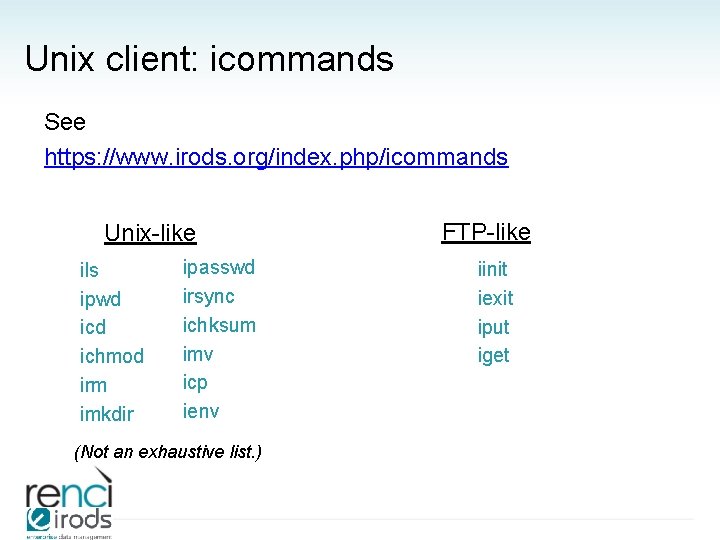
Unix client: icommands See https: //www. irods. org/index. php/icommands Unix-like ils ipwd ichmod irm imkdir ipasswd irsync ichksum imv icp ienv (Not an exhaustive list. ) FTP-like iinit iexit iput iget
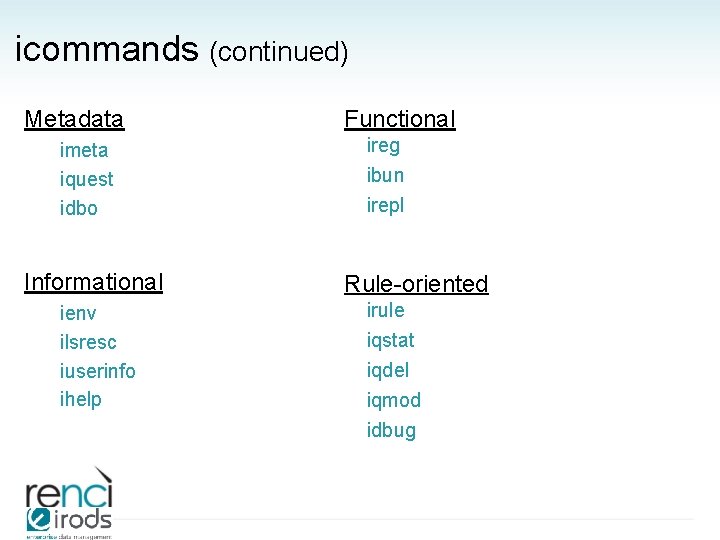
icommands (continued) Metadata imeta iquest idbo Informational ienv ilsresc iuserinfo ihelp Functional ireg ibun irepl Rule-oriented irule iqstat iqdel iqmod idbug
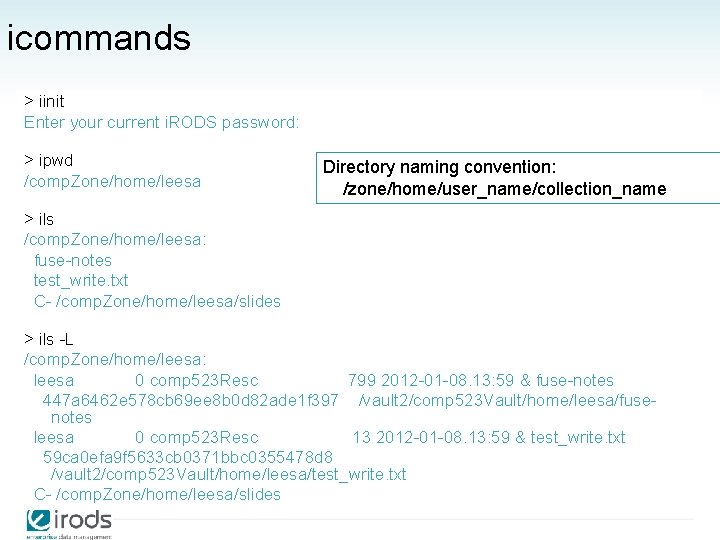
icommands > iinit Enter your current i. RODS password: > ipwd /comp. Zone/home/leesa Directory naming convention: /zone/home/user_name/collection_name > ils /comp. Zone/home/leesa: fuse-notes test_write. txt C- /comp. Zone/home/leesa/slides > ils -L /comp. Zone/home/leesa: leesa 0 comp 523 Resc 799 2012 -01 -08. 13: 59 & fuse-notes 447 a 6462 e 578 cb 69 ee 8 b 0 d 82 ade 1 f 397 /vault 2/comp 523 Vault/home/leesa/fusenotes leesa 0 comp 523 Resc 13 2012 -01 -08. 13: 59 & test_write. txt 59 ca 0 efa 9 f 5633 cb 0371 bbc 0355478 d 8 /vault 2/comp 523 Vault/home/leesa/test_write. txt C- /comp. Zone/home/leesa/slides
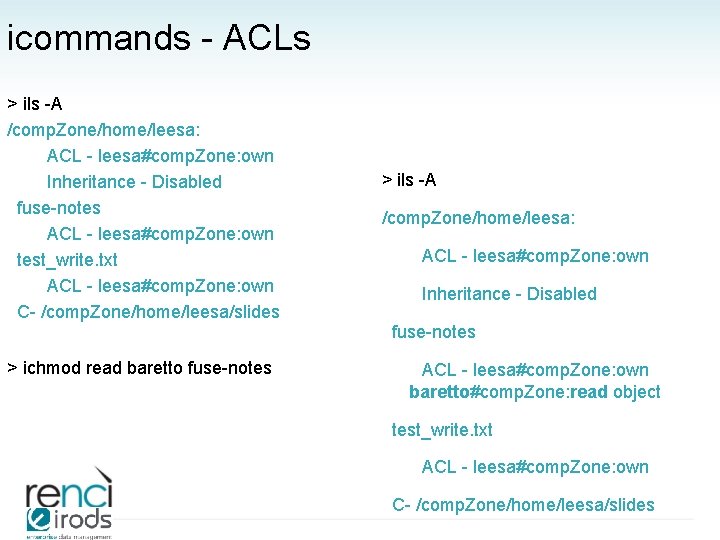
icommands - ACLs > ils -A /comp. Zone/home/leesa: ACL - leesa#comp. Zone: own Inheritance - Disabled fuse-notes ACL - leesa#comp. Zone: own test_write. txt ACL - leesa#comp. Zone: own C- /comp. Zone/home/leesa/slides > ils -A /comp. Zone/home/leesa: ACL - leesa#comp. Zone: own Inheritance - Disabled fuse-notes > ichmod read baretto fuse-notes ACL - leesa#comp. Zone: own baretto#comp. Zone: read object test_write. txt ACL - leesa#comp. Zone: own C- /comp. Zone/home/leesa/slides
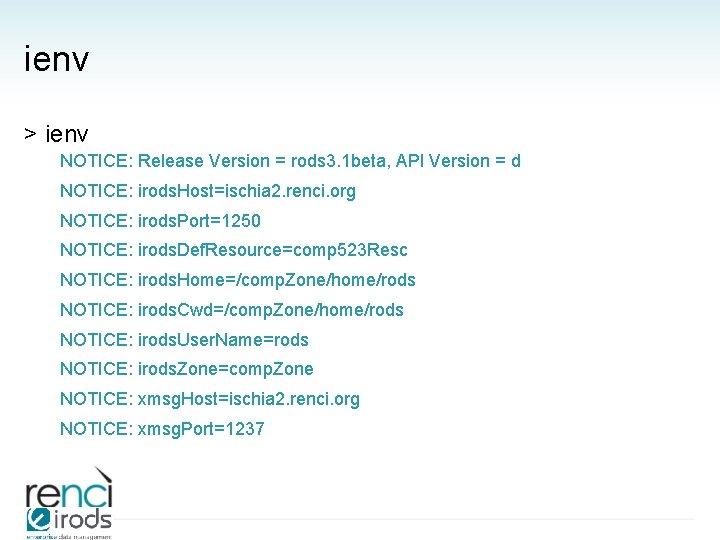
ienv > ienv NOTICE: Release Version = rods 3. 1 beta, API Version = d NOTICE: irods. Host=ischia 2. renci. org NOTICE: irods. Port=1250 NOTICE: irods. Def. Resource=comp 523 Resc NOTICE: irods. Home=/comp. Zone/home/rods NOTICE: irods. Cwd=/comp. Zone/home/rods NOTICE: irods. User. Name=rods NOTICE: irods. Zone=comp. Zone NOTICE: xmsg. Host=ischia 2. renci. org NOTICE: xmsg. Port=1237
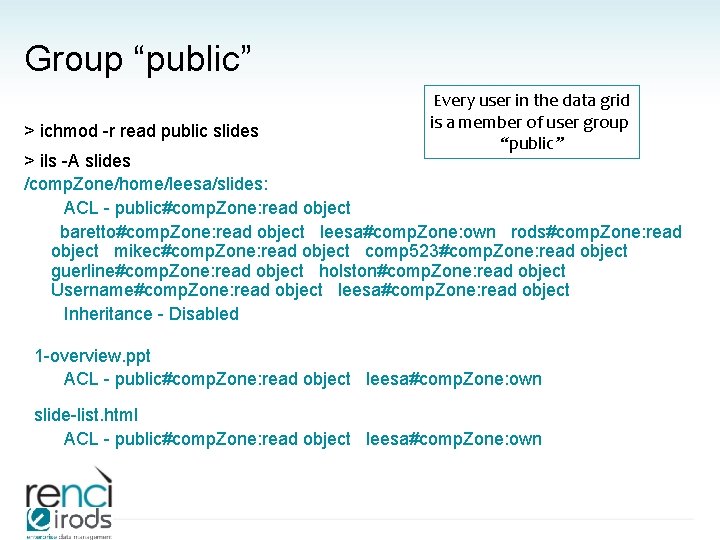
Group “public” > ichmod -r read public slides Every user in the data grid is a member of user group “public” > ils -A slides /comp. Zone/home/leesa/slides: ACL - public#comp. Zone: read object baretto#comp. Zone: read object leesa#comp. Zone: own rods#comp. Zone: read object mikec#comp. Zone: read object comp 523#comp. Zone: read object guerline#comp. Zone: read object holston#comp. Zone: read object Username#comp. Zone: read object leesa#comp. Zone: read object Inheritance - Disabled 1 -overview. ppt ACL - public#comp. Zone: read object leesa#comp. Zone: own slide-list. html ACL - public#comp. Zone: read object leesa#comp. Zone: own
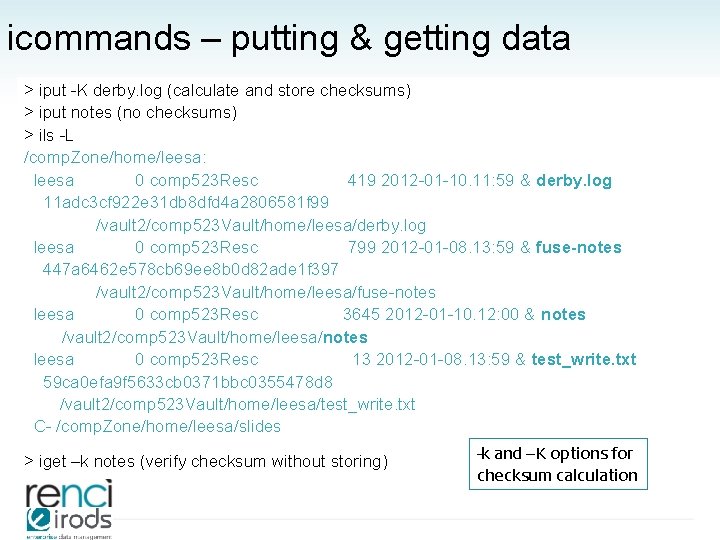
icommands – putting & getting data > iput -K derby. log (calculate and store checksums) > iput notes (no checksums) > ils -L /comp. Zone/home/leesa: leesa 0 comp 523 Resc 419 2012 -01 -10. 11: 59 & derby. log 11 adc 3 cf 922 e 31 db 8 dfd 4 a 2806581 f 99 /vault 2/comp 523 Vault/home/leesa/derby. log leesa 0 comp 523 Resc 799 2012 -01 -08. 13: 59 & fuse-notes 447 a 6462 e 578 cb 69 ee 8 b 0 d 82 ade 1 f 397 /vault 2/comp 523 Vault/home/leesa/fuse-notes leesa 0 comp 523 Resc 3645 2012 -01 -10. 12: 00 & notes /vault 2/comp 523 Vault/home/leesa/notes leesa 0 comp 523 Resc 13 2012 -01 -08. 13: 59 & test_write. txt 59 ca 0 efa 9 f 5633 cb 0371 bbc 0355478 d 8 /vault 2/comp 523 Vault/home/leesa/test_write. txt C- /comp. Zone/home/leesa/slides > iget –k notes (verify checksum without storing) -k and –K options for checksum calculation
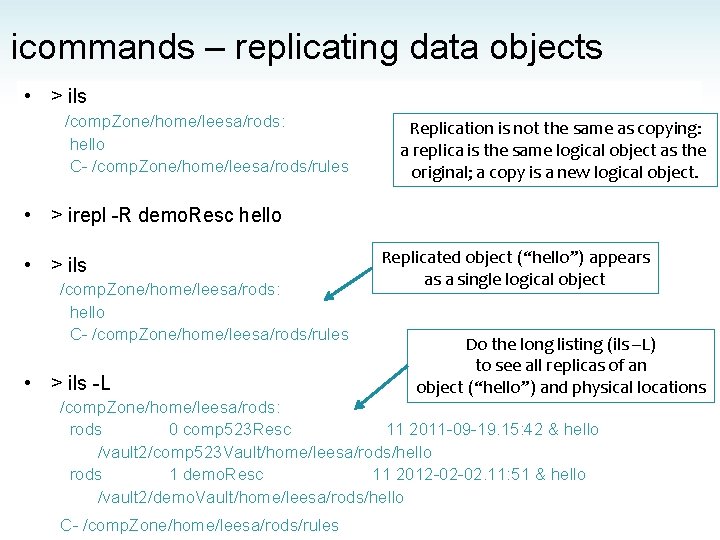
icommands – replicating data objects • > ils /comp. Zone/home/leesa/rods: hello C- /comp. Zone/home/leesa/rods/rules Replication is not the same as copying: a replica is the same logical object as the original; a copy is a new logical object. • > irepl -R demo. Resc hello • > ils /comp. Zone/home/leesa/rods: hello C- /comp. Zone/home/leesa/rods/rules • > ils -L Replicated object (“hello”) appears as a single logical object Do the long listing (ils –L) to see all replicas of an object (“hello”) and physical locations /comp. Zone/home/leesa/rods: rods 0 comp 523 Resc 11 2011 -09 -19. 15: 42 & hello /vault 2/comp 523 Vault/home/leesa/rods/hello rods 1 demo. Resc 11 2012 -02 -02. 11: 51 & hello /vault 2/demo. Vault/home/leesa/rods/hello C- /comp. Zone/home/leesa/rods/rules
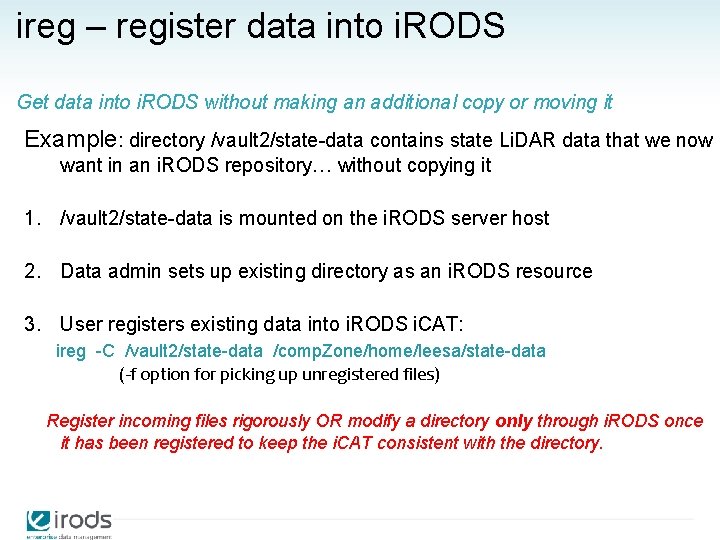
ireg – register data into i. RODS Get data into i. RODS without making an additional copy or moving it Example: directory /vault 2/state-data contains state Li. DAR data that we now want in an i. RODS repository… without copying it 1. /vault 2/state-data is mounted on the i. RODS server host 2. Data admin sets up existing directory as an i. RODS resource 3. User registers existing data into i. RODS i. CAT: ireg -C /vault 2/state-data /comp. Zone/home/leesa/state-data (-f option for picking up unregistered files) Register incoming files rigorously OR modify a directory only through i. RODS once it has been registered to keep the i. CAT consistent with the directory.
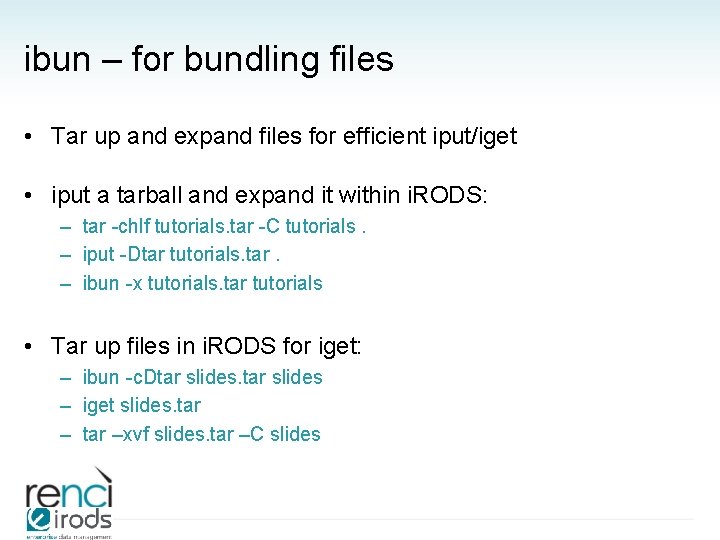
ibun – for bundling files • Tar up and expand files for efficient iput/iget • iput a tarball and expand it within i. RODS: – tar -chlf tutorials. tar -C tutorials. – iput -Dtar tutorials. tar. – ibun -x tutorials. tar tutorials • Tar up files in i. RODS for iget: – ibun -c. Dtar slides – iget slides. tar –xvf slides. tar –C slides
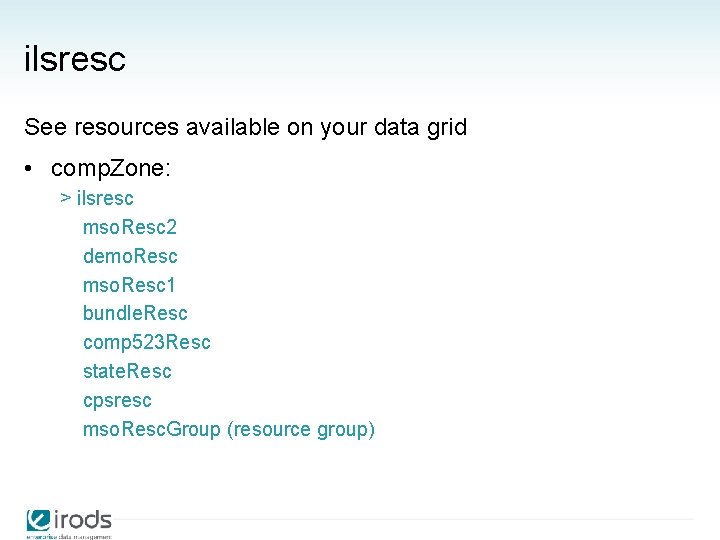
ilsresc See resources available on your data grid • comp. Zone: > ilsresc mso. Resc 2 demo. Resc mso. Resc 1 bundle. Resc comp 523 Resc state. Resc cpsresc mso. Resc. Group (resource group)
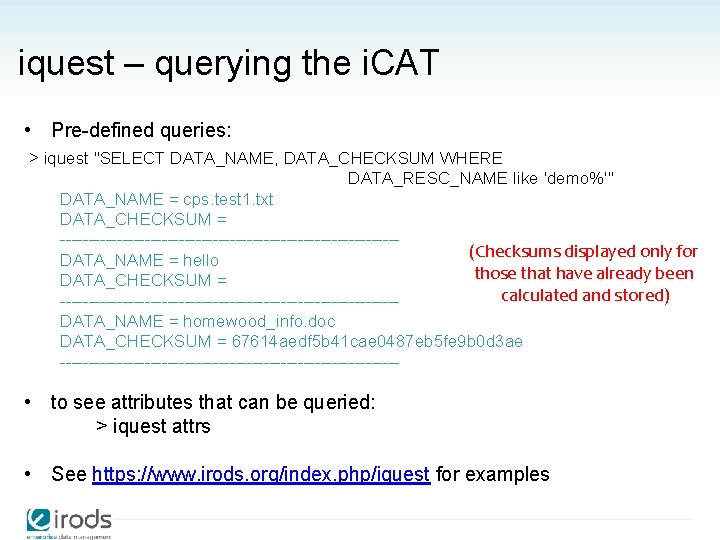
iquest – querying the i. CAT • Pre-defined queries: > iquest "SELECT DATA_NAME, DATA_CHECKSUM WHERE DATA_RESC_NAME like 'demo%'" DATA_NAME = cps. test 1. txt DATA_CHECKSUM = ------------------------------(Checksums displayed only for DATA_NAME = hello those that have already been DATA_CHECKSUM = calculated and stored) ------------------------------DATA_NAME = homewood_info. doc DATA_CHECKSUM = 67614 aedf 5 b 41 cae 0487 eb 5 fe 9 b 0 d 3 ae ------------------------------ • to see attributes that can be queried: > iquest attrs • See https: //www. irods. org/index. php/iquest for examples
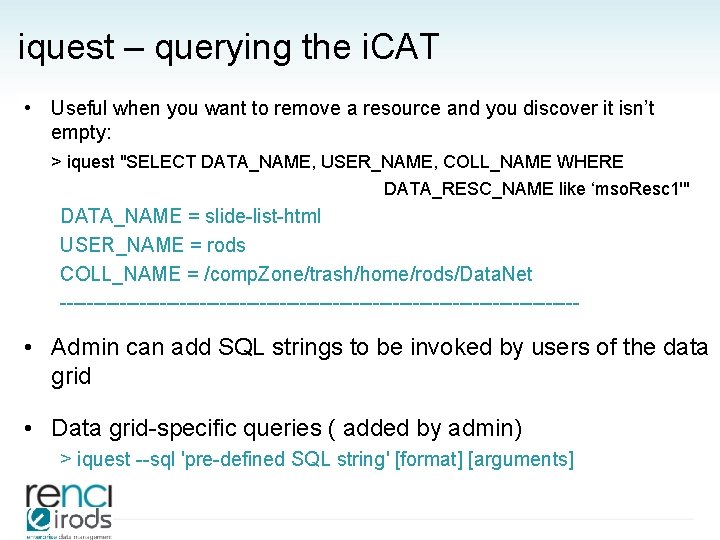
iquest – querying the i. CAT • Useful when you want to remove a resource and you discover it isn’t empty: > iquest "SELECT DATA_NAME, USER_NAME, COLL_NAME WHERE DATA_RESC_NAME like ‘mso. Resc 1'" DATA_NAME = slide-list-html USER_NAME = rods COLL_NAME = /comp. Zone/trash/home/rods/Data. Net --------------------------------------- • Admin can add SQL strings to be invoked by users of the data grid • Data grid-specific queries ( added by admin) > iquest --sql 'pre-defined SQL string' [format] [arguments]
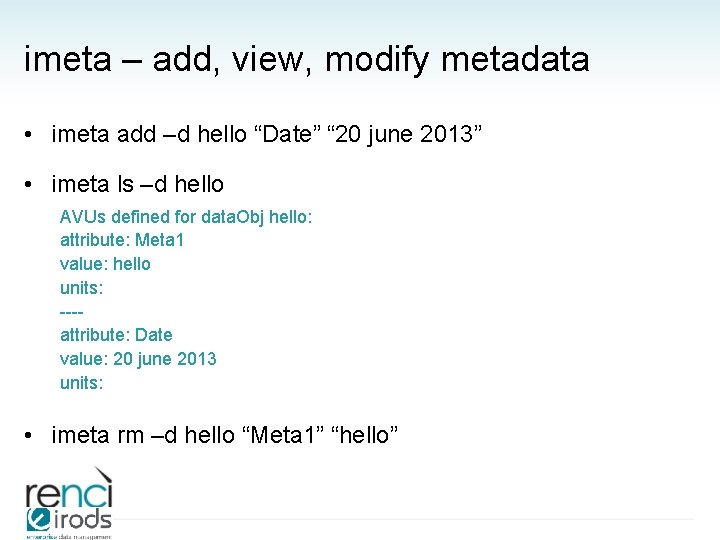
imeta – add, view, modify metadata • imeta add –d hello “Date” “ 20 june 2013” • imeta ls –d hello AVUs defined for data. Obj hello: attribute: Meta 1 value: hello units: ---attribute: Date value: 20 june 2013 units: • imeta rm –d hello “Meta 1” “hello”
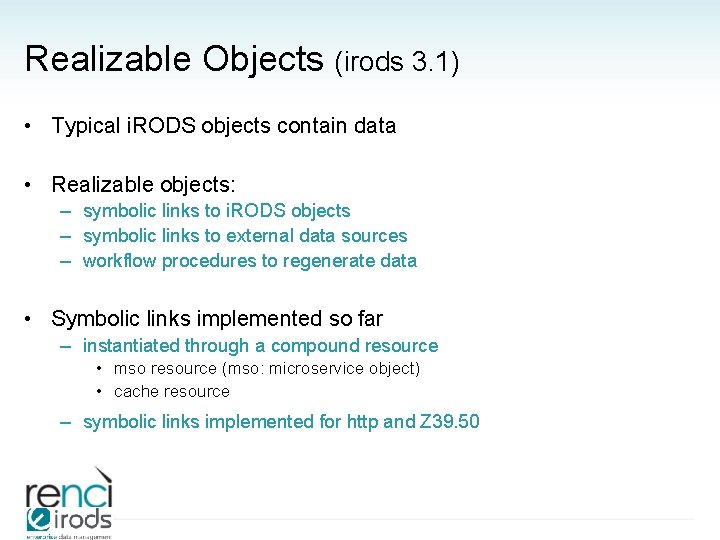
Realizable Objects (irods 3. 1) • Typical i. RODS objects contain data • Realizable objects: – symbolic links to i. RODS objects – symbolic links to external data sources – workflow procedures to regenerate data • Symbolic links implemented so far – instantiated through a compound resource • mso resource (mso: microservice object) • cache resource – symbolic links implemented for http and Z 39. 50
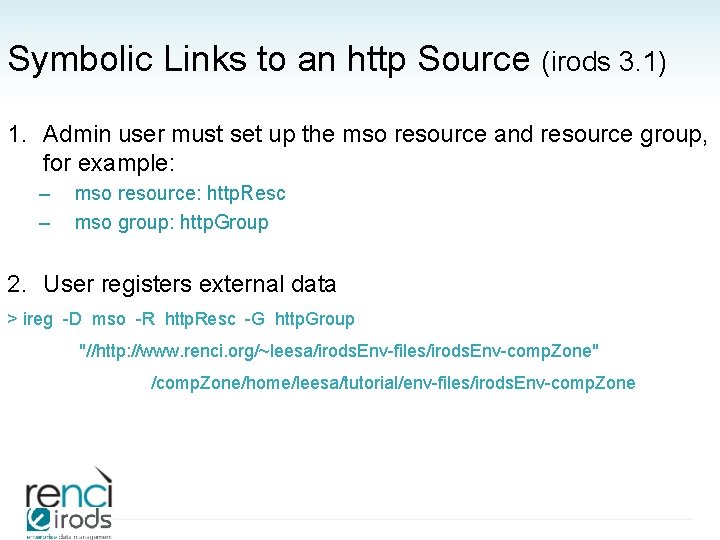
Symbolic Links to an http Source (irods 3. 1) 1. Admin user must set up the mso resource and resource group, for example: – – mso resource: http. Resc mso group: http. Group 2. User registers external data > ireg -D mso -R http. Resc -G http. Group "//http: //www. renci. org/~leesa/irods. Env-files/irods. Env-comp. Zone" /comp. Zone/home/leesa/tutorial/env-files/irods. Env-comp. Zone
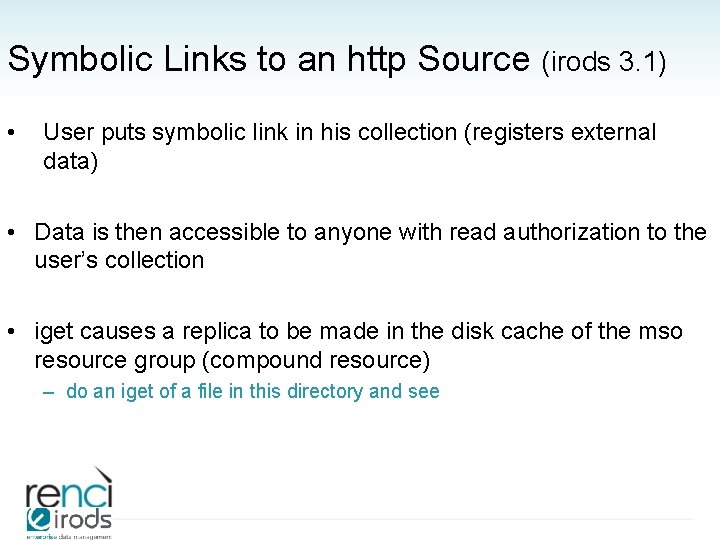
Symbolic Links to an http Source (irods 3. 1) • User puts symbolic link in his collection (registers external data) • Data is then accessible to anyone with read authorization to the user’s collection • iget causes a replica to be made in the disk cache of the mso resource group (compound resource) – do an iget of a file in this directory and see
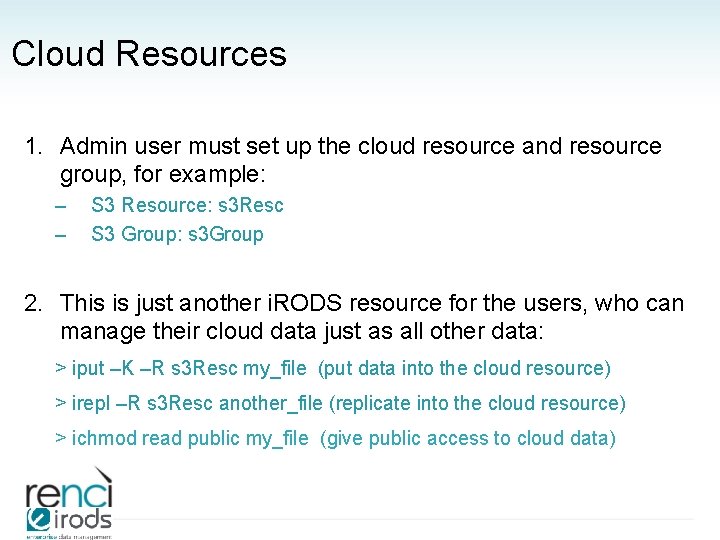
Cloud Resources 1. Admin user must set up the cloud resource and resource group, for example: – – S 3 Resource: s 3 Resc S 3 Group: s 3 Group 2. This is just another i. RODS resource for the users, who can manage their cloud data just as all other data: > iput –K –R s 3 Resc my_file (put data into the cloud resource) > irepl –R s 3 Resc another_file (replicate into the cloud resource) > ichmod read public my_file (give public access to cloud data)
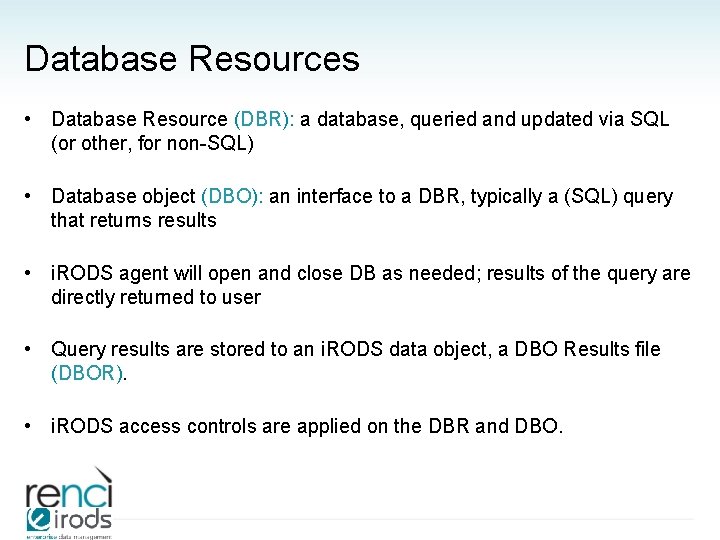
Database Resources • Database Resource (DBR): a database, queried and updated via SQL (or other, for non-SQL) • Database object (DBO): an interface to a DBR, typically a (SQL) query that returns results • i. RODS agent will open and close DB as needed; results of the query are directly returned to user • Query results are stored to an i. RODS data object, a DBO Results file (DBOR). • i. RODS access controls are applied on the DBR and DBO.
Database Resources • https: //www. irods. org/index. php/Database_Resources and https: //www. irods. org/index. php/Database_Resource_Administration • idbo command – to access the external DB resource
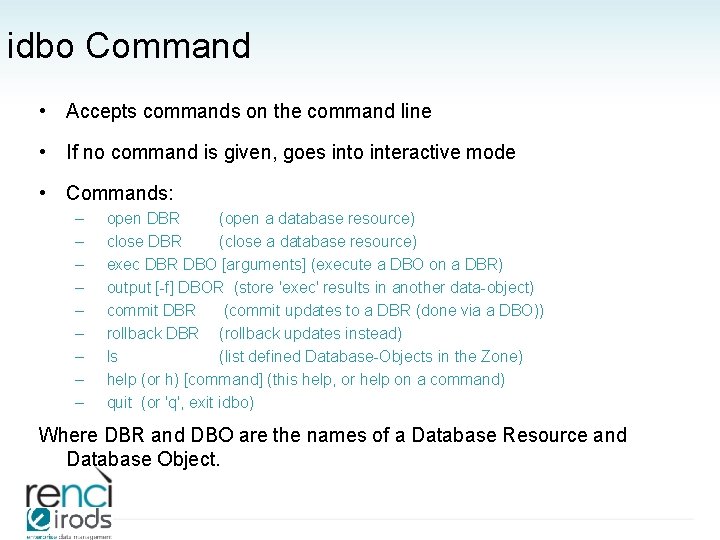
idbo Command • Accepts commands on the command line • If no command is given, goes into interactive mode • Commands: – – – – – open DBR (open a database resource) close DBR (close a database resource) exec DBR DBO [arguments] (execute a DBO on a DBR) output [-f] DBOR (store 'exec' results in another data-object) commit DBR (commit updates to a DBR (done via a DBO)) rollback DBR (rollback updates instead) ls (list defined Database-Objects in the Zone) help (or h) [command] (this help, or help on a command) quit (or 'q', exit idbo) Where DBR and DBO are the names of a Database Resource and Database Object.
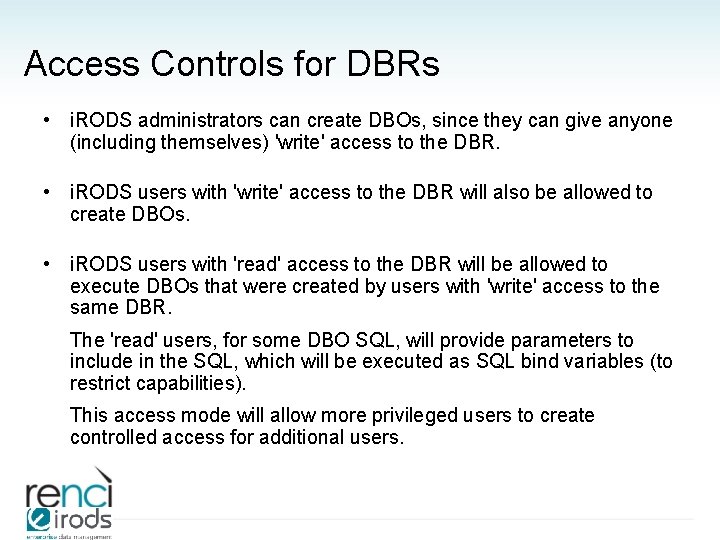
Access Controls for DBRs • i. RODS administrators can create DBOs, since they can give anyone (including themselves) 'write' access to the DBR. • i. RODS users with 'write' access to the DBR will also be allowed to create DBOs. • i. RODS users with 'read' access to the DBR will be allowed to execute DBOs that were created by users with 'write' access to the same DBR. The 'read' users, for some DBO SQL, will provide parameters to include in the SQL, which will be executed as SQL bind variables (to restrict capabilities). This access mode will allow more privileged users to create controlled access for additional users.
Rules • New rule engine with 3. 0 • See https: //www. irods. org/index. php/Changes_and_Improvements_to _the_Rule_Language_and_the_Rule_Engine • Implement computer actionable policies – – – – – Retention, distribution, arrangement Authenticity, provenance, description Integrity, replication, synchronization Deletion, trash cans, versioning Archiving, staging, caching Authentication, authorization, redaction Access, approval, IRB, audit trails, report generation Assessment criteria, validation Derived data product generation, format parsing
Microservices • C code • the unit of work within i. RODS • called by rules • composed into workflows by rules
Running Rules • triggered by events/policy points • contained in the (distributed) rule base: – i. RODS_dir/server/config/re. Configs/core. re – first rule with satisfied condition is executed; others are skipped • can be run with irule: manual execution • delayed execution – iqstat – iqdel
irule – to run a rule manually • Example rules to tweak and run in the software distribution i. RODS/clients/icommands/test/rules 3. 0 • Example rules at http: //www. renci. org/~leesa/rules/ • irule -F list. MS. r • irule -F rulemsi. Adm. Show. Core. RE. r can only be run by admin users
i. Drop Client • You. Tube video overviews: http: //www. youtube. com/user/diceresearch? feature=guide – i. Drop Suite Overview – i. Drop-web: i. Drop Suite Overview part 2 • Test i. Drop server: iren-web. renci. org: 8080/idrop-web
i. Drop Client • i. RODS Tree View – Right click on a file – Expand: New folder: Delete: Rename • Tag a file – i. RODS info -> Click on a file – Add tag (no spaces in tag) -> Update Info • Comment a file – i. RODS info -> Click on a file – Add comment • Search – By name (file) – By tag – By name and tag
i. Drop Client • Supports – – Drag and drop Replication Browsing Searching • Manages a queue of transfer requests – – – Checkmark -> Show Current and Past Activity Transfer Summary -> select a transfer Transfer Details Purge: Delete: Resubmit: Restart: Refresh View: list subset of transfers • Should be able to disconnect, and i. Drop will continue transmissions when reconnected
i. Drop Client • Metadata • Replication • Synchronizing a directory – – Tools -> Preferences -> Synchronization Pick local directory Pick i. RODS directory Select synchronization period (1 day) • Caveats – To synchronize, a list of files in the local directory is generated, which can take a long time for large directories – Keep the local directory small