FTK Imager 2 6 1 http www accessdata

- Slides: 40
FTK Imager 2. 6. 1 http: //www. accessdata. com/downloads. html
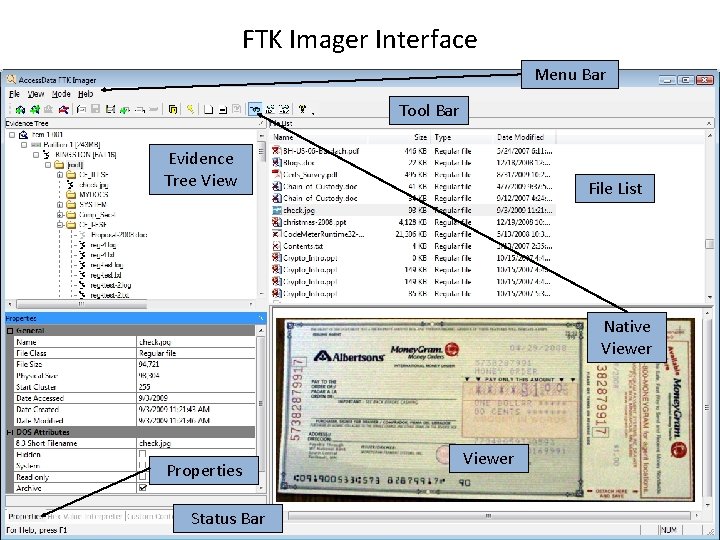
FTK Imager Interface Menu Bar Tool Bar Evidence Tree View File List Native Viewer Properties Status Bar Viewer
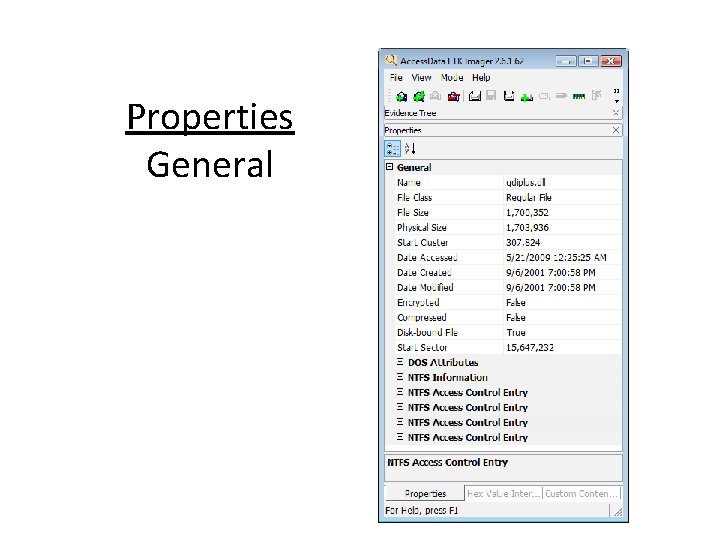
Properties General
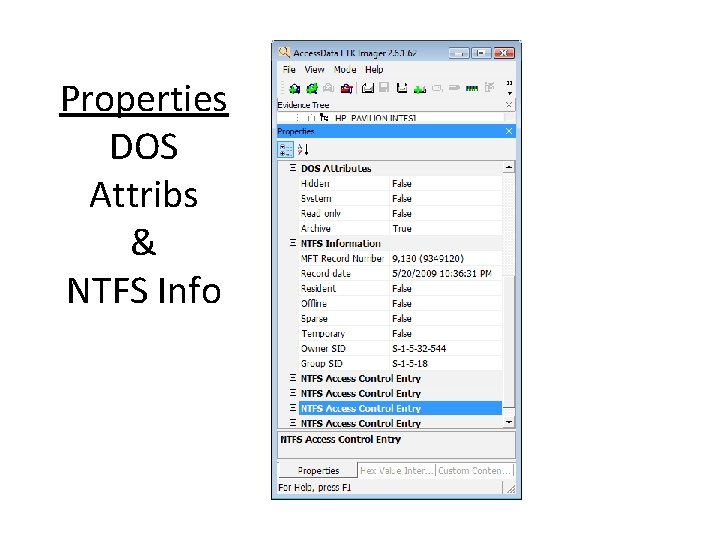
Properties DOS Attribs & NTFS Info
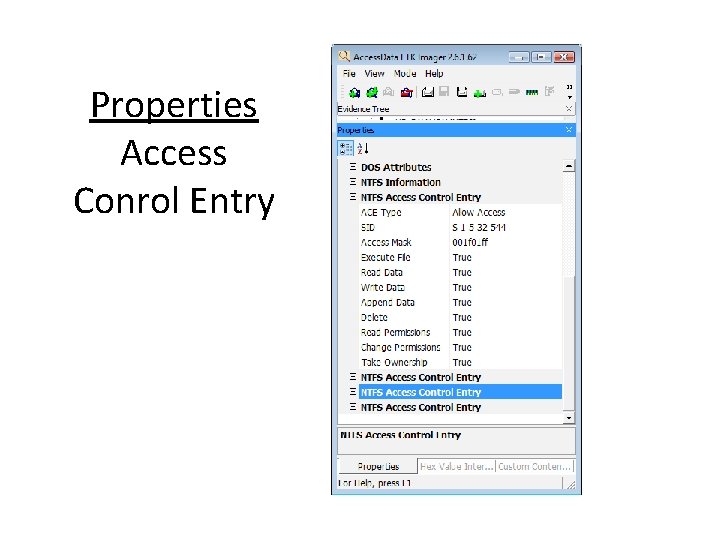
Properties Access Conrol Entry
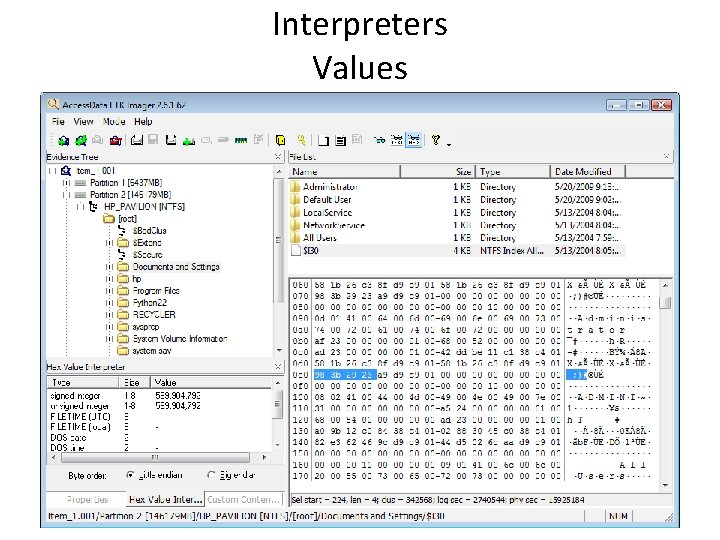
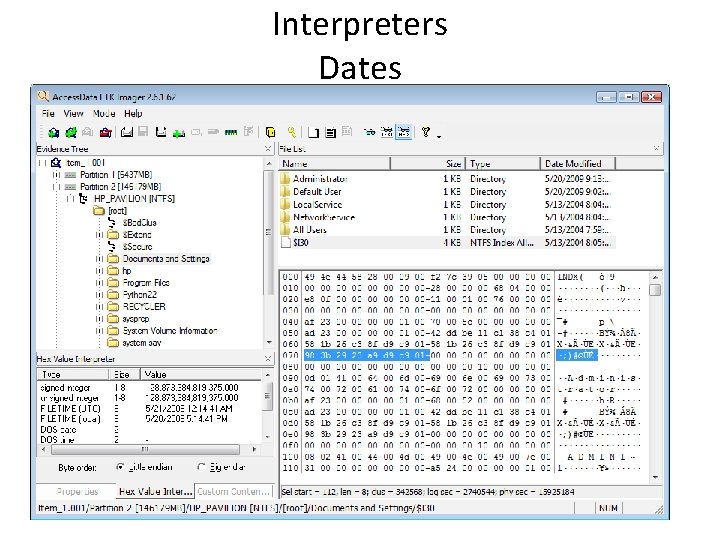
Interpreters Values
Interpreters Dates
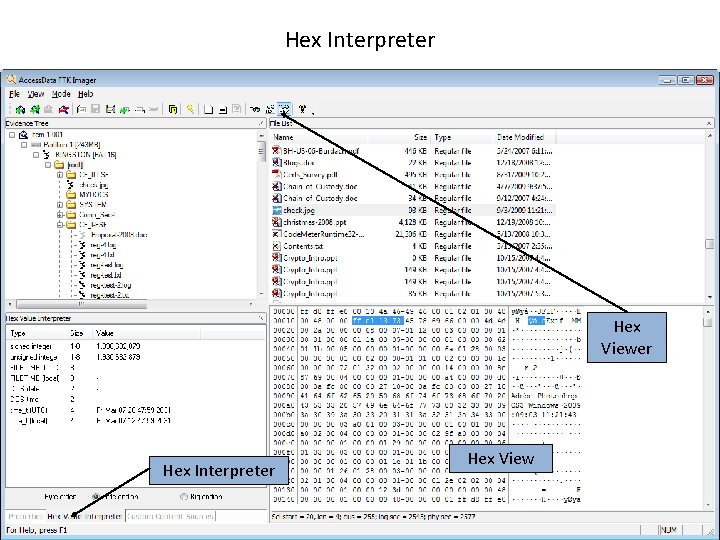
Hex Interpreter Hex Viewer Hex Interpreter Hex View
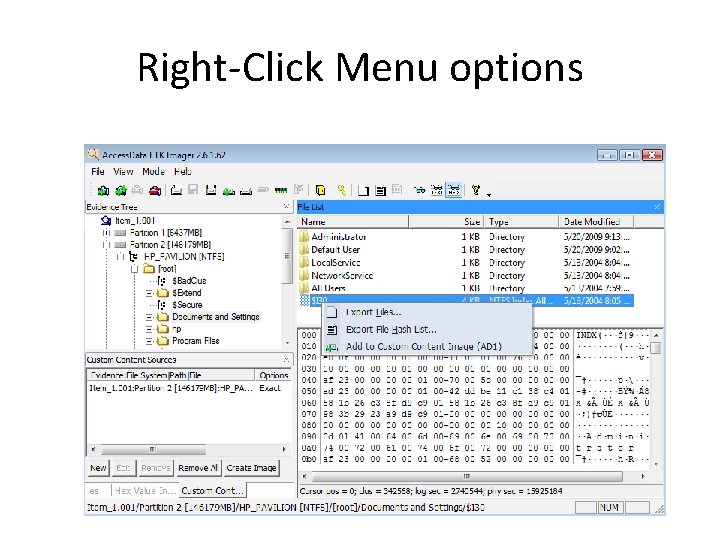
Right-Click Menu options
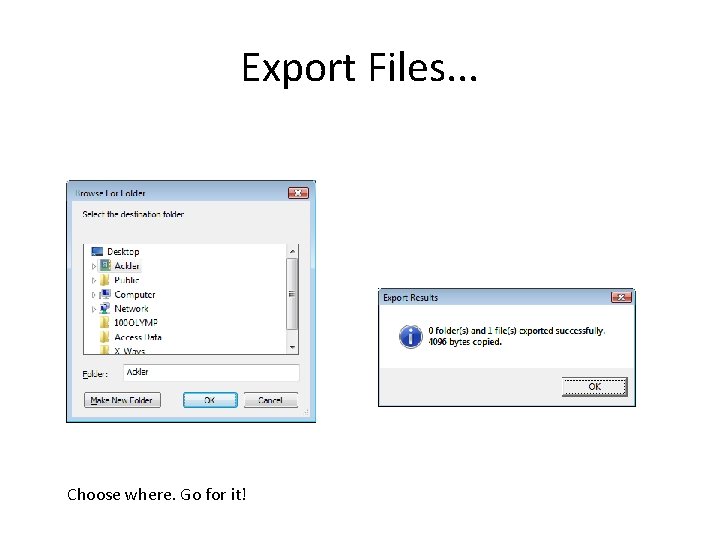
Export Files. . . Choose where. Go for it!
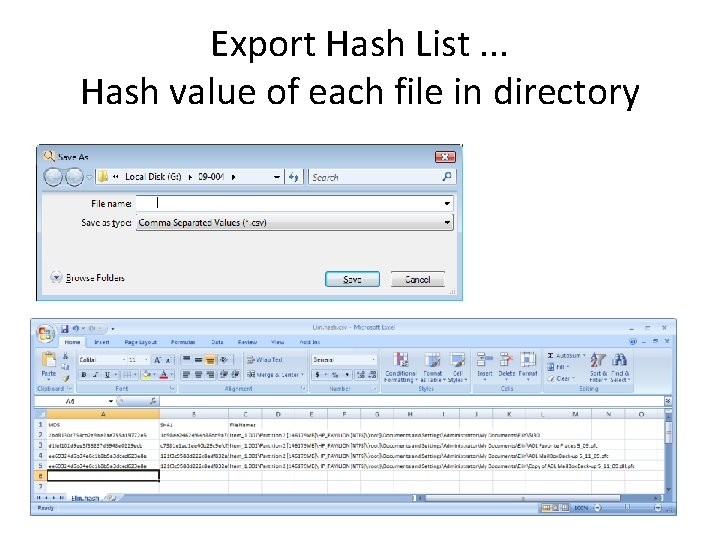
Export Hash List. . . Hash value of each file in directory
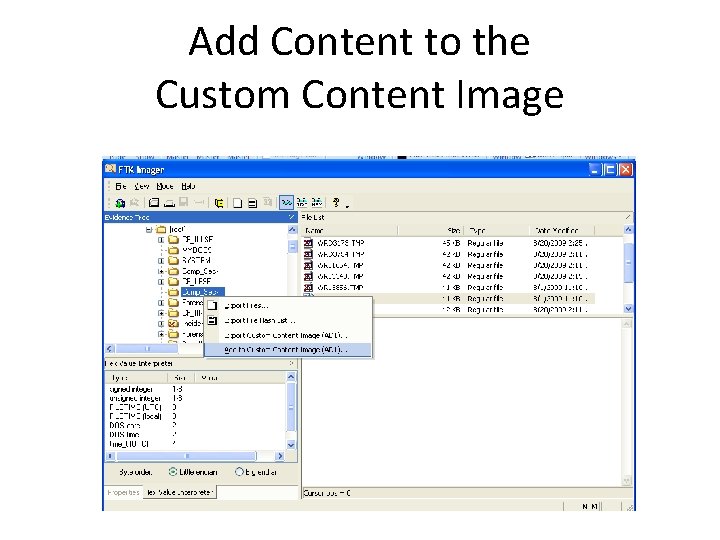
Add to Custom Content Image (AD 1) More on this later
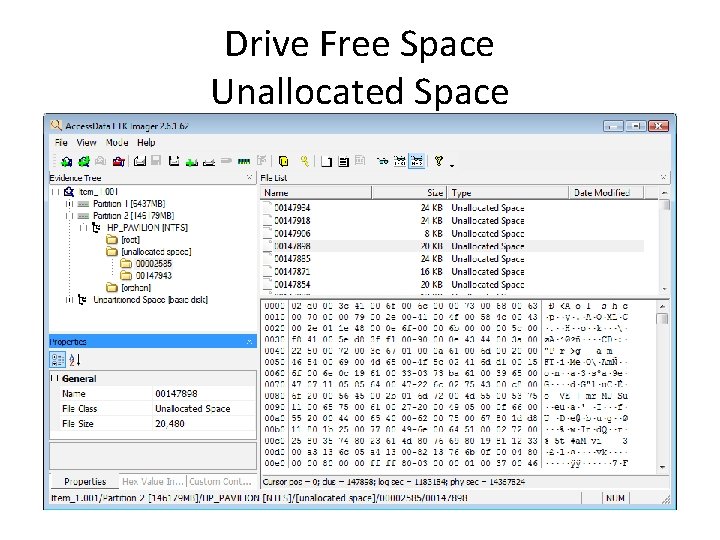
Drive Free Space Unallocated Space
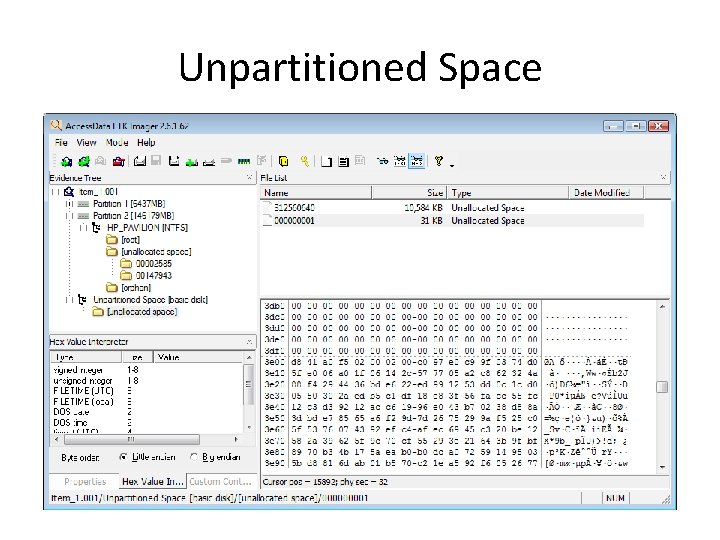
Unpartitioned Space
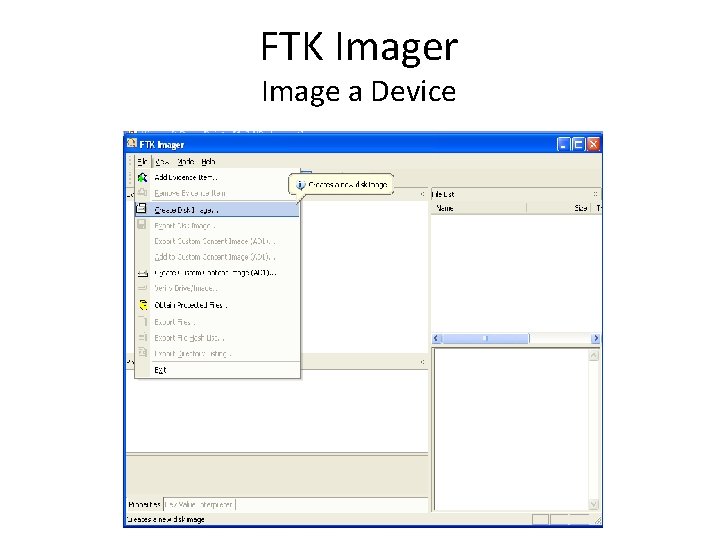
FTK Imager Image a Device
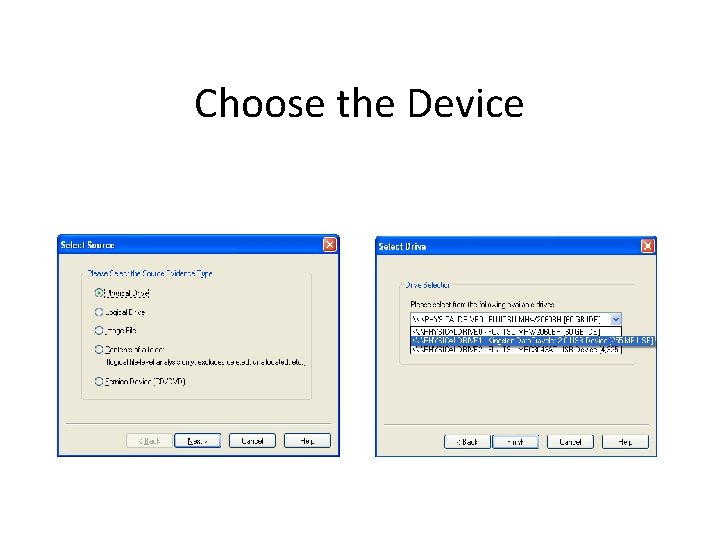
Choose the Device
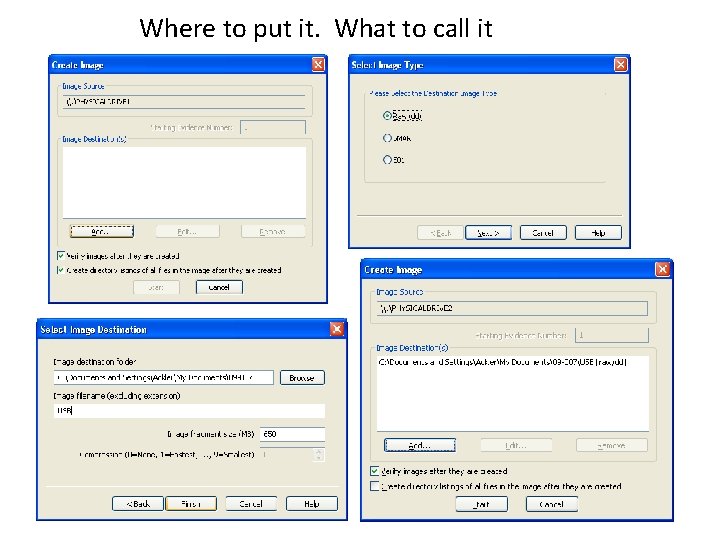
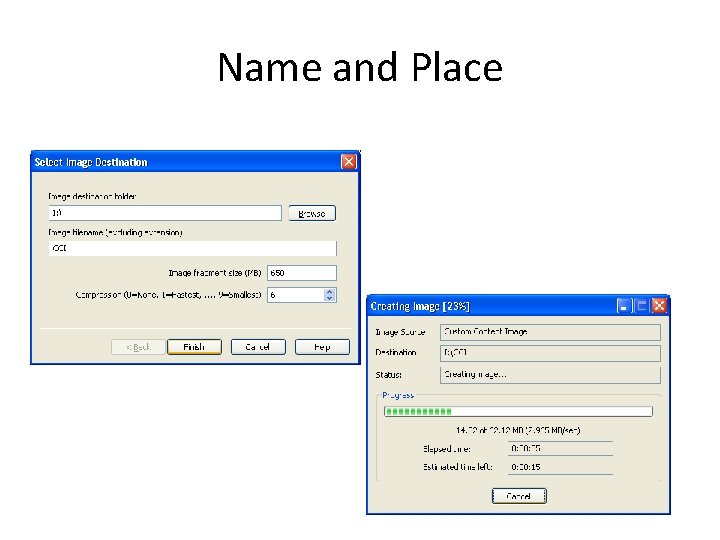
Where to put it. What to call it
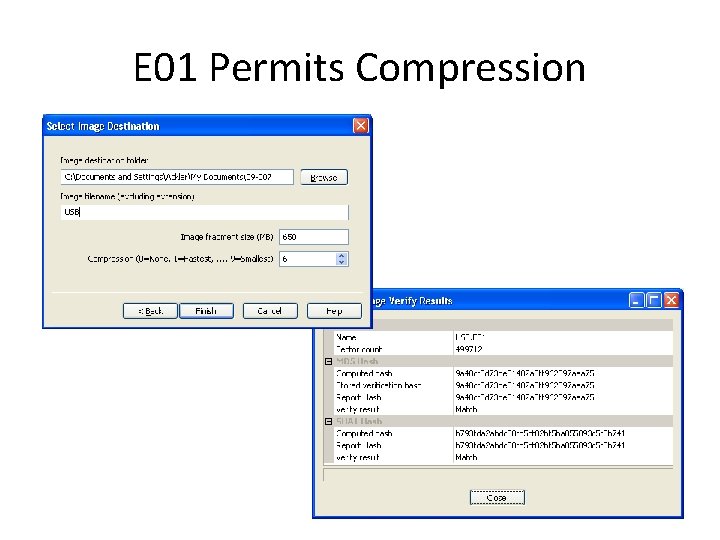
E 01 Permits Compression
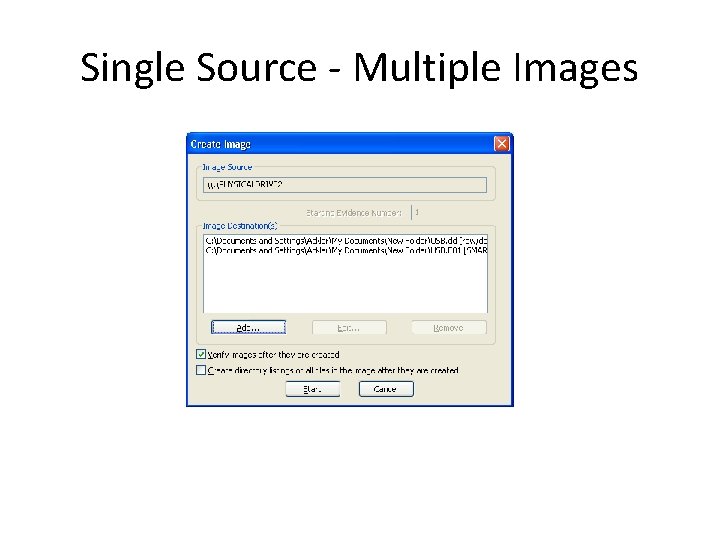
Single Source - Multiple Images
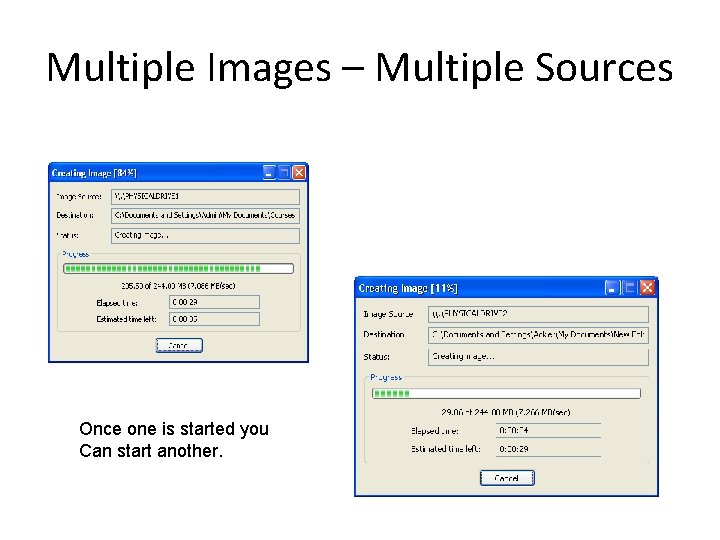
Multiple Images – Multiple Sources Once one is started you Can start another.
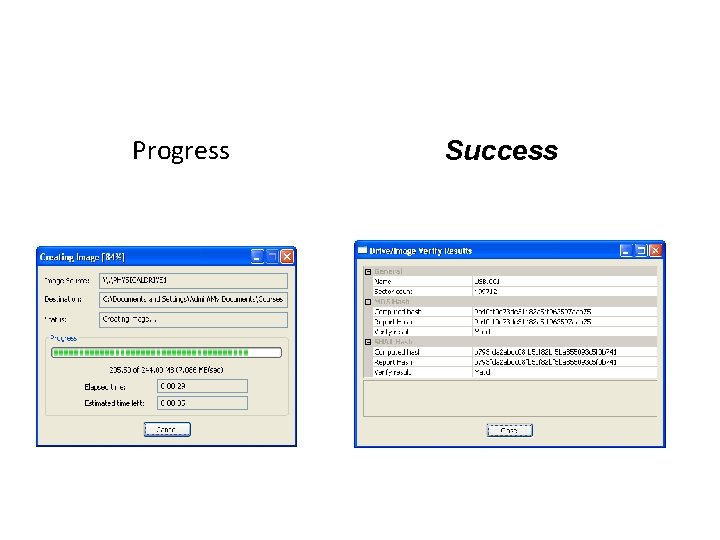
Progress Success
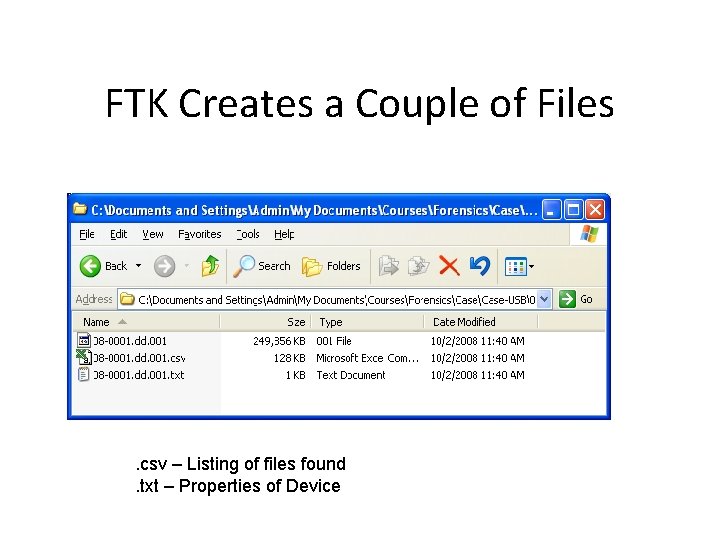
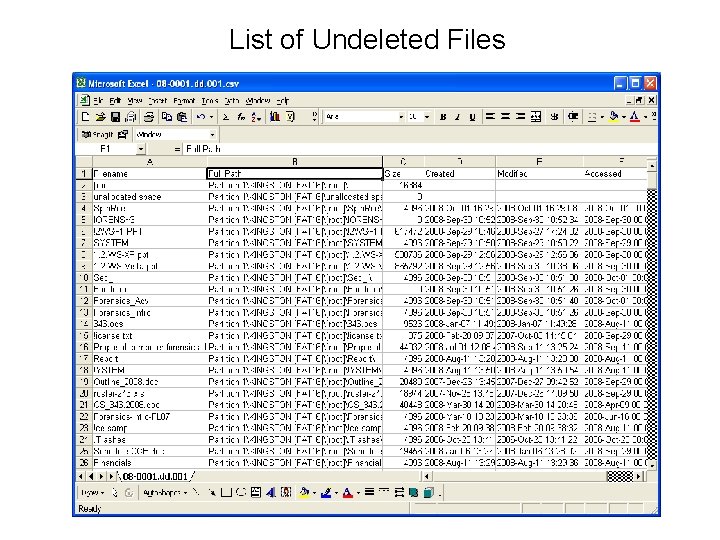
FTK Creates a Couple of Files . csv – Listing of files found. txt – Properties of Device
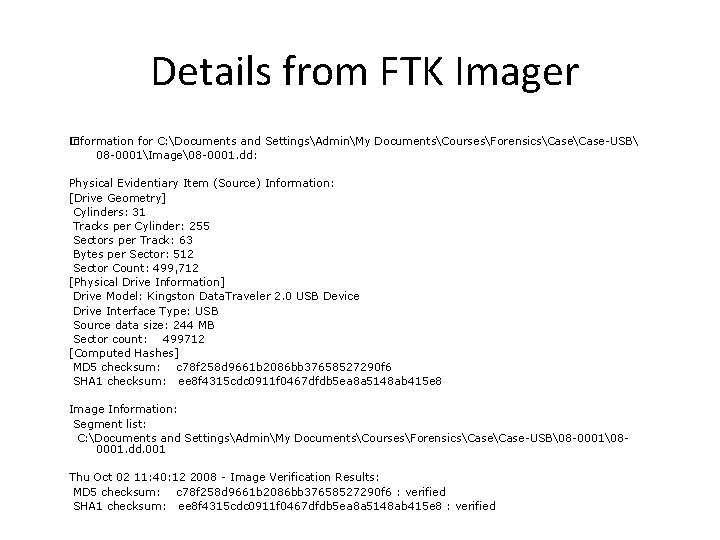
Details from FTK Imager Information for C: Documents and SettingsAdminMy DocumentsCoursesForensicsCase-USB � 08 -0001Image8 -0001. dd: Physical Evidentiary Item (Source) Information: [Drive Geometry] Cylinders: 31 Tracks per Cylinder: 255 Sectors per Track: 63 Bytes per Sector: 512 Sector Count: 499, 712 [Physical Drive Information] Drive Model: Kingston Data. Traveler 2. 0 USB Device Drive Interface Type: USB Source data size: 244 MB Sector count: 499712 [Computed Hashes] MD 5 checksum: c 78 f 258 d 9661 b 2086 bb 37658527290 f 6 SHA 1 checksum: ee 8 f 4315 cdc 0911 f 0467 dfdb 5 ea 8 a 5148 ab 415 e 8 Image Information: Segment list: C: Documents and SettingsAdminMy DocumentsCoursesForensicsCase-USB8 -000180001. dd. 001 Thu Oct 02 11: 40: 12 2008 - Image Verification Results: MD 5 checksum: c 78 f 258 d 9661 b 2086 bb 37658527290 f 6 : verified SHA 1 checksum: ee 8 f 4315 cdc 0911 f 0467 dfdb 5 ea 8 a 5148 ab 415 e 8 : verified
List of Undeleted Files
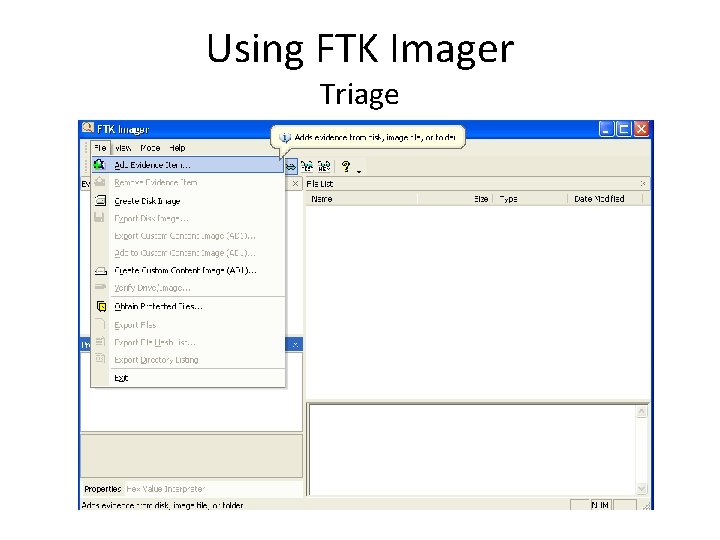
Using FTK Imager Triage
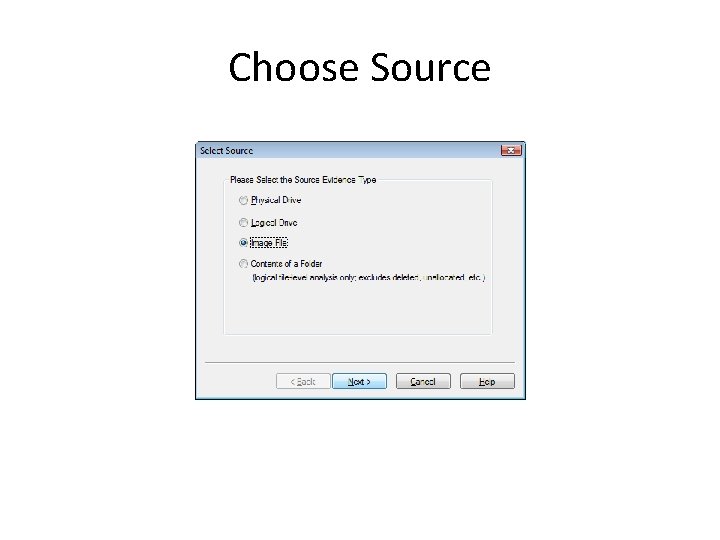
Choose Source
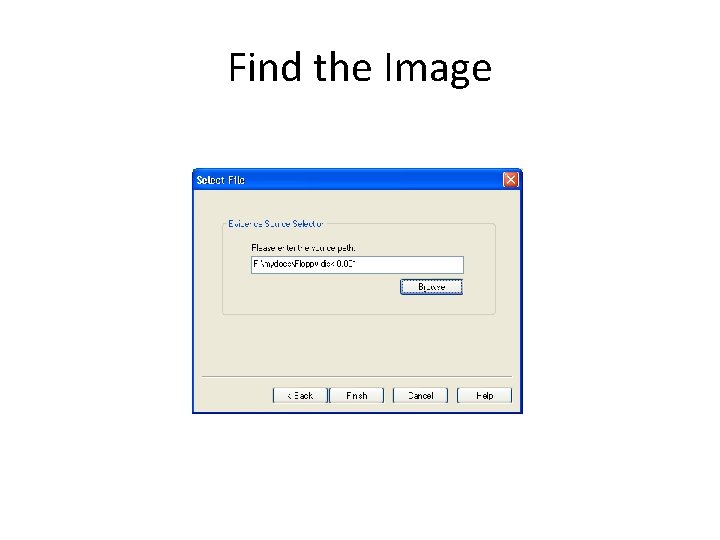
Find the Image
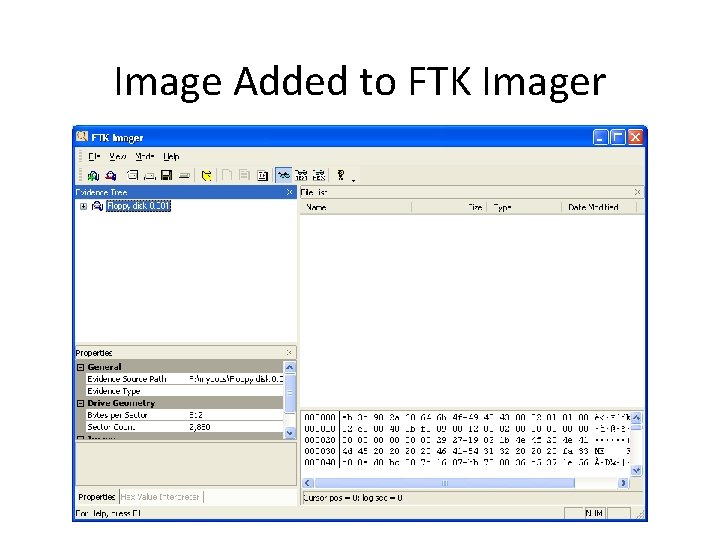
Image Added to FTK Imager
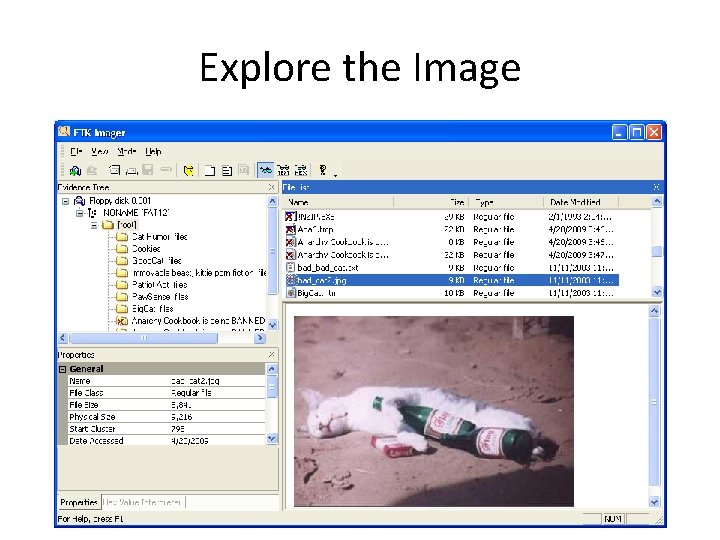
Explore the Image
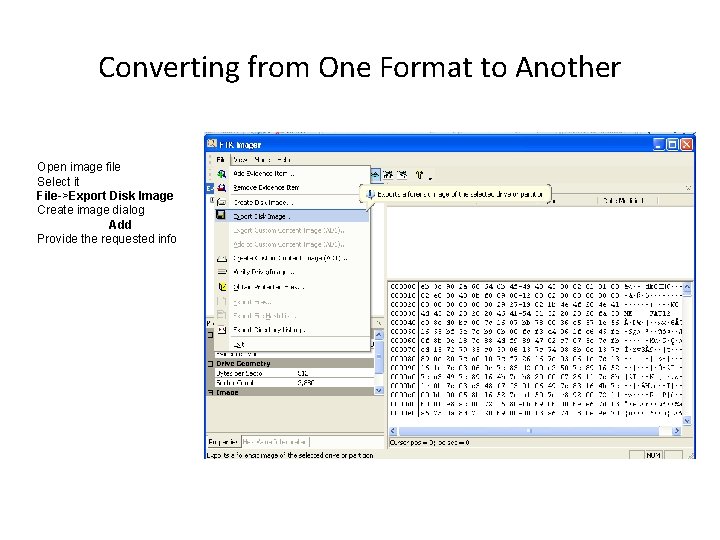
Converting from One Format to Another Open image file Select it File->Export Disk Image Create image dialog Add Provide the requested info
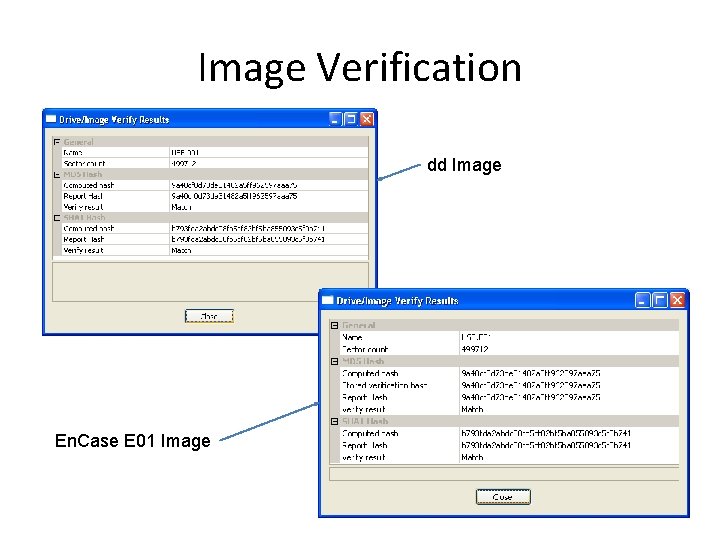
Image Verification dd Image En. Case E 01 Image
Custom Content Image (AD 1) • Logical images that contain all sorts of content • • Portions of a file system Entire file systems Individual files or folders Portions of free space • Contains content from diverse forensic images • “Case in a file”
Add Content to the Custom Content Image
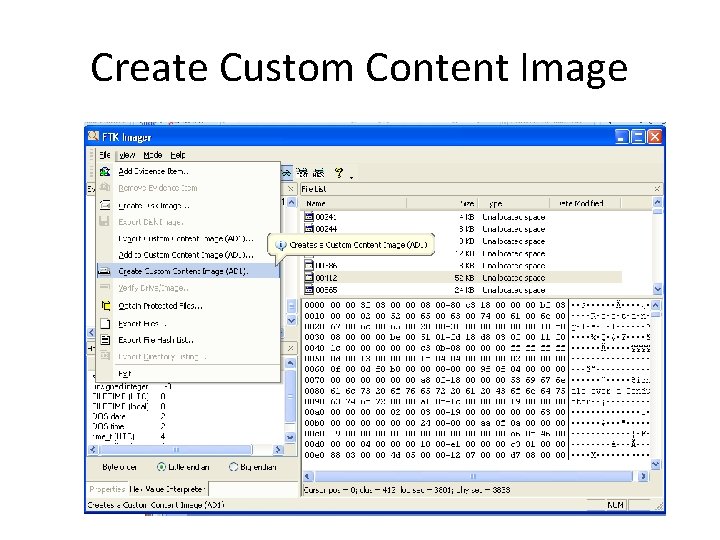
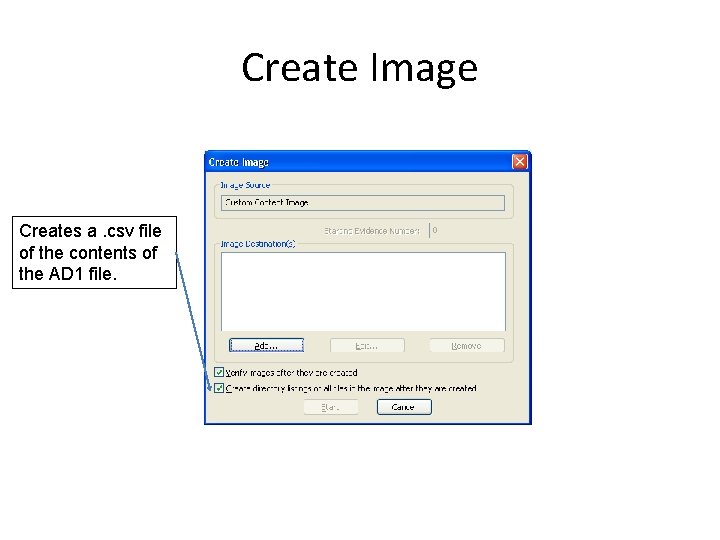
Create Custom Content Image
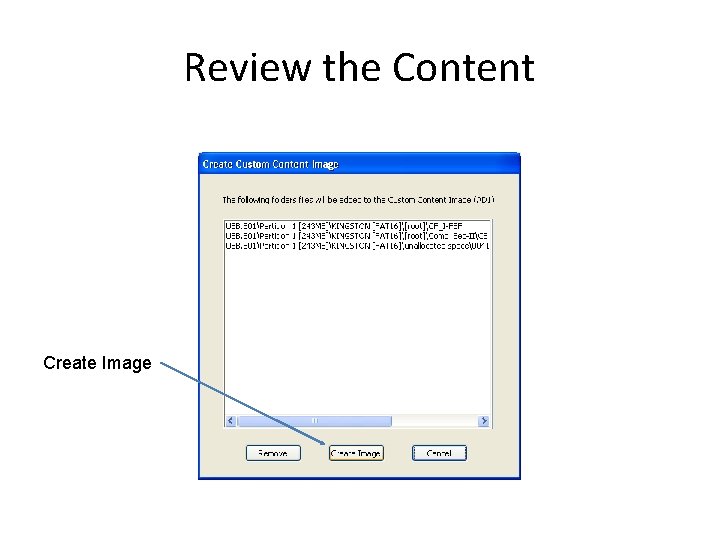
Review the Content Create Image
Create Image Creates a. csv file of the contents of the AD 1 file.
Name and Place
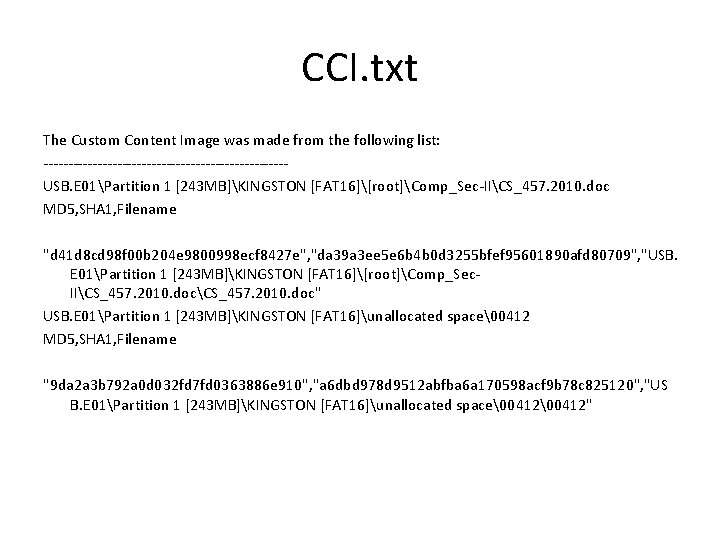
CCI. txt The Custom Content Image was made from the following list: -------------------------USB. E 01Partition 1 [243 MB]KINGSTON [FAT 16][root]Comp_Sec-IICS_457. 2010. doc MD 5, SHA 1, Filename "d 41 d 8 cd 98 f 00 b 204 e 9800998 ecf 8427 e", "da 39 a 3 ee 5 e 6 b 4 b 0 d 3255 bfef 95601890 afd 80709", "USB. E 01Partition 1 [243 MB]KINGSTON [FAT 16][root]Comp_Sec. IICS_457. 2010. doc" USB. E 01Partition 1 [243 MB]KINGSTON [FAT 16]unallocated space0412 MD 5, SHA 1, Filename "9 da 2 a 3 b 792 a 0 d 032 fd 7 fd 0363886 e 910", "a 6 dbd 978 d 9512 abfba 6 a 170598 acf 9 b 78 c 825120", "US B. E 01Partition 1 [243 MB]KINGSTON [FAT 16]unallocated space0412"
FTK Imager • • Acquisition Tools Image Formats FTK Imager Interface FTK Functionality
Lab • • • Sanitize your thumb drive Make case folder Seize thumb drive (Red) Image the evidence thumb drive (Red) Write a Imaging Report