
LinuxUnix Download Ubuntu Linux http www ubuntu comdownloaddesktop
Linux/Unix - Download Ubuntu Linux : http: //www. ubuntu. com/download/desktop/ - Installation of Ubuntu Linux on PCs: http: //www. ubuntu. com/download/desktop/install-ubuntu-desktop - Create bootable USB stick https: //help. ubuntu. com/community/Installation/From. USBStick#Creating_a_bootable_Ubuntu_USB_flash_drive_from_Windows - Resizing the Windows partition https: //help. ubuntu. com/community/Howto. Resize. Windows. Partitions

emacs makes extensive us of key combinations: - what is a buffer, what a window • C-h: help • • • C-x b: open another buffer C-x right, left : cycle through buffers C-x k: kill buffers • • • C-x 0: close the active window C-x 1: close all windows except the active window C-x 2: split the active window vertically into two horizontal windows C-x 3: split the active window horizontally into two vertical windows C-x o: change active window to next window • • • C-x C-f: open a file C-x C-w: save a file under a given name C-x C-s: save a given file
emacs • C-_: undo • • C-s: search forward C-r: search backwards • • • C-space: mark region C-k: kill a line C-w: kill a region • M-%: replace text
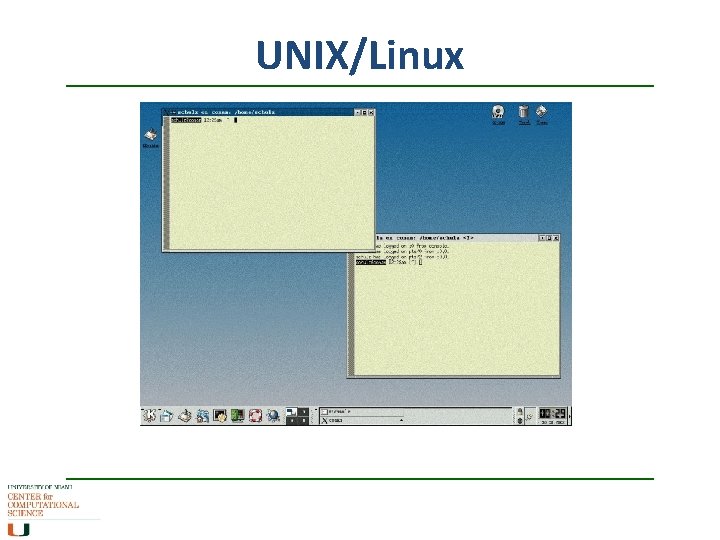
UNIX/Linux
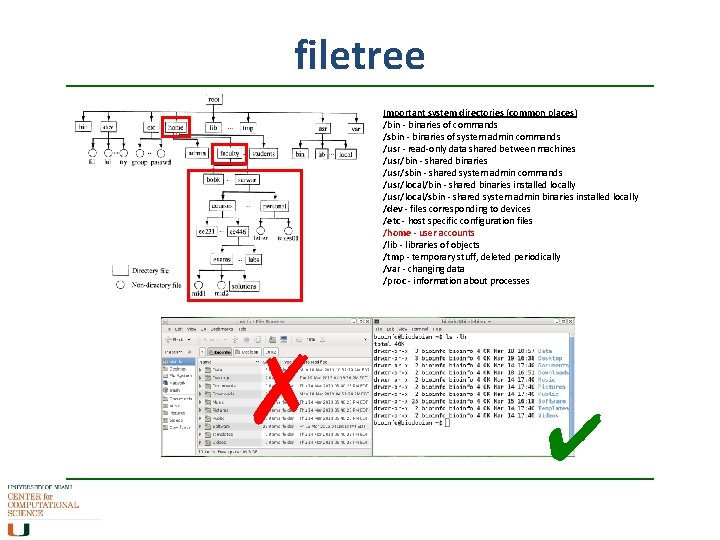
filetree File System Navigation ✗ Important system directories (common places) /bin - binaries of commands /sbin - binaries of system admin commands /usr - read-only data shared between machines /usr/bin - shared binaries /usr/sbin - shared system admin commands /usr/local/bin - shared binaries installed locally /usr/local/sbin - shared system admin binaries installed locally /dev - files corresponding to devices /etc - host specific configuration files /home - user accounts /lib - libraries of objects /tmp - temporary stuff, deleted periodically /var - changing data /proc - information about processes ✔
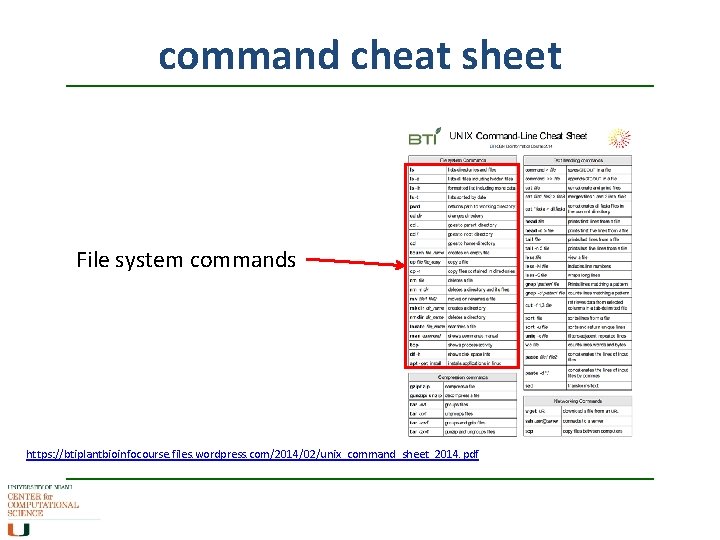
command cheat sheet File system commands https: //btiplantbioinfocourse. files. wordpress. com/2014/02/unix_command_sheet_2014. pdf
commands Basic syntax of shell commands UNIX or shell commands have a basic structure command -options target • command comes first (such as cd or ls) • any options (always proceeded by a – and also called flags) • target (such as the file to move or the directory to list) These commands are written on the prompt (terminal command line). Where am I? : pwd Change directory: cd what files and directories are in my current directory: ls If I need to know more about a command: man command
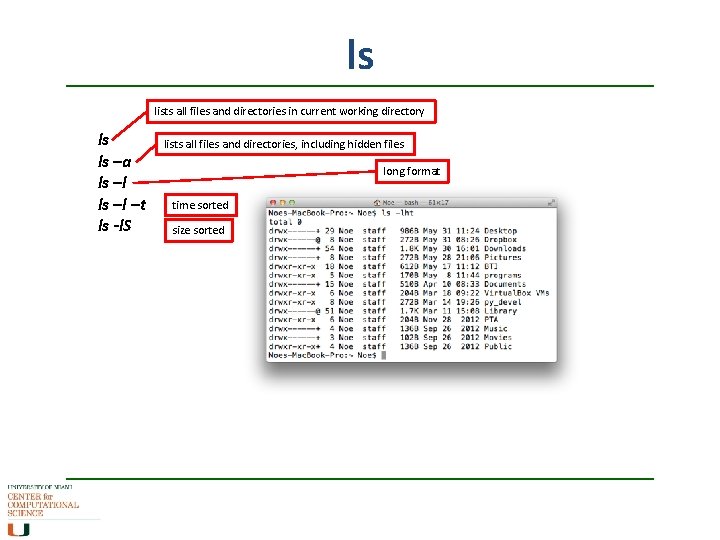
ls lists all files and directories in current working directory ls ls –a ls –l –t ls -l. S lists all files and directories, including hidden files long format time sorted size sorted
- Slides: 8