A Computer Science www apluscompsci com A Computer



;")
- Slides: 40
© A+ Computer Science - www. apluscompsci. com
© A+ Computer Science - www. apluscompsci. com
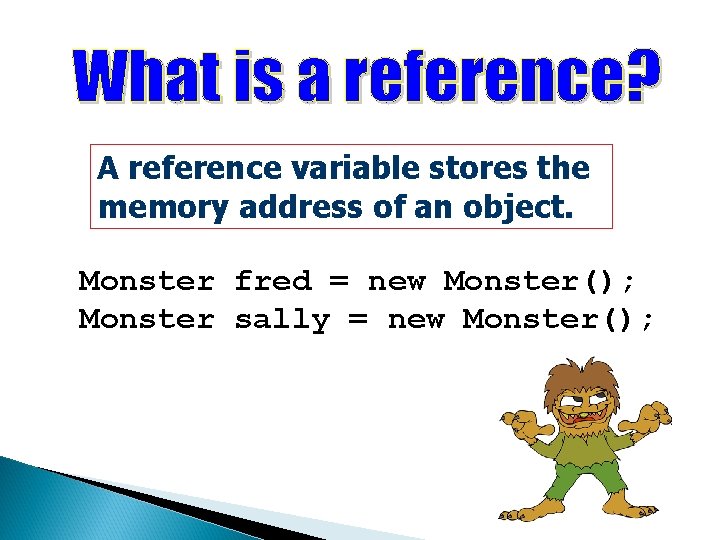
A reference variable stores the memory address of an object. Monster fred = new Monster(); Monster sally = new Monster();
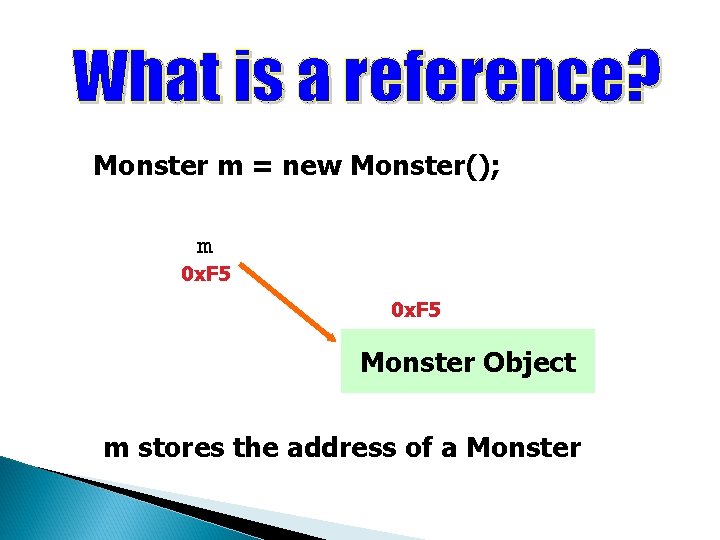
Monster m = new Monster(); m 0 x. F 5 Monster Object m stores the address of a Monster
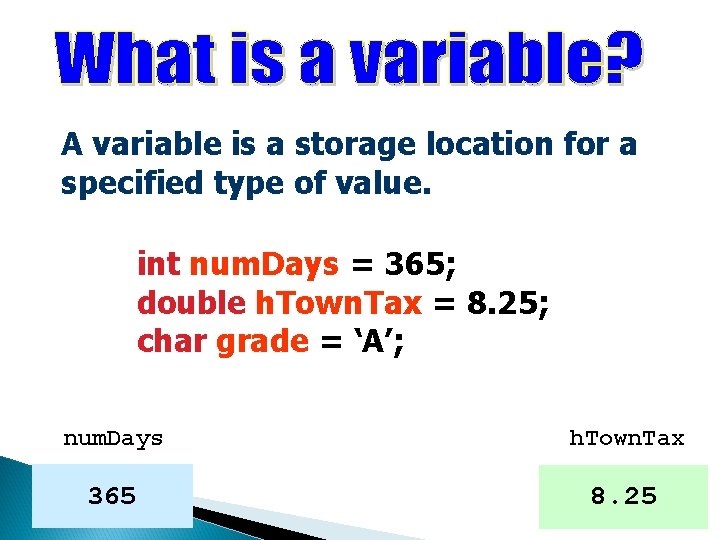
A variable is a storage location for a specified type of value. int num. Days = 365; double h. Town. Tax = 8. 25; char grade = ‘A’; num. Days h. Town. Tax 365 8. 25
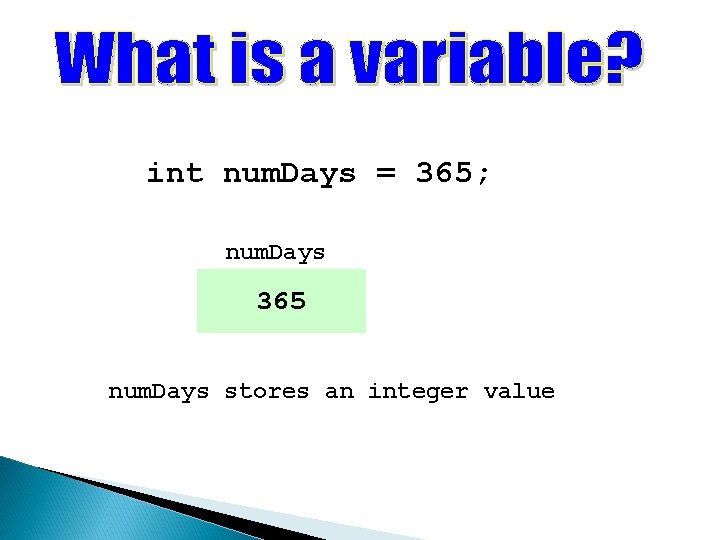
int num. Days = 365; num. Days 365 num. Days stores an integer value
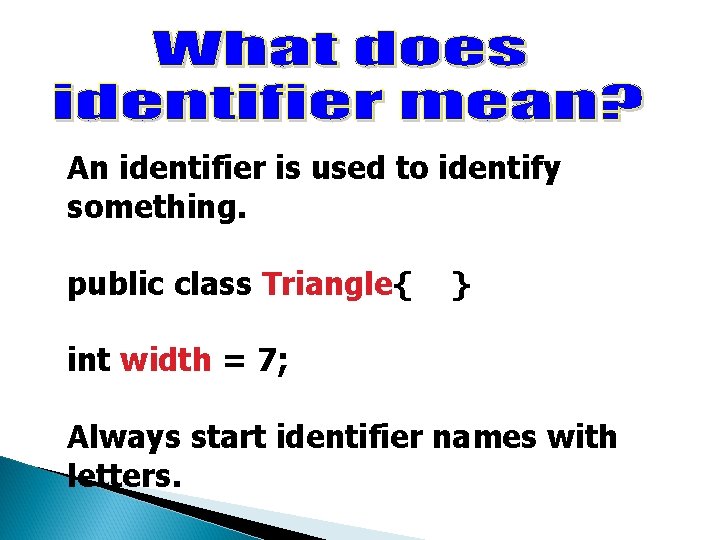
An identifier is used to identify something. public class Triangle{ } int width = 7; Always start identifier names with letters.
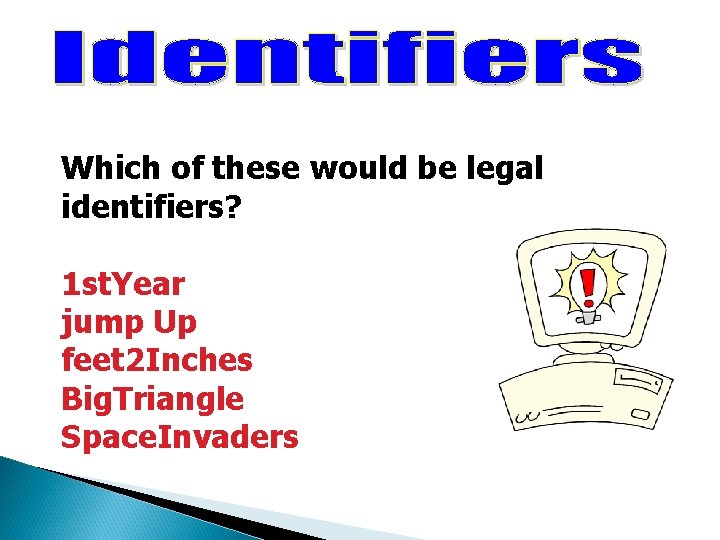
Which of these would be legal identifiers? 1 st. Year jump Up feet 2 Inches Big. Triangle Space. Invaders
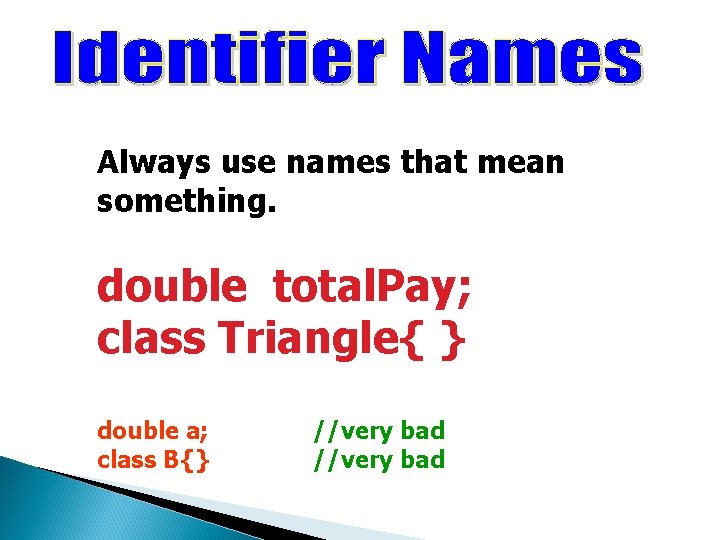
Always use names that mean something. double total. Pay; class Triangle{ } double a; class B{} //very bad
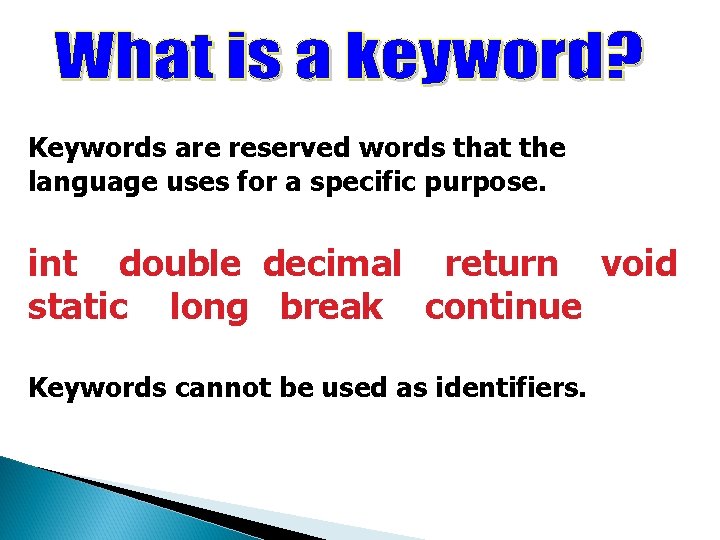
Keywords are reserved words that the language uses for a specific purpose. int double decimal return void static long break continue Keywords cannot be used as identifiers.
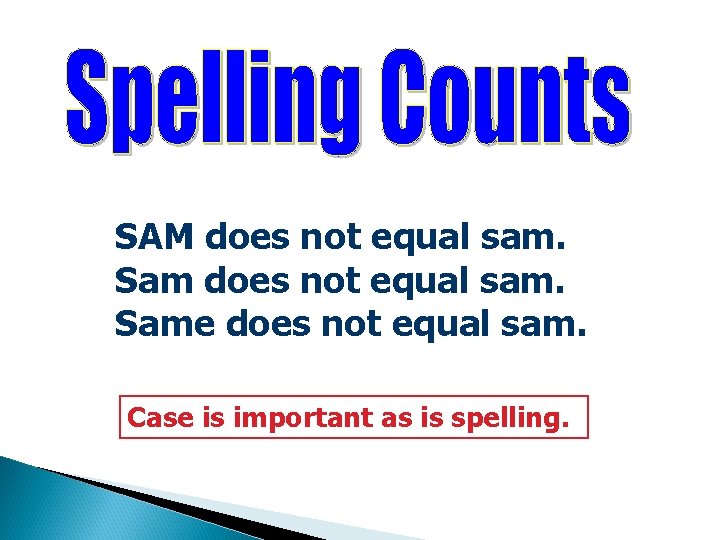
SAM does not equal sam. Same does not equal sam. Case is important as is spelling.
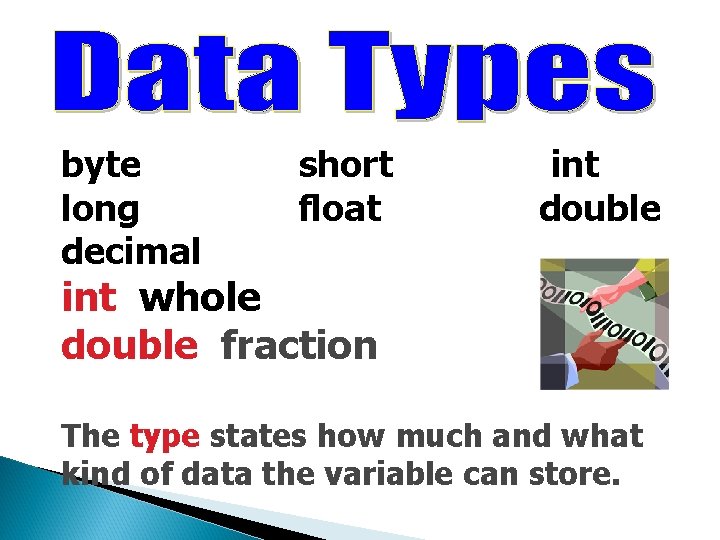
byte long decimal short float int double int whole double fraction The type states how much and what kind of data the variable can store.
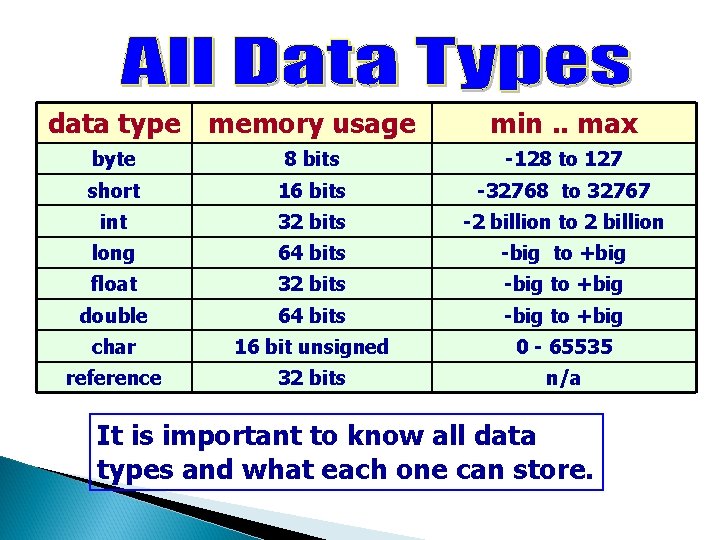
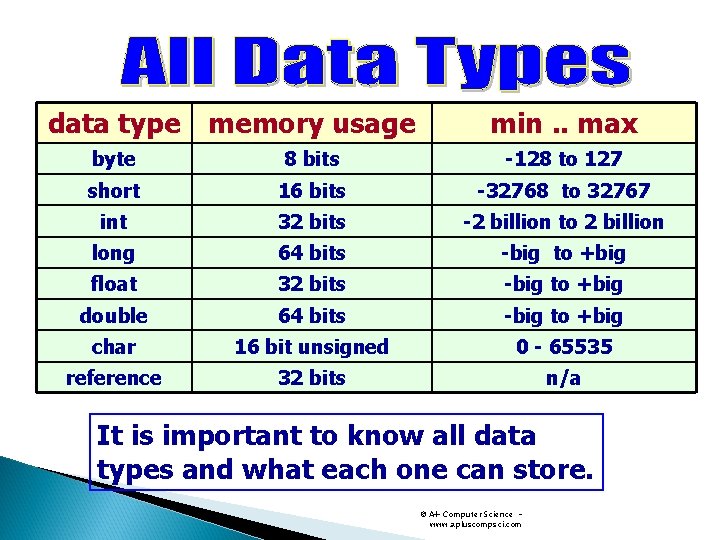
data type memory usage min. . max byte 8 bits -128 to 127 short 16 bits -32768 to 32767 int 32 bits -2 billion to 2 billion long 64 bits -big to +big float 32 bits -big to +big double 64 bits -big to +big char 16 bit unsigned 0 - 65535 reference 32 bits n/a It is important to know all data types and what each one can store.
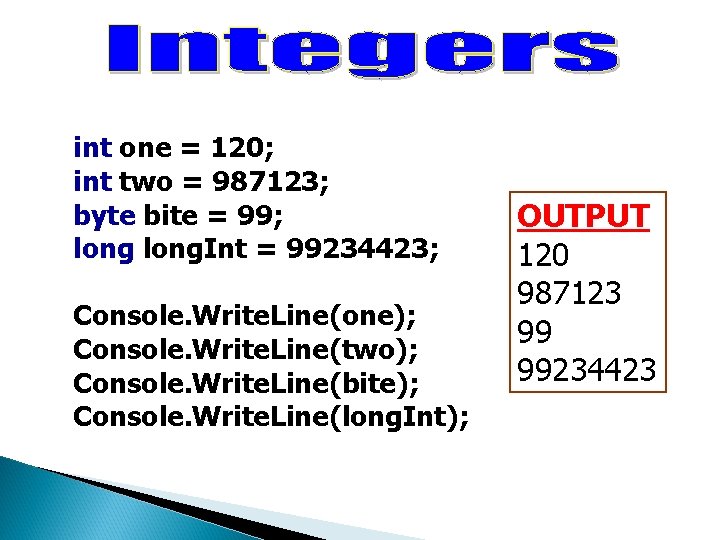
int one = 120; int two = 987123; byte bite = 99; long. Int = 99234423; Console. Write. Line(one); Console. Write. Line(two); Console. Write. Line(bite); Console. Write. Line(long. Int); OUTPUT 120 987123 99 99234423
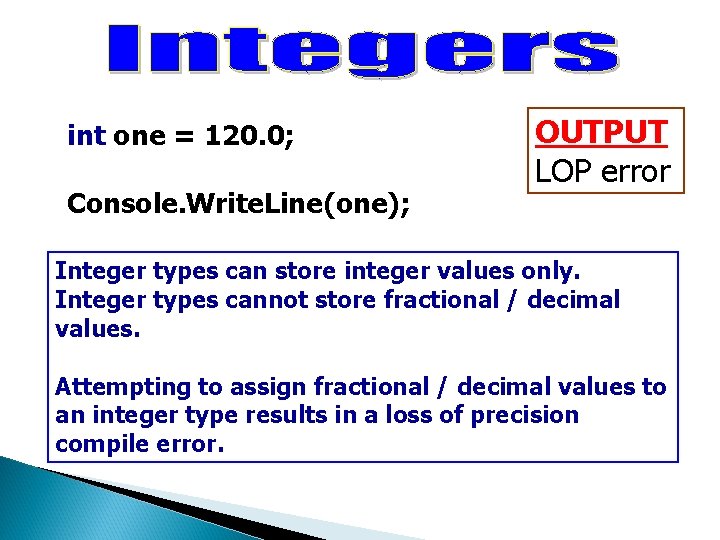
int one = 120. 0; Console. Write. Line(one); OUTPUT LOP error Integer types can store integer values only. Integer types cannot store fractional / decimal values. Attempting to assign fractional / decimal values to an integer type results in a loss of precision compile error.
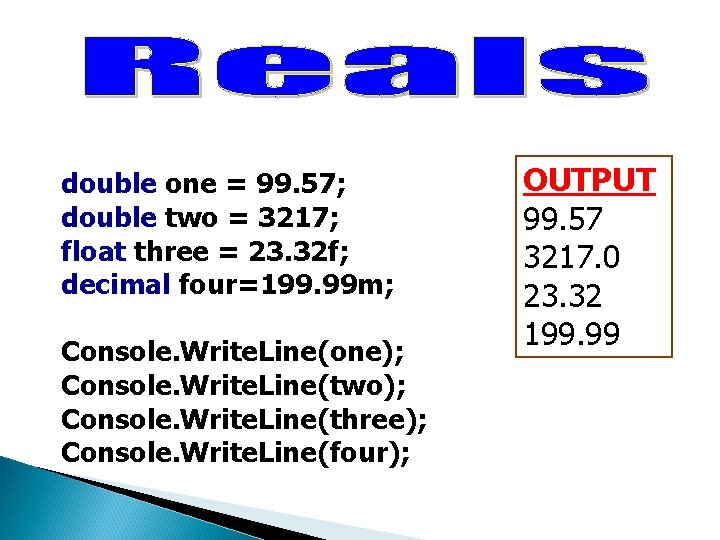
double one = 99. 57; double two = 3217; float three = 23. 32 f; decimal four=199. 99 m; Console. Write. Line(one); Console. Write. Line(two); Console. Write. Line(three); Console. Write. Line(four); OUTPUT 99. 57 3217. 0 23. 32 199. 99
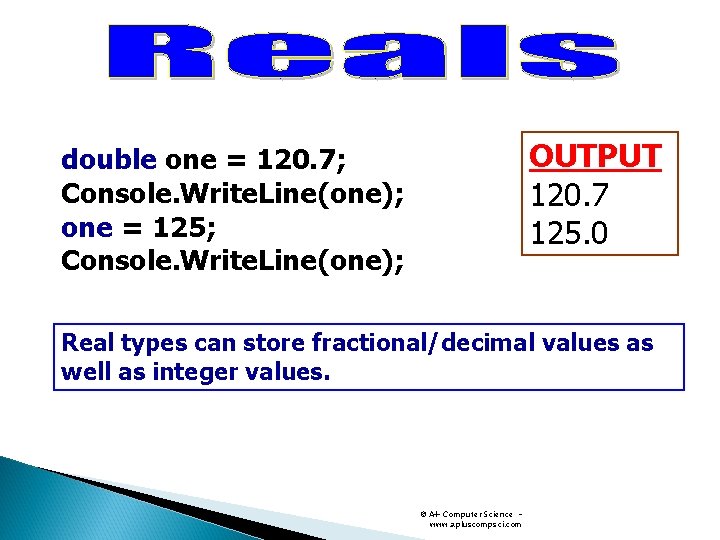
OUTPUT 120. 7 125. 0 double one = 120. 7; Console. Write. Line(one); one = 125; Console. Write. Line(one); Real types can store fractional/decimal values as well as integer values. © A+ Computer Science www. apluscompsci. com
© A+ Computer Science www. apluscompsci. com
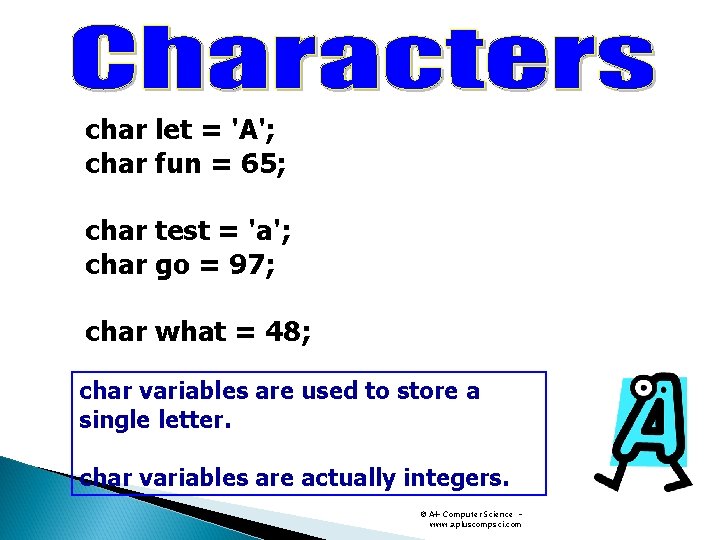
char let = 'A'; char fun = 65; char test = 'a'; char go = 97; char what = 48; char variables are used to store a single letter. char variables are actually integers. © A+ Computer Science www. apluscompsci. com
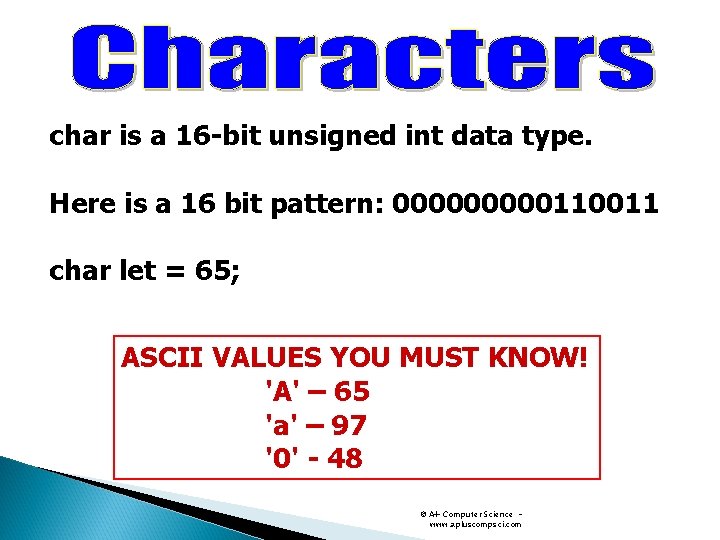
char is a 16 -bit unsigned int data type. Here is a 16 bit pattern: 00000110011 char let = 65; ASCII VALUES YOU MUST KNOW! 'A' – 65 'a' – 97 '0' - 48 © A+ Computer Science www. apluscompsci. com
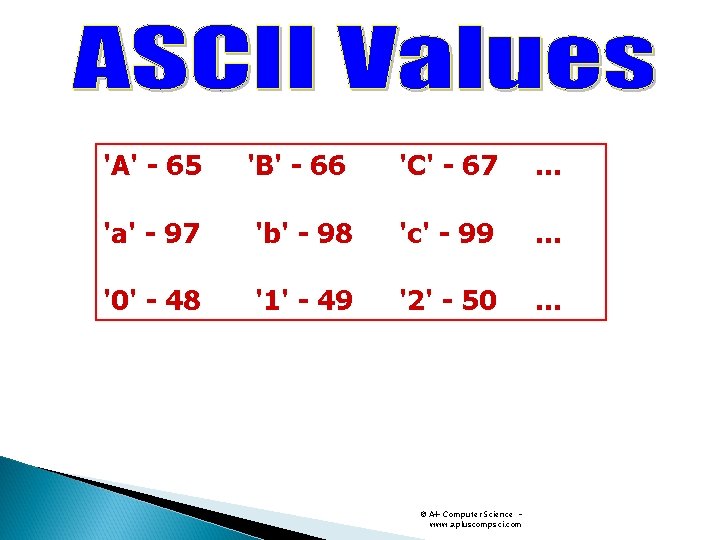
'A' - 65 'B' - 66 'C' - 67 … 'a' - 97 'b' - 98 'c' - 99 … '0' - 48 '1' - 49 '2' - 50 … © A+ Computer Science www. apluscompsci. com
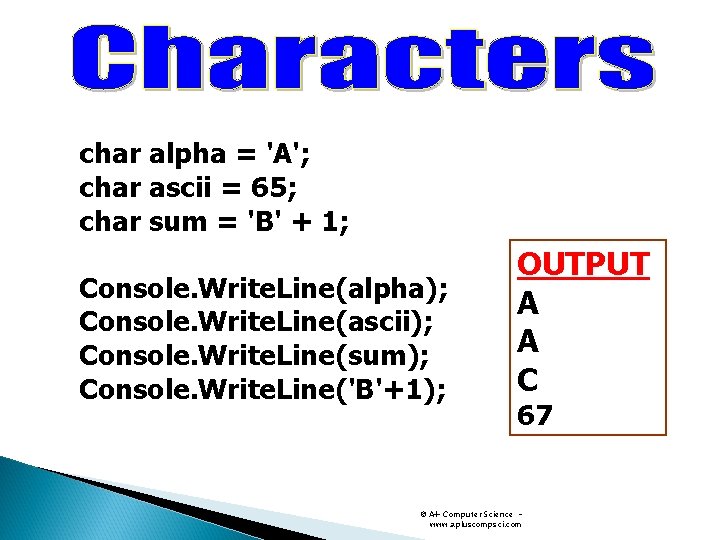
char alpha = 'A'; char ascii = 65; char sum = 'B' + 1; Console. Write. Line(alpha); Console. Write. Line(ascii); Console. Write. Line(sum); Console. Write. Line('B'+1); OUTPUT A A C 67 © A+ Computer Science www. apluscompsci. com
© A+ Computer Science www. apluscompsci. com
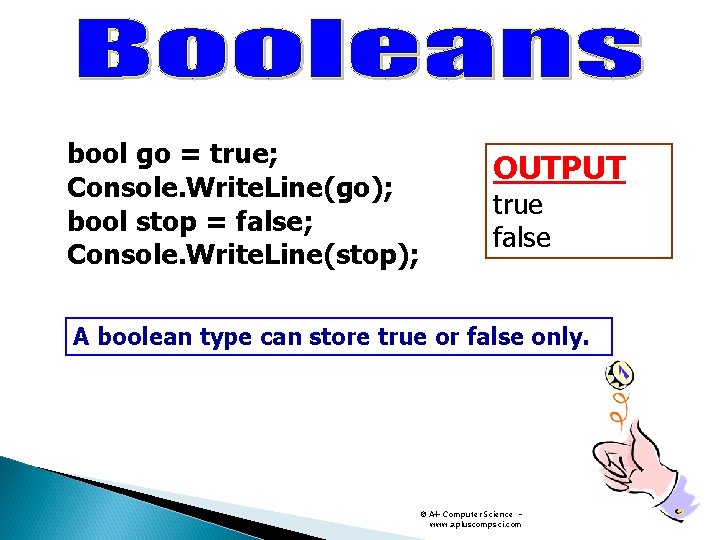
bool go = true; Console. Write. Line(go); bool stop = false; Console. Write. Line(stop); OUTPUT true false A boolean type can store true or false only. © A+ Computer Science www. apluscompsci. com
© A+ Computer Science www. apluscompsci. com
string dude = "hello world"; string buddy = "whoot - \\\"; Console. Write. Line(dude); Console. Write. Line("buddy = " + buddy); OUTPUT hello world buddy = whoot - \\\ A String type stores groups of characters. © A+ Computer Science www. apluscompsci. com
© A+ Computer Science www. apluscompsci. com
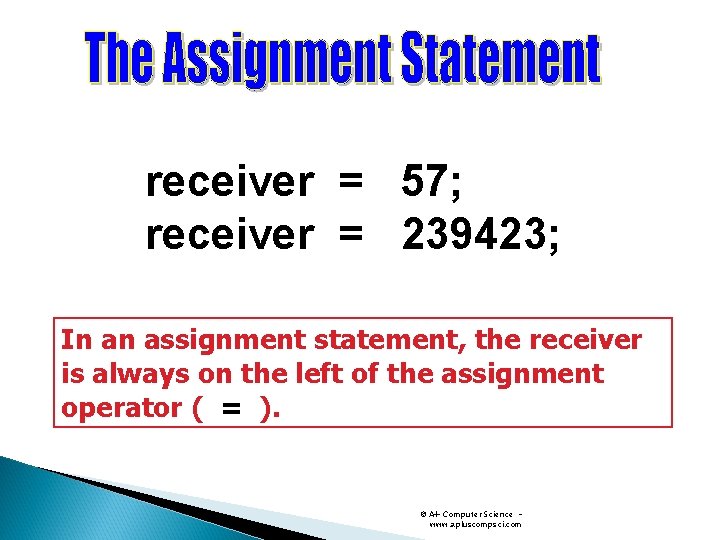
receiver = 57; receiver = 239423; In an assignment statement, the receiver is always on the left of the assignment operator ( = ). © A+ Computer Science www. apluscompsci. com
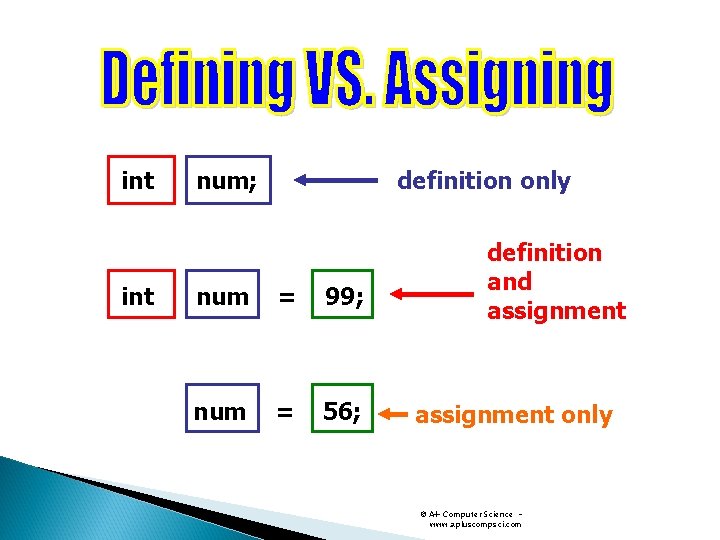
int definition only num; num = 99; num = 56; definition and assignment only © A+ Computer Science www. apluscompsci. com
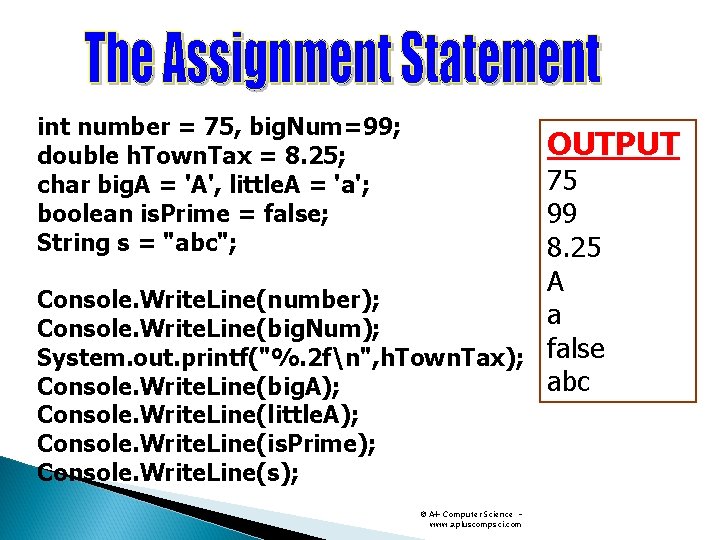
int number = 75, big. Num=99; double h. Town. Tax = 8. 25; char big. A = 'A', little. A = 'a'; boolean is. Prime = false; String s = "abc"; OUTPUT 75 99 8. 25 A Console. Write. Line(number); a Console. Write. Line(big. Num); System. out. printf("%. 2 fn", h. Town. Tax); false abc Console. Write. Line(big. A); Console. Write. Line(little. A); Console. Write. Line(is. Prime); Console. Write. Line(s); © A+ Computer Science www. apluscompsci. com
© A+ Computer Science www. apluscompsci. com
data type memory usage min. . max byte 8 bits -128 to 127 short 16 bits -32768 to 32767 int 32 bits -2 billion to 2 billion long 64 bits -big to +big float 32 bits -big to +big double 64 bits -big to +big char 16 bit unsigned 0 - 65535 reference 32 bits n/a It is important to know all data types and what each one can store. © A+ Computer Science www. apluscompsci. com
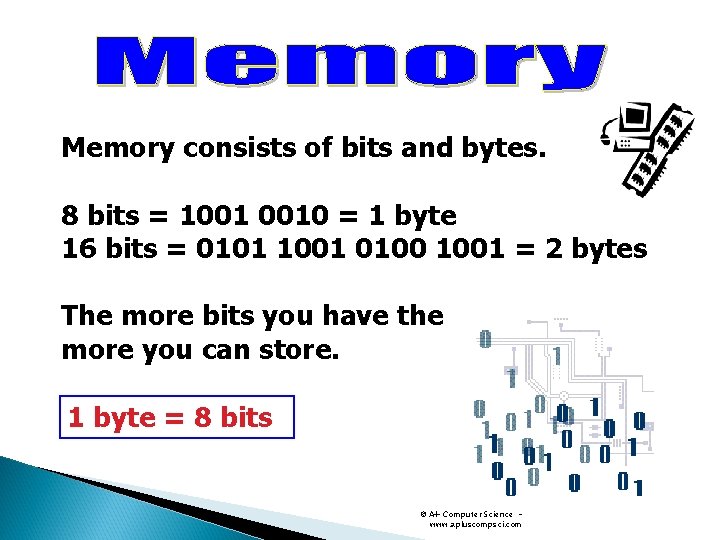
Memory consists of bits and bytes. 8 bits = 1001 0010 = 1 byte 16 bits = 0101 1001 0100 1001 = 2 bytes The more bits you have the more you can store. 1 byte = 8 bits © A+ Computer Science www. apluscompsci. com
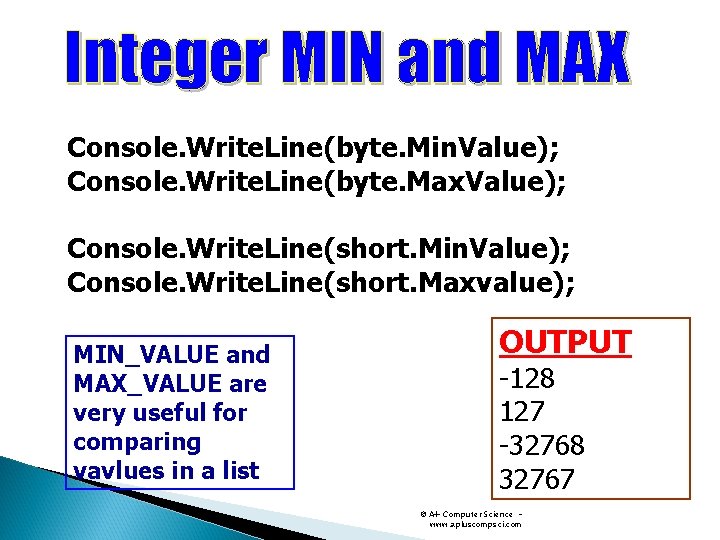
Console. Write. Line(byte. Min. Value); Console. Write. Line(byte. Max. Value); Console. Write. Line(short. Min. Value); Console. Write. Line(short. Maxvalue); MIN_VALUE and MAX_VALUE are very useful for comparing vavlues in a list OUTPUT -128 127 -32768 32767 © A+ Computer Science www. apluscompsci. com
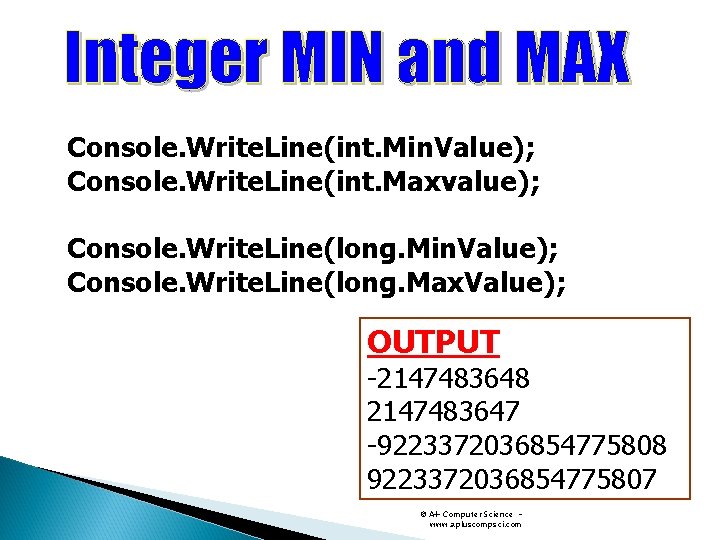
Console. Write. Line(int. Min. Value); Console. Write. Line(int. Maxvalue); Console. Write. Line(long. Min. Value); Console. Write. Line(long. Max. Value); OUTPUT -2147483648 2147483647 -9223372036854775808 9223372036854775807 © A+ Computer Science www. apluscompsci. com