
Line by Line Parsing in C Computer Science
Line by Line Parsing in C Computer Science Department University of Central Florida COP 3502 Recitation Session
Parsing n Typical parsing in C: n We read input from keyboard and files as individual tokens separated by white space n scanf and fscanf are used for this § They read successive tokens from the input § They read until white space is encountered and then it stops § The next call of scanf picks up from there and reads the next token n When is this parsing method useful? n n If we know how many tokens will be inputed, and we know what each token represents § integer, float, string, etc. Line by Line Parsing in C page 2
Parsing n Typical parsing in C: n But what if we don’t know how many tokens we will read in? n Say it is a list of Math classes for Spring 2010 § MA 245 MA 318 MA 412 … n n Maybe the list has 10 classes, or 20 classes, or more How would we go about reading this in? Line by Line Parsing in C page 3
Parsing n Typical input files: n In these types of files, spaces are usually part of the input n n Tabs and newlines are usually the delimiters n n Such as the space between a first and last name Stuff that separates the data Standard processing is to read one entire line at a time n n Which could have several pieces of information Then use a “string tokenizer” to parse out the different pieces of data in the line. Line by Line Parsing in C page 4
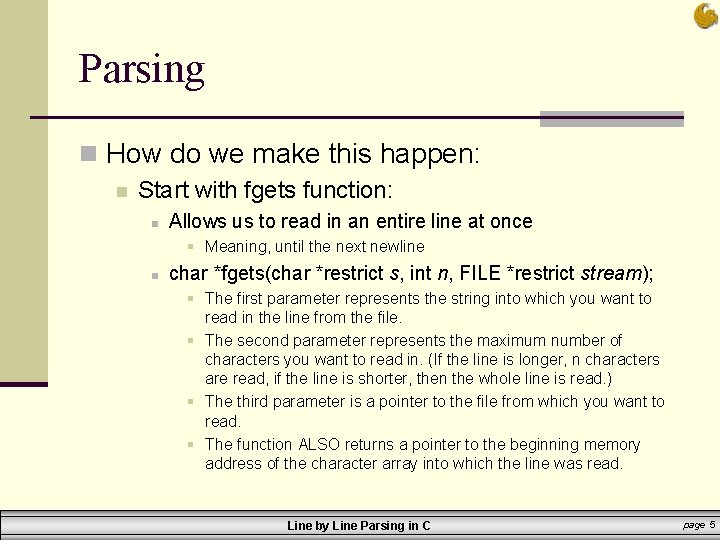
Parsing n How do we make this happen: n Start with fgets function: n Allows us to read in an entire line at once § Meaning, until the next newline n char *fgets(char *restrict s, int n, FILE *restrict stream); § The first parameter represents the string into which you want to read in the line from the file. § The second parameter represents the maximum number of characters you want to read in. (If the line is longer, n characters are read, if the line is shorter, then the whole line is read. ) § The third parameter is a pointer to the file from which you want to read. § The function ALSO returns a pointer to the beginning memory address of the character array into which the line was read. Line by Line Parsing in C page 5
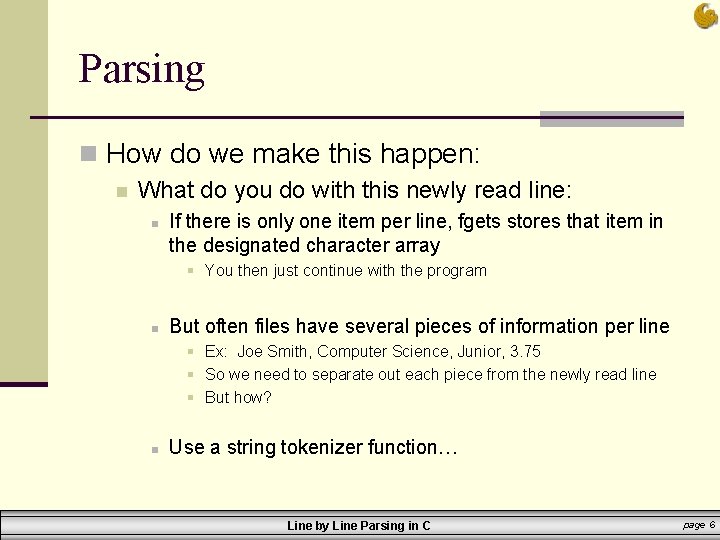
Parsing n How do we make this happen: n What do you do with this newly read line: n If there is only one item per line, fgets stores that item in the designated character array § You then just continue with the program n But often files have several pieces of information per line § Ex: Joe Smith, Computer Science, Junior, 3. 75 § So we need to separate out each piece from the newly read line § But how? n Use a string tokenizer function… Line by Line Parsing in C page 6
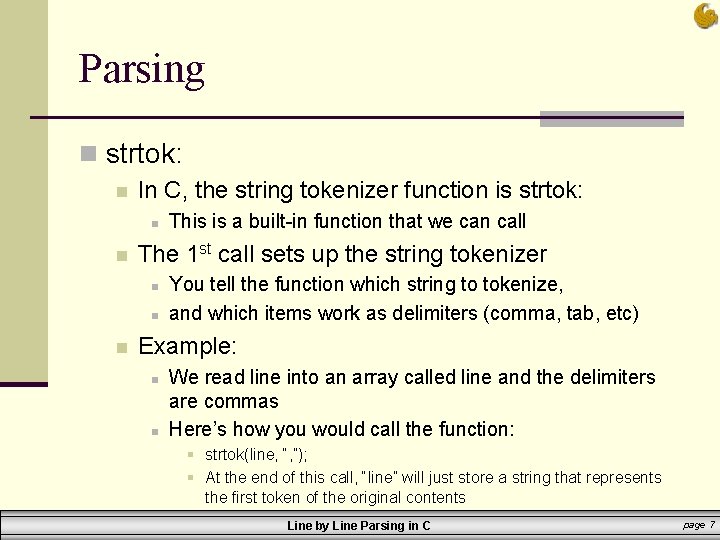
Parsing n strtok: n In C, the string tokenizer function is strtok: n n The 1 st call sets up the string tokenizer n n n This is a built-in function that we can call You tell the function which string to tokenize, and which items work as delimiters (comma, tab, etc) Example: n n We read line into an array called line and the delimiters are commas Here’s how you would call the function: § strtok(line, “, ”); § At the end of this call, “line” will just store a string that represents the first token of the original contents Line by Line Parsing in C page 7
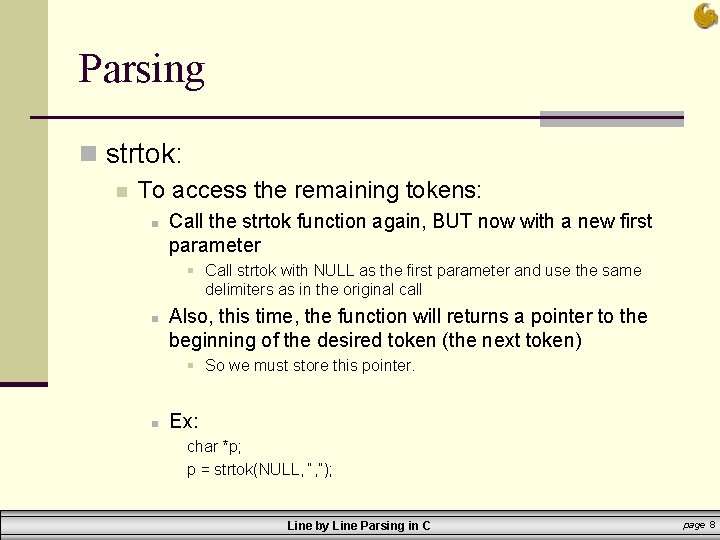
Parsing n strtok: n To access the remaining tokens: n Call the strtok function again, BUT now with a new first parameter § Call strtok with NULL as the first parameter and use the same delimiters as in the original call n Also, this time, the function will returns a pointer to the beginning of the desired token (the next token) § So we must store this pointer. n Ex: char *p; p = strtok(NULL, “, ”); Line by Line Parsing in C page 8
Parsing n strtok: n To access the remaining tokens: n n n You continue making these strtok function calls until there are no more tokens in the line Either you know the number of tokens in the line and simply use a for loop Or, you can check each time to see if the pointer p is NULL or not. § If p is NULL, then the function did not return a pointer, meaning there were no more tokens in the string tokenizer Line by Line Parsing in C page 9
Parsing n Additional Information: n n n The function strtok returns a VOID pointer And…your point is… The point is that this pointer needs to be cast to a char pointer n More accurate example: char *p; p = (char*)strtok(NULL, “, ”); Line by Line Parsing in C page 10
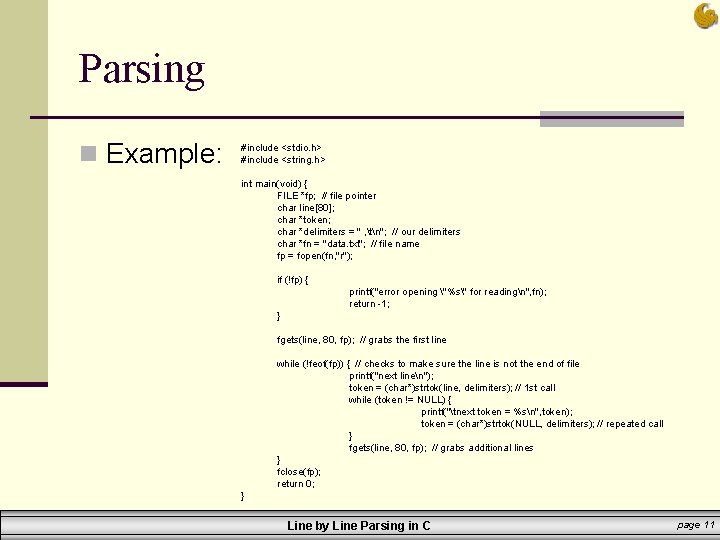
Parsing n Example: #include <stdio. h> #include <string. h> int main(void) { FILE *fp; // file pointer char line[80]; char *token; char *delimiters = " , tn"; // our delimiters char *fn = "data. txt"; // file name fp = fopen(fn, "r"); if (!fp) { printf("error opening "%s" for readingn", fn); return -1; } fgets(line, 80, fp); // grabs the first line while (!feof(fp)) { // checks to make sure the line is not the end of file printf("next linen"); token = (char*)strtok(line, delimiters); // 1 st call while (token != NULL) { printf("tnext token = %sn", token); token = (char*)strtok(NULL, delimiters); // repeated call } fgets(line, 80, fp); // grabs additional lines } fclose(fp); return 0; } Line by Line Parsing in C page 11
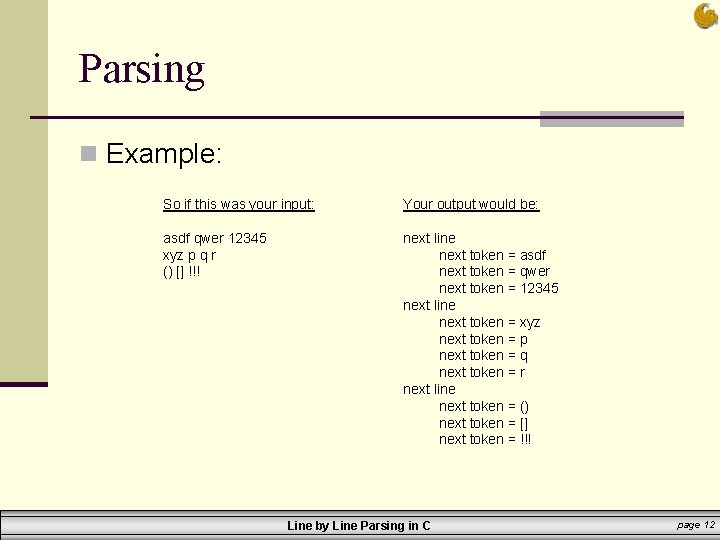
Parsing n Example: So if this was your input: Your output would be: asdf qwer 12345 xyz p q r () [] !!! next line next token = asdf next token = qwer next token = 12345 next line next token = xyz next token = p next token = q next token = r next line next token = () next token = [] next token = !!! Line by Line Parsing in C page 12
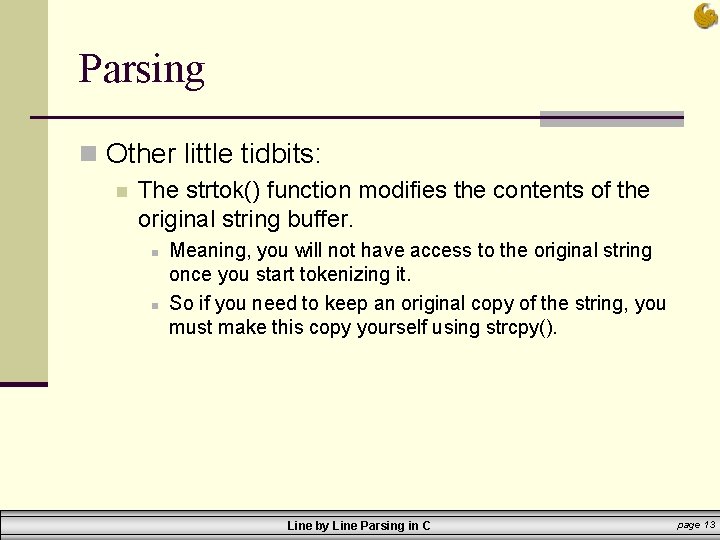
Parsing n Other little tidbits: n The strtok() function modifies the contents of the original string buffer. n n Meaning, you will not have access to the original string once you start tokenizing it. So if you need to keep an original copy of the string, you must make this copy yourself using strcpy(). Line by Line Parsing in C page 13
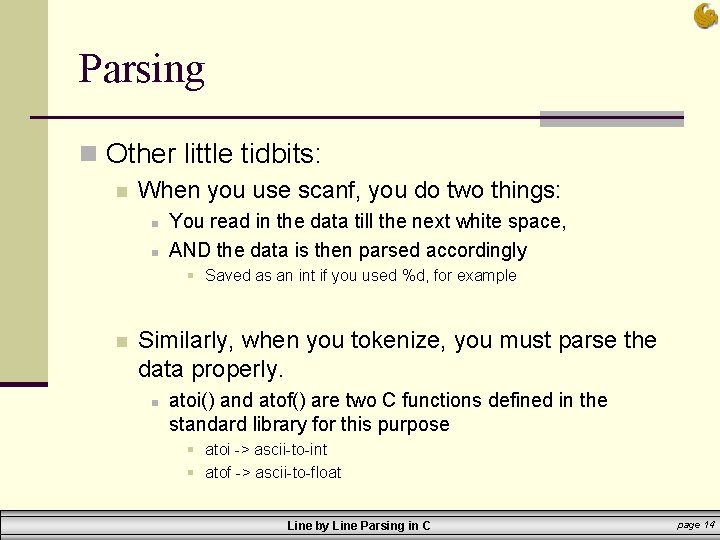
Parsing n Other little tidbits: n When you use scanf, you do two things: n n You read in the data till the next white space, AND the data is then parsed accordingly § Saved as an int if you used %d, for example n Similarly, when you tokenize, you must parse the data properly. n atoi() and atof() are two C functions defined in the standard library for this purpose § atoi -> ascii-to-int § atof -> ascii-to-float Line by Line Parsing in C page 14
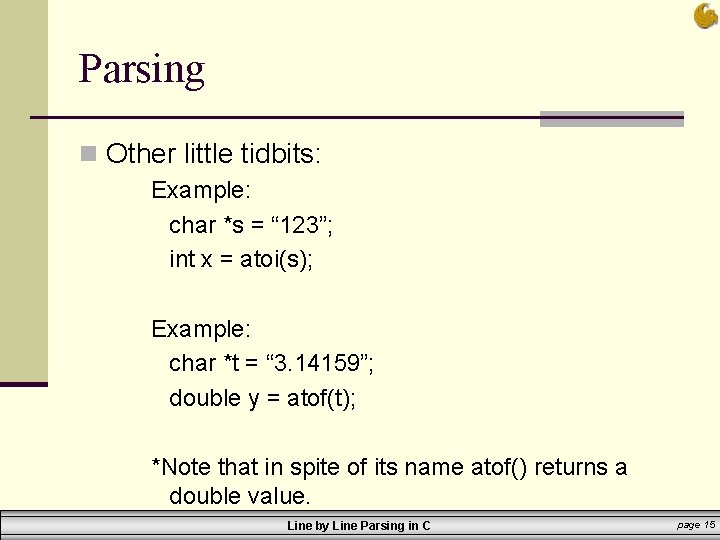
Parsing n Other little tidbits: Example: char *s = “ 123”; int x = atoi(s); Example: char *t = “ 3. 14159”; double y = atof(t); *Note that in spite of its name atof() returns a double value. Line by Line Parsing in C page 15
Line by Line Parsing in C Computer Science Department University of Central Florida COP 3502 Recitation Session
- Slides: 16