Viewing Transformation TongYee Lee 1 SelfAnimating Images Illusory
- Slides: 42
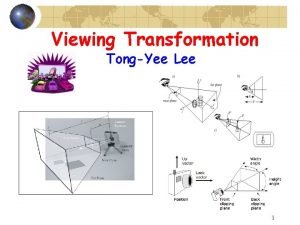
Viewing Transformation Tong-Yee Lee 1
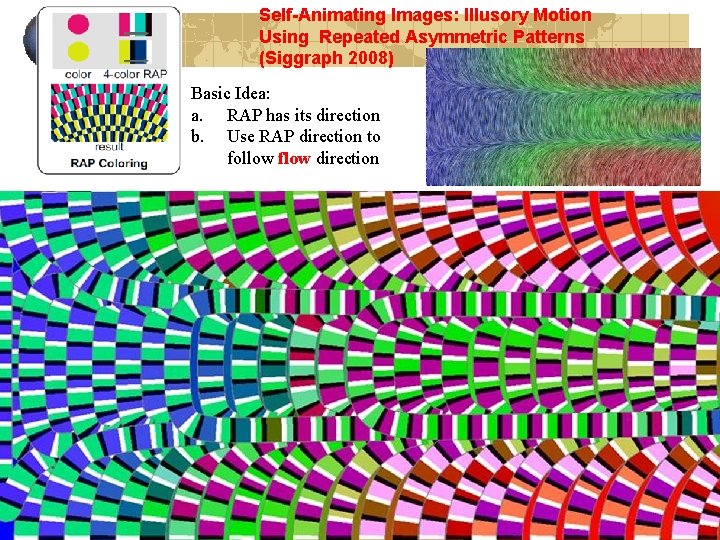
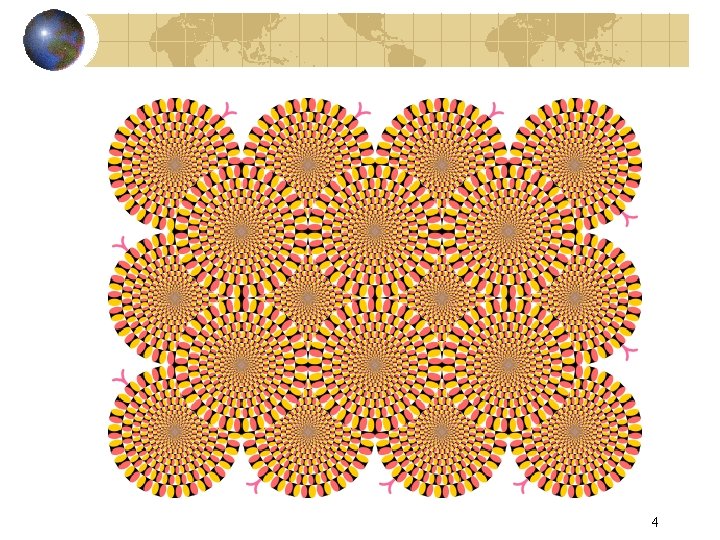
Self-Animating Images: Illusory Motion Using Repeated Asymmetric Patterns (Siggraph 2008) Basic Idea: a. RAP has its direction b. Use RAP direction to follow flow direction 2
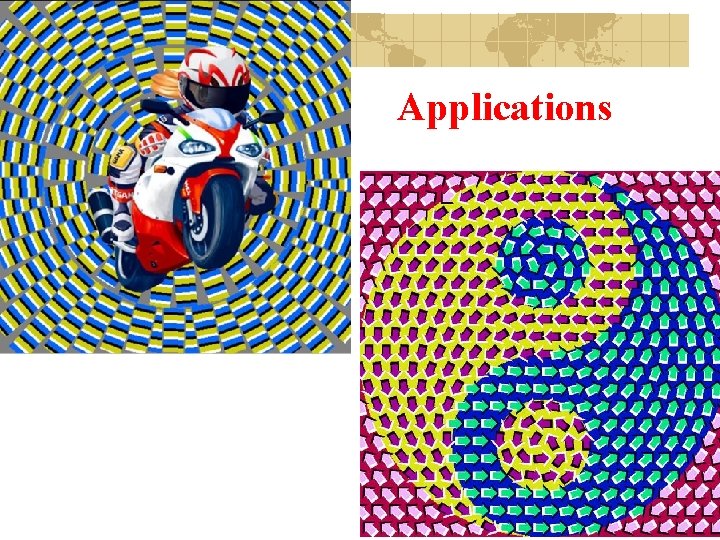
Applications 3
4
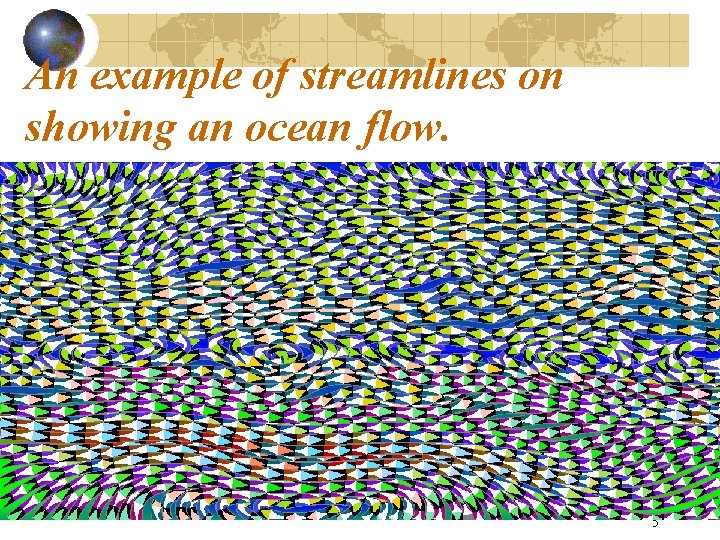
An example of streamlines on showing an ocean flow. 5
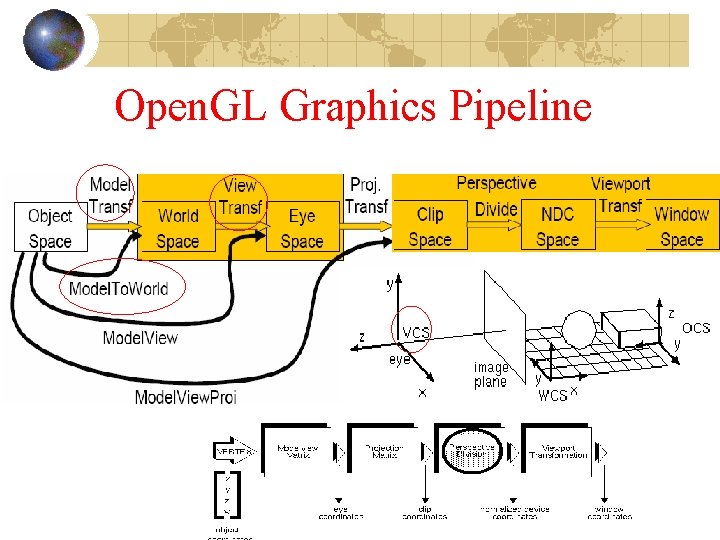
Open. GL Graphics Pipeline
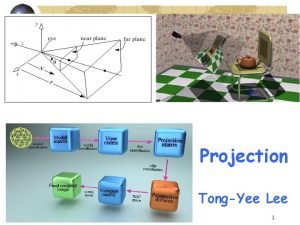
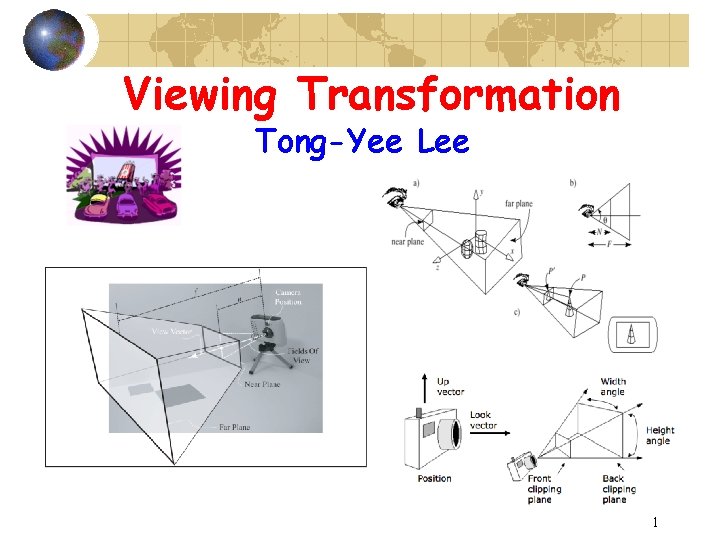
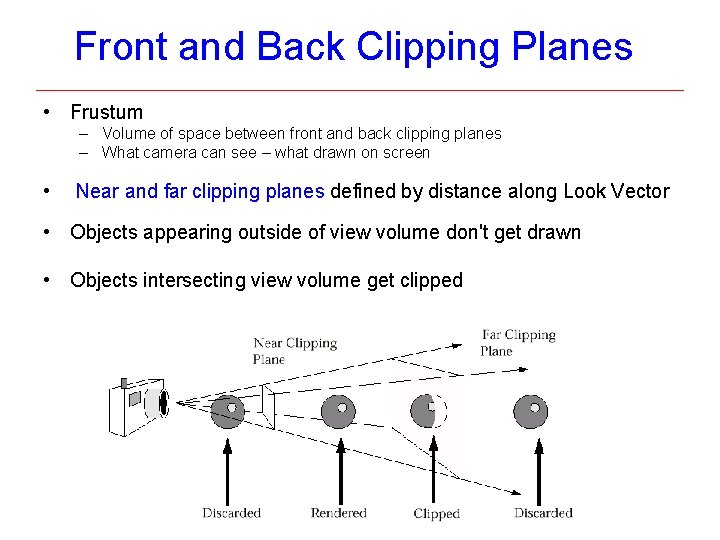
Front and Back Clipping Planes • Frustum – Volume of space between front and back clipping planes – What camera can see – what drawn on screen • Near and far clipping planes defined by distance along Look Vector • Objects appearing outside of view volume don't get drawn • Objects intersecting view volume get clipped
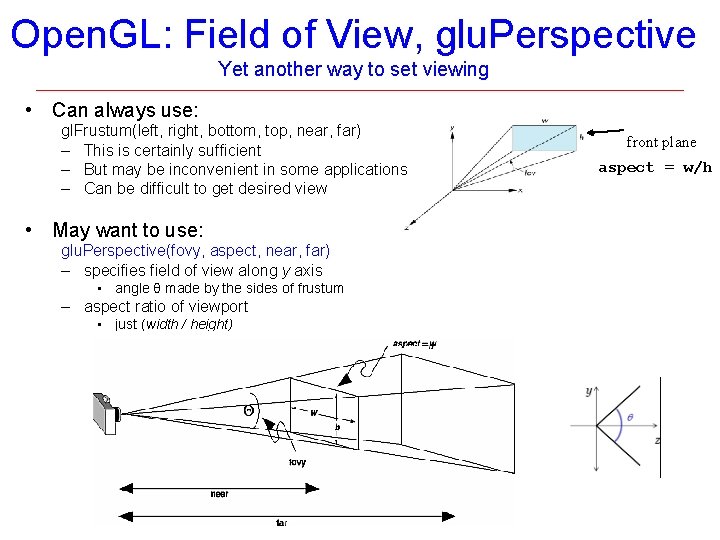
Open. GL: Field of View, glu. Perspective Yet another way to set viewing • Can always use: gl. Frustum(left, right, bottom, top, near, far) – This is certainly sufficient – But may be inconvenient in some applications – Can be difficult to get desired view • May want to use: glu. Perspective(fovy, aspect, near, far) – specifies field of view along y axis • angle θ made by the sides of frustum – aspect ratio of viewport • just (width / height) front plane aspect = w/h
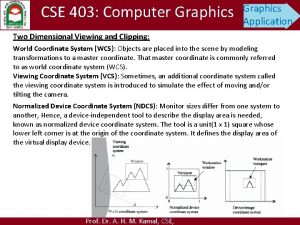
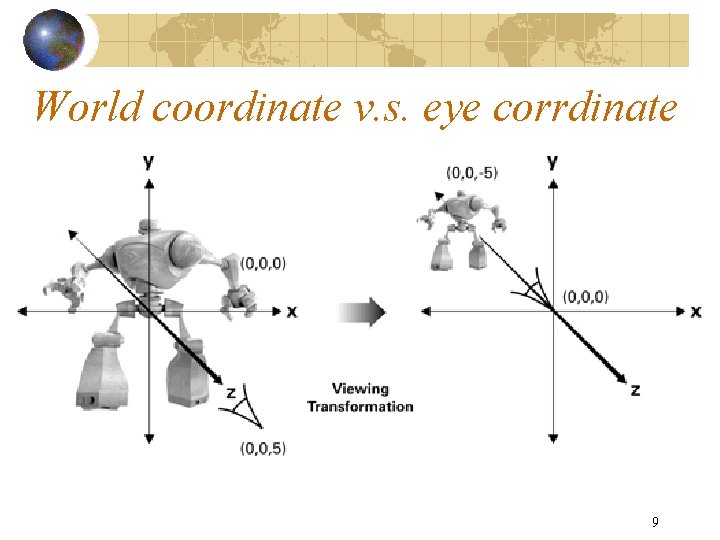
World coordinate v. s. eye corrdinate 9
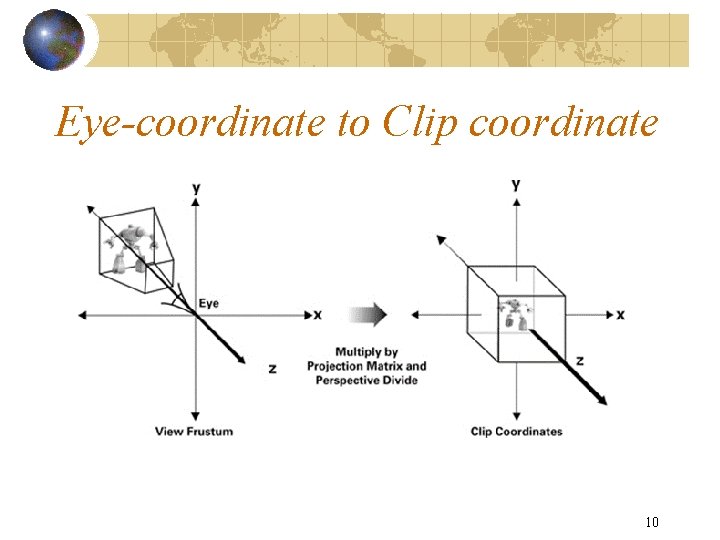
Eye-coordinate to Clip coordinate 10
11
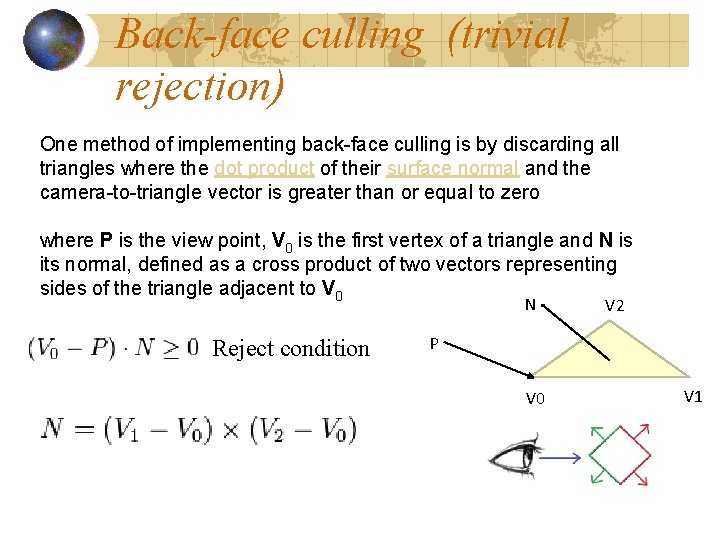
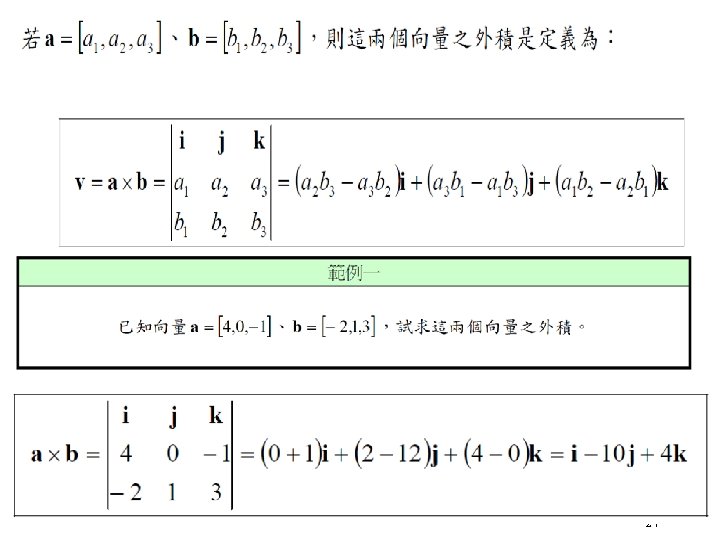
Back-face culling (trivial rejection) One method of implementing back-face culling is by discarding all triangles where the dot product of their surface normal and the camera-to-triangle vector is greater than or equal to zero where P is the view point, V 0 is the first vertex of a triangle and N is its normal, defined as a cross product of two vectors representing sides of the triangle adjacent to V 0 N Reject condition V 2 P V 0 V 1
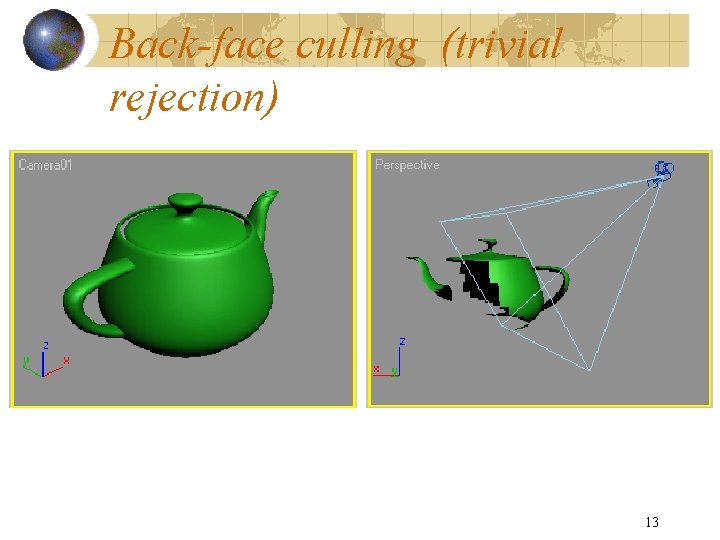
Back-face culling (trivial rejection) 13
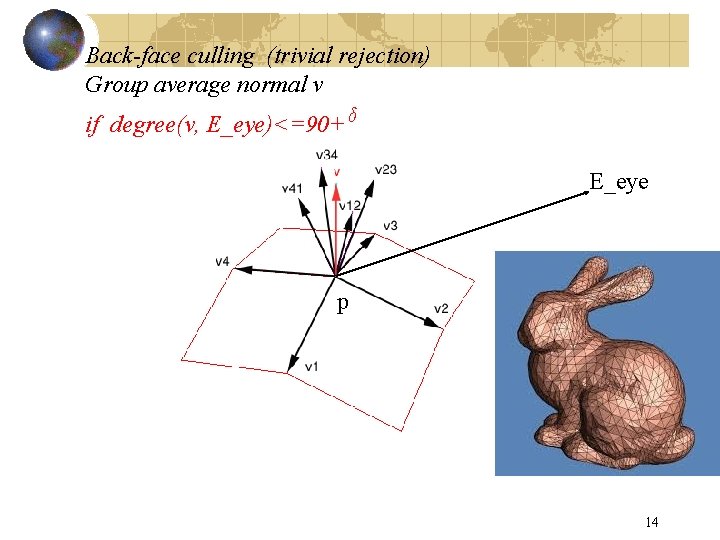
Back-face culling (trivial rejection) Group average normal v if degree(v, E_eye)<=90+ᵟ E_eye p 14
15
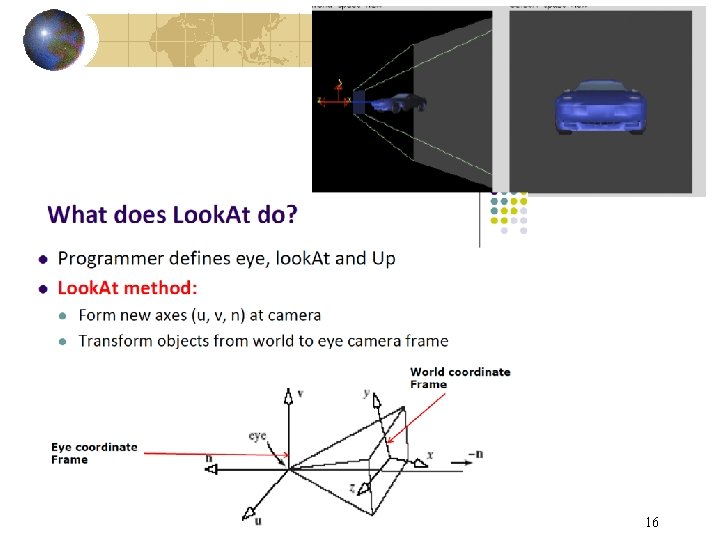
16
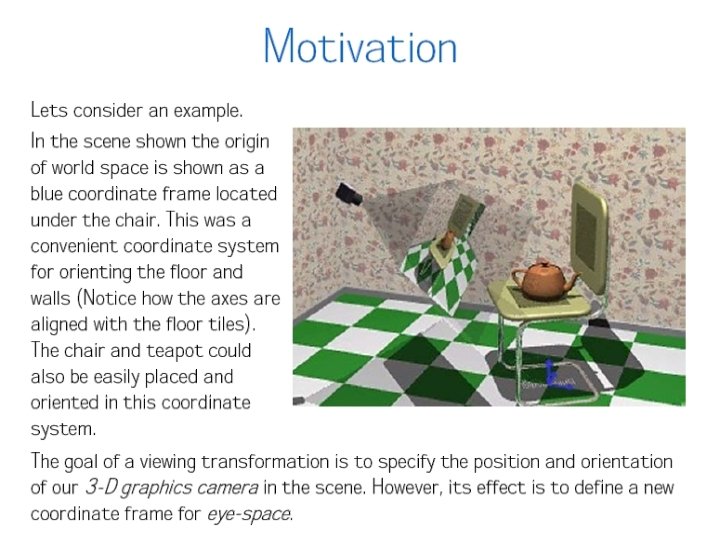
17
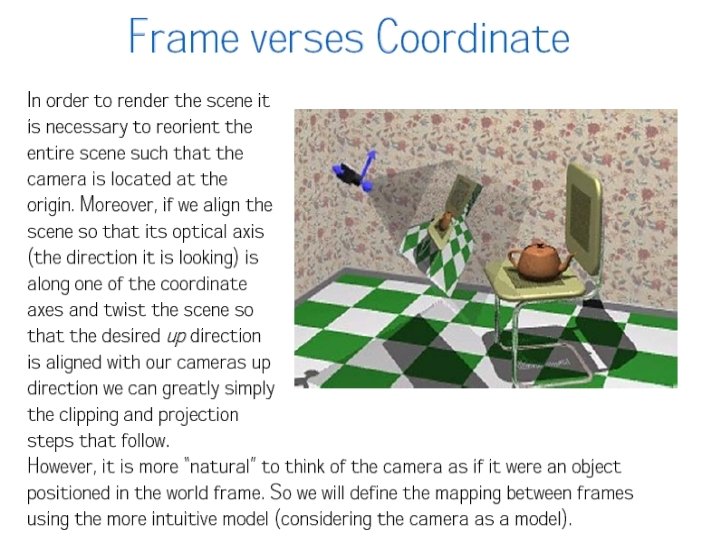
18
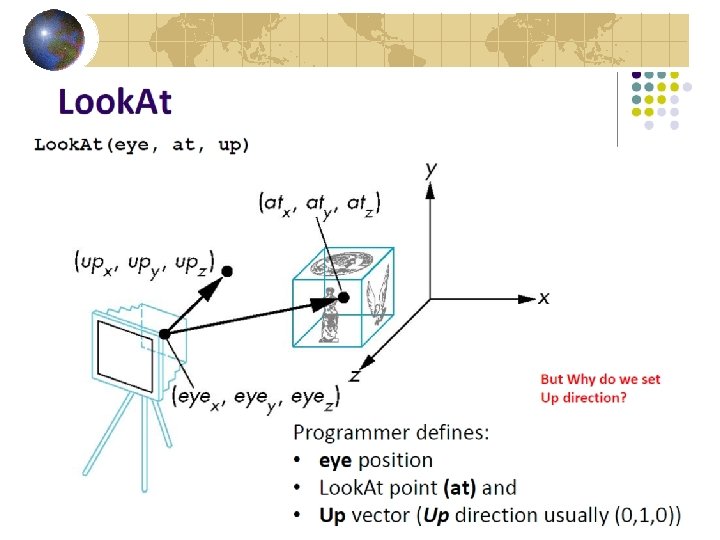
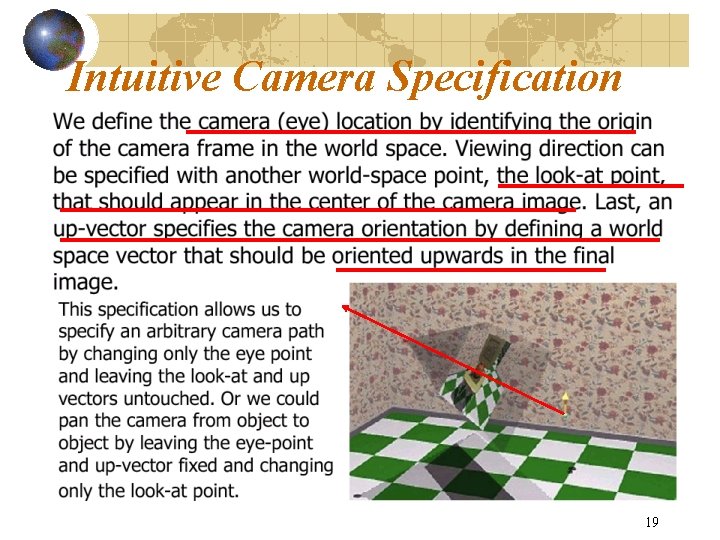
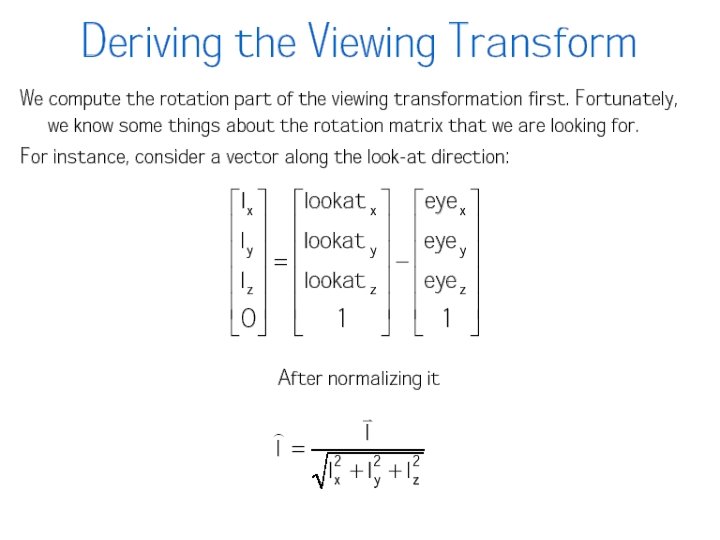
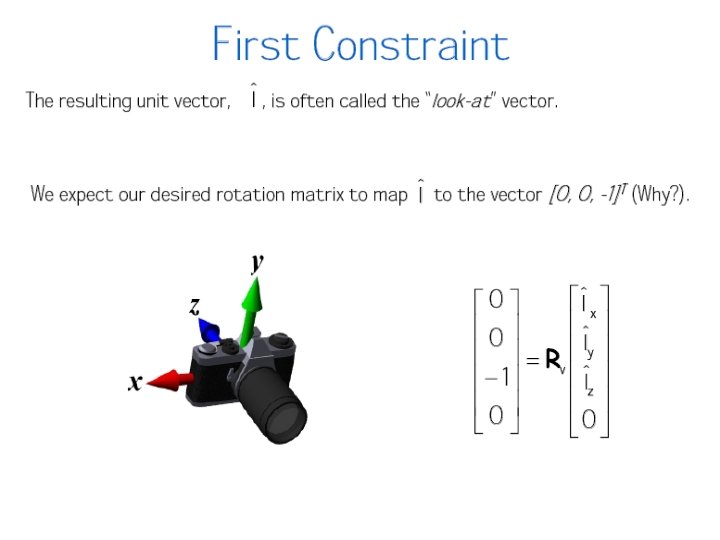
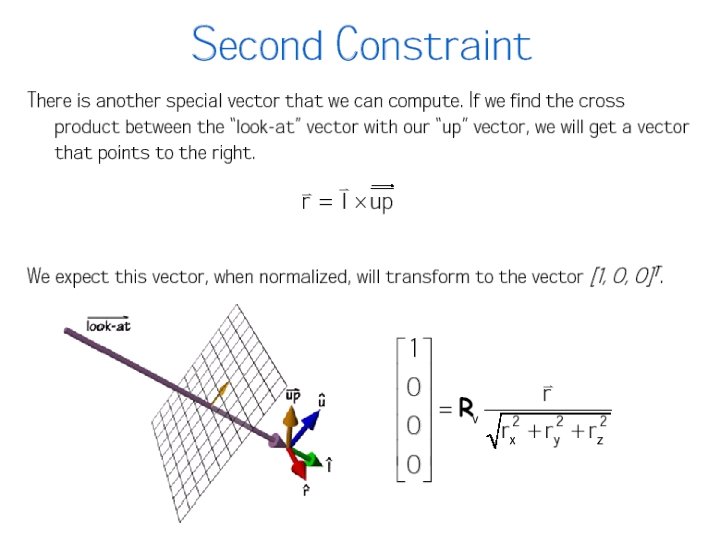
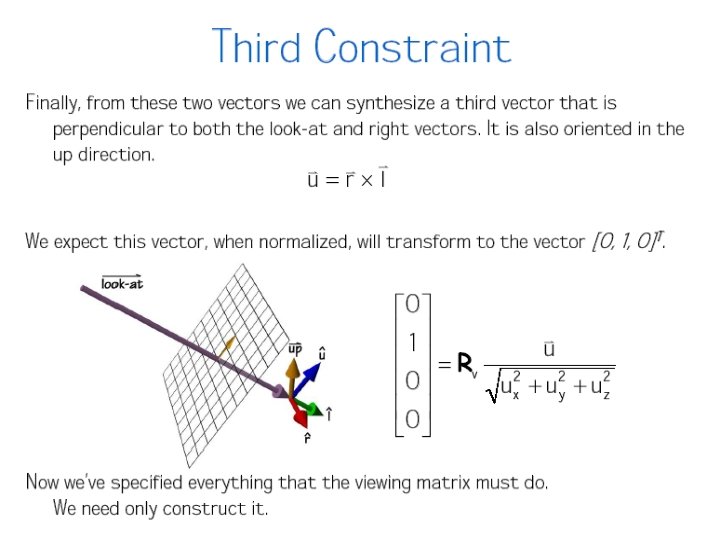
Intuitive Camera Specification 19
20
21
22
23
24
25
26
27
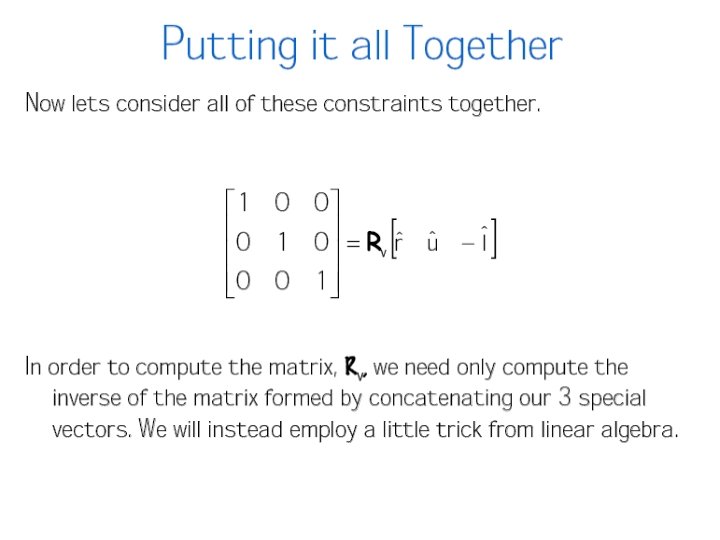
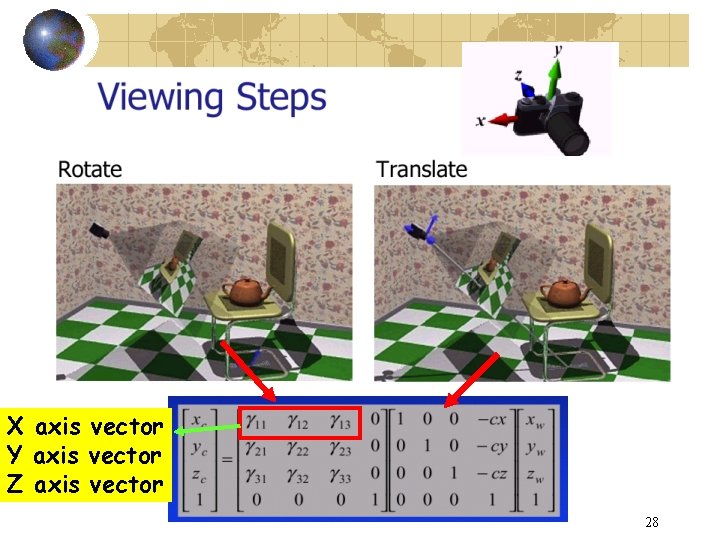
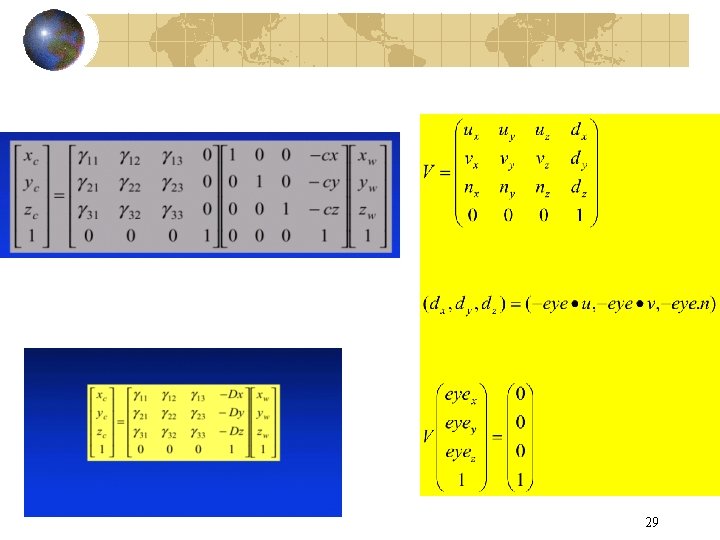
X axis vector Y axis vector Z axis vector 28
29
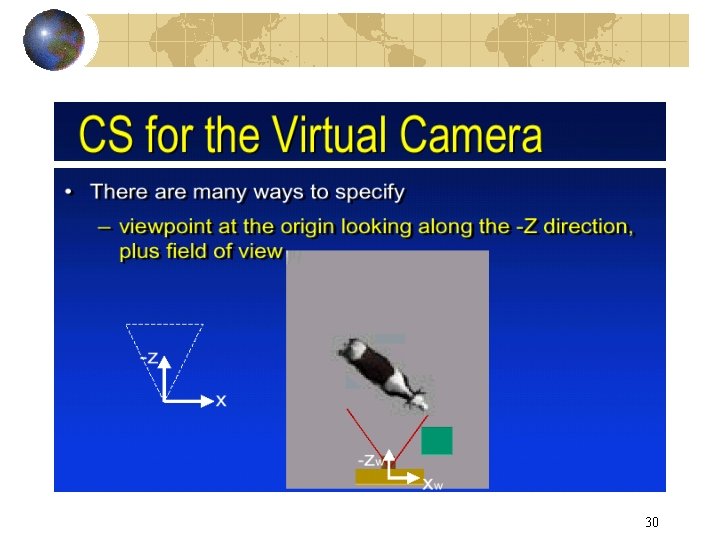
30
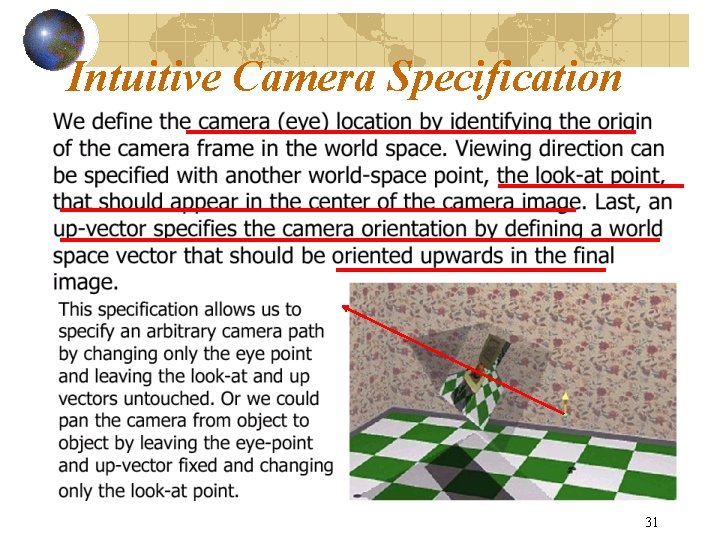
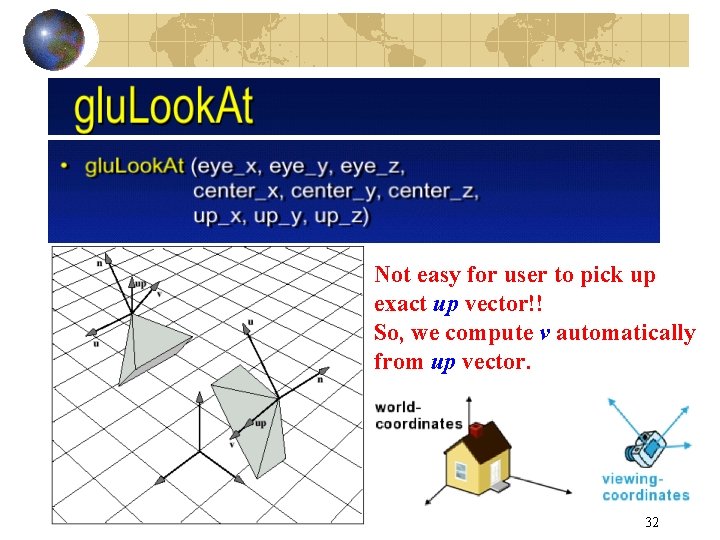
Intuitive Camera Specification 31
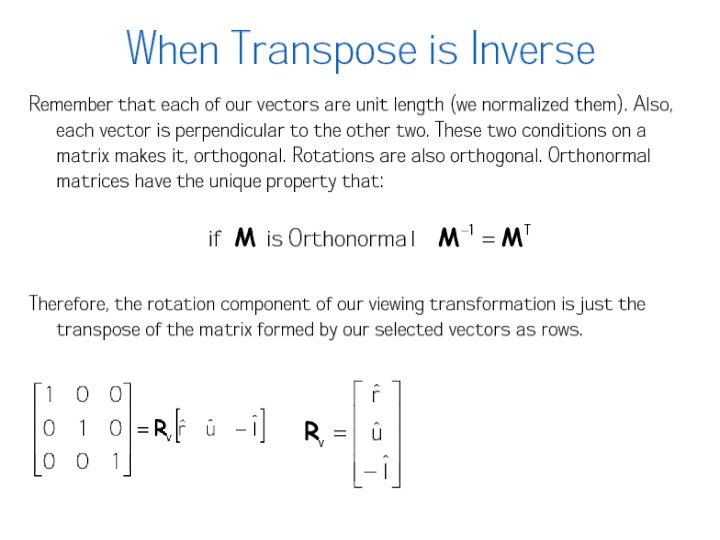
Not easy for user to pick up exact up vector!! So, we compute v automatically from up vector. 32
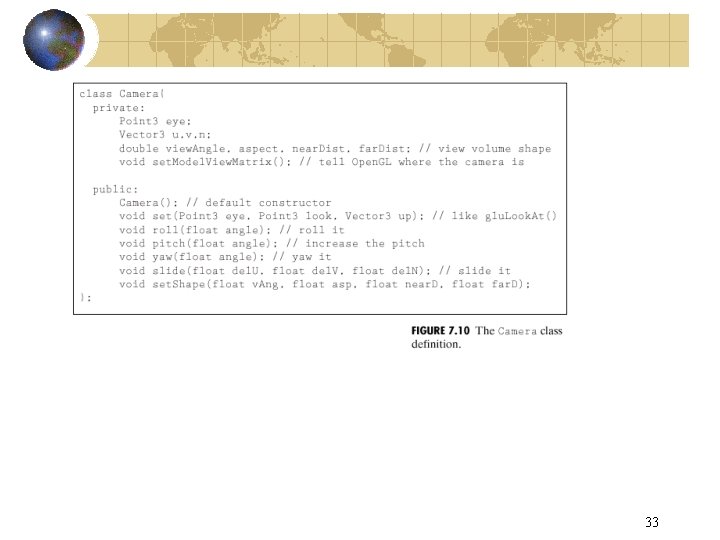
33
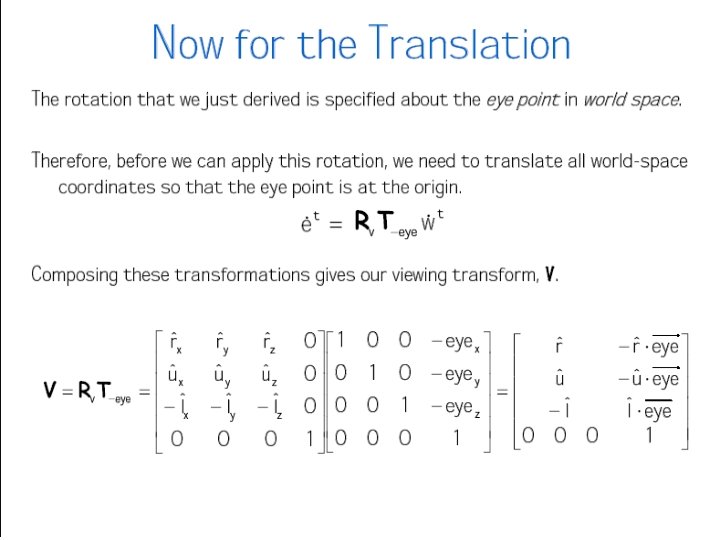
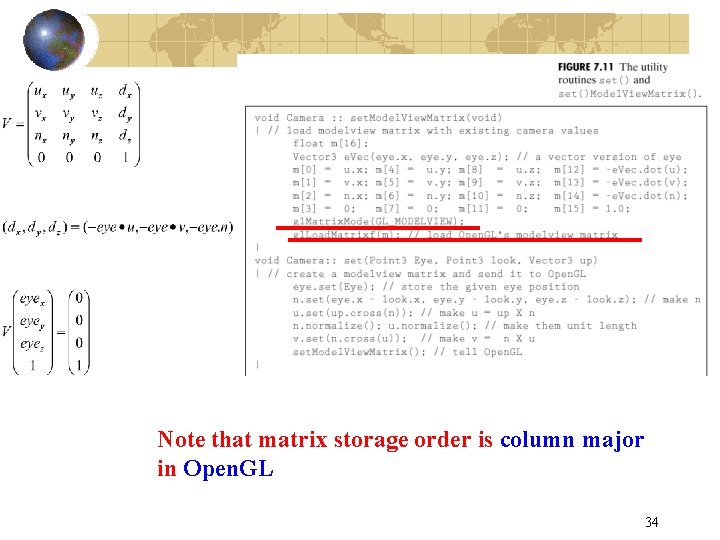
Note that matrix storage order is column major in Open. GL 34
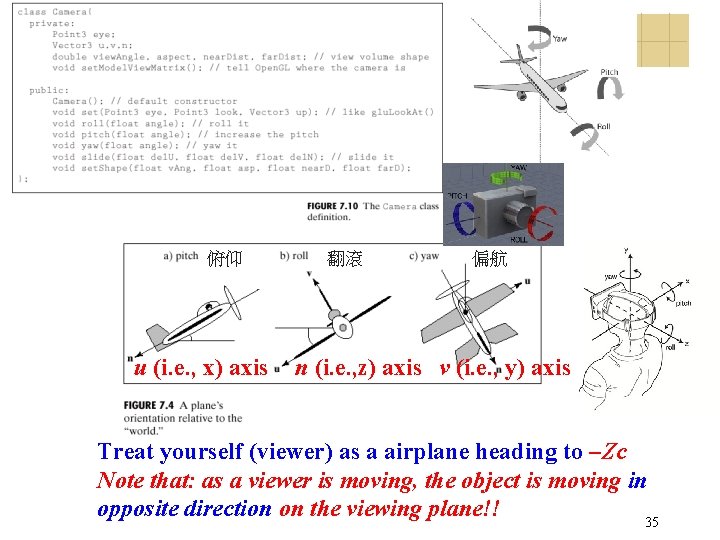
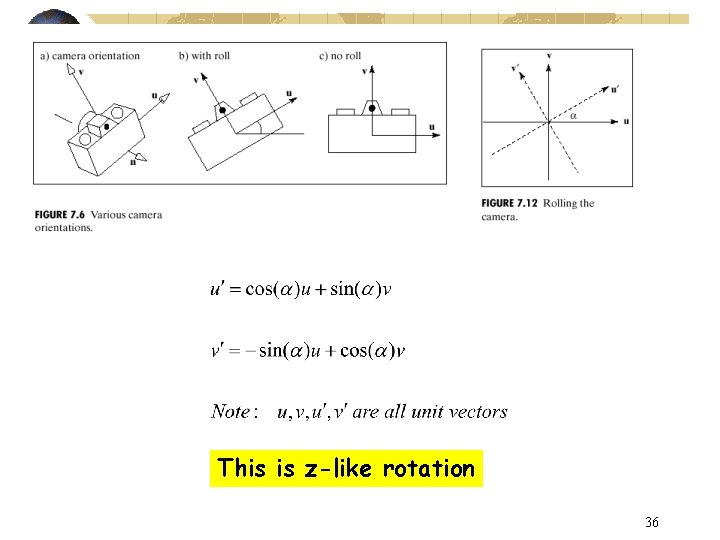
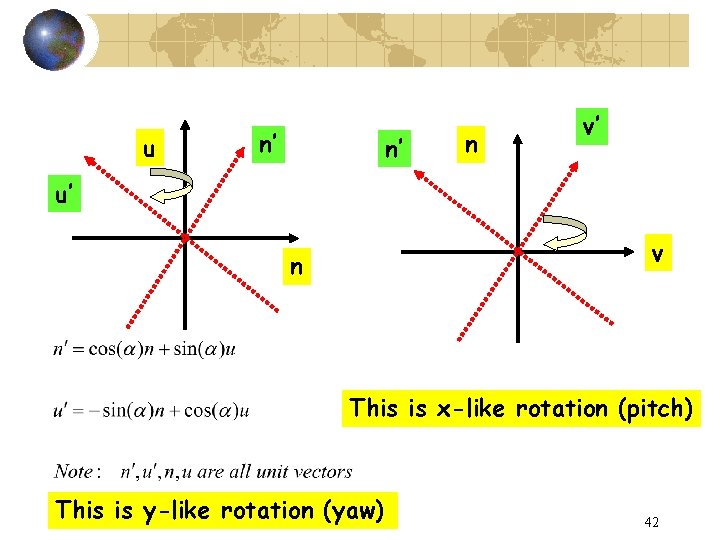
俯仰 u (i. e. , x) axis 翻滾 偏航 n (i. e. , z) axis v (i. e. , y) axis Treat yourself (viewer) as a airplane heading to –Zc Note that: as a viewer is moving, the object is moving in opposite direction on the viewing plane!! 35
This is z-like rotation 36
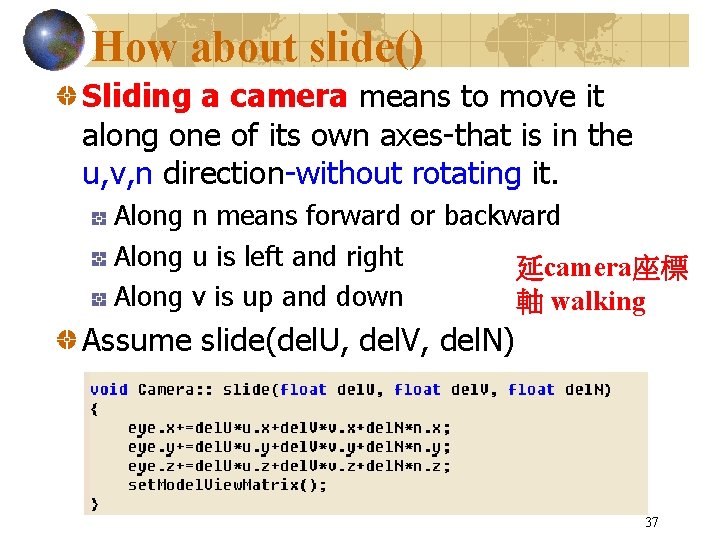
How about slide() Sliding a camera means to move it along one of its own axes-that is in the u, v, n direction-without rotating it. Along n means forward or backward Along u is left and right 延camera座標 Along v is up and down 軸 walking Assume slide(del. U, del. V, del. N) 37
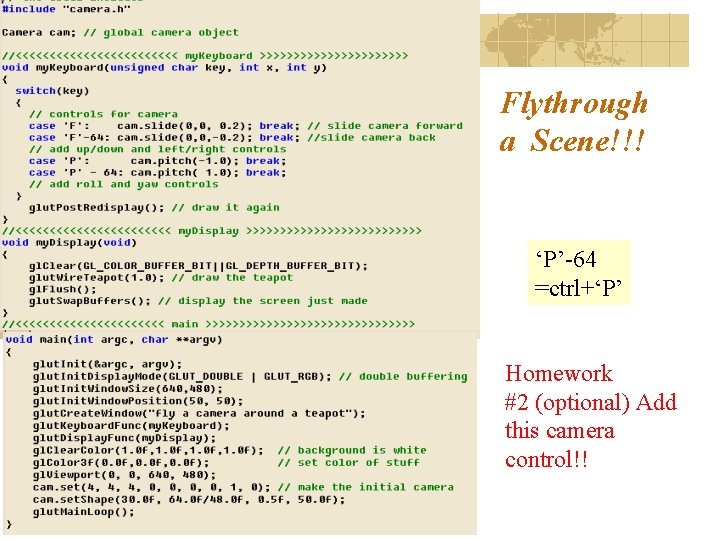
Flythrough a Scene!!! ‘P’-64 =ctrl+‘P’ Homework #2 (optional) Add this camera control!!
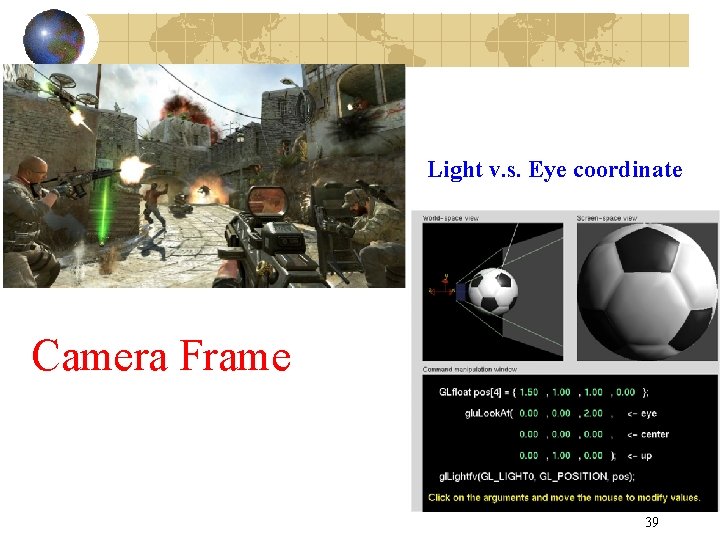
Light v. s. Eye coordinate Camera Frame 39
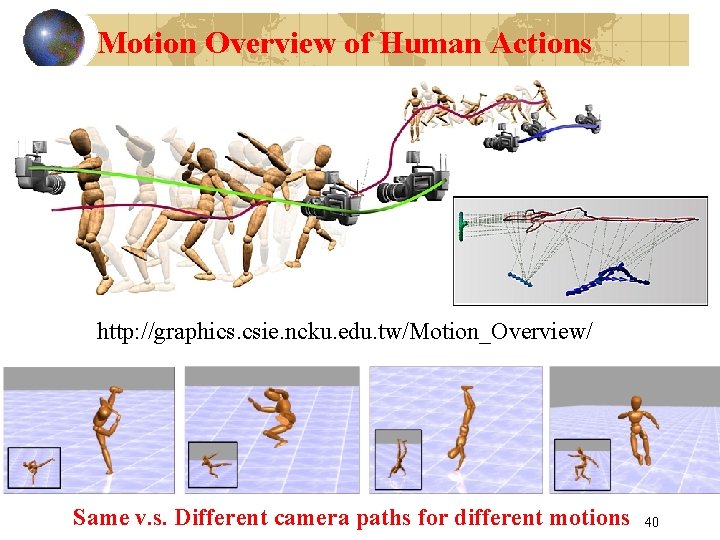
Motion Overview of Human Actions http: //graphics. csie. ncku. edu. tw/Motion_Overview/ Same v. s. Different camera paths for different motions 40
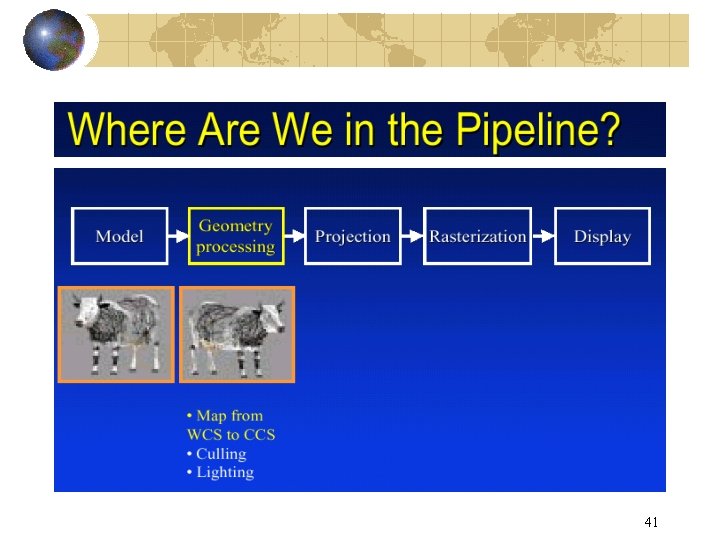
41
u n’ n’ n v’ u’ v n This is x-like rotation (pitch) This is y-like rotation (yaw) 42