Unit II Java Script XML 1 TOPICS 1

- Slides: 51
Unit –II Java. Script & XML 1
TOPICS: 1. Introduction 2. What is java script 3. How does it works 4. Java script statements 5. Variables in java script 6. Java script data types 7. Control statements 8. Functions 2
Cont. . 9. Popup boxes 10. Objects on java script 11. Events 12. XML 13. XML rules 14. Well formed XML Document 15. Simple program 16. DTD 17. Schema 3
1. Introduction 4 l What is it? l How does it work? l What is Java? l Learning Java. Script – Java. Script Statements – Java. Script and HTML forms
2. What is Java. Script? l Browsers have limited functionality – Text, images, tables, frames l Java. Script allows for interactivity l Browser/page manipulation – l Reacting to user actions A type of programming language – Easy to learn – Developed by Netscape – Now a standard exists – www. ecma-international. org/publications/ standards/ECMA-262. HTML 5
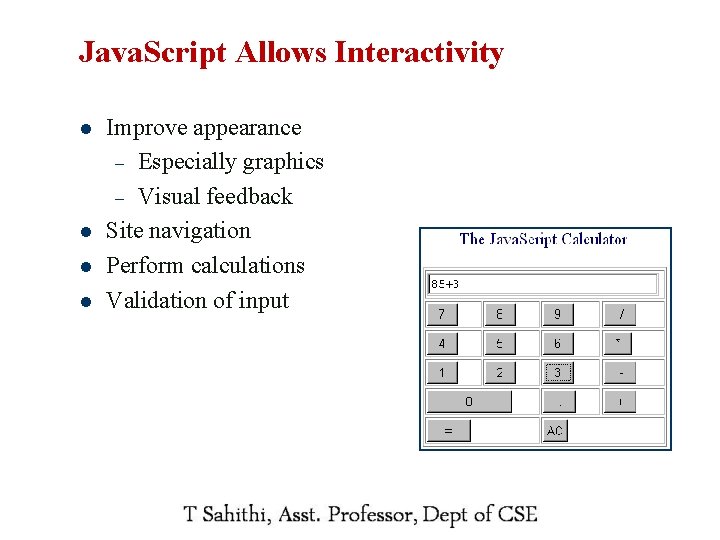
Java. Script Allows Interactivity l l Improve appearance – Especially graphics – Visual feedback Site navigation Perform calculations Validation of input javascript. internet. com 6
3. How Does It Work? l Embedded within HTML page – l Executes on client – Fast, no connection needed once loaded l Simple programming statements combined with HTML tags l Interpreted (not compiled) – 7 View source No special tools required
What is Java? 8 l Totally different l A full programming language l Much harder! l A compiled language l Independent of the web l Sometimes used together
Learning Java. Script l Special syntax to learn l Learn the basics and then use other people's (lots of free sites) 9 l Write it in a text editor, view results in browser l Need to revise your HTML l Need patience and good eyesight
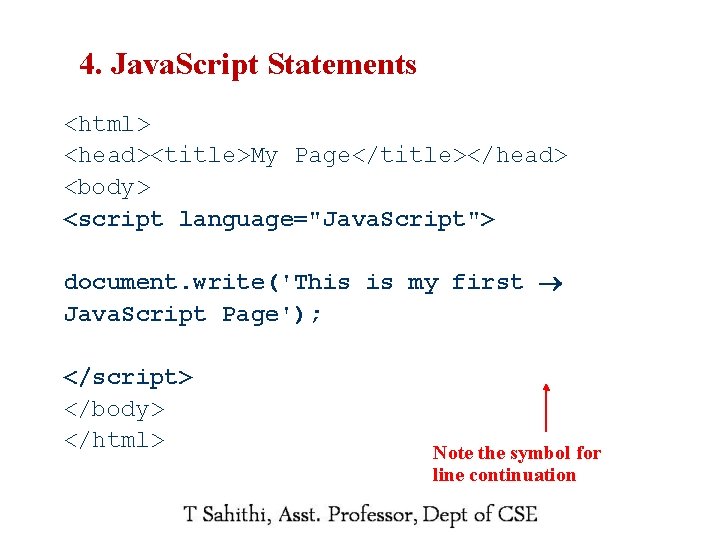
4. Java. Script Statements <html> <head><title>My Page</title></head> <body> <script language="Java. Script"> document. write('This is my first Java. Script Page'); </script> </body> </html> 10 Note the symbol for line continuation
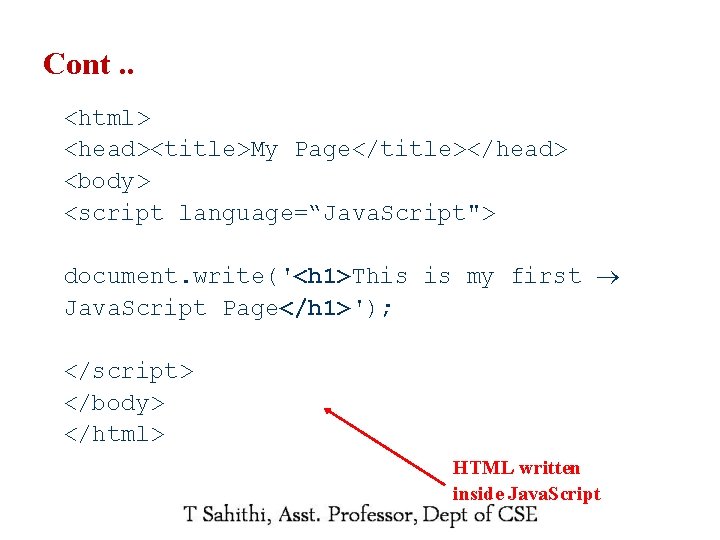
Cont. . <html> <head><title>My Page</title></head> <body> <script language=“Java. Script"> document. write('<h 1>This is my first Java. Script Page</h 1>'); </script> </body> </html> HTML written inside Java. Script 11
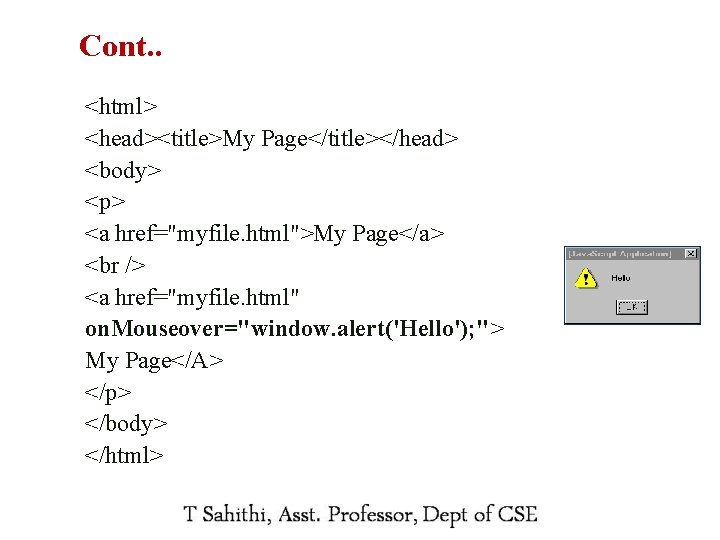
Cont. . <html> <head><title>My Page</title></head> <body> <p> <a href="myfile. html">My Page</a> <a href="myfile. html" on. Mouseover="window. alert('Hello'); "> My Page</A> </p> </body> </html> 12
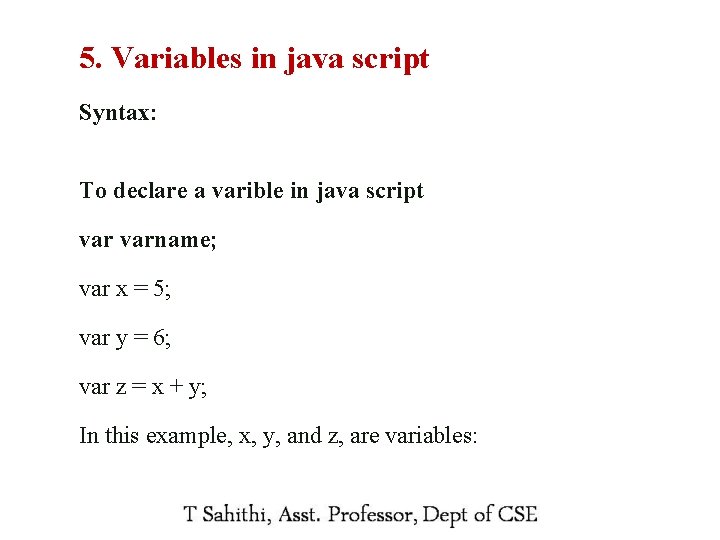
5. Variables in java script Syntax: To declare a varible in java script varname; var x = 5; var y = 6; var z = x + y; In this example, x, y, and z, are variables: 13
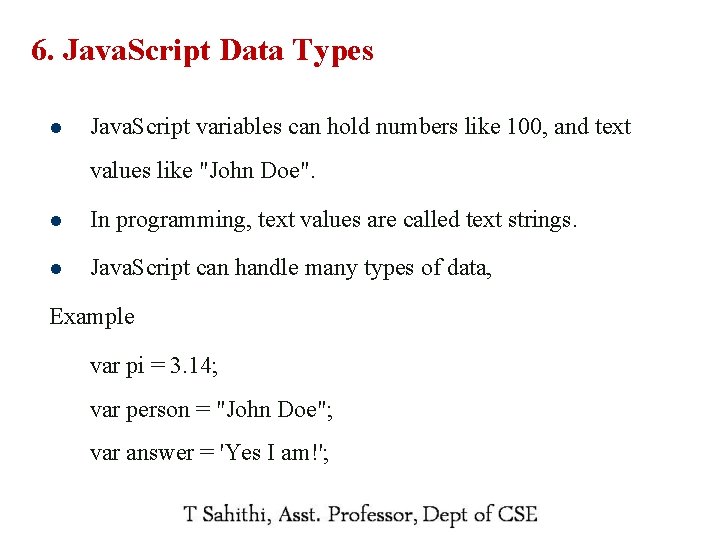
6. Java. Script Data Types l Java. Script variables can hold numbers like 100, and text values like "John Doe". l In programming, text values are called text strings. l Java. Script can handle many types of data, Example var pi = 3. 14; var person = "John Doe"; var answer = 'Yes I am!'; 14
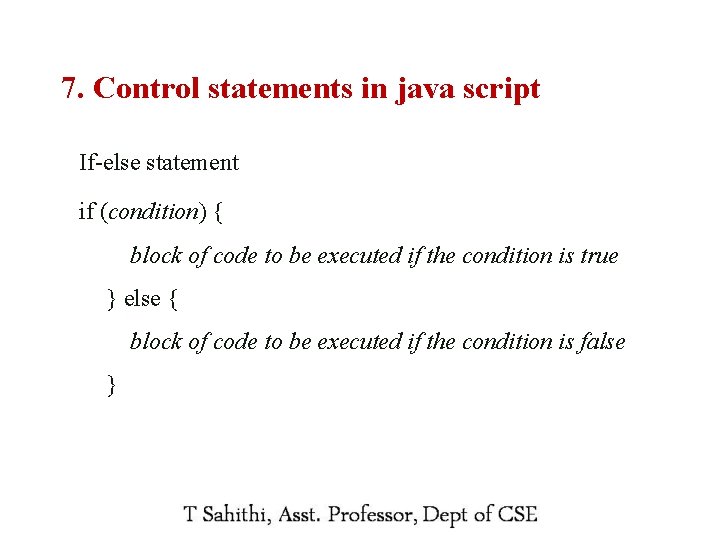
7. Control statements in java script If-else statement if (condition) { block of code to be executed if the condition is true } else { block of code to be executed if the condition is false } 15
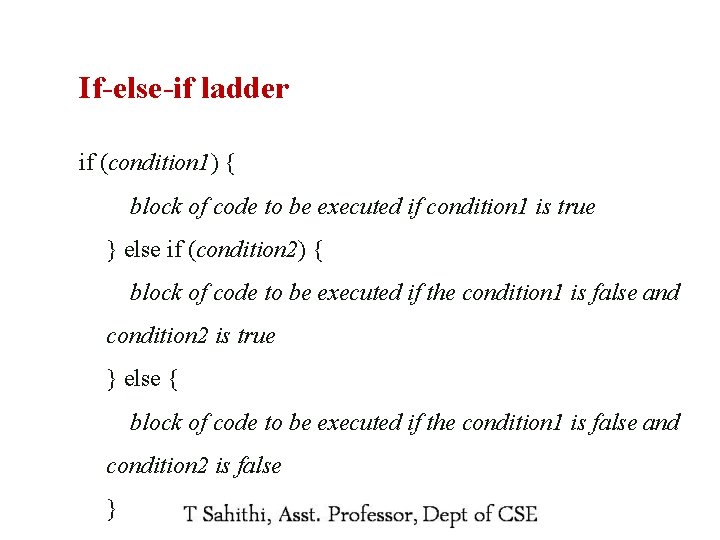
If-else-if ladder if (condition 1) { block of code to be executed if condition 1 is true } else if (condition 2) { block of code to be executed if the condition 1 is false and condition 2 is true } else { block of code to be executed if the condition 1 is false and condition 2 is false 16 }
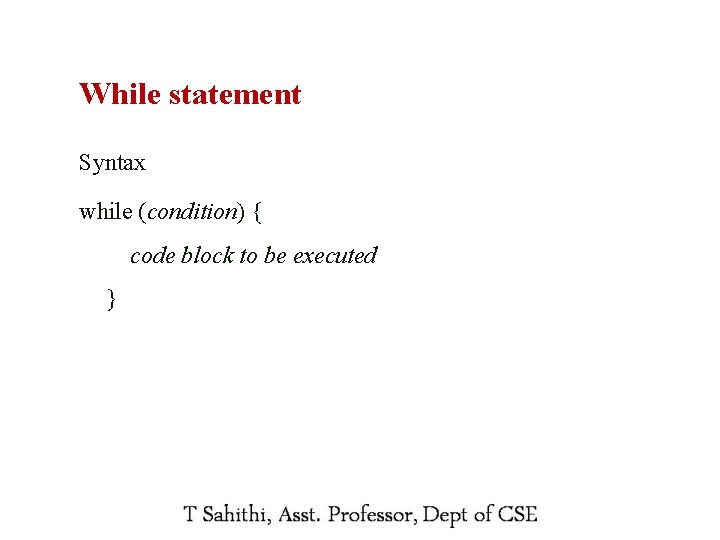
While statement Syntax while (condition) { code block to be executed } 17
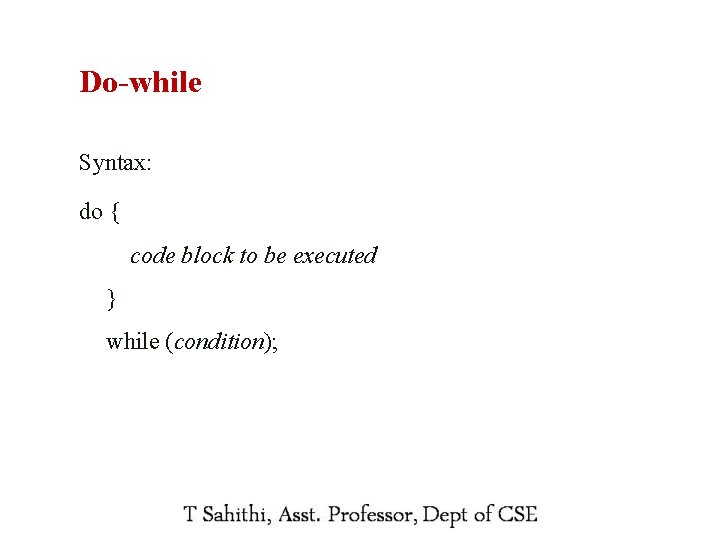
Do-while Syntax: do { code block to be executed } while (condition); 18
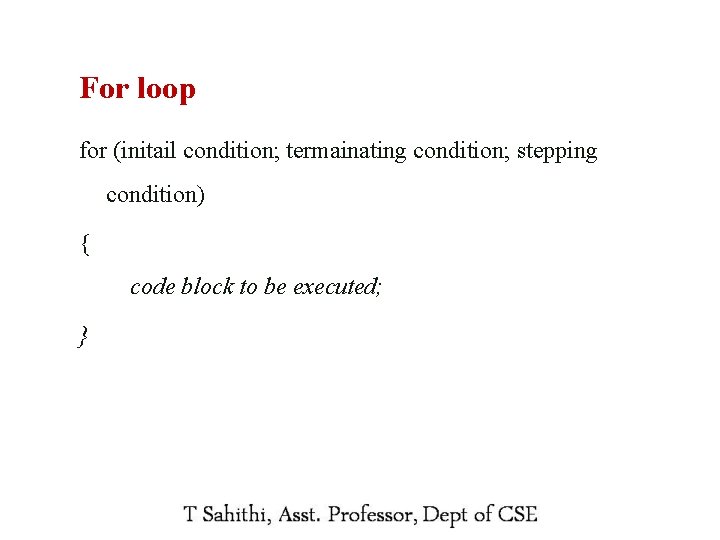
For loop for (initail condition; termainating condition; stepping condition) { code block to be executed; } 19
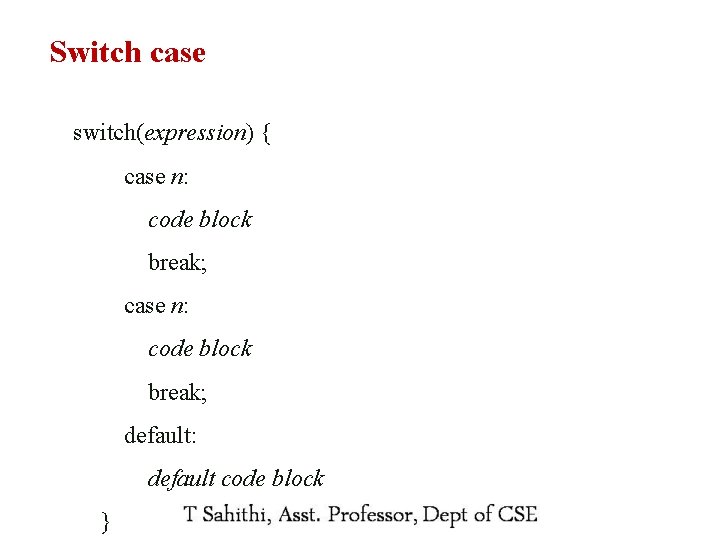
Switch case switch(expression) { case n: code block break; default: default code block 20 }
The Break Statement l The break statement can also be used to jump out of a loop. l The break statement breaks the loop and continues executing the code after the loop (if any): 21
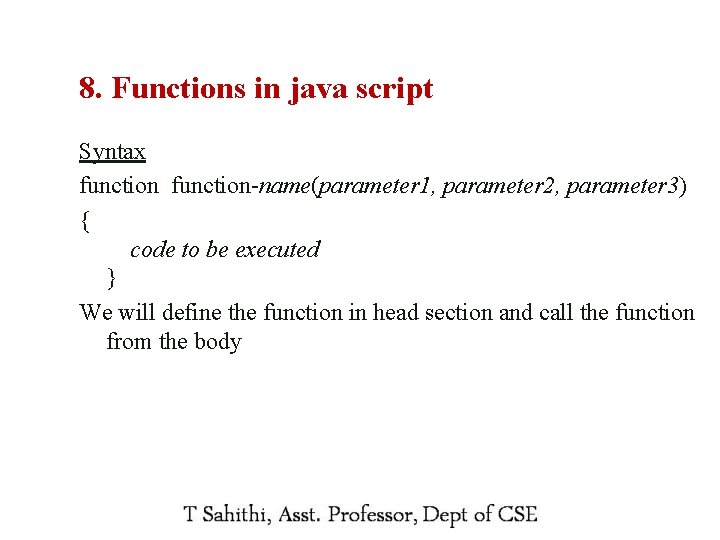
8. Functions in java script Syntax function-name(parameter 1, parameter 2, parameter 3) { code to be executed } We will define the function in head section and call the function from the body 22
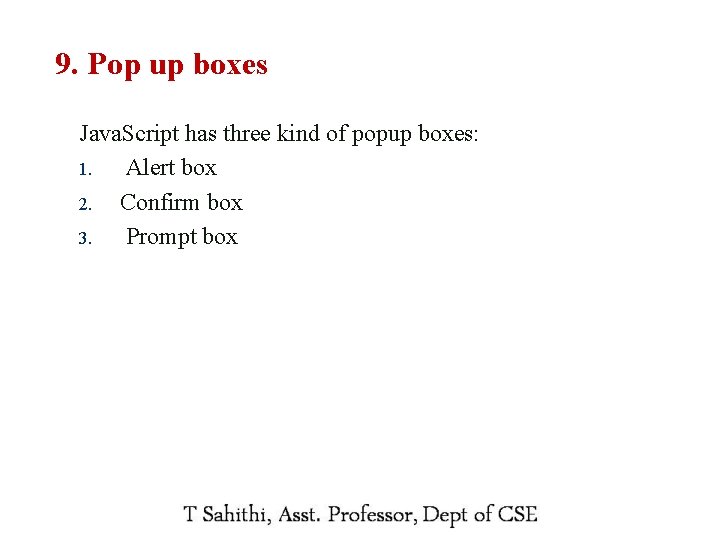
9. Pop up boxes Java. Script has three kind of popup boxes: 1. Alert box 2. Confirm box 3. Prompt box 23
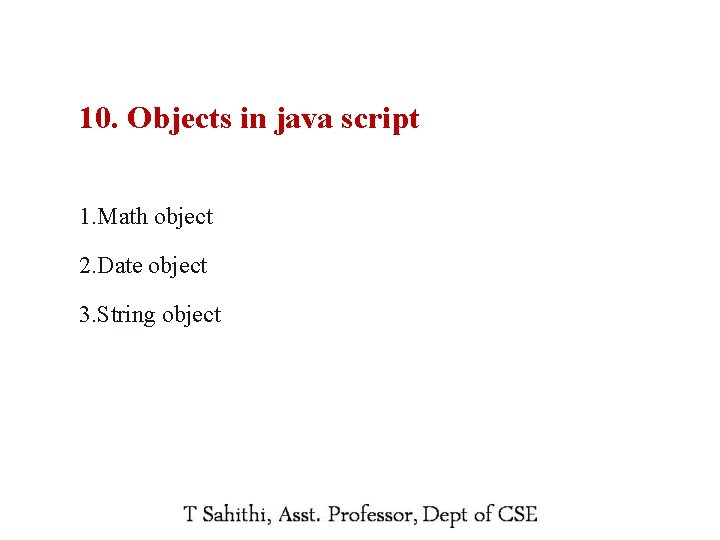
10. Objects in java script 1. Math object 2. Date object 3. String object 24
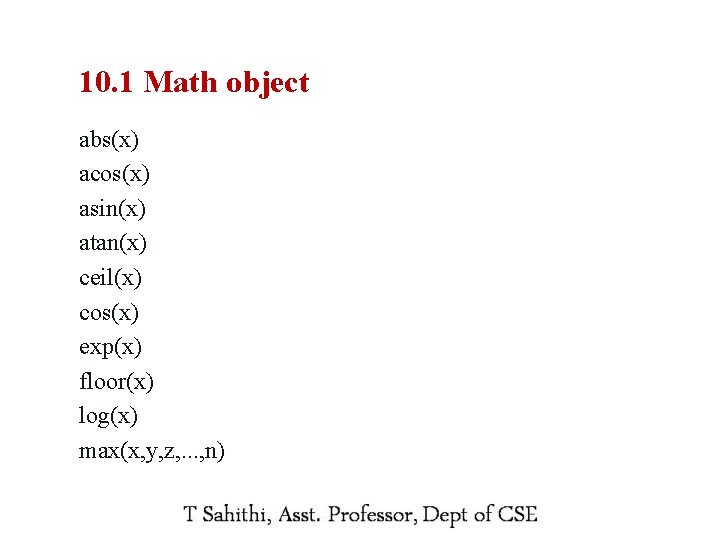
10. 1 Math object abs(x) acos(x) asin(x) atan(x) ceil(x) cos(x) exp(x) floor(x) log(x) max(x, y, z, . . . , n) 25
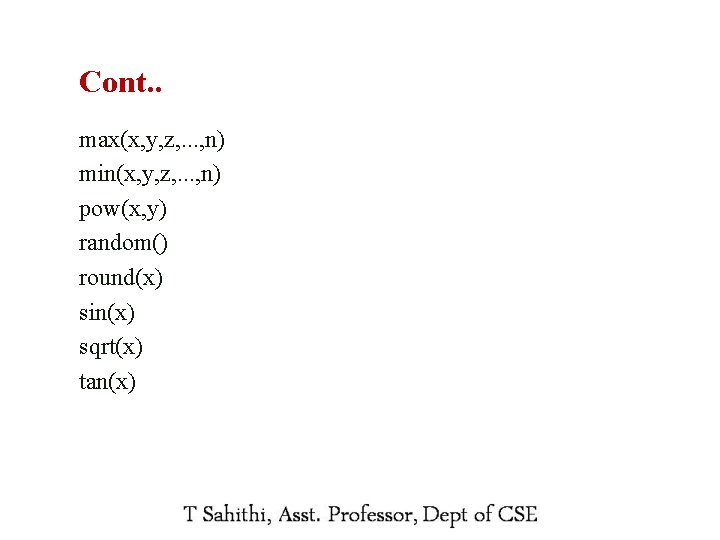
Cont. . max(x, y, z, . . . , n) min(x, y, z, . . . , n) pow(x, y) random() round(x) sin(x) sqrt(x) tan(x) 26
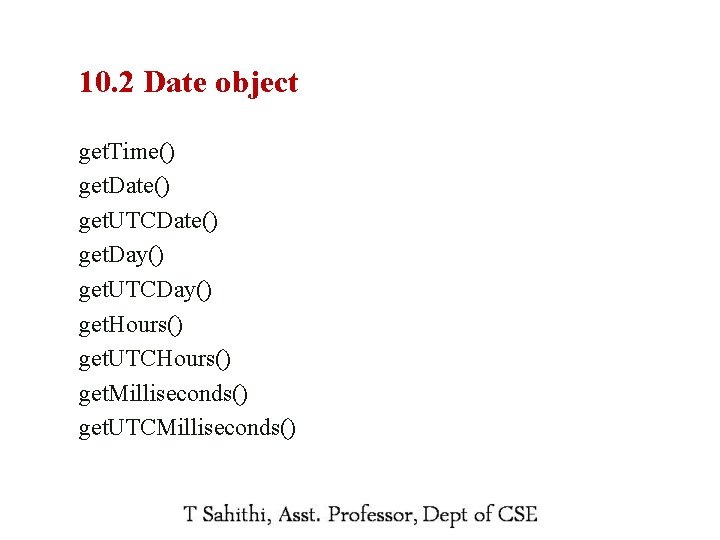
10. 2 Date object get. Time() get. Date() get. UTCDate() get. Day() get. UTCDay() get. Hours() get. UTCHours() get. Milliseconds() get. UTCMilliseconds() 27
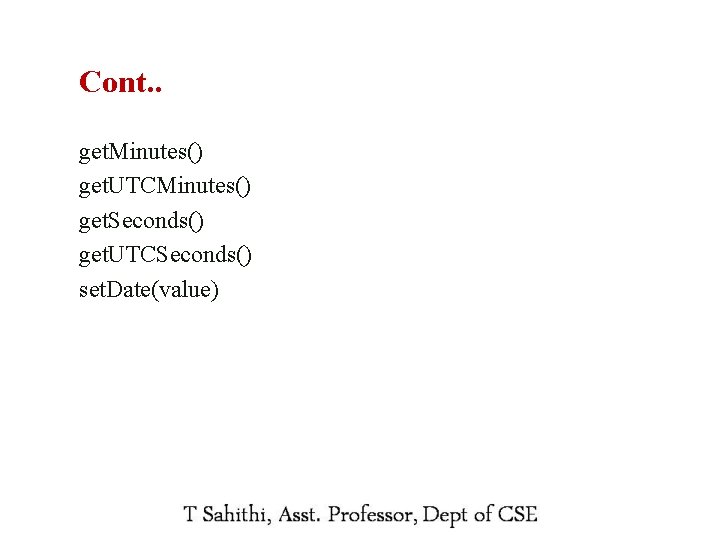
Cont. . get. Minutes() get. UTCMinutes() get. Seconds() get. UTCSeconds() set. Date(value) 28
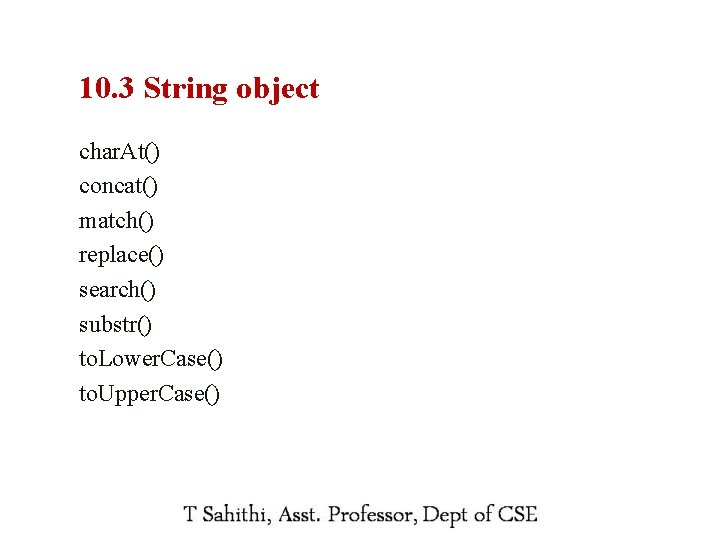
10. 3 String object char. At() concat() match() replace() search() substr() to. Lower. Case() to. Upper. Case() 29
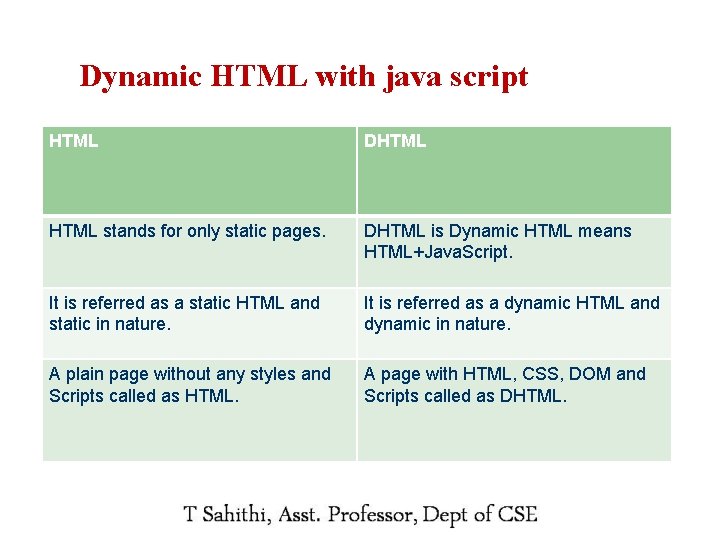
Dynamic HTML with java script 30 HTML DHTML stands for only static pages. DHTML is Dynamic HTML means HTML+Java. Script. It is referred as a static HTML and static in nature. It is referred as a dynamic HTML and dynamic in nature. A plain page without any styles and Scripts called as HTML. A page with HTML, CSS, DOM and Scripts called as DHTML.
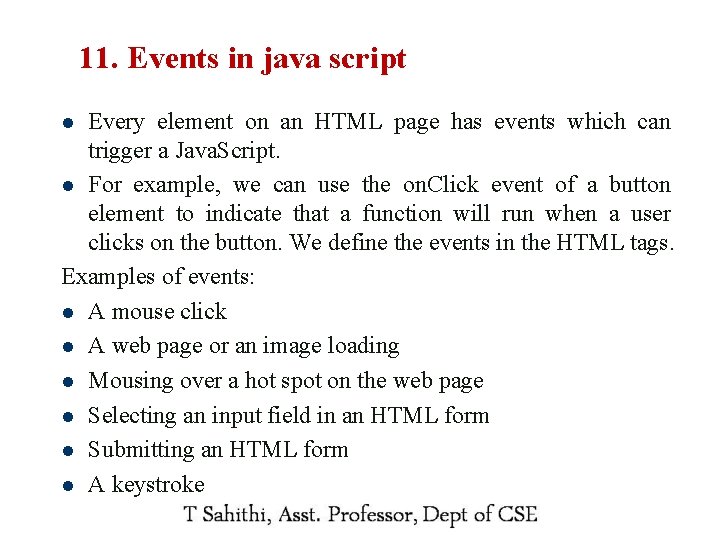
11. Events in java script Every element on an HTML page has events which can trigger a Java. Script. l For example, we can use the on. Click event of a button element to indicate that a function will run when a user clicks on the button. We define the events in the HTML tags. Examples of events: l A mouse click l A web page or an image loading l Mousing over a hot spot on the web page l Selecting an input field in an HTML form l Submitting an HTML form l A keystroke l 31
Onclick and onsubmit event Onsubmit event will occur when we click on a submit button Example l Onclick event will occur when we click a mouse Example l 32
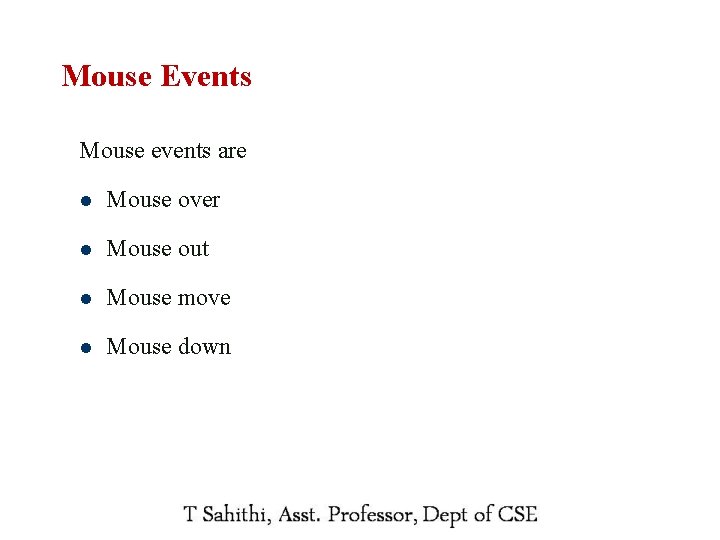
Mouse Events Mouse events are 33 l Mouse over l Mouse out l Mouse move l Mouse down
Cont. . Mouseover event will occur when we put a mouse over a text or something Mouseout event will occur when we remove a mouse over a text or something Example 34
12. XML 35
12. What is XML l XML stands for e. Xtensible Markup Language. l A markup language is used to provide information about a document. l Tags are added to the document to provide the extra information. 36
Why this XML is used for? l XML documents are used to transfer data from one place to another often over the Internet. l 37 XML subsets are designed for particular applications.
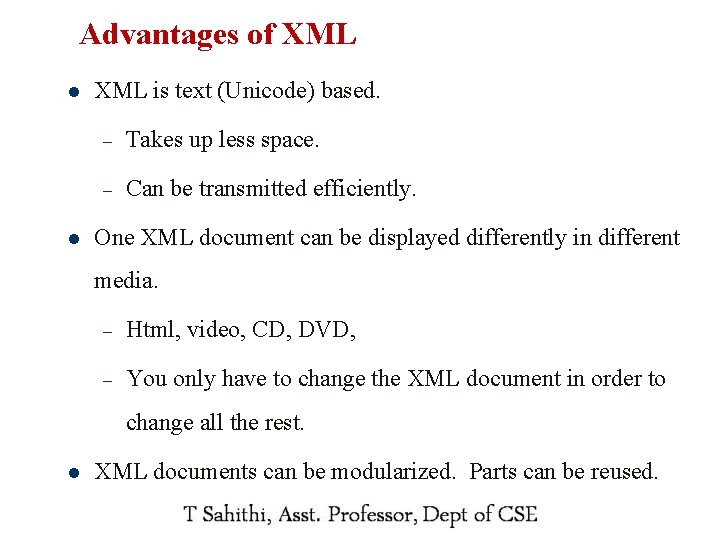
Advantages of XML l l XML is text (Unicode) based. – Takes up less space. – Can be transmitted efficiently. One XML document can be displayed differently in different media. – Html, video, CD, DVD, – You only have to change the XML document in order to change all the rest. l 38 XML documents can be modularized. Parts can be reused.
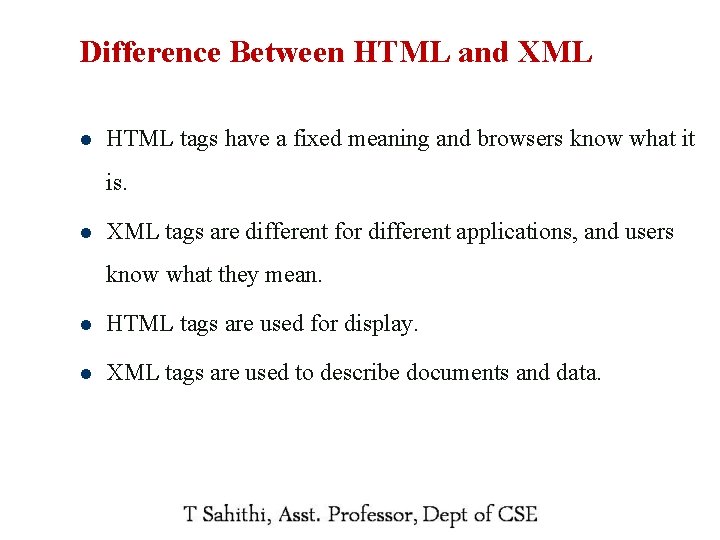
Difference Between HTML and XML l HTML tags have a fixed meaning and browsers know what it is. l XML tags are different for different applications, and users know what they mean. 39 l HTML tags are used for display. l XML tags are used to describe documents and data.
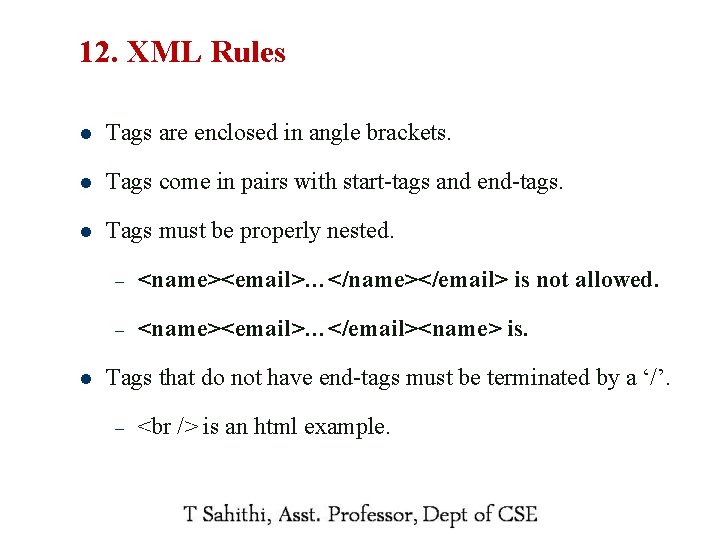
12. XML Rules l Tags are enclosed in angle brackets. l Tags come in pairs with start-tags and end-tags. l Tags must be properly nested. l – <name><email>…</name></email> is not allowed. – <name><email>…</email><name> is. Tags that do not have end-tags must be terminated by a ‘/’. – 40 is an html example.
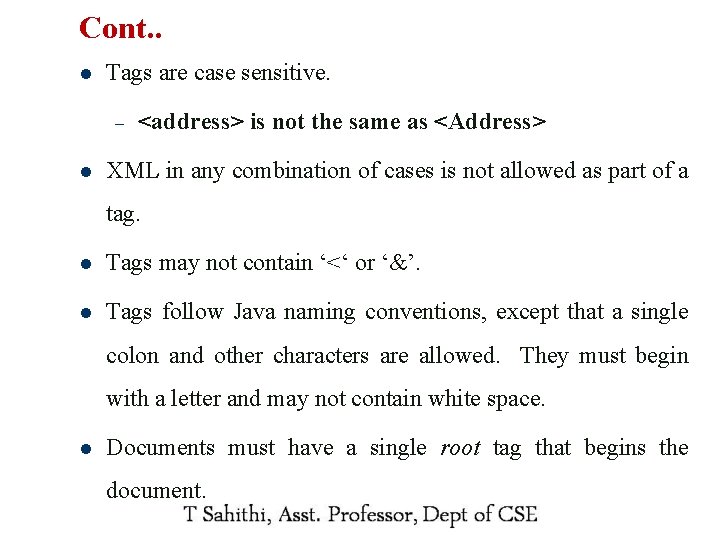
Cont. . l Tags are case sensitive. – l <address> is not the same as <Address> XML in any combination of cases is not allowed as part of a tag. l Tags may not contain ‘<‘ or ‘&’. l Tags follow Java naming conventions, except that a single colon and other characters are allowed. They must begin with a letter and may not contain white space. l Documents must have a single root tag that begins the document. 41
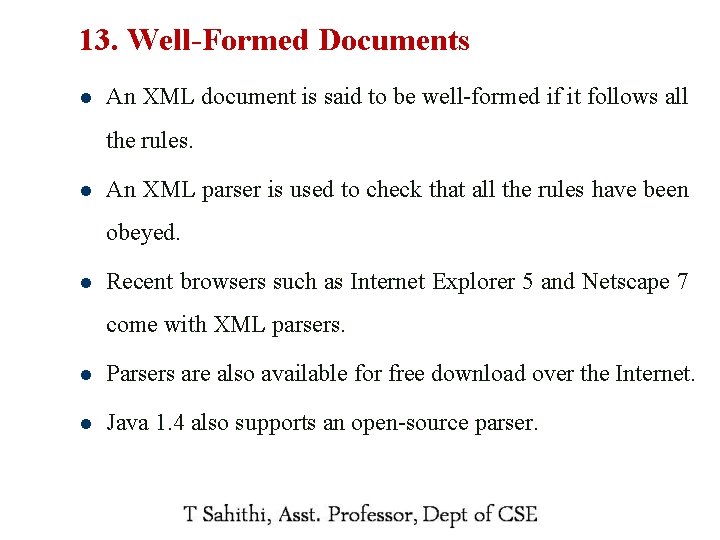
13. Well-Formed Documents l An XML document is said to be well-formed if it follows all the rules. l An XML parser is used to check that all the rules have been obeyed. l Recent browsers such as Internet Explorer 5 and Netscape 7 come with XML parsers. 42 l Parsers are also available for free download over the Internet. l Java 1. 4 also supports an open-source parser.
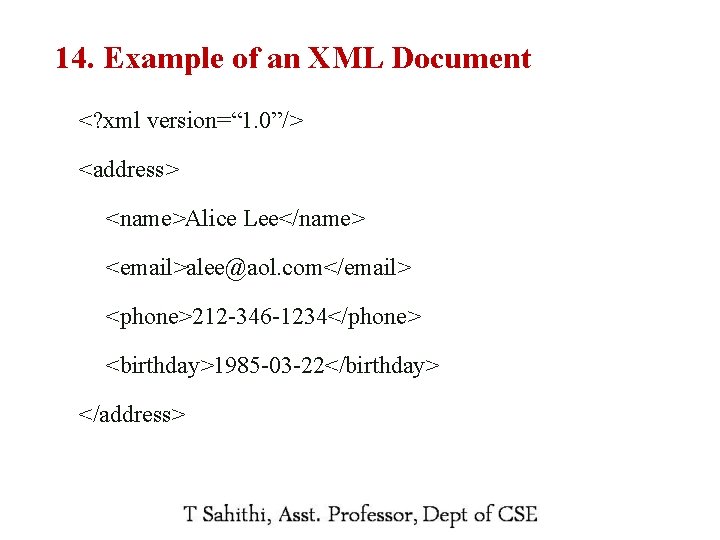
14. Example of an XML Document <? xml version=“ 1. 0”/> <address> <name>Alice Lee</name> <email>alee@aol. com</email> <phone>212 -346 -1234</phone> <birthday>1985 -03 -22</birthday> </address> 43
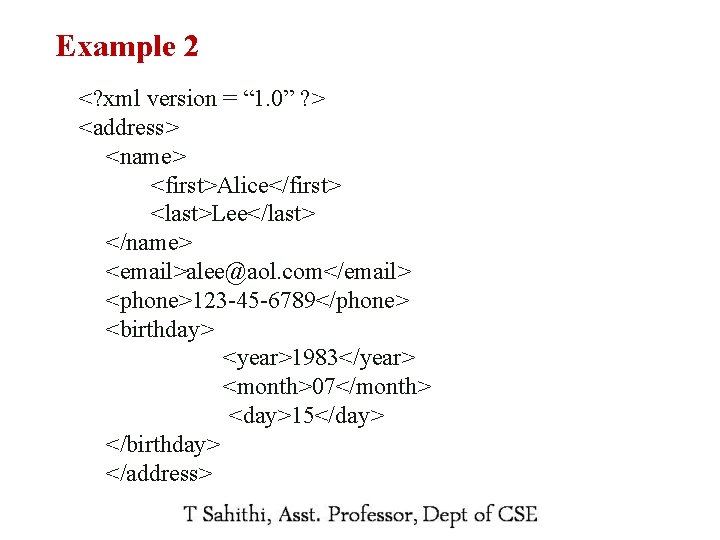
Example 2 <? xml version = “ 1. 0” ? > <address> <name> <first>Alice</first> <last>Lee</last> </name> <email>alee@aol. com</email> <phone>123 -45 -6789</phone> <birthday> <year>1983</year> <month>07</month> <day>15</day> </birthday> </address> 44
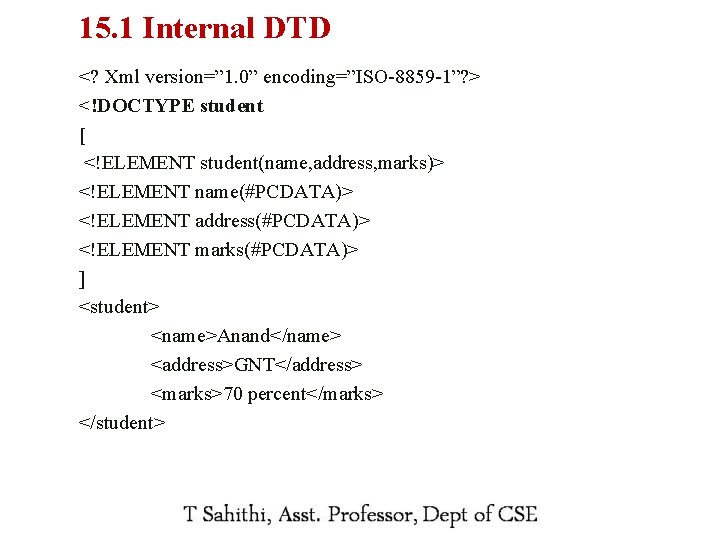
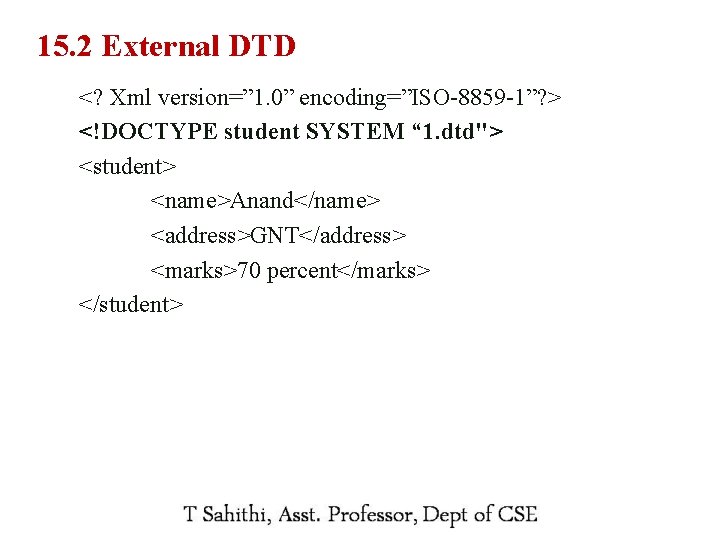
15. DTD(Document Type Definition) Two Types 45 1. Internal DTD 2. External DTD
15. 1 Internal DTD <? Xml version=” 1. 0” encoding=”ISO-8859 -1”? > <!DOCTYPE student [ <!ELEMENT student(name, address, marks)> <!ELEMENT name(#PCDATA)> <!ELEMENT address(#PCDATA)> <!ELEMENT marks(#PCDATA)> ] <student> <name>Anand</name> <address>GNT</address> <marks>70 percent</marks> </student> 46
15. 2 External DTD <? Xml version=” 1. 0” encoding=”ISO-8859 -1”? > <!DOCTYPE student SYSTEM “ 1. dtd"> <student> <name>Anand</name> <address>GNT</address> <marks>70 percent</marks> </student> 47
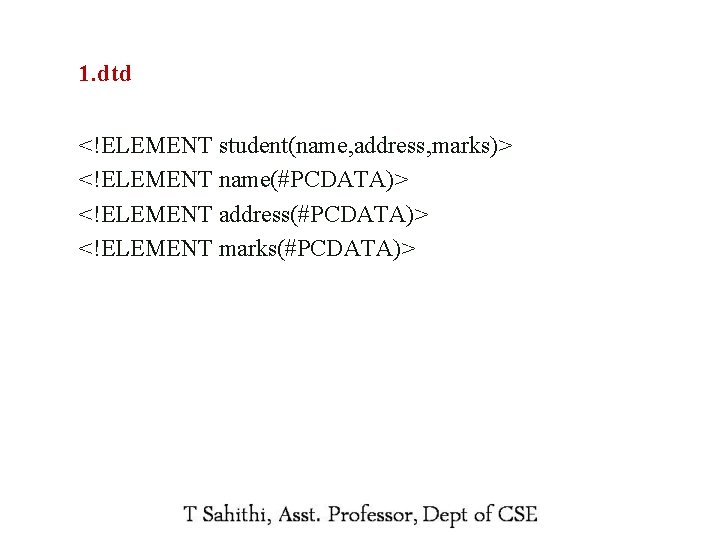
1. dtd <!ELEMENT student(name, address, marks)> <!ELEMENT name(#PCDATA)> <!ELEMENT address(#PCDATA)> <!ELEMENT marks(#PCDATA)> 48
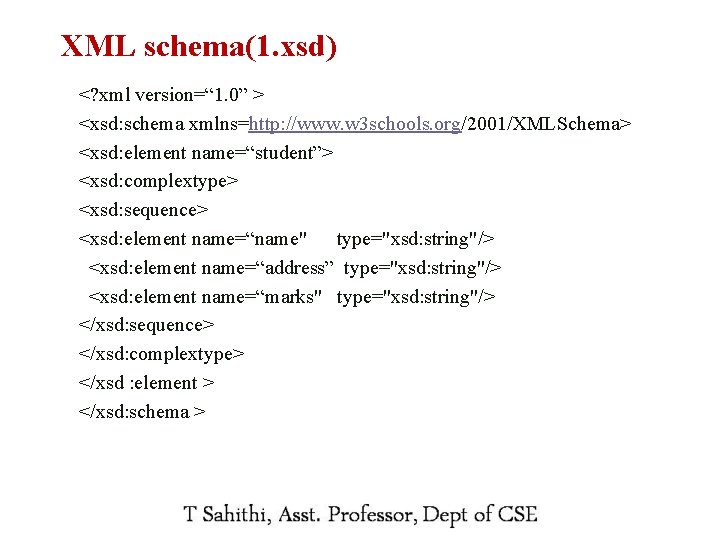
16. XML schema 49 l Used to represent the structure of xml document l This is alternative to DTD
XML schema(1. xsd) <? xml version=“ 1. 0” > <xsd: schema xmlns=http: //www. w 3 schools. org/2001/XMLSchema> <xsd: element name=“student”> <xsd: complextype> <xsd: sequence> <xsd: element name=“name" type="xsd: string"/> <xsd: element name=“address” type="xsd: string"/> <xsd: element name=“marks" type="xsd: string"/> </xsd: sequence> </xsd: complextype> </xsd : element > </xsd: schema > 50
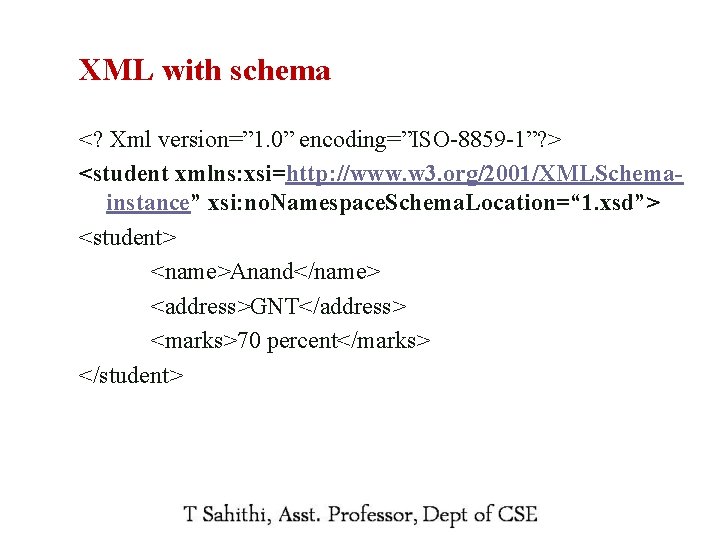
XML with schema <? Xml version=” 1. 0” encoding=”ISO-8859 -1”? > <student xmlns: xsi=http: //www. w 3. org/2001/XMLSchemainstance” xsi: no. Namespace. Schema. Location=“ 1. xsd”> <student> <name>Anand</name> <address>GNT</address> <marks>70 percent</marks> </student> 51