Students Grant Parents Access to Student SelfService Session

- Slides: 30
Students Grant Parents Access to Student Self-Service Session #27403 March 01, 2010
Your Presenters n Eileen Rose, The College of New Jersey n Carmelitia J. Coleman, Cedar. Crestone, Inc. n Bill Dillingham, Cedar. Crestone, Inc. 2
The College of New Jersey, founded in 1855, is primarily an undergraduate and residential college with targeted graduate programs. A strong liberal arts core forms the foundation for a wealth of degree programs offered through TCNJ’s seven schools—Arts & Communication; Business; Culture and Society; Education; Science; Nursing, Health, and Exercise Science; and Engineering. TCNJ has a undergraduate enrollment of approximately 6, 300 students (95 percent from New Jersey). And a graduate enrollment of 700 students. 3
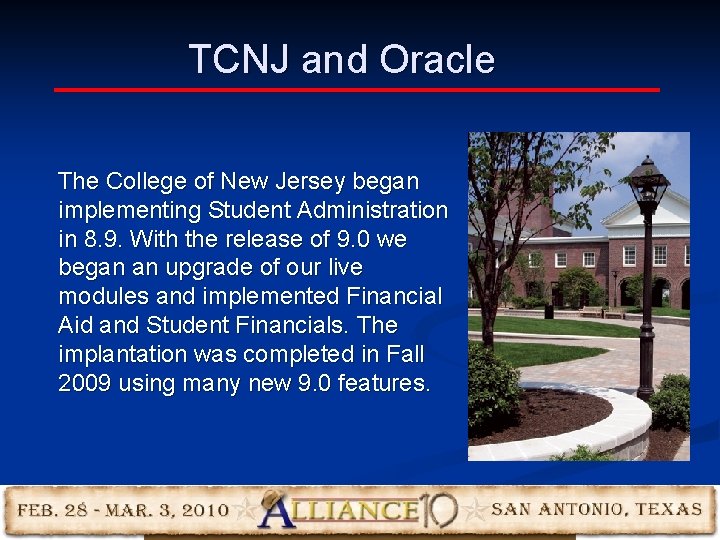
TCNJ and Oracle The College of New Jersey began implementing Student Administration in 8. 9. With the release of 9. 0 we began an upgrade of our live modules and implemented Financial Aid and Student Financials. The implantation was completed in Fall 2009 using many new 9. 0 features. 4
Agenda/Contents Overview n TCNJ’s Original Requirements n TNCJ’s Initial Vision n Enhancement of the Vision n Results of Requirements and Vision n Demo n Questions and Answers n Contact Information n 5
Overview This session will discuss: n How students give parents/third parties the ability to access and view their student information. n How students specify, within TCNJ set boundaries, what student information the parent/third party can access. 6
TCNJ Original Requirements A means by which parents could access specific Student Financial information (billing statement, pay bill, etc. ) within PAWS. 7
TCNJ’s Vision n A mechanism enabling students to allow parents to view and pay their bill n No bills attached to emails n A process easy for TCNJ to administer n Let the student do the work n A process that is FERPA compliant 8
Enhancement of the Vision Use a PIN to verify parent/third party identity for in-person and phone inquiries. n Financial Aid - Allow parents/third party to view student’s financial aid information (budgeting, awards, etc) n Student Records - Allow parents/third party view access to student’s grades, transcripts, etc. n 9
Results of Requirements and Vision n An expanded definition of parent n Parent 1, parent 2, grandparent, other n Became n ‘Auxiliary User’ The Auxiliary Access Mod where n n n Students create and maintain User Profiles for their auxiliary users (parents and others) up to a maximum number set by TCNJ. Students create and assign passwords to auxiliary users respecting TCNJ password controls. TCNJ creates specific roles within PAWS that are only used by the Aux Access Mod. 10
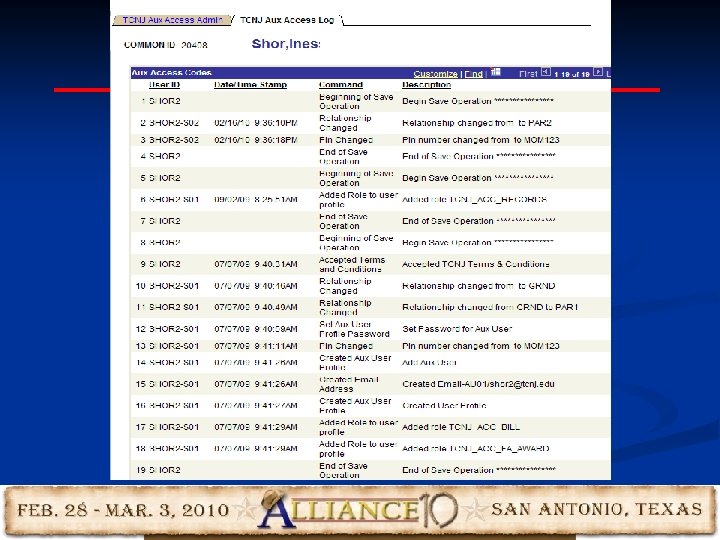
Results of Requirements and Vision (Cont’d) The Auxiliary Access Mod where (cont) • All actions taken by students in setting up and maintaining their auxiliary users are recorded and viewable by TCNJ administration. • Students, at the discretion of TCNJ, are required to accept TCNJ’s Auxiliary User Terms and Conditions prior to using the modification. • Students grant varying TCNJ authorized selfservice access to their auxiliary users. 11
Results of Requirements and Vision (Cont’d) The Auxiliary Access Mod where (cont) • Students create and assign a PIN to their auxiliary users for phone identity authentication by TCNJ staff. • TCNJ can optionally have emails delivered to support personnel should internal errors occur during student maintenance of their auxiliary users. • Students supply email addresses for their auxiliary users that can be used in Comm. Gen. 12
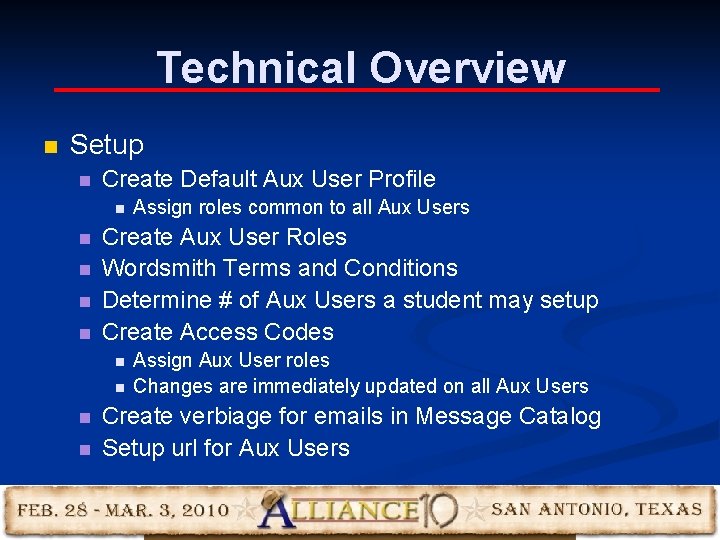
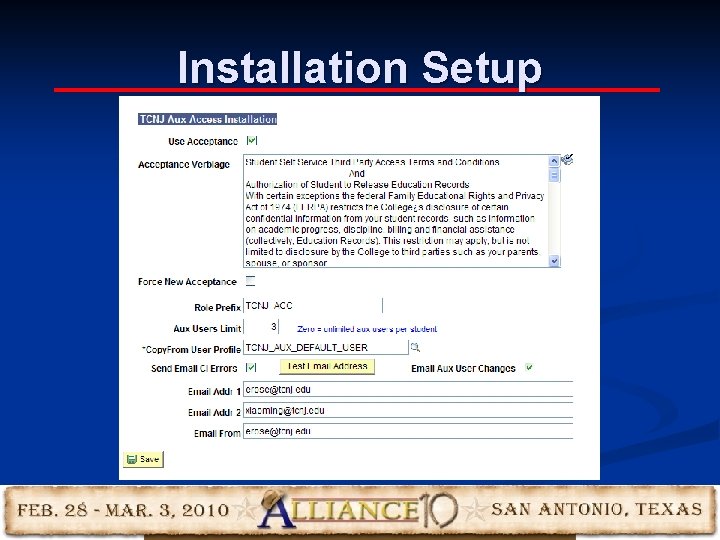
Technical Overview n Setup n Create Default Aux User Profile n n n Create Aux User Roles Wordsmith Terms and Conditions Determine # of Aux Users a student may setup Create Access Codes n n Assign roles common to all Aux Users Assign Aux User roles Changes are immediately updated on all Aux Users Create verbiage for emails in Message Catalog Setup url for Aux Users
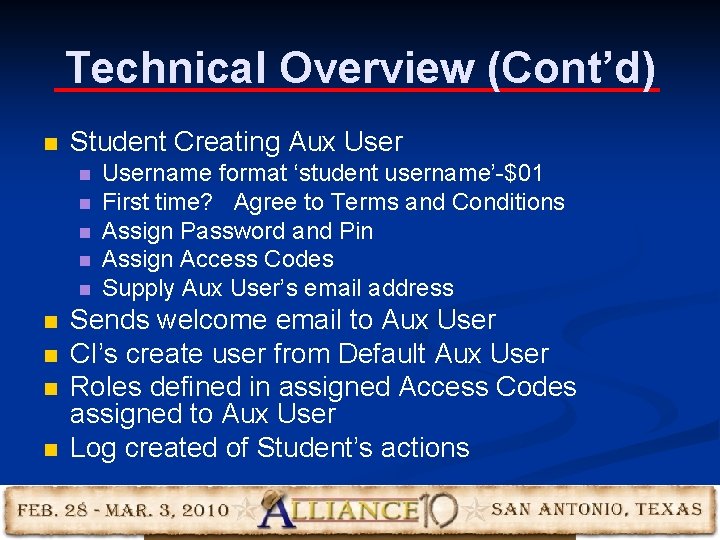
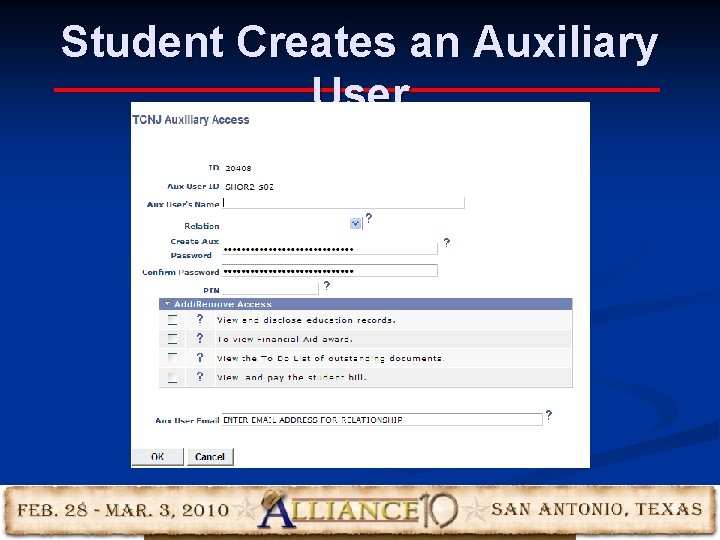
Technical Overview (Cont’d) n Student Creating Aux User n n n n n Username format ‘student username’-$01 First time? Agree to Terms and Conditions Assign Password and Pin Assign Access Codes Supply Aux User’s email address Sends welcome email to Aux User CI’s create user from Default Aux User Roles defined in assigned Access Codes assigned to Aux User Log created of Student’s actions
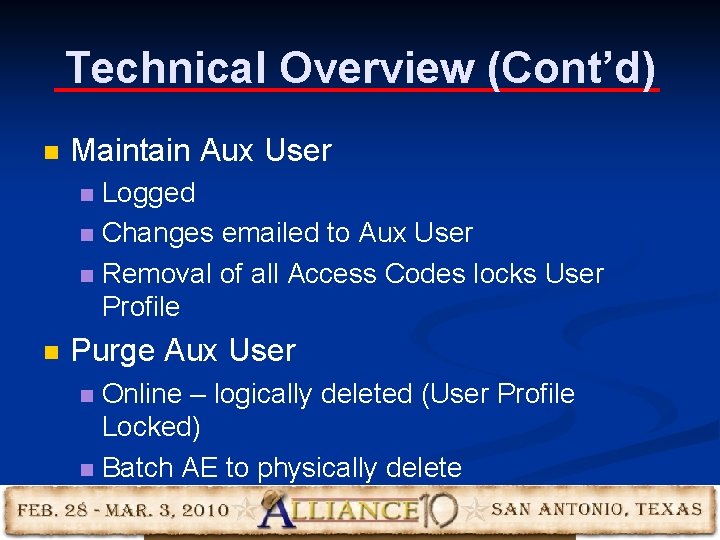
Technical Overview (Cont’d) n Maintain Aux User Logged n Changes emailed to Aux User n Removal of all Access Codes locks User Profile n n Purge Aux User Online – logically deleted (User Profile Locked) n Batch AE to physically delete n
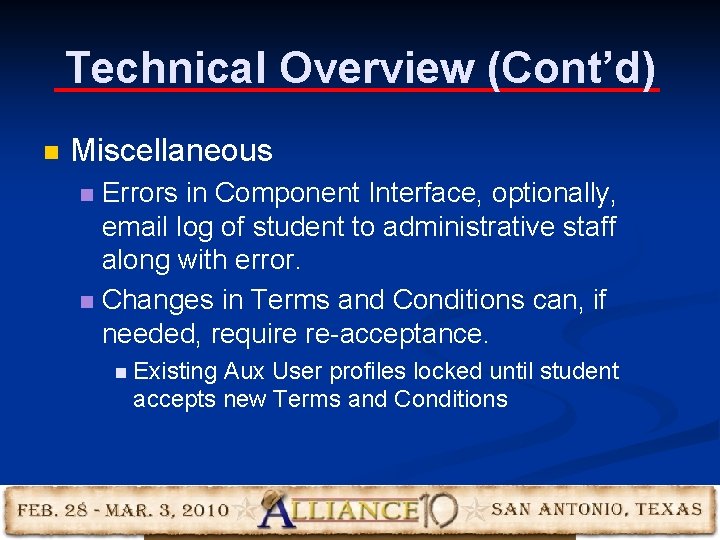
Technical Overview (Cont’d) n Miscellaneous Errors in Component Interface, optionally, email log of student to administrative staff along with error. n Changes in Terms and Conditions can, if needed, require re-acceptance. n n Existing Aux User profiles locked until student accepts new Terms and Conditions
Demo of Auxiliary Access Modification 17
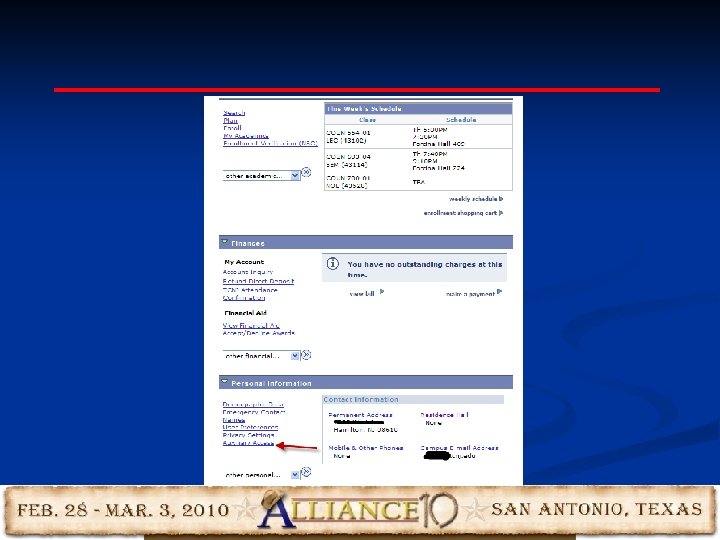
18
Student Creates an Auxiliary User 19
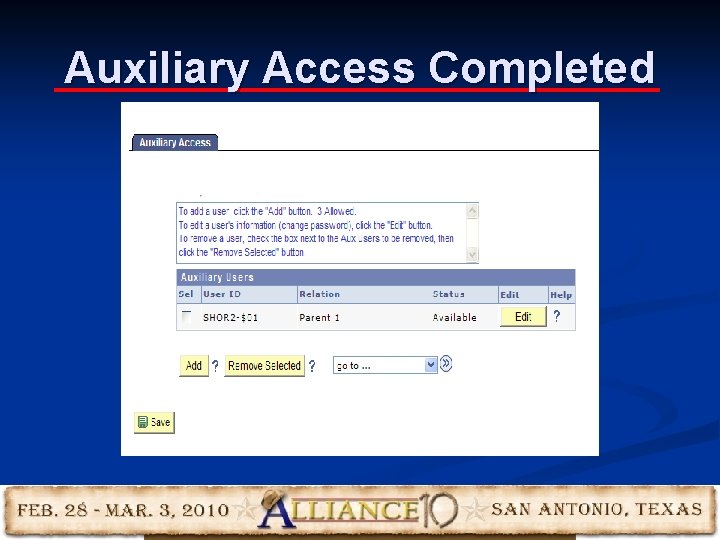
Auxiliary Access Completed 20
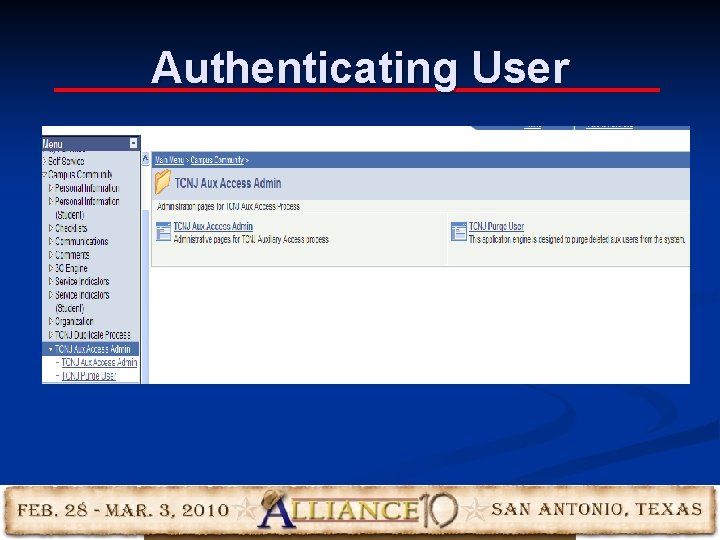
Authenticating User 21
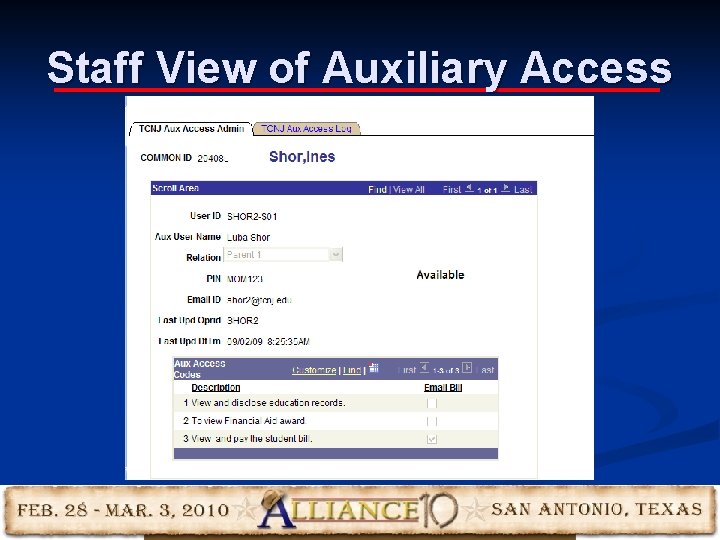
Staff View of Auxiliary Access 22
23
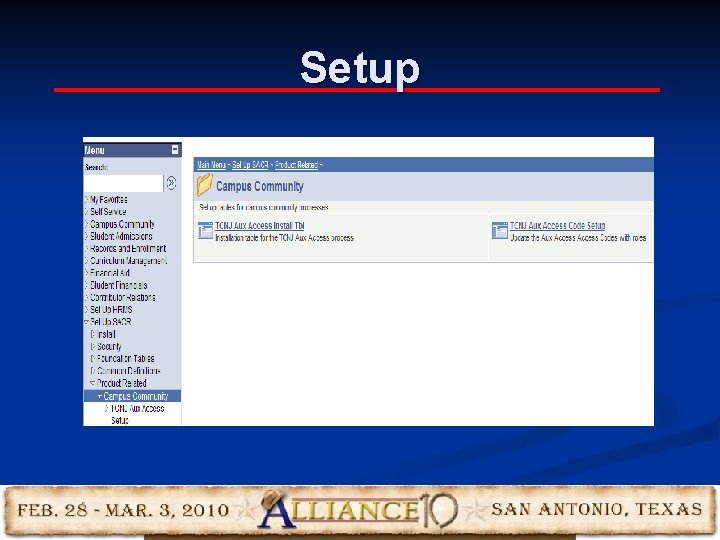
Setup 24
Installation Setup 25
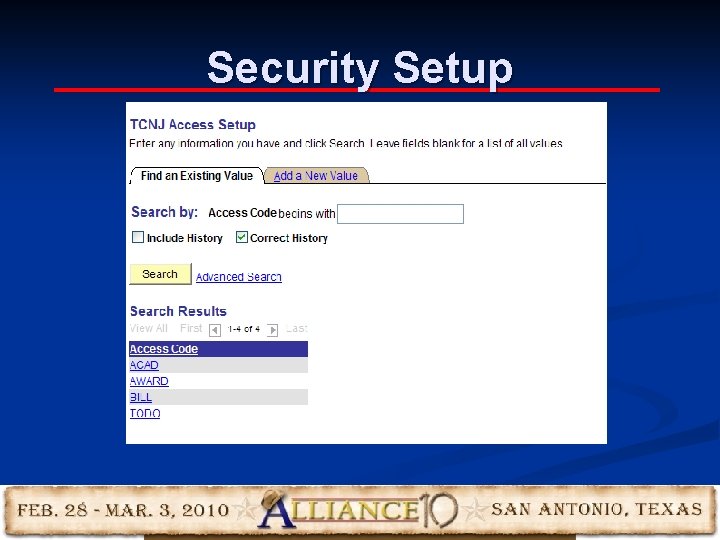
Security Setup 26
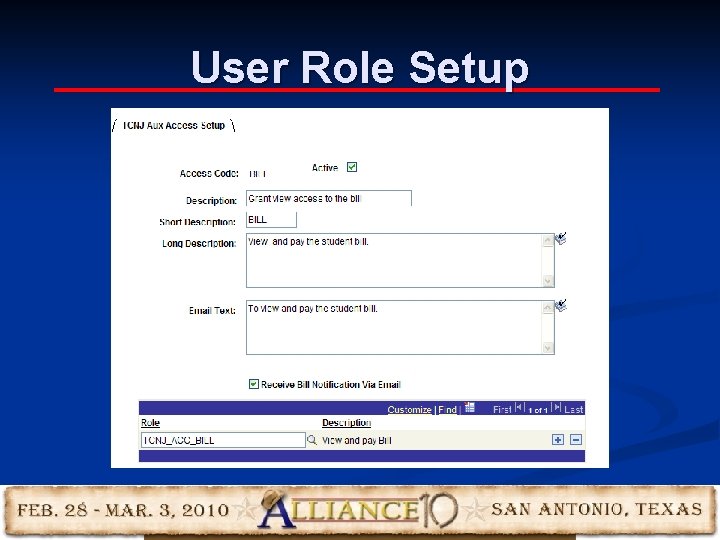
User Role Setup 27
Questions and Answers 28
Contact Information Eileen Rose Business Analyst – Student Financials Office of Student Financial Services The College of New Jersey erose@tcnj. edu Carmelitia J. Coleman Cedar. Crestone, Inc. Carmelitia. coleman@cedarcrestone. com Bill Dillingham Cedar. Crestone, Inc. Bill. dillingham@cedarcrestone. com 29
This presentation and all Alliance 2010 presentations are available for download from the Conference Site Presentations from previous meetings are also available