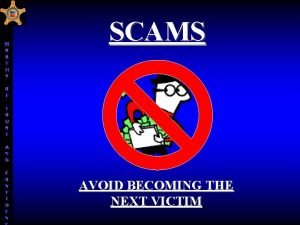
Scam are Malware mw o s Ran Phishing
- Slides: 32
Scam are Malware mw o s Ran Phishing Email or Fraud r eale t s l entia Cred Created by Christy Long
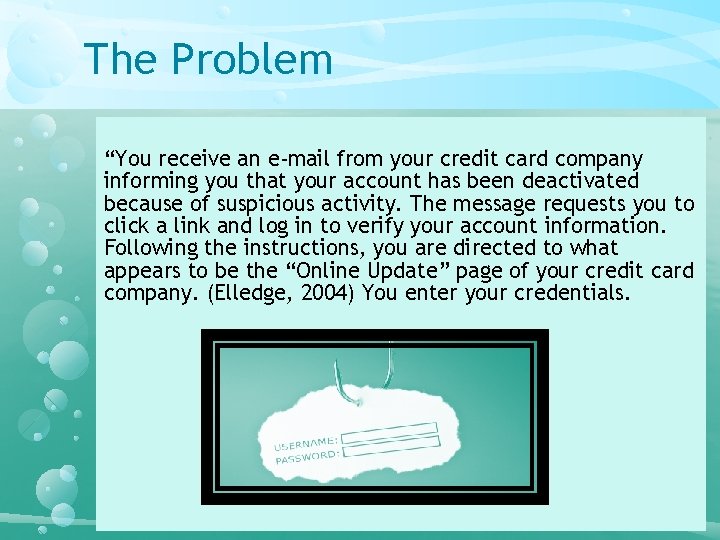
The Problem “You receive an e-mail from your credit card company informing you that your account has been deactivated because of suspicious activity. The message requests you to click a link and log in to verify your account information. Following the instructions, you are directed to what appears to be the “Online Update” page of your credit card company. (Elledge, 2004) You enter your credentials.
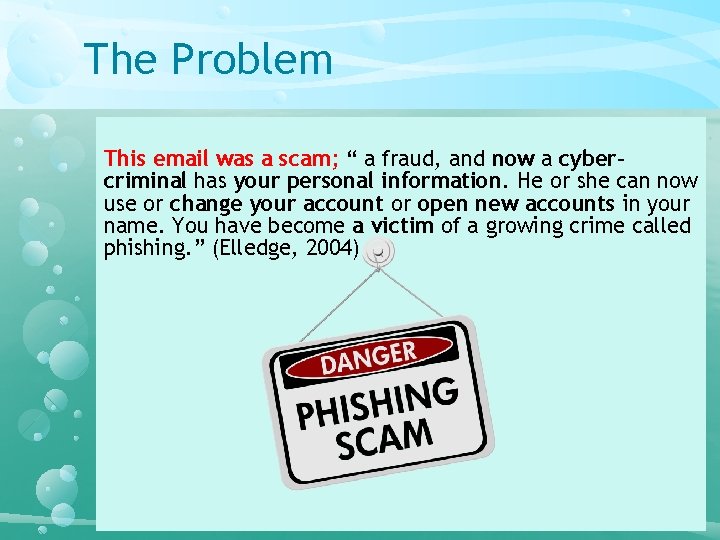
The Problem This email was a scam; “ a fraud, and now a cybercriminal has your personal information. He or she can now use or change your account or open new accounts in your name. You have become a victim of a growing crime called phishing. ” (Elledge, 2004)
Why is Phishing Important? • The goal of this class is to arm individuals with the knowledge to help safeguard themselves from future harm. • According to a recently released report, based on a sample of 8 million users “ 30% of phishing messages were opened by the target across all campaigns” (Verizon, 2016)
Testimonials of Victims • Uber Driver − Scammed 3 times, over $10, 000 − Thought she was paying for a dog that never arrived − Wanted to help a sick man come to America − Fell for a fake employer scam (Uber Driver, 2016) • Bank Employee − Opened Ransomware − The email was a spear phish. It was designed to look like a group the employee belonged to, the employee believed it was a legitimate work email. (Bank Employee, 2016)
PHISHING DEFINED
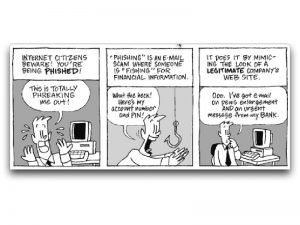
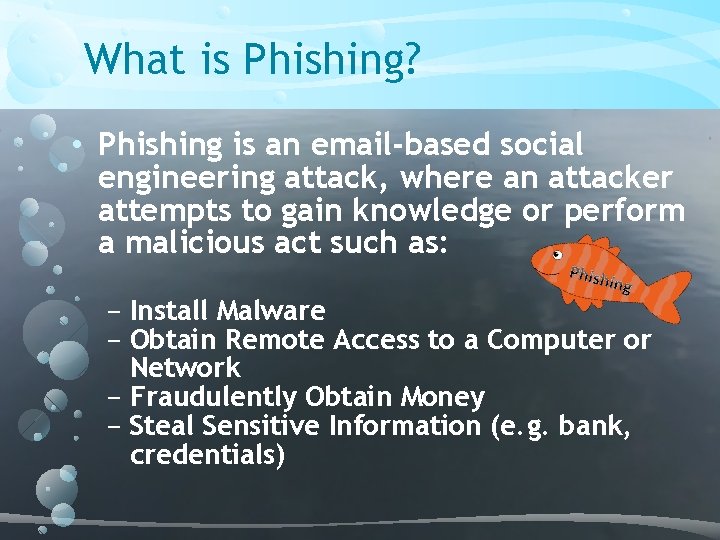
What is Phishing? • Phishing is an email-based social engineering attack, where an attacker attempts to gain knowledge or perform a malicious act such as: − Install Malware − Obtain Remote Access to a Computer or Network − Fraudulently Obtain Money − Steal Sensitive Information (e. g. bank, credentials)
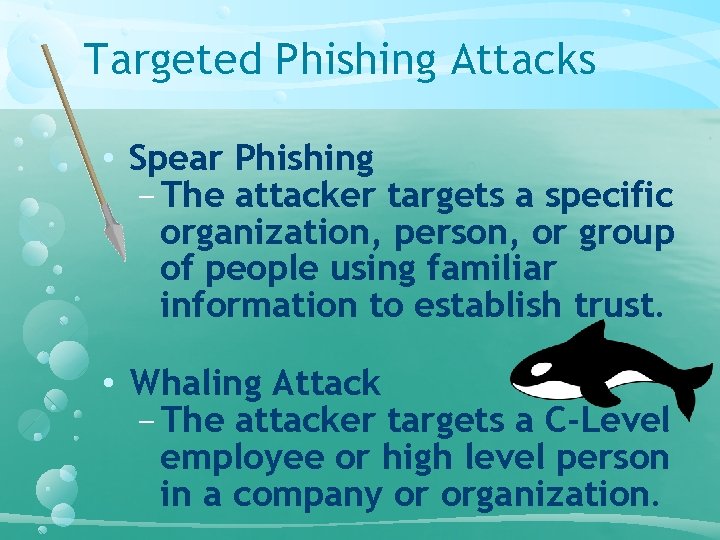
Targeted Phishing Attacks • Spear Phishing − The attacker targets a specific organization, person, or group of people using familiar information to establish trust. • Whaling Attack − The attacker targets a C-Level employee or high level person in a company or organization.
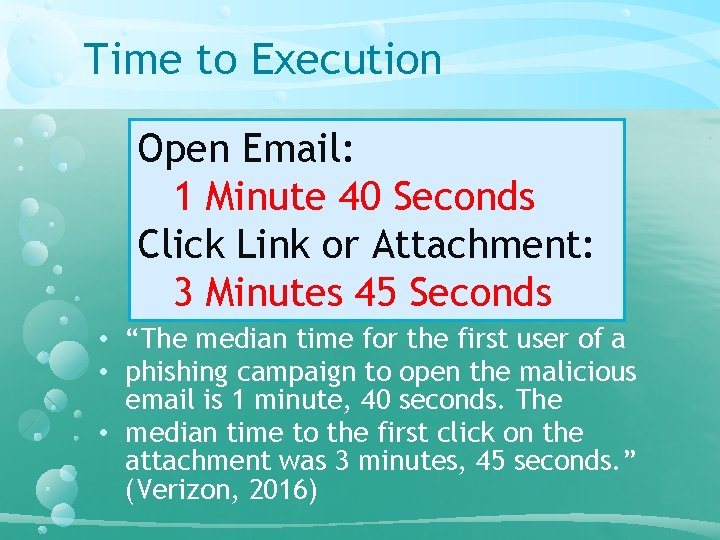
Time to Execution Open Email: 1 Minute 40 Seconds Click Link or Attachment: 3 Minutes 45 Seconds • “The median time for the first user of a • phishing campaign to open the malicious email is 1 minute, 40 seconds. The • median time to the first click on the attachment was 3 minutes, 45 seconds. ” (Verizon, 2016)
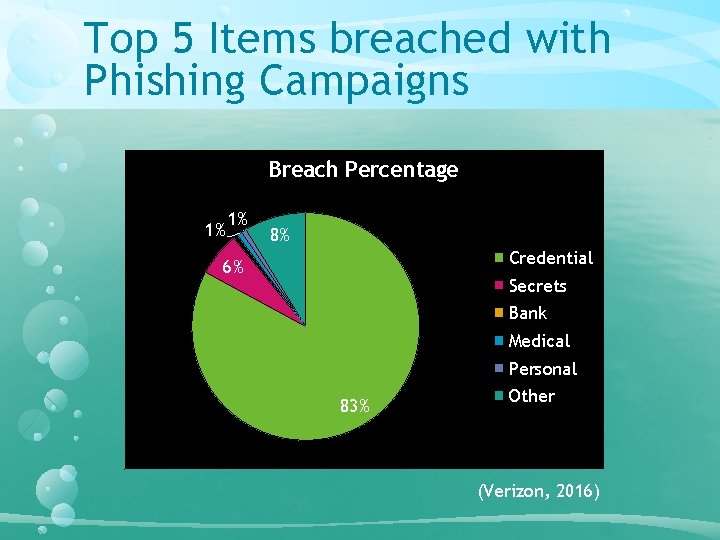
Top 5 Items breached with Phishing Campaigns Breach Percentage 1% 1% 8% Credential 6% Secrets Bank Medical Personal 83% Other (Verizon, 2016)
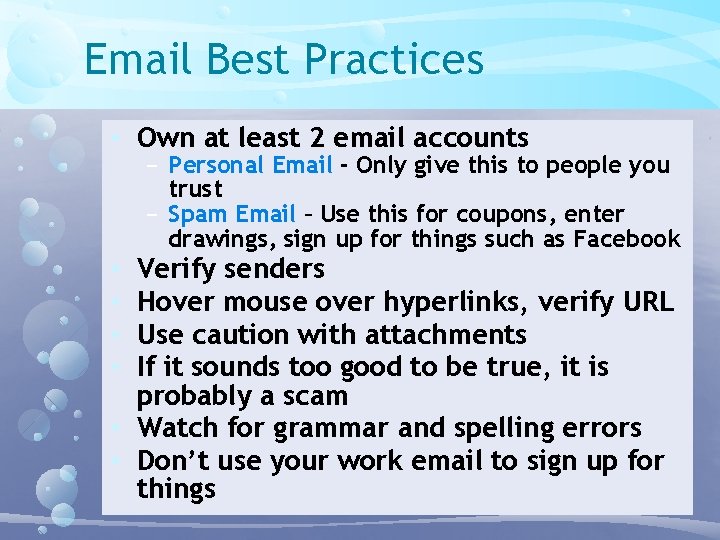
Email Best Practices • Own at least 2 email accounts − Personal Email - Only give this to people you trust − Spam Email – Use this for coupons, enter drawings, sign up for things such as Facebook Verify senders Hover mouse over hyperlinks, verify URL Use caution with attachments If it sounds too good to be true, it is probably a scam • Watch for grammar and spelling errors • Don’t use your work email to sign up for things • •
Learn To Research INVESTIGATING EMAILS
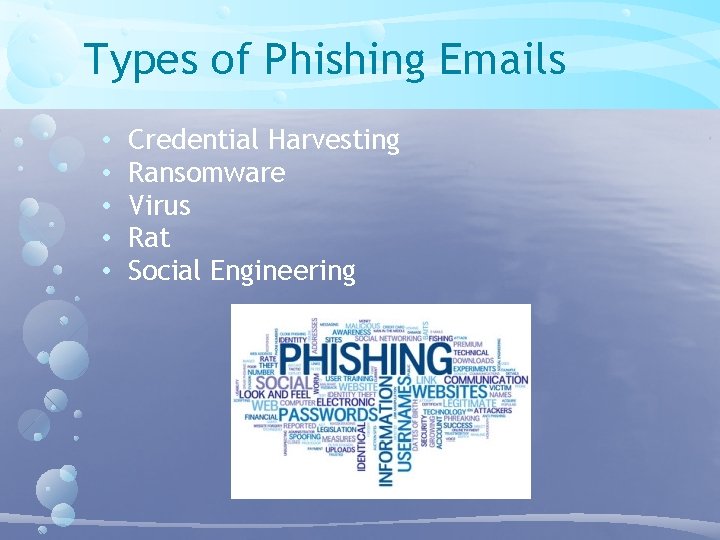
Types of Phishing Emails • • • Credential Harvesting Ransomware Virus Rat Social Engineering
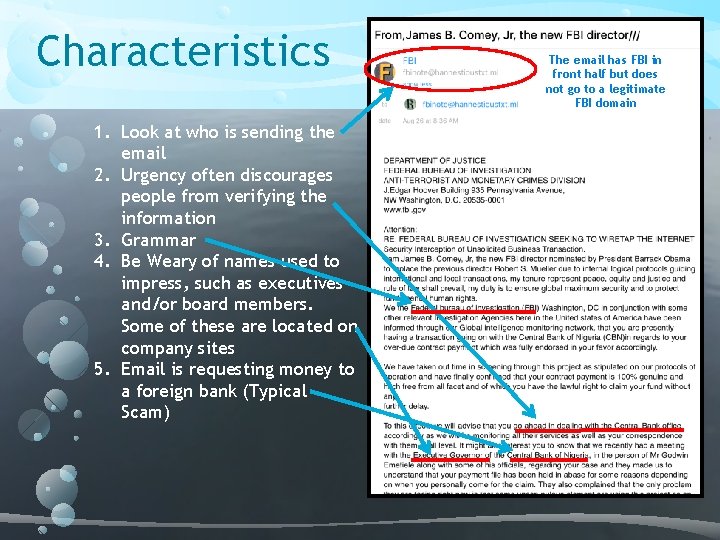
Characteristics 1. Look at who is sending the email 2. Urgency often discourages people from verifying the information 3. Grammar 4. Be Weary of names used to impress, such as executives and/or board members. Some of these are located on company sites 5. Email is requesting money to a foreign bank (Typical Scam) The email has FBI in front half but does not go to a legitimate FBI domain
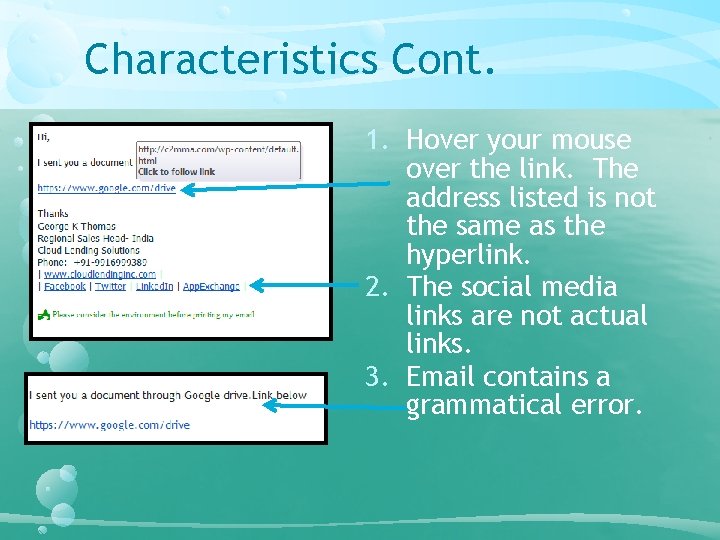
Characteristics Cont. 1. Hover your mouse over the link. The address listed is not the same as the hyperlink. 2. The social media links are not actual links. 3. Email contains a grammatical error.
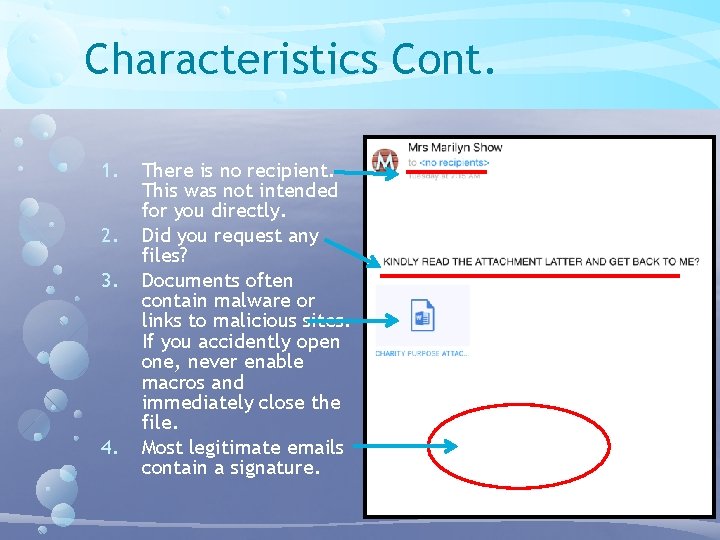
Characteristics Cont. 1. 2. 3. 4. There is no recipient. This was not intended for you directly. Did you request any files? Documents often contain malware or links to malicious sites. If you accidently open one, never enable macros and immediately close the file. Most legitimate emails contain a signature.
Checking URL and Attachments INVESTIGATION STEPS WITH 3 RD PARTY TOOLS
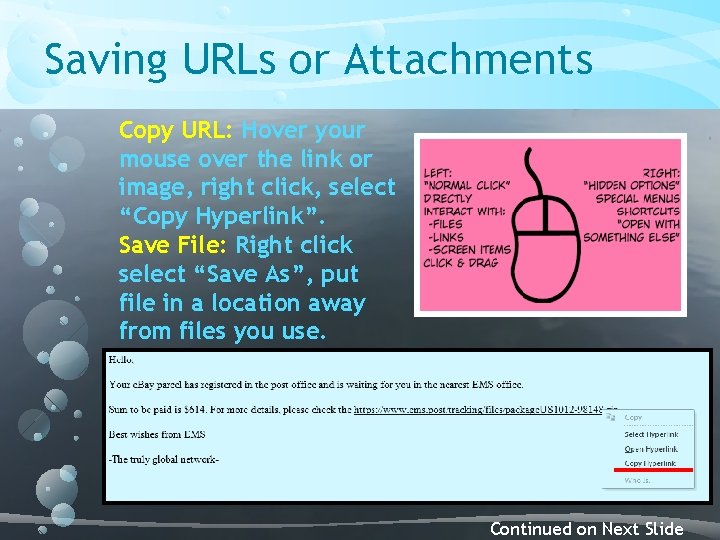
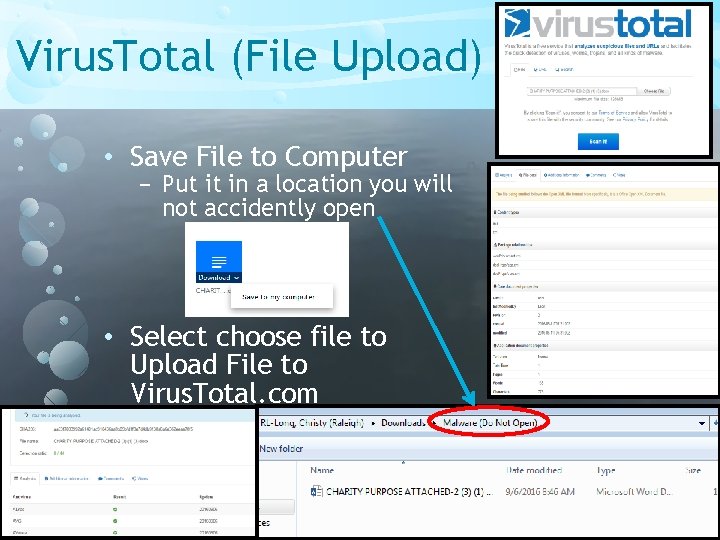
Saving URLs or Attachments Copy URL: Hover your mouse over the link or image, right click, select “Copy Hyperlink”. Save File: Right click select “Save As”, put file in a location away from files you use. Continued on Next Slide
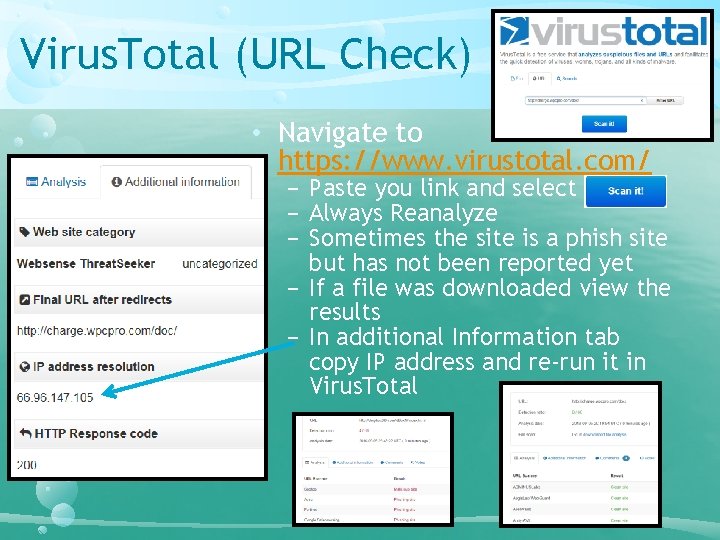
Virus. Total (URL Check) • Navigate to https: //www. virustotal. com/ − Paste you link and select Scan It! − Always Reanalyze − Sometimes the site is a phish site but has not been reported yet − If a file was downloaded view the results − In additional Information tab copy IP address and re-run it in Virus. Total
Virus. Total (File Upload) • Save File to Computer − Put it in a location you will not accidently open • Select choose file to Upload File to Virus. Total. com
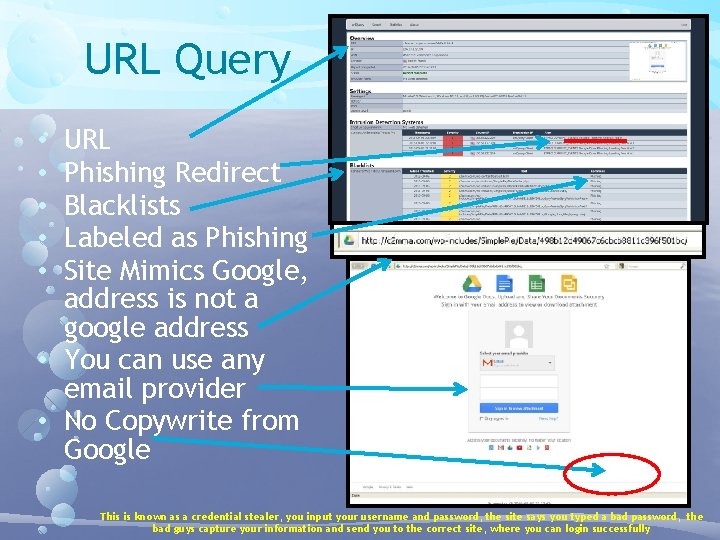
URL Query URL Phishing Redirect Blacklists Labeled as Phishing Site Mimics Google, address is not a google address • You can use any email provider • No Copywrite from Google • • • This is known as a credential stealer, you input your username and password, the site says you typed a bad password, the bad guys capture your information and send you to the correct site, where you can login successfully
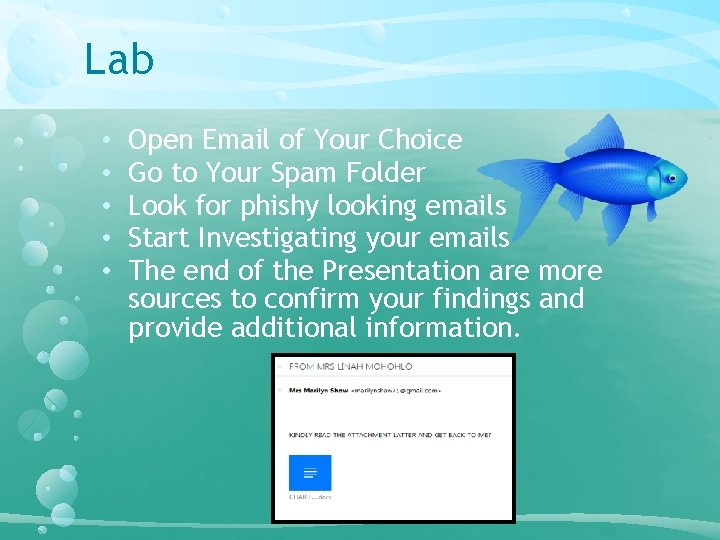
Lab • • • Open Email of Your Choice Go to Your Spam Folder Look for phishy looking emails Start Investigating your emails The end of the Presentation are more sources to confirm your findings and provide additional information.
PRACTICE ON YOUR OWN
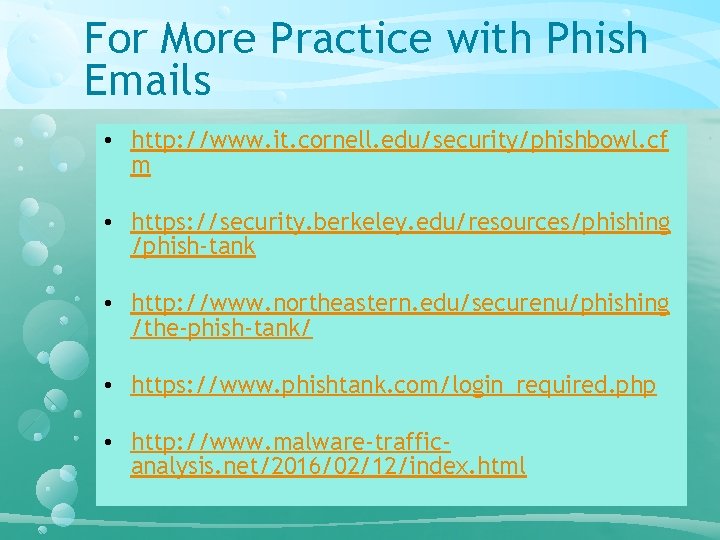
For More Practice with Phish Emails • http: //www. it. cornell. edu/security/phishbowl. cf m • https: //security. berkeley. edu/resources/phishing /phish-tank • http: //www. northeastern. edu/securenu/phishing /the-phish-tank/ • https: //www. phishtank. com/login_required. php • http: //www. malware-trafficanalysis. net/2016/02/12/index. html
References & TOOLS TO ANALYZE EMAILS
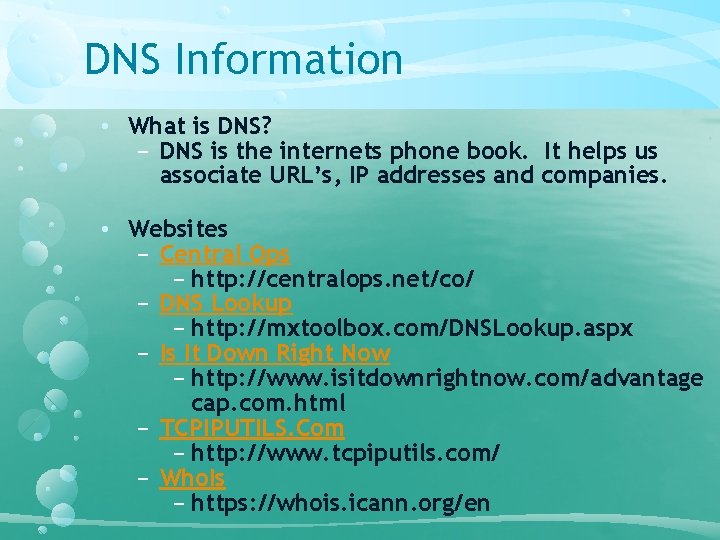
DNS Information • What is DNS? − DNS is the internets phone book. It helps us associate URL’s, IP addresses and companies. • Websites − Central Ops − http: //centralops. net/co/ − DNS Lookup − http: //mxtoolbox. com/DNSLookup. aspx − Is It Down Right Now − http: //www. isitdownrightnow. com/advantage cap. com. html − TCPIPUTILS. Com − http: //www. tcpiputils. com/ − Who. Is − https: //whois. icann. org/en
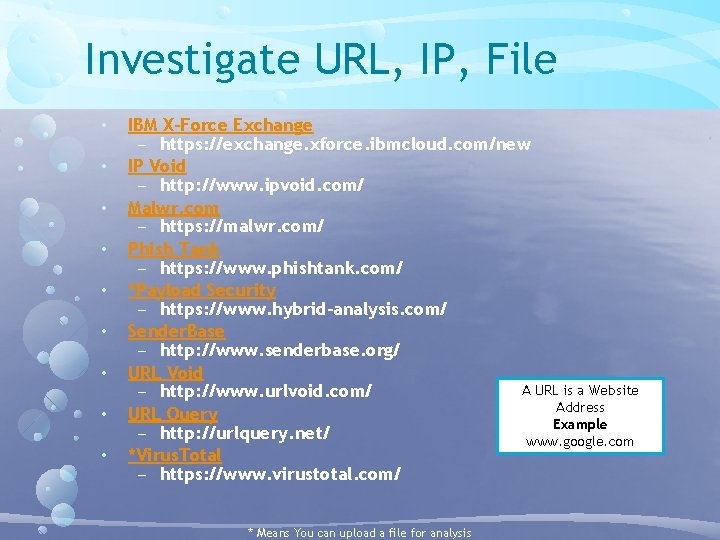
Investigate URL, IP, File • • • IBM X-Force Exchange − https: //exchange. xforce. ibmcloud. com/new IP Void − http: //www. ipvoid. com/ Malwr. com − https: //malwr. com/ Phish Tank − https: //www. phishtank. com/ *Payload Security − https: //www. hybrid-analysis. com/ Sender. Base − http: //www. senderbase. org/ URL Void A URL is a Website − http: //www. urlvoid. com/ Address URL Query Example − http: //urlquery. net/ www. google. com *Virus. Total − https: //www. virustotal. com/ * Means You can upload a file for analysis
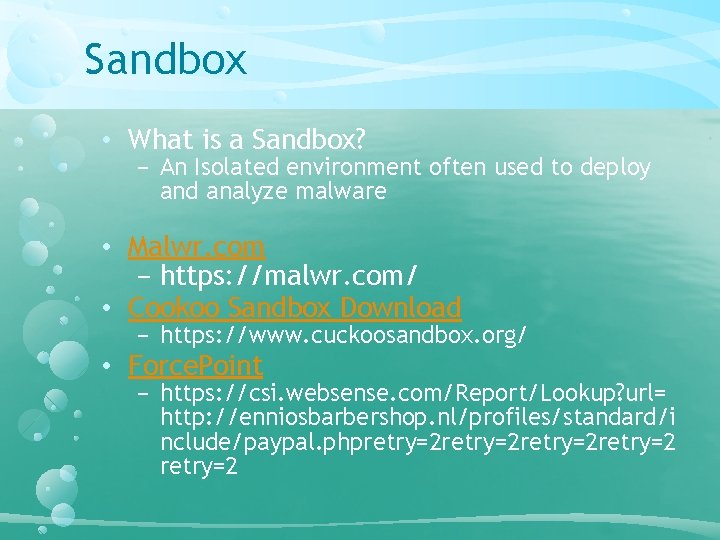
Sandbox • What is a Sandbox? − An Isolated environment often used to deploy and analyze malware • Malwr. com − https: //malwr. com/ • Cookoo Sandbox Download − https: //www. cuckoosandbox. org/ • Force. Point − https: //csi. websense. com/Report/Lookup? url= http: //enniosbarbershop. nl/profiles/standard/i nclude/paypal. phpretry=2 retry=2
REFERENCES
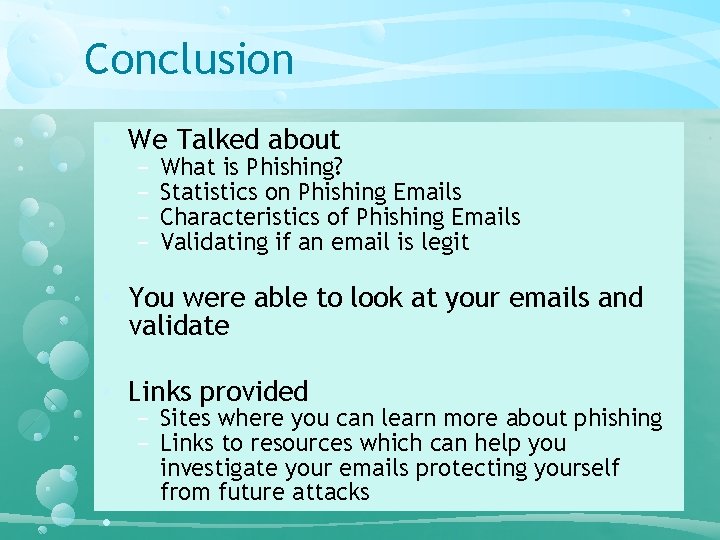
Conclusion • We Talked about − − What is Phishing? Statistics on Phishing Emails Characteristics of Phishing Emails Validating if an email is legit • You were able to look at your emails and validate • Links provided − Sites where you can learn more about phishing − Links to resources which can help you investigate your emails protecting yourself from future attacks •
Any Questions
References Danchev, D. (2009, December 9). How many people fall victim to phishing attacks? | ZDNet. Retrieved August 29, 2016, from http: //www. zdnet. com/article/howmany-people-fall-victim-to-phishing-attacks/ How to recognize phishing email messages, links, or phone calls. (2016). Retrieved August 29, 2016, from https: //www. microsoft. com/en-us/safety/onlineprivacy/phishing-symptoms. aspx [Interview by Anonymous]. (2016, March). Uber Driver. [Interview by Anonymous]. (2016, September). Bank Employee. Phishing Attack Prevention: How to Identify & Avoid Phishing Scams. (2016, July 27). Retrieved August 29, 2016, from https: //digitalguardian. com/blog/phishingattack-prevention-how-identify-avoid-phishing-scams Verizon data breach incident report for 2016 [PDF]. (2016). Verizon.