Qwik Tix TM The quick way to track

- Slides: 16
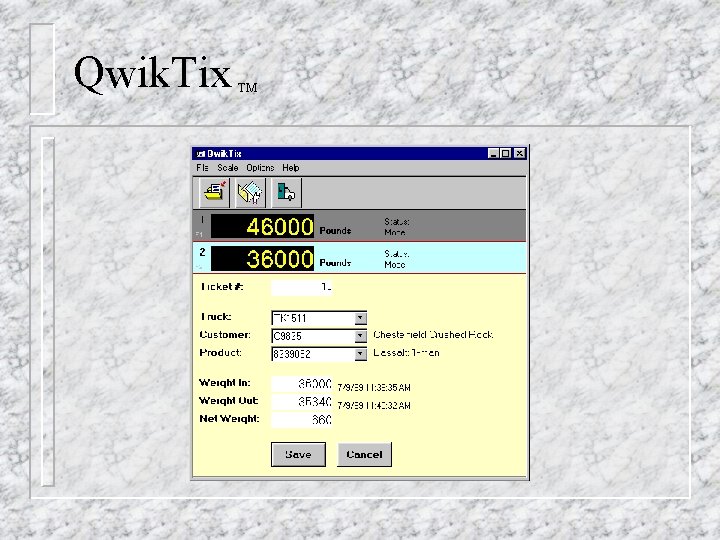
Qwik. Tix TM The quick way to track your trucks!
Qwik. Tix TM
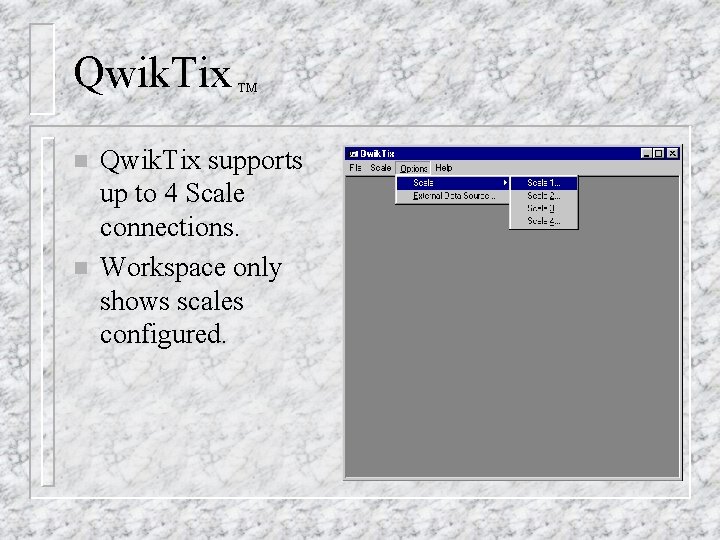
Qwik. Tix n n TM Qwik. Tix supports up to 4 Scale connections. Workspace only shows scales configured.
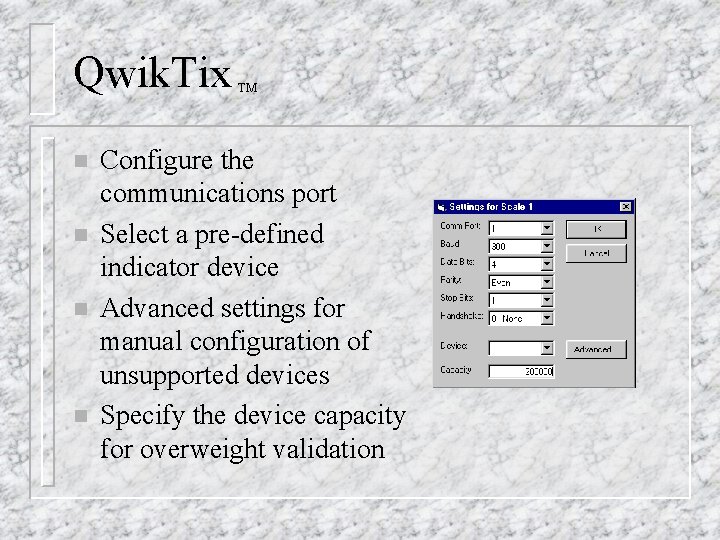
Qwik. Tix n n TM Configure the communications port Select a pre-defined indicator device Advanced settings for manual configuration of unsupported devices Specify the device capacity for overweight validation
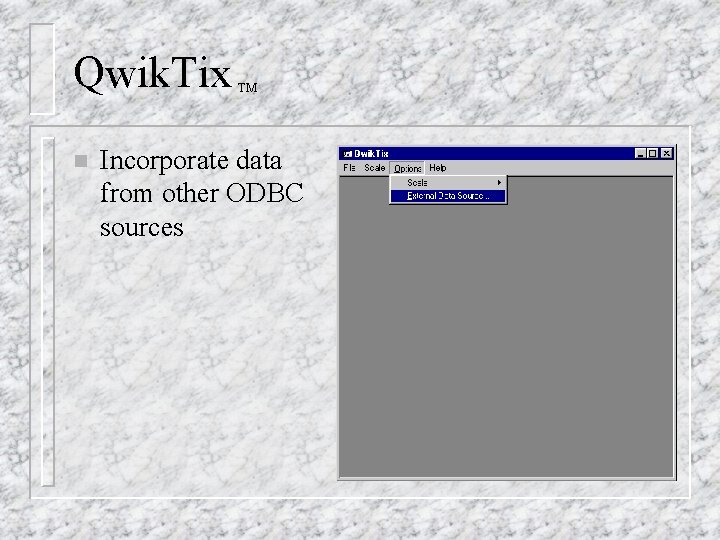
Qwik. Tix n TM Incorporate data from other ODBC sources
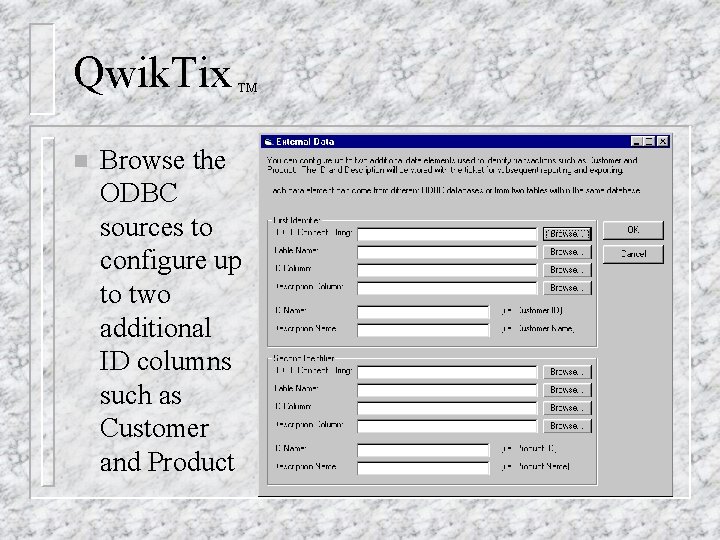
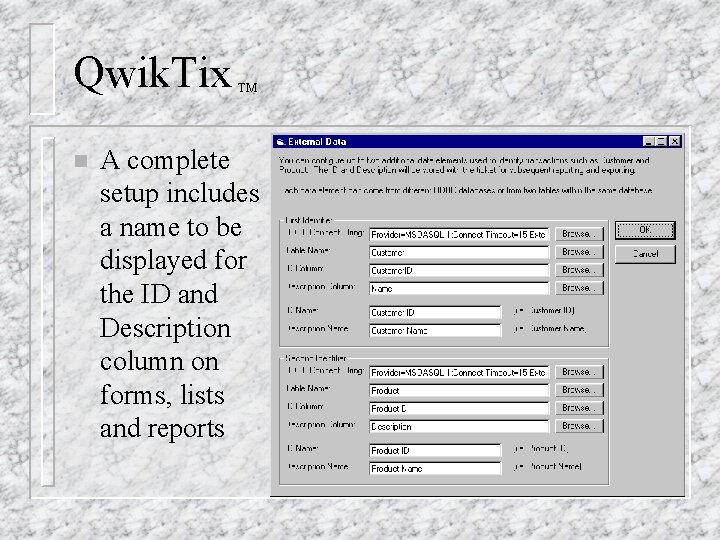
Qwik. Tix n TM Browse the ODBC sources to configure up to two additional ID columns such as Customer and Product
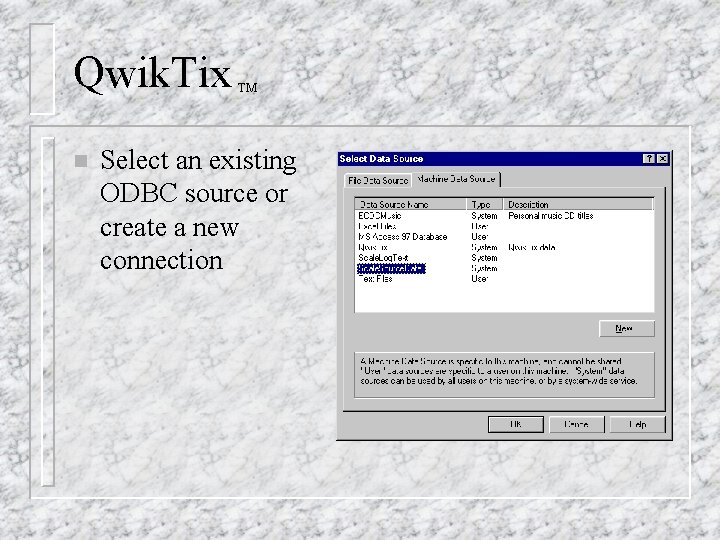
Qwik. Tix n TM Select an existing ODBC source or create a new connection
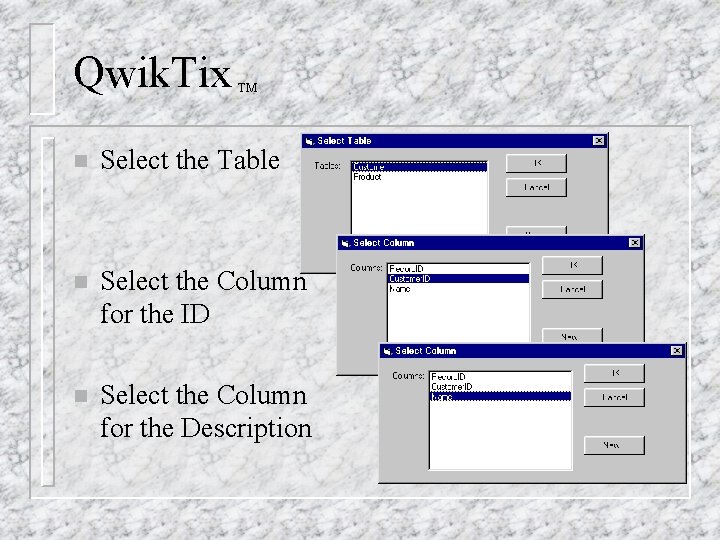
Qwik. Tix TM n Select the Table n Select the Column for the ID n Select the Column for the Description
Qwik. Tix n TM A complete setup includes a name to be displayed for the ID and Description column on forms, lists and reports
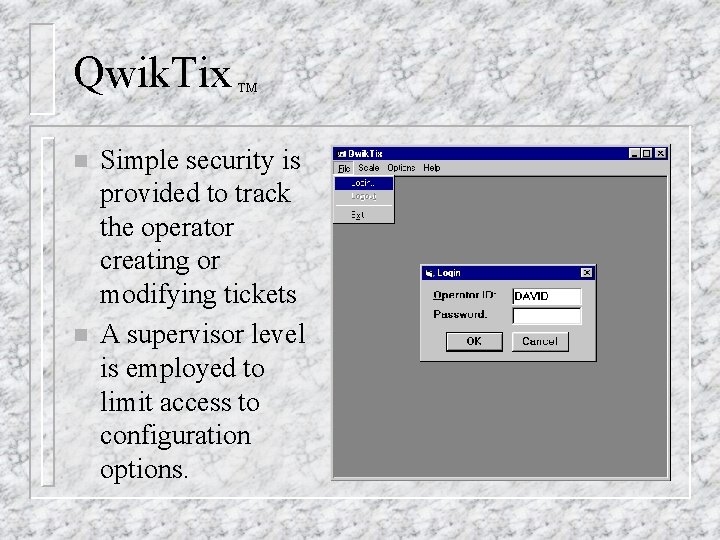
Qwik. Tix n n TM Simple security is provided to track the operator creating or modifying tickets A supervisor level is employed to limit access to configuration options.
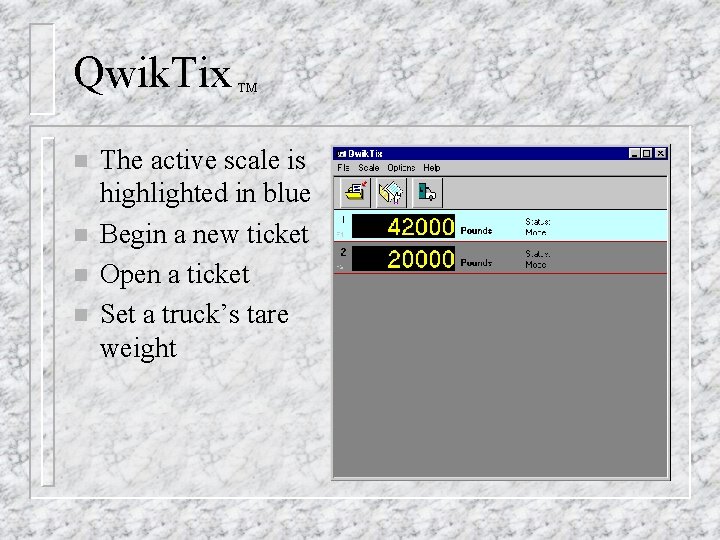
Qwik. Tix n n TM The active scale is highlighted in blue Begin a new ticket Open a ticket Set a truck’s tare weight
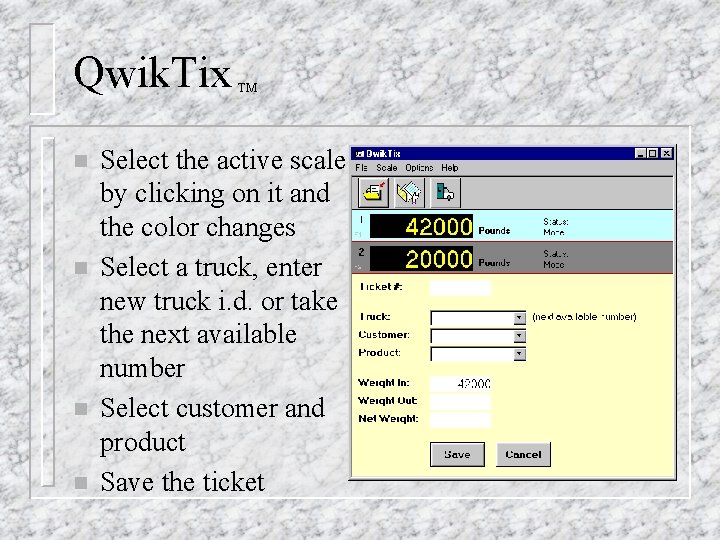
Qwik. Tix n n TM Select the active scale by clicking on it and the color changes Select a truck, enter new truck i. d. or take the next available number Select customer and product Save the ticket
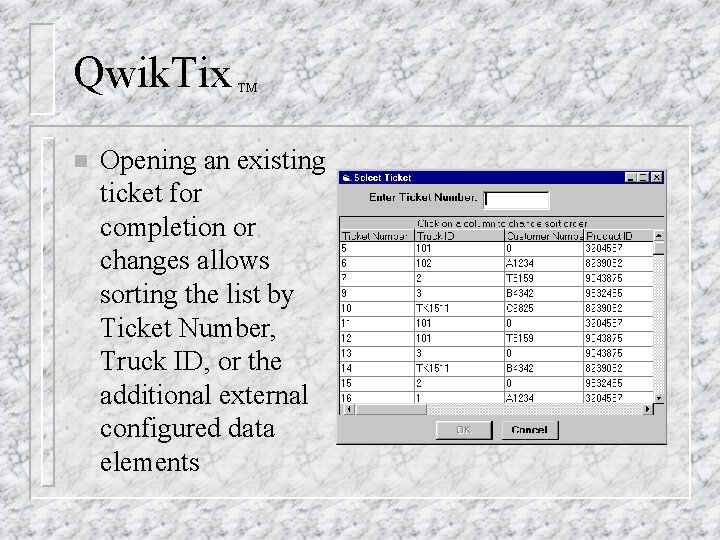
Qwik. Tix n TM Opening an existing ticket for completion or changes allows sorting the list by Ticket Number, Truck ID, or the additional external configured data elements
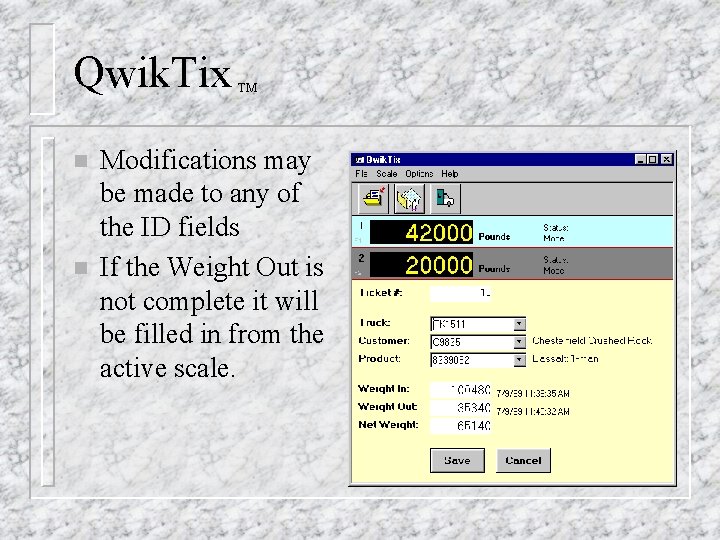
Qwik. Tix n n TM Modifications may be made to any of the ID fields If the Weight Out is not complete it will be filled in from the active scale.
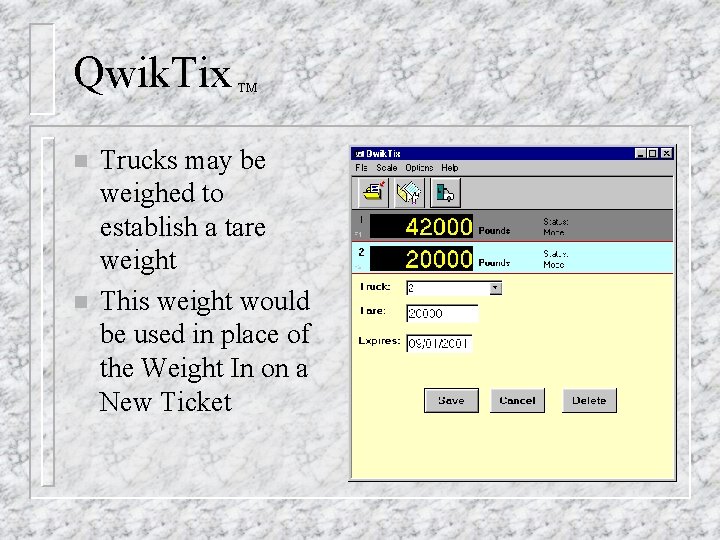
Qwik. Tix n n TM Trucks may be weighed to establish a tare weight This weight would be used in place of the Weight In on a New Ticket
Qwik. Tix TM Tool for designing printed tickets. n Tickets may be configured to post to an external ODBC database automatically at completion in real time. No need to export. n Sample Microsoft Access databases included. n