Programming games Introductions course class http moodle purchase
![Course • Introduction to programming using [simple] games as the problem domain • Why?](https://slidetodoc.com/presentation_image_h/98135d37b032a5e5172fe16a6b594322/image-3.jpg "Course • Introduction to programming using [simple] games as the problem domain • Why?")
- Slides: 44
Programming games Introductions, course, class http: //moodle. purchase. edu Classwork: Favorite sites. Homework: Review today's charts (examples of code). Finish favorite sites. Introduce yourself (again) on moodle.
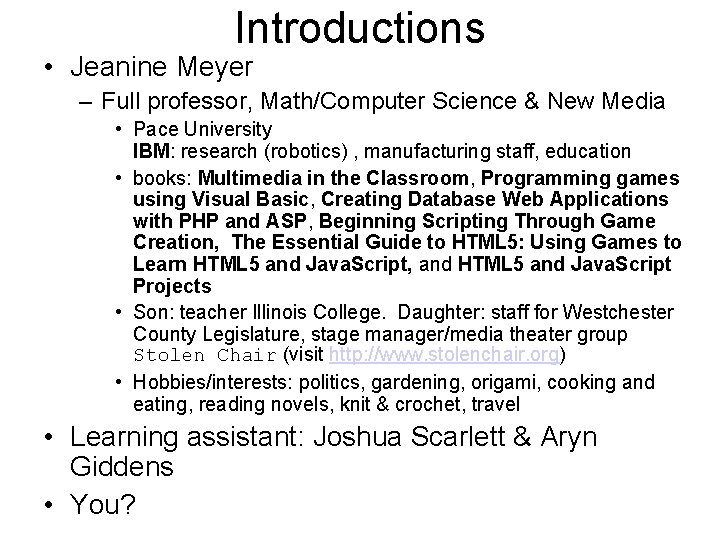
Introductions • Jeanine Meyer – Full professor, Math/Computer Science & New Media • Pace University IBM: research (robotics) , manufacturing staff, education • books: Multimedia in the Classroom, Programming games using Visual Basic, Creating Database Web Applications with PHP and ASP, Beginning Scripting Through Game Creation, The Essential Guide to HTML 5: Using Games to Learn HTML 5 and Java. Script, and HTML 5 and Java. Script Projects • Son: teacher Illinois College. Daughter: staff for Westchester County Legislature, stage manager/media theater group Stolen Chair (visit http: //www. stolenchair. org) • Hobbies/interests: politics, gardening, origami, cooking and eating, reading novels, knit & crochet, travel • Learning assistant: Joshua Scarlett & Aryn Giddens • You?
Course • Introduction to programming using [simple] games as the problem domain • Why?
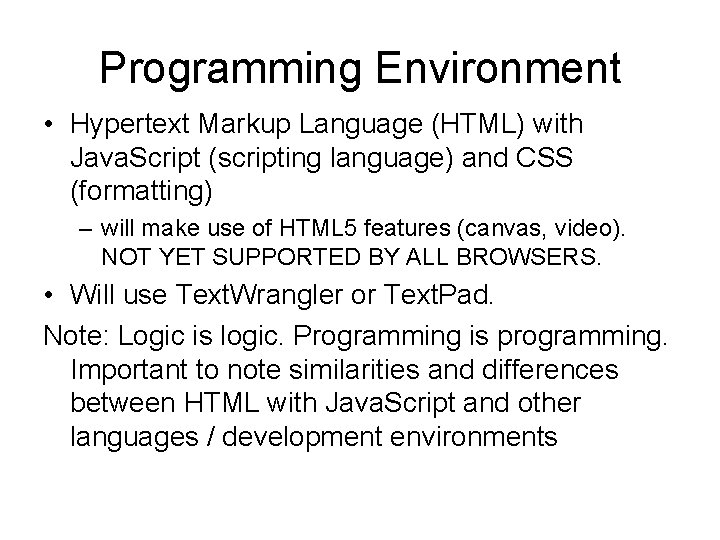
Programming Environment • Hypertext Markup Language (HTML) with Java. Script (scripting language) and CSS (formatting) – will make use of HTML 5 features (canvas, video). NOT YET SUPPORTED BY ALL BROWSERS. • Will use Text. Wrangler or Text. Pad. Note: Logic is logic. Programming is programming. Important to note similarities and differences between HTML with Java. Script and other languages / development environments
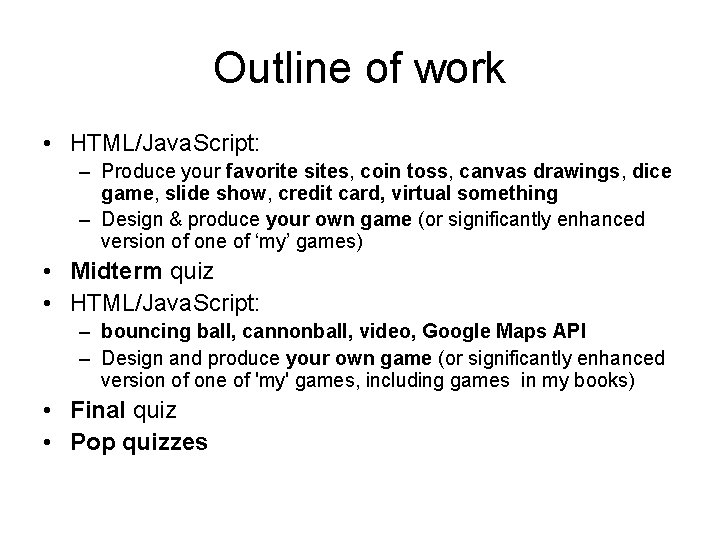
Outline of work • HTML/Java. Script: – Produce your favorite sites, coin toss, canvas drawings, dice game, slide show, credit card, virtual something – Design & produce your own game (or significantly enhanced version of one of ‘my’ games) • Midterm quiz • HTML/Java. Script: – bouncing ball, cannonball, video, Google Maps API – Design and produce your own game (or significantly enhanced version of one of 'my' games, including games in my books) • Final quiz • Pop quizzes
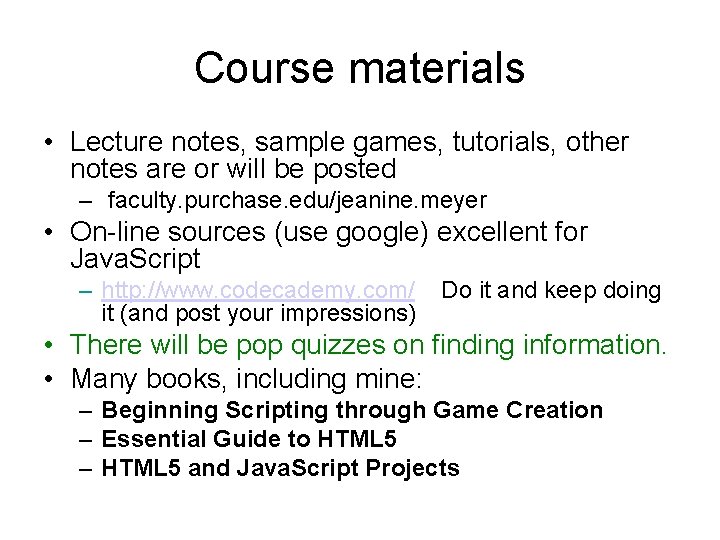
Course materials • Lecture notes, sample games, tutorials, other notes are or will be posted – faculty. purchase. edu/jeanine. meyer • On-line sources (use google) excellent for Java. Script – http: //www. codecademy. com/ it (and post your impressions) Do it and keep doing • There will be pop quizzes on finding information. • Many books, including mine: – Beginning Scripting through Game Creation – Essential Guide to HTML 5 – HTML 5 and Java. Script Projects
Course topics • How to specify look, function & logic of games • Use concepts common to all programming languages – Logic, statements, compound statements – Variables, functions • Use concepts of ‘Modern’ programming systems – Design of graphical user interface – Event handling – Objects • Some devotees of OO would argue that Java. Script does not have all features of real OO language.
Brief introduction to a few terms • A variable holds values (numbers, strings of characters, Booleans (true or false)) • A function is packaging of code, to be invoked later NOW IS THE TIME TO TAKE • Statement types include NOTES & ASK QUESTIONS! – Assignment statements – Calls to functions (built-in or programmer defined) – Compound statements: if, for loops • An event is something that can happen for which you specify a response (handler) – Some events are relatively easy for you to set up: for example, clicking on a button/link – Timing events
What is programming?
How to specify the actions for shoe tying • Typical situation: easy to do but more difficult to articulate how to do it. • Atypical: physical actions and not just data/information. • Issues of deciding level of specification. • Get in small groups and write down instructions as you would teach a child.
Reflection on shoe tying • More than one way to accomplish task • Divide task into small (very small) steps • Actions depended on external conditions and events happening • describing steps required some special use of language: jargon • ALL features of programming!
Function • Important concept in programming – All programming languages have specific way to define a function (subroutine, procedure) • a method is a function/procedure associated with a class of objects • an operation is a procedure specified to act on operands – and call the function – ALL programming languages have built-in functions, e. g. , • Date() • Math. random() • One type of shoe-tying: do overhand knot once with single strands and then with loops
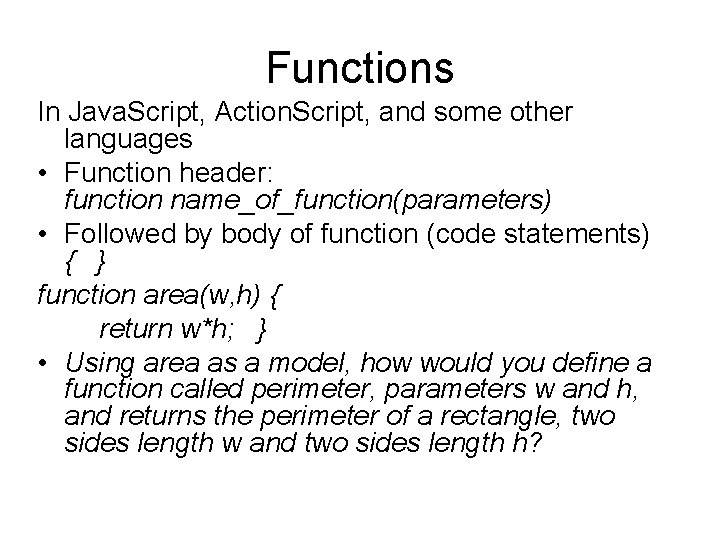
Functions In Java. Script, Action. Script, and some other languages • Function header: function name_of_function(parameters) • Followed by body of function (code statements) { } function area(w, h) { return w*h; } • Using area as a model, how would you define a function called perimeter, parameters w and h, and returns the perimeter of a rectangle, two sides length w and two sides length h?
Computers must be programmed • Some one, generally a collection of people, have specified the actions of ‘the computer’. • ‘Actions’ can include – Performing a calculation – Moving data around – Accepting input or producing output – Testing something and doing different things depending on the results
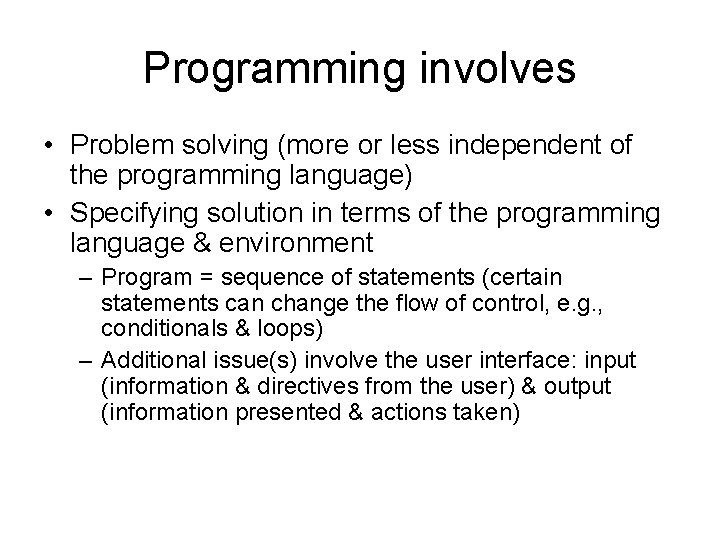
Programming involves • Problem solving (more or less independent of the programming language) • Specifying solution in terms of the programming language & environment – Program = sequence of statements (certain statements can change the flow of control, e. g. , conditionals & loops) – Additional issue(s) involve the user interface: input (information & directives from the user) & output (information presented & actions taken)
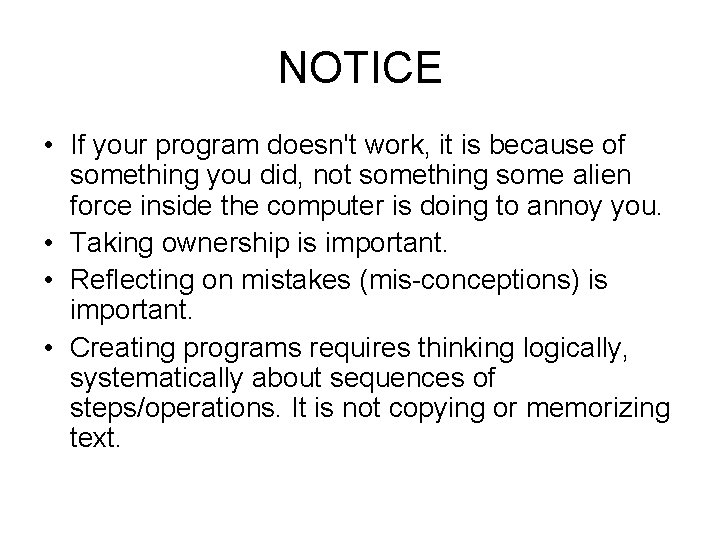
NOTICE • If your program doesn't work, it is because of something you did, not something some alien force inside the computer is doing to annoy you. • Taking ownership is important. • Reflecting on mistakes (mis-conceptions) is important. • Creating programs requires thinking logically, systematically about sequences of steps/operations. It is not copying or memorizing text.
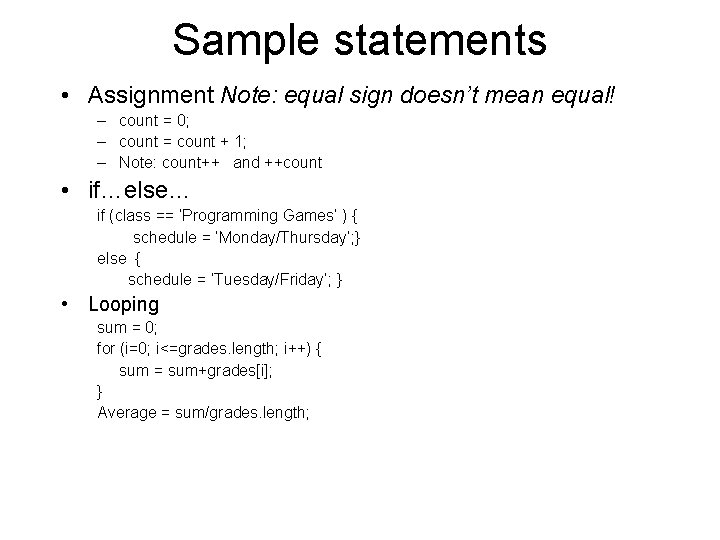
Sample statements • Assignment Note: equal sign doesn’t mean equal! – count = 0; – count = count + 1; – Note: count++ and ++count • if…else… if (class == ‘Programming Games’ ) { schedule = ‘Monday/Thursday’; } else { schedule = ‘Tuesday/Friday’; } • Looping sum = 0; for (i=0; i<=grades. length; i++) { sum = sum+grades[i]; } Average = sum/grades. length;
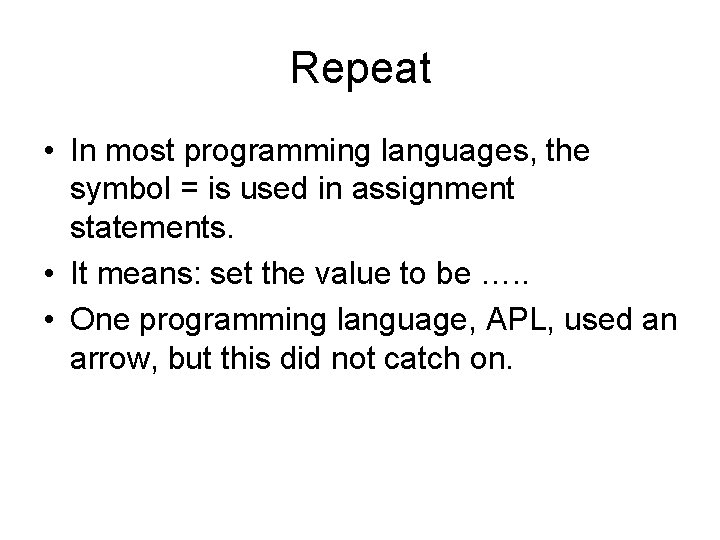
Repeat • In most programming languages, the symbol = is used in assignment statements. • It means: set the value to be …. . • One programming language, APL, used an arrow, but this did not catch on.
Programming • Decide what is needed to be done (logic) – different approaches can work just like there are different ways to tie shoe laces • Implement that logic in the programming language – Programming languages are not like natural language • Grammar (syntax) must be exact • Some flexibility, but much less expressive power • …. Computer systems are infinitely patient • Test, correct & enhance, re-test Divide tasks into smaller tasks.
To build a computer application • You must specify/program everything – – – Static display Dynamic display (what changes) Response to user/player action Response to system events Rules of the game If a two-person game (if the computer is a player), the computer moves/actions • You must change roles and be tester of the application.
If actions must be specified completely…. • How do we put randomness into a program – For example, throw of dice, layout of mines in minesweeper • Answer: Java. Script (and other programming languages) have built in features to produce pseudo-random sequences of numbers. – They appear random, but they are calculated.
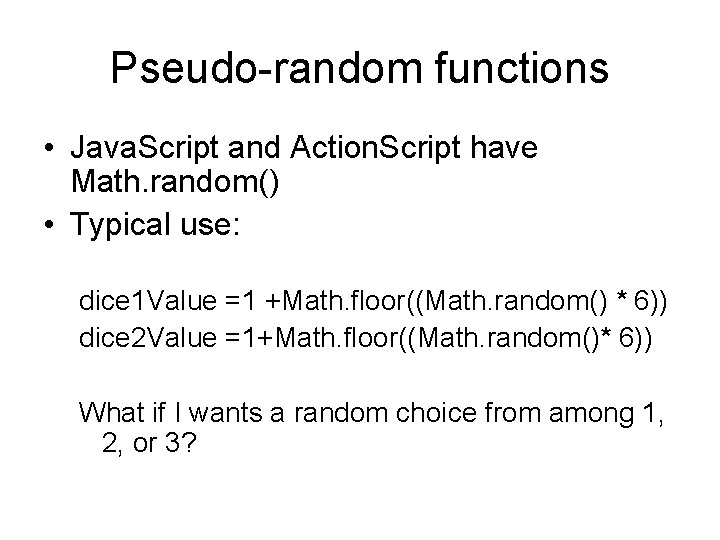
Pseudo-random functions • Java. Script and Action. Script have Math. random() • Typical use: dice 1 Value =1 +Math. floor((Math. random() * 6)) dice 2 Value =1+Math. floor((Math. random()* 6)) What if I wants a random choice from among 1, 2, or 3?
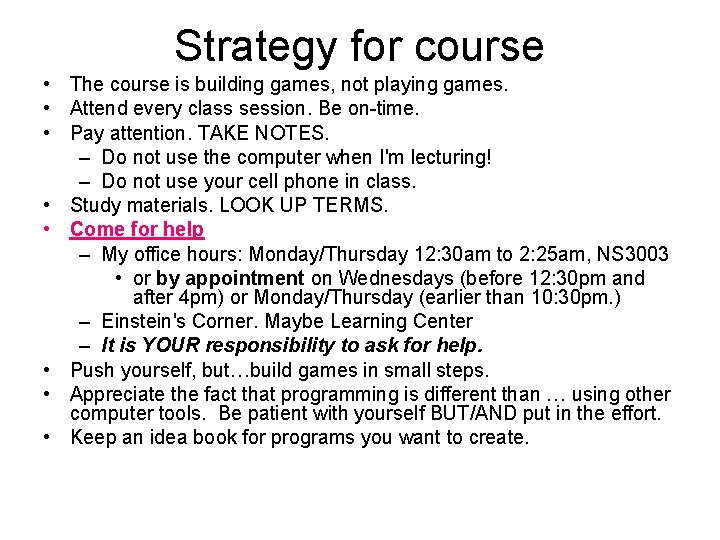
Strategy for course • The course is building games, not playing games. • Attend every class session. Be on-time. • Pay attention. TAKE NOTES. – Do not use the computer when I'm lecturing! – Do not use your cell phone in class. • Study materials. LOOK UP TERMS. • Come for help – My office hours: Monday/Thursday 12: 30 am to 2: 25 am, NS 3003 • or by appointment on Wednesdays (before 12: 30 pm and after 4 pm) or Monday/Thursday (earlier than 10: 30 pm. ) – Einstein's Corner. Maybe Learning Center – It is YOUR responsibility to ask for help. • Push yourself, but…build games in small steps. • Appreciate the fact that programming is different than … using other computer tools. Be patient with yourself BUT/AND put in the effort. • Keep an idea book for programs you want to create.
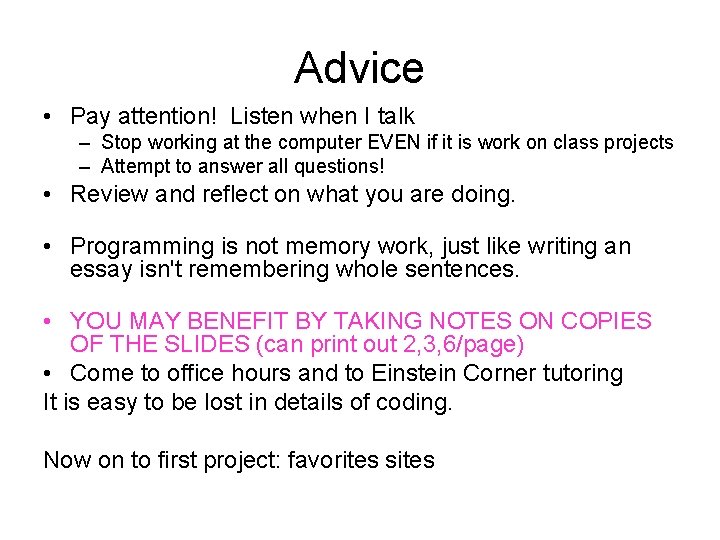
Advice • Pay attention! Listen when I talk – Stop working at the computer EVEN if it is work on class projects – Attempt to answer all questions! • Review and reflect on what you are doing. • Programming is not memory work, just like writing an essay isn't remembering whole sentences. • YOU MAY BENEFIT BY TAKING NOTES ON COPIES OF THE SLIDES (can print out 2, 3, 6/page) • Come to office hours and to Einstein Corner tutoring It is easy to be lost in details of coding. Now on to first project: favorites sites
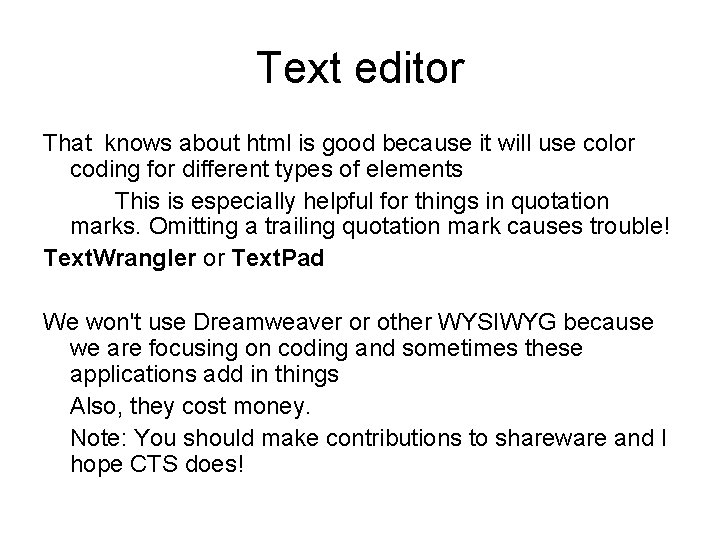
Text editor That knows about html is good because it will use color coding for different types of elements This is especially helpful for things in quotation marks. Omitting a trailing quotation mark causes trouble! Text. Wrangler or Text. Pad We won't use Dreamweaver or other WYSIWYG because we are focusing on coding and sometimes these applications add in things Also, they cost money. Note: You should make contributions to shareware and I hope CTS does!
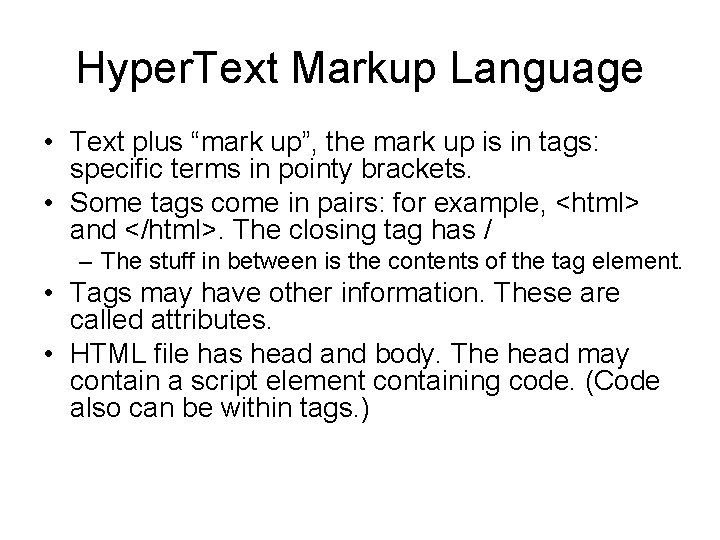
Hyper. Text Markup Language • Text plus “mark up”, the mark up is in tags: specific terms in pointy brackets. • Some tags come in pairs: for example, <html> and </html>. The closing tag has / – The stuff in between is the contents of the tag element. • Tags may have other information. These are called attributes. • HTML file has head and body. The head may contain a script element containing code. (Code also can be within tags. )
Prepare / Edit • Open up text editor program • Copy (with some changes) example …. (NEXT SLIDE) • Save As – file type (extension). html – file name: something can remember. Simple name, how about test 1 – Save it in the same folder that you saved the image file.
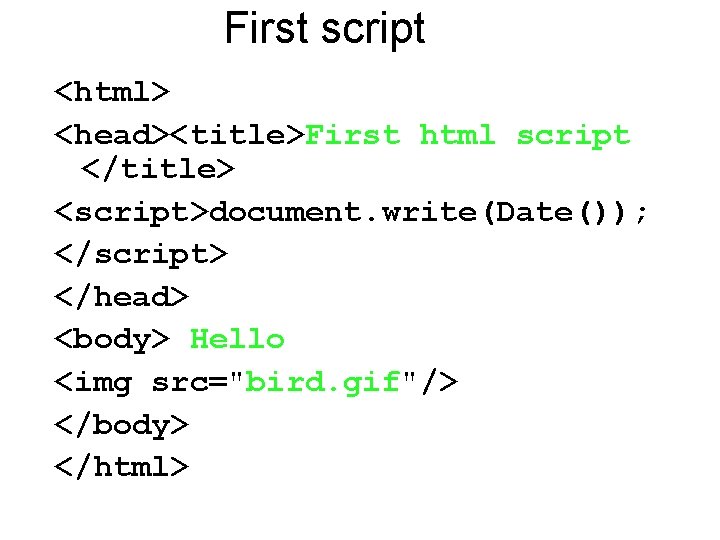
First script <html> <head><title>First html script </title> <script>document. write(Date()); </script> </head> <body> Hello <img src="bird. gif"/> </body> </html>
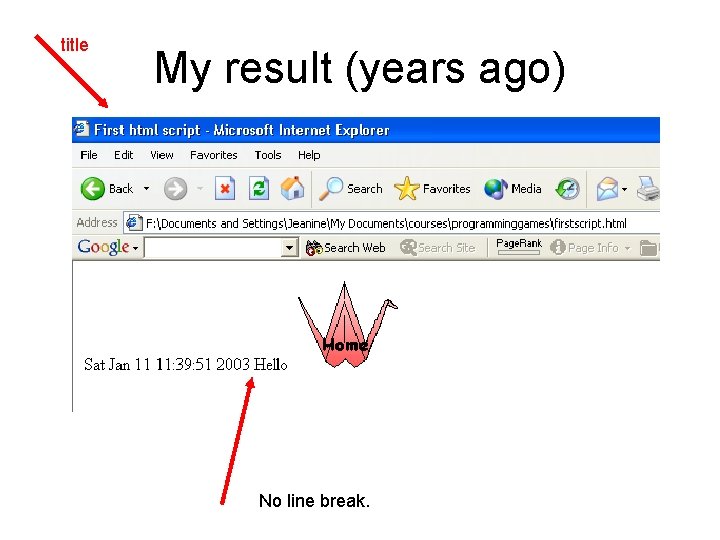
title My result (years ago) No line break.
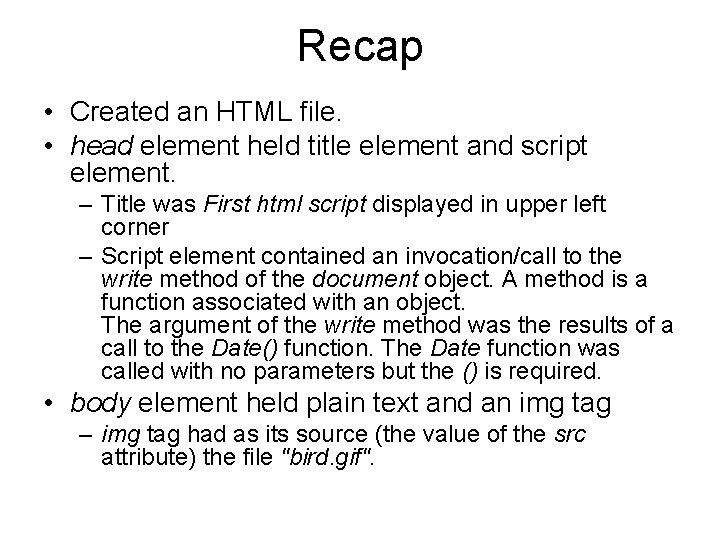
Recap • Created an HTML file. • head element held title element and script element. – Title was First html script displayed in upper left corner – Script element contained an invocation/call to the write method of the document object. A method is a function associated with an object. The argument of the write method was the results of a call to the Date() function. The Date function was called with no parameters but the () is required. • body element held plain text and an img tag – img tag had as its source (the value of the src attribute) the file "bird. gif".
Make example your own Do one or more of the following: • Move the 'hello' from the body of the HTML document to something to be done by the script – Hint: document. write("Hello "); • Have the script write out something else. • Add to the body of the HTML – more text – another copy of the image – another image
More on functions • Functions are built-into the language OR are defined by you, the programmer. • Functions sometimes require arguments aka parameters. This is extra information for the operation of the function. The argument or arguments go in parentheses. – A function requires parentheses even if there are no arguments: Date() • A special kind of function is a method. This is a function associated with an object. In this case, the name of the method is write and the name of the object is document. The method takes an argument (this thing inside the parentheses) and this is whatever Date() produces. document. write( Date() ); The. is used for methods or properties of objects.
Function as shorthand • Put it in my mail box instead of • go to the Natural Sciences building, 2 nd floor, Natural Sciences office, room 2065, go into the room on the right where the mail boxes are, find my name, put it in the box…. • The 'it' is analogous to the argument. • Note: some purists refer to these as arguments on the caller side and parameters on the called side.
Formatting • HTML generally ignores white space, including line breaks. To force a line break, use – <p> or You will also see <p> </p> and <p />. You will see . – There is also <hr> horizontal rule • There are tags for size of fonts (h 1 through h 6, others), <b> for bold, <i> for italics, and much more BUT good practice is to put formatting into the style section (Cascading Style Sheets). – more on this later. • HTML generally is forgiving. For example, does not require /> in singleton tags such as img.
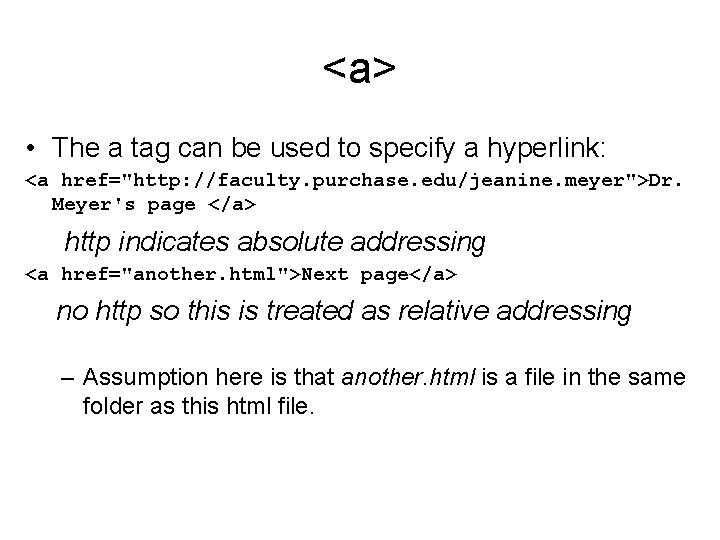
<a> • The a tag can be used to specify a hyperlink: <a href="http: //faculty. purchase. edu/jeanine. meyer">Dr. Meyer's page </a> http indicates absolute addressing <a href="another. html">Next page</a> no http so this is treated as relative addressing – Assumption here is that another. html is a file in the same folder as this html file.
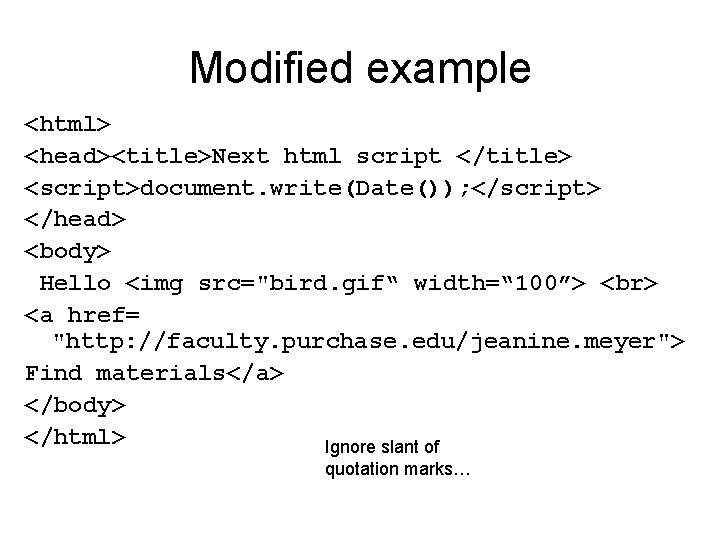
Modified example <html> <head><title>Next html script </title> <script>document. write(Date()); </script> </head> <body> Hello <img src="bird. gif“ width=“ 100”> <a href= "http: //faculty. purchase. edu/jeanine. meyer"> Find materials</a> </body> </html> Ignore slant of quotation marks…
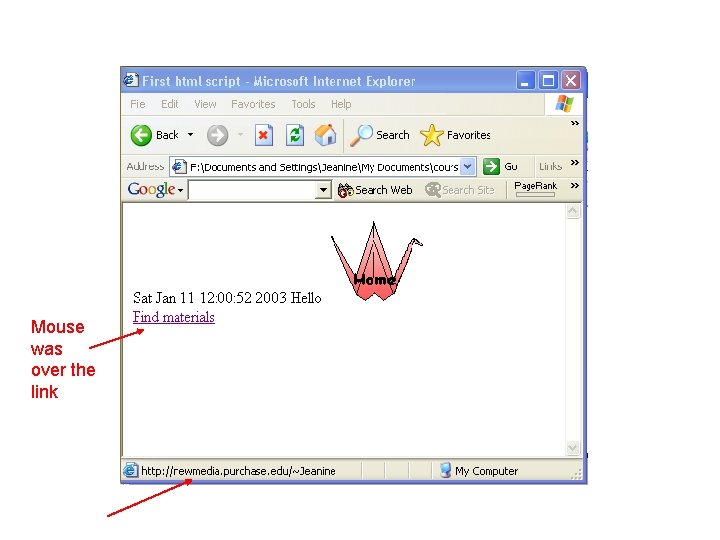
Mouse was over the link
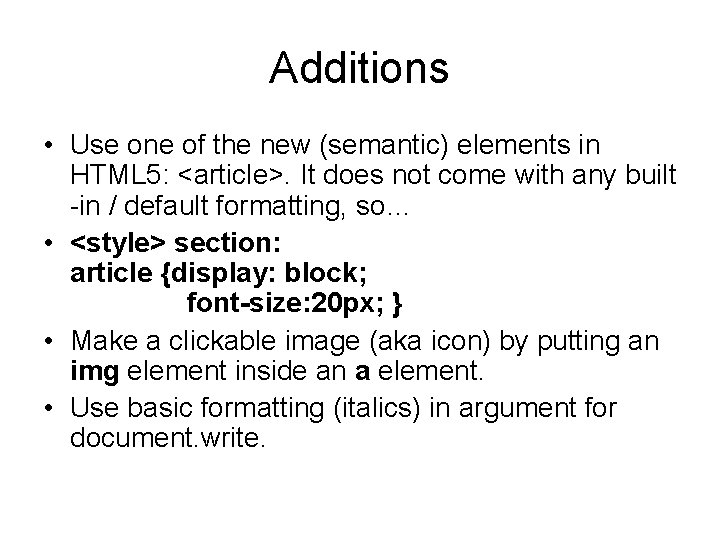
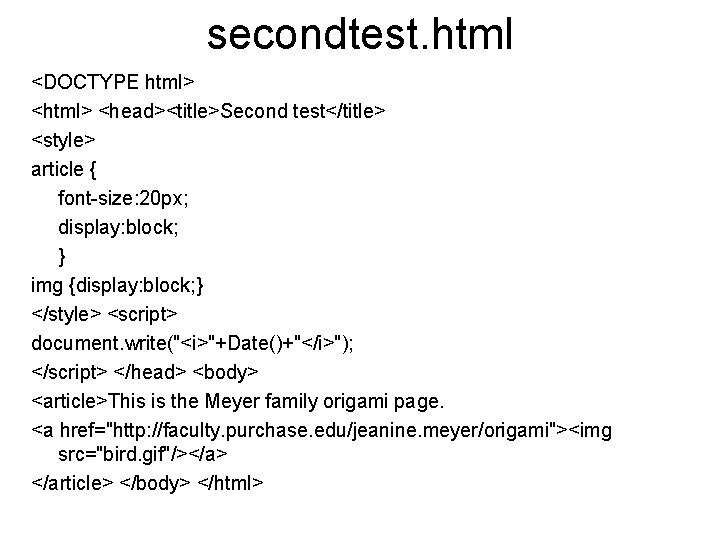
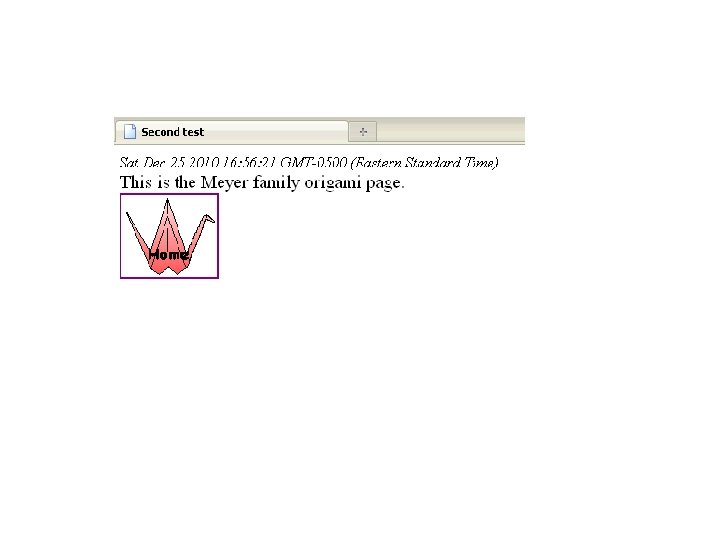
Additions • Use one of the new (semantic) elements in HTML 5: <article>. It does not come with any built -in / default formatting, so… • <style> section: article {display: block; font-size: 20 px; } • Make a clickable image (aka icon) by putting an img element inside an a element. • Use basic formatting (italics) in argument for document. write.
secondtest. html <DOCTYPE html> <head><title>Second test</title> <style> article { font-size: 20 px; display: block; } img {display: block; } </style> <script> document. write("<i>"+Date()+"</i>"); </script> </head> <body> <article>This is the Meyer family origami page. <a href="http: //faculty. purchase. edu/jeanine. meyer/origami"><img src="bird. gif"/></a> </article> </body> </html>
Lessons • Notice patterns • Things inside of things…. • Practice pop research quiz: – look up CSS font-family and see how to specify fonts. All fonts are not on all computers, so you specify your first choice, second choice, then type (serif, monospace)
Class work / Homework • Produce an HTML file that presents 3 (favorite) websites – writes out the date at the top – Title is your name plus 'Favorite Sites' – Describes 'favorite sites', with text and an image from the site, linking to the site. – Enclose each description in an article element.
Assignments • Read and re-read handout. Review Power. Point charts for first lecture. • [Get into habit] review lecture charts after each lecture. Study examples and read tutorials. Check schedule. Write down ideas. • Go to http: //moodle. purchase. edu and make a post to the Introductions, extra credit, etc. forum. As appropriate, I will post information there and/or faculty. purchase. edu/jeanine. meyer
Web publishing space • CTS provides web space for all students. • Do sign up for it! • You will be required to upload projects— publish them—on the web.