Persistenta datelor Multe aplicatii doresc sa asigure persistenta
- Slides: 56
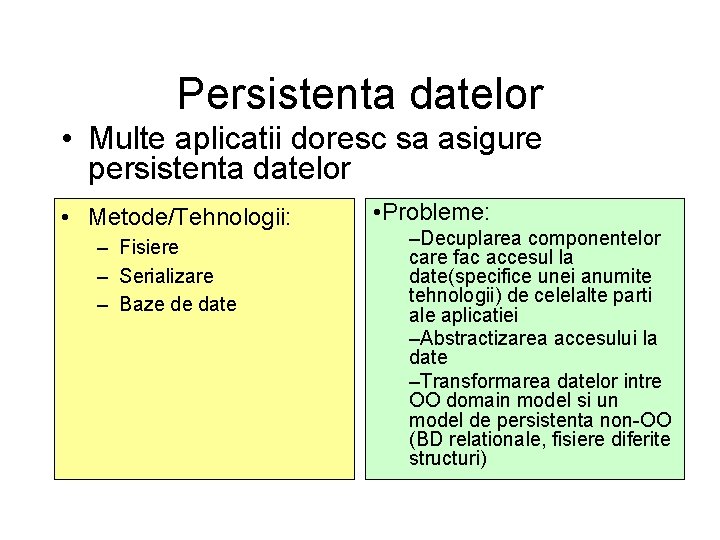
Persistenta datelor • Multe aplicatii doresc sa asigure persistenta datelor • Metode/Tehnologii: – Fisiere – Serializare – Baze de date • Probleme: –Decuplarea componentelor care fac accesul la date(specifice unei anumite tehnologii) de celelalte parti ale aplicatiei –Abstractizarea accesului la date –Transformarea datelor intre OO domain model si un model de persistenta non-OO (BD relationale, fisiere diferite structuri)
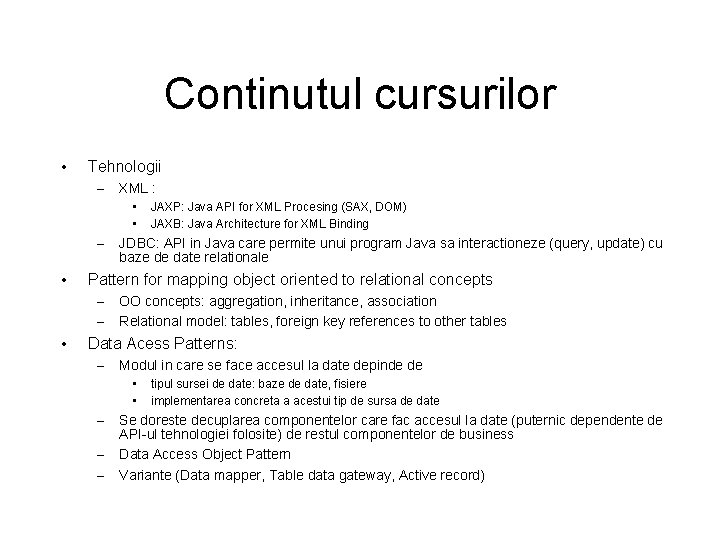
Continutul cursurilor • Tehnologii – XML : • • – • JDBC: API in Java care permite unui program Java sa interactioneze (query, update) cu baze de date relationale Pattern for mapping object oriented to relational concepts – – • JAXP: Java API for XML Procesing (SAX, DOM) JAXB: Java Architecture for XML Binding OO concepts: aggregation, inheritance, association Relational model: tables, foreign key references to other tables Data Acess Patterns: – Modul in care se face accesul la date depinde de • • – – – tipul sursei de date: baze de date, fisiere implementarea concreta a acestui tip de sursa de date Se doreste decuplarea componentelor care fac accesul la date (puternic dependente de API-ul tehnologiei folosite) de restul componentelor de business Data Access Object Pattern Variante (Data mapper, Table data gateway, Active record)
Tehnologii XML pentru Java • JAXP: Java API for XML Procesing (SAX, DOM) – Bibliografie: – Tutorial Oracle: http: //download. oracle. com/javase/tutorial/jaxp/index. html • JAXB: Java Architecture for XML Binding – Bibliografie: – http: //download. oracle. com/javase/6/docs/technotes/guides/xml/jaxb/i ndex. html
XML • XML este un standard pentru descrierea structurii documentelor • e. Xtensible Markup Language – Format text pentru descrierea datelor => simplu de utilizat – Standardizat => exista API-uri care pot fi utilizate pentru a simplifica parsing-ul (sintaxa reprezentarii datelor) – Applicatiile care utilizeaza XML trebuie sa stabileasca doar partea semantica a reprezentarii datelor
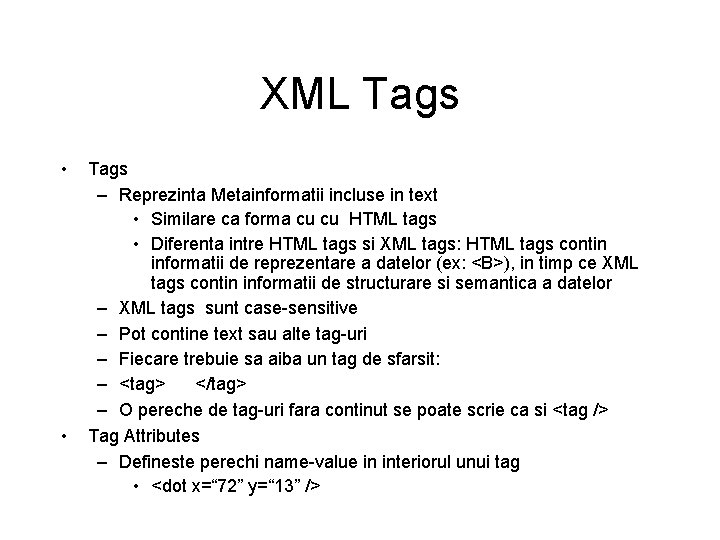
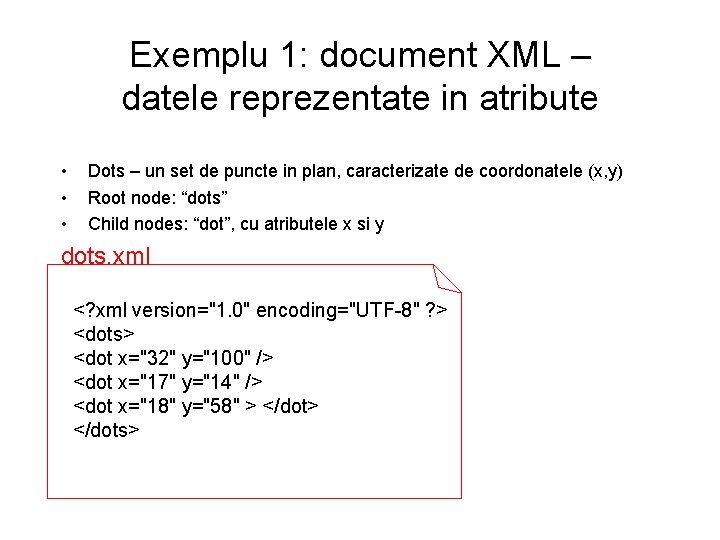
XML Tags • • Tags – Reprezinta Metainformatii incluse in text • Similare ca forma cu cu HTML tags • Diferenta intre HTML tags si XML tags: HTML tags contin informatii de reprezentare a datelor (ex: <B>), in timp ce XML tags contin informatii de structurare si semantica a datelor – XML tags sunt case-sensitive – Pot contine text sau alte tag-uri – Fiecare trebuie sa aiba un tag de sfarsit: – <tag> </tag> – O pereche de tag-uri fara continut se poate scrie ca si <tag /> Tag Attributes – Defineste perechi name-value in interiorul unui tag • <dot x=“ 72” y=“ 13” />
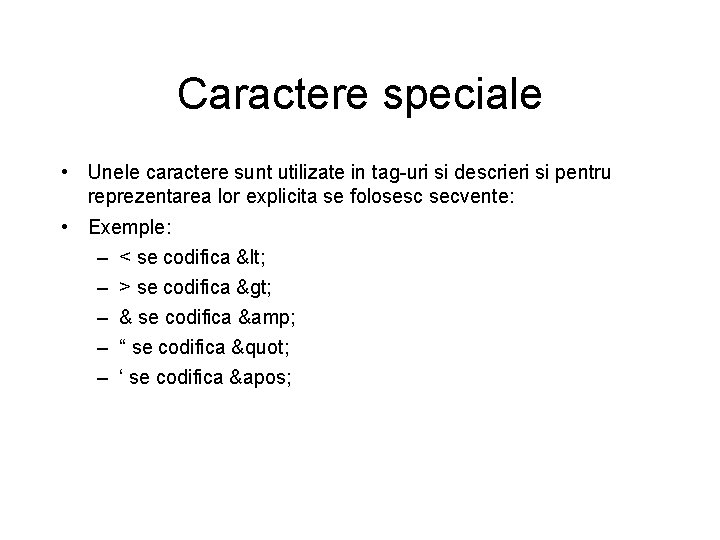
Caractere speciale • Unele caractere sunt utilizate in tag-uri si descrieri si pentru reprezentarea lor explicita se folosesc secvente: • Exemple: – < se codifica < – > se codifica > – & se codifica & – “ se codifica " – ‘ se codifica '
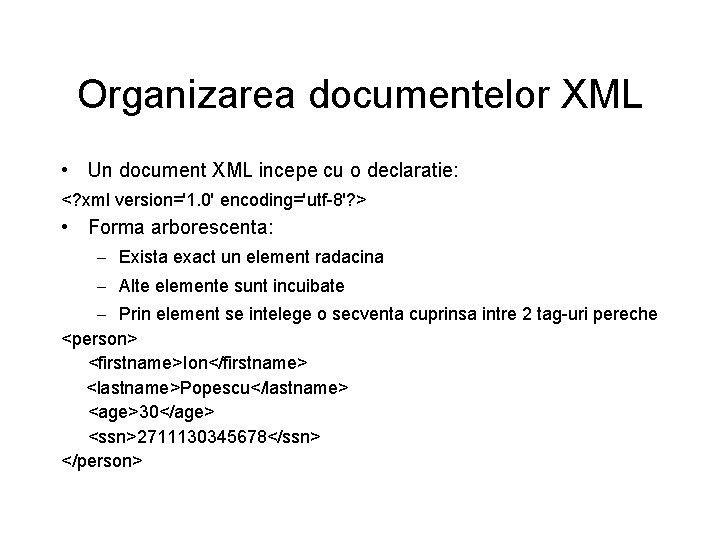
Organizarea documentelor XML • Un document XML incepe cu o declaratie: <? xml version='1. 0' encoding='utf-8'? > • Forma arborescenta: – Exista exact un element radacina – Alte elemente sunt incuibate – Prin element se intelege o secventa cuprinsa intre 2 tag-uri pereche <person> <firstname>Ion</firstname> <lastname>Popescu</lastname> <age>30</age> <ssn>2711130345678</ssn> </person>
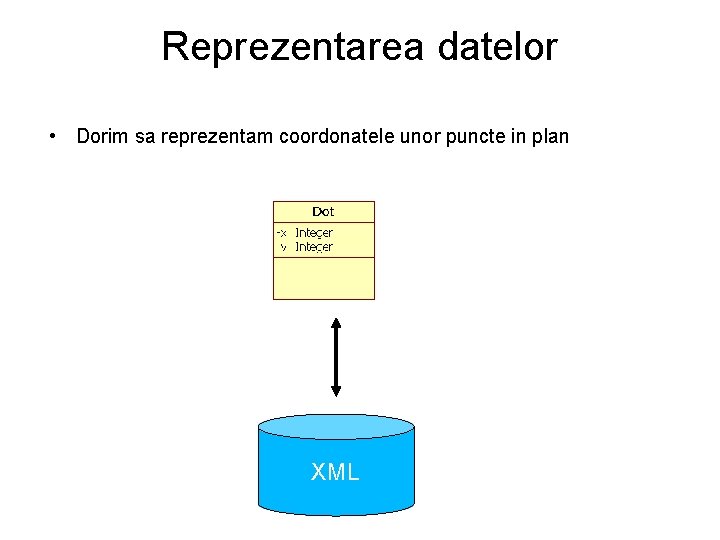
Reprezentarea datelor • Dorim sa reprezentam coordonatele unor puncte in plan XML
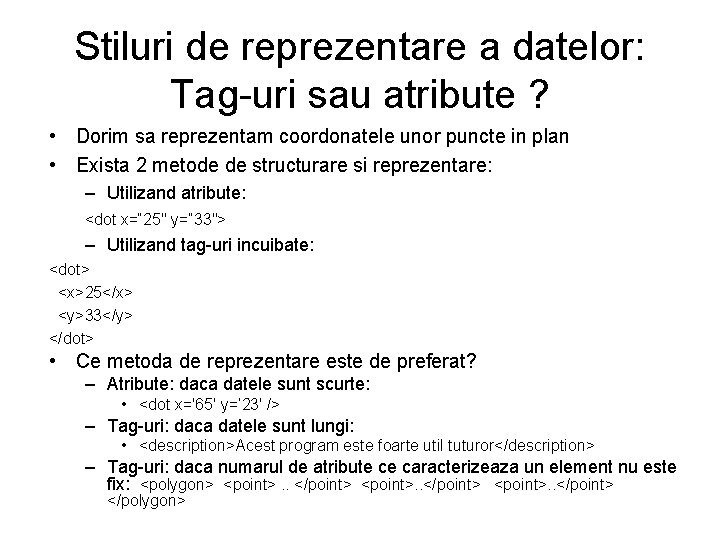
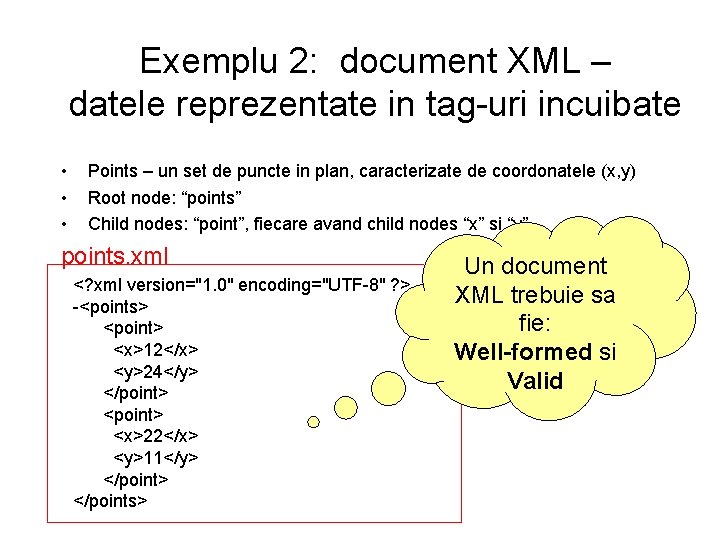
Stiluri de reprezentare a datelor: Tag-uri sau atribute ? • Dorim sa reprezentam coordonatele unor puncte in plan • Exista 2 metode de structurare si reprezentare: – Utilizand atribute: <dot x=“ 25" y=“ 33"> – Utilizand tag-uri incuibate: <dot> <x>25</x> <y>33</y> </dot> • Ce metoda de reprezentare este de preferat? – Atribute: daca datele sunt scurte: • <dot x='65' y=‘ 23' /> – Tag-uri: daca datele sunt lungi: • <description>Acest program este foarte util tuturor</description> – Tag-uri: daca numarul de atribute ce caracterizeaza un element nu este fix: <polygon> <point>. . </point> </polygon>
Exemplu 1: document XML – datele reprezentate in atribute • • • Dots – un set de puncte in plan, caracterizate de coordonatele (x, y) Root node: “dots” Child nodes: “dot”, cu atributele x si y dots. xml <? xml version="1. 0" encoding="UTF-8" ? > <dots> <dot x="32" y="100" /> <dot x="17" y="14" /> <dot x="18" y="58" > </dot> </dots>
Exemplu 2: document XML – datele reprezentate in tag-uri incuibate • • • Points – un set de puncte in plan, caracterizate de coordonatele (x, y) Root node: “points” Child nodes: “point”, fiecare avand child nodes “x” si “y” points. xml <? xml version="1. 0" encoding="UTF-8" ? > -<points> <point> <x>12</x> <y>24</y> </point> <point> <x>22</x> <y>11</y> </point> </points> Un document XML trebuie sa fie: Well-formed si Valid
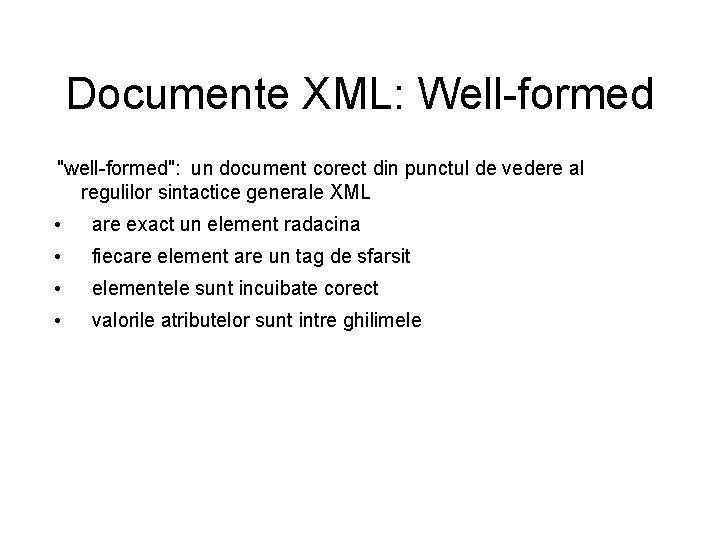
Documente XML: Well-formed "well-formed": un document corect din punctul de vedere al regulilor sintactice generale XML • are exact un element radacina • fiecare element are un tag de sfarsit • elementele sunt incuibate corect • valorile atributelor sunt intre ghilimele
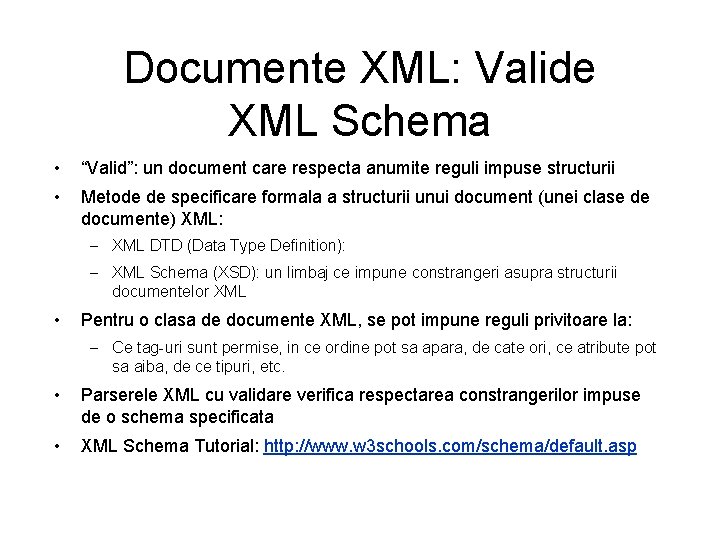
Documente XML: Valide XML Schema • “Valid”: un document care respecta anumite reguli impuse structurii • Metode de specificare formala a structurii unui document (unei clase de documente) XML: – XML DTD (Data Type Definition): – XML Schema (XSD): un limbaj ce impune constrangeri asupra structurii documentelor XML • Pentru o clasa de documente XML, se pot impune reguli privitoare la: – Ce tag-uri sunt permise, in ce ordine pot sa apara, de cate ori, ce atribute pot sa aiba, de ce tipuri, etc. • Parserele XML cu validare verifica respectarea constrangerilor impuse de o schema specificata • XML Schema Tutorial: http: //www. w 3 schools. com/schema/default. asp
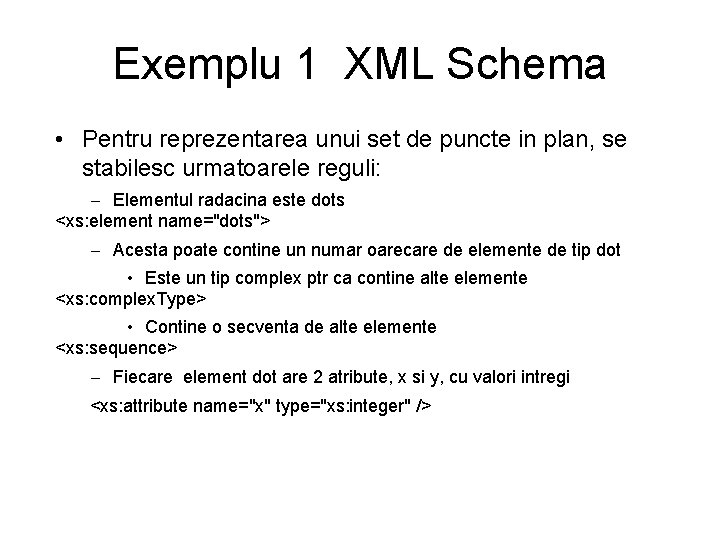
Exemplu 1 XML Schema • Pentru reprezentarea unui set de puncte in plan, se stabilesc urmatoarele reguli: – Elementul radacina este dots <xs: element name="dots"> – Acesta poate contine un numar oarecare de elemente de tip dot • Este un tip complex ptr ca contine alte elemente <xs: complex. Type> • Contine o secventa de alte elemente <xs: sequence> – Fiecare element dot are 2 atribute, x si y, cu valori intregi <xs: attribute name="x" type="xs: integer" />
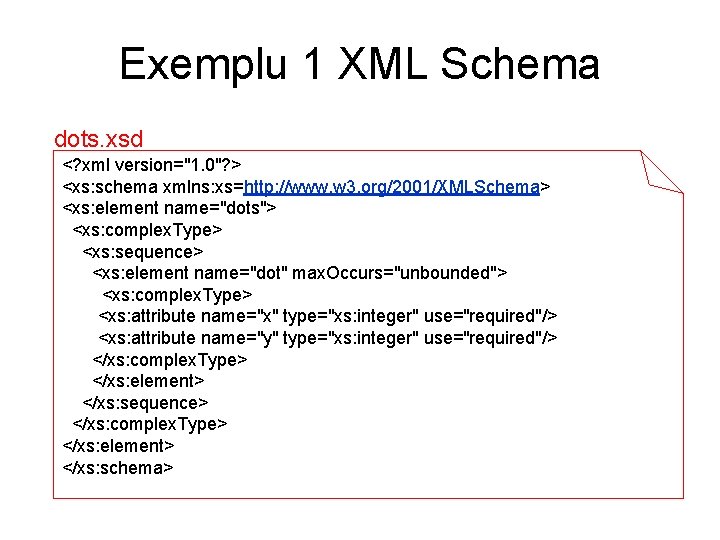
Exemplu 1 XML Schema dots. xsd <? xml version="1. 0"? > <xs: schema xmlns: xs=http: //www. w 3. org/2001/XMLSchema> <xs: element name="dots"> <xs: complex. Type> <xs: sequence> <xs: element name="dot" max. Occurs="unbounded"> <xs: complex. Type> <xs: attribute name="x" type="xs: integer" use="required"/> <xs: attribute name="y" type="xs: integer" use="required"/> </xs: complex. Type> </xs: element> </xs: sequence> </xs: complex. Type> </xs: element> </xs: schema>
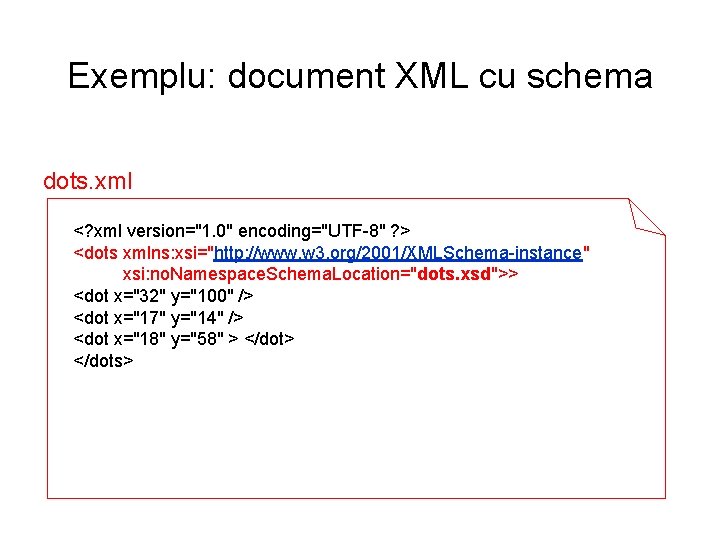
Exemplu: document XML cu schema dots. xml <? xml version="1. 0" encoding="UTF-8" ? > <dots xmlns: xsi="http: //www. w 3. org/2001/XMLSchema-instance" xsi: no. Namespace. Schema. Location="dots. xsd">> <dot x="32" y="100" /> <dot x="17" y="14" /> <dot x="18" y="58" > </dot> </dots>
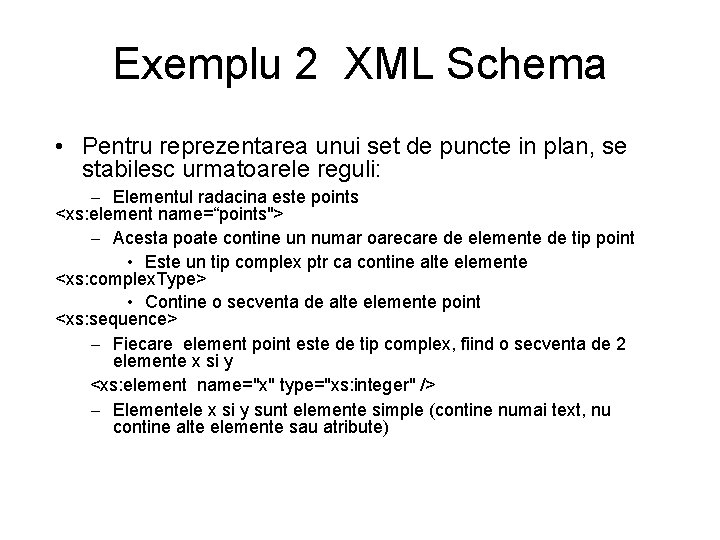
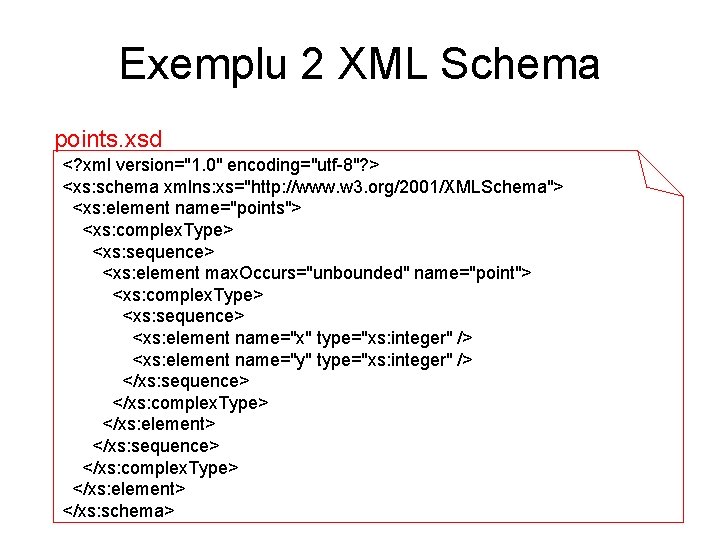
Exemplu 2 XML Schema • Pentru reprezentarea unui set de puncte in plan, se stabilesc urmatoarele reguli: – Elementul radacina este points <xs: element name=“points"> – Acesta poate contine un numar oarecare de elemente de tip point • Este un tip complex ptr ca contine alte elemente <xs: complex. Type> • Contine o secventa de alte elemente point <xs: sequence> – Fiecare element point este de tip complex, fiind o secventa de 2 elemente x si y <xs: element name="x" type="xs: integer" /> – Elementele x si y sunt elemente simple (contine numai text, nu contine alte elemente sau atribute)
Exemplu 2 XML Schema points. xsd <? xml version="1. 0" encoding="utf-8"? > <xs: schema xmlns: xs="http: //www. w 3. org/2001/XMLSchema"> <xs: element name="points"> <xs: complex. Type> <xs: sequence> <xs: element max. Occurs="unbounded" name="point"> <xs: complex. Type> <xs: sequence> <xs: element name="x" type="xs: integer" /> <xs: element name="y" type="xs: integer" /> </xs: sequence> </xs: complex. Type> </xs: element> </xs: sequence> </xs: complex. Type> </xs: element> </xs: schema>
Suport pentru editarea XML • Fisierele XML pot fi editate cu orice editor de texte (Notepad, etc) • Este recomandabila utilizarea unui XML Editor care poate ajuta la validarea unui document XML in conformitate cu o schema data si poate impune respectarea structurii permise inca din timpul editarii – XMLSpy – Mediile Integrate de Dezvoltare (IDE) curente contin diverse facilitati pentru lucrul cu XML : • Net. Beans • . NET Studio • Eclipse
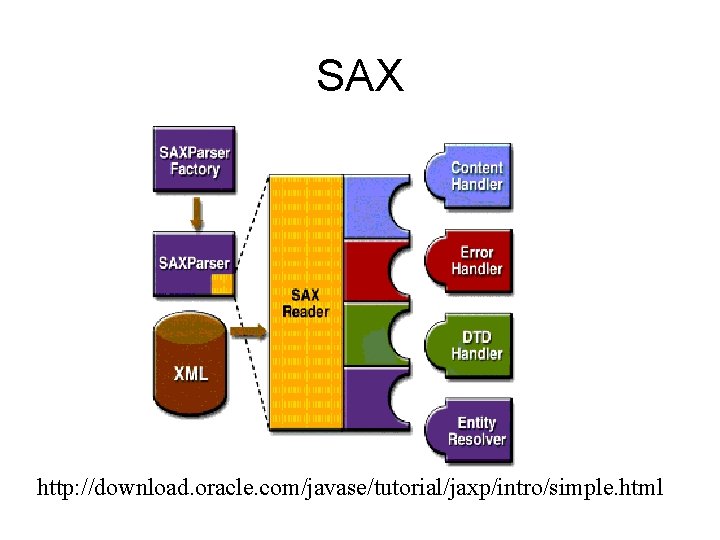
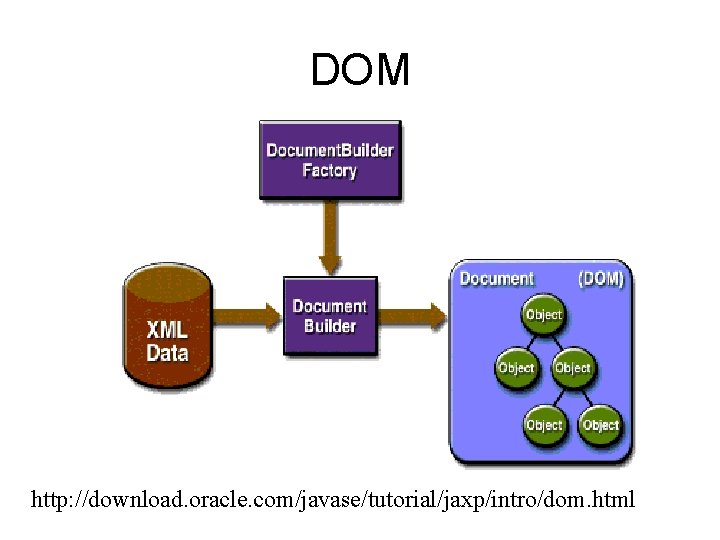
Suport pentru prelucrarea XML in Java • JAXP (Java API for XML Processing) – Suporta procesarea datelor XML de catre aplicatii scrise in Java – Suport pentru XML parsing: 2 standarde diferite: – SAX (Simple API for XML Parsing): in timpul operatiei de parsing se genereaza evenimente care anunta elementele identificate, este sarcina aplicatiei sa trateze acele evenimente furnizand metodele de callback (pentru a-si construi o structura de date) – DOM (Document Object Model): operatia de parsing construieste in memorie o reprezentare arborescenta a datelor din XML – Suport pentru transformarea documentelor XML: – XSLT (Extensible Stylesheet Language Transformation).
SAX http: //download. oracle. com/javase/tutorial/jaxp/intro/simple. html
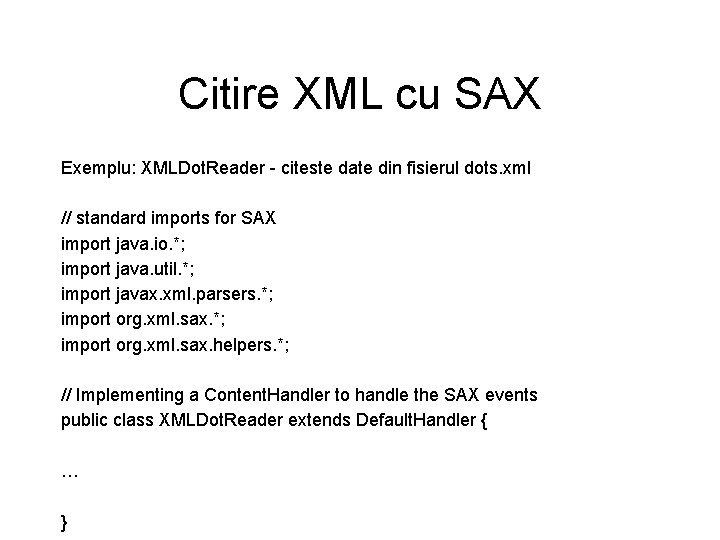
Citire XML cu SAX Exemplu: XMLDot. Reader - citeste date din fisierul dots. xml // standard imports for SAX import java. io. *; import java. util. *; import javax. xml. parsers. *; import org. xml. sax. helpers. *; // Implementing a Content. Handler to handle the SAX events public class XMLDot. Reader extends Default. Handler { … }
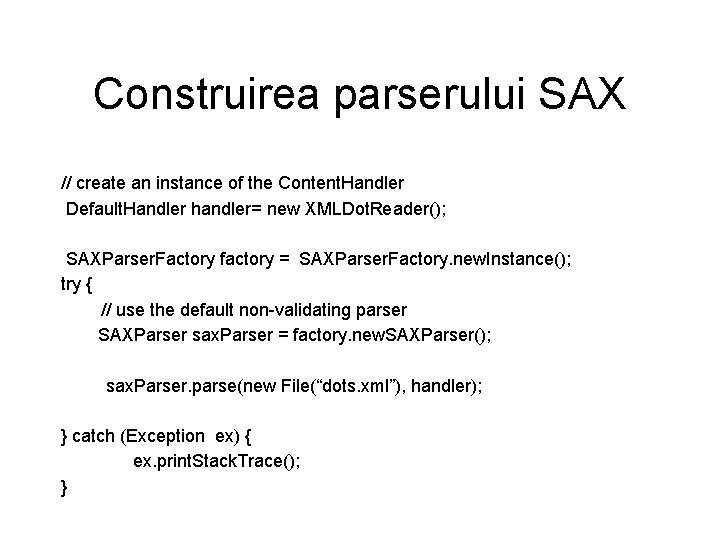
Construirea parserului SAX // create an instance of the Content. Handler Default. Handler handler= new XMLDot. Reader(); SAXParser. Factory factory = SAXParser. Factory. new. Instance(); try { // use the default non-validating parser SAXParser sax. Parser = factory. new. SAXParser(); sax. Parser. parse(new File(“dots. xml”), handler); } catch (Exception ex) { ex. print. Stack. Trace(); }
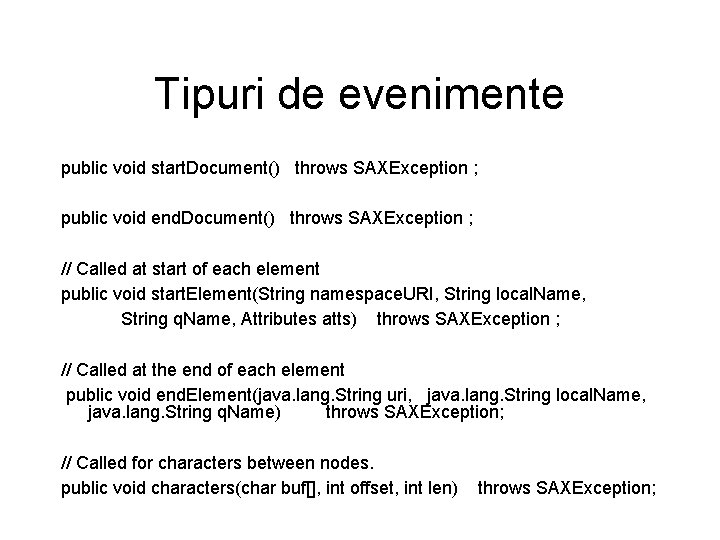
Tipuri de evenimente public void start. Document() throws SAXException ; public void end. Document() throws SAXException ; // Called at start of each element public void start. Element(String namespace. URI, String local. Name, String q. Name, Attributes atts) throws SAXException ; // Called at the end of each element public void end. Element(java. lang. String uri, java. lang. String local. Name, java. lang. String q. Name) throws SAXException; // Called for characters between nodes. public void characters(char buf[], int offset, int len) throws SAXException;
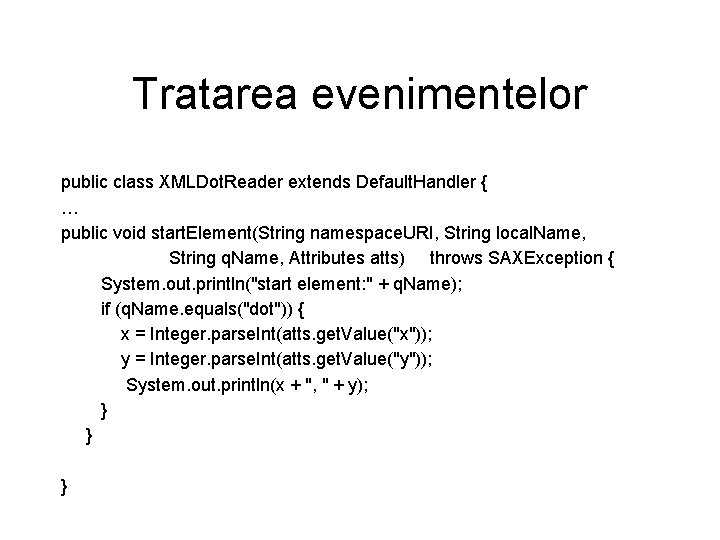
Tratarea evenimentelor public class XMLDot. Reader extends Default. Handler { … public void start. Element(String namespace. URI, String local. Name, String q. Name, Attributes atts) throws SAXException { System. out. println("start element: " + q. Name); if (q. Name. equals("dot")) { x = Integer. parse. Int(atts. get. Value("x")); y = Integer. parse. Int(atts. get. Value("y")); System. out. println(x + ", " + y); } } }
Cod Sursa Exemplu 1 • Vezi pagina web a cursului: XMLDots. Reader. java
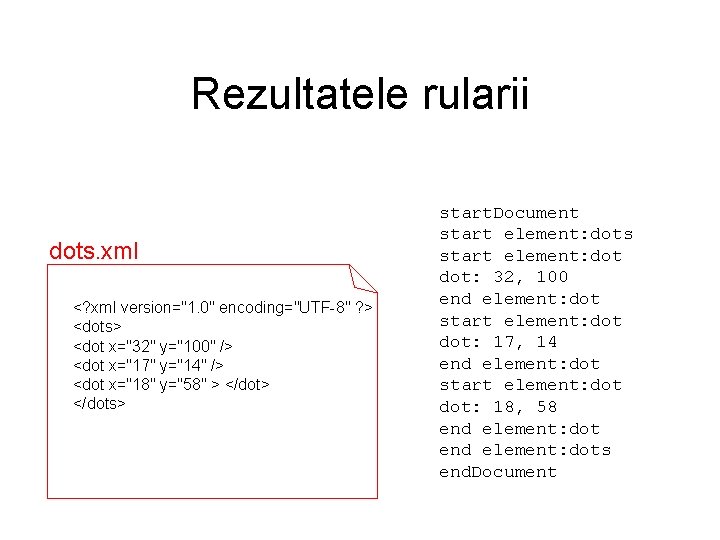
Rezultatele rularii dots. xml <? xml version="1. 0" encoding="UTF-8" ? > <dots> <dot x="32" y="100" /> <dot x="17" y="14" /> <dot x="18" y="58" > </dot> </dots> start. Document start element: dots start element: dot: 32, 100 end element: dot start element: dot: 17, 14 end element: dot start element: dot: 18, 58 end element: dots end. Document
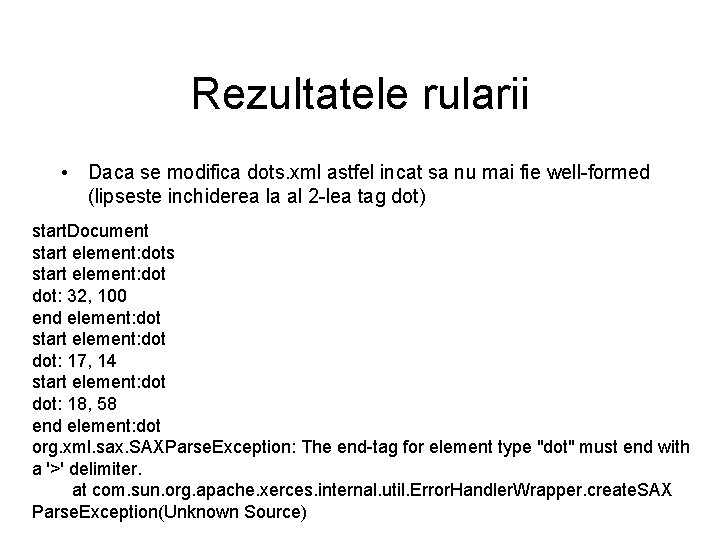
Rezultatele rularii • Daca se modifica dots. xml astfel incat sa nu mai fie well-formed (lipseste inchiderea la al 2 -lea tag dot) start. Document start element: dots start element: dot: 32, 100 end element: dot start element: dot: 17, 14 start element: dot: 18, 58 end element: dot org. xml. sax. SAXParse. Exception: The end-tag for element type "dot" must end with a '>' delimiter. at com. sun. org. apache. xerces. internal. util. Error. Handler. Wrapper. create. SAX Parse. Exception(Unknown Source)
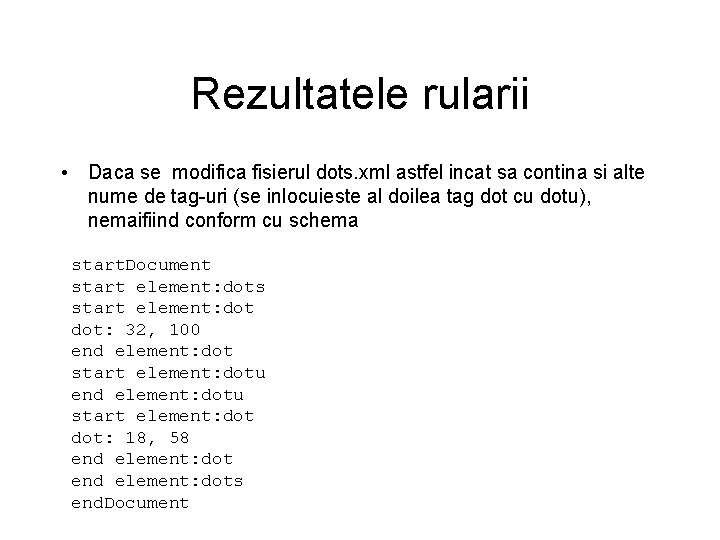
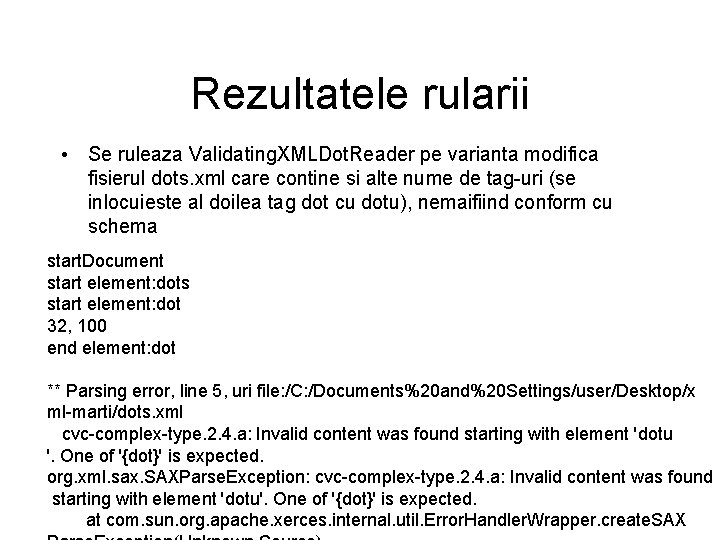
Rezultatele rularii • Daca se modifica fisierul dots. xml astfel incat sa contina si alte nume de tag-uri (se inlocuieste al doilea tag dot cu dotu), nemaifiind conform cu schema start. Document start element: dots start element: dot: 32, 100 end element: dot start element: dotu end element: dotu start element: dot: 18, 58 end element: dots end. Document
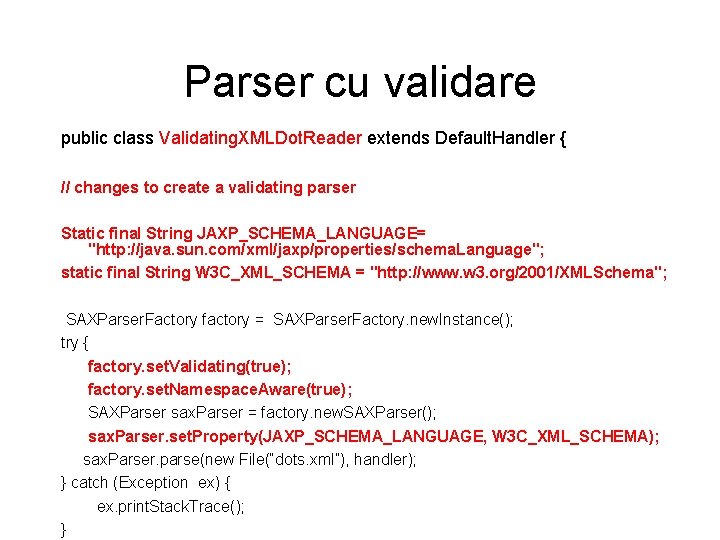
Parser cu validare public class Validating. XMLDot. Reader extends Default. Handler { // changes to create a validating parser Static final String JAXP_SCHEMA_LANGUAGE= "http: //java. sun. com/xml/jaxp/properties/schema. Language"; static final String W 3 C_XML_SCHEMA = "http: //www. w 3. org/2001/XMLSchema"; SAXParser. Factory factory = SAXParser. Factory. new. Instance(); try { factory. set. Validating(true); factory. set. Namespace. Aware(true); SAXParser sax. Parser = factory. new. SAXParser(); sax. Parser. set. Property(JAXP_SCHEMA_LANGUAGE, W 3 C_XML_SCHEMA); sax. Parser. parse(new File(“dots. xml”), handler); } catch (Exception ex) { ex. print. Stack. Trace(); }
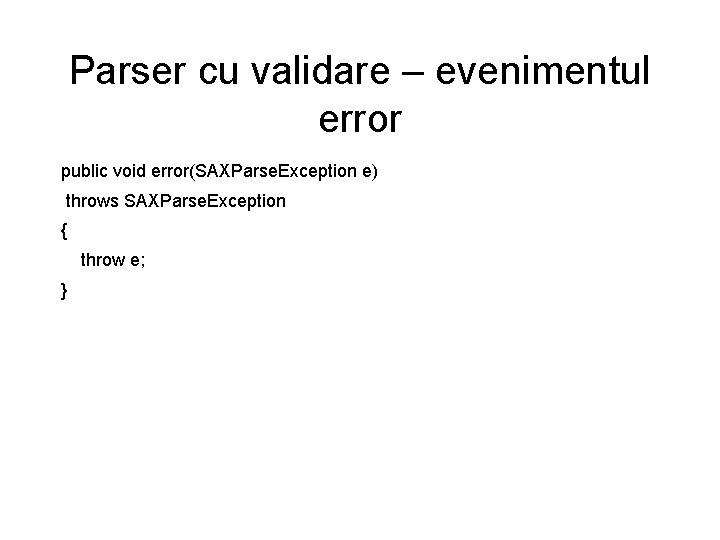
Parser cu validare – evenimentul error public void error(SAXParse. Exception e) throws SAXParse. Exception { throw e; }
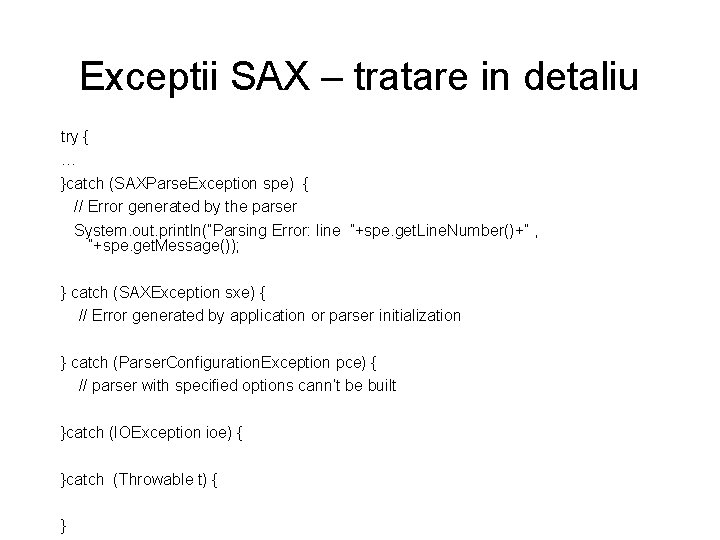
Exceptii SAX – tratare in detaliu try { … }catch (SAXParse. Exception spe) { // Error generated by the parser System. out. println(“Parsing Error: line ”+spe. get. Line. Number()+” , ”+spe. get. Message()); } catch (SAXException sxe) { // Error generated by application or parser initialization } catch (Parser. Configuration. Exception pce) { // parser with specified options cann’t be built }catch (IOException ioe) { }catch (Throwable t) { }
Cod Sursa Exemplu 2 • Vezi pagina web a cursului: Validating. XMLDots. Reader. java
Rezultatele rularii • Se ruleaza Validating. XMLDot. Reader pe varianta modifica fisierul dots. xml care contine si alte nume de tag-uri (se inlocuieste al doilea tag dot cu dotu), nemaifiind conform cu schema start. Document start element: dots start element: dot 32, 100 end element: dot ** Parsing error, line 5, uri file: /C: /Documents%20 and%20 Settings/user/Desktop/x ml-marti/dots. xml cvc-complex-type. 2. 4. a: Invalid content was found starting with element 'dotu '. One of '{dot}' is expected. org. xml. sax. SAXParse. Exception: cvc-complex-type. 2. 4. a: Invalid content was found starting with element 'dotu'. One of '{dot}' is expected. at com. sun. org. apache. xerces. internal. util. Error. Handler. Wrapper. create. SAX
DOM http: //download. oracle. com/javase/tutorial/jaxp/intro/dom. html
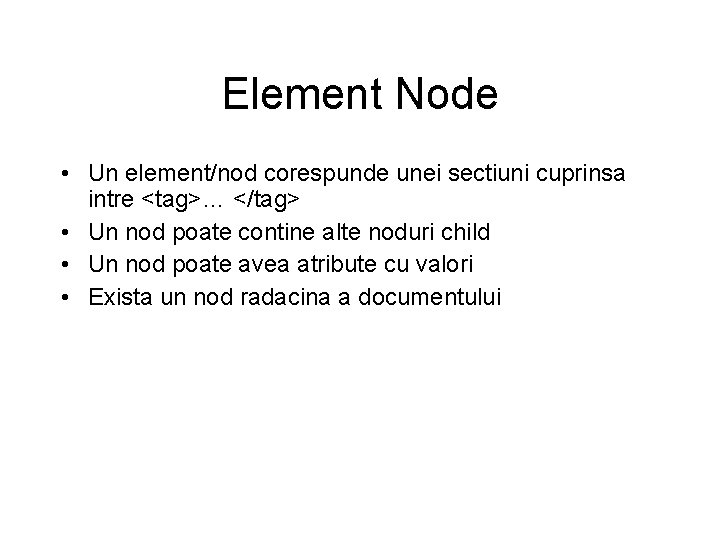
Element Node • Un element/nod corespunde unei sectiuni cuprinsa intre <tag>… </tag> • Un nod poate contine alte noduri child • Un nod poate avea atribute cu valori • Exista un nod radacina a documentului
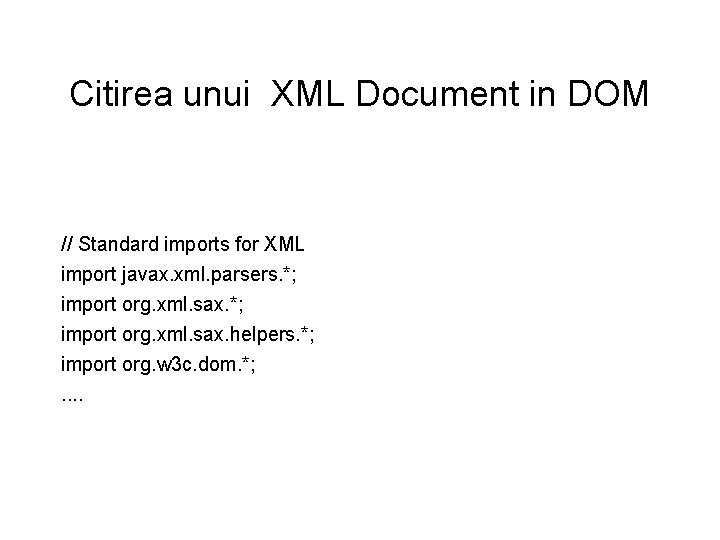
Citirea unui XML Document in DOM // Standard imports for XML import javax. xml. parsers. *; import org. xml. sax. helpers. *; import org. w 3 c. dom. *; . .
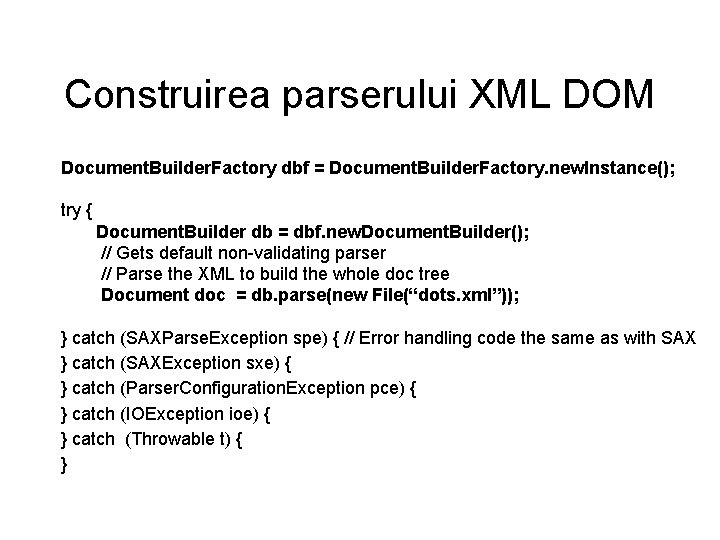
Construirea parserului XML DOM Document. Builder. Factory dbf = Document. Builder. Factory. new. Instance(); try { Document. Builder db = dbf. new. Document. Builder(); // Gets default non-validating parser // Parse the XML to build the whole doc tree Document doc = db. parse(new File(“dots. xml”)); } catch (SAXParse. Exception spe) { // Error handling code the same as with SAX } catch (SAXException sxe) { } catch (Parser. Configuration. Exception pce) { } catch (IOException ioe) { } catch (Throwable t) { }
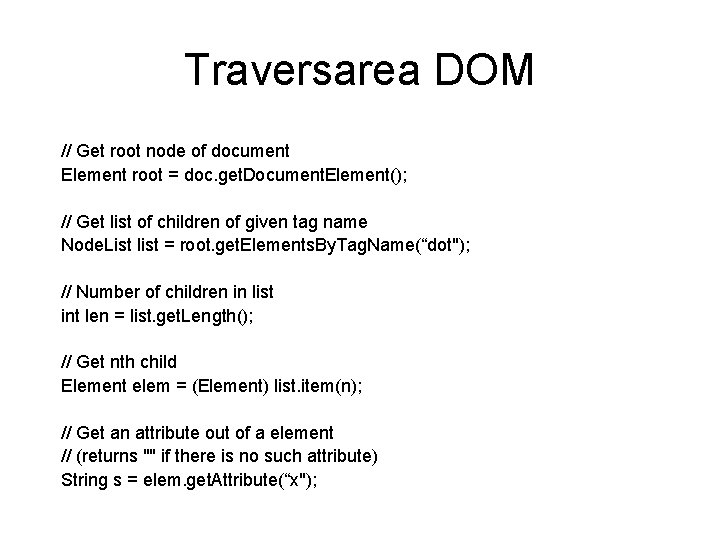
Traversarea DOM // Get root node of document Element root = doc. get. Document. Element(); // Get list of children of given tag name Node. List list = root. get. Elements. By. Tag. Name(“dot"); // Number of children in list int len = list. get. Length(); // Get nth child Element elem = (Element) list. item(n); // Get an attribute out of a element // (returns "" if there is no such attribute) String s = elem. get. Attribute(“x");
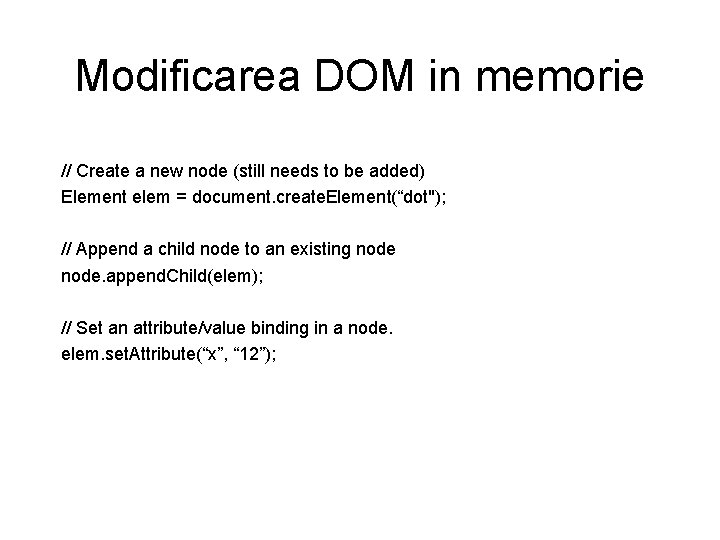
Modificarea DOM in memorie // Create a new node (still needs to be added) Element elem = document. create. Element(“dot"); // Append a child node to an existing node. append. Child(elem); // Set an attribute/value binding in a node. elem. set. Attribute(“x”, “ 12”);
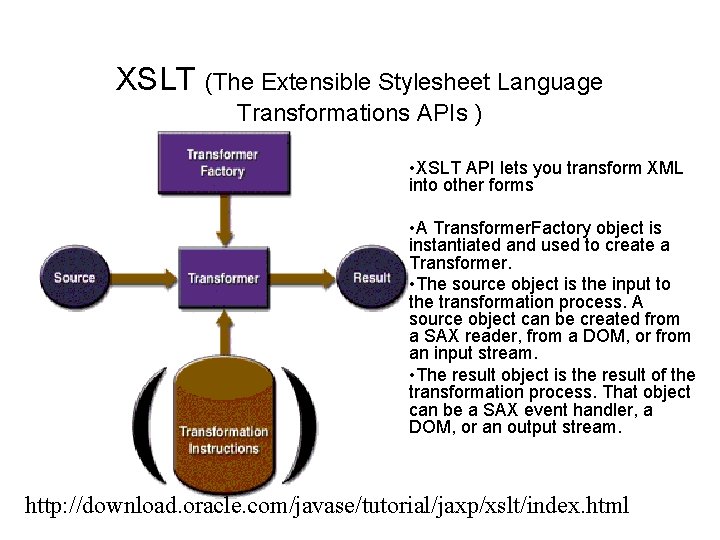
XSLT (The Extensible Stylesheet Language Transformations APIs ) • XSLT API lets you transform XML into other forms • A Transformer. Factory object is instantiated and used to create a Transformer. • The source object is the input to the transformation process. A source object can be created from a SAX reader, from a DOM, or from an input stream. • The result object is the result of the transformation process. That object can be a SAX event handler, a DOM, or an output stream. http: //download. oracle. com/javase/tutorial/jaxp/xslt/index. html
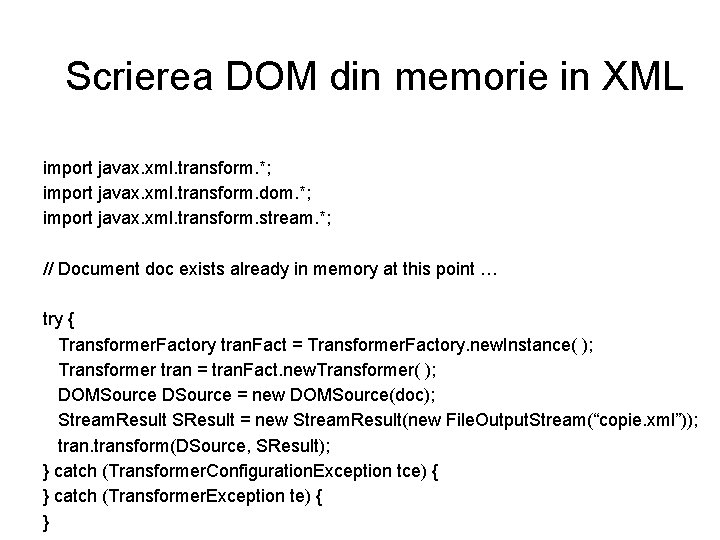
Scrierea DOM din memorie in XML import javax. xml. transform. *; import javax. xml. transform. dom. *; import javax. xml. transform. stream. *; // Document doc exists already in memory at this point … try { Transformer. Factory tran. Fact = Transformer. Factory. new. Instance( ); Transformer tran = tran. Fact. new. Transformer( ); DOMSource DSource = new DOMSource(doc); Stream. Result SResult = new Stream. Result(new File. Output. Stream(“copie. xml”)); transform(DSource, SResult); } catch (Transformer. Configuration. Exception tce) { } catch (Transformer. Exception te) { }
Cod Sursa Exemplu 3 • Vezi pagina web a cursului: XMLDots. DOM. java
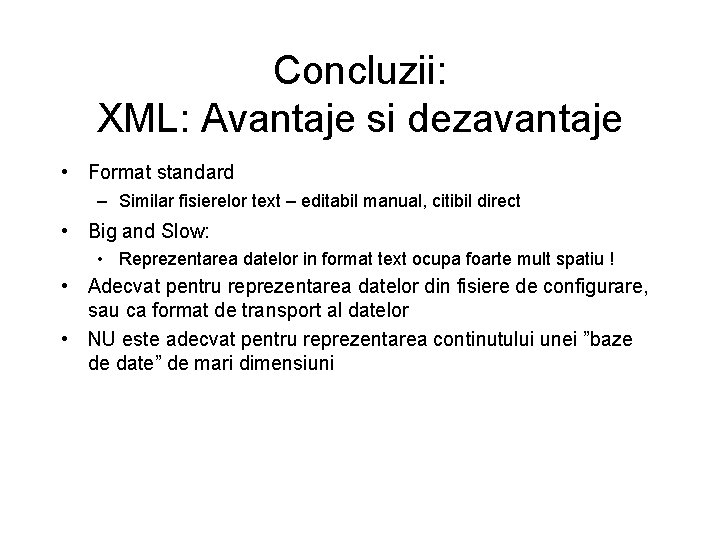
Concluzii: XML: Avantaje si dezavantaje • Format standard – Similar fisierelor text – editabil manual, citibil direct • Big and Slow: • Reprezentarea datelor in format text ocupa foarte mult spatiu ! • Adecvat pentru reprezentarea datelor din fisiere de configurare, sau ca format de transport al datelor • NU este adecvat pentru reprezentarea continutului unei ”baze de date” de mari dimensiuni
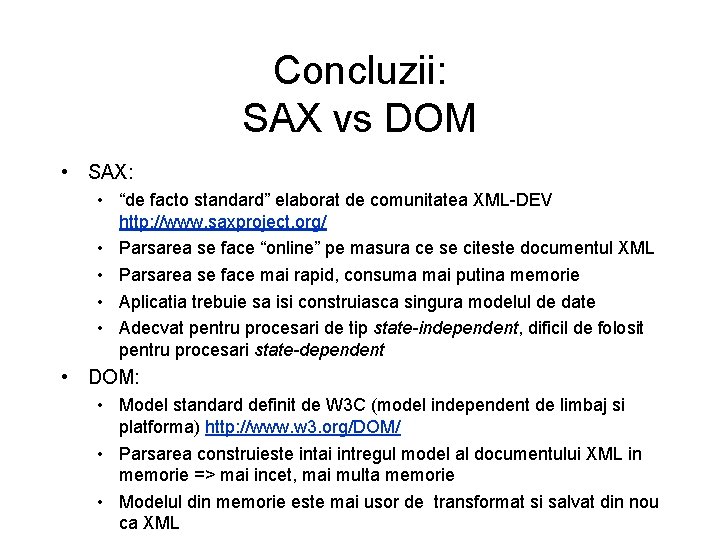
Concluzii: SAX vs DOM • SAX: • “de facto standard” elaborat de comunitatea XML-DEV http: //www. saxproject. org/ • Parsarea se face “online” pe masura ce se citeste documentul XML • Parsarea se face mai rapid, consuma mai putina memorie • Aplicatia trebuie sa isi construiasca singura modelul de date • Adecvat pentru procesari de tip state-independent, dificil de folosit pentru procesari state-dependent • DOM: • Model standard definit de W 3 C (model independent de limbaj si platforma) http: //www. w 3. org/DOM/ • Parsarea construieste intai intregul model al documentului XML in memorie => mai incet, mai multa memorie • Modelul din memorie este mai usor de transformat si salvat din nou ca XML
Concluzii: JAXP • JAXP: Java API for XML processing: • http: //download. oracle. com/javase/tutorial/jaxp/index. html • Transpune diferitele modele de referinta existente pentru procesarea XML in API-uri Java • Pentru fiecare model, ofera un API uniform de parsing care constituie o interfata ce trebuie respectata de diferitii furnizori de parsere concrete • Nu impune anumite implementari concrete pentru parsere ! (Parser. Factory-urile pot fi configurate cu system property-urile javax. xml. parsers. SAXParser. Factory si javax. xml. parsers. Document. Builder. Factory )
Concluzii: XML: SAX sau DOM sau. . . • Alte modalitati pentru XML parsing in Java: • St. AX: • Standard JSR 173: Streaming API for XML http: //jcp. org/en/jsr/detail? id=173 • Implementat si el in JAXP http: //download. oracle. com/javase/tutorial/jaxp/stax/index. html • Este un model event-driven, ca si SAX • Produce output in mod incremental; mod de lucru adecvat si cand sursa de date este dinamica (din retea) • Spre deosebire de SAX (care este de tip push-parsing) St. AX este un model de tip pull-parsing • Bidirectional: suporta atat citirea (parsarea) cat si scrierea(generarea) documentelor XML • JDOM: http: //jdom. org/ • DOM 4 J: http: //dom 4 j. sourceforge. net/
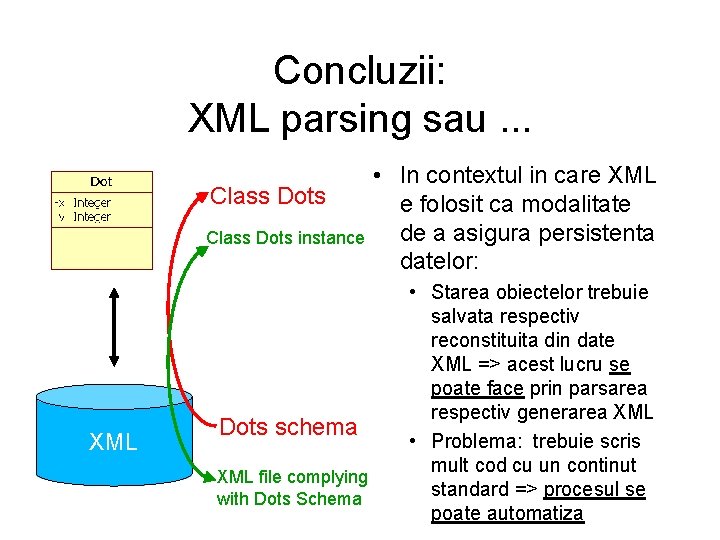
Concluzii: XML parsing sau. . . Class Dots instance XML • In contextul in care XML e folosit ca modalitate de a asigura persistenta datelor: Dots schema XML file complying with Dots Schema • Starea obiectelor trebuie salvata respectiv reconstituita din date XML => acest lucru se poate face prin parsarea respectiv generarea XML • Problema: trebuie scris mult cod cu un continut standard => procesul se poate automatiza
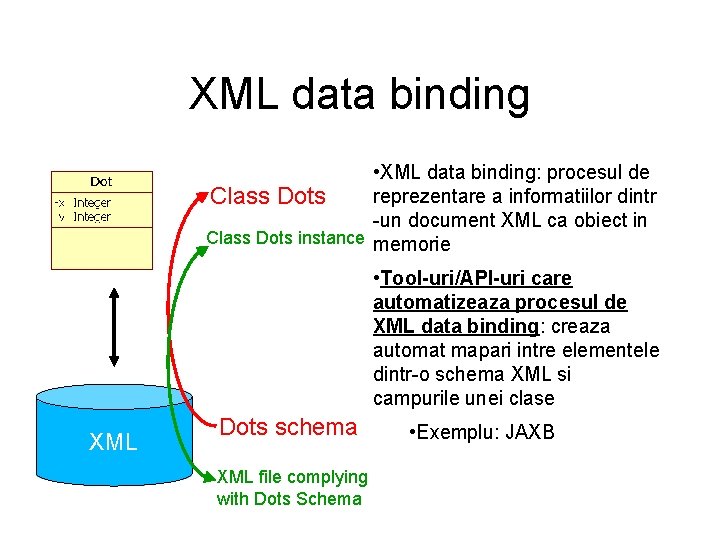
XML data binding • XML data binding: procesul de reprezentare a informatiilor dintr Class Dots -un document XML ca obiect in Class Dots instance memorie • Tool-uri/API-uri care automatizeaza procesul de XML data binding: creaza automat mapari intre elementele dintr-o schema XML si campurile unei clase XML Dots schema XML file complying with Dots Schema • Exemplu: JAXB
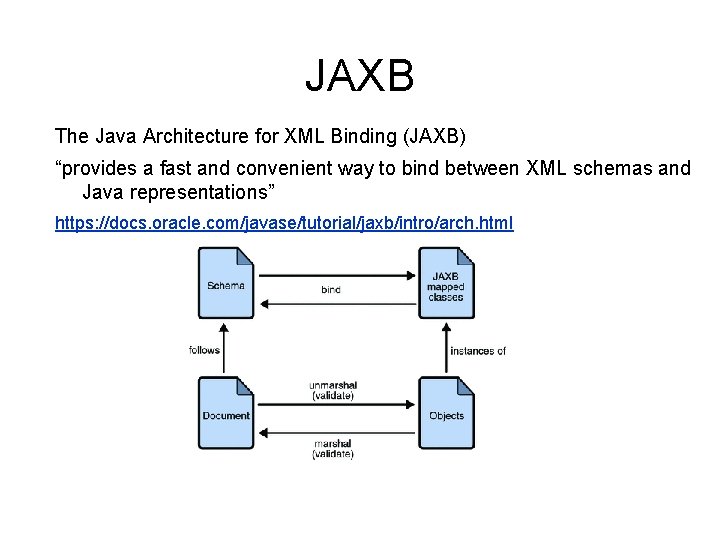
JAXB The Java Architecture for XML Binding (JAXB) “provides a fast and convenient way to bind between XML schemas and Java representations” https: //docs. oracle. com/javase/tutorial/jaxb/intro/arch. html http: //
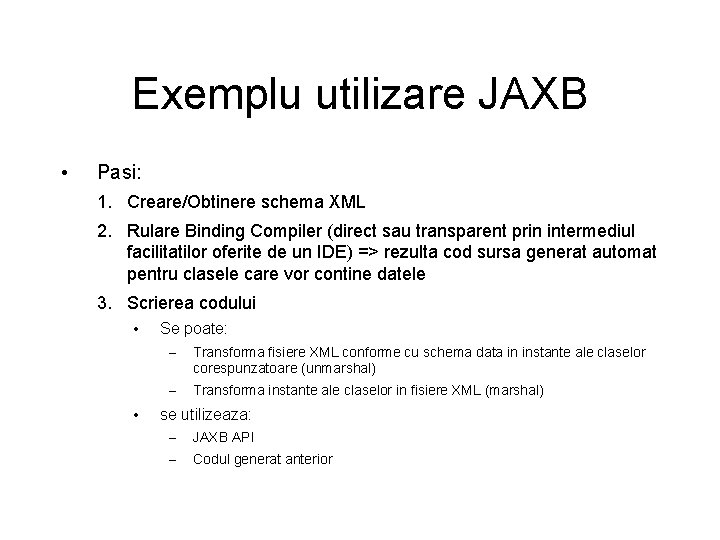
Exemplu utilizare JAXB • Pasi: 1. Creare/Obtinere schema XML 2. Rulare Binding Compiler (direct sau transparent prin intermediul facilitatilor oferite de un IDE) => rezulta cod sursa generat automat pentru clasele care vor contine datele 3. Scrierea codului • • Se poate: – Transforma fisiere XML conforme cu schema data in instante ale claselor corespunzatoare (unmarshal) – Transforma instante ale claselor in fisiere XML (marshal) se utilizeaza: – JAXB API – Codul generat anterior
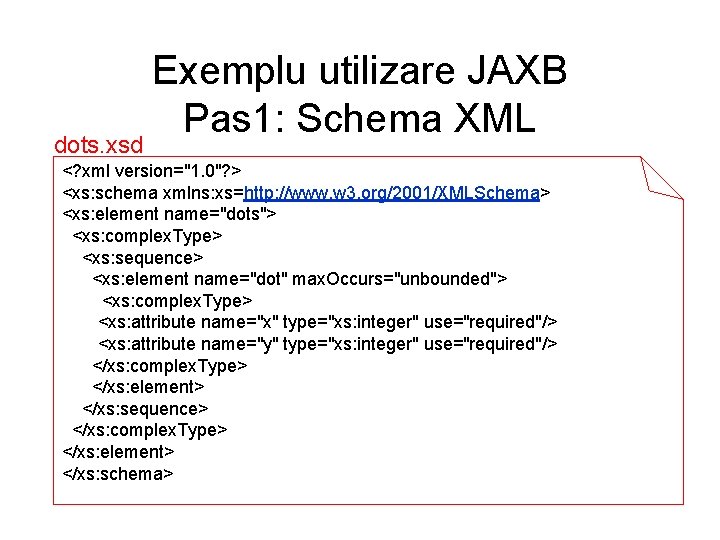
dots. xsd Exemplu utilizare JAXB Pas 1: Schema XML <? xml version="1. 0"? > <xs: schema xmlns: xs=http: //www. w 3. org/2001/XMLSchema> <xs: element name="dots"> <xs: complex. Type> <xs: sequence> <xs: element name="dot" max. Occurs="unbounded"> <xs: complex. Type> <xs: attribute name="x" type="xs: integer" use="required"/> <xs: attribute name="y" type="xs: integer" use="required"/> </xs: complex. Type> </xs: element> </xs: sequence> </xs: complex. Type> </xs: element> </xs: schema>
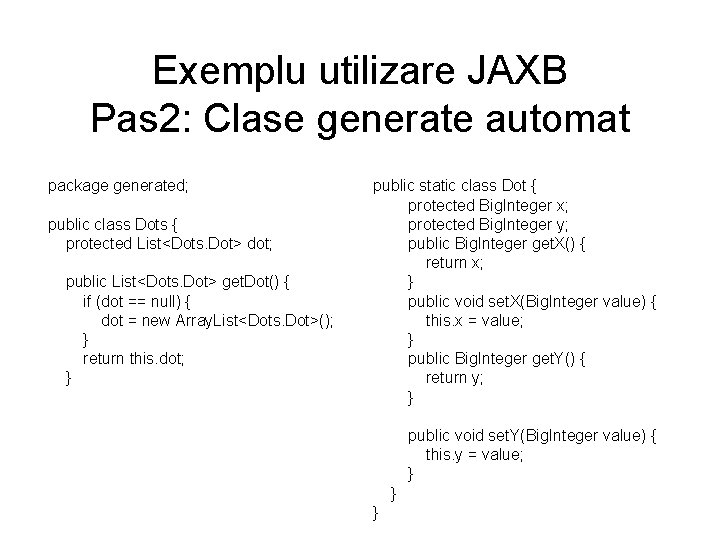
Exemplu utilizare JAXB Pas 2: Clase generate automat package generated; public class Dots { protected List<Dots. Dot> dot; public List<Dots. Dot> get. Dot() { if (dot == null) { dot = new Array. List<Dots. Dot>(); } return this. dot; } public static class Dot { protected Big. Integer x; protected Big. Integer y; public Big. Integer get. X() { return x; } public void set. X(Big. Integer value) { this. x = value; } public Big. Integer get. Y() { return y; } public void set. Y(Big. Integer value) { this. y = value; } } }
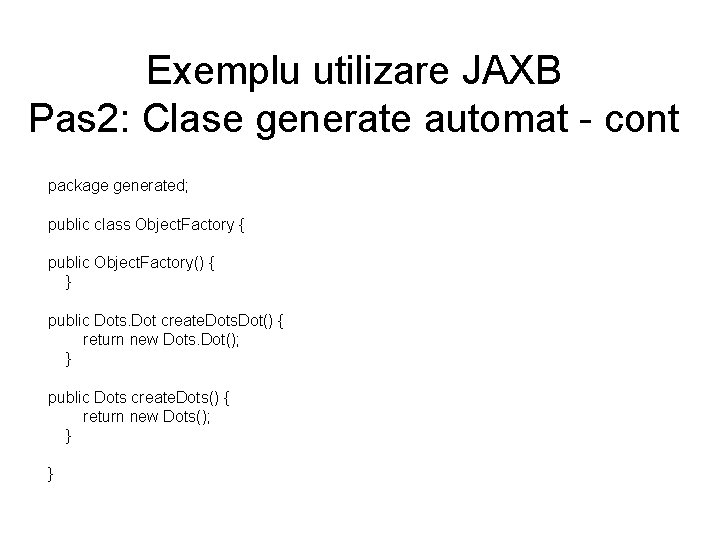
Exemplu utilizare JAXB Pas 2: Clase generate automat - cont package generated; public class Object. Factory { public Object. Factory() { } public Dots. Dot create. Dots. Dot() { return new Dots. Dot(); } public Dots create. Dots() { return new Dots(); } }
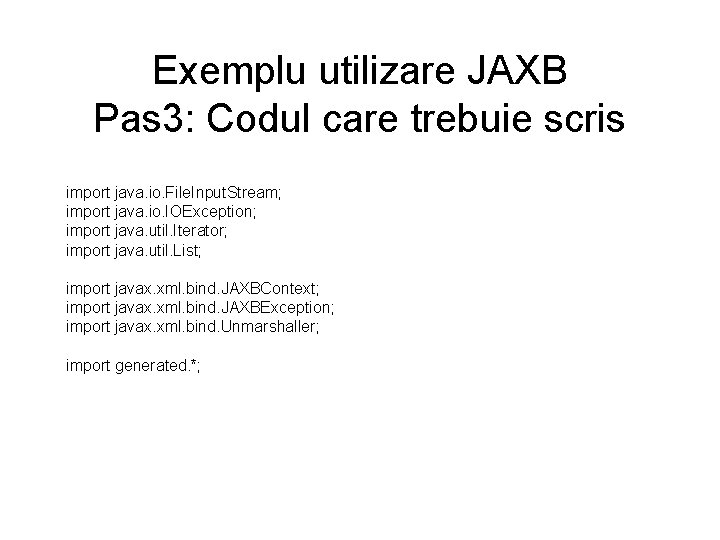
Exemplu utilizare JAXB Pas 3: Codul care trebuie scris import java. io. File. Input. Stream; import java. io. IOException; import java. util. Iterator; import java. util. List; import javax. xml. bind. JAXBContext; import javax. xml. bind. JAXBException; import javax. xml. bind. Unmarshaller; import generated. *;
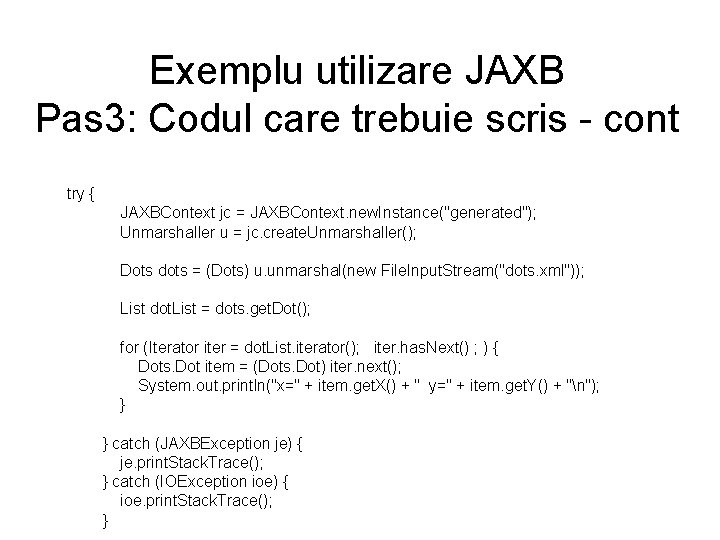
Exemplu utilizare JAXB Pas 3: Codul care trebuie scris - cont try { JAXBContext jc = JAXBContext. new. Instance("generated"); Unmarshaller u = jc. create. Unmarshaller(); Dots dots = (Dots) u. unmarshal(new File. Input. Stream("dots. xml")); List dot. List = dots. get. Dot(); for (Iterator iter = dot. List. iterator(); iter. has. Next() ; ) { Dots. Dot item = (Dots. Dot) iter. next(); System. out. println("x=" + item. get. X() + " y=" + item. get. Y() + "n"); } catch (JAXBException je) { je. print. Stack. Trace(); } catch (IOException ioe) { ioe. print. Stack. Trace(); }