Other Forms of Technical Writing EMAIL 2 DEFINITION
- Slides: 42
Other Forms of Technical Writing EMAIL
2 DEFINITION
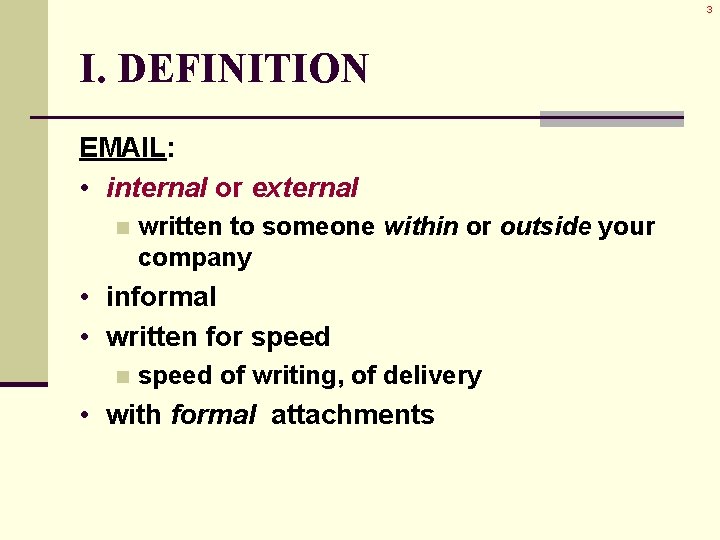
3 I. DEFINITION EMAIL: • internal or external n written to someone within or outside your company • informal • written for speed n speed of writing, of delivery • with formal attachments
4 GENERAL GUIDELINES
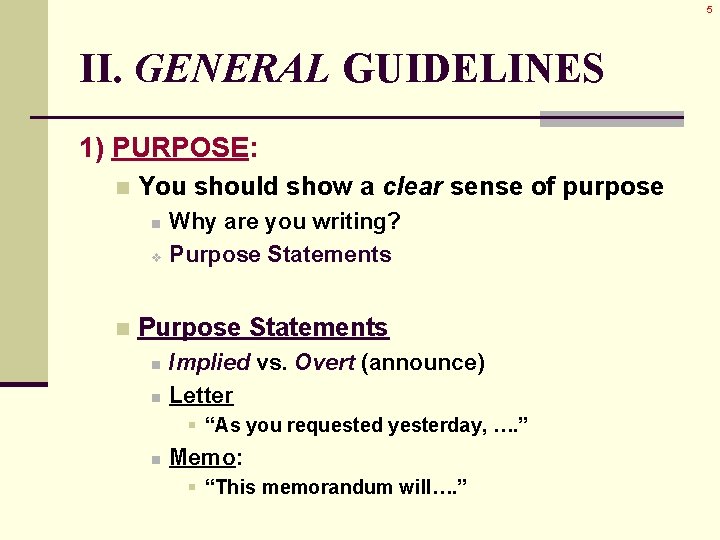
5 II. GENERAL GUIDELINES 1) PURPOSE: n You should show a clear sense of purpose Why are you writing? v Purpose Statements n n Implied vs. Overt (announce) Letter § “As you requested yesterday, …. ” n Memo: § “This memorandum will…. ”
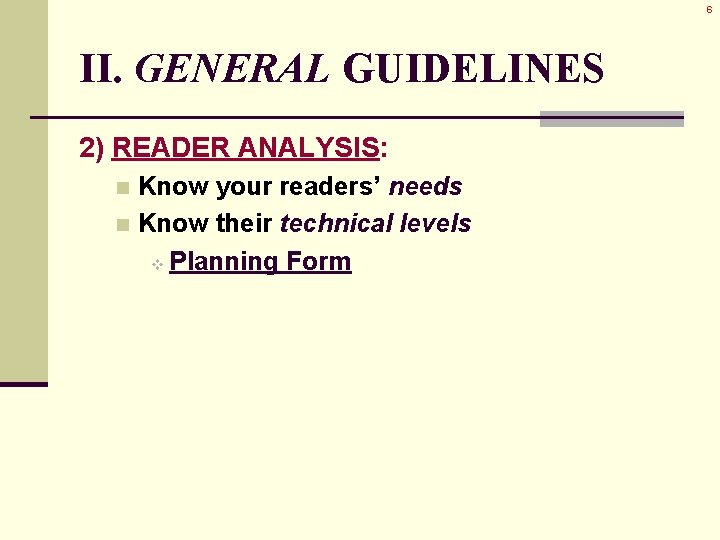
6 II. GENERAL GUIDELINES 2) READER ANALYSIS: Know your readers’ needs n Know their technical levels v Planning Form n
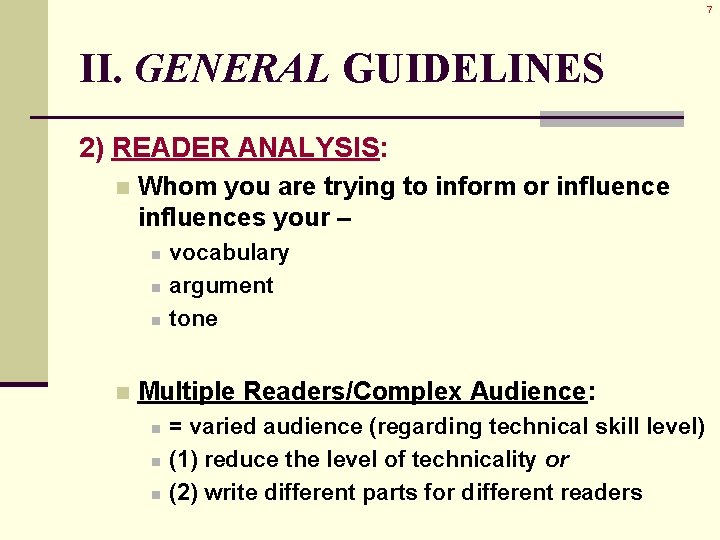
7 II. GENERAL GUIDELINES 2) READER ANALYSIS: n Whom you are trying to inform or influences your – n n vocabulary argument tone Multiple Readers/Complex Audience: n n n = varied audience (regarding technical skill level) (1) reduce the level of technicality or (2) write different parts for different readers
8 II. GENERAL GUIDELINES 3) FORMAT: n Pay attention to correct formats v Guidelines n Employ Email Etiquette n Follow company guidelines n for uniformity
9 II. GENERAL GUIDELINES 3) FORMAT • Copy: n usually a “send” option n n CC = carbon copy Abbreviation + Name of person/s receiving the copies
10 II. GENERAL GUIDELINES 3) FORMAT • Postscripts: last item (used but occasionally) n PS or P. S. n
11 II. GENERAL GUIDELINES 4) ABC Format: • ABSTRACT • BODY • CONCLUSION v (see the “Specific Guidelines” below)
12 II. GENERAL GUIDELINES 5) 3 C’s STRATEGY of PERSUASION: • CAPTURE • CONVINCE • CONTROL
13 II. GENERAL GUIDELINES 5) 3 C’s STRATEGY of PERSUASION: • CAPTURE Capture interest with a good opener n Tell readers what the letter/memo can do for them n
14 II. GENERAL GUIDELINES 5) 3 C’s STRATEGY of PERSUASION: • CONVINCE Convince the reader with supporting points n Evidence supports opening claim: n n this document will make their lives easier
15 II. GENERAL GUIDELINES 5) 3 C’s STRATEGY of PERSUASION: • CONTROL Control the closing n Use a statement that n n n puts you in the position of following up on the letter/memo and solidifies your relationship with the reader
16 II. GENERAL GUIDELINES 6) “YOU”: • Focus on the reader • Anticipate & answer questions the reader may raise n “How will this affect the cost? By allowing…. ” • Replace “I” & “me” with “you” & “your”
17 II. GENERAL GUIDELINES 7) ATTACHMENTS: • Email = brief v Detail = in the attachment keeps the focus on the main point/message n doesn’t distract, avoids clutter n details = for future reference n
18 II. GENERAL GUIDELINES 8) DIPLOMACY: • Be tactful persuade & entice, don’t command n be mindful of your TONE & DICTION n don’t be pushy, 1 -sided, condescending n • Positive (good news) letters = n in the active voice • Negative (bad news) letters = n in the passive voice
19 II. GENERAL GUIDELINES 9) EDIT-PROOFREAD: • Errors = obvious in short pieces • Grammar – missing or improper punctuation n faulty subject-verb agreement n faulty pronoun-reference agreement n n “sexist” language
20 II. GENERAL GUIDELINES 9) EDIT-PROOFREAD: • Mechanics – spelling errors n old or wrong address n wrong title, job title n
21 II. GENERAL GUIDELINES 9) EDIT-PROOFREAD: • Style – n negative tone n n no negatives: don’t, won’t, cannot clichés & pat expressions n “per your request” long, windy sentences n presumptive phrases n n “thank you in advance”
22 II. GENERAL GUIDELINES 10) QUICK RESPONSE: • Written & sent within 48 hours • Give plenty of time for an appropriate response from readers • Examples – follow-up letter to meeting n customer request on a product n service or shipping delay n
23 SPECIFIC GUIDELINES
24 III. SPECIFIC GUIDELINES 1) APPROPRIATE USE of EMAIL: v Don’t send too quickly
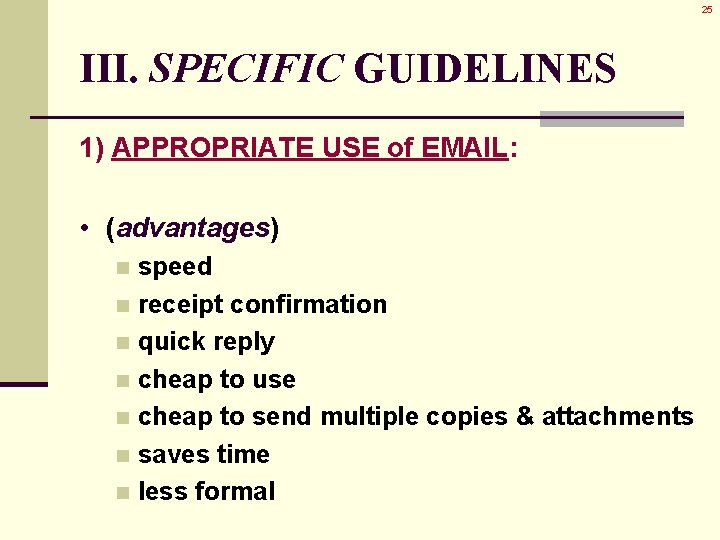
25 III. SPECIFIC GUIDELINES 1) APPROPRIATE USE of EMAIL: • (advantages) speed n receipt confirmation n quick reply n cheap to use n cheap to send multiple copies & attachments n saves time n less formal n
26 III. SPECIFIC GUIDELINES 1) APPROPRIATE USE of EMAIL: • (disadvantages) not private n less formal n
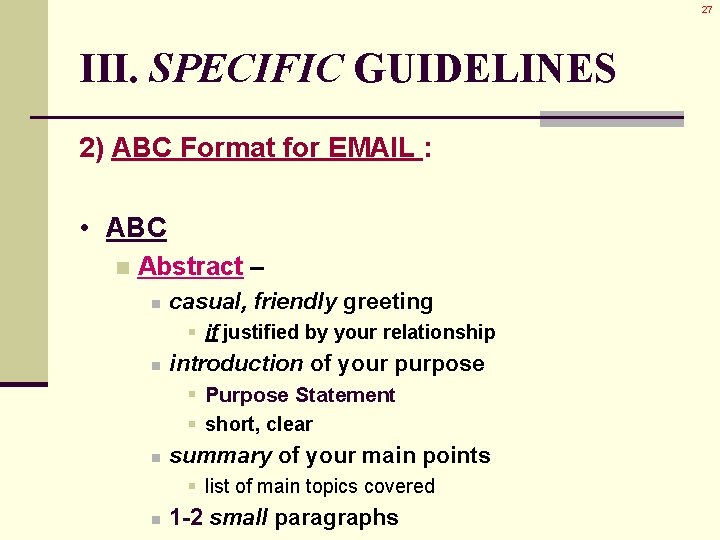
27 III. SPECIFIC GUIDELINES 2) ABC Format for EMAIL : • ABC n Abstract – n casual, friendly greeting § if justified by your relationship n introduction of your purpose § Purpose Statement § short, clear n summary of your main points § list of main topics covered n 1 -2 small paragraphs
28 III. SPECIFIC GUIDELINES 2) ABC Format for EMAIL : • ABC n Body – n n supporting data short paragraphs, with deduction § main point = 1 st n n headings & lists abbreviations & jargon § ONLY when understood by ALL readers
29 III. SPECIFIC GUIDELINES 2) ABC Format for EMAIL : • ABC n Body – n n n lists to break-up the text headings to break-up the text, divide info personal names § names of readers n paragraphs = Deduction § General Specific § main point = 1 st
30 III. SPECIFIC GUIDELINES 2) ABC Format for EMAIL : • ABC n Conclusion – n summary of main point § summary of your main idea, purpose n clear statement of what will happen next § Reader Analysis and Firsts & Lasts
31 III. SPECIFIC GUIDELINES 3) Standard “MEMO” Format: • date, to, from, subject 4) One Main Subject: • one main subject per email • state clearly, concisely, specifically • in the Subject Line • describe the point in the Body
32 III. SPECIFIC GUIDELINES 5) Positive Conversational Style: • use “good taste” • fragments & slang = permissible n IF they are in good taste • watch your tone not angry, negative n constructive exchanges only n
33 III. SPECIFIC GUIDELINES 6) Message = Context: • Why are you writing? • if in reply “send with receipt” or n with a copy of the original n also, summarize the original n 7) Appropriate Method of Reply: • reply to short message: at the start • reply to long, complex message: n one point at a time (headings)
34 III. SPECIFIC GUIDELINES 8) Careful Format: (page design) • headings • bulleted lists • white space • separators
35 III. SPECIFIC GUIDELINES 9) Chunk Information: • break into digestible, coherent chunks • one specific topic • topic, time, date, location, prerequisites, details
36 III. SPECIFIC GUIDELINES 10) Include Ways to Unsubscribe (groups): • give recipients a way of abstaining from future notices • show consideration 11) Suppress Recipients’ Addresses (groups): • use “bcc” (Blind Copy) line to suppress group members’ addresses • unless the group has given permission
37 III. SPECIFIC GUIDELINES 12) Compose in Word Processor: • check spelling & other mechanics • “cut & paste” when you’re done
38 SUMMARY
39 IV. SUMMARY • Make wise use of ATTACHMENTS place details in attachments n keep particulars, specifics out of these brief communiqués n • Complete READER ANALYSIS address their needs n write to their technical skill levels n follow the Rule of “Firsts & Lasts” n
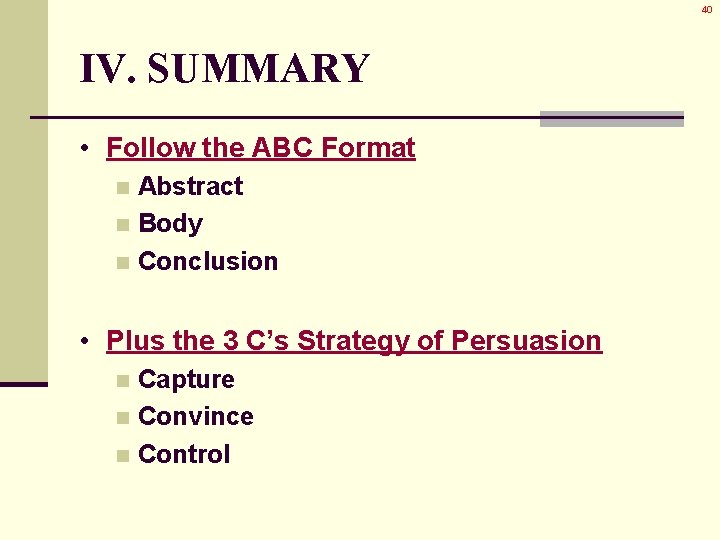
40 IV. SUMMARY • Follow the ABC Format Abstract n Body n Conclusion n • Plus the 3 C’s Strategy of Persuasion Capture n Convince n Control n
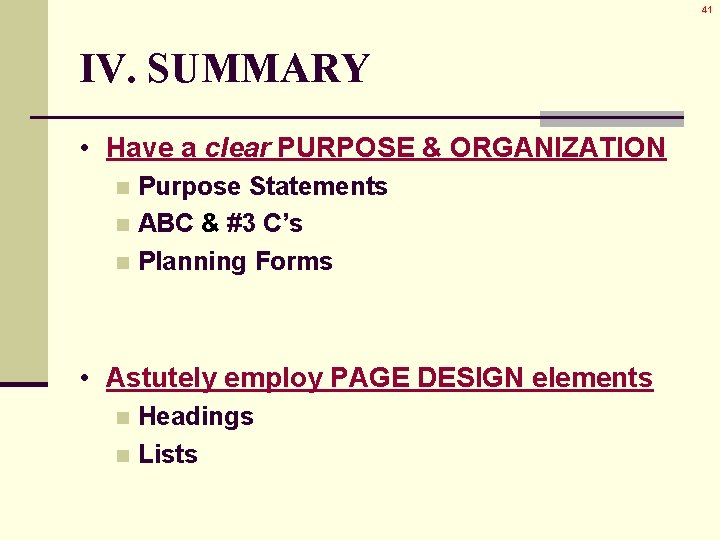
41 IV. SUMMARY • Have a clear PURPOSE & ORGANIZATION Purpose Statements n ABC & #3 C’s n Planning Forms n • Astutely employ PAGE DESIGN elements Headings n Lists n
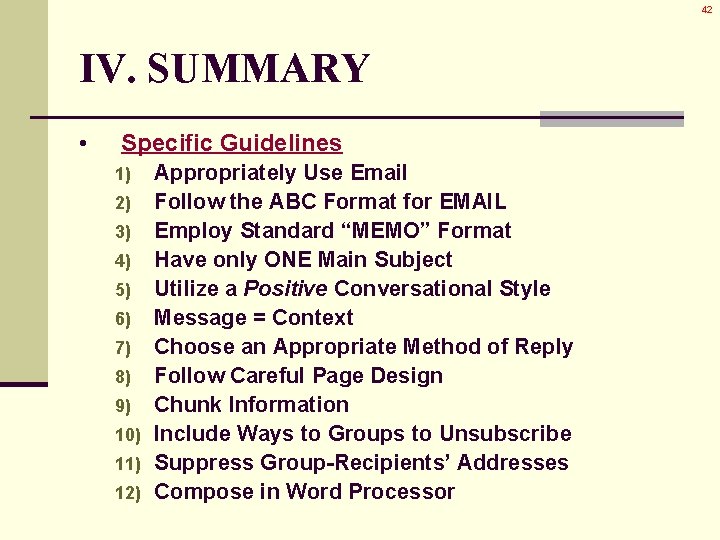
42 IV. SUMMARY • Specific Guidelines Appropriately Use Email 2) Follow the ABC Format for EMAIL 3) Employ Standard “MEMO” Format 4) Have only ONE Main Subject 5) Utilize a Positive Conversational Style 6) Message = Context 7) Choose an Appropriate Method of Reply 8) Follow Careful Page Design 9) Chunk Information 10) Include Ways to Groups to Unsubscribe 11) Suppress Group-Recipients’ Addresses 12) Compose in Word Processor 1)