Ontolingua Overview Adam Farquhar axfksl stanford edu Ontology
- Slides: 29
Ontolingua Overview Adam Farquhar axf@ksl. stanford. edu
Ontology As Artifact l Our ontologies are mostly implicit, hidden » This works when they are already shared within a community l l An explicit ontology is an artifact that must be constructed, structure, manipulated Many artifacts have a strong ontological flavor » Glossary, dictionary, encyclopedia » Data dictionary, class library, database schema » Knowledge base
Ontology As Artifact l l An explicit ontology becomes an artifact itself Artifacts have incidental properties » Syntax » Design decisions » Scoping decisions l l A good choice of representation language can reduce the incidental properties, but they can never be eliminated Do conceptualizations have the same sorts of incidental properties?
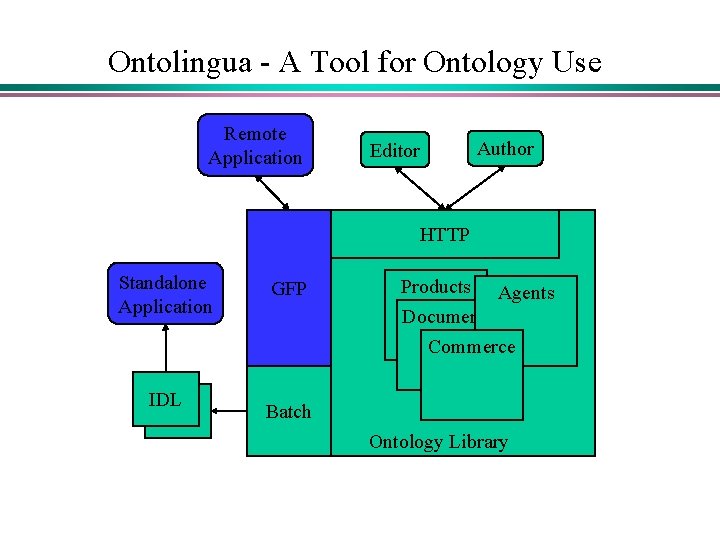
Ontolingua - A Tool for Ontology Use Remote Application Editor Author HTTP Standalone Application IDL GFP Products Agents Documents Commerce Batch Ontology Library
Ontolingua - Getting Started l The public server is available at http: //Ontolingua. Stanford. edu l Logon » Interact with your web browser » You must have an account to use the system » New accounts are issued immediately l All work takes place within a session, which has a » Duration (logoff cannot be guaranteed) » Description (you can have several)
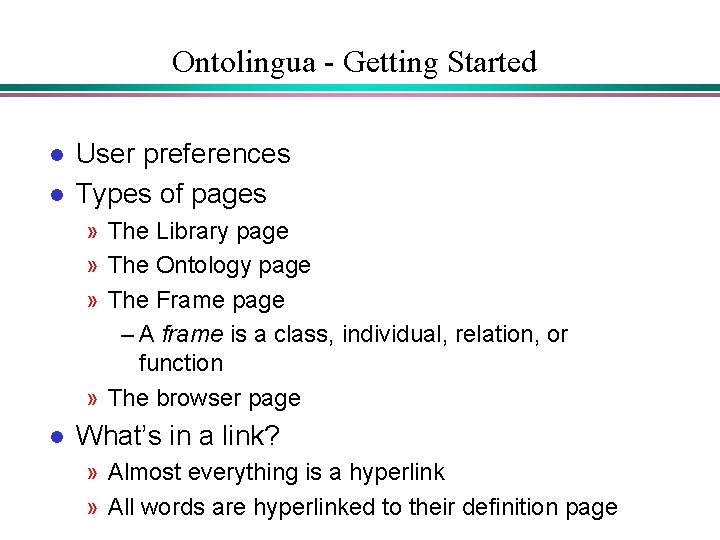
Ontolingua - Getting Started l l User preferences Types of pages » The Library page » The Ontology page » The Frame page – A frame is a class, individual, relation, or function » The browser page l What’s in a link? » Almost everything is a hyperlink » All words are hyperlinked to their definition page
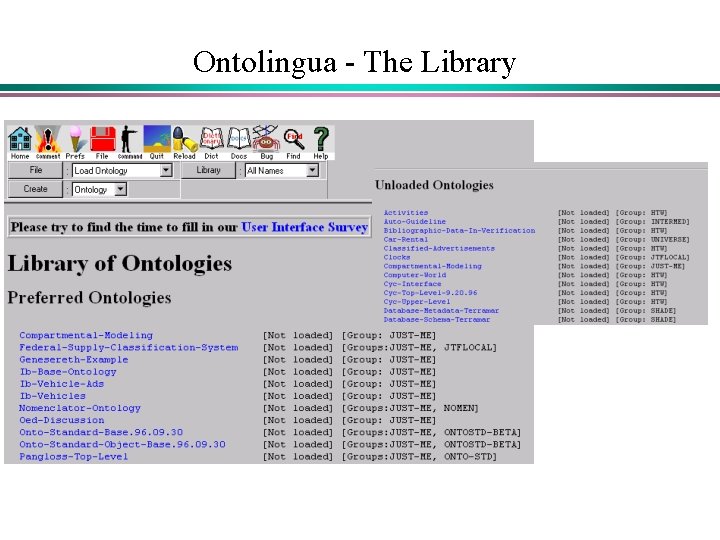
Ontolingua - The Library
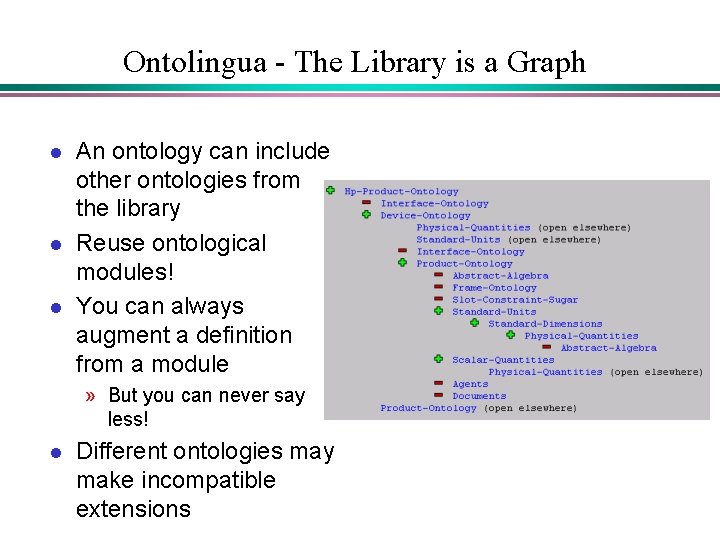
Ontolingua - The Library is a Graph l l l An ontology can include other ontologies from the library Reuse ontological modules! You can always augment a definition from a module » But you can never say less! l Different ontologies may make incompatible extensions
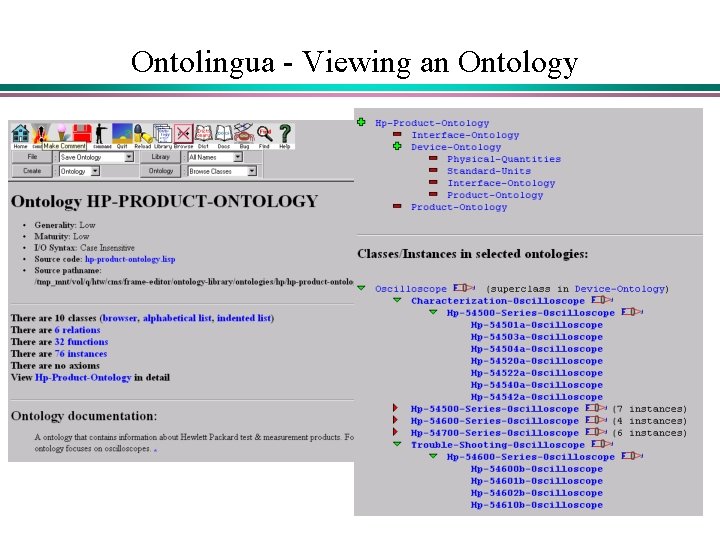
Ontolingua - Viewing an Ontology
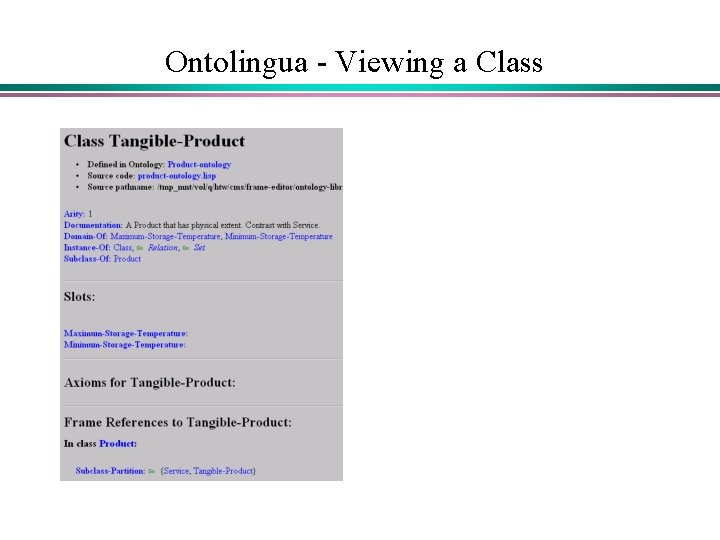
Ontolingua - Viewing a Class
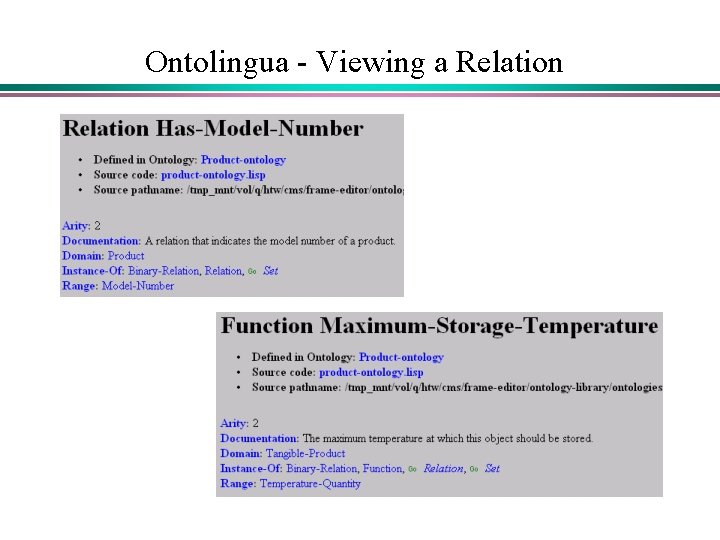
Ontolingua - Viewing a Relation
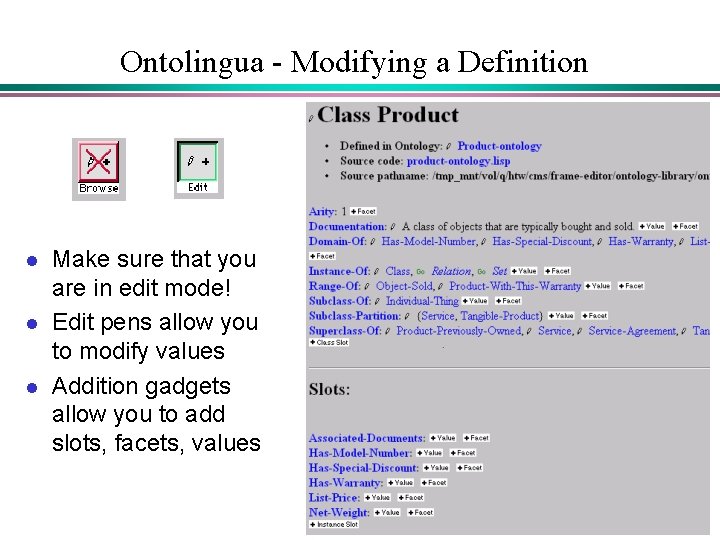
Ontolingua - Modifying a Definition l l l Make sure that you are in edit mode! Edit pens allow you to modify values Addition gadgets allow you to add slots, facets, values
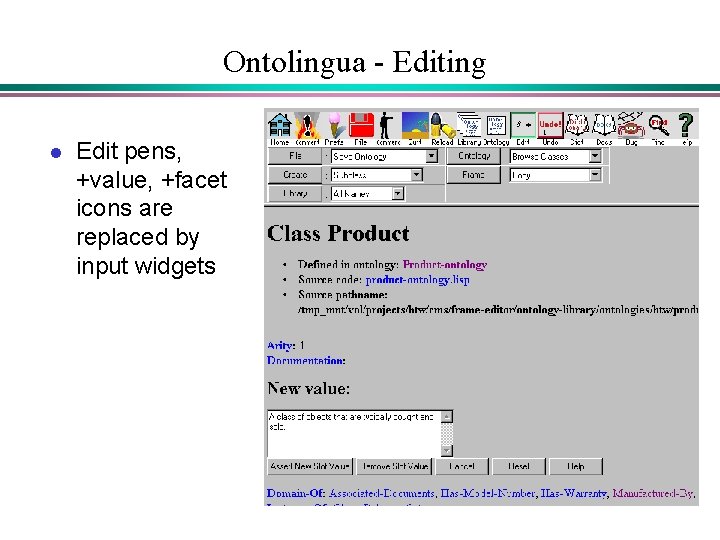
Ontolingua - Editing l Edit pens, +value, +facet icons are replaced by input widgets
Ontolingua - Web Interface l l No pull-down menus, so we use a selection menu together with a submit button There are separate editing and viewing modes » Toggle using the browse/edit toggle button to switch between them l l Typically, you only edit one object at a time The edit mode looks like the browse mode, but with type-in fields snipped into the page
Ontolingua - Basic Principles l Presentation versus representation » Object-Oriented presentation, full logical representation l l Creating a new object is different from saying new things about existing objects Include existing ontologies from the library Augment, but do not edit included definitions Measure twice, cut once!
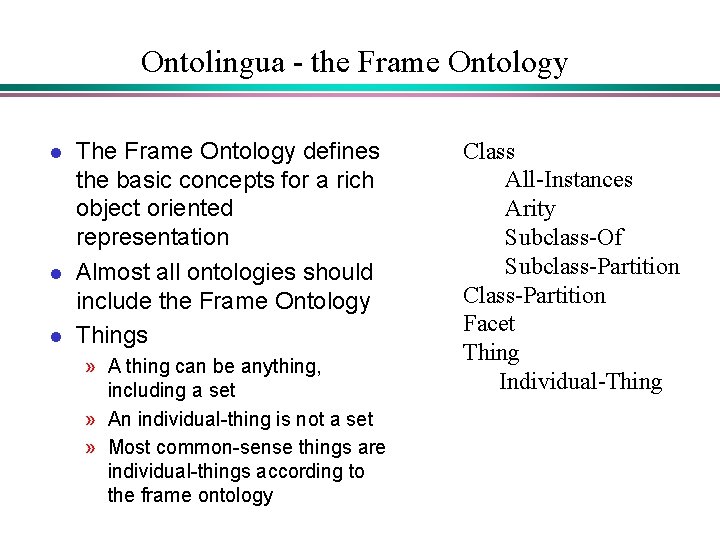
Ontolingua - the Frame Ontology l l l The Frame Ontology defines the basic concepts for a rich object oriented representation Almost all ontologies should include the Frame Ontology Things » A thing can be anything, including a set » An individual-thing is not a set » Most common-sense things are individual-things according to the frame ontology Class All-Instances Arity Subclass-Of Subclass-Partition Class-Partition Facet Thing Individual-Thing
Ontolingua - How do I Save My Work l l Your work is stored on the server You may download your work to a local file system using your browser You may email your work to any email address Any ontology may be translated into several different target languages
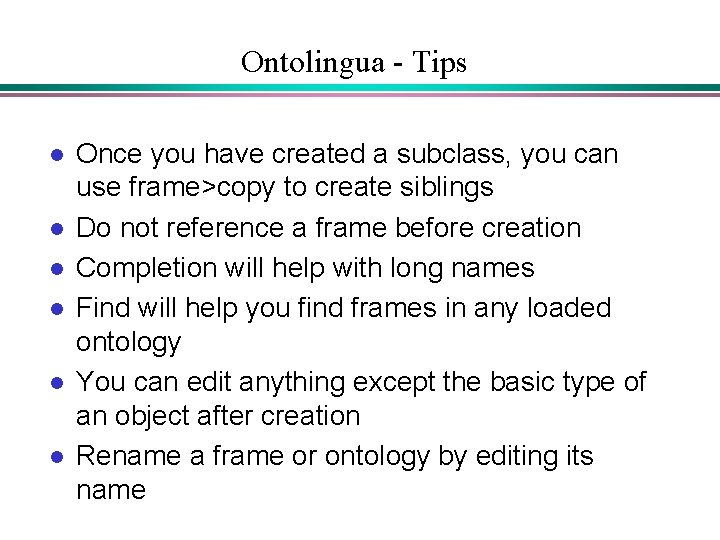
Ontolingua - Tips l l l Once you have created a subclass, you can use frame>copy to create siblings Do not reference a frame before creation Completion will help with long names Find will help you find frames in any loaded ontology You can edit anything except the basic type of an object after creation Rename a frame or ontology by editing its name
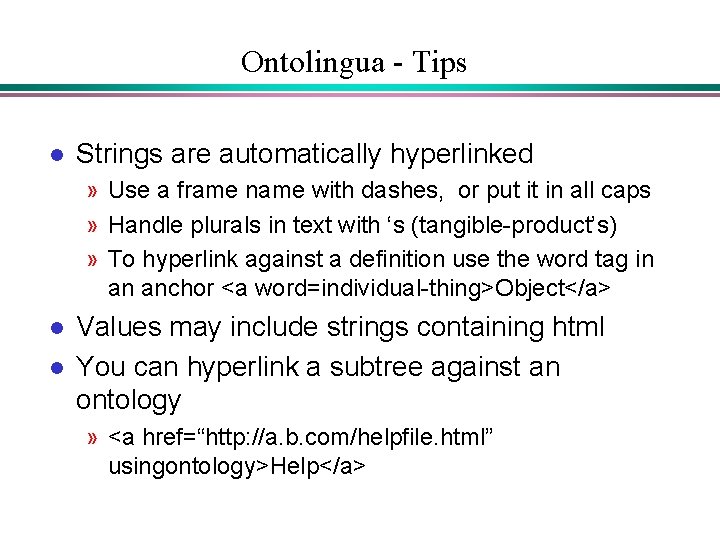
Ontolingua - Tips l Strings are automatically hyperlinked » Use a frame name with dashes, or put it in all caps » Handle plurals in text with ‘s (tangible-product’s) » To hyperlink against a definition use the word tag in an anchor <a word=individual-thing>Object</a> l l Values may include strings containing html You can hyperlink a subtree against an ontology » <a href=“http: //a. b. com/helpfile. html” usingontology>Help</a>
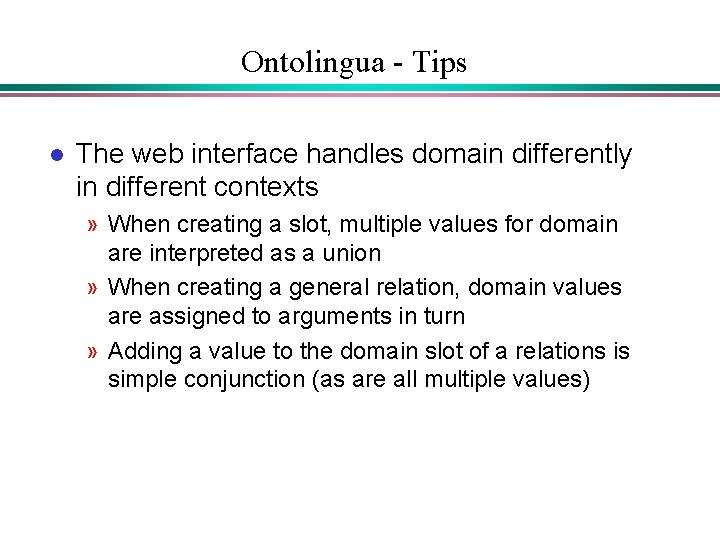
Ontolingua - Tips l The web interface handles domain differently in different contexts » When creating a slot, multiple values for domain are interpreted as a union » When creating a general relation, domain values are assigned to arguments in turn » Adding a value to the domain slot of a relations is simple conjunction (as are all multiple values)
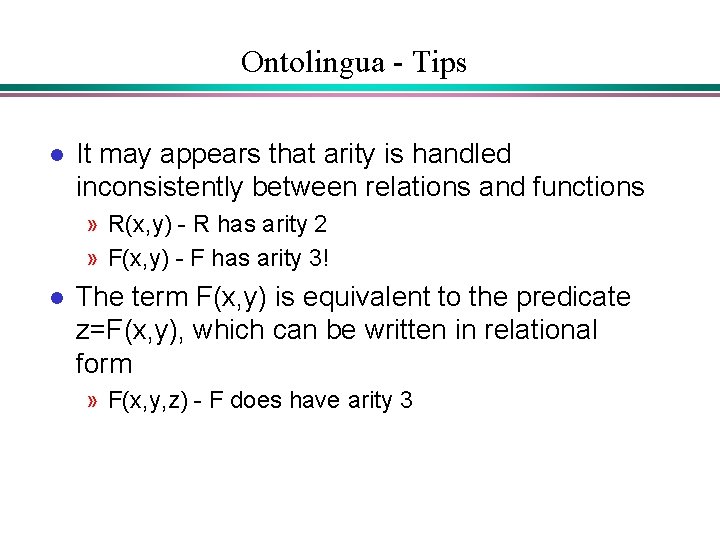
Ontolingua - Tips l It may appears that arity is handled inconsistently between relations and functions » R(x, y) - R has arity 2 » F(x, y) - F has arity 3! l The term F(x, y) is equivalent to the predicate z=F(x, y), which can be written in relational form » F(x, y, z) - F does have arity 3
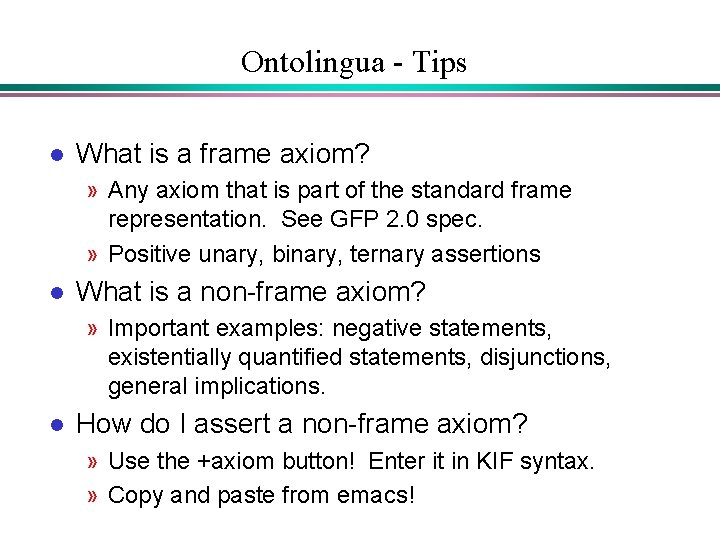
Ontolingua - Tips l What is a frame axiom? » Any axiom that is part of the standard frame representation. See GFP 2. 0 spec. » Positive unary, binary, ternary assertions l What is a non-frame axiom? » Important examples: negative statements, existentially quantified statements, disjunctions, general implications. l How do I assert a non-frame axiom? » Use the +axiom button! Enter it in KIF syntax. » Copy and paste from emacs!
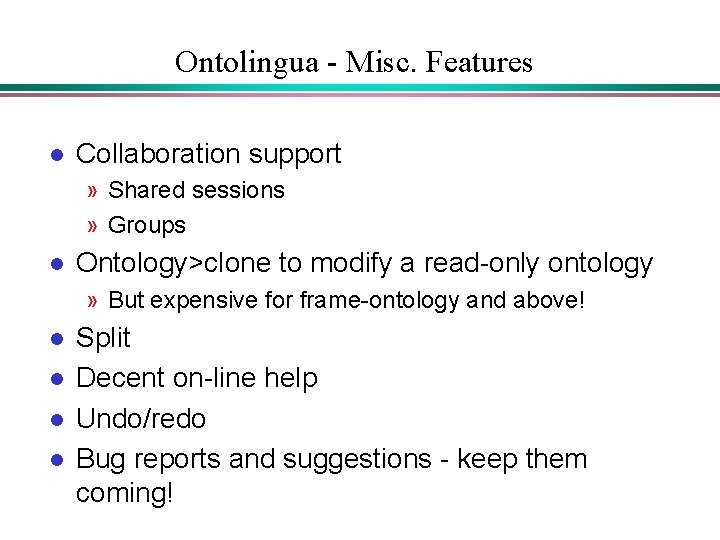
Ontolingua - Misc. Features l Collaboration support » Shared sessions » Groups l Ontology>clone to modify a read-only ontology » But expensive for frame-ontology and above! l l Split Decent on-line help Undo/redo Bug reports and suggestions - keep them coming!
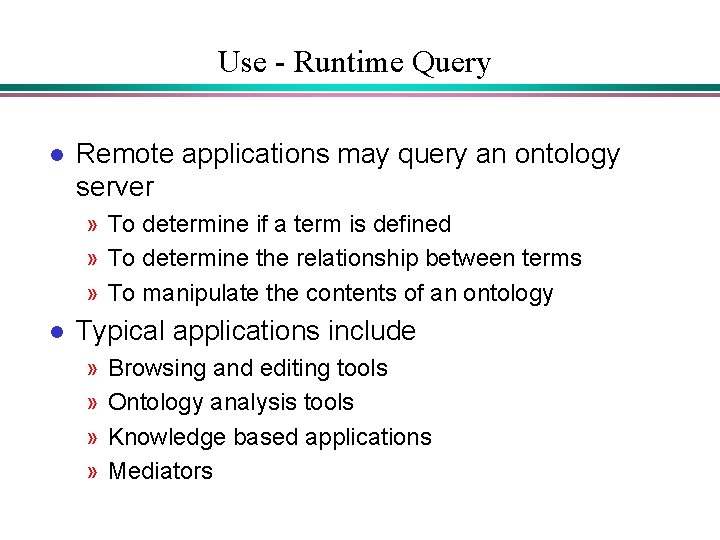
Use - Runtime Query l Remote applications may query an ontology server » To determine if a term is defined » To determine the relationship between terms » To manipulate the contents of an ontology l Typical applications include » » Browsing and editing tools Ontology analysis tools Knowledge based applications Mediators
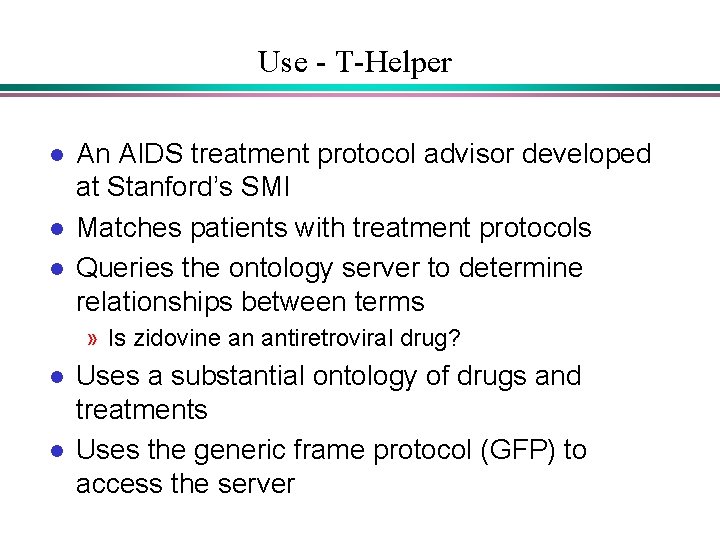
Use - T-Helper l l l An AIDS treatment protocol advisor developed at Stanford’s SMI Matches patients with treatment protocols Queries the ontology server to determine relationships between terms » Is zidovine an antiretroviral drug? l l Uses a substantial ontology of drugs and treatments Uses the generic frame protocol (GFP) to access the server
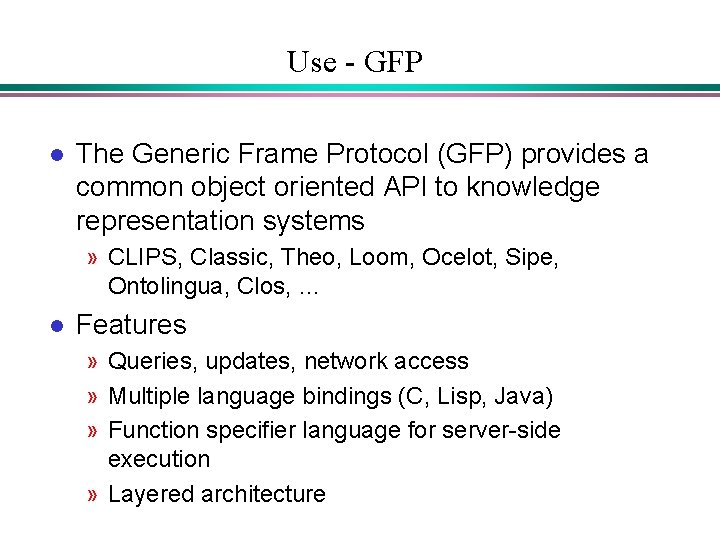
Use - GFP l The Generic Frame Protocol (GFP) provides a common object oriented API to knowledge representation systems » CLIPS, Classic, Theo, Loom, Ocelot, Sipe, Ontolingua, Clos, … l Features » Queries, updates, network access » Multiple language bindings (C, Lisp, Java) » Function specifier language for server-side execution » Layered architecture
Use - Translation l Translation is a challenging problem » Semantics - ensure that the meaning is preserved » Syntax - ensure that target syntax is correct » Style - ensure that target idioms are preserved
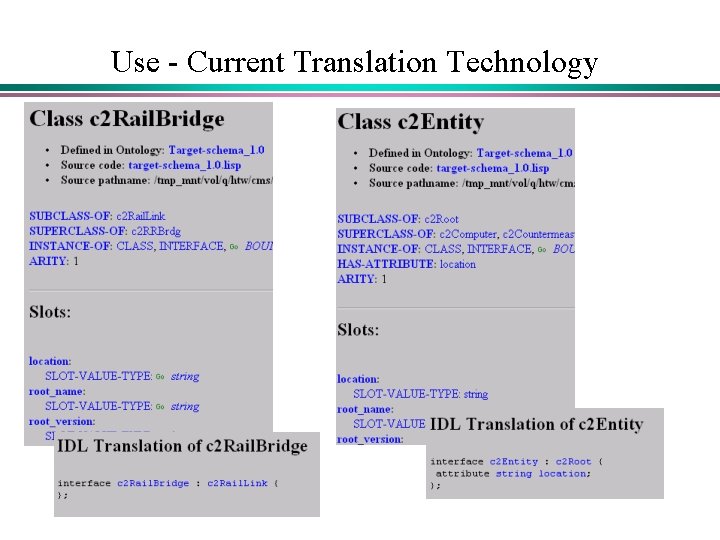
Use - Current Translation Technology
Summary l Ontolingua supports » » A shared ontology library Ontology reuse Ontology construction Ontology use via – Translation – The GFP API