One USG Connect Careers New Way of Recruiting
- Slides: 14
One. USG Connect - Careers New Way of Recruiting and Onboarding 1
Agenda • • • What’s Happening? Benefits Step-by-Step Core Functionality Training Questions
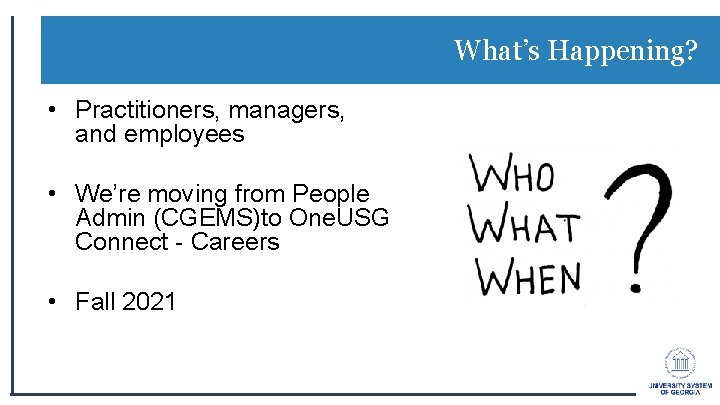
What’s Happening? • Practitioners, managers, and employees • We’re moving from People Admin (CGEMS)to One. USG Connect - Careers • Fall 2021
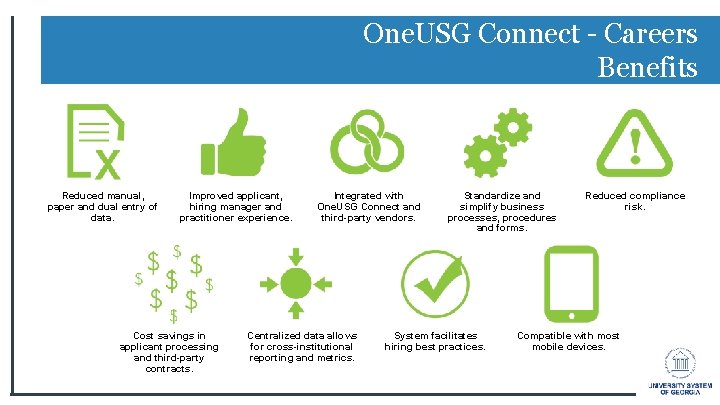
One. USG Connect - Careers Benefits Reduced manual, paper and dual entry of data. Improved applicant, hiring manager and practitioner experience. Cost savings in applicant processing and third-party contracts. Integrated with One. USG Connect and third-party vendors. Centralized data allows for cross-institutional reporting and metrics. Standardize and simplify business processes, procedures and forms. System facilitates hiring best practices. Reduced compliance risk. Compatible with most mobile devices.
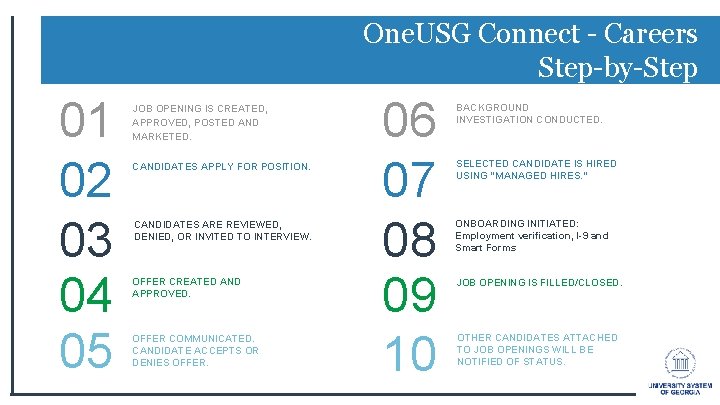
One. USG Connect - Careers Step-by-Step 01 02 03 04 05 JOB OPENING IS CREATED, APPROVED, POSTED AND MARKETED. CANDIDATES APPLY FOR POSITION. CANDIDATES ARE REVIEWED, DENIED, OR INVITED TO INTERVIEW. OFFER CREATED AND APPROVED. OFFER COMMUNICATED. CANDIDATE ACCEPTS OR DENIES OFFER. 06 07 08 09 10 BACKGROUND INVESTIGATION CONDUCTED. SELECTED CANDIDATE IS HIRED USING “MANAGED HIRES. ” ONBOARDING INITIATED: Employment verification, I-9 and Smart Forms JOB OPENING IS FILLED/CLOSED. OTHER CANDIDATES ATTACHED TO JOB OPENINGS WILL BE NOTIFIED OF STATUS.
One. USG Connect - Careers Notifications 1. Application was received. 2. Applicant is selected/scheduled for interview, if applicable. 3. Candidate has a job offer pending, if applicable. 4. Candidate’s acceptance/rejection of the job offer, if applicable. 5. Candidate was not selected for the position, if applicable.
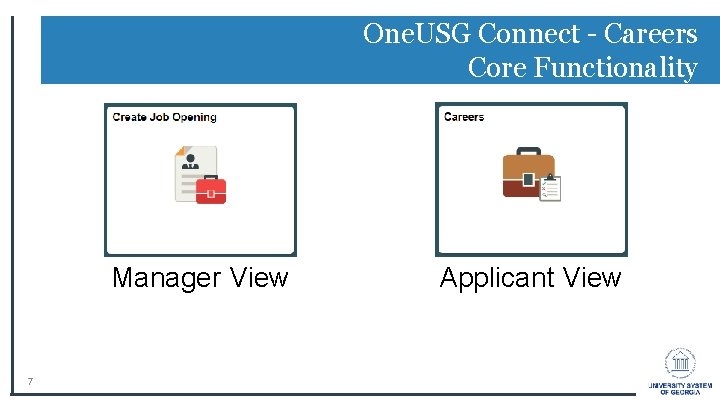
One. USG Connect - Careers Core Functionality Manager View 7 Applicant View
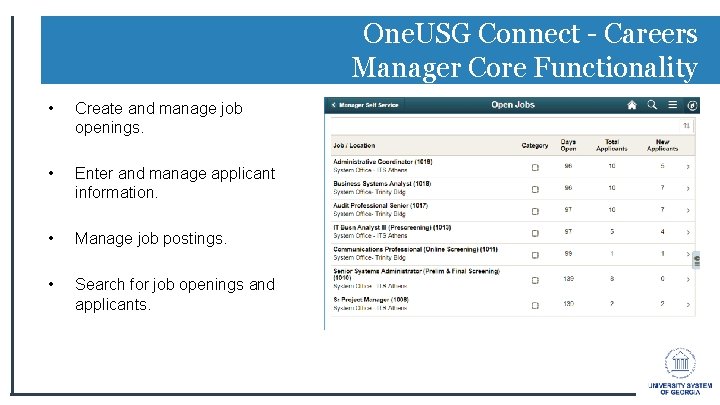
One. USG Connect - Careers Manager Core Functionality • Create and manage job openings. • Enter and manage applicant information. • Manage job postings. • Search for job openings and applicants.
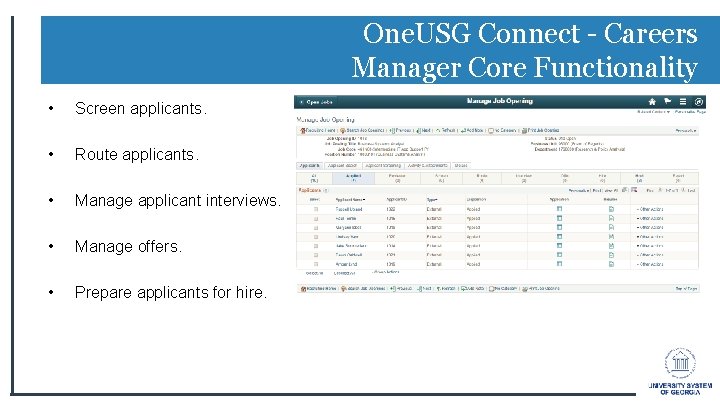
One. USG Connect - Careers Manager Core Functionality • Screen applicants. • Route applicants. • Manage applicant interviews. • Manage offers. • Prepare applicants for hire.
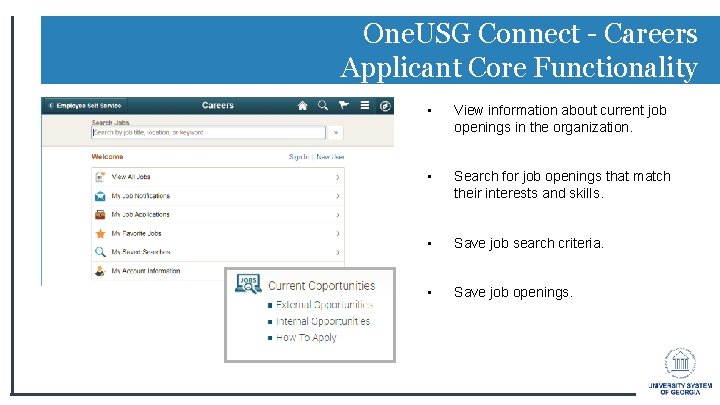
One. USG Connect - Careers Applicant Core Functionality • View information about current job openings in the organization. • Search for job openings that match their interests and skills. • Save job search criteria. • Save job openings.
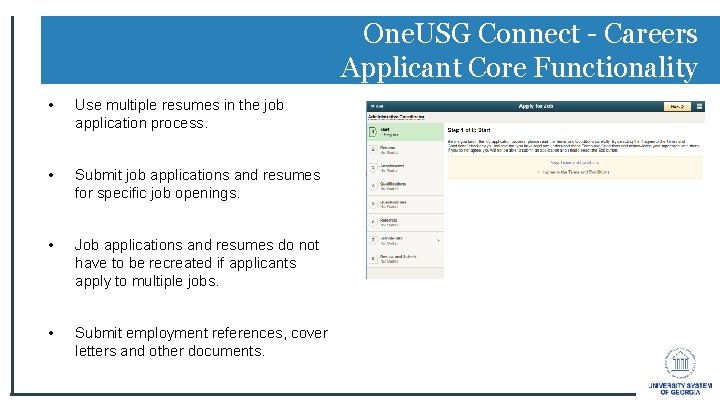
One. USG Connect - Careers Applicant Core Functionality • Use multiple resumes in the job application process. • Submit job applications and resumes for specific job openings. • Job applications and resumes do not have to be recreated if applicants apply to multiple jobs. • Submit employment references, cover letters and other documents.
One. USG Connect - Careers Applicant Core Functionality • Complete online screening questionnaires. • View notifications. • View interview schedules. • Refer friends for positions.
One. USG Connect - Careers Training Hiring Manager Training • Coming Soon Employee Training • Coming Soon
One. USG Connect - Careers Questions? 14