ns3 Training Session 1 Monday May 11 ns3
- Slides: 70
ns-3 Training Session 1: Monday May 11 ns-3 Annual meeting May 2015 1
Introduction and logistics • • CTTC facilities Meals and coffee Wi-Fi Wiki page: – https: //www. nsnam. org/wiki/Annual. Training 2015 • Meet your instructors ns-3 Annual Meeting May 2015
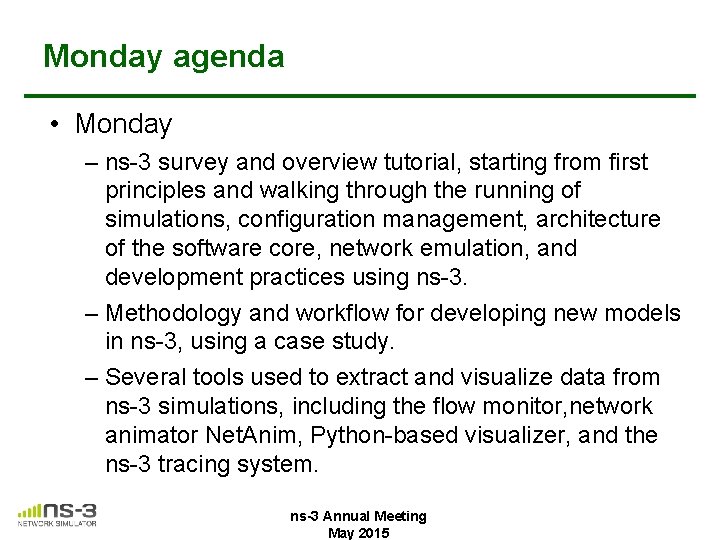
Monday agenda • Monday – ns-3 survey and overview tutorial, starting from first principles and walking through the running of simulations, configuration management, architecture of the software core, network emulation, and development practices using ns-3. – Methodology and workflow for developing new models in ns-3, using a case study. – Several tools used to extract and visualize data from ns-3 simulations, including the flow monitor, network animator Net. Anim, Python-based visualizer, and the ns-3 tracing system. ns-3 Annual Meeting May 2015
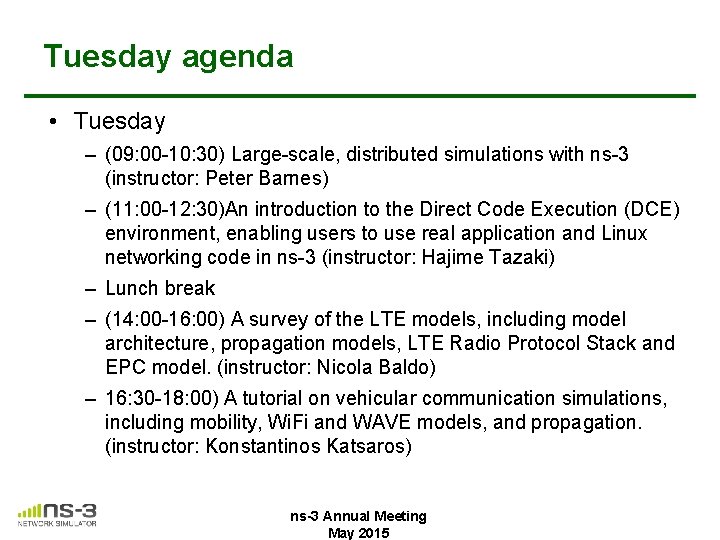
Tuesday agenda • Tuesday – (09: 00 -10: 30) Large-scale, distributed simulations with ns-3 (instructor: Peter Barnes) – (11: 00 -12: 30)An introduction to the Direct Code Execution (DCE) environment, enabling users to use real application and Linux networking code in ns-3 (instructor: Hajime Tazaki) – Lunch break – (14: 00 -16: 00) A survey of the LTE models, including model architecture, propagation models, LTE Radio Protocol Stack and EPC model. (instructor: Nicola Baldo) – 16: 30 -18: 00) A tutorial on vehicular communication simulations, including mobility, Wi. Fi and WAVE models, and propagation. (instructor: Konstantinos Katsaros) ns-3 Annual Meeting May 2015
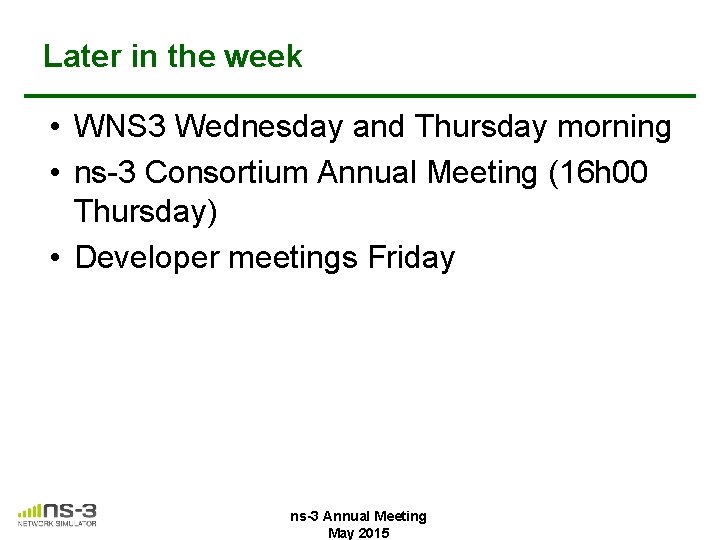
Later in the week • WNS 3 Wednesday and Thursday morning • ns-3 Consortium Annual Meeting (16 h 00 Thursday) • Developer meetings Friday ns-3 Annual Meeting May 2015
ns-3 training goals • Learn about the project scope, and where to get additional help • Understand the architecture and design goals of the software • Introduce how to write new code for the simulator • Learn about selected topics in more detail • Answer your questions
Motivations for ns-3 project Develop an extensible simulation environment for networking research 1) a tool aligned with the experimentation needs of modern networking research 2) a tool that elevates the technical rigor of network simulation practice 3) an open-source project that encourages community contribution, peer review, and long-term maintenance and validation of the software
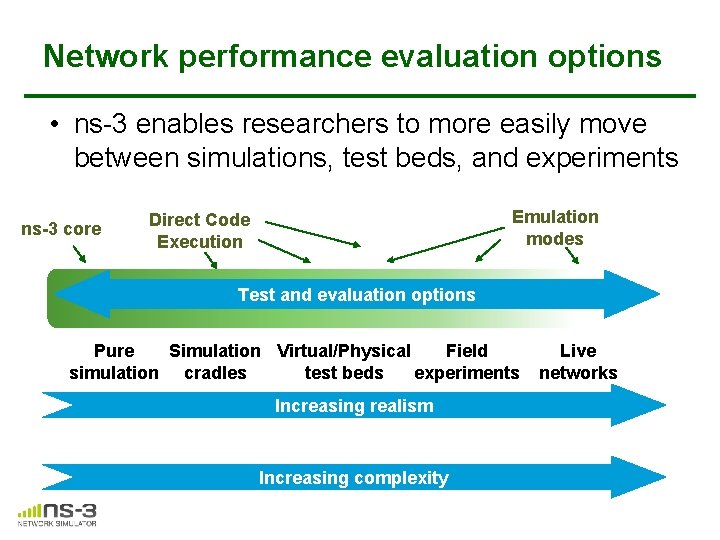
Network performance evaluation options • ns-3 enables researchers to more easily move between simulations, test beds, and experiments ns-3 core Emulation modes Direct Code Execution Test and evaluation options Pure Simulation Virtual/Physical Field simulation cradles test beds experiments Increasing realism Increasing complexity Live networks
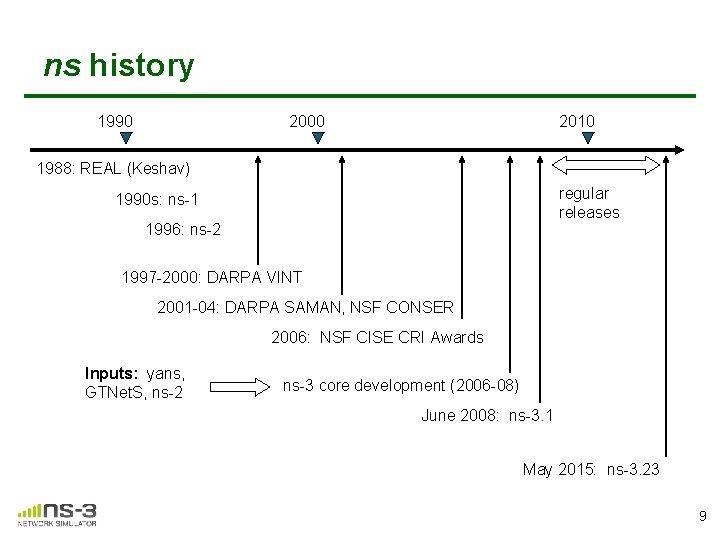
ns history 1990 2000 2010 1988: REAL (Keshav) regular releases 1990 s: ns-1 1996: ns-2 1997 -2000: DARPA VINT 2001 -04: DARPA SAMAN, NSF CONSER 2006: NSF CISE CRI Awards Inputs: yans, GTNet. S, ns-2 ns-3 core development (2006 -08) June 2008: ns-3. 1 May 2015: ns-3. 23 9
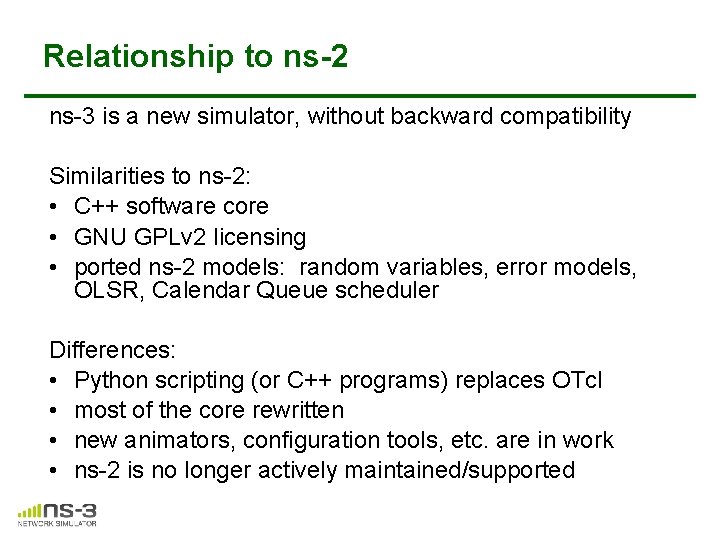
Relationship to ns-2 ns-3 is a new simulator, without backward compatibility Similarities to ns-2: • C++ software core • GNU GPLv 2 licensing • ported ns-2 models: random variables, error models, OLSR, Calendar Queue scheduler Differences: • Python scripting (or C++ programs) replaces OTcl • most of the core rewritten • new animators, configuration tools, etc. are in work • ns-2 is no longer actively maintained/supported
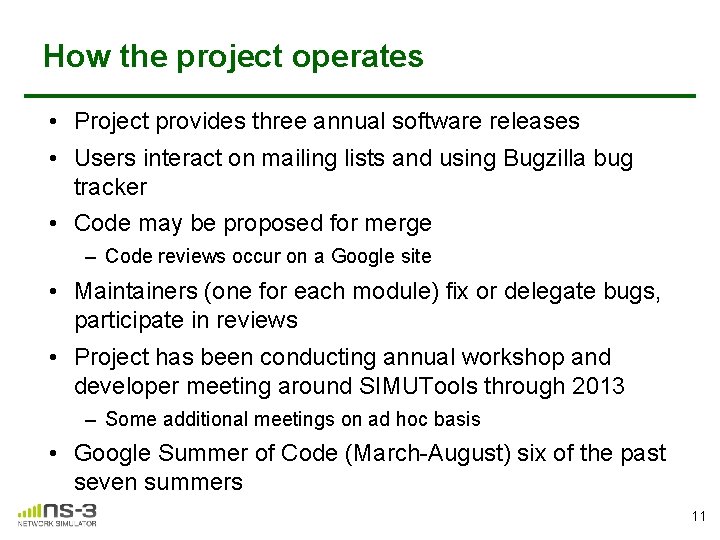
How the project operates • Project provides three annual software releases • Users interact on mailing lists and using Bugzilla bug tracker • Code may be proposed for merge – Code reviews occur on a Google site • Maintainers (one for each module) fix or delegate bugs, participate in reviews • Project has been conducting annual workshop and developer meeting around SIMUTools through 2013 – Some additional meetings on ad hoc basis • Google Summer of Code (March-August) six of the past seven summers 11
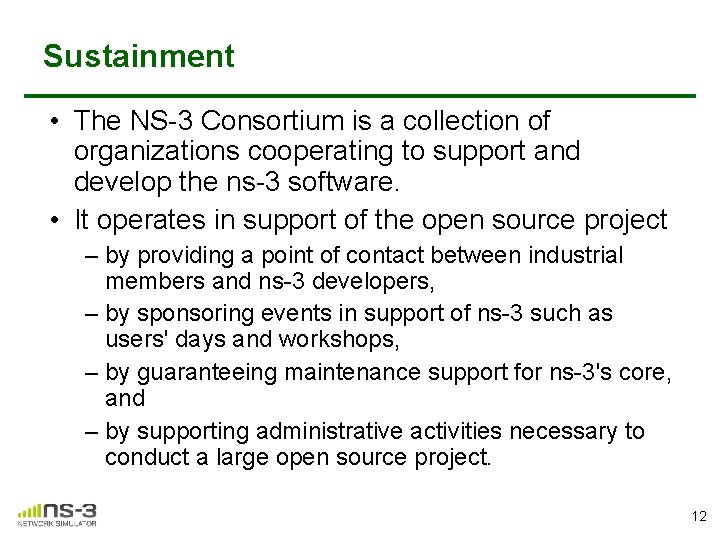
Sustainment • The NS-3 Consortium is a collection of organizations cooperating to support and develop the ns-3 software. • It operates in support of the open source project – by providing a point of contact between industrial members and ns-3 developers, – by sponsoring events in support of ns-3 such as users' days and workshops, – by guaranteeing maintenance support for ns-3's core, and – by supporting administrative activities necessary to conduct a large open source project. 12
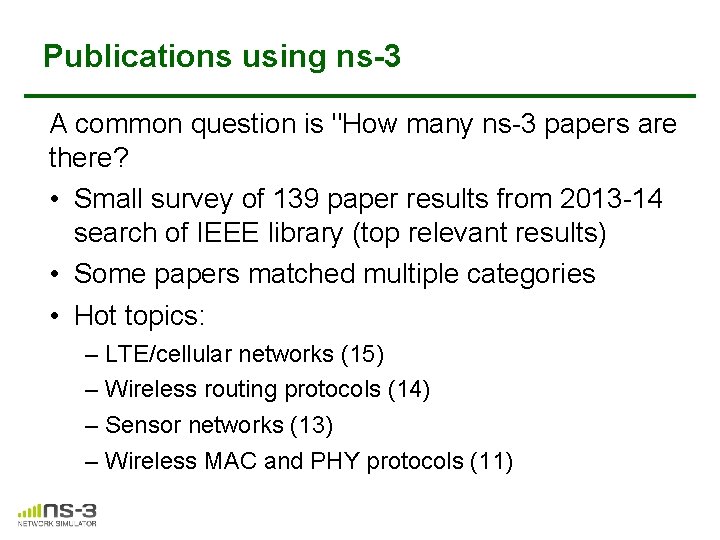
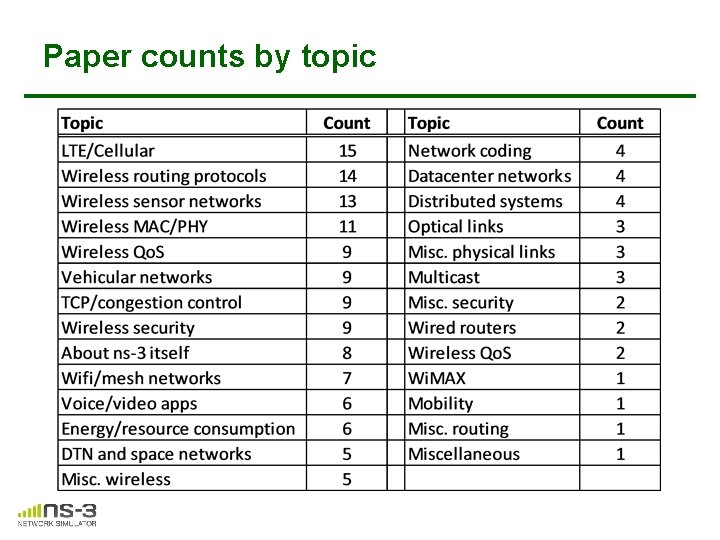
Publications using ns-3 A common question is "How many ns-3 papers are there? • Small survey of 139 paper results from 2013 -14 search of IEEE library (top relevant results) • Some papers matched multiple categories • Hot topics: – LTE/cellular networks (15) – Wireless routing protocols (14) – Sensor networks (13) – Wireless MAC and PHY protocols (11)
Paper counts by topic
Acknowledgment of support 15
• Software overview ns-3 Annual Meeting May 2015
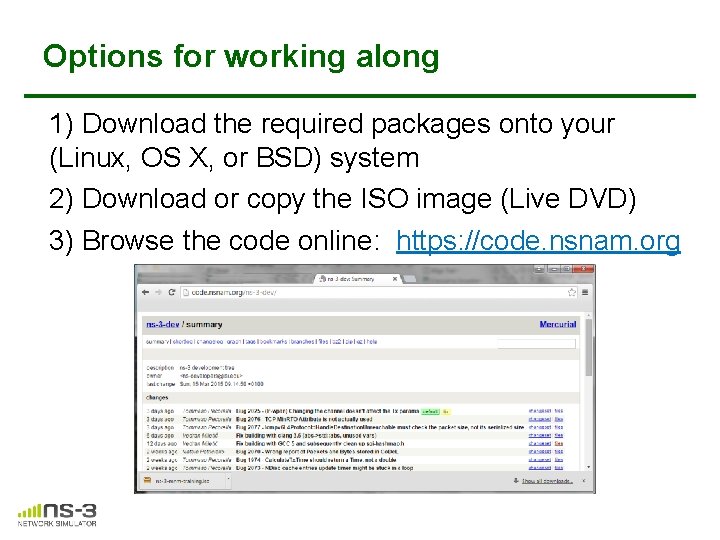
Options for working along 1) Download the required packages onto your (Linux, OS X, or BSD) system 2) Download or copy the ISO image (Live DVD) 3) Browse the code online: https: //code. nsnam. org
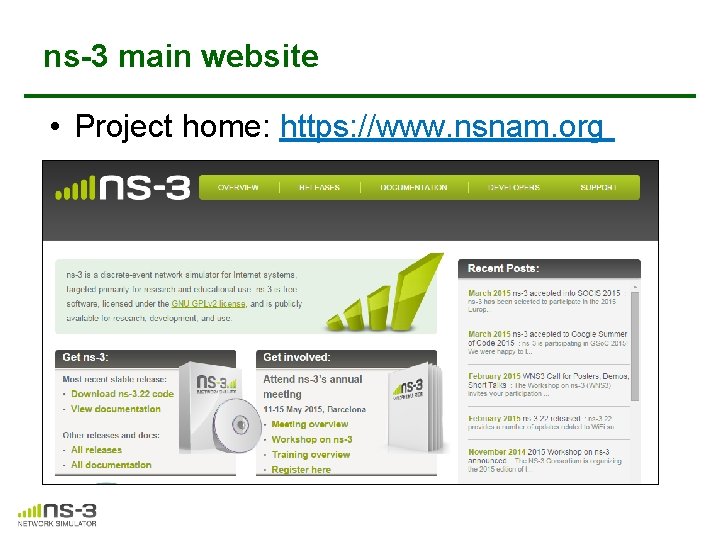
ns-3 main website • Project home: https: //www. nsnam. org
Software overview • ns-3 is written in C++, with bindings available for Python – simulation programs are C++ executables or Python programs – ~350, 000 lines of C++ (estimate based on cloc source code analysis) • ns-3 is a GNU GPLv 2 -licensed project • ns-3 is mainly supported for Linux, OS X, and Free. BSD – Windows Visual Studio port available • ns-3 is not backwards-compatible with ns-2 19
Discrete-event simulation basics • Simulation time moves in discrete jumps from event to event • C++ functions schedule events to occur at specific simulation times • A simulation scheduler orders the event execution • Simulation: : Run() executes a single-threaded event list • Simulation stops at specific time or when events end 20
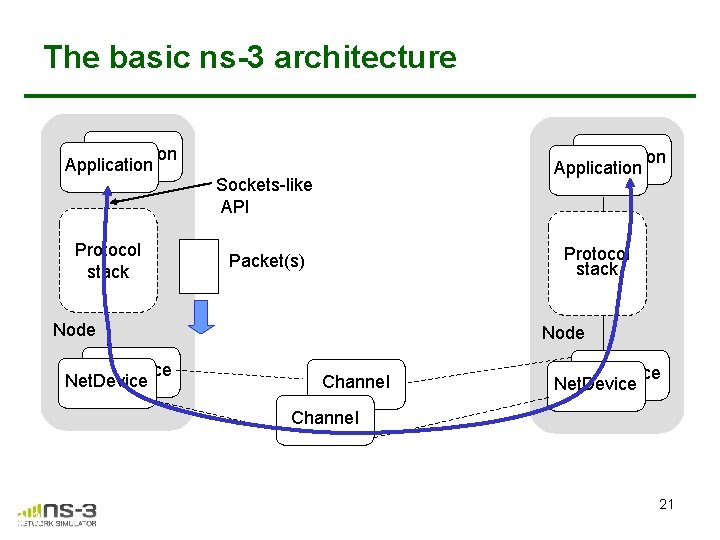
The basic ns-3 architecture Application Protocol stack Application Sockets-like API Protocol stack Packet(s) Node Net. Device Node Channel Net. Device Channel ns-3 21
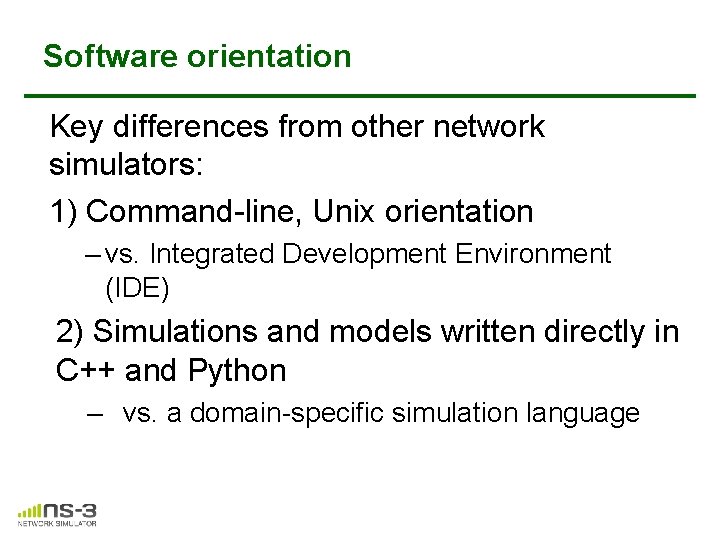
Software orientation Key differences from other network simulators: 1) Command-line, Unix orientation – vs. Integrated Development Environment (IDE) 2) Simulations and models written directly in C++ and Python – vs. a domain-specific simulation language
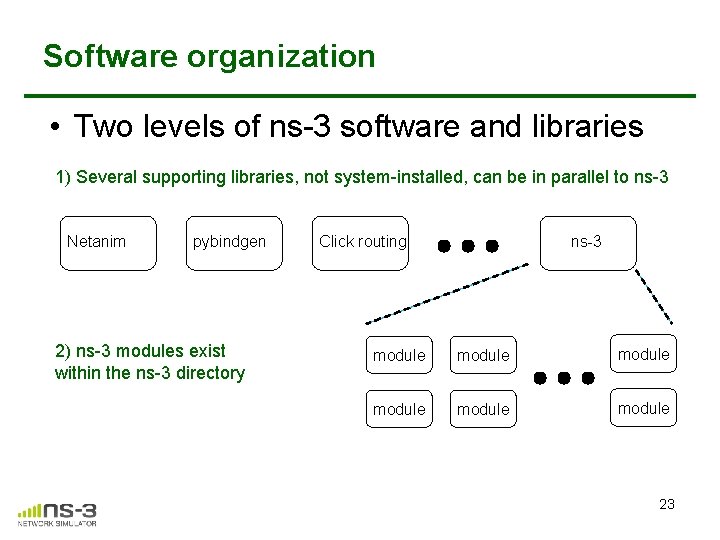
Software organization • Two levels of ns-3 software and libraries 1) Several supporting libraries, not system-installed, can be in parallel to ns-3 Netanim pybindgen 2) ns-3 modules exist within the ns-3 directory Click routing ns-3 module module 23
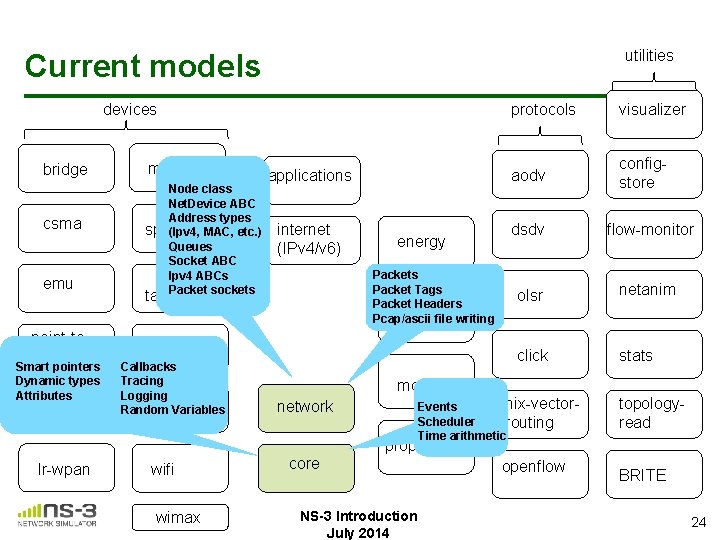
utilities Current models devices bridge csma emu point-topoint Smart pointers Dynamic types Attributes lte mesh Node class Net. Device ABC Address types spectrum (Ipv 4, MAC, etc. ) Queues Socket ABC Ipv 4 ABCs Packet sockets applications internet (IPv 4/v 6) energy Packets Packet Tags Packet Headers mpifile writing Pcap/ascii tap-bridge uan Callbacks Tracing Logging virtual. Random Variables net-device protocols visualizer aodv configstore dsdv flow-monitor olsr netanim click stats mobility network nix-vector. Events Scheduler routing Time arithmetic topologyread propagation lr-wpan wifi wimax core NS-3 Introduction July 2014 openflow BRITE 24
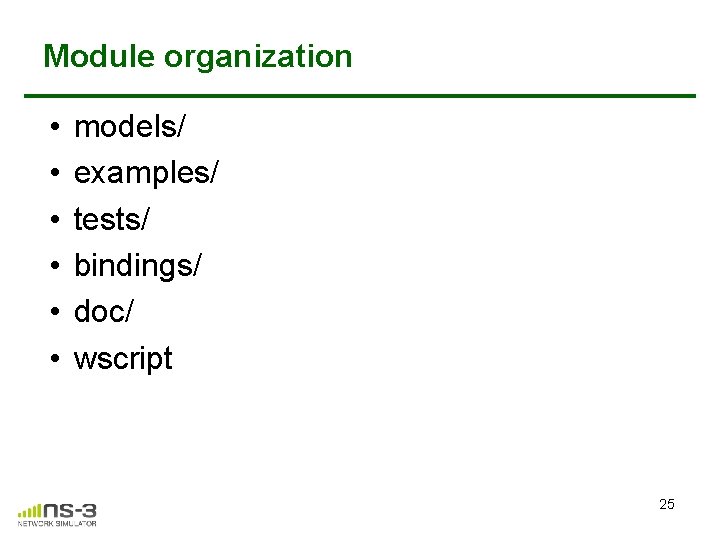
Module organization • • • models/ examples/ tests/ bindings/ doc/ wscript 25
ns-3 programs • ns-3 programs are C++ executables that link the needed shared libraries – or Python programs that import the needed modules • The ns-3 build tool, called 'waf', can be used to run programs • waf will place headers, object files, libraries, and executables in a 'build' directory
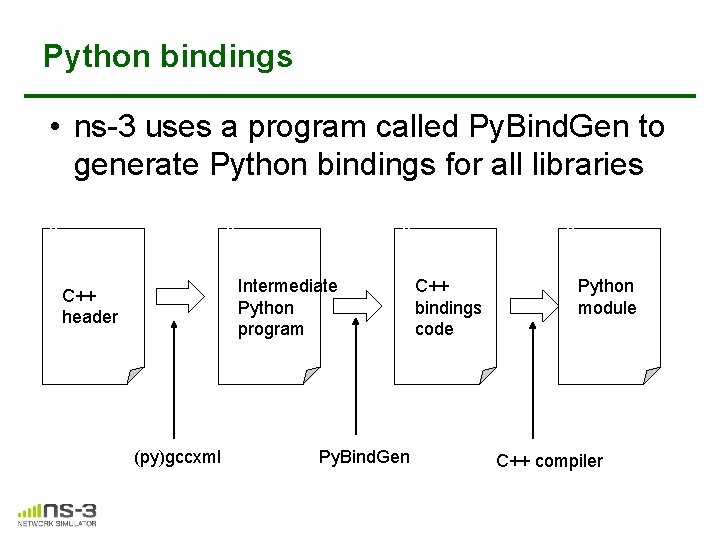
Python bindings • ns-3 uses a program called Py. Bind. Gen to generate Python bindings for all libraries v v v Intermediate Python program C++ header (py)gccxml Py. Bind. Gen v C++ bindings code Python module C++ compiler
Integrating other tools and libraries 28
Other libraries • more sophisticated scenarios and models typically leverage other libraries • ns-3 main distribution uses optional libraries (libxml 2, gsl, mysql) but care is taken to avoid strict build dependencies • the 'bake' tool (described later) helps to manage library dependencies • users are free to write their own Makefiles or wscripts to do something special
Gnuplot • src/tools/gnuplot. {cc, h} • C++ wrapper around gnuplot • classes: – Gnuplot. Dataset • Gnuplot 2 d. Dataset, Gnuplot 2 d. Function • Gnuplot 3 d. Dataset, Gnuplot 3 d. Function
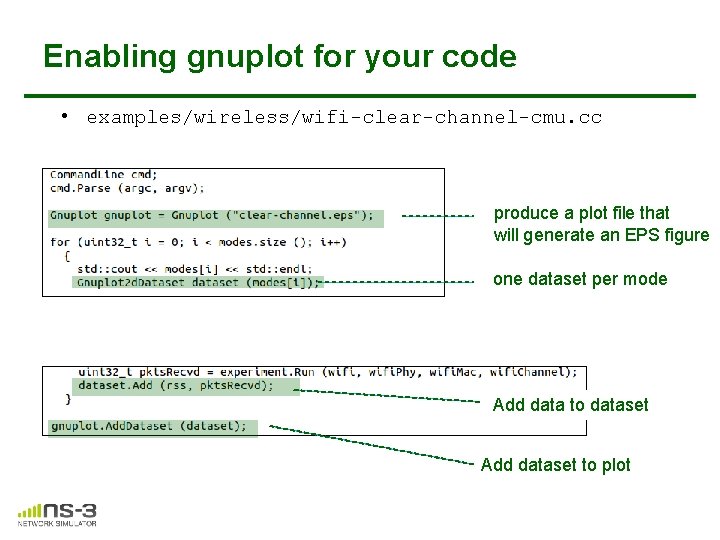
Enabling gnuplot for your code • examples/wireless/wifi-clear-channel-cmu. cc produce a plot file that will generate an EPS figure one dataset per mode Add data to dataset Add dataset to plot
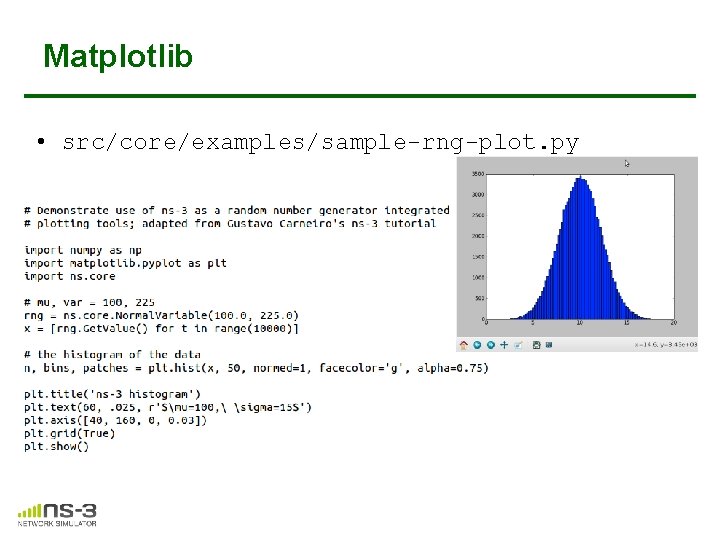
Matplotlib • src/core/examples/sample-rng-plot. py
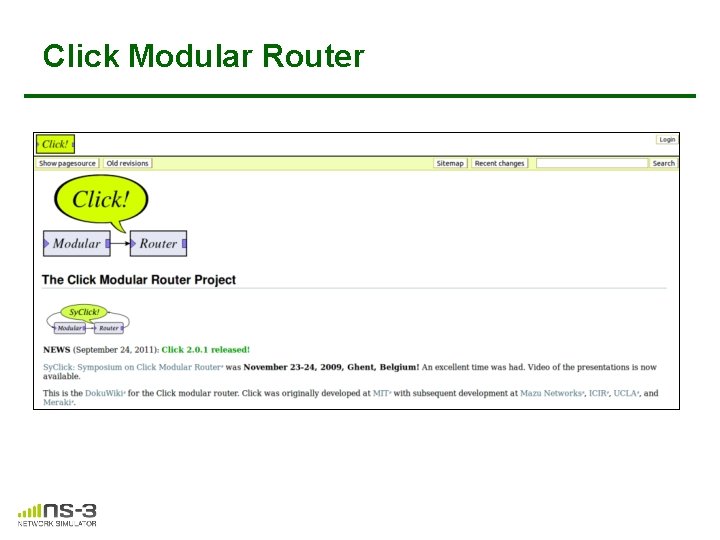
Click Modular Router
mininet emulator
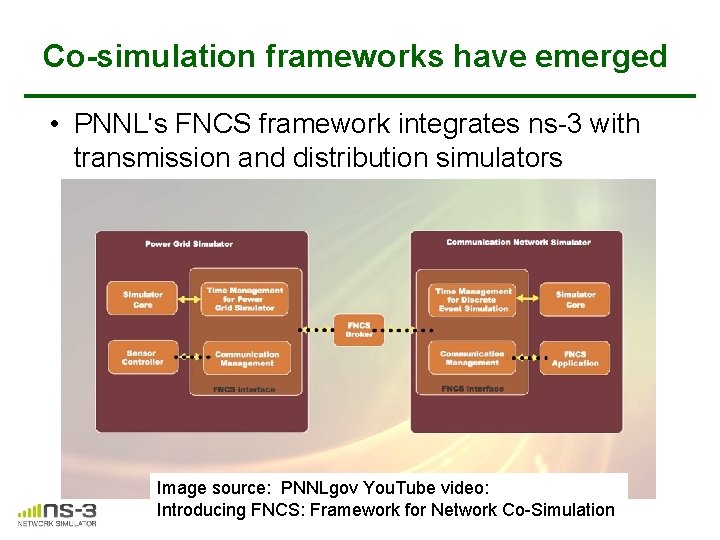
Co-simulation frameworks have emerged • PNNL's FNCS framework integrates ns-3 with transmission and distribution simulators Image source: PNNLgov You. Tube video: Introducing FNCS: Framework for Network Co-Simulation
FAQs • Does ns-3 have a Windows version? – Yes, for Visual Studio 2012 – http: //www. nsnam. org/wiki/Ns-3_on_Visual_Studio_2012 • Does ns-3 support Eclipse or other IDEs? – Instructions have been contributed by users – http: //www. nsnam. org/wiki/HOWTO_configure_Eclipse_with_ns-3 • Is ns-3 provided in Linux or OS X package systems (e. g. Debian packages)? – Ubuntu/Debian packages for ns-3. 17 release • Does ns-3 support NRL protolib applications? – Not yet
Summarizing • ns-3 models are written in C++ and compiled into libraries – Python bindings are optionally created • ns-3 programs are C++ executables or Python programs that call the ns-3 public API and can call other libraries • ns-3 is oriented towards the command-line • ns-3 uses no domain specific language • ns-3 is not compatible with ns-2
Finding documentation and code 40
Resources Web site: http: //www. nsnam. org Mailing lists: https: //groups. google. com/forum/#!forum/ns-3 -users http: //mailman. isi. edu/mailman/listinfo/ns-developers Wiki: http: //www. nsnam. org/wiki/ Tutorial: http: //www. nsnam. org/docs/tutorial. html IRC: #ns-3 at freenode. net 41
Suggested steps • Work through the ns-3 tutorial • Browse the source code and other project documentation – manual, model library, Doxygen, wiki – ns-3 Consortium tutorials (May 2014) • https: //www. nsnam. org/consortium/activities/trainin g/ • Ask on ns-3 -users mailing list if you still have questions – We try to answer most questions
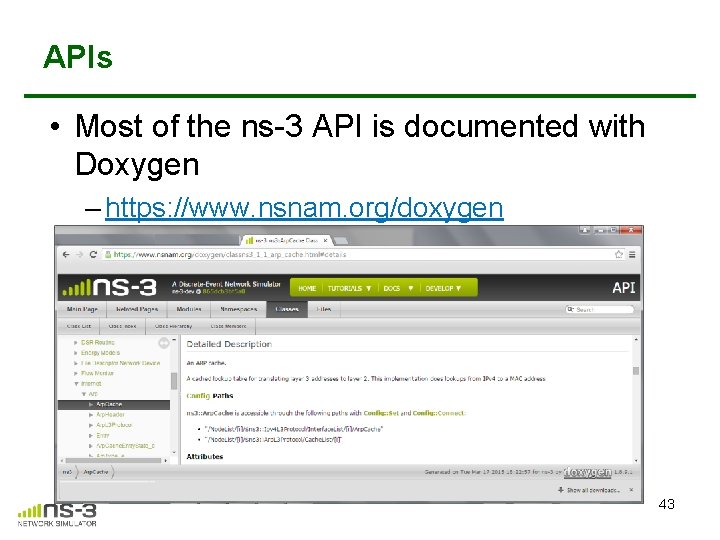
APIs • Most of the ns-3 API is documented with Doxygen – https: //www. nsnam. org/doxygen 43
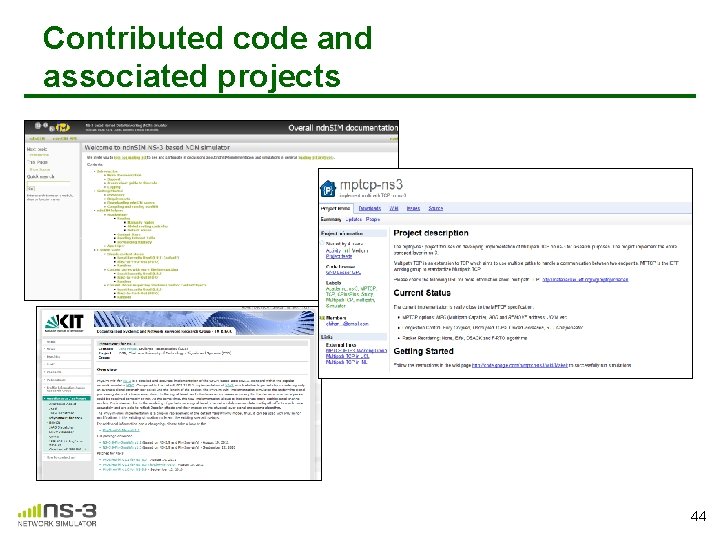
Contributed code and associated projects 44
Reading existing code • Much insight can be gained from reading ns-3 examples and tests, and running them yourselves • Many core features of ns-3 are only demonstrated in the core test suite (src/core/test) • Stepping through code with a debugger is informative – callbacks and templates make it more challenging than usual
ns-3 build systems
Software introduction • Download the latest release – wget http: //www. nsnam. org/releases/ns-allinone 3. 19. tar. bz 2 – tar xjf ns-allinone-3. 19. tar. bz 2 • Clone the latest development code – hg clone http: //code. nsnam. org/ns-3 -allinone Q. What is "hg clone"? A. Mercurial (http: //www. selenic. com) is our source code control tool. 47
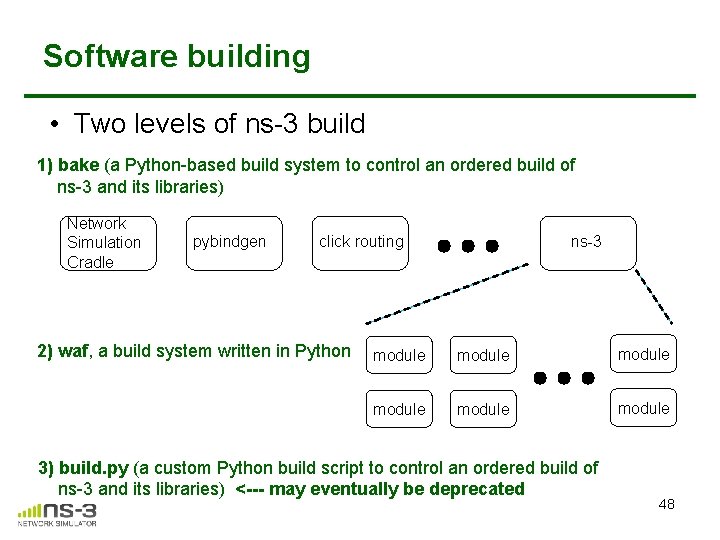
Software building • Two levels of ns-3 build 1) bake (a Python-based build system to control an ordered build of ns-3 and its libraries) Network Simulation Cradle pybindgen click routing 2) waf, a build system written in Python ns-3 module module 3) build. py (a custom Python build script to control an ordered build of ns-3 and its libraries) <--- may eventually be deprecated 48
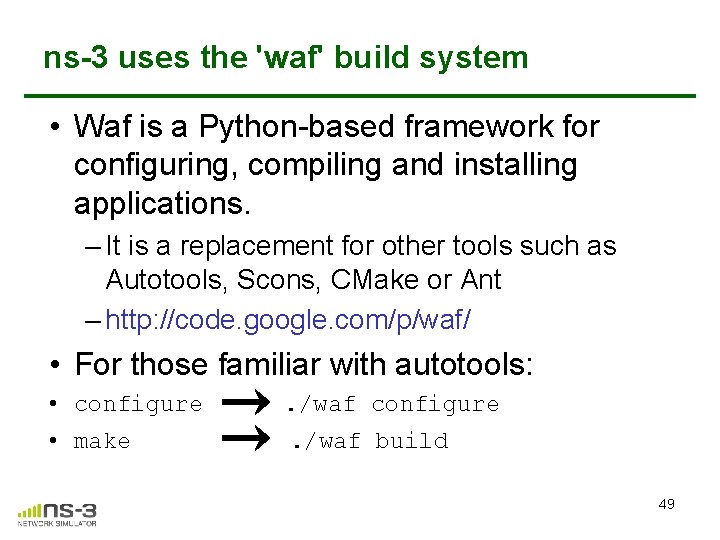
ns-3 uses the 'waf' build system • Waf is a Python-based framework for configuring, compiling and installing applications. – It is a replacement for other tools such as Autotools, Scons, CMake or Ant – http: //code. google. com/p/waf/ • For those familiar with autotools: • configure . /waf configure • make . /waf build 49
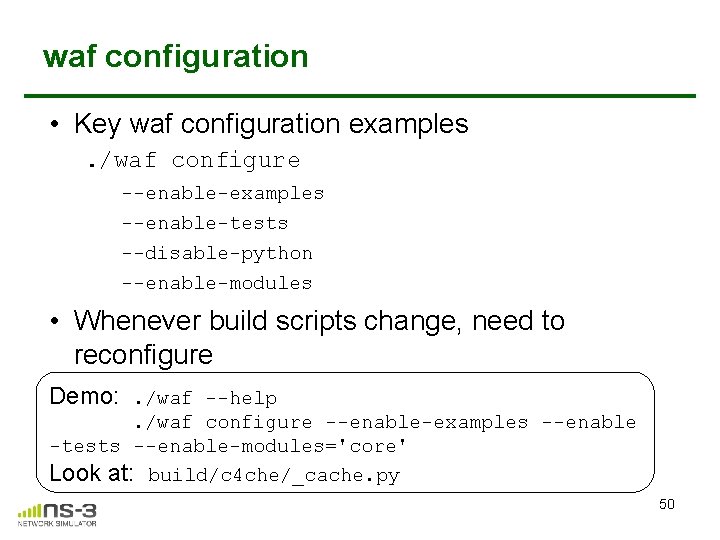
waf configuration • Key waf configuration examples. /waf configure --enable-examples --enable-tests --disable-python --enable-modules • Whenever build scripts change, need to reconfigure Demo: . /waf --help. /waf configure --enable-examples --enable -tests --enable-modules='core' Look at: build/c 4 che/_cache. py 50
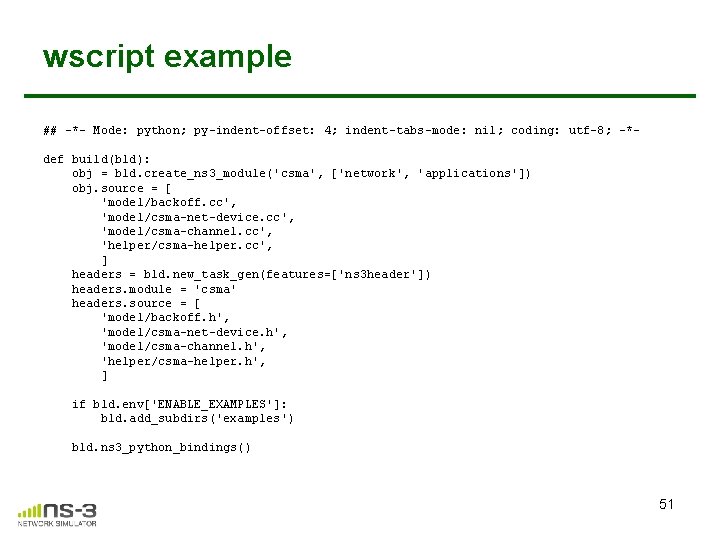
wscript example ## -*- Mode: python; py-indent-offset: 4; indent-tabs-mode: nil; coding: utf-8; -*def build(bld): obj = bld. create_ns 3_module('csma', ['network', 'applications']) obj. source = [ 'model/backoff. cc', 'model/csma-net-device. cc', 'model/csma-channel. cc', 'helper/csma-helper. cc', ] headers = bld. new_task_gen(features=['ns 3 header']) headers. module = 'csma' headers. source = [ 'model/backoff. h', 'model/csma-net-device. h', 'model/csma-channel. h', 'helper/csma-helper. h', ] if bld. env['ENABLE_EXAMPLES']: bld. add_subdirs('examples') bld. ns 3_python_bindings() 51
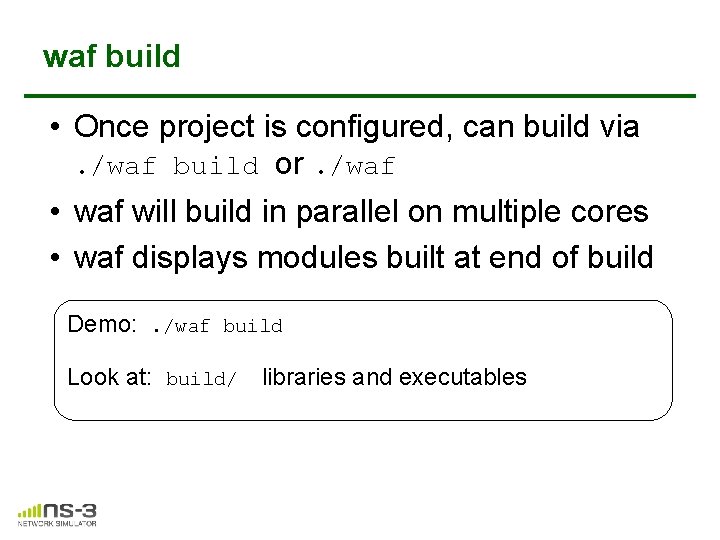
waf build • Once project is configured, can build via. /waf build or. /waf • waf will build in parallel on multiple cores • waf displays modules built at end of build Demo: . /waf build Look at: build/ libraries and executables
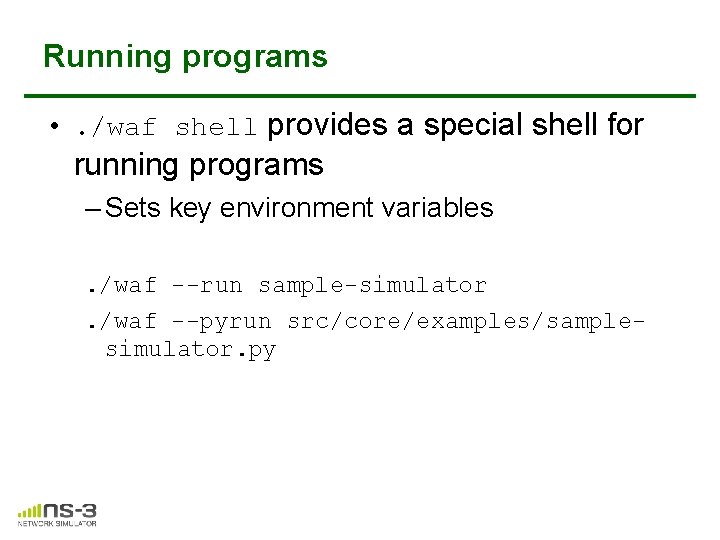
Running programs • . /waf shell provides a special shell for running programs – Sets key environment variables. /waf --run sample-simulator. /waf --pyrun src/core/examples/samplesimulator. py
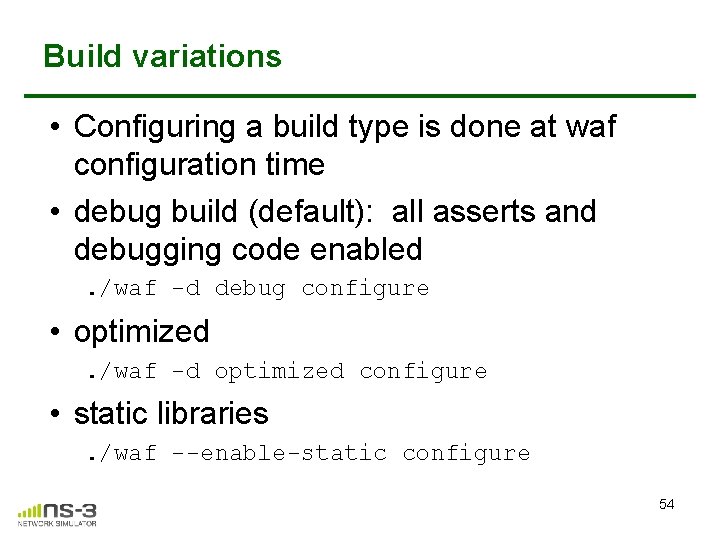
Build variations • Configuring a build type is done at waf configuration time • debug build (default): all asserts and debugging code enabled. /waf -d debug configure • optimized. /waf -d optimized configure • static libraries. /waf --enable-static configure 54
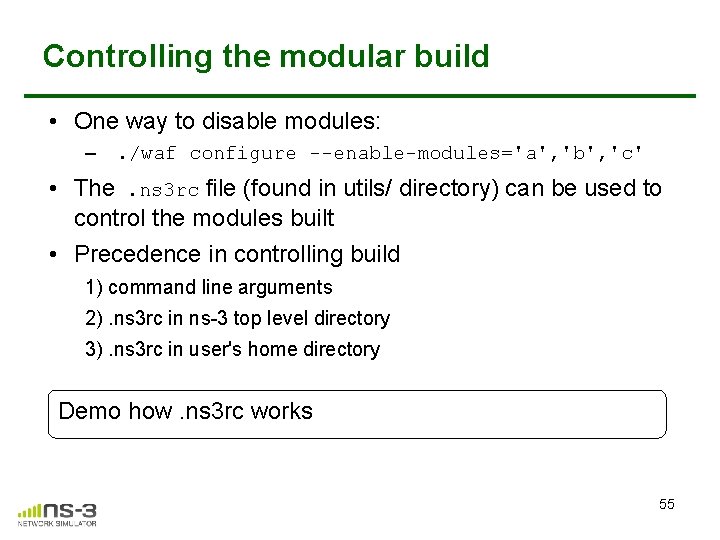
Controlling the modular build • One way to disable modules: – . /waf configure --enable-modules='a', 'b', 'c' • The. ns 3 rc file (found in utils/ directory) can be used to control the modules built • Precedence in controlling build 1) command line arguments 2). ns 3 rc in ns-3 top level directory 3). ns 3 rc in user's home directory Demo how. ns 3 rc works 55
Building without wscript • The scratch/ directory can be used to build programs without wscripts Demo how programs can be built without wscripts 56
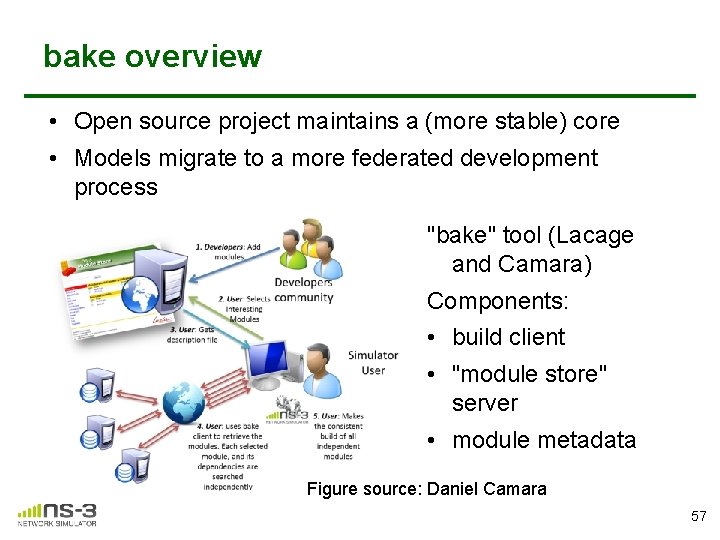
bake overview • Open source project maintains a (more stable) core • Models migrate to a more federated development process "bake" tool (Lacage and Camara) Components: • build client • "module store" server • module metadata Figure source: Daniel Camara 57
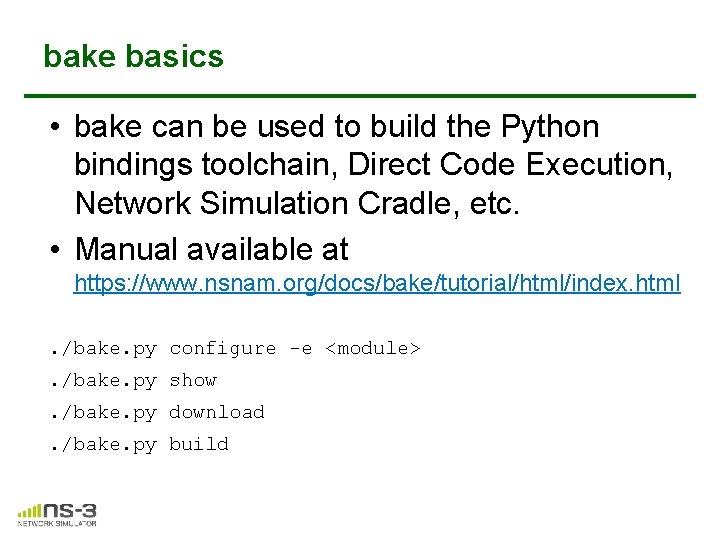
bake basics • bake can be used to build the Python bindings toolchain, Direct Code Execution, Network Simulation Cradle, etc. • Manual available at https: //www. nsnam. org/docs/bake/tutorial/html/index. html. /bake. py configure -e <module>. /bake. py show. /bake. py download. /bake. py build
Placeholder slide for demoing bake Demo: . /waf build Look at: build/ libraries and executables
Visualization 60
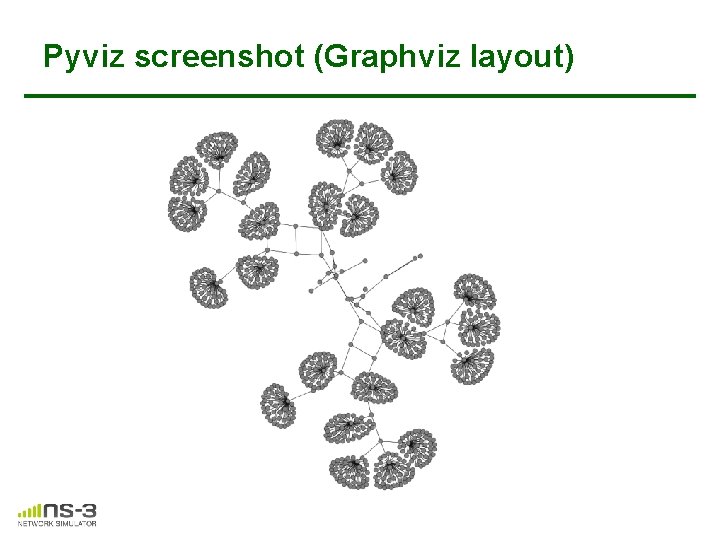
Py. Viz overview • Developed by Gustavo Carneiro • Live simulation visualizer (no trace files) • Useful for debugging – mobility model behavior – where are packets being dropped? • Built-in interactive Python console to debug the state of running objects • Works with Python and C++ programs
Pyviz screenshot (Graphviz layout)
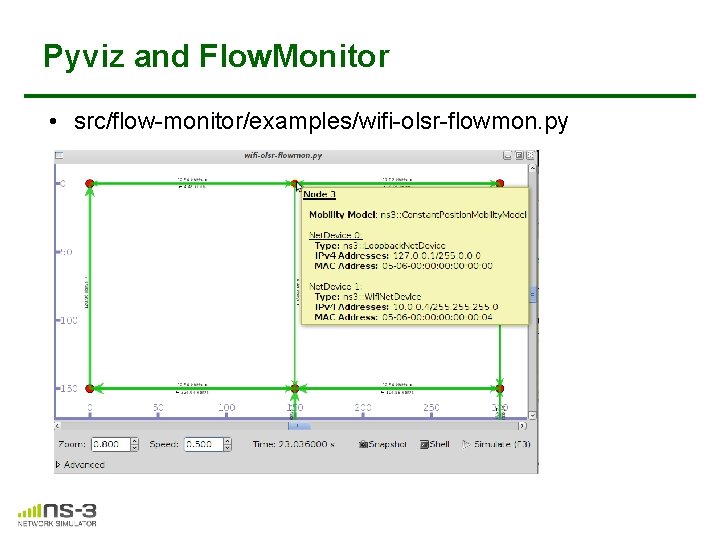
Pyviz and Flow. Monitor • src/flow-monitor/examples/wifi-olsr-flowmon. py
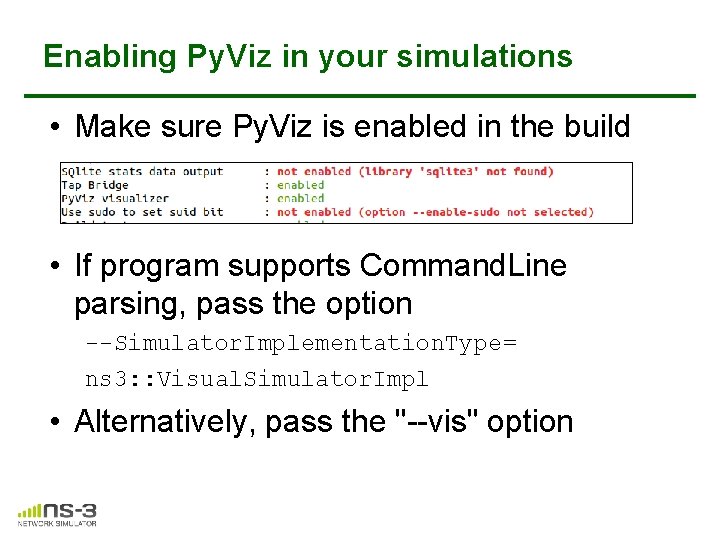
Enabling Py. Viz in your simulations • Make sure Py. Viz is enabled in the build • If program supports Command. Line parsing, pass the option --Simulator. Implementation. Type= ns 3: : Visual. Simulator. Impl • Alternatively, pass the "--vis" option
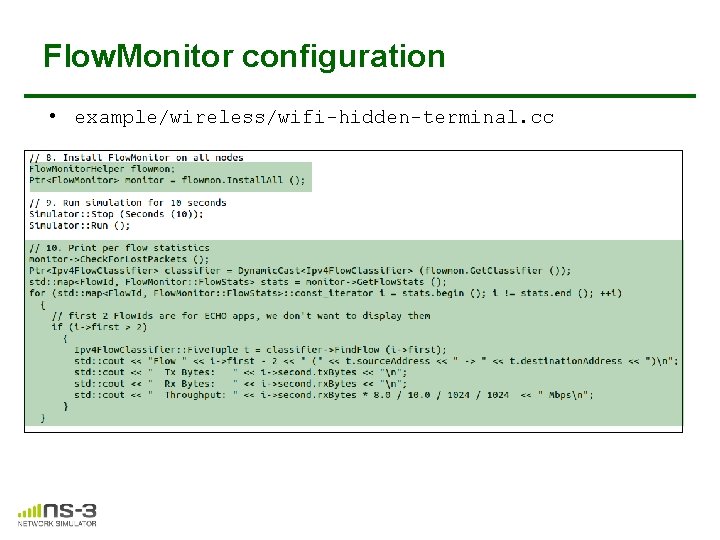
Flow. Monitor • Network monitoring framework found in src/flow-monitor/ • Goals: – detect all flows passing through network – stores metrics for analysis such as bitrates, duration, delays, packet sizes, packet loss ratios G. Carneiro, P. Fortuna, M. Ricardo, "Flow. Monitor-- a network monitoring framework for the Network Simulator ns-3, " Proceedings of NSTools 2009.
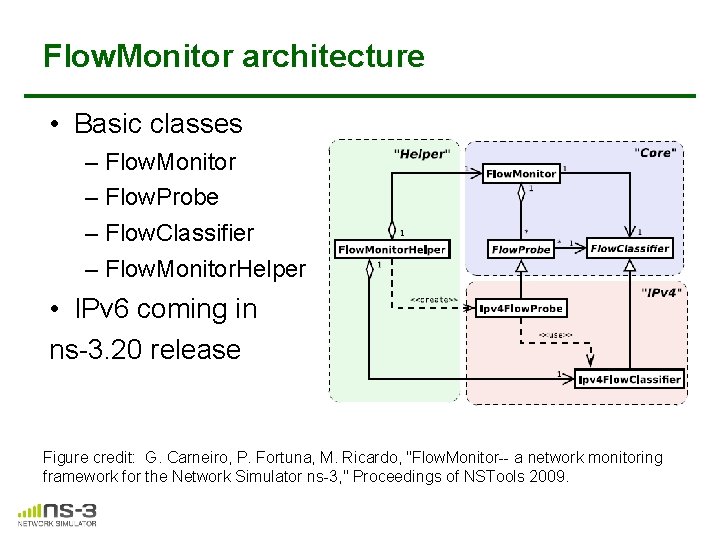
Flow. Monitor architecture • Basic classes – Flow. Monitor – Flow. Probe – Flow. Classifier – Flow. Monitor. Helper • IPv 6 coming in ns-3. 20 release Figure credit: G. Carneiro, P. Fortuna, M. Ricardo, "Flow. Monitor-- a network monitoring framework for the Network Simulator ns-3, " Proceedings of NSTools 2009.
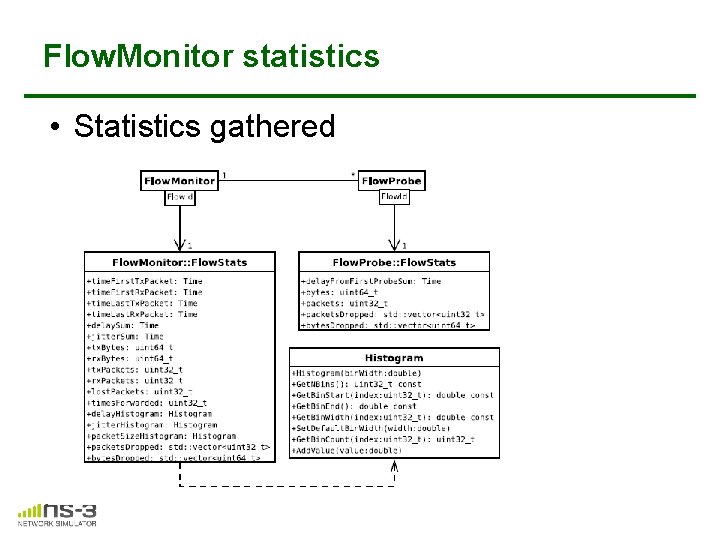
Flow. Monitor statistics • Statistics gathered
Flow. Monitor configuration • example/wireless/wifi-hidden-terminal. cc
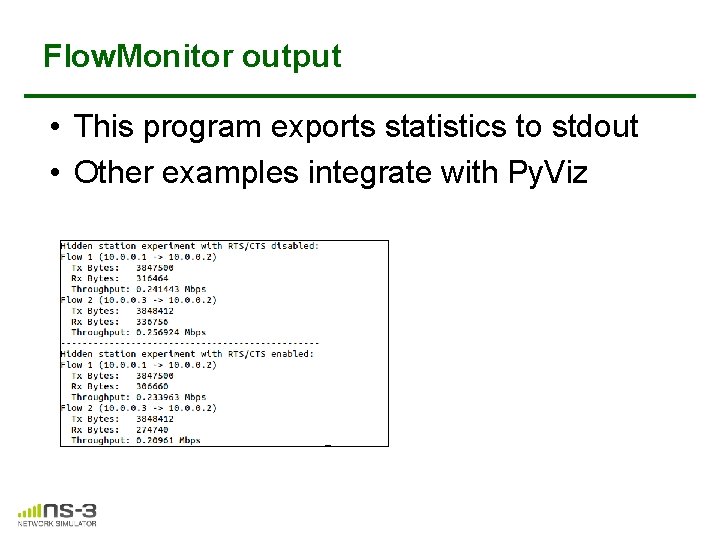
Flow. Monitor output • This program exports statistics to stdout • Other examples integrate with Py. Viz
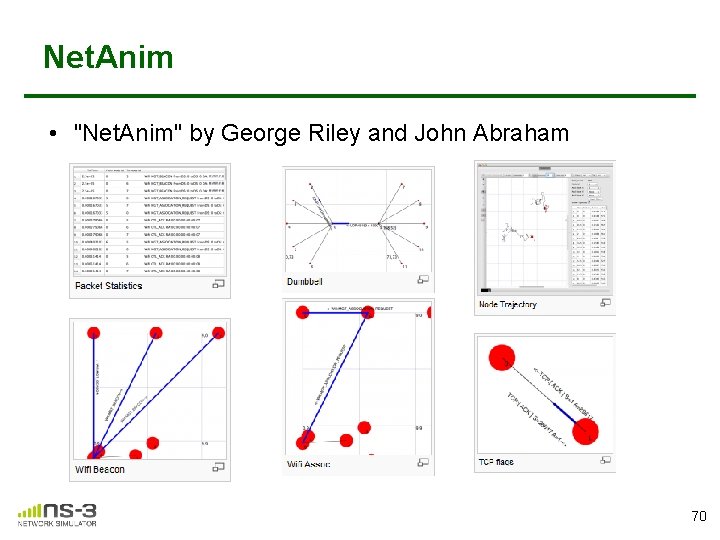
Net. Anim • "Net. Anim" by George Riley and John Abraham pyviz 70
Net. Anim key features • Animate packets over wired-links and wirelesslinks – limited support for LTE traces • Packet timeline with regex filter on packet metadata. • Node position statistics with node trajectory plotting (path of a mobile node). • Print brief packet-meta data on packets
Placeholder for netanim videos