
NS 3 NS 2 network simulator 407226295 Ubuntu
NS 3 & NS 2 (network simulator) 資 碩一 407226295 陳彥銘
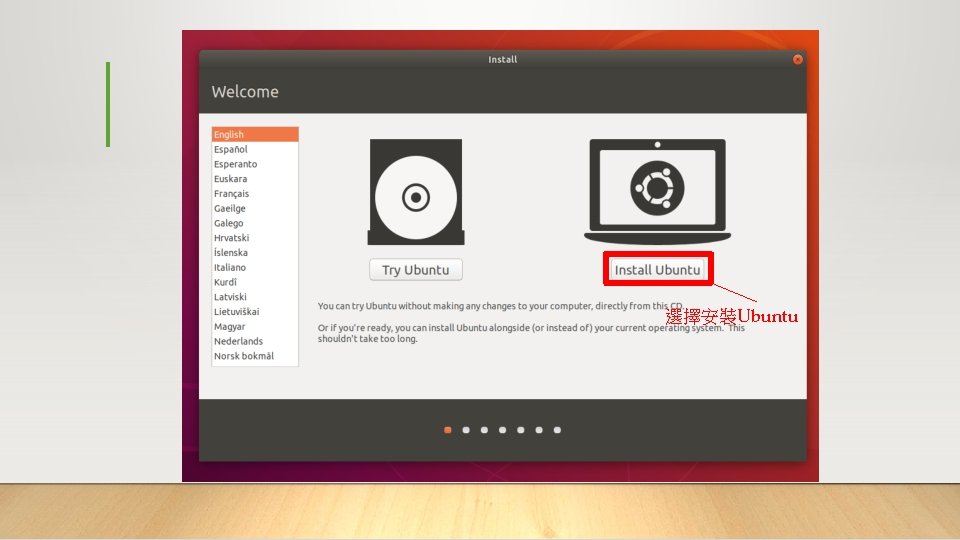
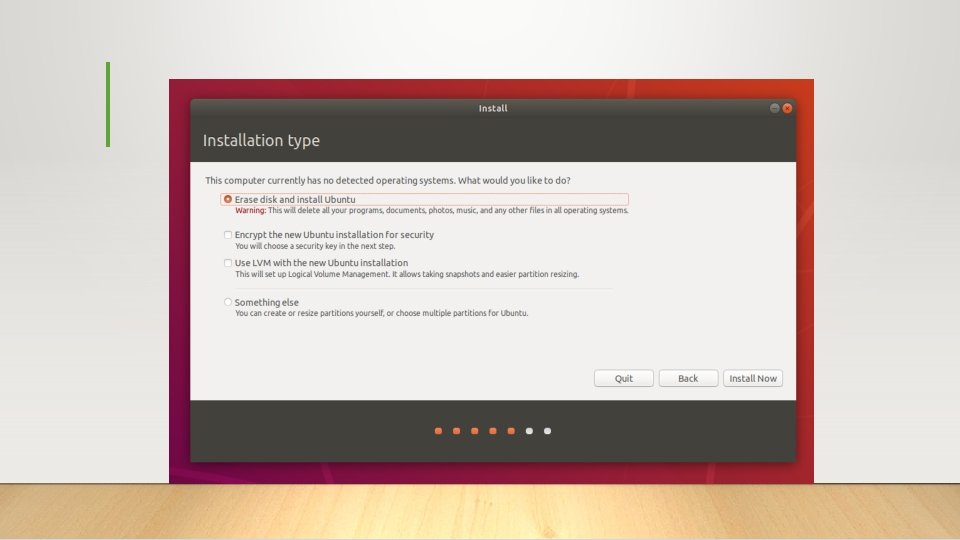
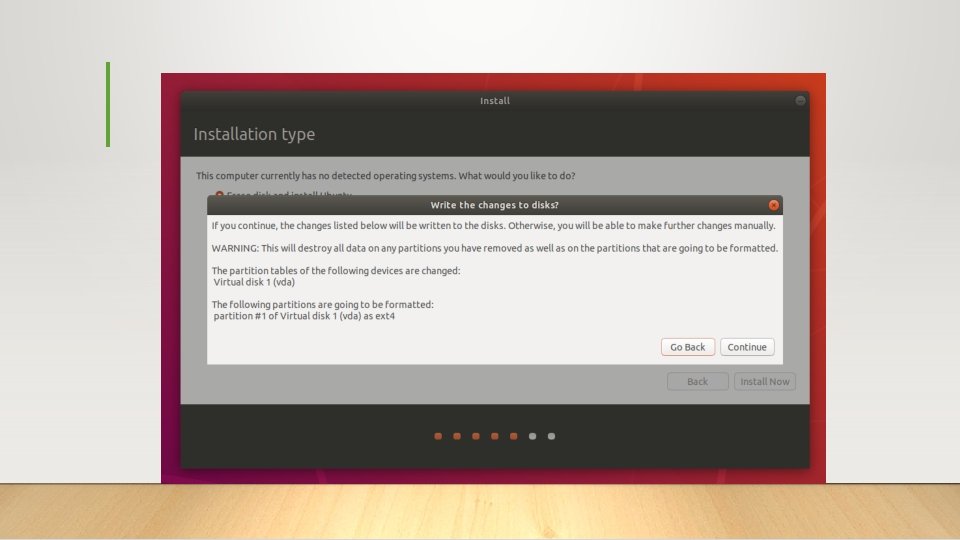
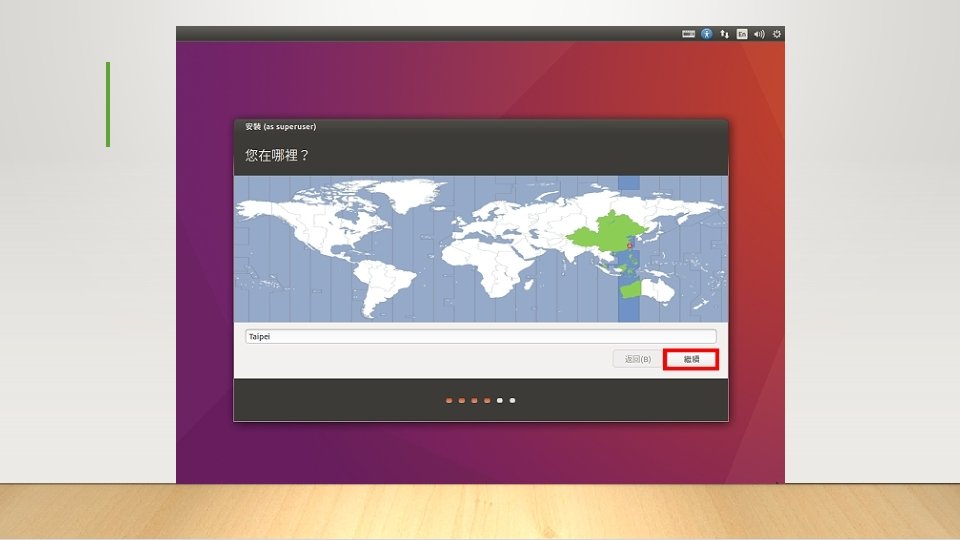
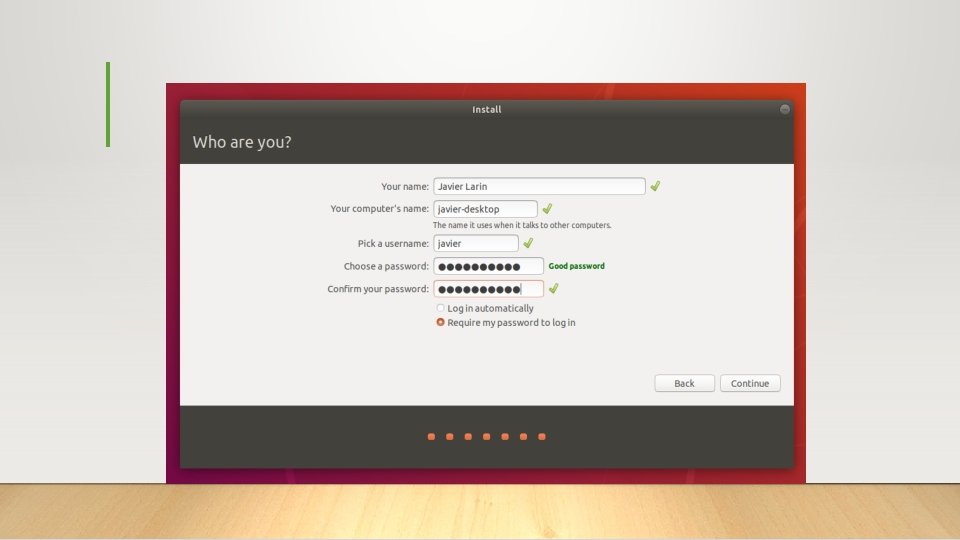
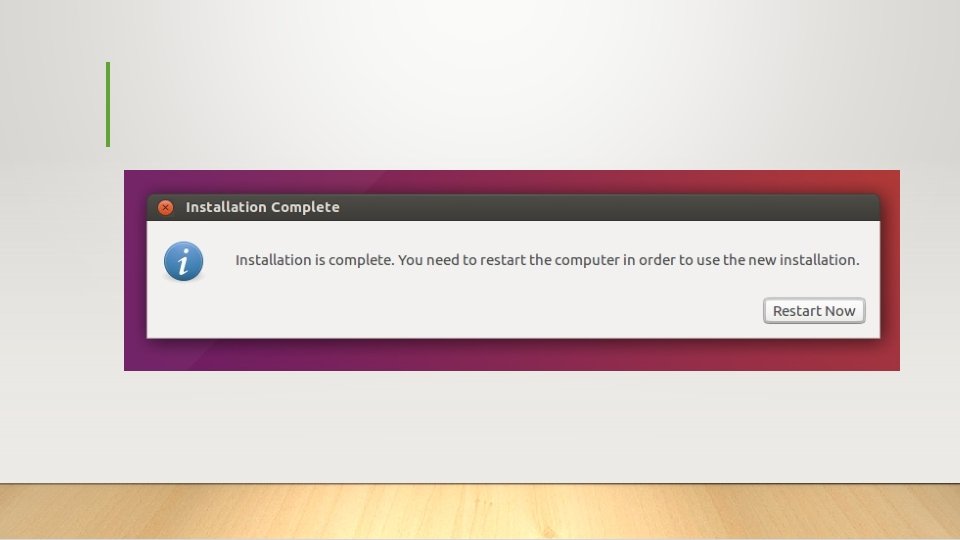
選擇安裝Ubuntu
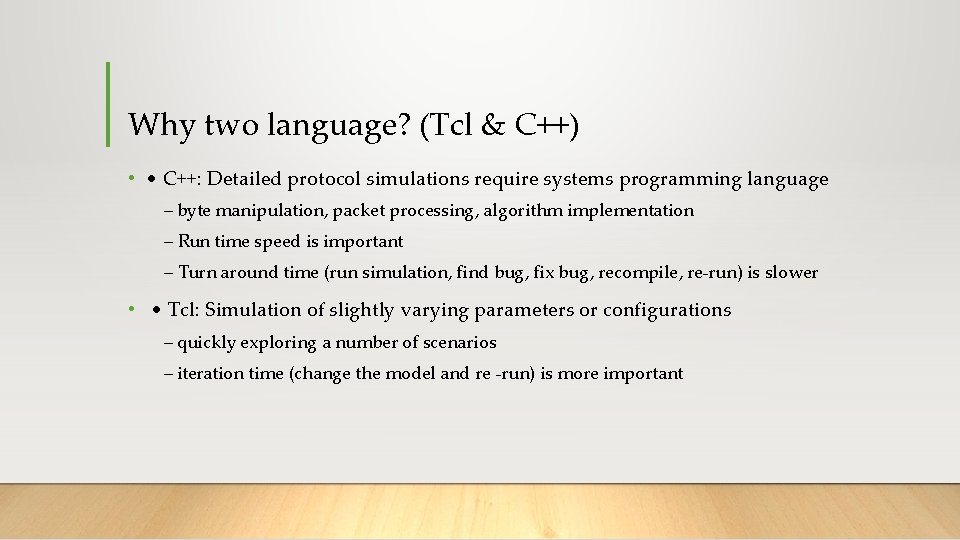
Why two language? (Tcl & C++) • • C++: Detailed protocol simulations require systems programming language – byte manipulation, packet processing, algorithm implementation – Run time speed is important – Turn around time (run simulation, find bug, fix bug, recompile, re-run) is slower • • Tcl: Simulation of slightly varying parameters or configurations – quickly exploring a number of scenarios – iteration time (change the model and re -run) is more important
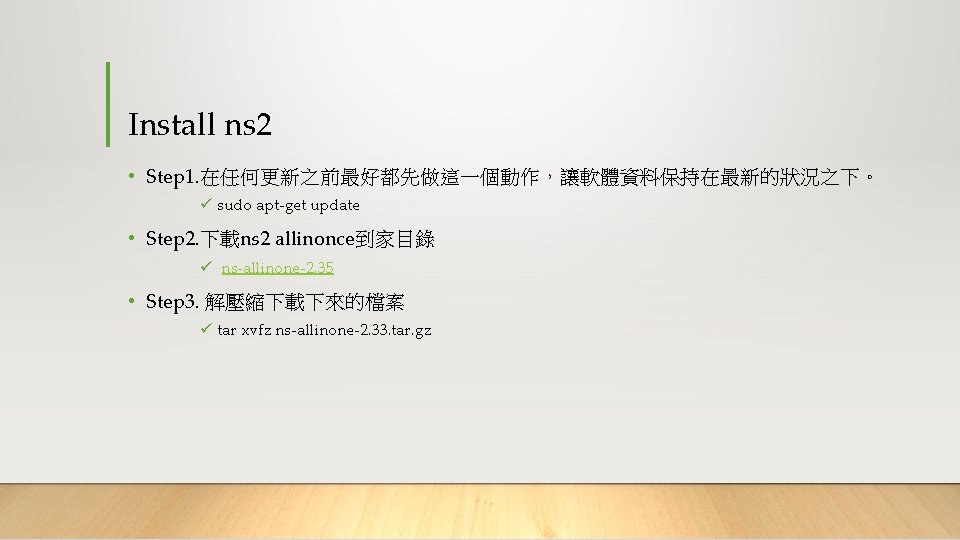
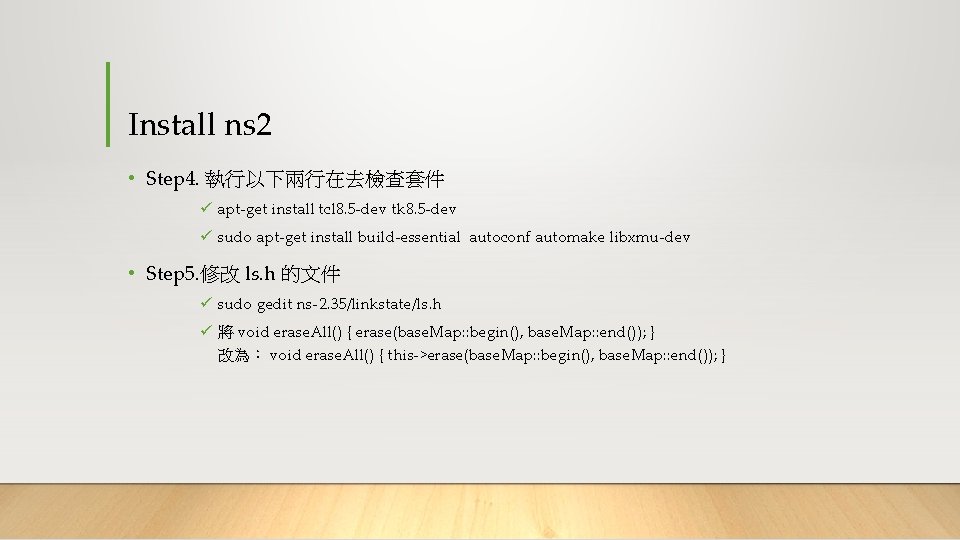
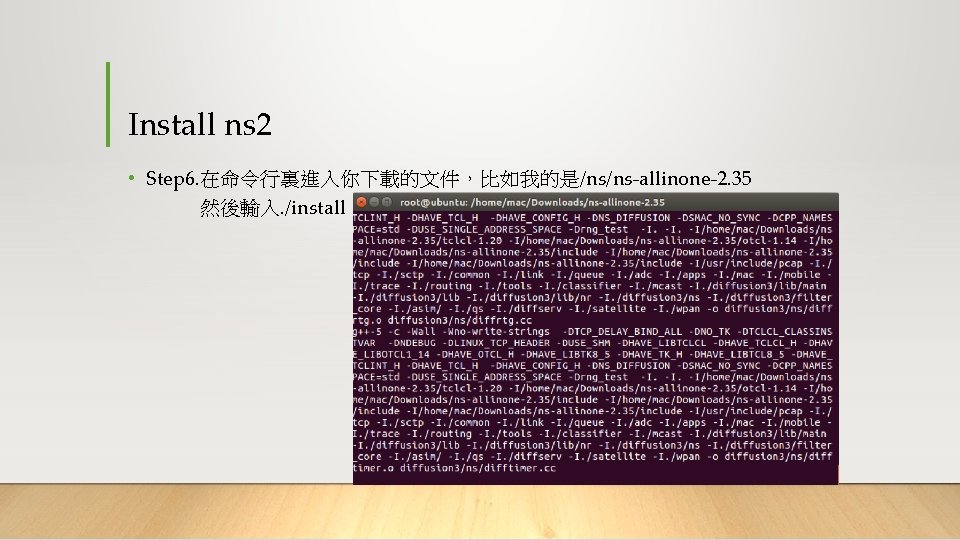
Install ns 2 • Step 4. 執行以下兩行在去檢查套件 ü apt-get install tcl 8. 5 -dev tk 8. 5 -dev ü sudo apt-get install build-essential autoconf automake libxmu-dev • Step 5. 修改 ls. h 的文件 ü sudo gedit ns-2. 35/linkstate/ls. h ü 將 void erase. All() { erase(base. Map: : begin(), base. Map: : end()); } 改為: void erase. All() { this->erase(base. Map: : begin(), base. Map: : end()); }
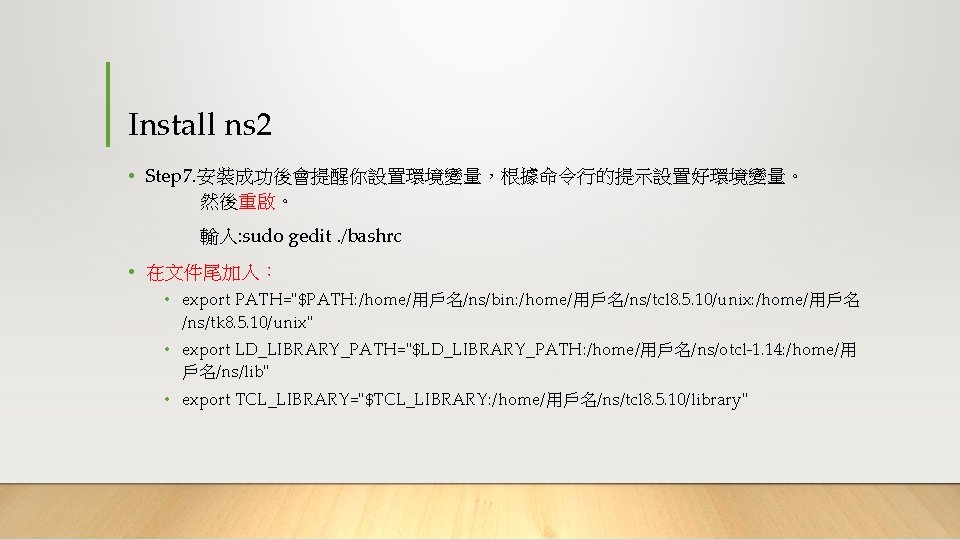
Install ns 2 • Step 7. 安裝成功後會提醒你設置環境變量,根據命令行的提示設置好環境變量。 然後重啟。 輸入: sudo gedit. /bashrc • 在文件尾加入: • export PATH="$PATH: /home/用戶名/ns/bin: /home/用戶名/ns/tcl 8. 5. 10/unix: /home/用戶名 /ns/tk 8. 5. 10/unix" • export LD_LIBRARY_PATH="$LD_LIBRARY_PATH: /home/用戶名/ns/otcl-1. 14: /home/用 戶名/ns/lib" • export TCL_LIBRARY="$TCL_LIBRARY: /home/用戶名/ns/tcl 8. 5. 10/library"
Install nam • Nam is a Tcl/TK based animation tool for viewing network simulation traces and real world packet traces. It supports topology layout, packet level animation, and various data inspection tools. • NAM=>模擬結果視覺化 ü sudo apt-get install nam
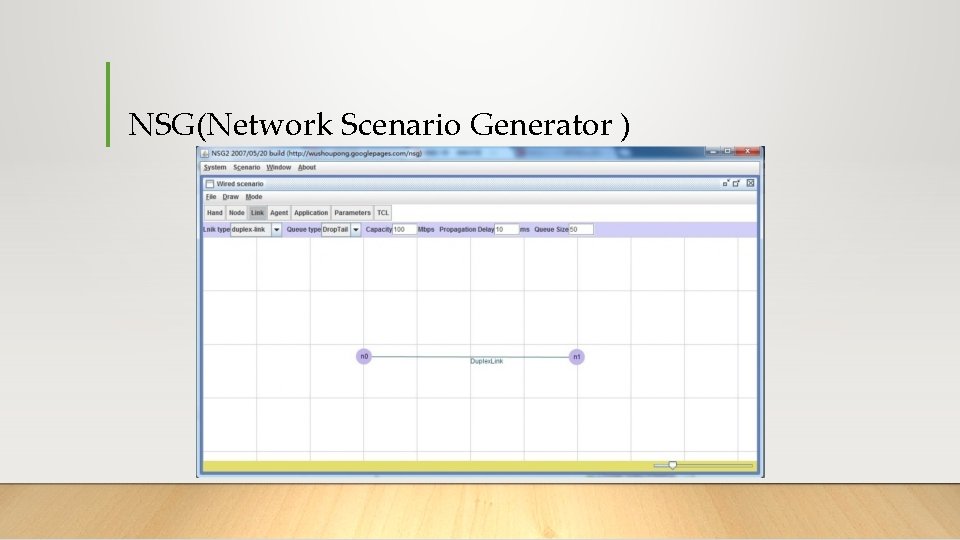
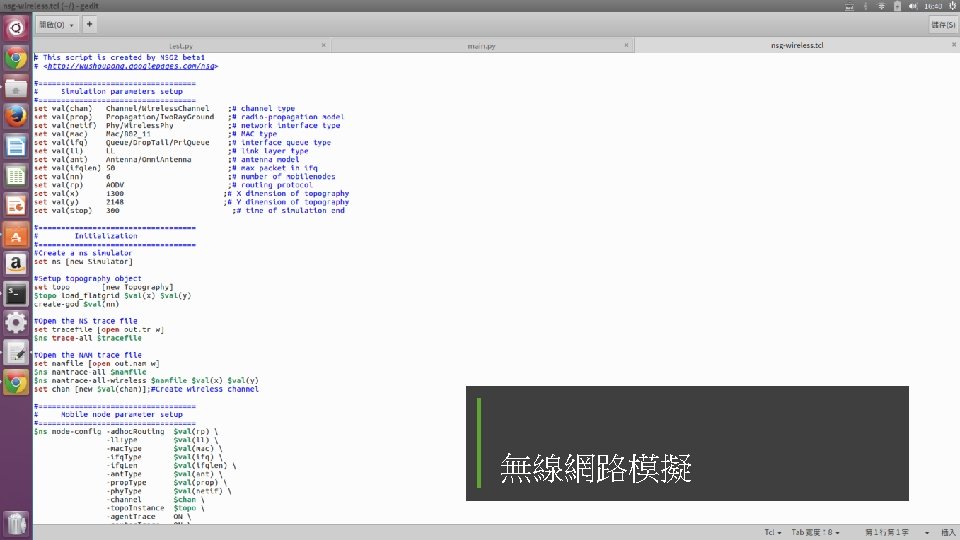
NSG(Network Scenario Generator )
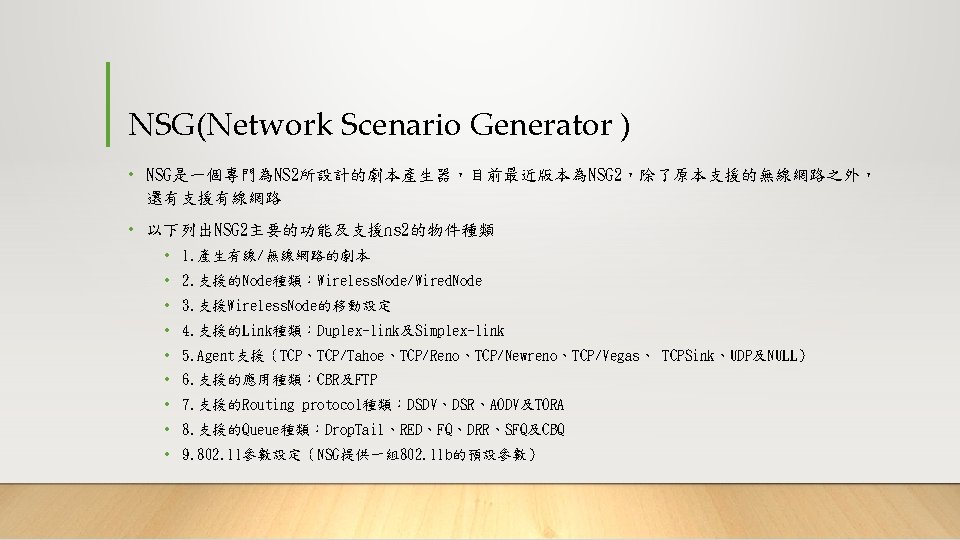
NSG(Network Scenario Generator ) • 由於在執行NSG 2之前必須先確定電腦中存有Java Runtime Environment/Java SE Development Kit
Ubuntu java安裝指令 ü 1. 安裝指令 1. sudo add-apt-repository ppa: webupd 8 team/java 2. sudo apt-get update 3. sudo apt-get install oracle-java 7 -installer ü 2. 看看是否安裝成功 java –version
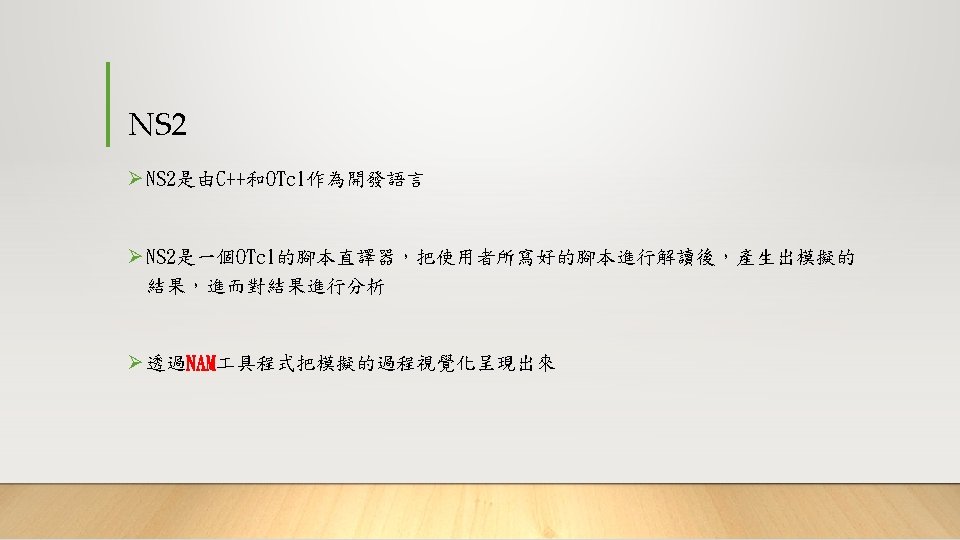
Ns 2 -OTcl (Object Tcl) ØOTcl = Tcl + OO ØC++ implements the code that executed frequently ØOTcl configures the system
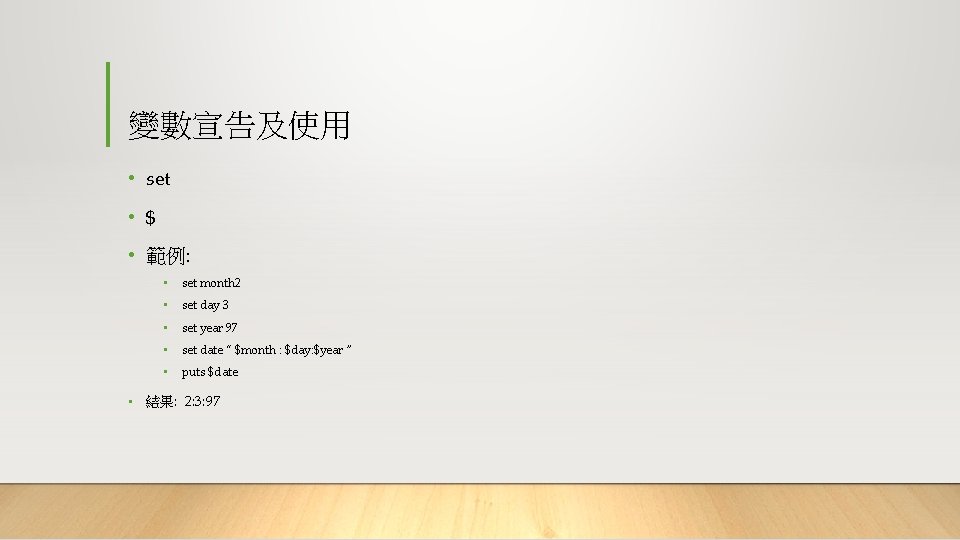
變數宣告及使用 • set • $ • 範例: • set month 2 • set day 3 • set year 97 • set date “ $month : $day: $year ” • puts $date • 結果: 2: 3: 97
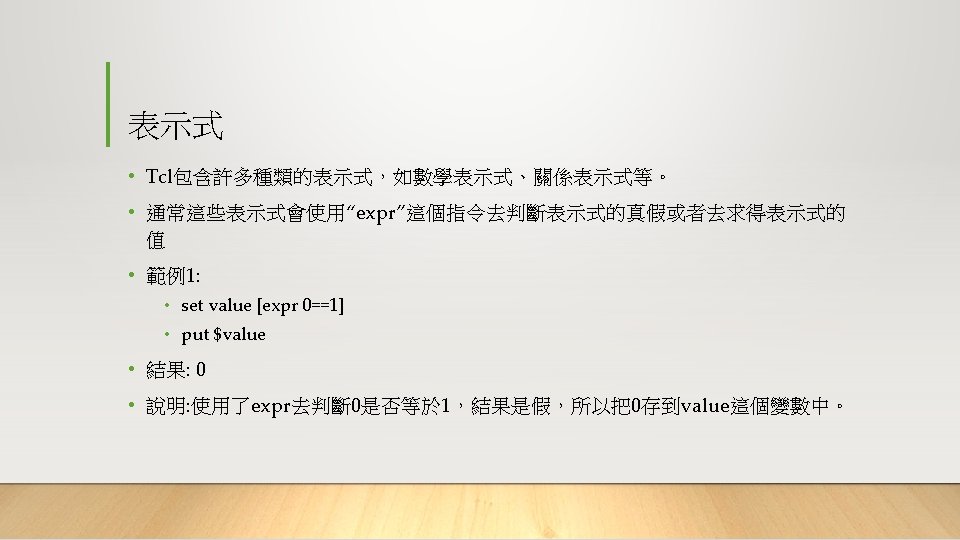
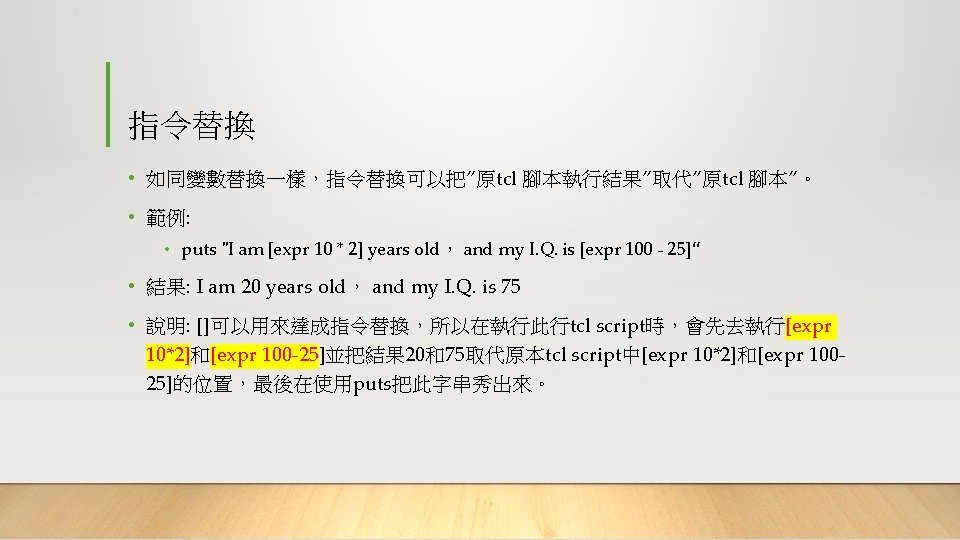
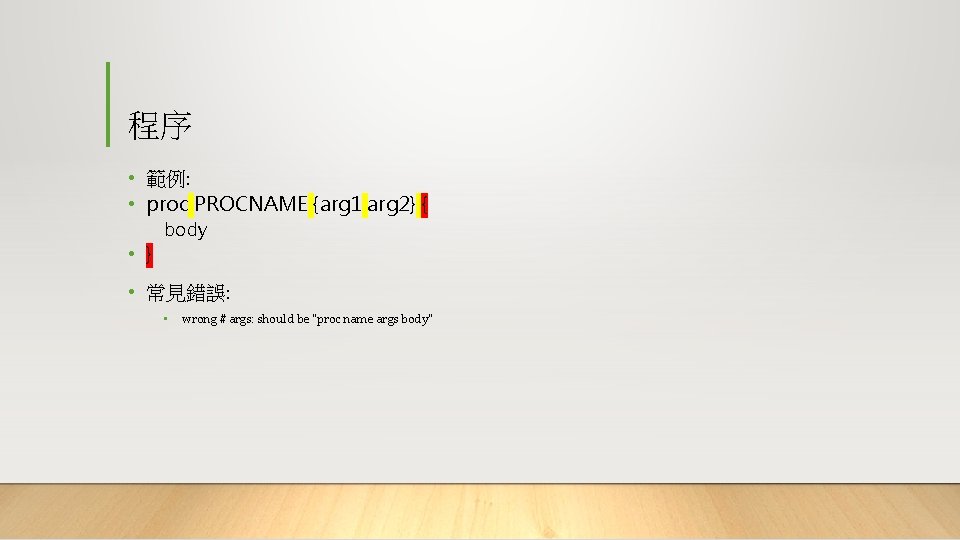
程序 • 範例: • proc PROCNAME {arg 1 arg 2} { • } body • 常見錯誤: • wrong # args: should be "proc name args body"
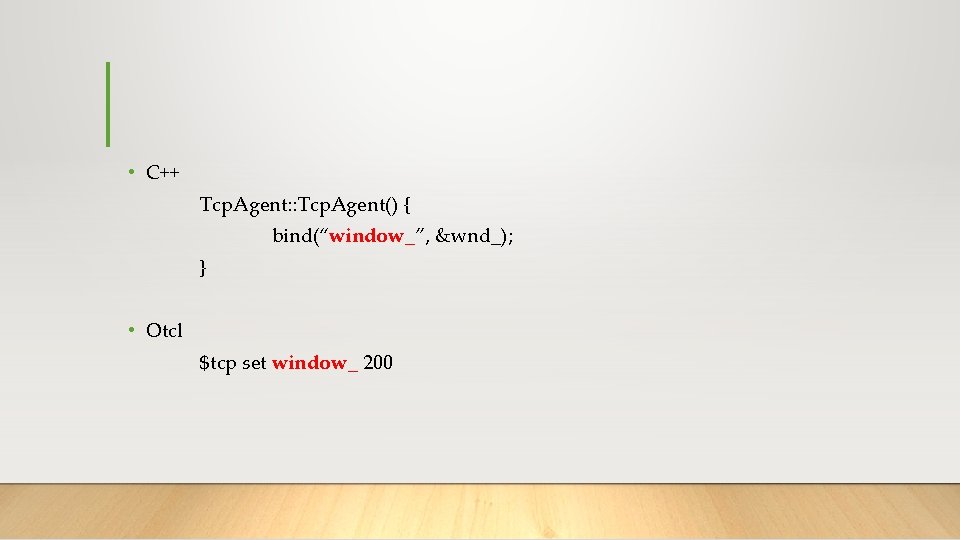
• C++ Tcp. Agent: : Tcp. Agent() { bind(“window_”, &wnd_); } • Otcl $tcp set window_ 200
![Hello World - Batch mode • simple. tcl: • set ns [new Simulator] •](http://slidetodoc.com/presentation_image/210af5c6e2b5951fe6c94daab21833ed/image-32.jpg "Hello World - Batch mode • simple. tcl: • set ns [new Simulator] •")
Hello World - Batch mode • simple. tcl: • set ns [new Simulator] • $ns at 1 “puts “Hello World!”” • $ns at 1. 5 “exit” • $ns run • [Lin]$ ns simple. tcl • Hello World! • [lin]$
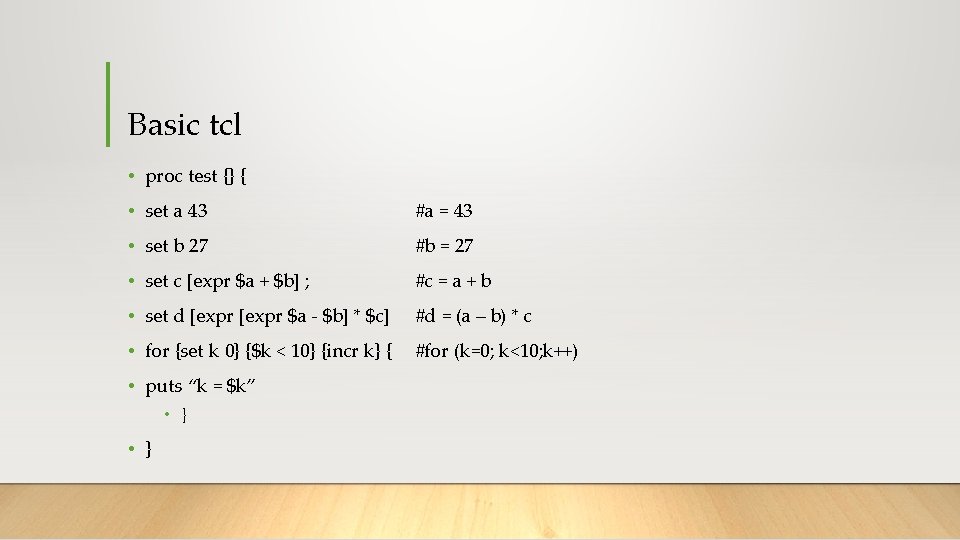
Basic tcl • proc test {} { • set a 43 #a = 43 • set b 27 #b = 27 • set c [expr $a + $b] ; #c = a + b • set d [expr $a - $b] * $c] #d = (a – b) * c • for {set k 0} {$k < 10} {incr k} { • puts “k = $k” • } #for (k=0; k<10; k++)
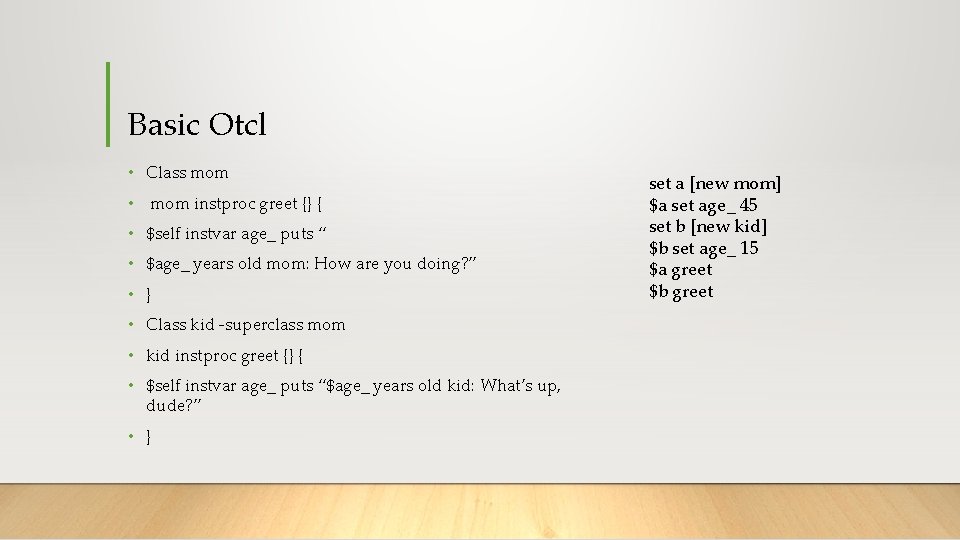
Basic Otcl • Class mom • mom instproc greet {} { • $self instvar age_ puts “ • $age_ years old mom: How are you doing? ” • } • Class kid -superclass mom • kid instproc greet {} { • $self instvar age_ puts “$age_ years old kid: What’s up, dude? ” • } set a [new mom] $a set age_ 45 set b [new kid] $b set age_ 15 $a greet $b greet
![• Creating simulator instance • set ns [new Simulator] -通常為NS-2第一個指令。 • Turning on](http://slidetodoc.com/presentation_image/210af5c6e2b5951fe6c94daab21833ed/image-35.jpg "• Creating simulator instance • set ns [new Simulator] -通常為NS-2第一個指令。 • Turning on")
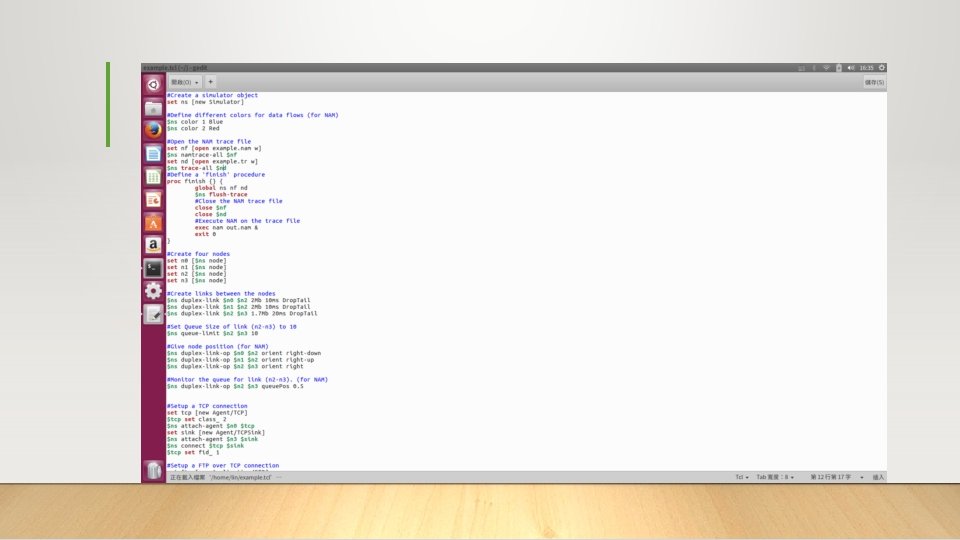
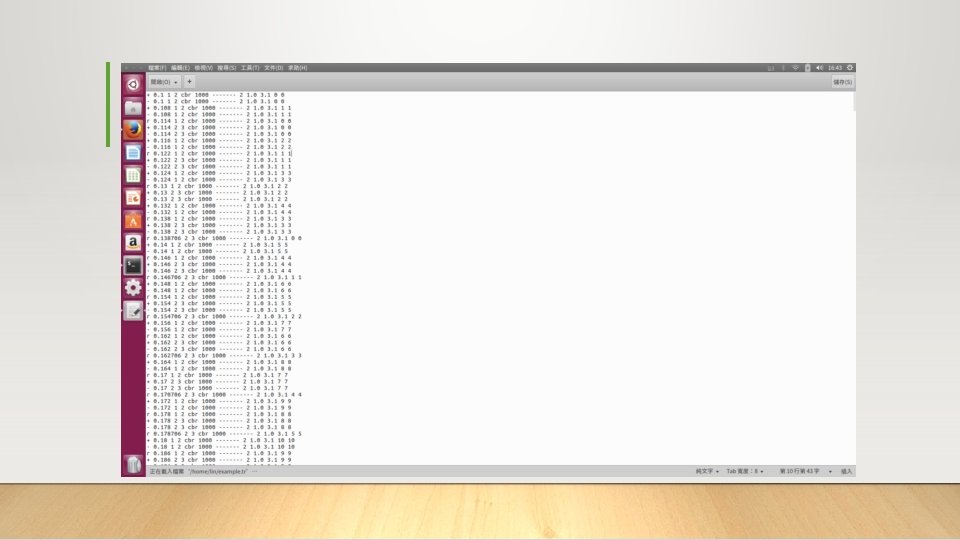
• Creating simulator instance • set ns [new Simulator] -通常為NS-2第一個指令。 • Turning on a tracefile • Open file for NS tracing • set f [open out. tr w] • $ns trace-all $f • 參考網址 : https: //www. isi. edu/nsnam/ns/doc/node 296. html
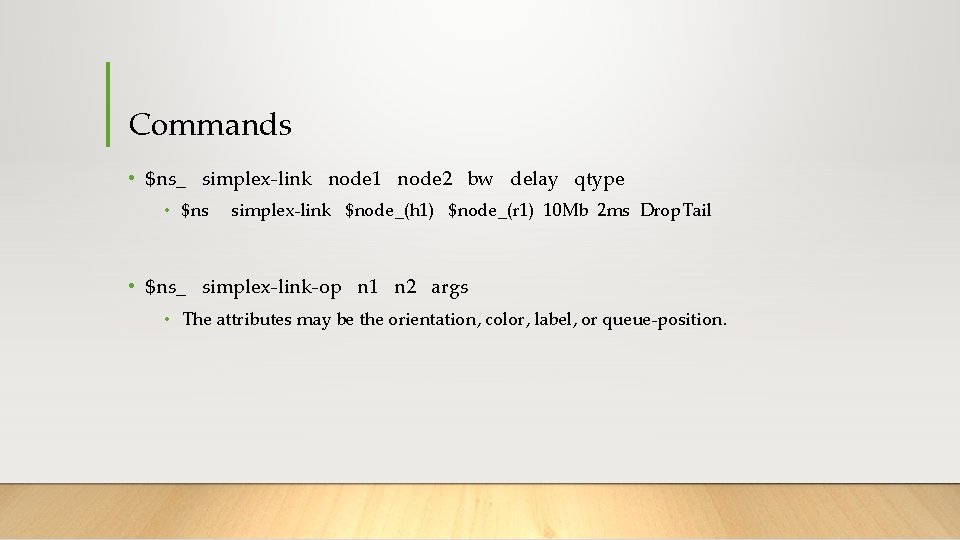
Commands • $ns_ simplex-link node 1 node 2 bw delay qtype • $ns simplex-link $node_(h 1) $node_(r 1) 10 Mb 2 ms Drop. Tail • $ns_ simplex-link-op n 1 n 2 args • The attributes may be the orientation, color, label, or queue-position.
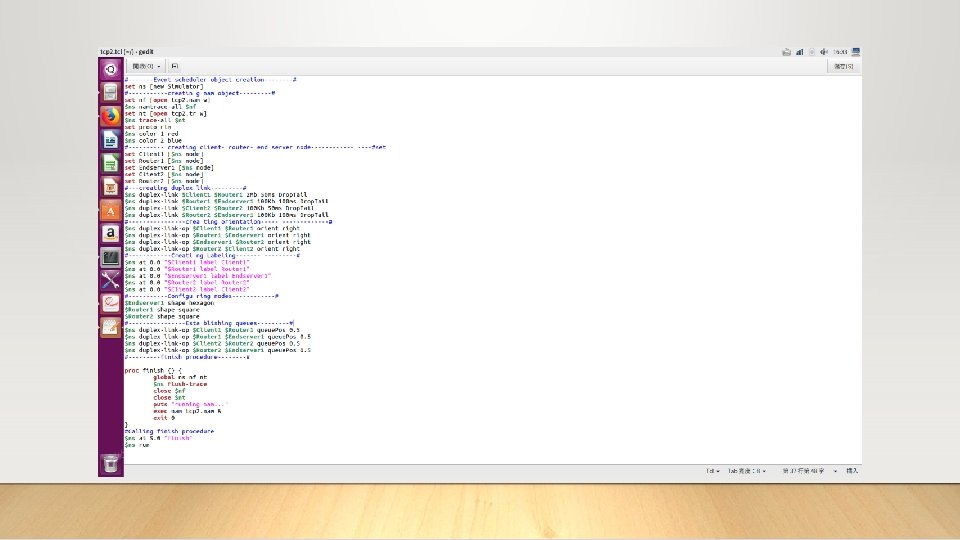
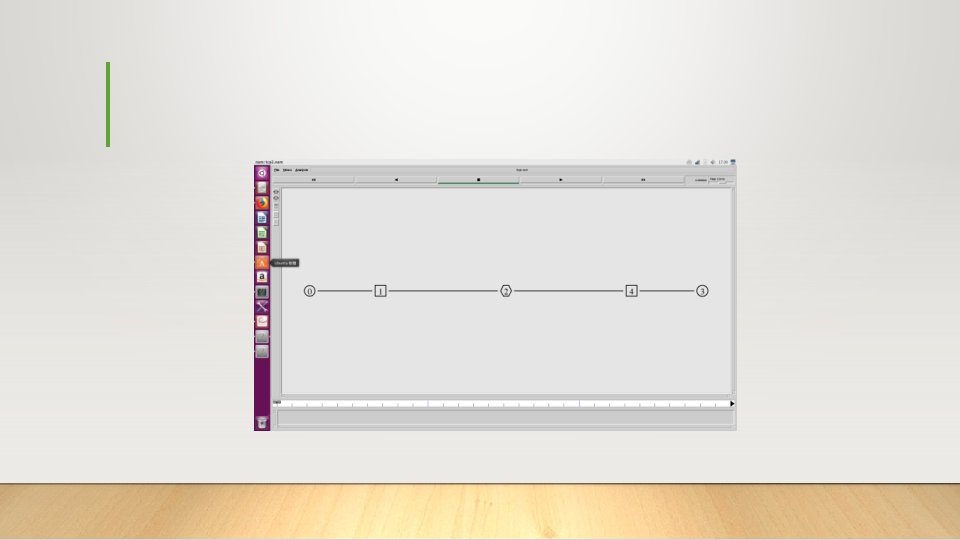

The Network Topology

- Slides: 46