Network Guide to Networks 6 th Edition Chapter

- Slides: 54
Network+ Guide to Networks 6 th Edition Chapter 13 Troubleshooting Network Problems
Objectives • Describe the steps involved in an effective troubleshooting methodology • Follow a systematic troubleshooting process to identify and resolve networking problems • Document symptoms, solutions, and results when troubleshooting network problems • Use a variety of software and hardware tools to diagnose problems Network+ Guide to Networks, 6 th Edition 2
Troubleshooting Methodology • • Proceed logically and methodically Follow recommended steps Use experience when necessary Logical approach benefits – Prevents wasteful, time-consuming efforts • Unnecessary software, hardware replacements Network+ Guide to Networks, 6 th Edition 3
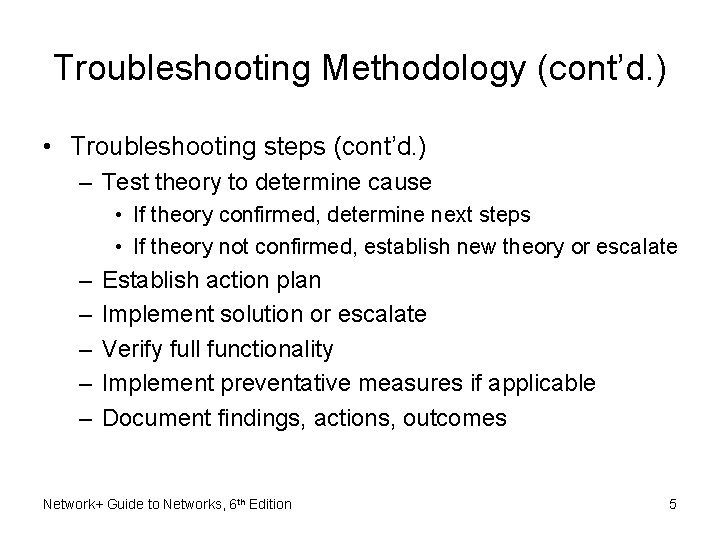
Troubleshooting Methodology (cont’d. ) • Troubleshooting steps – Identify problem • • Gather information Identify symptoms Question users Determine if anything has changed – Establish theory of probable cause • Question the obvious Network+ Guide to Networks, 6 th Edition 4
Troubleshooting Methodology (cont’d. ) • Troubleshooting steps (cont’d. ) – Test theory to determine cause • If theory confirmed, determine next steps • If theory not confirmed, establish new theory or escalate – – – Establish action plan Implement solution or escalate Verify full functionality Implement preventative measures if applicable Document findings, actions, outcomes Network+ Guide to Networks, 6 th Edition 5
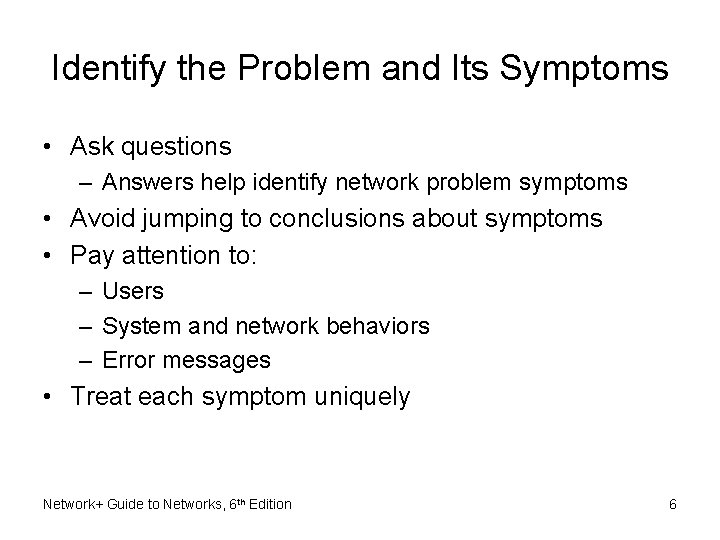
Identify the Problem and Its Symptoms • Ask questions – Answers help identify network problem symptoms • Avoid jumping to conclusions about symptoms • Pay attention to: – Users – System and network behaviors – Error messages • Treat each symptom uniquely Network+ Guide to Networks, 6 th Edition 6
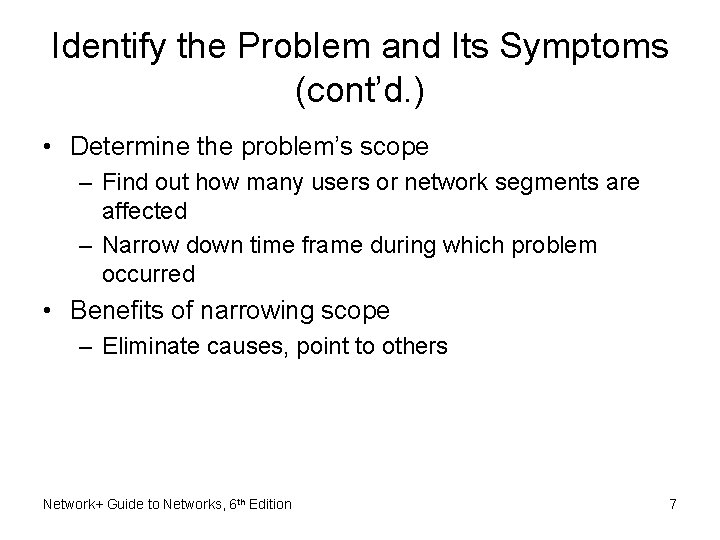
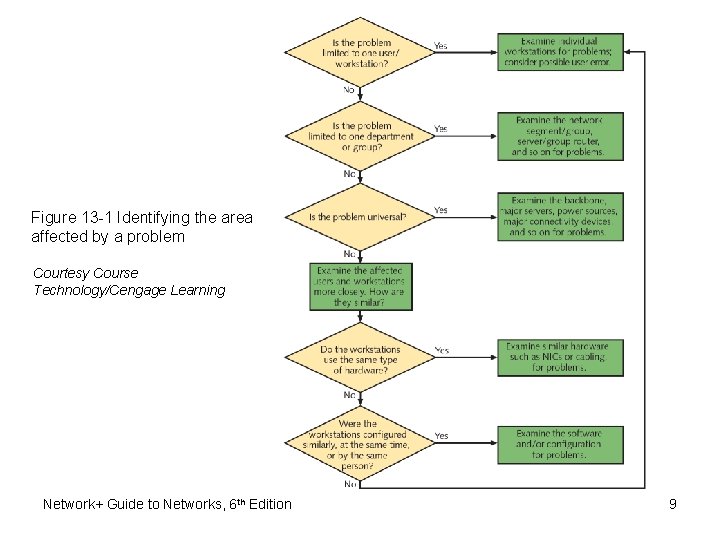
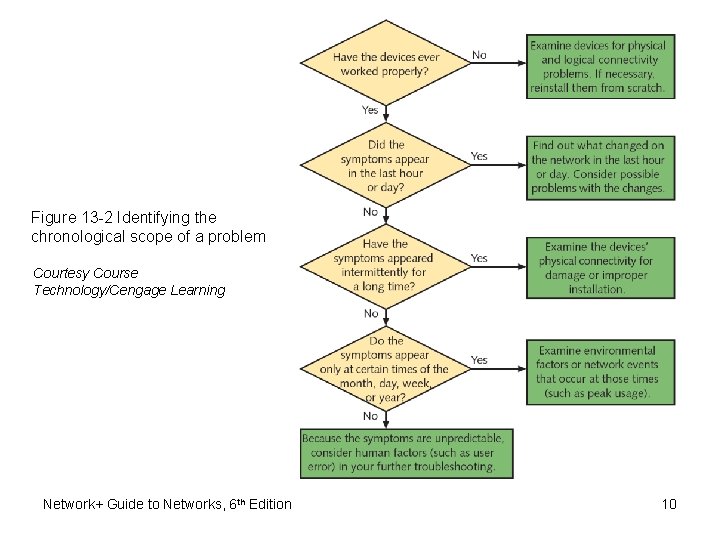
Identify the Problem and Its Symptoms (cont’d. ) • Determine the problem’s scope – Find out how many users or network segments are affected – Narrow down time frame during which problem occurred • Benefits of narrowing scope – Eliminate causes, point to others Network+ Guide to Networks, 6 th Edition 7
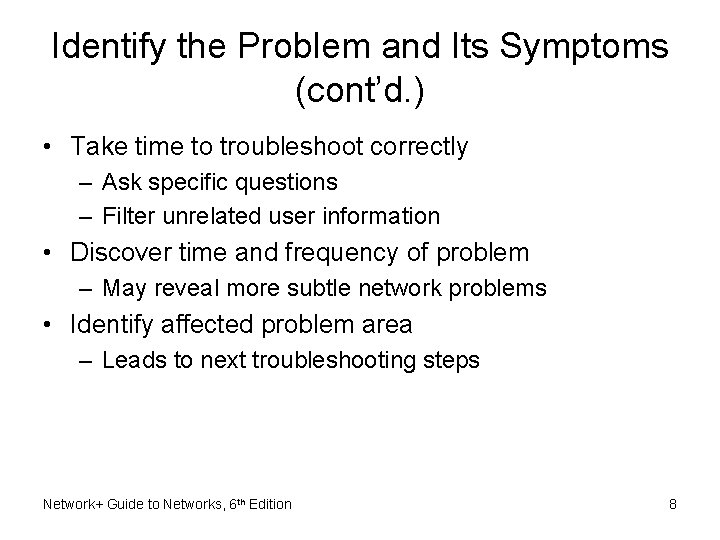
Identify the Problem and Its Symptoms (cont’d. ) • Take time to troubleshoot correctly – Ask specific questions – Filter unrelated user information • Discover time and frequency of problem – May reveal more subtle network problems • Identify affected problem area – Leads to next troubleshooting steps Network+ Guide to Networks, 6 th Edition 8
Figure 13 -1 Identifying the area affected by a problem Courtesy Course Technology/Cengage Learning Network+ Guide to Networks, 6 th Edition 9
Figure 13 -2 Identifying the chronological scope of a problem Courtesy Course Technology/Cengage Learning Network+ Guide to Networks, 6 th Edition 10
Identify the Problem and Its Symptoms (cont’d. ) • Question users – Ensure human error is not source of problem – Watch the user if possible • Use remote desktop software • Ask what appears on the screen • Use methodical approach • Determine if anything has changed – Be aware of recent network changes – Ask questions pinpointing problem resulting from network change Network+ Guide to Networks, 6 th Edition 11
Identify the Problem and Its Symptoms (cont’d. ) • Possible actions if network change created problem – Correct problem • Sometimes the best solution – Reverse change • Less risky, less time consuming • Network change records – Track what has changed – Make records available to staff members Network+ Guide to Networks, 6 th Edition 12
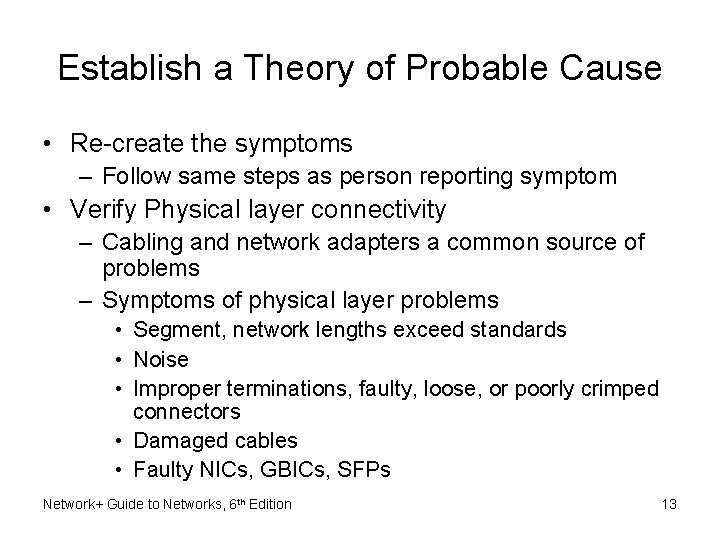
Establish a Theory of Probable Cause • Re-create the symptoms – Follow same steps as person reporting symptom • Verify Physical layer connectivity – Cabling and network adapters a common source of problems – Symptoms of physical layer problems • Segment, network lengths exceed standards • Noise • Improper terminations, faulty, loose, or poorly crimped connectors • Damaged cables • Faulty NICs, GBICs, SFPs Network+ Guide to Networks, 6 th Edition 13
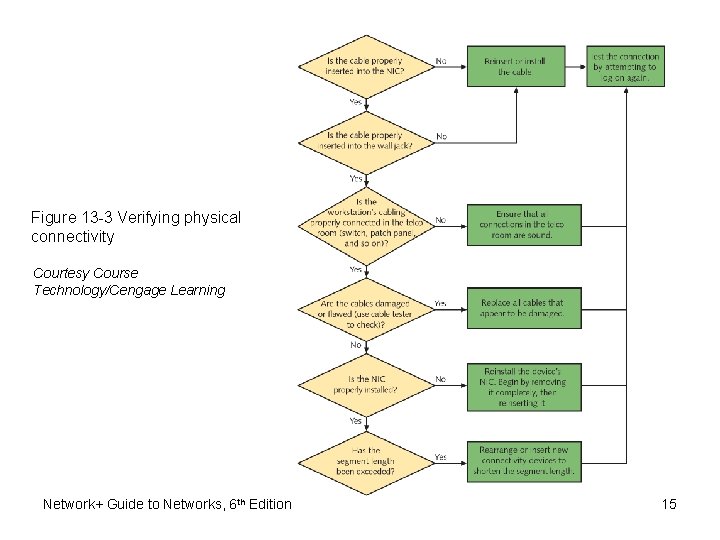
Establish a Theory of Probable Cause • Verify Physical layer connectivity (cont’d. ) – Diagnosing Physical layer problems • Ask questions • Verify connections between devices • Verify soundness of connection hardware • Verify logical connectivity – – – Consider error messages Note changes in operating system or applications Determine if the problem is repeatable Find out who is affected by the problem Narrow down possibilities Network+ Guide to Networks, 6 th Edition 14
Figure 13 -3 Verifying physical connectivity Courtesy Course Technology/Cengage Learning Network+ Guide to Networks, 6 th Edition 15
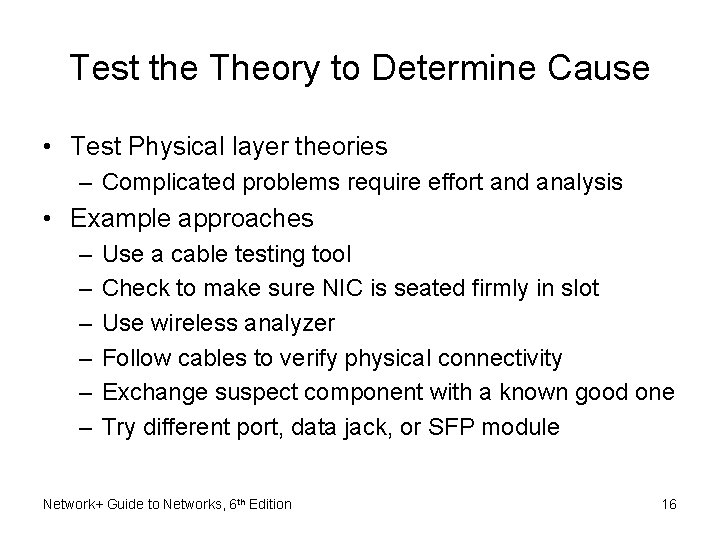
Test the Theory to Determine Cause • Test Physical layer theories – Complicated problems require effort and analysis • Example approaches – – – Use a cable testing tool Check to make sure NIC is seated firmly in slot Use wireless analyzer Follow cables to verify physical connectivity Exchange suspect component with a known good one Try different port, data jack, or SFP module Network+ Guide to Networks, 6 th Edition 16
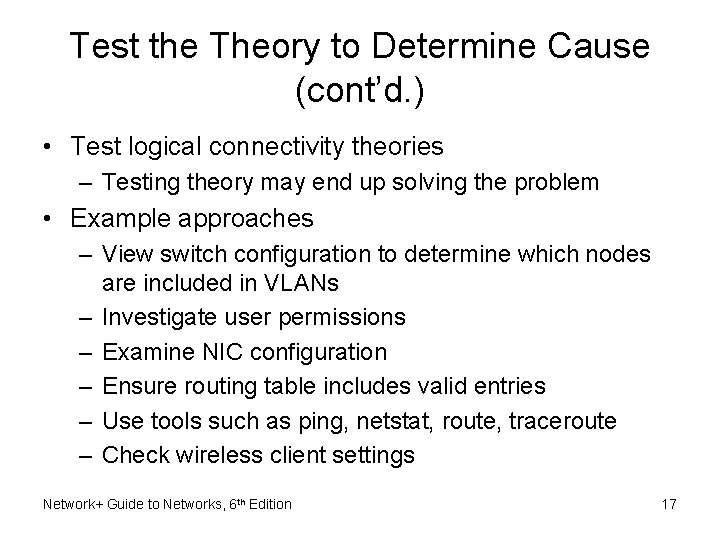
Test the Theory to Determine Cause (cont’d. ) • Test logical connectivity theories – Testing theory may end up solving the problem • Example approaches – View switch configuration to determine which nodes are included in VLANs – Investigate user permissions – Examine NIC configuration – Ensure routing table includes valid entries – Use tools such as ping, netstat, route, traceroute – Check wireless client settings Network+ Guide to Networks, 6 th Edition 17
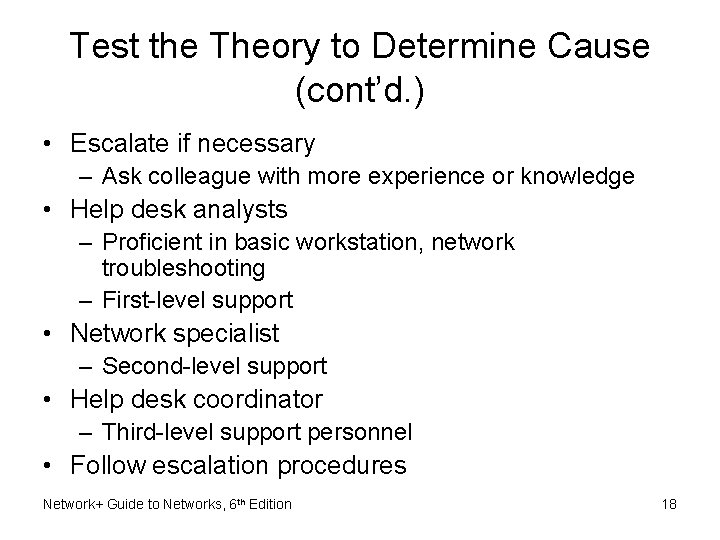
Test the Theory to Determine Cause (cont’d. ) • Escalate if necessary – Ask colleague with more experience or knowledge • Help desk analysts – Proficient in basic workstation, network troubleshooting – First-level support • Network specialist – Second-level support • Help desk coordinator – Third-level support personnel • Follow escalation procedures Network+ Guide to Networks, 6 th Edition 18
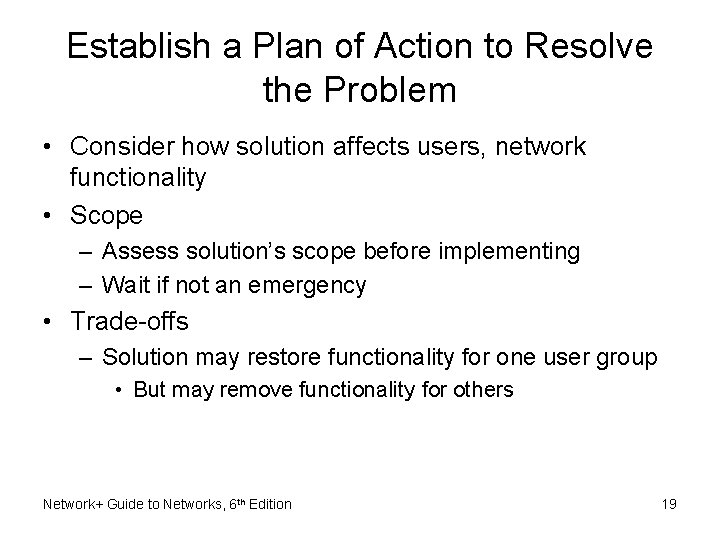
Establish a Plan of Action to Resolve the Problem • Consider how solution affects users, network functionality • Scope – Assess solution’s scope before implementing – Wait if not an emergency • Trade-offs – Solution may restore functionality for one user group • But may remove functionality for others Network+ Guide to Networks, 6 th Edition 19
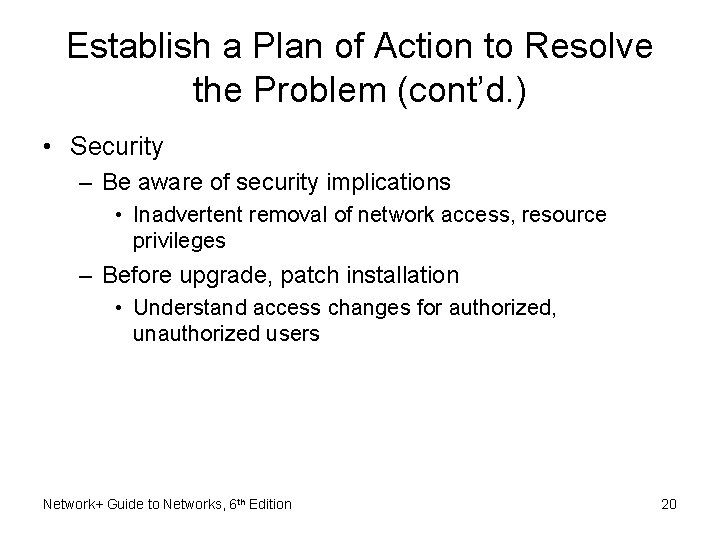
Establish a Plan of Action to Resolve the Problem (cont’d. ) • Security – Be aware of security implications • Inadvertent removal of network access, resource privileges – Before upgrade, patch installation • Understand access changes for authorized, unauthorized users Network+ Guide to Networks, 6 th Edition 20
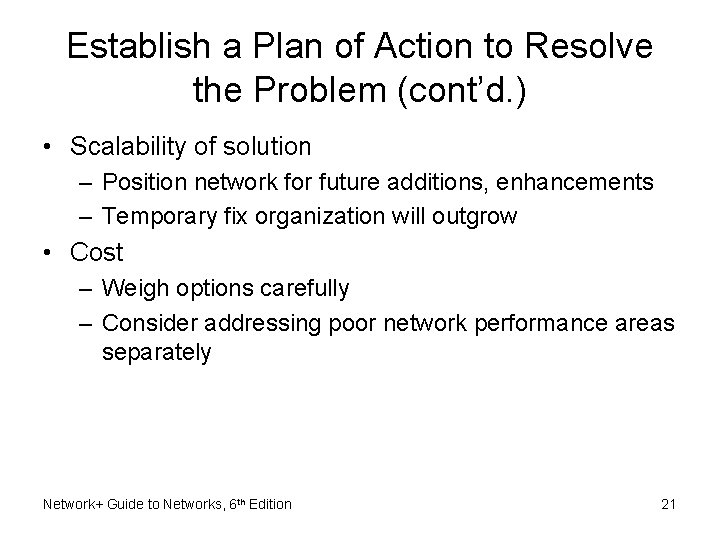
Establish a Plan of Action to Resolve the Problem (cont’d. ) • Scalability of solution – Position network for future additions, enhancements – Temporary fix organization will outgrow • Cost – Weigh options carefully – Consider addressing poor network performance areas separately Network+ Guide to Networks, 6 th Edition 21
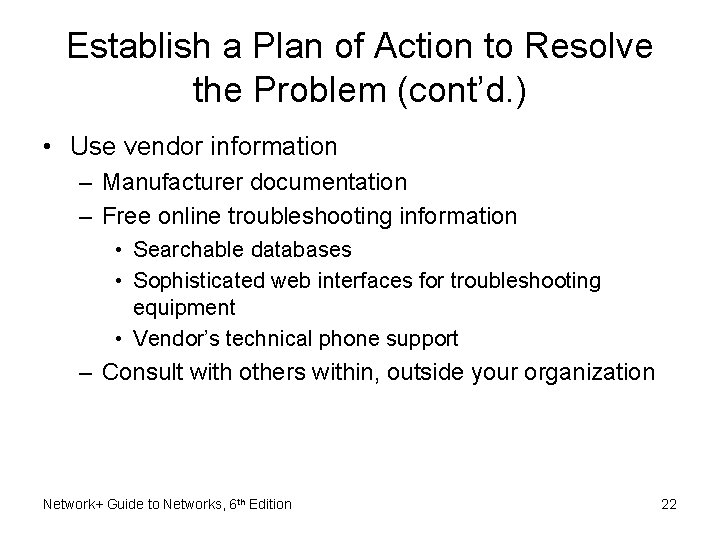
Establish a Plan of Action to Resolve the Problem (cont’d. ) • Use vendor information – Manufacturer documentation – Free online troubleshooting information • Searchable databases • Sophisticated web interfaces for troubleshooting equipment • Vendor’s technical phone support – Consult with others within, outside your organization Network+ Guide to Networks, 6 th Edition 22
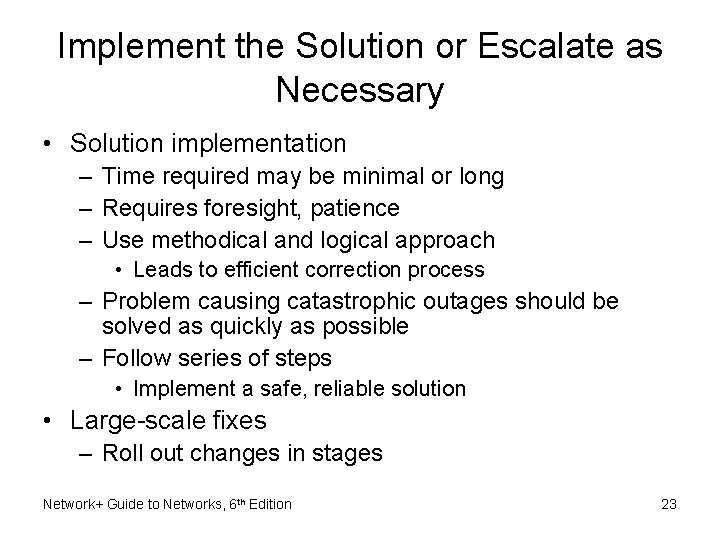
Implement the Solution or Escalate as Necessary • Solution implementation – Time required may be minimal or long – Requires foresight, patience – Use methodical and logical approach • Leads to efficient correction process – Problem causing catastrophic outages should be solved as quickly as possible – Follow series of steps • Implement a safe, reliable solution • Large-scale fixes – Roll out changes in stages Network+ Guide to Networks, 6 th Edition 23
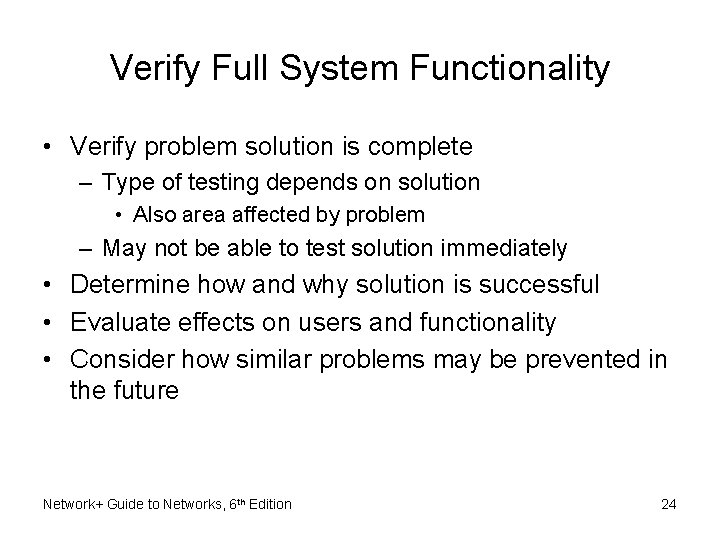
Verify Full System Functionality • Verify problem solution is complete – Type of testing depends on solution • Also area affected by problem – May not be able to test solution immediately • Determine how and why solution is successful • Evaluate effects on users and functionality • Consider how similar problems may be prevented in the future Network+ Guide to Networks, 6 th Edition 24
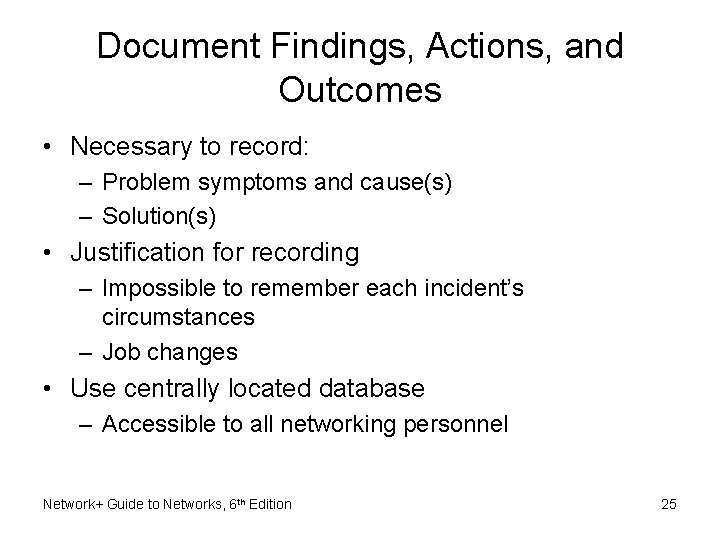
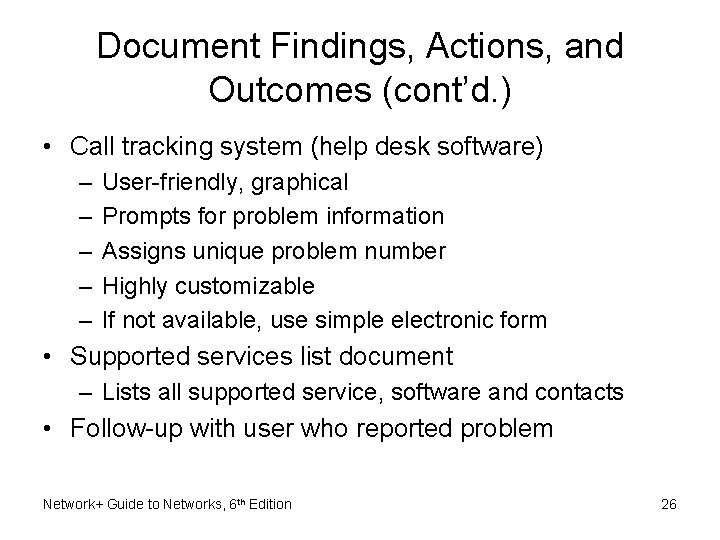
Document Findings, Actions, and Outcomes • Necessary to record: – Problem symptoms and cause(s) – Solution(s) • Justification for recording – Impossible to remember each incident’s circumstances – Job changes • Use centrally located database – Accessible to all networking personnel Network+ Guide to Networks, 6 th Edition 25
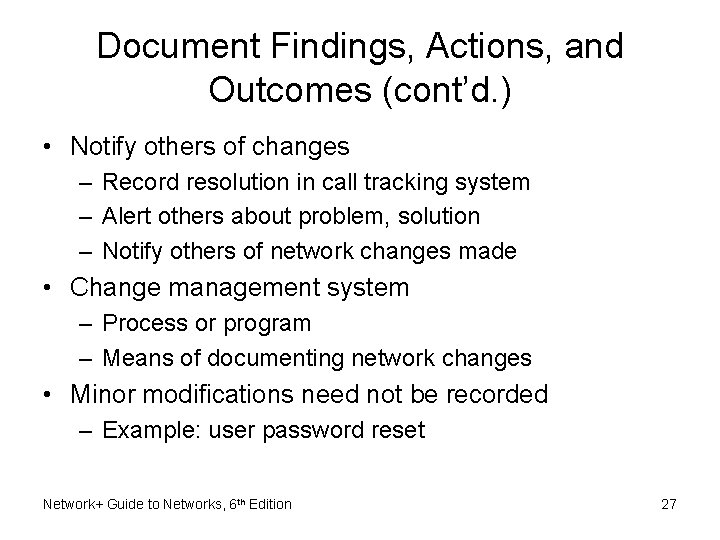
Document Findings, Actions, and Outcomes (cont’d. ) • Call tracking system (help desk software) – – – User-friendly, graphical Prompts for problem information Assigns unique problem number Highly customizable If not available, use simple electronic form • Supported services list document – Lists all supported service, software and contacts • Follow-up with user who reported problem Network+ Guide to Networks, 6 th Edition 26
Document Findings, Actions, and Outcomes (cont’d. ) • Notify others of changes – Record resolution in call tracking system – Alert others about problem, solution – Notify others of network changes made • Change management system – Process or program – Means of documenting network changes • Minor modifications need not be recorded – Example: user password reset Network+ Guide to Networks, 6 th Edition 27
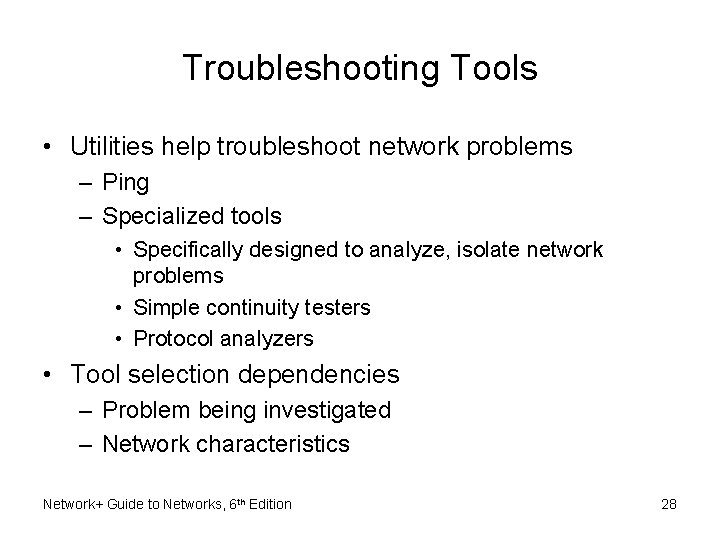
Troubleshooting Tools • Utilities help troubleshoot network problems – Ping – Specialized tools • Specifically designed to analyze, isolate network problems • Simple continuity testers • Protocol analyzers • Tool selection dependencies – Problem being investigated – Network characteristics Network+ Guide to Networks, 6 th Edition 28
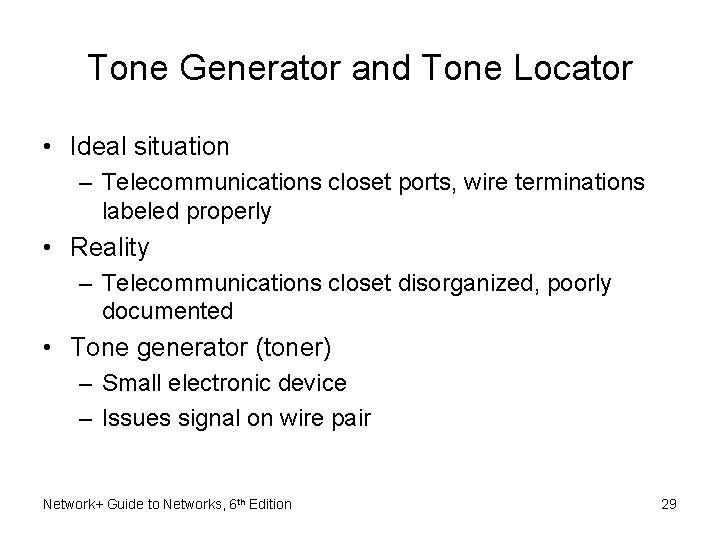
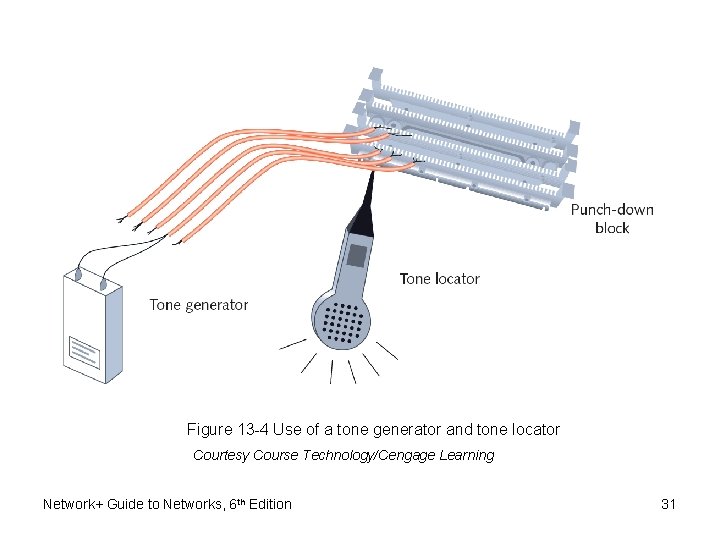
Tone Generator and Tone Locator • Ideal situation – Telecommunications closet ports, wire terminations labeled properly • Reality – Telecommunications closet disorganized, poorly documented • Tone generator (toner) – Small electronic device – Issues signal on wire pair Network+ Guide to Networks, 6 th Edition 29
Tone Generator and Tone Locator (cont’d. ) • Tone locator (probe) – Emits tone when electrical activity detected • Probe kit – Generator and locator combination • Testing requires trial and error • Used to determine where wire pair terminates • Not used to determine cable characteristics Network+ Guide to Networks, 6 th Edition 30
Figure 13 -4 Use of a tone generator and tone locator Courtesy Course Technology/Cengage Learning Network+ Guide to Networks, 6 th Edition 31
Multimeter • Specialized tools used to test cables for faults – Isolate problems with network cables • Multimeter – Measures electric circuit characteristics • Resistance and voltage • Voltmeter – Measures voltage of an electric current • Voltage creates signals over network wire Network+ Guide to Networks, 6 th Edition 32
Multimeter (cont’d. ) • Resistance – Fundamental wire property – Depends on wire’s molecular structure, size – Measured in ohms using ohmmeter • Impedance – – Resistance contributing to controlling signal Measured in ohms Telltale factor for ascertaining where cable faults lie Some required for proper signal transmission and interpretation Network+ Guide to Networks, 6 th Edition 33
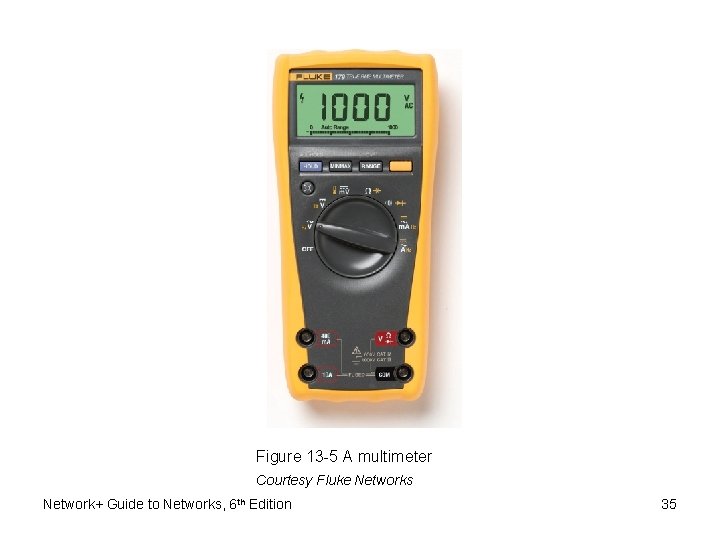
Multimeter (cont’d. ) • Multimeter – Single instrument for measuring impedance, resistance, voltage on a wire – Has several uses – Sophistication, features, and costs vary Network+ Guide to Networks, 6 th Edition 34
Figure 13 -5 A multimeter Courtesy Fluke Networks Network+ Guide to Networks, 6 th Edition 35
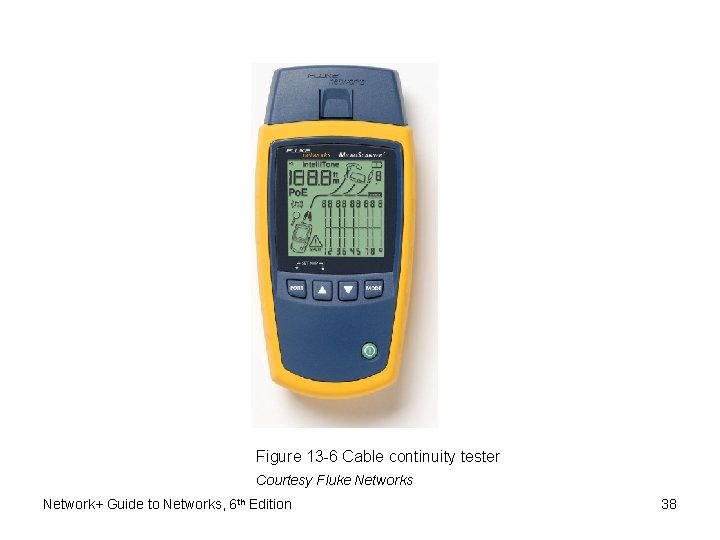
Cable Continuity Testers • Cable checkers (continuity testers, cable testers) – Tests whether cable carries signal to destination • Copper-based cable tester – Consists of two parts • Base unit generates voltage • Remote unit detects voltage • Series of lights, audible tone – Used to signal pass/fail Network+ Guide to Networks, 6 th Edition 36
Cable Continuity Testers (cont’d. ) • Some continuity testers verify UTP, STP wires paired correctly – Not shorted, exposed, crossed • Fiber optic continuity tester – Issues light pulses on fiber – Determines whether pulses reach other end • Test all cables to ensure meeting network’s required standards – Homemade or purchased • Offer convenience: portable, lightweight, low cost Network+ Guide to Networks, 6 th Edition 37
Figure 13 -6 Cable continuity tester Courtesy Fluke Networks Network+ Guide to Networks, 6 th Edition 38
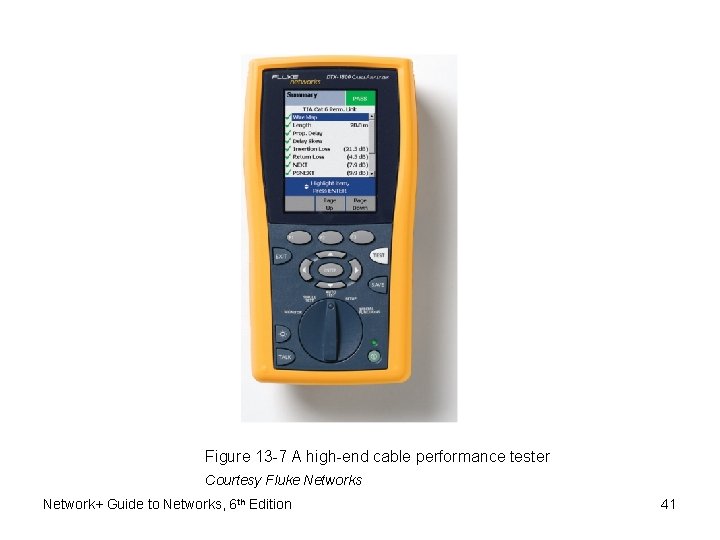
Cable Performance Testers • Determines if cable carrying current • Continuity testers versus performance testers – Differ in sophistication and price – Performance tester accomplishes same tests • Can also perform additional tasks • TDR (time domain reflectometer) – – Included with sophisticated performance testers Issue signal, measures signal bounce back Indicates distance between nodes Indicates whether terminators properly installed, functional Network+ Guide to Networks, 6 th Edition 39
Cable Performance Testers (cont’d. ) • Fiber-optic connections testers – Use OTDRs (optical time domain reflectometers) – Transmit light-based signals of different wavelengths over fiber • OTDRs – Measure fiber length – Determine faulty splice locations, breaks, connectors, bends – Measure attenuation over cable – Expensive Network+ Guide to Networks, 6 th Edition 40
Figure 13 -7 A high-end cable performance tester Courtesy Fluke Networks Network+ Guide to Networks, 6 th Edition 41
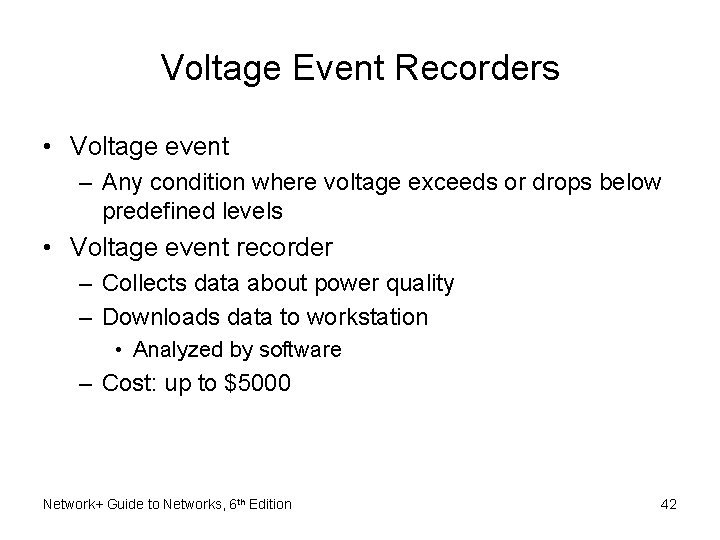
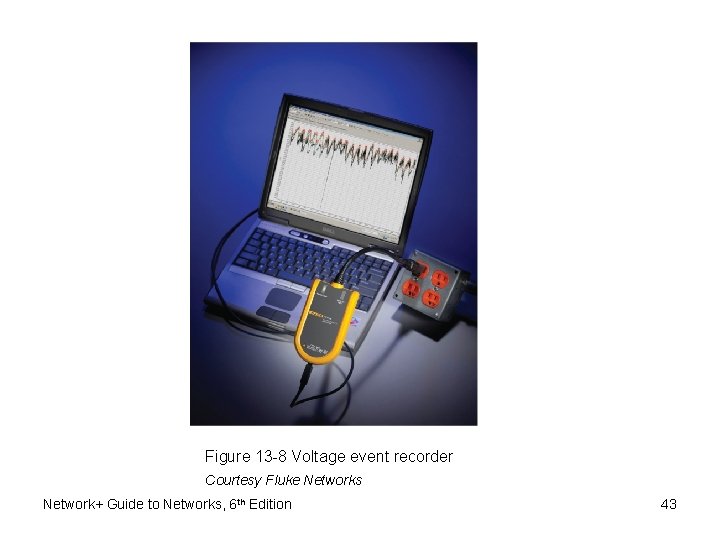
Voltage Event Recorders • Voltage event – Any condition where voltage exceeds or drops below predefined levels • Voltage event recorder – Collects data about power quality – Downloads data to workstation • Analyzed by software – Cost: up to $5000 Network+ Guide to Networks, 6 th Edition 42
Figure 13 -8 Voltage event recorder Courtesy Fluke Networks Network+ Guide to Networks, 6 th Edition 43
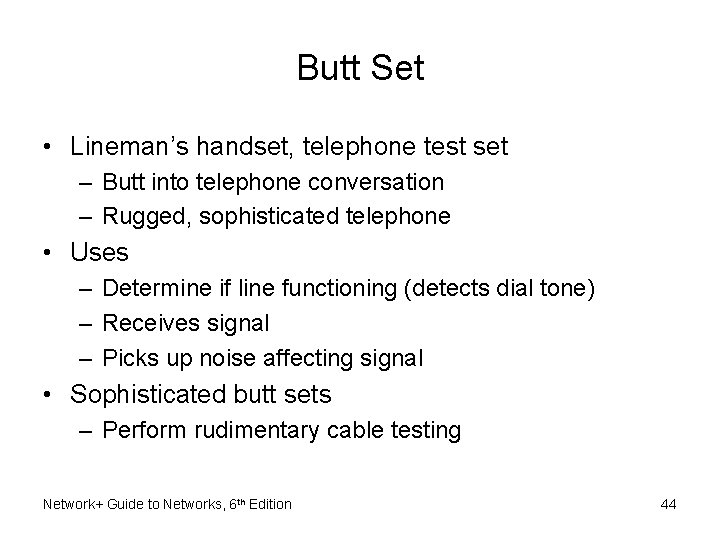
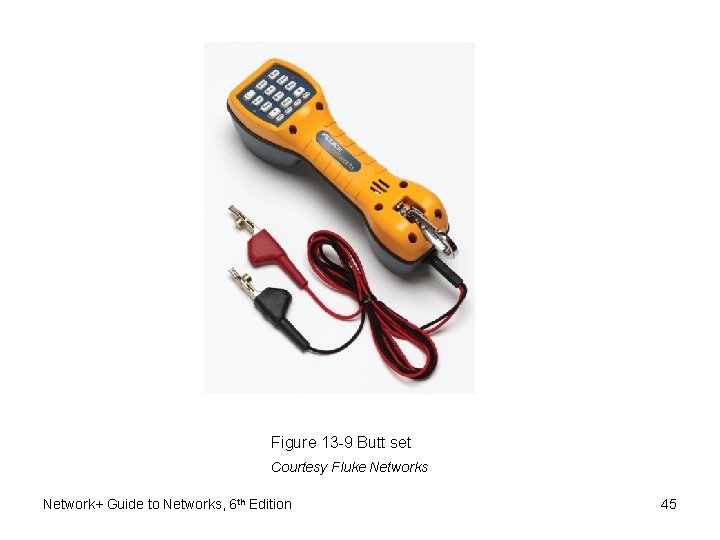
Butt Set • Lineman’s handset, telephone test set – Butt into telephone conversation – Rugged, sophisticated telephone • Uses – Determine if line functioning (detects dial tone) – Receives signal – Picks up noise affecting signal • Sophisticated butt sets – Perform rudimentary cable testing Network+ Guide to Networks, 6 th Edition 44
Figure 13 -9 Butt set Courtesy Fluke Networks Network+ Guide to Networks, 6 th Edition 45
Network Monitors • Software-based tool – Continually monitors network traffic from server, workstation attached to network – Interprets up to Layer 3 – Determines protocols passed by each frame – Cannot interpret frame data • Included in NOS – Microsoft’s Network Monitor • Tools developed by other software companies – Purchase or free download Network+ Guide to Networks, 6 th Edition 46
Network Monitors (cont’d. ) • Network adapter – Must support promiscuous mode • Common terms for abnormal data patterns, packets – – – – Local collisions Late collisions Runts Giants Jabber Negative frame sequence checks Ghosts Network+ Guide to Networks, 6 th Edition 47
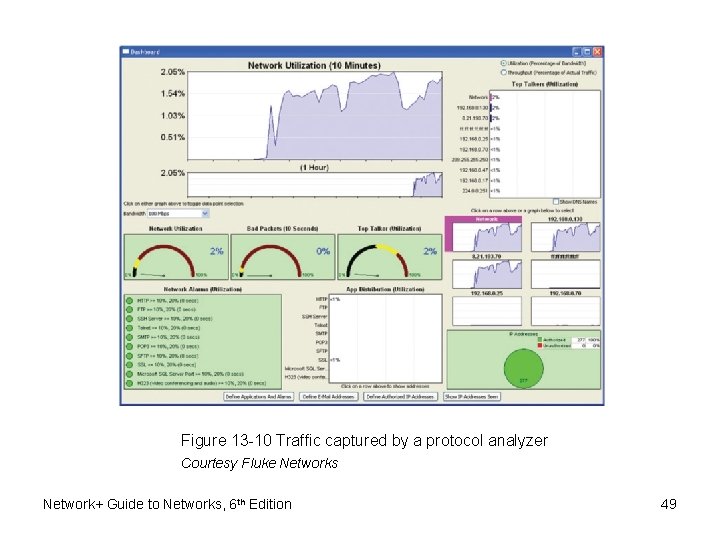
Protocol Analyzers • Protocol analyzer (network analyzer) – Captures traffic, analyzes frames • Typically to Layer 7 • Variety of protocol analyzer software available – Wireshark • Same features as network monitor – Includes additional features – Generates traffic to reproduce network problem • Sniffer (packet sniffer) – Older term referring to hardware device Network+ Guide to Networks, 6 th Edition 48
Figure 13 -10 Traffic captured by a protocol analyzer Courtesy Fluke Networks Network+ Guide to Networks, 6 th Edition 49
Protocol Analyzers (cont’d. ) • Offers versatility in information type, depth – Can collect more information than can be reasonably processed – Set filters on gathered data • Before using network monitor or protocol analyzer: – Learn what network traffic normally looks like – Capture data for time period on regular basis • Establish a baseline to compare with future analyses Network+ Guide to Networks, 6 th Edition 50
Wireless Network Testers • Tools containing wireless NICs, running wireless protocols • Workstation wireless network connection properties – Shows little about wireless environment • Connection duration, signal speed and strength, number of packets exchanged – Only applies to one workstation • Programs scan for wireless signals – Discover access points, wireless stations transmitting Network+ Guide to Networks, 6 th Edition 51
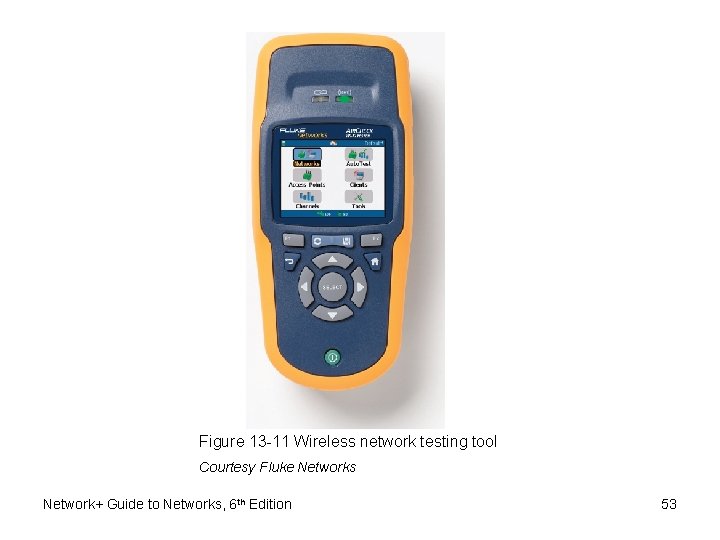
Wireless Network Testers (cont’d. ) • Spectrum analyzer – Tool to assess wireless signal quality • Hardware instruments for wireless network testing – Typically more portable than workstation with software tools – Preinstalled with network analysis tools – Accessible from simple, graphical interface – Contain powerful antennas Network+ Guide to Networks, 6 th Edition 52
Figure 13 -11 Wireless network testing tool Courtesy Fluke Networks Network+ Guide to Networks, 6 th Edition 53
Summary • Methodical, logical troubleshooting methodology – Key to solving network problems • Troubleshooting tools – – – – Tone generator, tone locator Multimeters Cable continuity testers Cable performance tester Voltage event recorder Butt set Network monitors and protocol analyzers Wireless network testing tools Network+ Guide to Networks, 6 th Edition 54