my Unisa Functionality Expanding the Sakai Tool Offering






- Slides: 51
my. Unisa Functionality: Expanding the Sakai Tool Offering Francette Myburgh
Pretoria South Africa
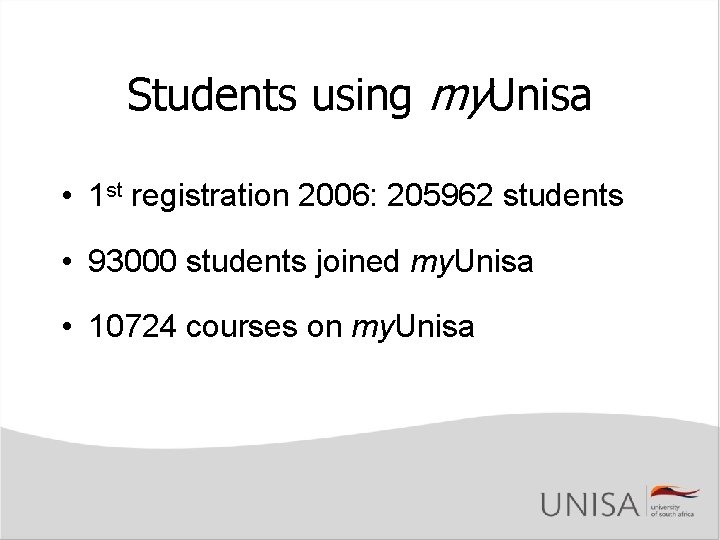
Students using my. Unisa • 1 st registration 2006: 205962 students • 93000 students joined my. Unisa • 10724 courses on my. Unisa
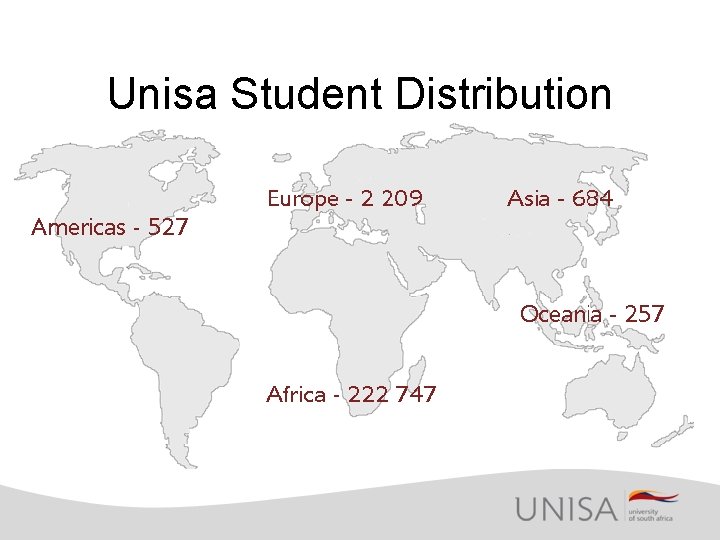
Unisa Student Distribution 668
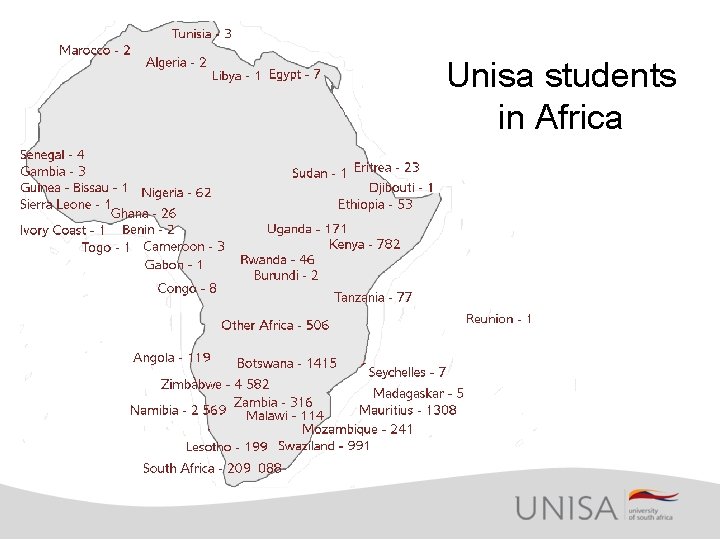
Unisa students in Africa
Distance Learning • Standard toolset – no choice to lecturer • Students not on campus – Few opportunities for dialogue beyond material – Single interface for all student info – Access to personal information – Intuitive navigation and use – 24/7 service (international timelines)
Questionnaire Results • 60 000 requests sent • 20 000 students completed • Two HP i. PAQs as prizes
my. Unisa Toolset • Based on SAKAI version 2. 0. 1 • Previous LMS tools • 19 Unisa Tools – Kept to Sakai Style and Views – Seamless integration • 6 Sakai tools
Deciding on the Toolset • • Comparison of previous LMS functionality Compare combined list with Sakai features and functions Gap analysis Comparative report
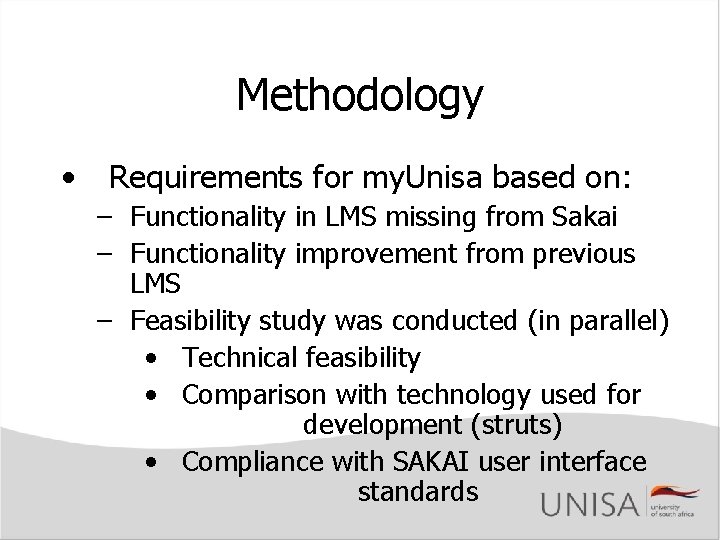
Methodology • Requirements for my. Unisa based on: – Functionality in LMS missing from Sakai – Functionality improvement from previous LMS – Feasibility study was conducted (in parallel) • Technical feasibility • Comparison with technology used for development (struts) • Compliance with SAKAI user interface standards
Methodology • Project planning • Documentation – User specification – Functional specification – Test reports • Development in three environments
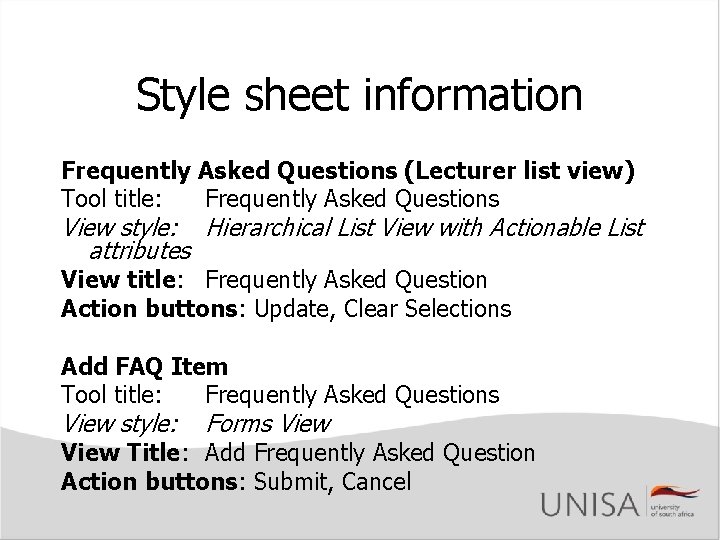
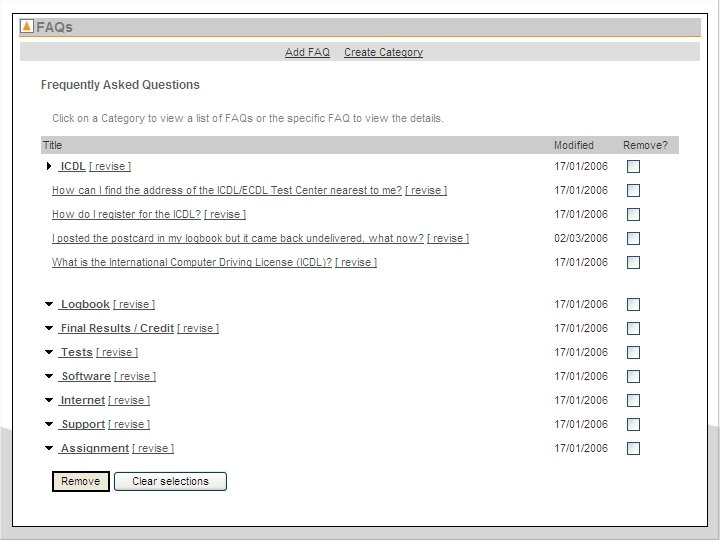
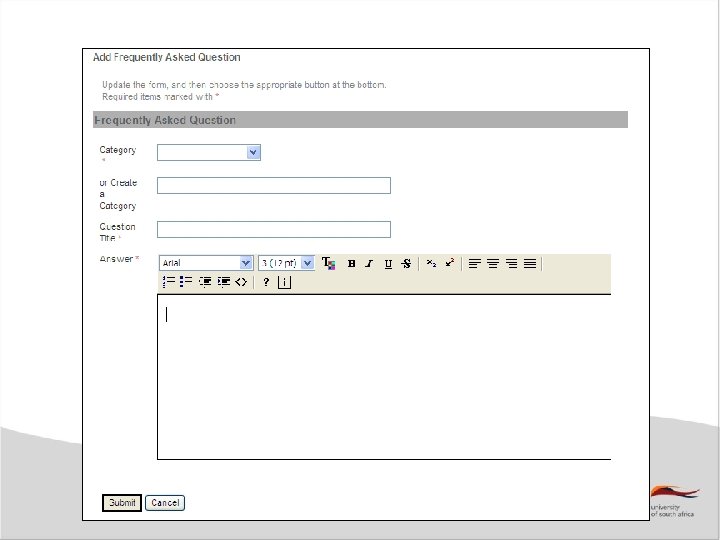
Style sheet information Frequently Asked Questions (Lecturer list view) Tool title: Frequently Asked Questions View style: Hierarchical List View with Actionable List attributes View title: Frequently Asked Question Action buttons: Update, Clear Selections Add FAQ Item Tool title: Frequently Asked Questions View style: Forms View Title: Add Frequently Asked Question Action buttons: Submit, Cancel
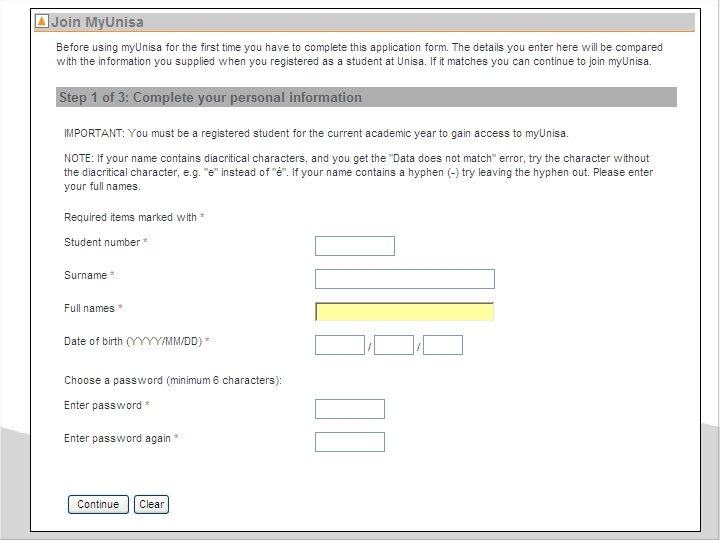
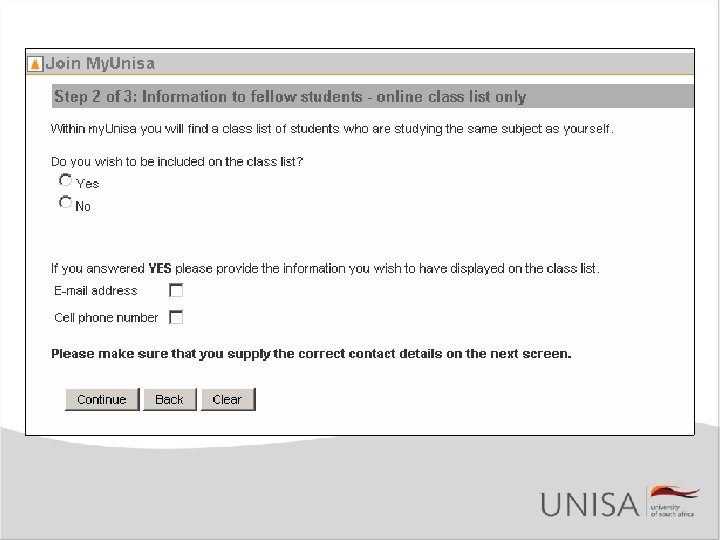
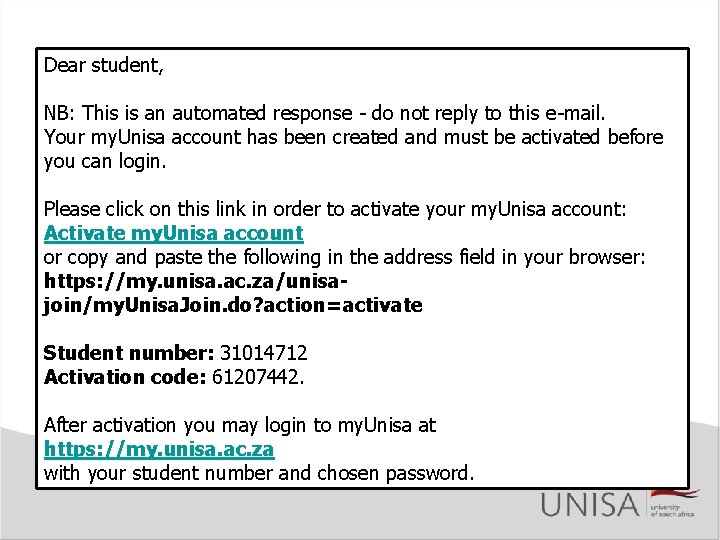
Joining my. Unisa • Must JOIN to use my. Unisa – Not called “registration” • Activation of my. Unisa account – Verification on each field (names/dates) – Option of being part of Class List – Incorrect e-mail addresses – Checking e-mails sent to students
Dear student, NB: This is an automated response - do not reply to this e-mail. Your my. Unisa account has been created and must be activated before you can login. Please click on this link in order to activate your my. Unisa account: Activate my. Unisa account or copy and paste the following in the address field in your browser: https: //my. unisa. ac. za/unisajoin/my. Unisa. Join. do? action=activate Student number: 31014712 Activation code: 61207442. After activation you may login to my. Unisa at https: //my. unisa. ac. za with your student number and chosen password.
Access to my. Unisa • Forgotten Password – Incorrect e-mail addresses – Check e-mails sent to students • Change Password – Directly in My Admin – No e-mail verification
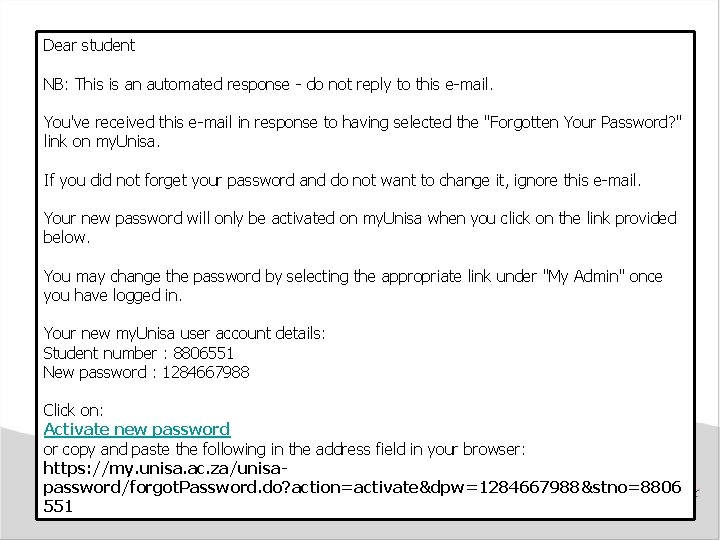
Dear student NB: This is an automated response - do not reply to this e-mail. You've received this e-mail in response to having selected the "Forgotten Your Password? " link on my. Unisa. If you did not forget your password and do not want to change it, ignore this e-mail. Your new password will only be activated on my. Unisa when you click on the link provided below. You may change the password by selecting the appropriate link under "My Admin" once you have logged in. Your new my. Unisa user account details: Student number : 8806551 New password : 1284667988 Click on: Activate new password or copy and paste the following in the address field in your browser: https: //my. unisa. ac. za/unisapassword/forgot. Password. do? action=activate&dpw=1284667988&stno=8806 551
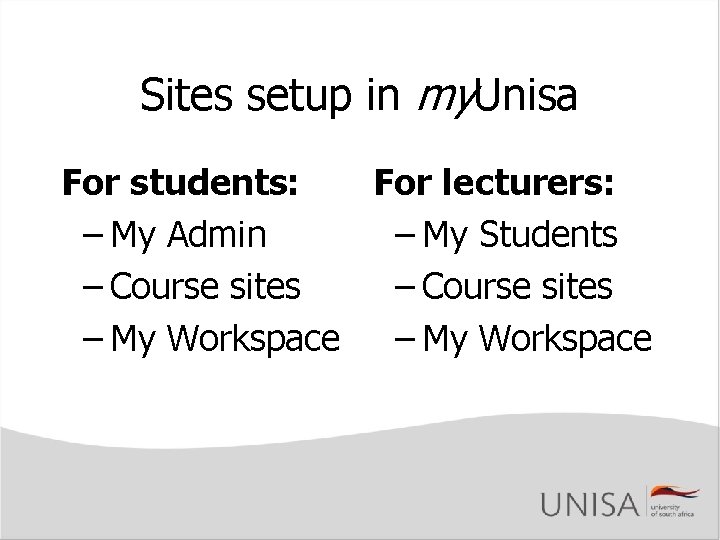
Sites setup in my. Unisa For students: For lecturers: – My Admin – My Students – Course sites – My Workspace
my. Unisa: My Admin • • Admin information for distance student Unisa developed all the tools Integrates with Unisa SIS Tools have been aggregated – View and updates together
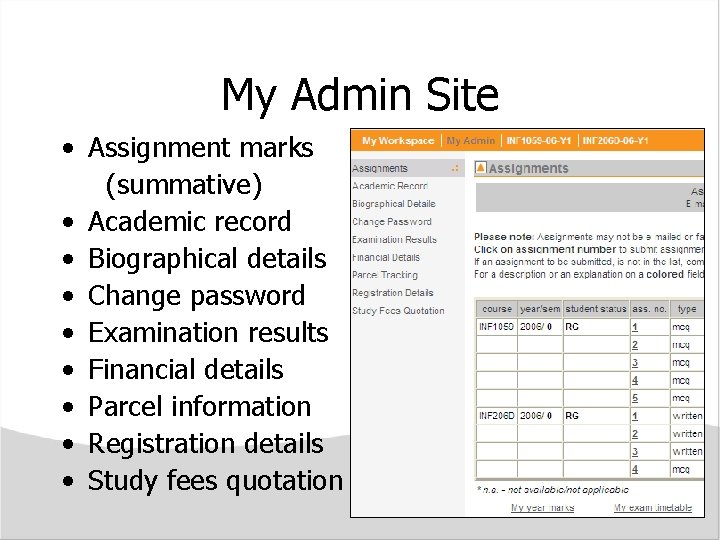
My Admin Site • Assignment marks (summative) • Academic record • Biographical details • Change password • Examination results • Financial details • Parcel information • Registration details • Study fees quotation
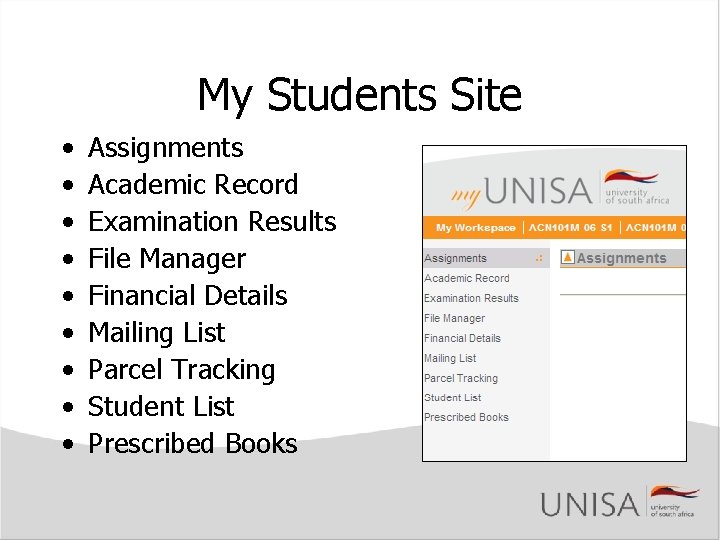
My Students Site • • • Assignments Academic Record Examination Results File Manager Financial Details Mailing List Parcel Tracking Student List Prescribed Books
my. Unisa: Teaching/Learning Communication • Discussion forums • Email to course • Bulk e-mail from Lecturer • Class List • Academic List • Announcements Learning • Welcome message • Resources • Prescribed books • FAQs • Schedule Assessment • Assignments submission • Assignment results • Examination results
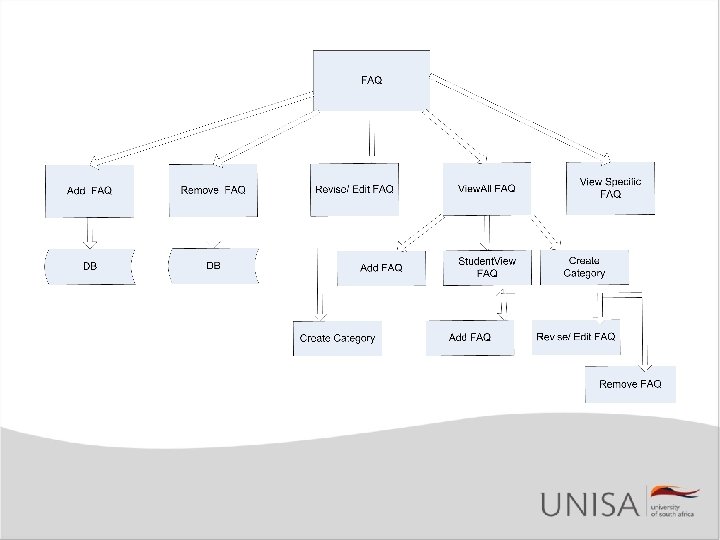
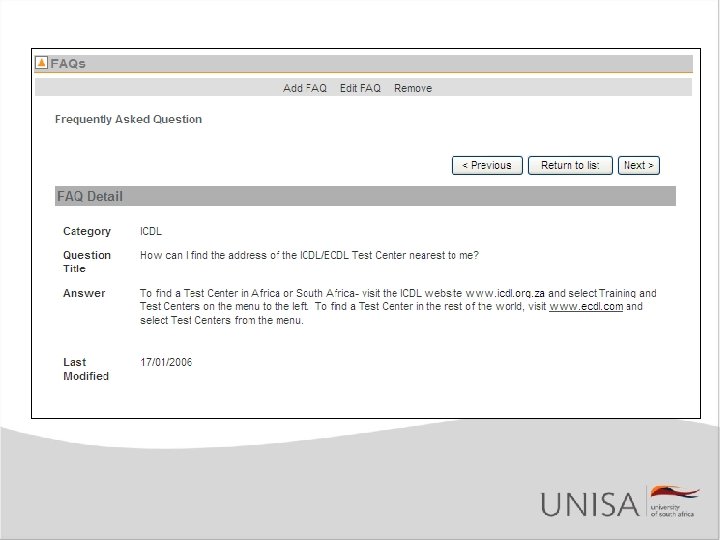
my. Unisa: FAQ Tool • • • Existed in previous LMS Modelled on structure of Announcement Tool Add, Edit and Delete for Lecturer View only for Students Structure – Category – Question – Answer • Database design
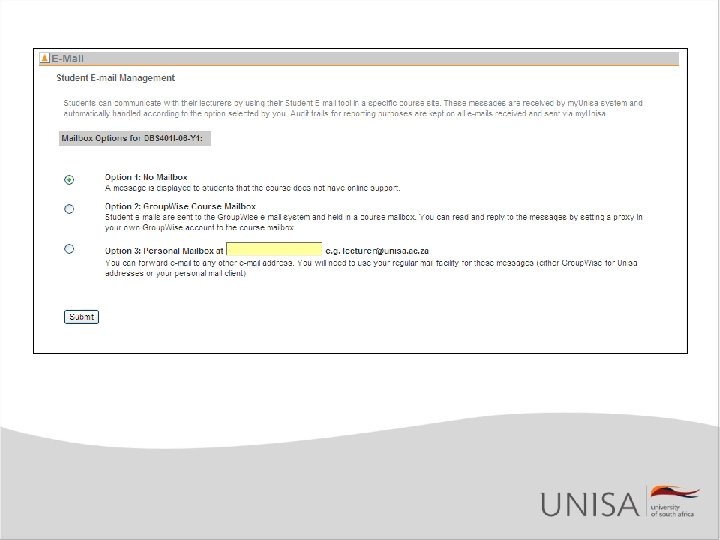
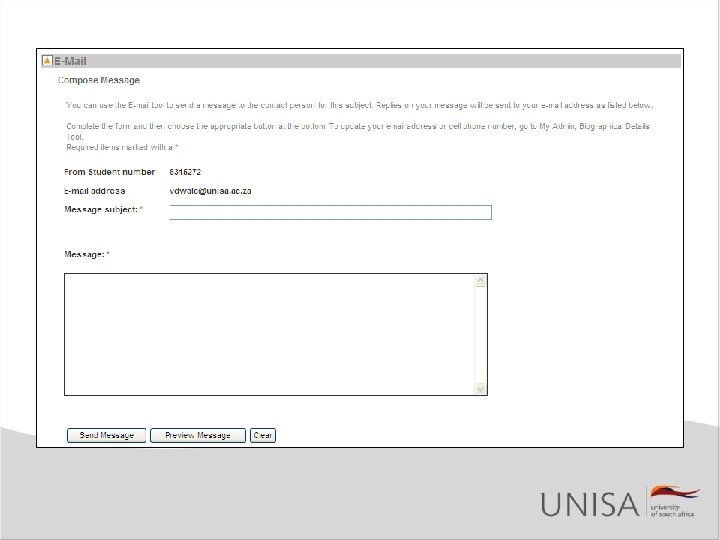
E-mail Tool • • • Supports individual e-mail exchange By lecturer choice Course mailbox Access from mail client Student e-mail address transformed MIS
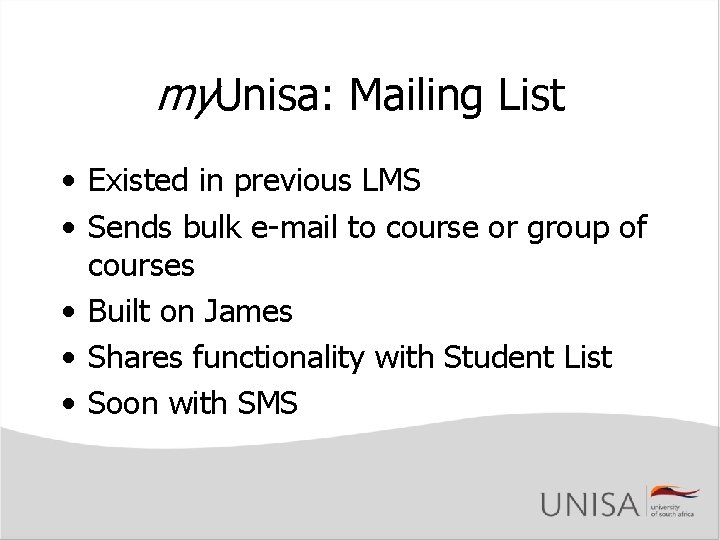
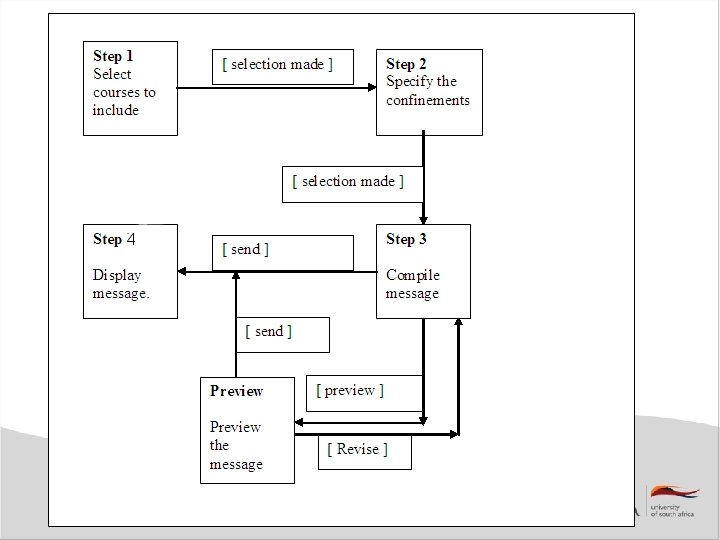
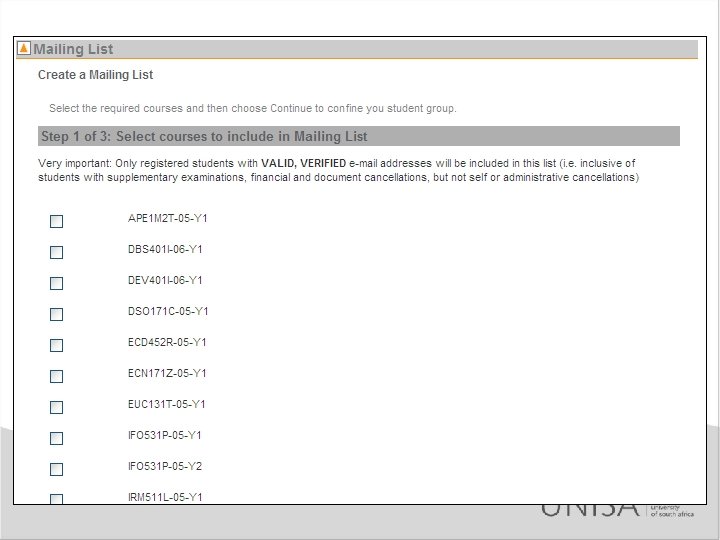
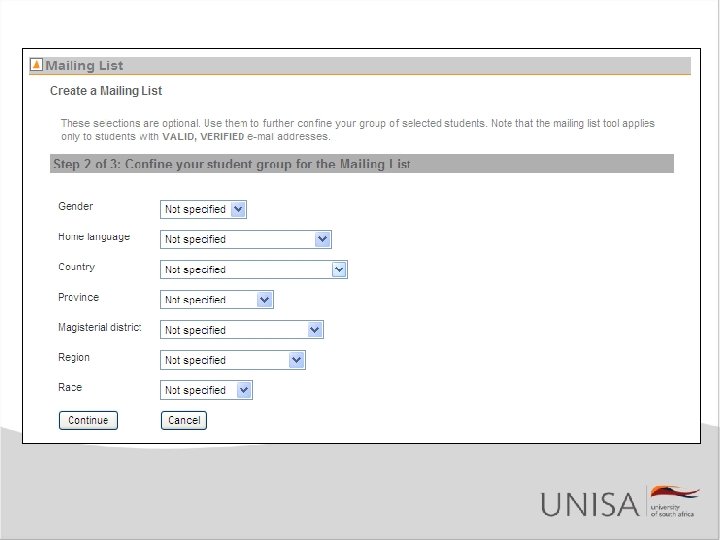
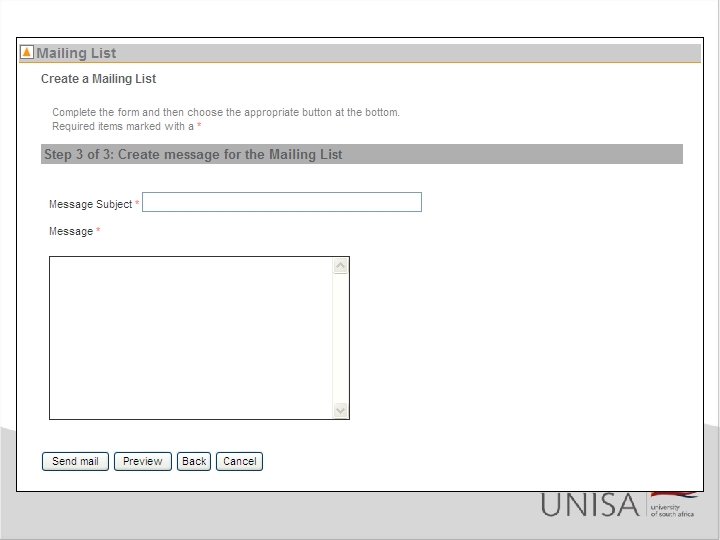
my. Unisa: Mailing List • Existed in previous LMS • Sends bulk e-mail to course or group of courses • Built on James • Shares functionality with Student List • Soon with SMS
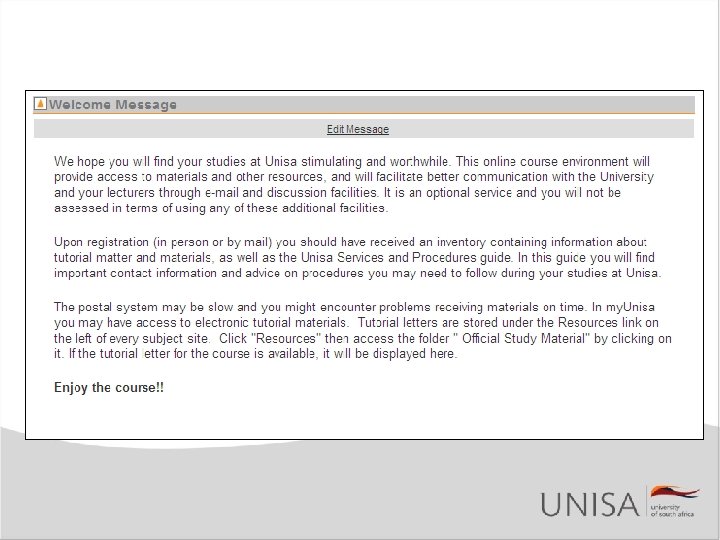
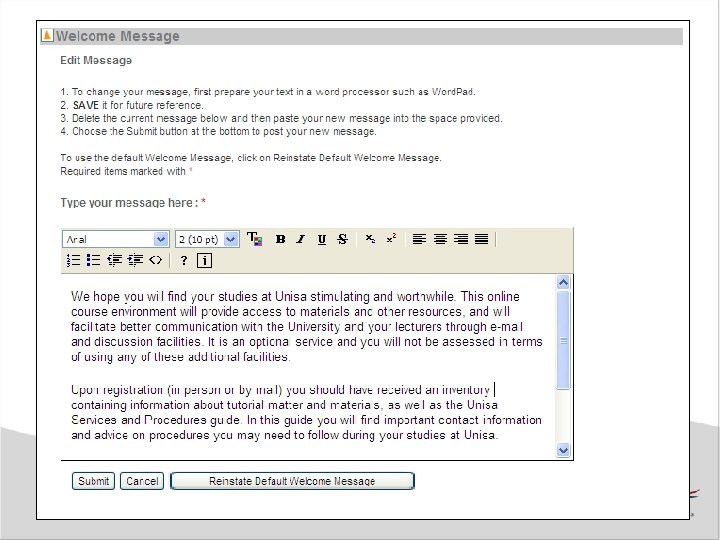
my. Unisa: Welcome Message • MOTD used for general messages in My Workspace • Welcome Tool is course specific • Not an Announcement • Default message • Still need to add graphics capability
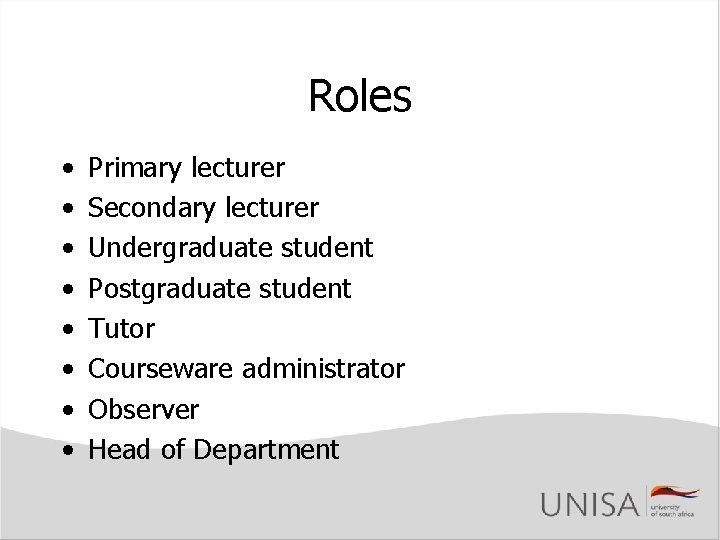
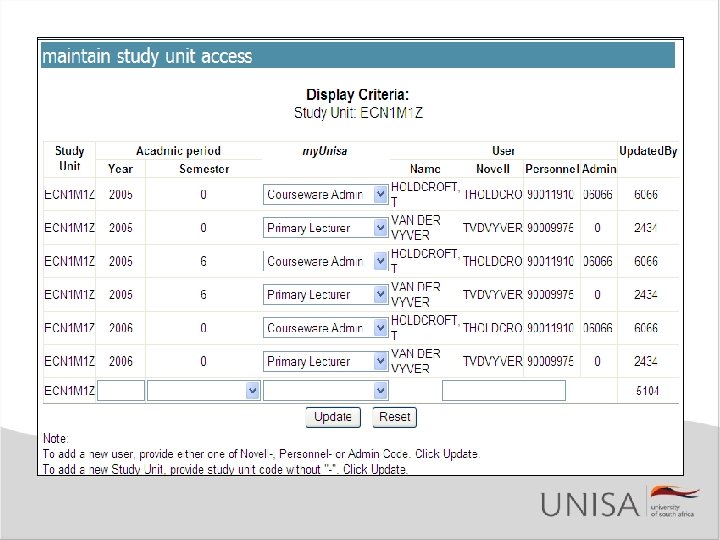
Roles • • Primary lecturer Secondary lecturer Undergraduate student Postgraduate student Tutor Courseware administrator Observer Head of Department
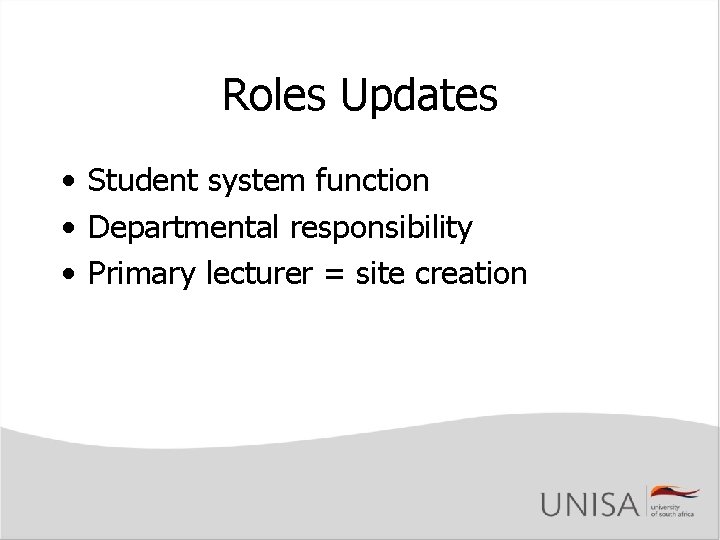
Roles Updates • Student system function • Departmental responsibility • Primary lecturer = site creation
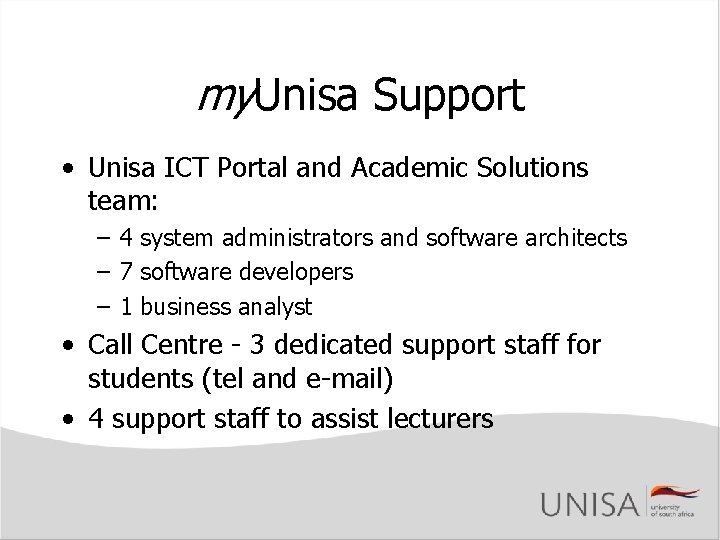
my. Unisa Support • Unisa ICT Portal and Academic Solutions team: – 4 system administrators and software architects – 7 software developers – 1 business analyst • Call Centre - 3 dedicated support staff for students (tel and e-mail) • 4 support staff to assist lecturers
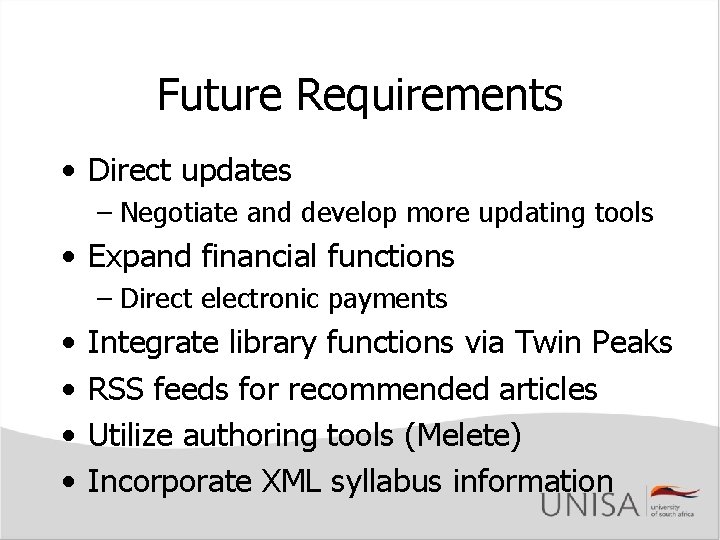
Future Requirements • Direct updates – Negotiate and develop more updating tools • Expand financial functions – Direct electronic payments • • Integrate library functions via Twin Peaks RSS feeds for recommended articles Utilize authoring tools (Melete) Incorporate XML syllabus information
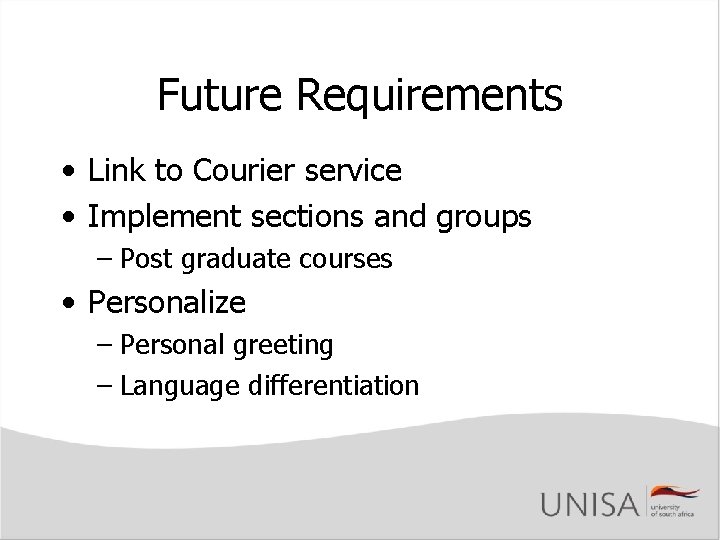
Future Requirements • Link to Courier service • Implement sections and groups – Post graduate courses • Personalize – Personal greeting – Language differentiation
Questions?