MMC 3 0 Developing Managed Code Snapins Jon

- Slides: 21
MMC 3. 0: Developing Managed Code Snap-ins Jon Rowlett (jrowlett), Ian Lucas (ianlucas) FUN 301 Operations and Control Platform Microsoft Corporation
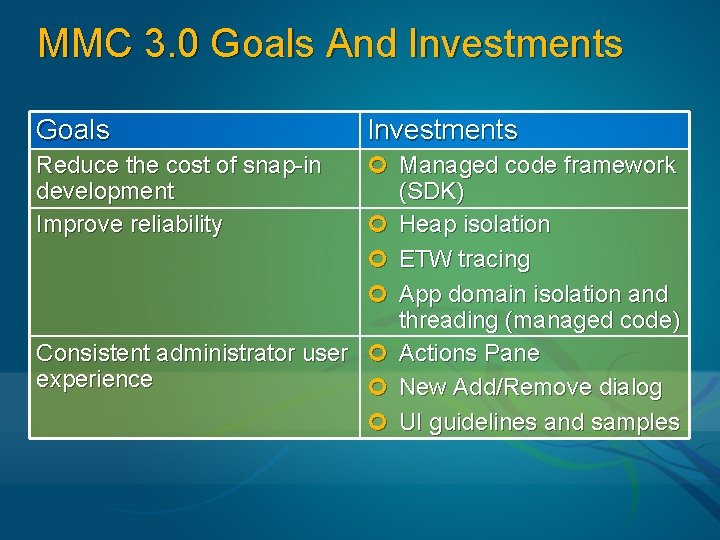
MMC 3. 0 Goals And Investments Goals Investments ¢ Managed code framework (SDK) ¢ Heap isolation ¢ ETW tracing ¢ App domain isolation and threading (managed code) Consistent administrator user ¢ Actions Pane experience ¢ New Add/Remove dialog ¢ UI guidelines and samples Reduce the cost of snap-in development Improve reliability
Key User Benefits Improved Usability Discoverability of actions Simpler customization of consoles More Reliable Improved detection and reporting of snap-in problems Ability to isolate hung snap-ins from console (new snap-ins only) Better perceived robustness (Async) Richer Snap-ins Functionally rich views through Windows Forms Consistency across snap-in design Reduced development cost equates to increased functionality
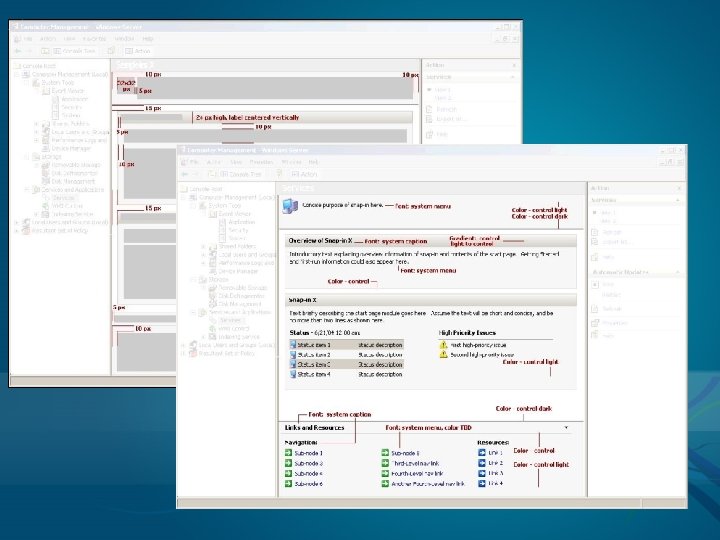
Key Developer Benefits Easier and faster snap-in development Takes less time to get a snap-in up and running Design/Develop/Debug in Visual Studio Easier to debug, integrated trace support Integrated Windows Forms support Full integration with Windows Forms (unlike old OCX views) Design Guidelines Prescriptive guidance on standardized layout and behaviors Discussions on common MMC design issues Design Best Practices
Design Guidelines Consistency of user experience Guidance on layout Layout of views Use of controls System themes (fonts, colors) Guidance on structure Simplifying navigation (use of tree) Granularity of composition Protecting investments in managed snap-ins
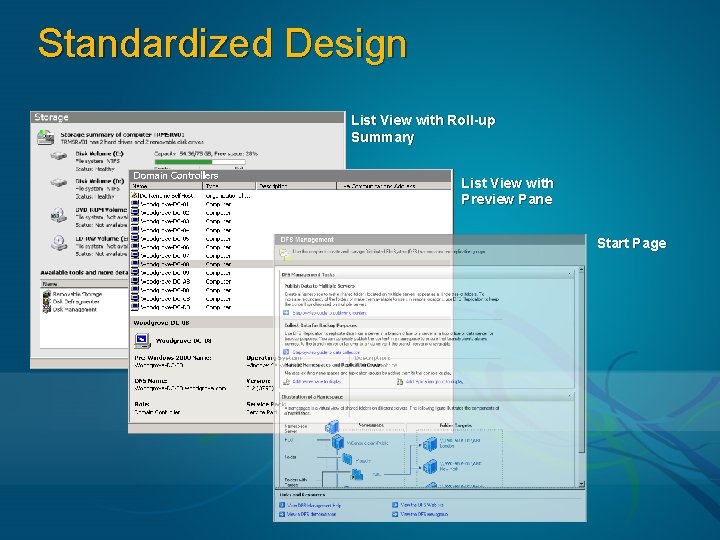
Standardized Design List View with Roll-up Summary List View with Preview Pane Start Page
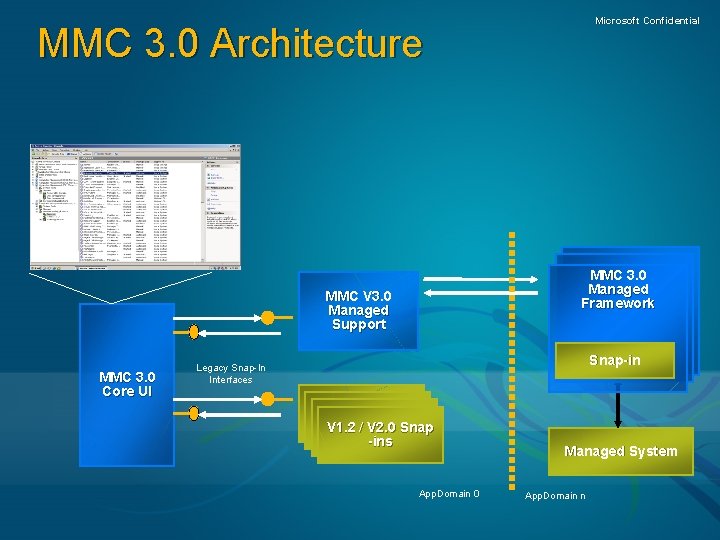
Microsoft Confidential MMC 3. 0 Architecture MMC 3. 0 Managed Framework MMC V 3. 0 Managed Support MMC 3. 0 Core UI Snap-in Legacy Snap-In Interfaces V 2. 0 Snap-in V 2. 0 Snap-in V 1. 2 / Snap-in V 2. 0 Snap -ins App. Domain 0 Managed System App. Domain n
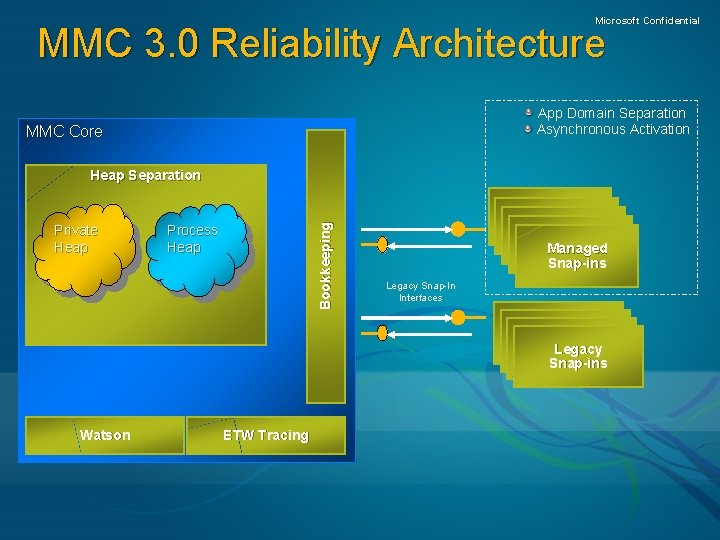
Microsoft Confidential MMC 3. 0 Reliability Architecture App Domain Separation Asynchronous Activation MMC Core Private Heap Bookkeeping Heap Separation Process Heap Managed Snap-ins Legacy Snap-In Interfaces V 2. 0 Snap-in V 2. 0 Legacy Snap-ins Watson ETW Tracing
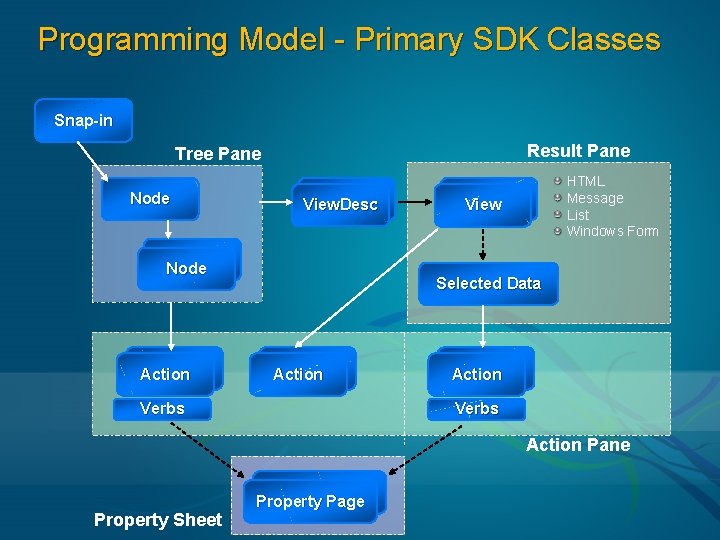
Programming Model - Primary SDK Classes Snap-in Result Pane Tree Pane Node View. Desc Node Action HTML Message List Windows Form Views View Selected Data Action Verbs Action Pane Property Sheet Property Page
Building A Software Catalog Snap-in Jon Rowlett Lead Developer Operations and Control Platform
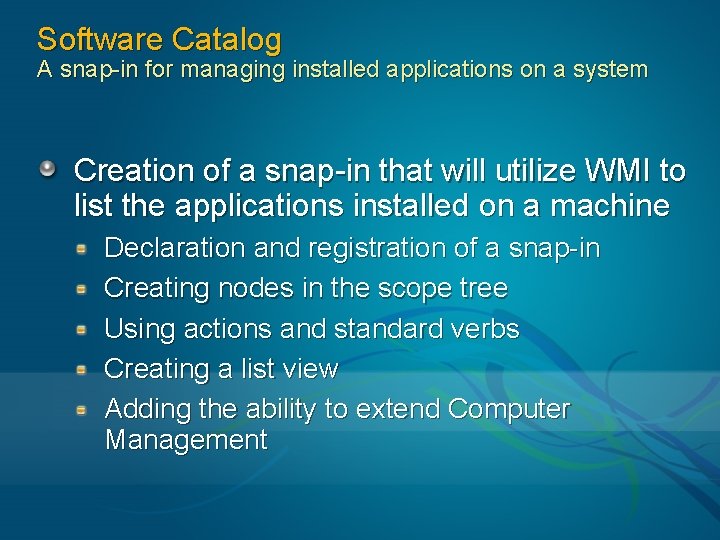
Software Catalog A snap-in for managing installed applications on a system Creation of a snap-in that will utilize WMI to list the applications installed on a machine Declaration and registration of a snap-in Creating nodes in the scope tree Using actions and standard verbs Creating a list view Adding the ability to extend Computer Management
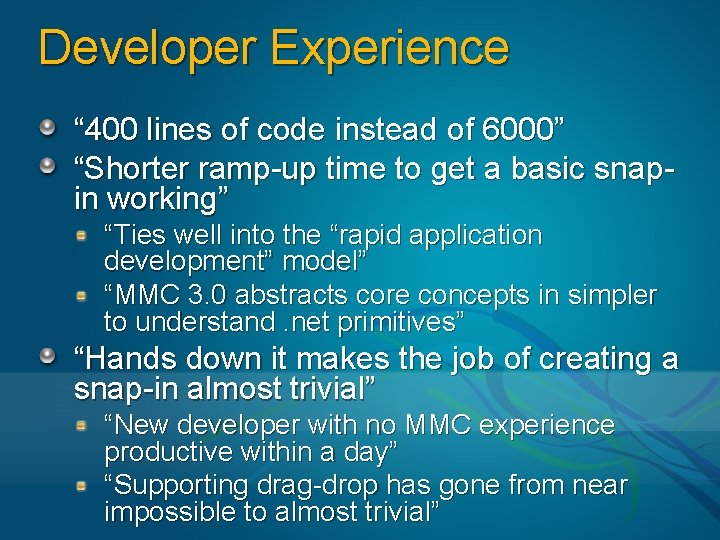
Developer Experience “ 400 lines of code instead of 6000” “Shorter ramp-up time to get a basic snapin working” “Ties well into the “rapid application development” model” “MMC 3. 0 abstracts core concepts in simpler to understand. net primitives” “Hands down it makes the job of creating a snap-in almost trivial” “New developer with no MMC experience productive within a day” “Supporting drag-drop has gone from near impossible to almost trivial”
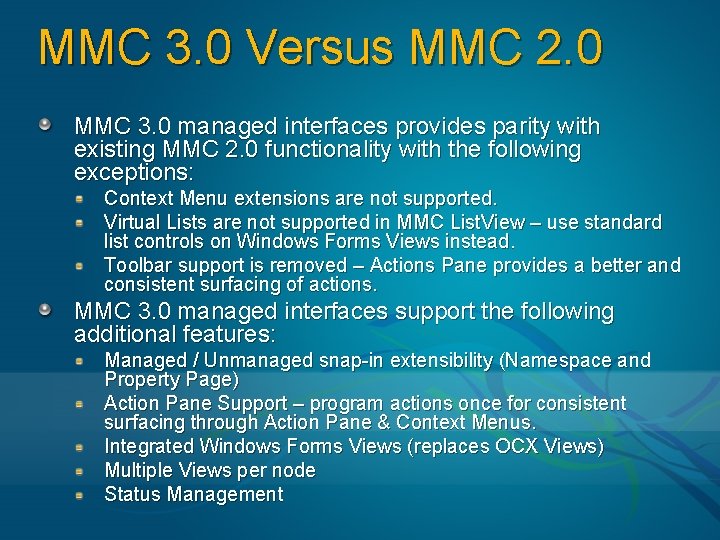
MMC 3. 0 Versus MMC 2. 0 MMC 3. 0 managed interfaces provides parity with existing MMC 2. 0 functionality with the following exceptions: Context Menu extensions are not supported. Virtual Lists are not supported in MMC List. View – use standard list controls on Windows Forms Views instead. Toolbar support is removed – Actions Pane provides a better and consistent surfacing of actions. MMC 3. 0 managed interfaces support the following additional features: Managed / Unmanaged snap-in extensibility (Namespace and Property Page) Action Pane Support – program actions once for consistent surfacing through Action Pane & Context Menus. Integrated Windows Forms Views (replaces OCX Views) Multiple Views per node Status Management
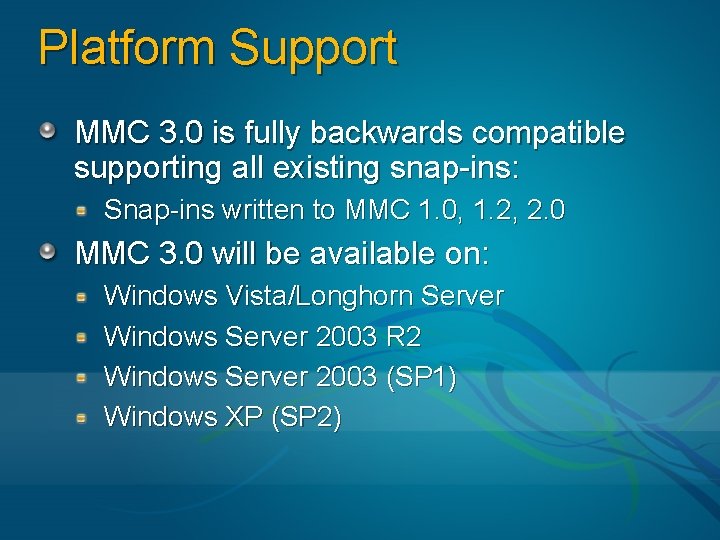
Platform Support MMC 3. 0 is fully backwards compatible supporting all existing snap-ins: Snap-ins written to MMC 1. 0, 1. 2, 2. 0 MMC 3. 0 will be available on: Windows Vista/Longhorn Server Windows Server 2003 R 2 Windows Server 2003 (SP 1) Windows XP (SP 2)
Community Resources At PDC For more information, go see Labs: FUNHO 06 – Writing Managed Code Snap-in FUN Track lounge: I’ll be there Thu 2 -5 p. m. , Fri 9 am-12 p. m. After PDC If you missed this related session, watch it on the DVD FUN 301: MMC 3. 0 Developing Managed Code Snap-ins Get the MMC 3. 0 SDK Platform SDK for Windows Vista Beta Platform SDK for Windows Server 2003 R 2 Beta.
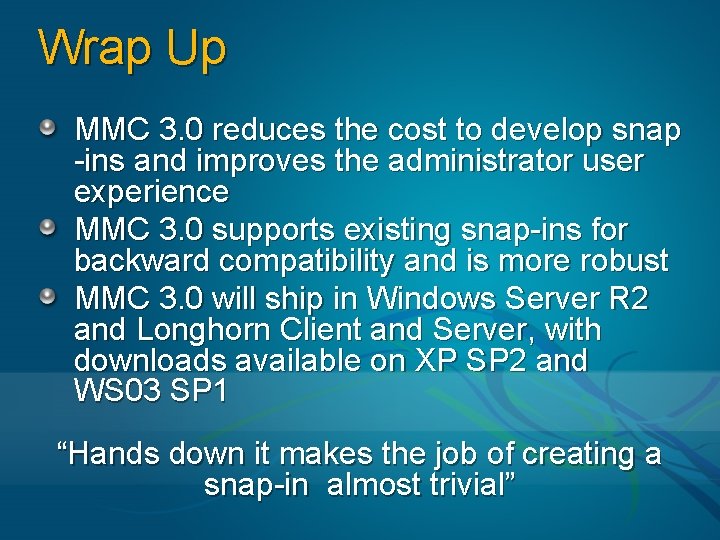
Wrap Up MMC 3. 0 reduces the cost to develop snap -ins and improves the administrator user experience MMC 3. 0 supports existing snap-ins for backward compatibility and is more robust MMC 3. 0 will ship in Windows Server R 2 and Longhorn Client and Server, with downloads available on XP SP 2 and WS 03 SP 1 “Hands down it makes the job of creating a snap-in almost trivial”
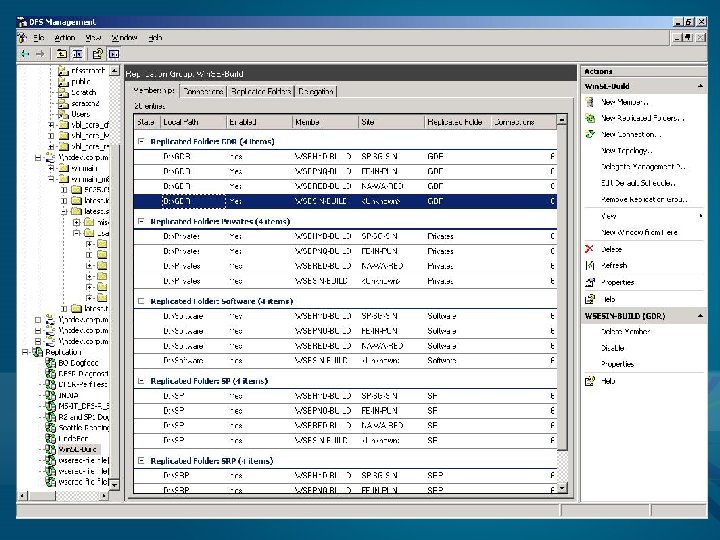
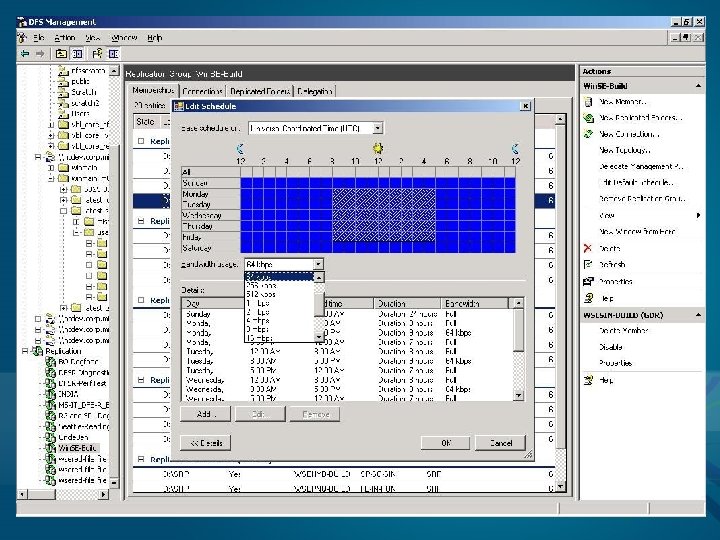
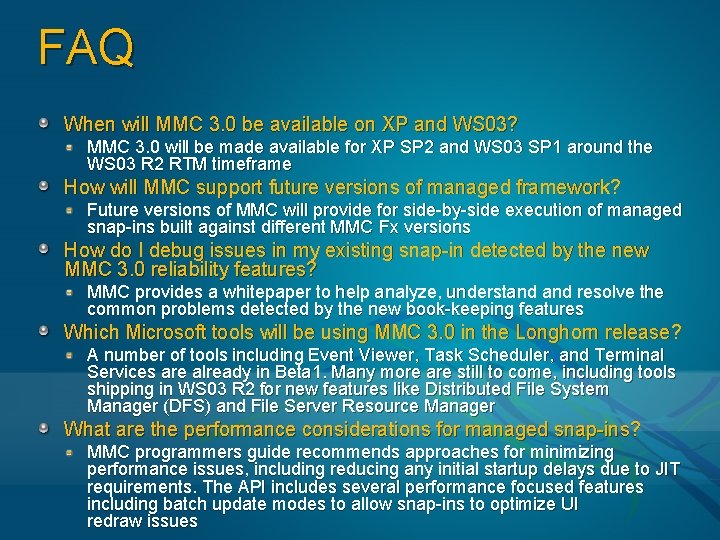
FAQ When will MMC 3. 0 be available on XP and WS 03? MMC 3. 0 will be made available for XP SP 2 and WS 03 SP 1 around the WS 03 R 2 RTM timeframe How will MMC support future versions of managed framework? Future versions of MMC will provide for side-by-side execution of managed snap-ins built against different MMC Fx versions How do I debug issues in my existing snap-in detected by the new MMC 3. 0 reliability features? MMC provides a whitepaper to help analyze, understand resolve the common problems detected by the new book-keeping features Which Microsoft tools will be using MMC 3. 0 in the Longhorn release? A number of tools including Event Viewer, Task Scheduler, and Terminal Services are already in Beta 1. Many more are still to come, including tools shipping in WS 03 R 2 for new features like Distributed File System Manager (DFS) and File Server Resource Manager What are the performance considerations for managed snap-ins? MMC programmers guide recommends approaches for minimizing performance issues, including reducing any initial startup delays due to JIT requirements. The API includes several performance focused features including batch update modes to allow snap-ins to optimize UI redraw issues
© 2005 Microsoft Corporation. All rights reserved. This presentation is for informational purposes only. Microsoft makes no warranties, express or implied, in this summary.